8. Adding Columns: Power Query Add Column Tab and DAX Calculated Columns
8.7 Duplicate Column
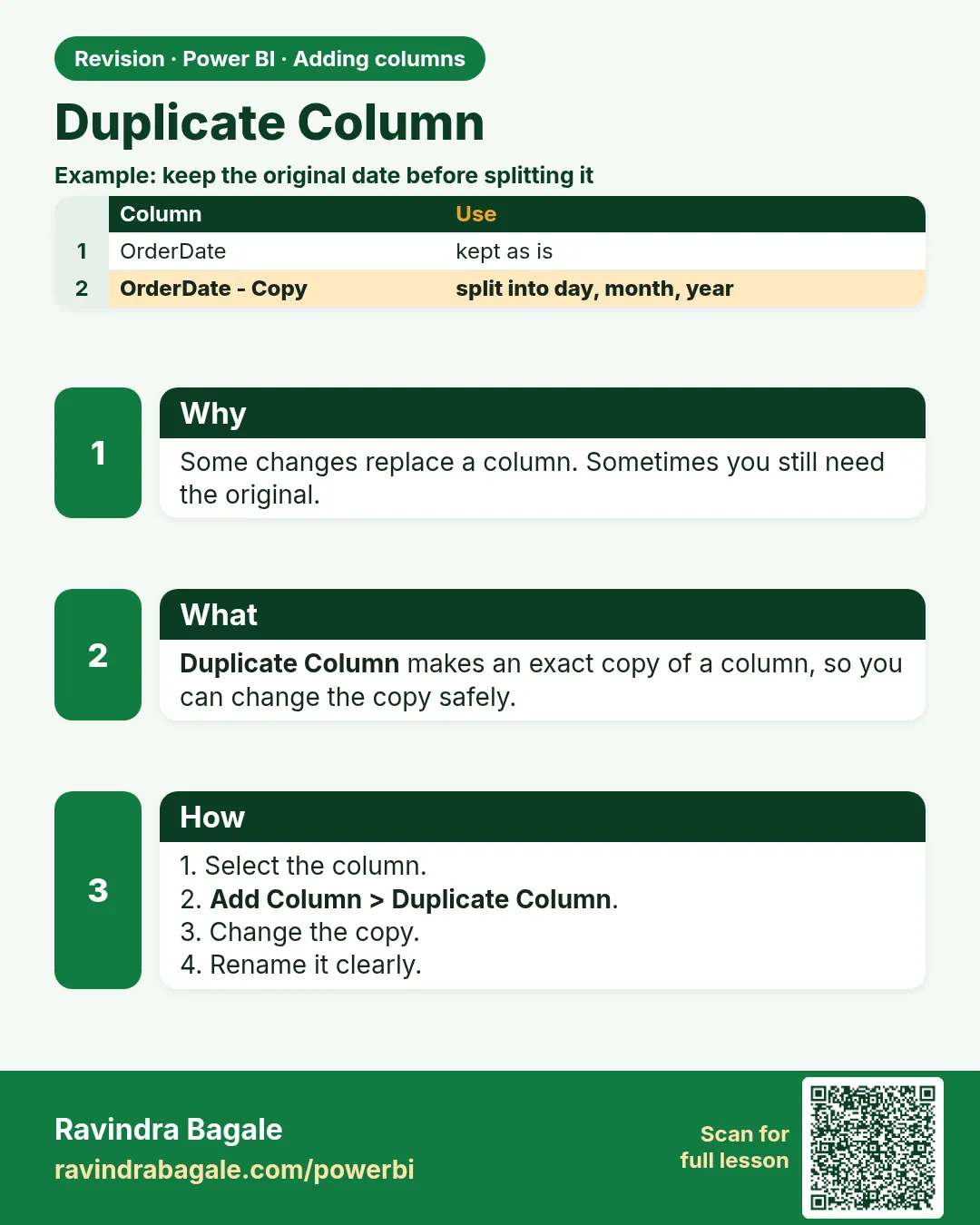
In short: Duplicate Column copies a column; then transform the copy without touching the original.
Start with a problem
Ravina wants to keep Order Date and also have a Month column derived from it.
Explain simply
Duplicate Column copies a column; then transform the copy without touching the original.
Show the data
| Order ID | Order Date |
|---|---|
| 301 | 06-Apr-2026 |
| 304 | 04-May-2026 |
About this data: This table uses columns: Order ID, Order Date. This table uses columns: Order ID, Order Date, Month. This table uses columns: Wrong result, Reason, Correction. Values shown are the lesson examples already on this page (not a new dataset).
Fictional sample data. Practice file: visuals_orders_apr_may_2026.csv (source: src/practice/).
Demonstrate
-
Select Order Date › Add Column › Duplicate Column.
Your result should look like this:
Columns Order Date, Order Date - Copy -
Select the copy › Transform › Date › Month › Name of Month; rename
Month.Your result should look like this:
Month April, May
Show the result
Your result should look like this (fictional sample):
| Order ID | Order Date | Month |
|---|---|---|
| 301 | 06-Apr-2026 | April |
| 304 | 04-May-2026 | May |
Explain what happened
The copy was transformed in place; the original stays a date.
Explore further
- Add Column › Date › Month Name does the same in one step.
Detailed reference for this lesson:
Add Column › Duplicate Column copies the selected column as Column - Copy. Use it before a destructive change when you still need the original, for example duplicate Order DateTime and then turn the copy into Order Hour with Transform › Time › Hour.
Ravindra Bagale's Tip
Friends, many students duplicate a column to "keep a backup" and then load both into the model. If you duplicate a column to transform it, remove the original (or the copy) before loading so the model doesn't carry the same data twice. It's very simple – just make it a habit.
Ravindra Bagale's Tip – मराठी
मित्रांनो, बरेच students "backup ठेवायला" column duplicate करतात आणि मग दोन्ही model मध्ये load करतात. Transform करण्यासाठी column duplicate केला असेल तर load करण्याआधी original (किंवा copy) काढा, म्हणजे model मध्ये तोच data दोनदा राहणार नाही. एकदम simple आहे, फक्त सवय लावून घ्या.
Ravindra Bagale's Tip – हिंदी
दोस्तों, बहुत से students "backup रखने के लिए" column duplicate करते हैं और फिर दोनों को model में load कर देते हैं. अगर transform करने के लिए column duplicate किया है, तो load करने से पहले original (या copy) हटा दो, ताकि model में वही data दो बार न रहे. बहुत आसान है, बस आदत बना लो.
Fix common mistakes
| Wrong result | Reason | Correction |
|---|---|---|
| Original became text | Transformed the original | Transform the copy |
| Month sorts alphabetically | Text month | Add Month Number or use a Date table |
| Many copies in model | Copies never removed | Remove or hide |
Practise independently
Practice task
How many orders in the visuals file have Month = May?
Hints
- 304–308.
Solution
5.
Think like a professional
Month columns belong in the Date table in a real model (Module 11.5).
 Revision card