8. Adding Columns: Power Query Add Column Tab and DAX Calculated Columns
8.4 Invoke Custom Function
Start with a problem
Raja uses the same delivery-band logic in three queries. When the rule changes he must edit three places.
Explain simply
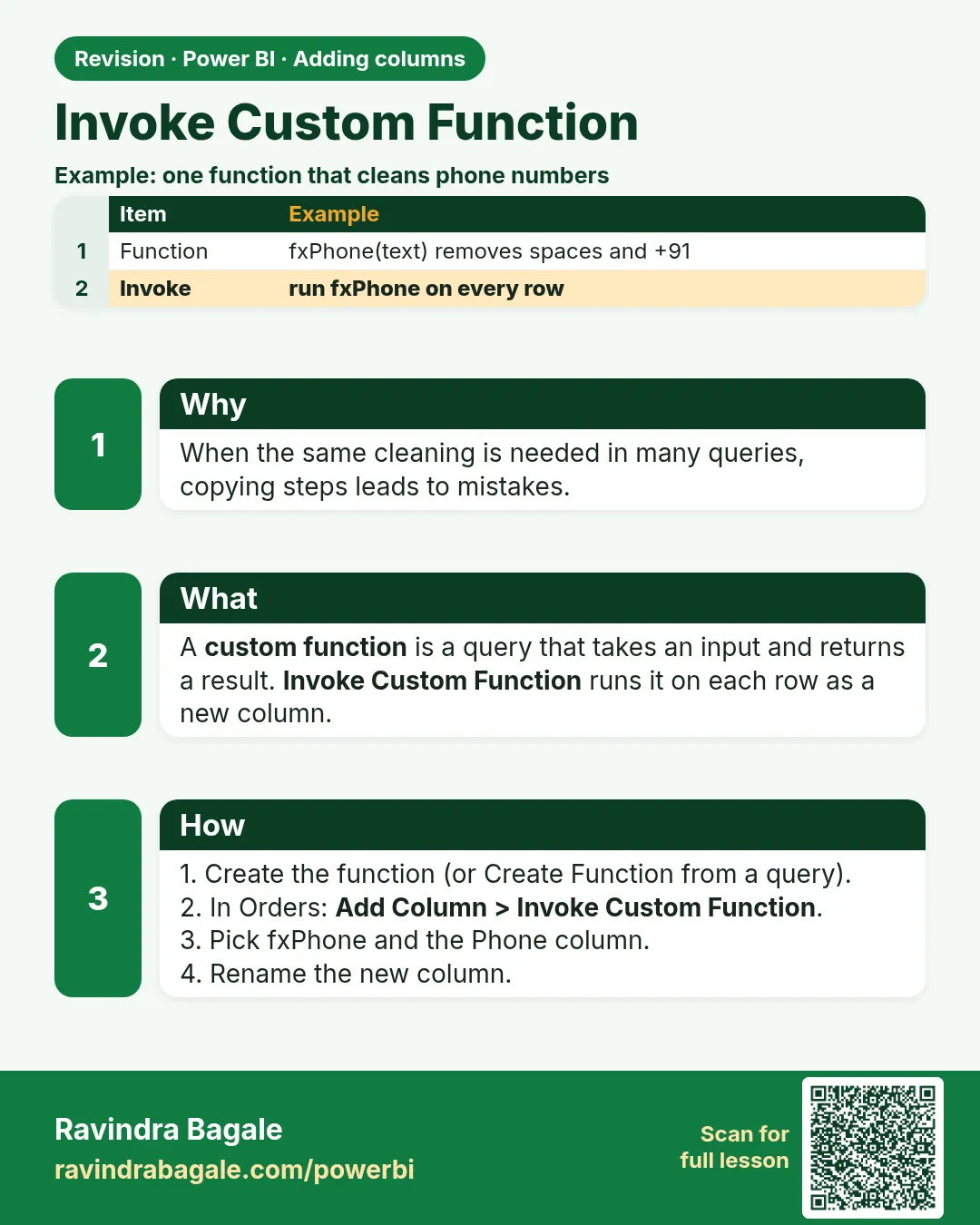
Write the logic once as a custom function and call it with Add Column › Invoke Custom Function.
Show the data
| Order ID | Delivery Time Mins |
|---|---|
| 201 | 8 |
| 202 | 12 |
| 203 | 9 |
| 204 | 18 |
| 205 | null |
About this data: This table uses columns: Order ID, Delivery Time Mins. This table uses columns: Delivery Band, Orders. This table uses columns: Wrong result, Reason, Correction. Values shown are the lesson examples already on this page (not a new dataset).
Fictional sample data. Practice file: column_vs_measure_orders.csv (source: src/practice/).
Demonstrate
- Home › New Source › Blank Query › Advanced Editor › paste:
(mins as nullable number) as text => if mins = null then "Not delivered" else if mins <= 10 then "Within 10 min" else if mins <= 20 then "11-20 min" else "Over 20 min" - Rename the query
fnDeliveryBand. -
In Orders: Add Column › Invoke Custom Function › name
Delivery Band, function fnDeliveryBand, mins = column Delivery Time Mins › OK.Your result should look like this:
Delivery Band Within 10 min, 11-20 min, Within 10 min, 11-20 min, Not delivered
Show the result
Your result should look like this (fictional sample):
| Delivery Band | Orders |
|---|---|
| Within 10 min | 2 (201, 203) |
| 11-20 min | 2 (202, 204) |
| Not delivered | 1 (205) |
Explain what happened
The function receives each row's minutes and returns a label; change the function once and every query updates.
Explore further
- Disable load on the function (it is not a table).
Detailed reference for this lesson:
Use it to run the same logic in many queries (for example Blinkit and Amazon Now), or to call a function for each row (pagination, Module 5.3).
Steps in Power BI
- Home › New Source › Blank Query › Home › Advanced Editor › paste the function below › Done. Rename the query
fnDeliveryBand. - Go to the Orders query › Add Column › Invoke Custom Function.
- New column name:
Delivery Band; Function query:fnDeliveryBand; mins: choose Column Name ›Delivery Time Mins› OK. - Set the type to Text. Repeat in the AmazonNow query so both use identical rules.
// fnDeliveryBand
(mins as nullable number) as text =>
    if mins = null then "Not delivered"
    else if mins <= 10 then "0-10 min"
    else if mins <= 15 then "11-15 min"
    else if mins <= 30 then "16-30 min"
    else "30+ min"
Tip
If the business changes the band limits, you edit one function instead of every query.
Practice task
Write fnPaymentGroup(mode as text) as text that returns "Digital" for UPI/Card/Wallet and "Cash" otherwise. Invoke it on Orders.
Ravindra Bagale's Tip
Friends, many students invoke a custom function on a table with thousands of rows that each call a web API, and refresh takes forever. Test the function on a few rows first, keep the function simple, and remember that invoking custom functions usually stops query folding. Don't worry – after doing it two or three times, it becomes a habit.
Ravindra Bagale's Tip – मराठी
मित्रांनो, बरेच students हजारो rows असलेल्या table वर custom function invoke करतात, जिथे प्रत्येक row web API ला call करते, आणि refresh ला अनंत वेळ लागतो. आधी काही rows वर function test करा, function सोपं ठेवा, आणि लक्षात ठेवा की custom functions invoke केल्याने साधारणपणे query folding थांबतं. घाबरू नका, दोन-तीन वेळा केलं की सवय होते.
Ravindra Bagale's Tip – हिंदी
दोस्तों, बहुत से students हज़ारों rows वाली table पर custom function invoke करते हैं जहाँ हर row web API को call करती है, और refresh में बहुत ज़्यादा समय लगता है. पहले कुछ rows पर function test करो, function आसान रखो, और याद रखो कि custom functions invoke करने से आमतौर पर query folding रुक जाता है. घबराओ मत, दो-तीन बार करने पर आदत हो जाती है.
Fix common mistakes
| Wrong result | Reason | Correction |
|---|---|---|
| Error for 205 | Parameter not nullable | Use nullable number |
| Function loaded as table | Enable load on | Functions are not loaded – check the query type |
| Old band labels remain | Logic copied instead of invoked | Invoke the function everywhere |
Practise independently
Practice task
Change the rule to ≤ 8 for the fastest band. How many orders are Within the fast band now?
Hints
- Only 201 (8).
Solution
1 order (201). Order 203 (9 min) moves to the next band, so rename that band 9-20 min.
Think like a professional
Functions are how you keep business rules in one place – mention DRY (don't repeat yourself).
 Revision card