उजळणी (Revision) cards
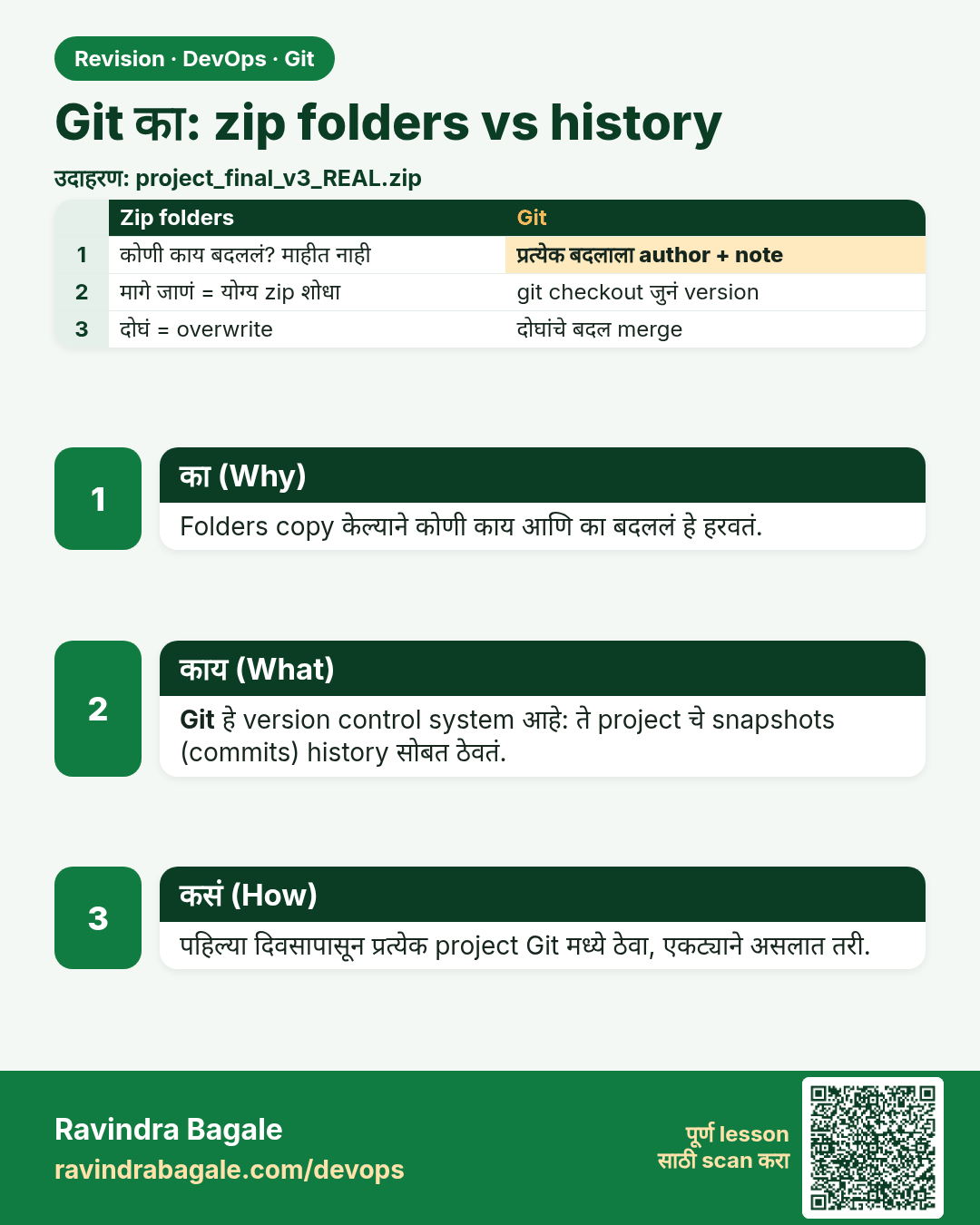
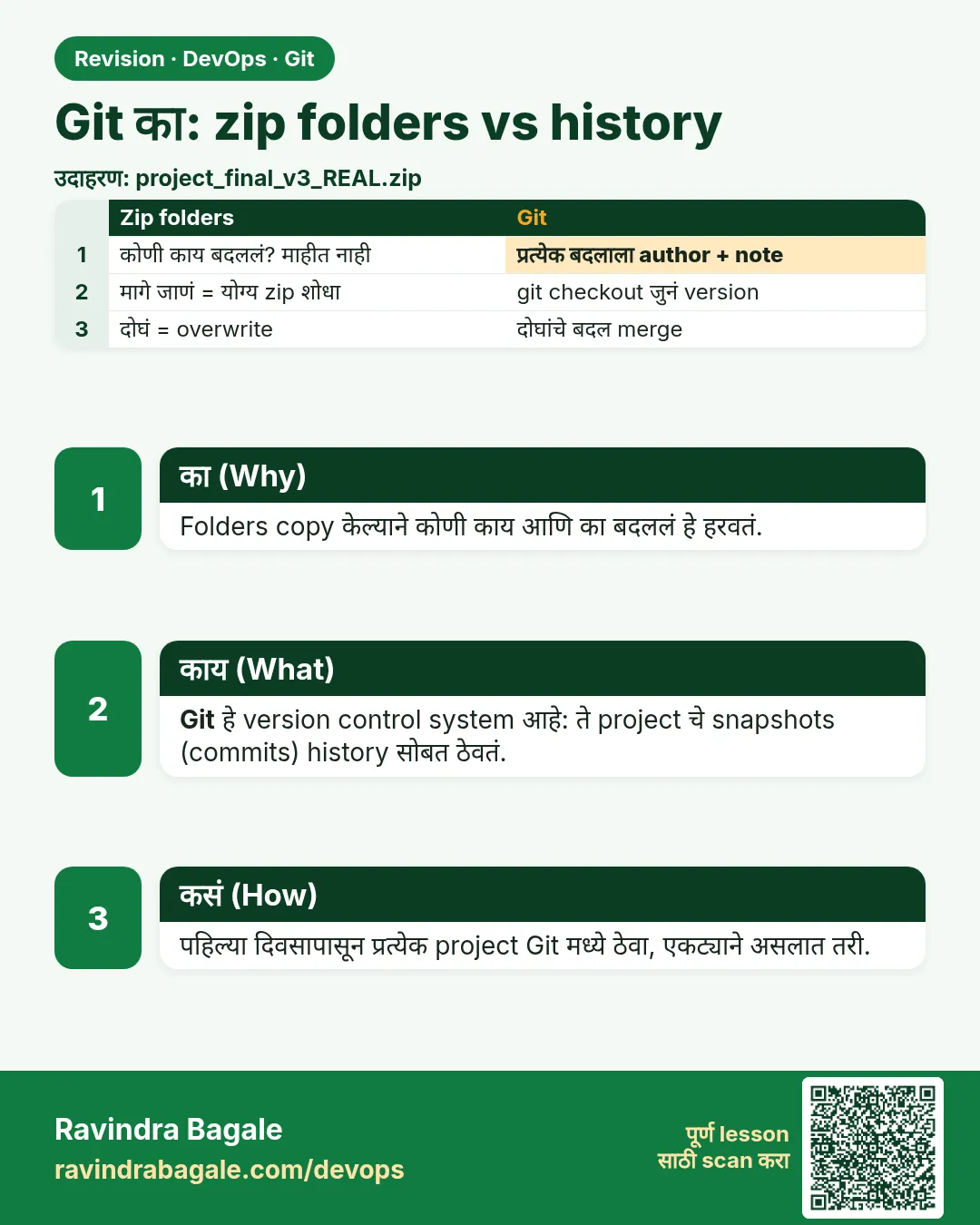 उजळणी (Revision) card 1 of 13: Git का: zip folders vs history · PNG download करा · Card page उघडा
Lesson: 2.1 Why Git — zip folders vs history
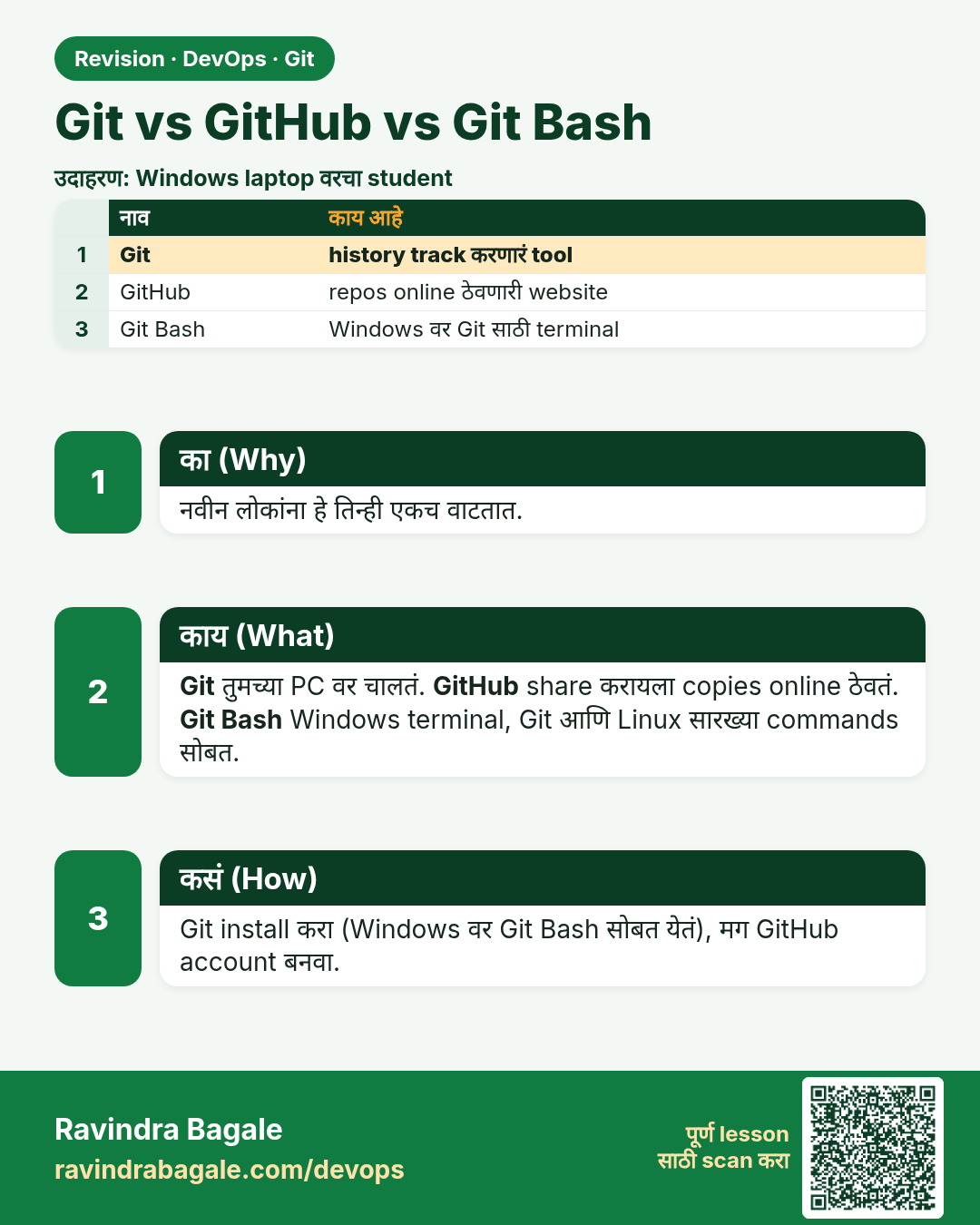
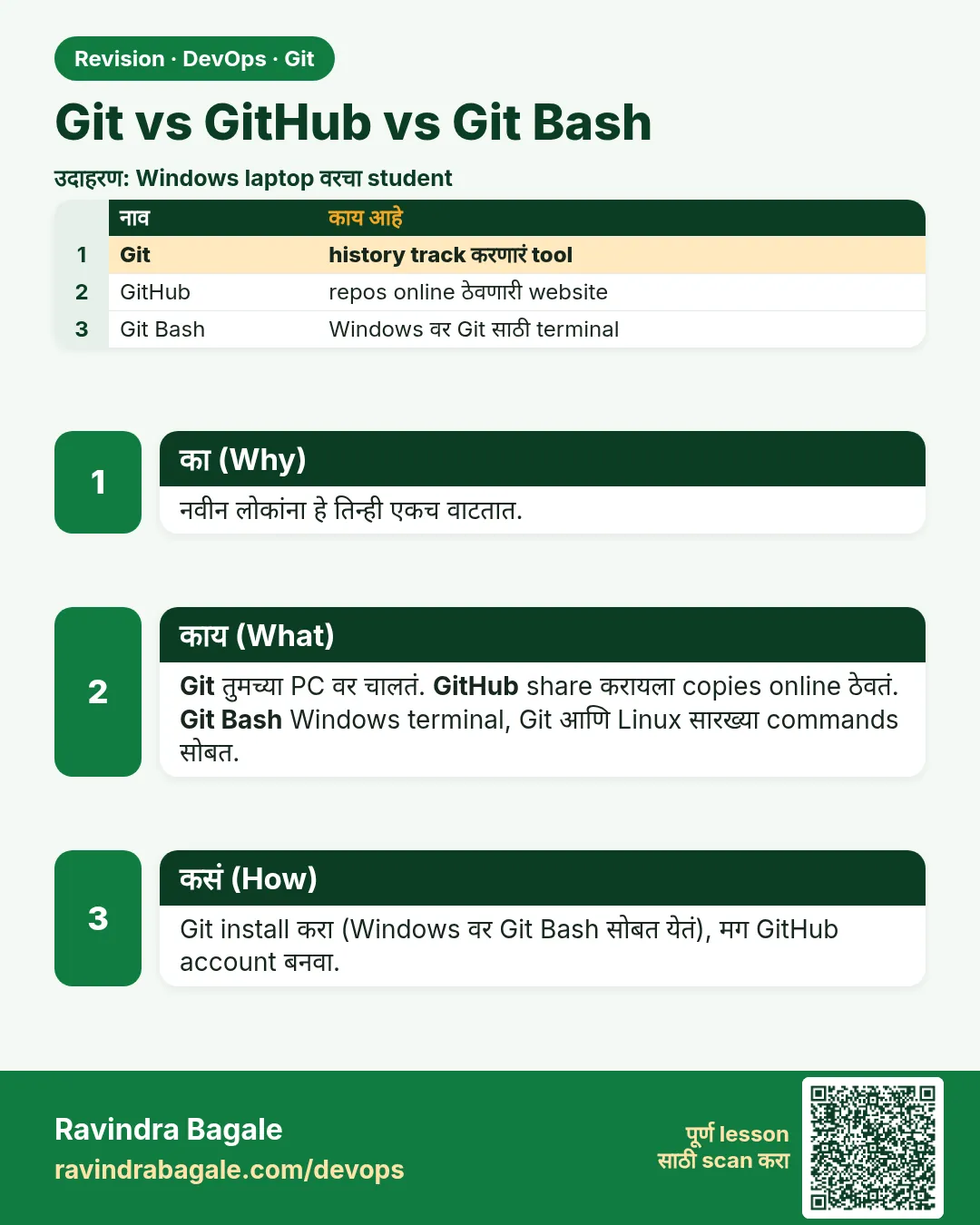 उजळणी (Revision) card 2 of 13: Git vs GitHub vs Git Bash · PNG download करा · Card page उघडा
Lesson: 2.2 Git vs GitHub vs Git Bash
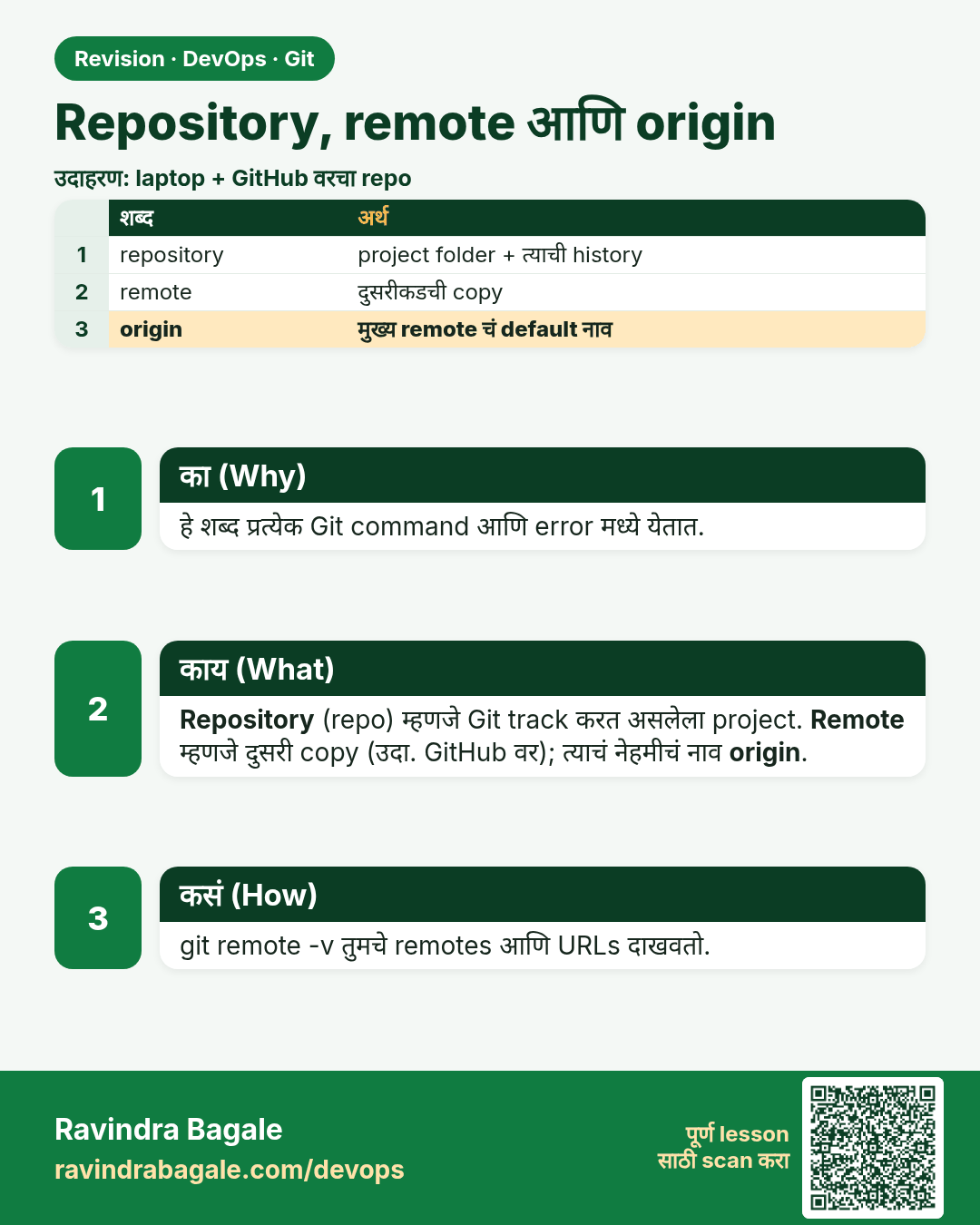
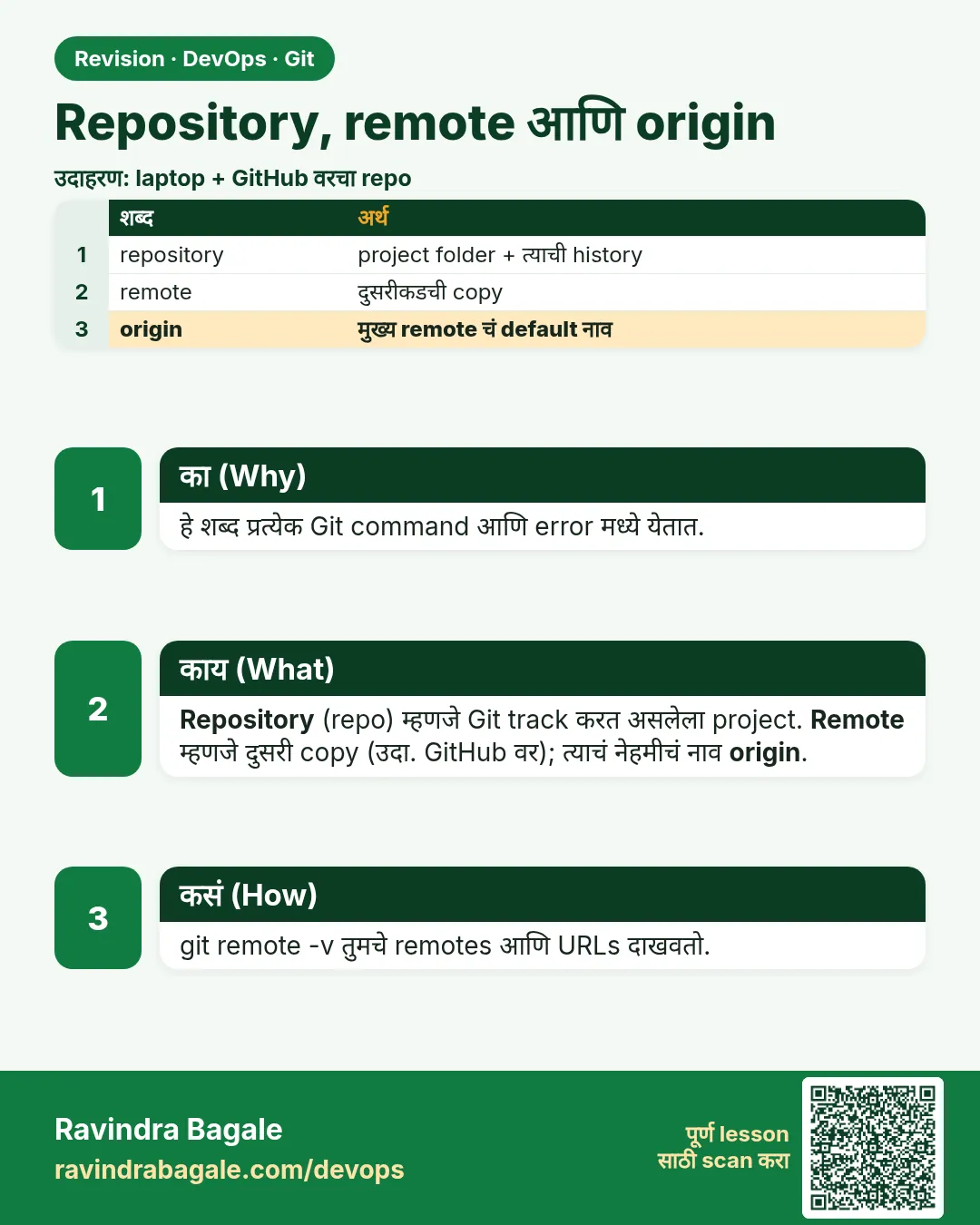 उजळणी (Revision) card 3 of 13: Repository, remote आणि origin · PNG download करा · Card page उघडा
Lesson: 2.3 Repository, remote and origin
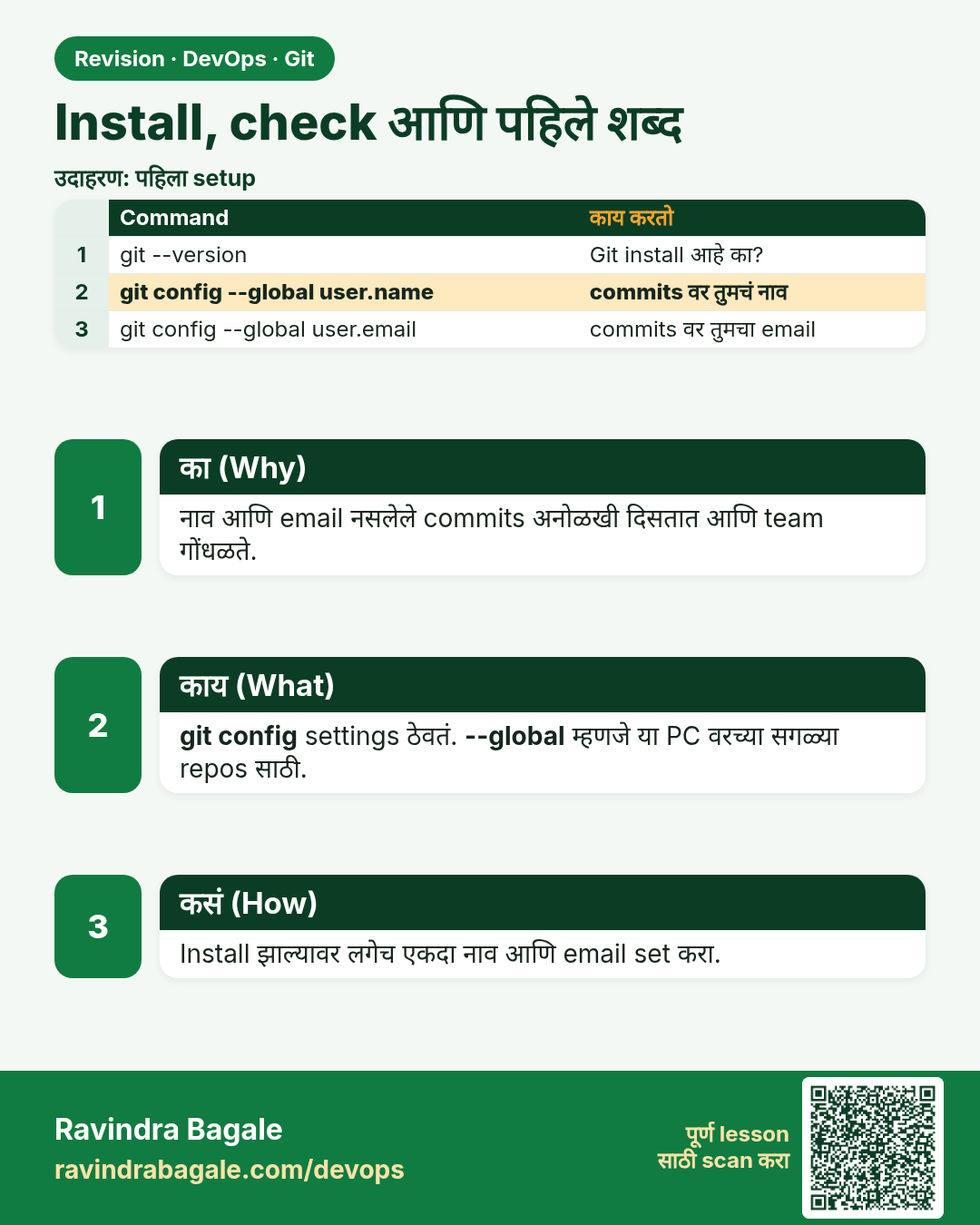
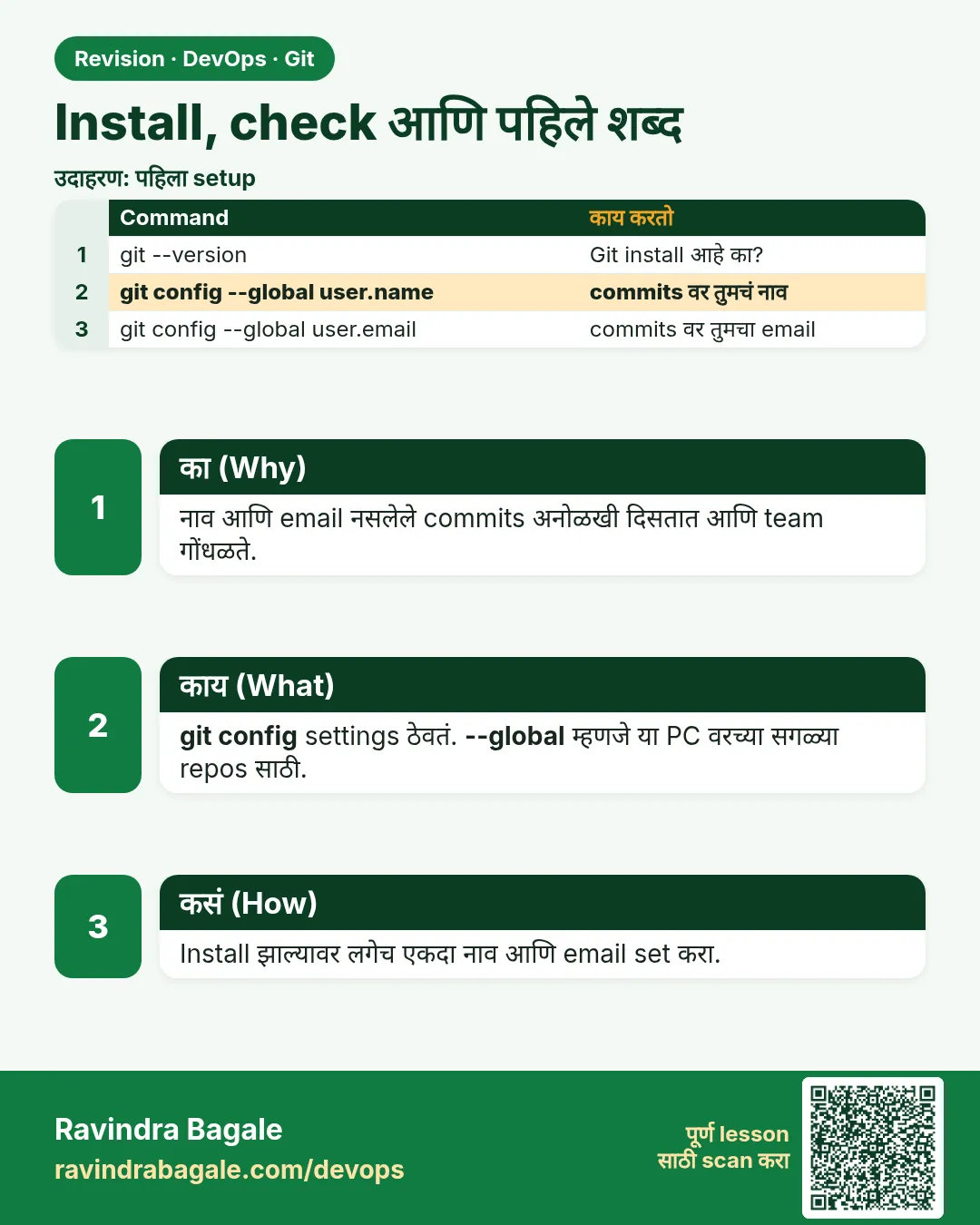 उजळणी (Revision) card 4 of 13: Install, check आणि पहिले शब्द · PNG download करा · Card page उघडा
Lesson: 2.4 Install check and first vocabulary
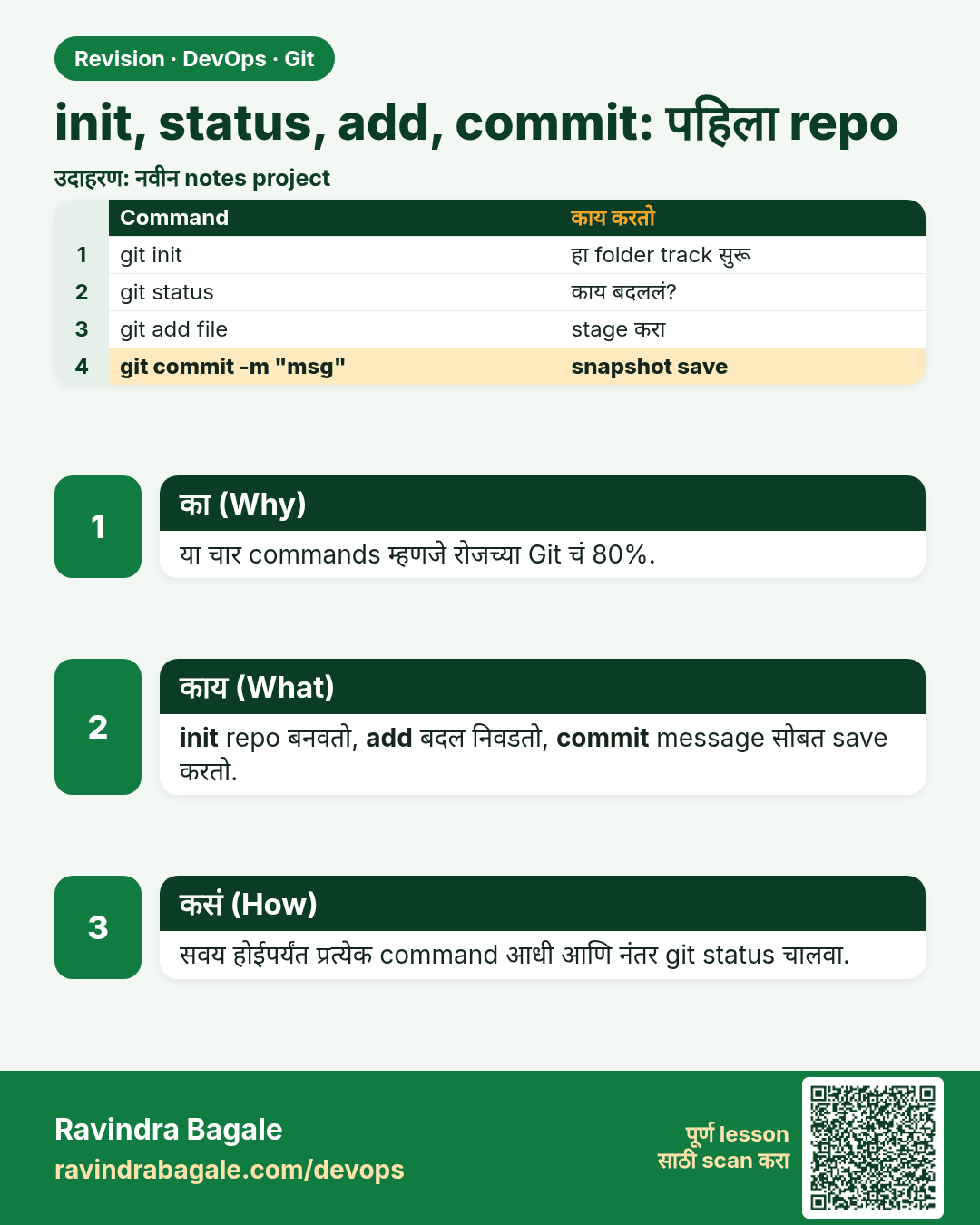
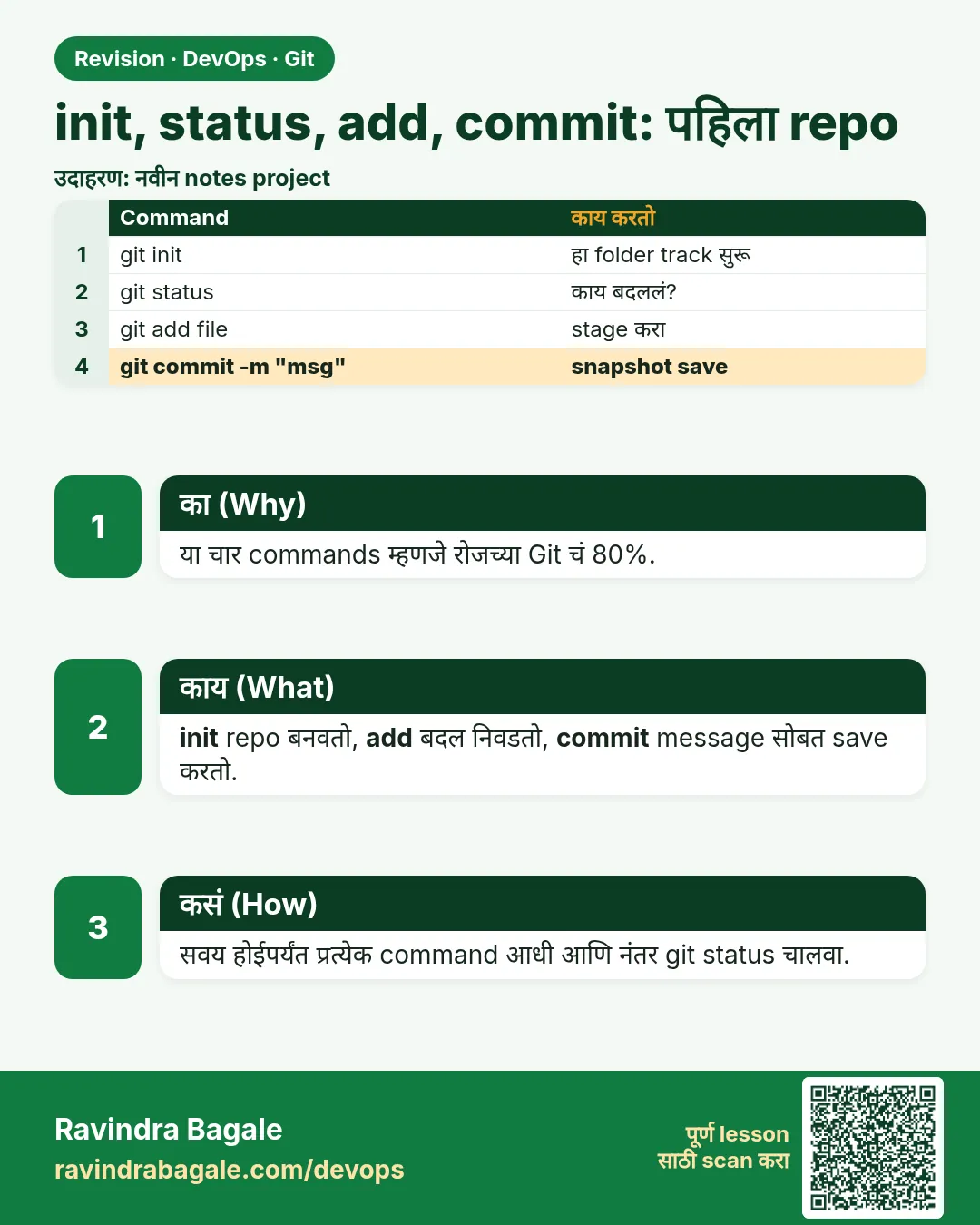 उजळणी (Revision) card 5 of 13: init, status, add, commit: पहिला repo · PNG download करा · Card page उघडा
Lesson: 2.5 init, status, add, commit — first repo
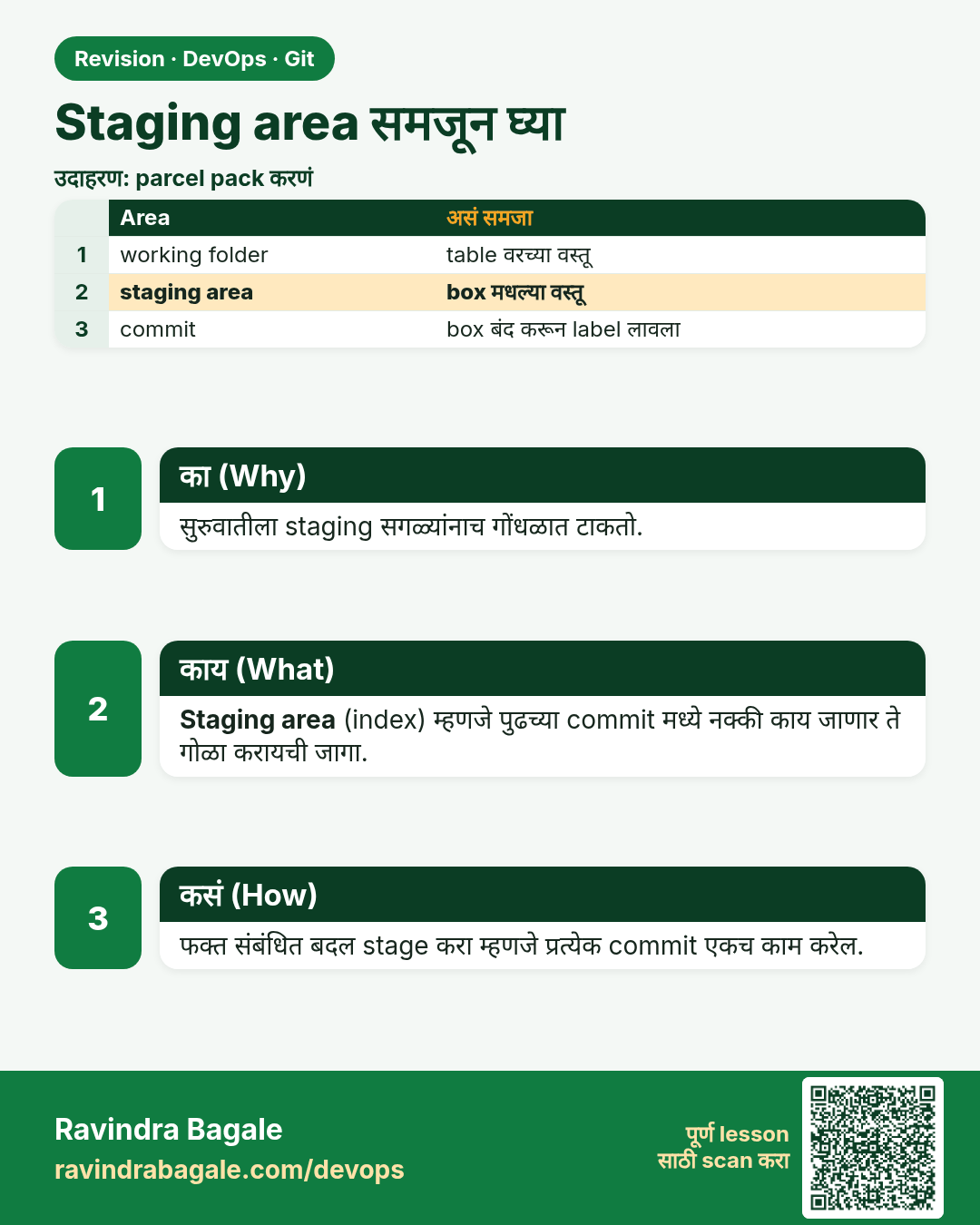
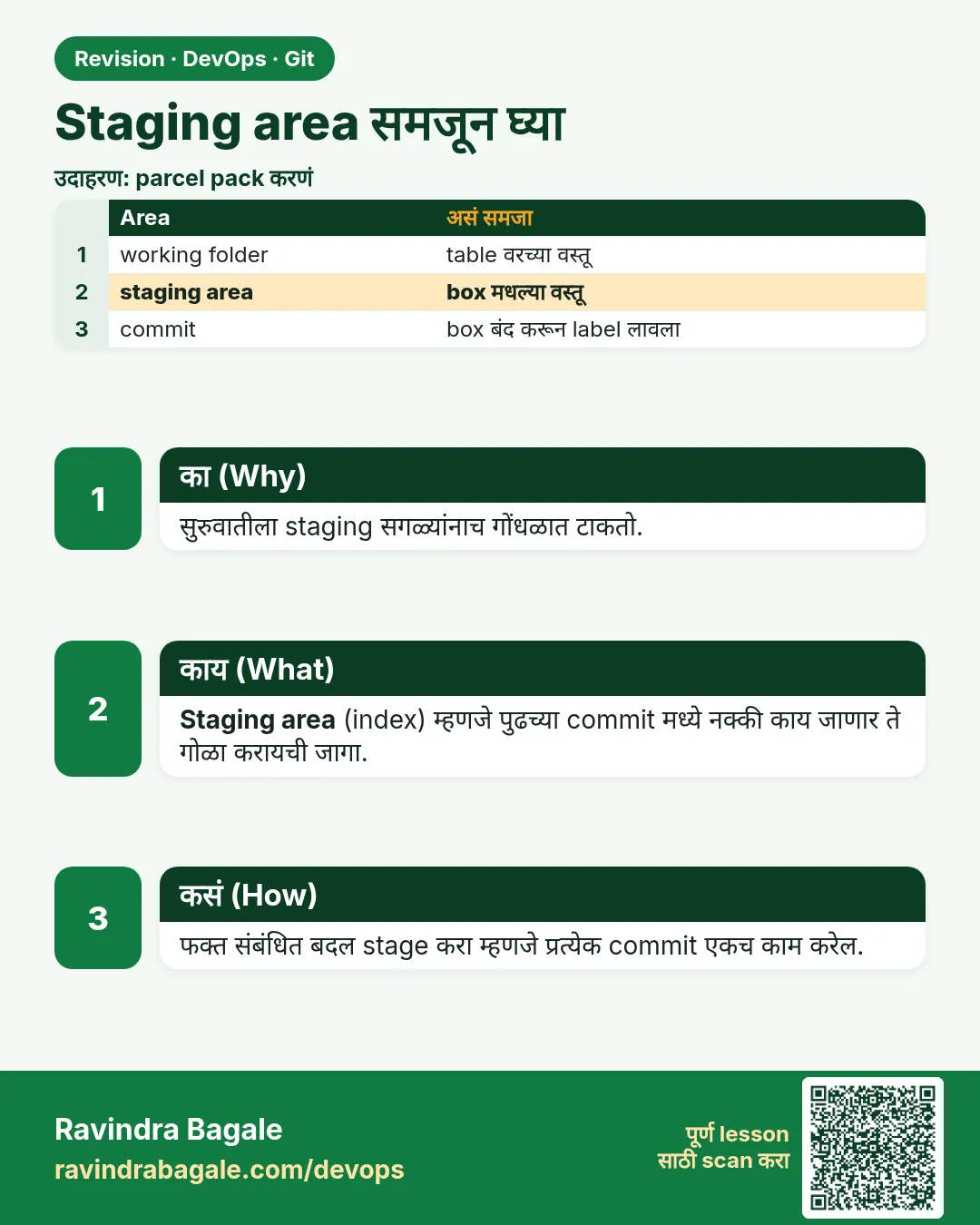 उजळणी (Revision) card 6 of 13: Staging area समजून घ्या · PNG download करा · Card page उघडा
Lesson: 2.6 The staging area — mental model
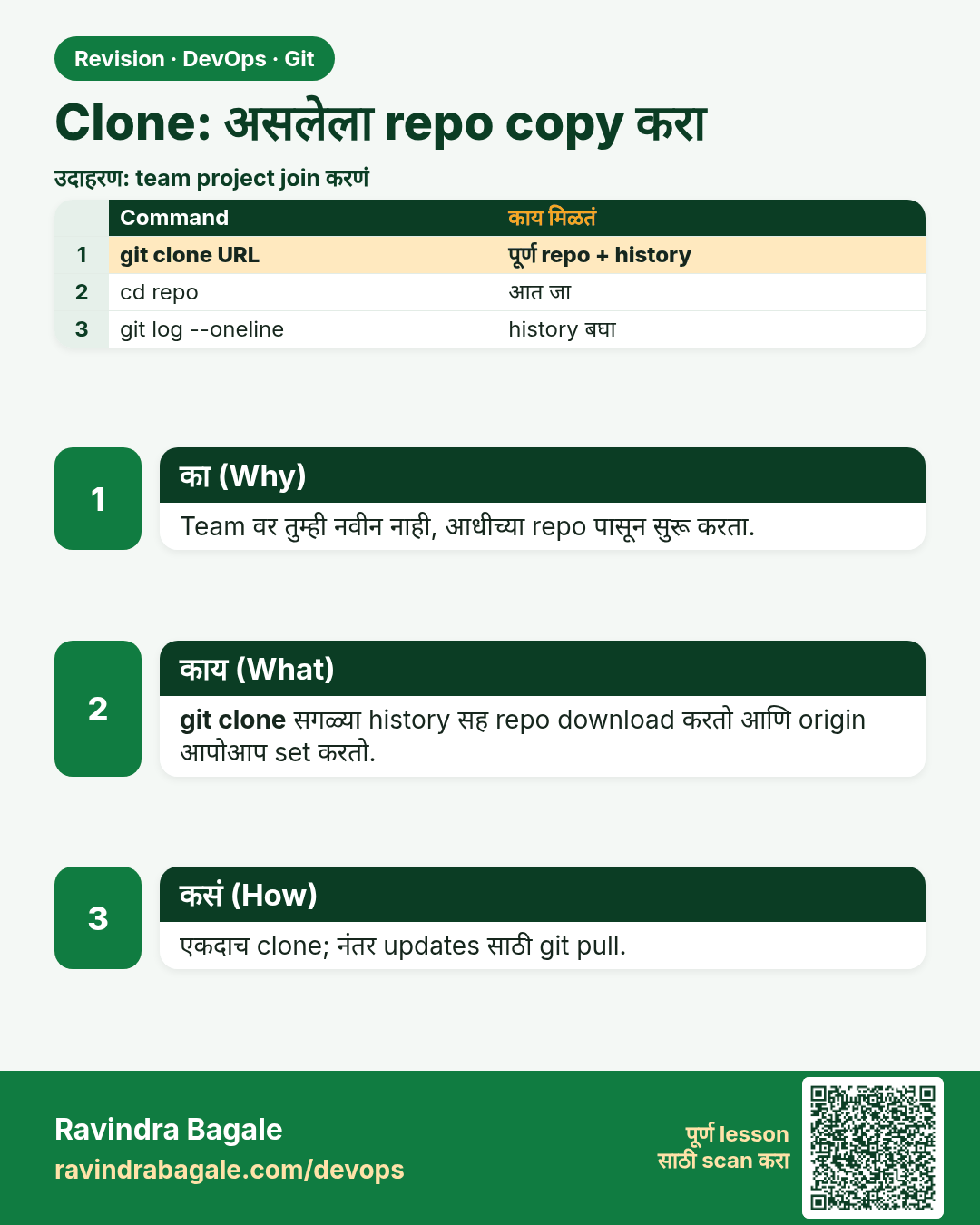
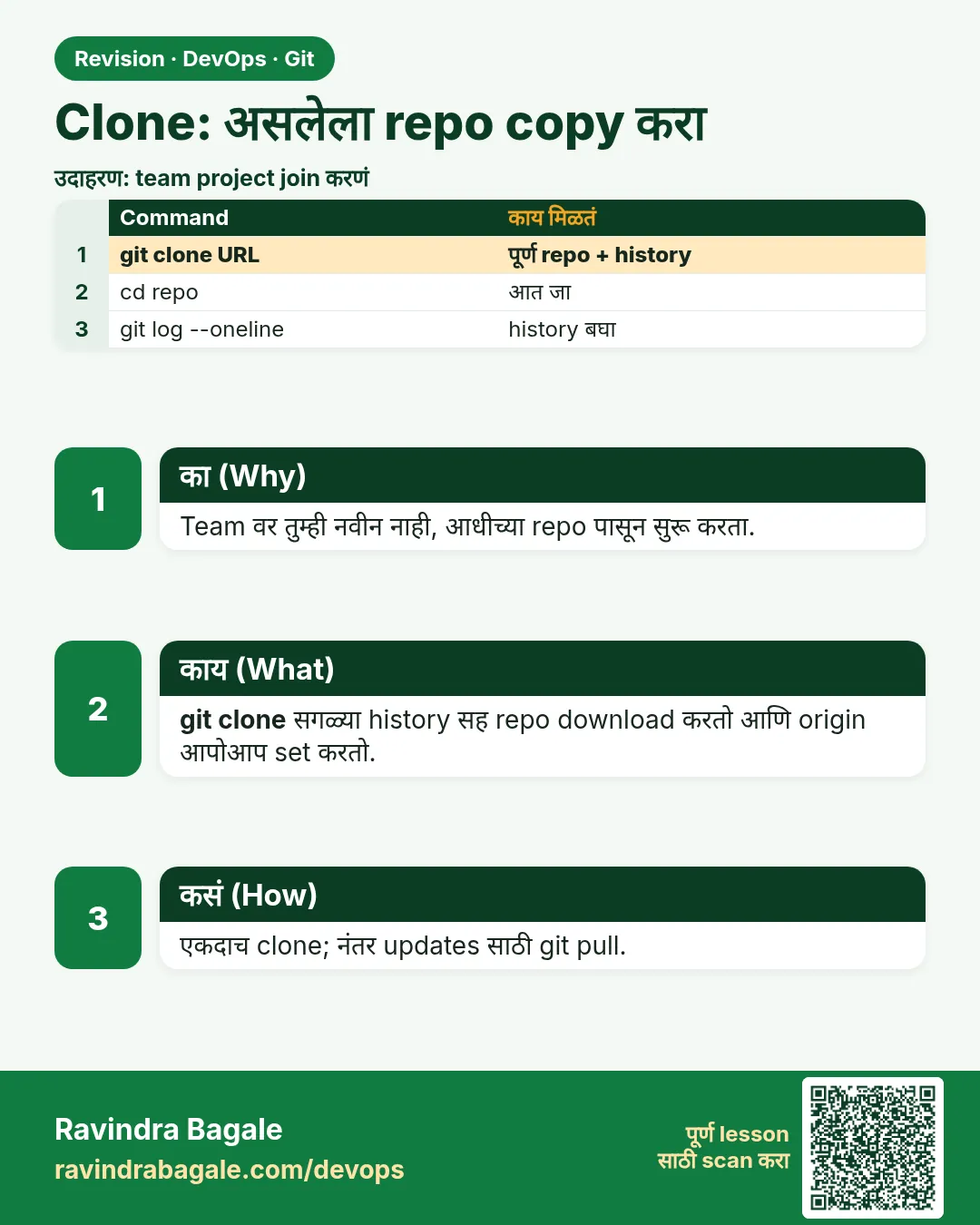 उजळणी (Revision) card 7 of 13: Clone: असलेला repo copy करा · PNG download करा · Card page उघडा
Lesson: 2.7 clone — copy an existing repo
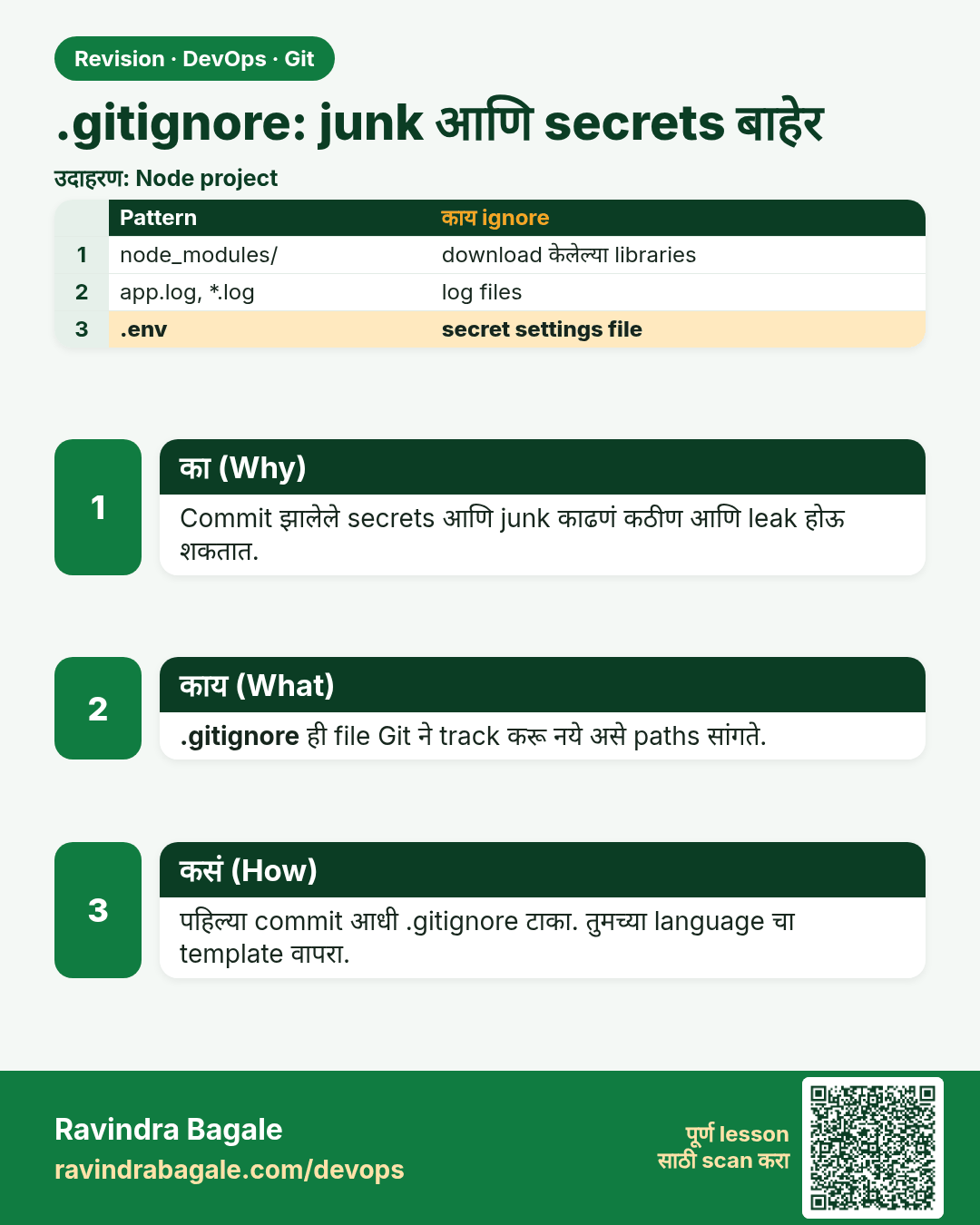
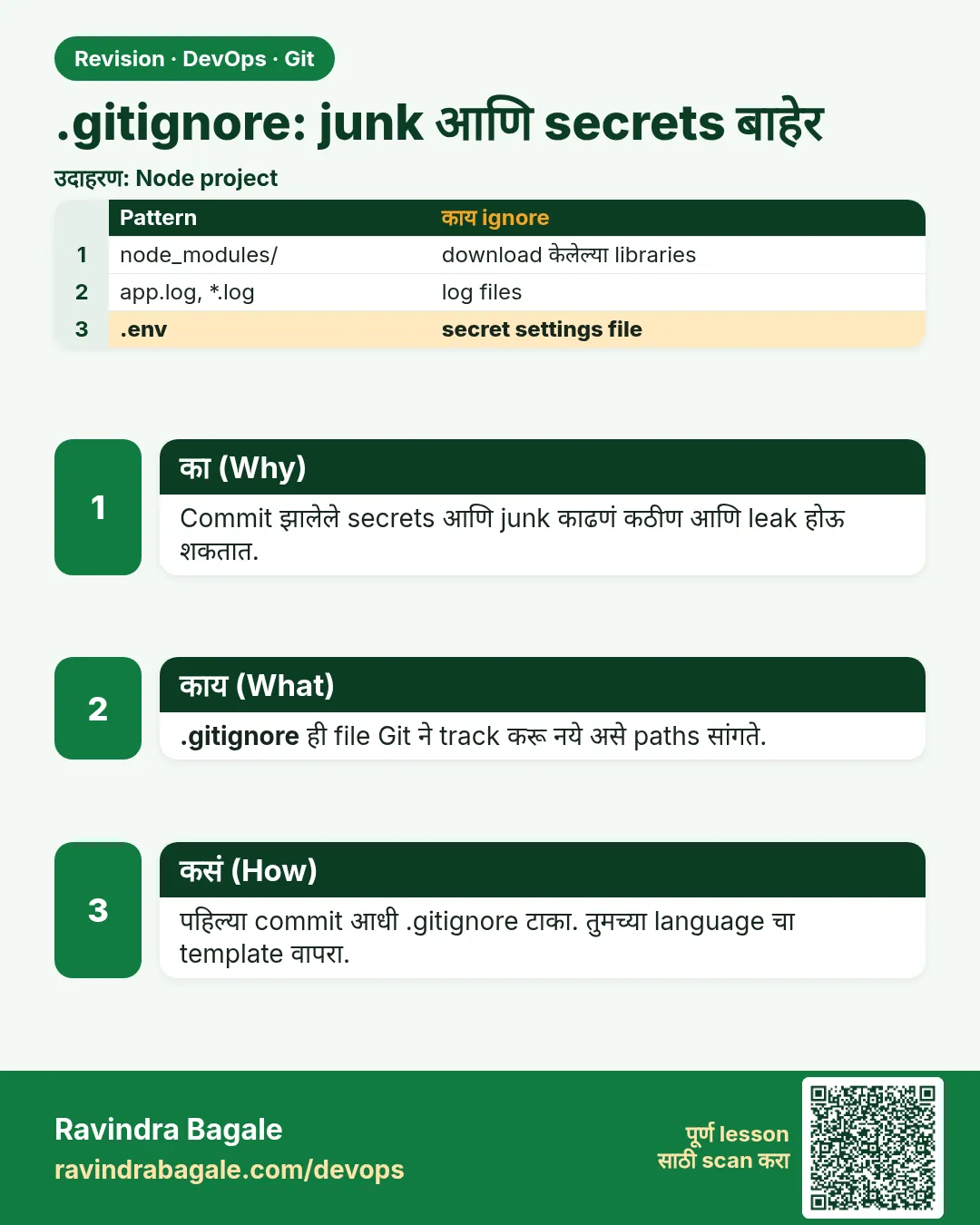 उजळणी (Revision) card 8 of 13: .gitignore: junk आणि secrets बाहेर · PNG download करा · Card page उघडा
Lesson: 2.8 .gitignore — keep junk and secrets out
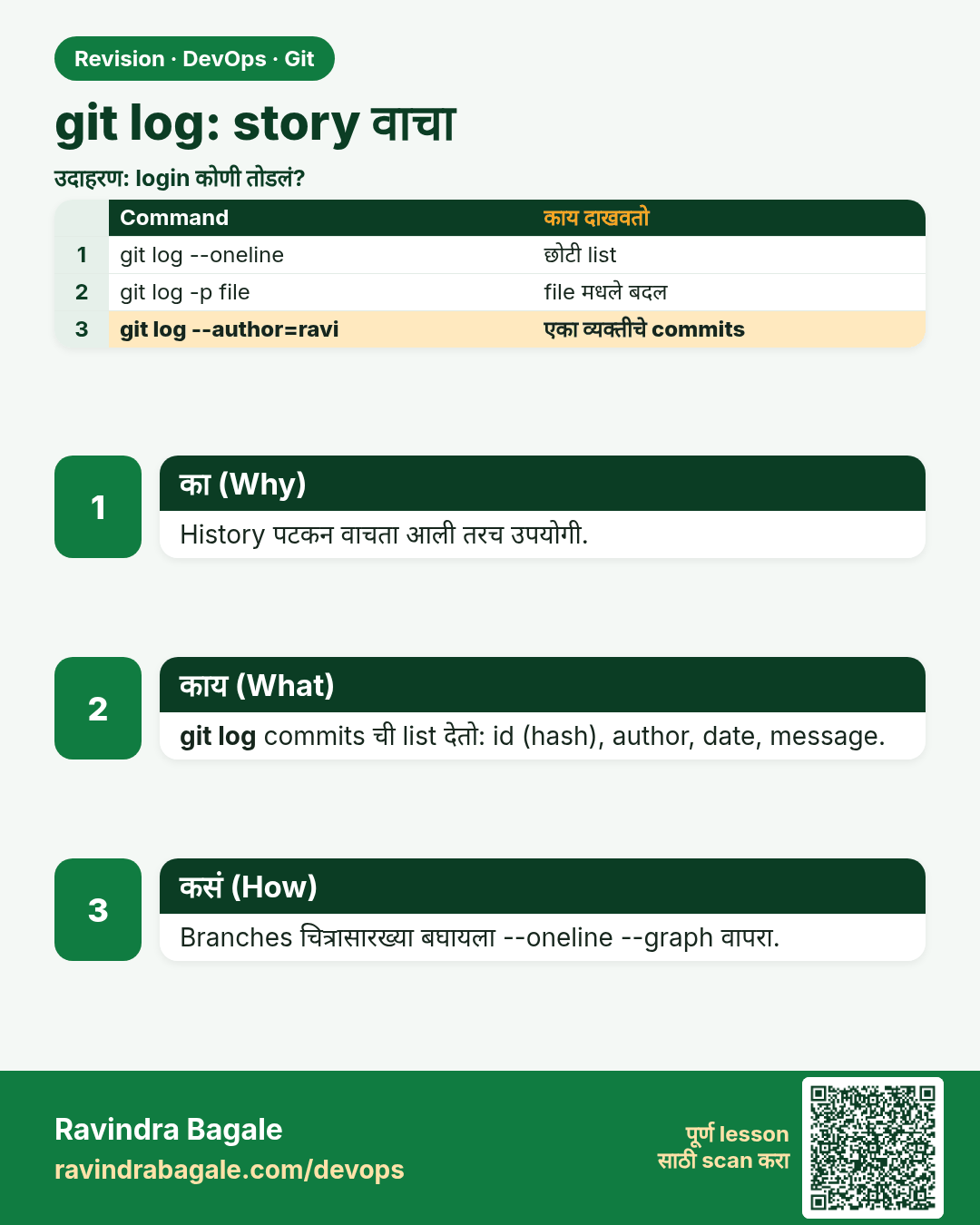
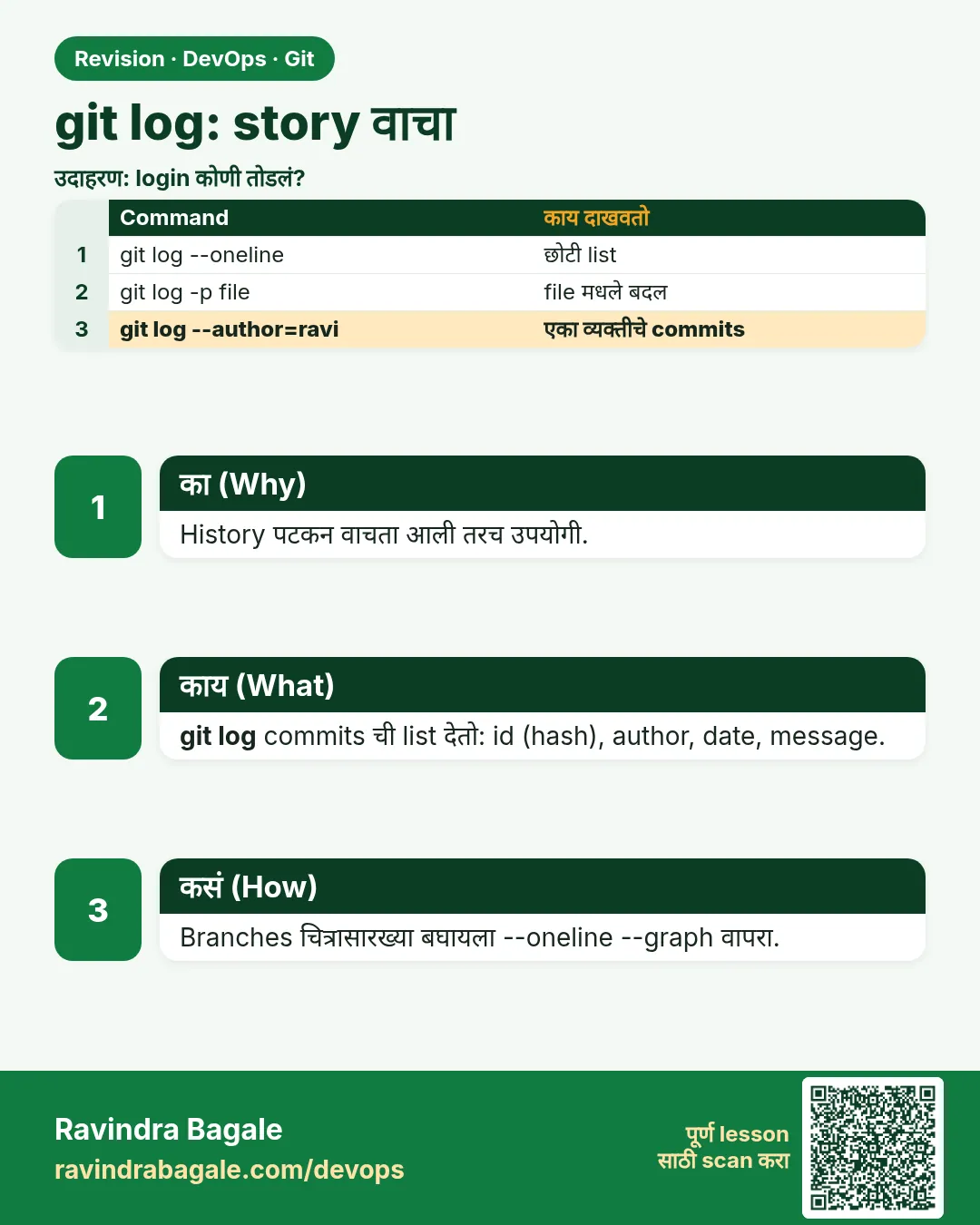 उजळणी (Revision) card 9 of 13: git log: story वाचा · PNG download करा · Card page उघडा
Lesson: 2.9 git log — read the story
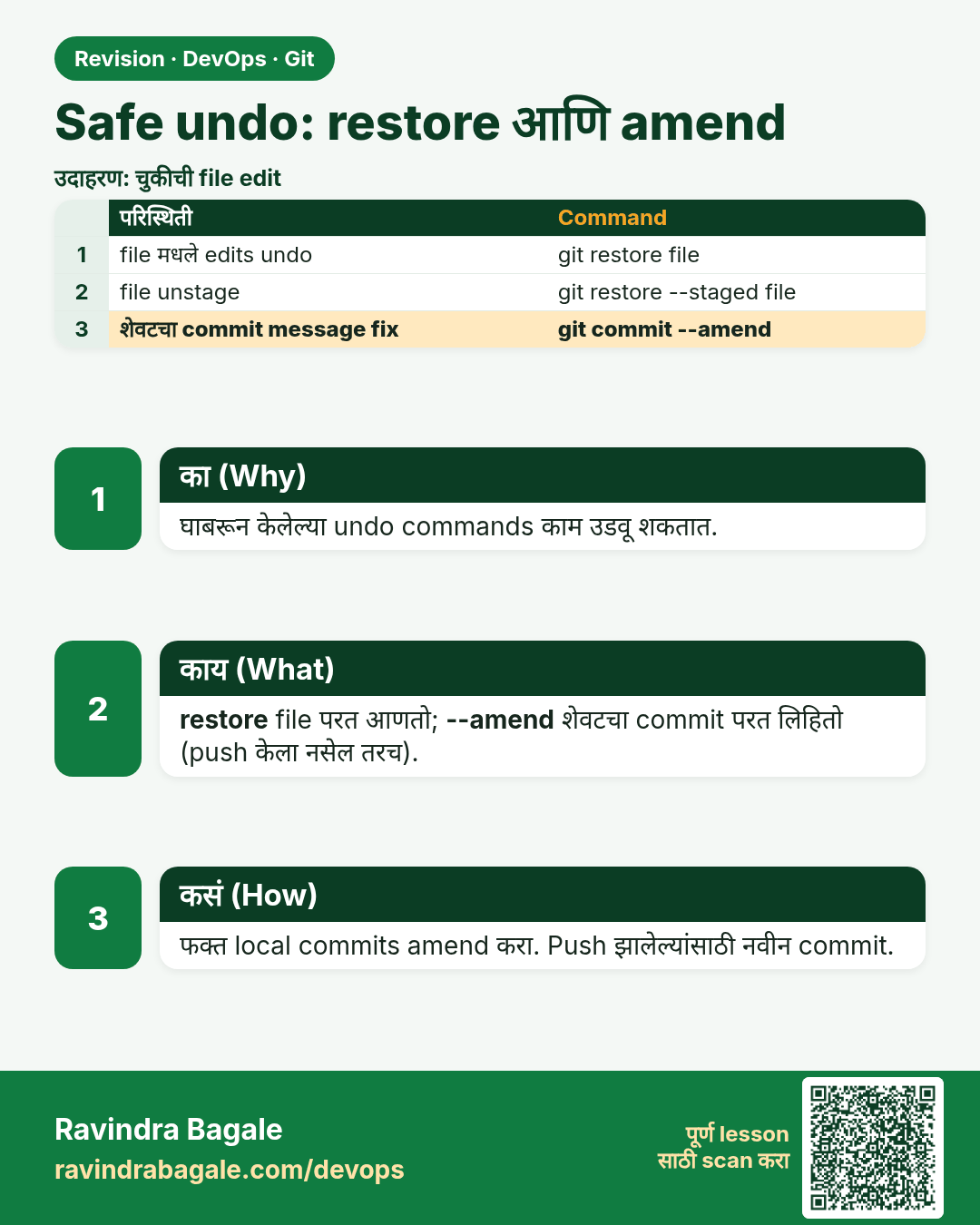
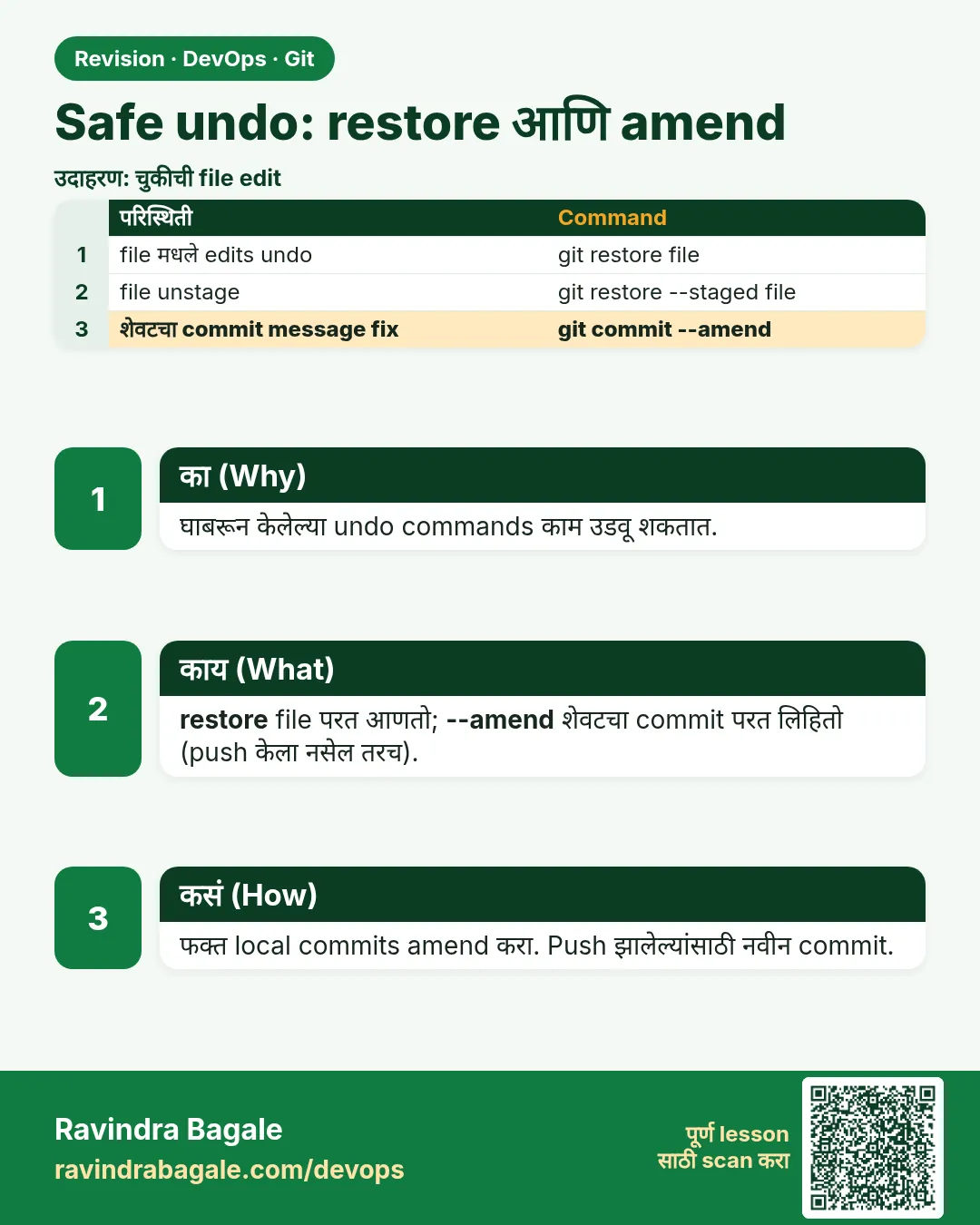 उजळणी (Revision) card 10 of 13: Safe undo: restore आणि amend · PNG download करा · Card page उघडा
Lesson: 2.10 Undo safely — restore and amend
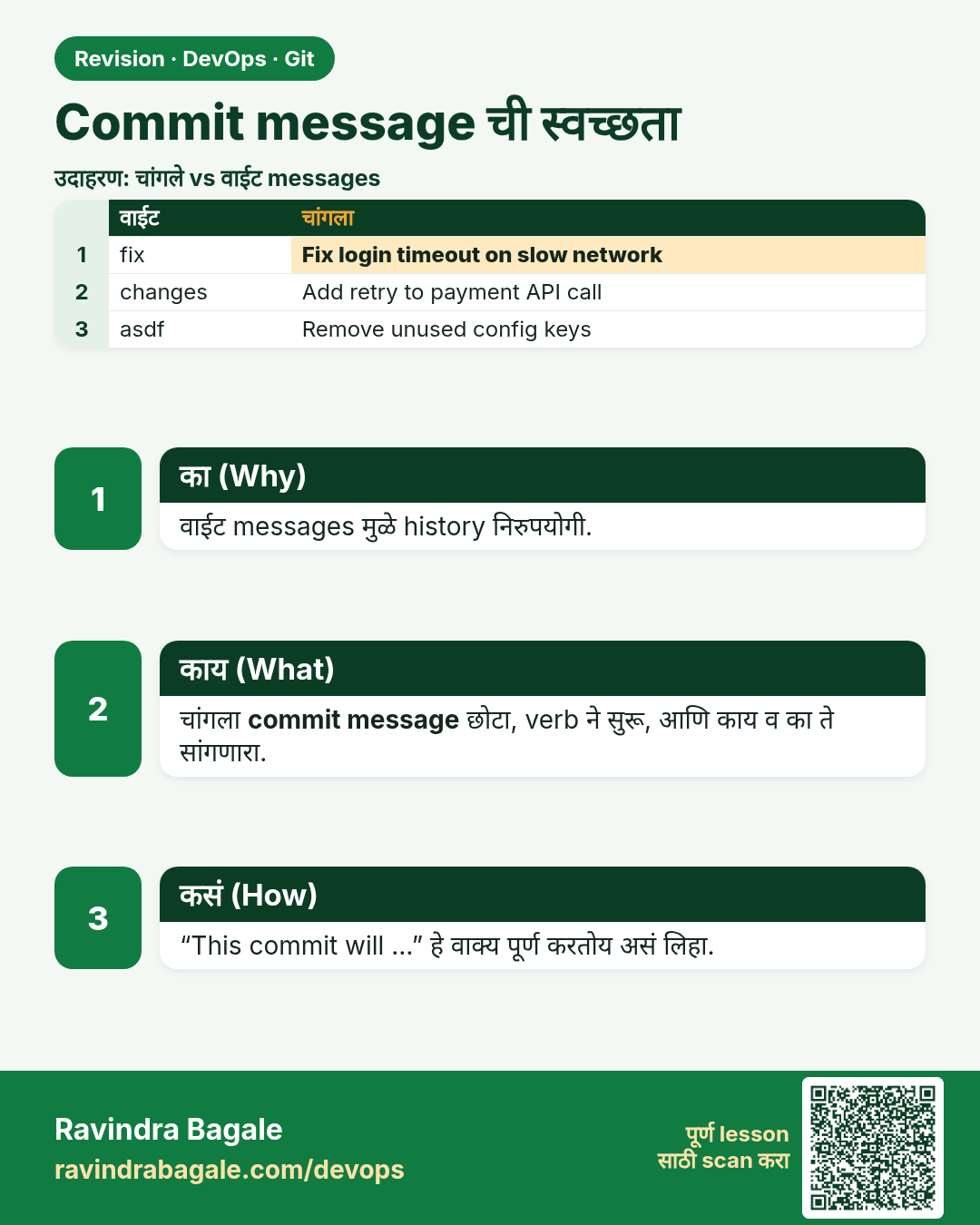
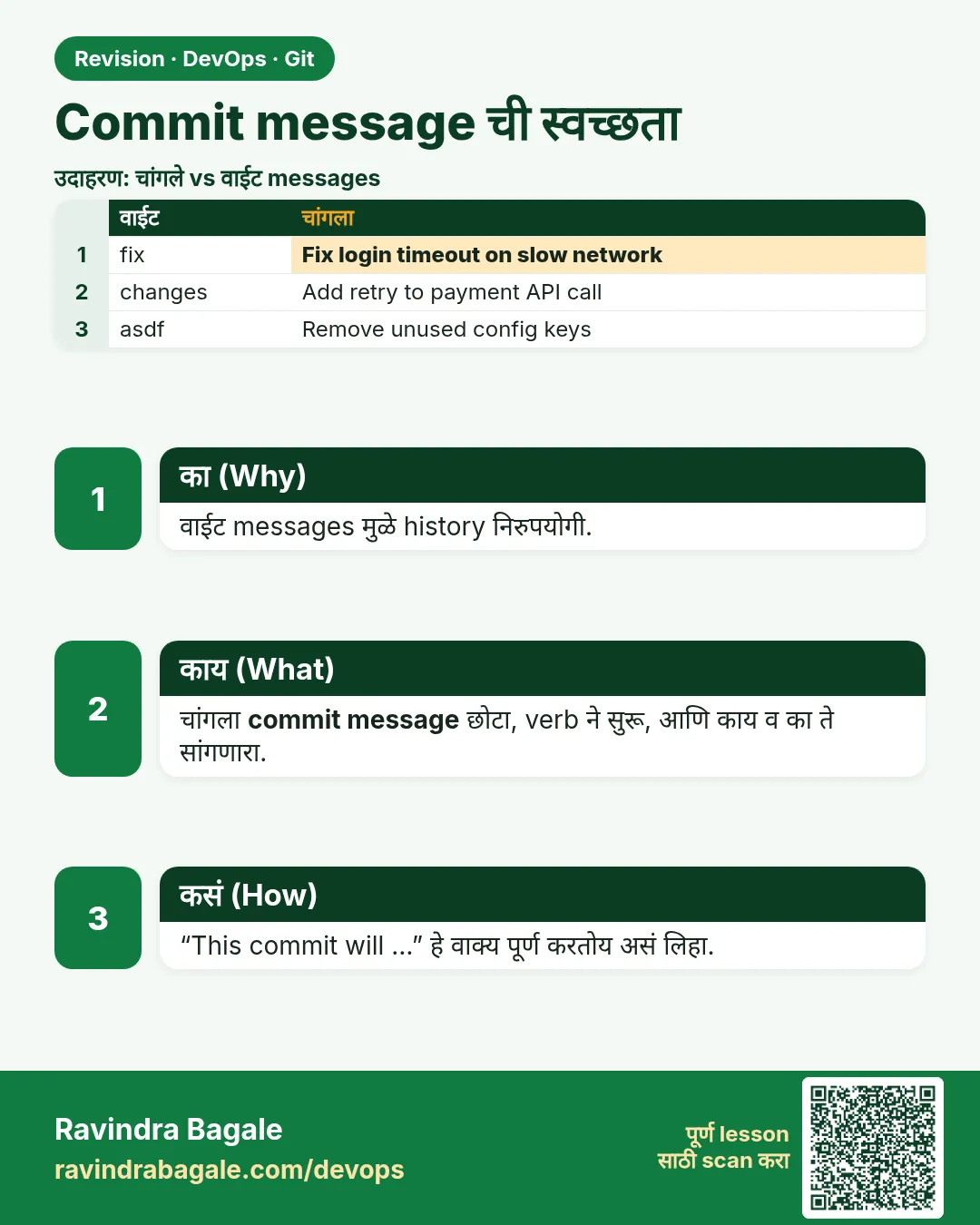 उजळणी (Revision) card 11 of 13: Commit message ची स्वच्छता · PNG download करा · Card page उघडा
Lesson: 2.11 Commit message hygiene
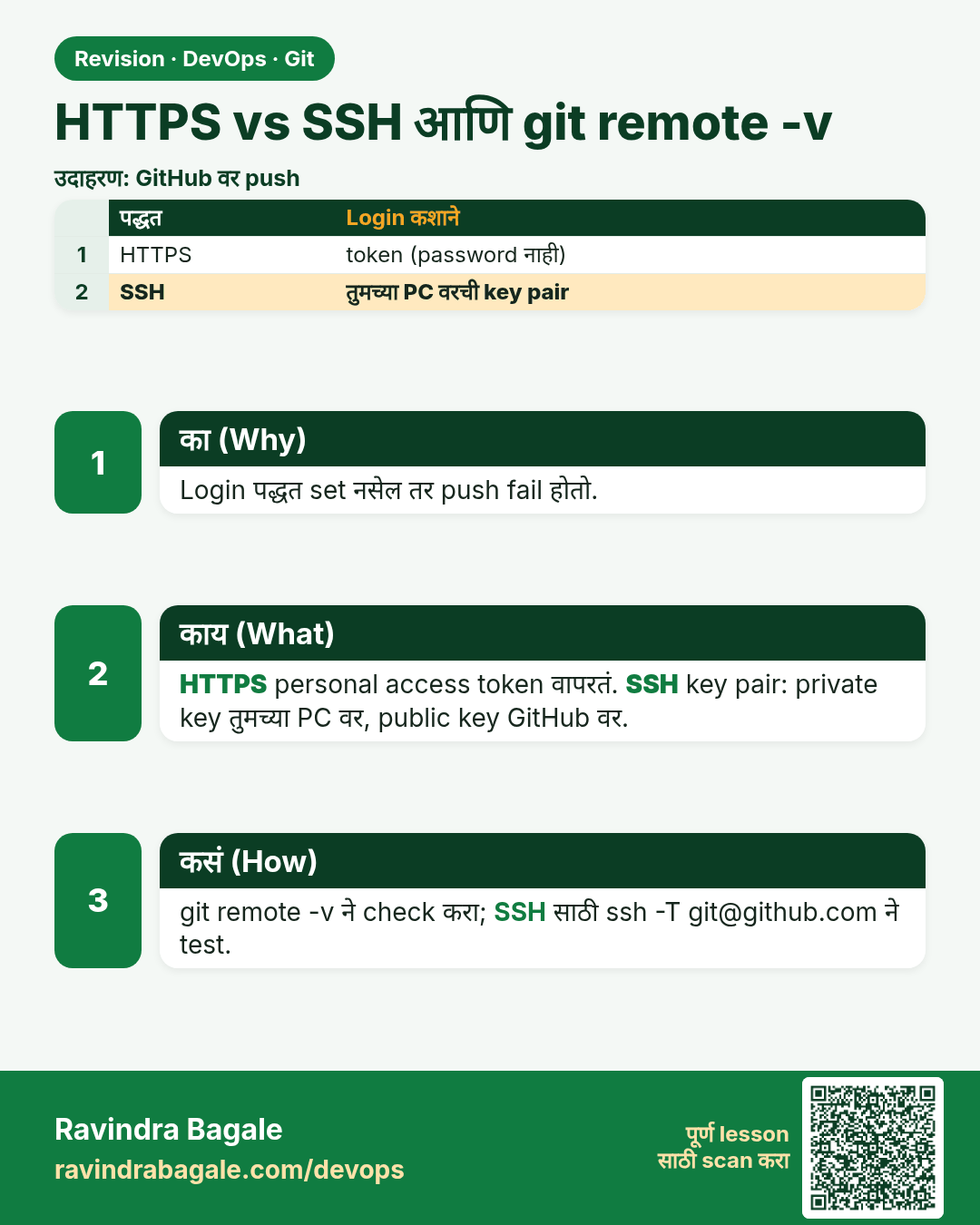
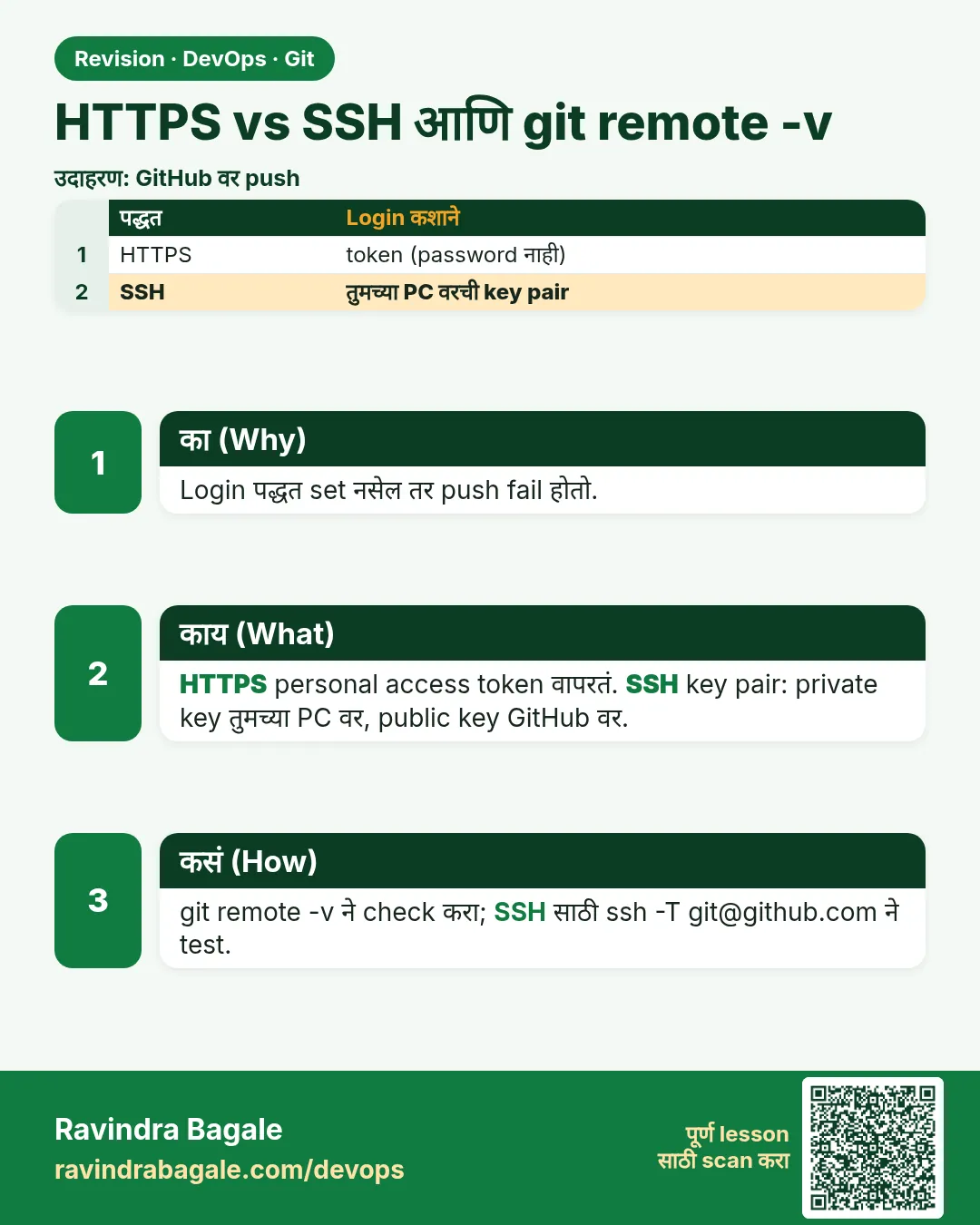 उजळणी (Revision) card 12 of 13: HTTPS vs SSH आणि git remote -v · PNG download करा · Card page उघडा
Lesson: 2.12 HTTPS vs SSH, and git remote -v
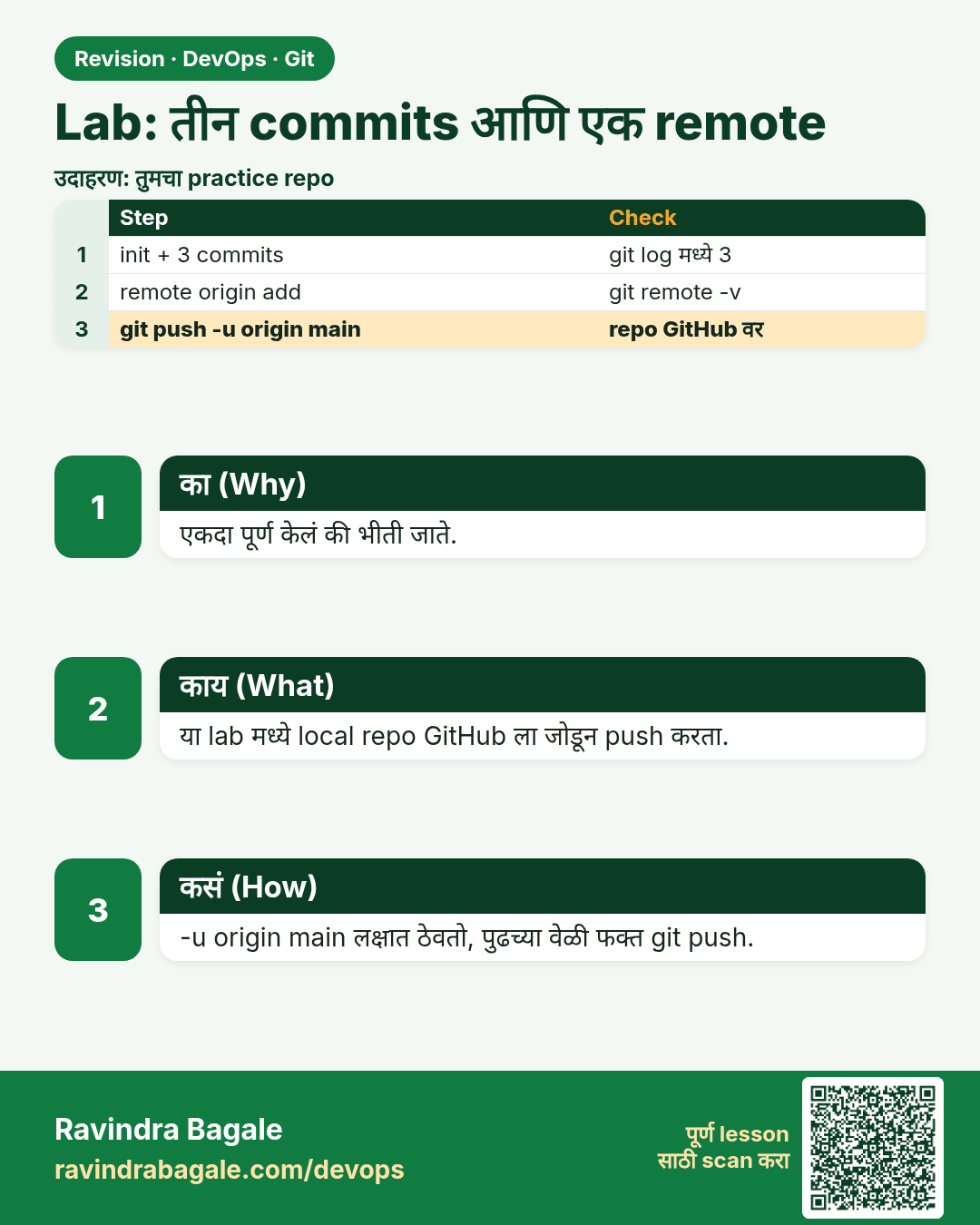
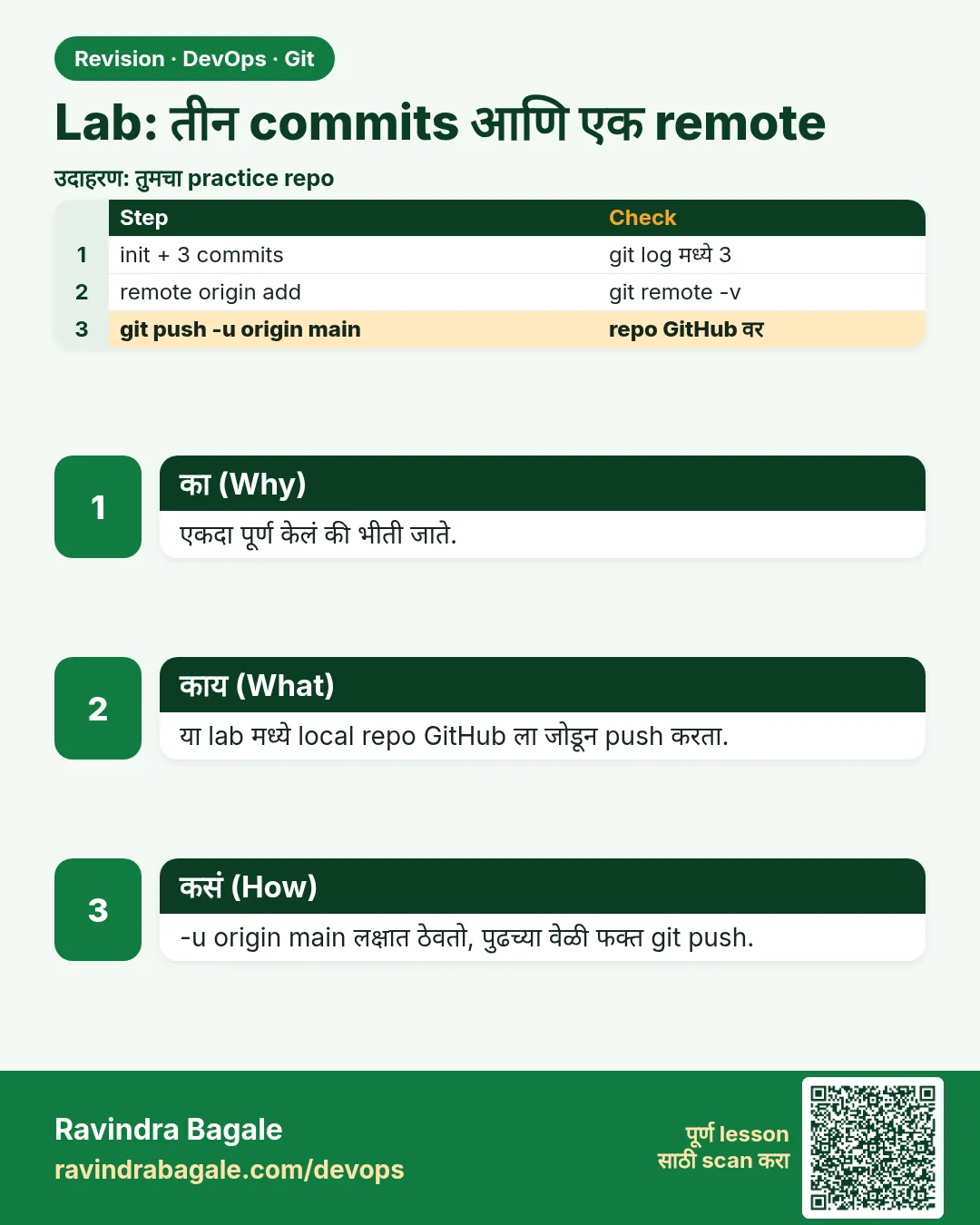 उजळणी (Revision) card 13 of 13: Lab: तीन commits आणि एक remote · PNG download करा · Card page उघडा
Lesson: 2.13 Lab — three commits and one remote
मुलाखत (Interview) cards
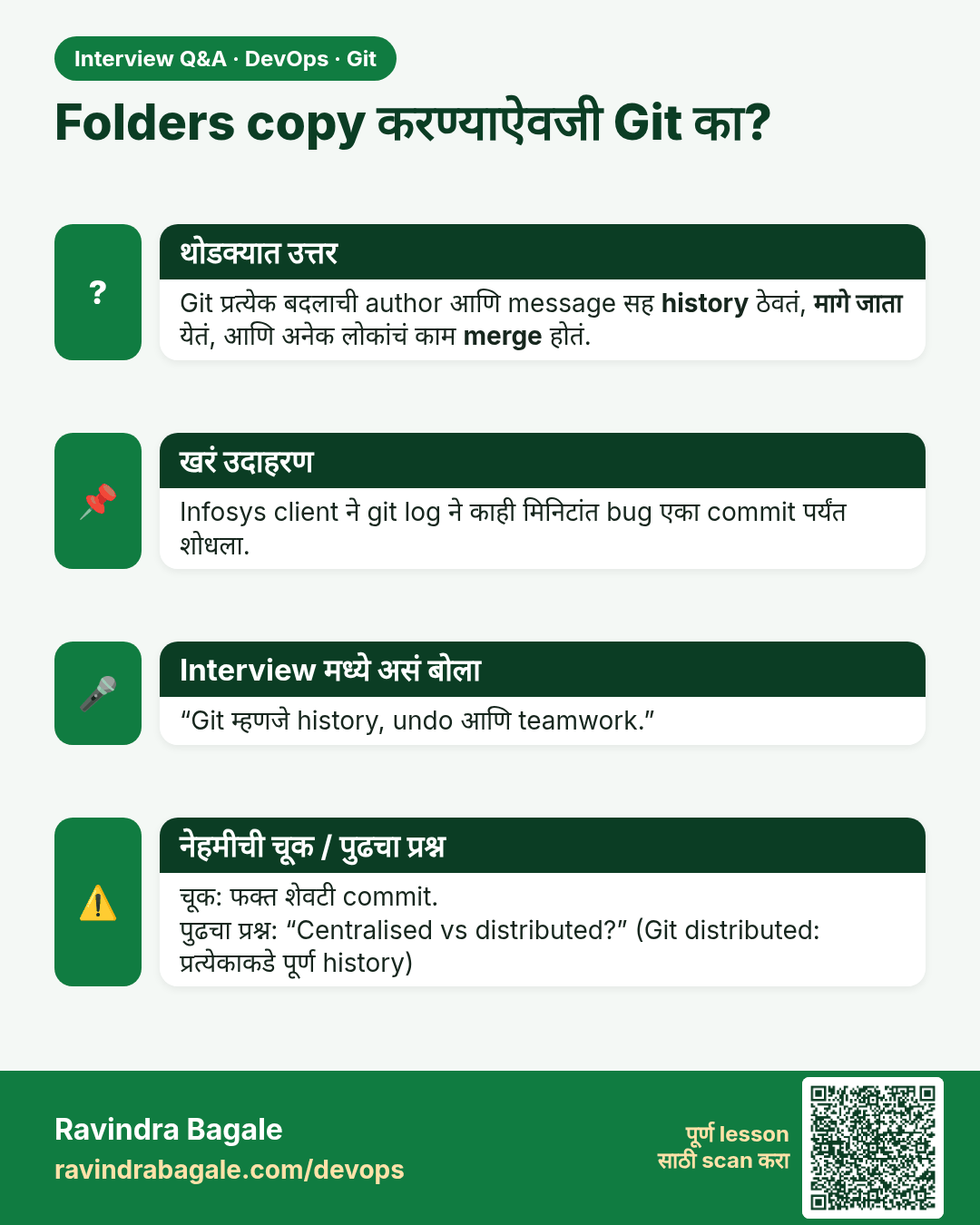
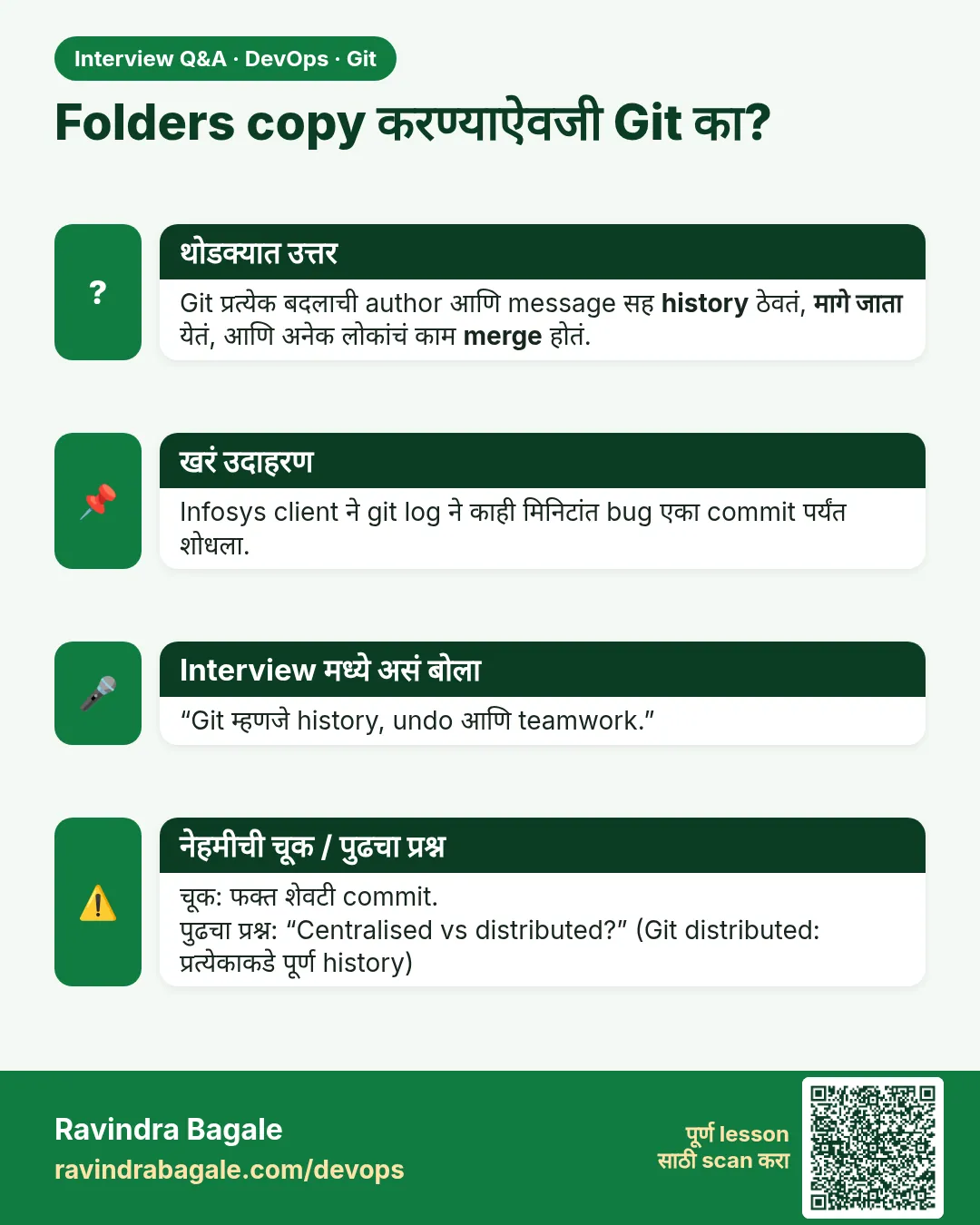 मुलाखत (Interview) card 1 of 13: Folders copy करण्याऐवजी Git का? · PNG download करा · Card page उघडा
Lesson: 2.1 Why Git — zip folders vs history
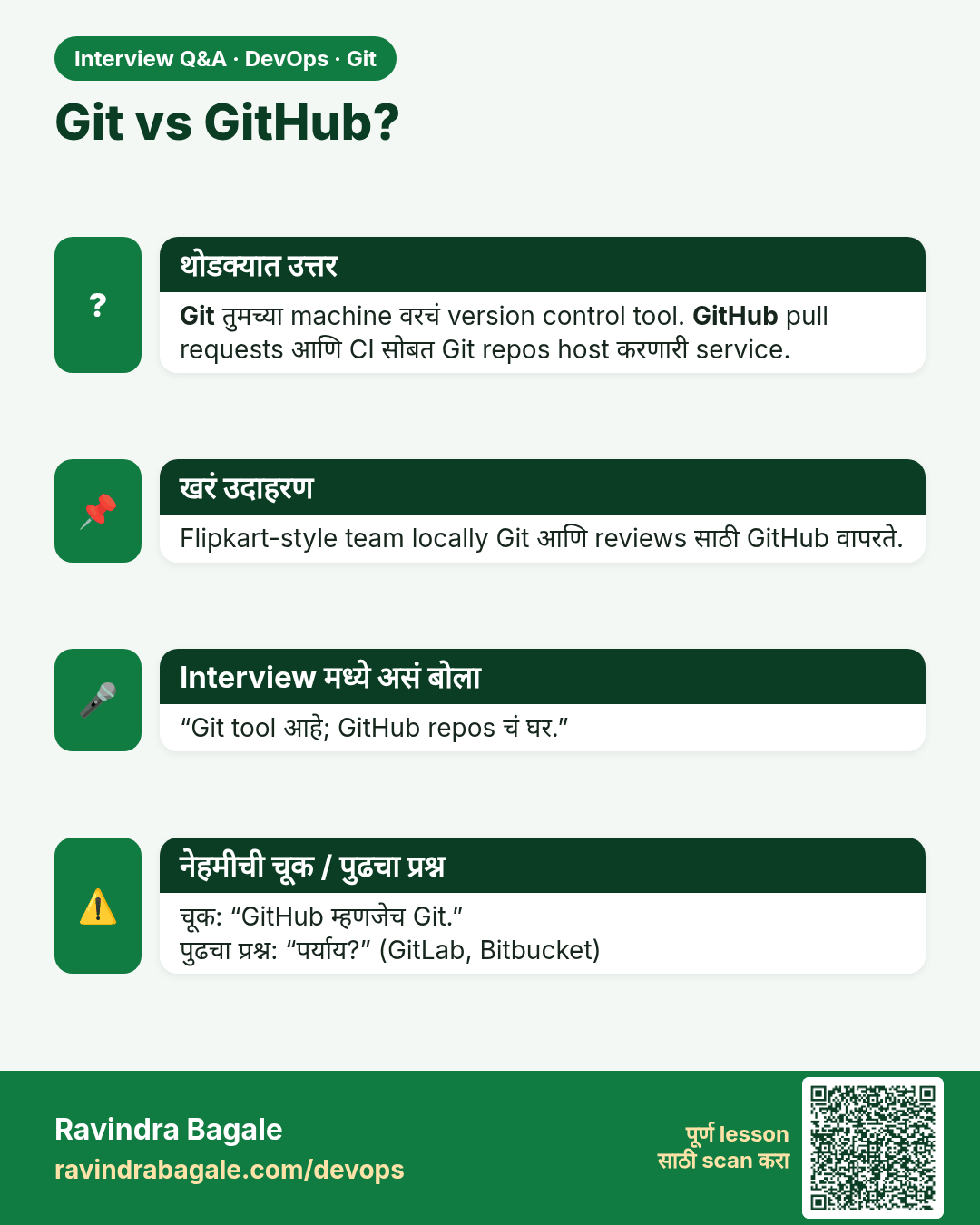
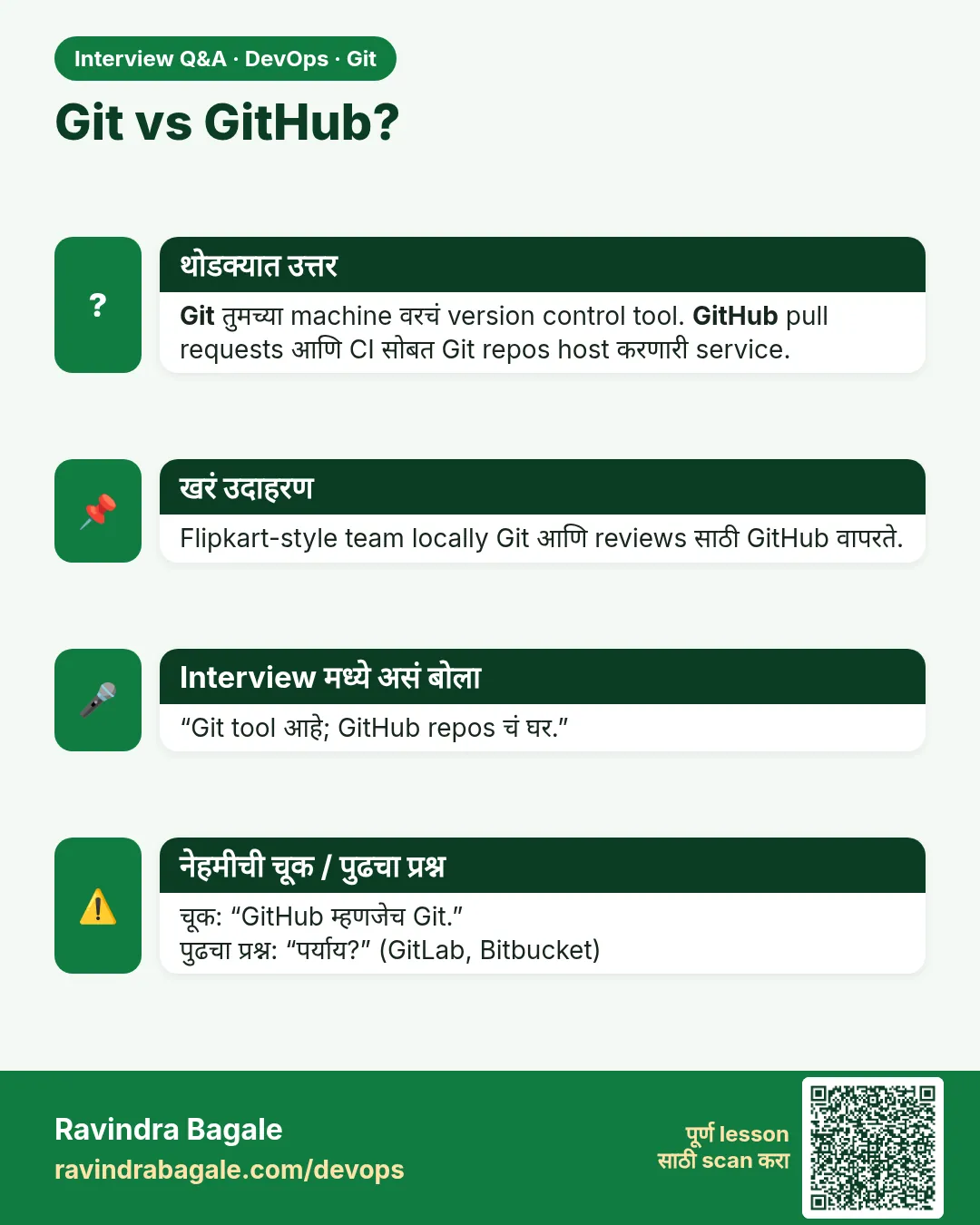 मुलाखत (Interview) card 2 of 13: Git vs GitHub? · PNG download करा · Card page उघडा
Lesson: 2.2 Git vs GitHub vs Git Bash
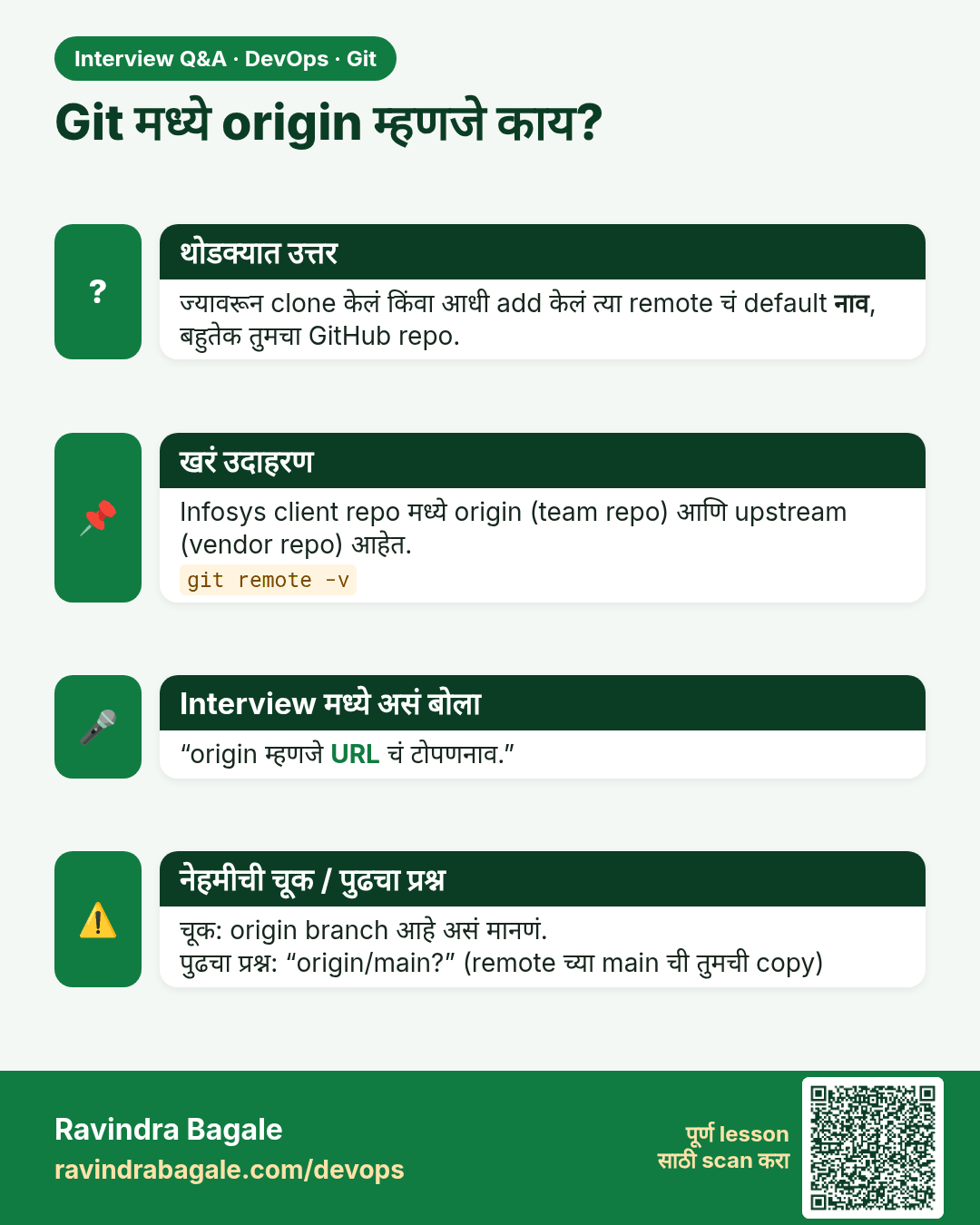
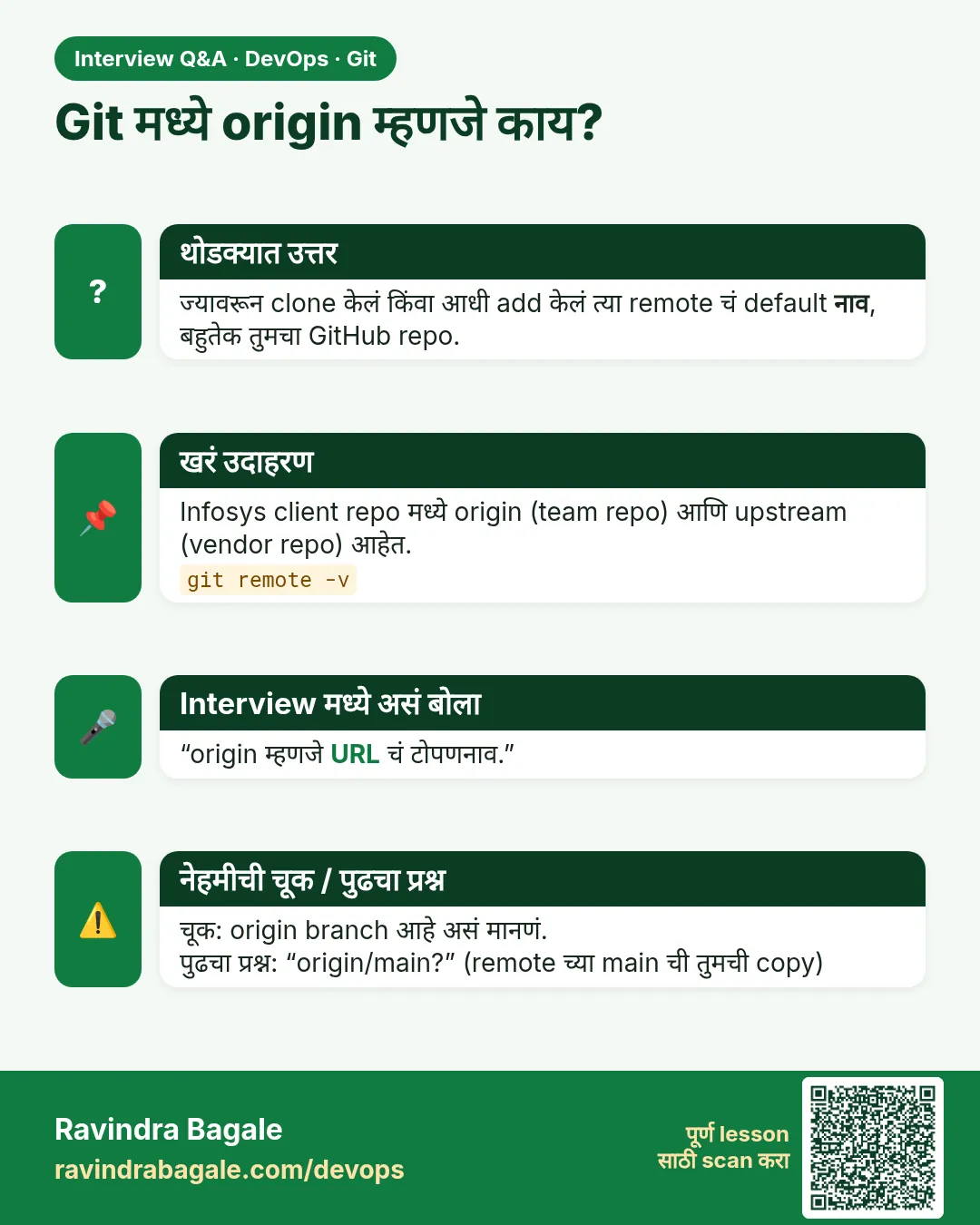 मुलाखत (Interview) card 3 of 13: Git मध्ये origin म्हणजे काय? · PNG download करा · Card page उघडा
Lesson: 2.3 Repository, remote and origin
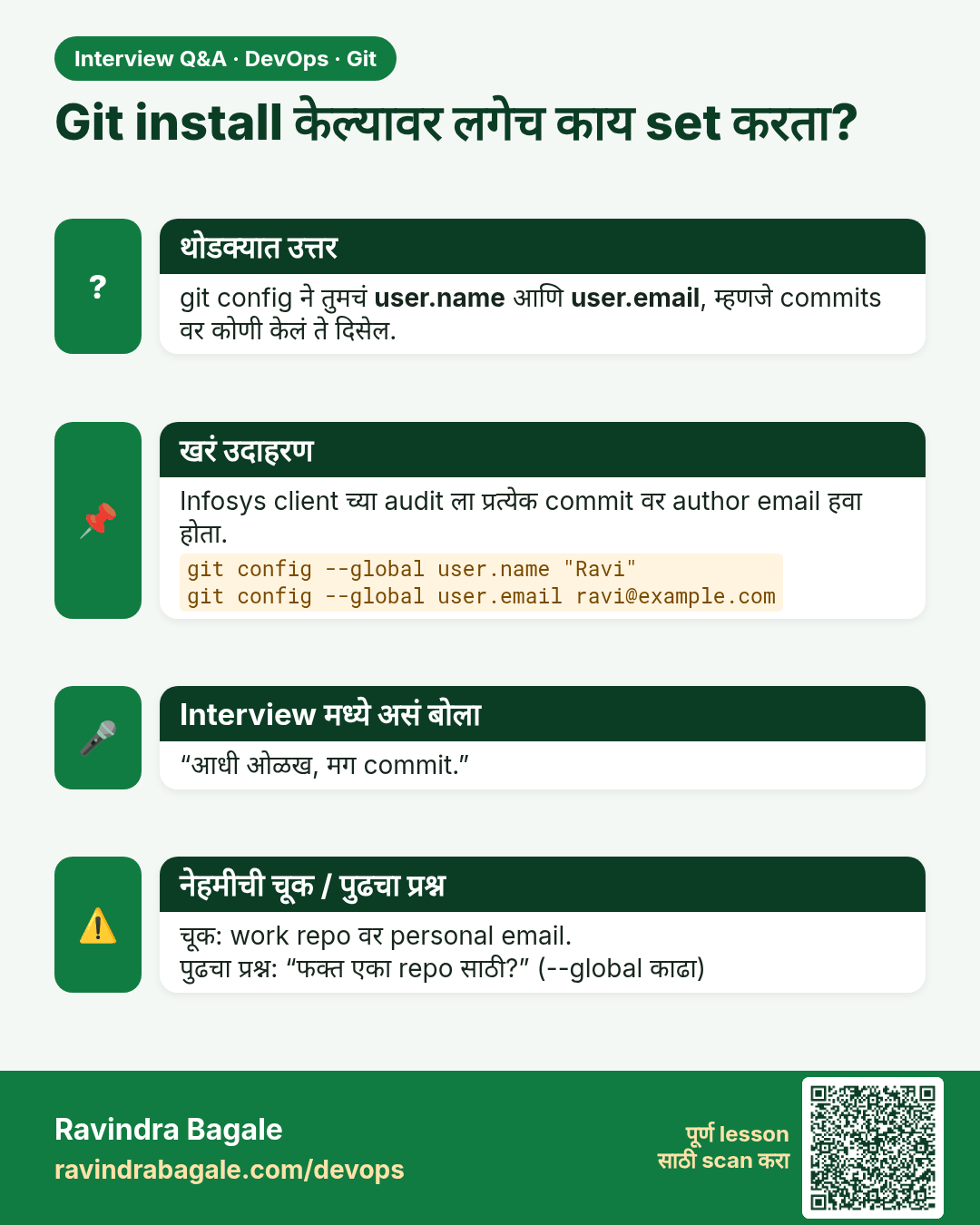
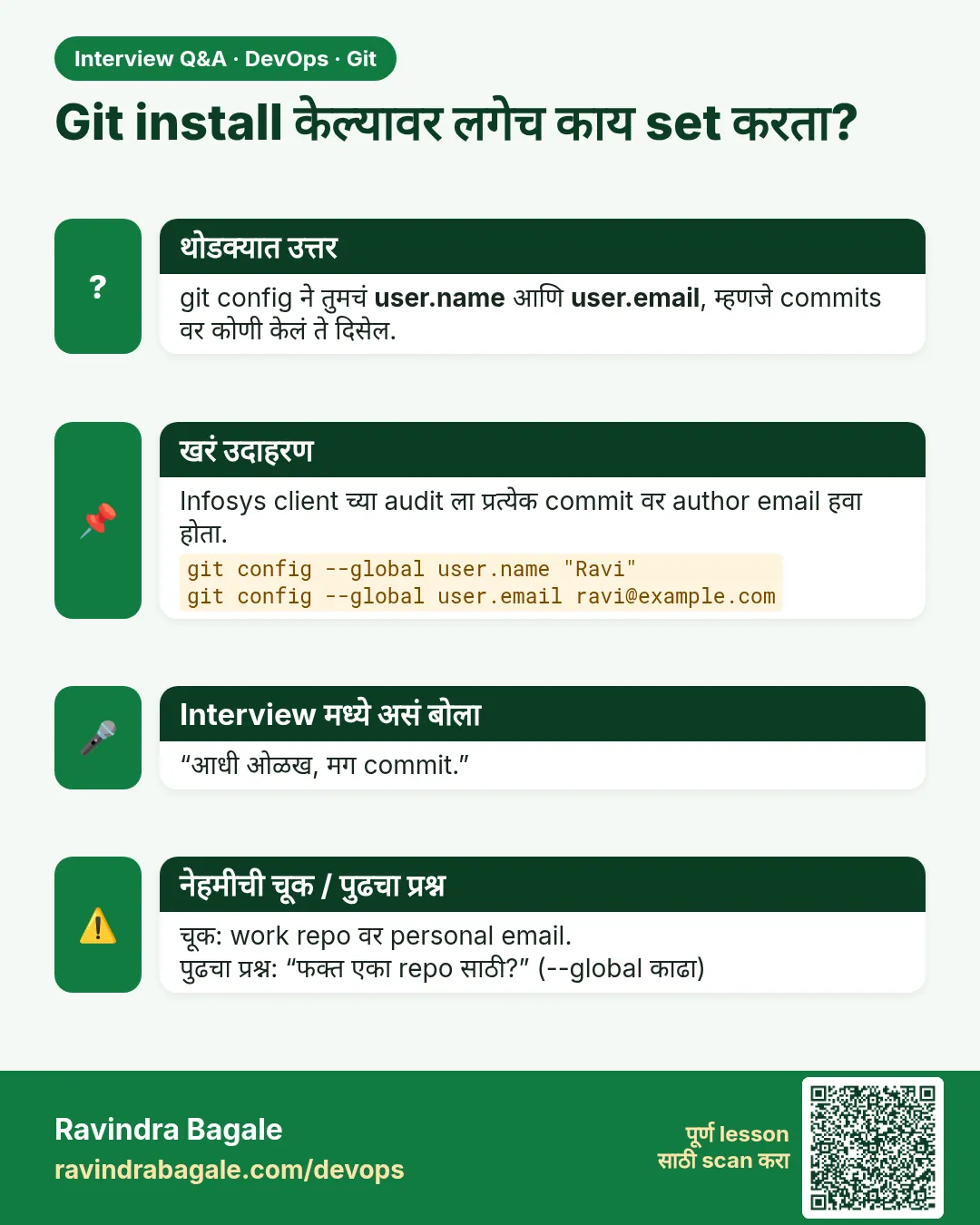 मुलाखत (Interview) card 4 of 13: Git install केल्यावर लगेच काय set करता? · PNG download करा · Card page उघडा
Lesson: 2.4 Install check and first vocabulary
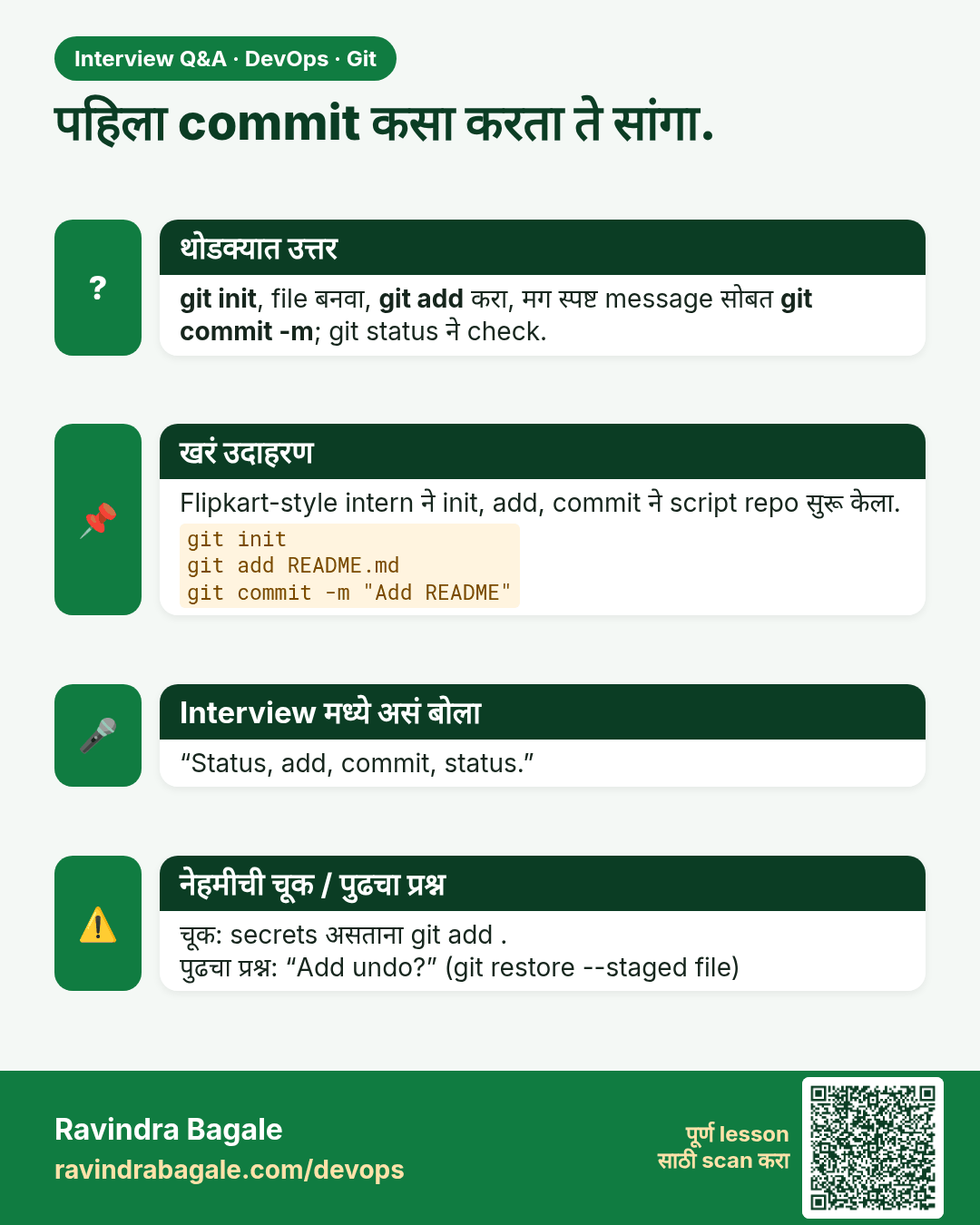
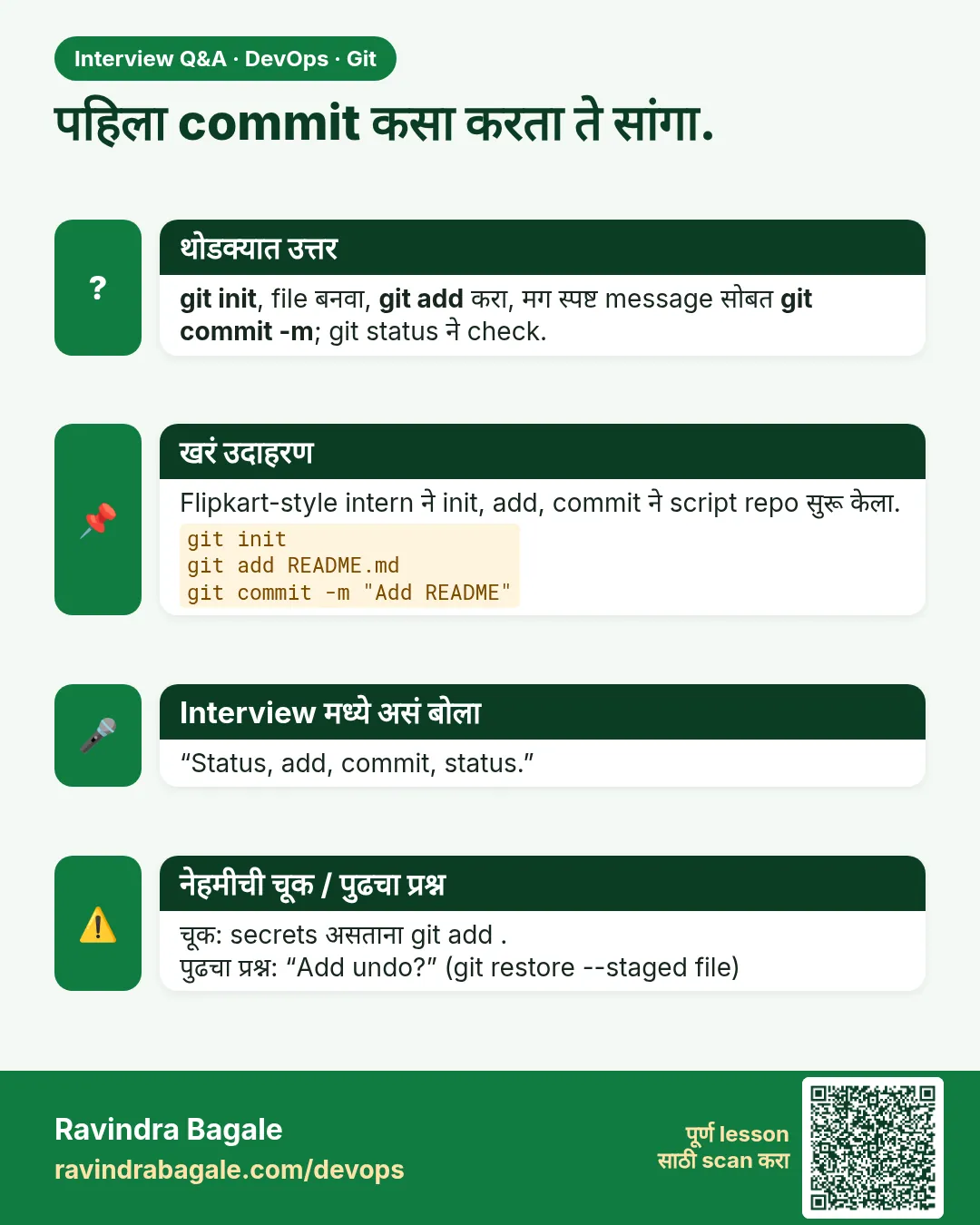 मुलाखत (Interview) card 5 of 13: पहिला commit कसा करता ते सांगा. · PNG download करा · Card page उघडा
Lesson: 2.5 init, status, add, commit — first repo
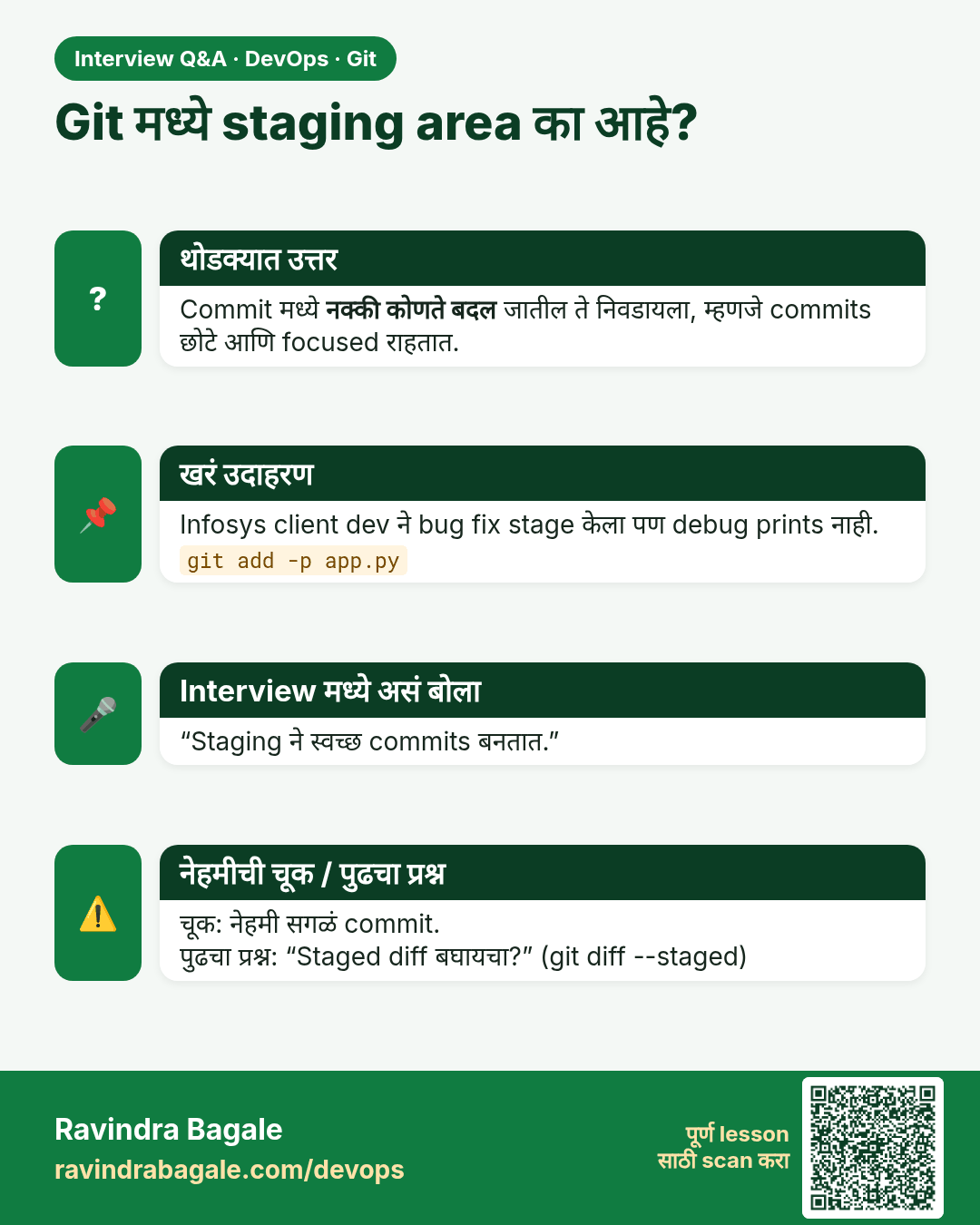
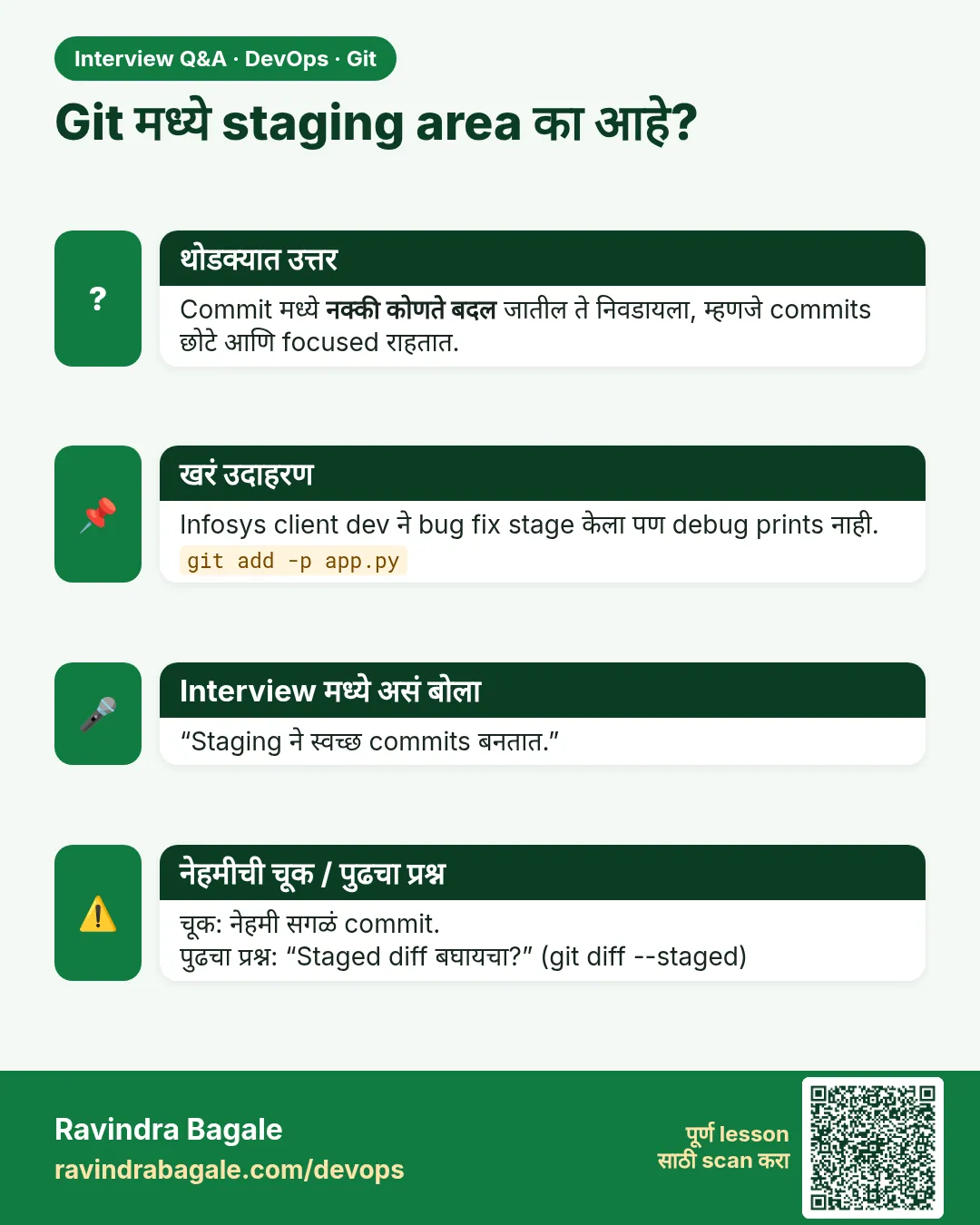 मुलाखत (Interview) card 6 of 13: Git मध्ये staging area का आहे? · PNG download करा · Card page उघडा
Lesson: 2.6 The staging area — mental model
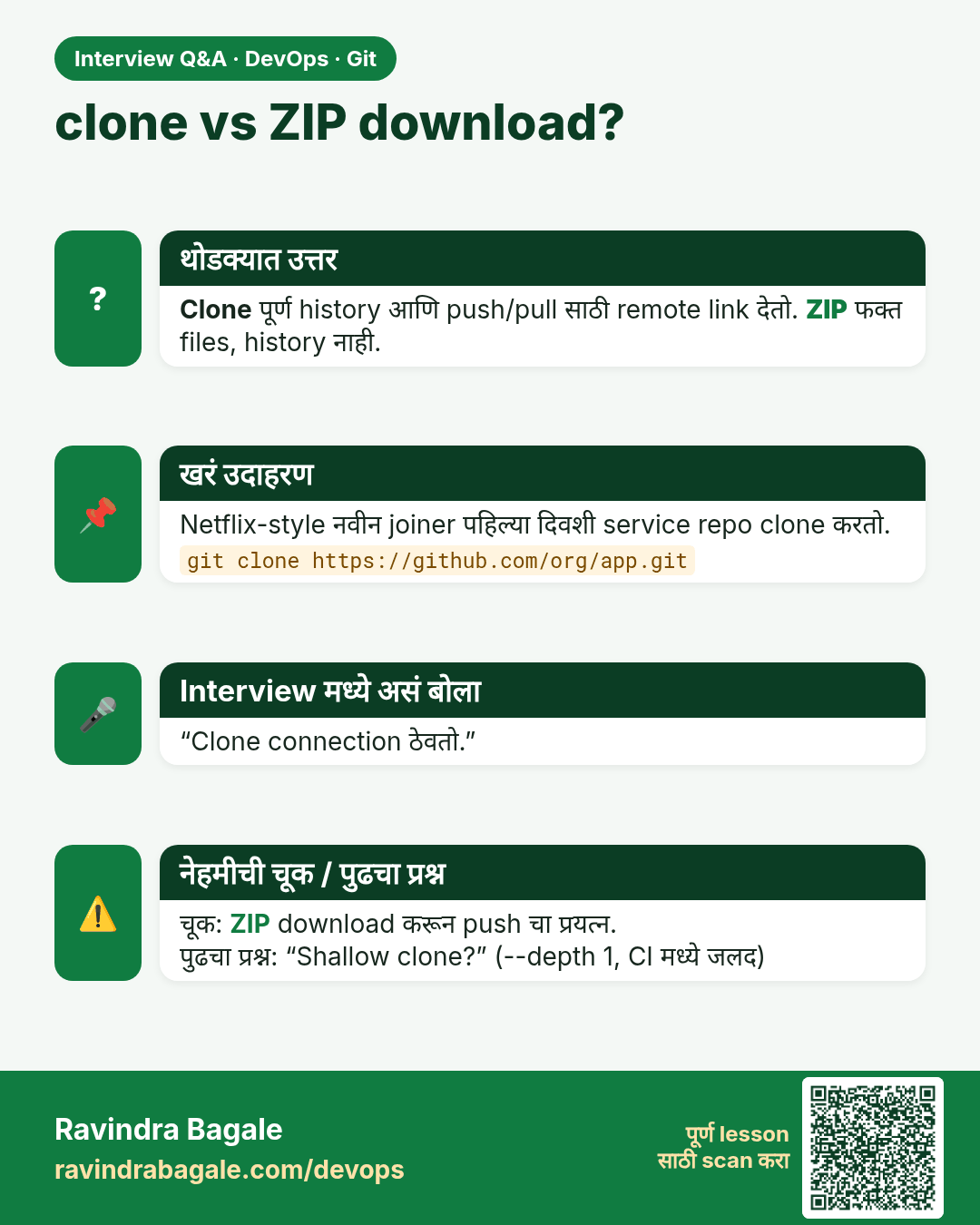
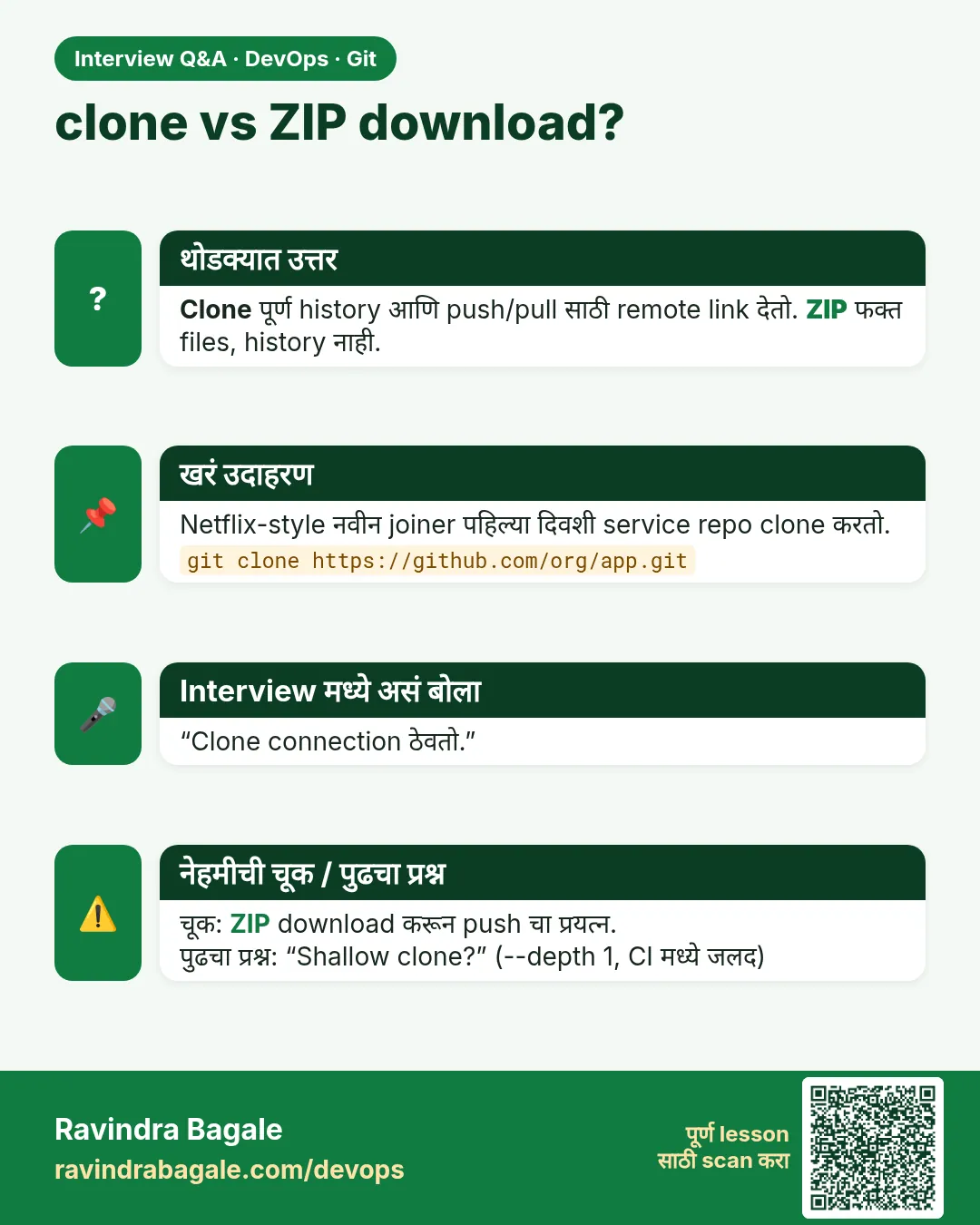 मुलाखत (Interview) card 7 of 13: clone vs ZIP download? · PNG download करा · Card page उघडा
Lesson: 2.7 clone — copy an existing repo
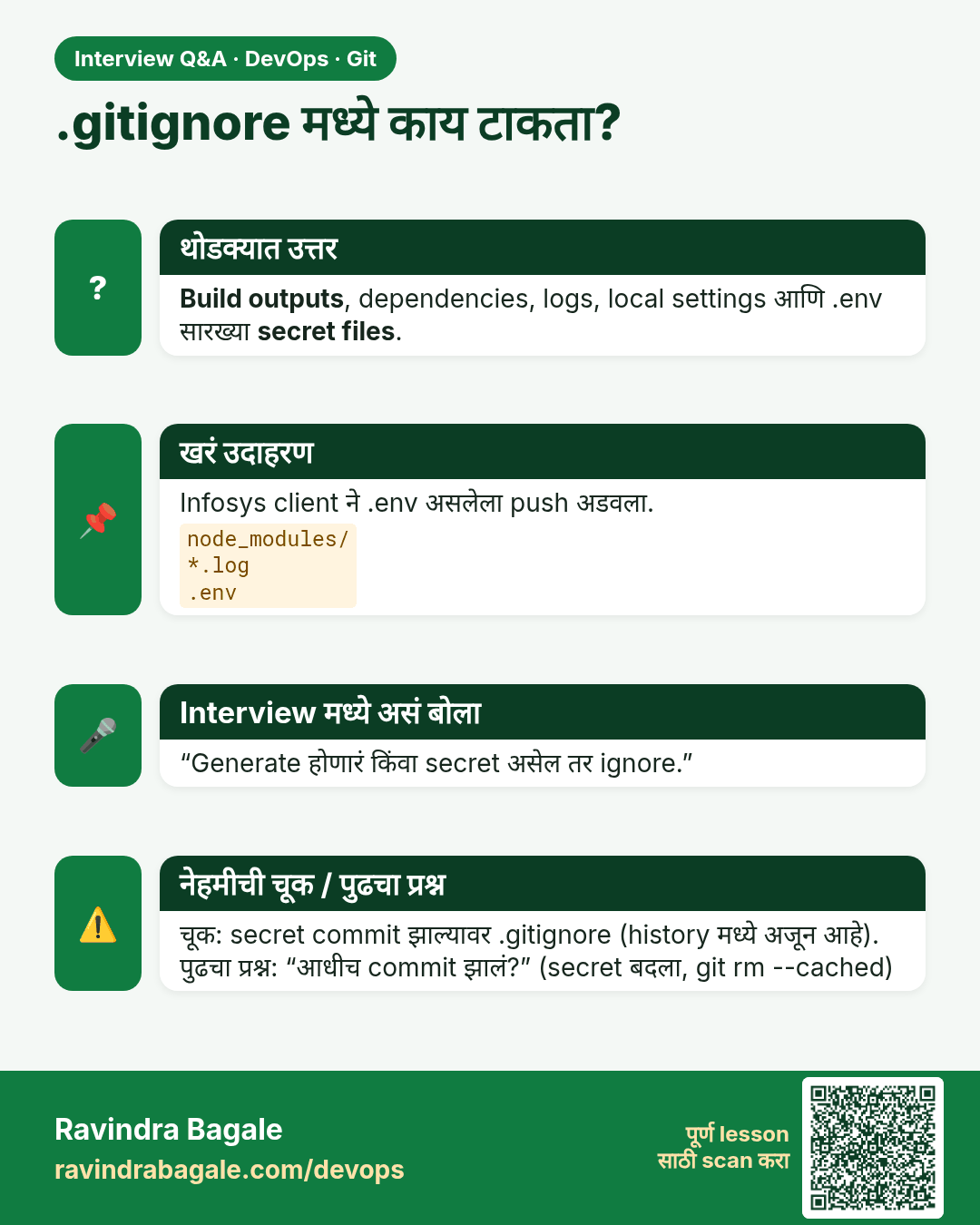
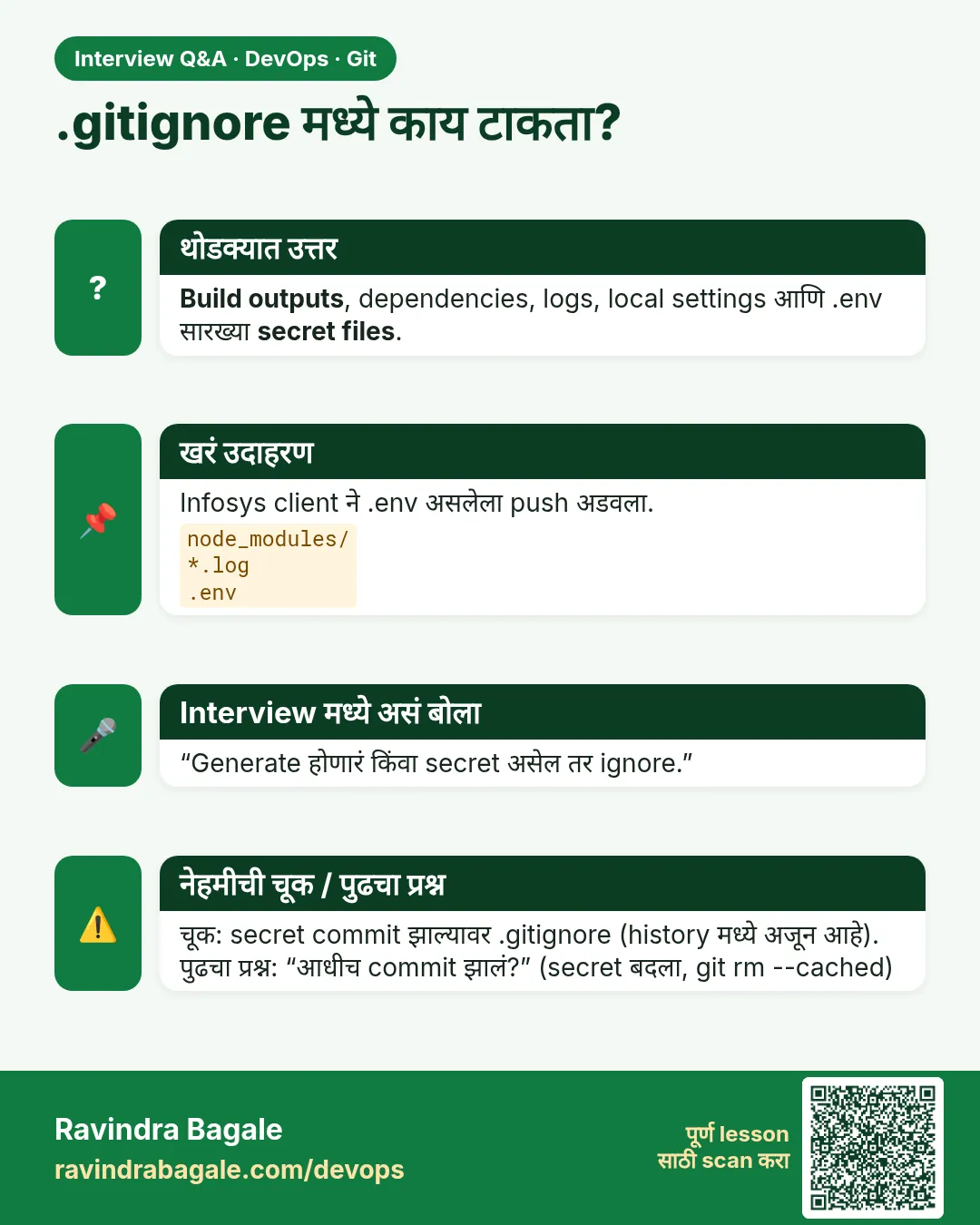 मुलाखत (Interview) card 8 of 13: .gitignore मध्ये काय टाकता? · PNG download करा · Card page उघडा
Lesson: 2.8 .gitignore — keep junk and secrets out
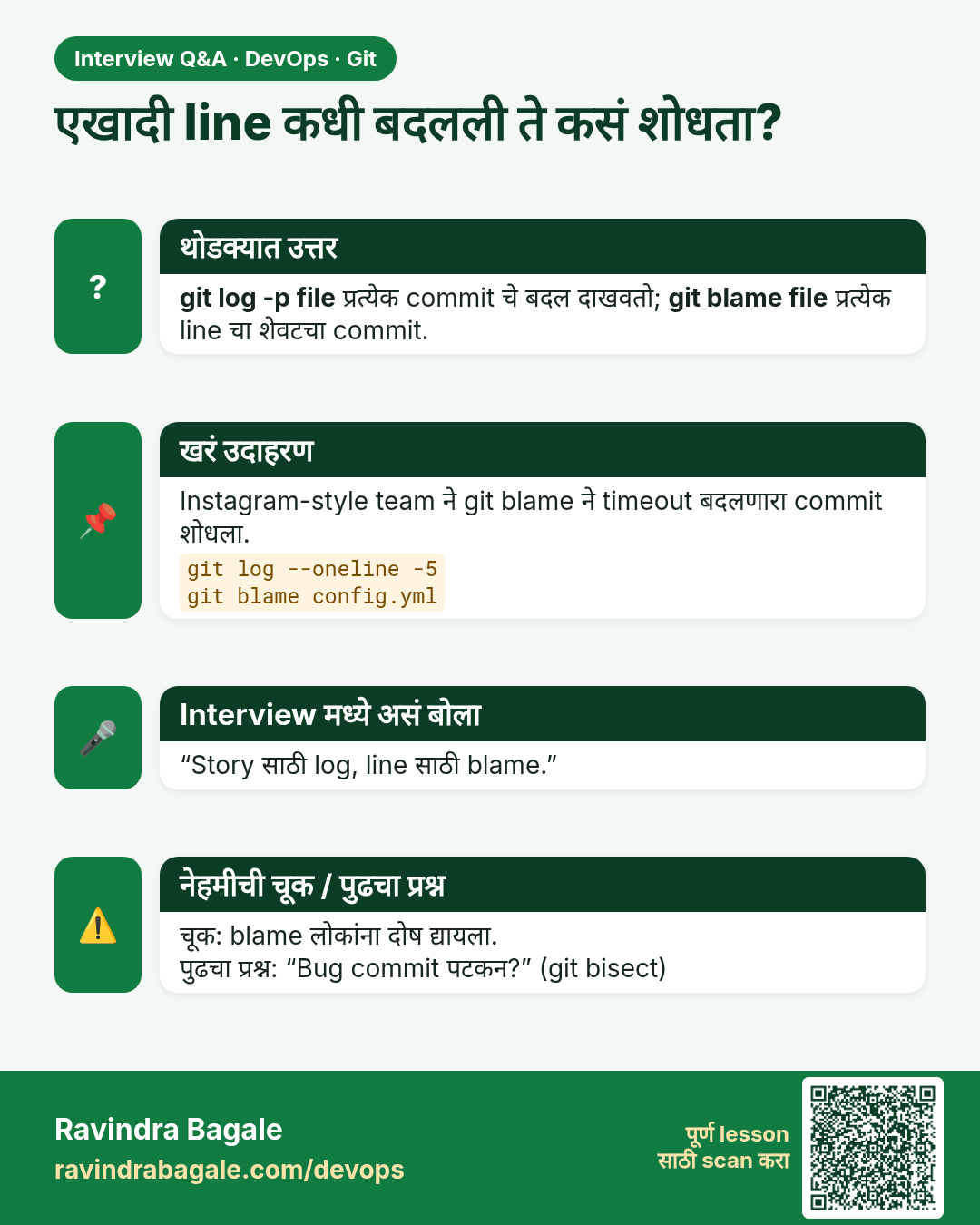
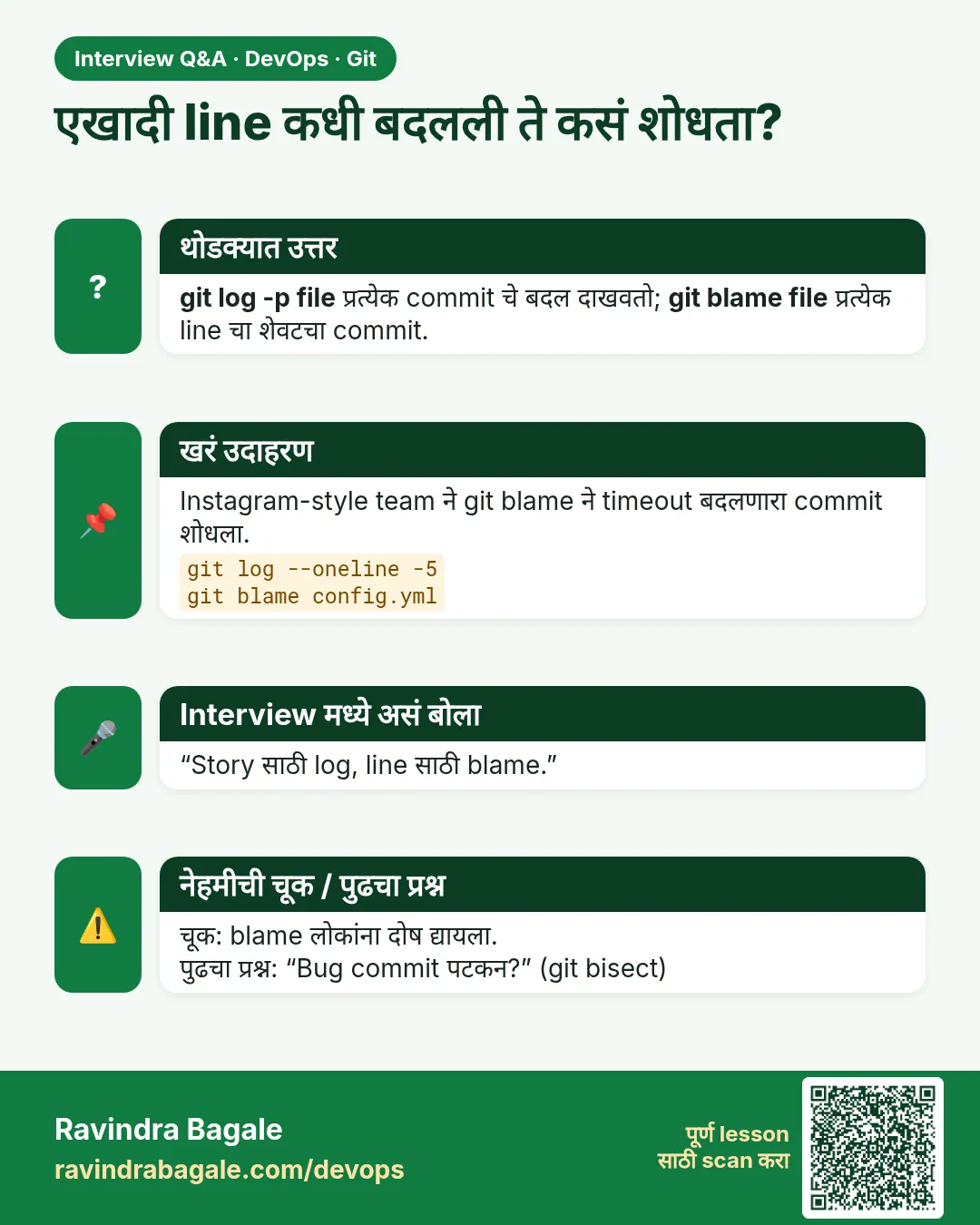 मुलाखत (Interview) card 9 of 13: एखादी line कधी बदलली ते कसं शोधता? · PNG download करा · Card page उघडा
Lesson: 2.9 git log — read the story
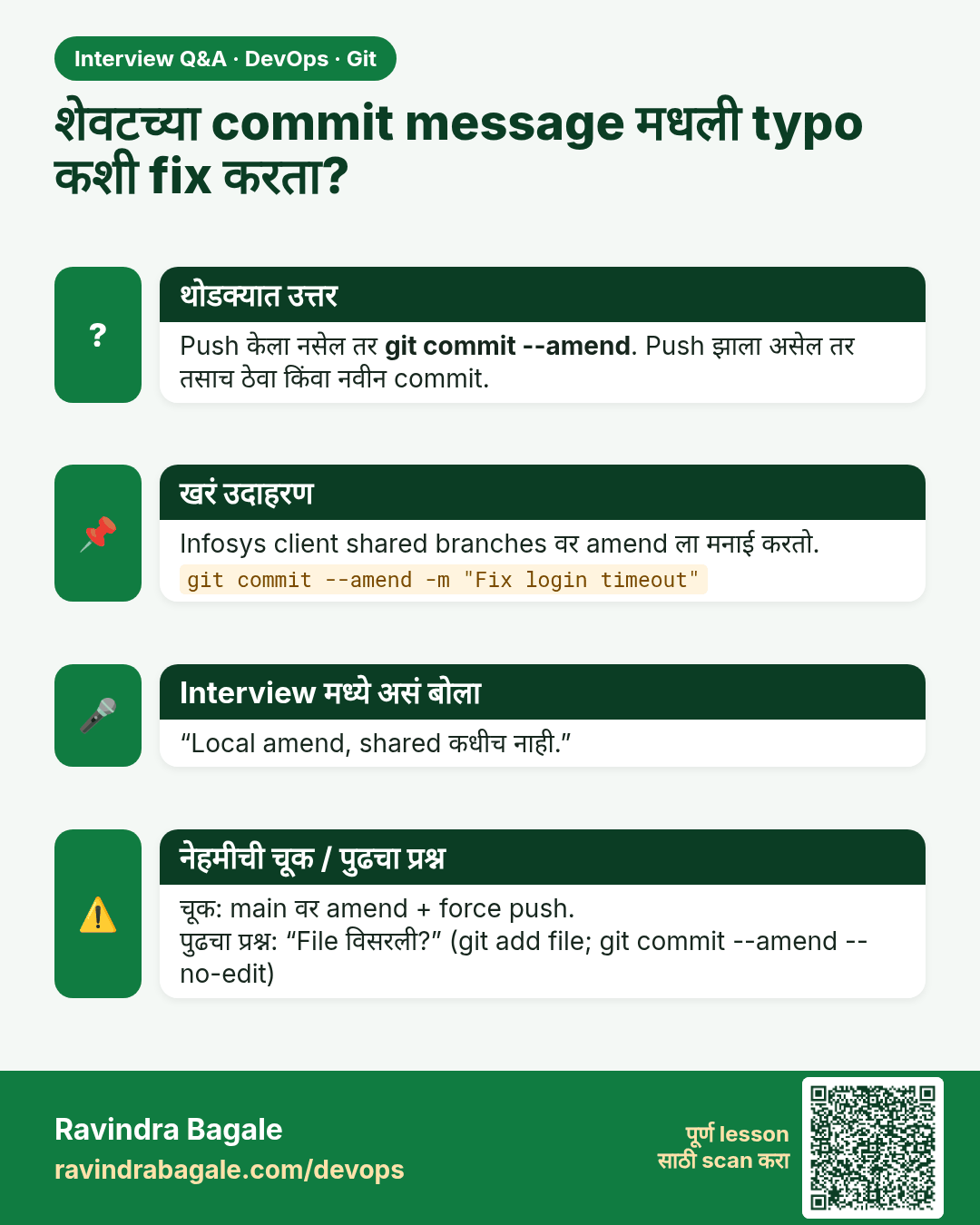
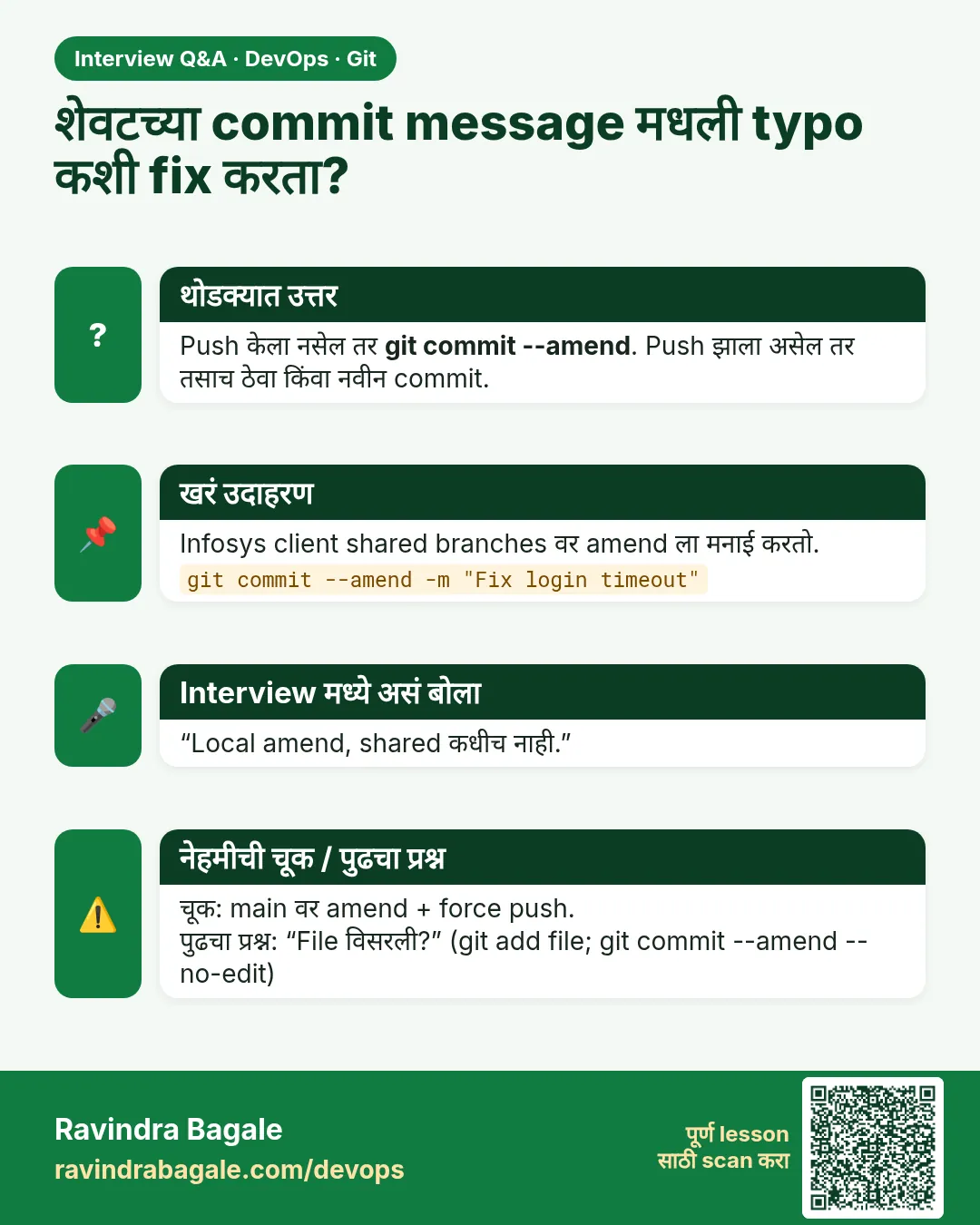 मुलाखत (Interview) card 10 of 13: शेवटच्या commit message मधली typo कशी fix करता? · PNG download करा · Card page उघडा
Lesson: 2.10 Undo safely — restore and amend
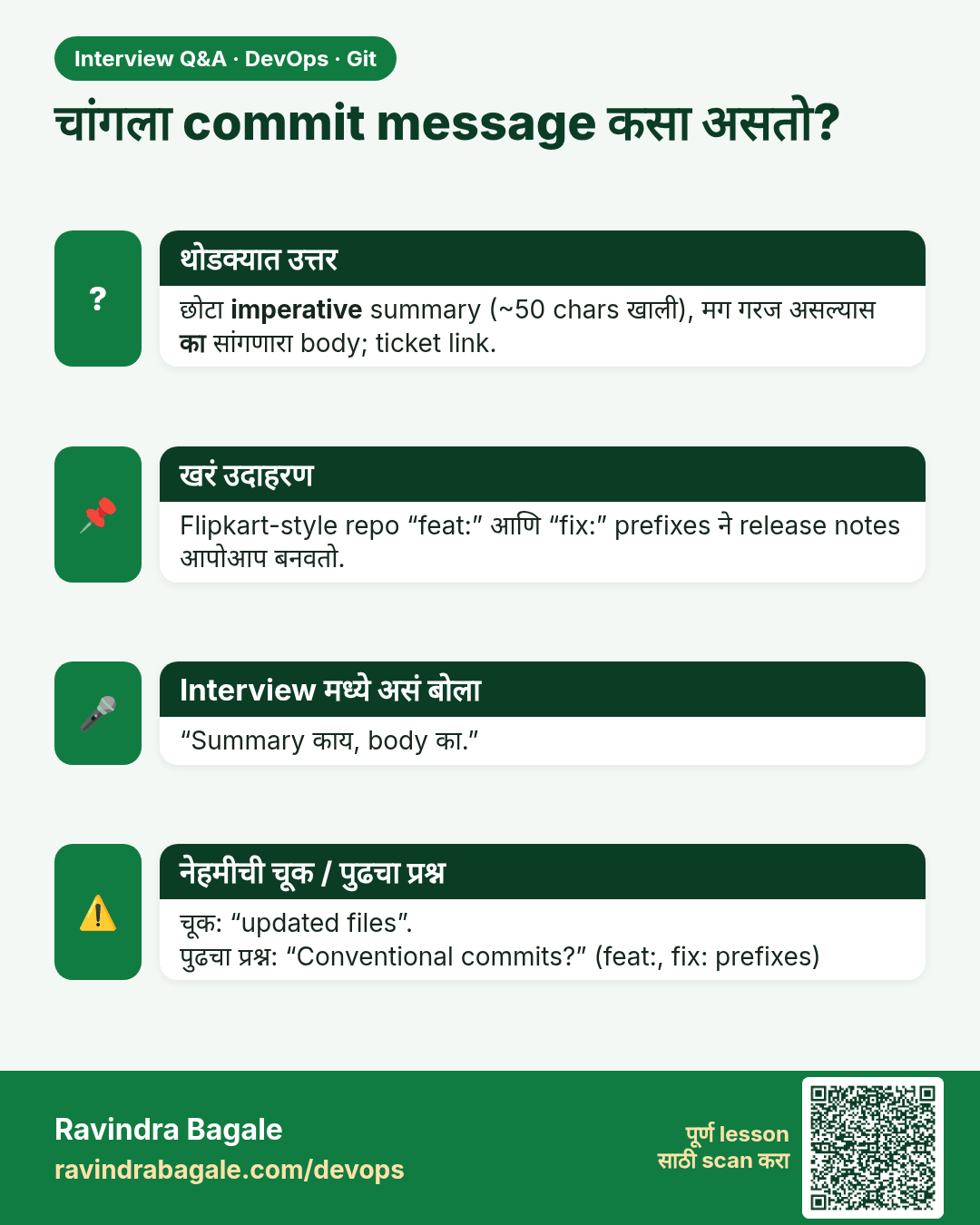
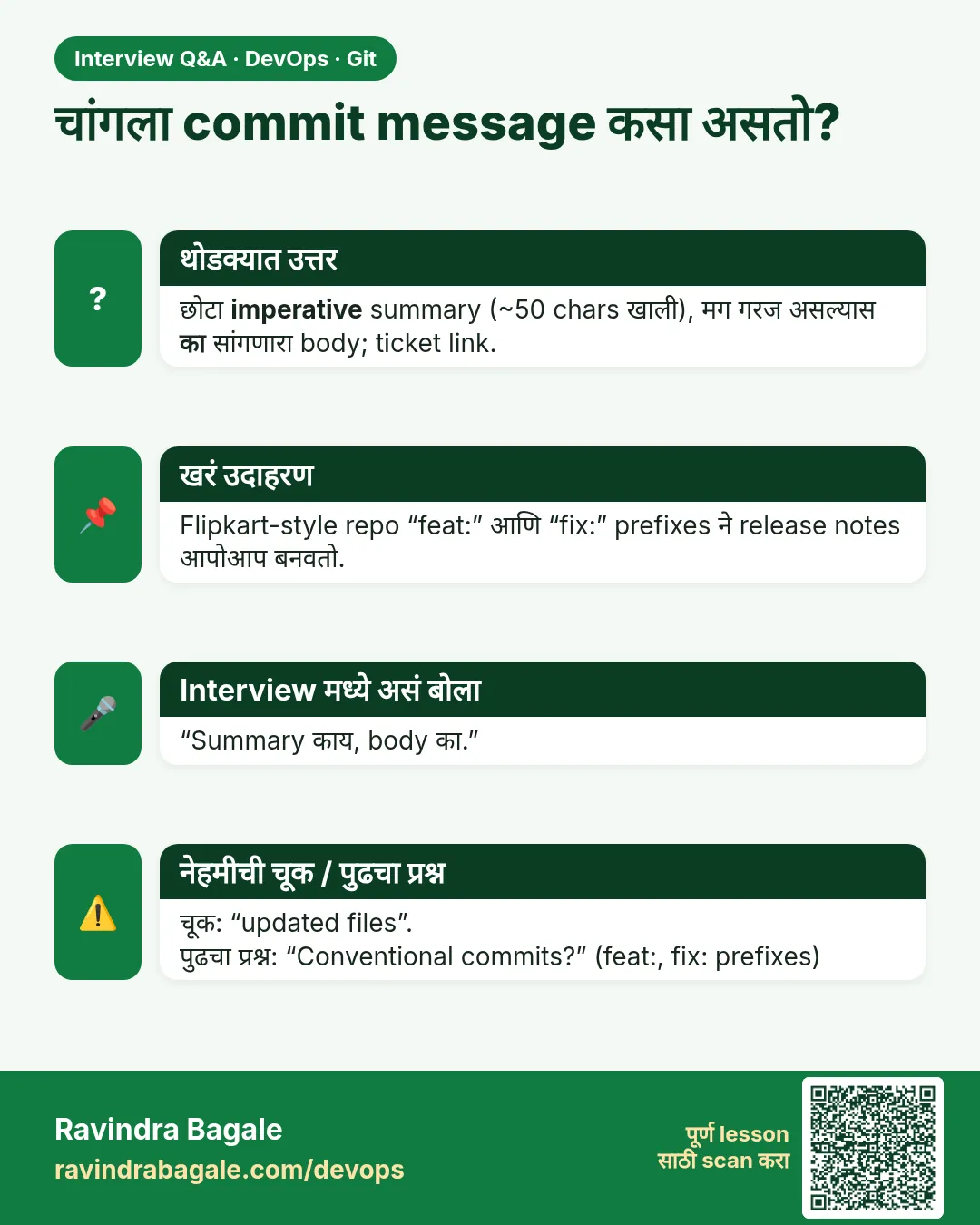 मुलाखत (Interview) card 11 of 13: चांगला commit message कसा असतो? · PNG download करा · Card page उघडा
Lesson: 2.11 Commit message hygiene
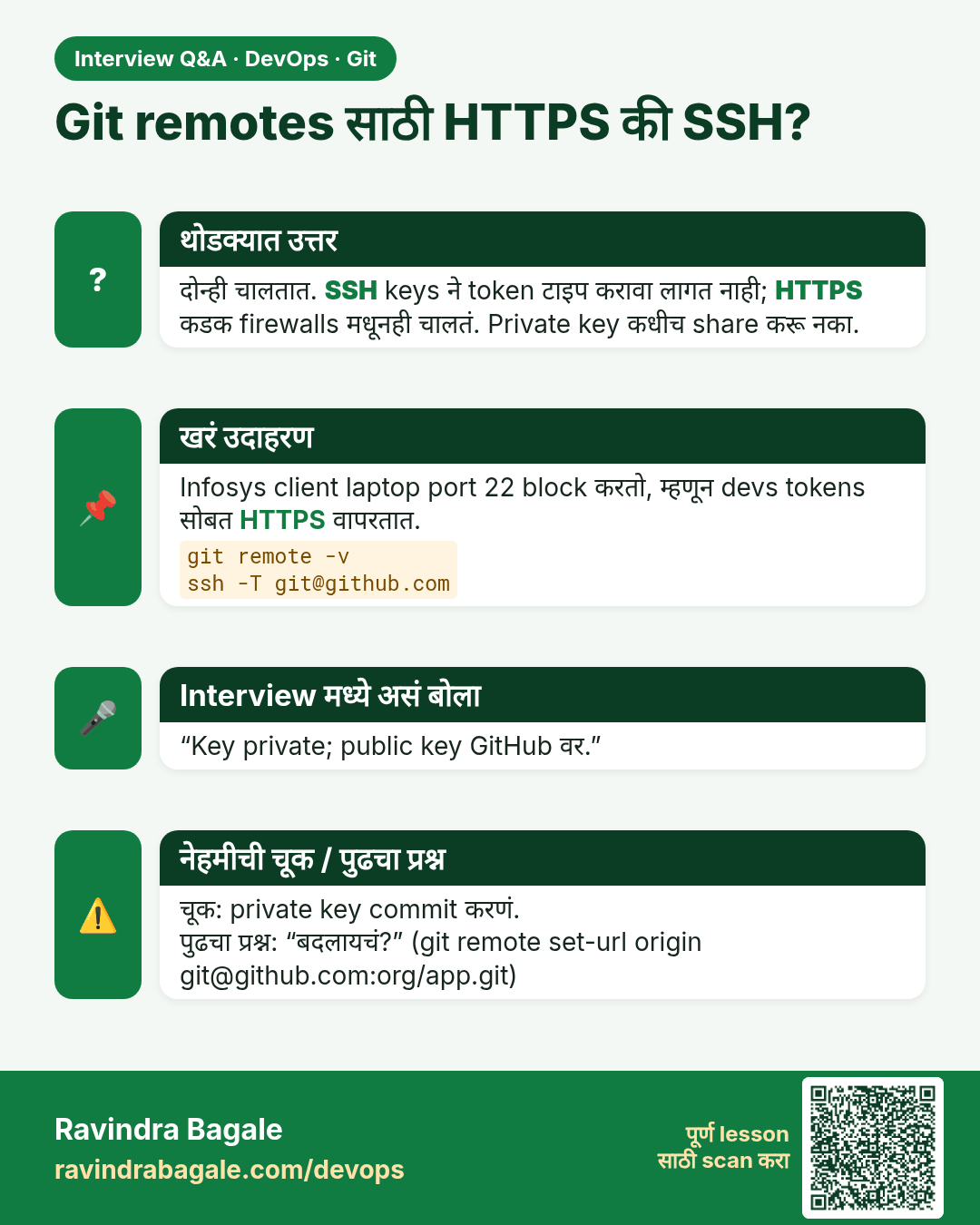
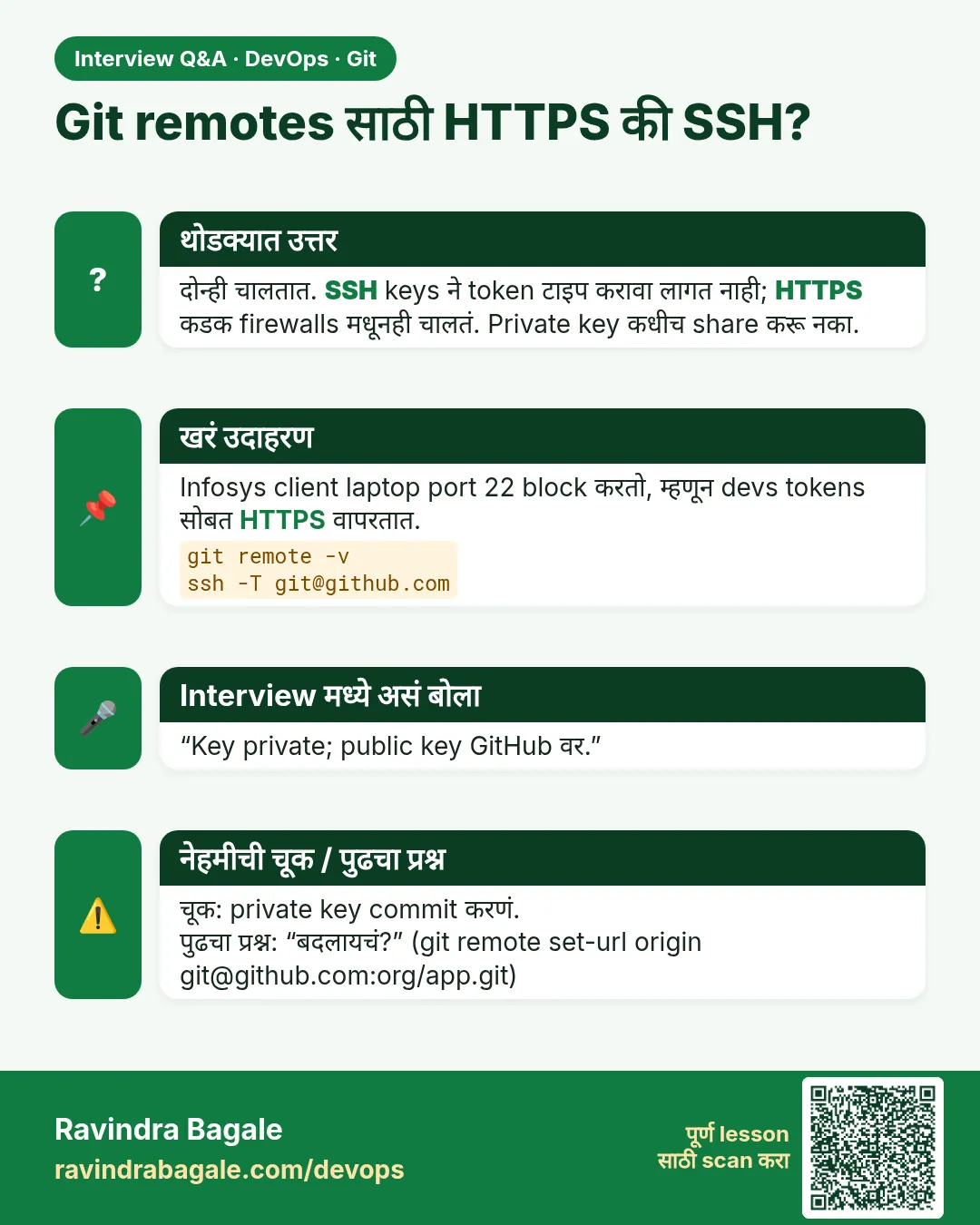 मुलाखत (Interview) card 12 of 13: Git remotes साठी HTTPS की SSH? · PNG download करा · Card page उघडा
Lesson: 2.12 HTTPS vs SSH, and git remote -v
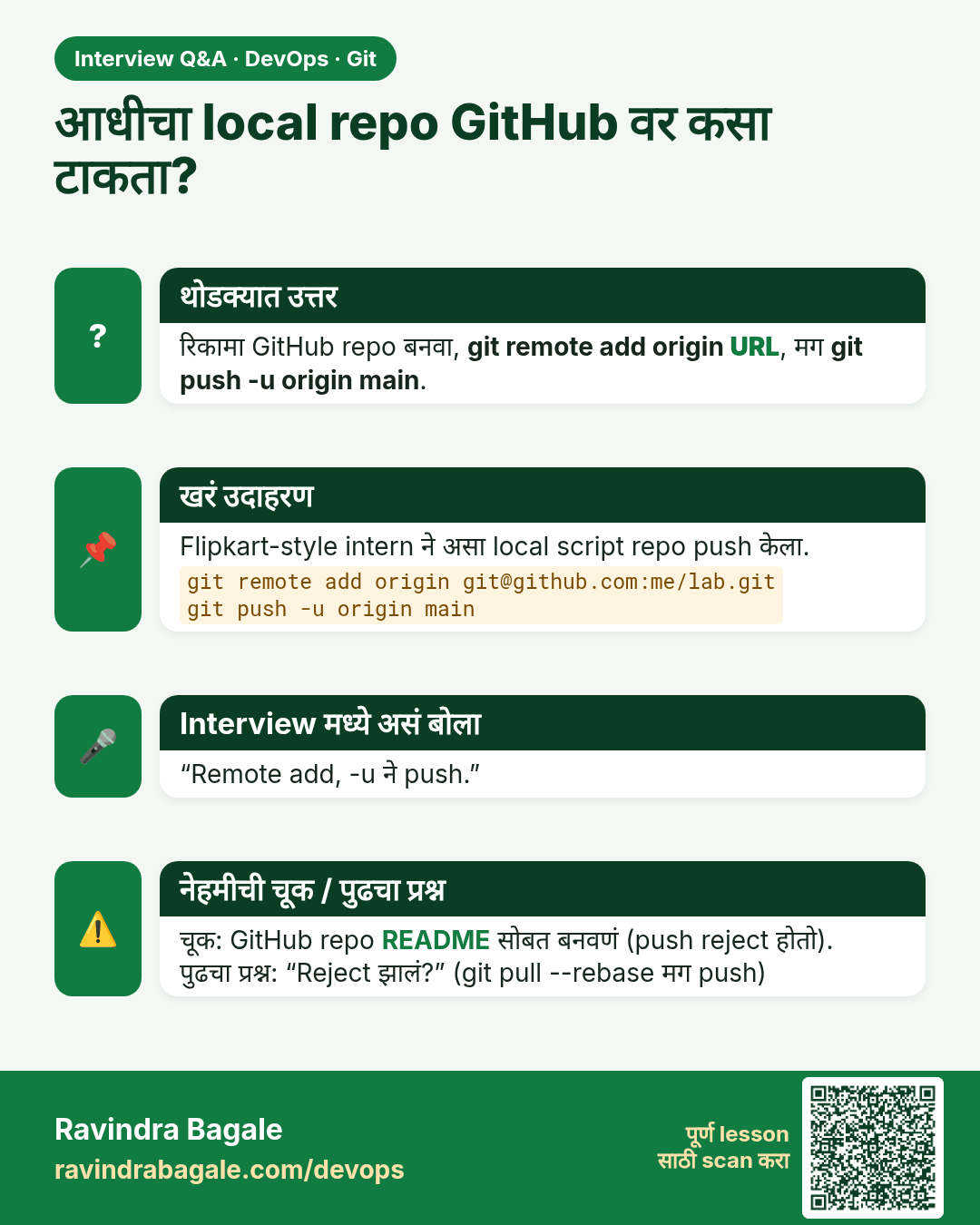
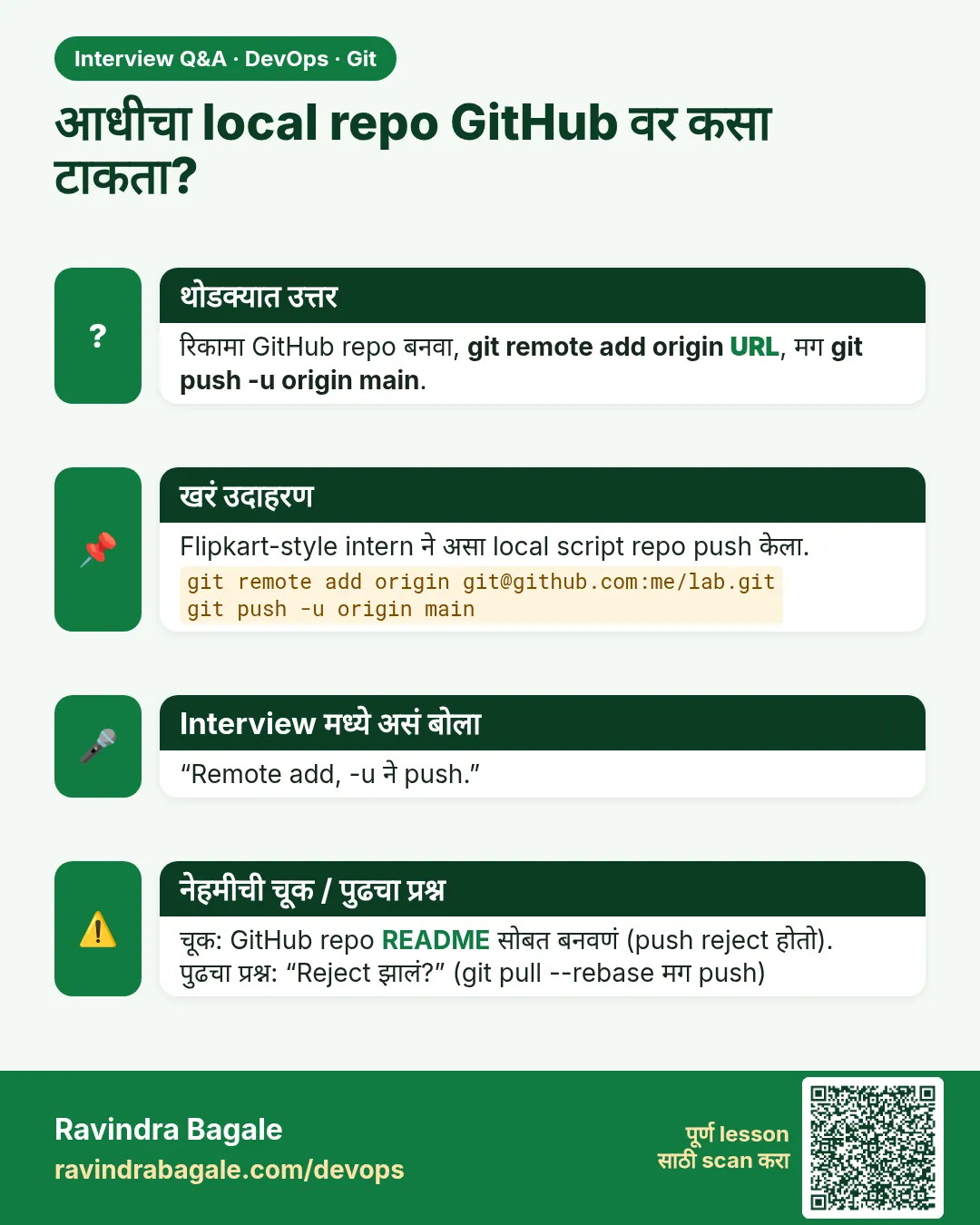 मुलाखत (Interview) card 13 of 13: आधीचा local repo GitHub वर कसा टाकता? · PNG download करा · Card page उघडा
Lesson: 2.13 Lab — three commits and one remote
तुलना (Comparison) cards
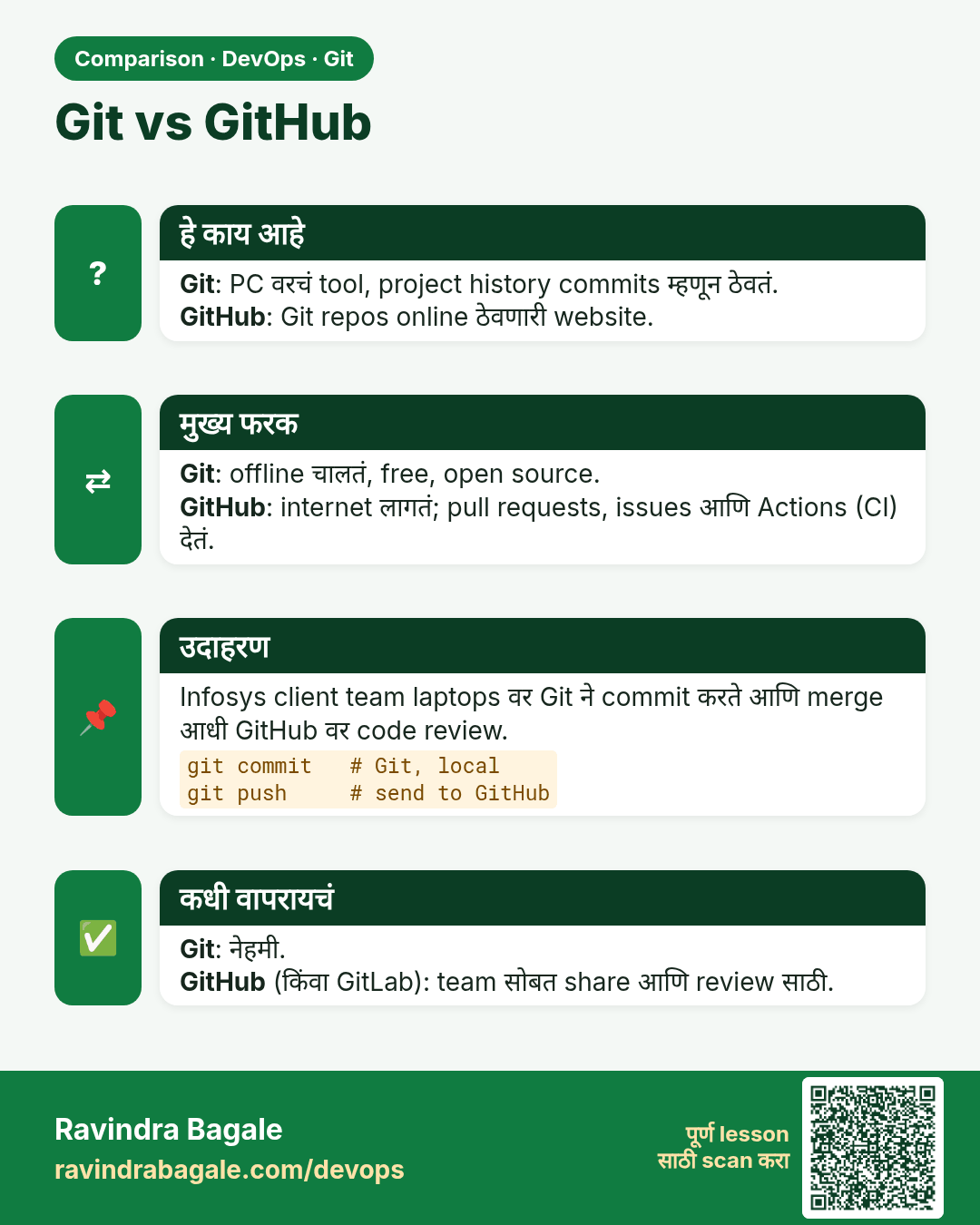
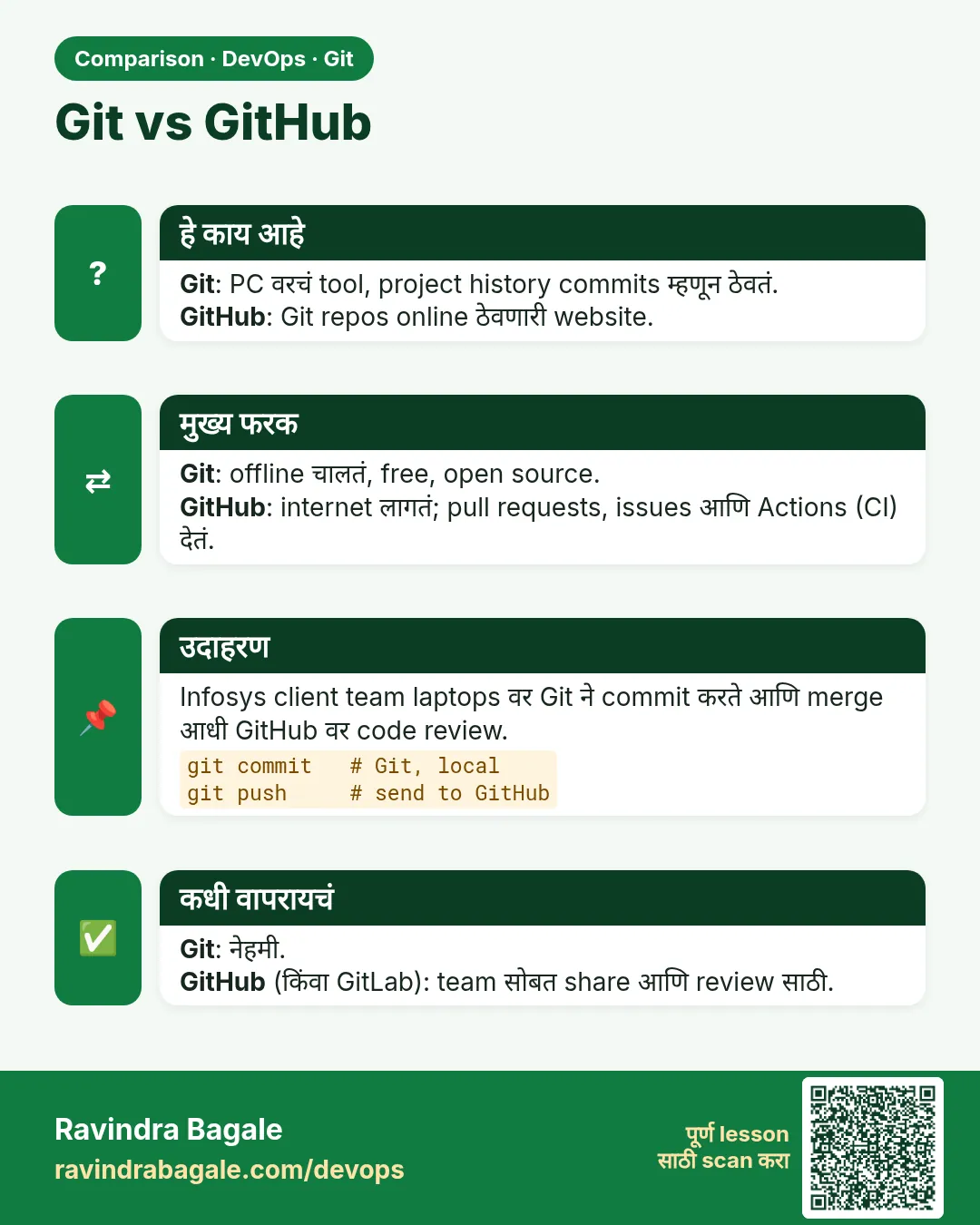 तुलना (Comparison) card 1 of 3: Git vs GitHub · PNG download करा · Card page उघडा
Lesson: 2.2 Git vs GitHub vs Git Bash
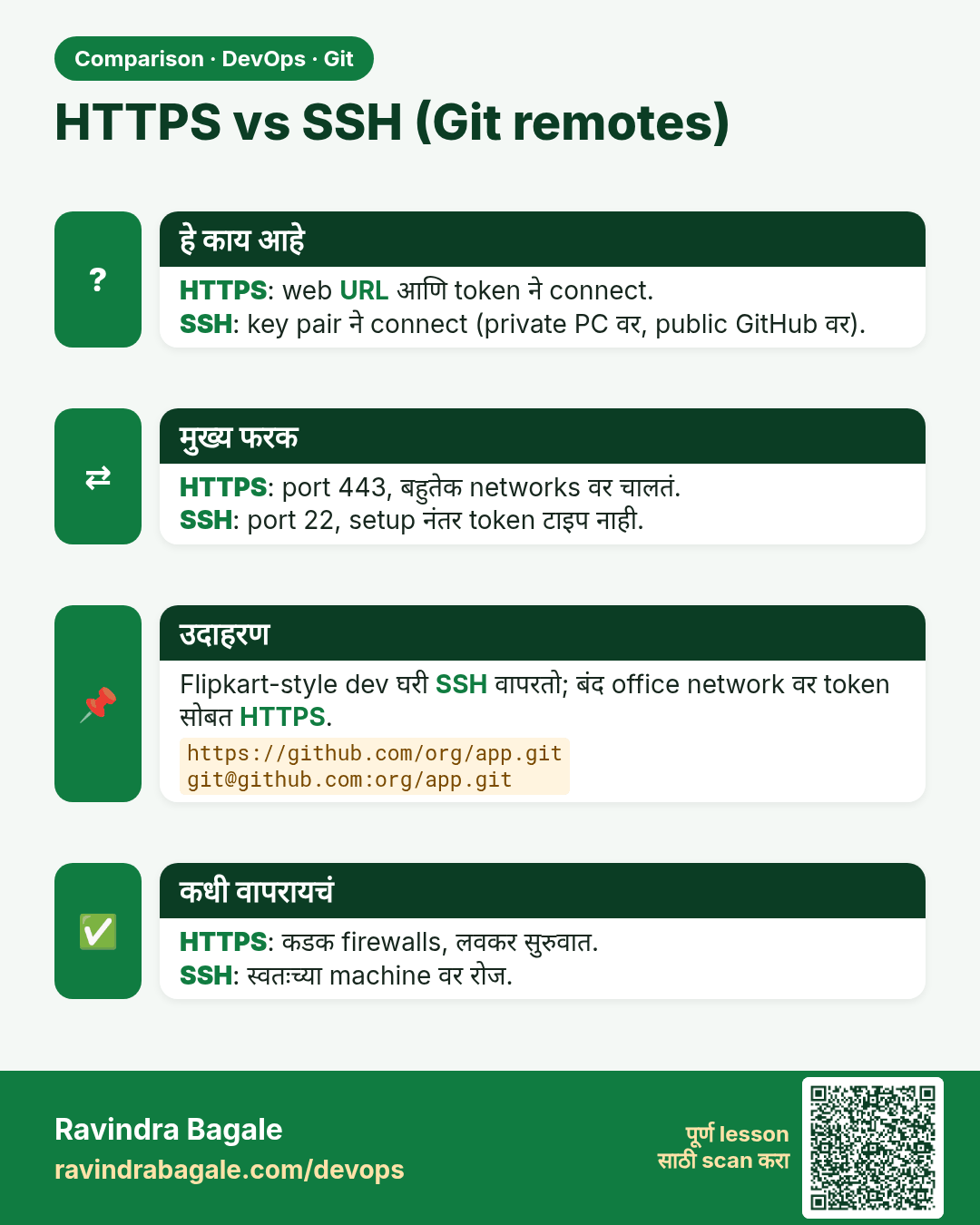
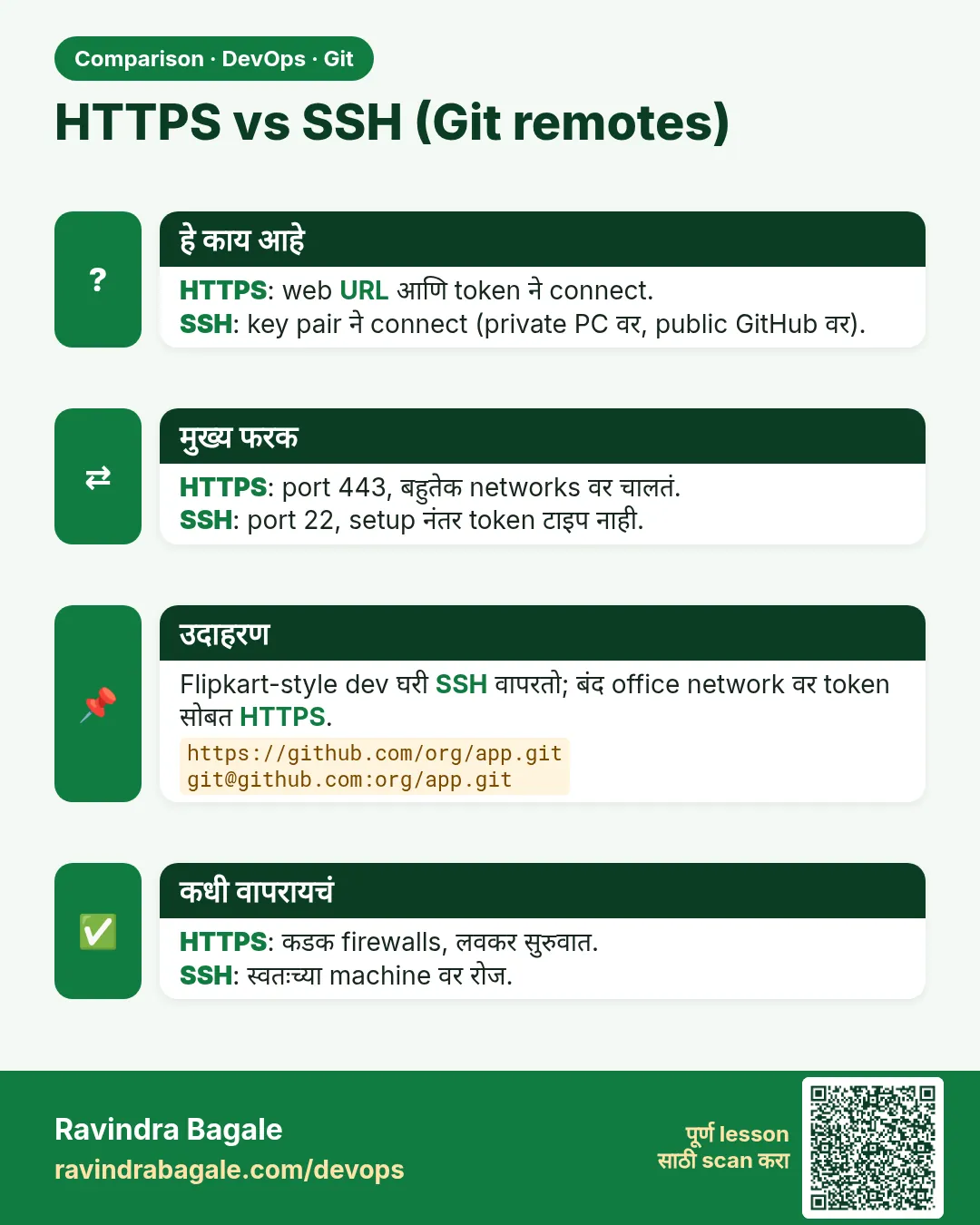 तुलना (Comparison) card 2 of 3: HTTPS vs SSH (Git remotes) · PNG download करा · Card page उघडा
Lesson: 2.12 HTTPS vs SSH, and git remote -v
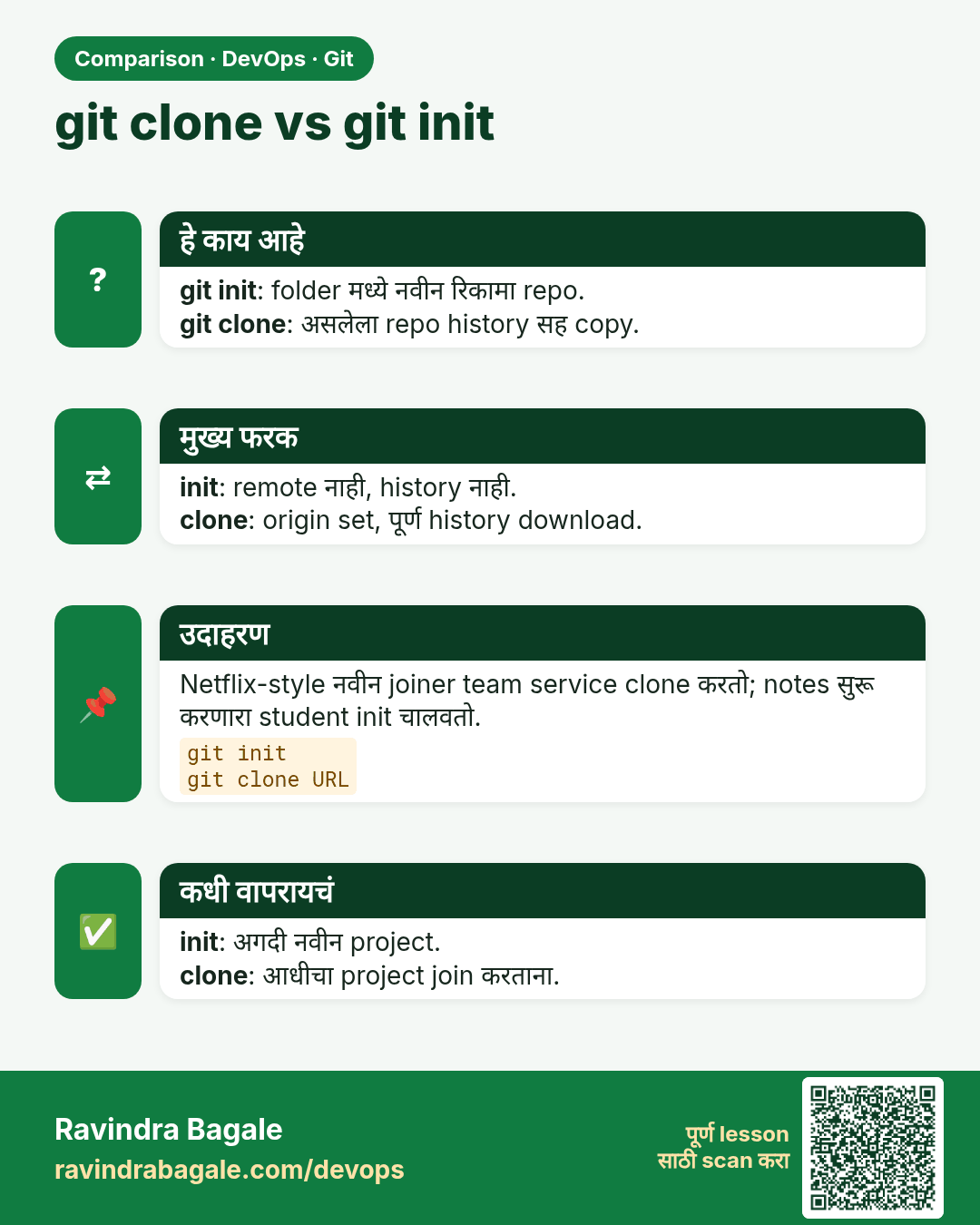
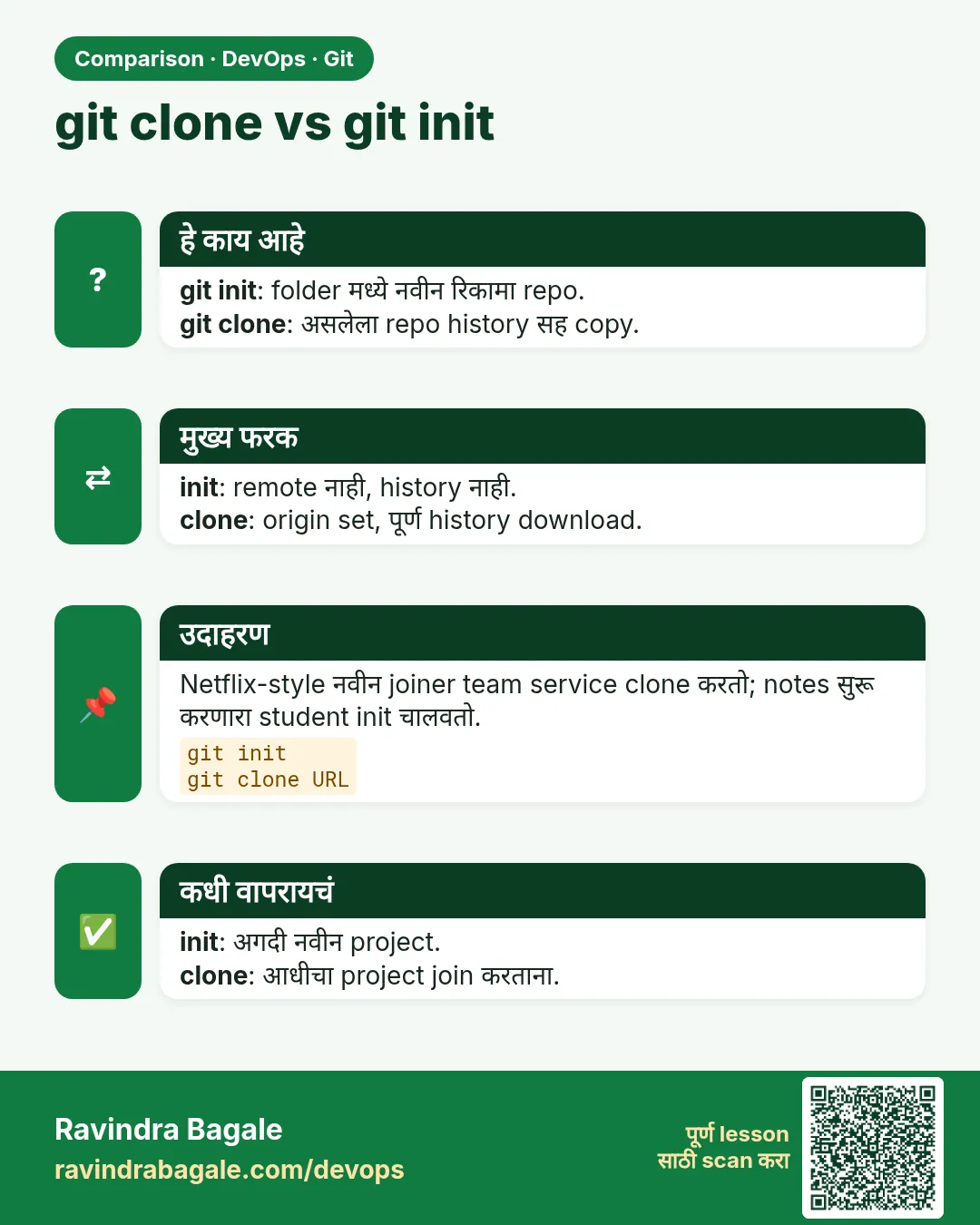 तुलना (Comparison) card 3 of 3: git clone vs git init · PNG download करा · Card page उघडा
Lesson: 2.7 clone — copy an existing repo