Chapter 2: Git, GitHub and Git Bash
2.6 The staging area — mental model
Why: the problem
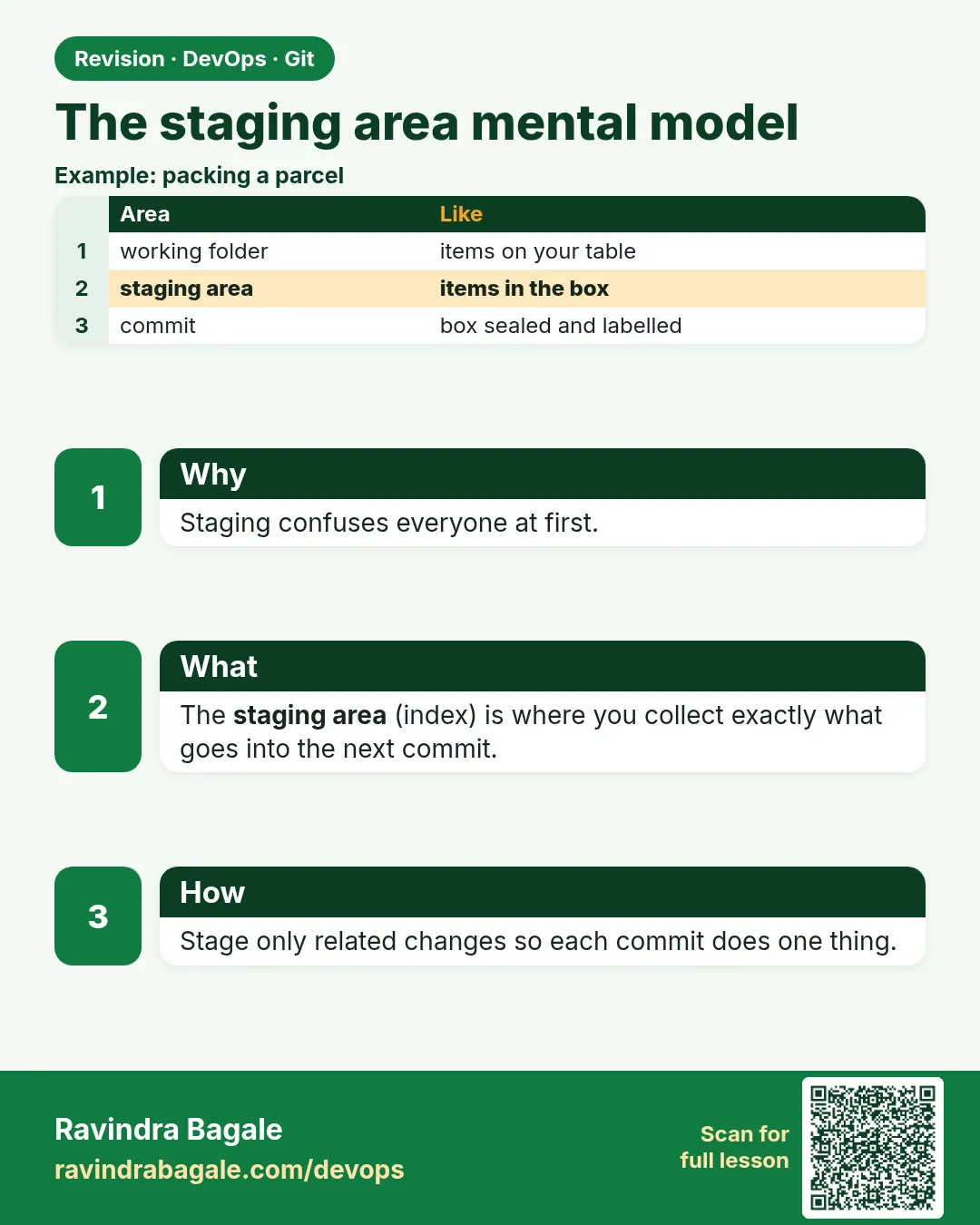
Many people ask: why does Git have a staging area? Why not just save everything? Think of Amazon packing a box. The warehouse has many items, but the box only gets what this order needs. The staging area is that box. Your working tree may have a bug fix, a half-done feature and a debug print. You put only the bug fix in the box and ship it as one commit. The rest waits. At Swiggy or Paytm, reviewers want one idea per commit, so staging is used every day. In this lesson you will see the three areas with real commands, stage part of a file with git add -p, unstage with git restore --staged, and compare git diff with git diff --staged.
What we will build
You will make three different changes in hello-shop, then build two clean commits from them using git add -p, while leaving the debug change out. You will see the three areas move with each command.
What: every term in plain English
- Working tree — Files on disk you edit.
- Staging area (index) — The box for the next commit.
- Repository — The saved commits in .git.
- git add -p — Stage part of a file, one hunk at a time.
- Hunk — One block of changed lines.
- git diff — Changes not yet staged.
- git diff --staged — Changes staged for the next commit.
- git restore --staged — Take a file out of the box, keep the edit.
How: step by step
-
Go to the repo
cd ~/devops-lab/hello-shop && git status --shortWhat it does: Start clean.
Output
(no output) -
Make three edits
sed -i 's/v1/v2/' app.py && echo "- add payments" >> README.md && echo "print(\"debug\")" >> app.pyWhat it does: Version bump, doc line, and a debug line.
Output
(no output) -
See unstaged changes
git diff --statWhat it does: Two files changed.
Output
README.md | 1 + app.py | 3 ++- -
Stage only the version hunk
git add -p app.pyWhat it does: Answer y for the version hunk, n for the debug hunk.
Output
Stage this hunk [y,n,q,a,d,s,e,?]? y Stage this hunk [y,n,q,a,d,s,e,?]? n -
Compare the two diffs
git diff --staged --stat; git diff --statWhat it does: Version in the box; debug still outside.
Output
app.py | 2 +- --- app.py | 1 + README.md | 1 + -
Commit the box
git commit -m "Bump version to v2"What it does: Only the staged hunk is saved.
Output
[main 6d7e8f9] Bump version to v2 -
Commit README separately
git add README.md && git commit -m "Note payments plan in README"What it does: Second clean commit.
Output
[main 0a1b2c3] Note payments plan in README
Example 1: Watch one file live in all three areas
Stack. Git
Goal. Watch one file live in all three areas.
three-areas.sh
cd ~/devops-lab/hello-shop
echo "line A" > demo.txt; git add demo.txt; git commit -qm "Add demo"
echo "line B" >> demo.txt; git add demo.txt
echo "line C" >> demo.txt
echo "--- repo";    git show HEAD:demo.txt
echo "--- staged";  git show :demo.txt
echo "--- disk";    cat demo.txt
What each line does
git show HEAD:demo.txt— The file in the last commit.git show :demo.txt— The file in the staging area.cat demo.txt— The file on disk.
Green output
--- repo
line A
--- staged
line A
line B
--- disk
line A
line B
line C
Expected result. One file, three versions at the same time. This is the staging model in one picture.
Example 2: Unstage a file by mistake added
Stack. Git
Goal. Unstage a file by mistake added.
unstage.sh
echo "DB_PASSWORD=changeme" > .env
git add .
git status --short
git restore --staged .env
git status --short
rm .env
What each line does
git add .— Oops, this staged the .env file too.git restore --staged .env— Take it out of the box. The file stays on disk.rm .env— Remove the lab secret file. Add .env to .gitignore in 2.8.
Green output
A  .env
M  demo.txt
?? .env
M  demo.txt
Expected result. Nothing secret was committed. Unstage before you commit.
Example 3: Review exactly what you will commit
Stack. Git
Goal. Review exactly what you will commit.
review.sh
git diff --staged
git commit -m "Add line B to demo"
git diff
git add demo.txt && git commit -qm "Add line C to demo"
git log --oneline -3
What each line does
git diff --staged— The last check before commit.git diff— What is still outside the box.git log -3— Two small commits.
Green output
diff --git a/demo.txt b/demo.txt
 line A
+line B
[main 4d5e6f7] Add line B to demo
+line C
8a9b0c1 Add line C to demo
4d5e6f7 Add line B to demo
0a1b2c3 Note payments plan in README
Expected result. Always read git diff --staged before commit. It catches secrets and debug lines.
Example 4: Use the staging area in a real hotfix while a feature is half done
Stack. Git
Goal. Use the staging area in a real hotfix while a feature is half done.
hotfix.sh
cd ~/devops-lab/hello-shop
# half-done feature in app.py
echo "# TODO coupon feature" >> app.py
# urgent fix in README: wrong port
sed -i 's/localhost:8000/localhost:8000  (port 8000)/' README.md
git status --short
git add README.md
git diff --staged --stat
git commit -m "Fix README port note"
git status --short
git stash push -m "coupon wip" app.py
git status --short
git stash pop
What each line does
Two changes at once— A half feature and an urgent doc fix.git add README.md— Only the fix goes into the box.git diff --staged --stat— Confirms one file in the box.git commit— The hotfix ships alone.git stash push app.py— Park the half feature safely (you will learn stash in chapter 3).git stash pop— Bring the feature back to keep working.
Green output
 M README.md
 M app.py
 README.md | 2 +-
[main 2c3d4e5] Fix README port note
 M app.py
Saved working directory and index state On main: coupon wip
On branch main
Changes not staged for commit:
    modified:   app.py
Expected result. The fix went out alone in one clean commit. The unfinished feature was never mixed in.
Verify: did it work?
-
Debug line not committed
git log -p -3 | grep -c debugWhat it does: 0 means it never went into a commit.
Output
0 -
Still on disk
grep -c debug app.pyWhat it does: It waits in the working tree.
Output
1 -
Remove it
git restore app.py && git status --shortWhat it does: Back to clean.
Output
(no output)
When it is red 1
error: pathspec '.env' did not match any file(s) known to git
Cause. You tried git restore --staged on a file that is not staged.
Fix, step by step
- git status --short to see what is staged.
When it is red 2
No changes.
Cause. git add -p found nothing to stage.
Fix, step by step
- Check git diff; maybe the file is already staged.
When it is red 3
Your branch is ahead of 'origin/main' by 2 commits.
Cause. Not an error: you have commits not pushed yet.
Fix, step by step
- git push when ready.
When it is red 4
error: Your local changes to the following files would be overwritten by checkout:
    app.py
Please commit your changes or stash them before you switch branches.
Cause. You have unstaged edits and tried to switch branch.
Fix, step by step
- Commit the edit, or git stash push.
- Then switch branch.
- git stash pop when you come back.
Cleanup
-
Remove demo file
git rm -q demo.txt && git commit -qm "Remove demo"What it does: Tidy the repo.
Output
(no output)
Ravindra Bagale's Tip
Staging mhanje parcel box. Fakt je pathvaycha te box madhe taka. Debug print ghari theva!
Practice tasks
Easy Show three areas
Why: Seeing makes it stick.
What to do: Run Example 1.
- git show :file
Check: Three different outputs.
Medium Use add -p
Why: Clean commits are expected at work.
What to do: Split one file into two commits.
- y and n answers
Check: Two commits from one file.
Hard Catch a secret
Why: Leaked passwords cost money.
What to do: Stage .env, find it in diff --staged and unstage it.
- git restore --staged .env
Check: git log has no .env.
Easy Say the staging area in two lines
Why: If you can say it simply, you understand it. Interviewers want the short version first.
What to do: Write two short lines about the staging area for a fresher who knows only basic Linux.
- Write the problem it solves.
- Write one real command or file that shows it.
- Read it aloud to a friend.
Check: A fresher understands it without asking a question.
Easy Make a safe lab folder
Why: Practice needs a place you can throw away. Then mistakes cost nothing.
What to do: Create a lab folder for this chapter and work only inside it.
- mkdir -p ~/devops-lab && cd ~/devops-lab
- Run every command of this lesson from here.
- Check with pwd before you delete anything.
Check: All lab files live in ~/devops-lab.
Medium Repeat it in a container
Why: Your laptop is not the server. A clean Ubuntu container shows what a fresh server needs.
What to do: Run the main steps of this lesson again inside an Ubuntu container.
- docker run --rm -it -v "$PWD":/lab -w /lab ubuntu:24.04 bash
- apt update and install what is missing.
- Note every missing tool.
Check: Same result inside the container, or a list of what you had to install.
Medium Break it on purpose
Why: You must know the red message by face. In an outage there is no time to read slowly.
What to do: Cause one error from the "When it is red" part of this lesson and fix it.
- Follow the error section.
- Copy the exact message into your notes.
- Write the fix in one line.
Check: You fixed it using only the steps, without searching the web.
Medium Write a one-page runbook
Why: At 2 a.m. nobody remembers the right command. A short page saves the on-call person.
What to do: Write a runbook page for this lesson.
- Title, when to use, exact command, how to check, how to undo.
Check: A teammate can follow it alone.
Hard Explain it like an interview
Why: Interviewers want real stories, not definitions.
What to do: Record a 60 second answer about this lesson.
- Say the problem, the command or file you used, and one error you hit.
Check: Your answer has a real command and a real error message.
Hard Draw the flow top to bottom
Why: A drawing shows who does what and in which order.
What to do: Draw this lesson as boxes from top to bottom.
- Start at the developer laptop, end at the user on the website.
Check: Each box matches a real thing you ran.
Homework: try at home
Try at home
Make three unrelated edits in one file. Use git add -p to make three separate commits, one per edit.
Recap
- Three areas: working tree, staging area, repository.
- git add moves changes into the box.
- git add -p stages part of a file.
- git diff vs git diff --staged.
- git restore --staged takes a file out of the box.
FAQ
Can I skip staging?
git commit -am stages tracked changes for you, but not new files.
Is staging stored on disk?
Yes, in .git/index.
What if I stage, then edit again?
The new edit is not staged. Add again.
Do VS Code buttons do the same?
Yes. The + button is git add.
Is add -p available in Git Bash?
Yes.
What is the difference between git restore and git restore --staged?
git restore throws away the edit on disk. With --staged it only takes the file out of the box and keeps your edit.
Can I see the whole staging area?
git diff --staged shows changes; git ls-files --stage lists every file in the index.
Interview questions
-
Explain the staging area.
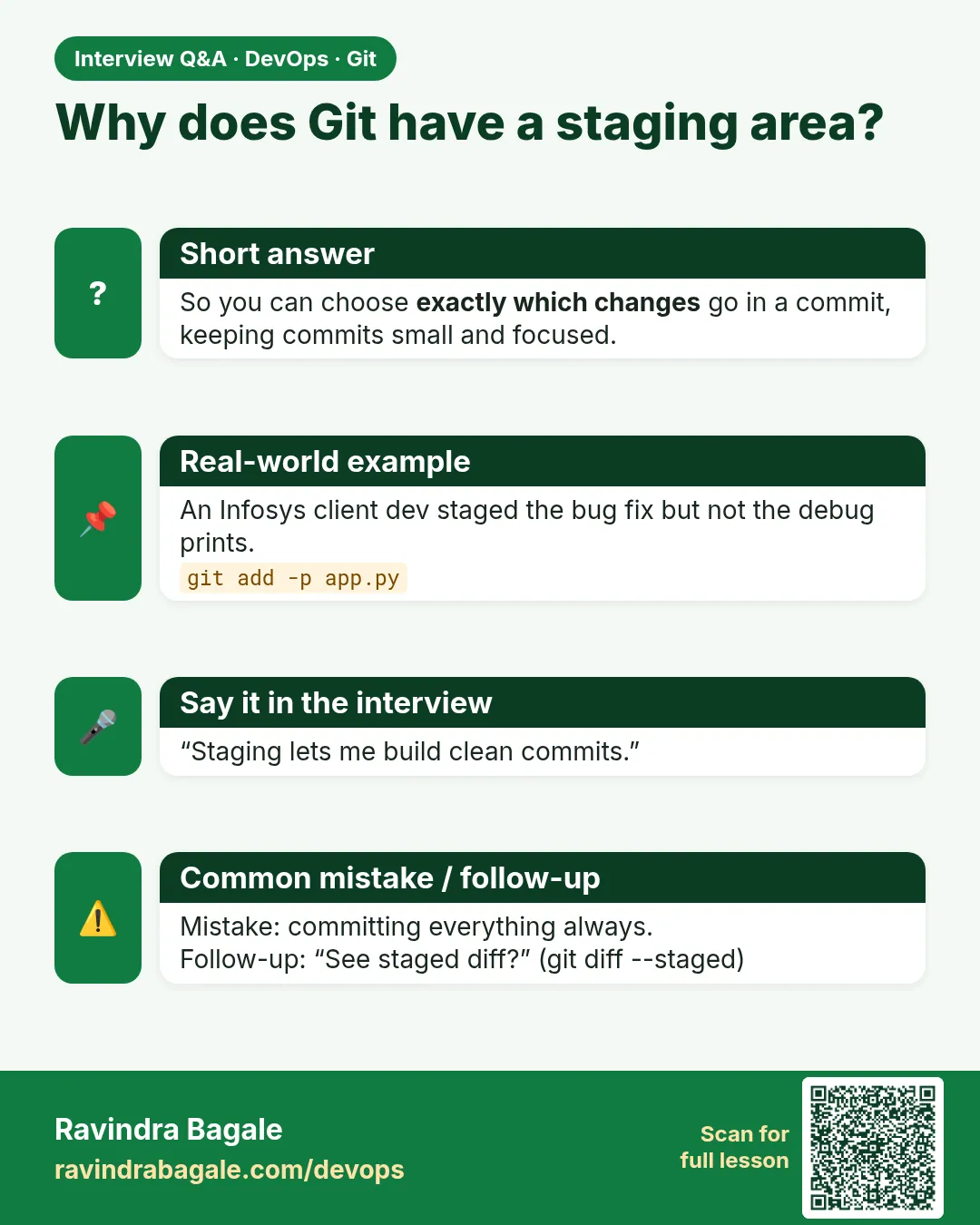
An intermediate area where you prepare the next commit, so one commit holds one logical change.
-
How do you commit part of a file?
git add -p and choose hunks.
-
How do you unstage?
git restore --staged FILE (older: git reset HEAD FILE).
-
Difference between git diff and git diff --staged?
Unstaged vs staged changes.
-
How do you stop a secret before commit?
Check git diff --staged, unstage it, add it to .gitignore.
Quick quiz
Q1. What is the staging area for?
To choose exactly what goes into the next commit.
Q2. What does git add -p do?
Stage parts of a file hunk by hunk.
Q3. How do you unstage a file?
git restore --staged FILE.
Q4. Which diff shows staged changes?
git diff --staged.
Q5. Does unstaging delete your edit?
No. The edit stays on disk.
Samajla ka?
 Revision card
 Interview card