Chapter 2: Git, GitHub and Git Bash
2.1 Why Git — zip folders vs history
Why: the problem
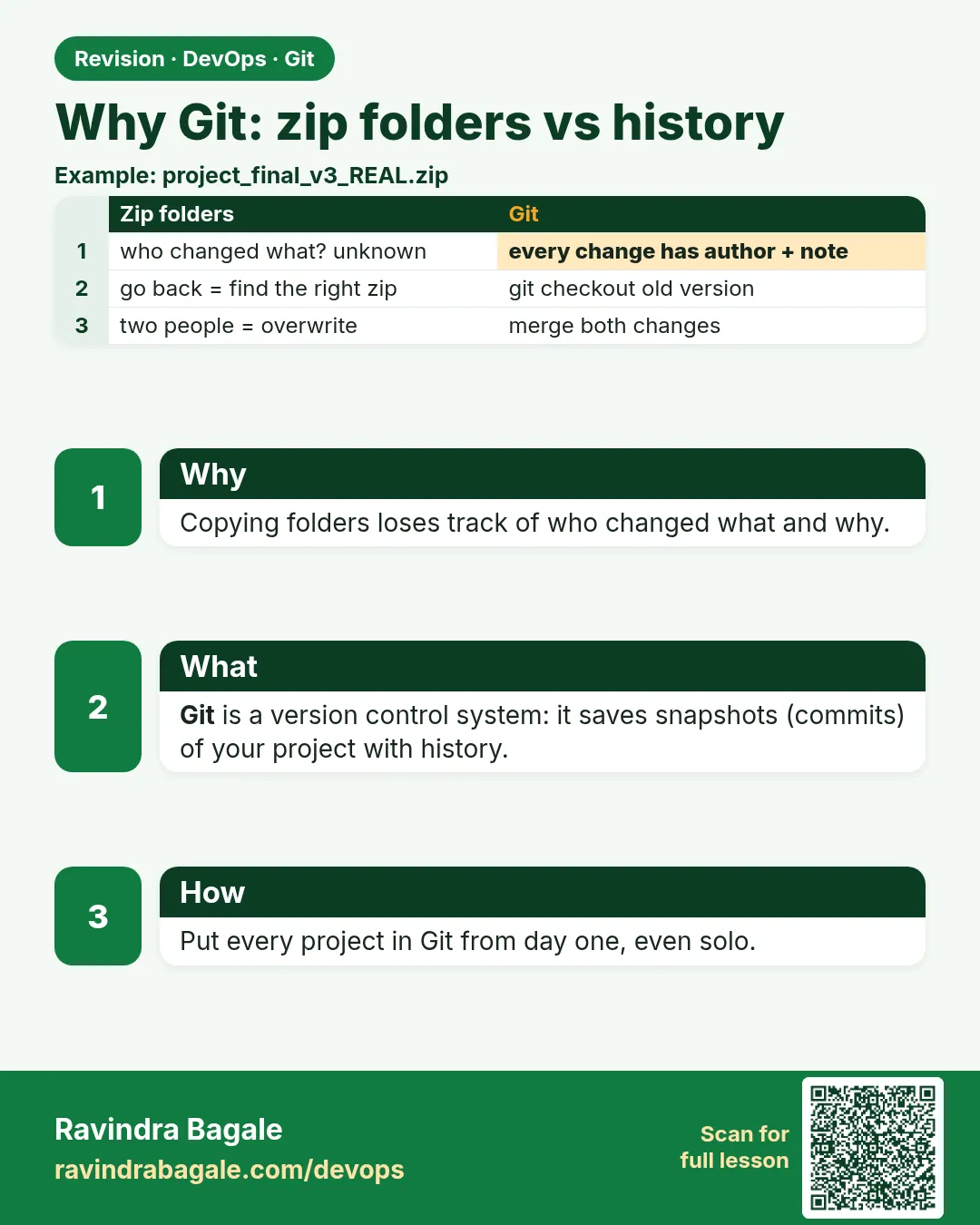
Imagine you work at a small Pune startup that builds a food app like Swiggy. Three developers change the same code every day. Before Git, they kept copies like app_final.zip, app_final2.zip and app_final_REAL.zip. They emailed the zip files to each other. One day the cart page broke. Nobody knew who changed what, or when, or why. The old working version was lost, because someone overwrote the zip. This happens in real companies even today, when people do not use version control. Version control means a tool that saves every change to your files with a name, a time and a message. Then you can see the full story and go back to any old version in seconds. Git is the version control tool almost every company uses, from Infosys and TCS to Netflix and Flipkart. In this lesson you will feel the zip problem first with your own hands. Then you will solve the same problem with Git and compare the two. After this, you will never want a zip folder again.
What we will build
You will make the hello-shop folder from chapter 1 again. First you will save versions the old way, with copied folders and zip files, and try to answer simple questions: what changed, who changed it, and how to go back. Then you will put the same folder under Git, make three commits, and answer the same questions with one command each.
What: every term in plain English
- Version — One saved state of your files at one moment.
- Version control — A tool that saves every version with who, when and why, so you can compare and go back.
- Git — The free version control tool used by almost all software teams.
- Repository (repo) — A folder that Git watches. It has a hidden .git folder with all the history.
- Commit — One saved snapshot of your files, with a message, an author and a time.
- History — The list of all commits, newest first.
- Diff — The exact lines that changed between two versions.
- Rollback — Going back to an older working version.
How: step by step
-
Make the lab folder
mkdir -p ~/devops-lab/git-zip && cd ~/devops-lab/git-zip && pwdWhat it does: Everything for this lesson lives here.
Output
/home/ravi/devops-lab/git-zip -
Make version 1 by hand
mkdir app_v1 && echo "price=100" > app_v1/cart.txtWhat it does: The old way: one folder per version.
Output
(no output) -
Copy to make version 2
cp -r app_v1 app_v2 && echo "price=120" > app_v2/cart.txtWhat it does: Every change means a full copy.
Output
(no output) -
Make a zip for a friend
zip -qr app_final.zip app_v2 && lsWhat it does: Now there are folders and zips. Which is the real one?
Output
app_final.zip app_v1 app_v2 -
Try to see who changed the price
ls -l app_v2/cart.txtWhat it does: The file system only knows the time. Not who or why.
Output
-rw-r--r-- 1 ravi ravi 10 Oct 25 10:02 app_v2/cart.txt -
Start Git instead
mkdir shop && cd shop && git init -b mainWhat it does: Git creates a hidden .git folder for history.
Output
Initialized empty Git repository in /home/ravi/devops-lab/git-zip/shop/.git/ -
Save version 1 with a message
echo "price=100" > cart.txt && git add cart.txt && git commit -m "Add cart price 100"What it does: One command saves the version with your name and the time.
Output
[main (root-commit) 3f2a1c9] Add cart price 100
 1 file changed, 1 insertion(+)
Example 1: Feel the zip problem with three versions
Stack. Bash, zip
Goal. Feel the zip problem with three versions.
make-zips.sh
#!/usr/bin/env bash
set -euo pipefail
cd ~/devops-lab/git-zip
for v in 1 2 3; do
  mkdir -p "app_v$v"
  echo "price=$((90 + v*10))" > "app_v$v/cart.txt"
  zip -qr "app_v$v.zip" "app_v$v"
done
ls -1
du -sh .
What each line does
set -euo pipefail— Stop on the first error.for v in 1 2 3— Make three versions in a loop.mkdir -p "app_v$v"— One full folder per version.echo "price=..."— Each version has a new price.zip -qr— Make a zip of each folder, quietly.du -sh .— Shows how much disk all the copies use.
Green output
app_v1
app_v1.zip
app_v2
app_v2.zip
app_v3
app_v3.zip
28K .
Expected result. Six items for three tiny versions, and still no message, no author and no reason. Now picture this with 2,000 files.
Example 2: Do the same three versions with Git
Stack. Git 2.43+
Goal. Do the same three versions with Git.
git-versions.sh
#!/usr/bin/env bash
set -euo pipefail
mkdir -p ~/devops-lab/git-zip/shop && cd ~/devops-lab/git-zip/shop
git init -q -b main
git config user.name  "Ravi Learner"
git config user.email "ravi@example.com"
for v in 1 2 3; do
  echo "price=$((90 + v*10))" > cart.txt
  git add cart.txt
  git commit -q -m "Set cart price to $((90 + v*10))"
done
git log --oneline
What each line does
git init -q -b main— Start a repo with a branch called main.git config user.name— The name saved in every commit in this repo.git config user.email— Use a fake email in labs. Never a real secret.git add cart.txt— Pick the file for the next snapshot.git commit -q -m— Save the snapshot with a clear message.git log --oneline— Show the full story, one line per commit.
Green output
c41d0e2 Set cart price to 120
9b83f71 Set cart price to 110
3f2a1c9 Set cart price to 100
Expected result. One folder, one file, three clear versions, newest first, each with a reason.
Example 3: Answer who, what and when, and go back to an old price
Stack. Git 2.43+
Goal. Answer who, what and when, and go back to an old price.
questions.sh
cd ~/devops-lab/git-zip/shop
git log -1 --format="%an | %ad | %s" --date=short
git diff HEAD~1 HEAD -- cart.txt
git show HEAD~2:cart.txt
git restore --source=HEAD~2 cart.txt
cat cart.txt
git restore cart.txt
cat cart.txt
What each line does
git log -1 --format=...— Who made the last change, when, and the message.git diff HEAD~1 HEAD— The exact line that changed in the last commit.HEAD~2— Two commits before the newest one.git show HEAD~2:cart.txt— Print the file as it was two commits ago.git restore --source=HEAD~2— Bring that old file back into your folder.git restore cart.txt— Throw away that test and go back to the newest version.
Green output
Ravi Learner | 2026-10-25 | Set cart price to 120
diff --git a/cart.txt b/cart.txt
-price=110
+price=120
price=100
price=100
price=120
Expected result. Each question takes one command. With zip folders you could not answer any of them.
Verify: did it work?
-
Check the commits exist
git -C ~/devops-lab/git-zip/shop log --oneline | wc -lWhat it does: Counts commits.
Output
3 -
Check the working folder is clean
git -C ~/devops-lab/git-zip/shop status --shortWhat it does: Empty output means nothing unsaved.
Output
(no output) -
Check the hidden history folder
ls -a ~/devops-lab/git-zip/shopWhat it does: .git holds the history. Do not delete it.
Output
. .. .git cart.txt
When it is red 1
fatal: not a git repository (or any of the parent directories): .git
Cause. You ran a git command outside the repo folder.
Fix, step by step
- Run pwd to see where you are.
- cd ~/devops-lab/git-zip/shop
- Run git status again.
When it is red 2
Author identity unknown
*** Please tell me who you are.
fatal: unable to auto-detect email address
Cause. Git does not know your name and email yet.
Fix, step by step
- git config --global user.name "Ravi Learner"
- git config --global user.email "ravi@example.com"
- Run git commit again.
When it is red 3
zip: command not found
Cause. The zip tool is not installed. This only matters for the old way demo.
Fix, step by step
- sudo apt update && sudo apt install -y zip
- Run the script again.
Cleanup
-
Remove the lab folder
rm -rf ~/devops-lab/git-zipWhat it does: Deletes the zips and the test repo. Check the path first.
Output
(no output)
Ravindra Bagale's Tip
Zip folder mhanje photo album bina date-cha. Git mhanje diary: kay, kadhi, kona ne aani ka. Aajpasun zip band!
Practice tasks
Easy Count your zip mess
Why: Seeing the waste makes the point.
What to do: Run make-zips.sh and count folders and zips.
- ls -1 | wc -l
- du -sh .
Check: You can say how many copies three versions need.
Medium Tell the story with Git
Why: Interviewers ask how you find who changed a line.
What to do: Use git log and git blame on cart.txt.
- git blame cart.txt
Check: You can name the commit and author of the price line.
Hard Go back two versions
Why: Rollback is the daily reason teams love Git.
What to do: Restore the price from HEAD~2 and commit it as a new version.
- git restore --source=HEAD~2 cart.txt
- git commit -am "Roll back price to 100"
Check: git log shows 4 commits and cart.txt says price=100.
Easy Say why Git beats zip folders in two lines
Why: If you can say it simply, you understand it. Interviewers want the short version first.
What to do: Write two short lines about why Git beats zip folders for a fresher who knows only basic Linux.
- Write the problem it solves.
- Write one real command or file that shows it.
- Read it aloud to a friend.
Check: A fresher understands it without asking a question.
Easy Make a safe lab folder
Why: Practice needs a place you can throw away. Then mistakes cost nothing.
What to do: Create a lab folder for this chapter and work only inside it.
- mkdir -p ~/devops-lab && cd ~/devops-lab
- Run every command of this lesson from here.
- Check with pwd before you delete anything.
Check: All lab files live in ~/devops-lab.
Medium Repeat it in a container
Why: Your laptop is not the server. A clean Ubuntu container shows what a fresh server needs.
What to do: Run the main steps of this lesson again inside an Ubuntu container.
- docker run --rm -it -v "$PWD":/lab -w /lab ubuntu:24.04 bash
- apt update and install what is missing.
- Note every missing tool.
Check: Same result inside the container, or a list of what you had to install.
Medium Break it on purpose
Why: You must know the red message by face. In an outage there is no time to read slowly.
What to do: Cause one error from the "When it is red" part of this lesson and fix it.
- Follow the error section.
- Copy the exact message into your notes.
- Write the fix in one line.
Check: You fixed it using only the steps, without searching the web.
Medium Write a one-page runbook
Why: At 2 a.m. nobody remembers the right command. A short page saves the on-call person.
What to do: Write a runbook page for this lesson.
- Title, when to use, exact command, how to check, how to undo.
Check: A teammate can follow it alone.
Hard Explain it like an interview
Why: Interviewers want real stories, not definitions.
What to do: Record a 60 second answer about this lesson.
- Say the problem, the command or file you used, and one error you hit.
Check: Your answer has a real command and a real error message.
Hard Draw the flow top to bottom
Why: A drawing shows who does what and in which order.
What to do: Draw this lesson as boxes from top to bottom.
- Start at the developer laptop, end at the user on the website.
Check: Each box matches a real thing you ran.
Homework: try at home
Try at home
Take any small folder of notes on your laptop. Put it under Git, make three commits on three different days, and use git log and git diff to tell its story.
Recap
- Zip folders lose who, when and why.
- Git saves every version as a commit with a message.
- git log shows the story; git diff shows the exact change.
- You can bring back any old file with git restore --source.
- The .git folder is the history. Never delete it.
FAQ
Is Git only for code?
No. You can track any text files: notes, configs, YAML and scripts.
Does Git need the internet?
No. Git works fully on your laptop. The internet is only needed to share with a server.
Is Git the same as Google Drive?
No. Drive syncs files. Git saves named versions you can compare and merge.
Is Git free?
Yes. It is open source.
What happens if I delete .git?
You lose all history. The files stay, but the story is gone.
Which companies use Git?
Almost all: Infosys, TCS, Flipkart, Netflix, Microsoft and Google.
Interview questions
-
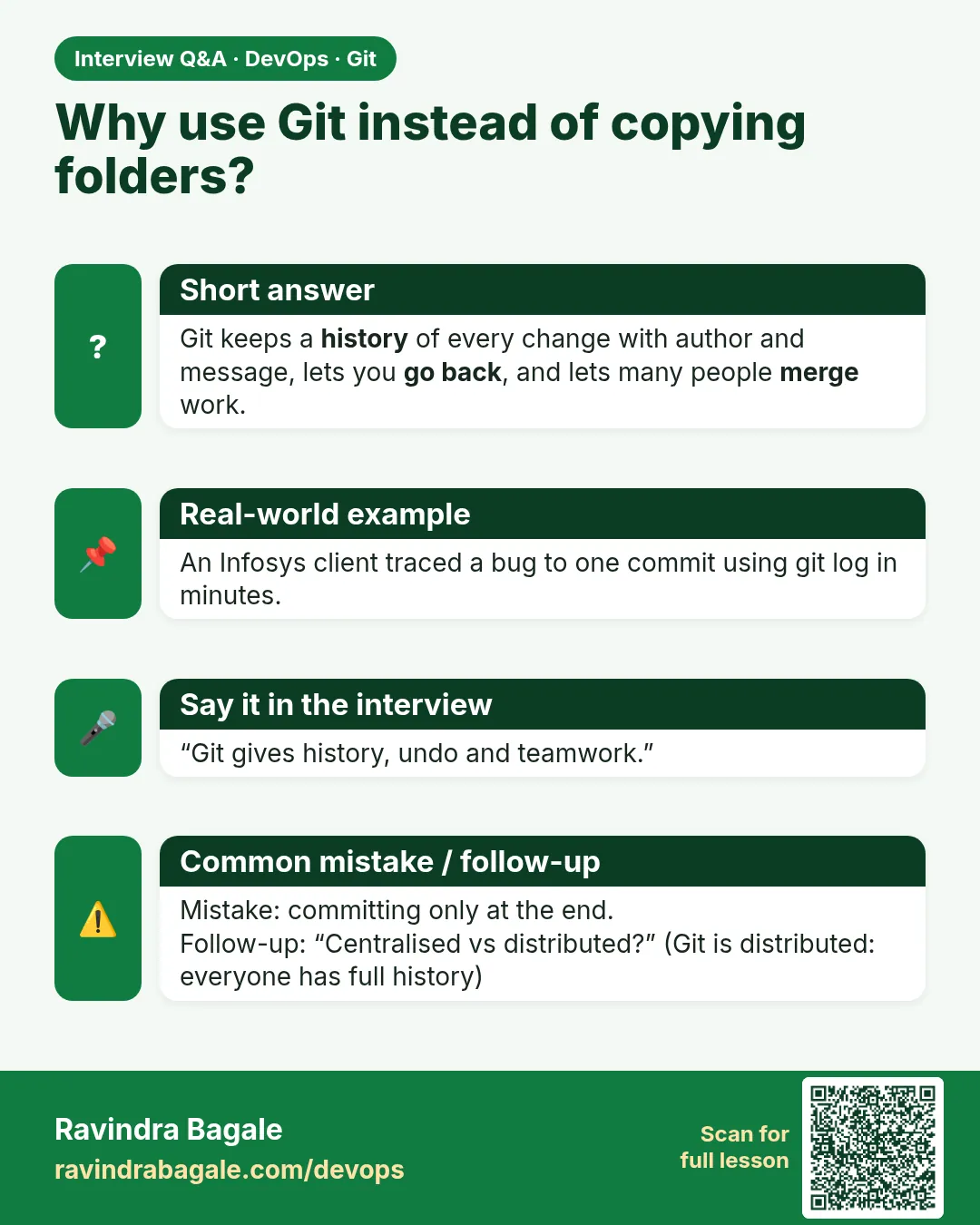
What is version control and why do we need it?
A tool that saves every change with who, when and why. It lets teams work together, compare versions and roll back fast.
-
Why is Git called distributed?
Every clone has the full history, so you can work and commit offline.
-
How do you find who changed a line?
git blame on the file, or git log -p for the file.
-
How do you get an old version of one file?
git restore --source=COMMIT file, or git show COMMIT:file.
-
What problems did teams have before Git?
Lost versions, overwritten files, no reasons, and slow, risky rollbacks.
Quick quiz
Q1. What does version control save?
Every version with who, when, and a message.
Q2. What is a commit?
One saved snapshot of files with a message, author and time.
Q3. Where does Git keep history?
In the hidden .git folder inside the repo.
Q4. What does HEAD~1 mean?
The commit just before the newest one.
Q5. Why are zip folders bad for teams?
No author, no reason, easy to overwrite, and they waste space.
Samajla ka?
 Revision card
 Interview card