Chapter 2: Git, GitHub and Git Bash
2.7 clone — copy an existing repo
Why: the problem
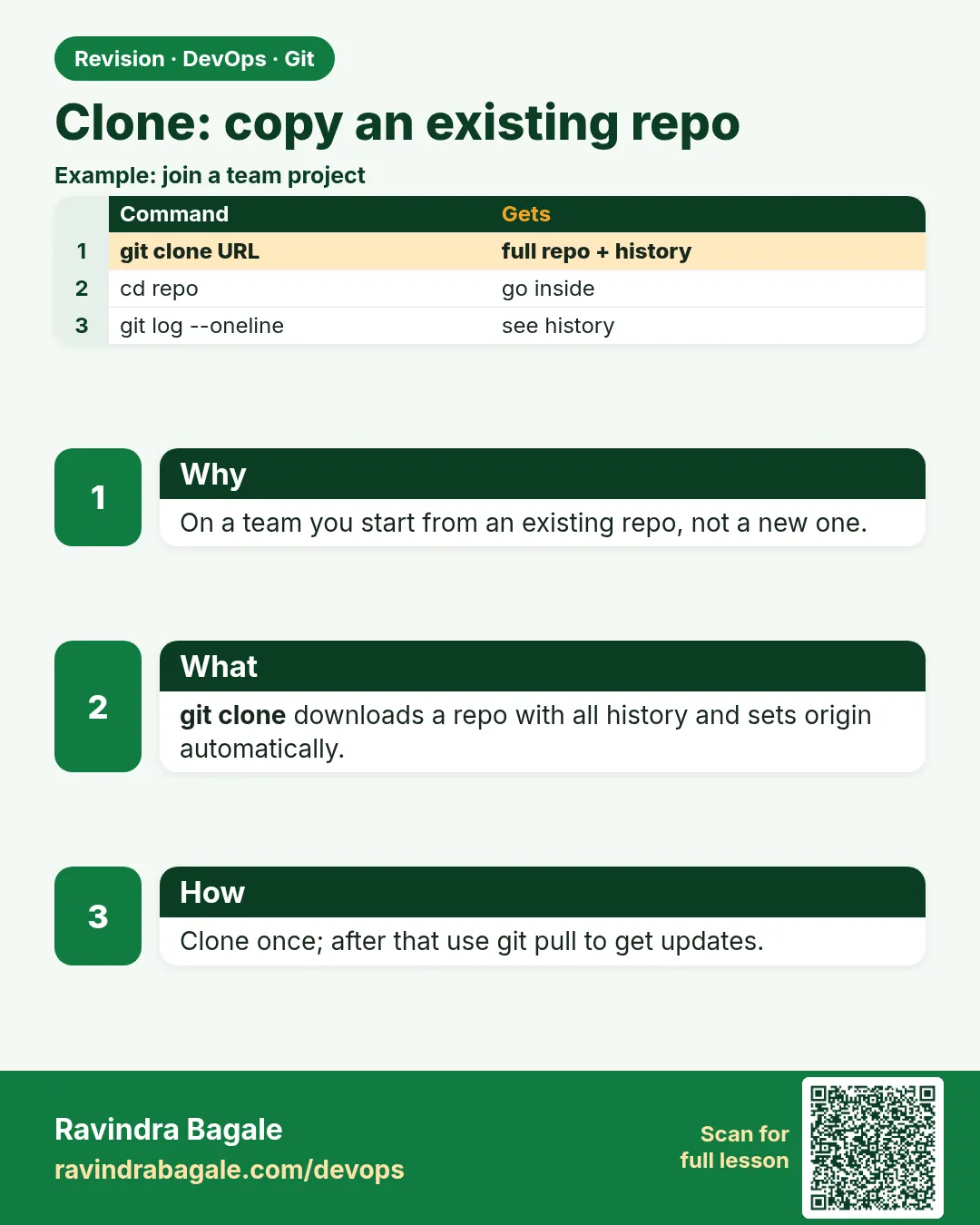
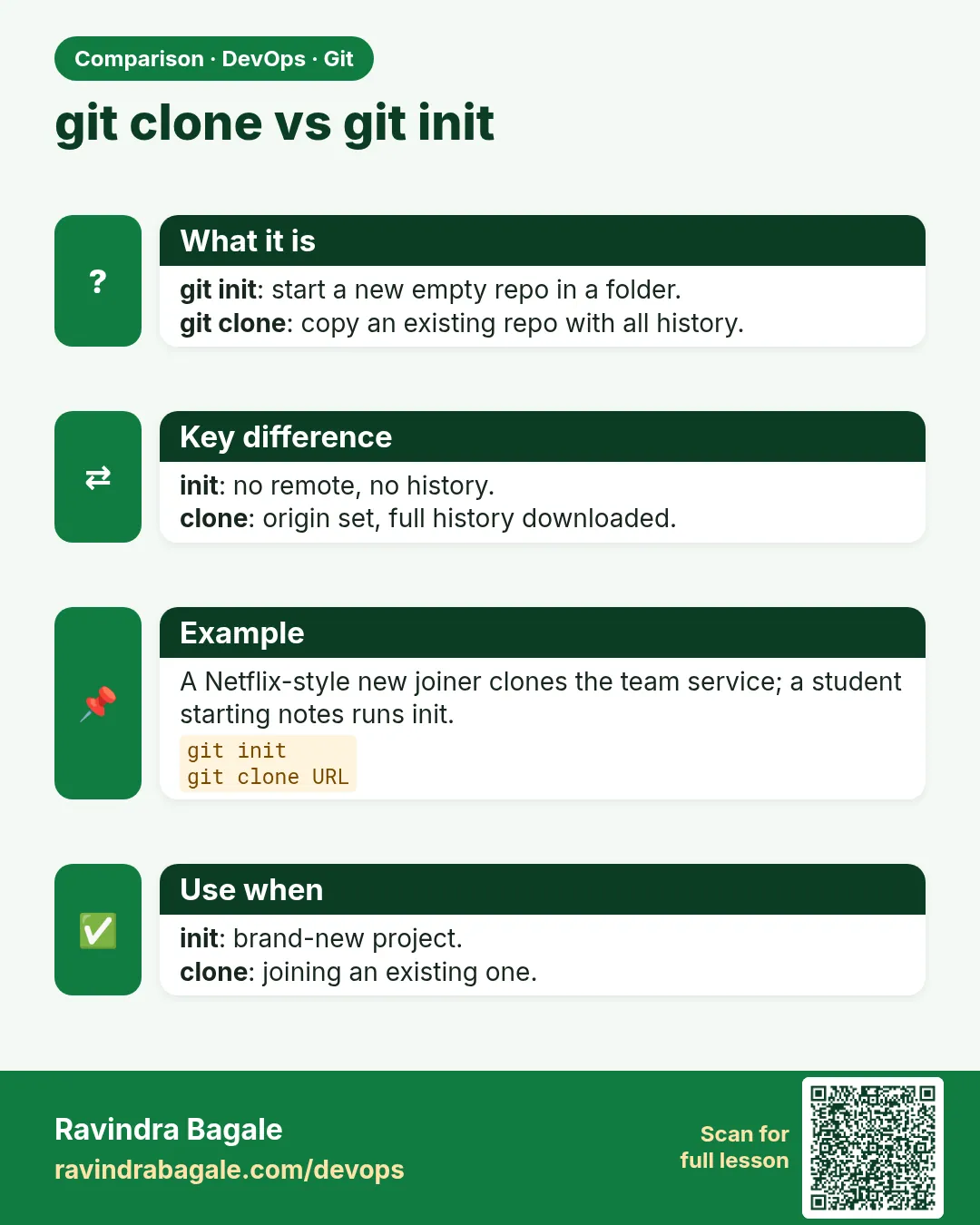
On day one at Infosys, nobody gives you a zip. They give you a link and say: clone it. git clone copies the whole repo, with all history and branches, from a server to your laptop, and sets origin for you. In DevOps you clone all the time: Jenkins clones for every build, Ansible clones to deploy, and you clone to read other teams' configs. Big repos can be slow, so you also need shallow clones and single-branch clones. In this lesson you will clone with HTTPS, clone into a different folder name, clone one branch, make a shallow clone like CI does, and read what clone set up for you.
What we will build
You will clone a public open source project from gitlab.com, then make a shallow copy like a CI runner, clone one branch, and check origin and tracking.
What: every term in plain English
- git clone URL — Copy a remote repo, with history, into a new folder.
- Clone into a name — git clone URL myname puts it in myname.
- --depth 1 — Shallow clone: only the latest commit. Fast for CI.
- --branch NAME — Check out this branch after cloning.
- --single-branch — Download only one branch.
- origin — Clone names the source remote origin.
- Default branch — The branch the server says to check out, often main.
- Public repo — Anyone can clone without login.
How: step by step
-
Go to the lab
mkdir -p ~/devops-lab/clone-lab && cd ~/devops-lab/clone-labWhat it does: A folder for clones.
Output
(no output) -
Clone a public repo
git clone https://gitlab.com/gitlab-org/gitlab-runner.gitWhat it does: A real project. It may take a minute.
Output
Cloning into 'gitlab-runner'... Receiving objects: 100% (210000/210000), done. -
Look inside
cd gitlab-runner && git remote -v && git branchWhat it does: origin and the default branch are set.
Output
origin https://gitlab.com/gitlab-org/gitlab-runner.git (fetch) * main -
See history size
git rev-list --count HEADWhat it does: Full history came with it.
Output
24000 -
Shallow clone
cd .. && git clone --depth 1 https://gitlab.com/gitlab-org/gitlab-runner.git runner-ciWhat it does: Only the newest commit, like CI.
Output
Cloning into 'runner-ci'... -
Compare size
du -sh gitlab-runner runner-ciWhat it does: Shallow is much smaller.
Output
420M gitlab-runner 95M runner-ci -
Clone your own repo
git clone https://gitlab.com/ravi-learner/hello-git.gitWhat it does: Private repos need login or SSH.
Output
Cloning into 'hello-git'...
Example 1: Clone your bare server from lesson 2
Stack. Git
Goal. Clone your bare server from lesson 2.3 and check the setup.
clone-local.sh
cd ~/devops-lab
git init -q --bare -b main srv.git
git clone -q srv.git first && cd first
echo ok > a.txt && git add . && git commit -qm "Add a" && git push -q origin main
cd .. && git clone srv.git second
git -C second log --oneline
git -C second branch -vv
What each line does
git init --bare srv.git— A server.git clone srv.git first— First clone; push a commit.git clone srv.git second— Second clone gets that commit.branch -vv— main tracks origin/main automatically.
Green output
Cloning into 'second'...
done.
3c4d5e6 Add a
* main 3c4d5e6 [origin/main] Add a
Expected result. Clone set origin and tracking for you. No extra commands.
Example 2: Shallow clone like a CI runner
Stack. Git
Goal. Shallow clone like a CI runner.
ci-clone.sh
cd ~/devops-lab/clone-lab
time git clone -q --depth 1 --branch main https://gitlab.com/gitlab-org/gitlab-runner.git ci
git -C ci log --oneline | wc -l
git -C ci rev-parse --is-shallow-repository
What each line does
--depth 1— Only the last commit.--branch main— The branch to build.time— Shows how long it took.--is-shallow-repository— true means shallow.
Green output
real    0m6.412s
1
true
Expected result. GitLab CI and Jenkins use shallow clones to save minutes on every build.
Example 3: Clone one branch into a custom folder and fetch more history later
Stack. Git
Goal. Clone one branch into a custom folder and fetch more history later.
one-branch.sh
cd ~/devops-lab/clone-lab
git clone -q --single-branch --branch main --depth 5 https://gitlab.com/gitlab-org/gitlab-runner.git one
cd one
git log --oneline | wc -l
git fetch -q --deepen 20
git log --oneline | wc -l
git branch -r
What each line does
--single-branch— Only main, not every branch.--depth 5— Last five commits.git fetch --deepen 20— Get 20 more old commits when you need them.git branch -r— Only origin/main exists.
Green output
5
25
  origin/HEAD -> origin/main
  origin/main
Expected result. You control how much you download. Useful on slow office Wi-Fi.
Example 4: Clone from the company server over HTTPS and SSH and check the default branch
Stack. Git, self-hosted GitLab
Goal. Clone from the company server over HTTPS and SSH and check the default branch.
company-clone.sh
cd ~/devops-lab/clone-lab
git clone https://git.example.com/shop/payments.git payments-https
git clone git@git.example.com:shop/payments.git payments-ssh
git -C payments-ssh remote -v
git -C payments-ssh symbolic-ref refs/remotes/origin/HEAD
git -C payments-ssh branch -a
What each line does
HTTPS URL— Asks for username and token.git@git.example.com:shop/payments.git— SSH URL; uses your key, no password.symbolic-ref ... origin/HEAD— Shows the default branch the server chose.git branch -a— Local and remote branches together.
Green output
Cloning into 'payments-https'...
Username for 'https://git.example.com': ravi
Password for 'https://ravi@git.example.com':
Cloning into 'payments-ssh'...
origin  git@git.example.com:shop/payments.git (fetch)
origin  git@git.example.com:shop/payments.git (push)
refs/remotes/origin/main
* main
  remotes/origin/HEAD -> origin/main
  remotes/origin/develop
  remotes/origin/main
Expected result. Both URLs give the same repo. SSH is easier once your key is added (lesson 2.12).
Verify: did it work?
-
Remote is set
git -C ~/devops-lab/second remote get-url originWhat it does: Points to the server.
Output
/home/ravi/devops-lab/srv.git -
Tracking set
git -C ~/devops-lab/second status -sbWhat it does: Shows main...origin/main.
Output
## main...origin/main -
Shallow check
git -C ~/devops-lab/clone-lab/ci rev-parse --is-shallow-repositoryWhat it does: true.
Output
true
When it is red 1
fatal: destination path 'hello-git' already exists and is not an empty directory.
Cause. A folder with that name already exists.
Fix, step by step
- Clone into a new name: git clone URL hello-git-2
- Or cd into the existing folder and git pull.
When it is red 2
remote: The project you were looking for could not be found or you don't have permission to view it.
fatal: repository 'https://gitlab.com/ravi-learner/private.git/' not found
Cause. Wrong URL, or a private repo and you are not logged in.
Fix, step by step
- Check the URL on the website.
- Use a token or SSH (lesson 2.12).
When it is red 3
fatal: unable to access 'https://git.example.com/team/app.git/': Could not resolve host: git.example.com
Cause. No network or VPN to the company server.
Fix, step by step
- Connect to VPN.
- ping git.example.com
- Try again.
When it is red 4
Host key verification failed.
fatal: Could not read from remote repository.
Cause. First SSH connection and the server key is not in known_hosts.
Fix, step by step
- ssh -T git@git.example.com and type yes after checking the fingerprint with your admin.
- Clone again.
Cleanup
-
Remove clones
rm -rf ~/devops-lab/clone-lab ~/devops-lab/first ~/devops-lab/second ~/devops-lab/srv.gitWhat it does: Frees disk space.
Output
(no output)
Ravindra Bagale's Tip
Clone ekdach, mag roj pull. CI madhe --depth 1 vapra, build fast hoto!
Practice tasks
Easy Clone and look
Why: Reading code is a daily job.
What to do: Clone a public repo and run git log -3.
- git clone URL
- git log --oneline -3
Check: You see the last three commits.
Medium Time two clones
Why: Numbers convince your manager.
What to do: Time full vs --depth 1.
- time git clone ...
Check: A table with both times.
Hard Deepen a shallow clone
Why: Some tools need more history.
What to do: Start with --depth 1, then fetch --unshallow.
- git fetch --unshallow
Check: is-shallow-repository prints false.
Easy Say git clone in two lines
Why: If you can say it simply, you understand it. Interviewers want the short version first.
What to do: Write two short lines about git clone for a fresher who knows only basic Linux.
- Write the problem it solves.
- Write one real command or file that shows it.
- Read it aloud to a friend.
Check: A fresher understands it without asking a question.
Easy Make a safe lab folder
Why: Practice needs a place you can throw away. Then mistakes cost nothing.
What to do: Create a lab folder for this chapter and work only inside it.
- mkdir -p ~/devops-lab && cd ~/devops-lab
- Run every command of this lesson from here.
- Check with pwd before you delete anything.
Check: All lab files live in ~/devops-lab.
Medium Repeat it in a container
Why: Your laptop is not the server. A clean Ubuntu container shows what a fresh server needs.
What to do: Run the main steps of this lesson again inside an Ubuntu container.
- docker run --rm -it -v "$PWD":/lab -w /lab ubuntu:24.04 bash
- apt update and install what is missing.
- Note every missing tool.
Check: Same result inside the container, or a list of what you had to install.
Medium Break it on purpose
Why: You must know the red message by face. In an outage there is no time to read slowly.
What to do: Cause one error from the "When it is red" part of this lesson and fix it.
- Follow the error section.
- Copy the exact message into your notes.
- Write the fix in one line.
Check: You fixed it using only the steps, without searching the web.
Medium Write a one-page runbook
Why: At 2 a.m. nobody remembers the right command. A short page saves the on-call person.
What to do: Write a runbook page for this lesson.
- Title, when to use, exact command, how to check, how to undo.
Check: A teammate can follow it alone.
Hard Explain it like an interview
Why: Interviewers want real stories, not definitions.
What to do: Record a 60 second answer about this lesson.
- Say the problem, the command or file you used, and one error you hit.
Check: Your answer has a real command and a real error message.
Hard Draw the flow top to bottom
Why: A drawing shows who does what and in which order.
What to do: Draw this lesson as boxes from top to bottom.
- Start at the developer laptop, end at the user on the website.
Check: Each box matches a real thing you ran.
Homework: try at home
Try at home
Clone one public project twice: full and shallow. Compare size and time, and write which one CI should use and why.
Recap
- git clone copies files, history and sets origin.
- Use a custom folder name if one exists.
- --depth 1 makes CI fast.
- --single-branch downloads one branch.
- Private repos need a token or SSH.
FAQ
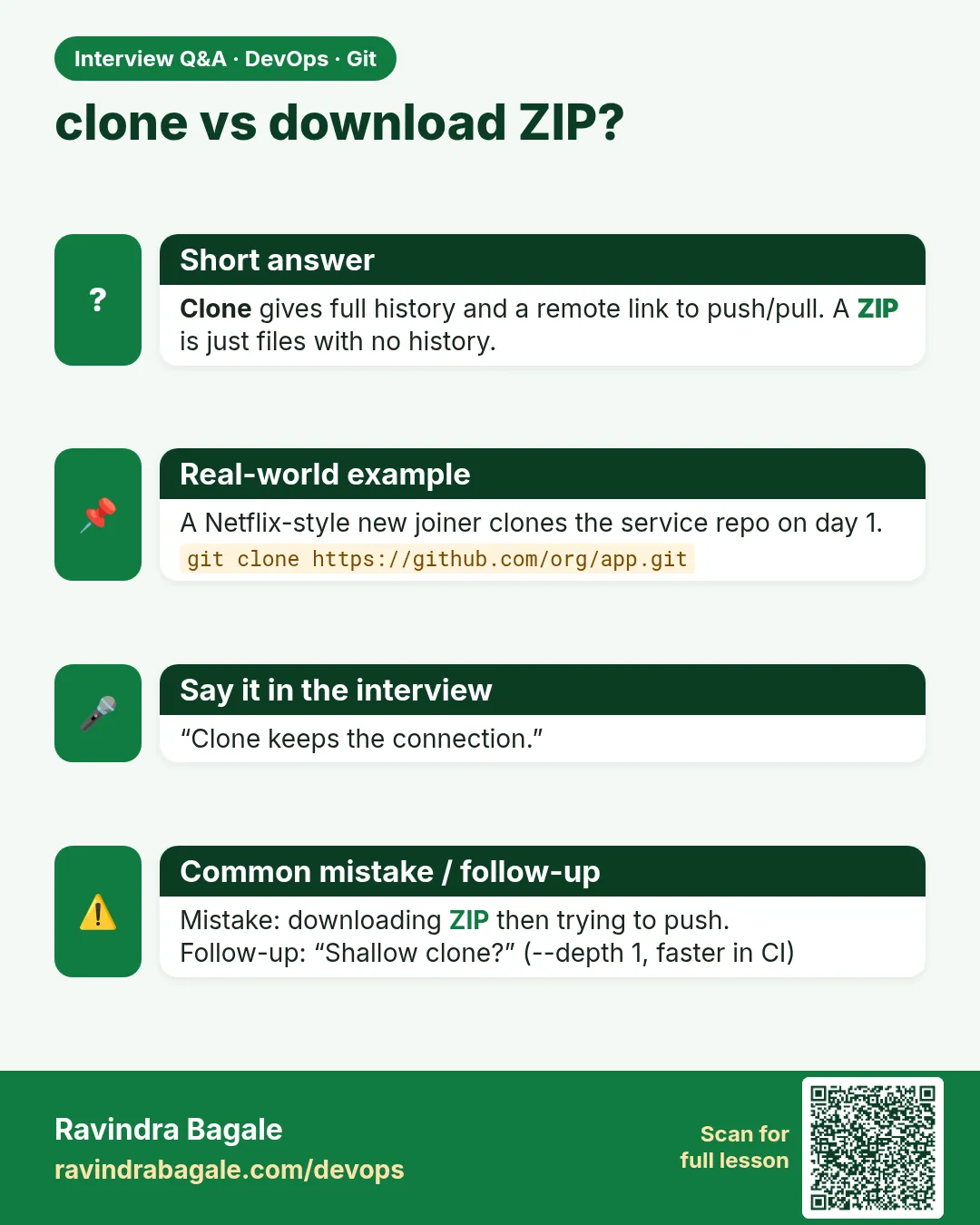
Is clone the same as download zip?
No. Clone brings history and can push back. A zip has no history.
Do I clone every day?
No. Clone once, then pull or fetch.
Can I clone over SSH?
Yes, with git@host:group/repo.git after adding your key.
Why is clone slow?
Big history. Use --depth for speed.
Can I push from a shallow clone?
Usually yes, but some old servers complain. Unshallow if needed.
Which folder name does clone use?
The last part of the URL without .git, unless you give a name.
Interview questions
-
Difference between clone and fork?
Clone copies a repo to your machine. Fork copies it to your account on the hosting site.
-
What is a shallow clone and when do you use it?
A clone with limited history, used in CI to save time and space.
-
Difference between clone and pull?
Clone creates a new local repo; pull updates an existing one.
-
How does Jenkins get code?
It clones or fetches the repo into the workspace, often shallow.
-
How do you clone a specific branch?
git clone --branch NAME --single-branch URL.
Quick quiz
Q1. What does clone set up?
The files, full history, origin remote and the default branch tracking.
Q2. What is a shallow clone?
A clone with only the newest commits, using --depth.
Q3. How do you clone into another folder name?
git clone URL NAME.
Q4. Why does CI use shallow clones?
They are faster and smaller.
Q5. Error: destination path already exists. Fix?
Use another folder name or pull in the existing one.
Samajla ka?
 Revision card
 Interview card
 Comparison card