Chapter 2: Git, GitHub and Git Bash
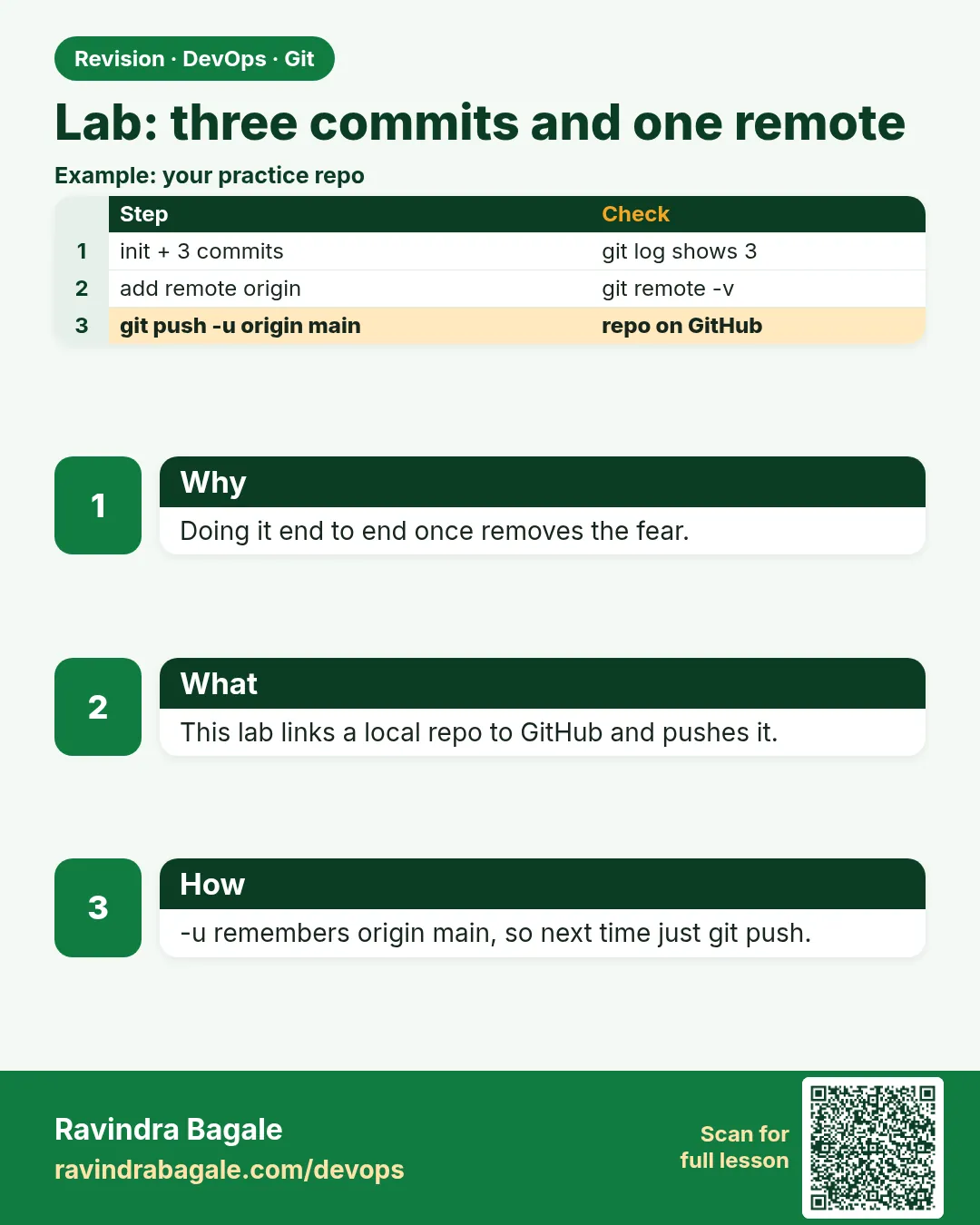
2.13 Lab — three commits and one remote
Why: the problem
Now you will put everything from this chapter together, the way you would on your first week in a job. Your lead at a Pune company asks: "Create the hello-shop repo, make three clean commits, ignore secrets, and push it to our GitLab so CI can pick it up." This is a real task. It checks if you can do init, status, add, commit, .gitignore, log, undo and remote setup without help. In this lab you will do it start to end, with a check after every step, then prove it works by cloning the repo fresh into a new folder, like a CI runner would. If anything goes red, the fix is shown right there.
What we will build
You will build hello-shop from zero: three meaningful commits, a .gitignore and .env.example, one safe undo, a remote on gitlab.com over SSH, a push, and a fresh clone that runs the app and passes the health check.
What: every term in plain English
- Lab — A hands-on exercise that joins many lessons into one real task.
- Meaningful commit — A commit with one idea and a clear message.
- Fresh clone — A new copy from the server, like CI would make.
- Health check — A small URL that says ok when the app is alive.
- Upstream — The remote branch your local branch tracks.
- Clean tree — No unsaved changes.
- Evidence — Output you save to prove the work, such as git log and curl results.
- Runbook — A short page with the exact commands to repeat the work.
How: step by step
-
Start fresh
mkdir -p ~/devops-lab/final && cd ~/devops-lab/final && git init -b mainWhat it does: A new repo.
Output
Initialized empty Git repository in /home/ravi/devops-lab/final/.git/ -
Commit 1: app
(copy app.py from 2.5 with the /health route) git add app.py && git commit -m "Add hello-shop app with health route"What it does: The code.
Output
[main (root-commit) 1111111] Add hello-shop app with health route -
Commit 2: rules
(write .gitignore and .env.example from 2.8) git add .gitignore .env.example && git commit -m "Ignore secrets and add env sample"What it does: Protect secrets.
Output
[main 2222222] Ignore secrets and add env sample -
Commit 3: docs
(write README.md) git add README.md && git commit -m "Add README with run and test steps"What it does: Teach others.
Output
[main 3333333] Add README with run and test steps -
Check
git log --oneline && git status --shortWhat it does: Three commits, clean tree.
Output
3333333 Add README with run and test steps 2222222 Ignore secrets and add env sample 1111111 Add hello-shop app with health route -
Add remote and push
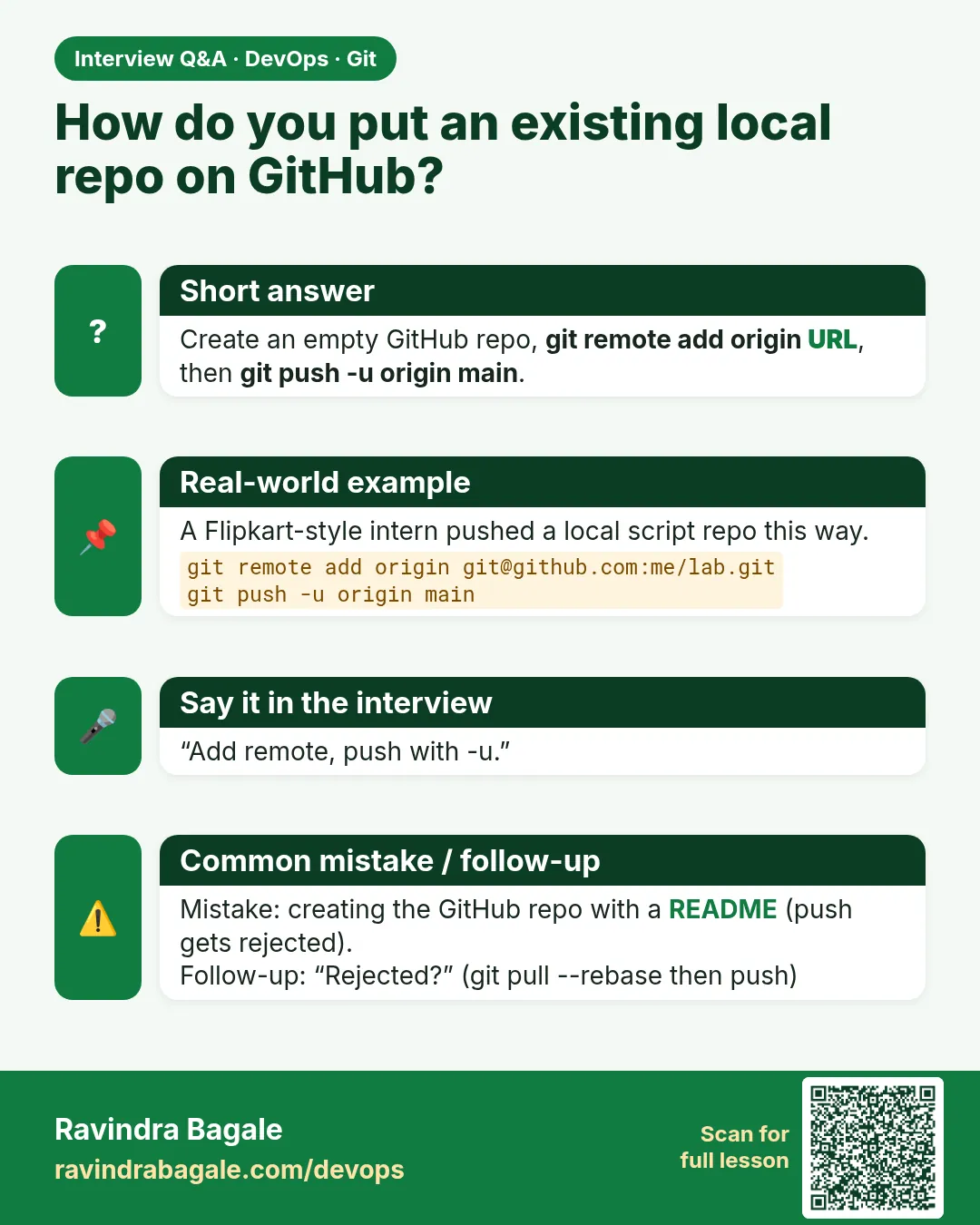
git remote add origin git@gitlab.com:ravi-learner/final.git && git push -u origin mainWhat it does: Shared with the team.
Output
To gitlab.com:ravi-learner/final.git * [new branch] main -> main -
Fresh clone test
cd /tmp && git clone -q git@gitlab.com:ravi-learner/final.git final-ci && cd final-ci && ls -aWhat it does: A CI-like copy. No .env.
Output
. .. .env.example .git .gitignore README.md app.py
Example 1: Run the whole lab as one script
Stack. Bash, Git
Goal. Run the whole lab as one script.
lab.sh
#!/usr/bin/env bash
set -euo pipefail
R=~/devops-lab/final
rm -rf "$R" && mkdir -p "$R" && cd "$R"
git init -q -b main
cp ~/devops-lab/hello-shop/app.py .
git add app.py && git commit -qm "Add hello-shop app with health route"
printf ".env\n__pycache__/\n*.log\n" > .gitignore
printf "APP_PORT=8000\n" > .env.example
git add .gitignore .env.example && git commit -qm "Ignore secrets and add env sample"
printf "# hello-shop\nRun: python3 app.py\nTest: curl localhost:8000/health\n" > README.md
git add README.md && git commit -qm "Add README with run and test steps"
echo "SECRET=1" > .env
git status --short
git log --oneline
What each line does
set -euo pipefail— Stop on any error.rm -rf "$R"— Start clean each time. Only the lab folder.printf ... > .gitignore— Rules without a heredoc.echo "SECRET=1" > .env— Test that the secret is ignored.git status --short— Should print nothing.
Green output
3333333 Add README with run and test steps
2222222 Ignore secrets and add env sample
1111111 Add hello-shop app with health route
Expected result. Three commits and the secret file is invisible to Git.
Example 2: Prove the fresh clone works like CI
Stack. Git, Python, curl
Goal. Prove the fresh clone works like CI.
ci-check.sh
cd /tmp && rm -rf final-ci
git clone -q --depth 1 git@gitlab.com:ravi-learner/final.git final-ci
cd final-ci
test ! -f .env && echo "no secret in repo"
python3 app.py > app.log 2>&1 &
sleep 1
curl -fsS localhost:8000/health
kill %1
What each line does
--depth 1— Shallow, like CI.test ! -f .env— The secret must not come from Git.python3 app.py &— Start the app.curl -fsS .../health— Fails the script if not ok.kill %1— Stop the app.
Green output
no secret in repo
ok
Expected result. Anyone, or any CI job, can clone and run your repo from the README alone.
Example 3: Practise one safe undo inside the lab
Stack. Git
Goal. Practise one safe undo inside the lab.
undo.sh
cd ~/devops-lab/final
sed -i 's/8000/9000/' README.md
git commit -qam "Change port in README"
git push -q
git revert --no-edit HEAD
git push -q
git log --oneline -2
grep -c 8000 README.md
What each line does
Wrong port— A bad change pushed on purpose.git revert— The safe undo for pushed work.git push— Share the fix.grep -c 8000— The right port is back.
Green output
4444444 Revert "Change port in README"
5555555 Change port in README
1
Expected result. You fixed a shared mistake without force push.
Verify: did it work?
-
Remote has 5 commits
git ls-remote origin main && git rev-list --count HEADWhat it does: Server and laptop match.
Output
4444444... refs/heads/main 5 -
No secret tracked
git ls-files | grep -c "^.env$" || trueWhat it does: 0.
Output
0 -
Clean
git status -sbWhat it does: In sync.
Output
## main...origin/main
When it is red 1
error: src refspec main does not match any
Cause. You tried to push before any commit, or the branch is named master.
Fix, step by step
- git log to check commits.
- git branch -m master main if needed.
When it is red 2
git@gitlab.com: Permission denied (publickey).
Cause. SSH key not added.
Fix, step by step
- Follow lesson 2.12 to add the key, or use the HTTPS URL with a token.
When it is red 3
curl: (7) Failed to connect to localhost port 8000
Cause. The app did not start, often because the port is in use.
Fix, step by step
- cat app.log
- ss -ltnp | grep 8000
- Stop the other process and retry.
Cleanup
-
Remove local lab copies
rm -rf ~/devops-lab/final /tmp/final-ciWhat it does: The gitlab.com project stays for your portfolio.
Output
(no output)
Ravindra Bagale's Tip
He lab teen vela kara. Tisrya veli notes shivay jamla tar Git basics pakka!
Practice tasks
Easy Do the lab
Why: Hands-on proof.
What to do: Follow the seven steps.
- Check after each step
Check: Three commits on gitlab.com.
Medium Script it
Why: Automation is DevOps.
What to do: Run lab.sh and ci-check.sh.
- bash lab.sh
Check: Both print green output.
Hard From memory
Why: Interviews may ask you to share your screen.
What to do: Do it again without notes in 15 minutes.
- Time yourself
Check: Done in time with no help.
Easy Say the Git basics lab in two lines
Why: If you can say it simply, you understand it. Interviewers want the short version first.
What to do: Write two short lines about the Git basics lab for a fresher who knows only basic Linux.
- Write the problem it solves.
- Write one real command or file that shows it.
- Read it aloud to a friend.
Check: A fresher understands it without asking a question.
Easy Make a safe lab folder
Why: Practice needs a place you can throw away. Then mistakes cost nothing.
What to do: Create a lab folder for this chapter and work only inside it.
- mkdir -p ~/devops-lab && cd ~/devops-lab
- Run every command of this lesson from here.
- Check with pwd before you delete anything.
Check: All lab files live in ~/devops-lab.
Medium Repeat it in a container
Why: Your laptop is not the server. A clean Ubuntu container shows what a fresh server needs.
What to do: Run the main steps of this lesson again inside an Ubuntu container.
- docker run --rm -it -v "$PWD":/lab -w /lab ubuntu:24.04 bash
- apt update and install what is missing.
- Note every missing tool.
Check: Same result inside the container, or a list of what you had to install.
Medium Break it on purpose
Why: You must know the red message by face. In an outage there is no time to read slowly.
What to do: Cause one error from the "When it is red" part of this lesson and fix it.
- Follow the error section.
- Copy the exact message into your notes.
- Write the fix in one line.
Check: You fixed it using only the steps, without searching the web.
Medium Write a one-page runbook
Why: At 2 a.m. nobody remembers the right command. A short page saves the on-call person.
What to do: Write a runbook page for this lesson.
- Title, when to use, exact command, how to check, how to undo.
Check: A teammate can follow it alone.
Hard Explain it like an interview
Why: Interviewers want real stories, not definitions.
What to do: Record a 60 second answer about this lesson.
- Say the problem, the command or file you used, and one error you hit.
Check: Your answer has a real command and a real error message.
Hard Draw the flow top to bottom
Why: A drawing shows who does what and in which order.
What to do: Draw this lesson as boxes from top to bottom.
- Start at the developer laptop, end at the user on the website.
Check: Each box matches a real thing you ran.
Homework: try at home
Try at home
Repeat the full lab from memory, without looking at the steps, and time it. Aim for under 15 minutes. Save git log and the curl output as evidence.
Recap
- Three focused commits tell a clean story.
- .gitignore and .env.example protect secrets.
- Push with SSH or a token.
- A fresh clone proves the repo works for CI.
- Use revert for pushed mistakes.
FAQ
Can I do the lab on Windows?
Yes, in Git Bash. Use python instead of python3 if needed.
Must the repo be public?
No. Private is fine. CI uses a deploy key or token.
What if my company uses git.example.com?
Same steps. Only the remote URL changes.
Should I delete the gitlab.com project after?
Keep it. It shows your work to interviewers.
What next?
Chapter 3: branches, merge requests, conflicts and rebase.
Interview questions
-
Describe how you set up a new repo for a team.
git init, clear first commits, .gitignore and env sample, README, remote over SSH, push, and a fresh clone check.
-
How do you make sure no secrets are in a repo?
.gitignore, pre-commit checks, reviewing git diff --staged, and scanning tools in CI.
-
How do you check a repo works for CI?
Clone it fresh and shallow, run the documented commands and a health check.
-
What is your Git flow for a small fix?
status, add the file, commit with a clear message, pull --rebase, push.
-
How do you undo a pushed mistake?
git revert and push.
Quick quiz
Q1. How many commits does the lab need before push?
Three.
Q2. Which file must never be in the repo?
.env
Q3. How do you prove CI can use the repo?
Fresh shallow clone, run the app, curl the health URL.
Q4. Which undo do you use after push?
git revert.
Q5. What does git status -sb show when in sync?
## main...origin/main
Lab
Work in a folder you create. There is no sample repository to download. Copy the commands from this chapter and replace YOURUSER with your GitHub user when you use a remote.
- On paper, write three rows: Git, GitHub, Git Bash (or Terminal). One sentence each, using the badge story.
git inita folder namedbadge-api-hello.- Commit 1: the hello app file that returns a simple response.
- Commit 2:
.gitignore(include.env, dependency folders,*.pem). - Commit 3:
README.mdwith how to run the app locally in five lines or fewer. git log --oneline— three clear messages.- Create a local
.envwith a fake secret and confirmgit statusignores it. - On an empty GitHub repository you created yourself, copy the HTTPS or SSH URL,
git remote add origin <that-url>, andgit remote -v. Push only if the sign-in from section 2.12 already works. If push is new, the three local commits still finish this lab. - If you created an SSH key, save the greeting line from
ssh -T git@gitlab.com.
Practice task
List three files that should almost never be committed in a web API project, and the .gitignore pattern for each.
Thodkyaat sangaycha tar
- Git is the program, GitHub is the host, Git Bash is the Windows terminal. macOS and Linux use Terminal for the same Git commands.
- Flow: working tree →
git add(staging) →git commit→git log.originis the default remote name. - Clone copies history and sets
origin. A zip does not. - Always
git statusbeforegit add ...gitignorekeeps.env, keys and dependencies out. git restorefor a safe local undo. Amend only if you have not pushed.git resetmodes are the next chapter.- HTTPS uses a token or credential manager, never your account password. SSH uses
ssh-keygen, the.publine in your GitLab profile, andgit@gitlab.com:USER/repo.git.
Samajla ka?
 Revision card
 Interview card