Chapter 2: Git, GitHub and Git Bash
2.2 Git vs GitHub vs Git Bash
Why: the problem
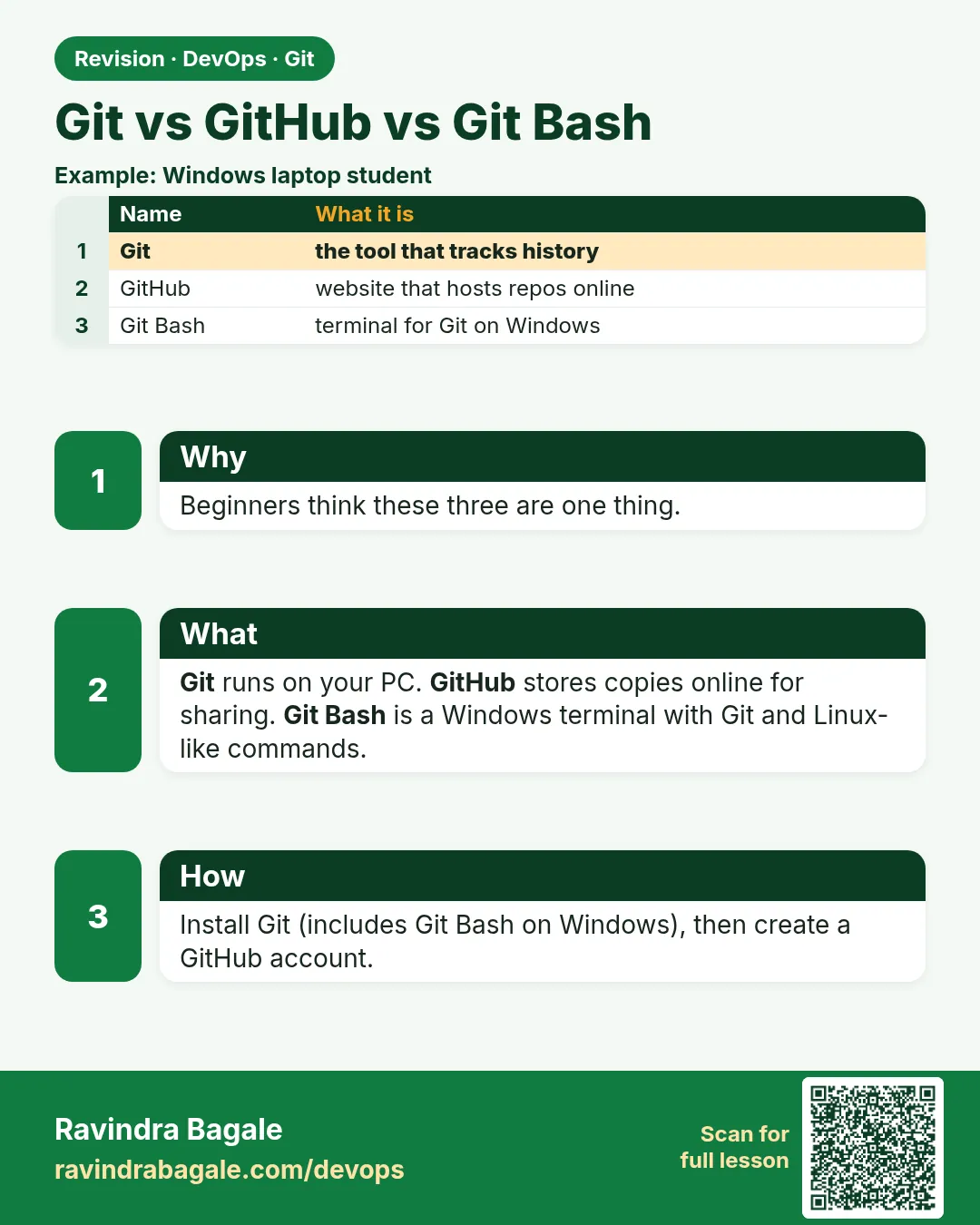
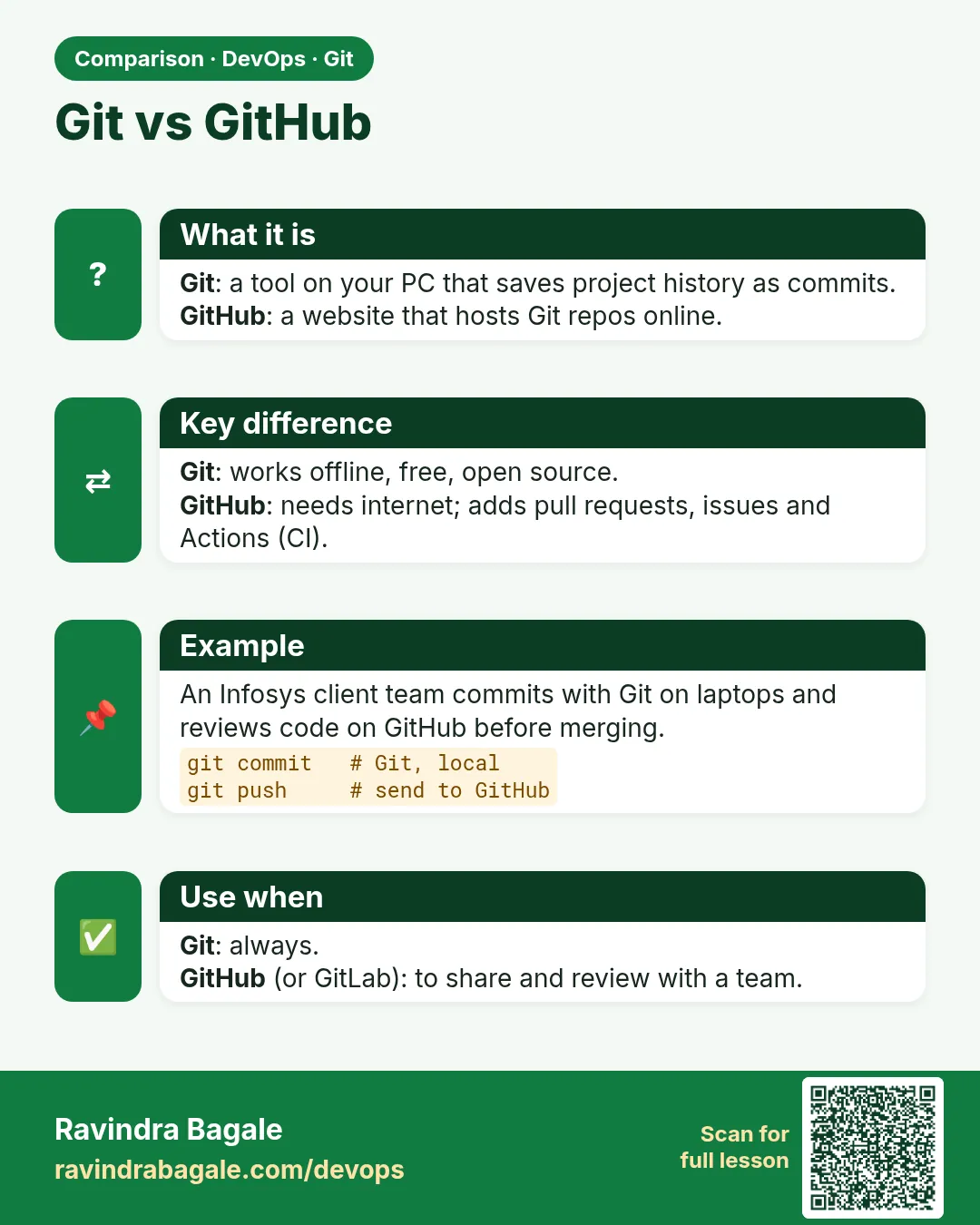
Many freshers say "I pushed my code to Git" when they mean a website. In interviews this confuses people. So we must clear three words: Git, GitHub and Git Bash. Git is the tool on your computer that saves versions. A Git hosting site is a website that stores a copy of your repo so your team can share it. GitHub is one famous hosting site. GitLab and Bitbucket are others. Many Indian companies like Infosys run their own GitLab inside the office, at an address like git.example.com. Git Bash is only a terminal program for Windows. It gives Windows users the same bash commands that Linux users have, plus Git. So: Git is the engine, the hosting site is the parking place, and Git Bash is the driver seat on Windows. In this lesson you will check Git on Linux, see how Git Bash looks on Windows, and push the same repo to a hosting site. In this course we use gitlab.com and git.example.com for examples.
What we will build
You will check the Git tool version, open the Git Bash terminal on Windows (or a Linux terminal), create a repo locally, and connect it to a hosting site project on gitlab.com. You will see clearly which step is Git, which is the website and which is just the terminal.
What: every term in plain English
- Git — The version control program on your machine. Commands start with git.
- Hosting site — A website that keeps a shared copy of repos, with web pages for code, reviews and CI.
- GitHub — A popular hosting site owned by Microsoft.
- GitLab — A hosting site you can use online at gitlab.com or install in your company.
- Bitbucket — A hosting site from Atlassian, often used with Jira.
- Git Bash — A Windows terminal that gives bash commands plus Git.
- Terminal — A window where you type commands.
- Remote — The address of the shared copy of your repo on a hosting site.
How: step by step
-
Check Git is installed
git --versionWhat it does: This is the tool. It works without the internet.
Output
git version 2.43.0 -
On Windows, open Git Bash
Start menu, type Git Bash, press EnterWhat it does: A black window opens with a $ prompt. It is only a terminal.
Output
ravi@LAPTOP MINGW64 ~ $ -
Run a bash command in Git Bash
ls ~ && pwdWhat it does: Linux style commands now work on Windows.
Output
Desktop Documents Downloads /c/Users/ravi -
Make a local repo
mkdir -p ~/devops-lab/hello-git && cd ~/devops-lab/hello-git && git init -b mainWhat it does: Pure Git. No website yet.
Output
Initialized empty Git repository in /home/ravi/devops-lab/hello-git/.git/ -
Create a project on the hosting site
In the browser: gitlab.com, New project, Create blank project, name hello-gitWhat it does: This is the website part. It gives you a remote URL.
Output
Project hello-git was successfully created. -
Connect local repo to the site
git remote add origin https://gitlab.com/ravi-learner/hello-git.gitWhat it does: Tells Git where the shared copy lives.
Output
(no output) -
Push the first commit
echo "# hello-git" > README.md && git add . && git commit -m "First commit" && git push -u origin mainWhat it does: Git sends history to the website.
Output
To https://gitlab.com/ravi-learner/hello-git.git
 * [new branch]      main -> main
Example 1: Prove Git works with no website at all
Stack. Git
Goal. Prove Git works with no website at all.
offline.sh
mkdir -p ~/devops-lab/offline && cd ~/devops-lab/offline
git init -q -b main
echo "menu=idli" > menu.txt
git add menu.txt && git commit -qm "Add menu"
echo "menu=dosa" > menu.txt
git commit -qam "Change menu to dosa"
git log --oneline
git remote -v
What each line does
git init -q -b main— Make a repo. No account needed.git commit -qam— Add changed tracked files and commit in one step.git log --oneline— History is saved locally.git remote -v— Prints nothing, because no website is connected.
Green output
5d1e8a2 Change menu to dosa
a90c3f4 Add menu
Expected result. Git saved two versions with no internet and no account. Git is the tool; the website is optional.
Example 2: Push the same repo to gitlab
Stack. Git, gitlab.com
Goal. Push the same repo to gitlab.com and see it on the web.
push.sh
cd ~/devops-lab/offline
git remote add origin https://gitlab.com/ravi-learner/offline.git
git remote -v
git push -u origin main
git status -sb
What each line does
git remote add origin URL— Save the website address under the short name origin.git remote -v— Show fetch and push addresses.git push -u origin main— Upload commits and remember origin/main as the upstream.git status -sb— Short status that shows if you are ahead or behind.
Green output
origin  https://gitlab.com/ravi-learner/offline.git (fetch)
origin  https://gitlab.com/ravi-learner/offline.git (push)
Enumerating objects: 6, done.
To https://gitlab.com/ravi-learner/offline.git
 * [new branch]      main -> main
branch 'main' set up to track 'origin/main'.
## main...origin/main
Expected result. The website now shows menu.txt and two commits. The same history lives in two places.
Example 3: Use one repo with two hosting sites: gitlab
Stack. Git, gitlab.com, self-hosted GitLab
Goal. Use one repo with two hosting sites: gitlab.com and a company server.
two-remotes.sh
cd ~/devops-lab/offline
git remote add company https://git.example.com/team/offline.git
git remote -v
git push company main
git branch -vv
What each line does
git remote add company URL— A second remote with a second name.git remote -v— Now four lines: two remotes, fetch and push each.git push company main— Send the same commits to the company server.git branch -vv— Shows which remote your branch tracks.
Green output
company https://git.example.com/team/offline.git (fetch)
company https://git.example.com/team/offline.git (push)
origin  https://gitlab.com/ravi-learner/offline.git (fetch)
origin  https://gitlab.com/ravi-learner/offline.git (push)
To https://git.example.com/team/offline.git
 * [new branch]      main -> main
* main 5d1e8a2 [origin/main] Change menu to dosa
Expected result. One Git repo can talk to many hosting sites. This is common when a company moves from one site to another.
Verify: did it work?
-
Check the tool
git --versionWhat it does: Proves Git is the local tool.
Output
git version 2.43.0 -
Check the remotes
git -C ~/devops-lab/offline remote -vWhat it does: Shows the websites this repo knows.
Output
origin https://gitlab.com/ravi-learner/offline.git (fetch) -
Check you are in sync
git -C ~/devops-lab/offline status -sbWhat it does: No ahead or behind means the website has your commits.
Output
## main...origin/main
When it is red 1
git: command not found
Cause. Git is not installed. On Windows you opened cmd, not Git Bash.
Fix, step by step
- Ubuntu: sudo apt update && sudo apt install -y git
- Windows: install Git for Windows, then open Git Bash.
- Run git --version again.
When it is red 2
remote: HTTP Basic: Access denied
fatal: Authentication failed for 'https://gitlab.com/ravi-learner/offline.git/'
Cause. The hosting site does not accept your password. Sites need a token for HTTPS.
Fix, step by step
- On gitlab.com create a personal access token with write_repository scope.
- Push again and paste the token as the password.
- Or switch to SSH in lesson 2.12.
When it is red 3
error: remote origin already exists.
Cause. You ran git remote add origin twice.
Fix, step by step
- git remote -v to see it.
- git remote set-url origin NEW_URL to change it.
Cleanup
-
Remove the extra remote
git -C ~/devops-lab/offline remote remove companyWhat it does: Only removes the name on your laptop. The server is not touched.
Output
(no output) -
Remove the lab folder
rm -rf ~/devops-lab/offlineWhat it does: Deletes the local copy only.
Output
(no output)
Ravindra Bagale's Tip
Git mhanje engine, GitLab mhanje parking, Git Bash mhanje Windows chi seat. Interview madhe he teen shabda gondhalu naka!
Practice tasks
Easy Fill a three-column table
Why: A table removes the confusion forever.
What to do: Write Git, hosting site and Git Bash with what, where it runs and one example.
- Use the terms list.
Check: A clear table in your notes.
Medium Push one repo to gitlab.com
Why: Hands-on beats reading.
What to do: Create a gitlab.com project and push a README.
- git remote add origin URL
- git push -u origin main
Check: You see README.md on the website.
Hard Add a second remote
Why: Companies move between sites.
What to do: Add a second remote and push to both.
- git remote add company URL
- git push company main
Check: git remote -v shows two names.
Easy Say Git vs hosting sites vs Git Bash in two lines
Why: If you can say it simply, you understand it. Interviewers want the short version first.
What to do: Write two short lines about Git vs hosting sites vs Git Bash for a fresher who knows only basic Linux.
- Write the problem it solves.
- Write one real command or file that shows it.
- Read it aloud to a friend.
Check: A fresher understands it without asking a question.
Easy Make a safe lab folder
Why: Practice needs a place you can throw away. Then mistakes cost nothing.
What to do: Create a lab folder for this chapter and work only inside it.
- mkdir -p ~/devops-lab && cd ~/devops-lab
- Run every command of this lesson from here.
- Check with pwd before you delete anything.
Check: All lab files live in ~/devops-lab.
Medium Repeat it in a container
Why: Your laptop is not the server. A clean Ubuntu container shows what a fresh server needs.
What to do: Run the main steps of this lesson again inside an Ubuntu container.
- docker run --rm -it -v "$PWD":/lab -w /lab ubuntu:24.04 bash
- apt update and install what is missing.
- Note every missing tool.
Check: Same result inside the container, or a list of what you had to install.
Medium Break it on purpose
Why: You must know the red message by face. In an outage there is no time to read slowly.
What to do: Cause one error from the "When it is red" part of this lesson and fix it.
- Follow the error section.
- Copy the exact message into your notes.
- Write the fix in one line.
Check: You fixed it using only the steps, without searching the web.
Medium Write a one-page runbook
Why: At 2 a.m. nobody remembers the right command. A short page saves the on-call person.
What to do: Write a runbook page for this lesson.
- Title, when to use, exact command, how to check, how to undo.
Check: A teammate can follow it alone.
Hard Explain it like an interview
Why: Interviewers want real stories, not definitions.
What to do: Record a 60 second answer about this lesson.
- Say the problem, the command or file you used, and one error you hit.
Check: Your answer has a real command and a real error message.
Hard Draw the flow top to bottom
Why: A drawing shows who does what and in which order.
What to do: Draw this lesson as boxes from top to bottom.
- Start at the developer laptop, end at the user on the website.
Check: Each box matches a real thing you ran.
Homework: try at home
Try at home
Explain Git, GitHub, GitLab and Git Bash to a friend in four lines. Then show them git --version and one push to gitlab.com.
Recap
- Git is the tool on your machine.
- GitHub, GitLab and Bitbucket are websites that host repos.
- Git Bash is only a terminal for Windows.
- A remote is the address of the shared copy.
- One repo can have many remotes.
FAQ
Which should I learn first, Git or GitLab?
Git first. The website is easy once Git commands make sense.
Do I need Git Bash on Linux or Mac?
No. Use the normal terminal. Git Bash is for Windows.
Can I use PowerShell instead of Git Bash?
Yes, Git works there too. But this course uses bash commands, so Git Bash is easier.
Why does my company use git.example.com and not a public site?
Many companies host GitLab themselves to keep code inside their network.
Is WSL better than Git Bash?
WSL gives a full Ubuntu inside Windows. It is great for DevOps work. Git Bash is lighter.
Interview questions
-
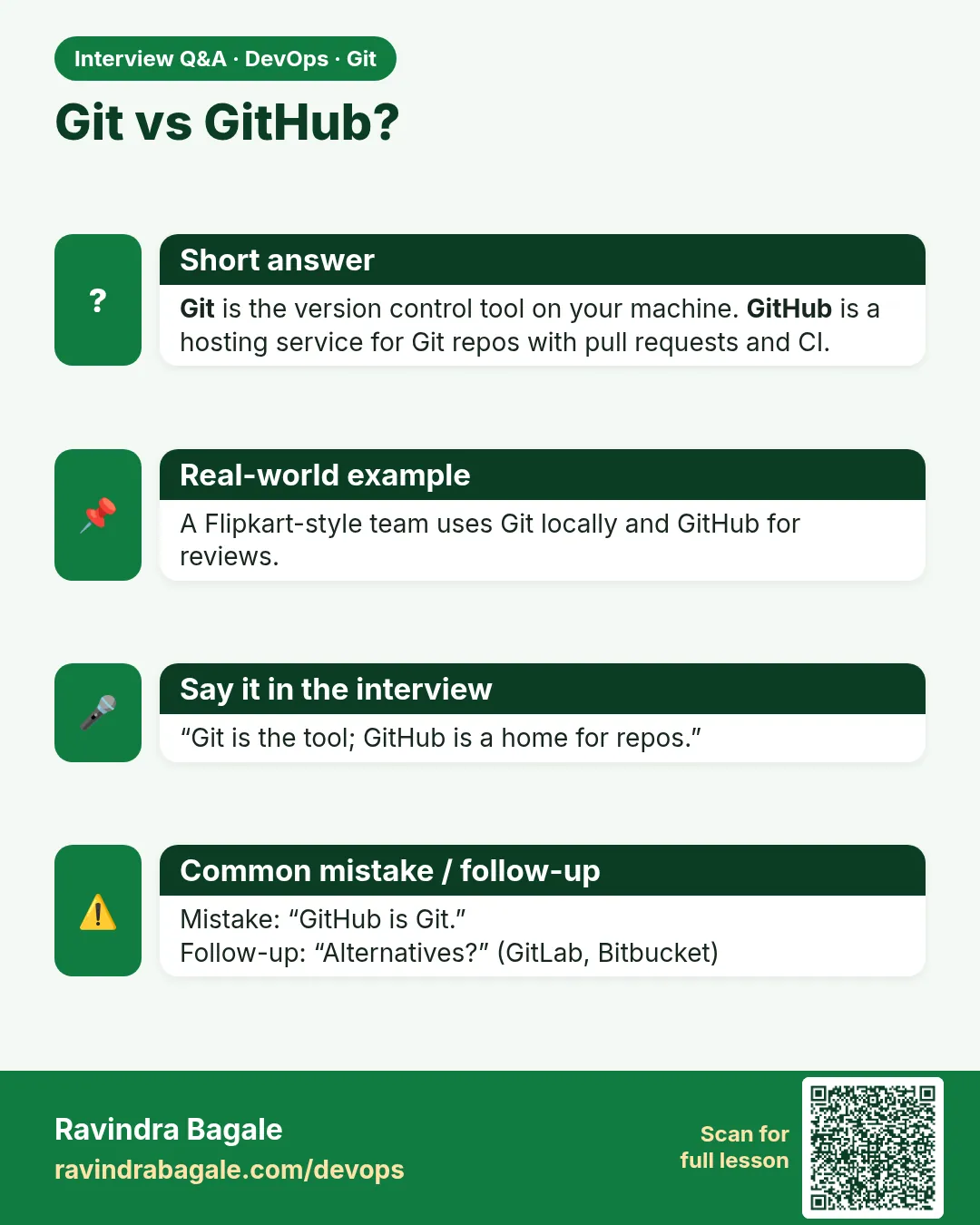
Explain the difference between Git and GitHub.
Git is a distributed version control tool that runs locally. GitHub is a hosting service for Git repos with reviews, issues and CI.
-
What is a remote?
A named URL of another copy of the repo, usually on a hosting site. origin is the default name.
-
Why would a company self-host GitLab?
To keep code inside their network, for security rules, and to control users and runners.
-
Can you use Git without a hosting site?
Yes. All commits, branches and history work offline.
-
What is Git Bash used for?
It gives Windows users a bash shell and Git, so scripts and commands match Linux servers.
Quick quiz
Q1. Is GitHub the same as Git?
No. Git is the tool. GitHub is a website that hosts Git repos.
Q2. What is Git Bash?
A Windows terminal with bash commands and Git.
Q3. Does Git work without the internet?
Yes. Only push, pull, fetch and clone need the network.
Q4. Name two hosting sites other than GitHub.
GitLab and Bitbucket.
Q5. Can one repo push to two sites?
Yes, with two remotes, such as origin and company.
Samajla ka?
 Revision card
 Interview card
 Comparison card