Chapter 2: Git, GitHub and Git Bash
2.11 Commit message hygiene
Why: the problem
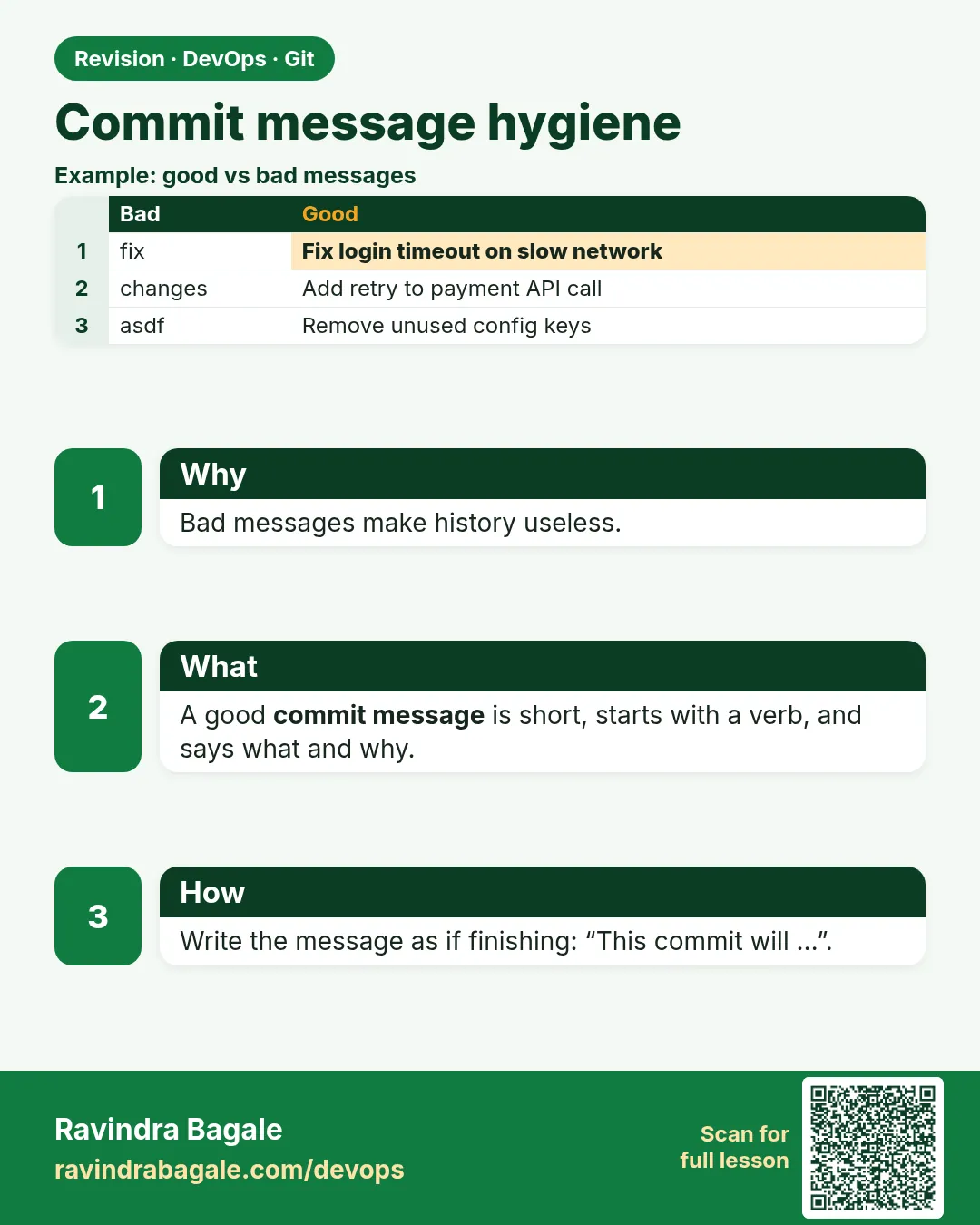
Open the history of a messy project and you see messages like "fix", "changes", "final" and "asdf". Now imagine an outage at Paytm and you must find the commit that changed the payment timeout. These messages tell you nothing. Good commit messages are a gift to your team and to yourself six months later. Reviewers read the message before the code. Tools also read messages: Jira links issues from them, release tools build notes from them, and some teams block pushes with bad messages. In this lesson you will learn a simple shape: a short subject in the imperative mood, a blank line, and a body that says why. You will also learn Conventional Commits, used by many open source projects, and you will set up a commit template and a hook that rejects bad messages.
What we will build
You will rewrite bad messages into good ones, write a multi-line commit with a body and an issue key, create a commit template, and add a commit-msg hook that blocks messages like "fix".
What: every term in plain English
- Subject line — The first line. Short, 50 characters or less, no full stop.
- Imperative mood — Write like a command: Add, Fix, Remove. "Add cart test", not "Added".
- Body — Lines after a blank line that explain why and what changed.
- Issue key — A ticket ID like SHOP-142 that links the commit to Jira.
- Conventional Commits — A style: type(scope): subject, like fix(cart): round price.
- Commit template — A file Git shows when you write a message.
- commit-msg hook — A script that checks the message before the commit is saved.
- Atomic commit — One commit, one logical change.
How: step by step
-
See bad messages
git log --oneline -5What it does: Notice vague words.
Output
a1 fix b2 changes c3 final -
Write a good subject
git commit --allow-empty -m "Fix cart total rounding for 0.5 paise"What it does: Command style, clear and short.
Output
[main d4] Fix cart total rounding for 0.5 paise -
Write a subject and body
git commit --allow-empty -m "Raise payment timeout to 10s" -m "Bank API p99 is 7s at lunch peak. 5s caused failed orders. Refs SHOP-142."What it does: Two -m flags: subject and body.
Output
[main e5] Raise payment timeout to 10s -
Read it
git log -1What it does: The body explains why.
Output
Raise payment timeout to 10s Bank API p99 is 7s at lunch peak. 5s caused failed orders. Refs SHOP-142. -
Create a template
nano ~/.gitmessageWhat it does: Paste the template from Example 2.
Output
(file saved) -
Use the template
git config --global commit.template ~/.gitmessageWhat it does: git commit without -m now shows it.
Output
(no output) -
Check subject lengths
git log --format="%s" -10 | awk '{ print length, $0 }'What it does: Find long subjects.
Output
38 Raise payment timeout to 10s
Example 1: Rewrite five bad messages
Stack. Git
Goal. Rewrite five bad messages.
before-after.txt
BAD: fix
GOOD: Fix 500 error on /health when DB is down

BAD: changes
GOOD: Add Redis cache for menu API

BAD: final version
GOOD: Bump app version to 1.4.0

BAD: updated file
GOOD: Remove unused payment retry flag

BAD: Added the new feature for discount and also fixed bug
GOOD (two commits):
  Add 10% festival discount to cart
  Fix discount applied twice on refresh
What each line does
Fix 500 error ...— Says what and where.Add Redis cache ...— Starts with a verb.Bump app version— A common verb for versions.Remove unused ...— Clear about deletion.Two commits— One idea per commit.
Green output
$ git log --oneline -3
f6 Fix discount applied twice on refresh
e5 Add 10% festival discount to cart
d4 Bump app version to 1.4.0
Expected result. The log now reads like a changelog.
Example 2: A team commit template
Stack. Git
Goal. A team commit template.
~/.gitmessage
# Subject: imperative, max 50 chars, no full stop
# Example: Fix cart total rounding

# Body: why is this change needed? what changed?

# Ticket: SHOP-123
What each line does
Lines with #— Comments; Git removes them.Subject hint— Reminds the shape.Body hint— Asks why.Ticket— Link to Jira.
Green output
$ git commit
(nano opens with the template)
[main a7] Add order id to payment logs
Expected result. Everyone writes the same shape without thinking.
Example 3: Block bad messages with a commit-msg hook
Stack. Git hooks, Bash
Goal. Block bad messages with a commit-msg hook.
.git/hooks/commit-msg
#!/usr/bin/env bash
msg=$(head -1 "$1")
if [ ${#msg} -gt 72 ]; then
  echo "Subject too long (${#msg} chars). Keep it under 72."; exit 1
fi
case "$msg" in
  fix|changes|update|wip|final|asdf)
    echo "Message too vague: '$msg'. Say what you changed."; exit 1;;
esac
exit 0
test.sh
chmod 755 .git/hooks/commit-msg
git commit --allow-empty -m "fix"
git commit --allow-empty -m "Fix login redirect after OTP"
What each line does
head -1 "$1"— Git passes the message file as $1.${#msg} -gt 72— Length check.case ... esac— Reject vague words.exit 1— Stops the commit.
Green output
Message too vague: 'fix'. Say what you changed.
[main b8] Fix login redirect after OTP
Expected result. The hook teaches the team good habits automatically.
Example 4: Use Conventional Commits to build release notes
Stack. Git
Goal. Use Conventional Commits to build release notes.
conventional.sh
git commit --allow-empty -qm "feat(cart): add festival discount"
git commit --allow-empty -qm "fix(payment): retry once on bank timeout"
git commit --allow-empty -qm "docs(readme): add run steps"
echo "## Features";  git log --format="- %s" -3 --grep="^feat"
echo "## Fixes";     git log --format="- %s" -3 --grep="^fix"
What each line does
feat(cart):— A new feature in the cart area.fix(payment):— A bug fix in payments.docs(readme):— Documentation only.--grep="^feat"— Pick only feature commits.
Green output
## Features
- feat(cart): add festival discount
## Fixes
- fix(payment): retry once on bank timeout
Expected result. Release tools such as semantic-release read these prefixes to choose the next version.
Verify: did it work?
-
Check last subjects
git log --format="%s" -5What it does: All start with a verb or type.
Output
feat(cart): add festival discount -
Check template set
git config --global commit.templateWhat it does: Path printed.
Output
/home/ravi/.gitmessage -
Hook works
git commit --allow-empty -m wip; echo $?What it does: Exit code 1.
Output
Message too vague: 'wip'. Say what you changed.
1
When it is red 1
Message too vague: 'fix'. Say what you changed.
Cause. The hook blocked your message.
Fix, step by step
- Write what and where: Fix null price in cart API.
When it is red 2
Subject too long (95 chars). Keep it under 72.
Cause. Too much in the subject.
Fix, step by step
- Move details to the body with a second -m.
When it is red 3
remote: GitLab: Commit message does not follow the pattern '^(feat|fix|docs)'
Cause. The server has a push rule for messages.
Fix, step by step
- git commit --amend -m "fix(cart): ..." for the last commit.
- For older ones, git rebase -i and reword. Only if not shared.
Cleanup
-
Remove the hook
rm .git/hooks/commit-msgWhat it does: Only in the lab repo.
Output
(no output)
Ravindra Bagale's Tip
"fix" he message nahi, he koda aahe! Kay aani ka he lihaa, sahaa mahinyaani tumhich aabhaar mana.
Practice tasks
Easy Rewrite bad messages
Why: Practice the shape.
What to do: Rewrite five vague messages.
- Start with a verb
Check: Five clear subjects.
Medium Use a template
Why: Habits need help.
What to do: Set commit.template and commit with it.
- git config --global commit.template
Check: Your next commit has a body.
Hard Write a hook
Why: Automation enforces rules.
What to do: Block vague messages with commit-msg.
- exit 1 on bad words
Check: git commit -m fix is rejected.
Easy Say commit messages in two lines
Why: If you can say it simply, you understand it. Interviewers want the short version first.
What to do: Write two short lines about commit messages for a fresher who knows only basic Linux.
- Write the problem it solves.
- Write one real command or file that shows it.
- Read it aloud to a friend.
Check: A fresher understands it without asking a question.
Easy Make a safe lab folder
Why: Practice needs a place you can throw away. Then mistakes cost nothing.
What to do: Create a lab folder for this chapter and work only inside it.
- mkdir -p ~/devops-lab && cd ~/devops-lab
- Run every command of this lesson from here.
- Check with pwd before you delete anything.
Check: All lab files live in ~/devops-lab.
Medium Repeat it in a container
Why: Your laptop is not the server. A clean Ubuntu container shows what a fresh server needs.
What to do: Run the main steps of this lesson again inside an Ubuntu container.
- docker run --rm -it -v "$PWD":/lab -w /lab ubuntu:24.04 bash
- apt update and install what is missing.
- Note every missing tool.
Check: Same result inside the container, or a list of what you had to install.
Medium Break it on purpose
Why: You must know the red message by face. In an outage there is no time to read slowly.
What to do: Cause one error from the "When it is red" part of this lesson and fix it.
- Follow the error section.
- Copy the exact message into your notes.
- Write the fix in one line.
Check: You fixed it using only the steps, without searching the web.
Medium Write a one-page runbook
Why: At 2 a.m. nobody remembers the right command. A short page saves the on-call person.
What to do: Write a runbook page for this lesson.
- Title, when to use, exact command, how to check, how to undo.
Check: A teammate can follow it alone.
Hard Explain it like an interview
Why: Interviewers want real stories, not definitions.
What to do: Record a 60 second answer about this lesson.
- Say the problem, the command or file you used, and one error you hit.
Check: Your answer has a real command and a real error message.
Hard Draw the flow top to bottom
Why: A drawing shows who does what and in which order.
What to do: Draw this lesson as boxes from top to bottom.
- Start at the developer laptop, end at the user on the website.
Check: Each box matches a real thing you ran.
Homework: try at home
Try at home
Rewrite the last 5 messages of one of your projects in imperative style on paper. Then use the template for your next 3 real commits.
Recap
- Short imperative subject, blank line, body with why.
- Add the ticket key.
- One idea per commit.
- Conventional Commits help release notes.
- Templates and hooks keep the team consistent.
FAQ
Do I need a body every time?
No. Small changes can be subject only.
Is Conventional Commits required?
Only if your team uses it. Follow team rules.
Can I fix an old message?
Yes with git rebase -i reword, only on unpushed commits.
English or Marathi messages?
English, so everyone in the company can read them.
Can GitLab enforce messages?
Yes, with push rules in project settings.
Interview questions
-
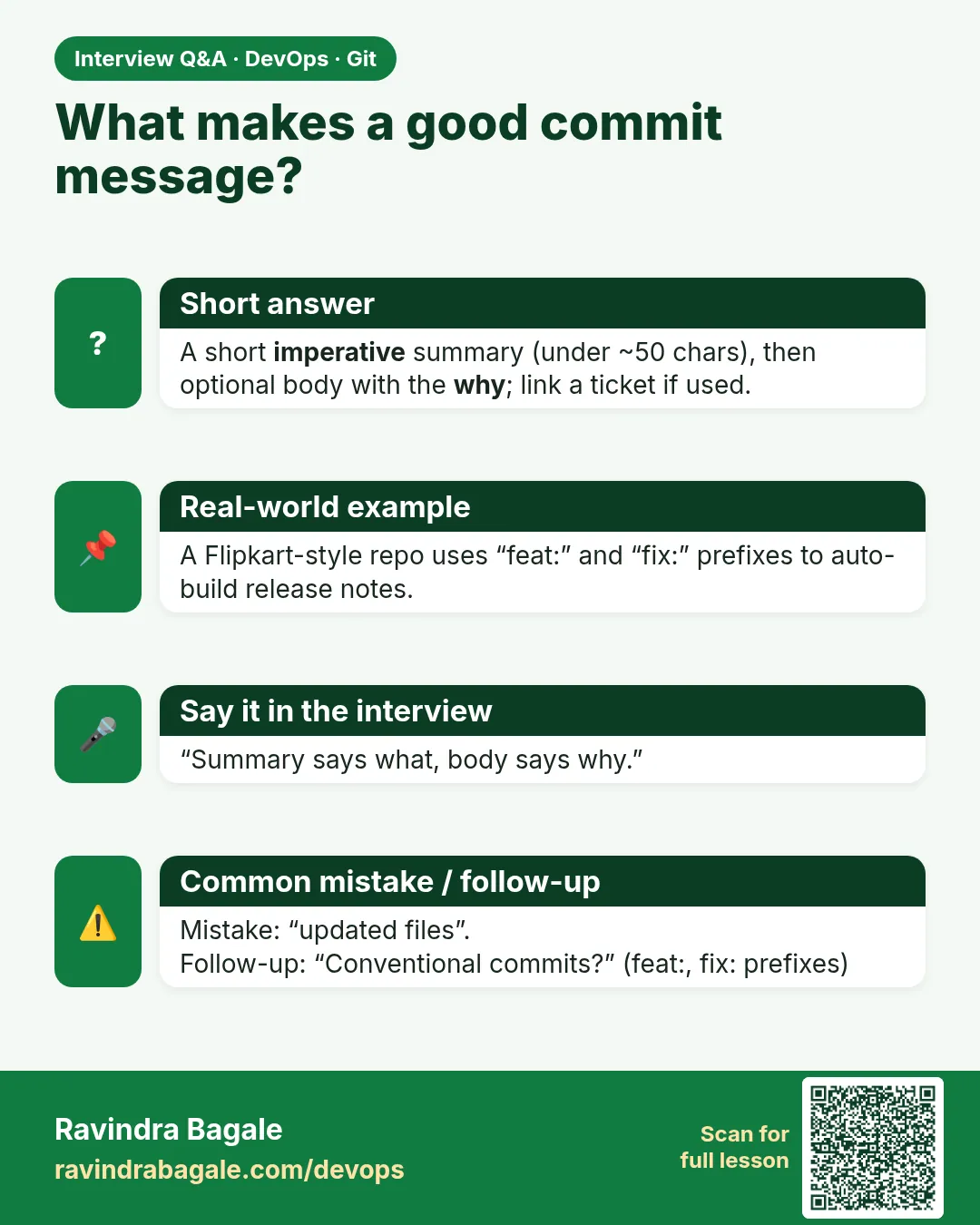
What makes a good commit message?
A short imperative subject, a blank line, and a body explaining why, plus a ticket key.
-
Why does imperative mood matter?
It matches Git's own messages like Merge branch and reads as what the commit will do.
-
What are Conventional Commits?
A format type(scope): subject that tools use for changelogs and versions.
-
How do you enforce message rules?
commit-msg hooks locally and push rules or CI checks on the server.
-
How do you change the last message?
git commit --amend -m "new message" before push.
Quick quiz
Q1. What mood should the subject use?
Imperative, like Add or Fix.
Q2. How long should the subject be?
About 50, max 72 characters.
Q3. Where does the why go?
In the body after a blank line.
Q4. What is feat(cart): ...?
A Conventional Commit for a new feature in cart.
Q5. Which hook checks messages?
commit-msg.
Samajla ka?
 Revision card
 Interview card