Chapter 2: Git, GitHub and Git Bash
2.10 Undo safely — restore and amend
Why: the problem
Everyone makes mistakes in Git. You delete a line by accident, commit the wrong file, or write a typo in the message. What matters is undoing safely, without losing work and without breaking your teammates. Git has many undo tools, and freshers often grab the most dangerous one, git reset --hard, which deletes work forever. In this lesson you learn the safe order. git restore for an edit on disk. git restore --staged for a file in the box. git commit --amend for the last commit that is not pushed yet. git revert for a commit that is already pushed, because revert adds a new commit that undoes the old one and does not rewrite history. And git reflog as your safety net when something seems lost.
What we will build
You will make five common mistakes in hello-shop on purpose and fix each with the right tool: a bad edit, a wrong file staged, a typo in the last message, a bad commit already pushed, and a "lost" commit after a hard reset.
What: every term in plain English
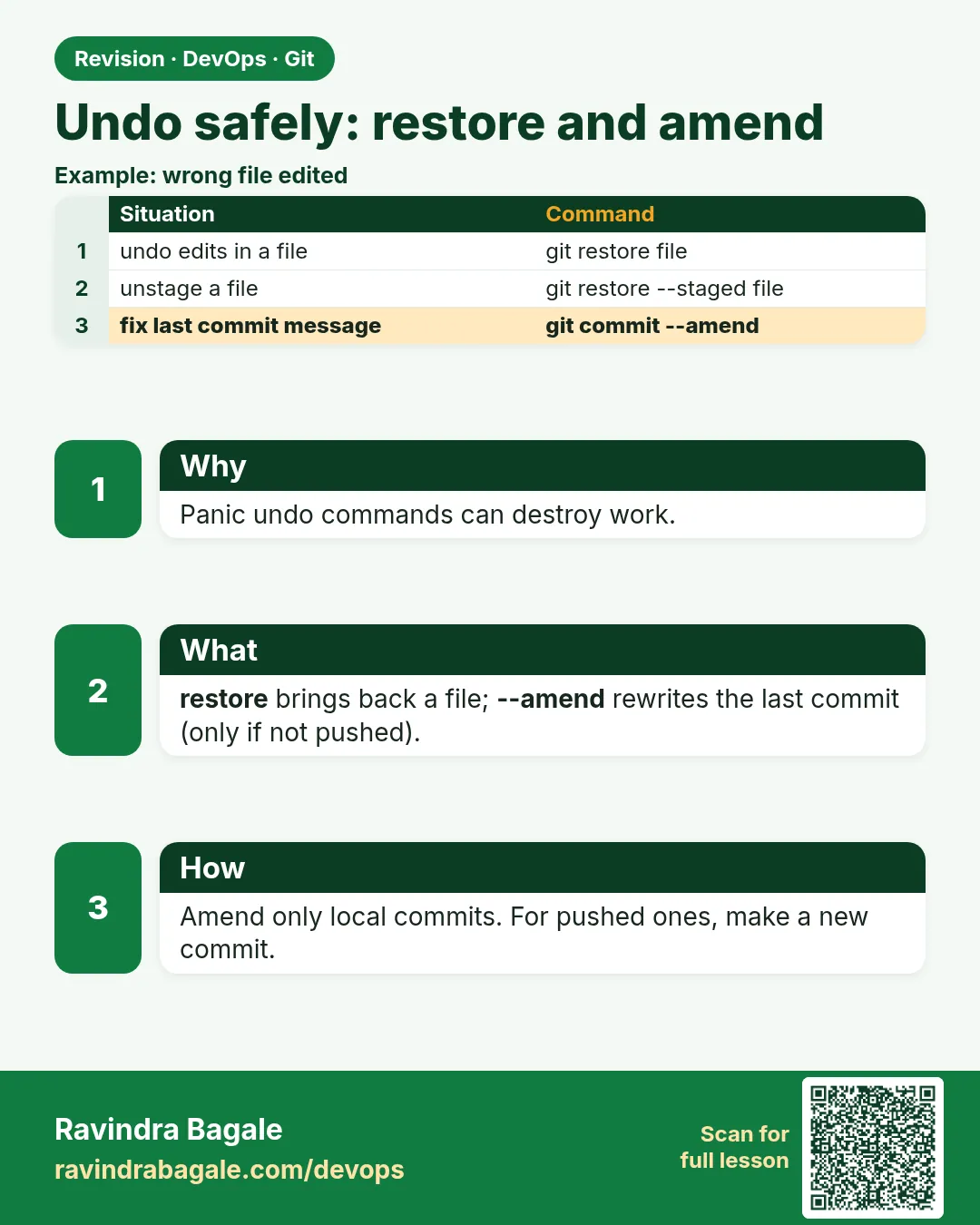
- git restore FILE — Throw away unstaged edits in a file. Cannot be undone.
- git restore --staged FILE — Unstage, keep the edit.
- git commit --amend — Replace the last commit. Only if not pushed.
- git revert COMMIT — Make a new commit that undoes COMMIT. Safe after push.
- git reset --soft HEAD~1 — Undo the last commit, keep changes staged.
- git reset --hard — Throw away commits and edits. Dangerous.
- git reflog — A diary of where HEAD has been. Finds lost commits.
- Rewrite history — Change commits that others may have. Avoid on shared branches.
How: step by step
-
Mistake 1: bad edit
echo "BROKEN" > app.py && git restore app.py && head -1 app.pyWhat it does: The file is back to the last commit.
Output
from http.server import BaseHTTPRequestHandler, HTTPServer -
Mistake 2: wrong file staged
touch secret.txt && git add secret.txt && git restore --staged secret.txt && git status --shortWhat it does: Out of the box.
Output
?? secret.txt -
Mistake 3: typo in message
git commit --allow-empty -qm "Fix helth" && git commit --amend -m "Fix health"What it does: Last message fixed.
Output
[main 9a8b7c6] Fix health -
Mistake 4: bad commit pushed
git revert --no-edit HEADWhat it does: A new commit undoes it.
Output
[main 5f4e3d2] Revert "Fix health" -
Mistake 5: hard reset
git reset --hard HEAD~2What it does: Two commits gone from main.
Output
HEAD is now at e1f2a3b Set price to 149 -
Find them
git reflog -5What it does: The diary still has them.
Output
e1f2a3b HEAD@{0}: reset: moving to HEAD~2 5f4e3d2 HEAD@{1}: revert: Revert "Fix health" -
Bring them back
git reset --hard 5f4e3d2What it does: main points to the lost commit again.
Output
HEAD is now at 5f4e3d2 Revert "Fix health"
Example 1: Fix a forgotten file in the last commit with amend
Stack. Git
Goal. Fix a forgotten file in the last commit with amend.
amend.sh
echo "def test(): assert True" > test_app.py
echo "v3" > VERSION
git add VERSION
git commit -qm "Release v3"
git show --stat --oneline HEAD
git add test_app.py
git commit --amend --no-edit
git show --stat --oneline HEAD
What each line does
git commit -qm "Release v3"— Oops, forgot the test file.git add test_app.py— Stage the forgotten file.--amend --no-edit— Add it to the last commit, same message.git show --stat— Now both files are in one commit.
Green output
a1a1a1a Release v3
 VERSION | 1 +
b2b2b2b Release v3
 VERSION     | 1 +
 test_app.py | 1 +
Expected result. One clean commit. Note the commit ID changed, so only amend before push.
Example 2: Undo a pushed bad commit with revert
Stack. Git
Goal. Undo a pushed bad commit with revert.
revert.sh
sed -i 's/price=149/price=1/' cart.txt
git commit -qam "Set price"
git push -q origin main
git revert --no-edit HEAD
git push -q origin main
git log --oneline -3
cat cart.txt
What each line does
price=1— A real-life bad change: price set to 1 rupee.git push— Already shared with the team.git revert HEAD— New commit that puts price=149 back.git log— History shows the mistake and the fix. Nothing rewritten.
Green output
c3c3c3c Revert "Set price"
d4d4d4d Set price
e1f2a3b Set price to 149
price=149
Expected result. Teammates just pull. No force push needed. This is the safe undo for shared branches.
Example 3: Undo the last commit but keep the work with reset --soft
Stack. Git
Goal. Undo the last commit but keep the work with reset --soft.
soft.sh
echo "coupon=SAVE10" >> cart.txt
git commit -qam "WIP coupon"
git reset --soft HEAD~1
git status --short
git commit -qm "Add SAVE10 coupon to cart"
git log --oneline -1
What each line does
WIP coupon— A bad commit message you want to redo.reset --soft HEAD~1— Commit gone, changes still staged.git status— M cart.txt is staged.git commit— Commit again with a clear message.
Green output
 M cart.txt
M  cart.txt
f5f5f5f Add SAVE10 coupon to cart
Expected result. You rewrote only your own unpushed commit. Work is safe.
Example 4: Recover a deleted branch with reflog
Stack. Git
Goal. Recover a deleted branch with reflog.
recover-branch.sh
git switch -qc feature/coupon
echo "coupon=FEST20" >> cart.txt && git commit -qam "Add FEST20 coupon"
git switch -q main
git branch -D feature/coupon
git reflog | grep "FEST20"
git branch feature/coupon HEAD@{1}
git log --oneline -1 feature/coupon
What each line does
git switch -c— Make a branch and commit on it.git branch -D— Force delete it, even though it is not merged.git reflog | grep— Find the lost commit by its message.git branch NAME HEAD@{1}— Make the branch again at that point.
Green output
Deleted branch feature/coupon (was 7a7a7a7).
7a7a7a7 HEAD@{1}: commit: Add FEST20 coupon
7a7a7a7 Add FEST20 coupon
Expected result. The branch and its commit are back. Reflog saves you from most "I lost everything" moments.
Verify: did it work?
-
Price is right
cat cart.txt | head -1What it does: Revert worked.
Output
price=149 -
History kept
git log --oneline | grep -c RevertWhat it does: At least one revert commit.
Output
1 -
Nothing lost
git status --shortWhat it does: Clean.
Output
(no output)
When it is red 1
! [rejected] main -> main (non-fast-forward)
Cause. You amended or reset a commit that was already pushed.
Fix, step by step
- Do not force push shared main.
- git pull --rebase to get back in line, or use git revert instead.
When it is red 2
error: could not revert 1a2b3c4... Set price
hint: after resolving the conflicts, mark the corrected paths
Cause. Later commits changed the same lines.
Fix, step by step
- Open the file and fix the conflict markers.
- git add FILE
- git revert --continue
When it is red 3
I ran git restore and lost my edit
Cause. restore on disk cannot be undone unless the change was staged or stashed.
Fix, step by step
- Check your editor undo history.
- Next time use git stash first.
Cleanup
-
Remove test files
git rm -q --cached test_app.py VERSION 2>/dev/null; rm -f test_app.py VERSION secret.txtWhat it does: Tidy the lab.
Output
(no output)
Ravindra Bagale's Tip
Push zala asel tar revert, nasel tar amend. reset --hard la haat lavnyaadhi reflog lakshat theva!
Practice tasks
Easy Undo an edit
Why: The simplest undo.
What to do: Break app.py and restore it.
- git restore app.py
Check: File is back.
Medium Revert a pushed commit
Why: The safe team undo.
What to do: Push a bad change and revert it.
- git revert HEAD
- git push
Check: History shows both commits.
Hard Recover with reflog
Why: Your safety net.
What to do: Hard reset two commits back and recover them.
- git reflog
- git reset --hard ID
Check: Lost commits are back.
Easy Say safe undo in Git in two lines
Why: If you can say it simply, you understand it. Interviewers want the short version first.
What to do: Write two short lines about safe undo in Git for a fresher who knows only basic Linux.
- Write the problem it solves.
- Write one real command or file that shows it.
- Read it aloud to a friend.
Check: A fresher understands it without asking a question.
Easy Make a safe lab folder
Why: Practice needs a place you can throw away. Then mistakes cost nothing.
What to do: Create a lab folder for this chapter and work only inside it.
- mkdir -p ~/devops-lab && cd ~/devops-lab
- Run every command of this lesson from here.
- Check with pwd before you delete anything.
Check: All lab files live in ~/devops-lab.
Medium Repeat it in a container
Why: Your laptop is not the server. A clean Ubuntu container shows what a fresh server needs.
What to do: Run the main steps of this lesson again inside an Ubuntu container.
- docker run --rm -it -v "$PWD":/lab -w /lab ubuntu:24.04 bash
- apt update and install what is missing.
- Note every missing tool.
Check: Same result inside the container, or a list of what you had to install.
Medium Break it on purpose
Why: You must know the red message by face. In an outage there is no time to read slowly.
What to do: Cause one error from the "When it is red" part of this lesson and fix it.
- Follow the error section.
- Copy the exact message into your notes.
- Write the fix in one line.
Check: You fixed it using only the steps, without searching the web.
Medium Write a one-page runbook
Why: At 2 a.m. nobody remembers the right command. A short page saves the on-call person.
What to do: Write a runbook page for this lesson.
- Title, when to use, exact command, how to check, how to undo.
Check: A teammate can follow it alone.
Hard Explain it like an interview
Why: Interviewers want real stories, not definitions.
What to do: Record a 60 second answer about this lesson.
- Say the problem, the command or file you used, and one error you hit.
Check: Your answer has a real command and a real error message.
Hard Draw the flow top to bottom
Why: A drawing shows who does what and in which order.
What to do: Draw this lesson as boxes from top to bottom.
- Start at the developer laptop, end at the user on the website.
Check: Each box matches a real thing you ran.
Homework: try at home
Try at home
Make each of the five mistakes from the steps list and fix them yourself. Write which tool you used and whether the commit was pushed.
Recap
- restore for disk edits; restore --staged for the box.
- amend only before push.
- revert after push; it adds a new commit.
- reset --soft keeps work; --hard deletes it.
- reflog finds lost commits.
FAQ
What is the difference between revert and reset?
Revert adds an undo commit. Reset moves the branch back and can drop commits.
Can reflog save everything?
It saves commits, not edits that were never committed or staged.
How long does reflog keep entries?
About 90 days by default.
Can I amend an old commit?
Use interactive rebase, but only on your own unpushed work.
Is git checkout -- file the same as restore?
Yes, the old way. restore is clearer.
Which undo is safe on a shared branch?
Only git revert. All the others rewrite history or delete edits.
Interview questions
-
How do you undo a commit that is already pushed?
git revert COMMIT and push. It keeps history safe for others.
-
Difference between reset --soft, --mixed and --hard?
soft keeps changes staged, mixed keeps them unstaged, hard deletes them.
-
How do you recover a deleted branch or lost commit?
Find the ID in git reflog and create a branch or reset to it.
-
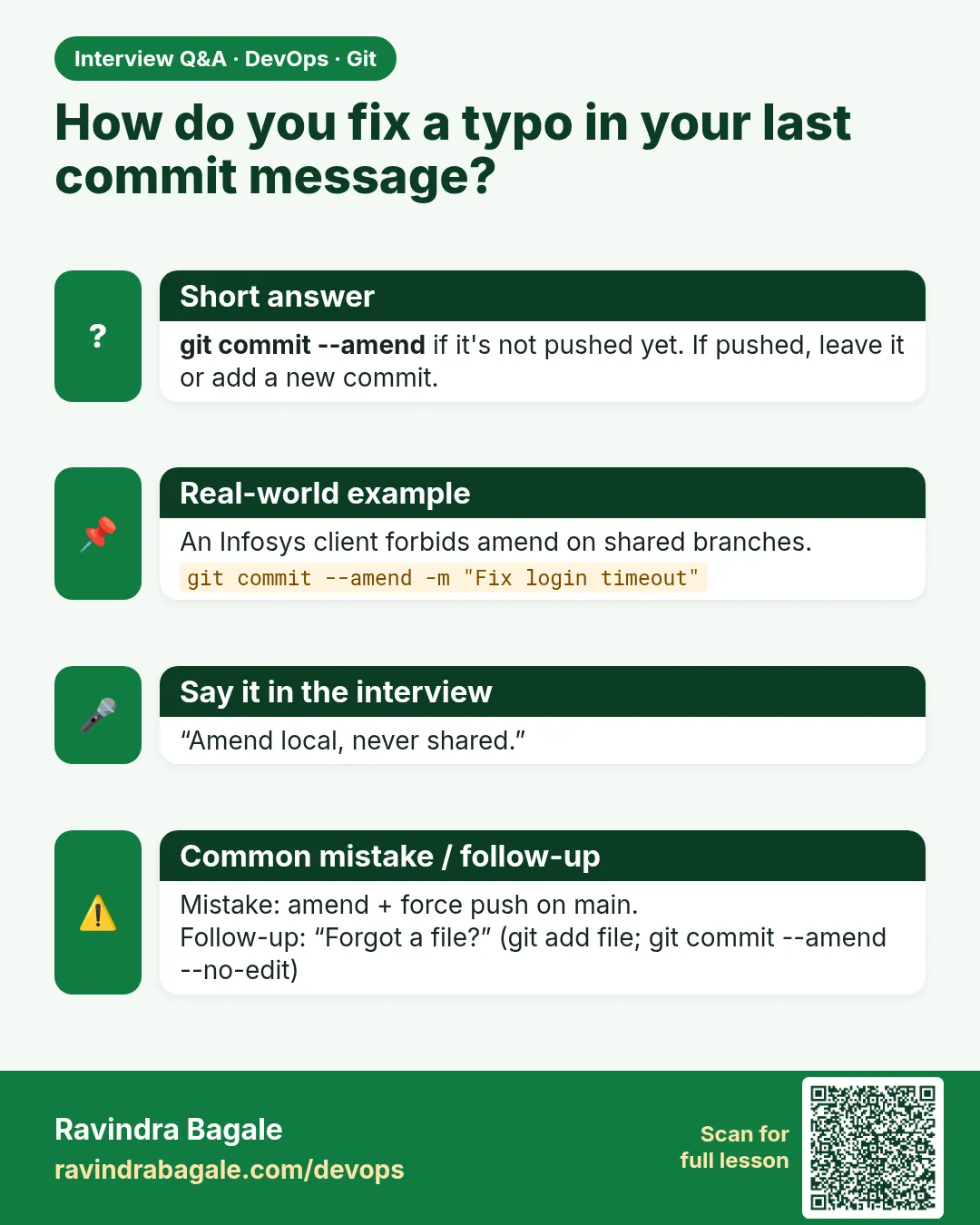
When is amend dangerous?
After push, because it changes the commit ID and breaks others.
-
How to discard local changes in one file?
git restore FILE.
Quick quiz
Q1. A bad commit is pushed to main. Which command?
git revert COMMIT.
Q2. Forgot a file in the last unpushed commit?
git add FILE, then git commit --amend --no-edit.
Q3. How to unstage a file?
git restore --staged FILE.
Q4. Where do you find lost commits?
git reflog.
Q5. Why avoid reset --hard?
It deletes edits and moves the branch; work can be lost.
Samajla ka?
 Revision card
 Interview card