Revision cards
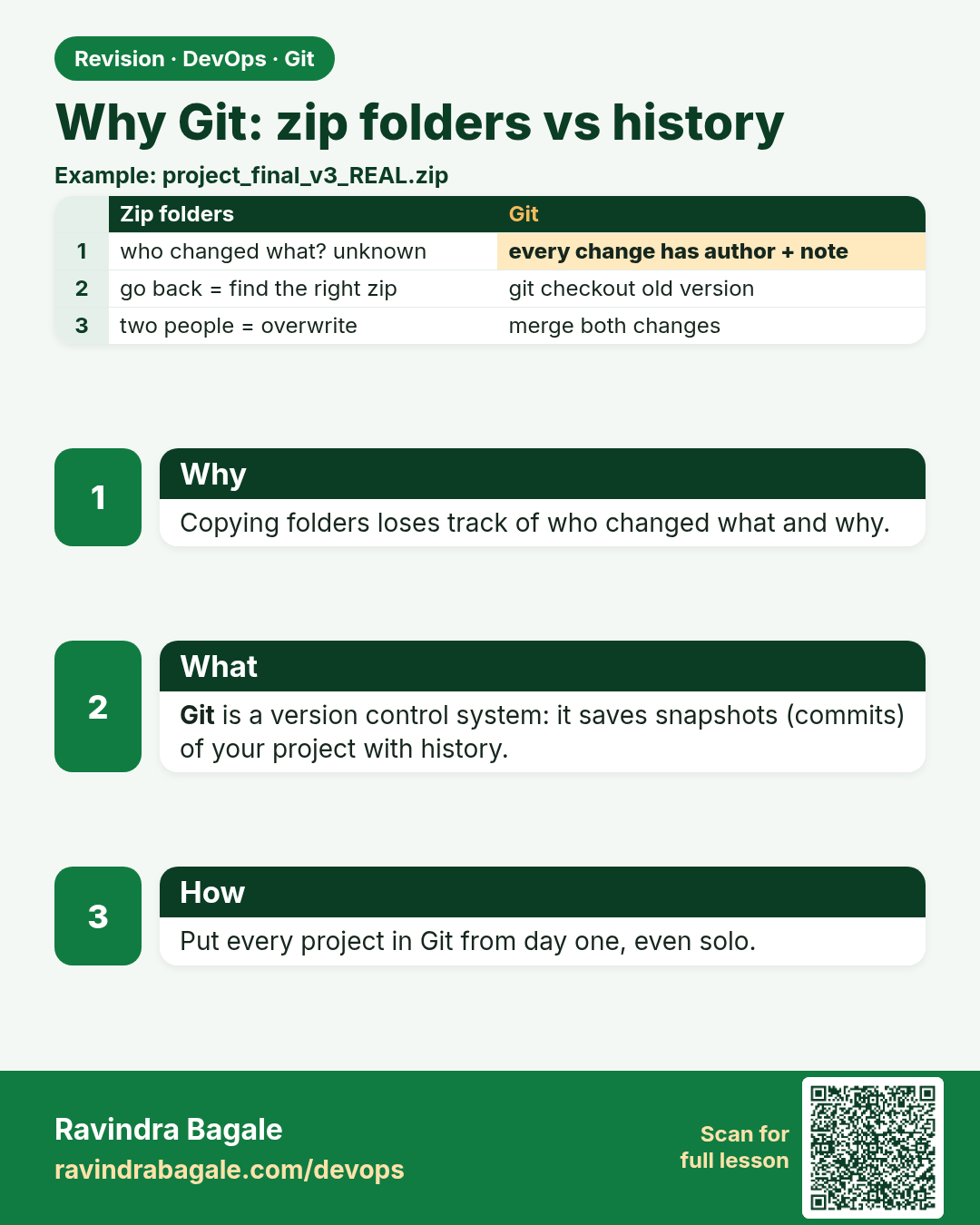
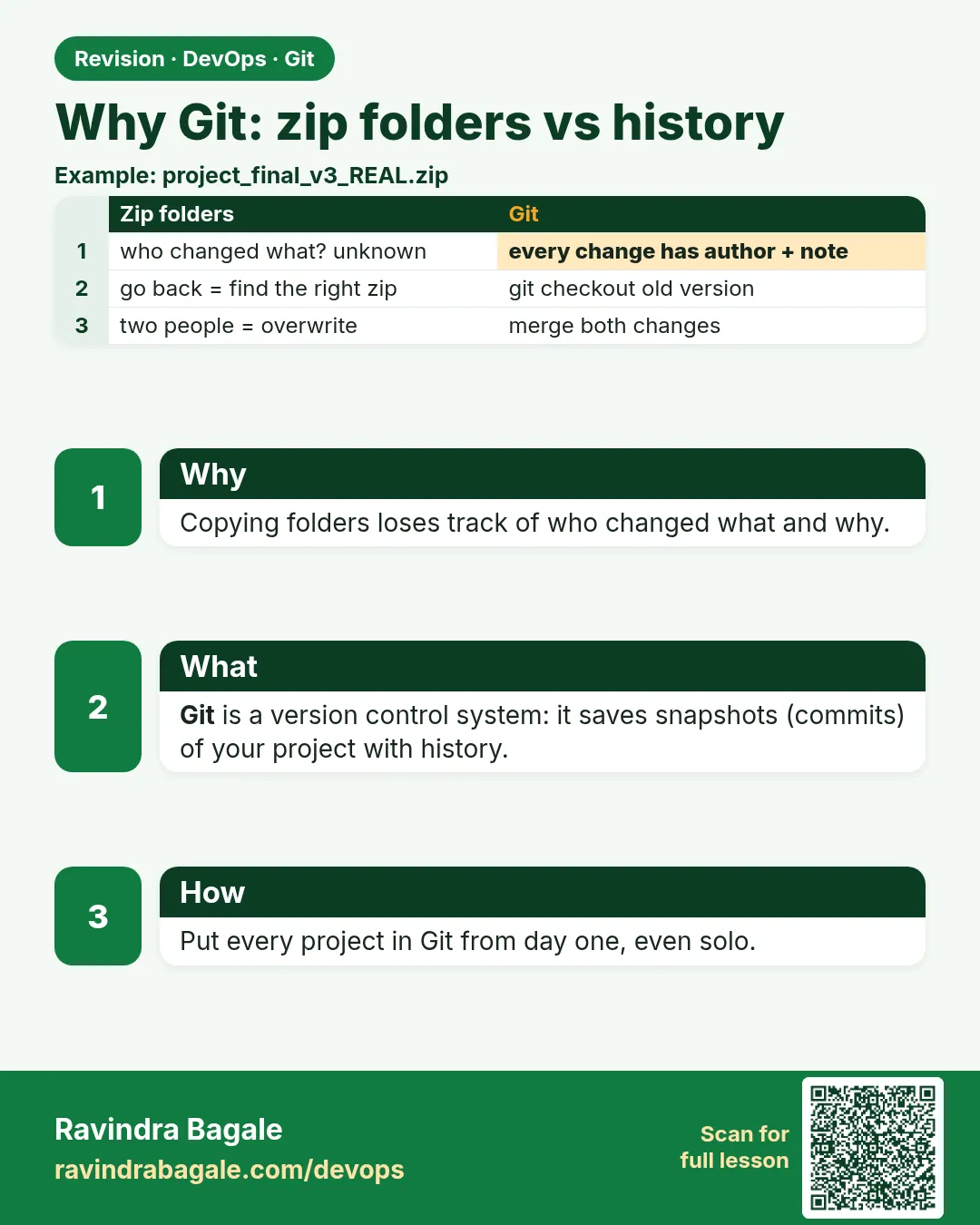 Revision card 1 of 13: Why Git: zip folders vs history · Download PNG · Open card page
Lesson: 2.1 Why Git — zip folders vs history
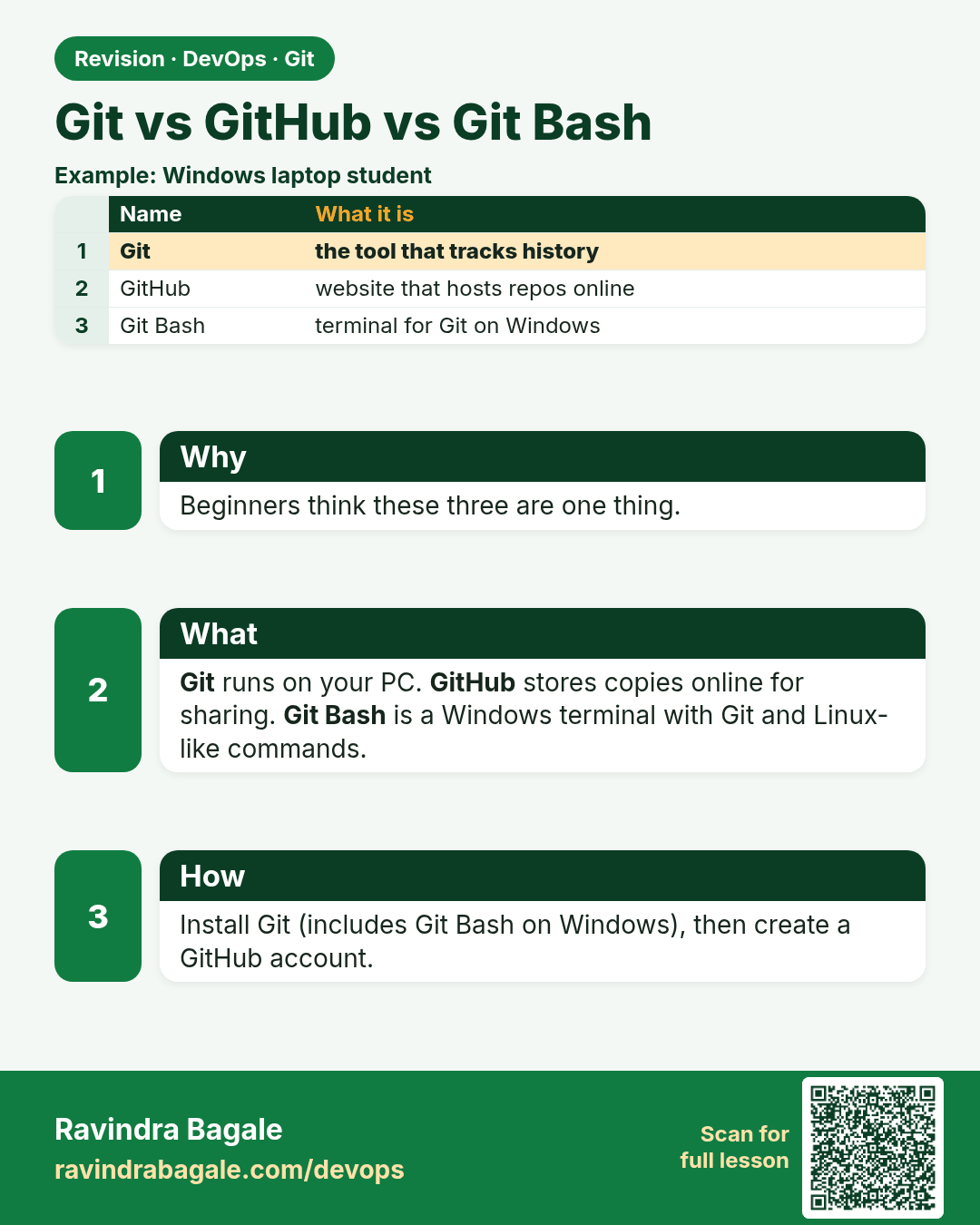
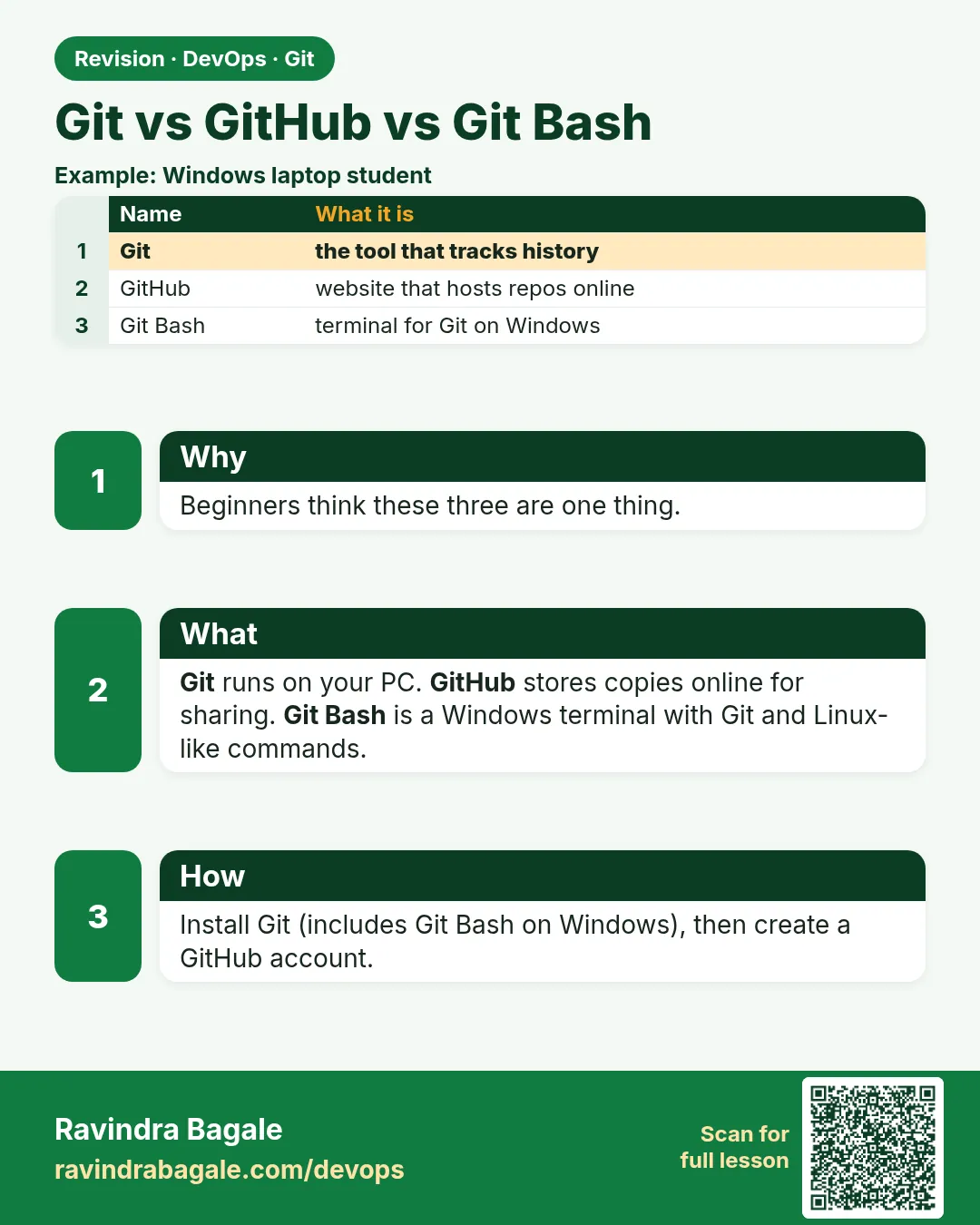 Revision card 2 of 13: Git vs GitHub vs Git Bash · Download PNG · Open card page
Lesson: 2.2 Git vs GitHub vs Git Bash
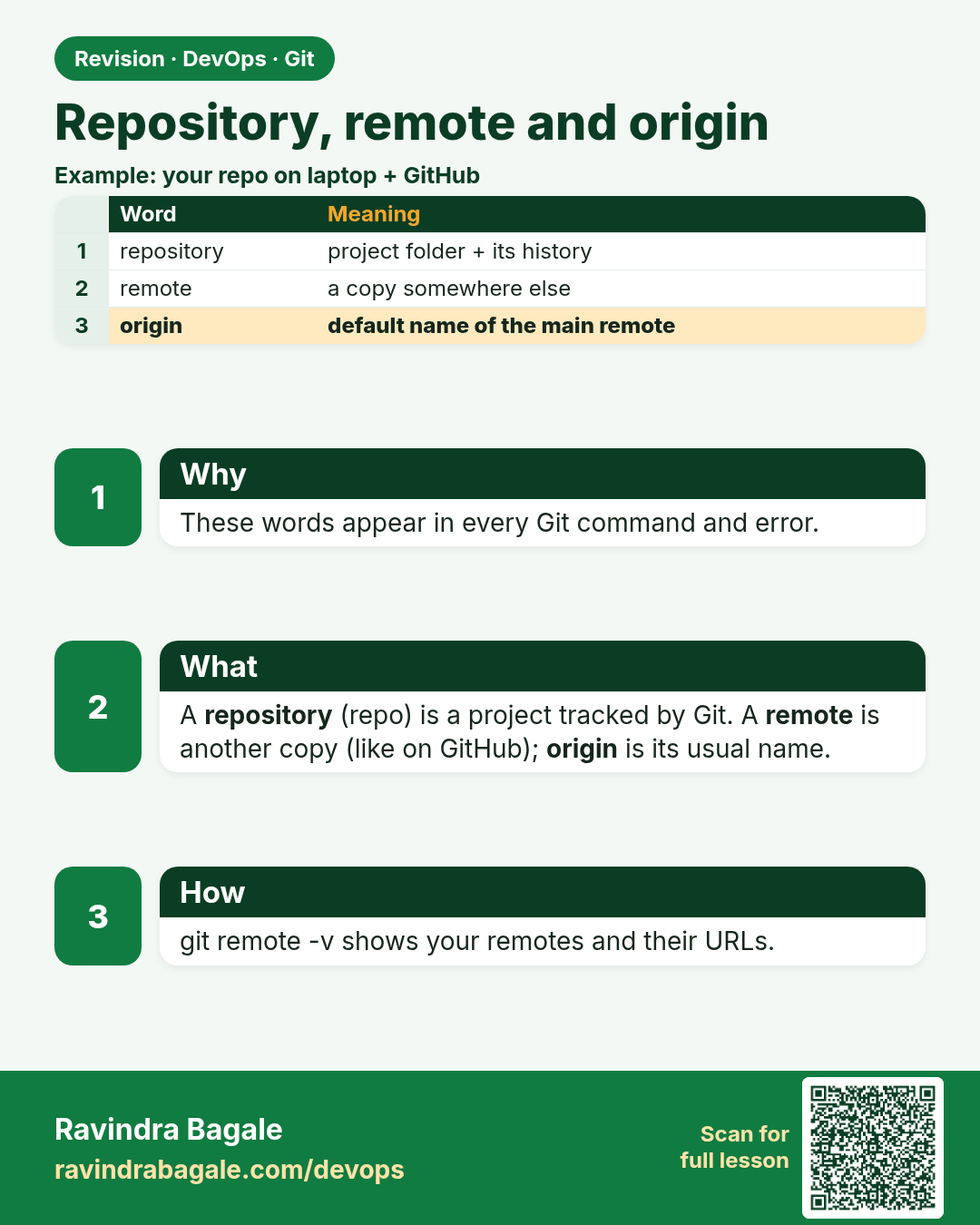
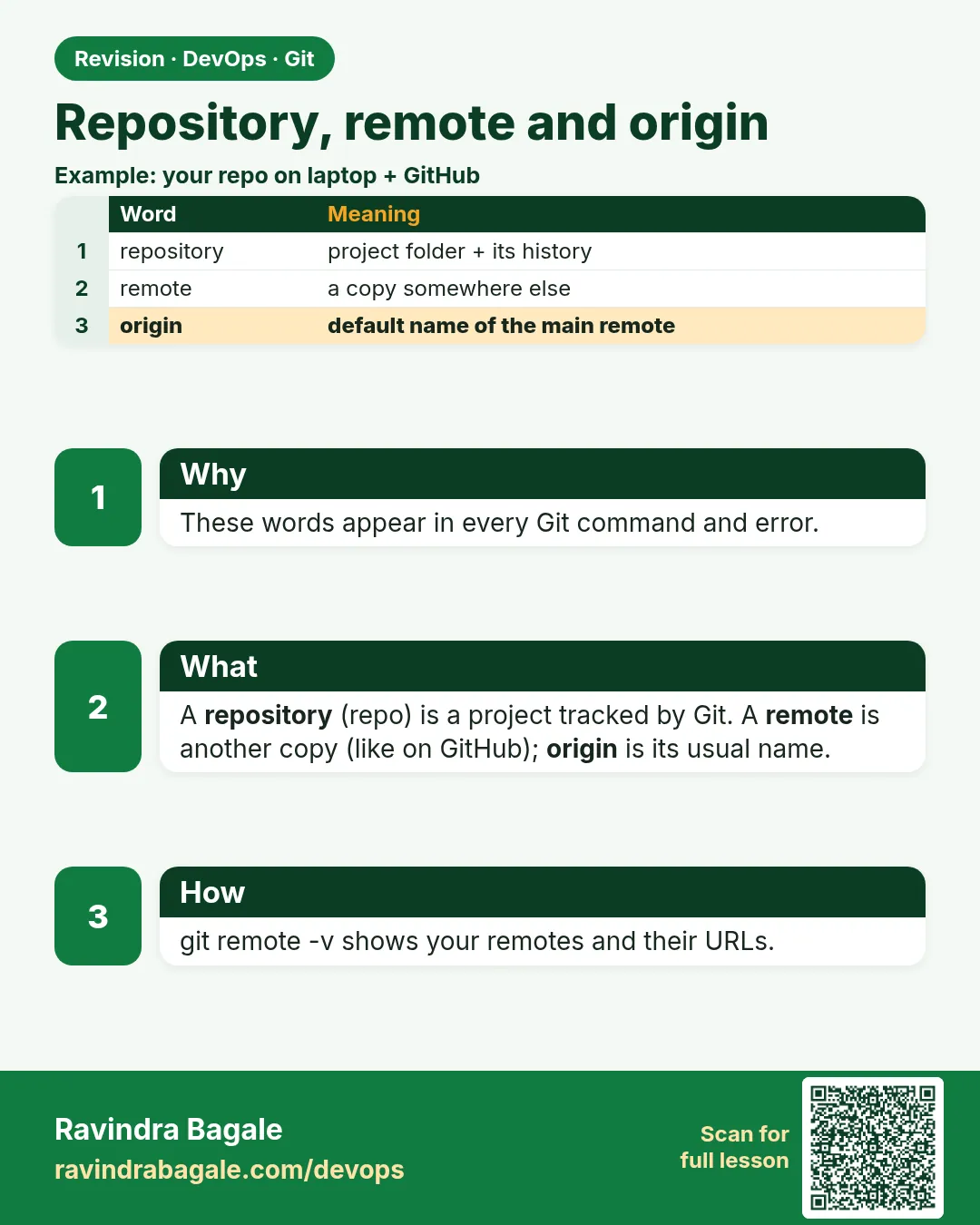 Revision card 3 of 13: Repository, remote and origin · Download PNG · Open card page
Lesson: 2.3 Repository, remote and origin
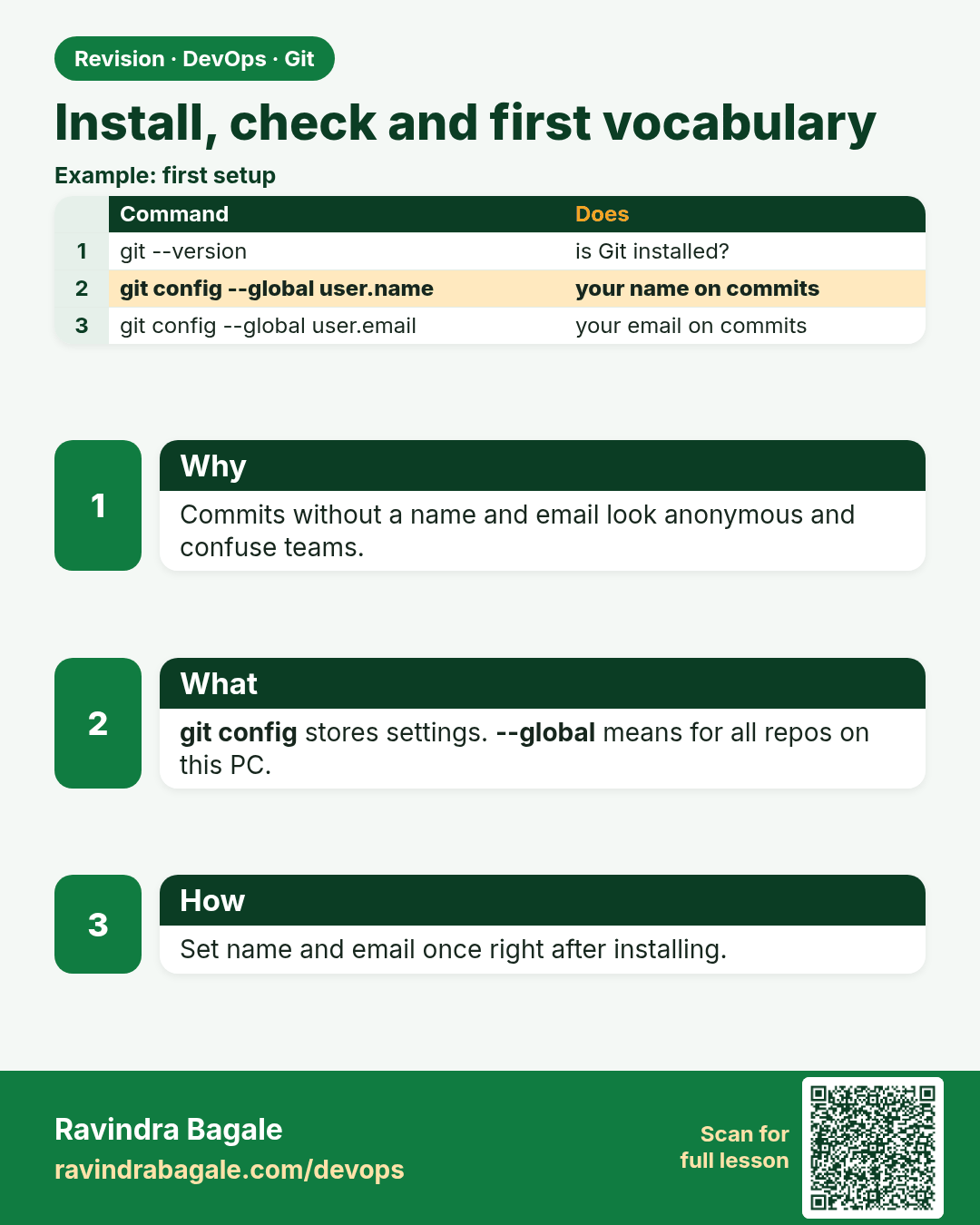
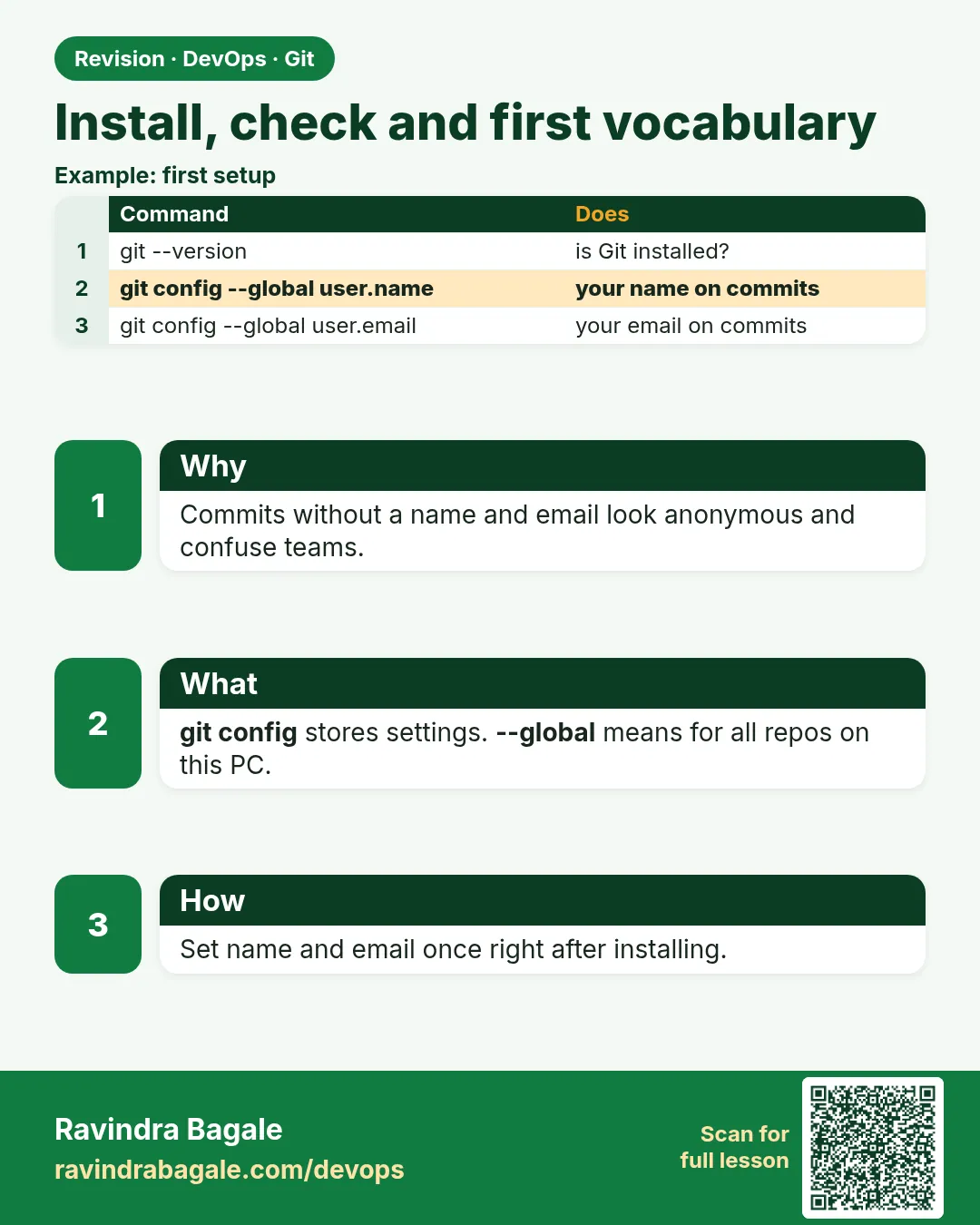 Revision card 4 of 13: Install, check and first vocabulary · Download PNG · Open card page
Lesson: 2.4 Install check and first vocabulary
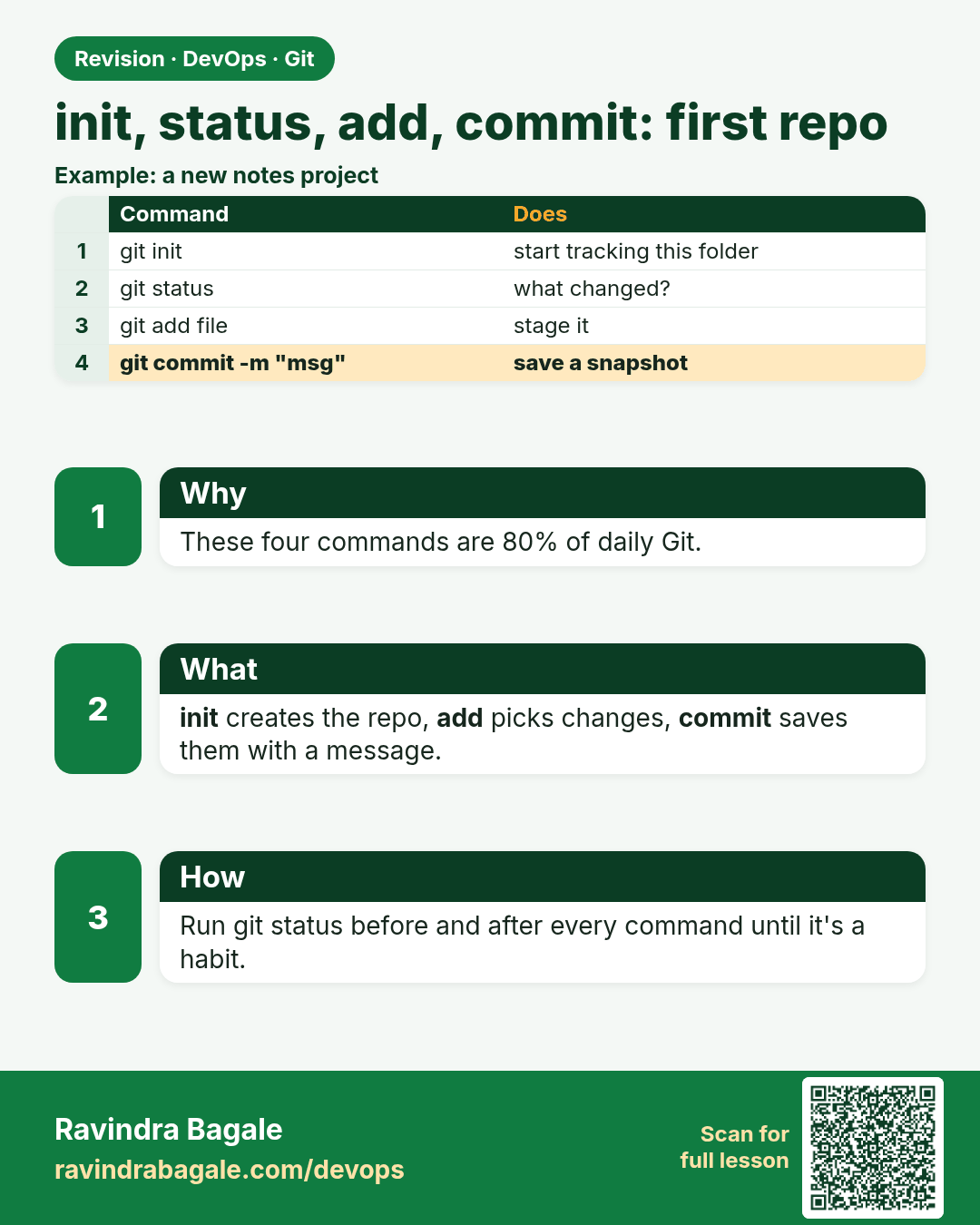
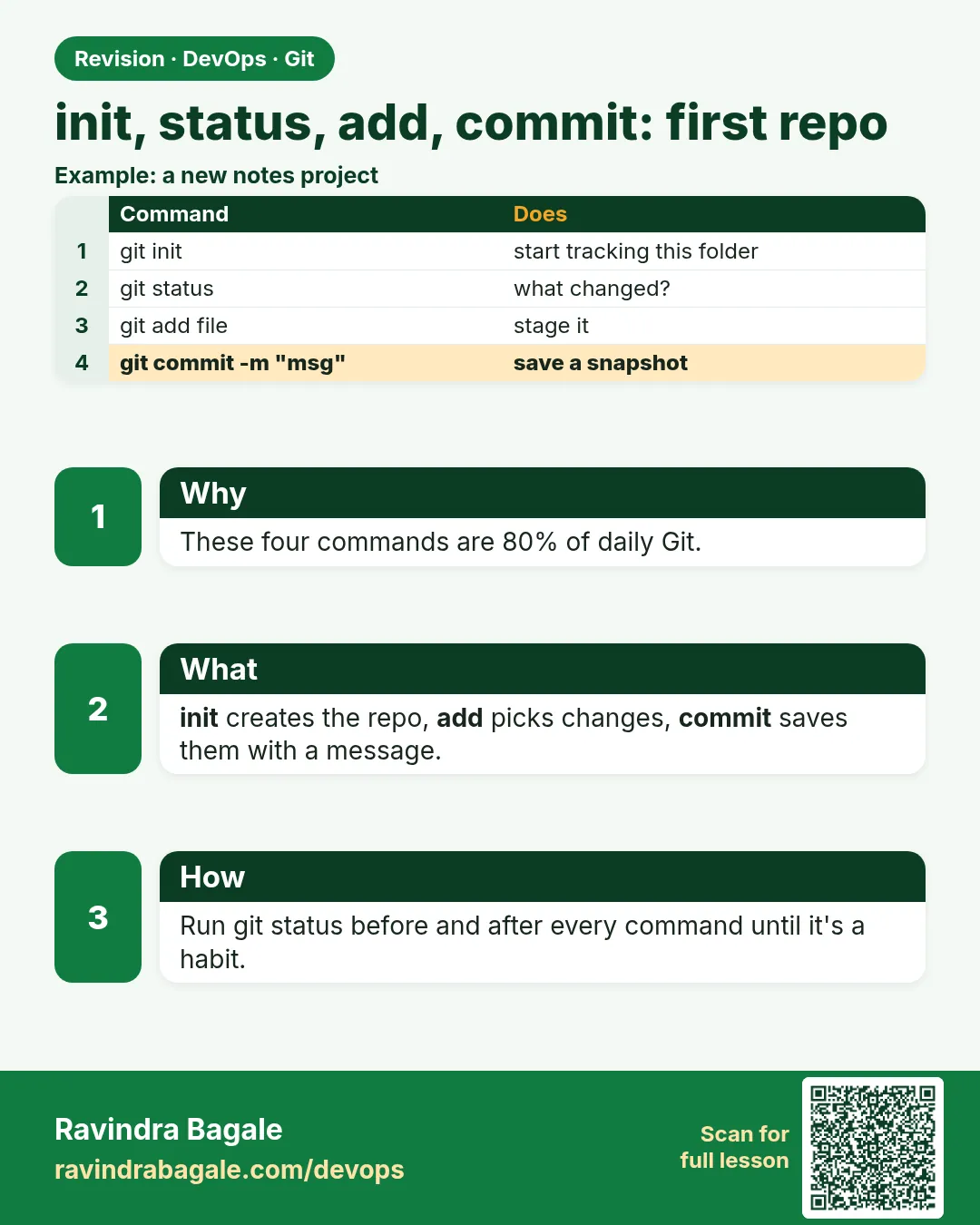 Revision card 5 of 13: init, status, add, commit: first repo · Download PNG · Open card page
Lesson: 2.5 init, status, add, commit — first repo
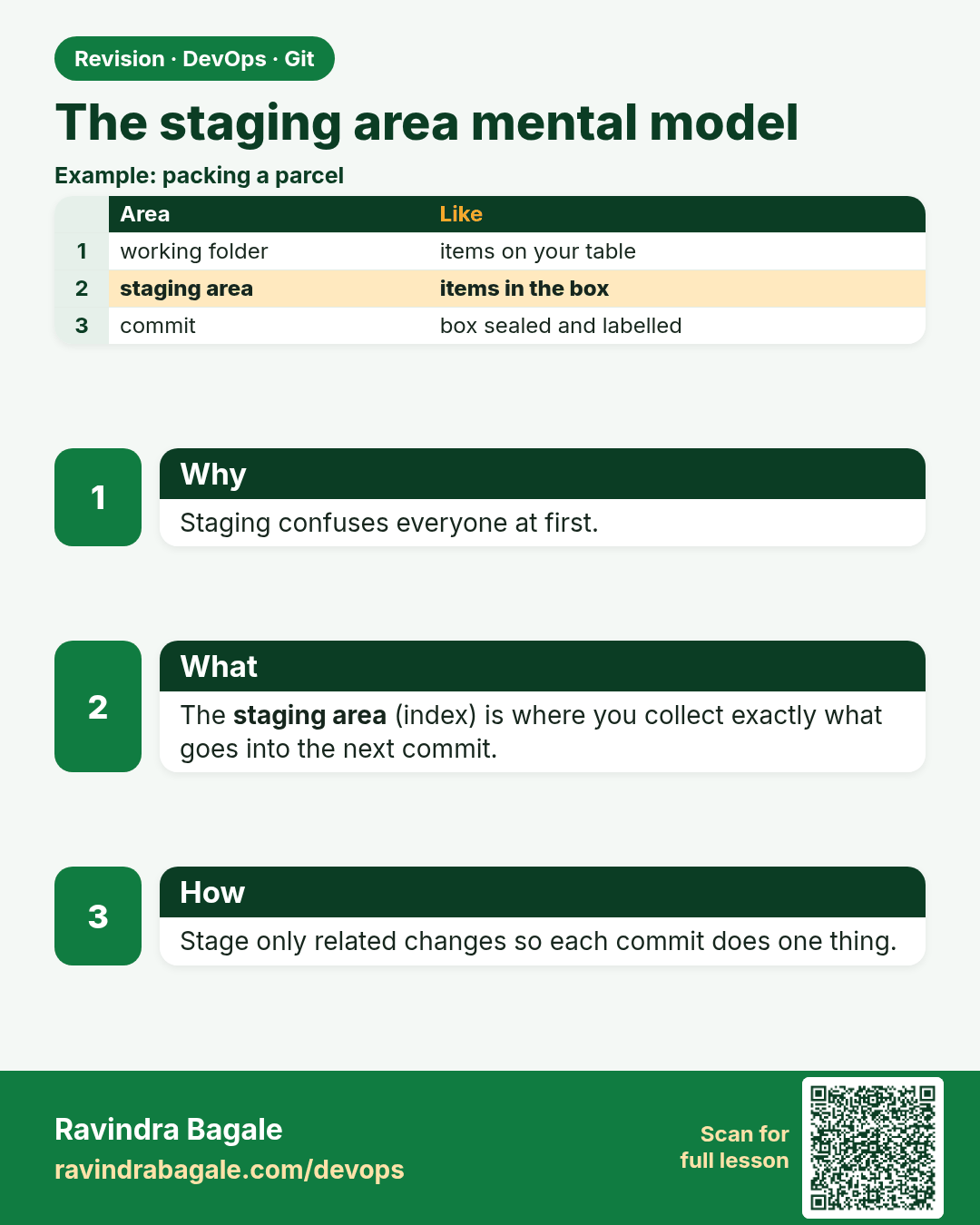
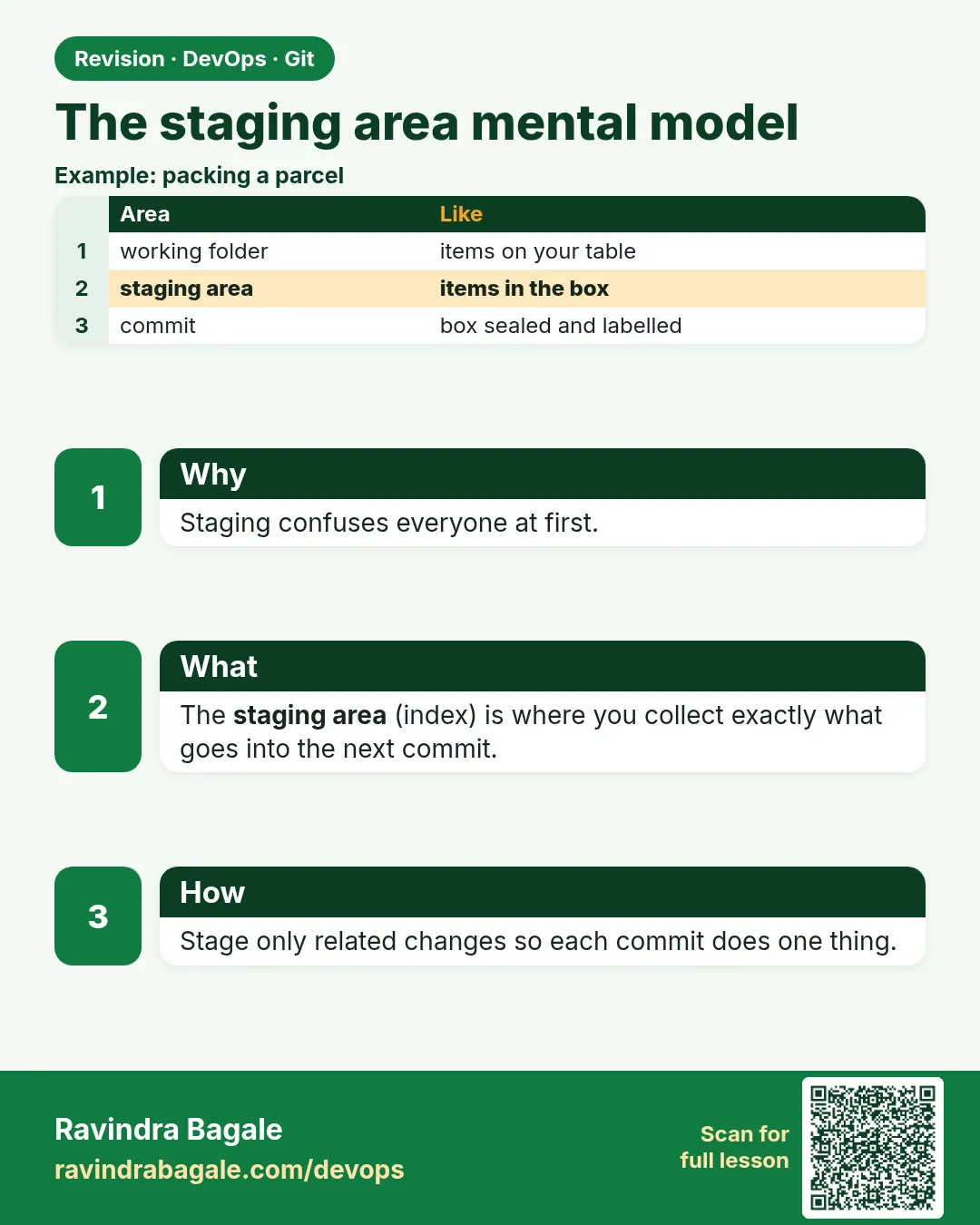 Revision card 6 of 13: The staging area mental model · Download PNG · Open card page
Lesson: 2.6 The staging area — mental model
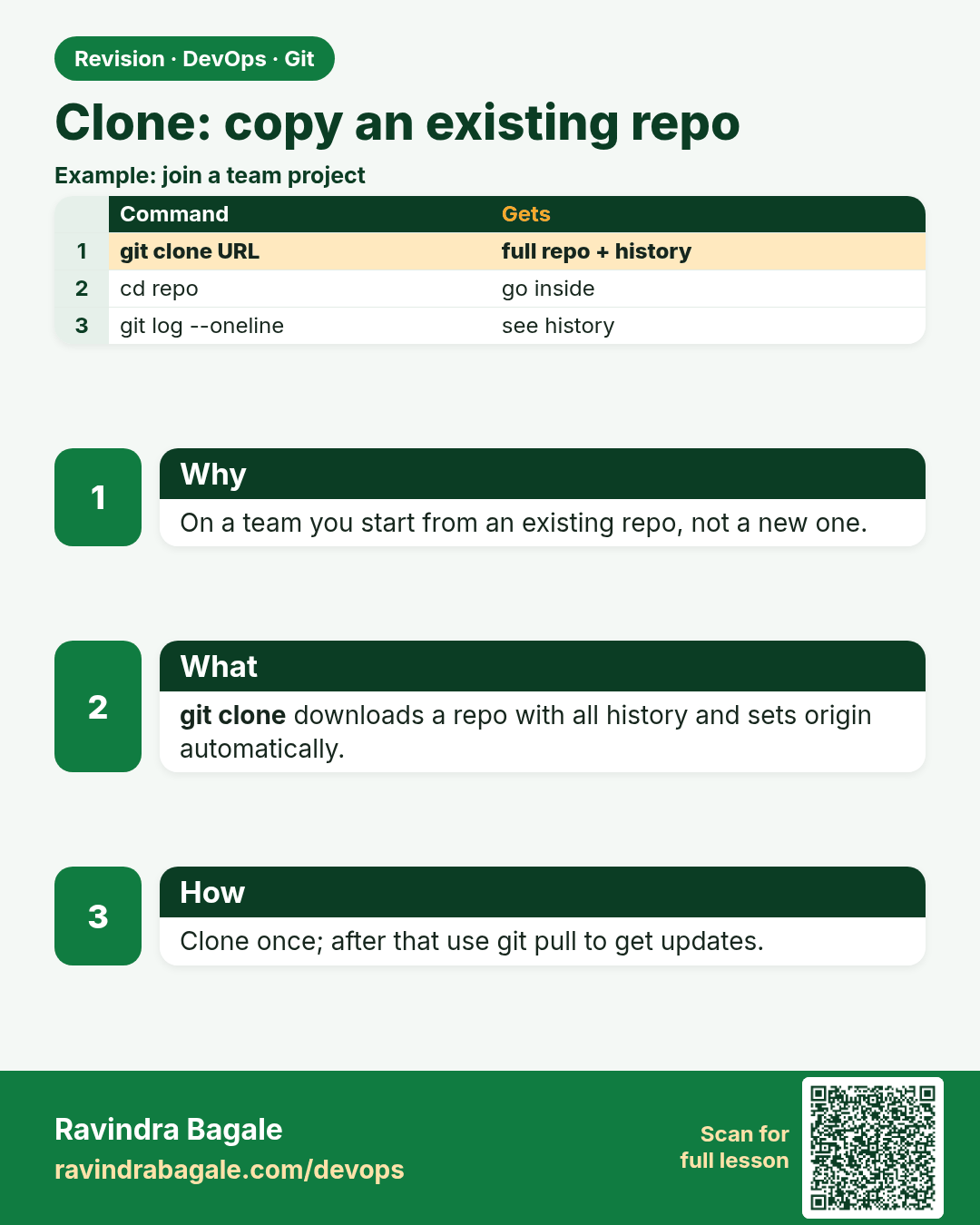
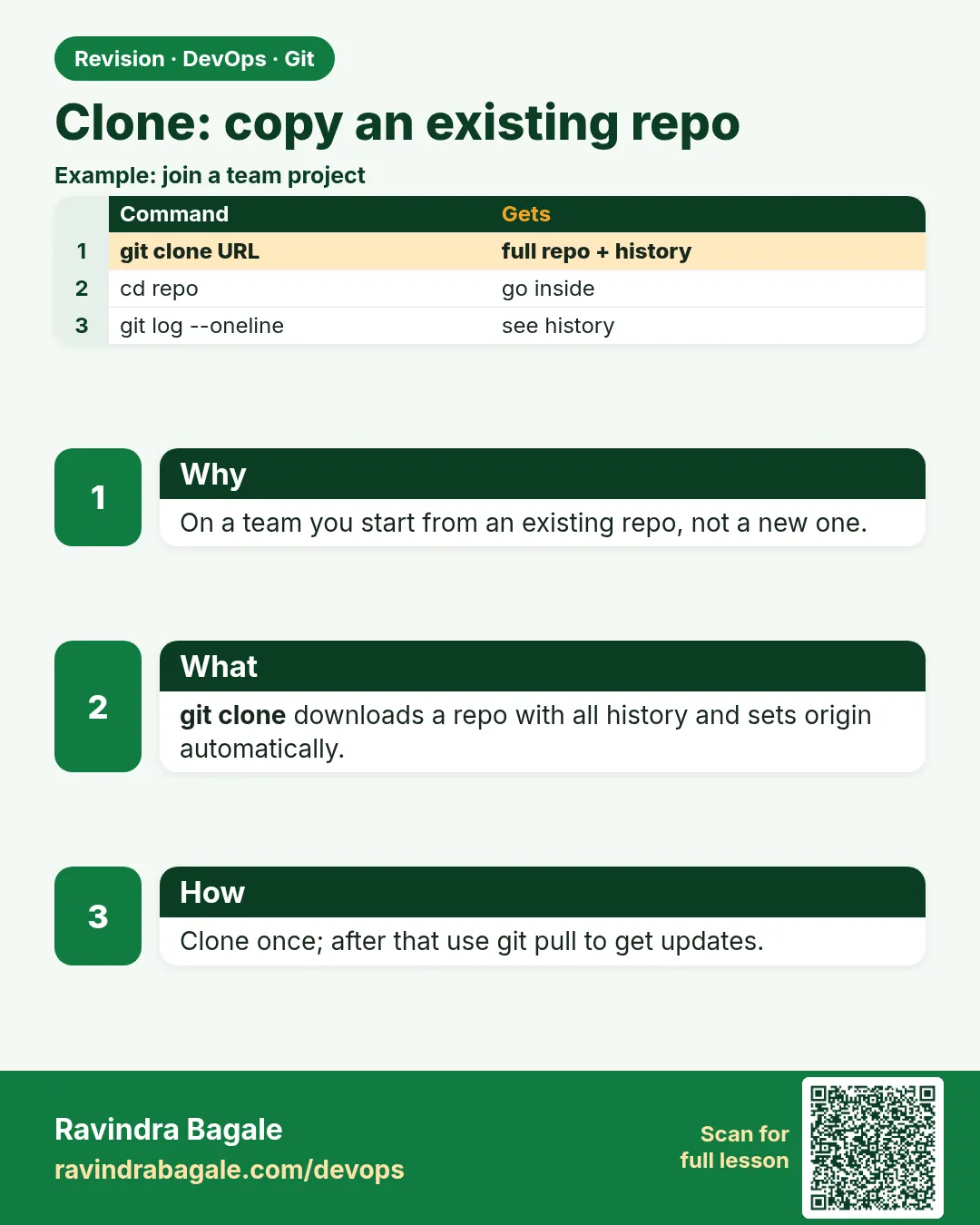 Revision card 7 of 13: Clone: copy an existing repo · Download PNG · Open card page
Lesson: 2.7 clone — copy an existing repo
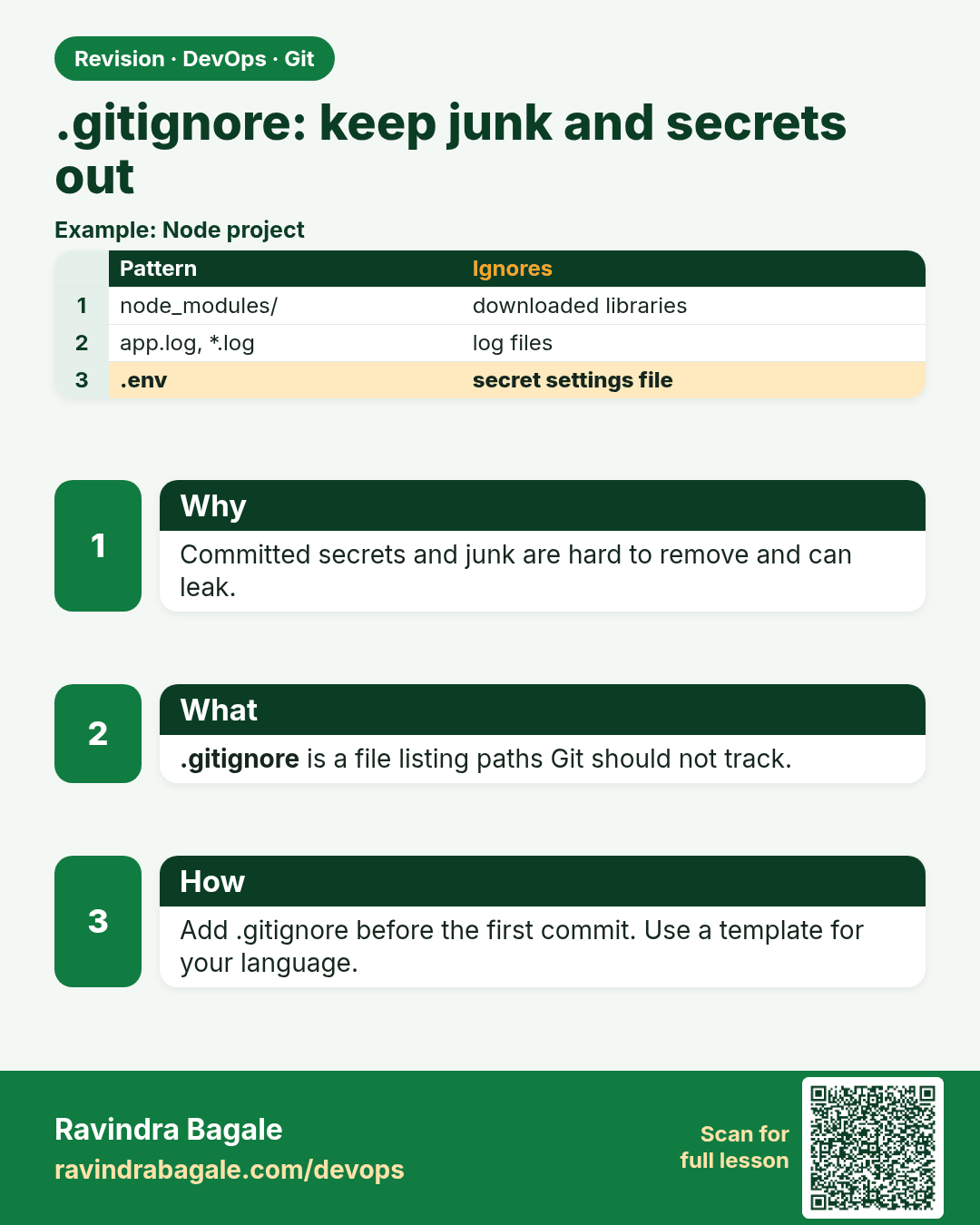
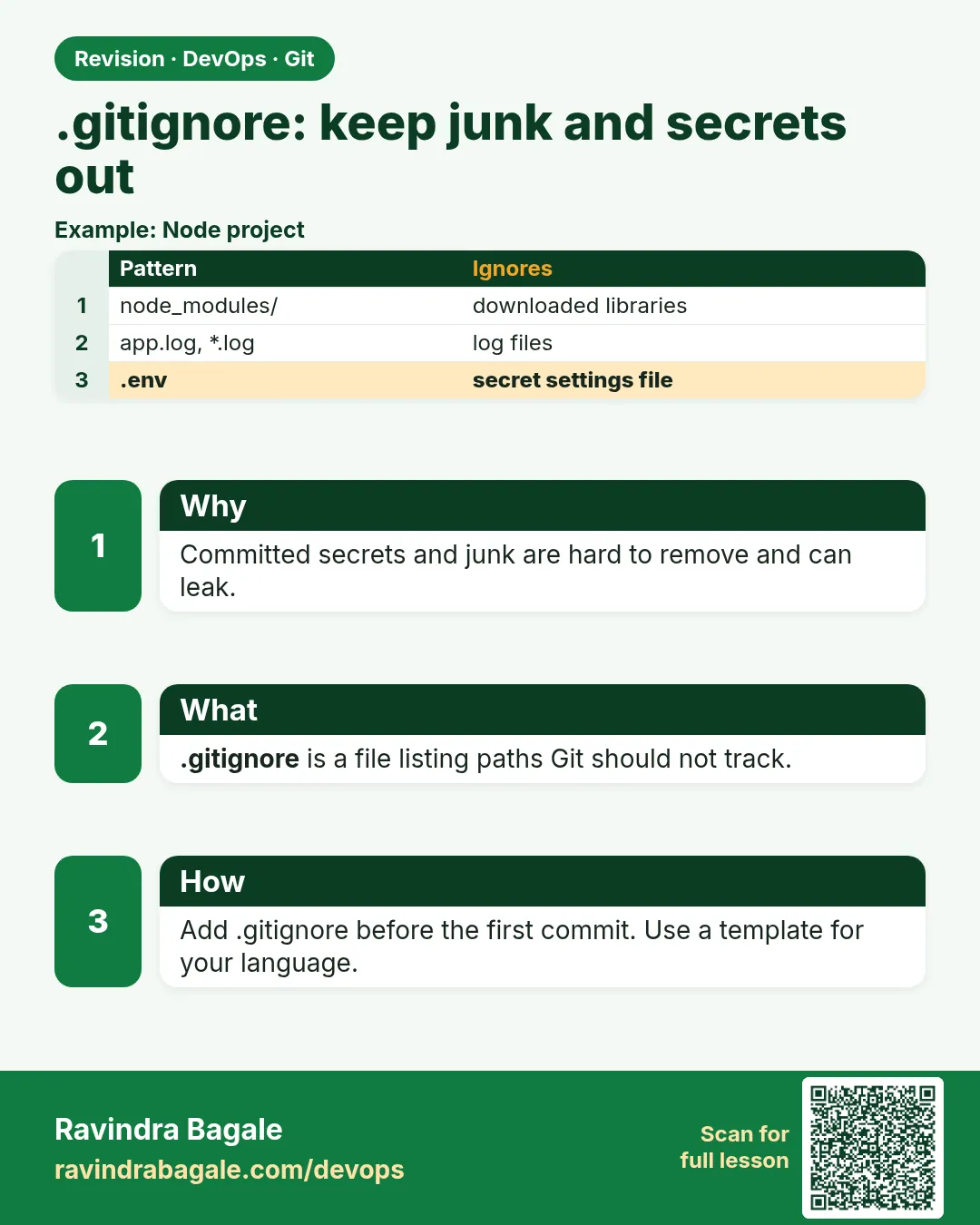 Revision card 8 of 13: .gitignore: keep junk and secrets out · Download PNG · Open card page
Lesson: 2.8 .gitignore — keep junk and secrets out
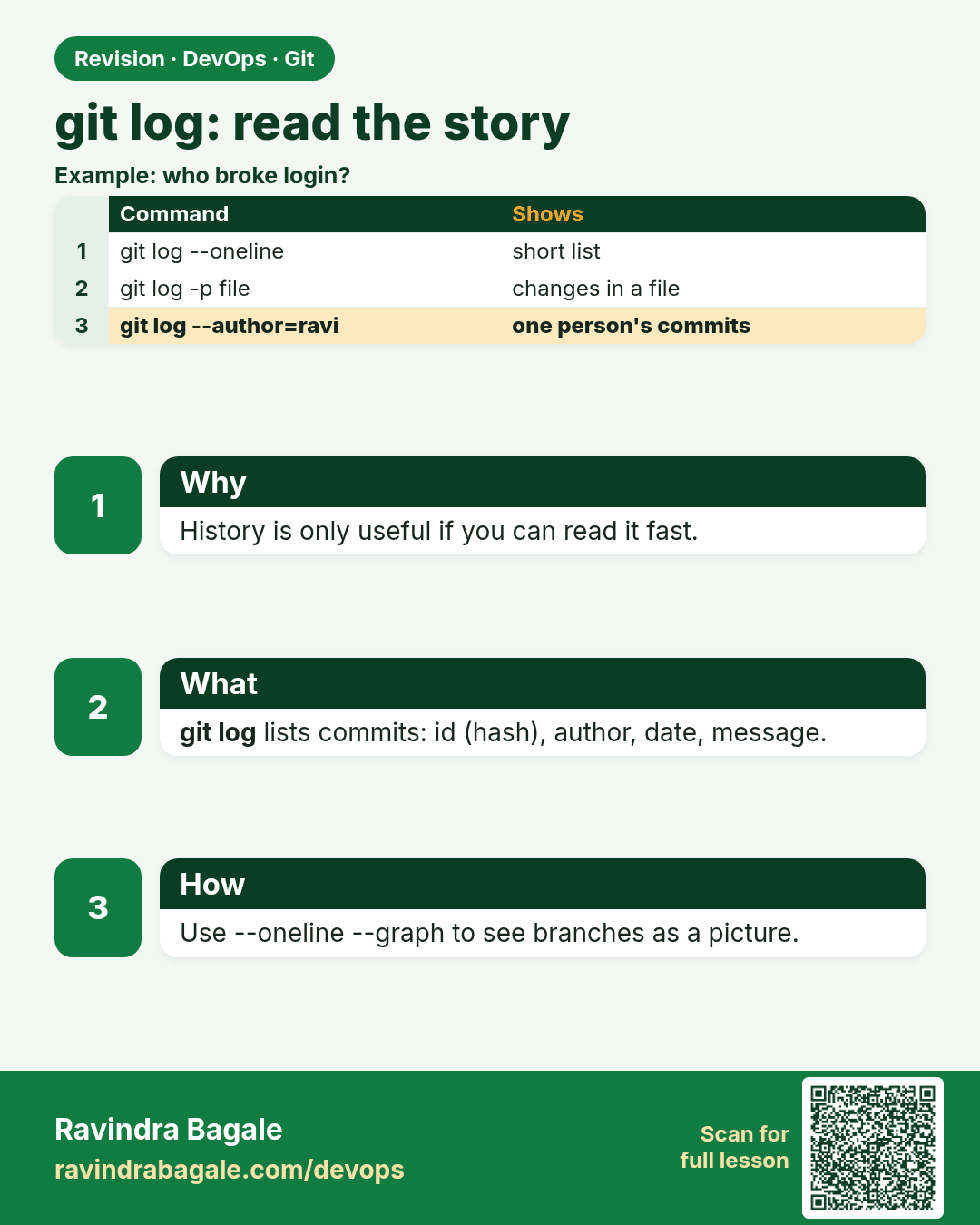
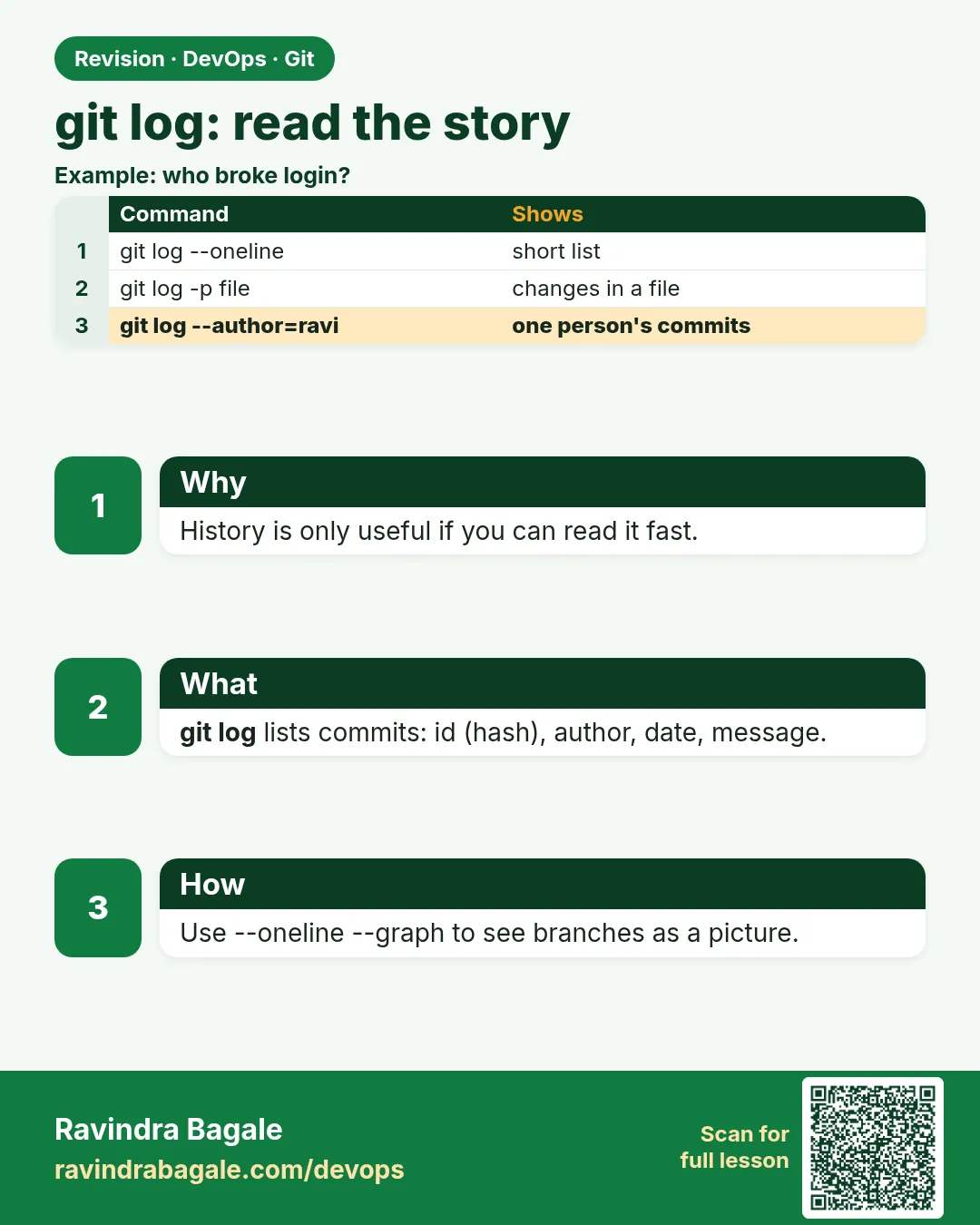 Revision card 9 of 13: git log: read the story · Download PNG · Open card page
Lesson: 2.9 git log — read the story
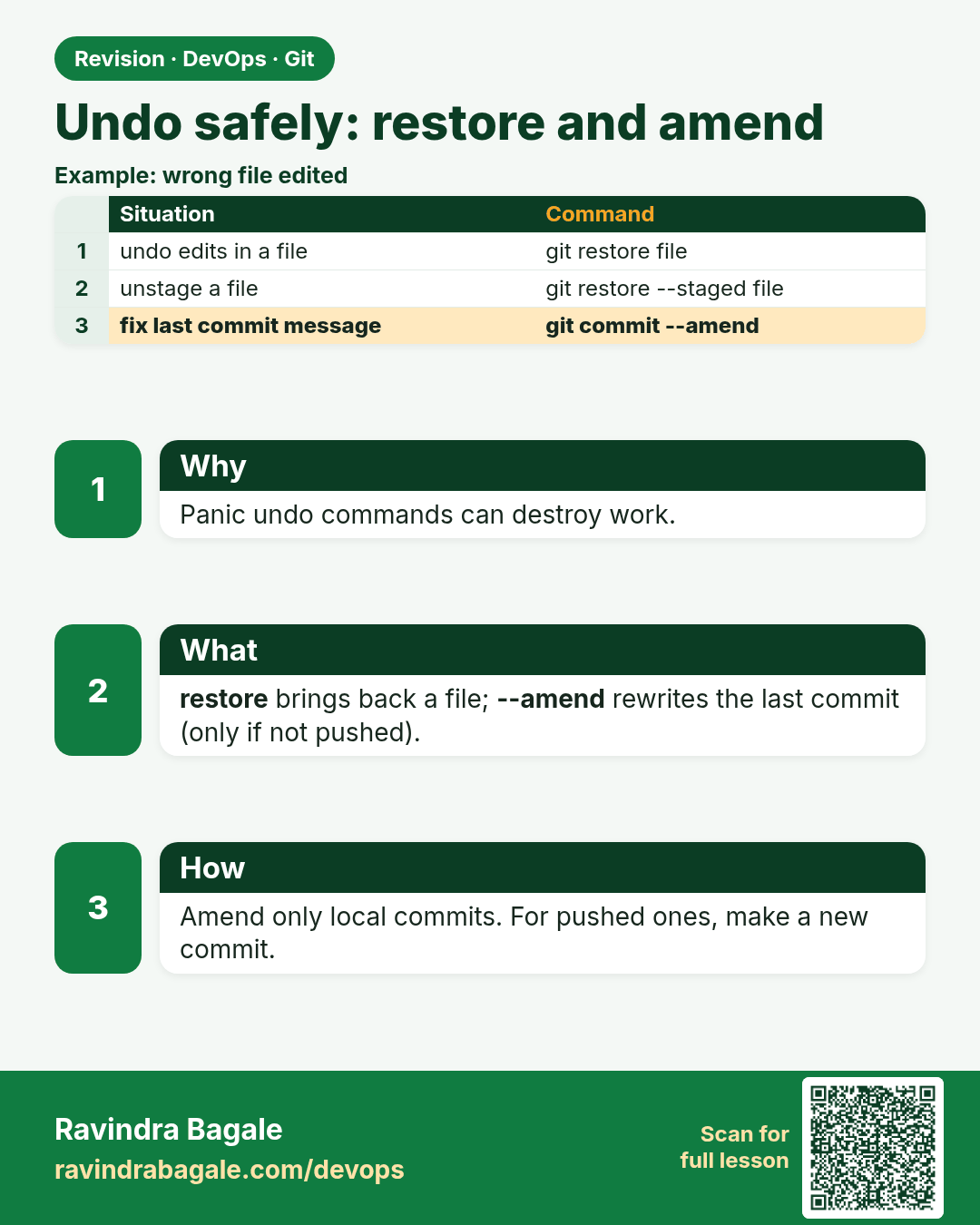
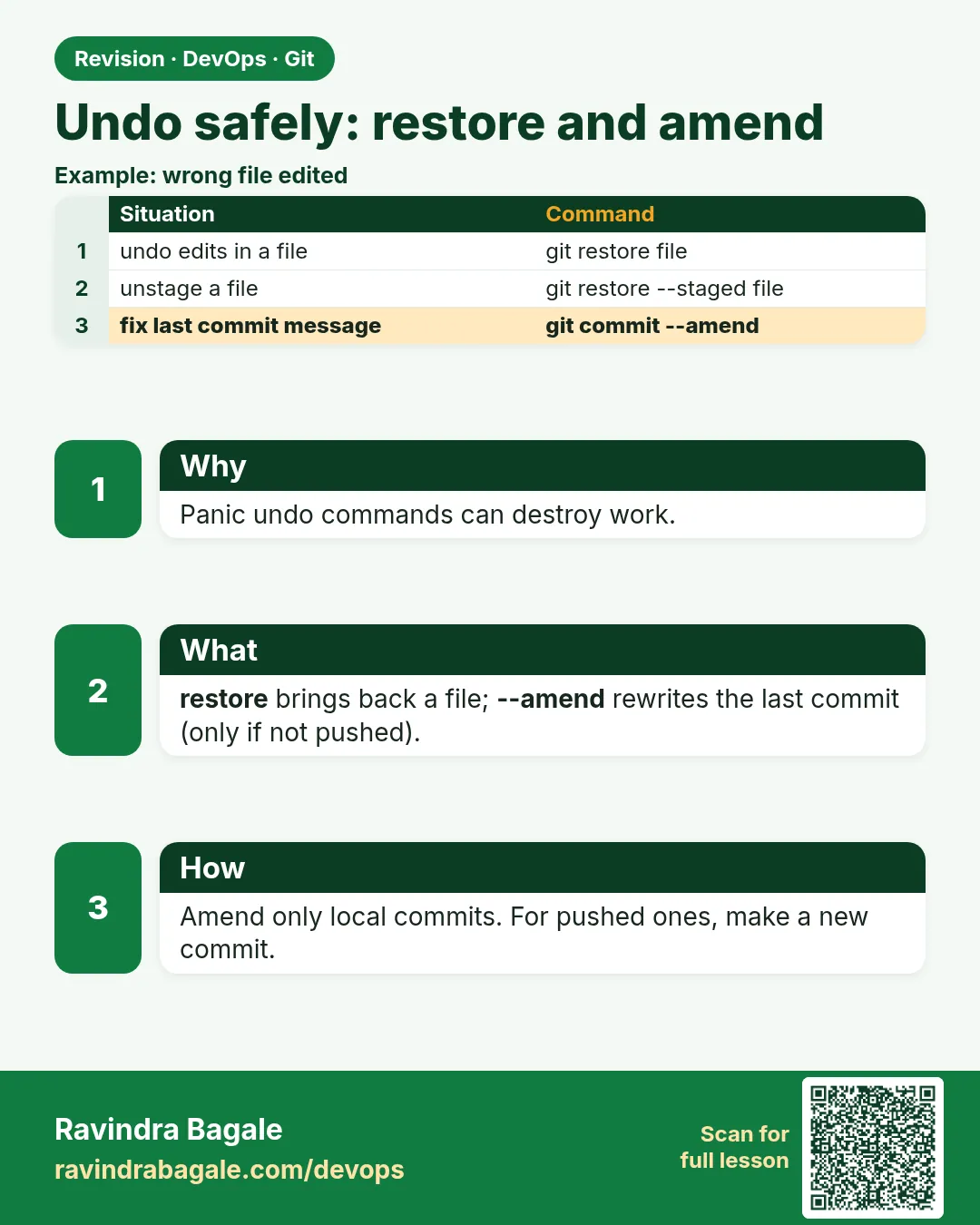 Revision card 10 of 13: Undo safely: restore and amend · Download PNG · Open card page
Lesson: 2.10 Undo safely — restore and amend
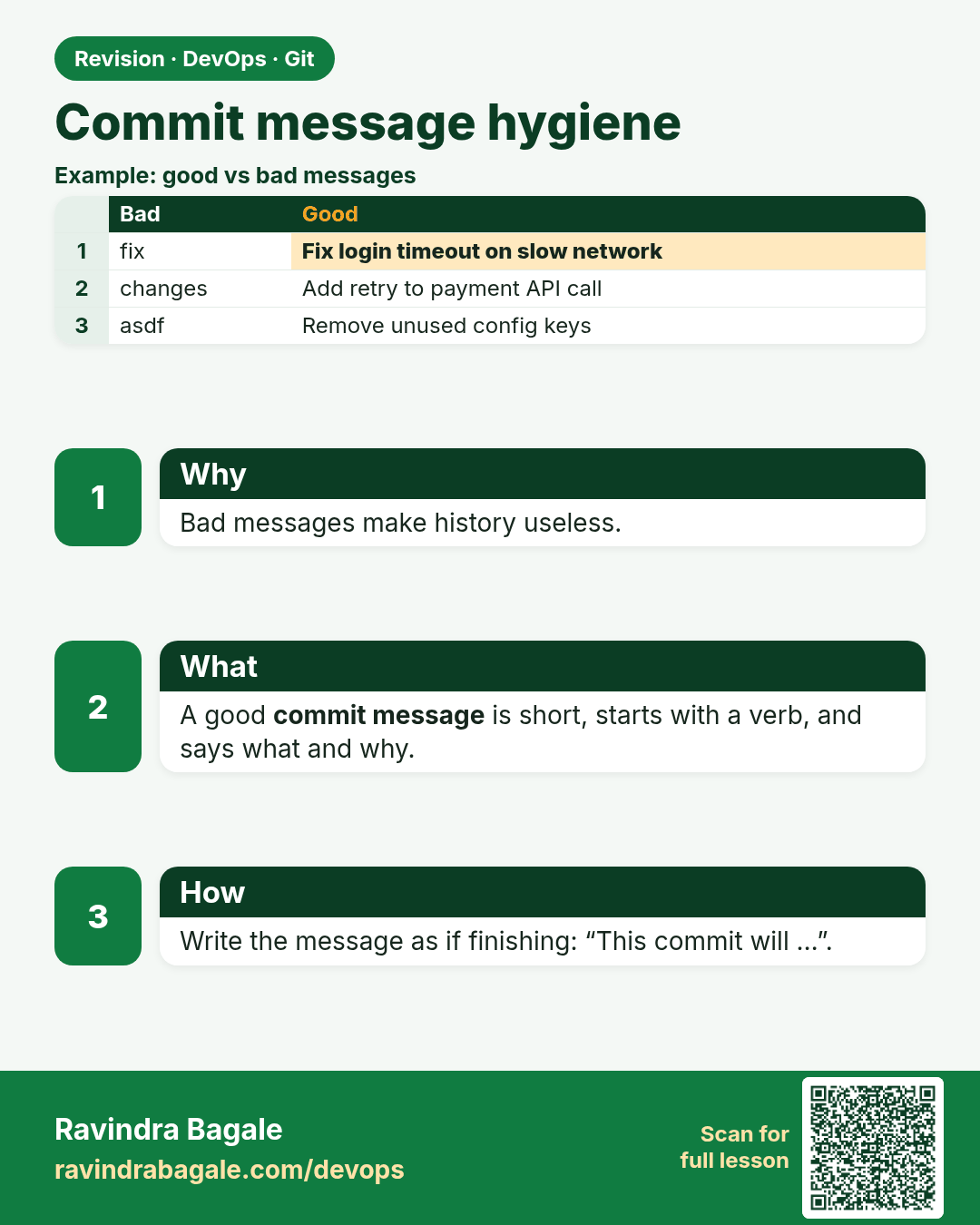
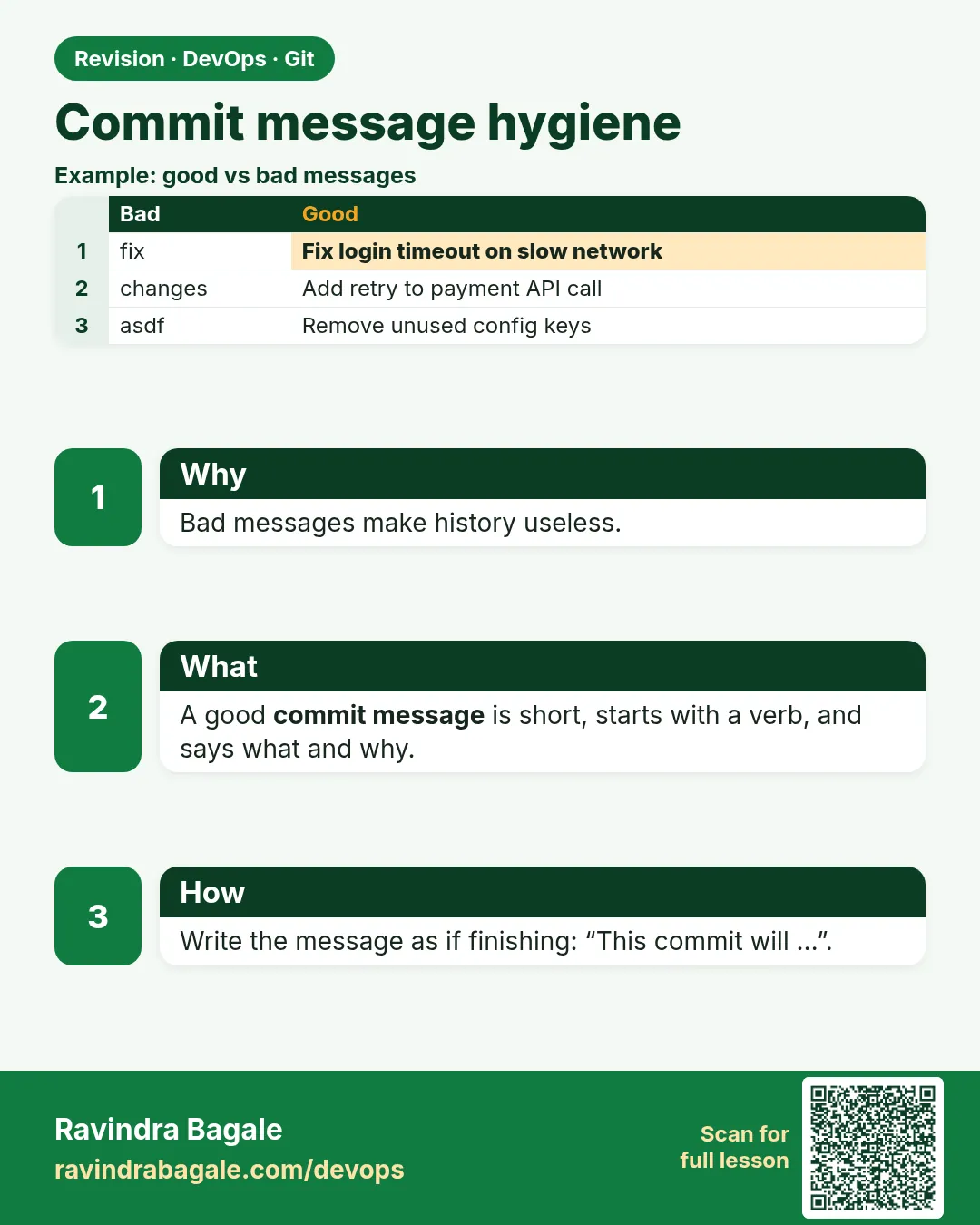 Revision card 11 of 13: Commit message hygiene · Download PNG · Open card page
Lesson: 2.11 Commit message hygiene
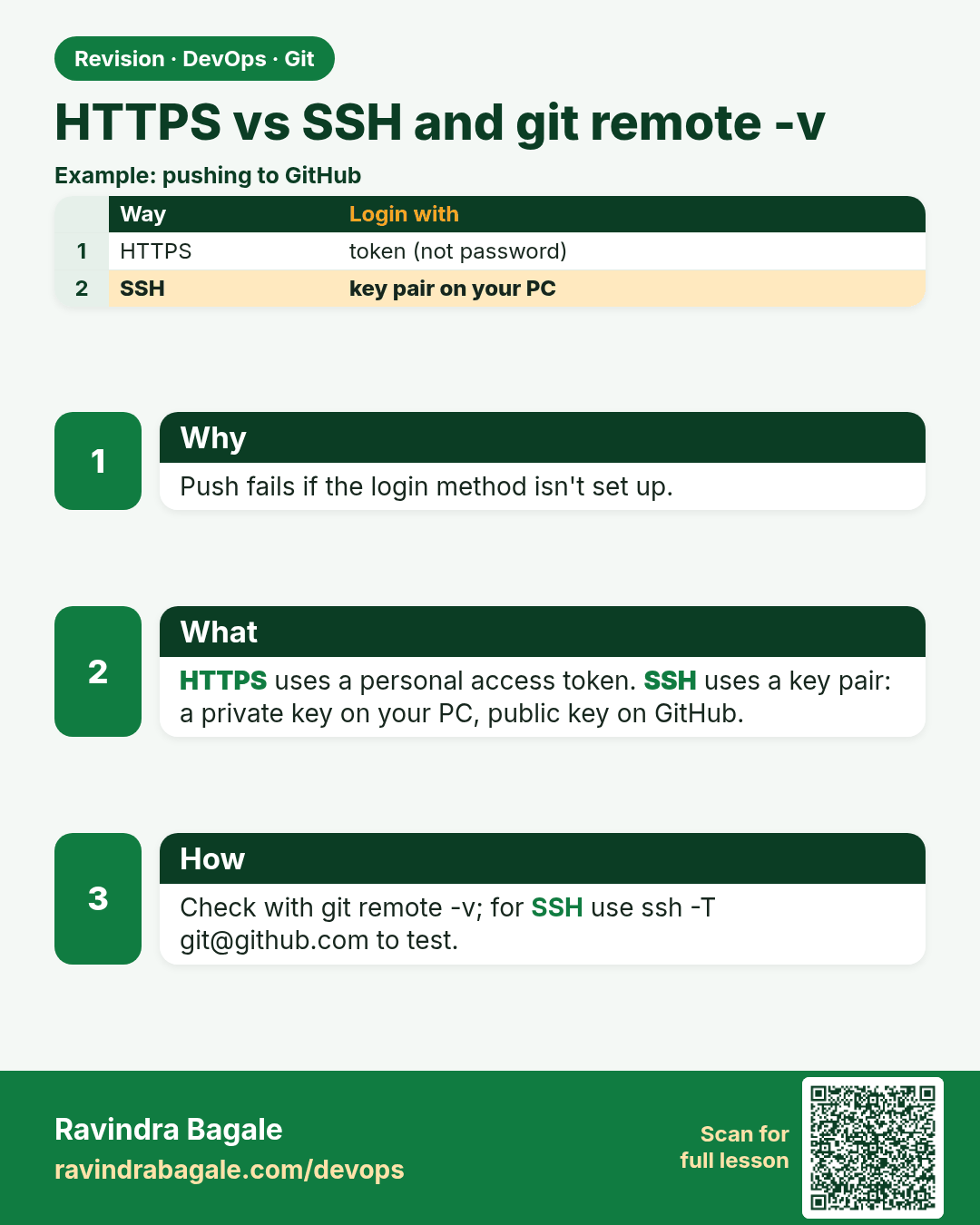
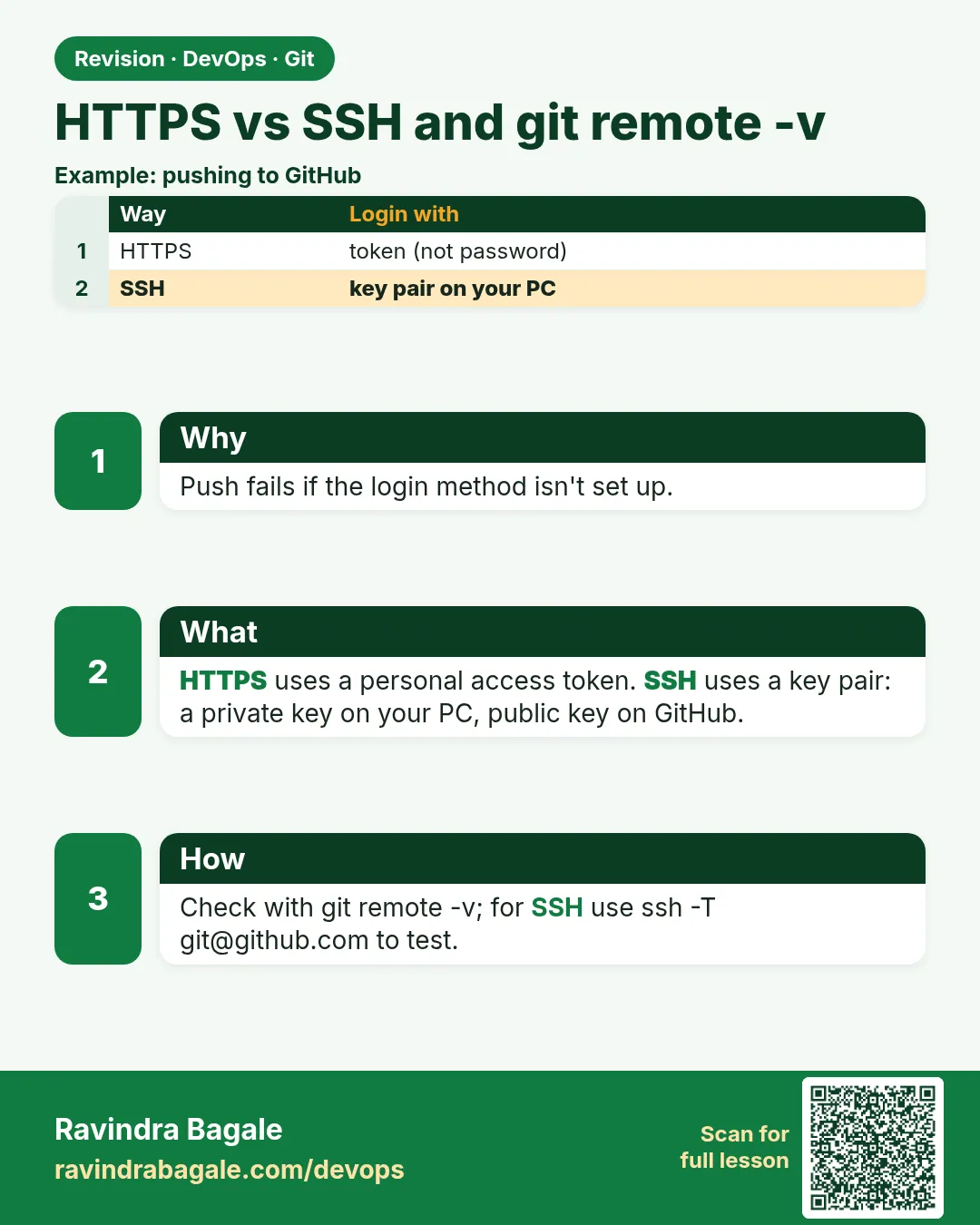 Revision card 12 of 13: HTTPS vs SSH and git remote -v · Download PNG · Open card page
Lesson: 2.12 HTTPS vs SSH, and git remote -v
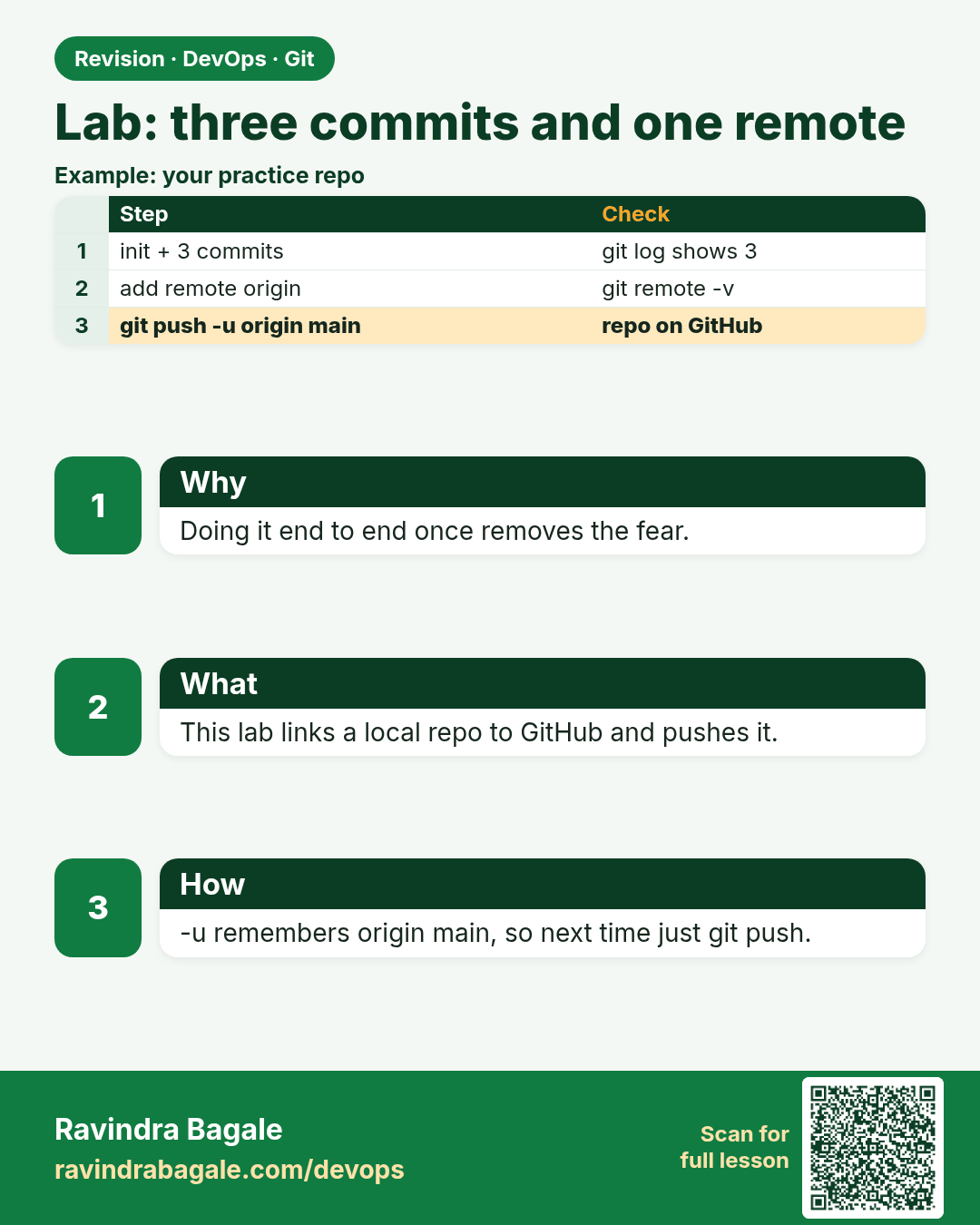
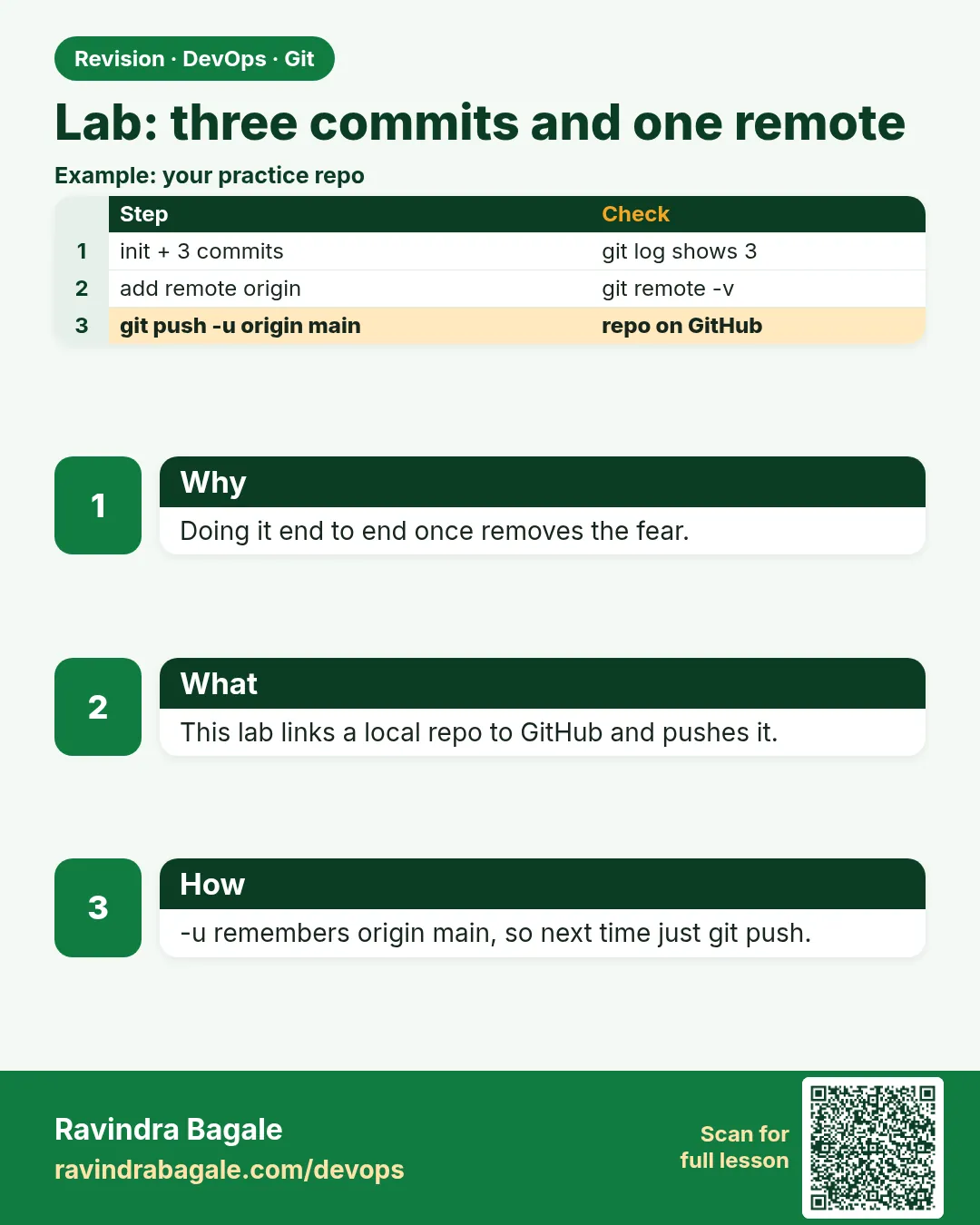 Revision card 13 of 13: Lab: three commits and one remote · Download PNG · Open card page
Lesson: 2.13 Lab — three commits and one remote
Interview cards
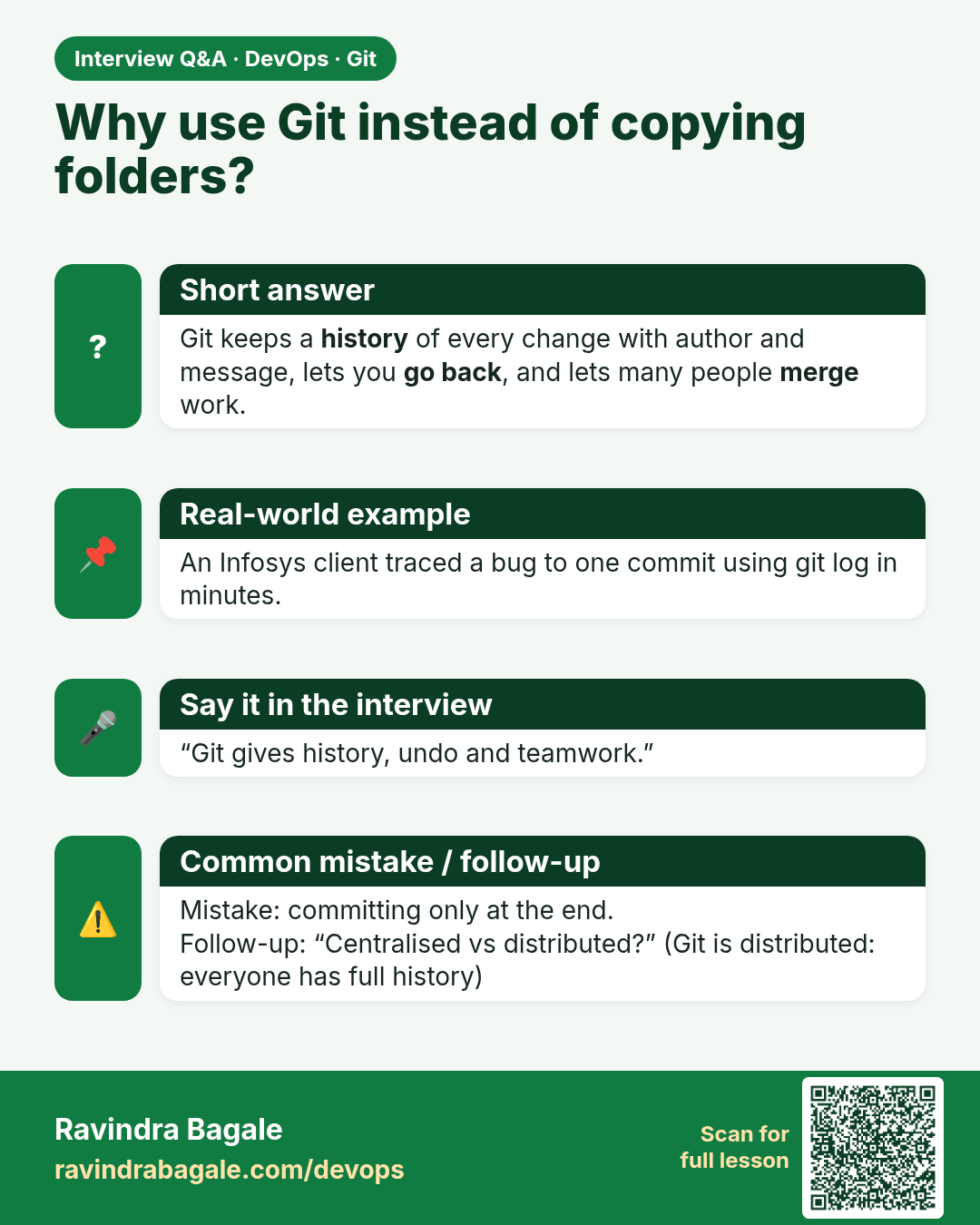
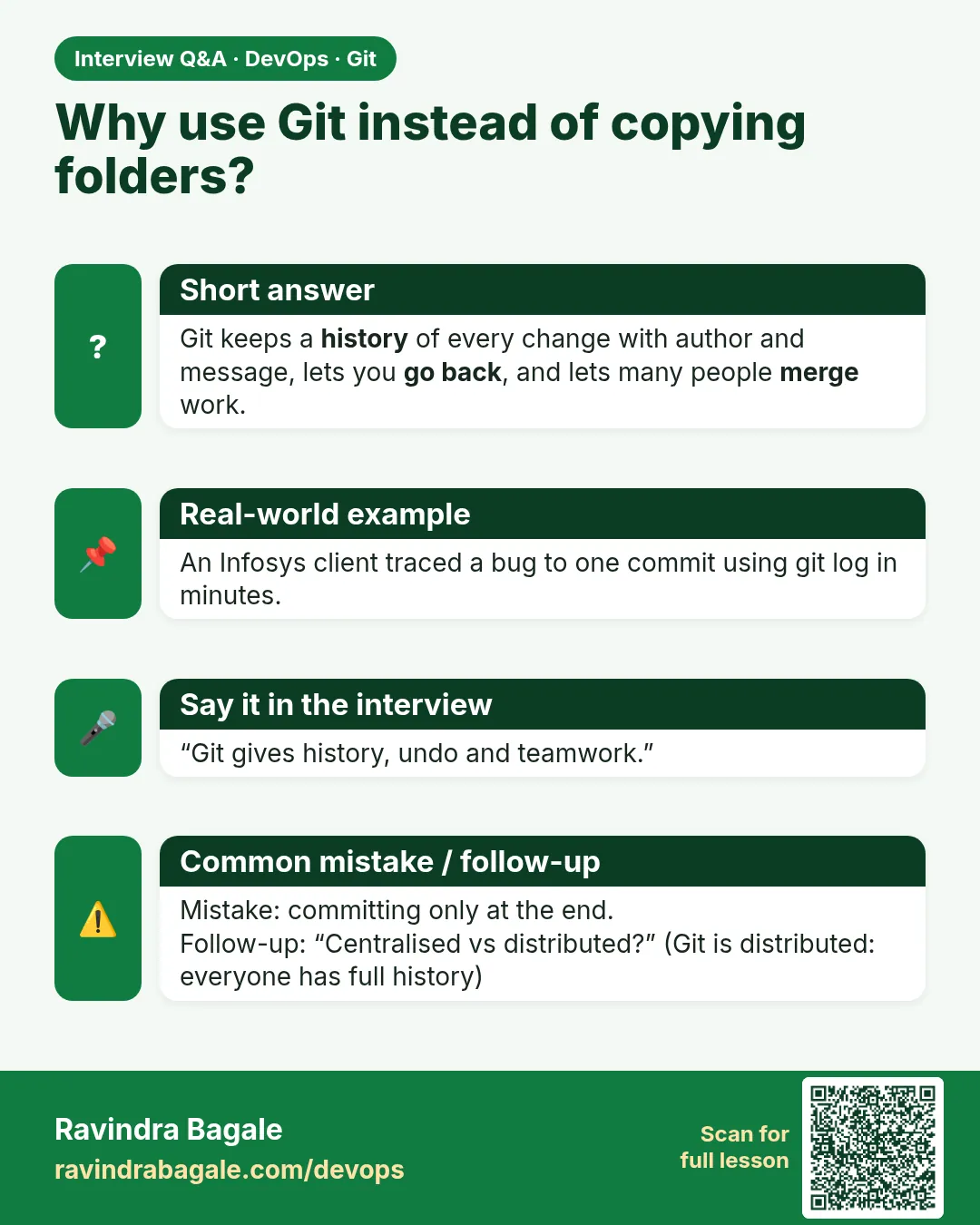 Interview card 1 of 13: Why use Git instead of copying folders? · Download PNG · Open card page
Lesson: 2.1 Why Git — zip folders vs history
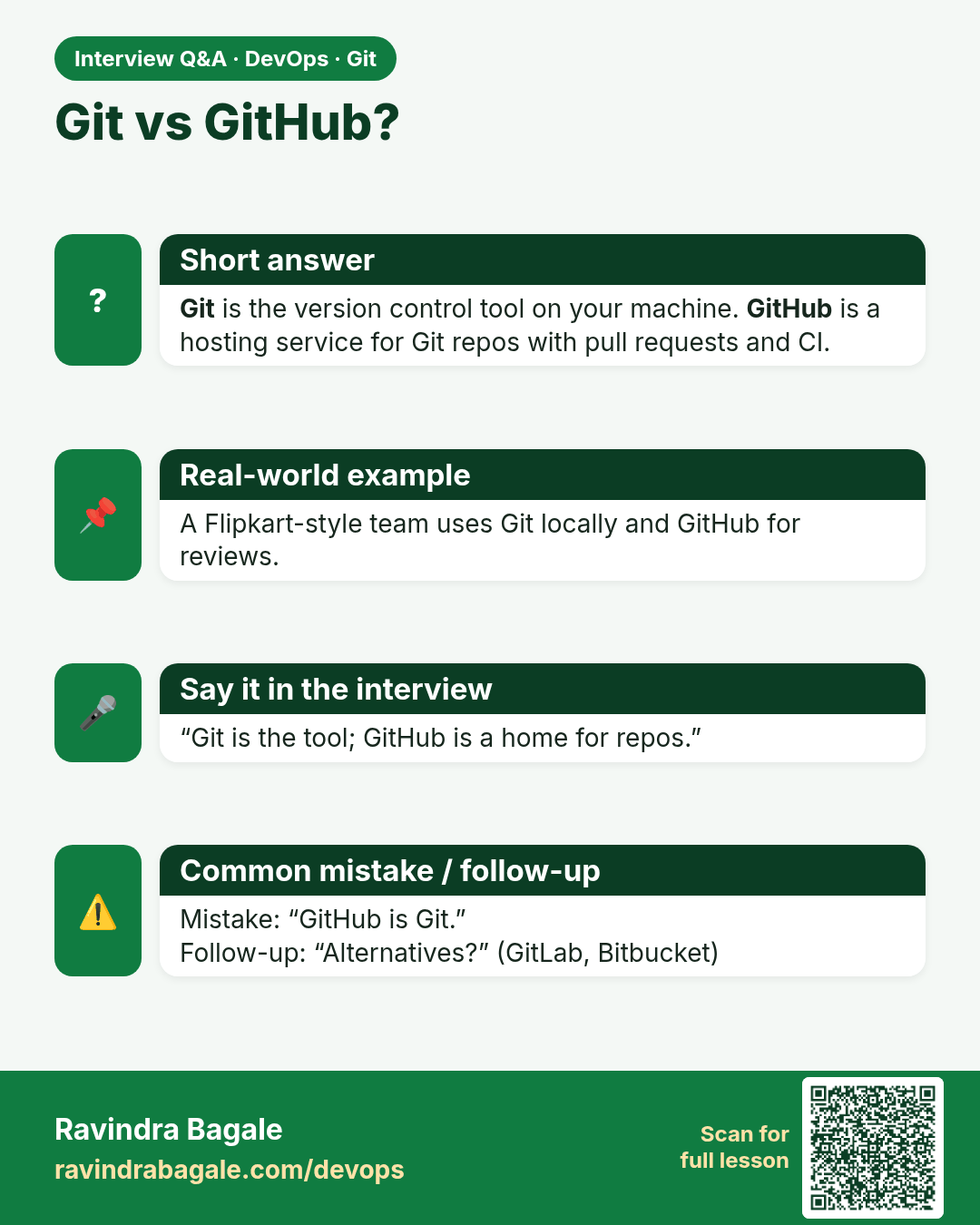
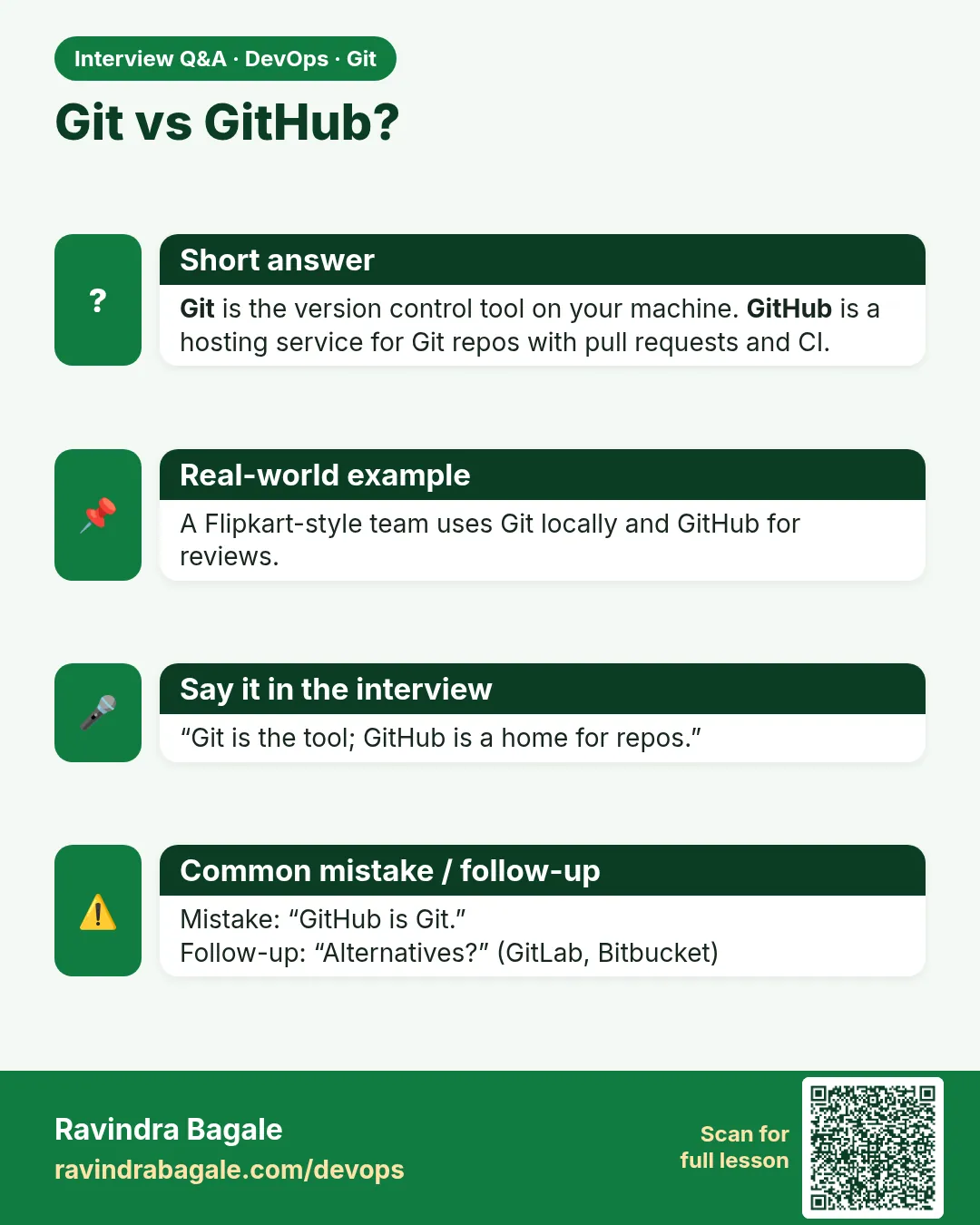 Interview card 2 of 13: Git vs GitHub? · Download PNG · Open card page
Lesson: 2.2 Git vs GitHub vs Git Bash
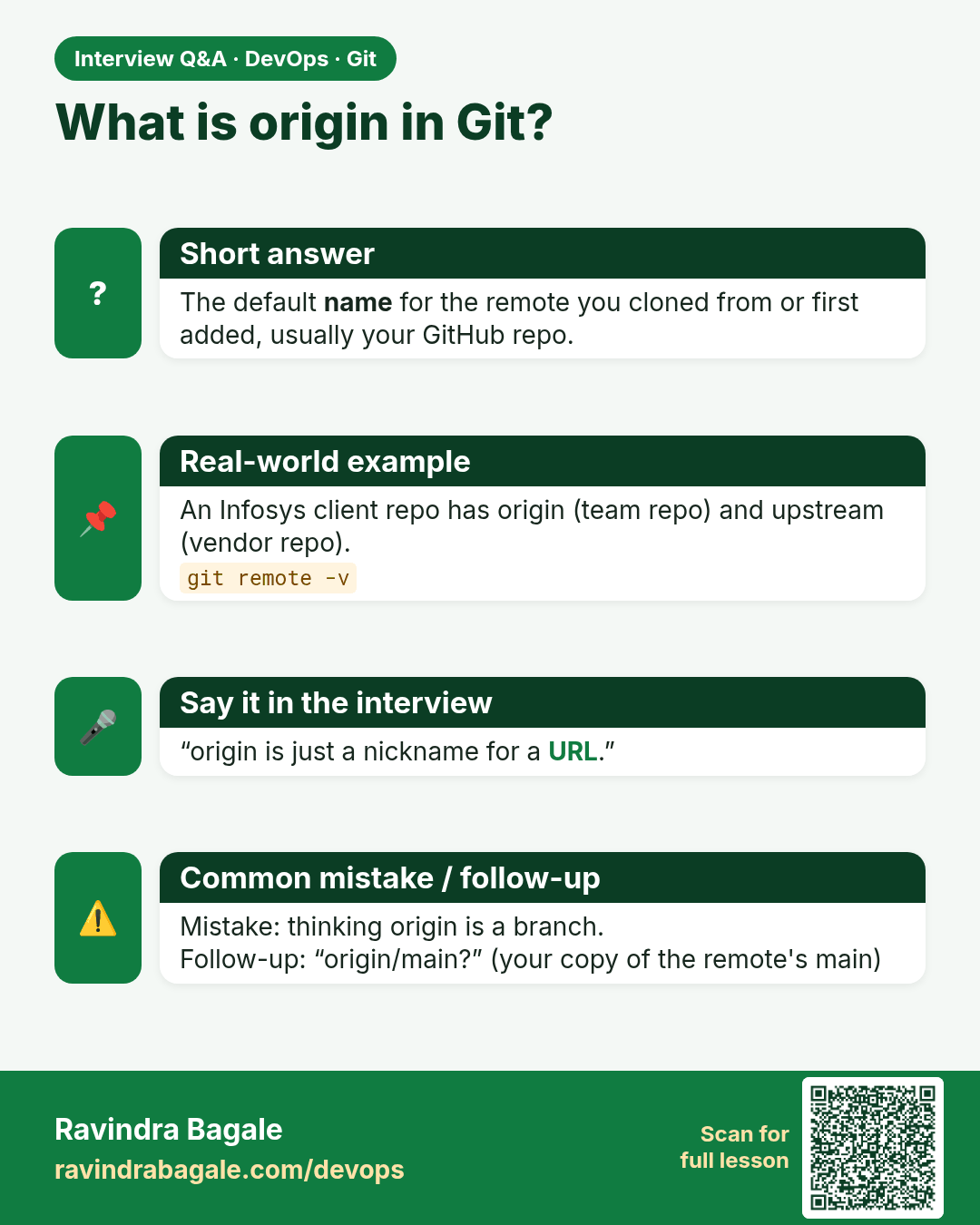
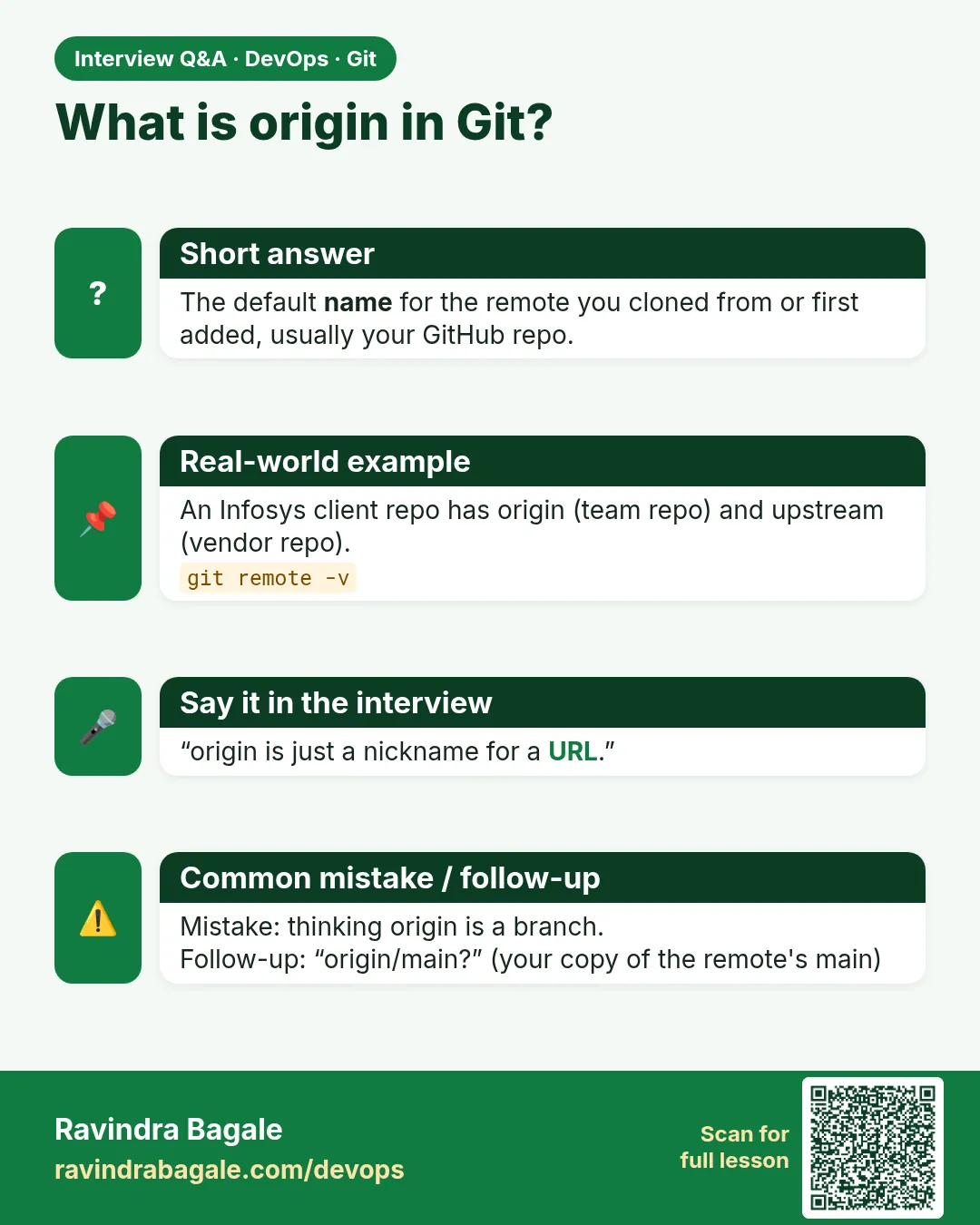 Interview card 3 of 13: What is origin in Git? · Download PNG · Open card page
Lesson: 2.3 Repository, remote and origin
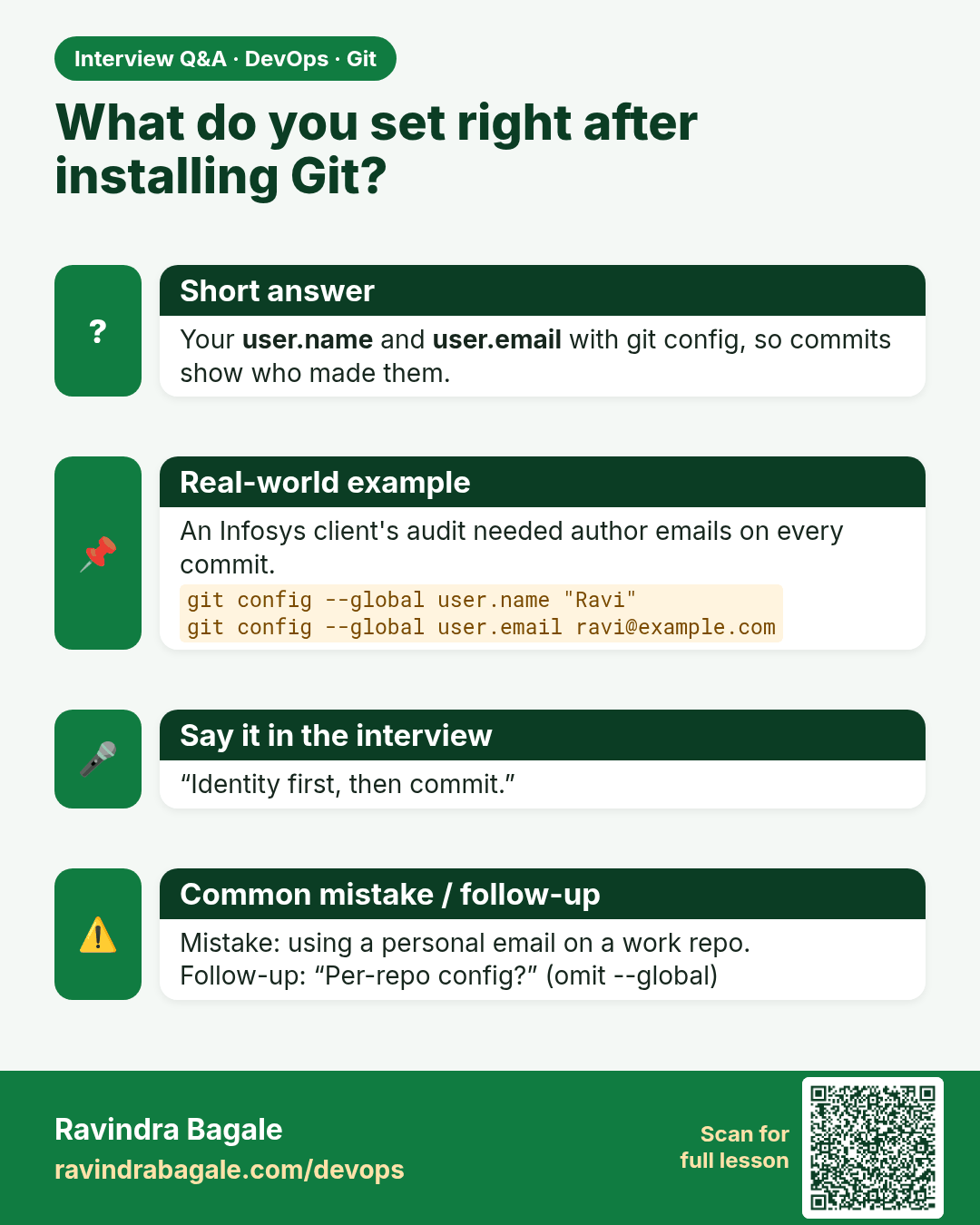
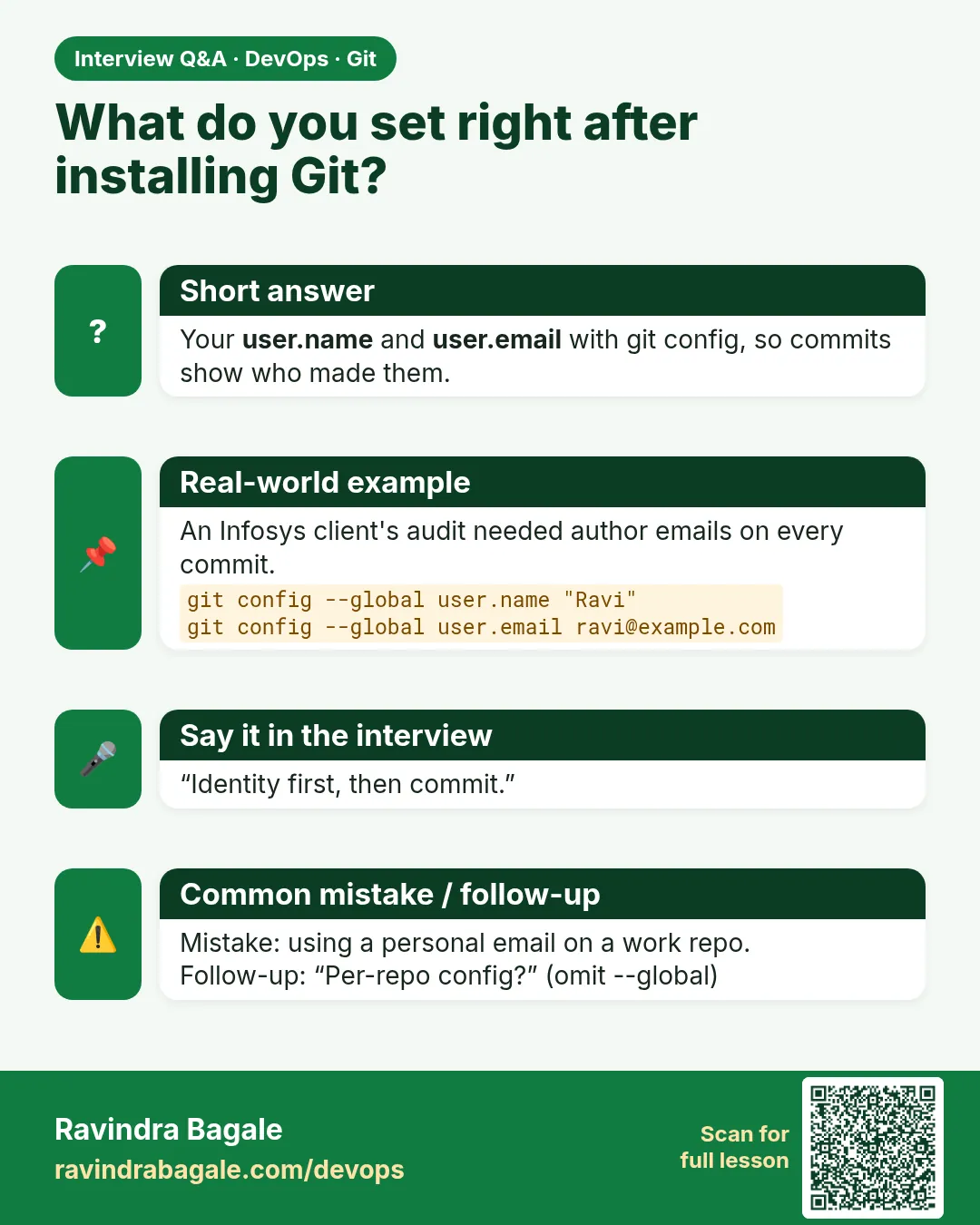 Interview card 4 of 13: What do you set right after installing Git? · Download PNG · Open card page
Lesson: 2.4 Install check and first vocabulary
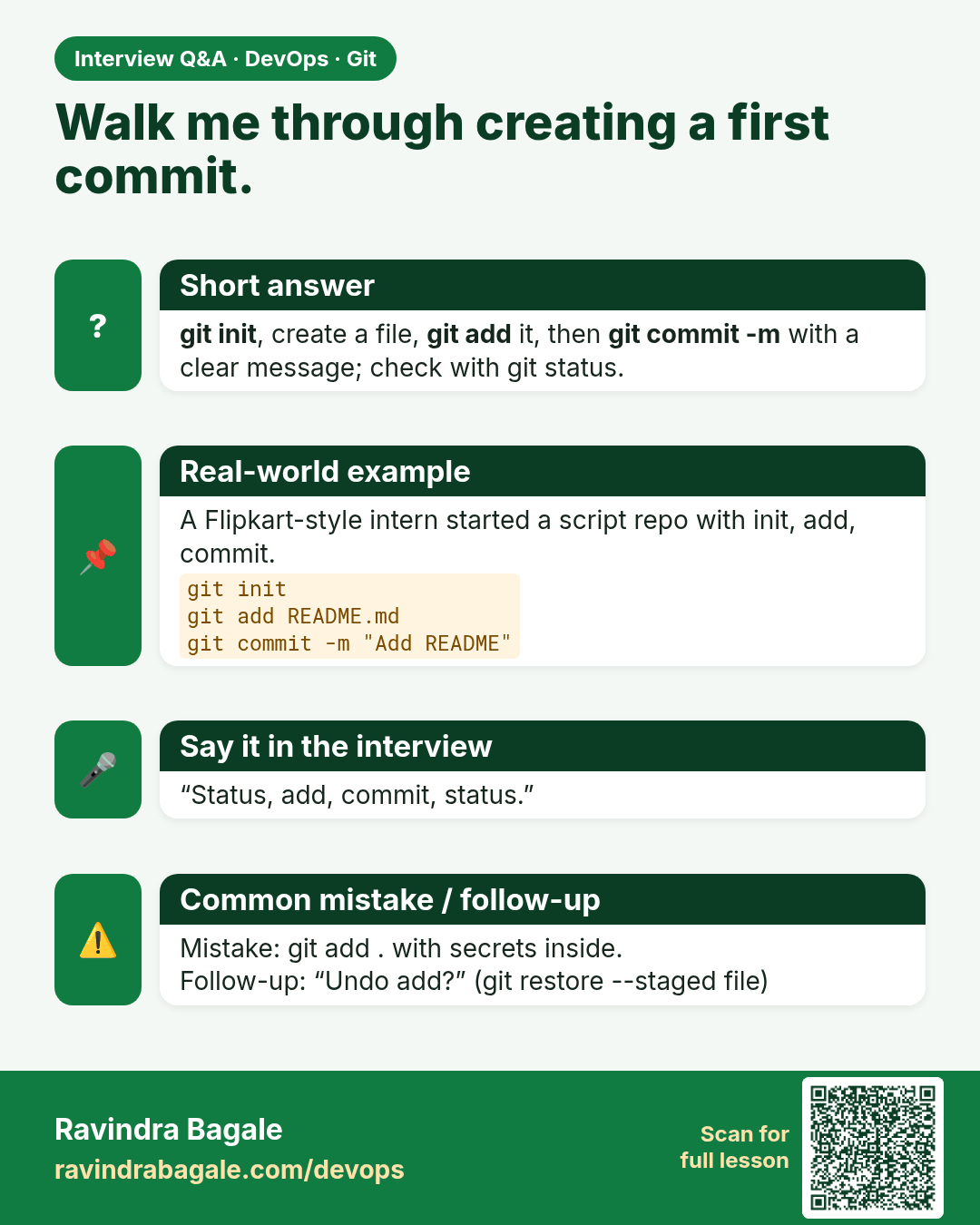
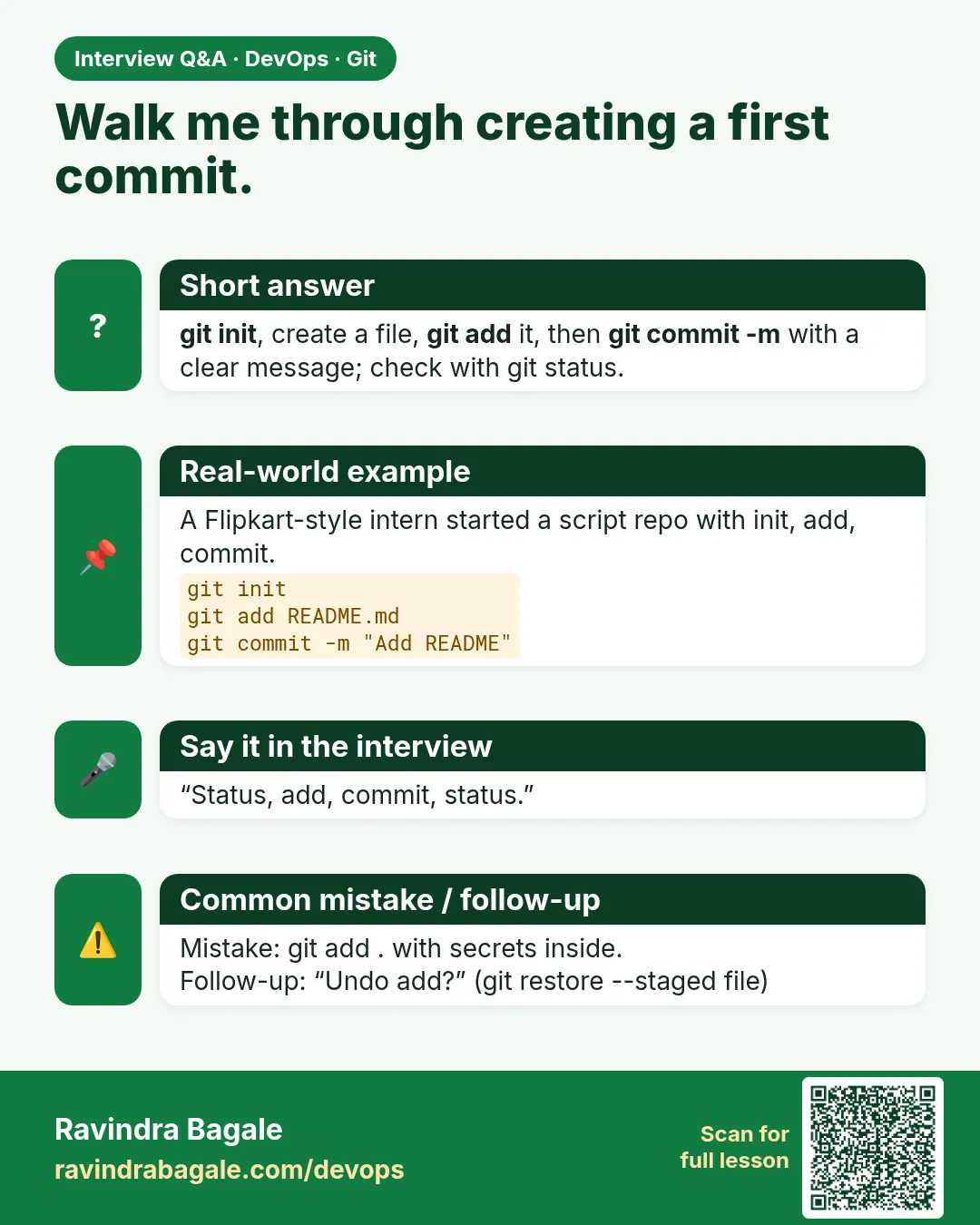 Interview card 5 of 13: Walk me through creating a first commit. · Download PNG · Open card page
Lesson: 2.5 init, status, add, commit — first repo
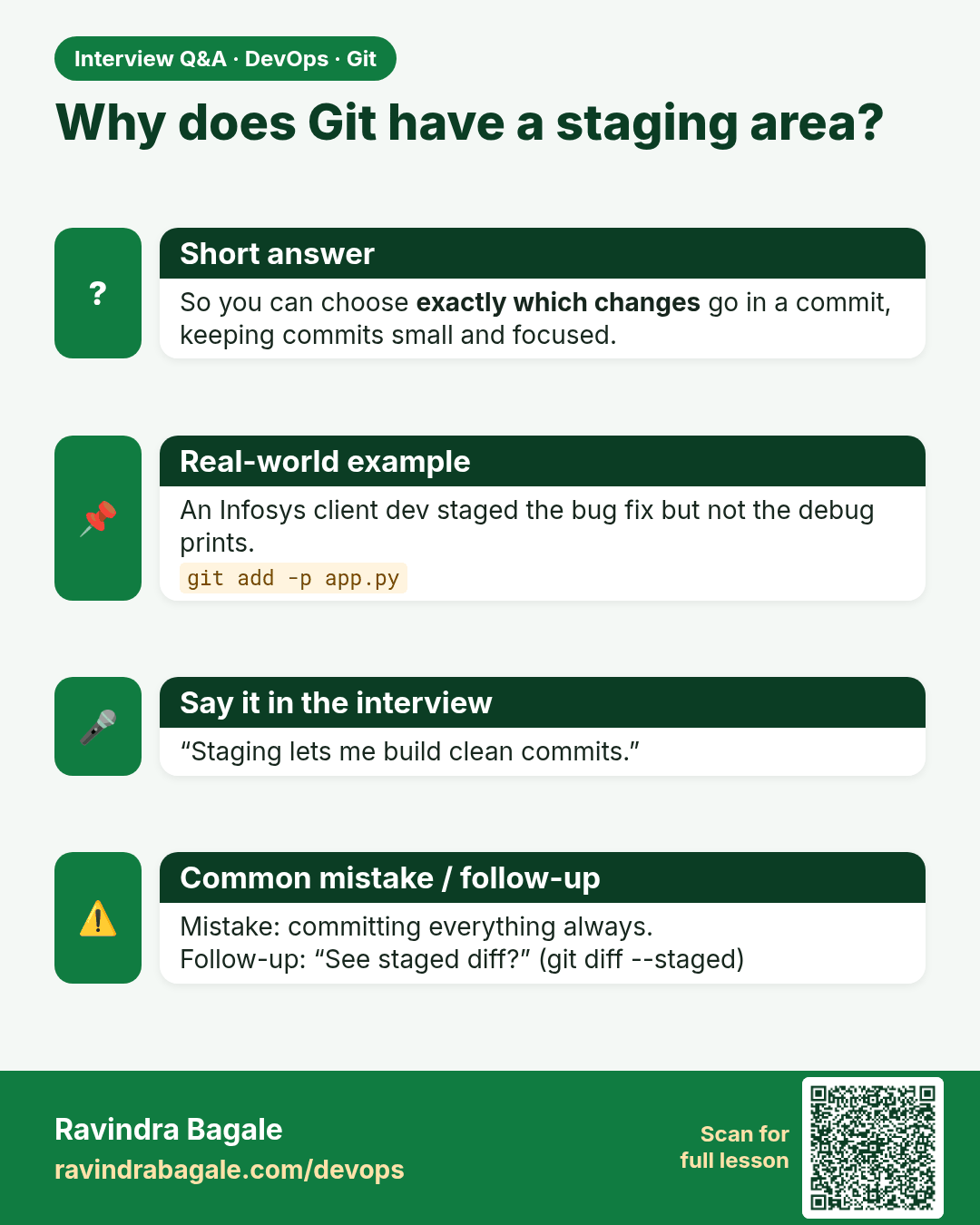
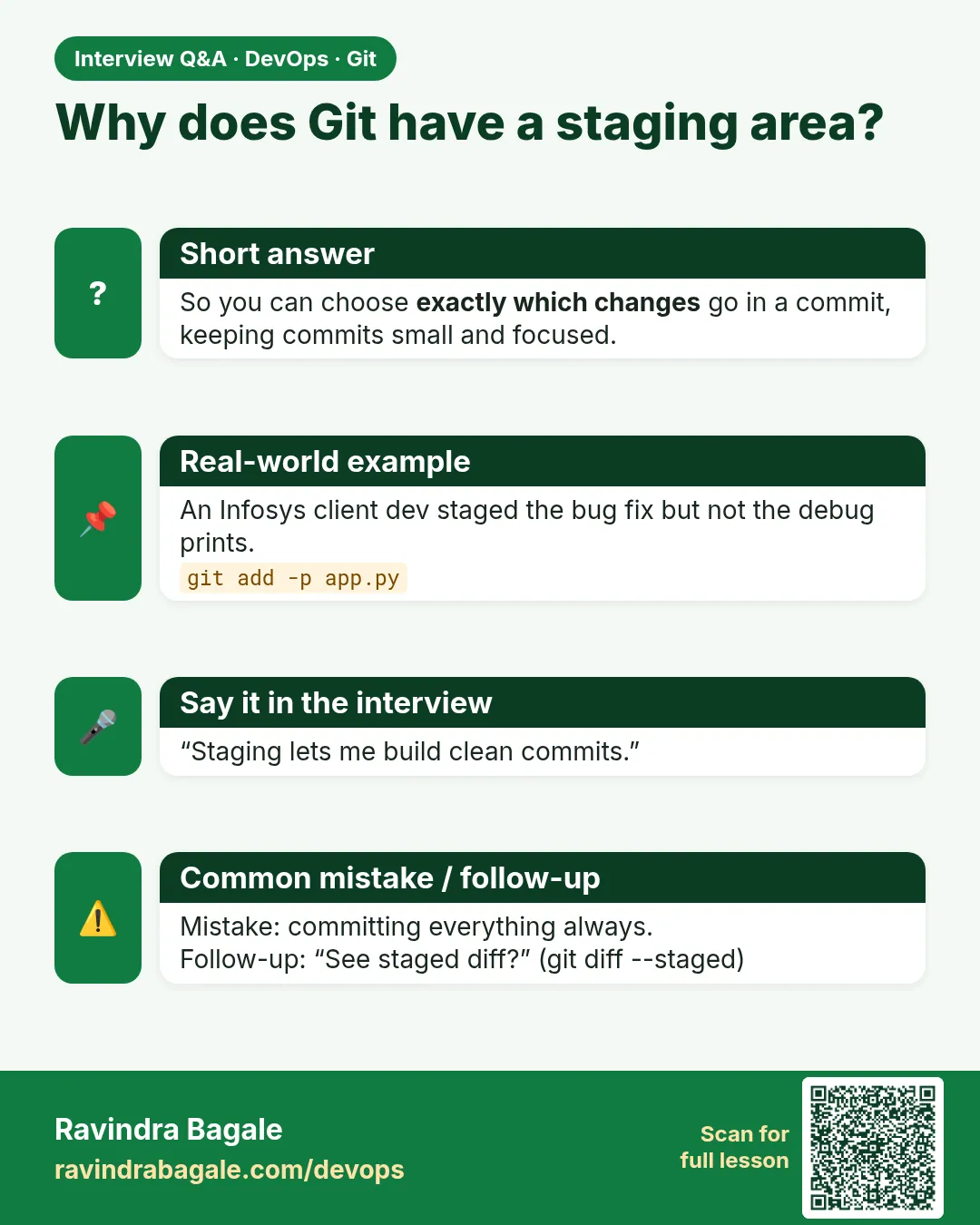 Interview card 6 of 13: Why does Git have a staging area? · Download PNG · Open card page
Lesson: 2.6 The staging area — mental model
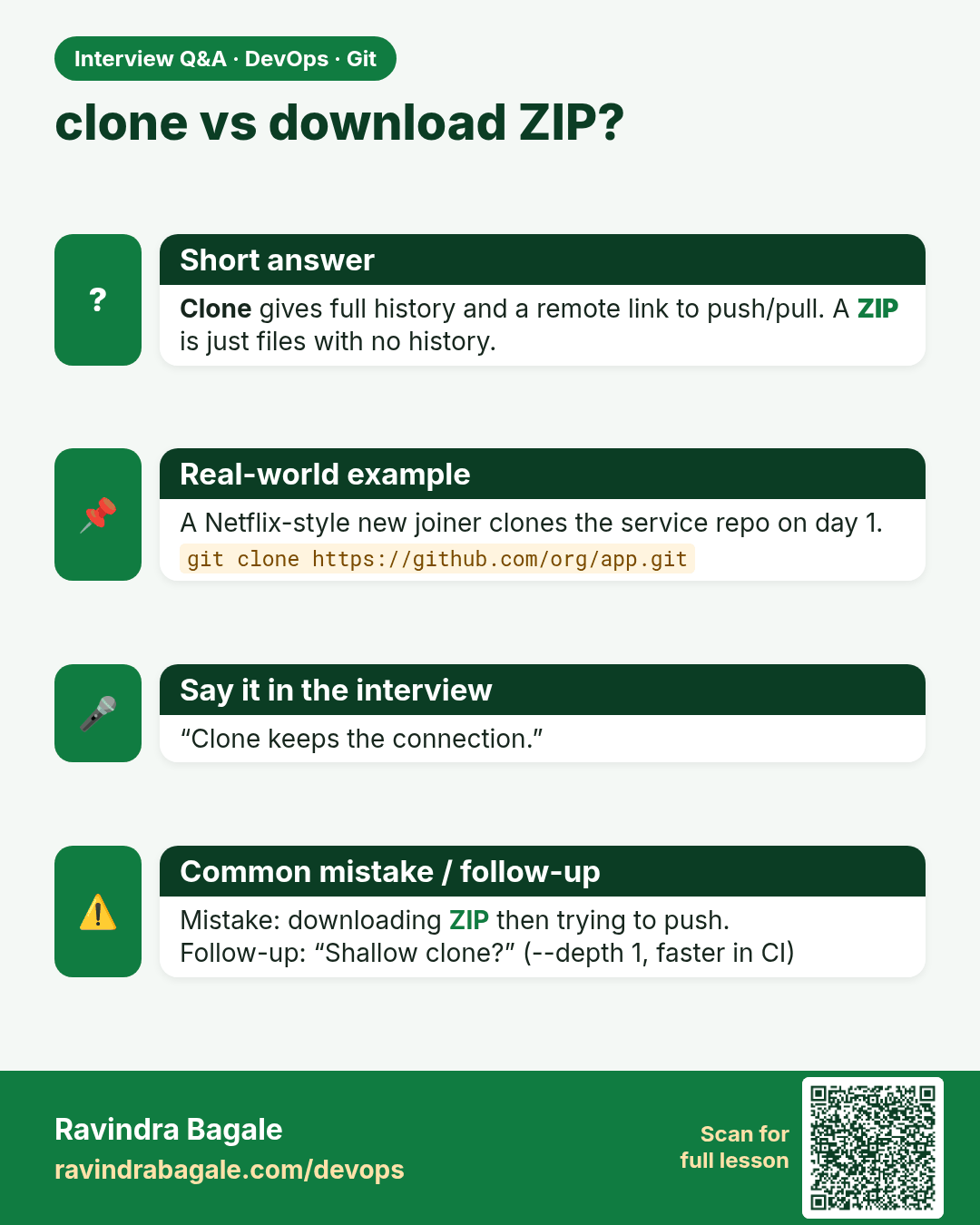
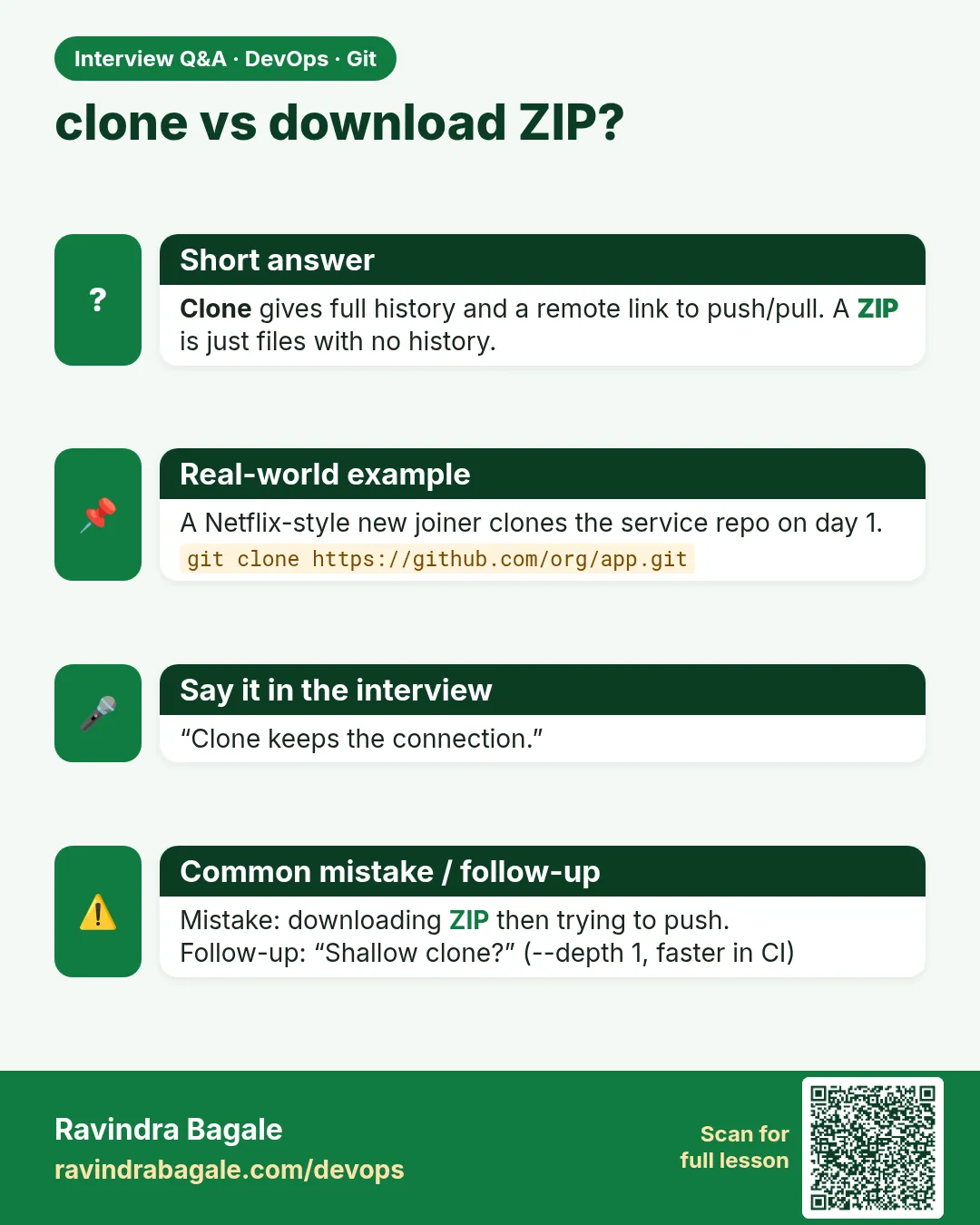 Interview card 7 of 13: clone vs download ZIP? · Download PNG · Open card page
Lesson: 2.7 clone — copy an existing repo
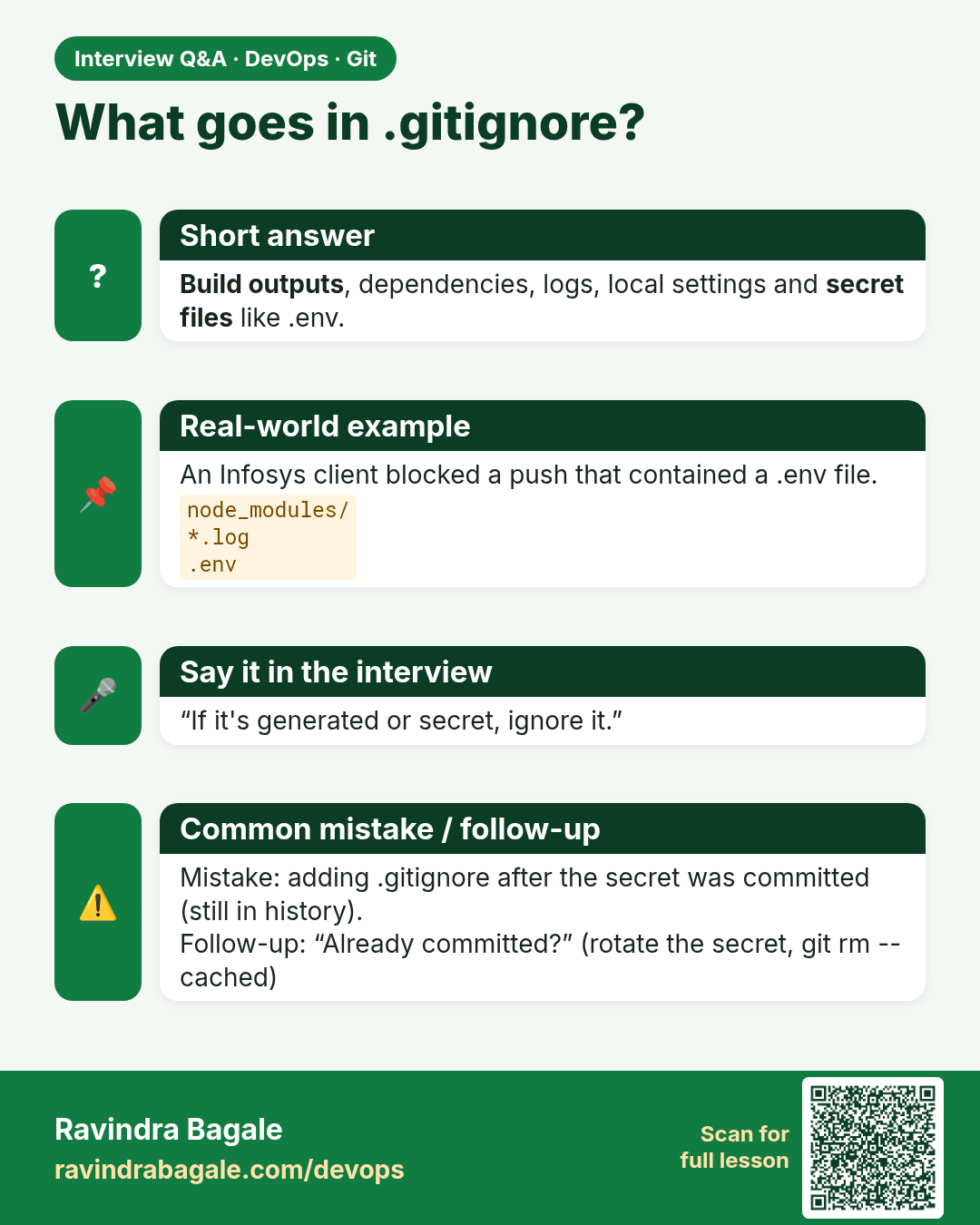
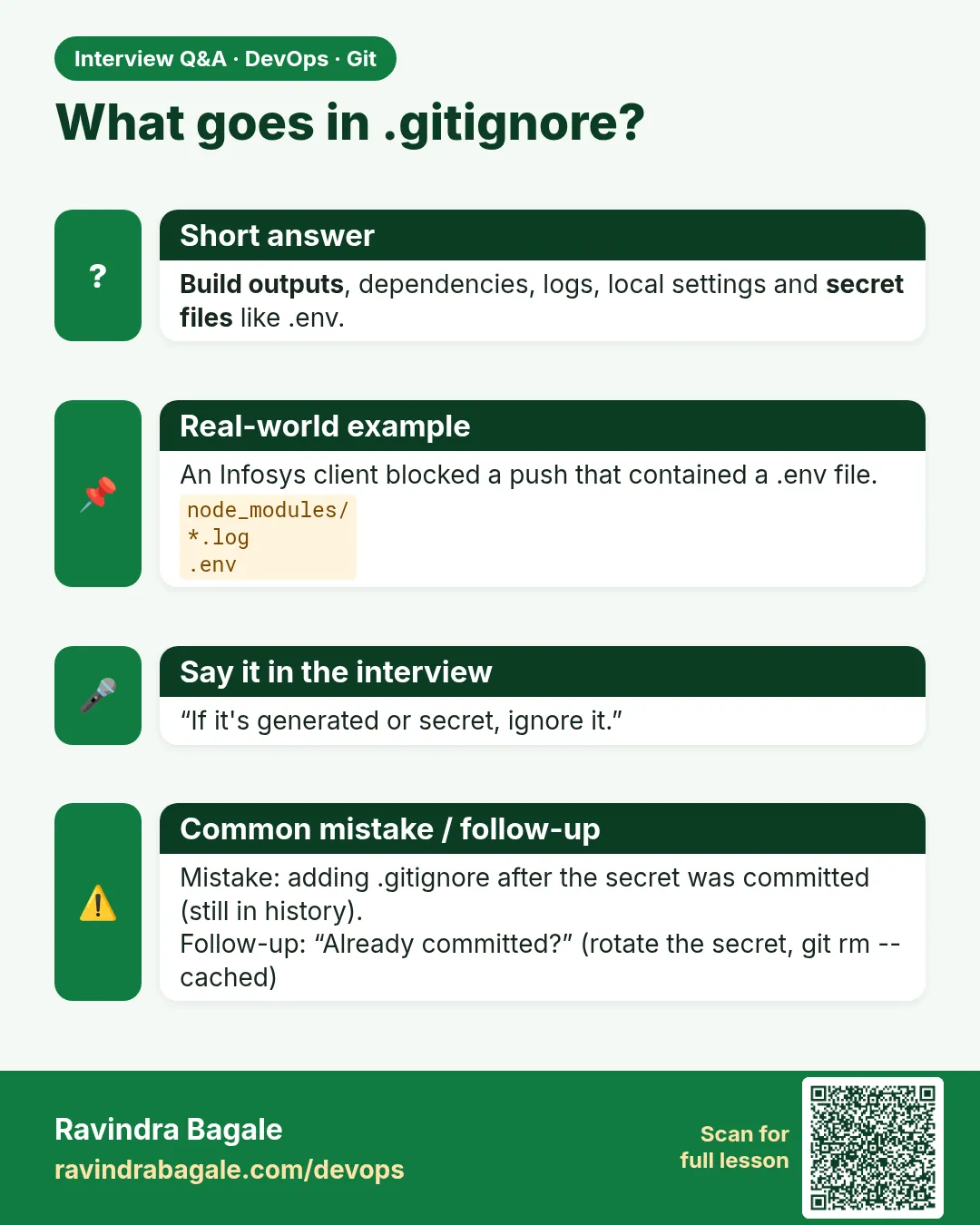 Interview card 8 of 13: What goes in .gitignore? · Download PNG · Open card page
Lesson: 2.8 .gitignore — keep junk and secrets out
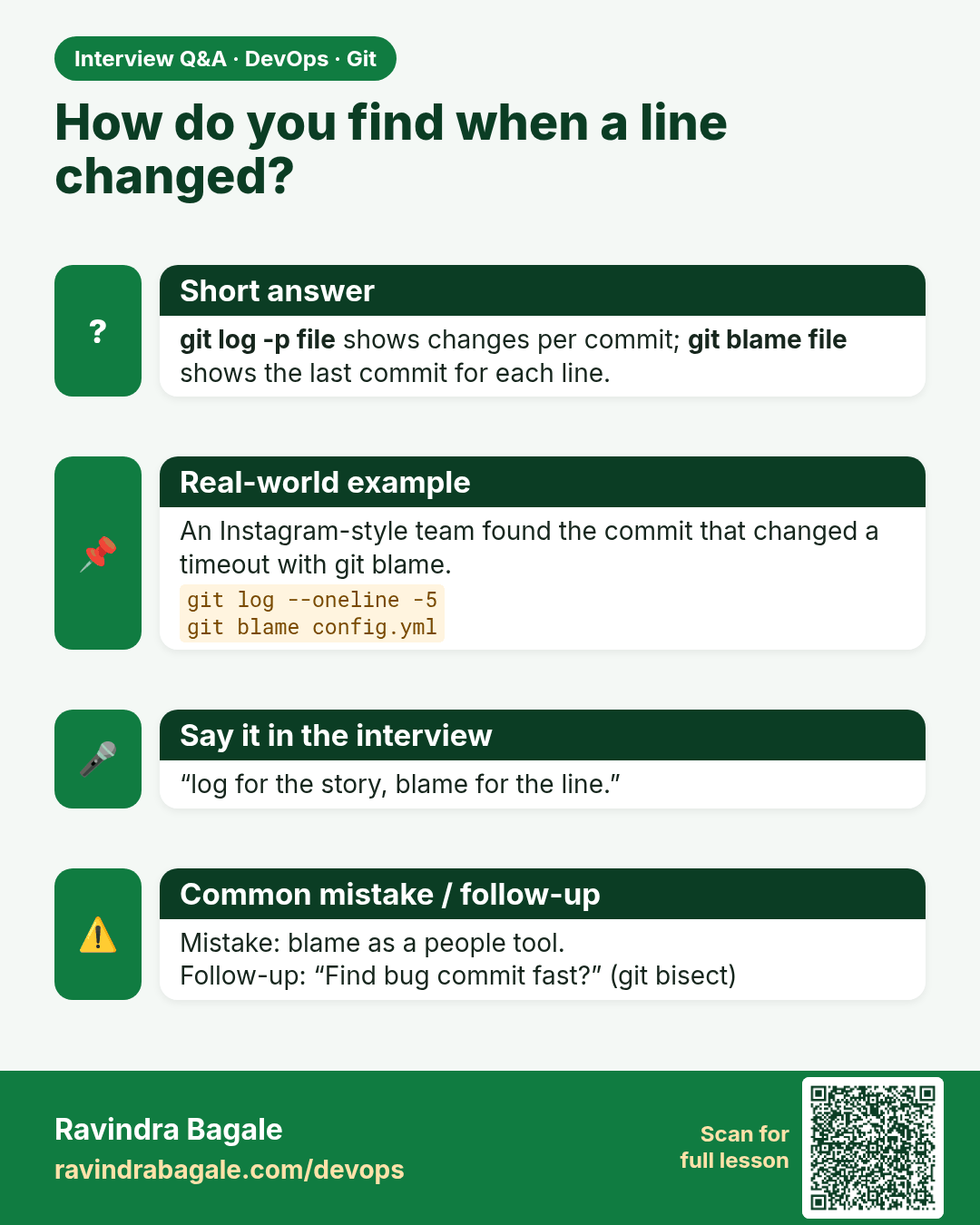
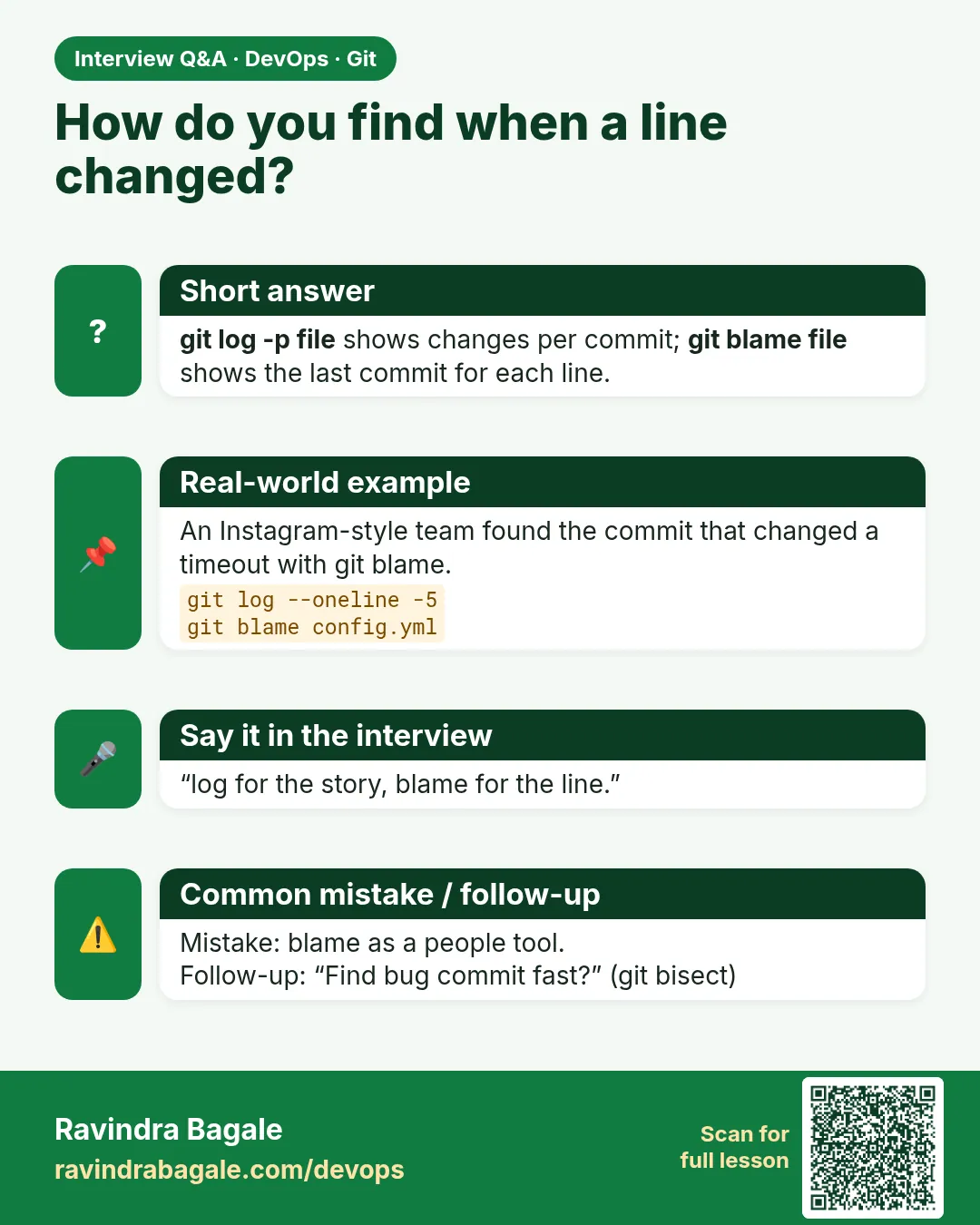 Interview card 9 of 13: How do you find when a line changed? · Download PNG · Open card page
Lesson: 2.9 git log — read the story
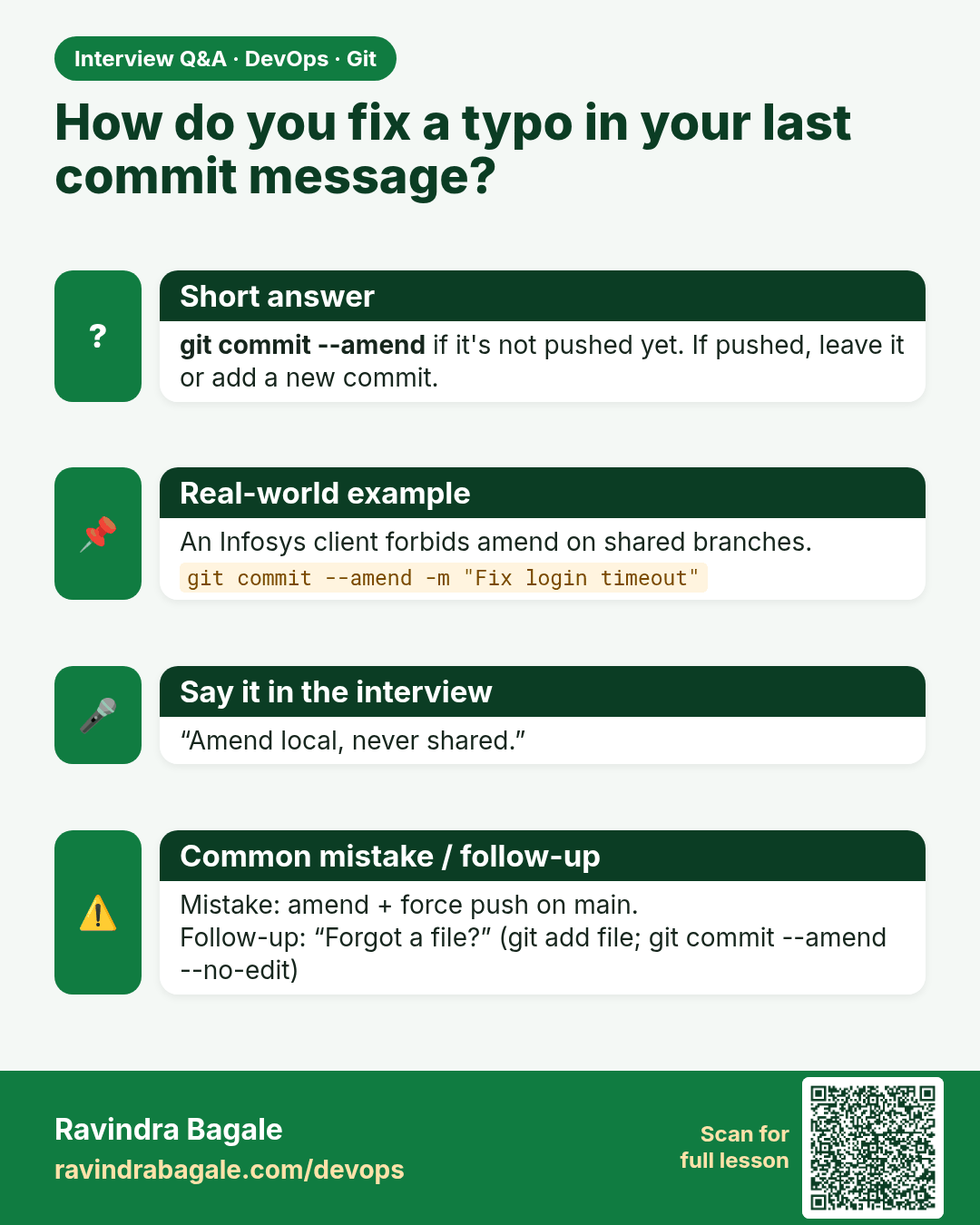
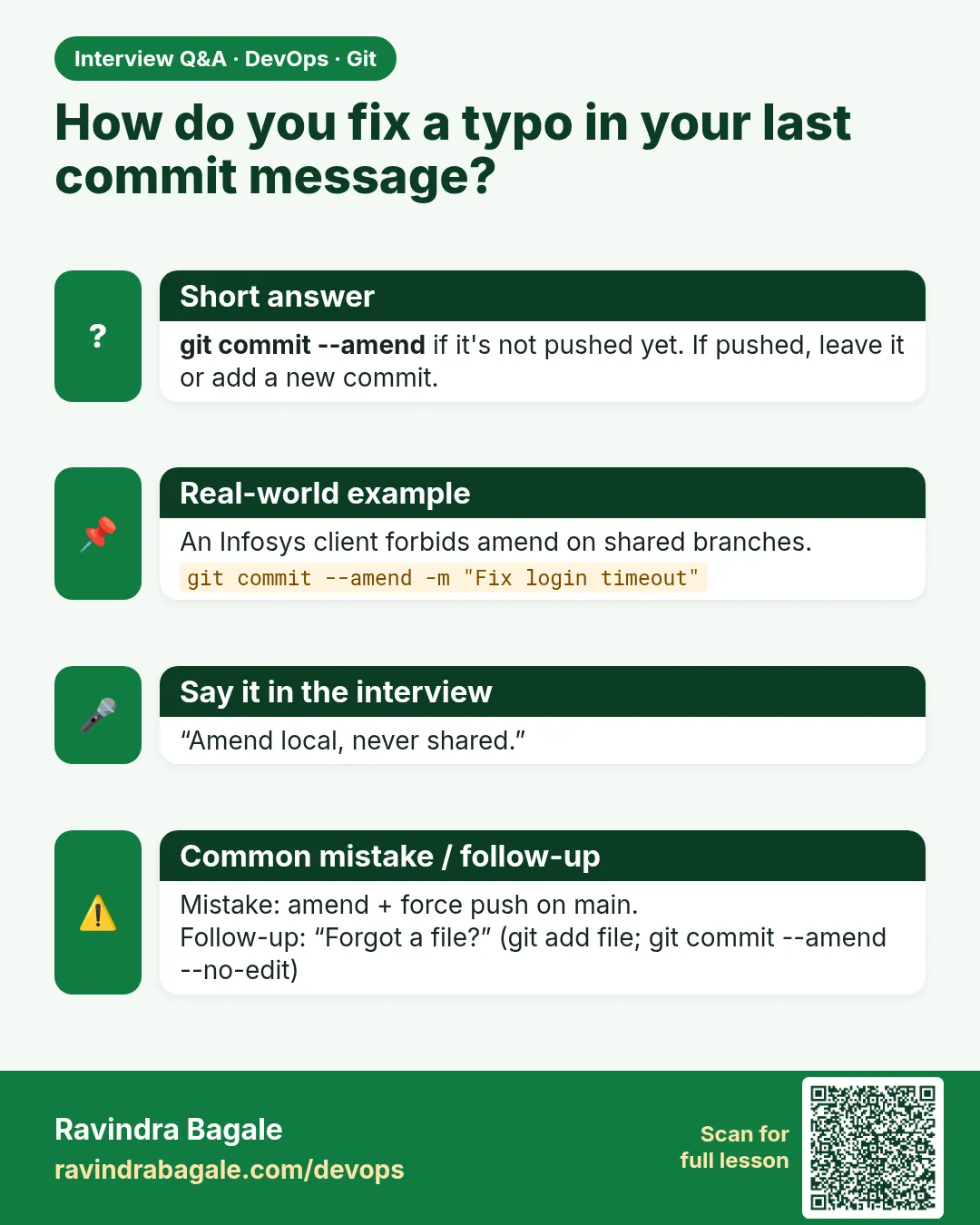 Interview card 10 of 13: How do you fix a typo in your last commit message? · Download PNG · Open card page
Lesson: 2.10 Undo safely — restore and amend
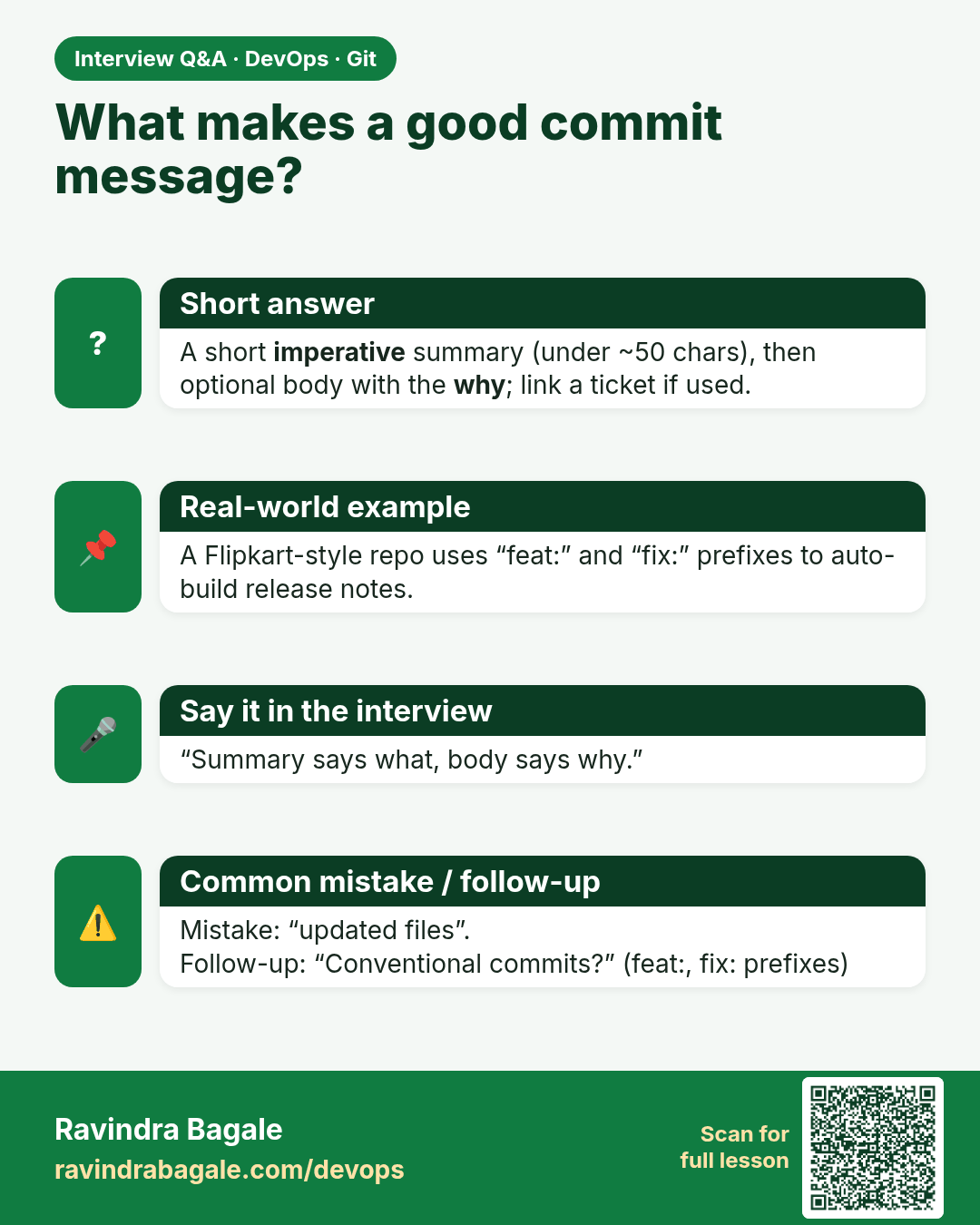
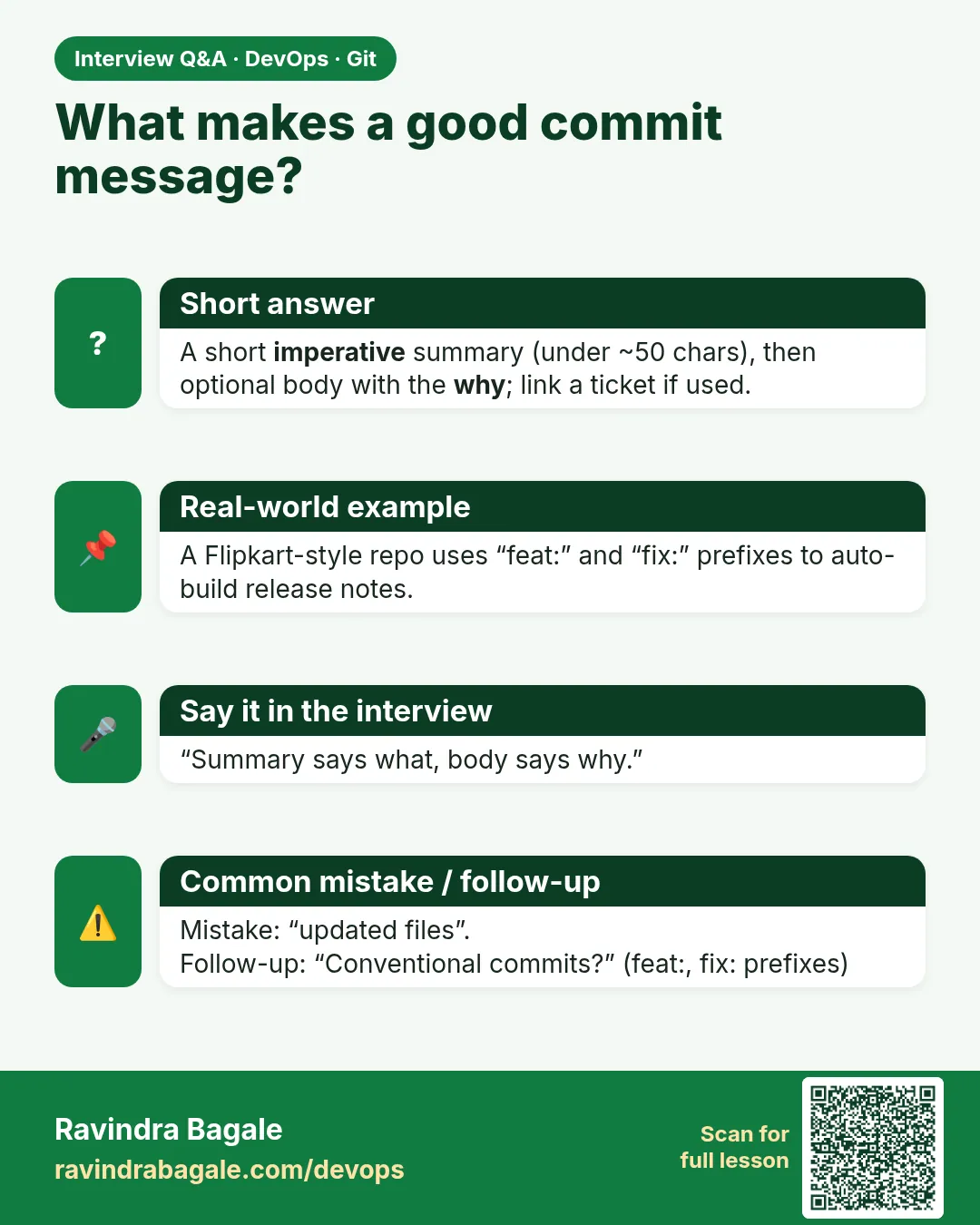 Interview card 11 of 13: What makes a good commit message? · Download PNG · Open card page
Lesson: 2.11 Commit message hygiene
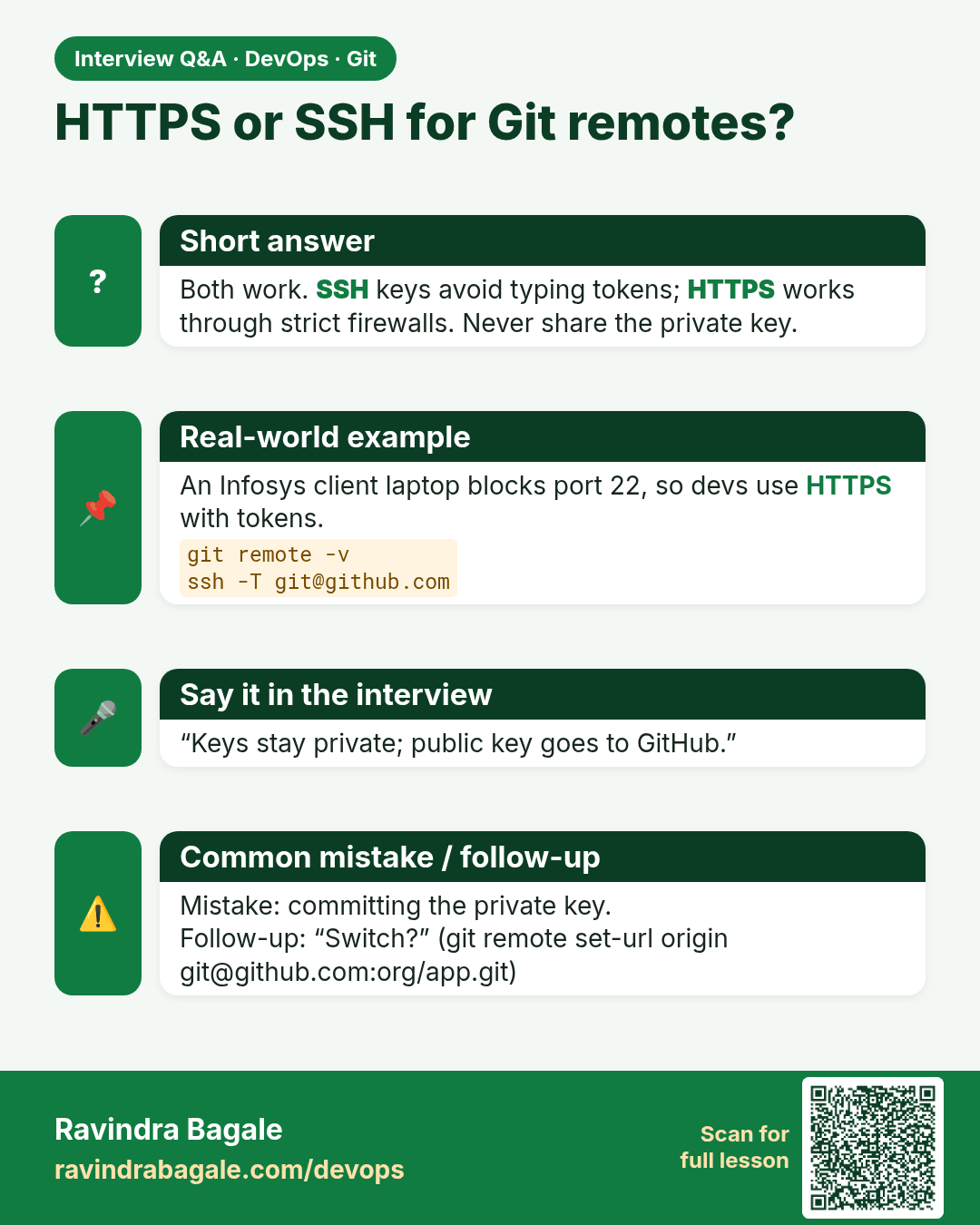
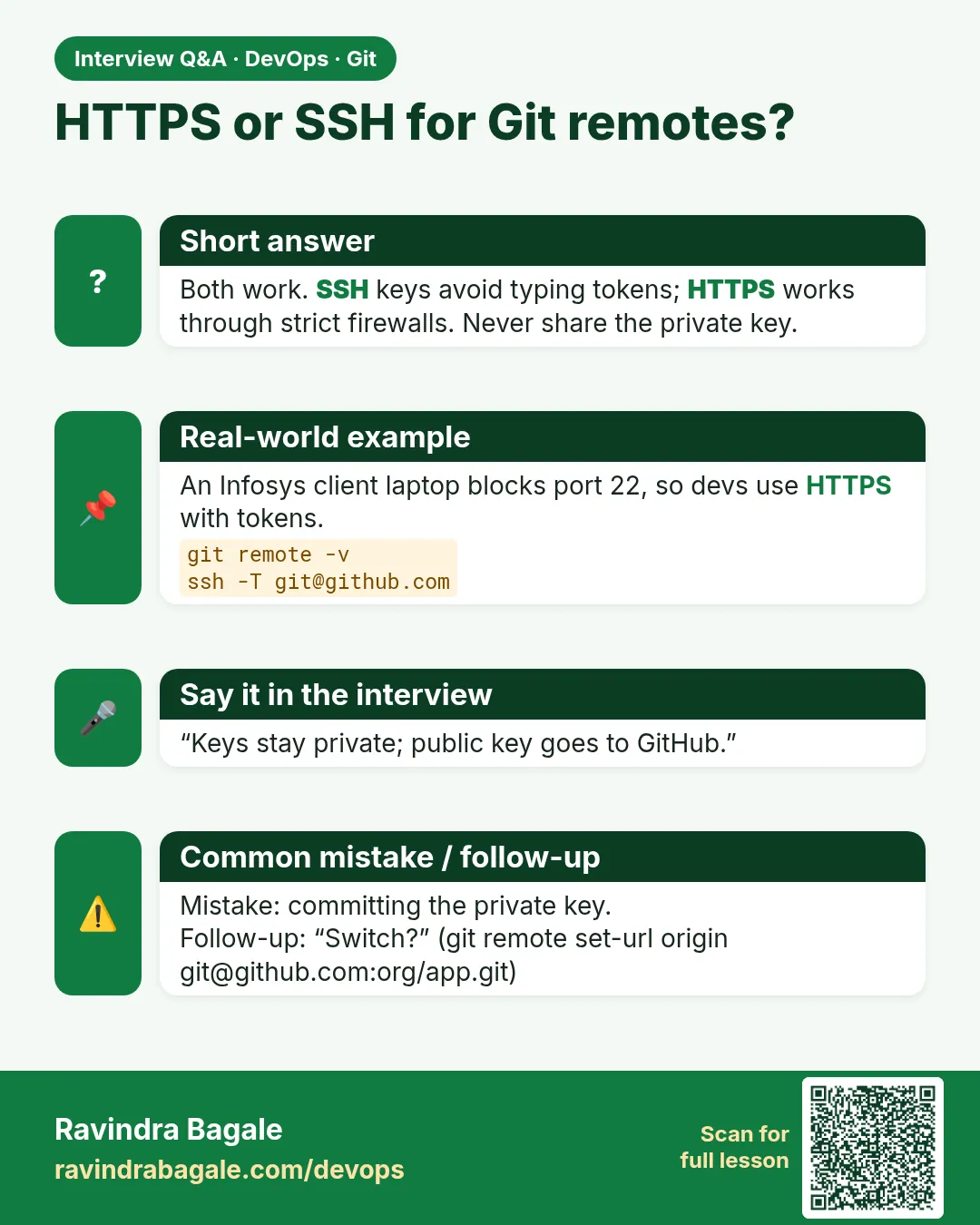 Interview card 12 of 13: HTTPS or SSH for Git remotes? · Download PNG · Open card page
Lesson: 2.12 HTTPS vs SSH, and git remote -v
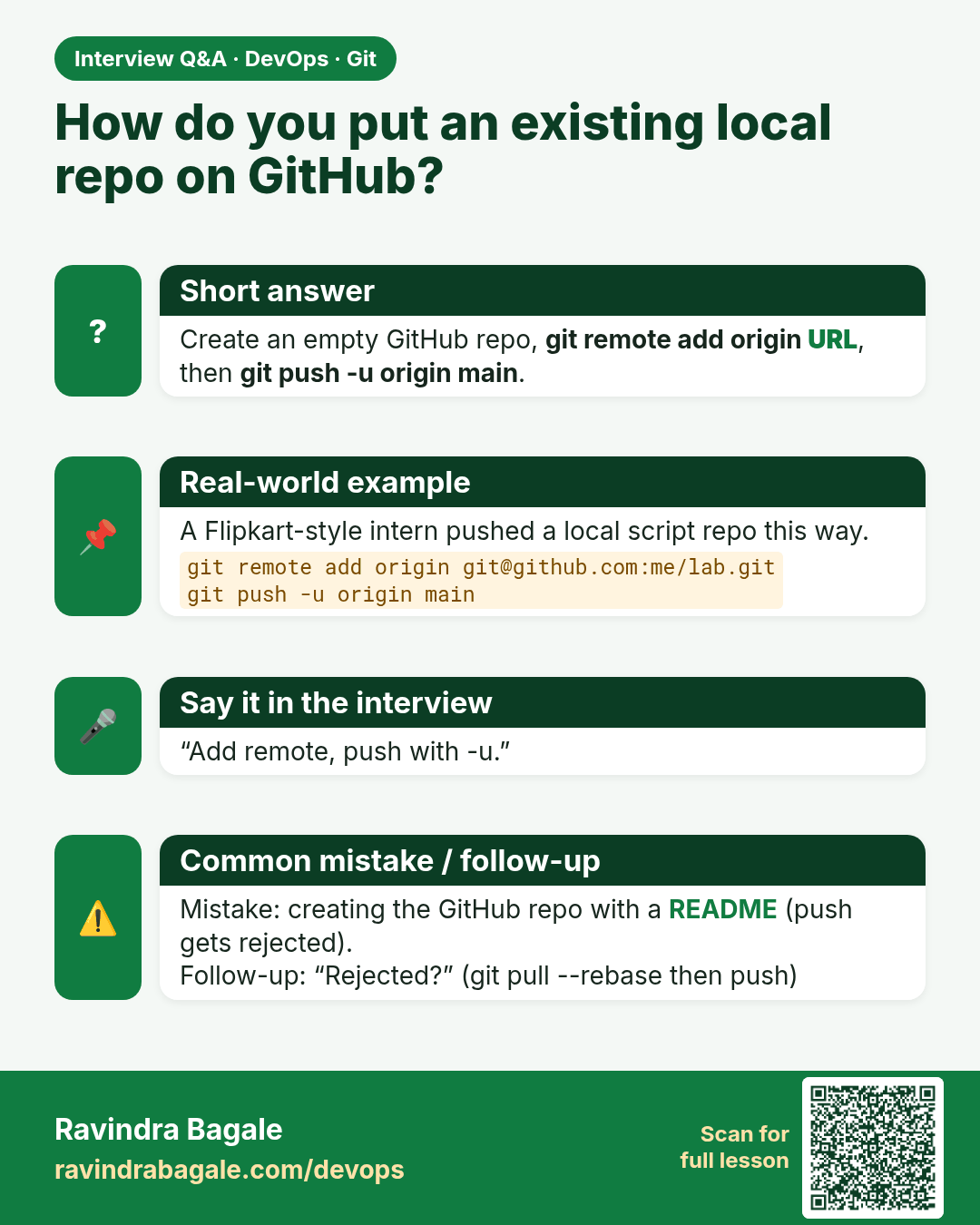
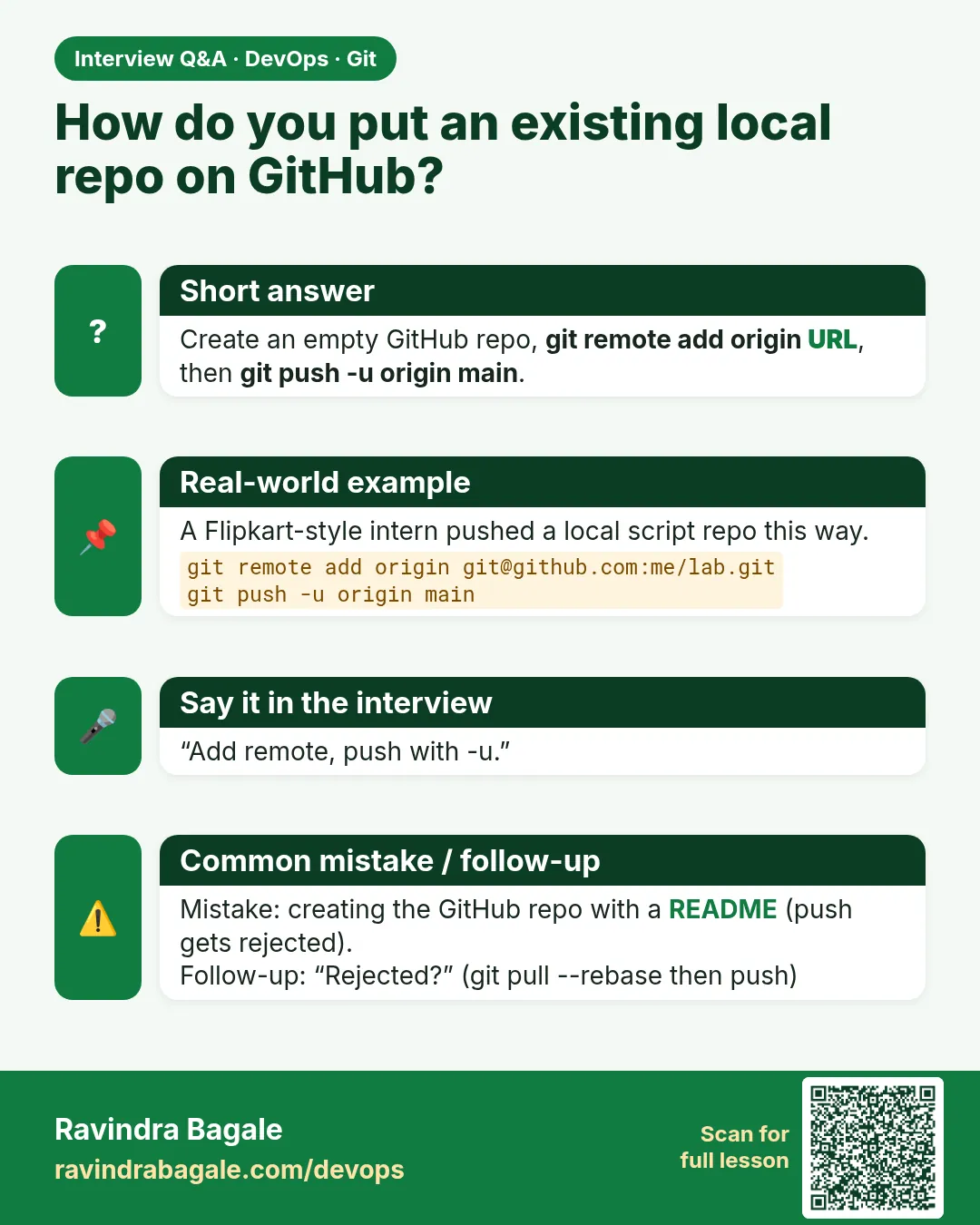 Interview card 13 of 13: How do you put an existing local repo on GitHub? · Download PNG · Open card page
Lesson: 2.13 Lab — three commits and one remote
Comparison cards
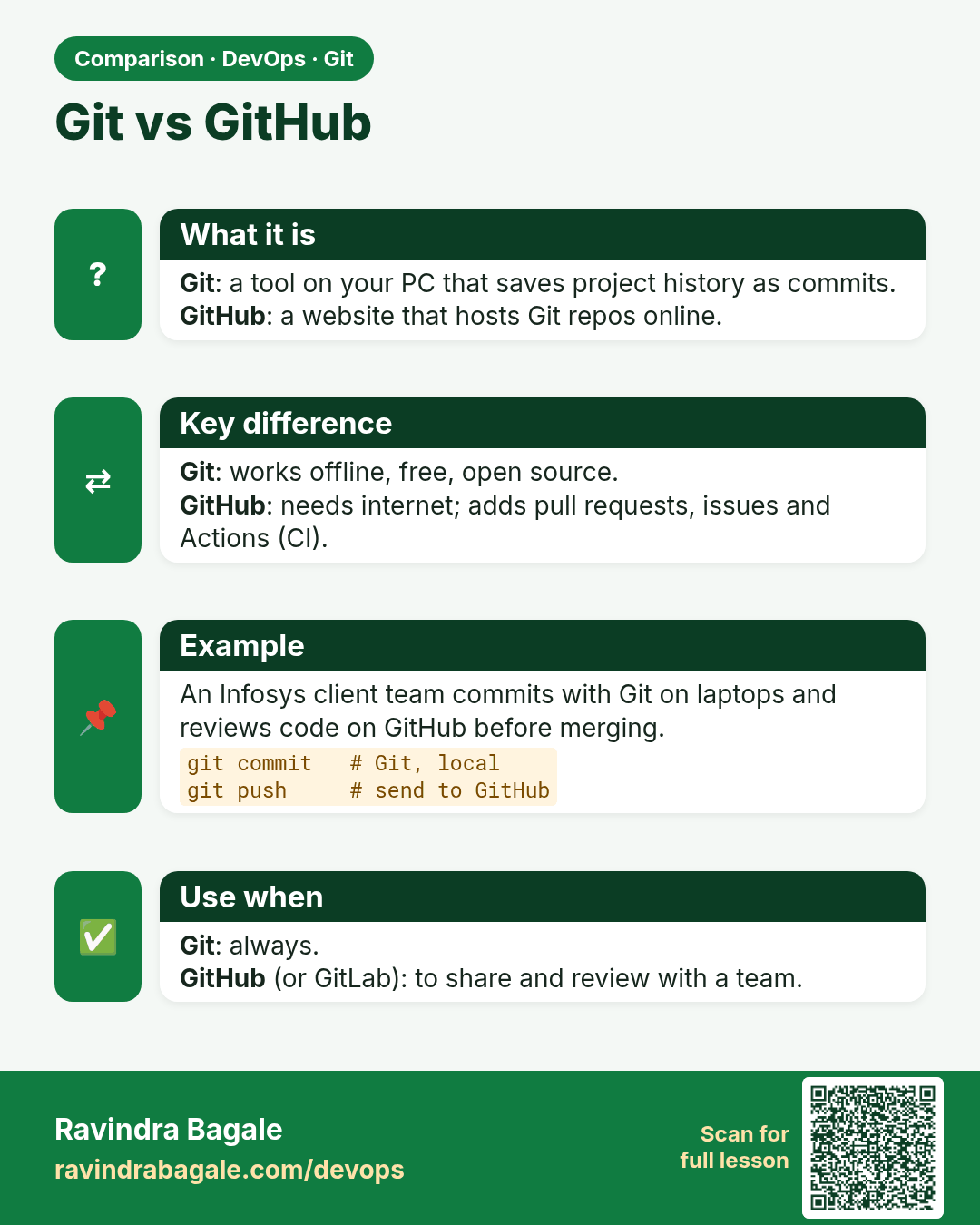
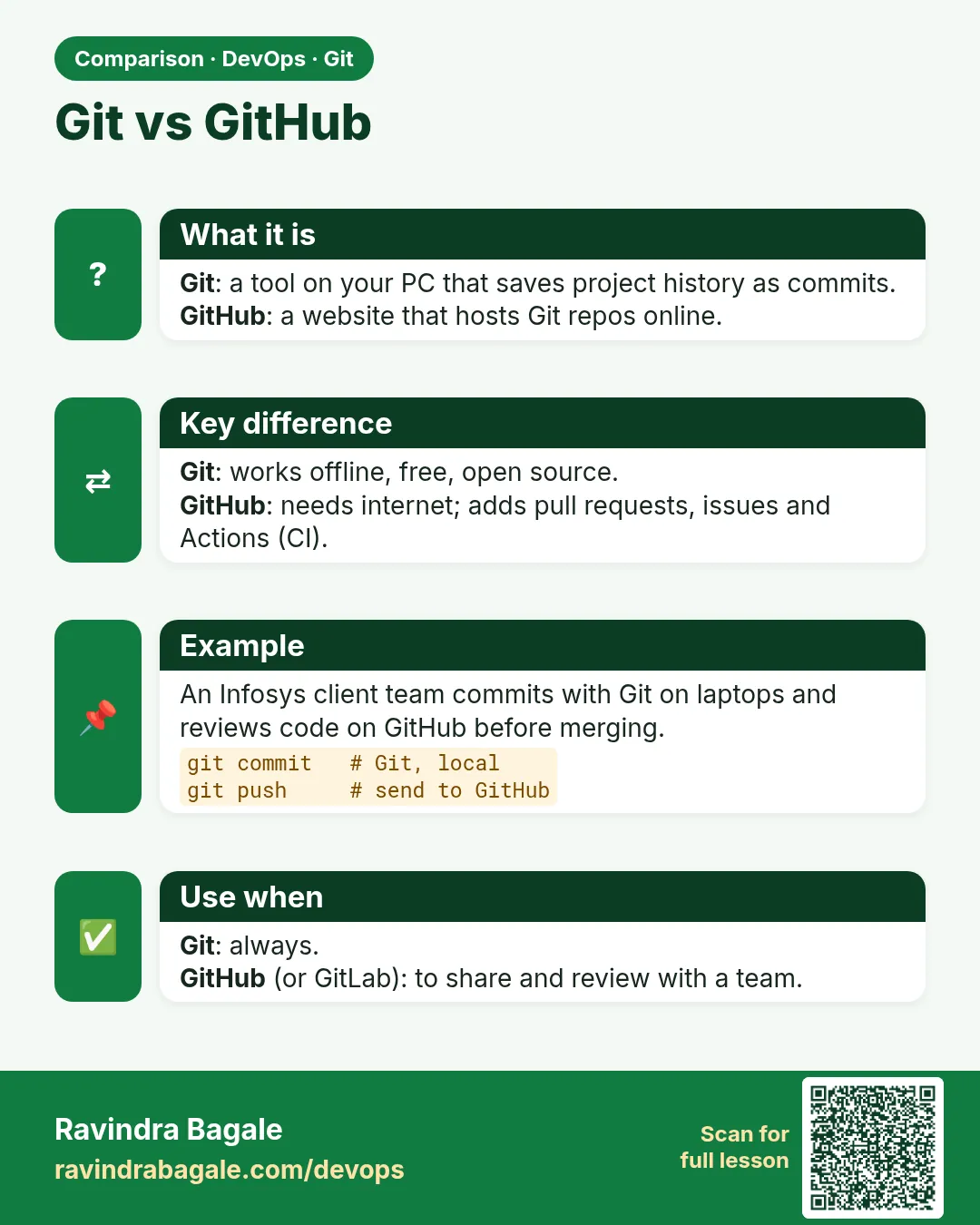 Comparison card 1 of 3: Git vs GitHub · Download PNG · Open card page
Lesson: 2.2 Git vs GitHub vs Git Bash
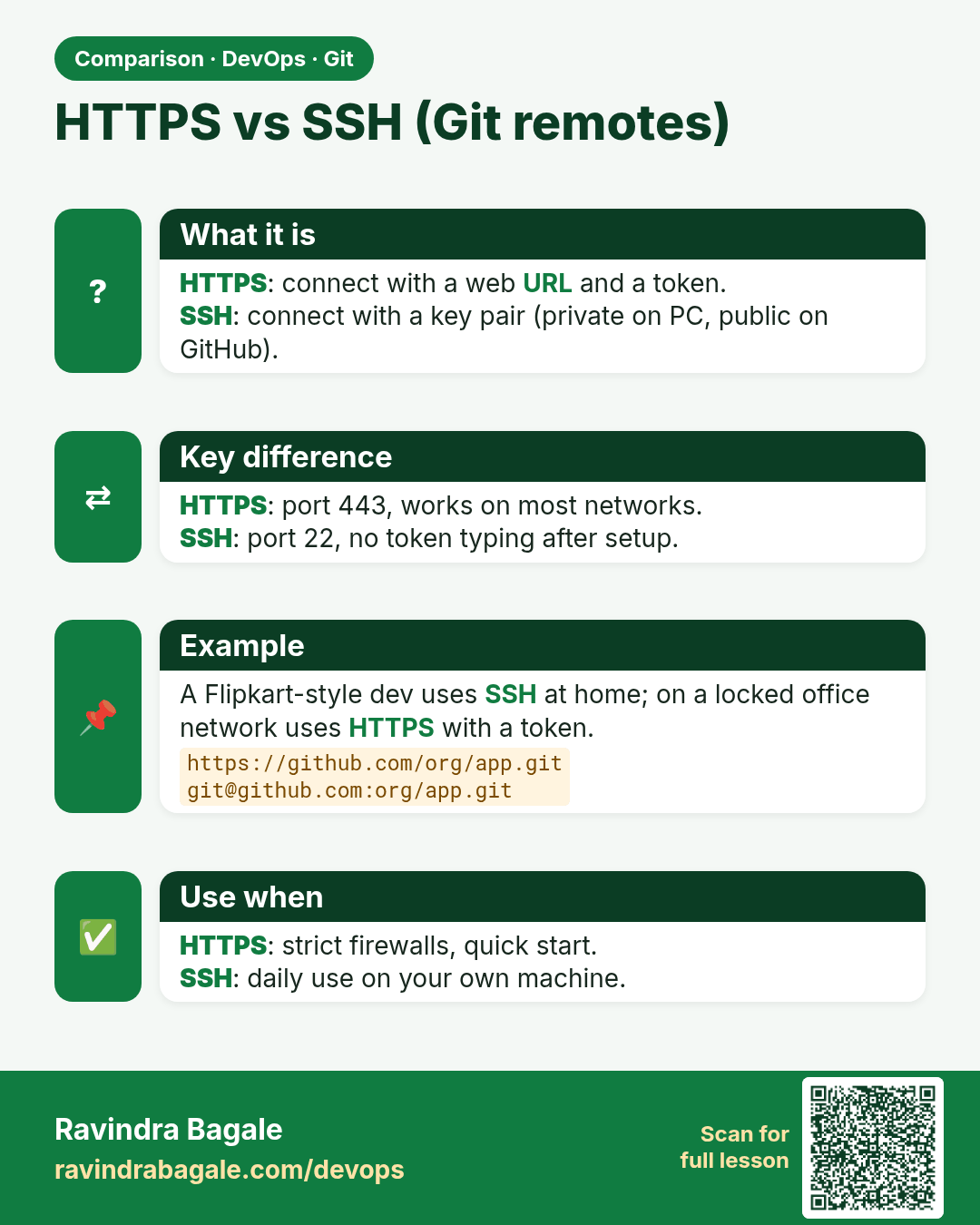
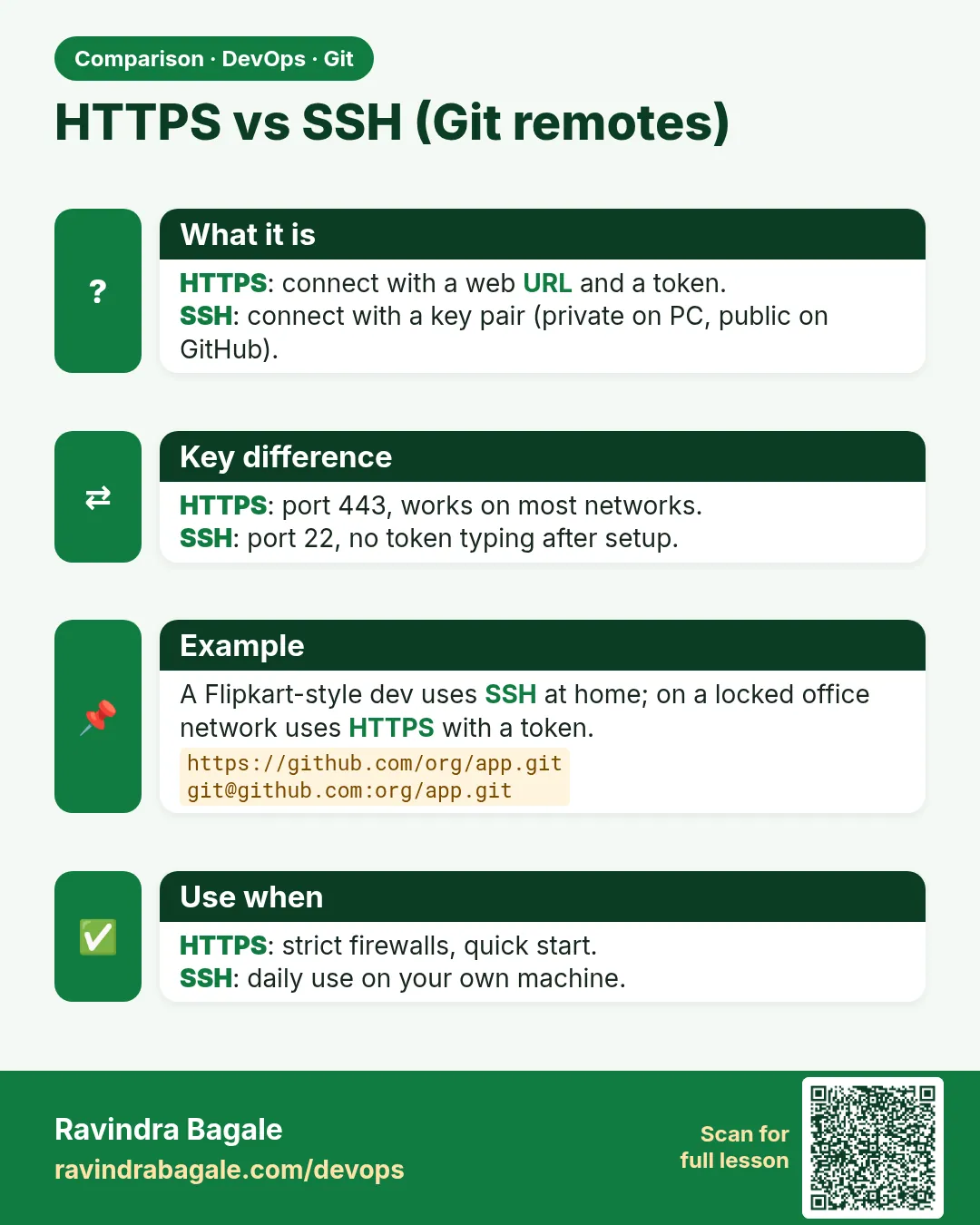 Comparison card 2 of 3: HTTPS vs SSH (Git remotes) · Download PNG · Open card page
Lesson: 2.12 HTTPS vs SSH, and git remote -v
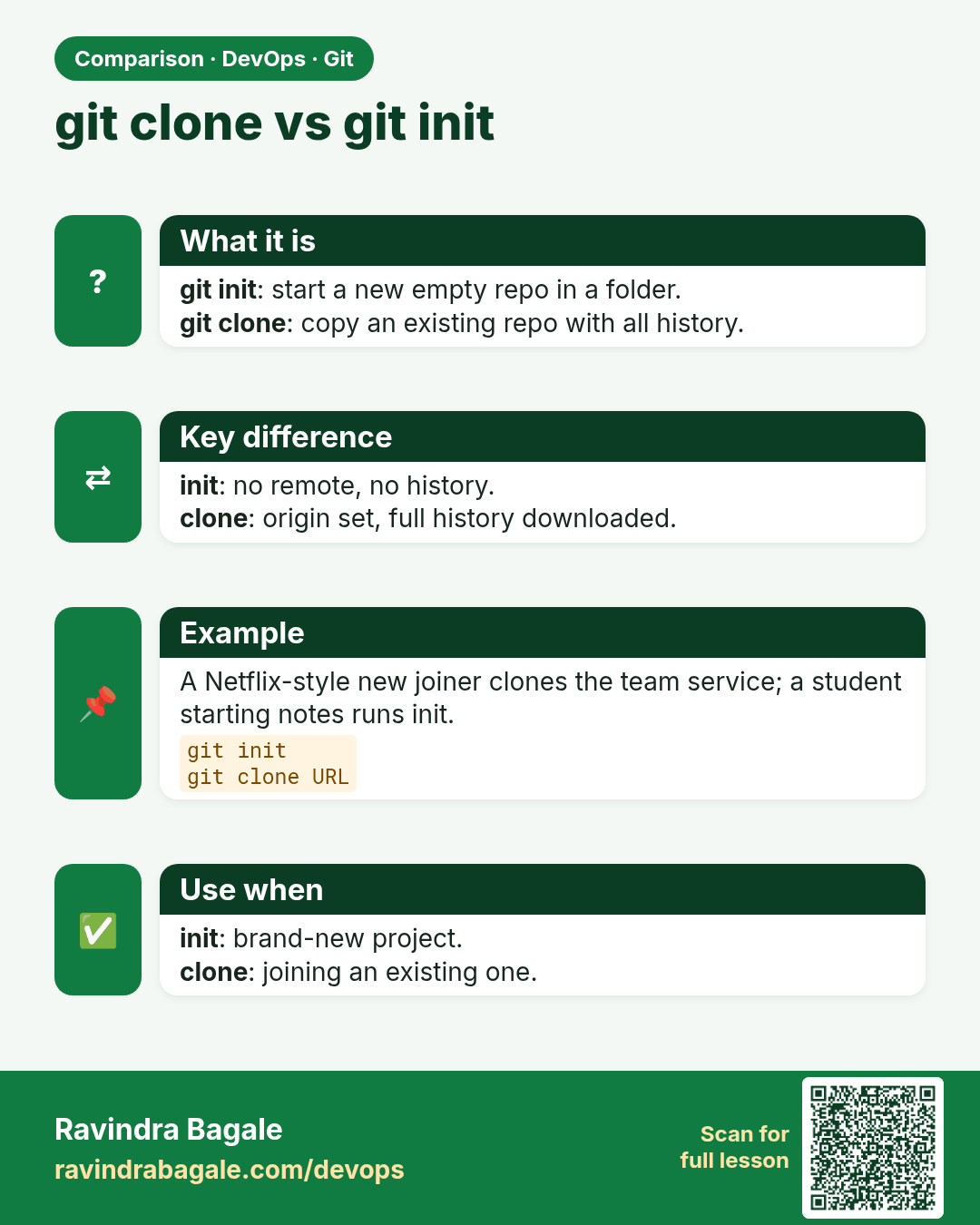
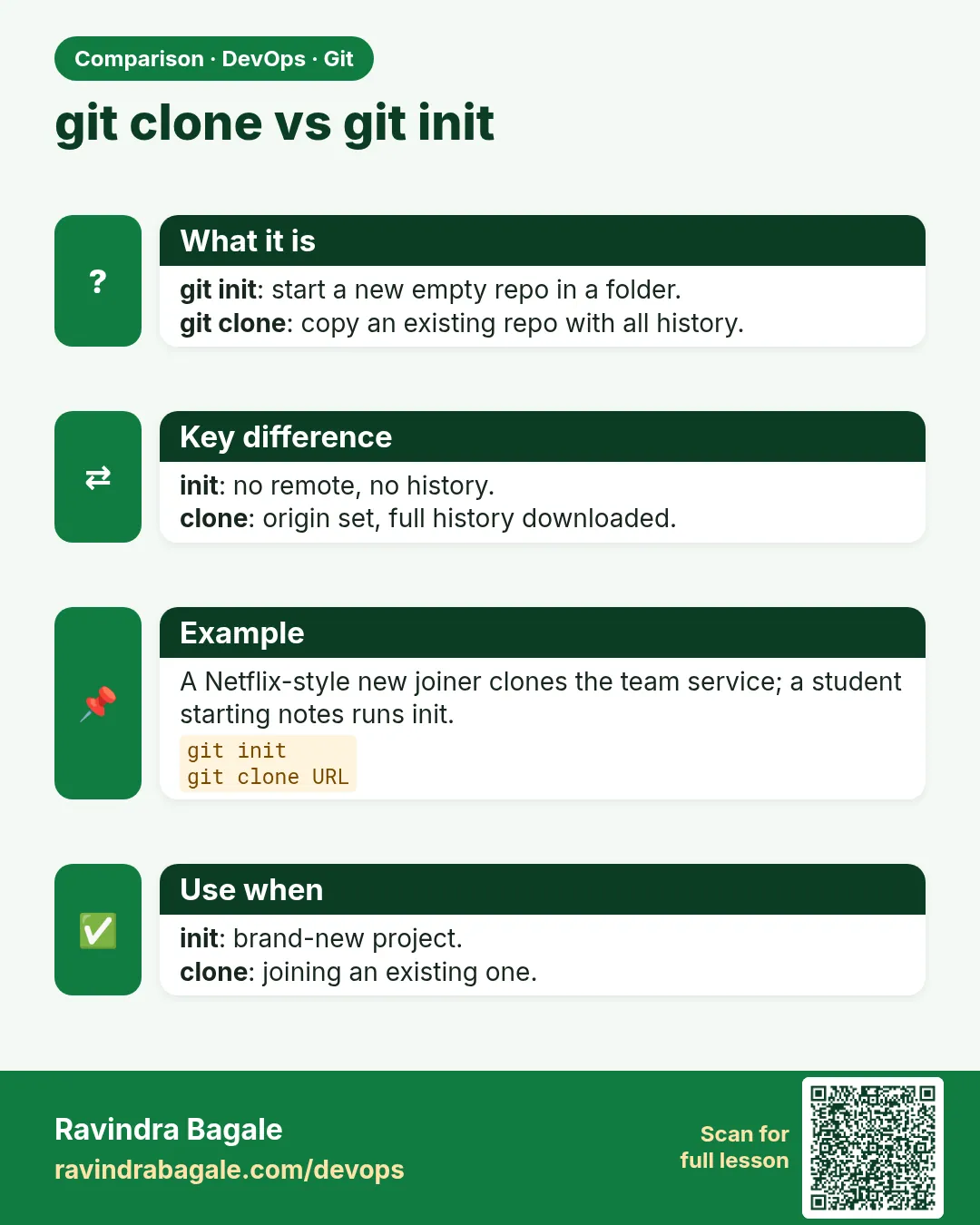 Comparison card 3 of 3: git clone vs git init · Download PNG · Open card page
Lesson: 2.7 clone — copy an existing repo