Revision cards
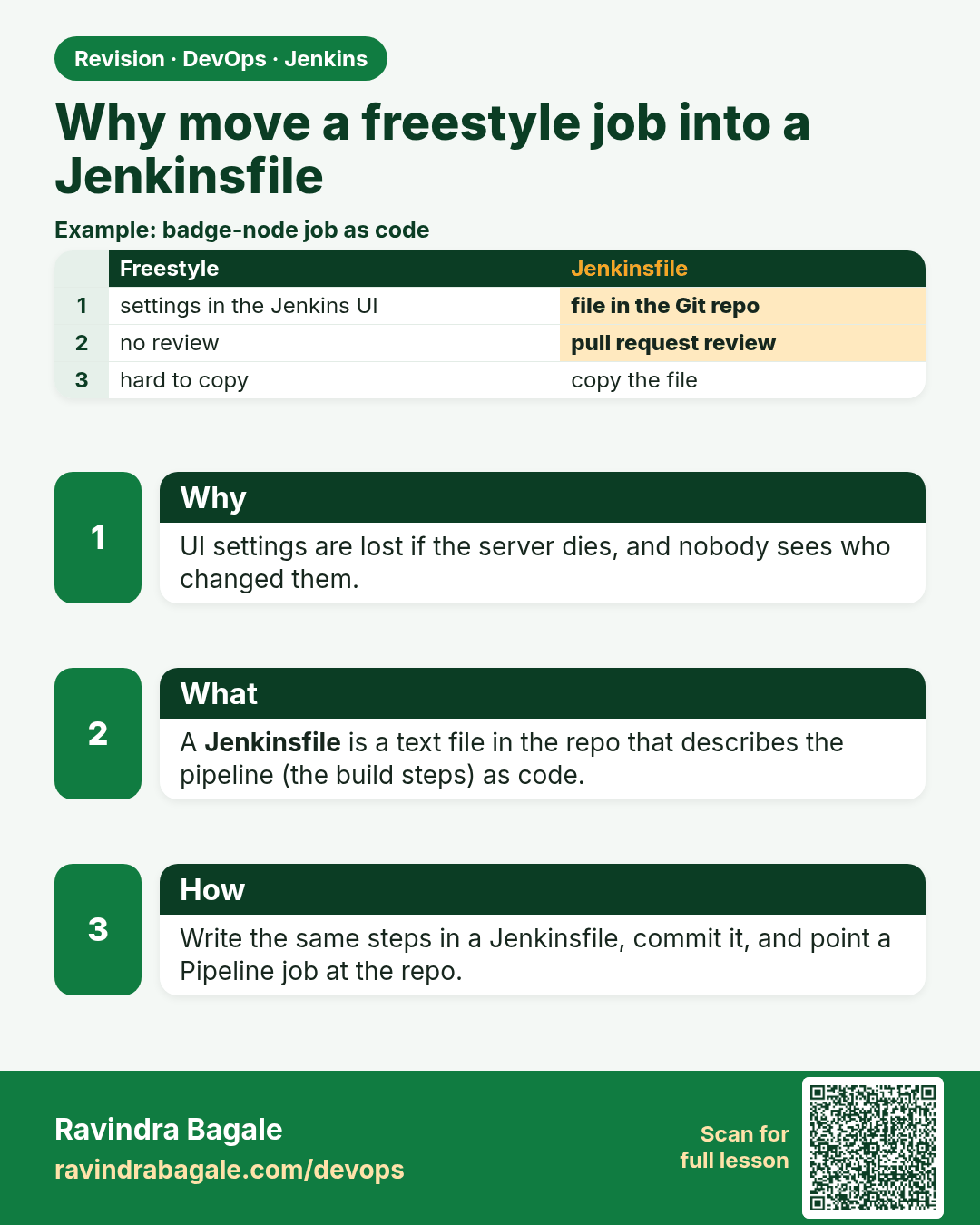
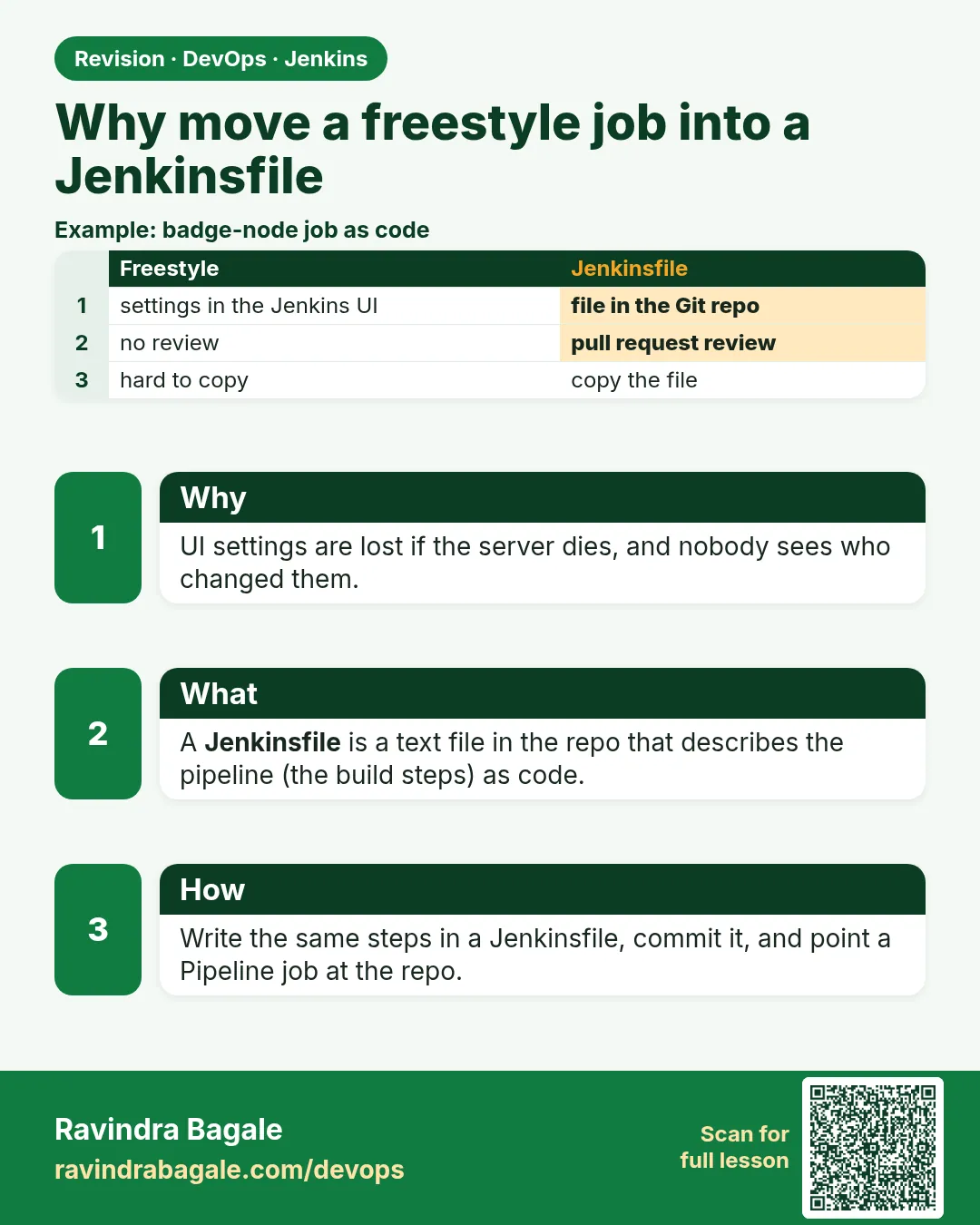 Revision card 1 of 16: Why move a freestyle job into a Jenkinsfile · Download PNG · Open card page
Lesson: 21.1 Why move Freestyle into a Jenkinsfile
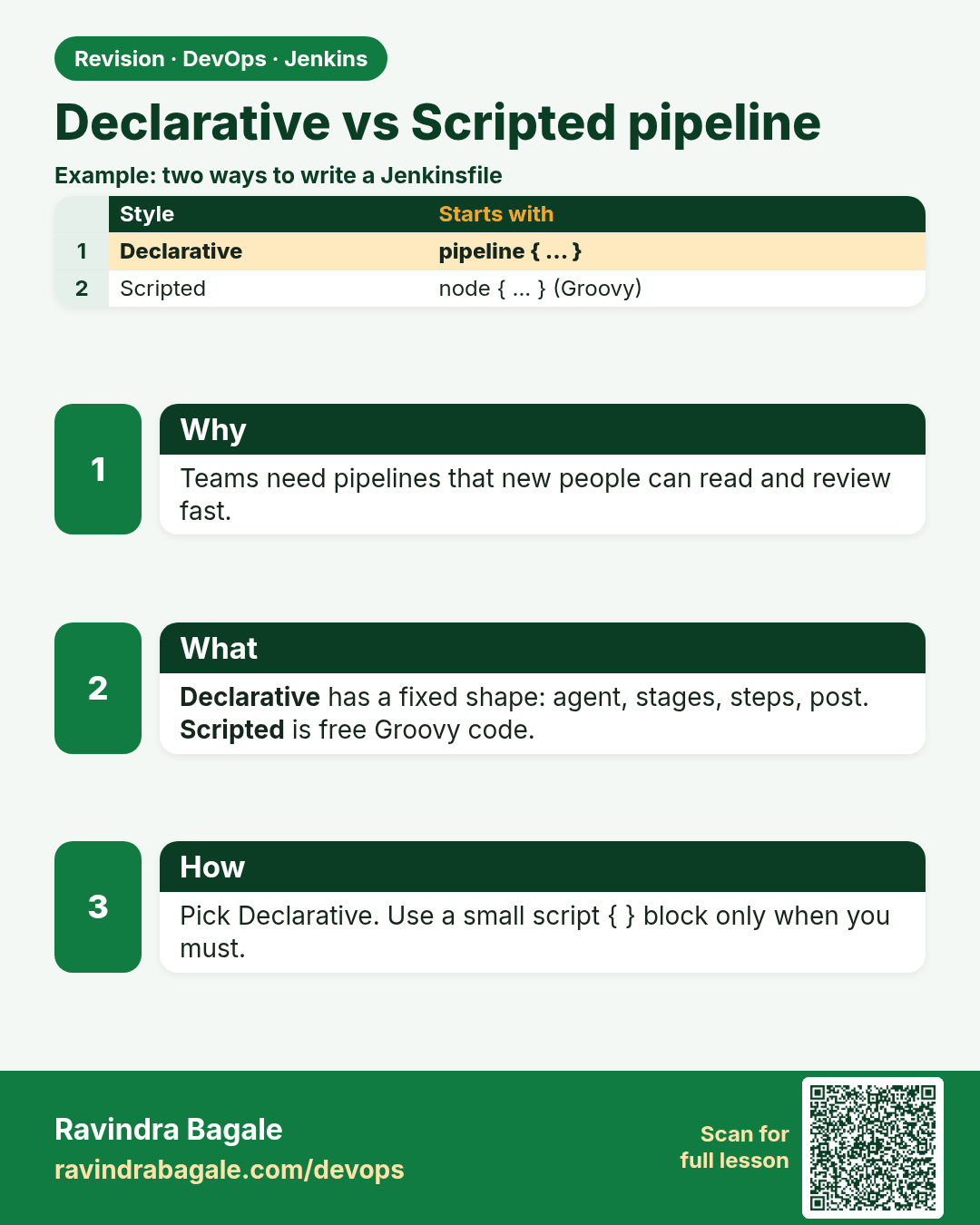
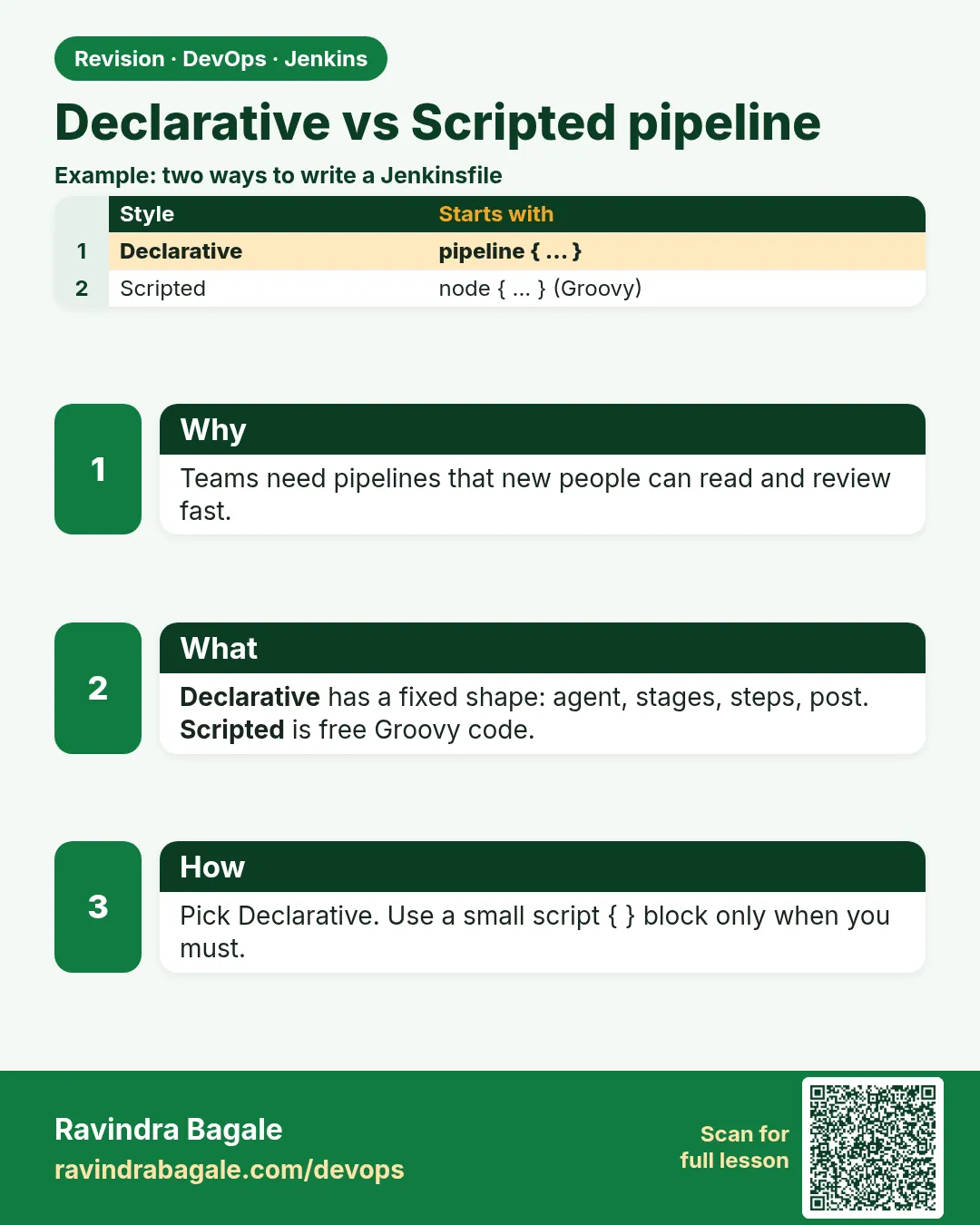 Revision card 2 of 16: Declarative vs Scripted pipeline · Download PNG · Open card page
Lesson: 21.2 Declarative vs Scripted (pick Declarative)
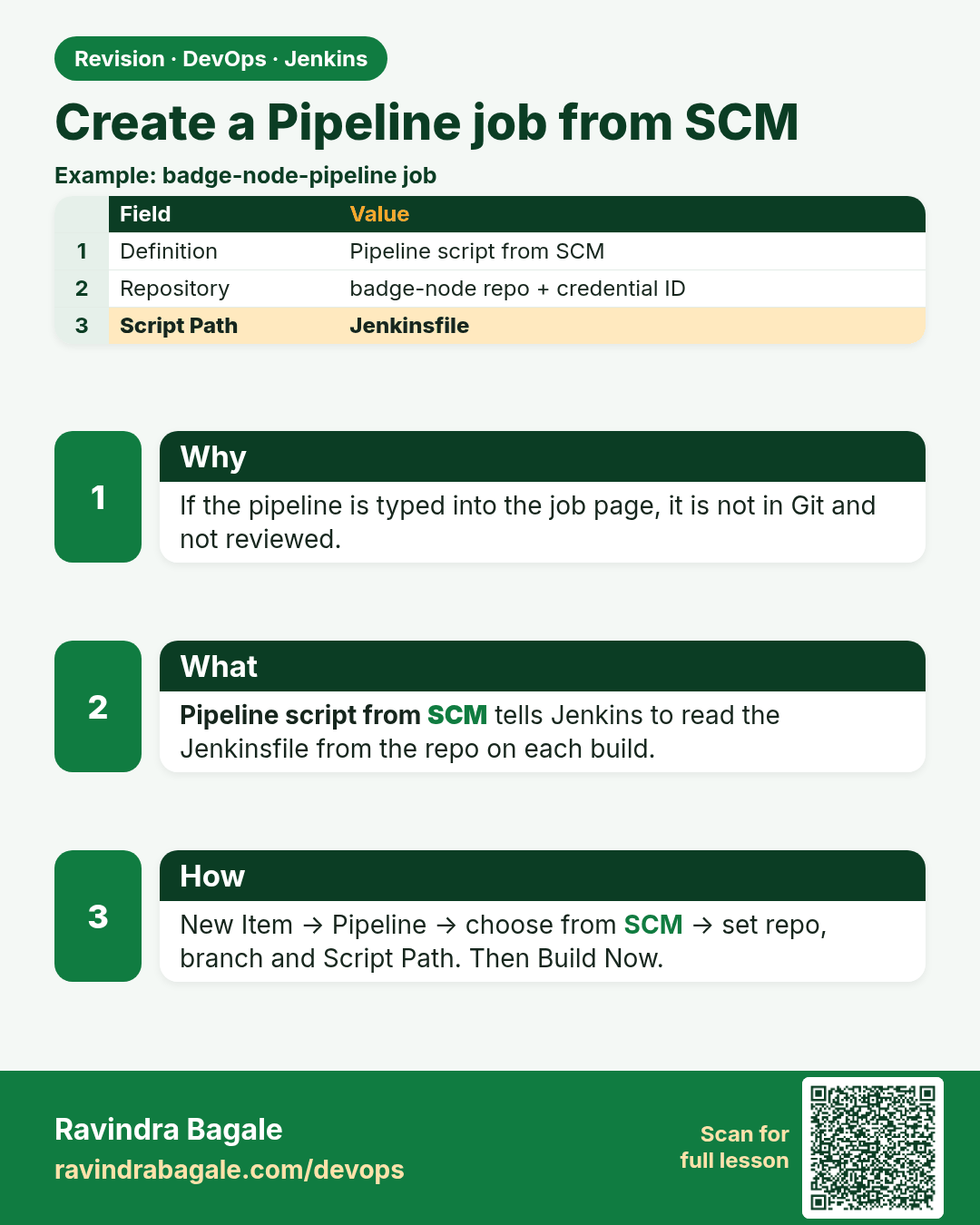
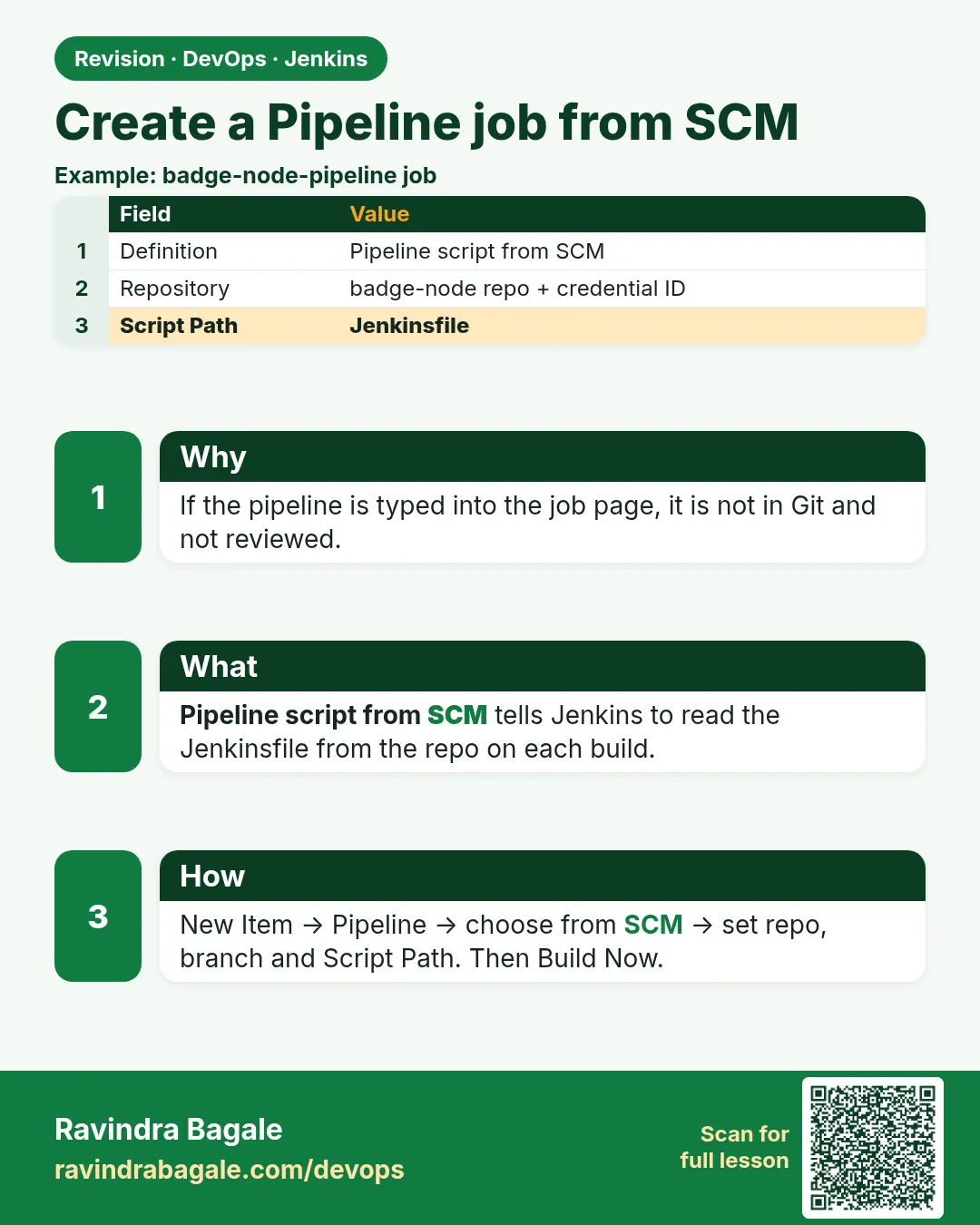 Revision card 3 of 16: Create a Pipeline job from SCM · Download PNG · Open card page
Lesson: 21.3 Create a Pipeline job from SCM
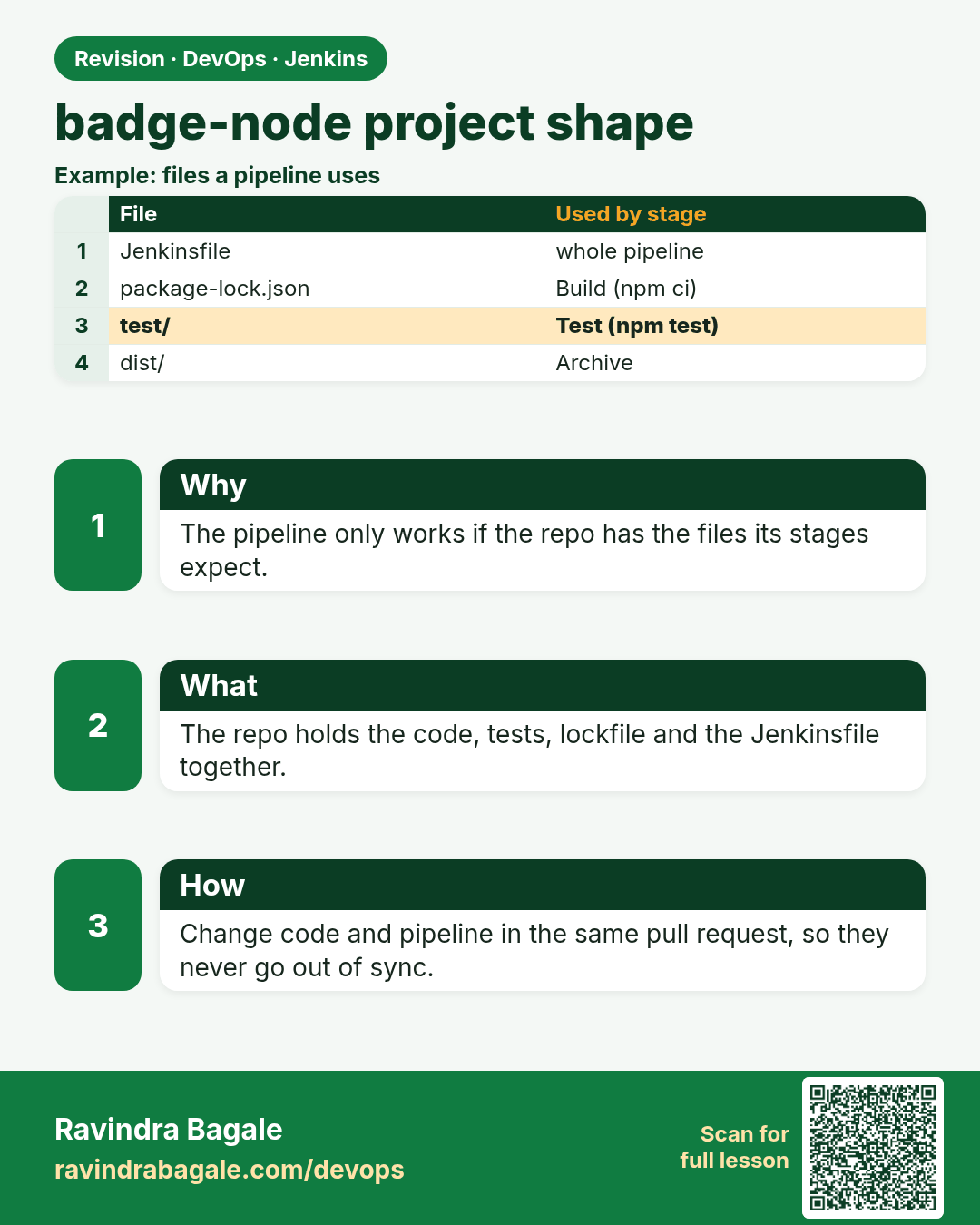
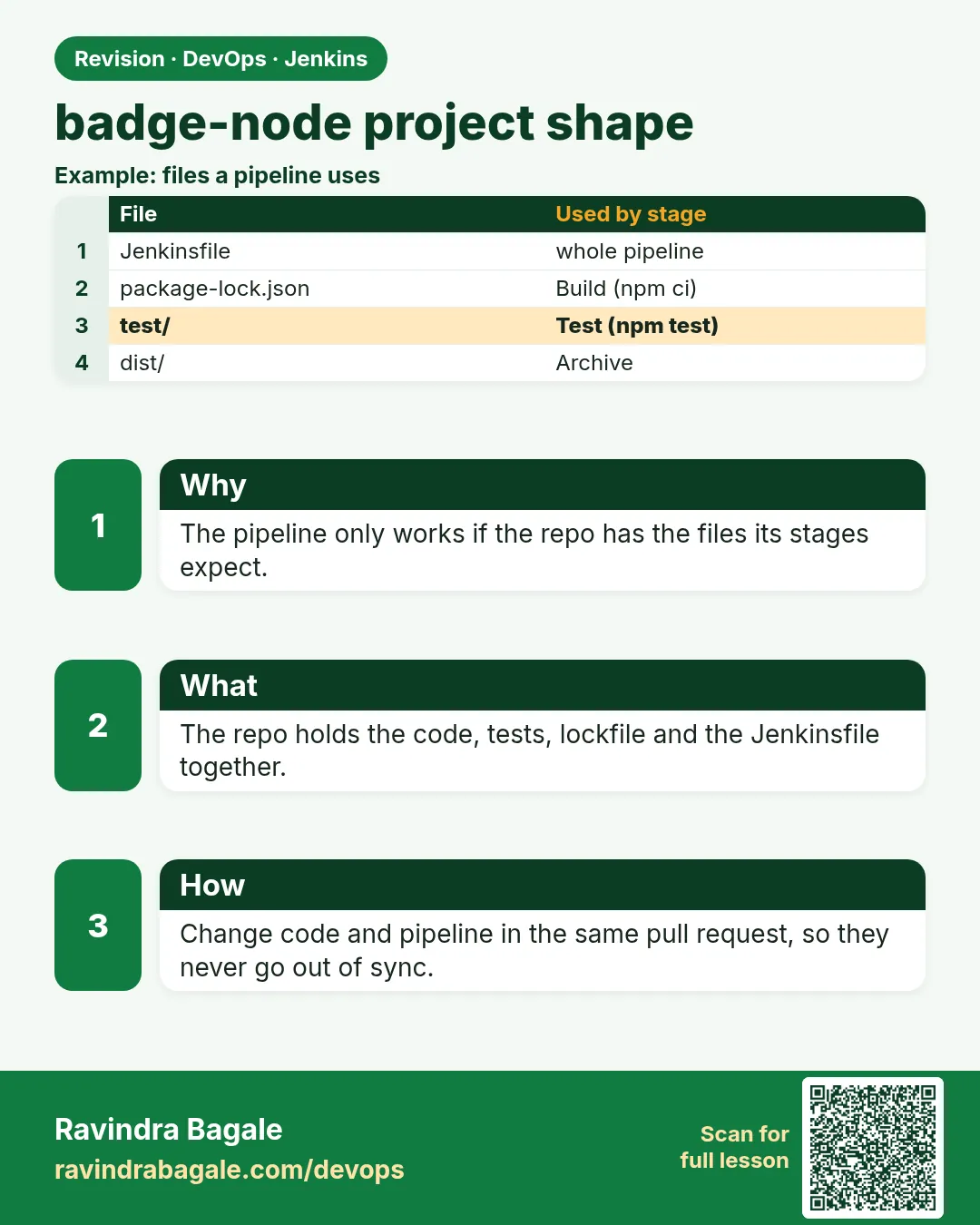 Revision card 4 of 16: badge-node project shape · Download PNG · Open card page
Lesson: 21.4 Same Node.js app — project shape reminder
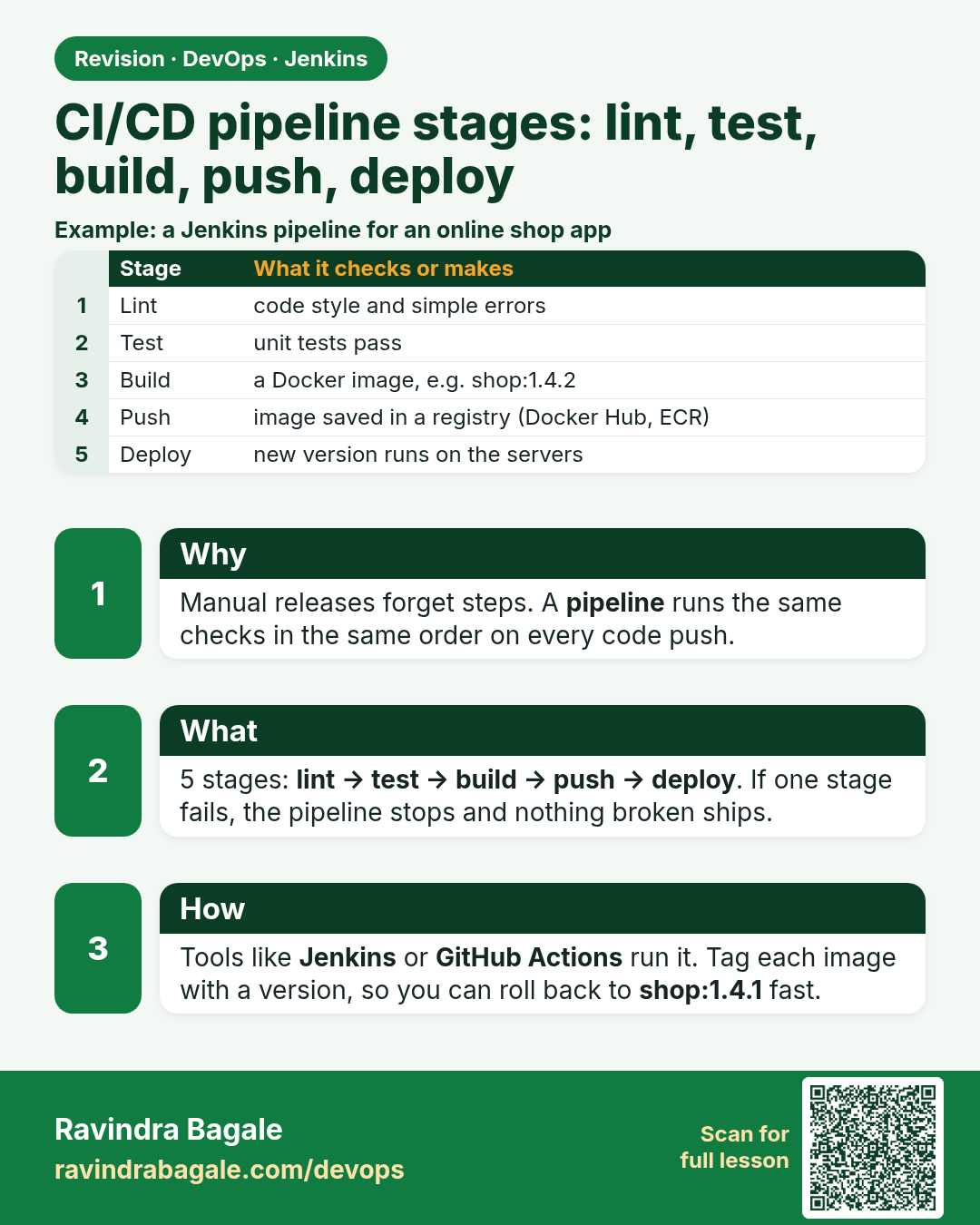
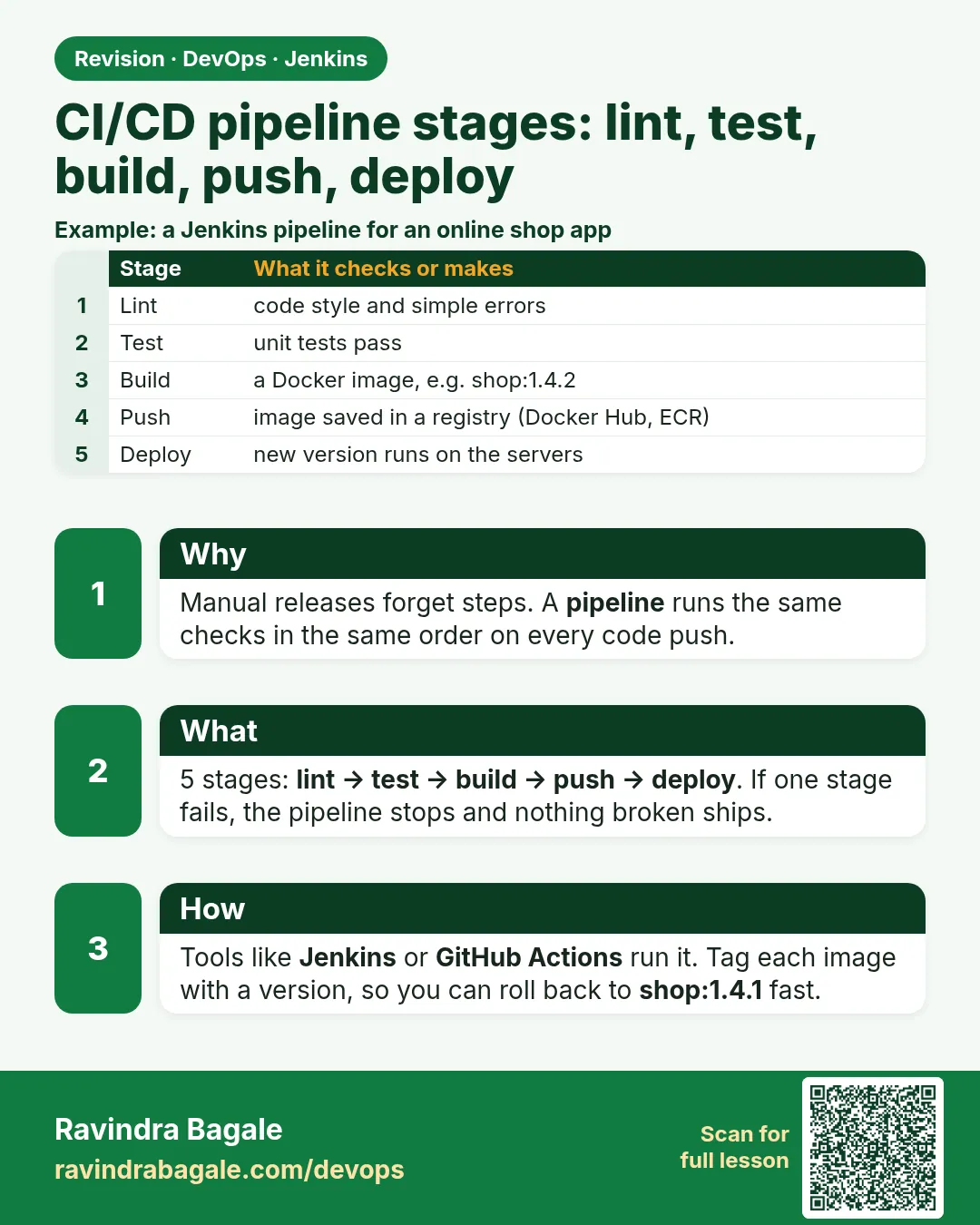 Revision card 5 of 16: CI/CD pipeline stages: lint, test, build, push, deploy · Download PNG · Open card page
Lesson: 21.5 Full Declarative Jenkinsfile for badge Node
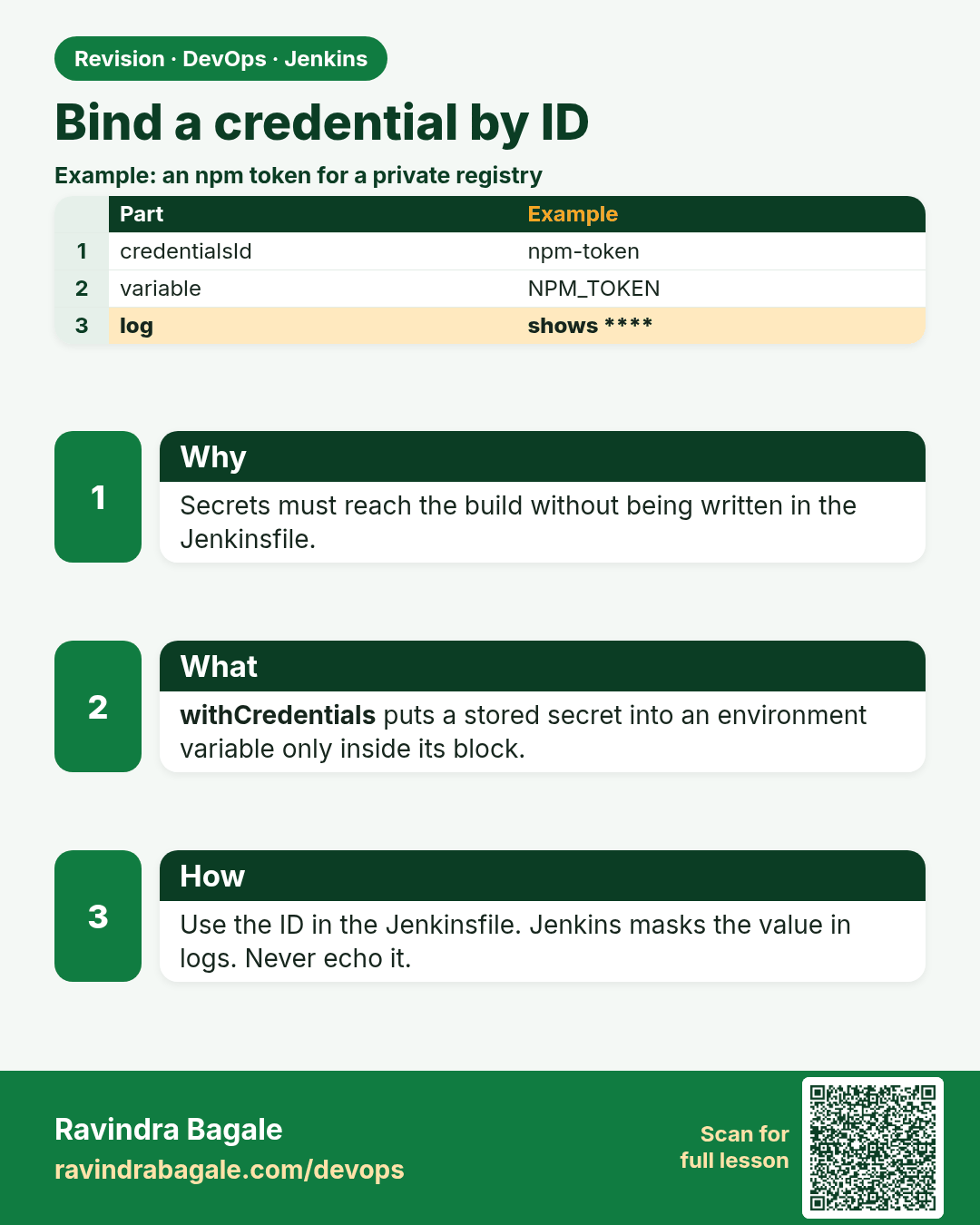
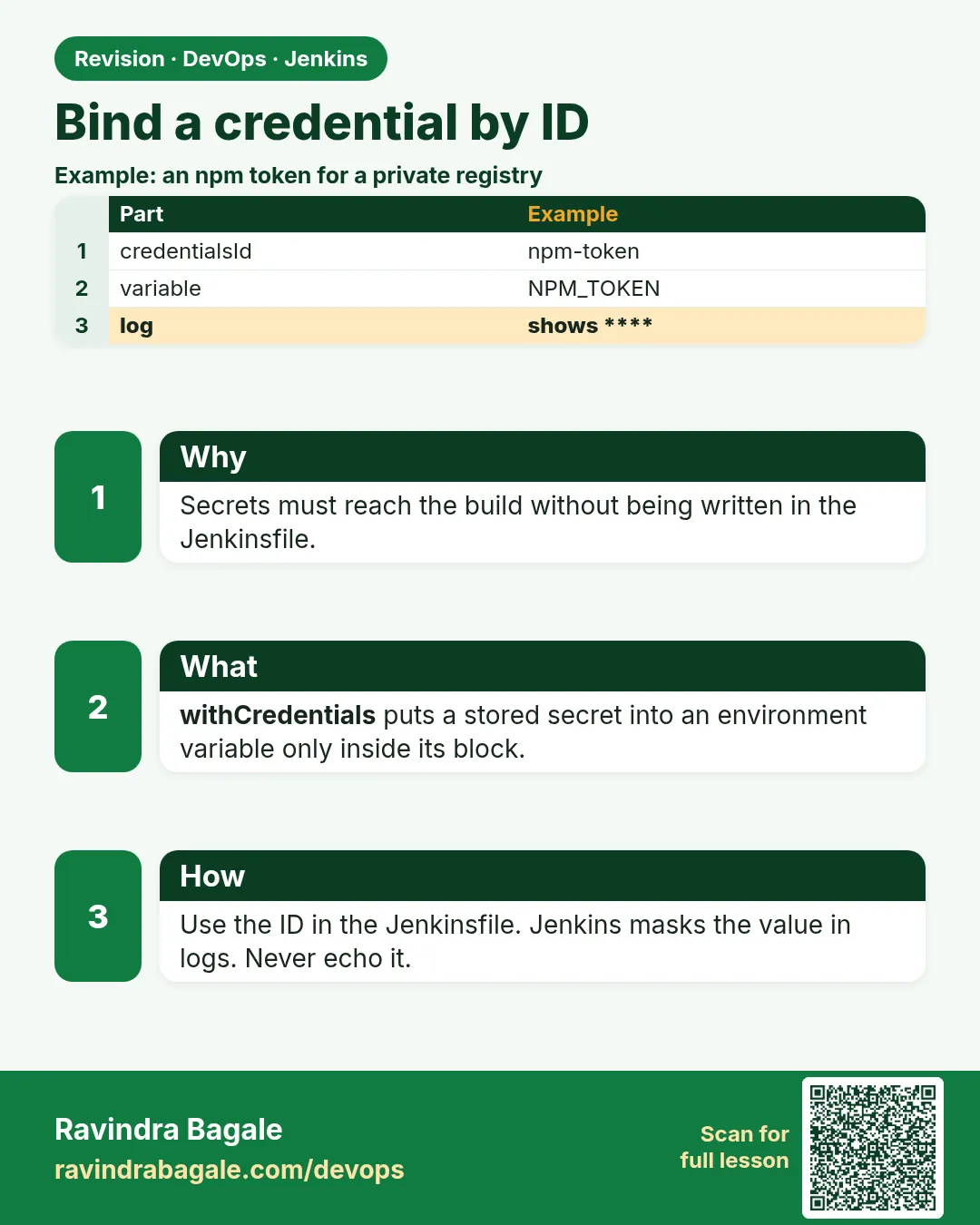 Revision card 6 of 16: Bind a credential by ID · Download PNG · Open card page
Lesson: 21.6 Optional: bind a credential by id (pattern only)
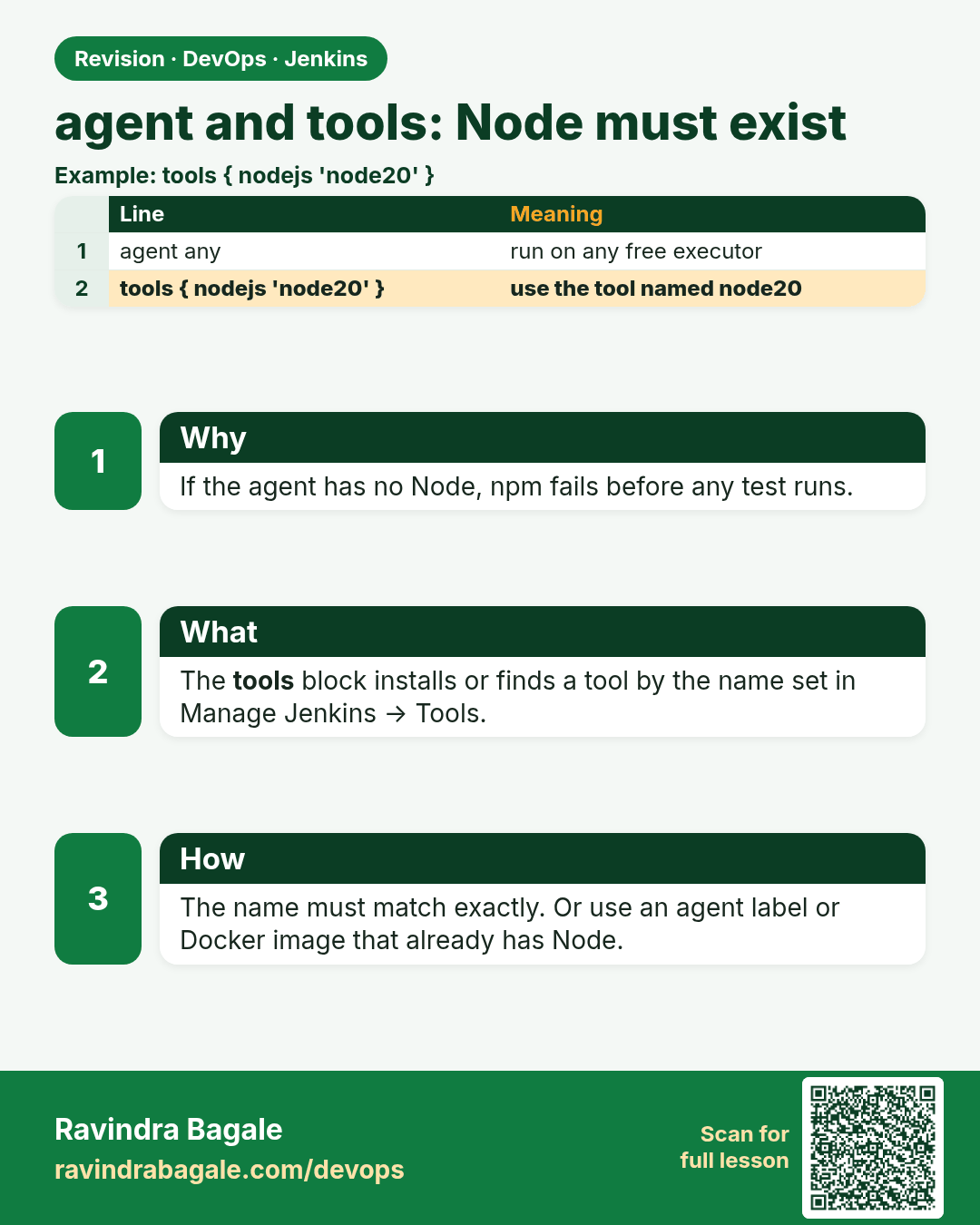
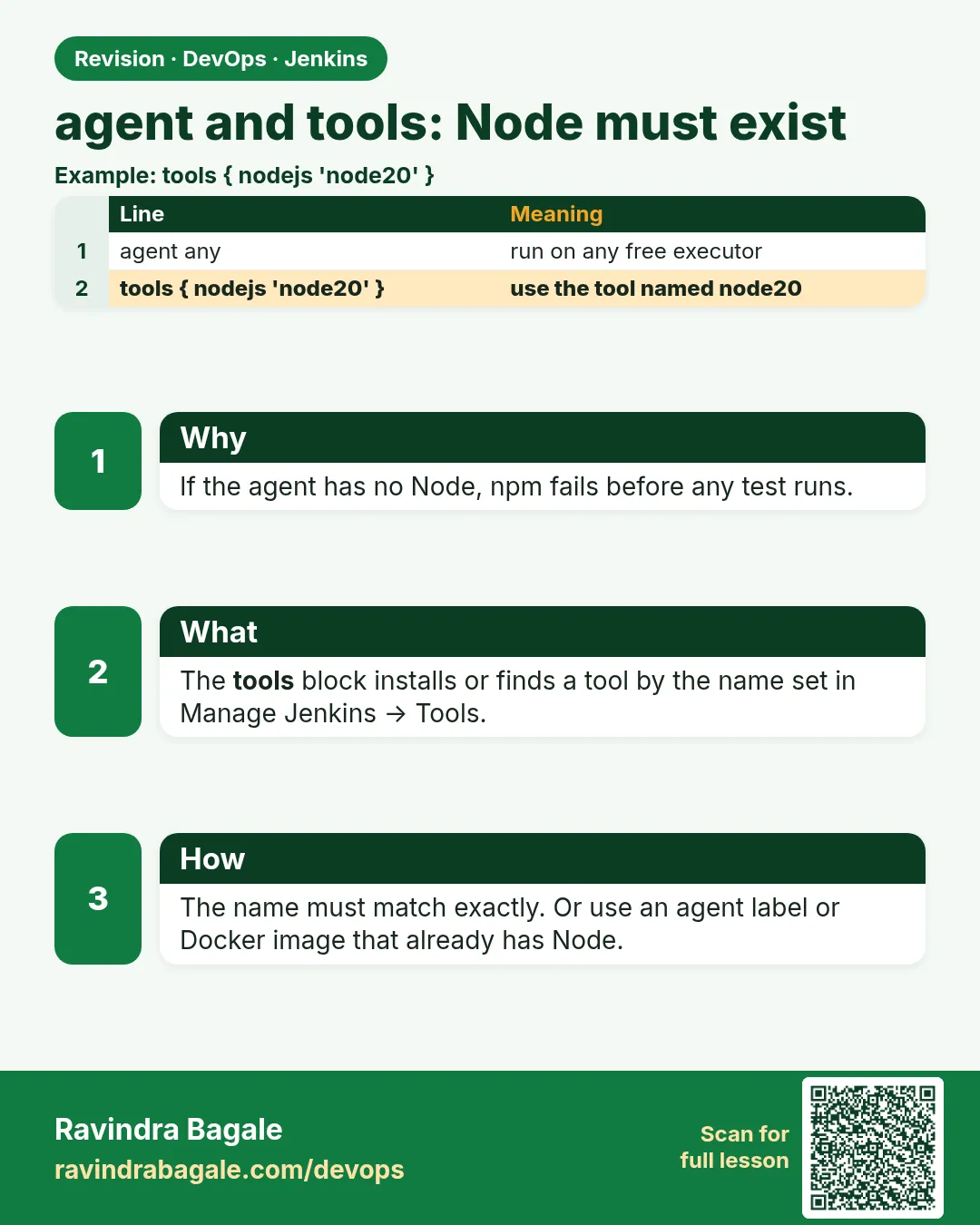 Revision card 7 of 16: agent and tools: Node must exist · Download PNG · Open card page
Lesson: 21.7 Agent tools: Node must exist
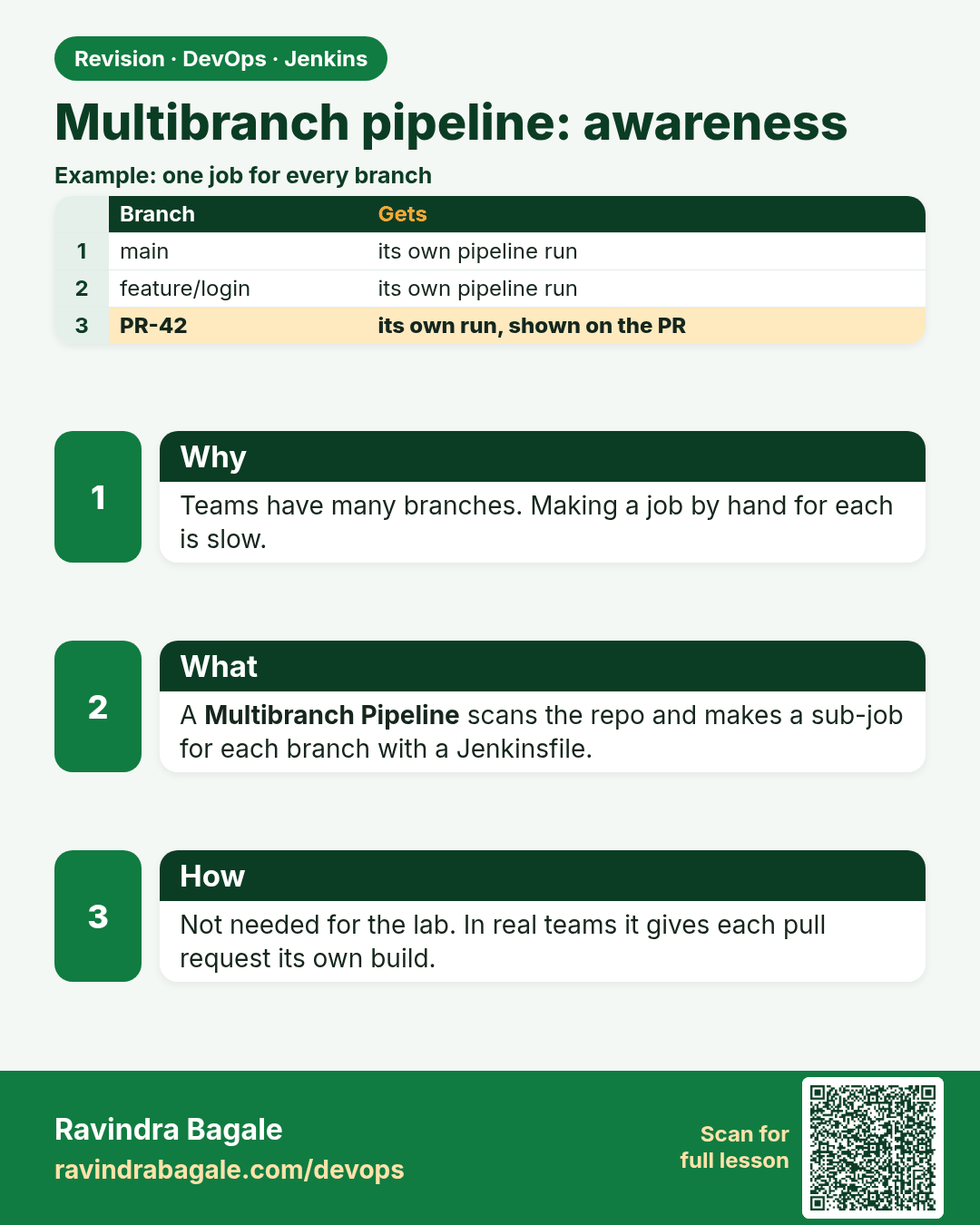
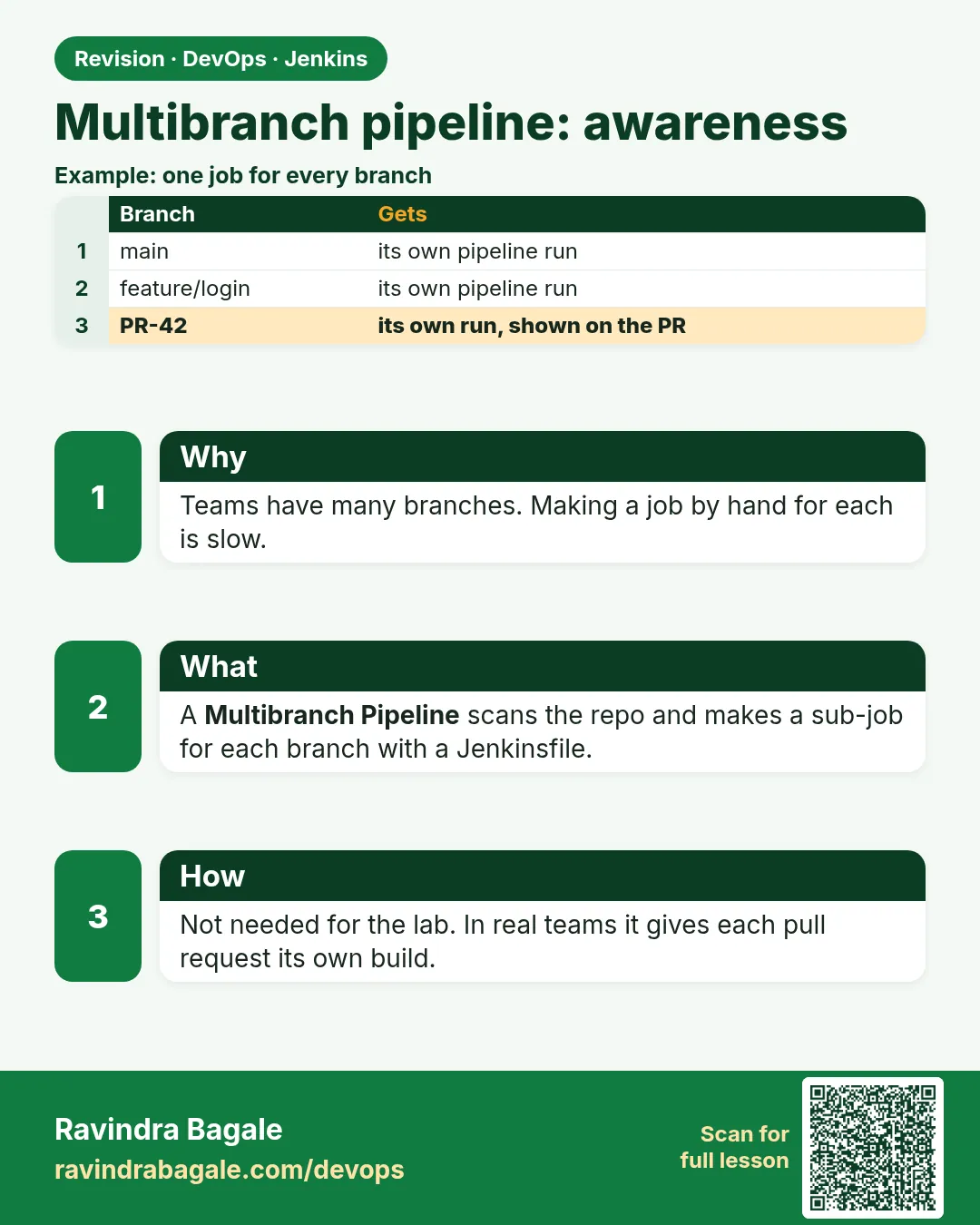 Revision card 8 of 16: Multibranch pipeline: awareness · Download PNG · Open card page
Lesson: 21.8 Multibranch awareness (not required for the lab)
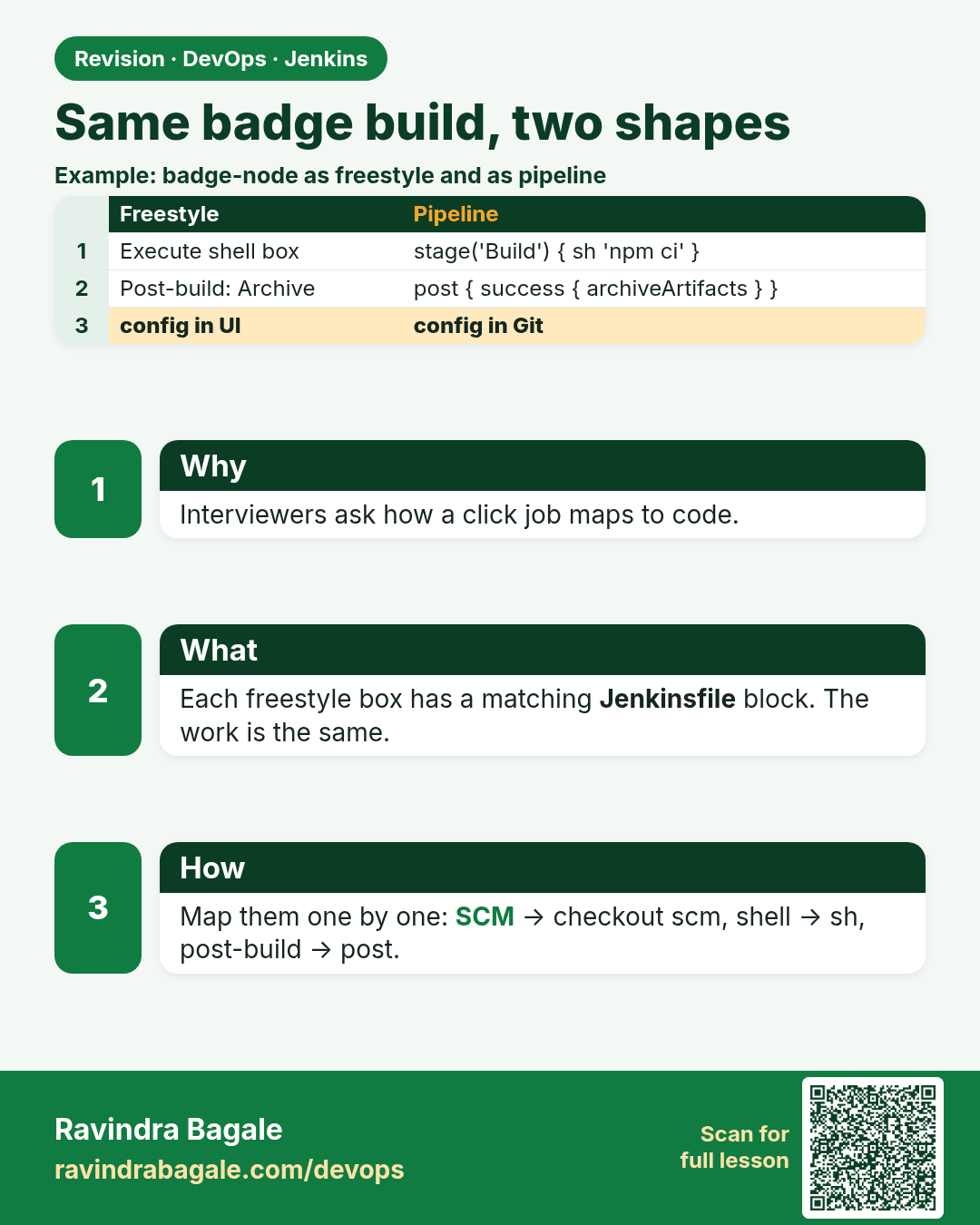
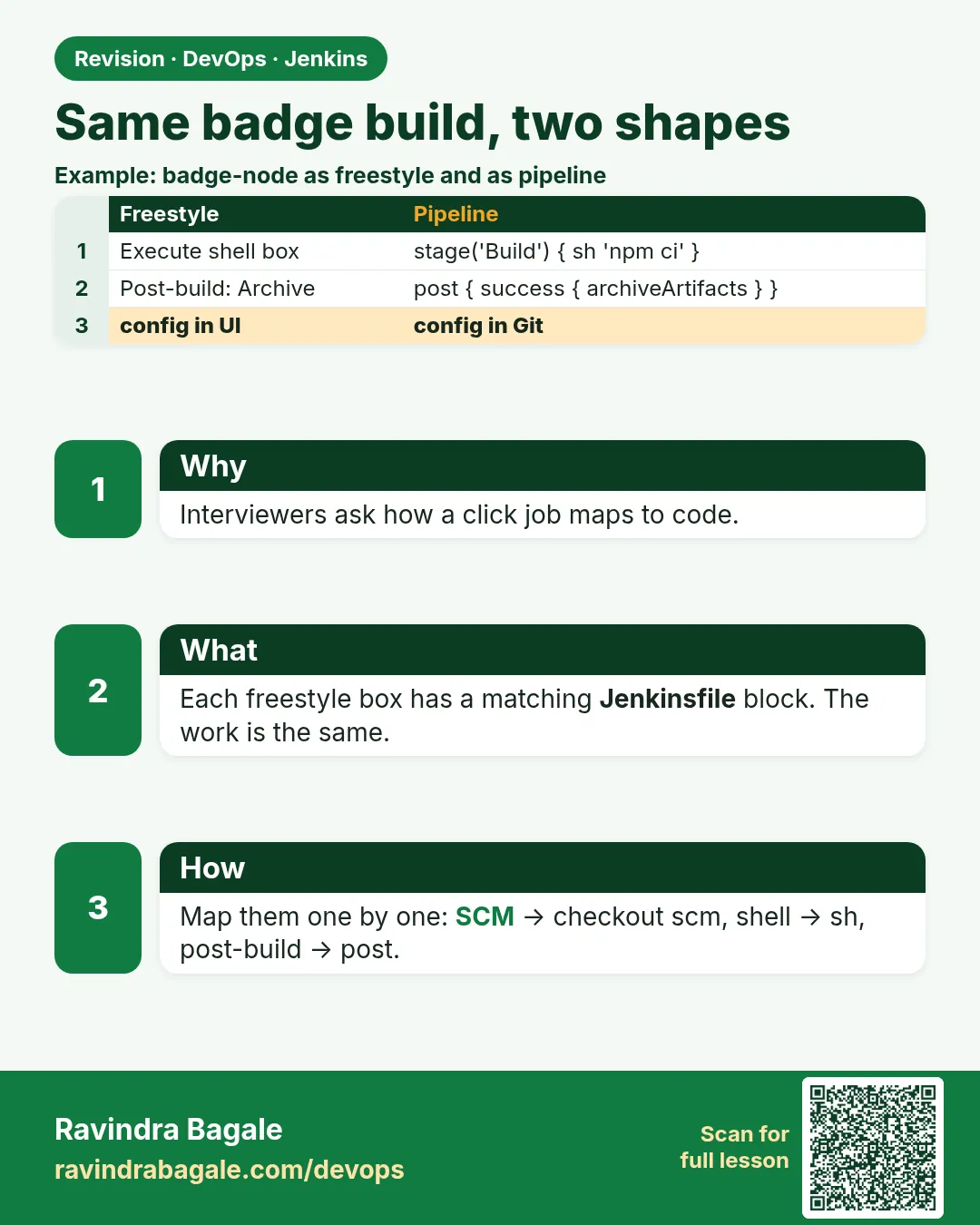 Revision card 9 of 16: Same badge build, two shapes · Download PNG · Open card page
Lesson: 21.9 Freestyle vs Pipeline — same badge, two shapes
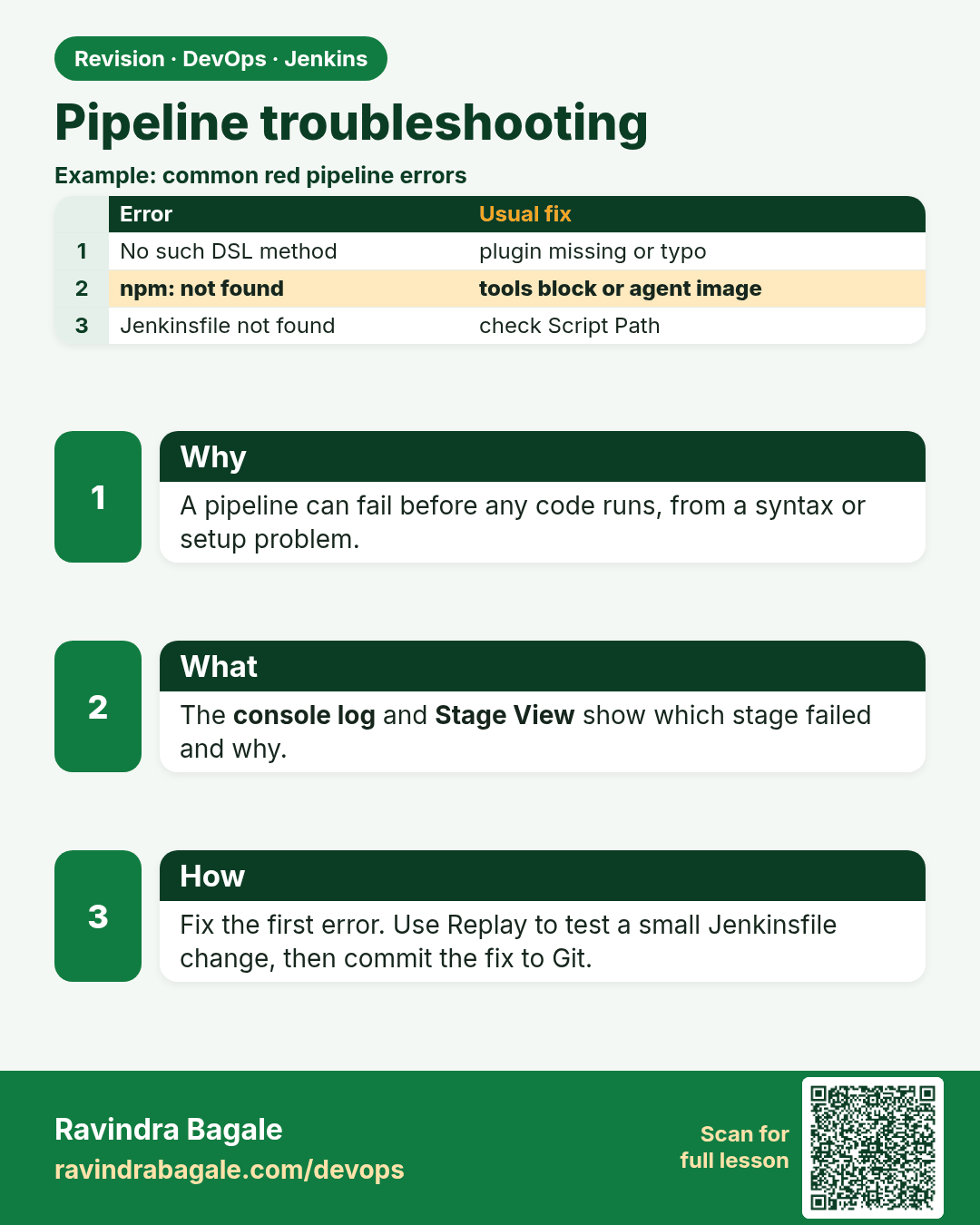
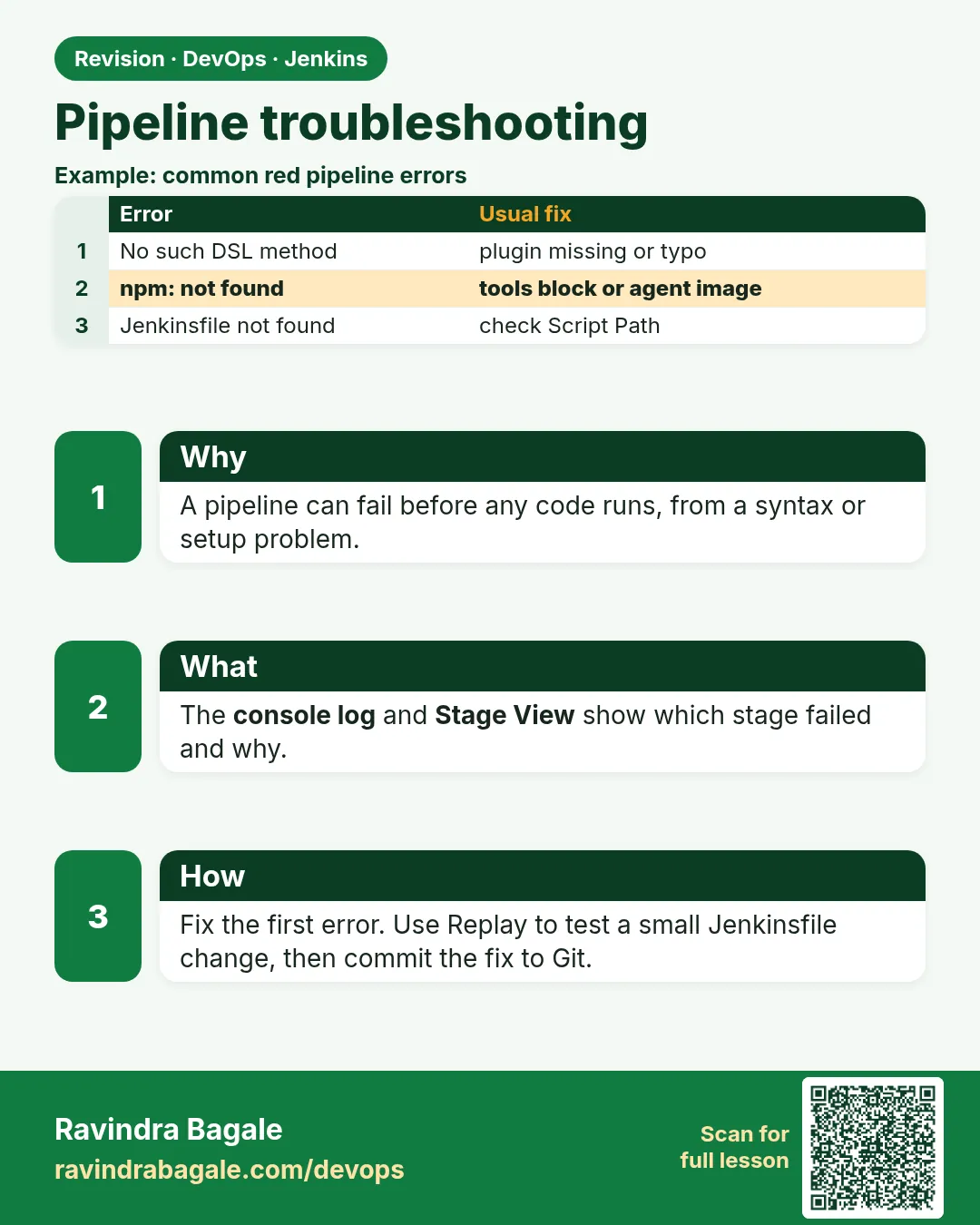 Revision card 10 of 16: Pipeline troubleshooting · Download PNG · Open card page
Lesson: 21.10 Troubleshooting
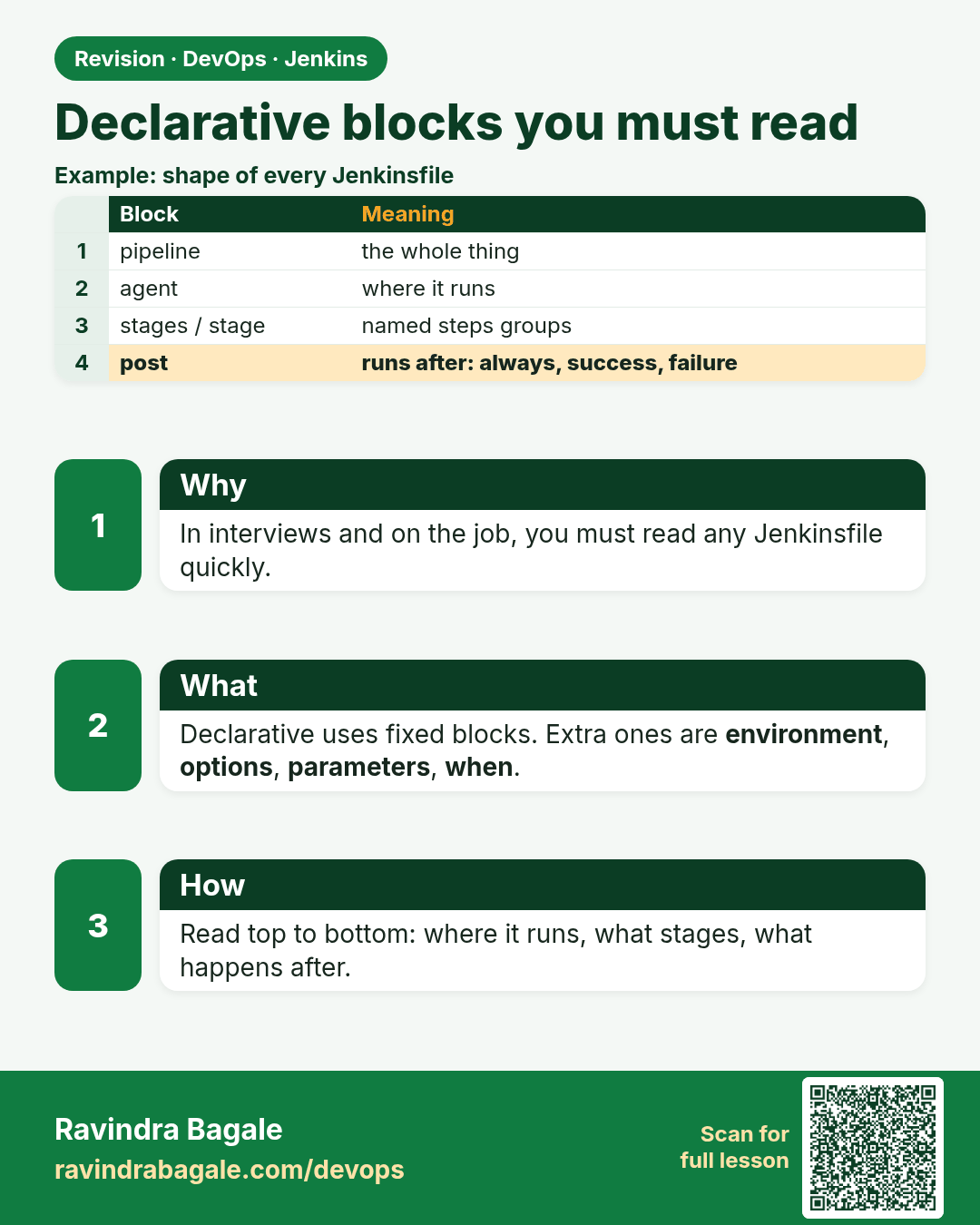
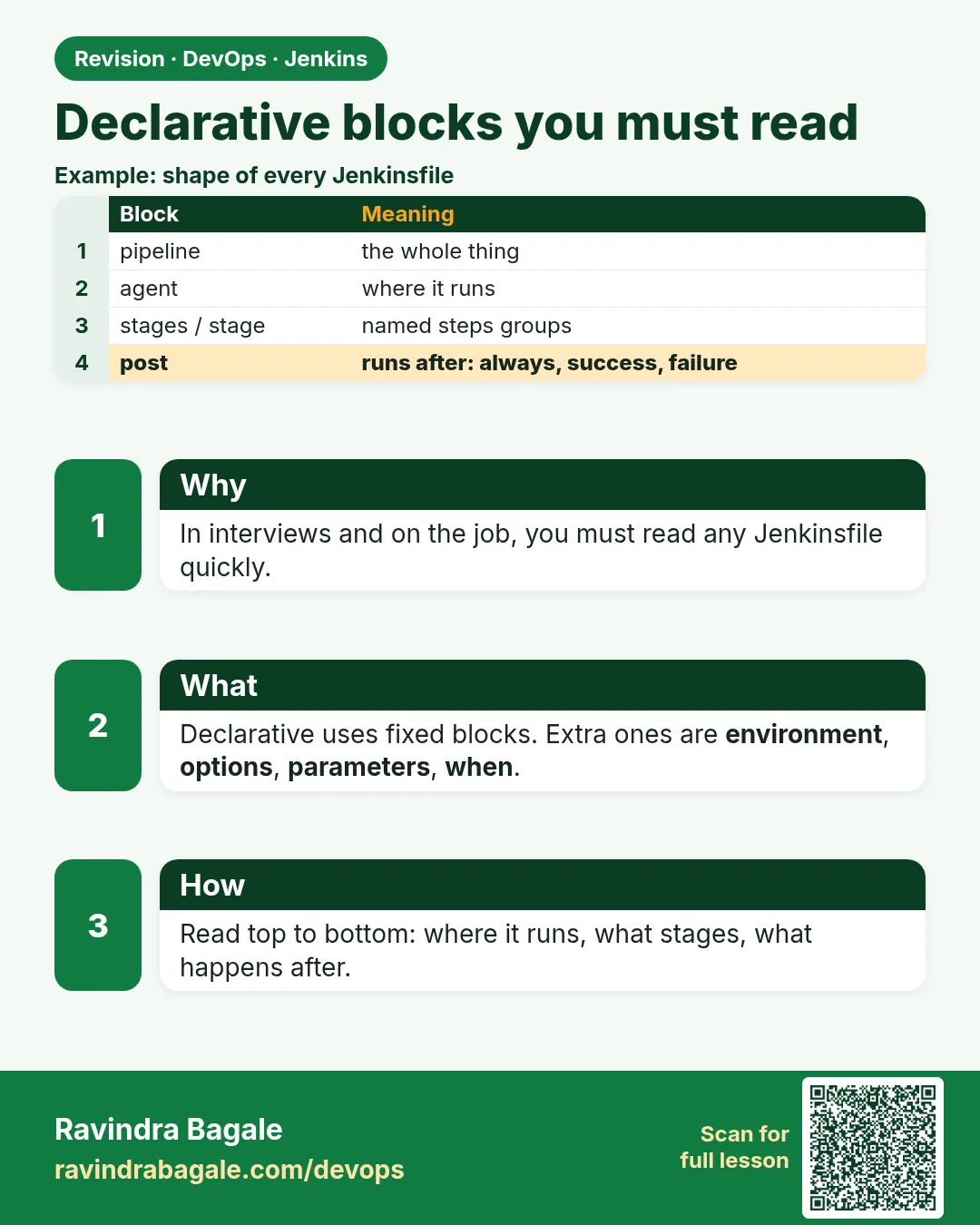 Revision card 11 of 16: Declarative blocks you must read · Download PNG · Open card page
Lesson: 21.11 Declarative blocks you must be able to read
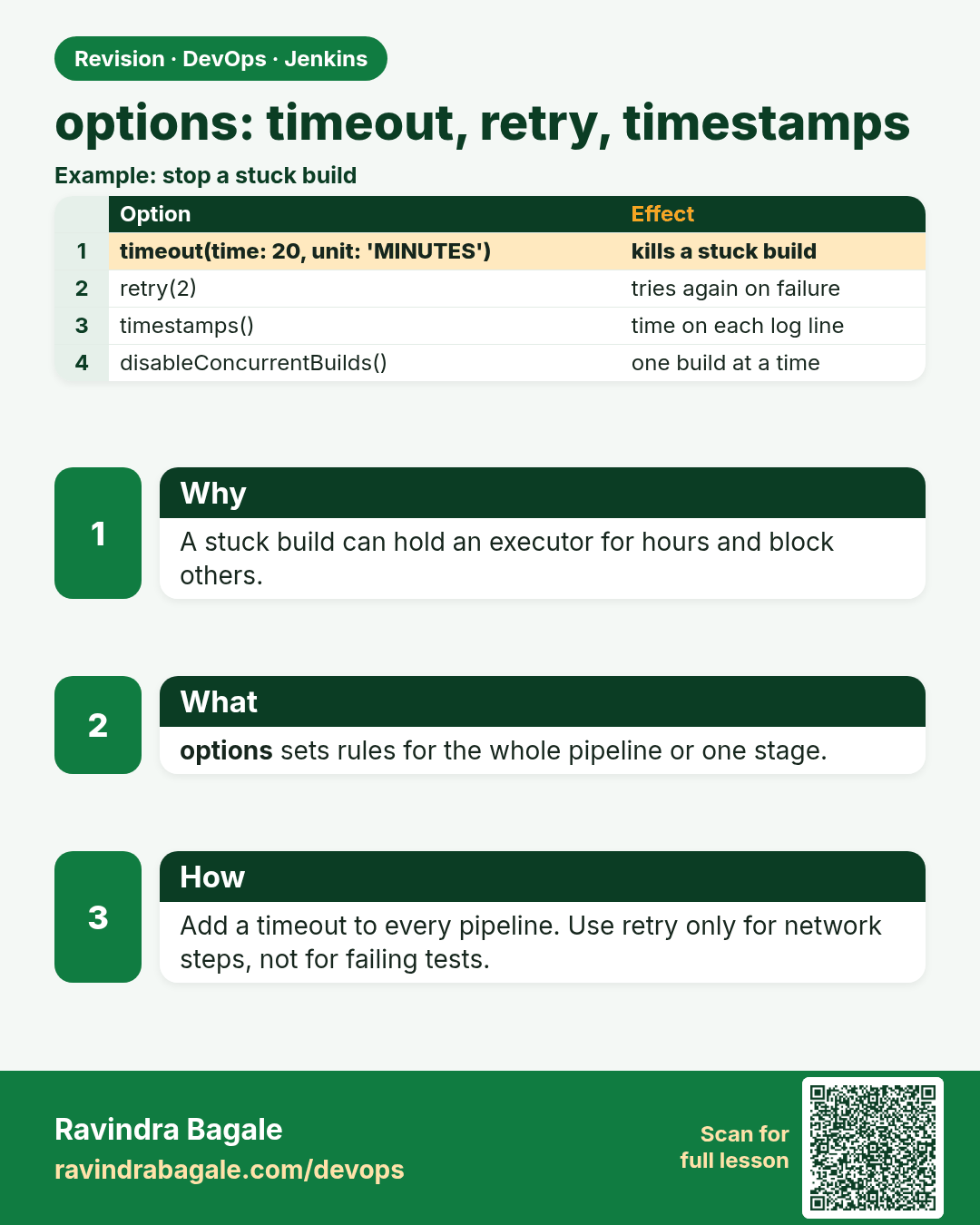
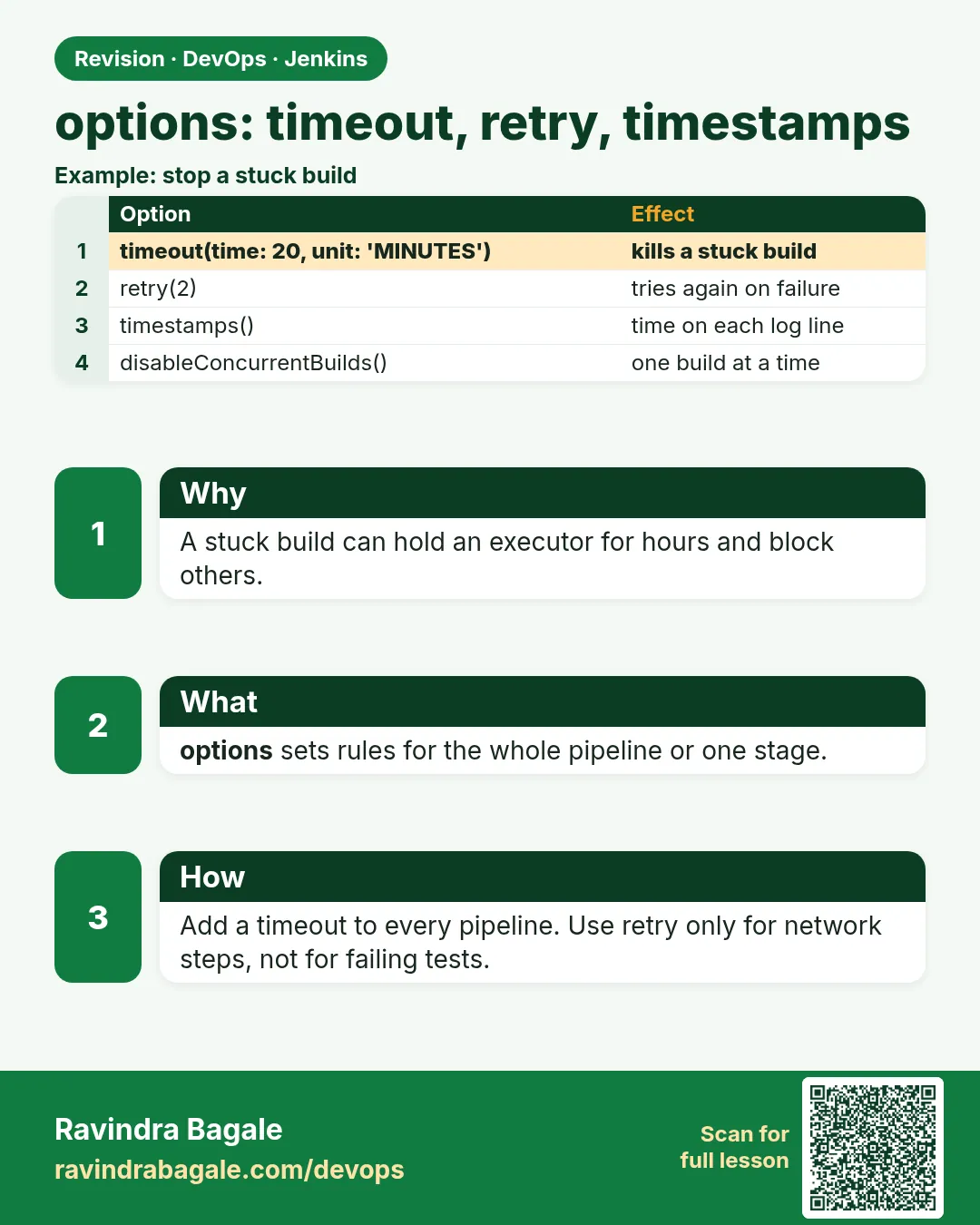 Revision card 12 of 16: options: timeout, retry, timestamps · Download PNG · Open card page
Lesson: 21.12 Options: timeout, retry, timestamps, one build at a time
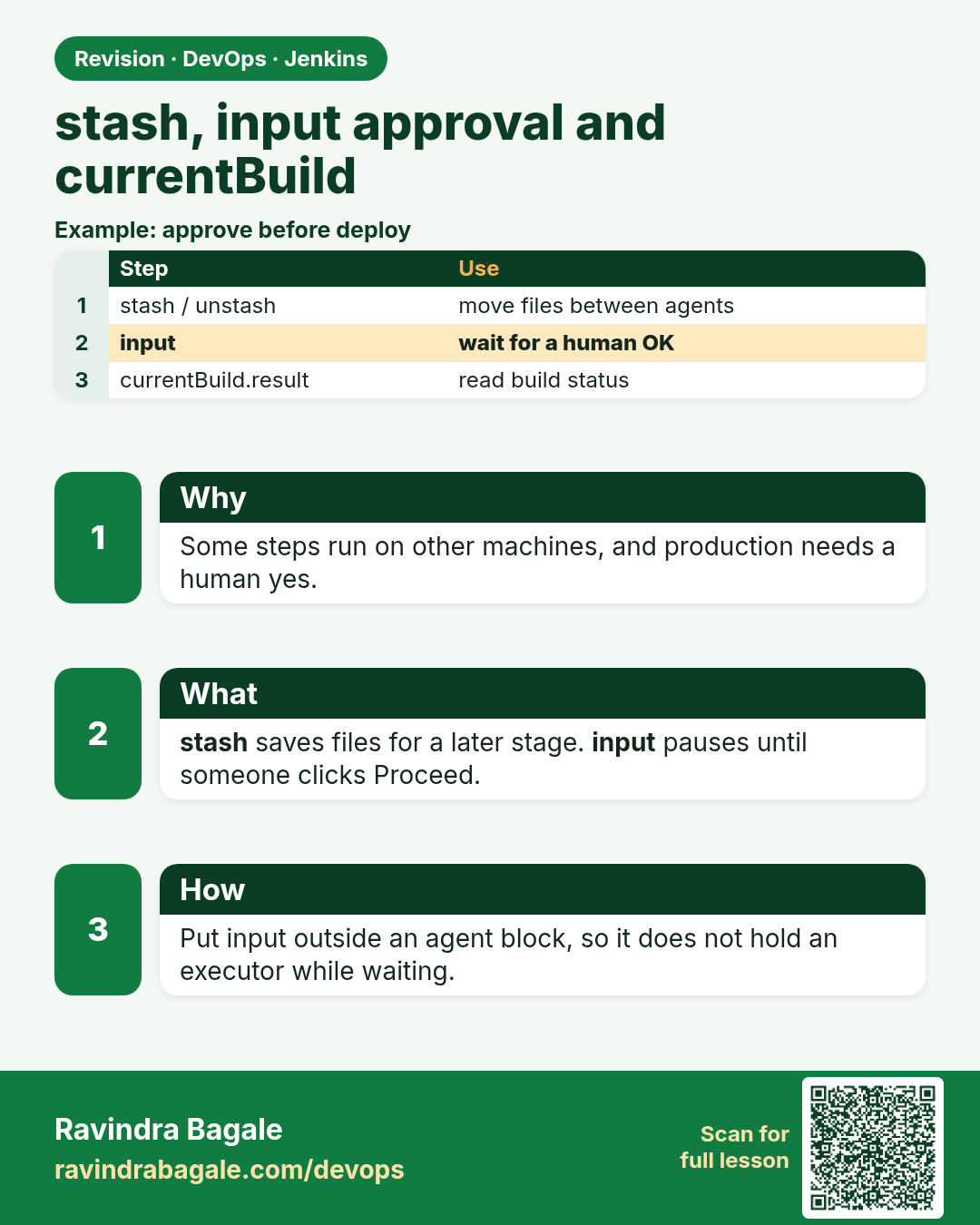
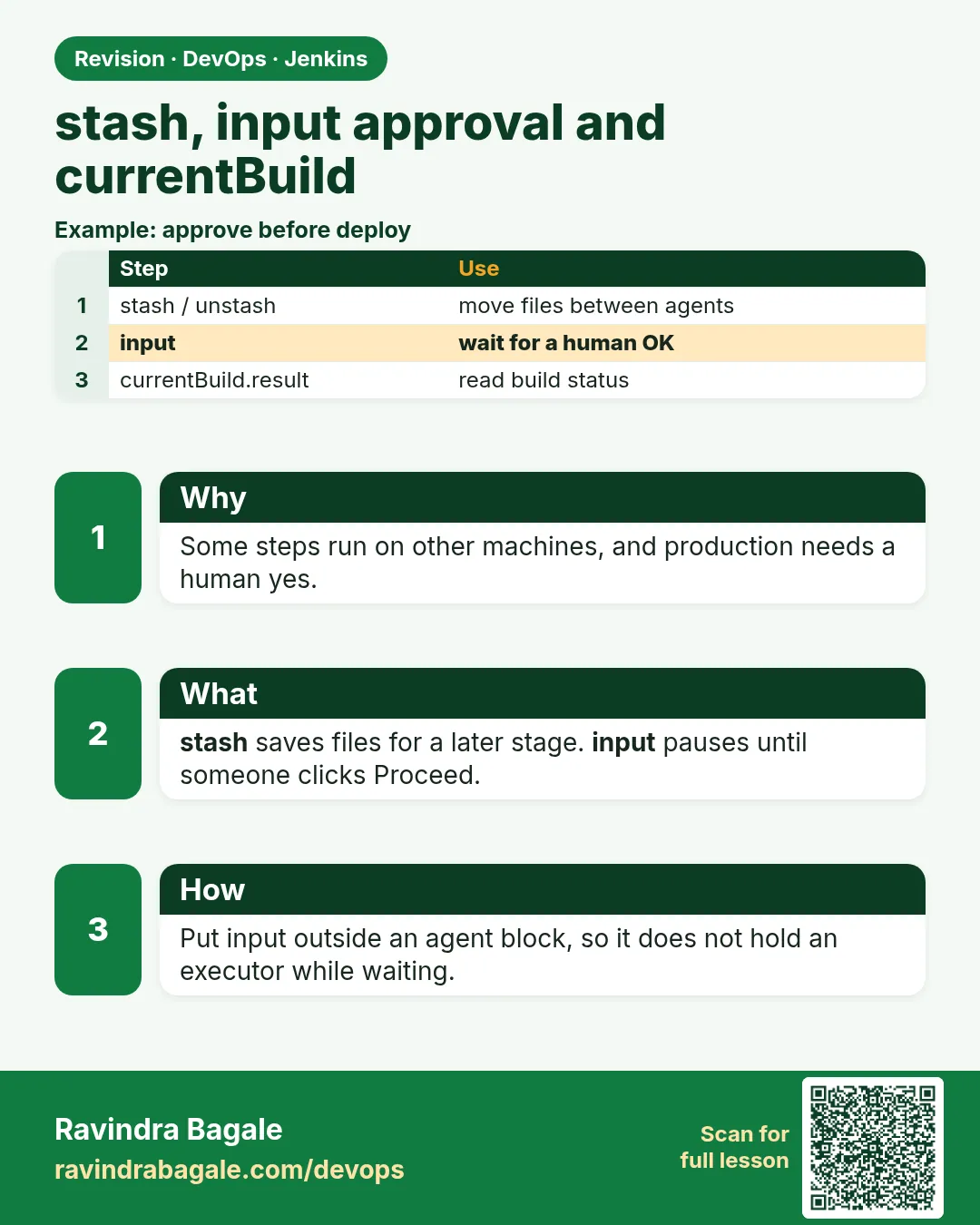 Revision card 13 of 16: stash, input approval and currentBuild · Download PNG · Open card page
Lesson: 21.13 Stash, approval, and currentBuild
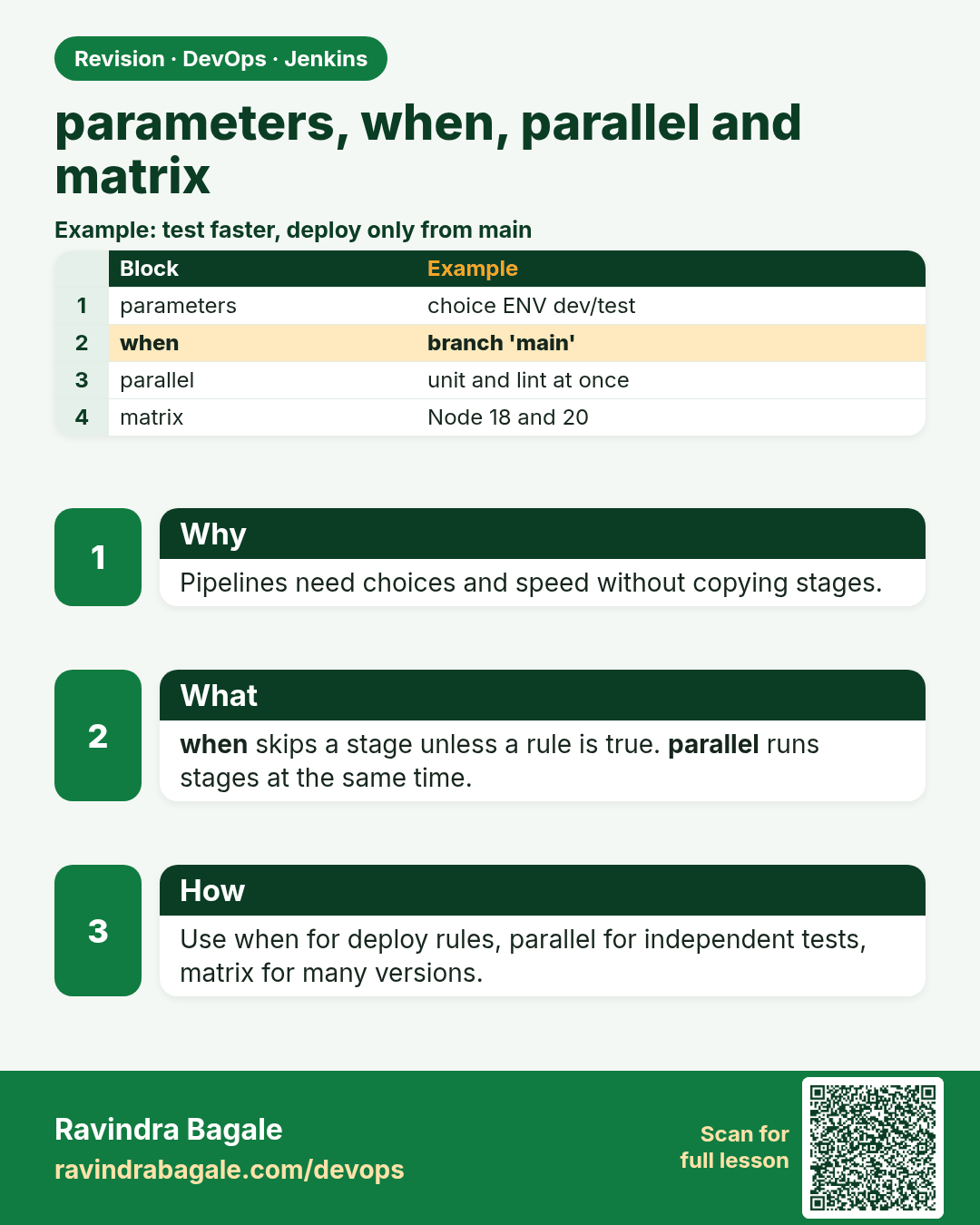
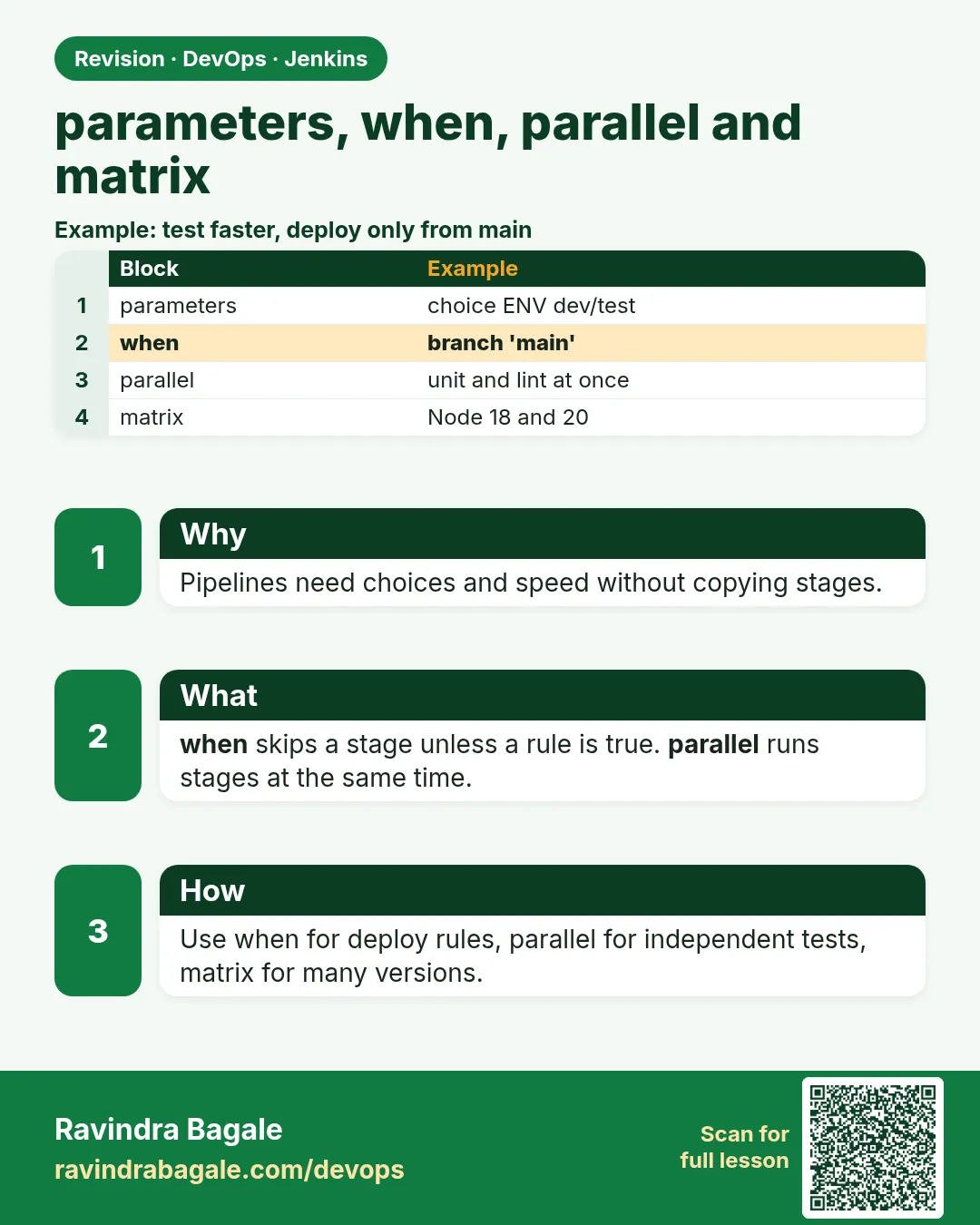 Revision card 14 of 16: parameters, when, parallel and matrix · Download PNG · Open card page
Lesson: 21.14 Parameters, when, parallel, and matrix
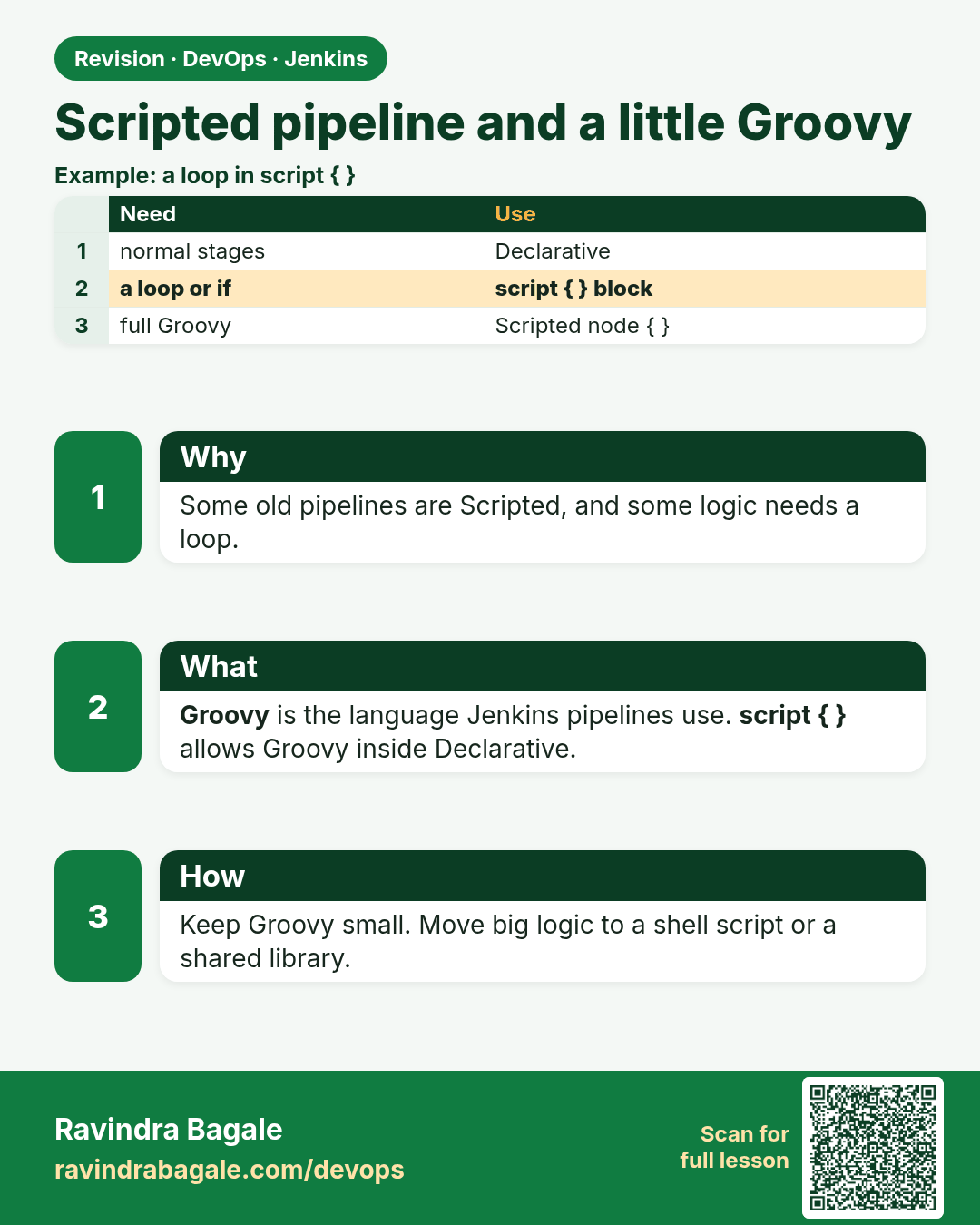
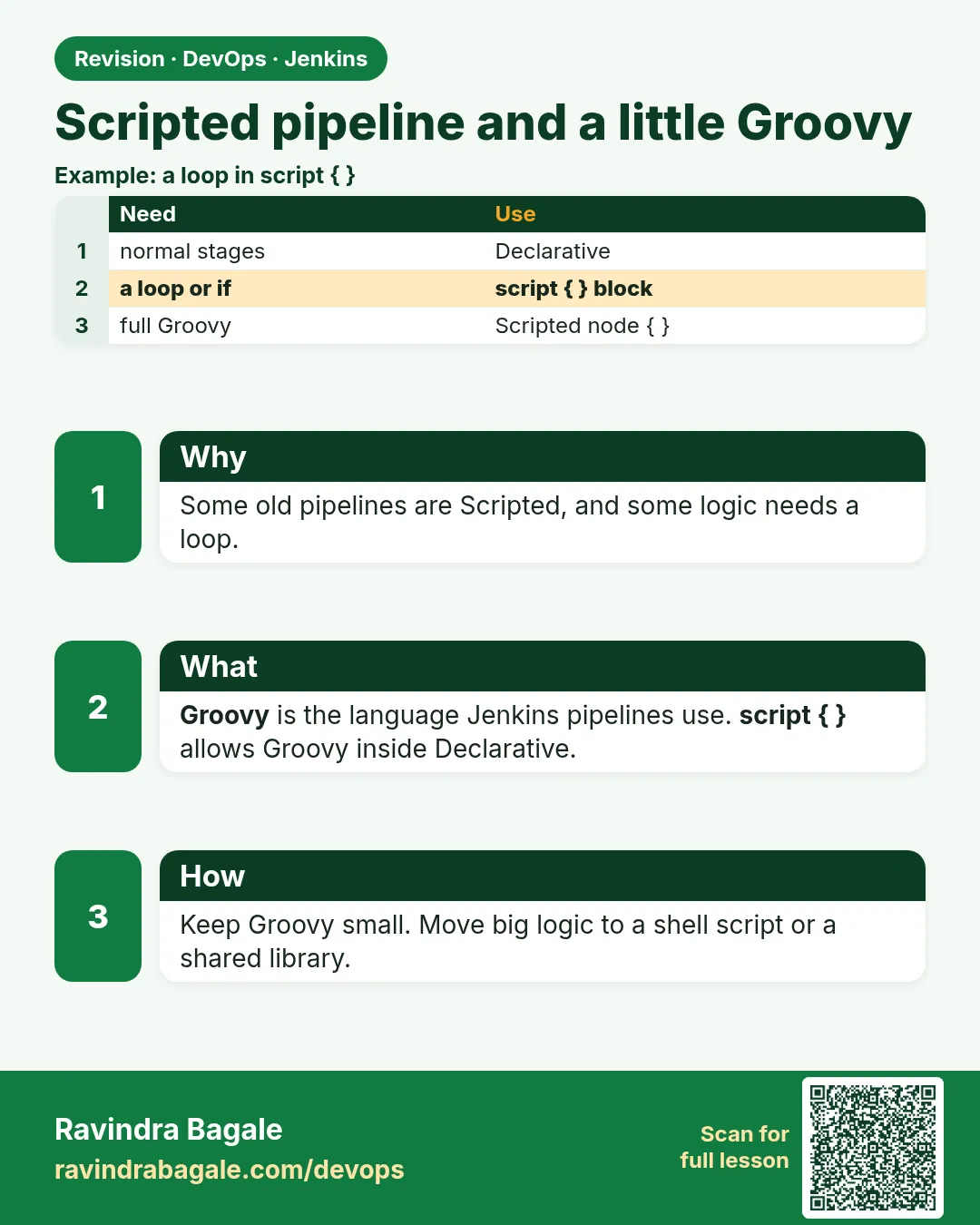 Revision card 15 of 16: Scripted pipeline and a little Groovy · Download PNG · Open card page
Lesson: 21.15 Scripted Pipeline and a little Groovy
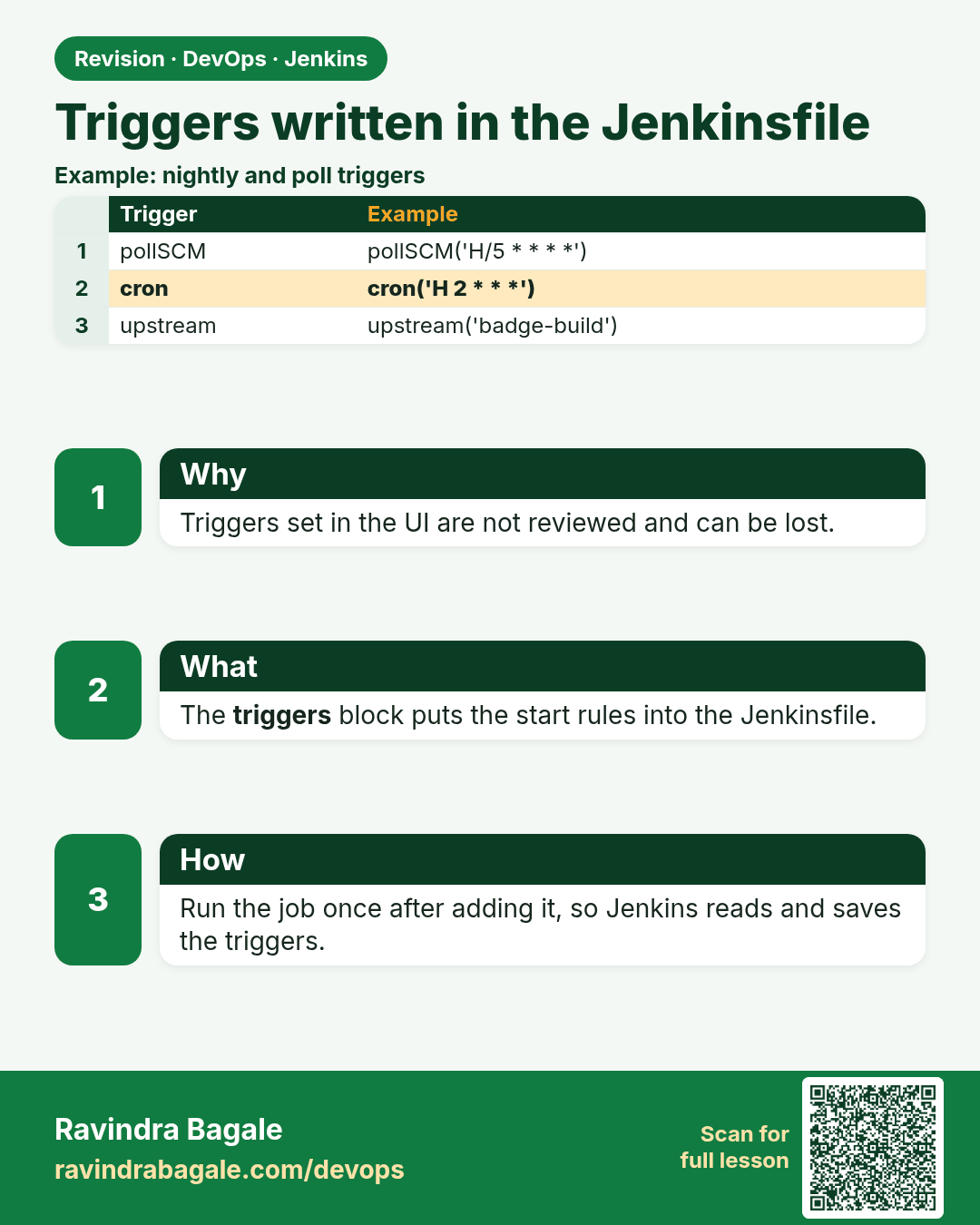
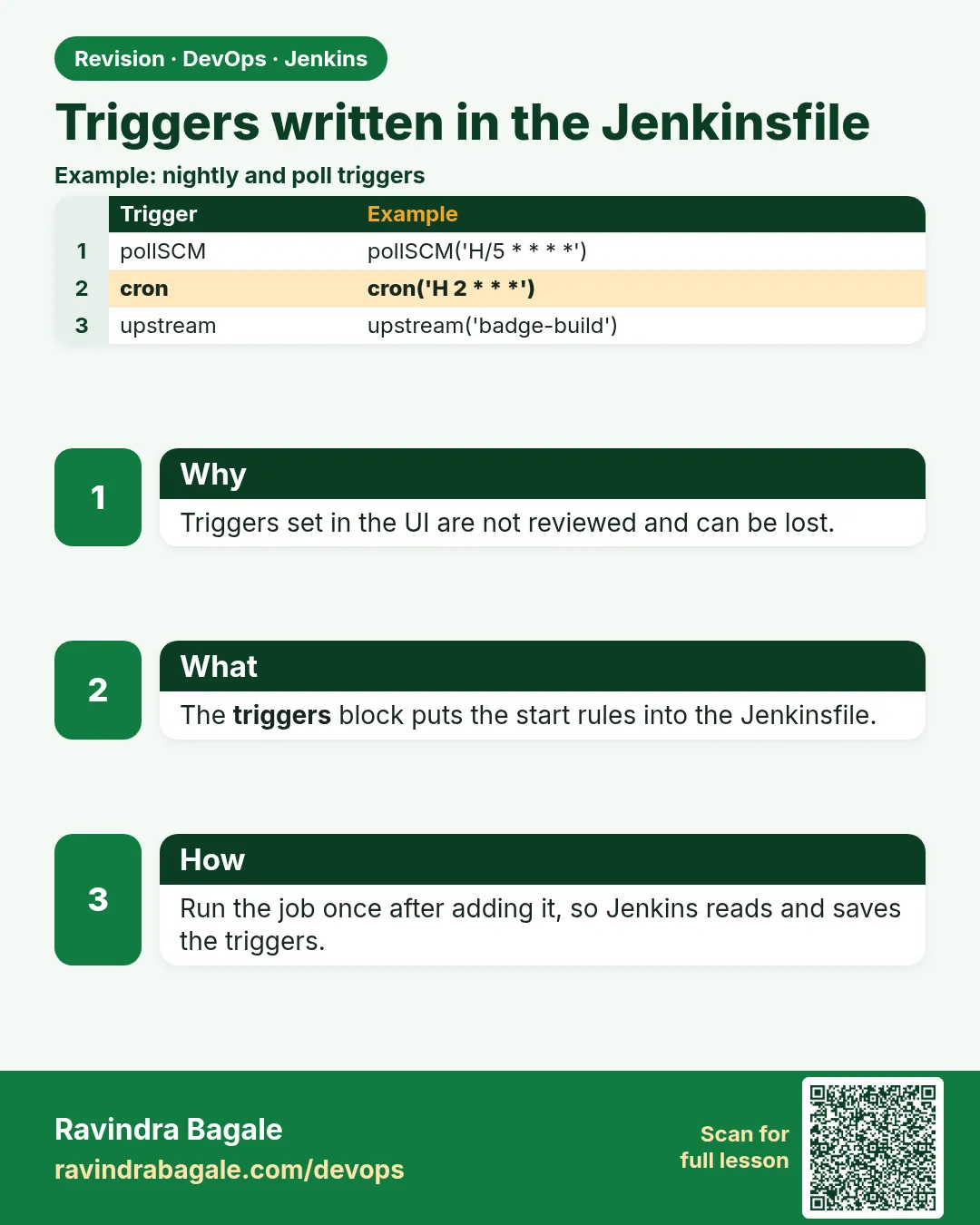 Revision card 16 of 16: Triggers written in the Jenkinsfile · Download PNG · Open card page
Lesson: 21.16 Triggers written in the Jenkinsfile
Interview cards
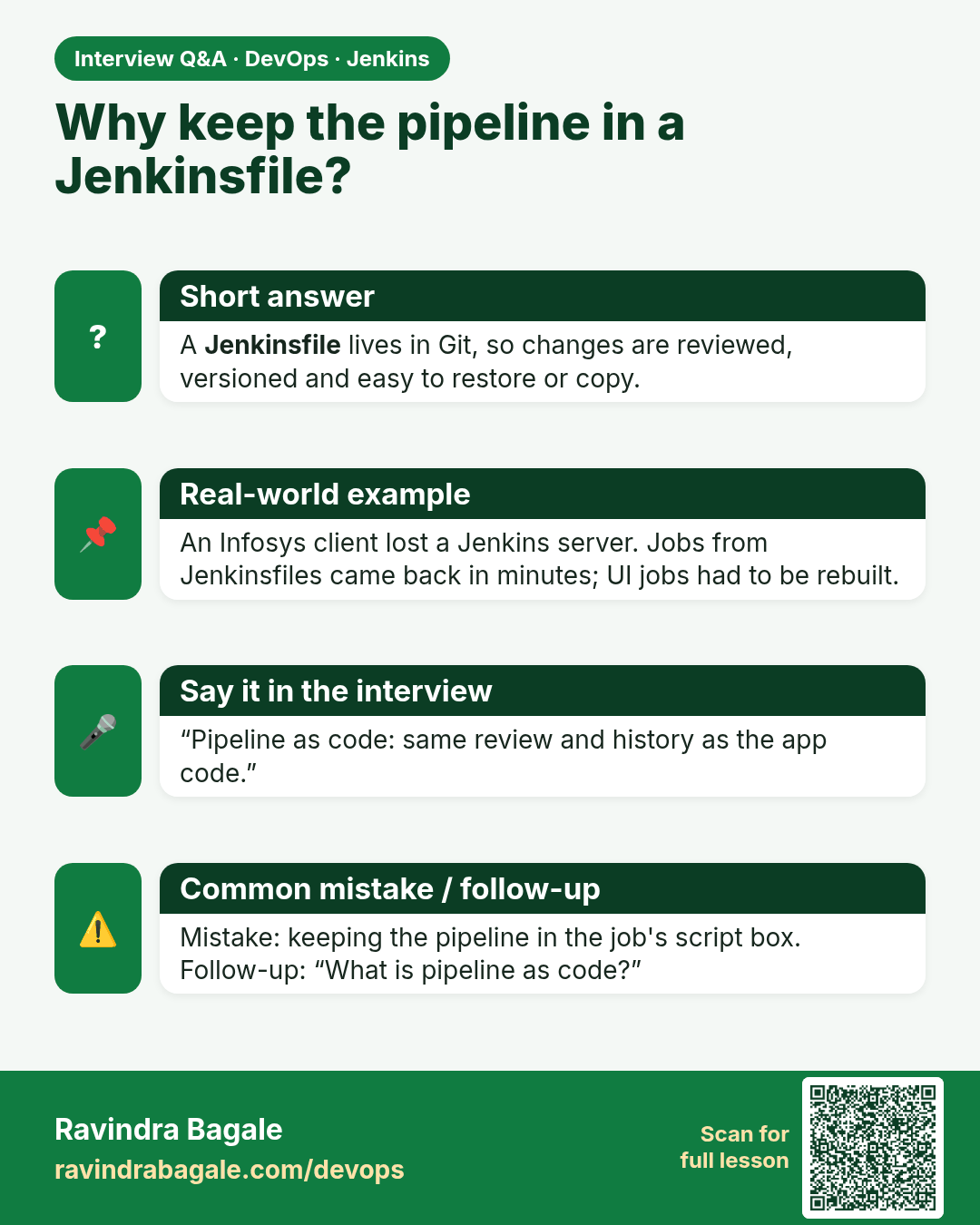
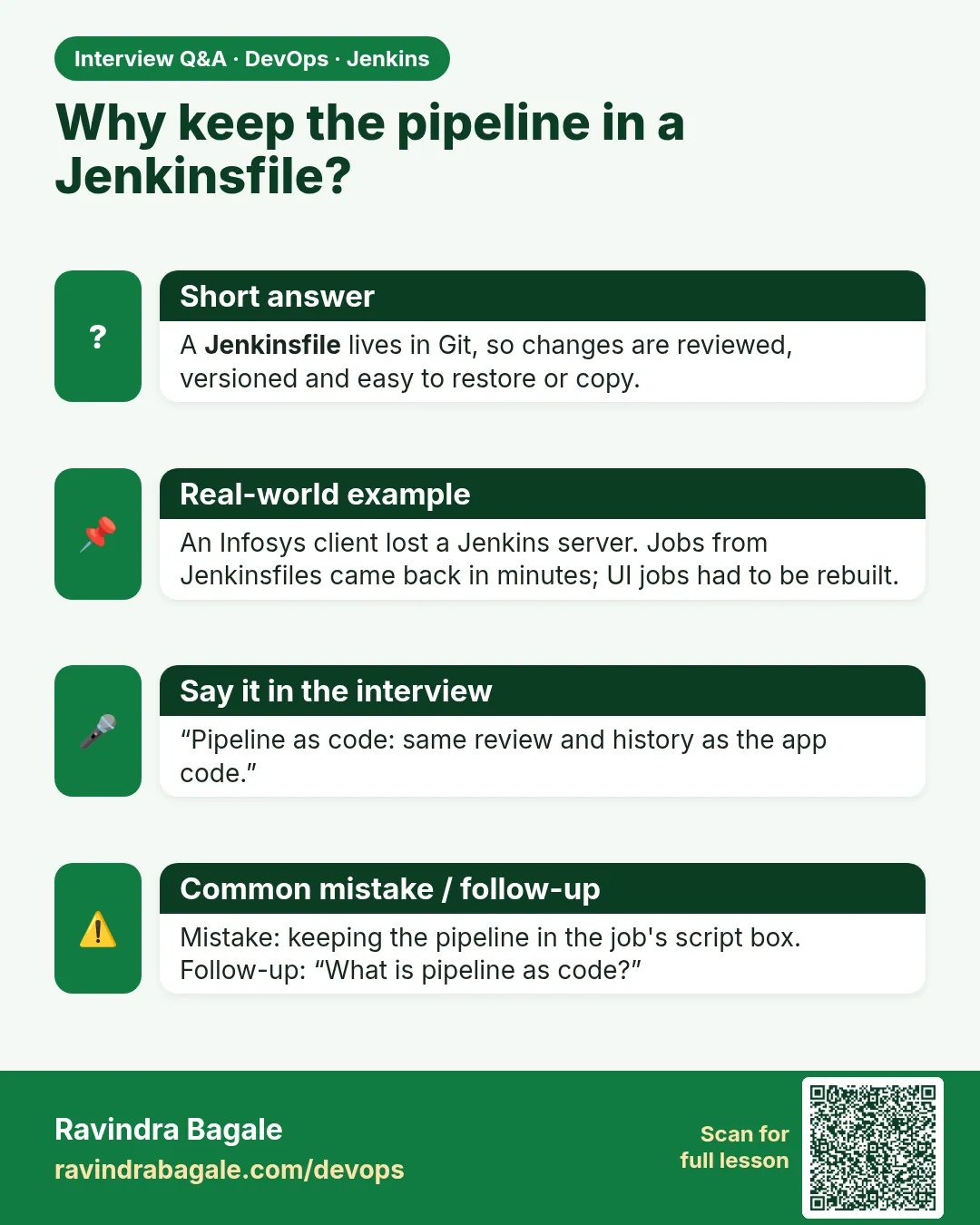 Interview card 1 of 16: Why keep the pipeline in a Jenkinsfile? · Download PNG · Open card page
Lesson: 21.1 Why move Freestyle into a Jenkinsfile
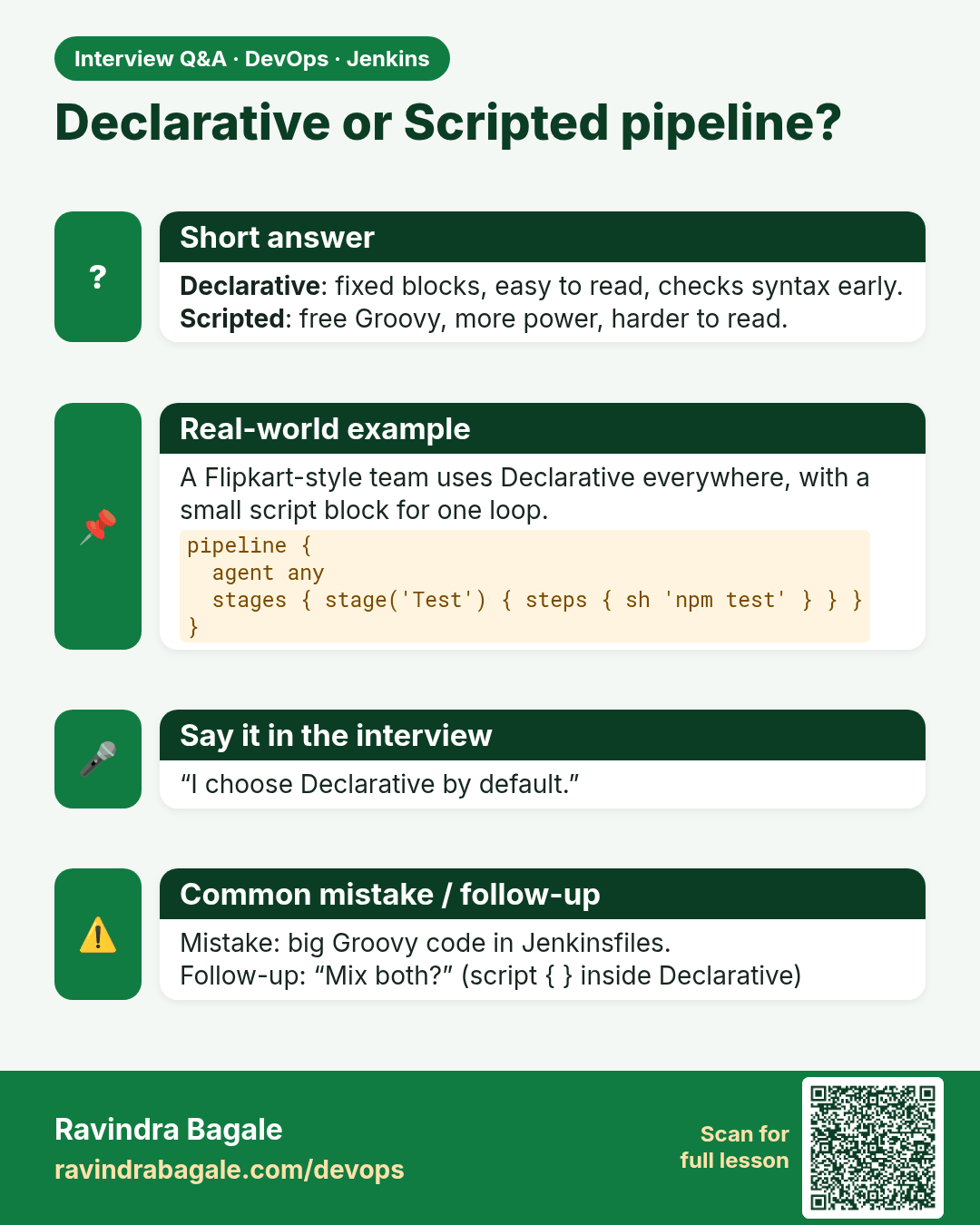
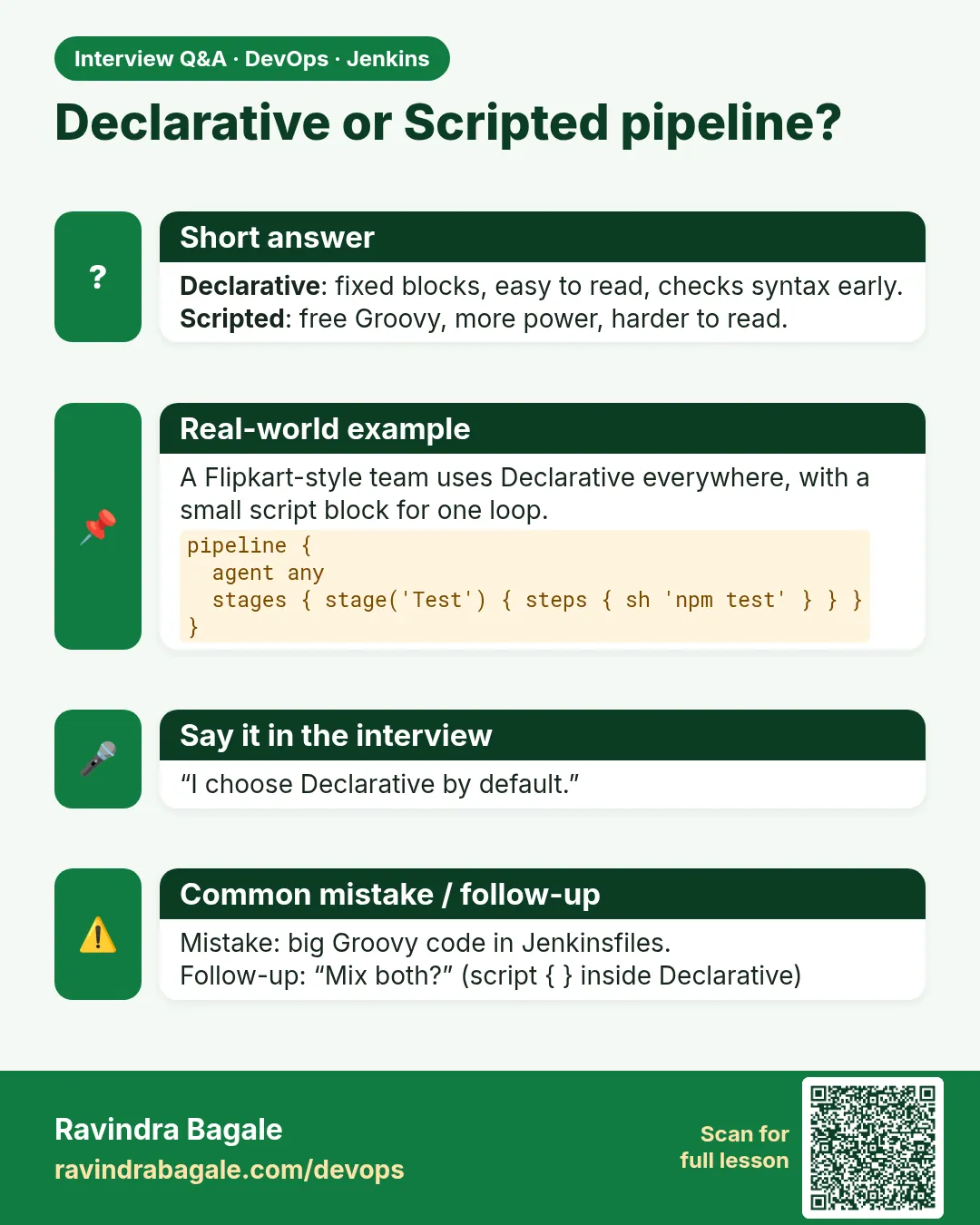 Interview card 2 of 16: Declarative or Scripted pipeline? · Download PNG · Open card page
Lesson: 21.2 Declarative vs Scripted (pick Declarative)
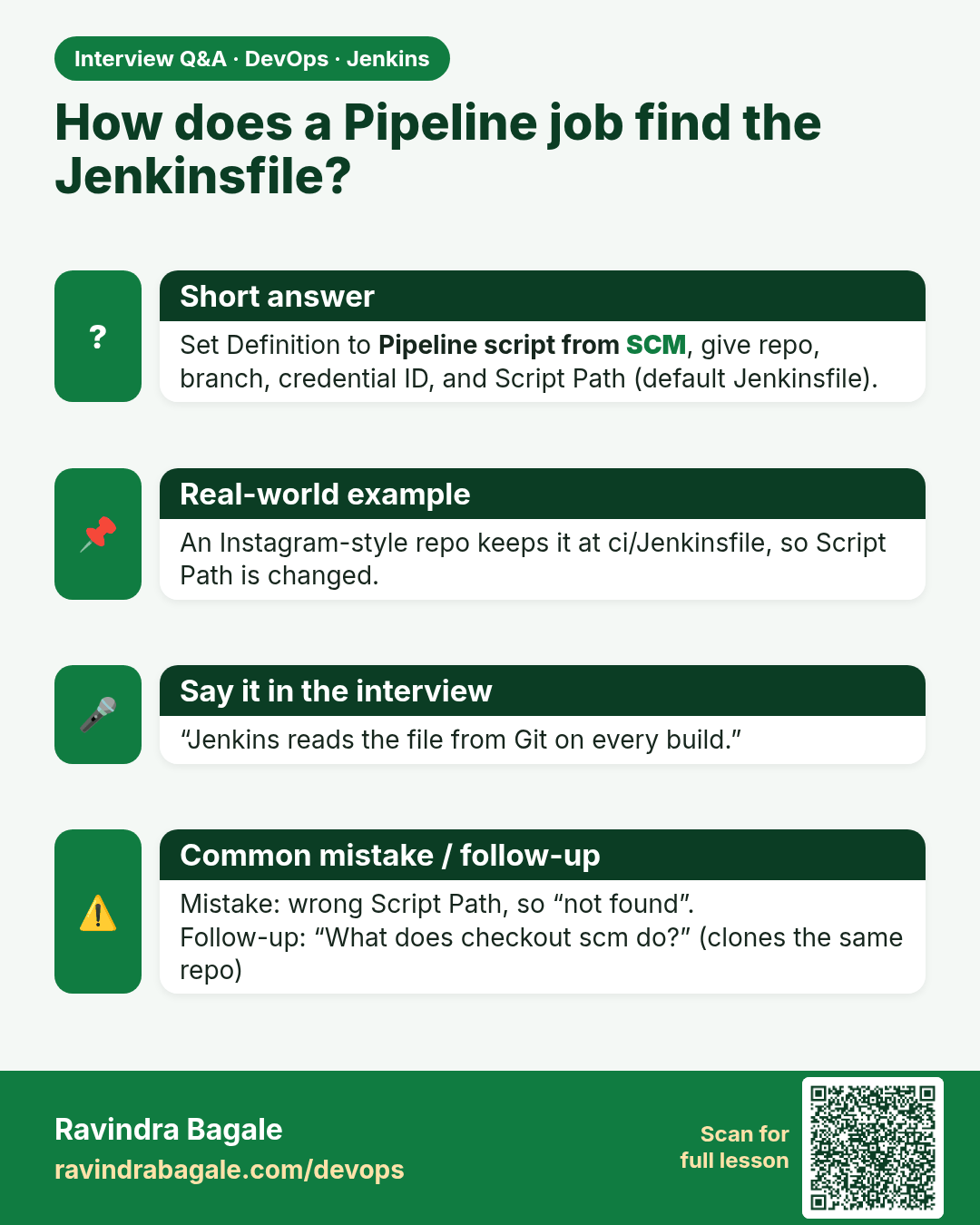
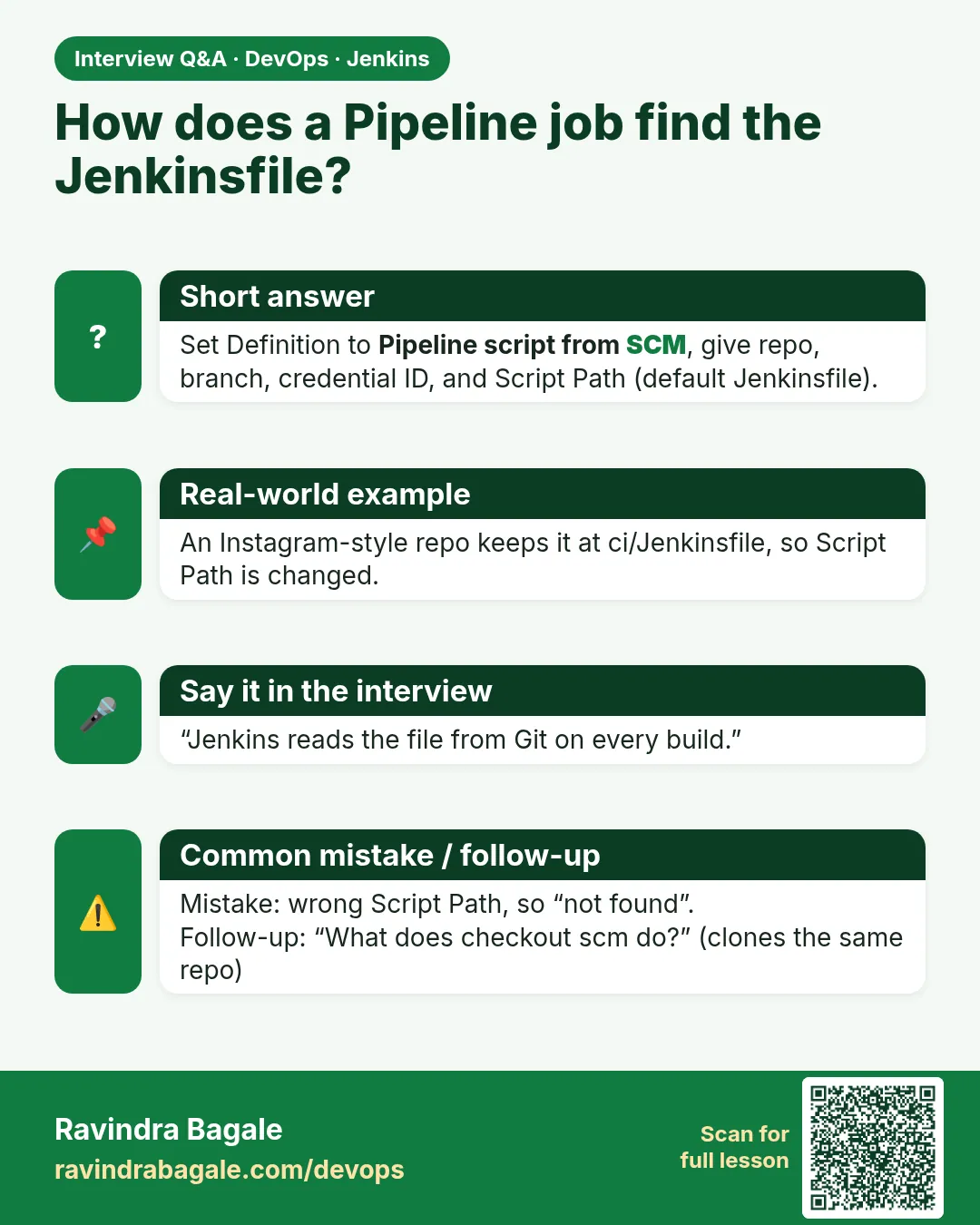 Interview card 3 of 16: How does a Pipeline job find the Jenkinsfile? · Download PNG · Open card page
Lesson: 21.3 Create a Pipeline job from SCM
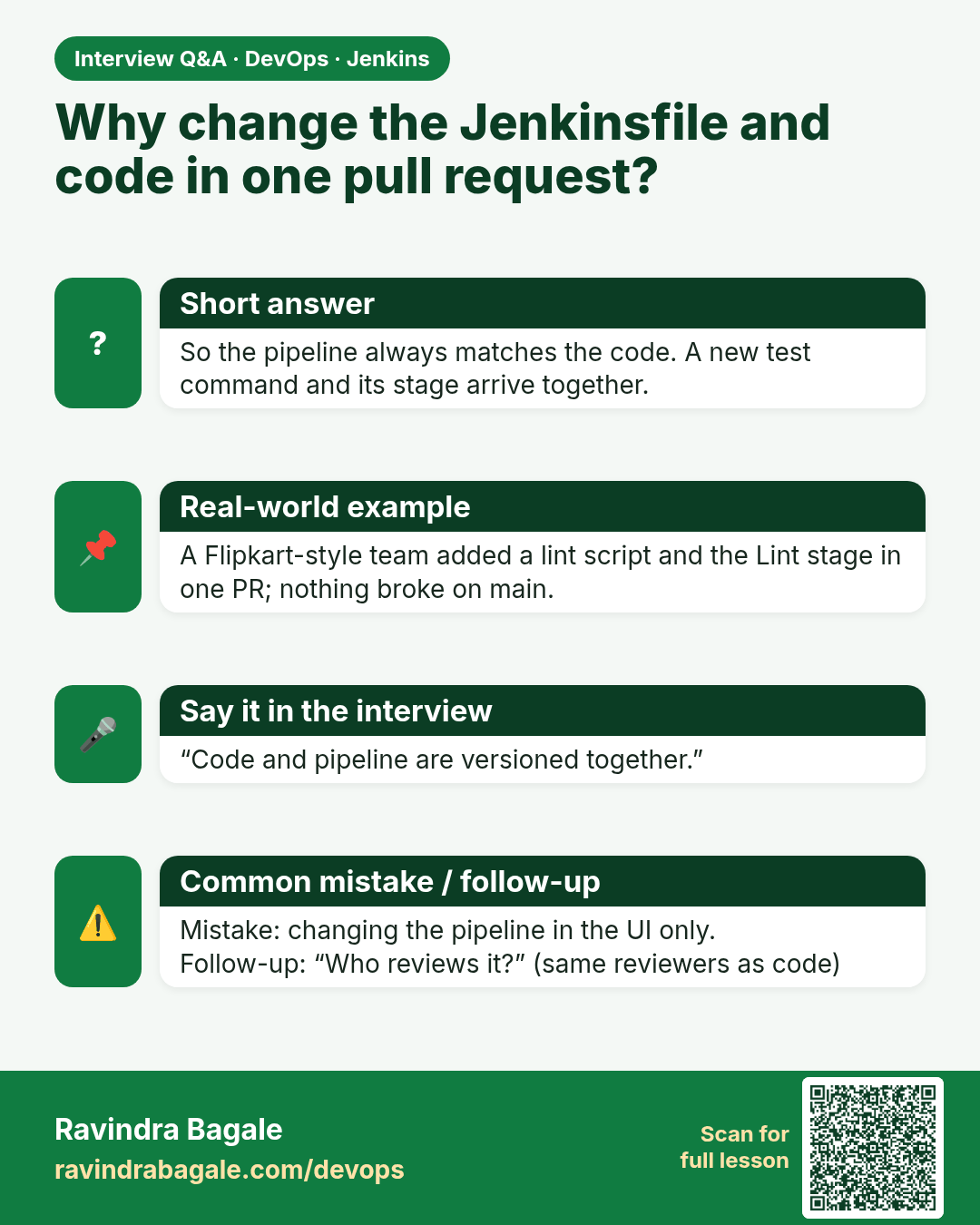
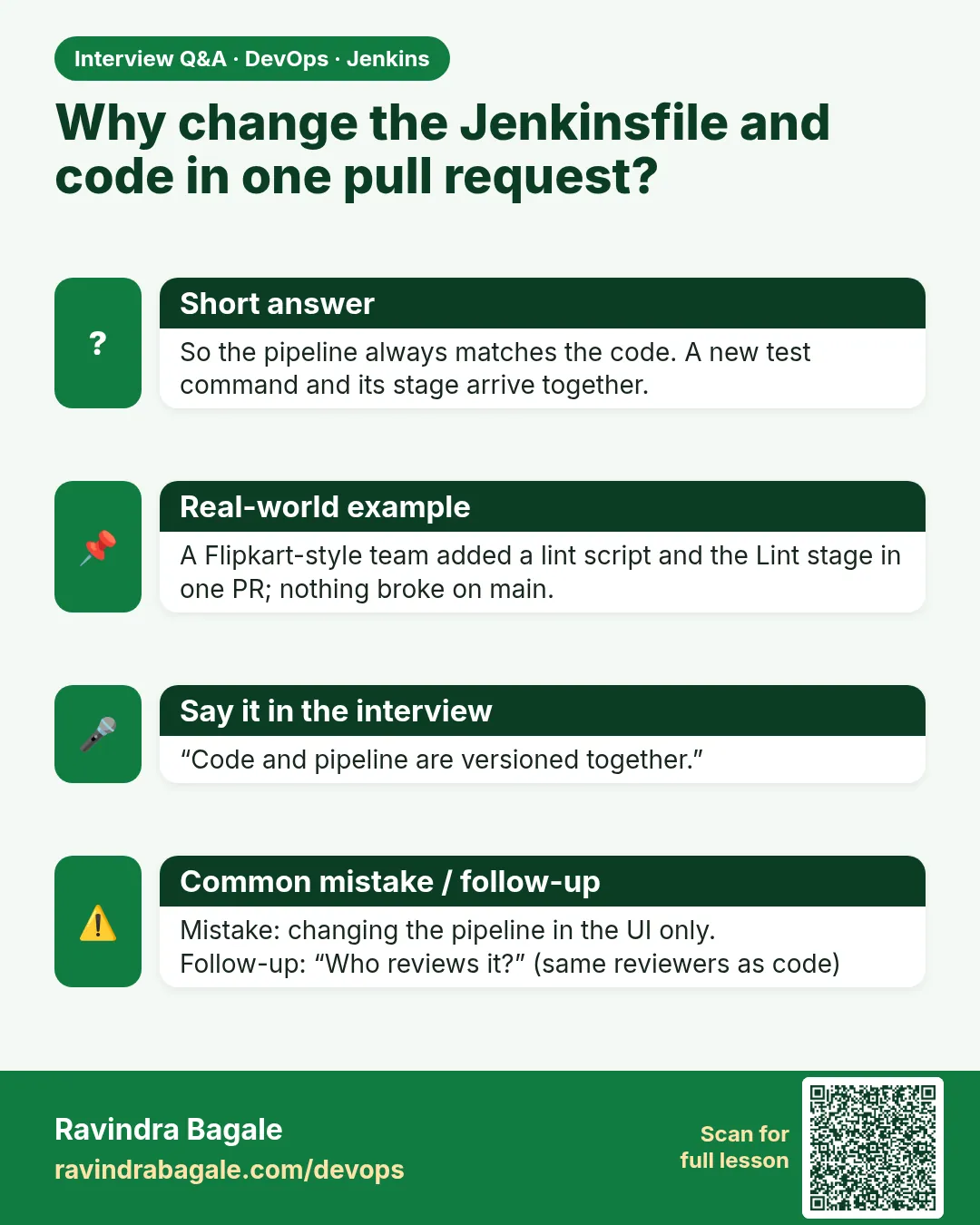 Interview card 4 of 16: Why change the Jenkinsfile and code in one pull request? · Download PNG · Open card page
Lesson: 21.4 Same Node.js app — project shape reminder
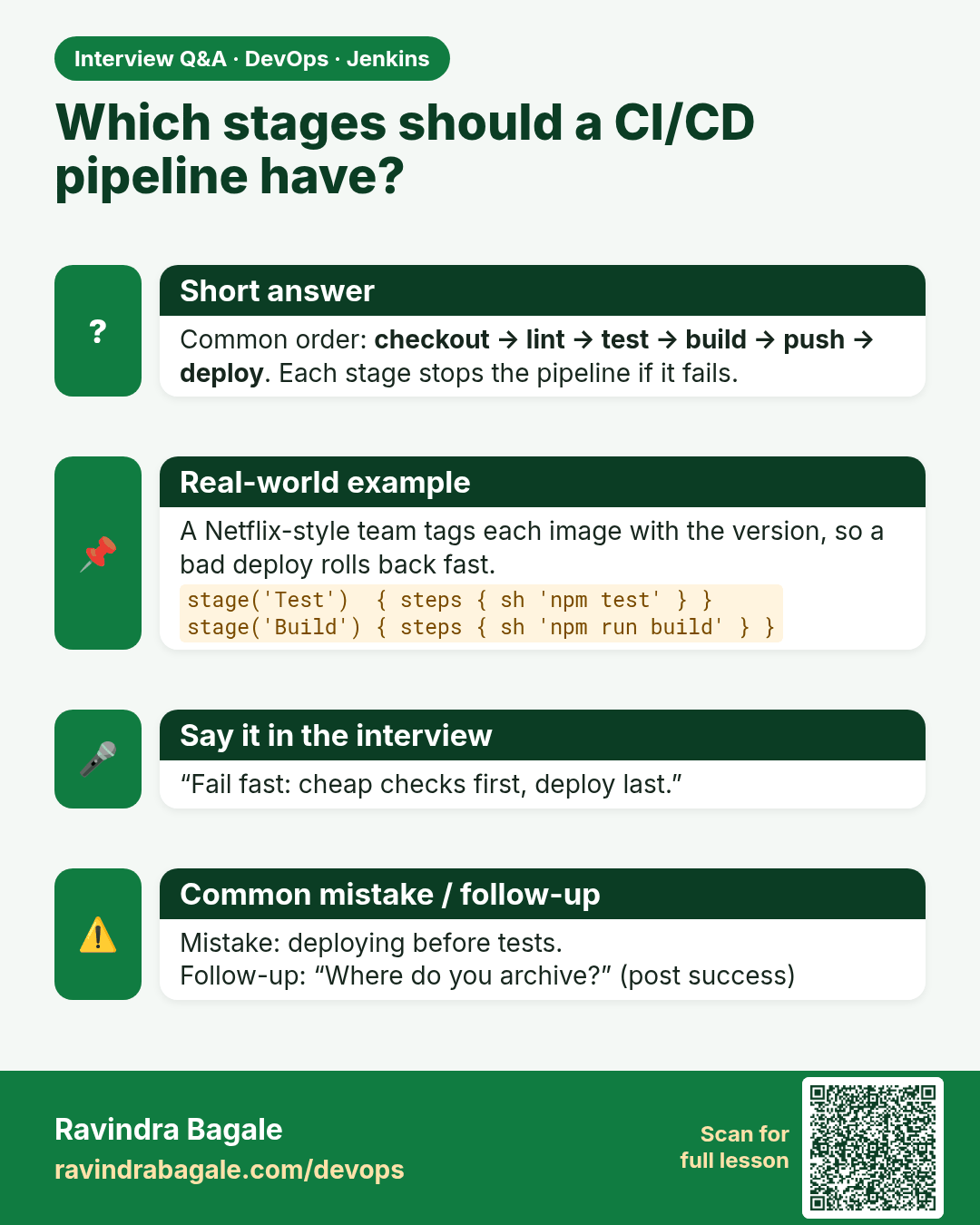
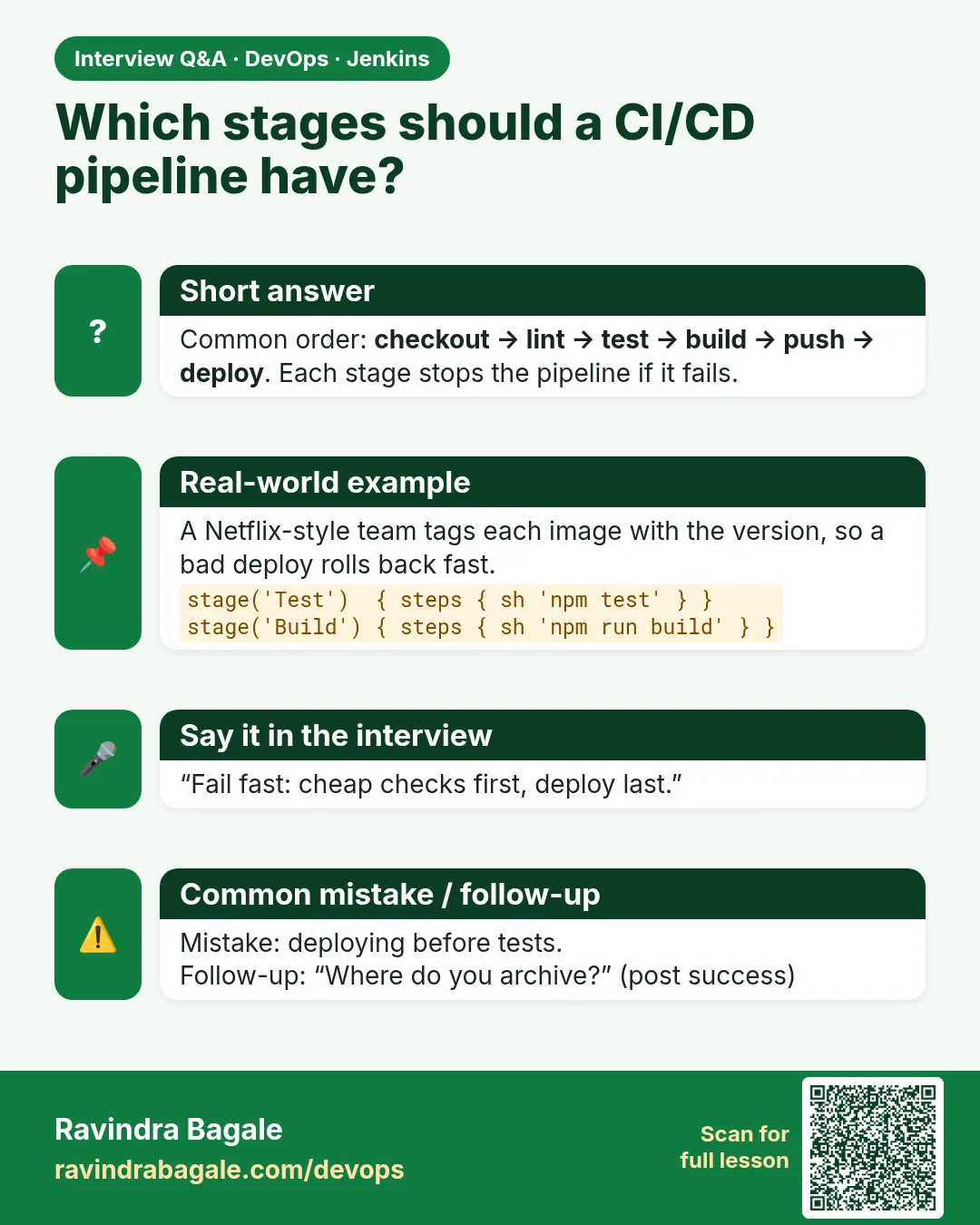 Interview card 5 of 16: Which stages should a CI/CD pipeline have? · Download PNG · Open card page
Lesson: 21.5 Full Declarative Jenkinsfile for badge Node
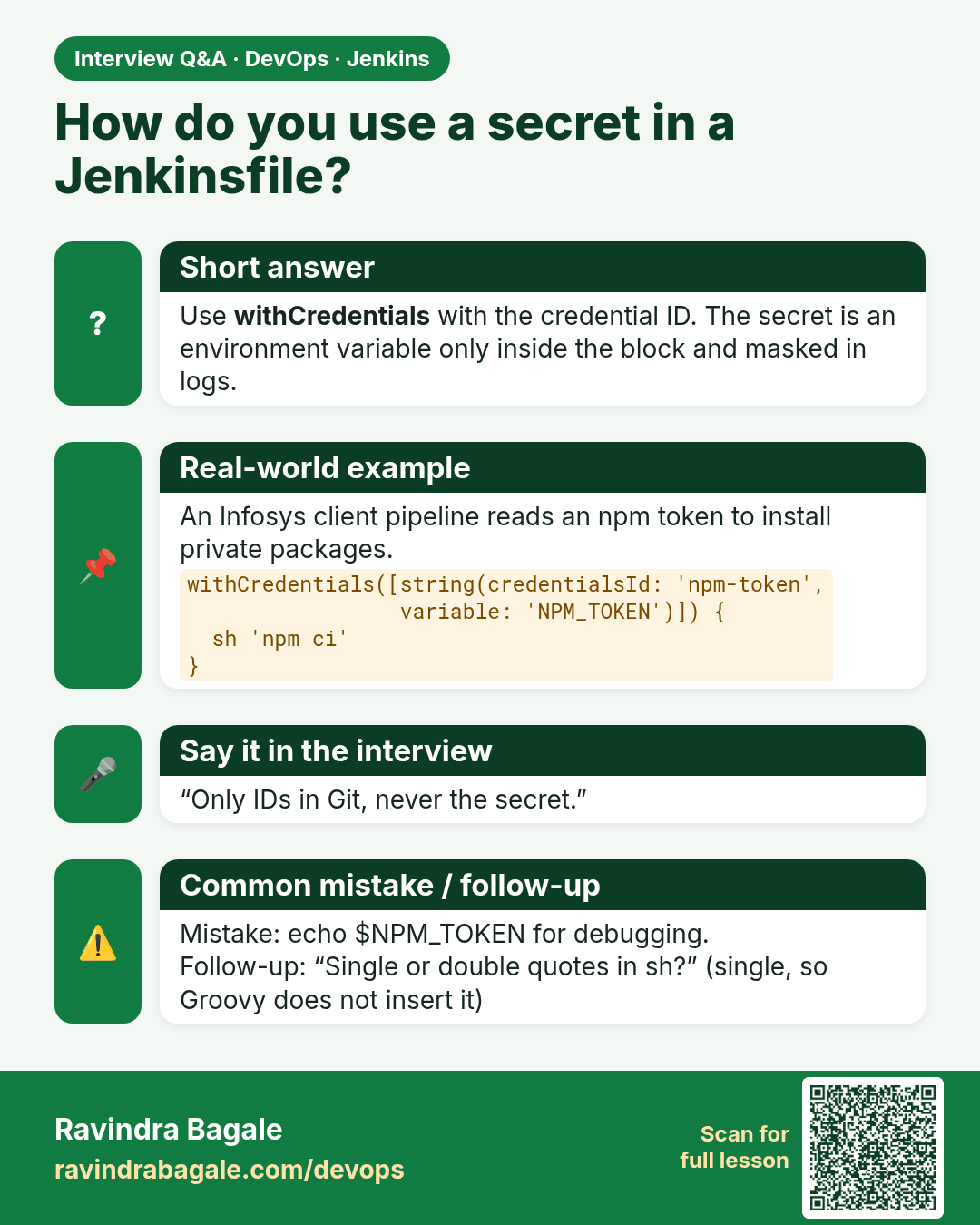
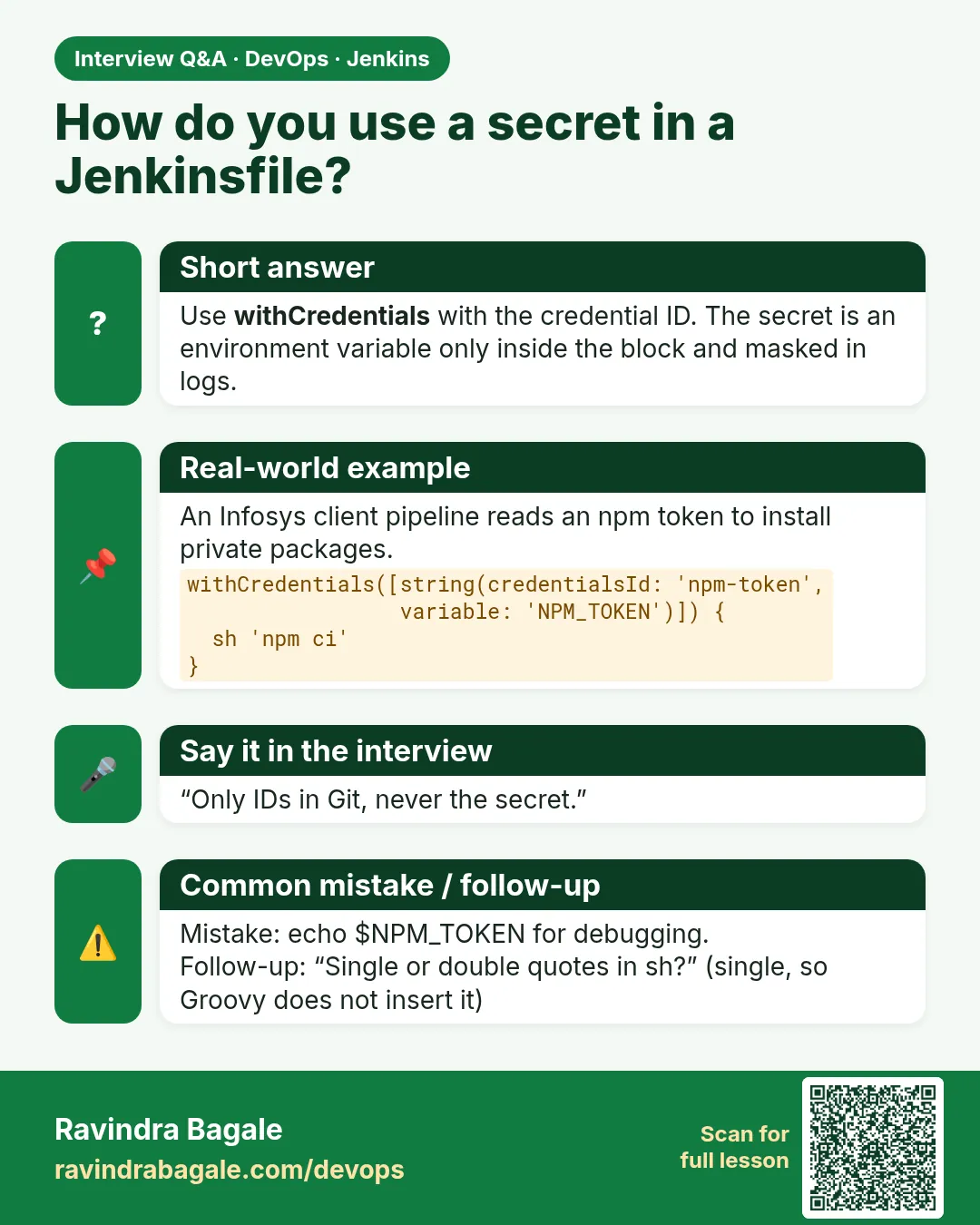 Interview card 6 of 16: How do you use a secret in a Jenkinsfile? · Download PNG · Open card page
Lesson: 21.6 Optional: bind a credential by id (pattern only)
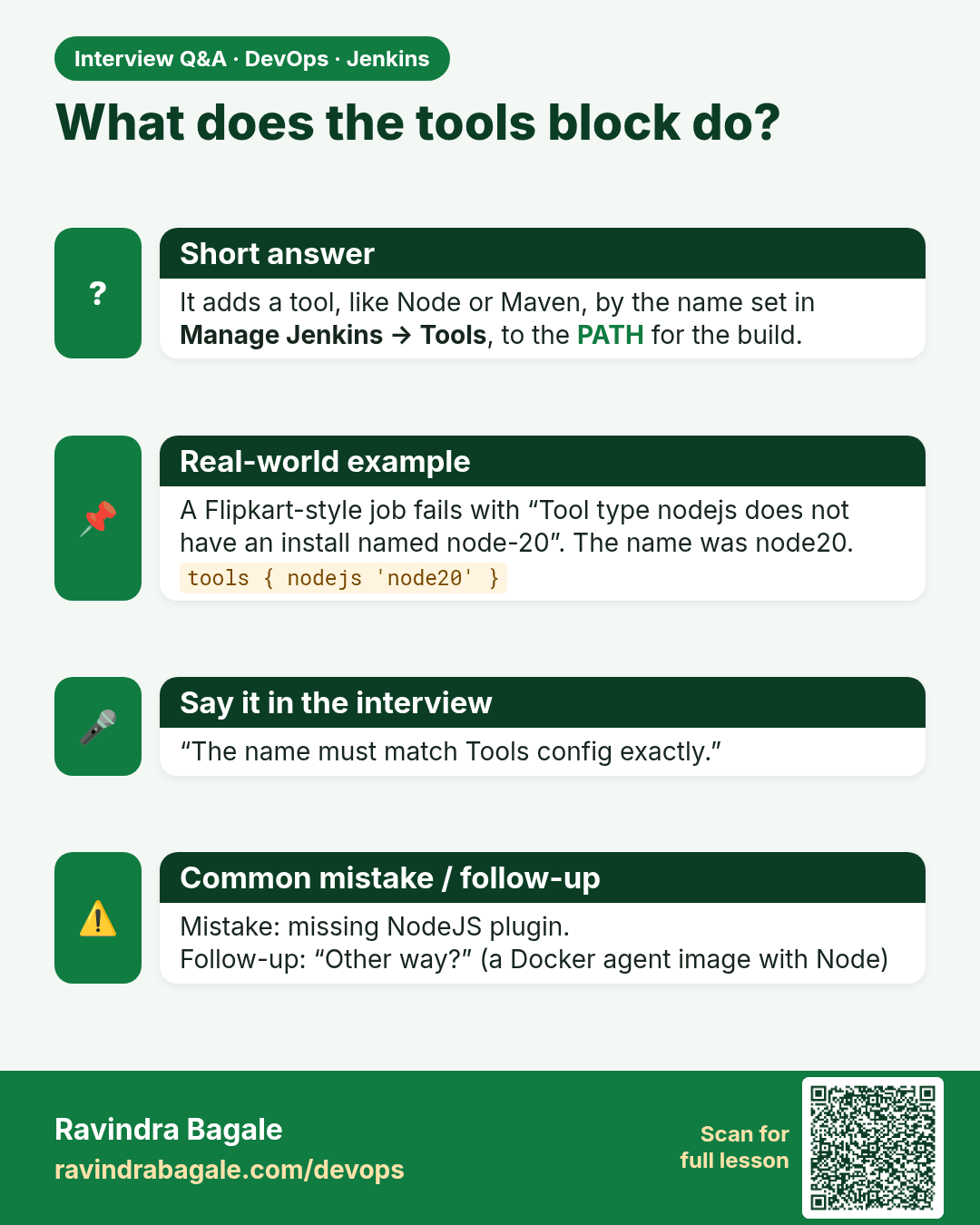
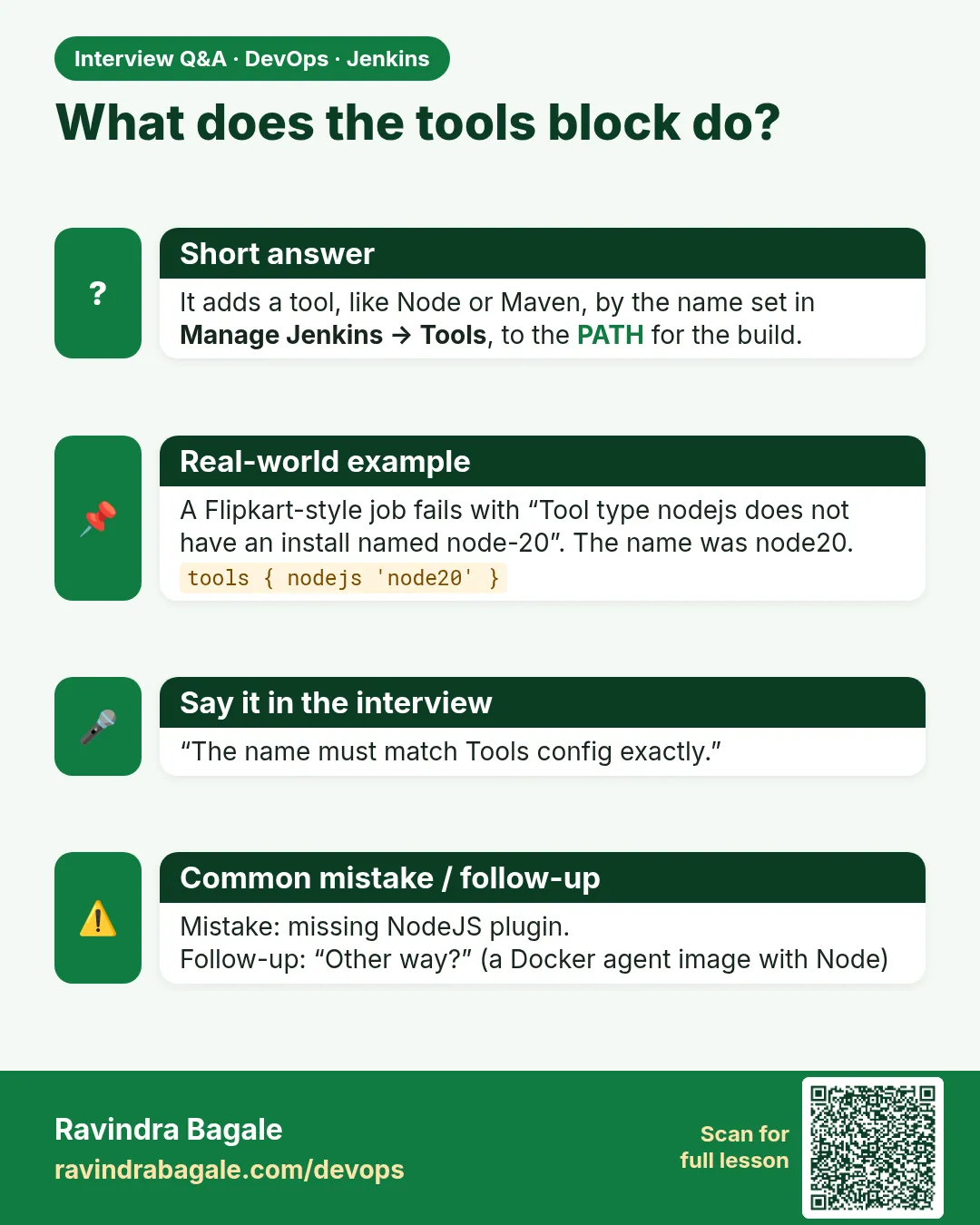 Interview card 7 of 16: What does the tools block do? · Download PNG · Open card page
Lesson: 21.7 Agent tools: Node must exist
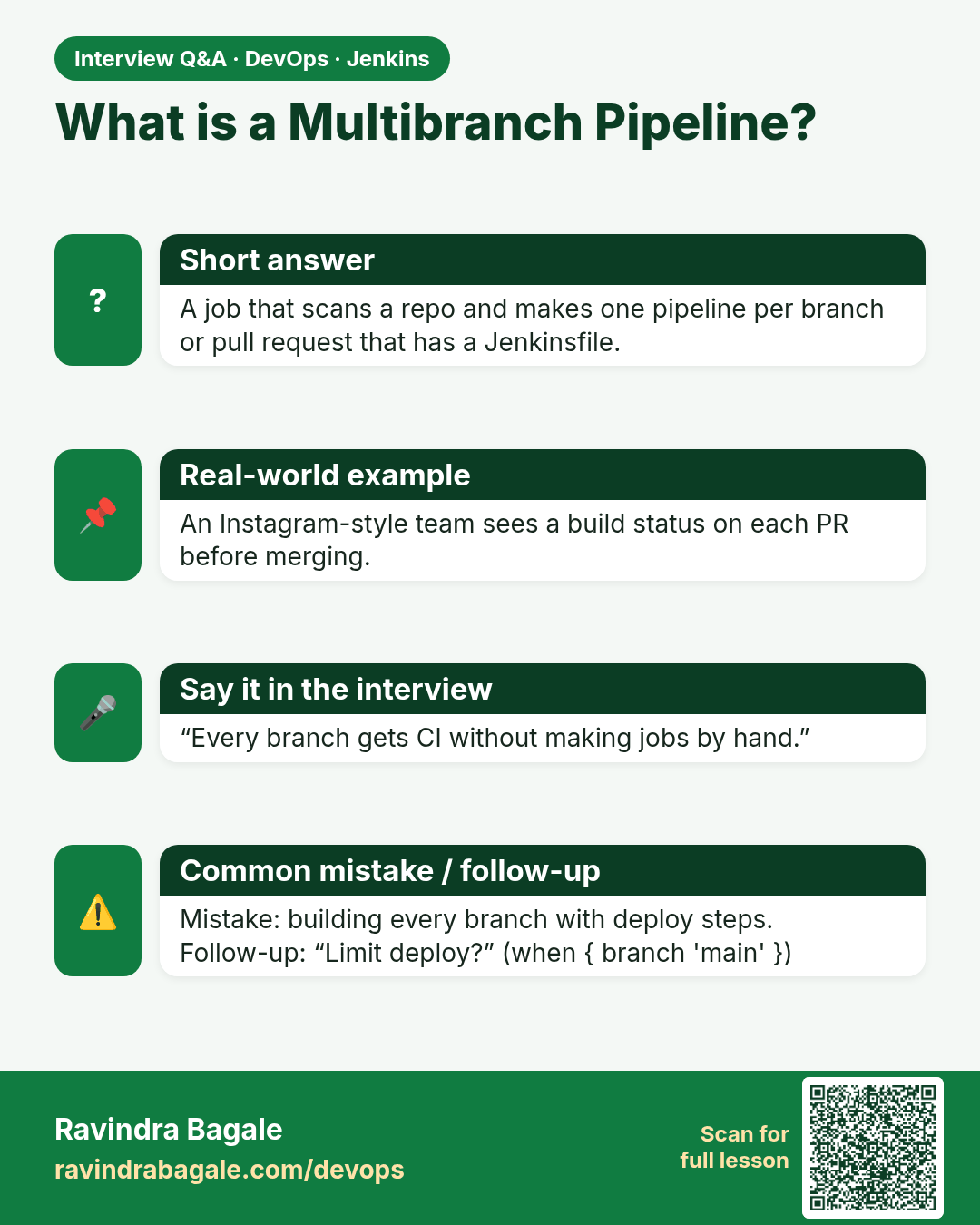
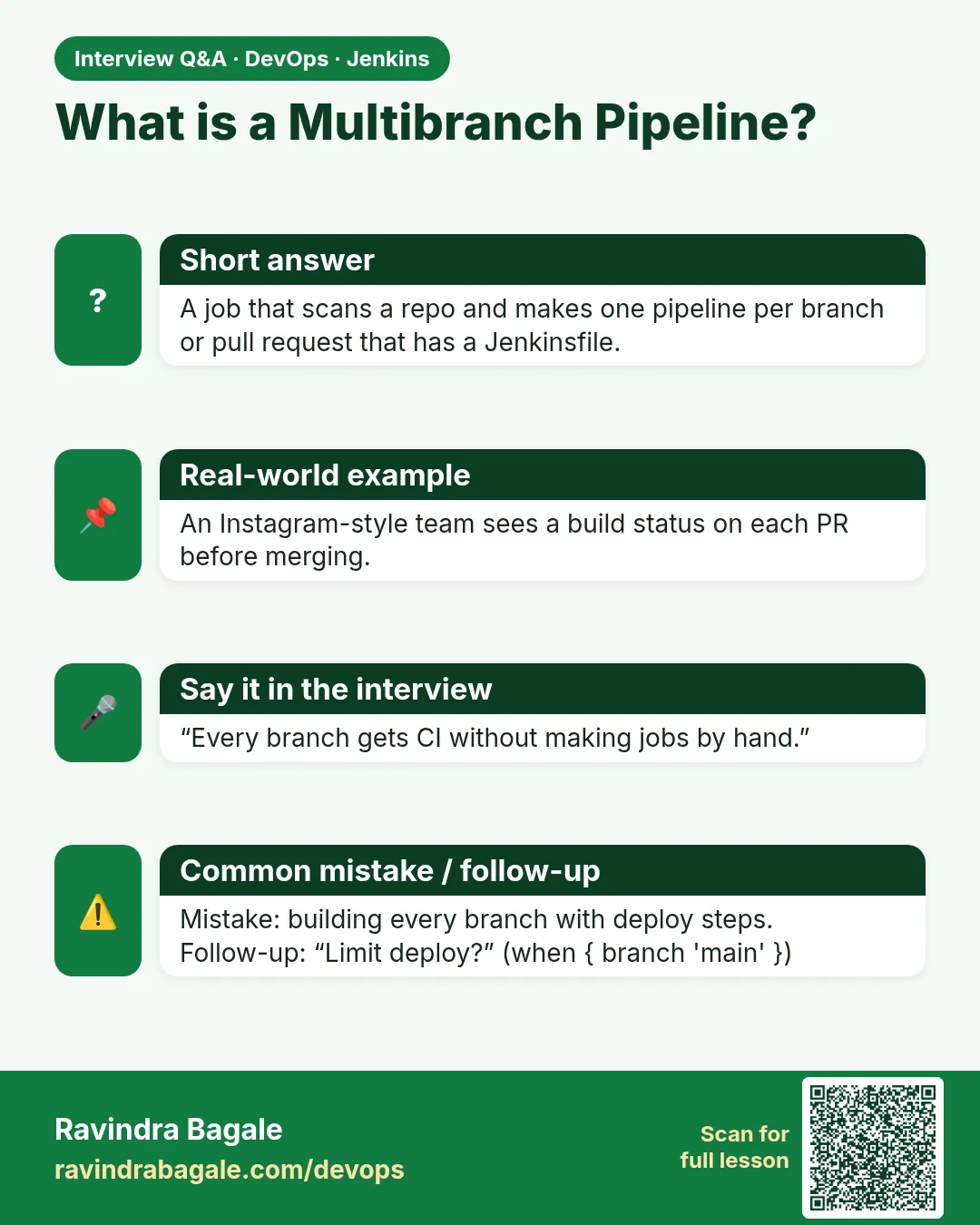 Interview card 8 of 16: What is a Multibranch Pipeline? · Download PNG · Open card page
Lesson: 21.8 Multibranch awareness (not required for the lab)
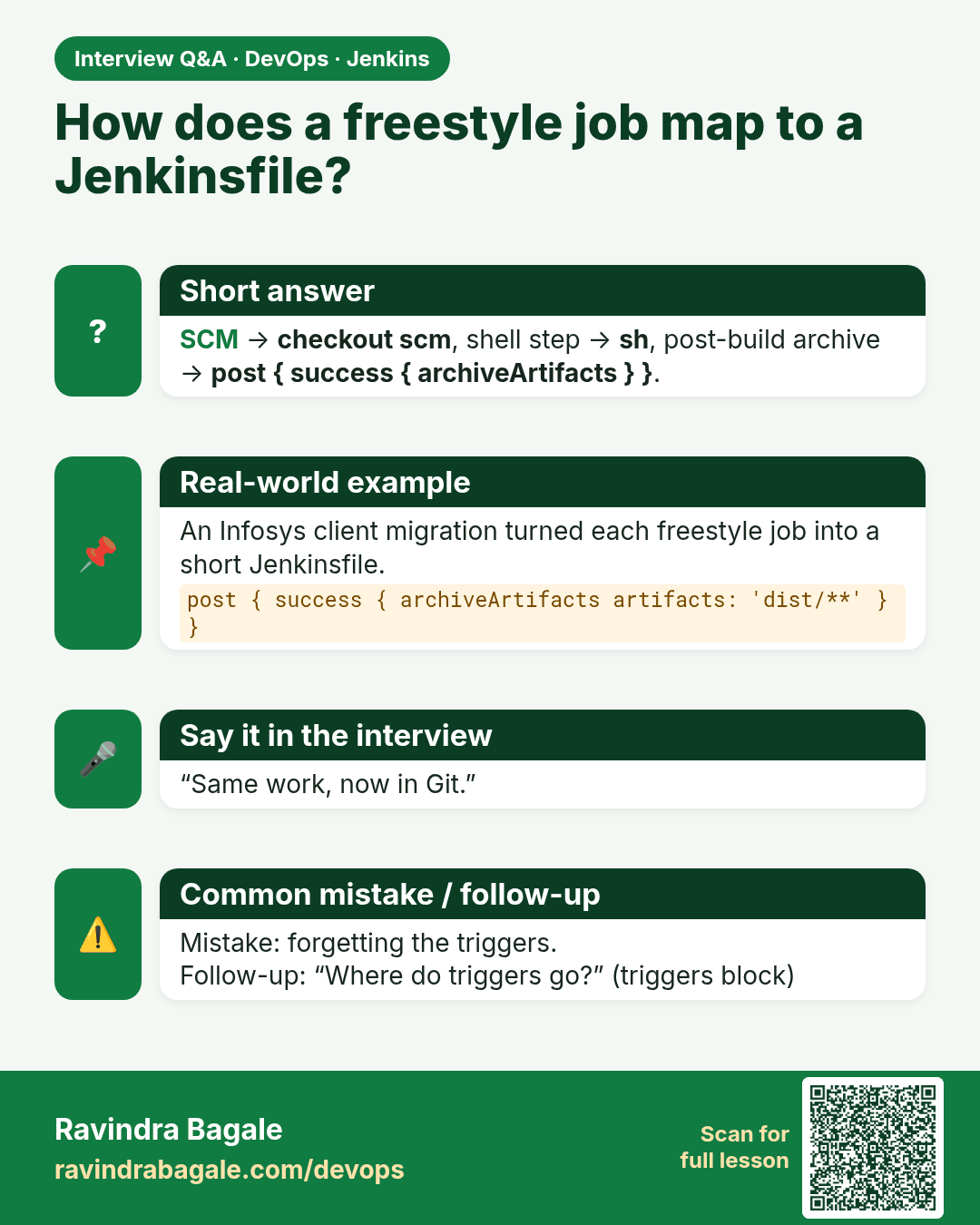
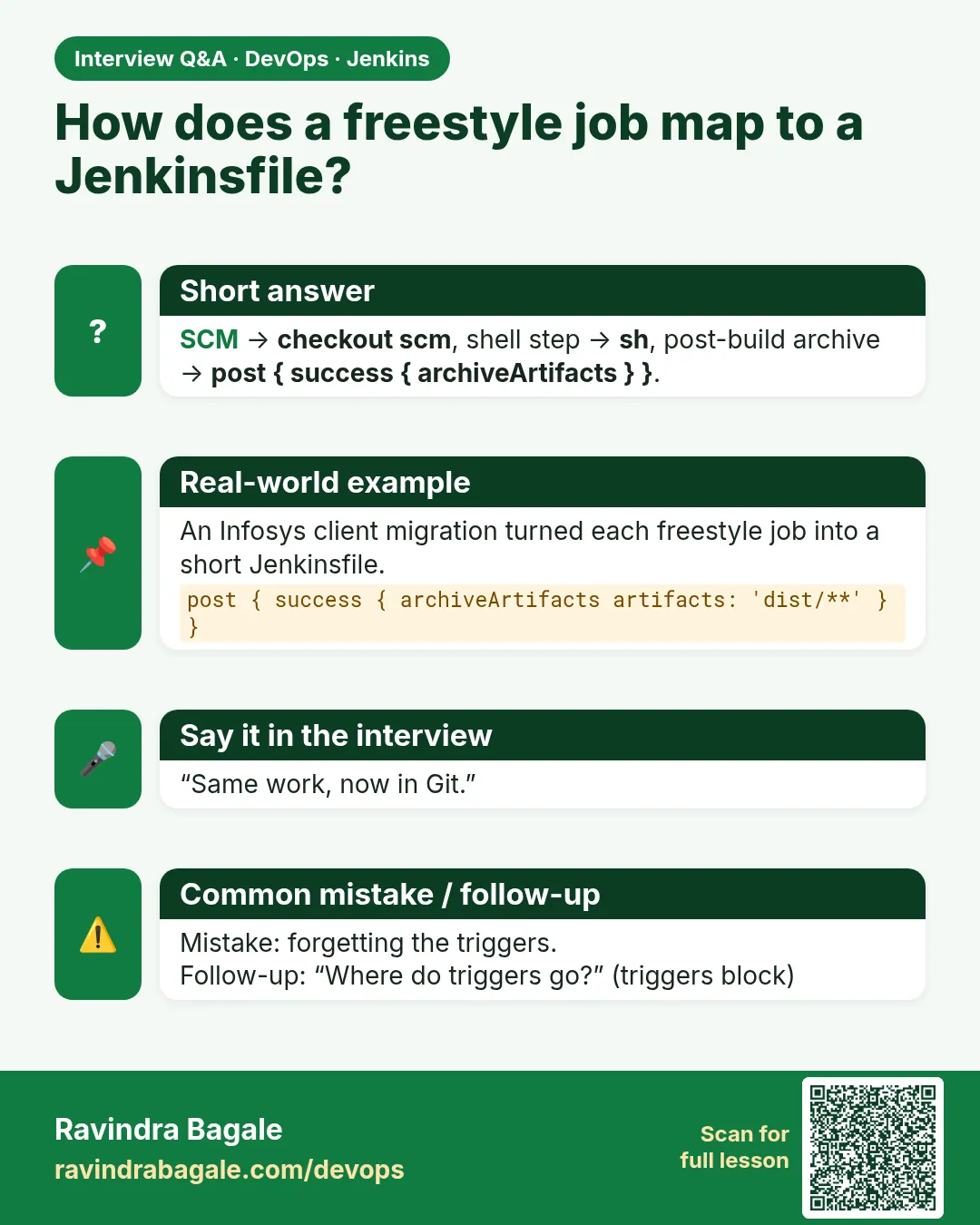 Interview card 9 of 16: How does a freestyle job map to a Jenkinsfile? · Download PNG · Open card page
Lesson: 21.9 Freestyle vs Pipeline — same badge, two shapes
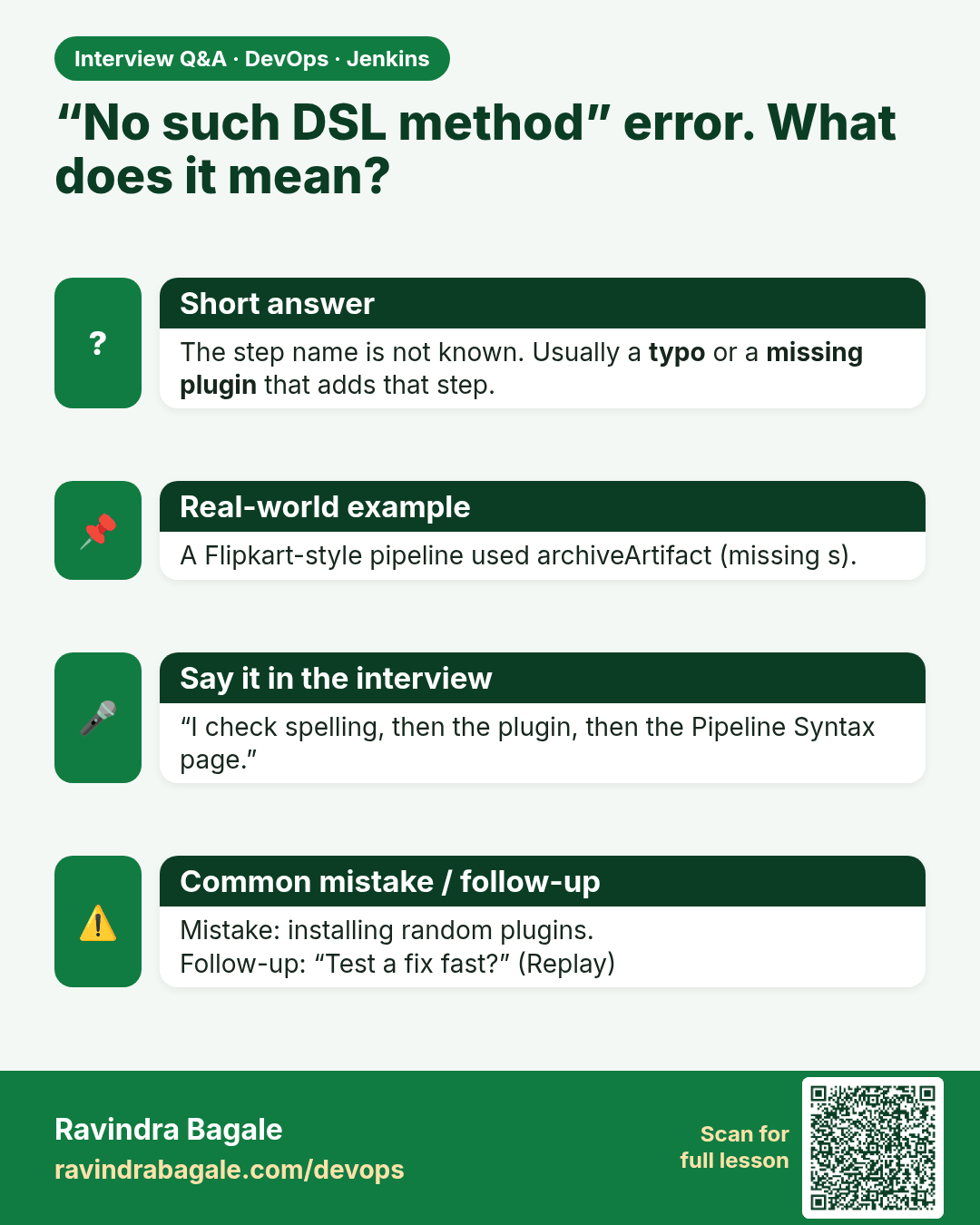
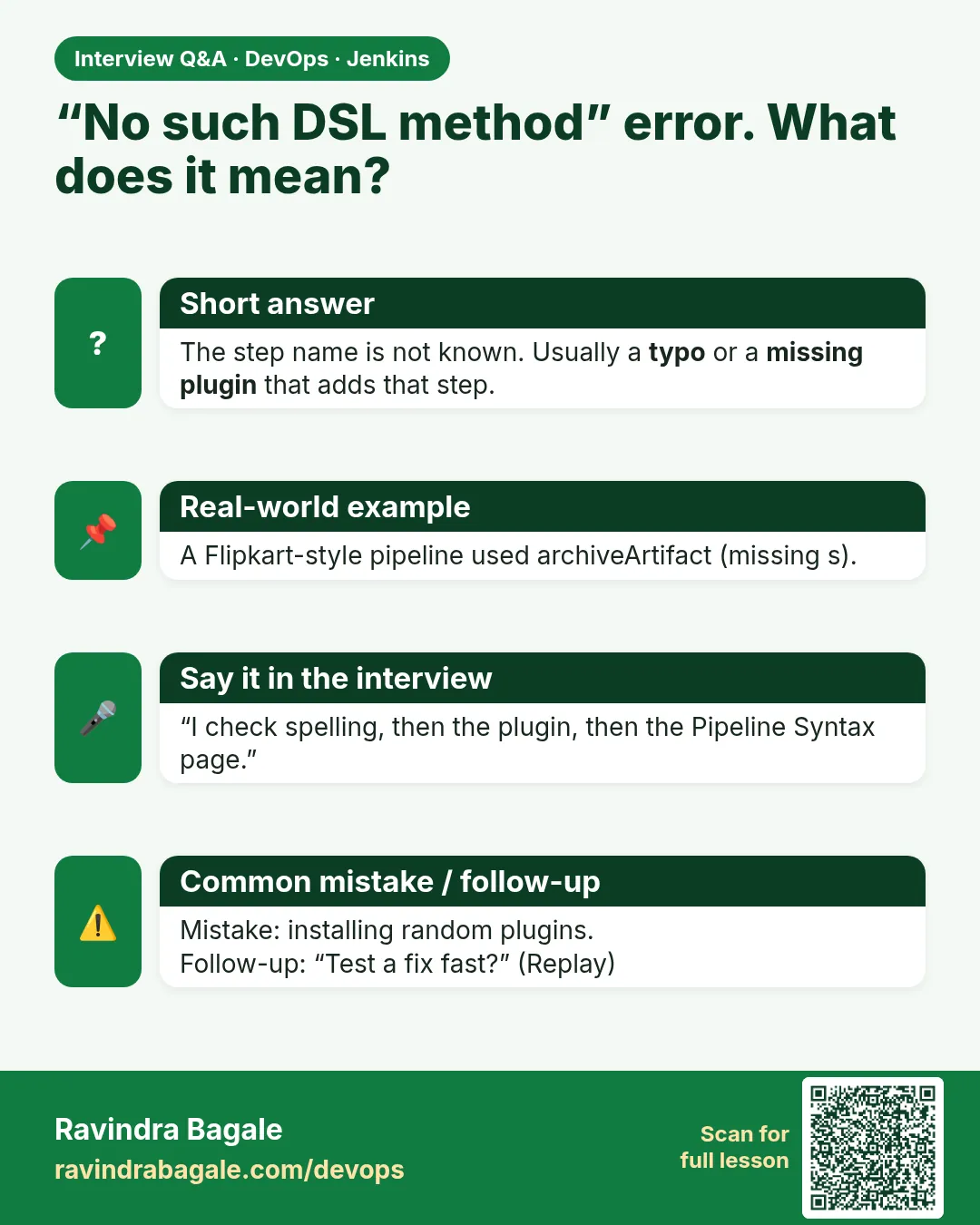 Interview card 10 of 16: “No such DSL method” error. What does it mean? · Download PNG · Open card page
Lesson: 21.10 Troubleshooting
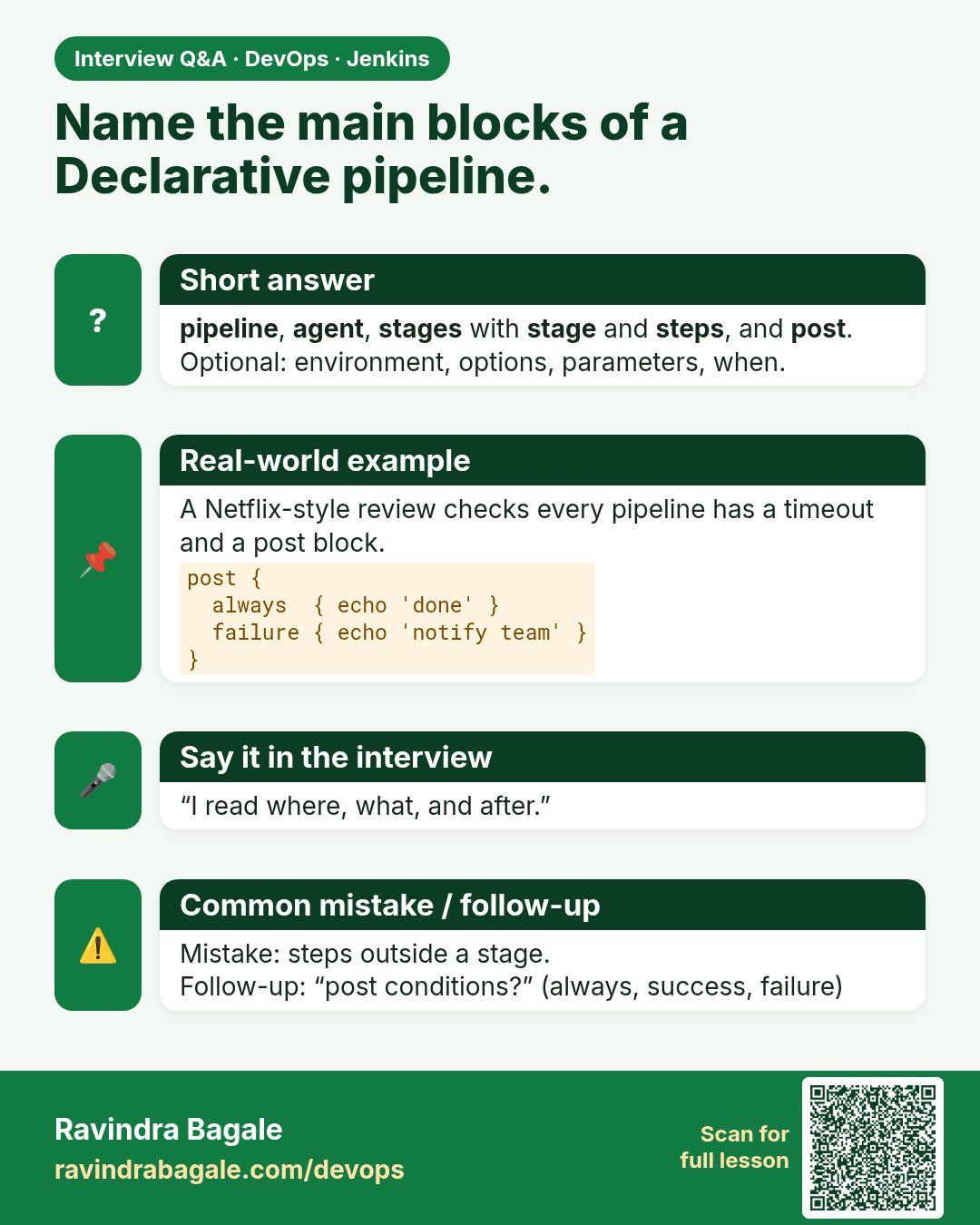
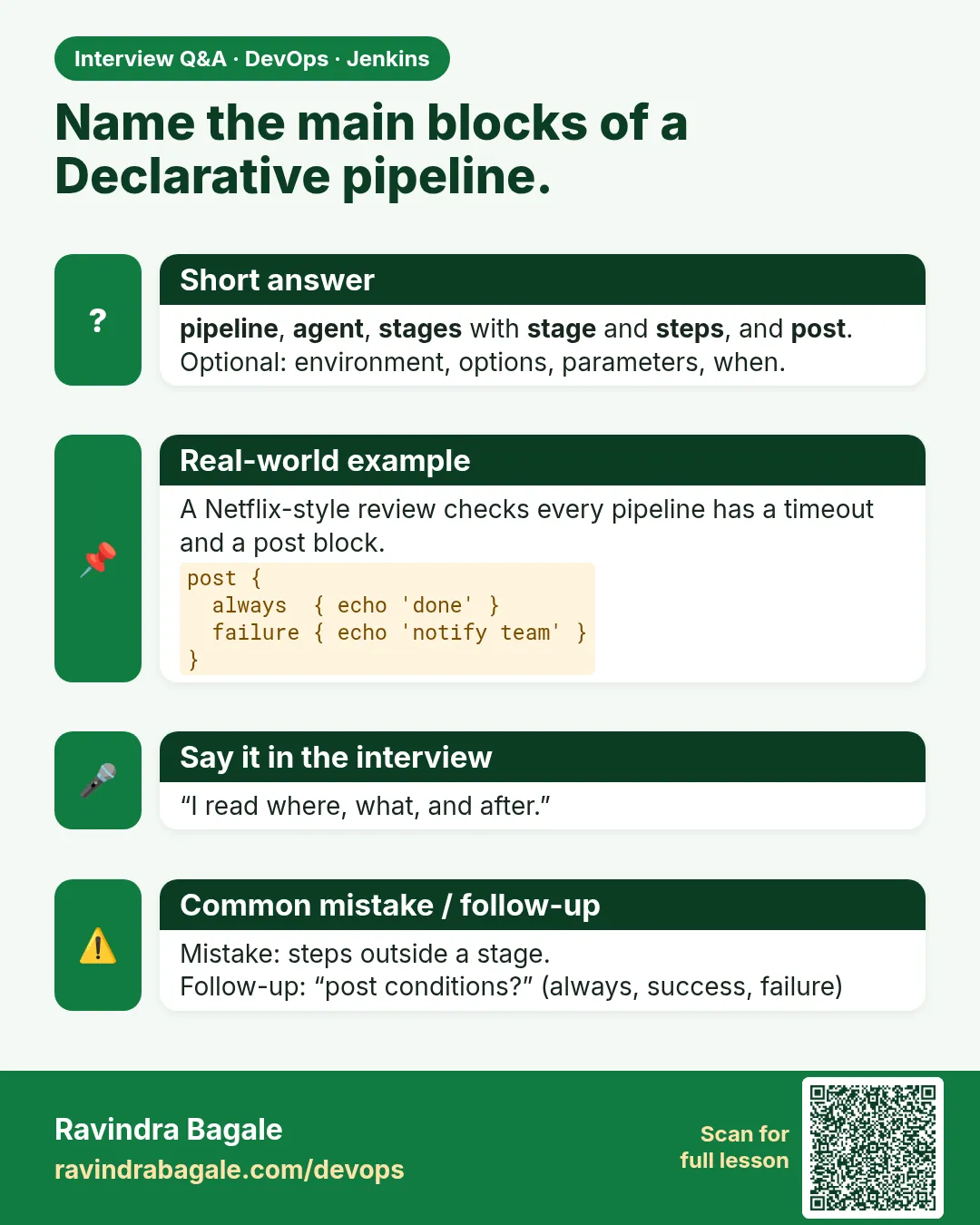 Interview card 11 of 16: Name the main blocks of a Declarative pipeline. · Download PNG · Open card page
Lesson: 21.11 Declarative blocks you must be able to read
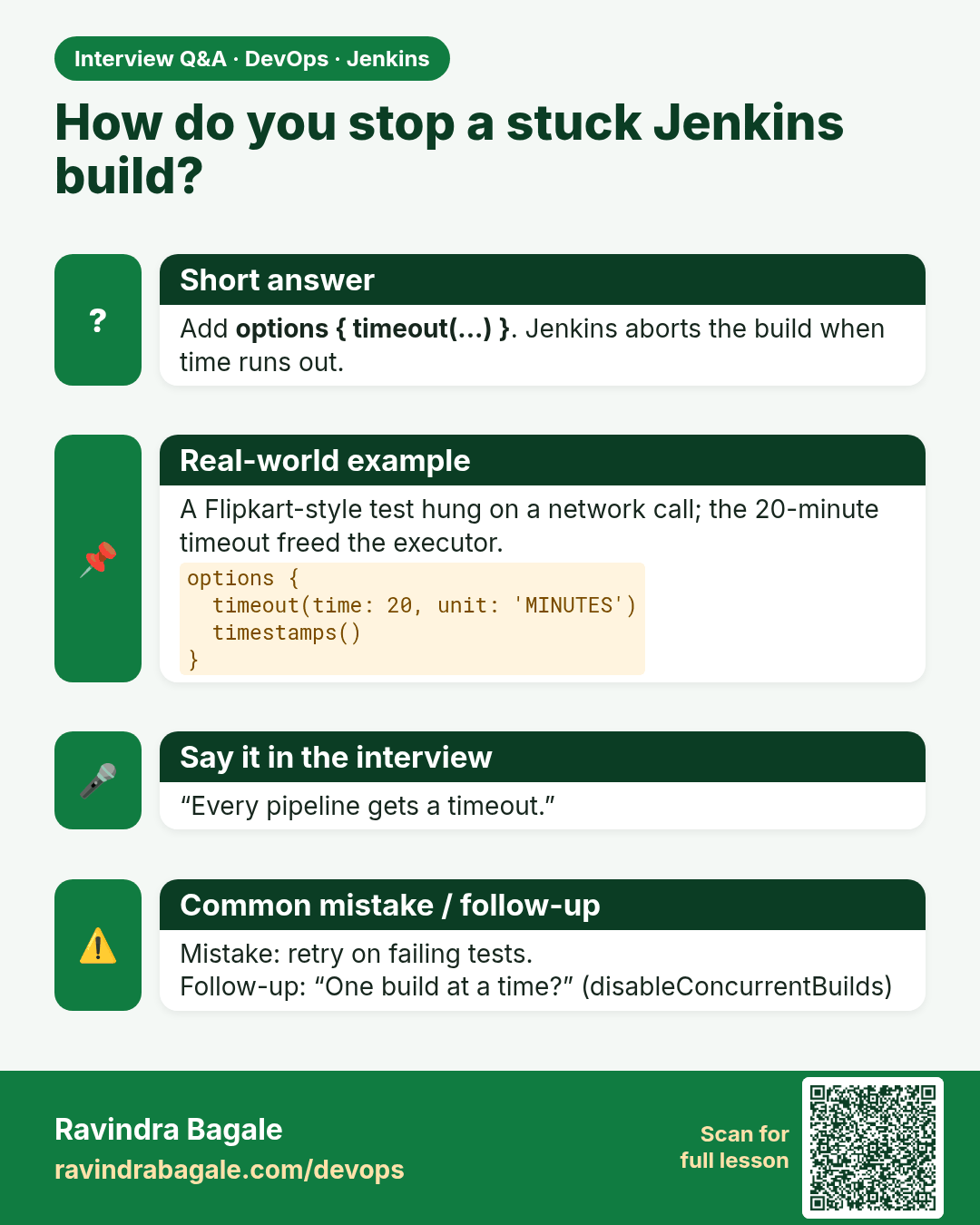
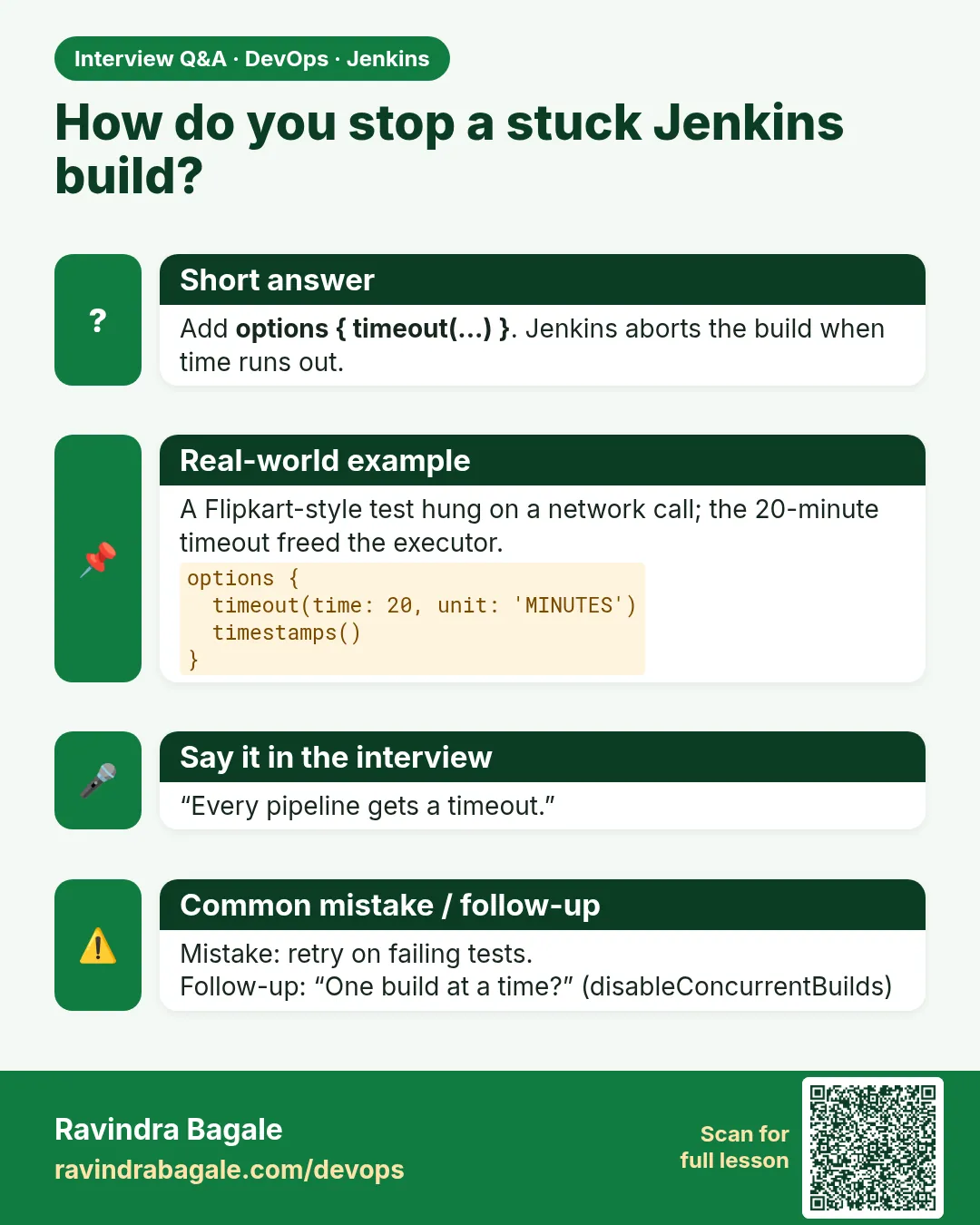 Interview card 12 of 16: How do you stop a stuck Jenkins build? · Download PNG · Open card page
Lesson: 21.12 Options: timeout, retry, timestamps, one build at a time
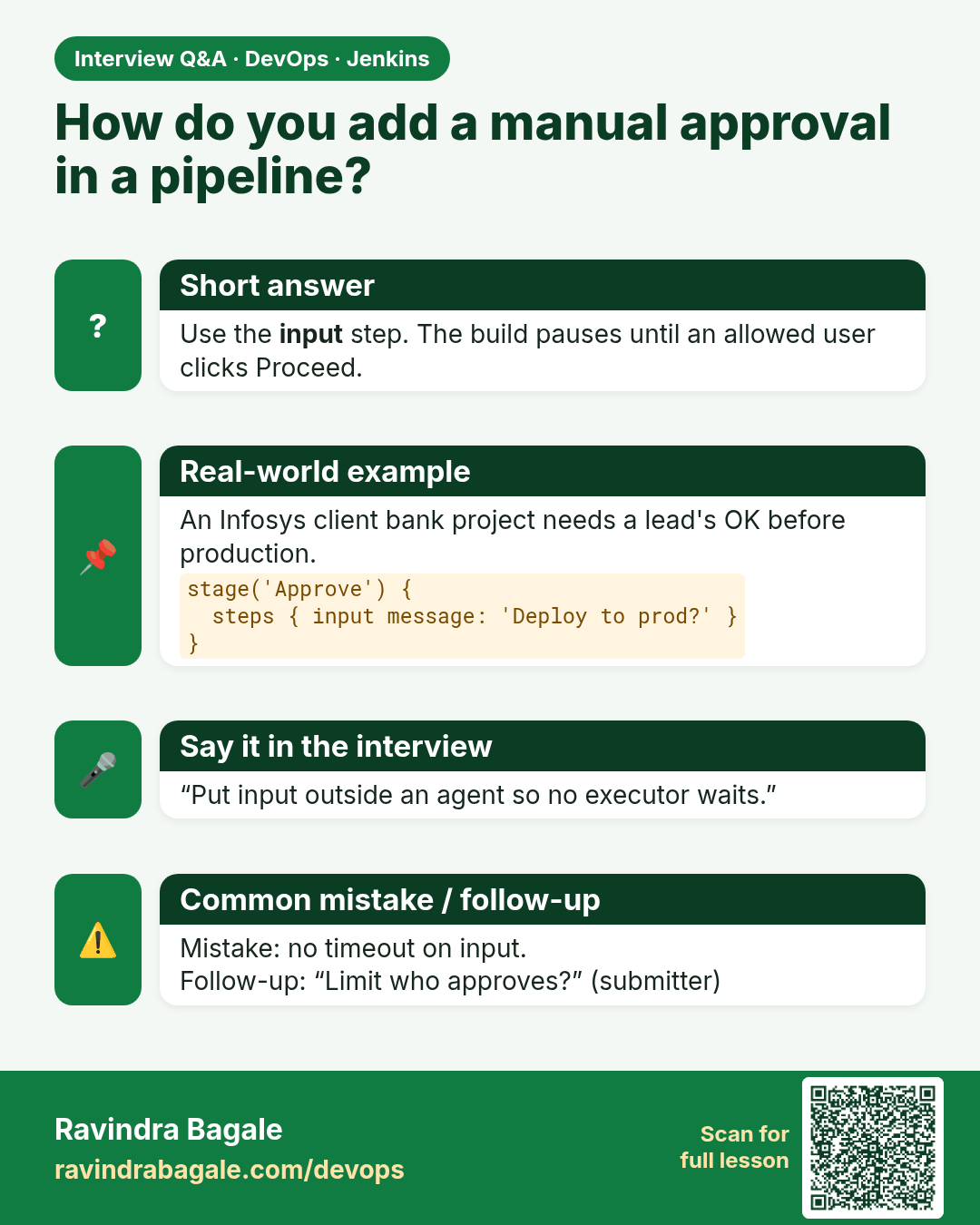
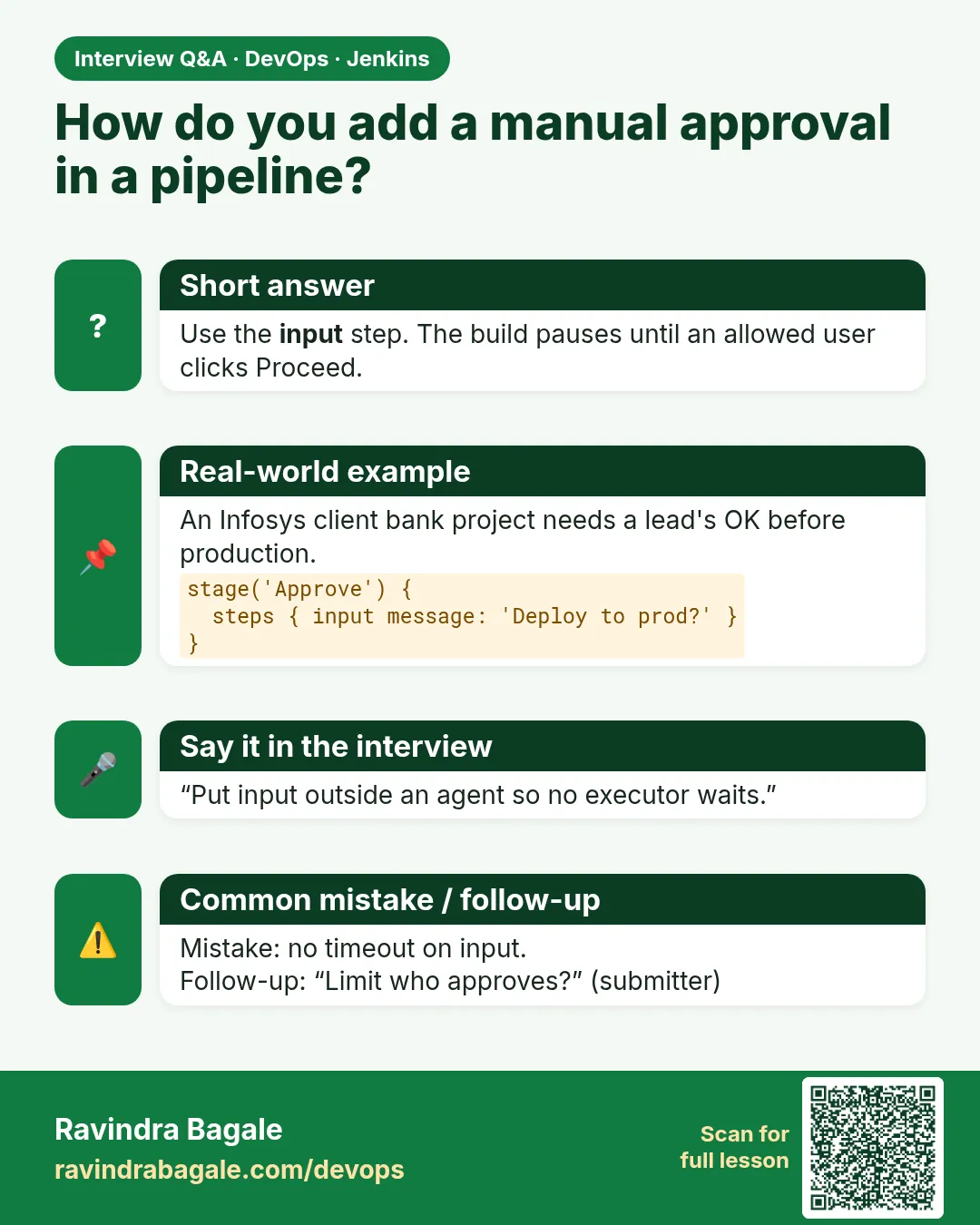 Interview card 13 of 16: How do you add a manual approval in a pipeline? · Download PNG · Open card page
Lesson: 21.13 Stash, approval, and currentBuild
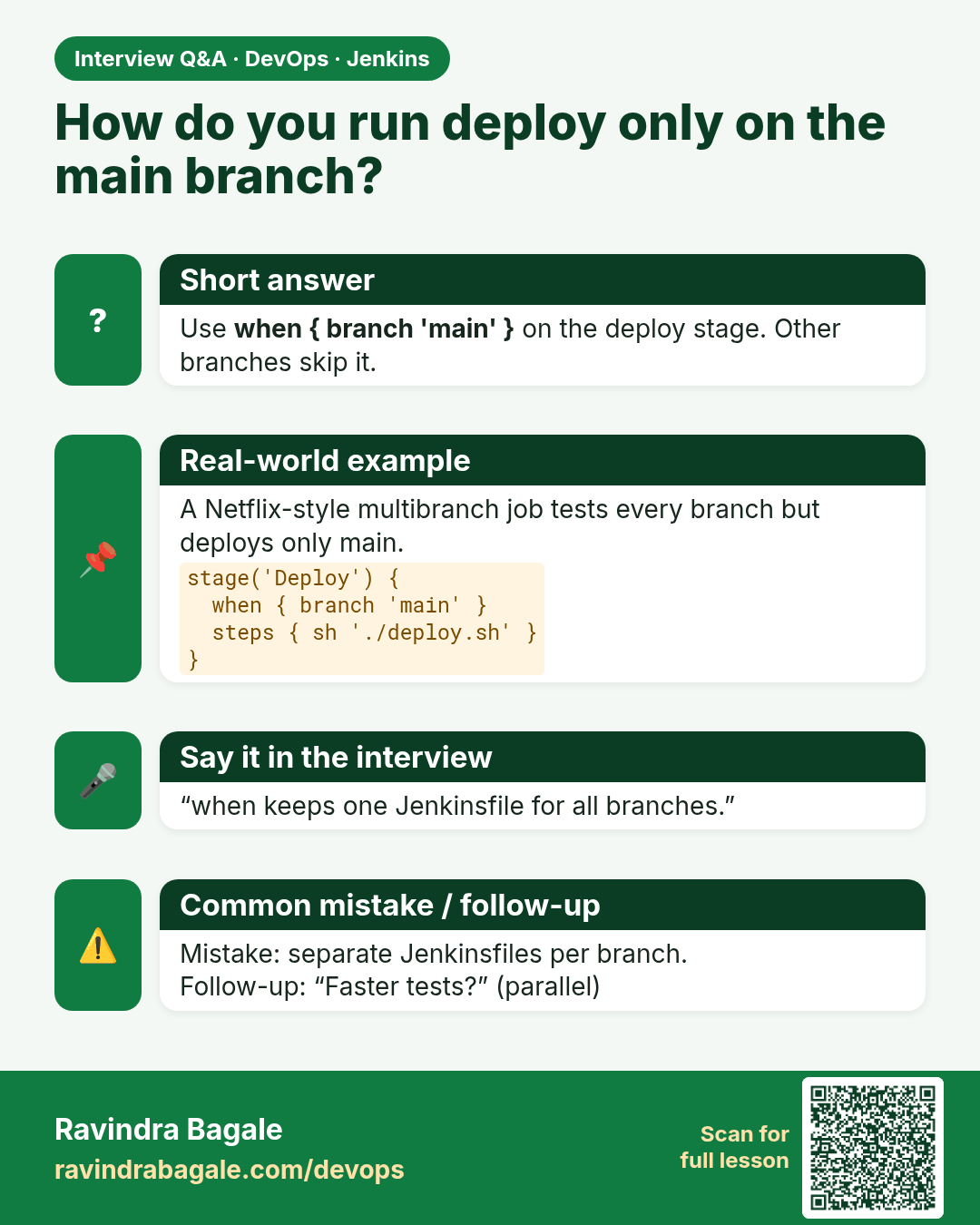
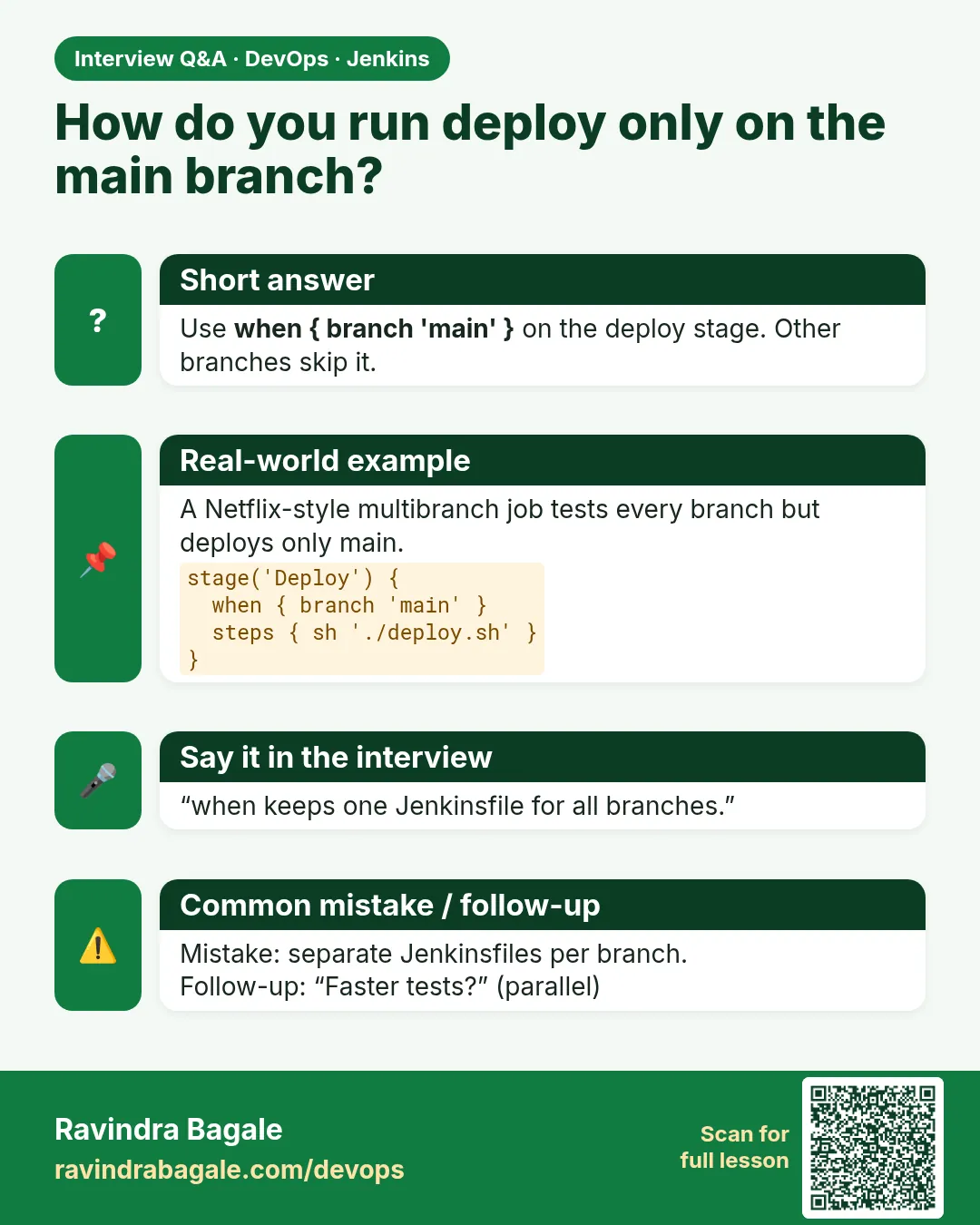 Interview card 14 of 16: How do you run deploy only on the main branch? · Download PNG · Open card page
Lesson: 21.14 Parameters, when, parallel, and matrix
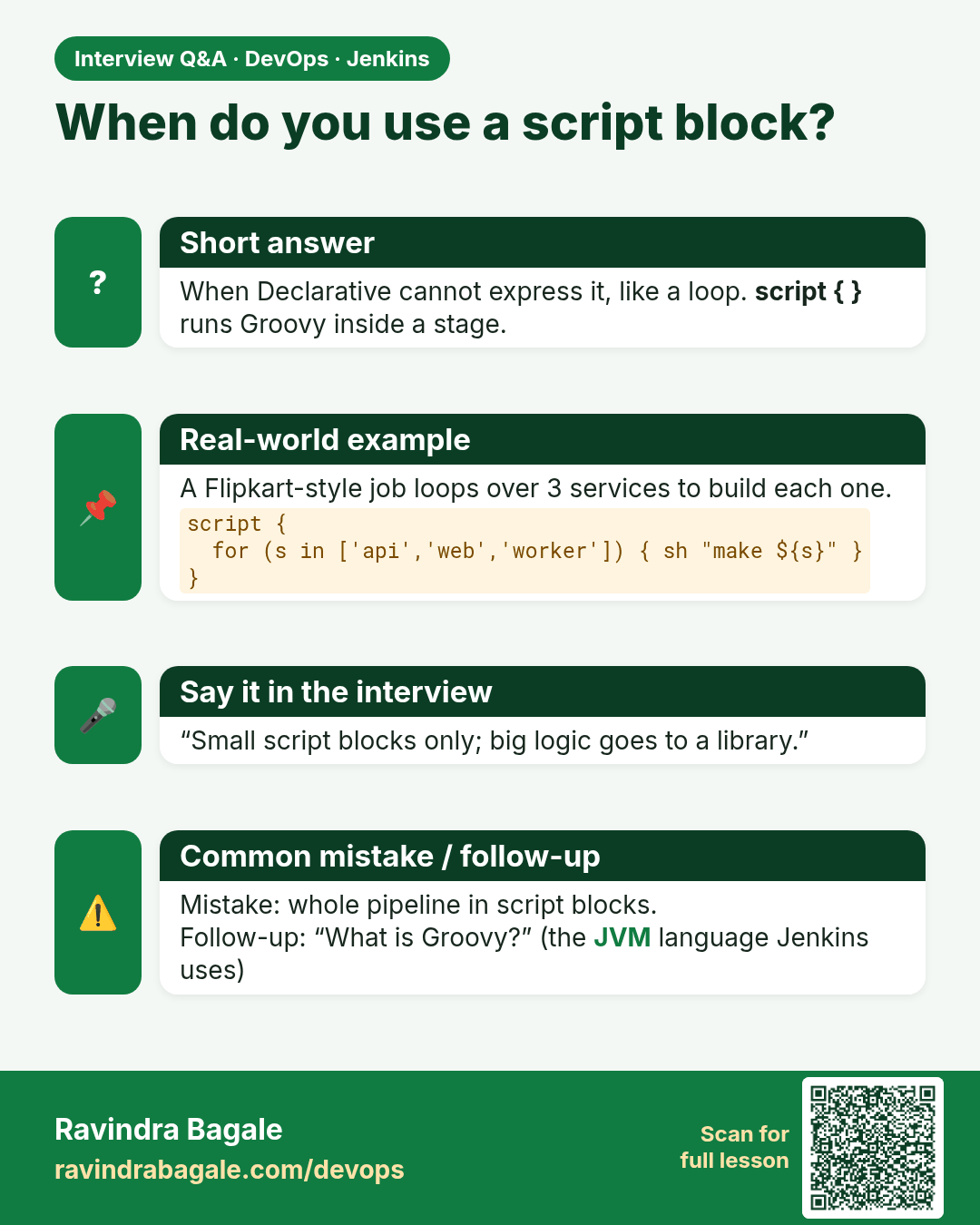
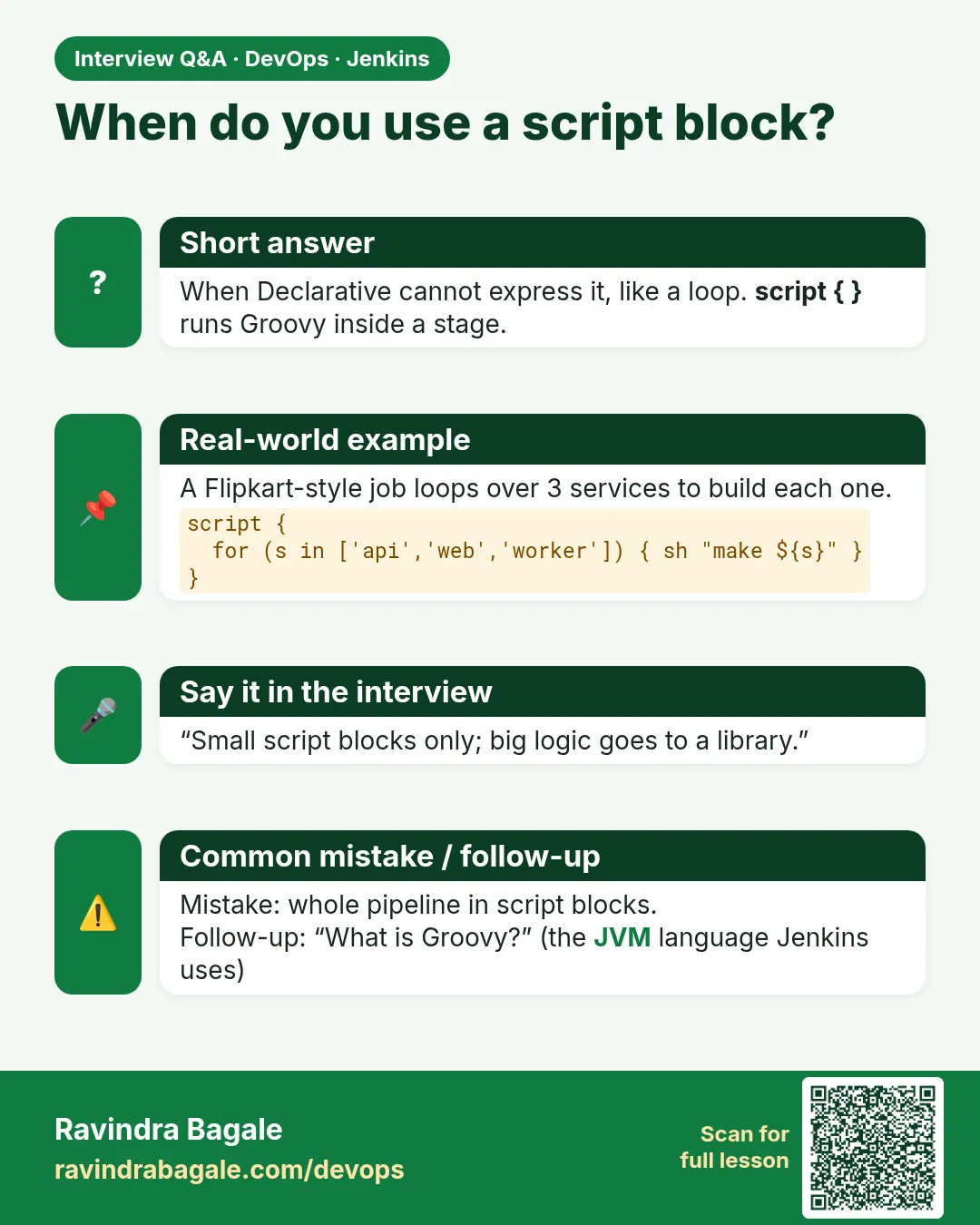 Interview card 15 of 16: When do you use a script block? · Download PNG · Open card page
Lesson: 21.15 Scripted Pipeline and a little Groovy
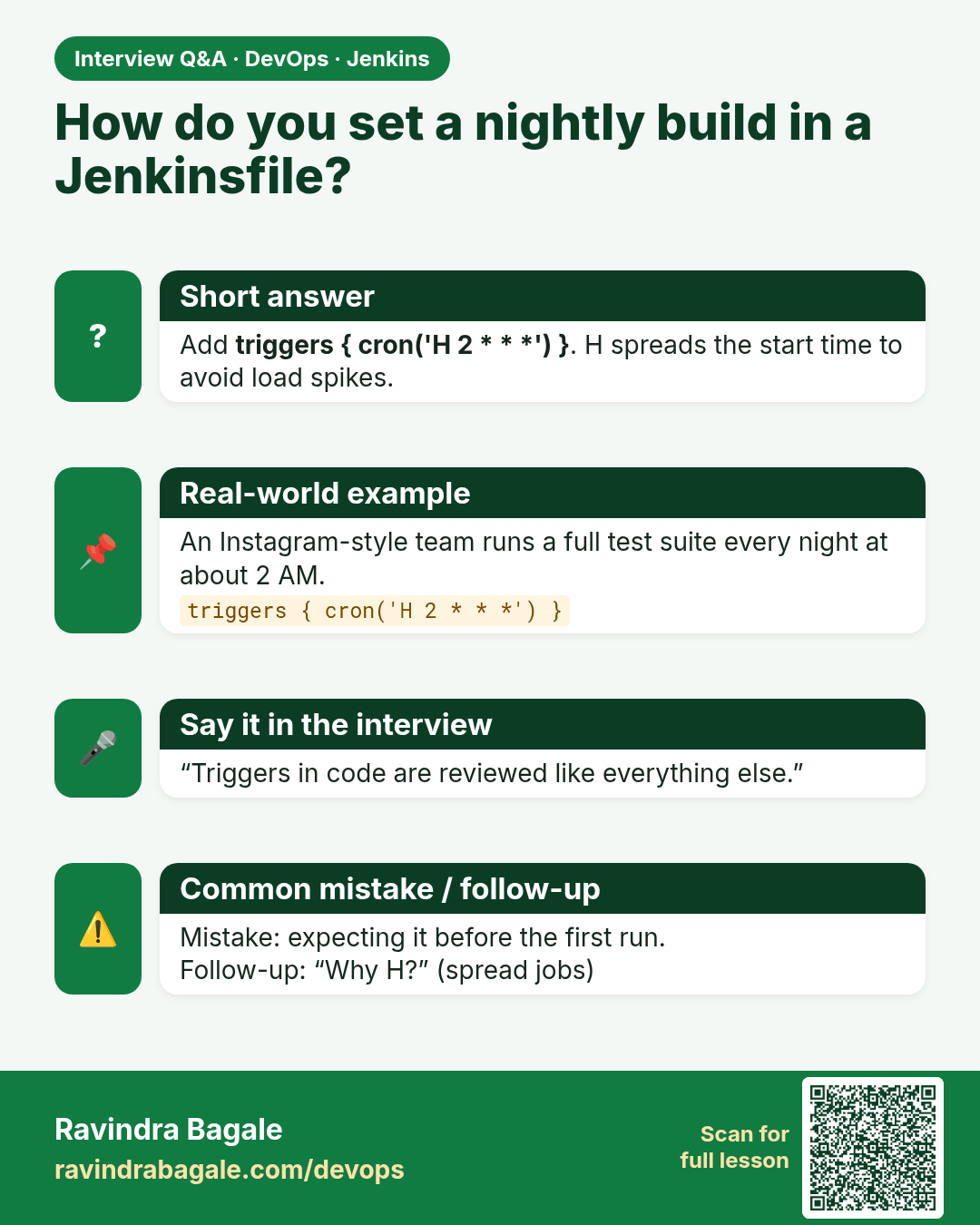
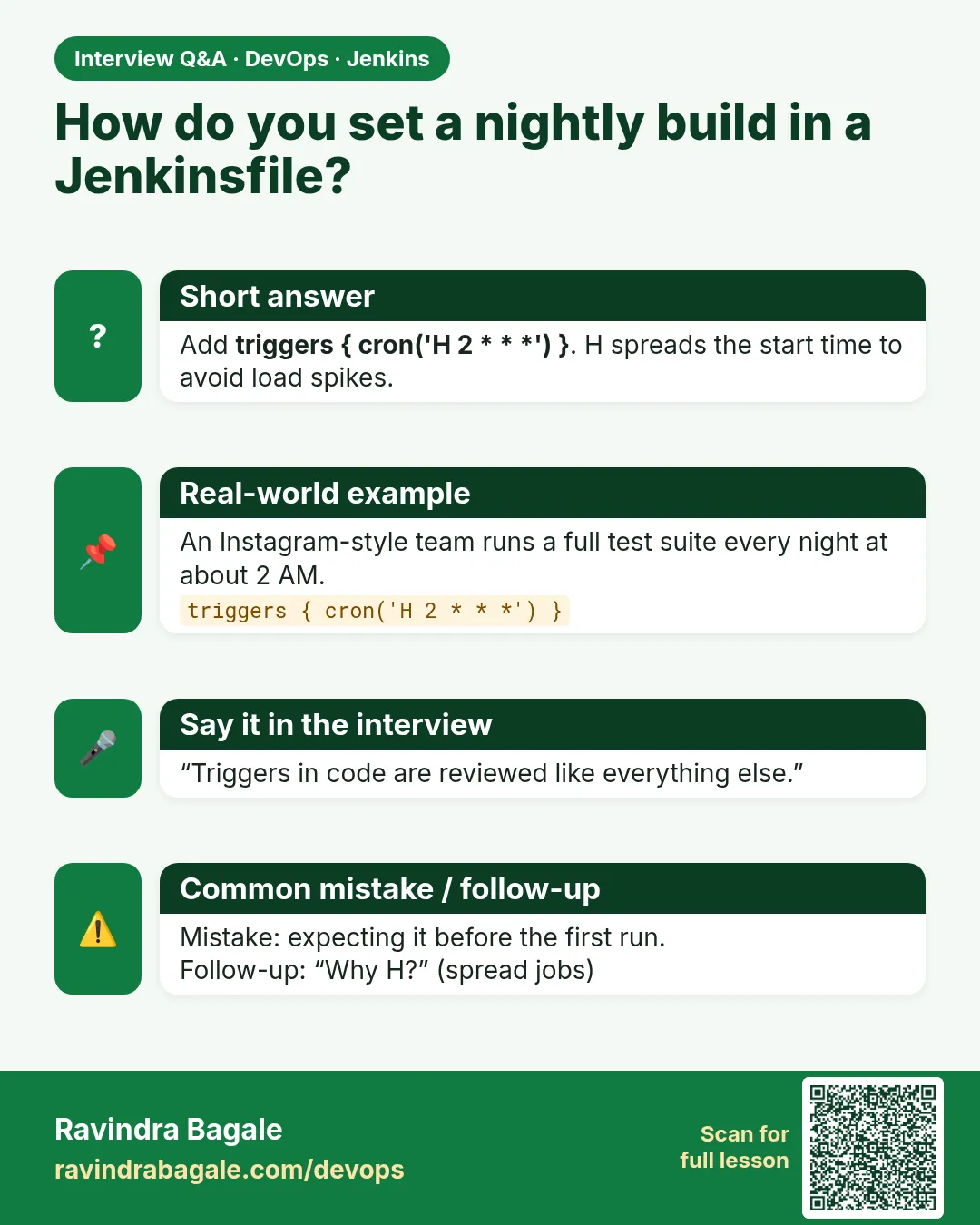 Interview card 16 of 16: How do you set a nightly build in a Jenkinsfile? · Download PNG · Open card page
Lesson: 21.16 Triggers written in the Jenkinsfile
Comparison cards
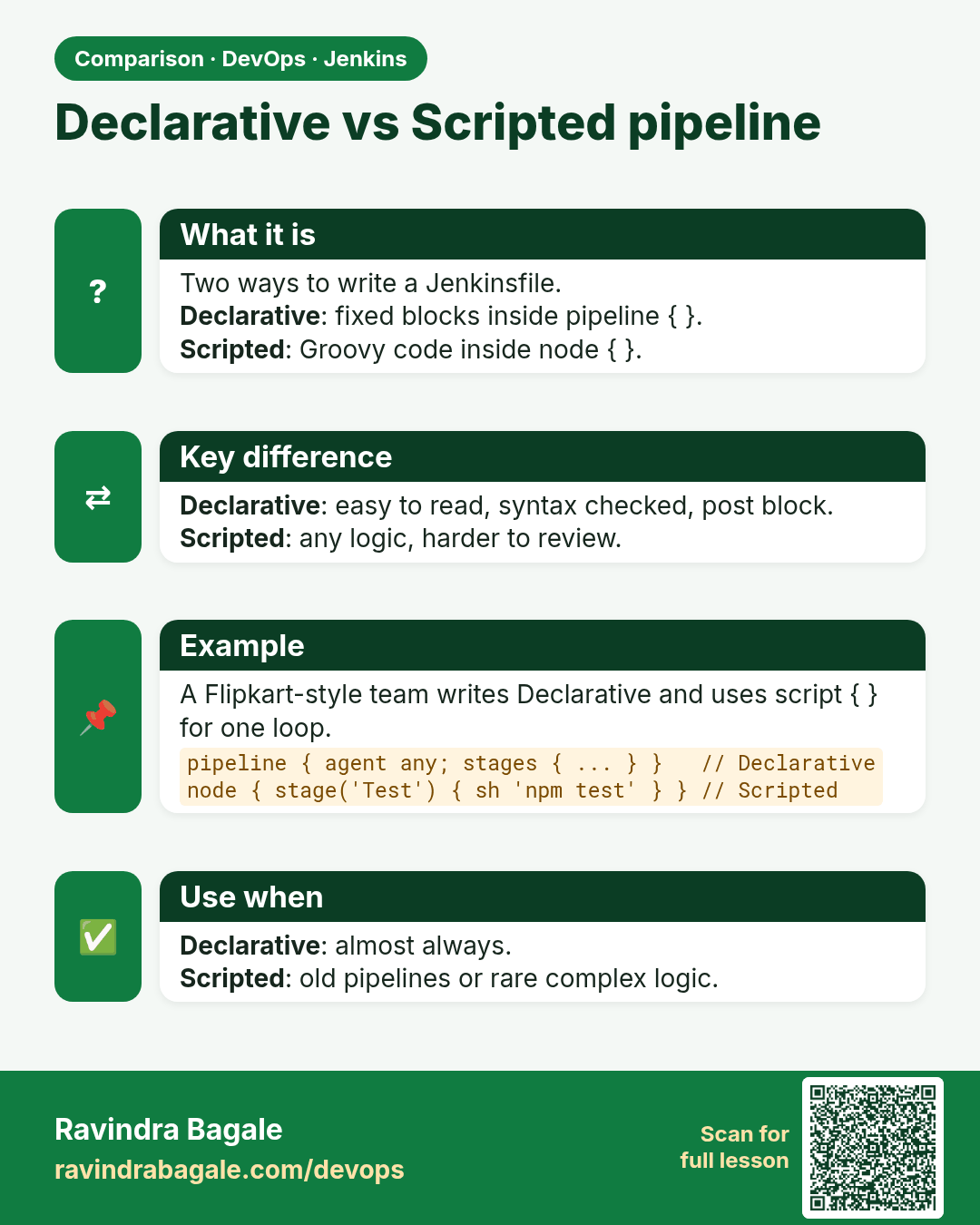
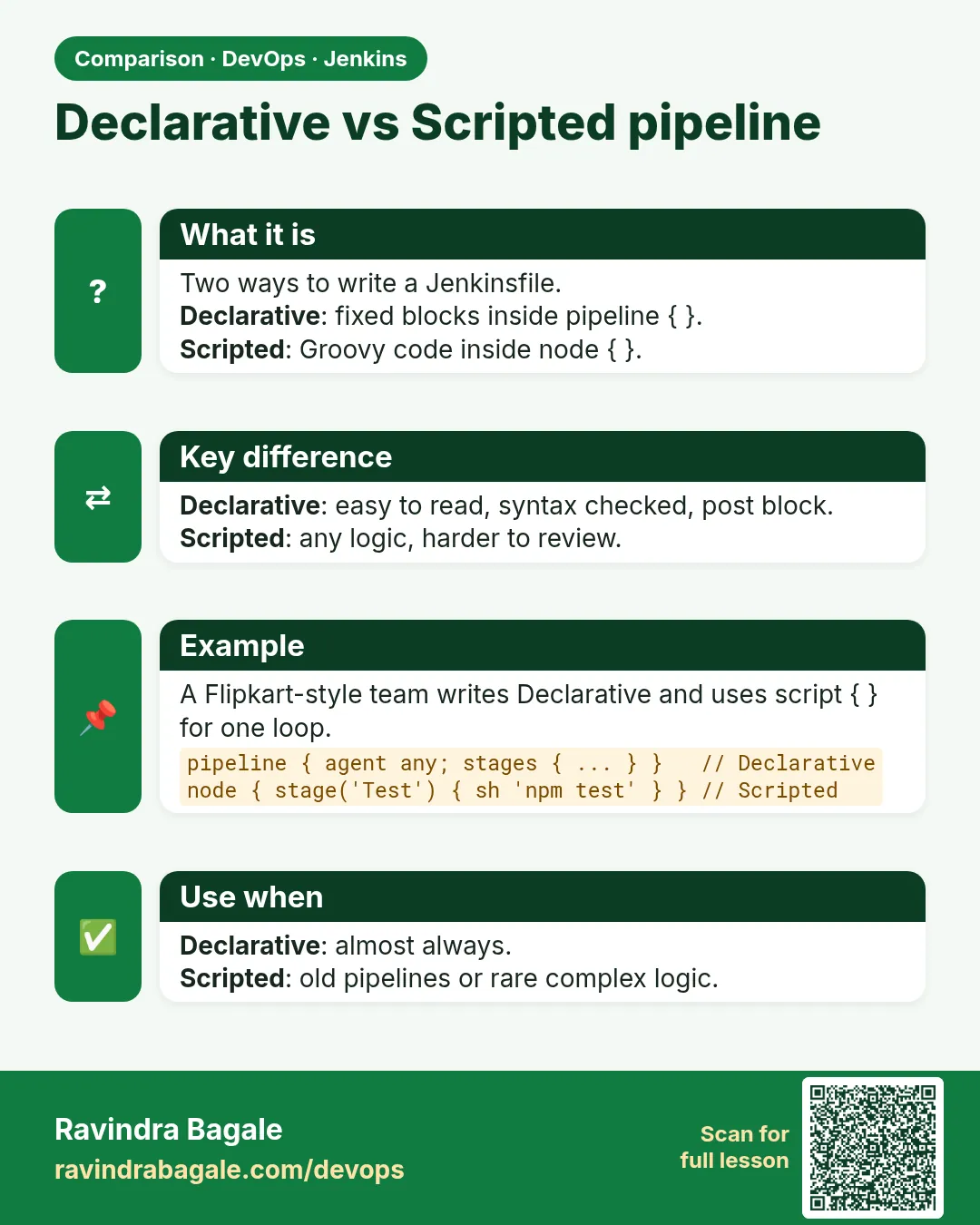 Comparison card 1 of 3: Declarative vs Scripted pipeline · Download PNG · Open card page
Lesson: 21.2 Declarative vs Scripted (pick Declarative)
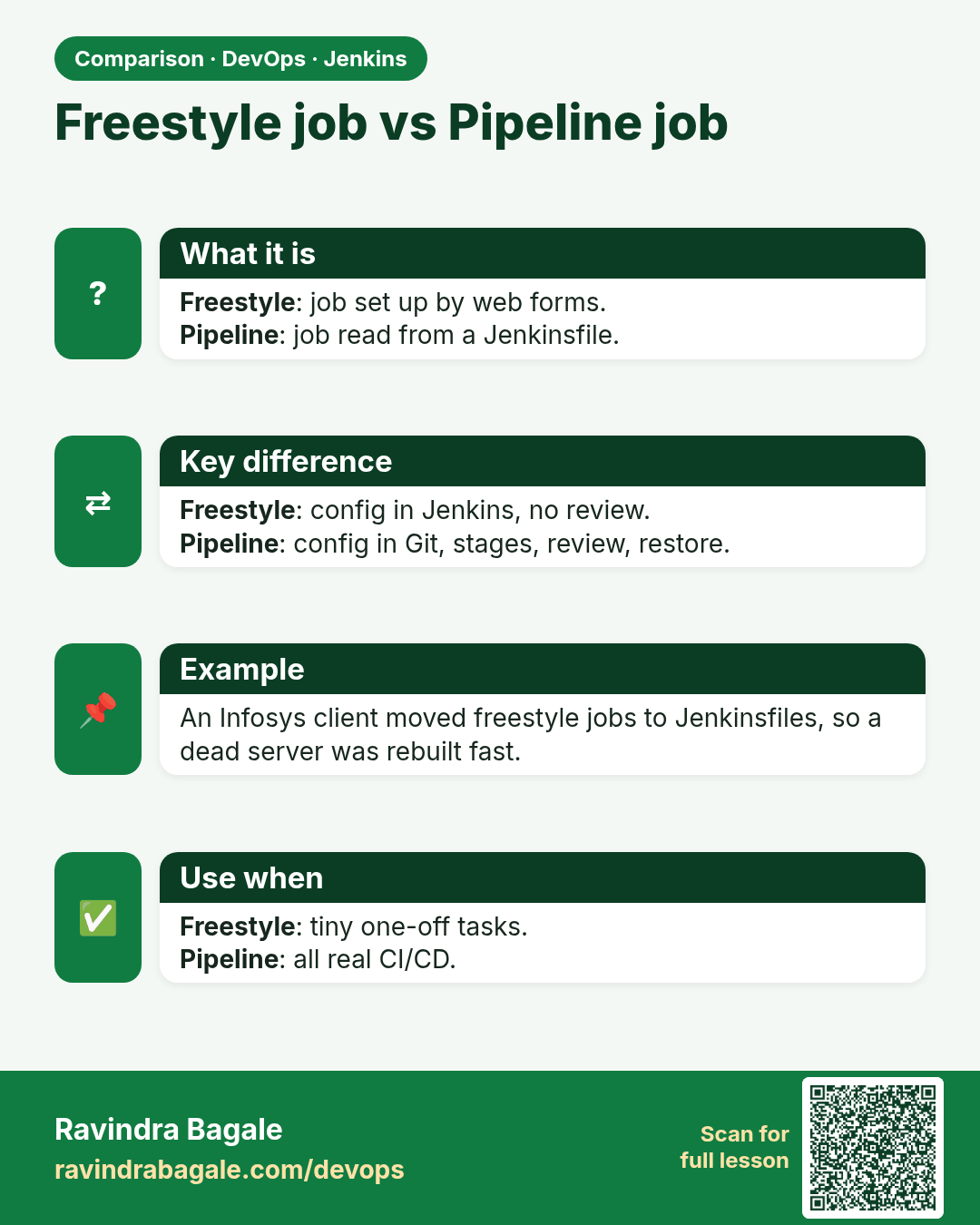
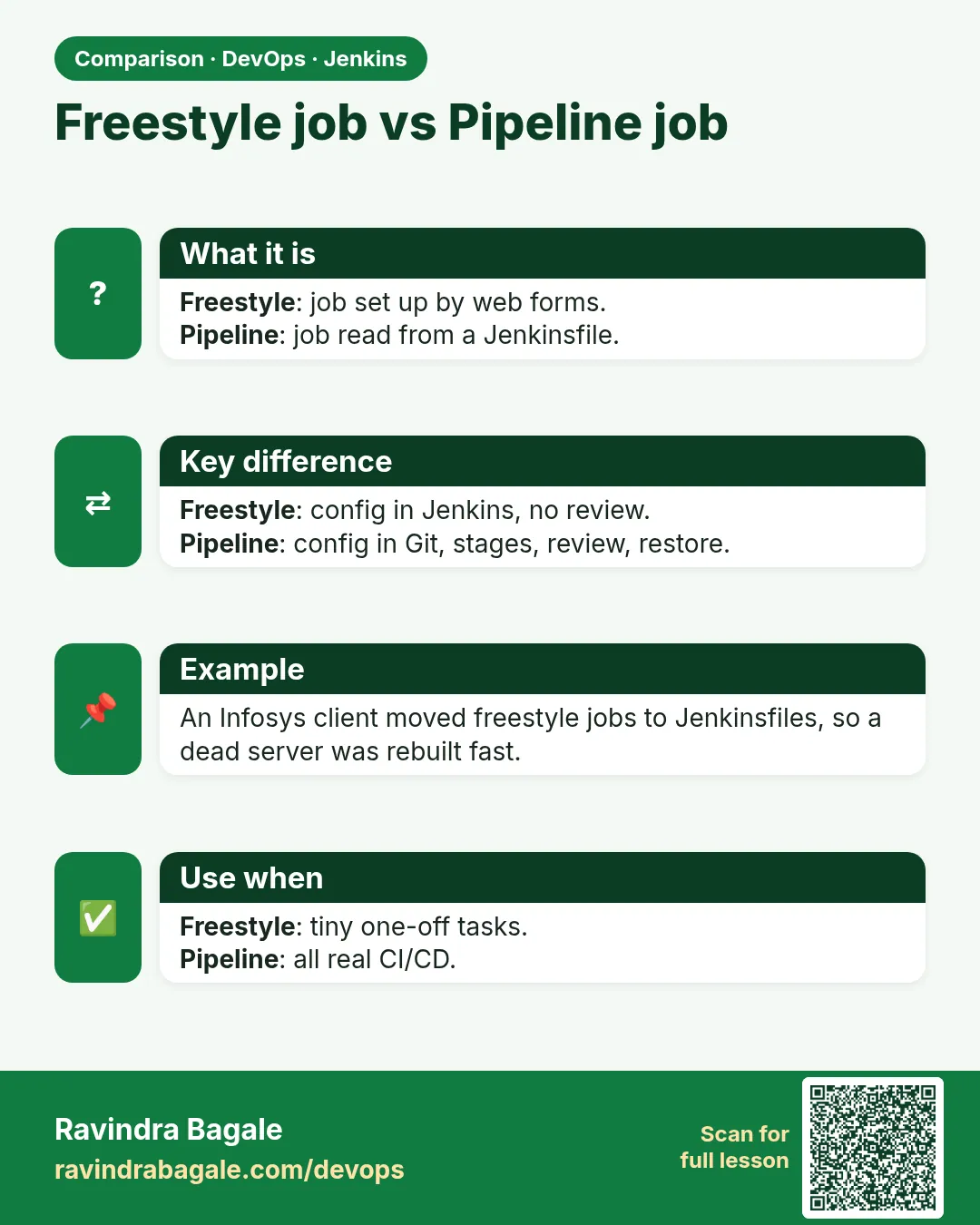 Comparison card 2 of 3: Freestyle job vs Pipeline job · Download PNG · Open card page
Lesson: 21.9 Freestyle vs Pipeline — same badge, two shapes
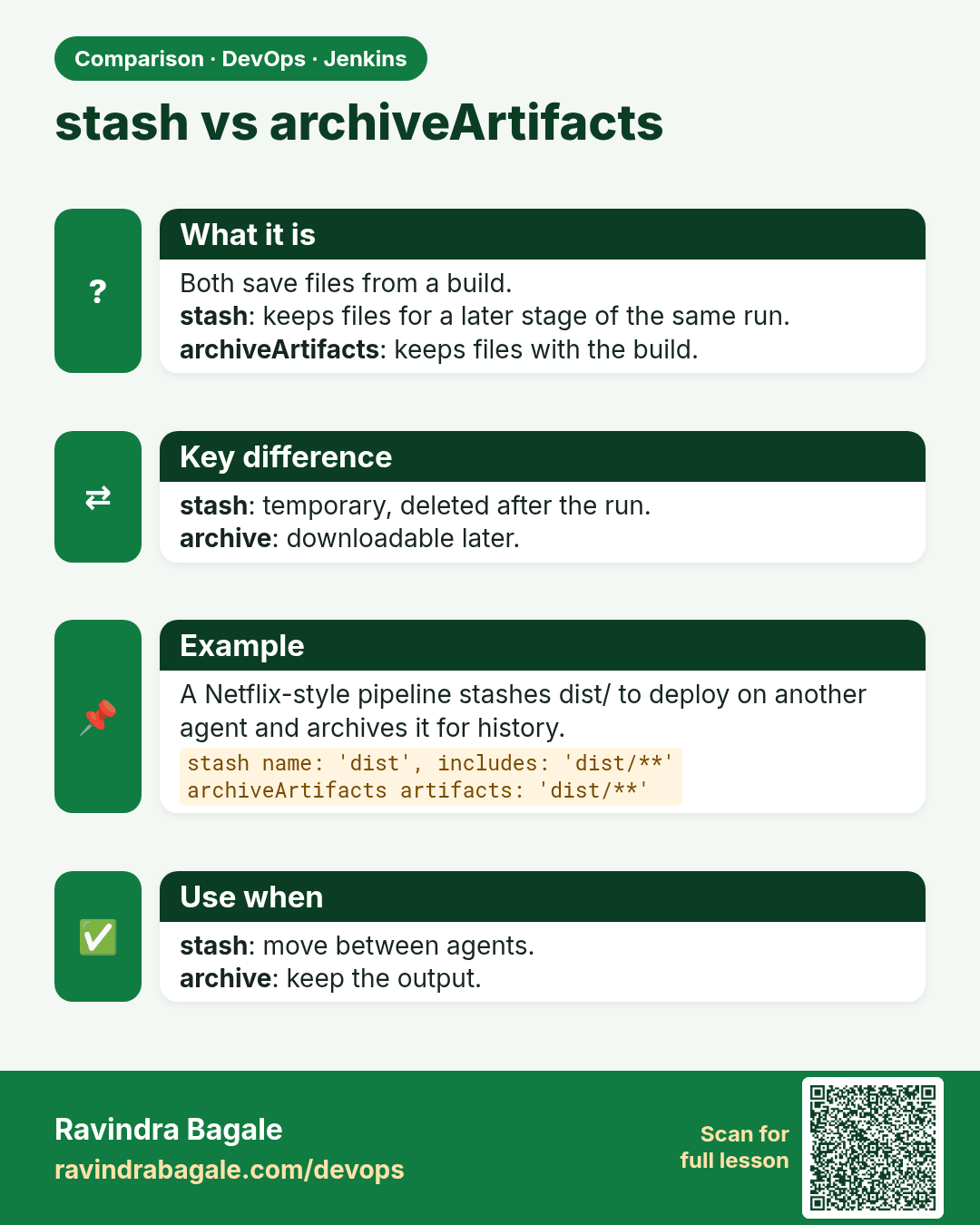
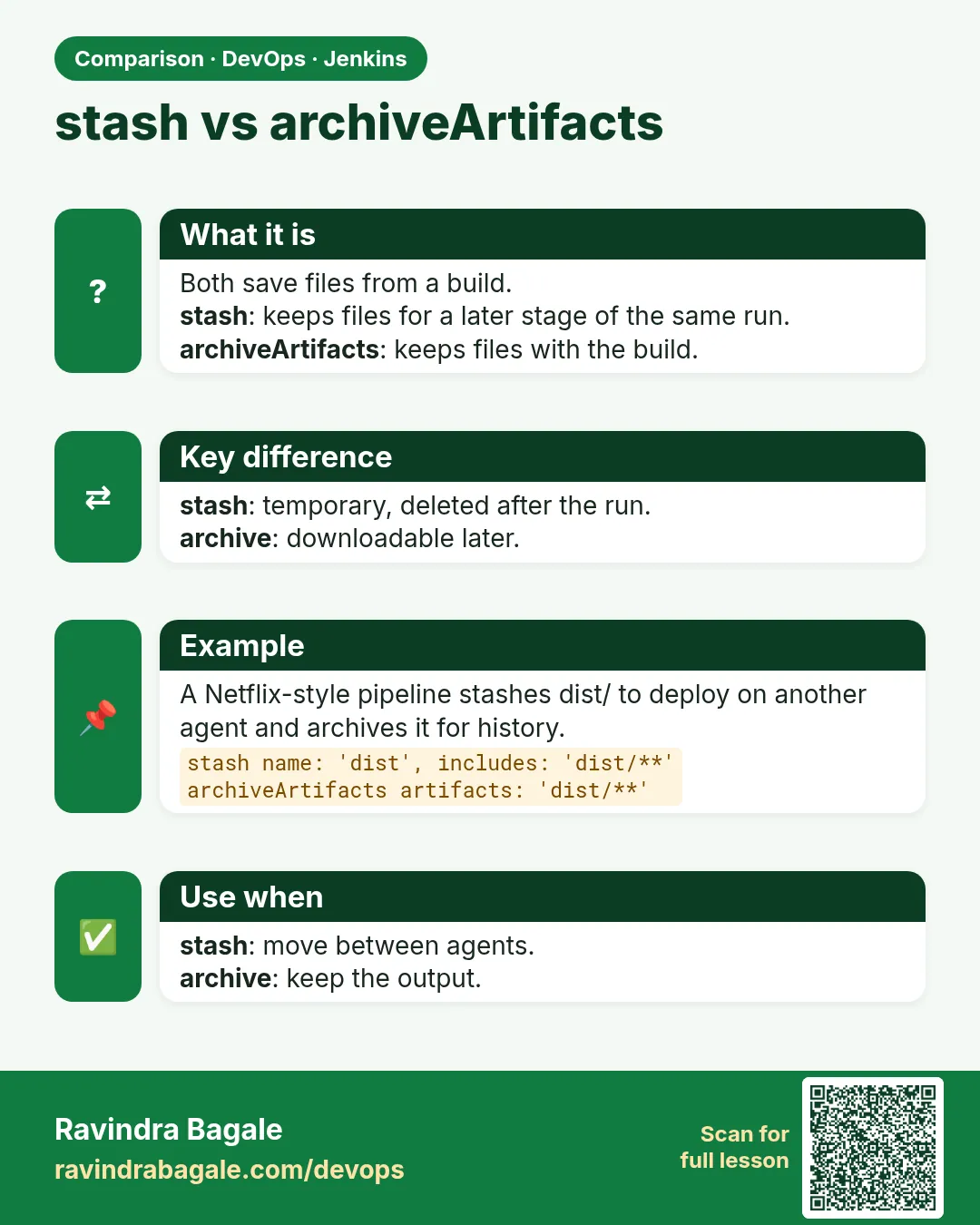 Comparison card 3 of 3: stash vs archiveArtifacts · Download PNG · Open card page
Lesson: 21.13 Stash, approval, and currentBuild