Chapter 21: Jenkins Pipeline and Jenkinsfile
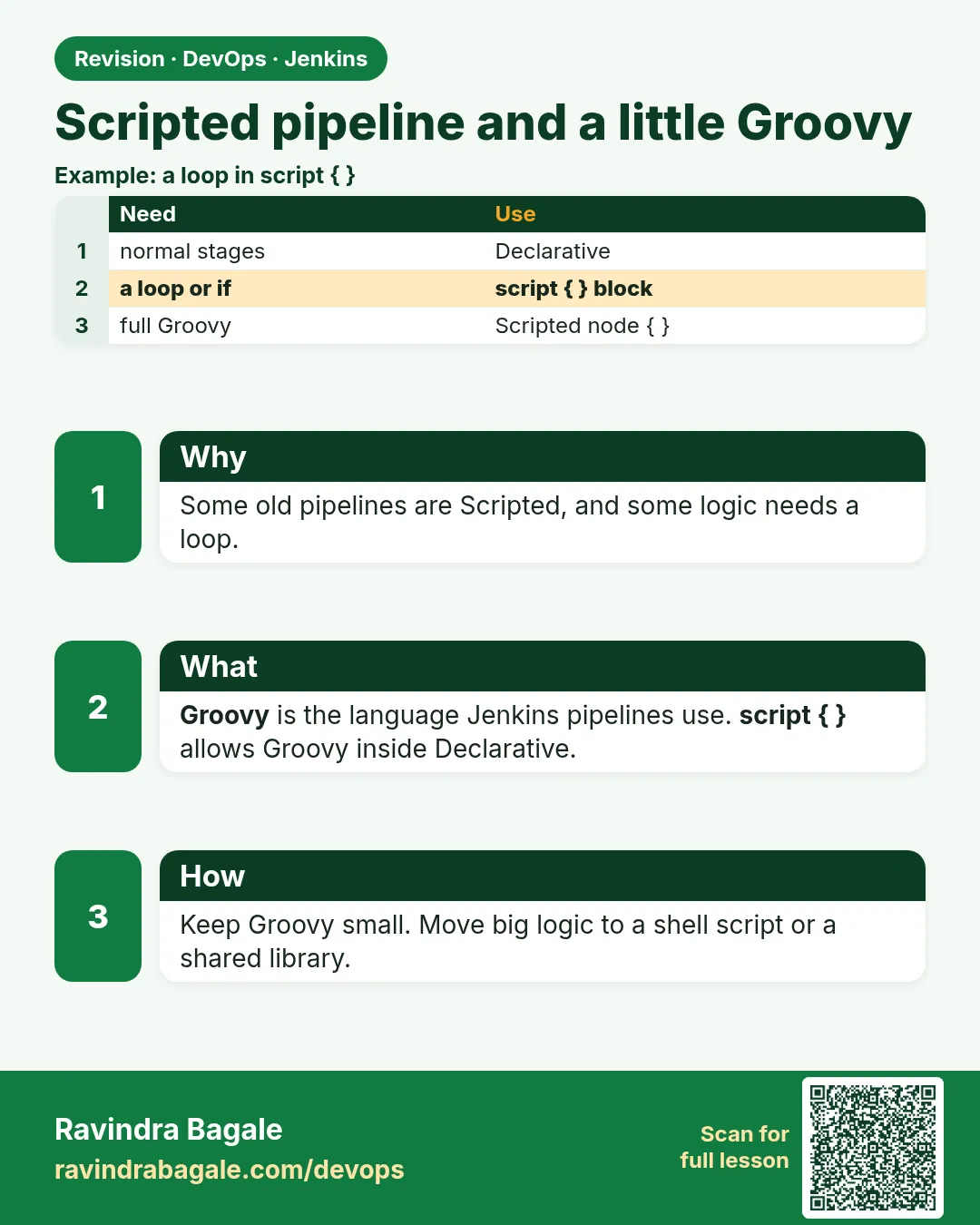
21.15 Scripted Pipeline and a little Groovy
Why: the problem
Most of your work is Declarative. But you will meet Scripted pipelines in older projects, and you will write small Groovy in script blocks. Think of an Infosys team that has 12 microservices in one repo. They want one stage per service, made from a list. Declarative cannot make stages from a list by itself. A little Groovy can. You need only a small set: variables with def, strings, lists, maps, if and else, a for loop, functions, and try and catch. You also need two safety rules. Pipeline code runs on the controller, so heavy work belongs in sh steps on agents. And some Groovy methods are blocked by the sandbox. In this lesson you write a short Scripted pipeline and a script block that builds stages from a list.
What we will build
You will write a Scripted pipeline with node, stage, try and catch. You will write a Declarative pipeline with a script block that makes parallel stages from a list of services. You will read a JSON file with readJSON and loop over it.
What: every term in plain English
- def — Makes a variable in Groovy.
- List — Values in square brackets, like [a, b].
- Map — Key and value pairs, like [name: x, port: 80].
- Closure — A block of code in braces, used as a value.
- GString — A double quoted string with ${} inside.
- readJSON — Step that reads a JSON file. From Pipeline Utility Steps plugin.
- @NonCPS — Marks a method that runs as plain Groovy, not saved step by step.
- CPS — How Jenkins saves pipeline progress so it can resume.
How: step by step
-
Install utility steps
Manage Jenkins > Plugins > Pipeline Utility StepsWhat it does: Gives readJSON and readYaml.
Output
Success -
Try Groovy safely
Job > Pipeline Syntax > Replay or a test jobWhat it does: Experiment without breaking main.
Output
(ready) -
Write Scripted
node { stage(...) { } }What it does: Example 1.
Output
(file saved) -
Make stages from a list
script { def s = [:]; services.each { ... }; parallel s }What it does: Example 2.
Output
(file saved) -
Read JSON
def cfg = readJSON file: "services.json"What it does: Example 3.
Output
(file saved) -
Run
Build NowWhat it does: Stages appear per service.
Output
Finished: SUCCESS
Example 1: A short Scripted pipeline
Stack. Scripted pipeline
Goal. A short Scripted pipeline.
Jenkinsfile
def appName = 'badge-node'

def runTests(String dir) {
  dir(dir) {
    sh 'npm ci && npm test'
  }
}

node('linux') {
  try {
    stage('Checkout') { checkout scm }
    stage('Test') { runTests('.') }
    if (env.BRANCH_NAME == 'main') {
      stage('Live') { echo "Copy ${appName} to lab" }
    } else {
      echo "Skip Live on ${env.BRANCH_NAME}"
    }
    currentBuild.result = 'SUCCESS'
  } catch (e) {
    currentBuild.result = 'FAILURE'
    echo "Failed: ${e.message}"
    throw e
  } finally {
    echo "Result: ${currentBuild.result}"
  }
}
What each line does
def appName— A variable at the top.def runTests(String dir)— A function you can reuse.dir(dir) { }— Run steps in a sub folder.node('linux')— Take a linux agent.if / else— Plain Groovy choice.try / catch / finally— Error handling.
Green output
Running on agent-node20 in /home/jenkins/agent/workspace/badge-scr
[Pipeline] stage (Checkout)
[Pipeline] stage (Test)
Tests: 2 passed, 2 total
[Pipeline] stage (Live)
Copy badge-node to lab
Result: SUCCESS
Finished: SUCCESS
Expected result. Scripted works, but you wrote every rule yourself.
Example 2: Parallel stages from a list
Stack. Declarative with script
Goal. Parallel stages from a list.
Jenkinsfile
pipeline {
  agent none
  stages {
    stage('Services') {
      steps {
        script {
          def services = ['cart', 'menu', 'orders']
          def branches = [:]
          for (s in services) {
            def name = s
            branches[name] = {
              node('node20') {
                checkout scm
                dir("services/${name}") {
                  sh 'npm ci && npm test'
                }
              }
            }
          }
          parallel branches
        }
      }
    }
  }
}
What each line does
def branches = [:]— An empty map.def name = s— Copy the loop value, so each closure keeps its own name.branches[name] = { }— A closure per service.parallel branches— Runs all closures at the same time.dir("services/...")— Double quotes so Groovy adds the name.
Green output
[cart] Running on agent-node20
[menu] Running on agent-node20
[orders] Running on agent-maven
[cart] Tests: 4 passed
[menu] Tests: 6 passed
[orders] Tests: 5 passed
Finished: SUCCESS
Expected result. Add a service to the list and a new stage appears. No copy paste.
Example 3: Loop over a JSON config file
Stack. Pipeline Utility Steps
Goal. Loop over a JSON config file.
services.json
{
  "services": [
    { "name": "cart",   "port": 3001, "test": true },
    { "name": "menu",   "port": 3002, "test": true },
    { "name": "legacy", "port": 3009, "test": false }
  ]
}
Jenkinsfile stage
stage('From JSON') {
  steps {
    script {
      def cfg = readJSON file: 'services.json'
      def toTest = cfg.services.findAll { it.test }
      echo "Testing ${toTest.size()} of ${cfg.services.size()} services"
      toTest.each { svc ->
        echo "Service ${svc.name} on port ${svc.port}"
      }
    }
  }
}
What each line does
readJSON file:— Parses the file into maps and lists.findAll { it.test }— Keeps only items with test true.size()— Count of items.each { svc -> }— Loop with a named item.
Green output
Testing 2 of 3 services
Service cart on port 3001
Service menu on port 3002
Finished: SUCCESS
Expected result. Config lives in a file; the pipeline reads it.
Example 4: A @NonCPS helper for pure data work
Stack. Pipeline Groovy
Goal. A @NonCPS helper for pure data work.
Jenkinsfile
@NonCPS
def countByOwner(String text) {
  def counts = [:]
  text.readLines().each { line ->
    def owner = line.split(',')[1].trim()
    counts[owner] = (counts[owner] ?: 0) + 1
  }
  return counts.toString()
}

pipeline {
  agent any
  stages {
    stage('Owners') {
      steps {
        writeFile file: 'owners.csv', text: 'cart,asha\nmenu,ravi\norders,asha\n'
        script {
          def csv = readFile 'owners.csv'
          echo "Services per owner: ${countByOwner(csv)}"
        }
      }
    }
  }
}
What each line does
@NonCPS— Runs the method in one go. No Jenkins steps like sh inside it.readLines / split— Plain Groovy string work.?: 0— Use 0 when the key is new.writeFile / readFile— Jenkins steps to make and read a file in the workspace.
Green output
[Pipeline] writeFile
[Pipeline] readFile
Services per owner: [asha:2, ravi:1]
Finished: SUCCESS
Expected result. Small data work in @NonCPS avoids NotSerializable errors. Never call sh or echo inside it.
Verify: did it work?
-
Check the stage list
Pipeline OverviewWhat it does: A box per service.
Output
cart | menu | orders -
Check script approvals
Manage Jenkins > In-process Script ApprovalWhat it does: Shows blocked methods, if any.
Output
No pending approvals
When it is red 1
Every parallel branch tests the last service
Cause. The closure used the loop variable directly.
Fix, step by step
- Copy into a new def inside the loop.
When it is red 2
java.io.NotSerializableException: groovy.json.internal.LazyMap
Cause. JsonSlurper result kept across steps.
Fix, step by step
- Use readJSON instead.
- Or put parsing in a @NonCPS method.
When it is red 3
Scripts not permitted to use staticMethod ...
Cause. Sandbox block.
Fix, step by step
- Use a Jenkins step instead.
- Ask an admin.
When it is red 4
No such DSL method readJSON
Cause. Plugin missing.
Fix, step by step
- Install Pipeline Utility Steps.
Cleanup
-
Delete the test job
Delete PipelineWhat it does: Lab cleanup.
Output
Deleted -
Remove services.json
git rm services.json && git commit -m "remove demo" && git pushWhat it does: Cleans the repo.
Output
1 file changed
Ravindra Bagale's Tip
Groovy thoda-ch shika: def, list, map, loop. Jad kaam sh madhe agent var. Lakshat theva!
Practice tasks
Easy Write a function
Why: Reuse code.
What to do: def runTests.
- Call it twice.
Check: Two runs.
Medium List to parallel
Why: Microservice repos.
What to do: Three services.
- def name = s.
Check: Three boxes.
Hard JSON config
Why: Config as data.
What to do: readJSON loop.
- findAll.
Check: Only test true run.
Easy Say Scripted pipeline and Groovy in two lines
Why: If you can say it simply, you understand it. Juniors and interviewers want the short version first.
What to do: Write two short lines about Scripted pipeline and Groovy for a fresher who knows only Linux basics.
- Write what problem it solves.
- Write the one command or menu you use for it.
- Read it aloud to a friend.
Check: A fresher understands it without asking a question.
Easy Start a fresh lab Jenkins
Why: Practice needs a throwaway Jenkins. If you break it, you delete it and start again.
What to do: Run Jenkins LTS in Docker with a named volume.
- docker volume create jenkins_home
- docker run -d --name jenkins -p 8080:8080 -v jenkins_home:/var/jenkins_home jenkins/jenkins:lts-jdk17
- docker exec jenkins cat /var/jenkins_home/secrets/initialAdminPassword
Check: The Jenkins unlock page opens on localhost:8080.
Medium Break it on purpose
Why: You must know the red message by face. During an outage there is no time to read slowly.
What to do: Cause one error from the "When it is red" part of this lesson and fix it.
- Follow the error section.
- Copy the exact message into your notes.
- Write the fix in one line.
Check: You fixed it using only the steps, without searching the web.
Medium Write a one-page runbook
Why: At 2 a.m. nobody remembers where a file lives. A short page saves the on-call person.
What to do: Write a runbook page for this lesson.
- Title, when to use, exact command, how to check, how to undo.
Check: A teammate can follow it alone.
Medium Repeat it on a cloud VM
Why: A laptop is not a server. Real Jenkins runs on EC2 or a company VM.
What to do: Do the main steps of this lesson again on a small Ubuntu 22.04 EC2 instance.
- Launch t3.small with 20 GB disk.
- Open port 22 only to your IP.
- Repeat the steps and compare the output.
Check: Same green output on the VM as on your laptop.
Hard Explain it like an interview
Why: Interviewers want real stories, not definitions.
What to do: Record a 60 second answer about this lesson.
- Say the problem, the command you ran, and one error you hit.
Check: Your answer has a real command and a real error message.
Hard Draw the flow top to bottom
Why: A drawing shows who talks to whom and in what order.
What to do: Draw this lesson as boxes from top to bottom.
- Start at the developer push, go through the controller and agent, end at the result.
Check: Each box matches a real thing you saw on screen.
Homework: try at home
Try at home
At home, write the list based parallel pipeline for three folders, then move the list into a JSON file.
Recap
- You need only basic Groovy.
- Use script blocks inside Declarative.
- Build parallel maps from lists.
- Copy loop variables for closures.
- Heavy work goes in sh on agents.
FAQ
Should I learn full Groovy?
No, only the basics in this lesson.
Why is pipeline code slow for loops?
It is saved step by step (CPS). Keep loops small.
Where do shared functions go?
A shared library, chapter 25.
Can I use Python instead?
Put Python in sh steps; the pipeline stays Groovy.
What is @NonCPS?
A method that runs in one go, without saving, for pure data work.
Interview questions
-
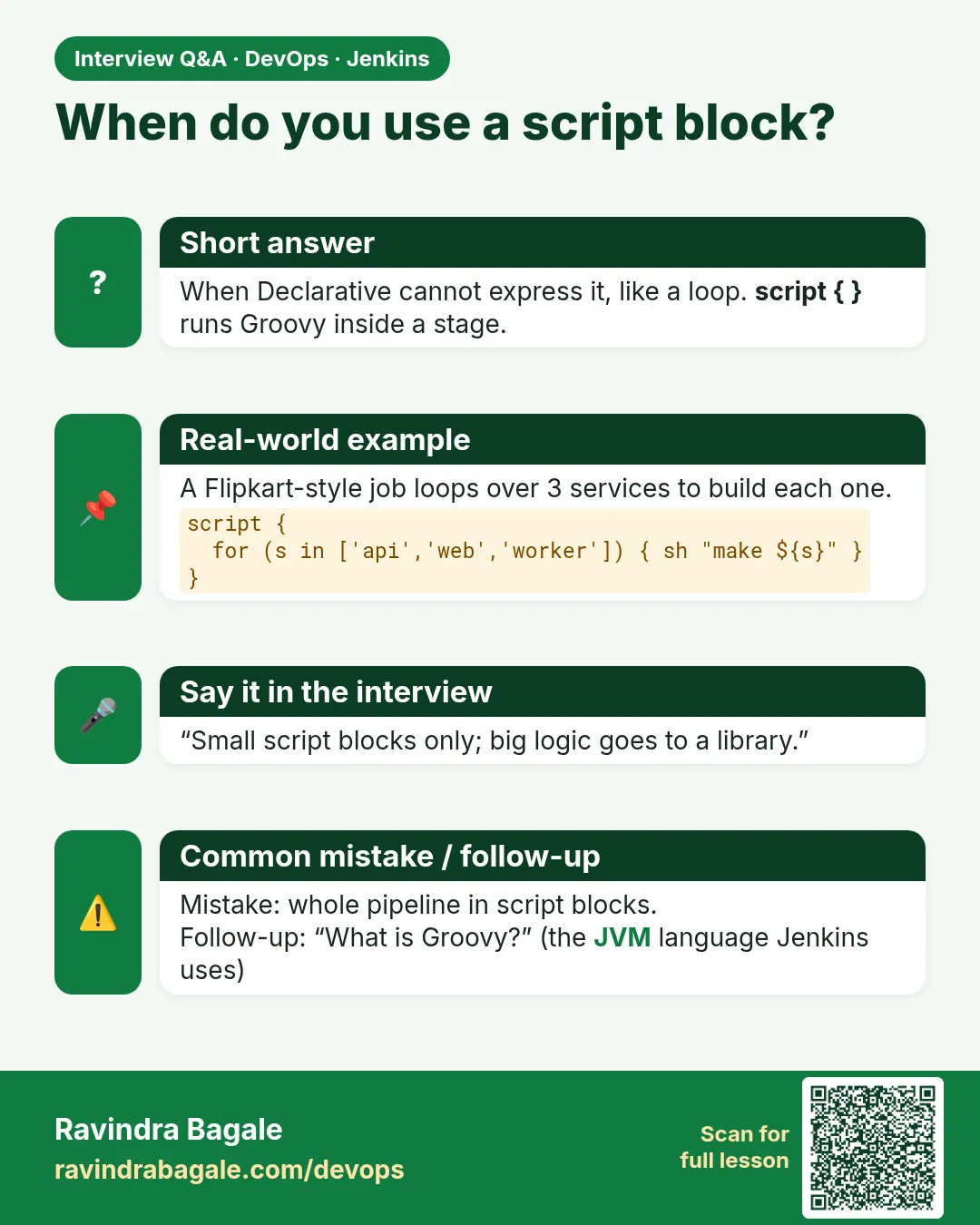
When do you use a script block?
For loops, dynamic stages or logic Declarative cannot express.
-
How do you create dynamic parallel stages?
Build a map of closures in script and call parallel.
-
What is CPS in Jenkins?
Continuation passing style; it saves pipeline state so builds resume after restart.
-
Why NotSerializableException?
A non serializable object was kept across a step; use @NonCPS or Jenkins steps.
-
Where should heavy work run?
In sh steps on agents, not in Groovy on the controller.
Quick quiz
Q1. How do you make a variable in Groovy?
def.
Q2. What is [:]?
An empty map.
Q3. Why copy the loop variable?
So each closure keeps its own value.
Q4. Which step reads JSON?
readJSON.
Q5. Where does pipeline Groovy run?
On the controller.
Samajla ka?
 Revision card
 Interview card