Chapter 21: Jenkins Pipeline and Jenkinsfile
21.13 Stash, approval, and currentBuild
Why: the problem
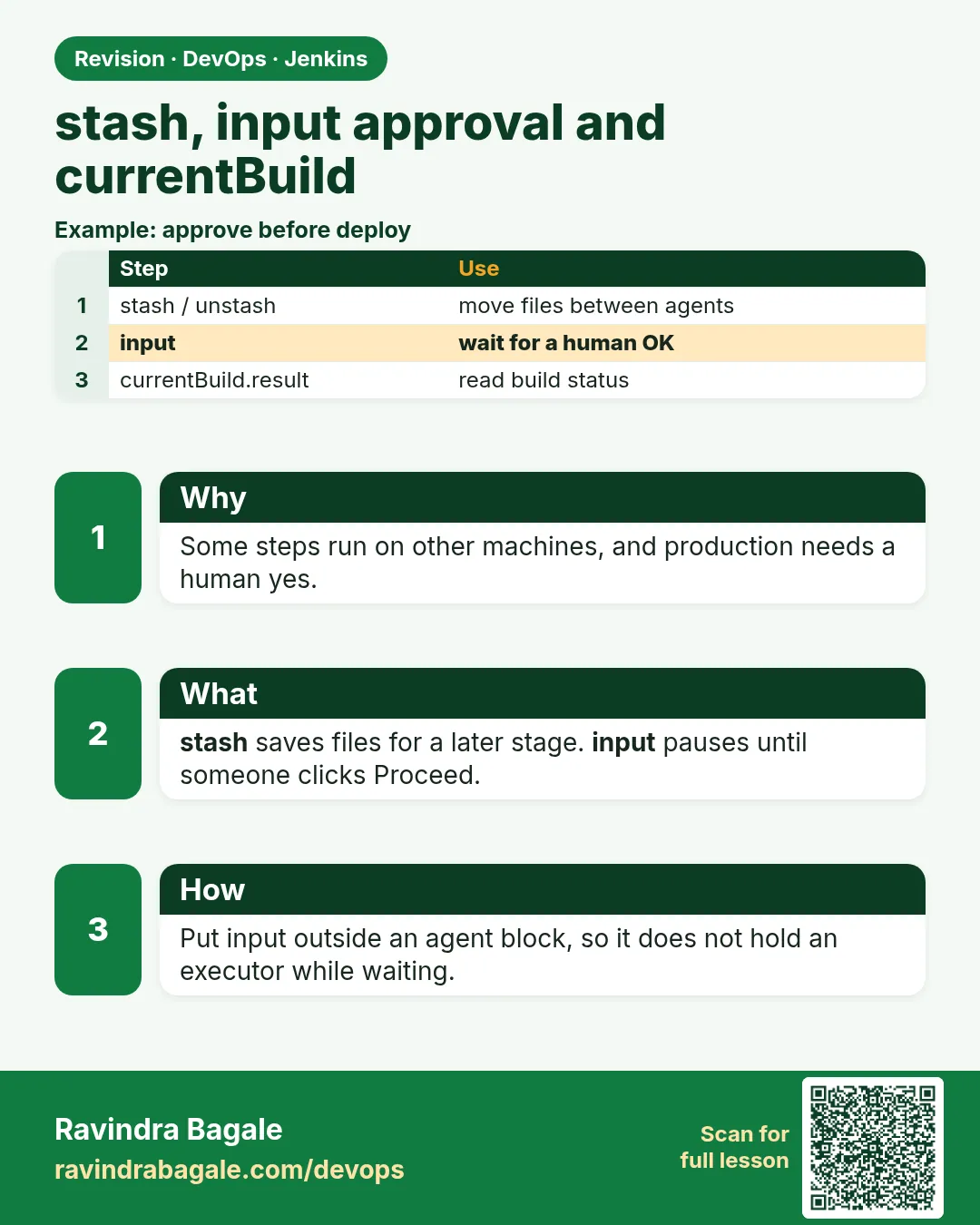
Big pipelines use many agents. Think of Zomato. The build runs on a fast Linux agent. Tests run on another. The live copy runs on a special deploy agent. Files do not travel between agents by themselves. stash and unstash carry them. Then there is control. Before a change reaches production, a lead often must say yes. The input step pauses the pipeline and shows a button. Only allowed people can click it. Finally, currentBuild tells you about the build itself: result, number, time, and the changes it contains. You use it for messages and decisions. In this lesson you will pass dist between two agents, add an approval with a time limit, and print a clear summary from currentBuild.
What we will build
You will build on one agent, stash dist, and unstash it on another. You will add an approval step limited to a lab-leads group with a 10 minute limit. You will print a build summary and set the build description.
What: every term in plain English
- stash — Saves files from the workspace in the controller for this build.
- unstash — Restores stashed files in another stage or agent.
- input — Pauses and asks a person to approve.
- submitter — Users or groups allowed to approve.
- currentBuild — Object with result, number, duration and changes of this build.
- currentBuild.description — Text shown under the build number.
- UNSTABLE — Result when tests fail but the build itself worked, set by junit.
- agent none with input — Approval should not hold an executor while waiting.
How: step by step
-
Write the build stage
stash name: "dist", includes: "dist/**"What it does: Saves the output.
Output
Stashed 1 file(s) -
Unstash in Live
unstash "dist"What it does: Gets the same files on the deploy agent.
Output
(files restored) -
Add approval
input message: "Copy to lab live?", submitter: "lab-leads"What it does: Pauses for a lead.
Output
Copy to lab live? Proceed or Abort -
Approve
Click Proceed as a lab-leads userWhat it does: The pipeline continues.
Output
Approved by asha -
Print summary
echo currentBuild fieldsWhat it does: Shows result and time.
Output
Build 14 SUCCESS in 2 min 3 sec -
Set description
currentBuild.description = "..."What it does: Shows commit on the job page.
Output
#14 commit 4b2d9e1
Example 1: Stash on one agent, unstash on another
Stack. Jenkins stash
Goal. Stash on one agent, unstash on another.
Jenkinsfile
pipeline {
  agent none
  stages {
    stage('Build') {
      agent { label 'node20' }
      steps {
        sh 'npm ci && npm run build'
        stash name: 'dist', includes: 'dist/**'
      }
    }
    stage('Live') {
      agent { label 'deploy' }
      steps {
        unstash 'dist'
        sh 'ls -l dist && hostname'
      }
    }
  }
}
What each line does
agent none— Each stage picks an agent.stash name: 'dist'— Saves dist for this build only.unstash 'dist'— Restores it on the deploy agent.Size limit— Stash is for small files. Use artifacts or a registry for big ones.
Green output
[Pipeline] stage (Build)
Running on agent-node20
build done: dist/index.html
Stashed 1 file(s)
[Pipeline] stage (Live)
Running on agent-deploy
+ ls -l dist
-rw-r--r-- 1 jenkins jenkins 31 Oct 25 11:20 index.html
+ hostname
deploy-01
Finished: SUCCESS
Expected result. The file moved from agent-node20 to deploy-01.
Example 2: Approval with a time limit, not holding an agent
Stack. Jenkins input
Goal. Approval with a time limit, not holding an agent.
Jenkinsfile
pipeline {
  agent none
  stages {
    stage('Approve') {
      options { timeout(time: 10, unit: 'MINUTES') }
      input {
        message 'Copy badge to lab live?'
        ok 'Yes, copy'
        submitter 'lab-leads'
        parameters { string(name: 'NOTE', defaultValue: 'ok', description: 'Why') }
      }
      steps { echo "Approved. Note: ${NOTE}" }
    }
    stage('Live') {
      agent { label 'deploy' }
      steps { echo 'copying' }
    }
  }
}
What each line does
stage input block— Waits before the stage runs, with no agent held.submitter 'lab-leads'— Only this group can approve.timeout 10 min— If nobody clicks, the build aborts.parameters in input— The approver can type a note.
Green output
[Pipeline] stage (Approve)
[Pipeline] input
Copy badge to lab live?
Yes, copy or Abort
Approved by asha
Approved. Note: release badge v1
[Pipeline] stage (Live)
copying
Finished: SUCCESS
Expected result. A human said yes, with a note, before Live. No executor was wasted while waiting.
Example 3: Build summary with currentBuild
Stack. Jenkins currentBuild
Goal. Build summary with currentBuild.
Jenkinsfile
pipeline {
  agent any
  stages {
    stage('Test') { steps { sh 'npm ci && npm test' } }
  }
  post {
    always {
      script {
        def short = env.GIT_COMMIT ? env.GIT_COMMIT.take(7) : 'none'
        currentBuild.description = "commit ${short}"
        echo "Build ${currentBuild.number} ${currentBuild.currentResult} in ${currentBuild.durationString}"
        echo "Previous: ${currentBuild.previousBuild?.result}"
        for (cs in currentBuild.changeSets) {
          for (e in cs.items) { echo "Change: ${e.author} ${e.msg}" }
        }
      }
    }
  }
}
What each line does
currentBuild.description— Shown on the job page under the build.take(7)— Short commit id.durationString— Human readable time.previousBuild?.result— Result of the last build; ?. avoids an error on build 1.changeSets— Commits in this build.
Green output
Build 15 SUCCESS in 21 sec and counting
Previous: FAILURE
Change: Asha Patil fix badge text
Finished: SUCCESS
Expected result. You can tell the team: fixed, previous was red, here is the change.
Example 4: Keep files after the build with archive and copy them to another job
Stack. Copy Artifact plugin
Goal. Keep files after the build with archive and copy them to another job.
Jenkinsfile (build job)
pipeline {
  agent any
  stages {
    stage('Build') {
      steps {
        sh 'npm ci && npm run build && tar czf badge-dist.tgz dist'
      }
    }
  }
  post { success { archiveArtifacts artifacts: 'badge-dist.tgz', fingerprint: true } }
}
Jenkinsfile (deploy job)
pipeline {
  agent { label 'deploy' }
  stages {
    stage('Get build') {
      steps {
        copyArtifacts projectName: 'badge-scm', selector: lastSuccessful(), filter: 'badge-dist.tgz'
        sh 'tar xzf badge-dist.tgz && ls dist'
      }
    }
  }
}
What each line does
tar czf— One file is easier to move than many.archiveArtifacts— Kept on the build page after the build ends.copyArtifacts— From the Copy Artifact plugin. Pulls a file from another job.lastSuccessful()— Takes the newest green build.
Green output
[Pipeline] copyArtifacts
Copied 1 artifact from "badge-scm" build number 15
+ tar xzf badge-dist.tgz
+ ls dist
index.html
Finished: SUCCESS
Expected result. stash is for one build. archive plus copyArtifacts is for passing files between jobs.
Verify: did it work?
-
See the description
Job page > Build HistoryWhat it does: Shows commit text.
Output
#15 commit 4b2d9e1 -
See who approved
Build > Paused for Input or consoleWhat it does: Name of the approver.
Output
Approved by asha
When it is red 1
No such saved stash 'dist'
Cause. unstash name differs or Build stage failed before stash.
Fix, step by step
- Match the names.
- Check Build passed.
When it is red 2
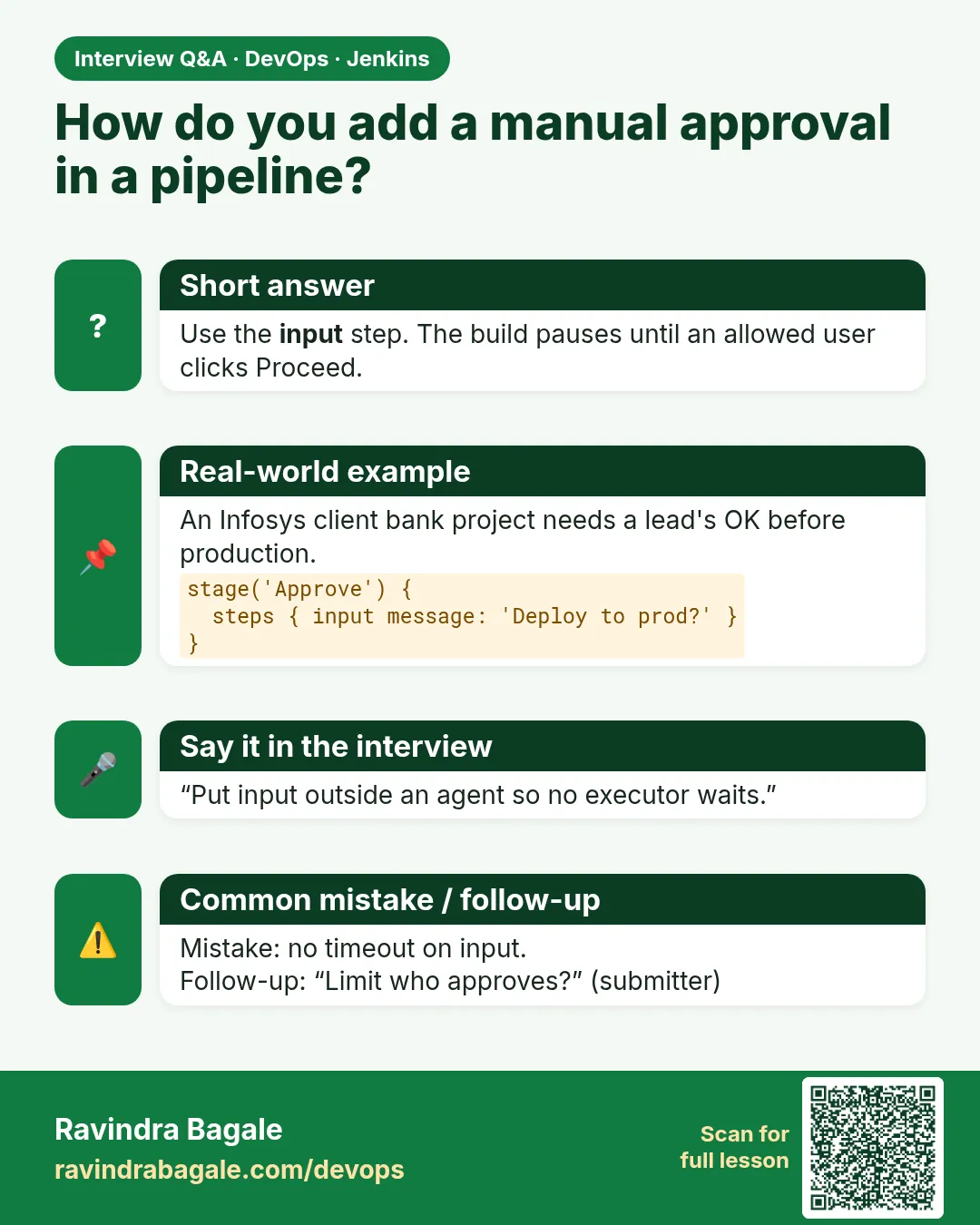
Build is waiting for input forever
Cause. No timeout on the input stage.
Fix, step by step
- Add timeout in stage options.
When it is red 3
asha is not allowed to approve
Cause. The user is not in submitter.
Fix, step by step
- Add the user or group.
- Check group names.
When it is red 4
Scripts not permitted to use method ... getChangeSets
Cause. Sandbox blocked a method.
Fix, step by step
- Ask admin to review in Script Approval.
Cleanup
-
Clear stashes
They are deleted at build end automaticallyWhat it does: Nothing to do.
Output
(automatic) -
Delete practice builds
Build > Delete buildWhat it does: Clean history.
Output
Deleted
Ravindra Bagale's Tip
Agent badalla ki files nahit, stash vapra. Approval la timeout lava. Lakshat theva!
Practice tasks
Easy Stash dist
Why: Agents do not share files.
What to do: stash and unstash.
- Two stages.
Check: File found.
Medium Add approval
Why: Control releases.
What to do: input with submitter.
- timeout.
Check: Approved by you.
Hard Summary
Why: Clear team messages.
What to do: Use currentBuild.
- description.
Check: Shown on page.
Easy Say stash, input and currentBuild in two lines
Why: If you can say it simply, you understand it. Juniors and interviewers want the short version first.
What to do: Write two short lines about stash, input and currentBuild for a fresher who knows only Linux basics.
- Write what problem it solves.
- Write the one command or menu you use for it.
- Read it aloud to a friend.
Check: A fresher understands it without asking a question.
Easy Start a fresh lab Jenkins
Why: Practice needs a throwaway Jenkins. If you break it, you delete it and start again.
What to do: Run Jenkins LTS in Docker with a named volume.
- docker volume create jenkins_home
- docker run -d --name jenkins -p 8080:8080 -v jenkins_home:/var/jenkins_home jenkins/jenkins:lts-jdk17
- docker exec jenkins cat /var/jenkins_home/secrets/initialAdminPassword
Check: The Jenkins unlock page opens on localhost:8080.
Medium Break it on purpose
Why: You must know the red message by face. During an outage there is no time to read slowly.
What to do: Cause one error from the "When it is red" part of this lesson and fix it.
- Follow the error section.
- Copy the exact message into your notes.
- Write the fix in one line.
Check: You fixed it using only the steps, without searching the web.
Medium Write a one-page runbook
Why: At 2 a.m. nobody remembers where a file lives. A short page saves the on-call person.
What to do: Write a runbook page for this lesson.
- Title, when to use, exact command, how to check, how to undo.
Check: A teammate can follow it alone.
Medium Repeat it on a cloud VM
Why: A laptop is not a server. Real Jenkins runs on EC2 or a company VM.
What to do: Do the main steps of this lesson again on a small Ubuntu 22.04 EC2 instance.
- Launch t3.small with 20 GB disk.
- Open port 22 only to your IP.
- Repeat the steps and compare the output.
Check: Same green output on the VM as on your laptop.
Hard Explain it like an interview
Why: Interviewers want real stories, not definitions.
What to do: Record a 60 second answer about this lesson.
- Say the problem, the command you ran, and one error you hit.
Check: Your answer has a real command and a real error message.
Hard Draw the flow top to bottom
Why: A drawing shows who talks to whom and in what order.
What to do: Draw this lesson as boxes from top to bottom.
- Start at the developer push, go through the controller and agent, end at the result.
Check: Each box matches a real thing you saw on screen.
Homework: try at home
Try at home
At home, pass dist between two stages with stash, add a 5 minute approval, and set the build description to the short commit.
Recap
- stash and unstash move small files.
- input pauses for approval.
- Use submitter and timeout with input.
- Do not hold an agent while waiting.
- currentBuild gives result, time and changes.
FAQ
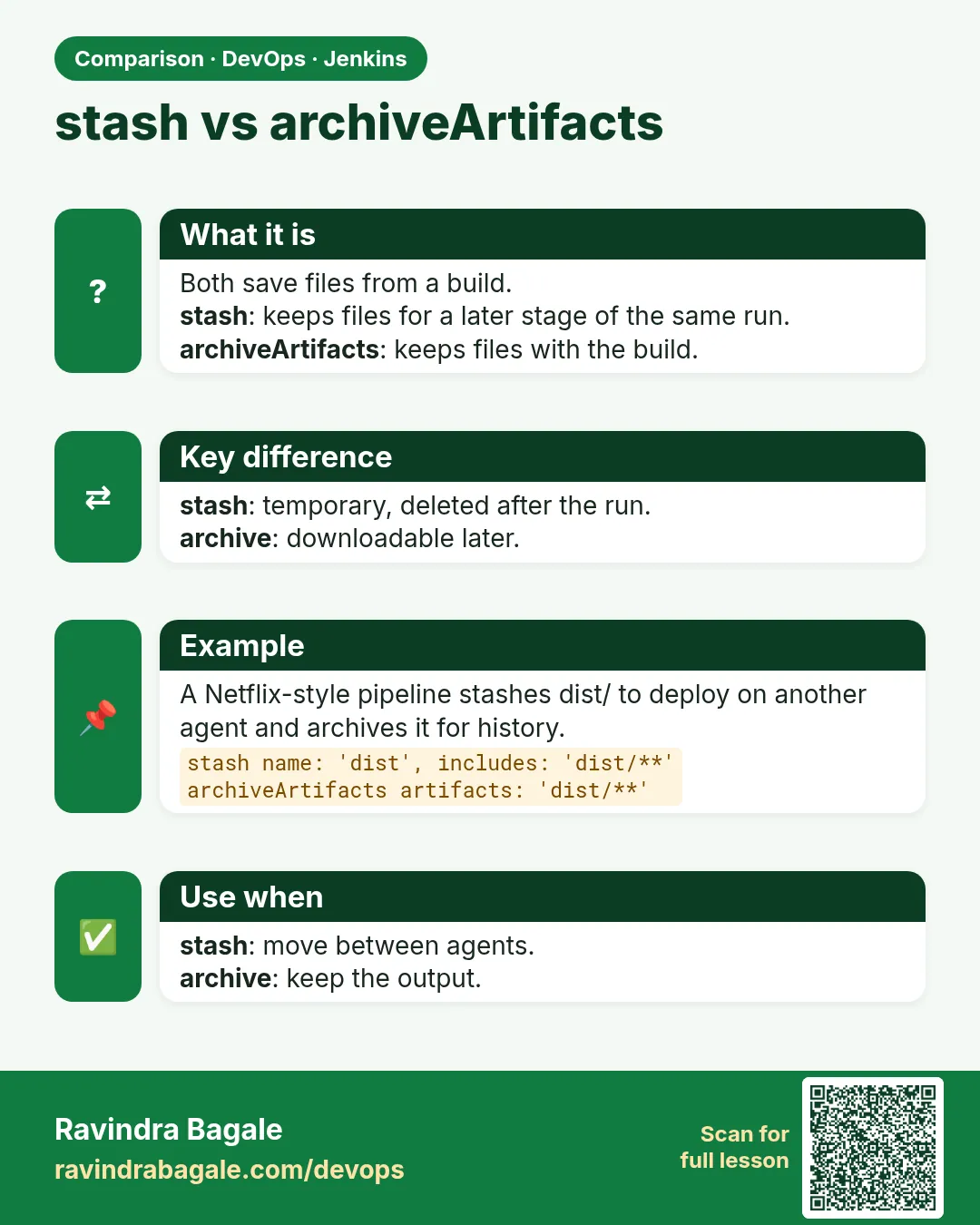
Is stash kept after the build?
No. Use archiveArtifacts for that.
Can input ask questions?
Yes, with parameters inside input.
Can I approve from Slack?
Some plugins allow it, but the click still goes to Jenkins.
What is UNSTABLE?
Tests failed but the build ran, often set by junit.
How big can a stash be?
Keep it small, under about 100 MB.
Interview questions
-
How do you pass files between stages on different agents?
stash in one stage and unstash in another.
-
How do you add a manual approval?
An input block at stage level with submitter and a timeout, with agent none so no executor waits.
-
What is currentBuild?
A global with the build result, number, duration, description and changes.
-
stash vs archiveArtifacts?
stash is temporary for one build; archive keeps files on the build page.
-
Approval stuck for days. Fix?
Add a timeout to the input stage.
Quick quiz
Q1. What moves files between agents?
stash and unstash.
Q2. Which step pauses for a human?
input.
Q3. Who can approve?
Users in submitter.
Q4. Why put input at stage level with agent none?
So no executor waits.
Q5. Where does description show?
Job build history.
Samajla ka?
 Revision card
 Interview card
 Comparison card