Chapter 21: Jenkins Pipeline and Jenkinsfile
21.2 Declarative vs Scripted (pick Declarative)
Why: the problem
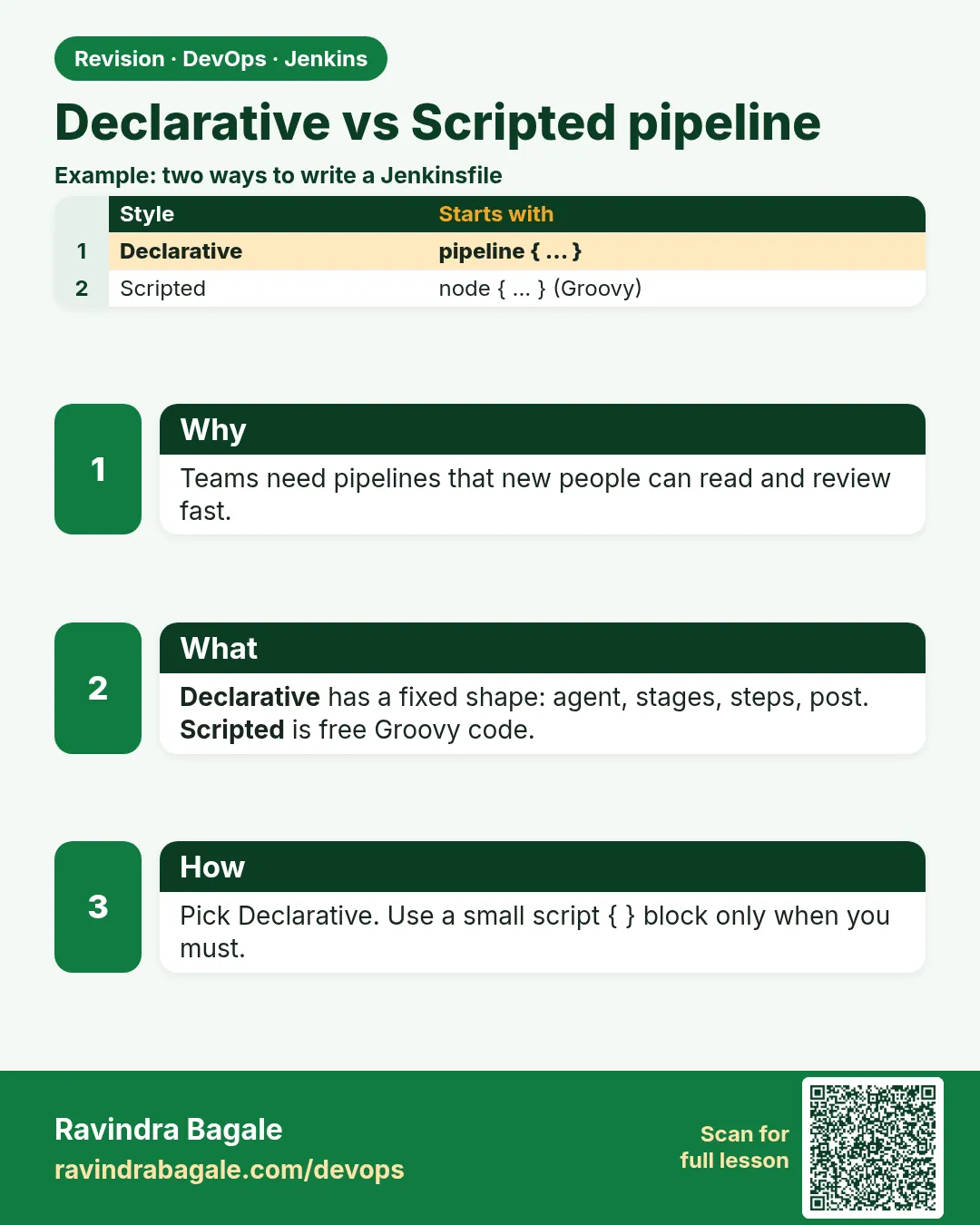
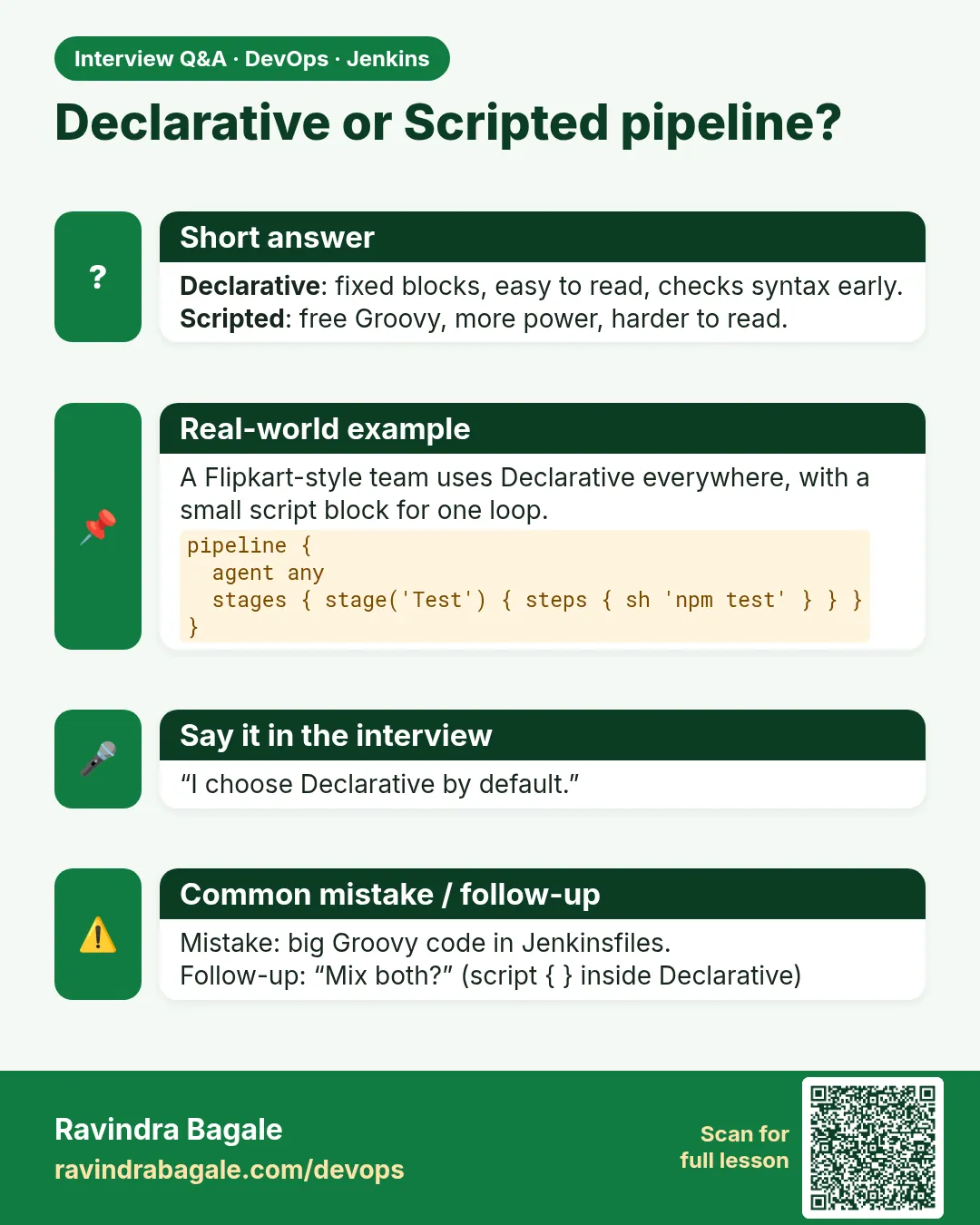
Jenkins gives you two ways to write a pipeline. Declarative and Scripted. Both run on the same engine. Think of a recipe at a restaurant like Haldiram's. Declarative is a printed form. It has fixed boxes: ingredients, steps, serving. Anyone in the kitchen can read it. Scripted is a free notebook. You can write anything, but a new cook may not understand it. In most companies, like Infosys or TCS project teams, the rule is simple. Use Declarative for normal builds. Use a small script block only when you really need a loop or a complex choice. Declarative also checks the file before running. A typo in a block name fails in one second, not after ten minutes of build. In this lesson you will write the same build both ways, run both, and see why teams pick Declarative.
What we will build
You will write one build in Declarative style and one in Scripted style. You will break each on purpose and compare the errors. Then you will add a small script block inside Declarative for a loop.
What: every term in plain English
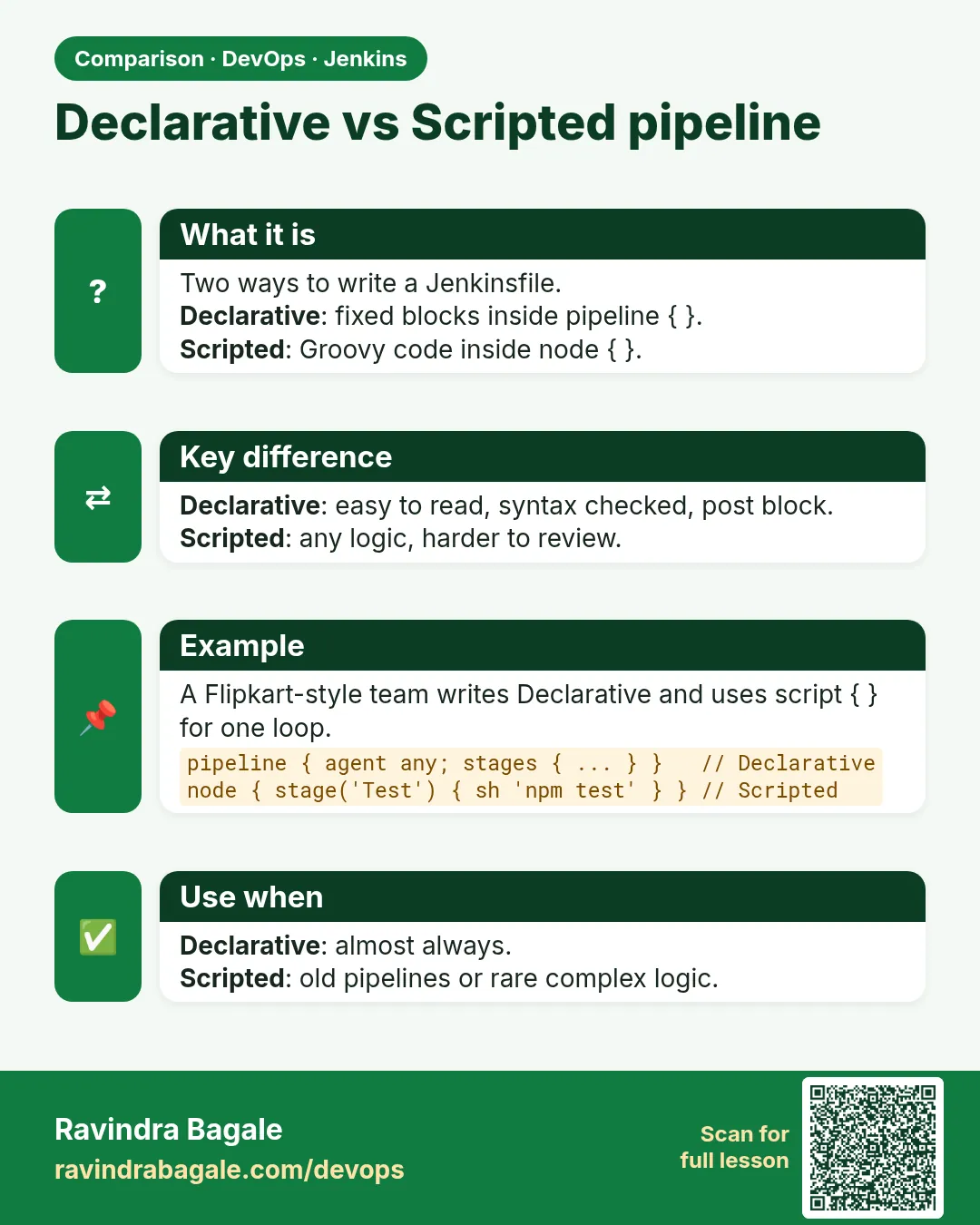
- Declarative pipeline — Starts with pipeline {. Has fixed blocks like agent, stages, post. Easy to read and checked early.
- Scripted pipeline — Starts with node {. Plain Groovy code. Very flexible, harder to read.
- node — In Scripted, asks for an executor and a workspace.
- script block — A small piece of Scripted code allowed inside a Declarative step.
- Validation — Declarative checks the shape of the file before any stage runs.
- Sandbox — A safety layer that blocks dangerous Groovy methods.
- DSL — Domain specific language. The set of words Jenkins adds, like sh and stage.
How: step by step
-
Write the Declarative file
nano JenkinsfileWhat it does: Uses pipeline, agent, stages, steps.
Output
(file saved) -
Write the Scripted file
nano Jenkinsfile.scriptedWhat it does: Uses node and stage with plain Groovy.
Output
(file saved) -
Make two jobs
New Item > badge-decl (Script Path Jenkinsfile)
New Item > badge-scr (Script Path Jenkinsfile.scripted)
What it does: Two Pipeline jobs, one per style.
Output
Saved -
Run both
Build Now on each jobWhat it does: Both show the same stages and output.
Output
Finished: SUCCESS -
Break Declarative
Change steps to step in one stage and pushWhat it does: Declarative fails before running.
Output
WorkflowScript: 5: Unknown stage section "step" -
Break Scripted
Misspell sh as shh and pushWhat it does: Scripted fails only when it reaches that line.
Output
No such DSL method shh found
Example 1: Declarative style
Stack. Jenkins Declarative
Goal. Declarative style.
Jenkinsfile
pipeline {
  agent any
  stages {
    stage('Build') {
      steps {
        sh 'npm ci'
        sh 'npm run build'
      }
    }
    stage('Test') {
      steps { sh 'npm test' }
    }
  }
  post {
    always { echo "Result: ${currentBuild.currentResult}" }
  }
}
What each line does
pipeline— Root block. Must be the first word.agent any— Where to run.stages / stage / steps— The fixed three levels. Steps hold the real work.post always— Runs at the end, pass or fail.currentBuild.currentResult— SUCCESS, UNSTABLE or FAILURE so far.
Green output
[Pipeline] stage (Build)
+ npm ci
+ npm run build
[Pipeline] stage (Test)
+ npm test
Tests: 9 passed, 9 total
Result: SUCCESS
Finished: SUCCESS
Expected result. A clean, fixed shape. A new team member can read it in a minute.
Example 2: Scripted style for the same build
Stack. Jenkins Scripted
Goal. Scripted style for the same build.
Jenkinsfile.scripted
node {
  try {
    stage('Checkout') { checkout scm }
    stage('Build') {
      sh 'npm ci'
      sh 'npm run build'
    }
    stage('Test') { sh 'npm test' }
  } catch (err) {
    currentBuild.result = 'FAILURE'
    throw err
  } finally {
    echo "Result: ${currentBuild.currentResult}"
  }
}
What each line does
node {— Takes an executor and a workspace.stage('Checkout') { checkout scm }— Scripted does not clone by itself, you must ask.try / catch / finally— Plain Groovy error handling. This replaces post.throw err— Fails the build after marking it.
Green output
[Pipeline] node
Running on Jenkins in /var/jenkins_home/workspace/badge-scr
[Pipeline] stage (Checkout)
[Pipeline] stage (Build)
+ npm ci
[Pipeline] stage (Test)
Tests: 9 passed, 9 total
Result: SUCCESS
Finished: SUCCESS
Expected result. Same result, but you wrote the error handling yourself. More code, more chances for mistakes.
Example 3: Declarative with a small script block for a loop
Stack. Jenkins Declarative with script
Goal. Declarative with a small script block for a loop.
Jenkinsfile
pipeline {
  agent any
  stages {
    stage('Smoke pages') {
      steps {
        script {
          def pages = ['index.html', 'about.html', 'contact.html']
          for (p in pages) {
            sh "test -f dist/${p} && echo OK ${p}"
          }
        }
      }
    }
  }
}
What each line does
script {— Opens a small Scripted area inside a Declarative step.def pages = [...]— A Groovy list.for (p in pages)— Loops over the list.sh "...${p}"— Double quotes let Groovy put the value of p into the command.
Green output
[Pipeline] script
+ test -f dist/index.html
OK index.html
+ test -f dist/about.html
OK about.html
+ test -f dist/contact.html
OK contact.html
Finished: SUCCESS
Expected result. You kept the readable Declarative shape and used code only where you needed it.
Example 4: Convert a real Scripted job to Declarative
Stack. Jenkins
Goal. Convert a real Scripted job to Declarative.
old Jenkinsfile (Scripted)
node('linux') {
  stage('Build') {
    timeout(time: 10, unit: 'MINUTES') {
      sh 'npm ci && npm run build'
    }
  }
  stage('Archive') { archiveArtifacts 'dist/**' }
}
new Jenkinsfile (Declarative)
pipeline {
  agent { label 'linux' }
  options { timeout(time: 10, unit: 'MINUTES') }
  stages {
    stage('Build') { steps { sh 'npm ci && npm run build' } }
  }
  post { success { archiveArtifacts 'dist/**' } }
}
What each line does
node('linux')— Becomes agent label linux.timeout around a step— Becomes options timeout for the whole pipeline.Archive stage— Becomes post success, so it runs only on green.Result— Same build, fewer lines, checked before it runs.
Green output
[Pipeline] stage (Build)
+ npm ci && npm run build
build done: dist/index.html
Archiving artifacts
Finished: SUCCESS
Expected result. You will do this kind of move often at work. Run both versions once and compare the logs.
Verify: did it work?
-
Check the shape online
Job > Pipeline Syntax > Declarative Directive GeneratorWhat it does: Builds correct blocks for you to copy.
Output
Generated: options { timeout(time: 10, unit: MINUTES) } -
Validate from the terminal
curl -s -X POST -u admin:API_TOKEN -F "jenkinsfile=@Jenkinsfile" http://localhost:8080/pipeline-model-converter/validateWhat it does: Checks a Declarative file without running it.
Output
Jenkinsfile successfully validated.
When it is red 1
WorkflowScript: 5: Unknown stage section "step". Starting with version 0.5, steps in a stage must be in a steps block.
Cause. You wrote step instead of steps, or put sh straight inside stage.
Fix, step by step
- Wrap the commands in steps { }.
- Validate with the linter.
When it is red 2
No such DSL method 'shh' found among steps
Cause. A typo in a step name in Scripted code.
Fix, step by step
- Fix the spelling.
- Use the Snippet Generator to copy step names.
When it is red 3
Scripts not permitted to use method java.io.File
Cause. The sandbox blocked a Groovy method.
Fix, step by step
- Use a Jenkins step like readFile instead.
- Ask an admin before approving in In-process Script Approval.
Cleanup
-
Delete the test jobs
badge-decl > Delete Pipeline, badge-scr > Delete PipelineWhat it does: Removes the practice jobs.
Output
Deleted -
Remove the scripted file
git rm Jenkinsfile.scripted && git commit -m "remove scripted demo" && git pushWhat it does: Keeps only one Jenkinsfile in the repo.
Output
1 file changed, 15 deletions(-)
Ravindra Bagale's Tip
Navin team sathi Declarative vapra. Loop lagla tarach script block. Sopa theva!
Practice tasks
Easy Name the blocks
Why: You must read both styles at work.
What to do: Label each block in both examples.
- pipeline, agent, stages, steps, post.
Check: All blocks named.
Medium Convert Scripted to Declarative
Why: Old company jobs are often Scripted.
What to do: Rewrite example 2 in Declarative.
- Replace try with post.
Check: Same output.
Hard Validate with curl
Why: Catch errors before push.
What to do: Run the validate URL on a broken file.
- Make an API token.
Check: Error shown in the terminal.
Easy Say Declarative vs Scripted in two lines
Why: If you can say it simply, you understand it. Juniors and interviewers want the short version first.
What to do: Write two short lines about Declarative vs Scripted for a fresher who knows only Linux basics.
- Write what problem it solves.
- Write the one command or menu you use for it.
- Read it aloud to a friend.
Check: A fresher understands it without asking a question.
Easy Start a fresh lab Jenkins
Why: Practice needs a throwaway Jenkins. If you break it, you delete it and start again.
What to do: Run Jenkins LTS in Docker with a named volume.
- docker volume create jenkins_home
- docker run -d --name jenkins -p 8080:8080 -v jenkins_home:/var/jenkins_home jenkins/jenkins:lts-jdk17
- docker exec jenkins cat /var/jenkins_home/secrets/initialAdminPassword
Check: The Jenkins unlock page opens on localhost:8080.
Medium Break it on purpose
Why: You must know the red message by face. During an outage there is no time to read slowly.
What to do: Cause one error from the "When it is red" part of this lesson and fix it.
- Follow the error section.
- Copy the exact message into your notes.
- Write the fix in one line.
Check: You fixed it using only the steps, without searching the web.
Medium Write a one-page runbook
Why: At 2 a.m. nobody remembers where a file lives. A short page saves the on-call person.
What to do: Write a runbook page for this lesson.
- Title, when to use, exact command, how to check, how to undo.
Check: A teammate can follow it alone.
Medium Repeat it on a cloud VM
Why: A laptop is not a server. Real Jenkins runs on EC2 or a company VM.
What to do: Do the main steps of this lesson again on a small Ubuntu 22.04 EC2 instance.
- Launch t3.small with 20 GB disk.
- Open port 22 only to your IP.
- Repeat the steps and compare the output.
Check: Same green output on the VM as on your laptop.
Hard Explain it like an interview
Why: Interviewers want real stories, not definitions.
What to do: Record a 60 second answer about this lesson.
- Say the problem, the command you ran, and one error you hit.
Check: Your answer has a real command and a real error message.
Hard Draw the flow top to bottom
Why: A drawing shows who talks to whom and in what order.
What to do: Draw this lesson as boxes from top to bottom.
- Start at the developer push, go through the controller and agent, end at the result.
Check: Each box matches a real thing you saw on screen.
Homework: try at home
Try at home
At home, write a two-stage build in both styles. Break each one with a typo and note how fast each error appears.
Recap
- Declarative has a fixed shape and early checks.
- Scripted is plain Groovy, flexible but harder.
- Use Declarative by default.
- Use script blocks only for loops or complex logic.
- Validate files before push.
FAQ
Can I mix both styles?
Yes, by using script blocks inside Declarative steps.
Is Scripted faster?
No. Both run on the same engine.
Which style do interviews expect?
Declarative, with knowledge of what a script block is.
Why does the sandbox block some code?
To stop pipelines from reading files or running code on the controller.
Where do I find all step names?
Pipeline Syntax > Snippet Generator.
Interview questions
-
Declarative vs Scripted?
Declarative has a fixed, validated structure and is easy to read. Scripted is plain Groovy inside node blocks and is flexible. Use Declarative and add script blocks when needed.
-
What is a script block?
A block inside Declarative steps where you can write Scripted Groovy like loops.
-
How do you handle errors in Scripted?
With try, catch and finally, and by setting currentBuild.result.
-
How do you validate a Jenkinsfile?
With the pipeline-model-converter validate endpoint or the VS Code Jenkins linter.
-
What is the Groovy sandbox?
A security layer that only allows approved methods in pipeline code.
Quick quiz
Q1. Which word starts a Declarative pipeline?
pipeline.
Q2. Which word starts a Scripted pipeline?
node.
Q3. How do you add a loop in Declarative?
Use a script block inside steps.
Q4. Which style checks the file before running?
Declarative.
Q5. What replaces post in Scripted?
try, catch and finally.
Samajla ka?
 Revision card
 Interview card
 Comparison card