Chapter 21: Jenkins Pipeline and Jenkinsfile
21.12 Options: timeout, retry, timestamps, one build at a time
Why: the problem
A pipeline that works once is not enough. It must also behave well on bad days. Think of Swiggy at lunch time. A test hangs because a network call never returns. Without a timeout, the build waits for hours and blocks others. A flaky npm download fails once in fifty runs. Without retry, a developer loses time for nothing. Two builds start together and both copy to the same live folder. Files get mixed. Without one-build-at-a-time, you get a half new, half old site. The options block fixes all of this in a few lines. In this lesson you will cause each problem on purpose and then fix it with timeout, retry, timestamps and disableConcurrentBuilds, at pipeline level and at stage level.
What we will build
You will make a step hang, a step fail randomly, and two builds overlap. Then you will add timeout, retry, timestamps, disableConcurrentBuilds and quietPeriod, and see the logs change.
What: every term in plain English
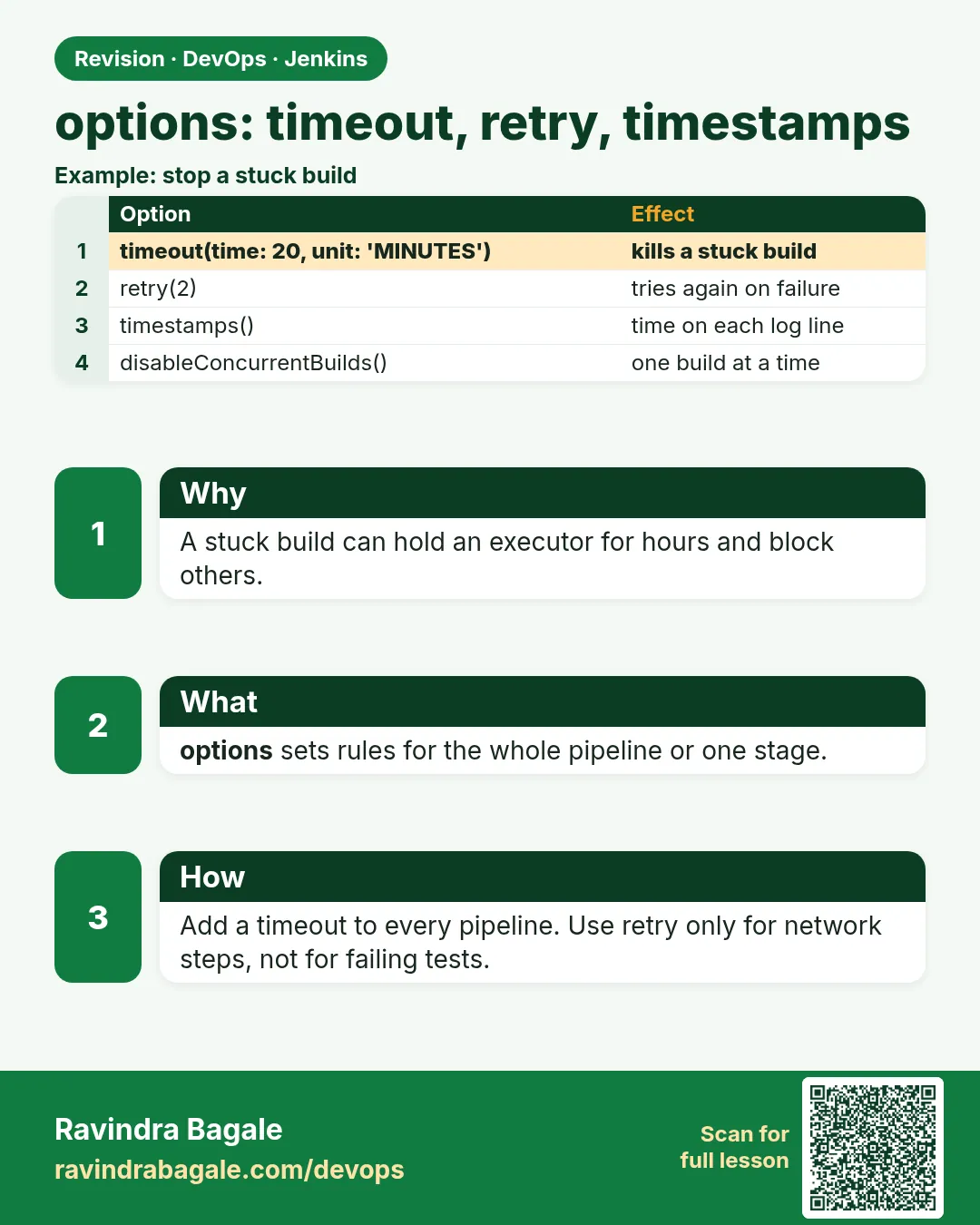
- timeout — Stops a build or step after a set time.
- retry — Runs a block again if it fails, up to N times.
- timestamps — Adds the time to each log line.
- disableConcurrentBuilds — Only one build of this job runs at a time.
- abortPrevious — Option of disableConcurrentBuilds that cancels the older build.
- quietPeriod — Waits a few seconds before starting, to batch pushes.
- skipDefaultCheckout — Do not clone automatically.
- Flaky — A step that sometimes fails for no code reason.
How: step by step
-
Make a hang
sh "sleep 600"What it does: Simulates a stuck test.
Output
(waits) -
Add timeout
options { timeout(time: 2, unit: 'MINUTES') }What it does: Build aborts after 2 minutes.
Output
Timeout has been exceeded -
Make a flaky step
sh 'test $((RANDOM % 2)) -eq 0'What it does: Fails half the time.
Output
script returned exit code 1 -
Add retry
retry(3) { sh ... }What it does: Tries up to three times.
Output
Retrying -
Overlap two builds
Click Build Now twice fastWhat it does: Two builds run together.
Output
#7 and #8 running -
Add one at a time
options { disableConcurrentBuilds() }What it does: Second build waits.
Output
Waiting for previous build to finish
Example 1: Timeout at pipeline and step level
Stack. Jenkins options
Goal. Timeout at pipeline and step level.
Jenkinsfile
pipeline {
  agent any
  options {
    timeout(time: 10, unit: 'MINUTES')
    timestamps()
  }
  stages {
    stage('Slow test') {
      steps {
        timeout(time: 30, unit: 'SECONDS') {
          sh 'echo start; sleep 600; echo never'
        }
      }
    }
  }
}
What each line does
pipeline timeout 10 min— Safety net for the whole build.step timeout 30 s— Tight limit just for the risky step.sleep 600— Our fake hang.timestamps— Shows exactly when it was killed.
Green output
11:02:00  + echo start
11:02:00  start
11:02:00  + sleep 600
11:02:30  Cancelling nested steps due to timeout
11:02:30  Sending interrupt signal to process
11:02:30  Timeout has been exceeded
Finished: ABORTED
Expected result. Killed after 30 seconds, not 10 minutes. Times prove it.
Example 2: Retry a flaky download
Stack. Jenkins retry
Goal. Retry a flaky download.
Jenkinsfile
pipeline {
  agent any
  stages {
    stage('Install') {
      steps {
        retry(3) {
          sh 'echo try; test $((RANDOM % 2)) -eq 0 && npm ci'
        }
      }
    }
    stage('Whole stage retry') {
      options { retry(2) }
      steps { sh 'npm test' }
    }
  }
}
What each line does
retry(3) { }— Repeat the block up to 3 times total.RANDOM % 2— Bash random, fails half the time.stage options retry— Retry the whole stage.Warning— Retry hides real bugs. Use only for network steps.
Green output
+ echo try
try
ERROR: script returned exit code 1
Retrying
+ echo try
try
added 276 packages in 7s
[Pipeline] stage (Whole stage retry)
Tests: 2 passed, 2 total
Finished: SUCCESS
Expected result. The flaky step passed on the second try.
Example 3: One build at a time and quiet period
Stack. Jenkins options
Goal. One build at a time and quiet period.
Jenkinsfile
pipeline {
  agent any
  options {
    disableConcurrentBuilds(abortPrevious: true)
    quietPeriod(10)
    buildDiscarder(logRotator(numToKeepStr: '15', artifactNumToKeepStr: '5'))
  }
  stages {
    stage('Live') {
      steps {
        sh 'sleep 20; mkdir -p "$HOME/lab-live/badge-node"; date | tee "$HOME/lab-live/badge-node/version.txt"'
      }
    }
  }
}
What each line does
abortPrevious: true— A new build cancels the older running build.quietPeriod(10)— Waits 10 seconds so quick pushes become one build.artifactNumToKeepStr— Keeps artifacts only for the last 5 builds.version.txt— Shows which build wrote last.
Green output
#9  Started by user admin
#10 Started by user admin
#9  Superseded by #10
#9  Finished: NOT_BUILT
#10 Sun Oct 25 11:10:40 IST 2026
#10 Finished: SUCCESS
Expected result. Only the newest build updated Live. No mixed files.
Example 4: Lock a shared lab folder across two different jobs
Stack. Lockable Resources plugin
Goal. Lock a shared lab folder across two different jobs.
Jenkinsfile (both jobs)
pipeline {
  agent any
  stages {
    stage('Live') {
      options { lock(resource: 'lab-live-folder') }
      steps {
        sh 'echo "$JOB_NAME writing"; sleep 15; date | tee "$HOME/lab-live/last-writer.txt"'
      }
    }
  }
}
What each line does
lock(resource: ...)— From the Lockable Resources plugin. Only one build in the whole Jenkins holds it.Two jobs— disableConcurrentBuilds works per job; lock works across jobs.Stage level— Only the Live stage waits, tests still run in parallel.last-writer.txt— Shows who wrote last.
Green output
badge-scm #20   Lock acquired on [lab-live-folder]
badge-docs #4   Trying to acquire lock on [lab-live-folder]
badge-docs #4   Found 0 available resource(s). Waiting for correct amount: 1.
badge-scm #20   Lock released on resource [lab-live-folder]
badge-docs #4   Lock acquired on [lab-live-folder]
Finished: SUCCESS
Expected result. Two jobs never write the folder at the same time. Use this for one test database or one lab server.
Verify: did it work?
-
Check build queue
Jenkins home > Build QueueWhat it does: Shows waiting builds.
Output
badge-scm #11 (pending, waiting for previous) -
See retries
Pipeline Steps viewWhat it does: Shows each retry attempt.
Output
sh (failed), sh (success)
When it is red 1
Timeout has been exceeded
Cause. A step is too slow or stuck.
Fix, step by step
- Find it with timestamps.
- Fix the cause, then set a fair limit.
When it is red 2
Retry hides a real test failure
Cause. retry used on tests.
Fix, step by step
- Remove retry from tests.
- Fix the flaky test.
When it is red 3
Invalid option type 'disableConcurentBuilds'
Cause. Spelling.
Fix, step by step
- Copy from the generator.
When it is red 4
No such DSL method 'lock' found
Cause. Lockable Resources plugin is missing.
Fix, step by step
- Install it.
- Add the resource name under Manage Jenkins > Lockable Resources, or let Jenkins create it.
Cleanup
-
Remove the hang
Delete the sleep step and pushWhat it does: Back to normal.
Output
(file saved) -
Clear live
rm -f $HOME/lab-live/badge-node/version.txtWhat it does: Cleans the lab.
Output
(no output)
Ravindra Bagale's Tip
timeout nasel tar build tasan-tas atakto. retry fakt network sathi. Lakshat theva!
Practice tasks
Easy Add timestamps
Why: Free speed for debugging.
What to do: Add timestamps().
- Run.
Check: Times in log.
Medium Timeout a hang
Why: Stop wasted hours.
What to do: Step timeout 30s.
- sleep 600.
Check: ABORTED in 30s.
Hard Safe live copy
Why: Mixed files break sites.
What to do: disableConcurrentBuilds.
- Build twice.
Check: Only one runs.
Easy Say pipeline options in two lines
Why: If you can say it simply, you understand it. Juniors and interviewers want the short version first.
What to do: Write two short lines about pipeline options for a fresher who knows only Linux basics.
- Write what problem it solves.
- Write the one command or menu you use for it.
- Read it aloud to a friend.
Check: A fresher understands it without asking a question.
Easy Start a fresh lab Jenkins
Why: Practice needs a throwaway Jenkins. If you break it, you delete it and start again.
What to do: Run Jenkins LTS in Docker with a named volume.
- docker volume create jenkins_home
- docker run -d --name jenkins -p 8080:8080 -v jenkins_home:/var/jenkins_home jenkins/jenkins:lts-jdk17
- docker exec jenkins cat /var/jenkins_home/secrets/initialAdminPassword
Check: The Jenkins unlock page opens on localhost:8080.
Medium Break it on purpose
Why: You must know the red message by face. During an outage there is no time to read slowly.
What to do: Cause one error from the "When it is red" part of this lesson and fix it.
- Follow the error section.
- Copy the exact message into your notes.
- Write the fix in one line.
Check: You fixed it using only the steps, without searching the web.
Medium Write a one-page runbook
Why: At 2 a.m. nobody remembers where a file lives. A short page saves the on-call person.
What to do: Write a runbook page for this lesson.
- Title, when to use, exact command, how to check, how to undo.
Check: A teammate can follow it alone.
Medium Repeat it on a cloud VM
Why: A laptop is not a server. Real Jenkins runs on EC2 or a company VM.
What to do: Do the main steps of this lesson again on a small Ubuntu 22.04 EC2 instance.
- Launch t3.small with 20 GB disk.
- Open port 22 only to your IP.
- Repeat the steps and compare the output.
Check: Same green output on the VM as on your laptop.
Hard Explain it like an interview
Why: Interviewers want real stories, not definitions.
What to do: Record a 60 second answer about this lesson.
- Say the problem, the command you ran, and one error you hit.
Check: Your answer has a real command and a real error message.
Hard Draw the flow top to bottom
Why: A drawing shows who talks to whom and in what order.
What to do: Draw this lesson as boxes from top to bottom.
- Start at the developer push, go through the controller and agent, end at the result.
Check: Each box matches a real thing you saw on screen.
Homework: try at home
Try at home
At home, make one hang, one flaky step and two overlapping builds, then fix each with options. Keep the logs.
Recap
- timeout stops hangs.
- retry only for network steps.
- timestamps help debugging.
- disableConcurrentBuilds protects shared folders.
- quietPeriod batches pushes.
FAQ
Pipeline or step timeout?
Both. A wide pipeline limit and tight step limits.
Does retry wait between tries?
Not by default. Add sleep inside, or use retry(count: 3, conditions: ...) in newer versions.
Does abortPrevious lose work?
The old build stops, which is fine for a deploy that the new build will redo.
Why buildDiscarder?
Old builds fill the controller disk.
What unit options exist?
SECONDS, MINUTES, HOURS.
lock or disableConcurrentBuilds?
disableConcurrentBuilds is for one job. lock protects a thing shared by many jobs.
Interview questions
-
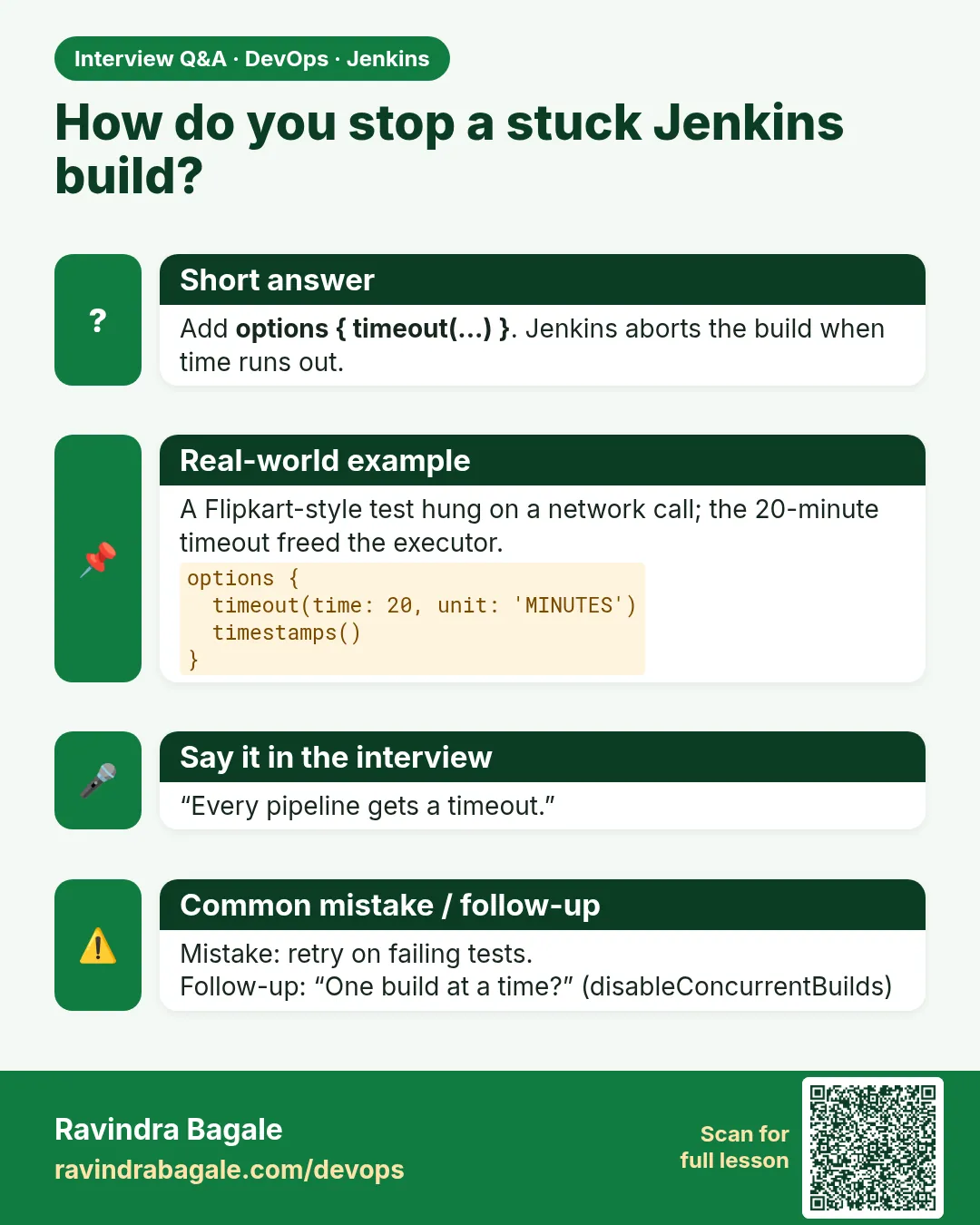
How do you stop stuck builds?
timeout in options and around risky steps.
-
When to use retry?
For flaky network actions like downloads, not for tests.
-
How do you stop two deploys at once?
disableConcurrentBuilds, or lock from the Lockable Resources plugin.
-
How do you save disk on Jenkins?
buildDiscarder with logRotator.
-
Build aborted after 30 seconds. Why?
A timeout fired; check timestamps for the slow step.
-
How do you protect a shared test server used by many jobs?
Use lock from Lockable Resources around the stage that uses it.
-
Why not retry tests?
Retry hides flaky tests. Fix or quarantine them instead.
Quick quiz
Q1. Which option stops a hung build?
timeout.
Q2. Where should you use retry?
Network steps only.
Q3. What does abortPrevious do?
Cancels the older running build.
Q4. Why timestamps?
To see when things happened.
Q5. What does quietPeriod do?
Waits before starting.
Samajla ka?
 Revision card
 Interview card