Revision cards
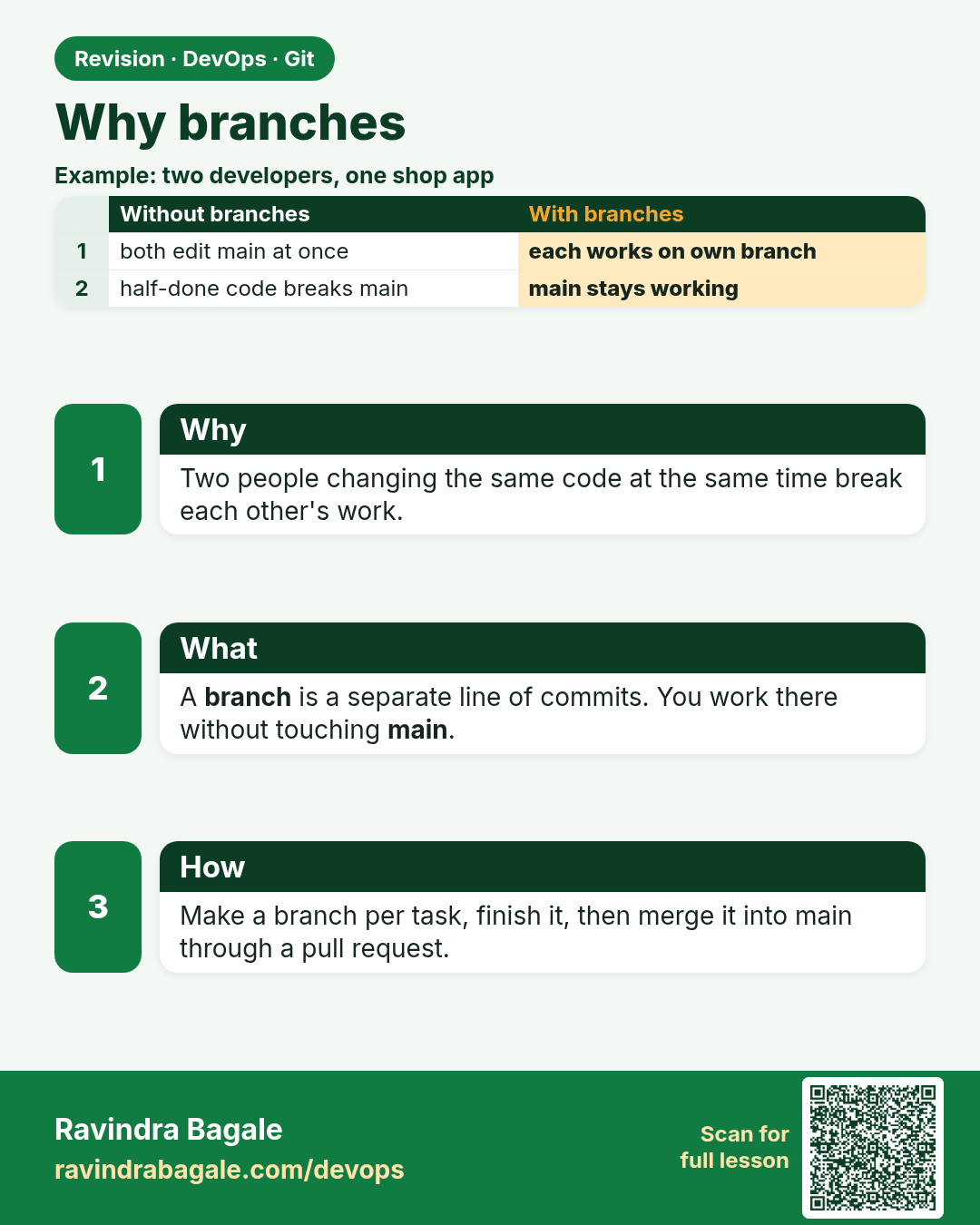
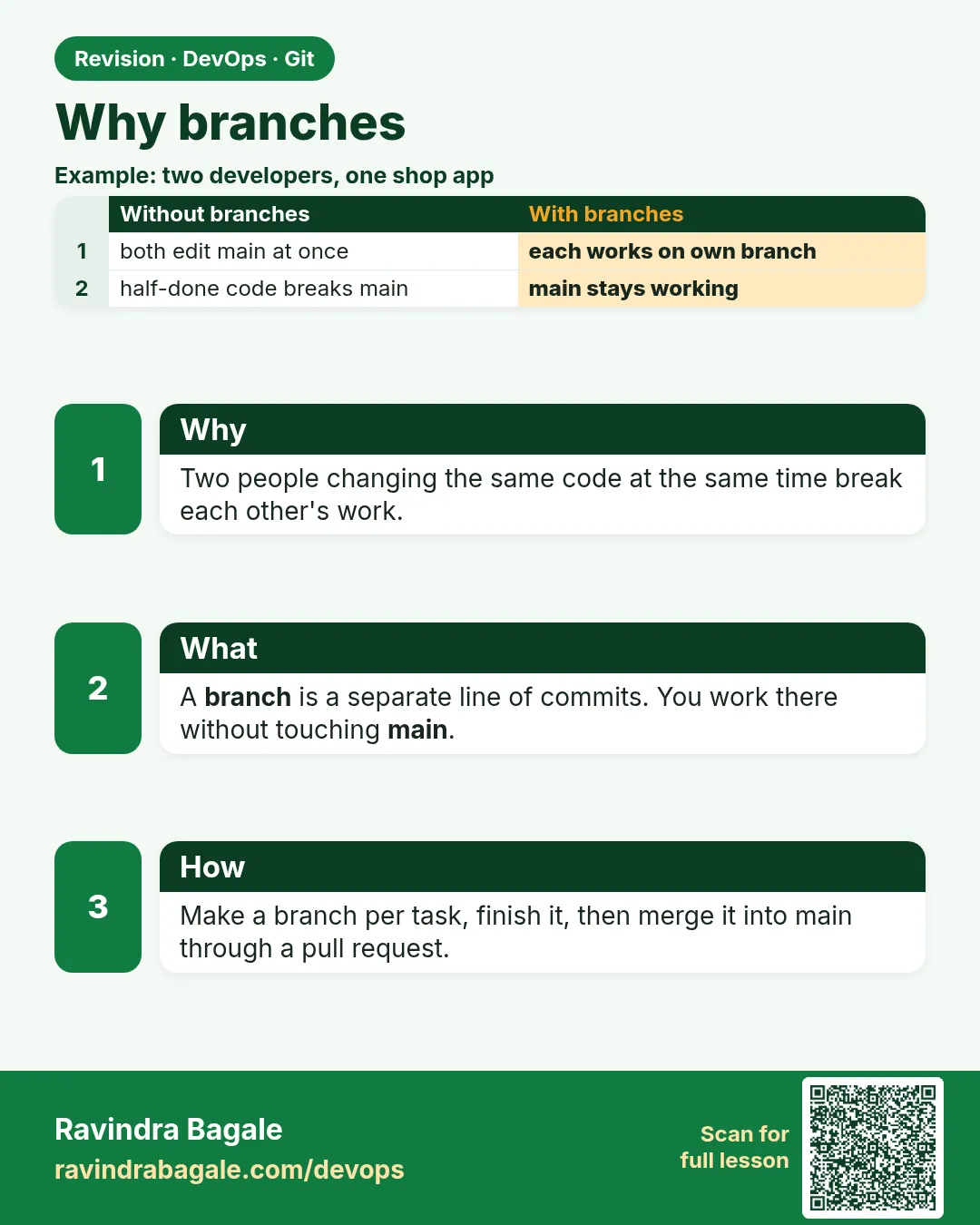 Revision card 1 of 15: Why branches · Download PNG · Open card page
Lesson: 3.1 Why branches — two developers, one shared app
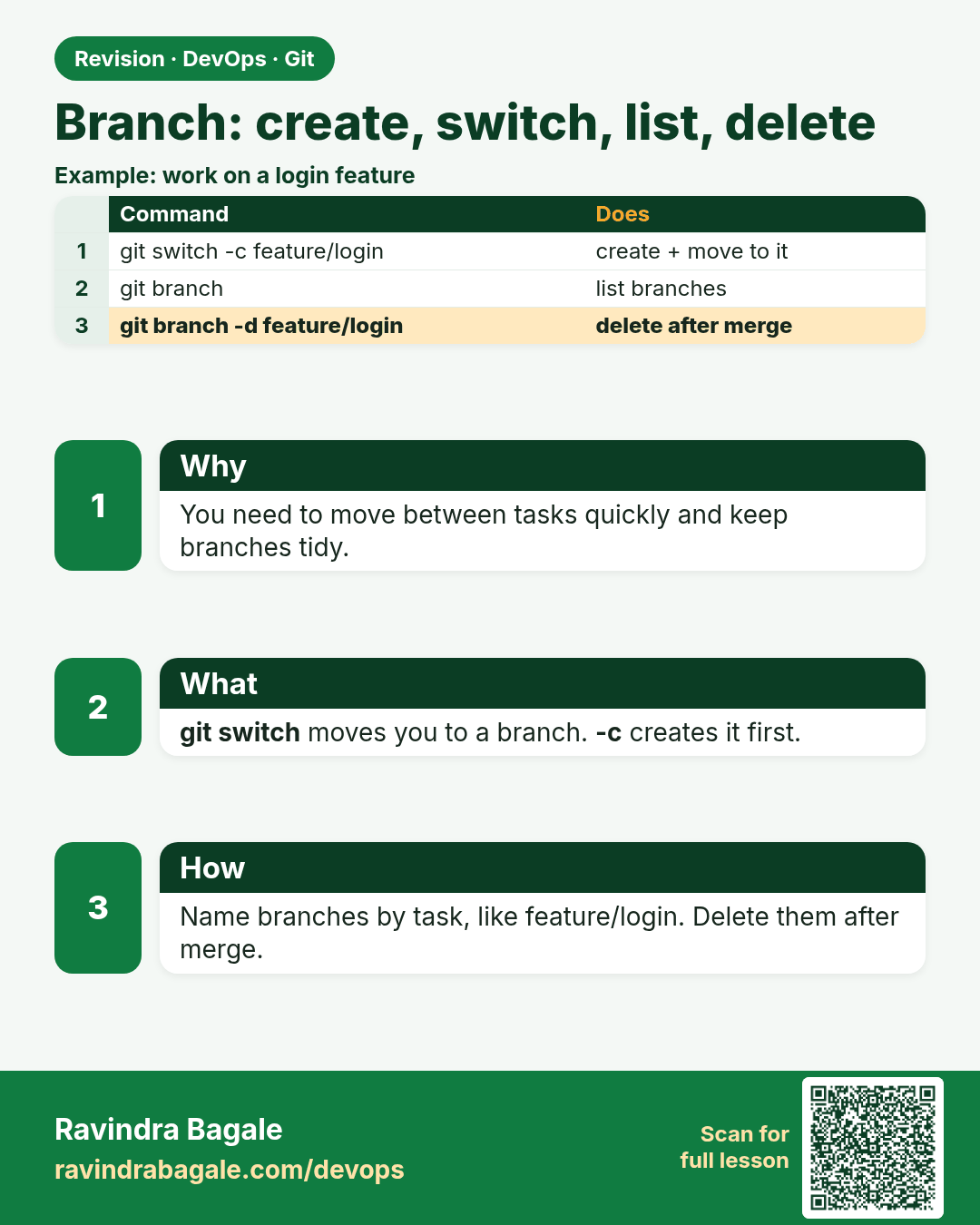
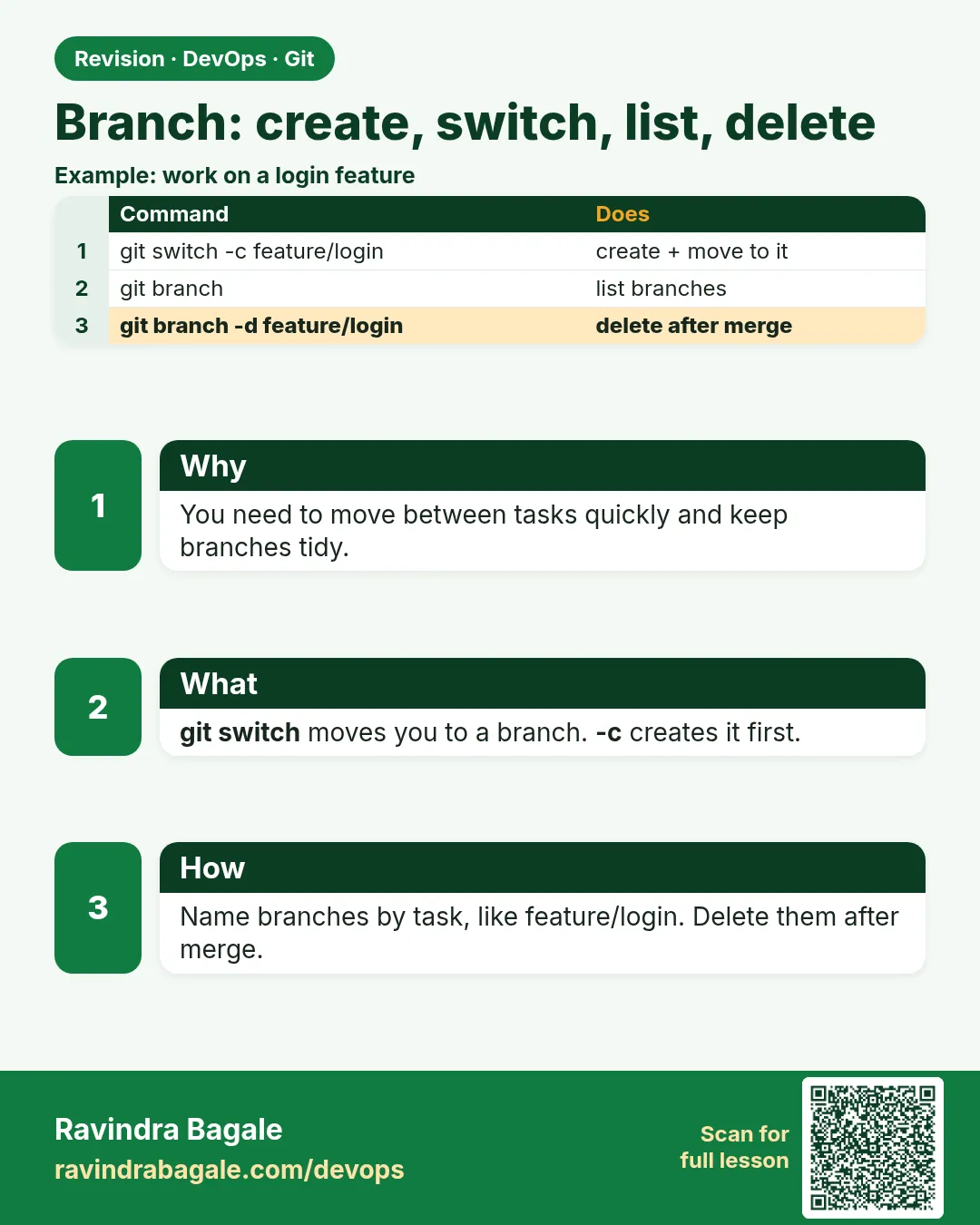 Revision card 2 of 15: Branch: create, switch, list, delete · Download PNG · Open card page
Lesson: 3.2 branch, switch, list, delete
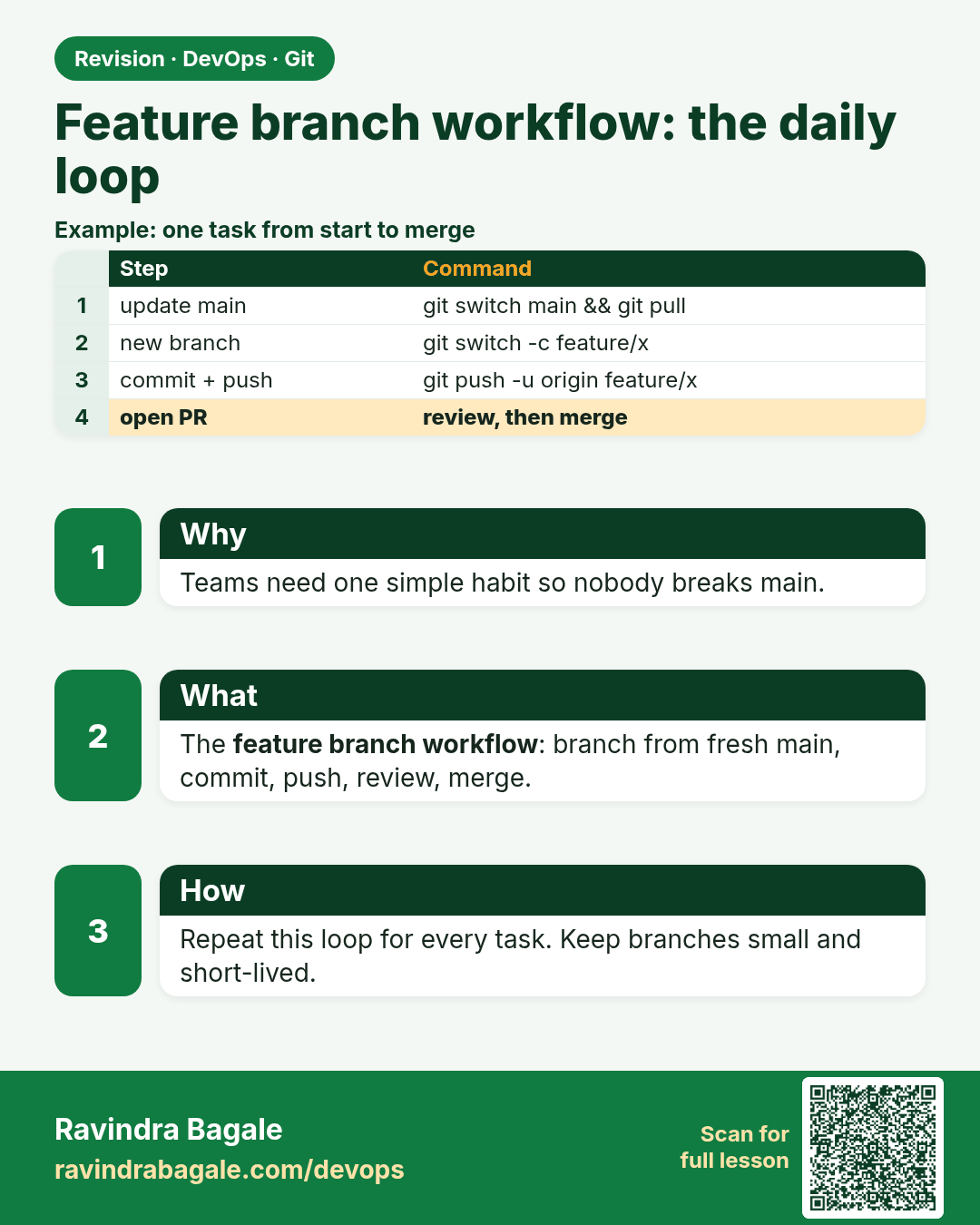
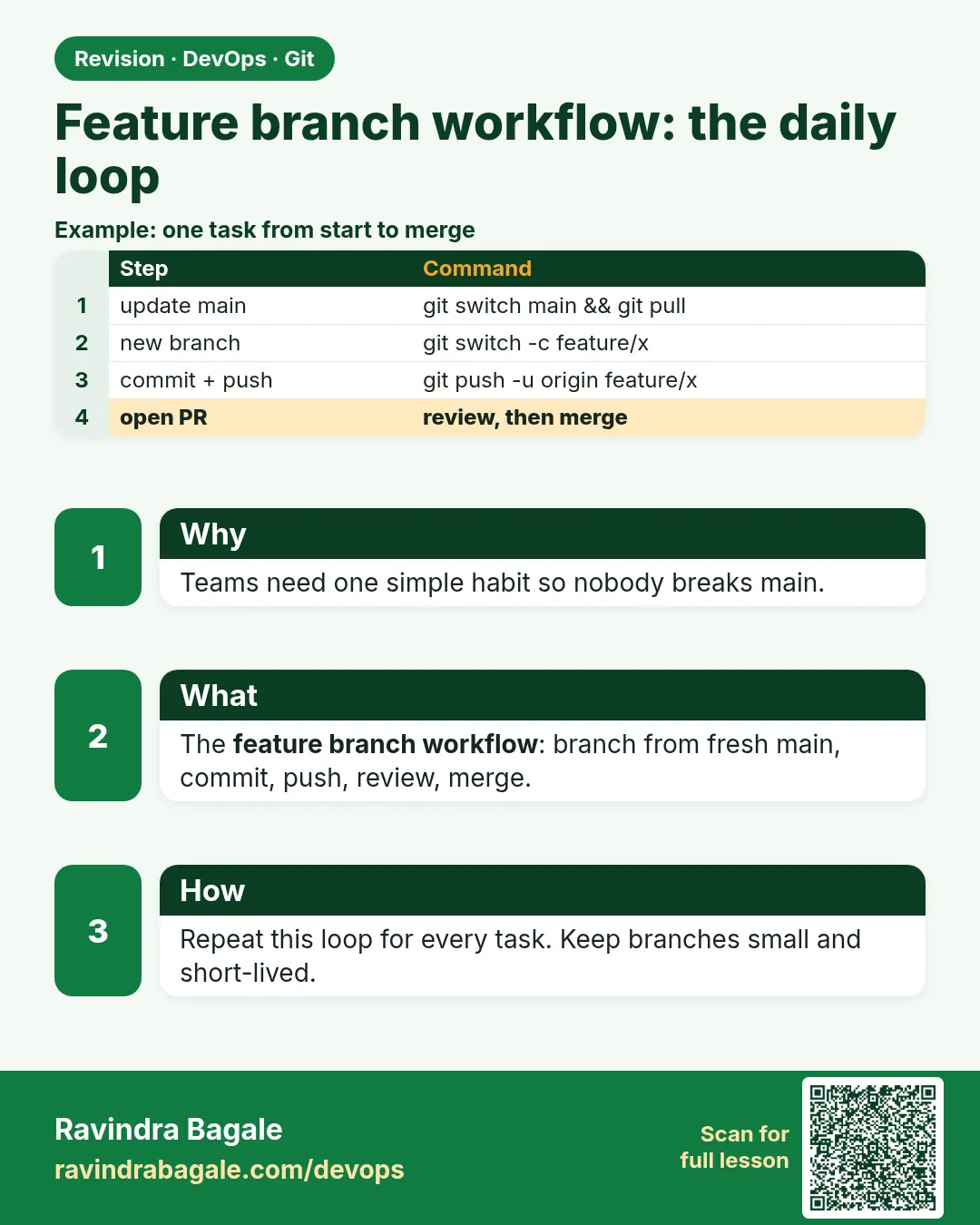 Revision card 3 of 15: Feature branch workflow: the daily loop · Download PNG · Open card page
Lesson: 3.3 Feature-branch workflow (the daily loop)
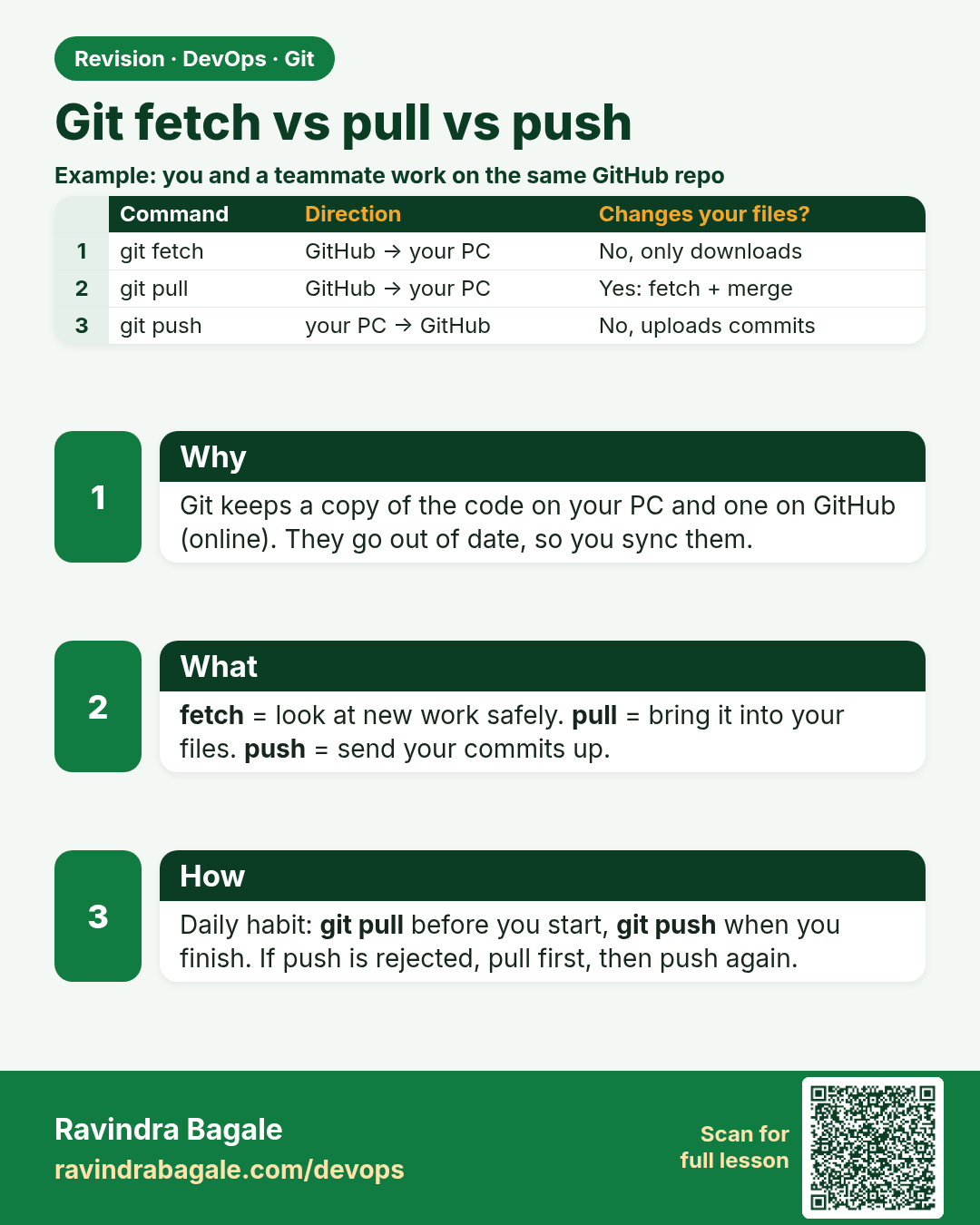
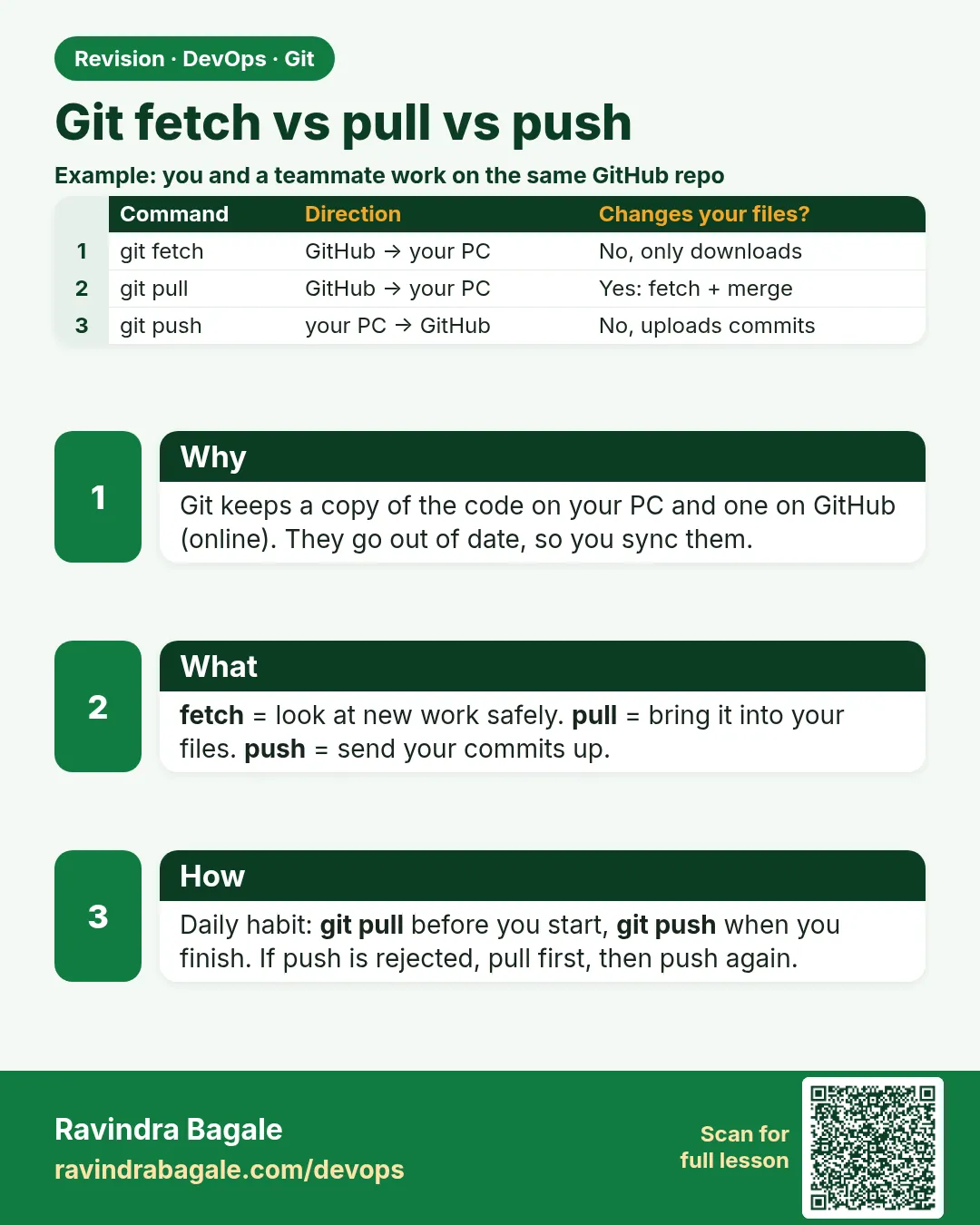 Revision card 4 of 15: Git fetch vs pull vs push · Download PNG · Open card page
Lesson: 3.4 Fetch vs pull vs push
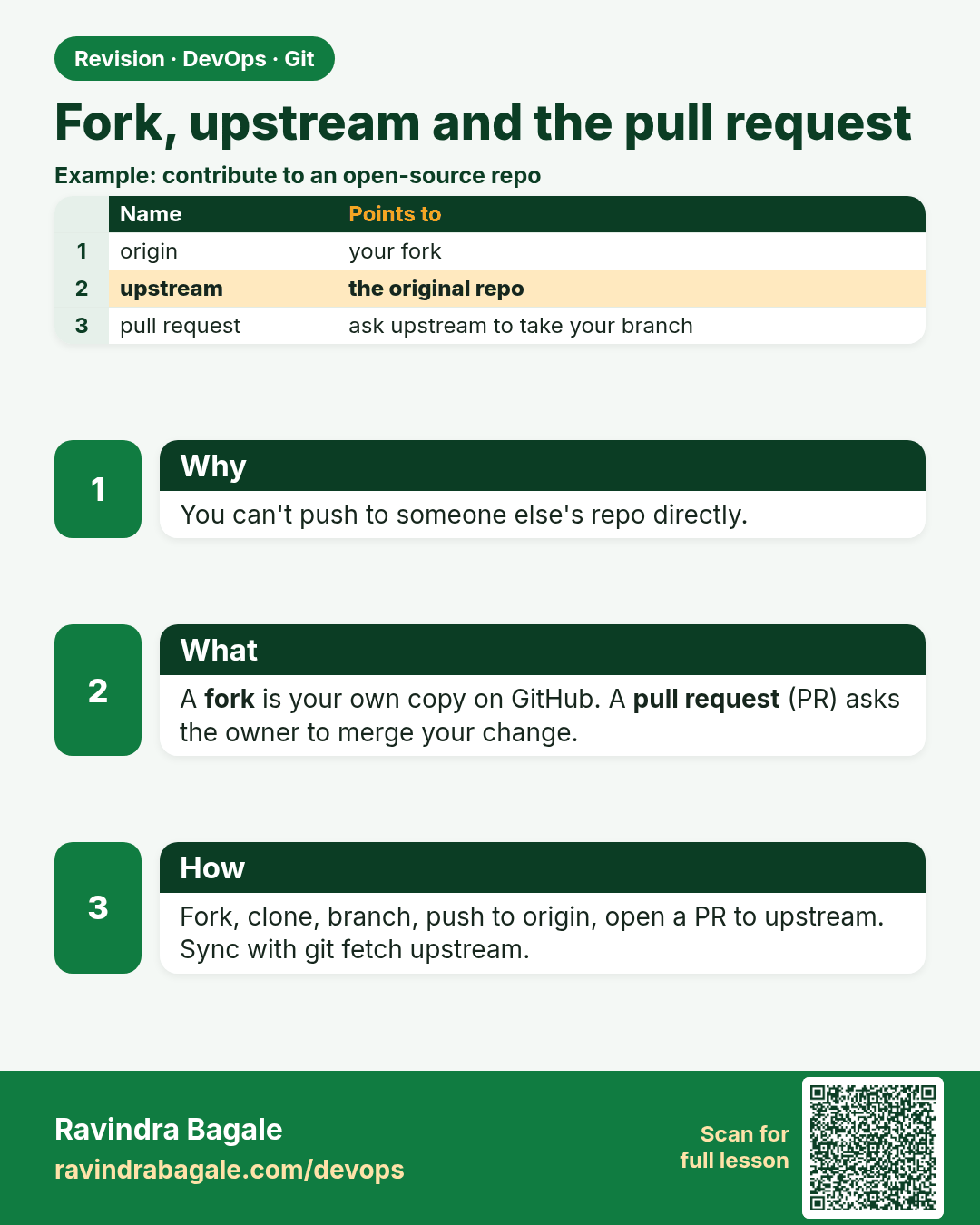
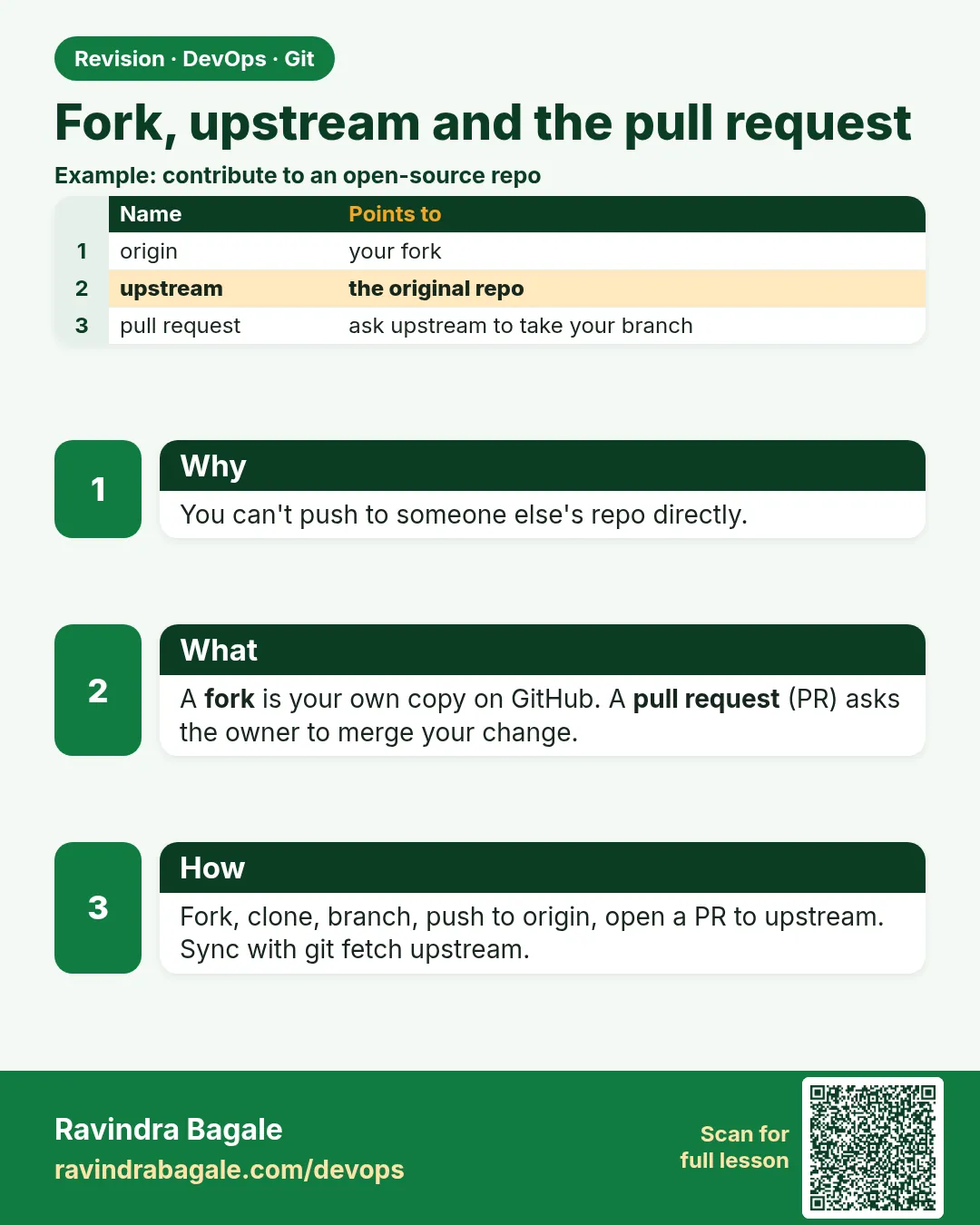 Revision card 5 of 15: Fork, upstream and the pull request · Download PNG · Open card page
Lesson: 3.5 Fork, upstream, and the pull request
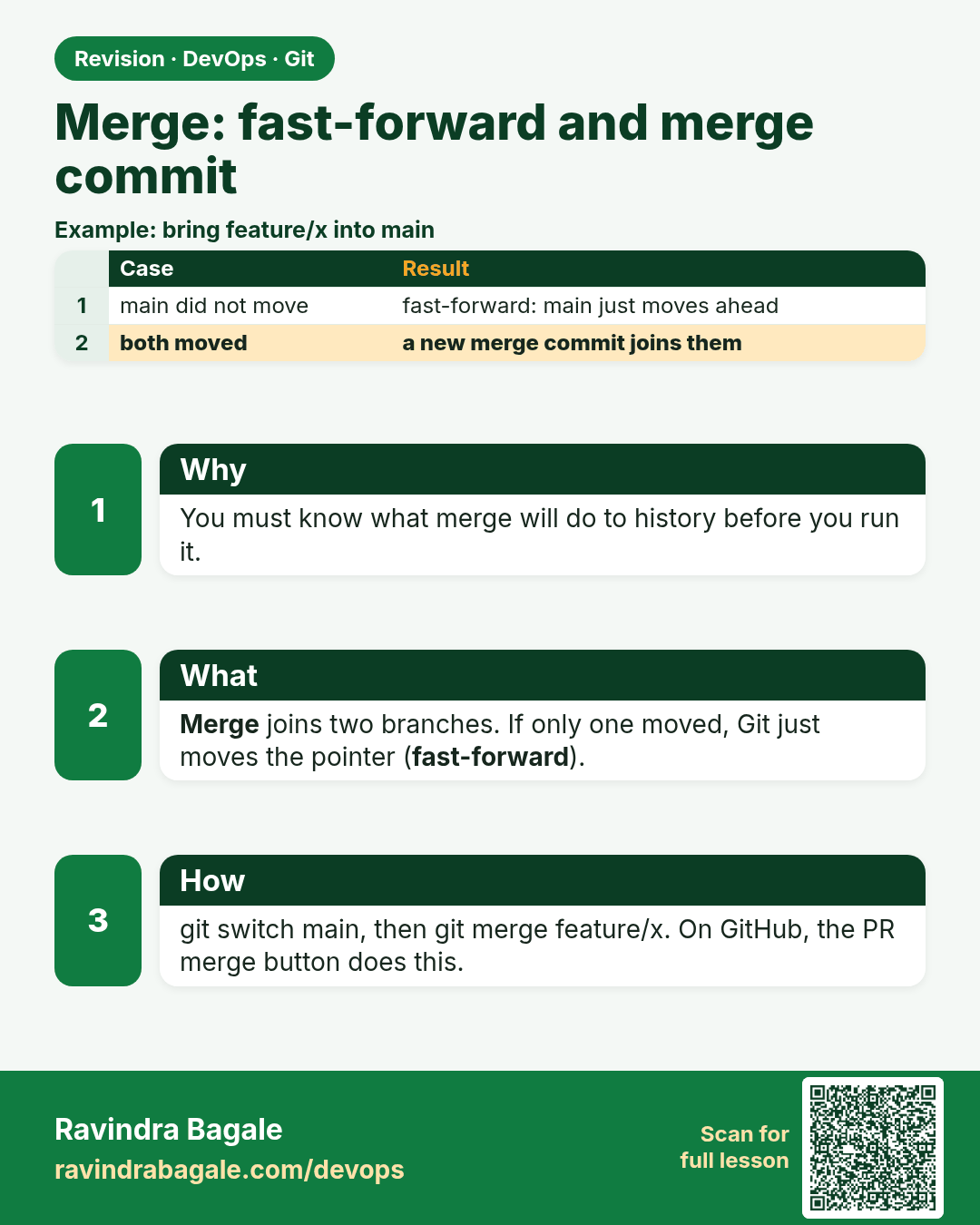
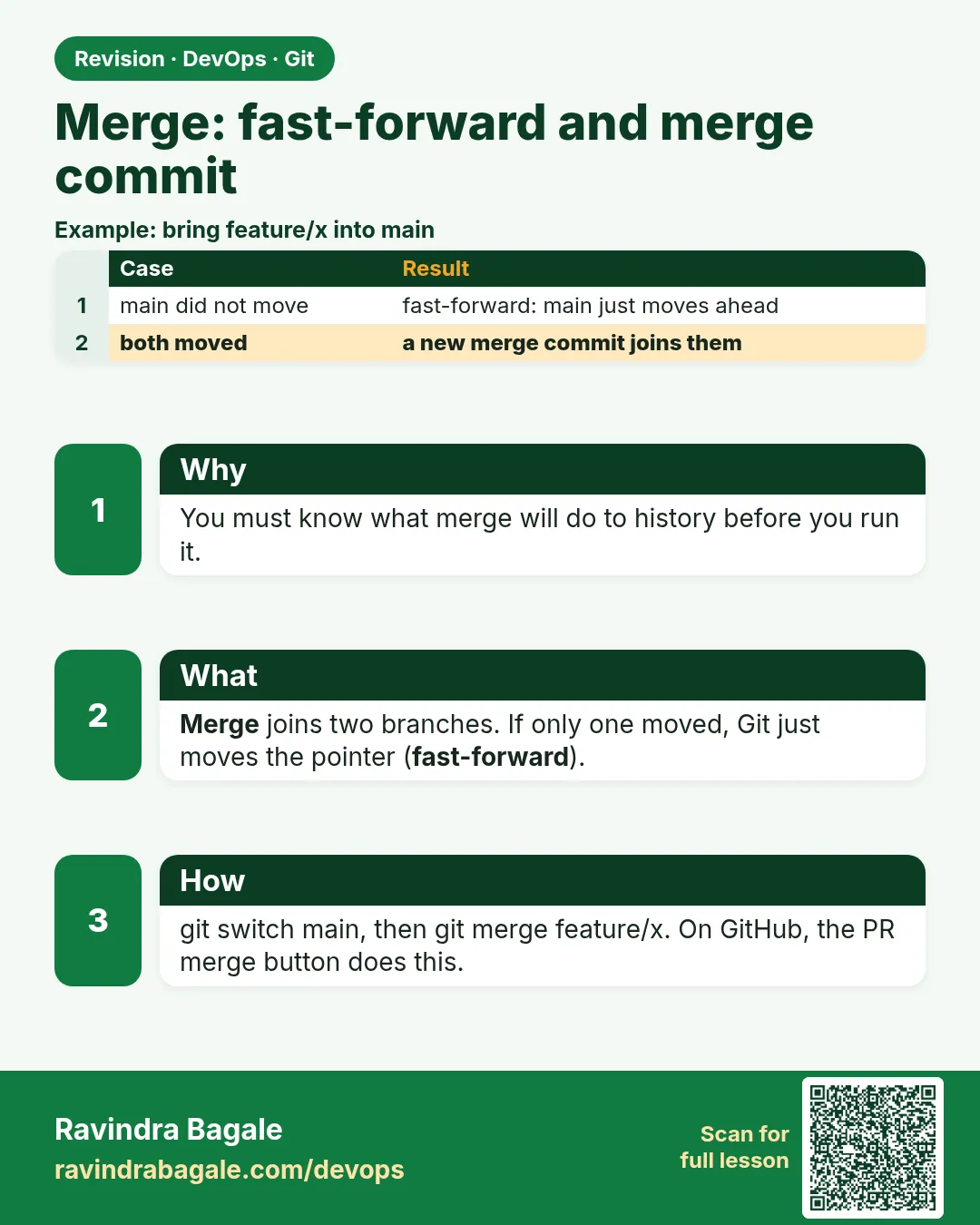 Revision card 6 of 15: Merge: fast-forward and merge commit · Download PNG · Open card page
Lesson: 3.6 Merge — fast-forward and a merge commit
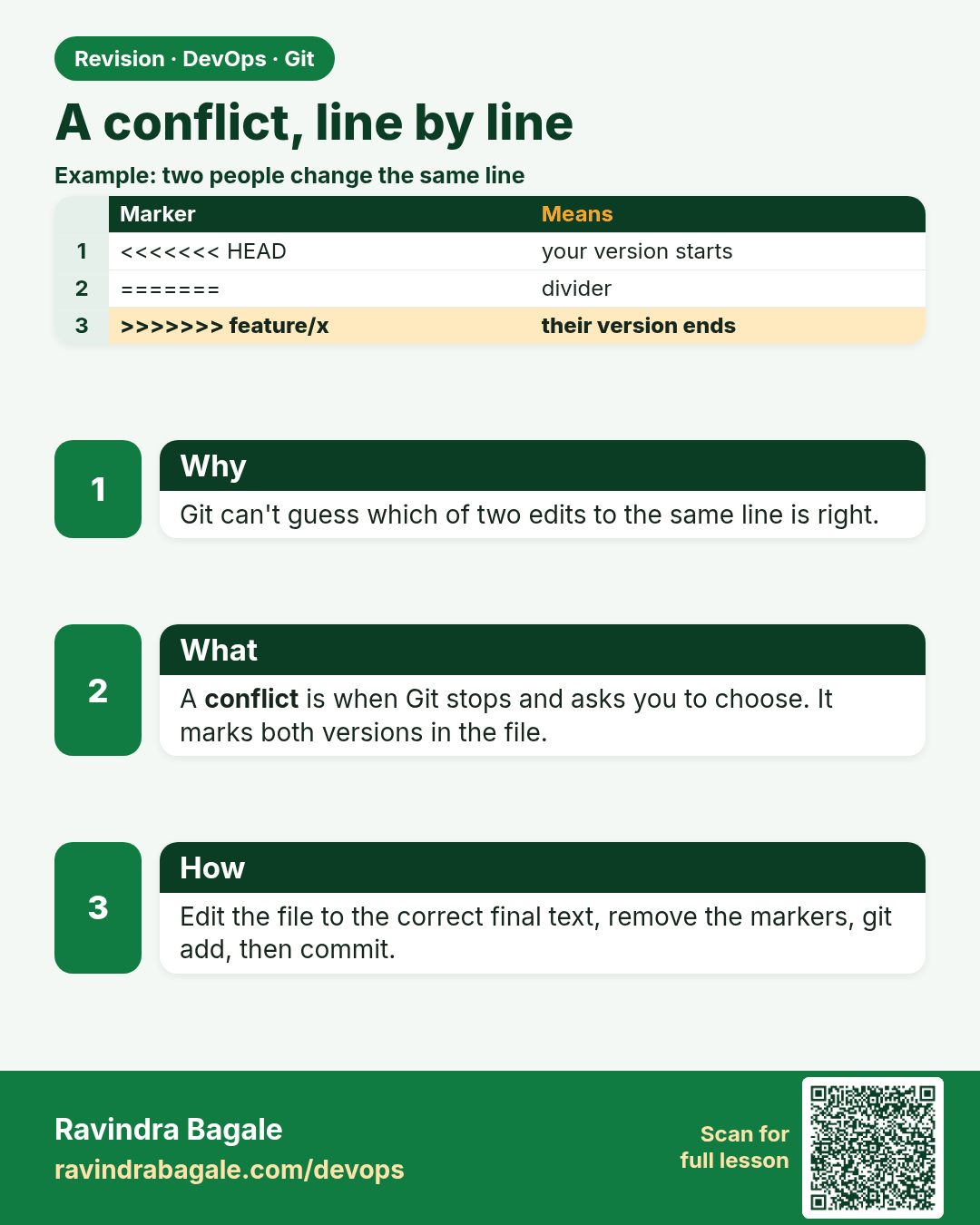
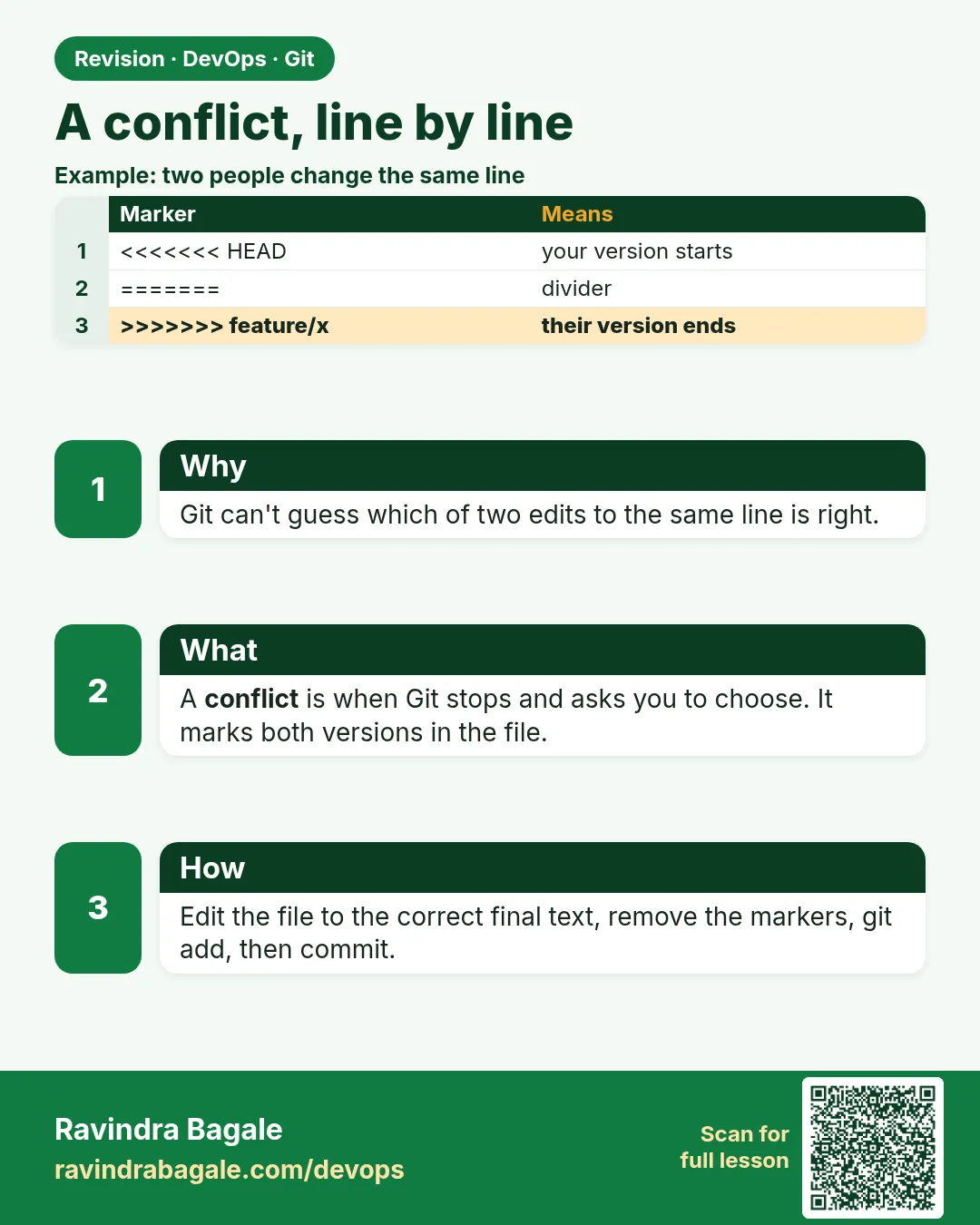 Revision card 7 of 15: A conflict, line by line · Download PNG · Open card page
Lesson: 3.7 A conflict, line by line
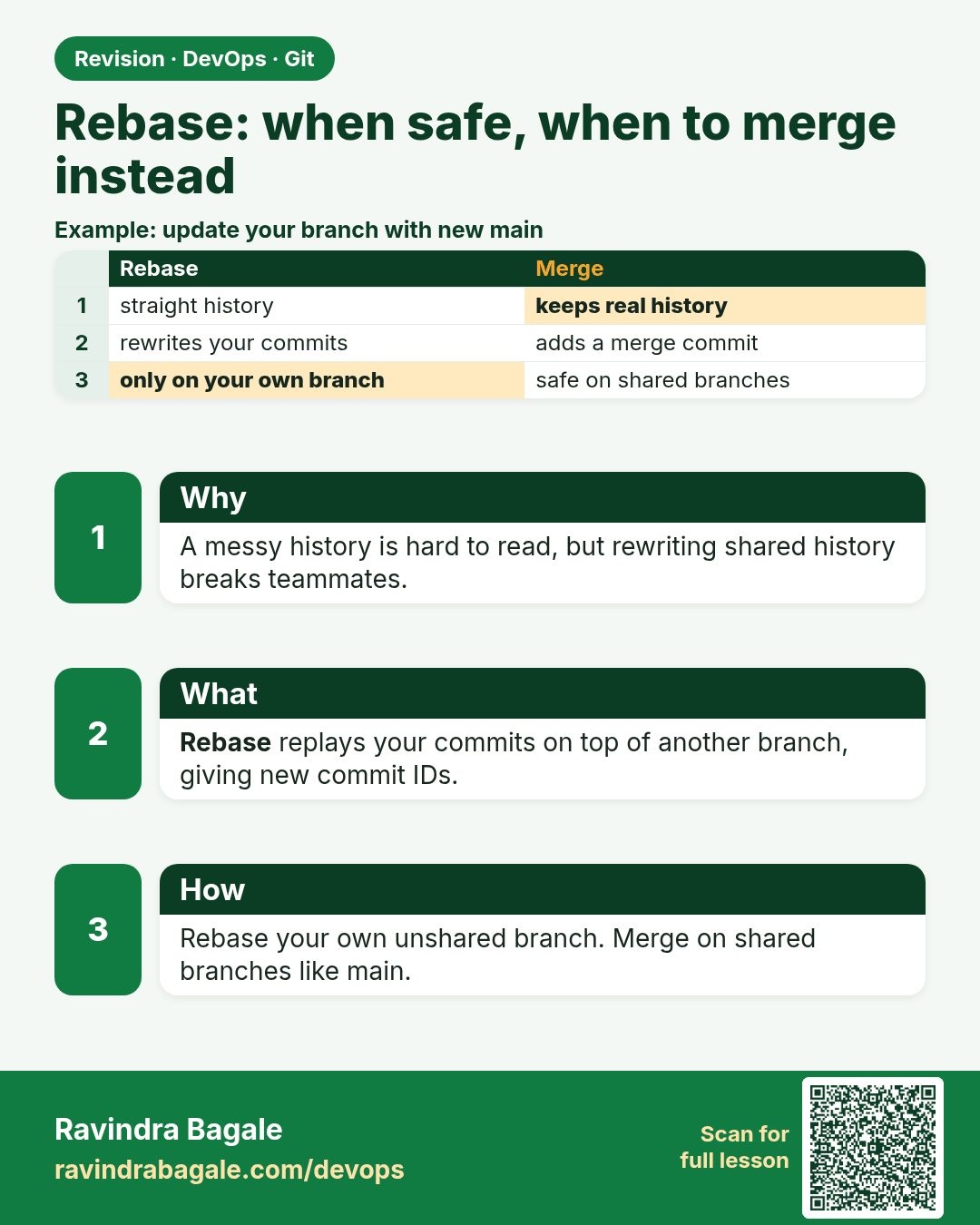
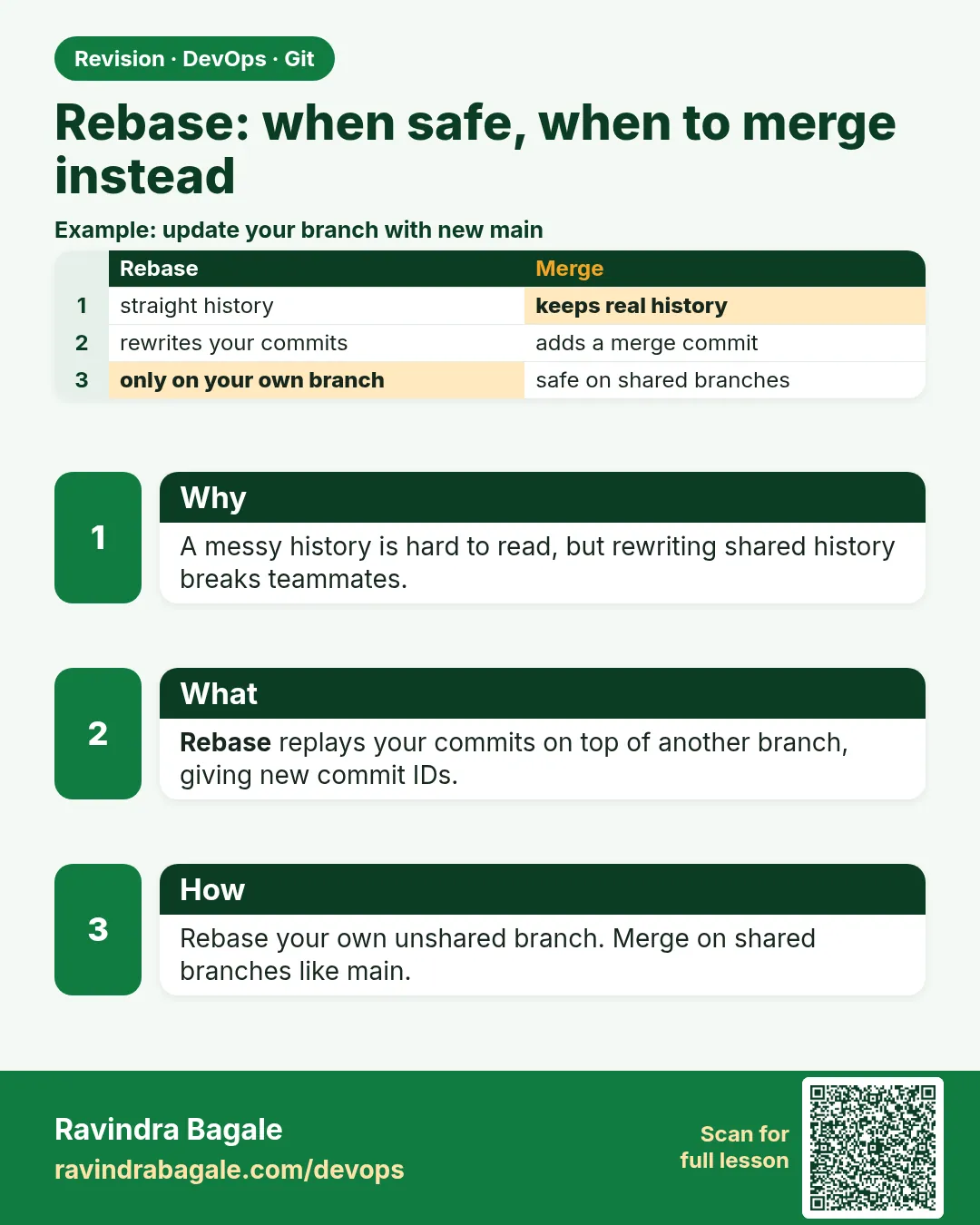 Revision card 8 of 15: Rebase: when safe, when to merge instead · Download PNG · Open card page
Lesson: 3.8 Rebase when it is safe — and when to merge instead
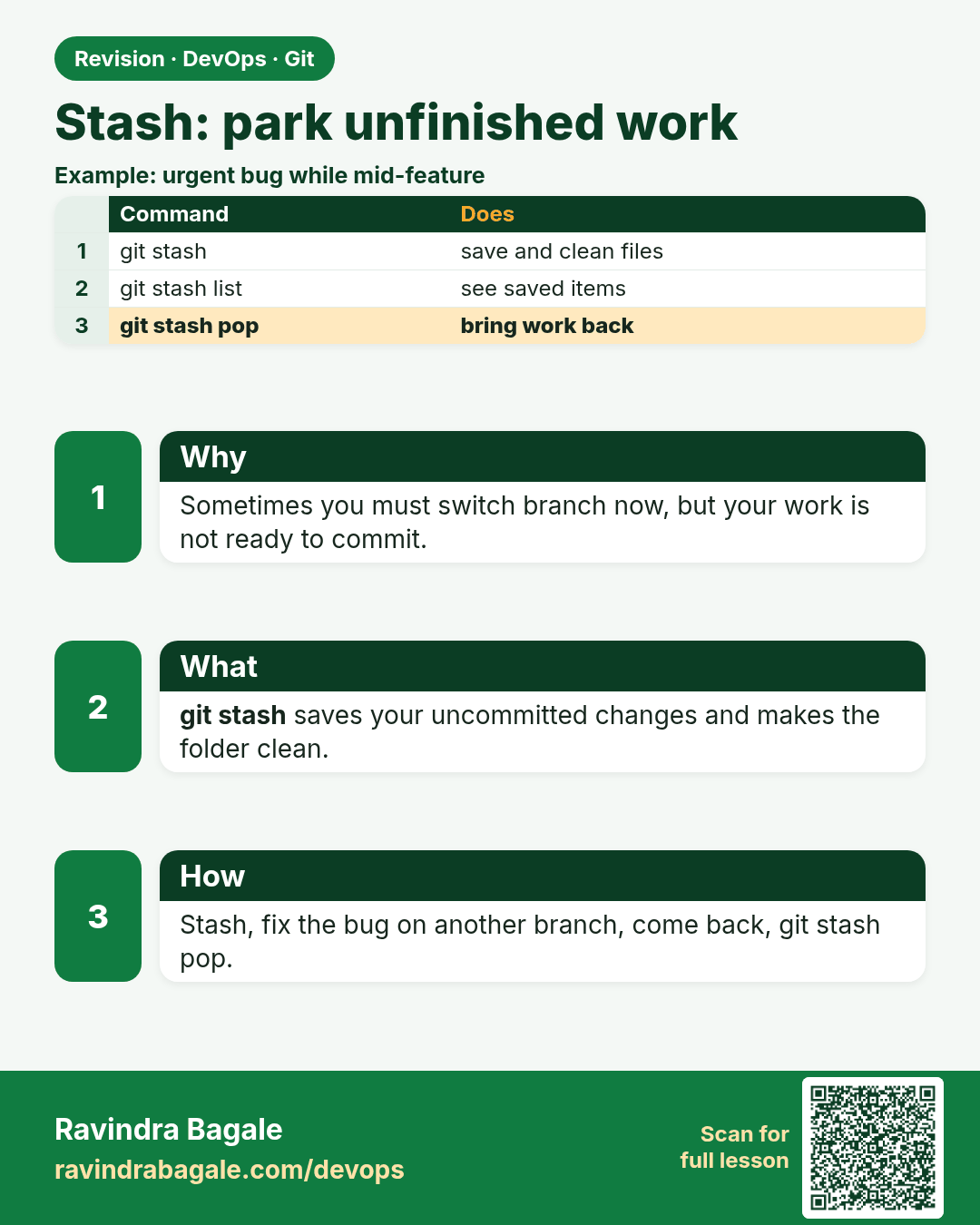
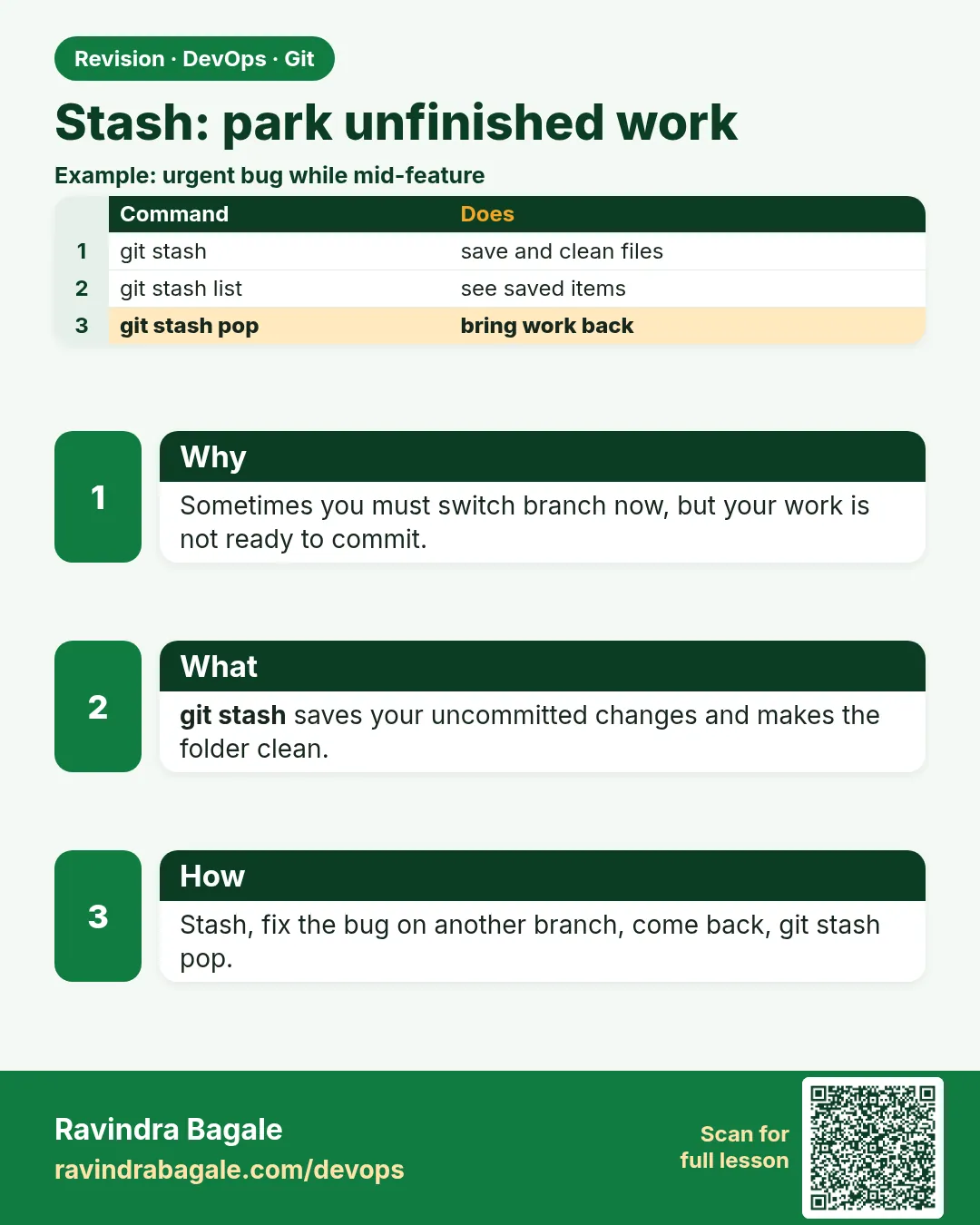 Revision card 9 of 15: Stash: park unfinished work · Download PNG · Open card page
Lesson: 3.9 Stash — park the unfinished edit
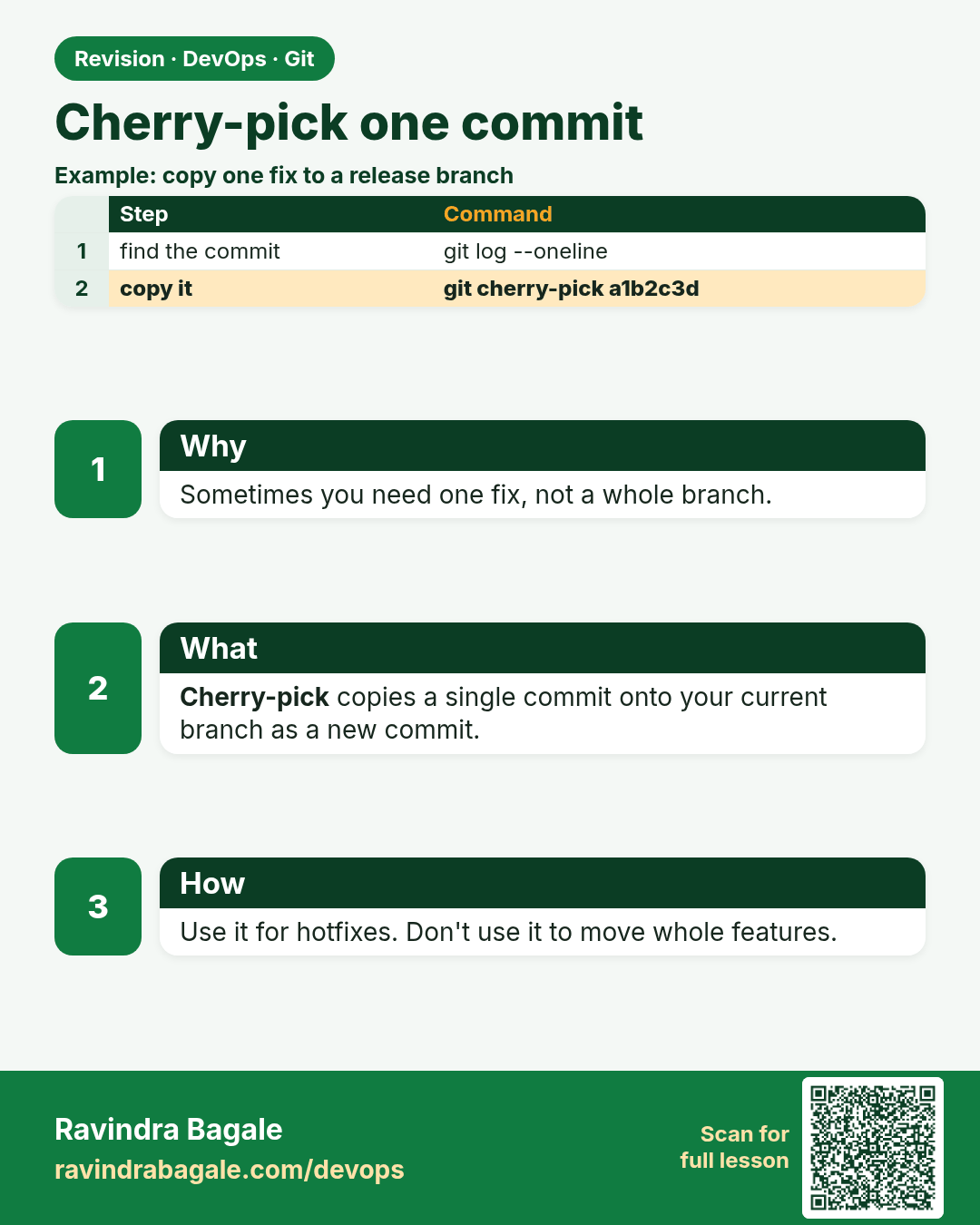
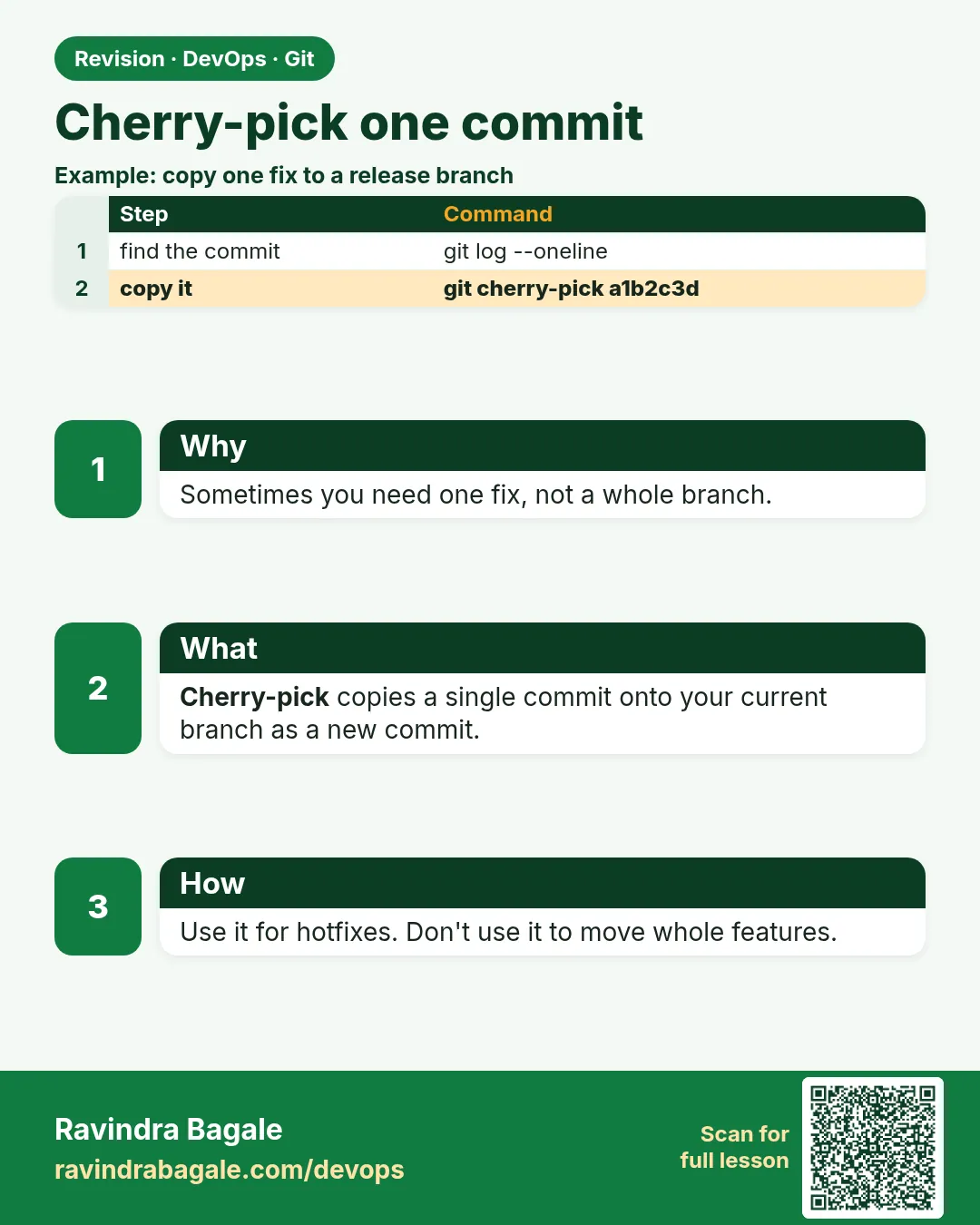 Revision card 10 of 15: Cherry-pick one commit · Download PNG · Open card page
Lesson: 3.10 Cherry-pick one commit
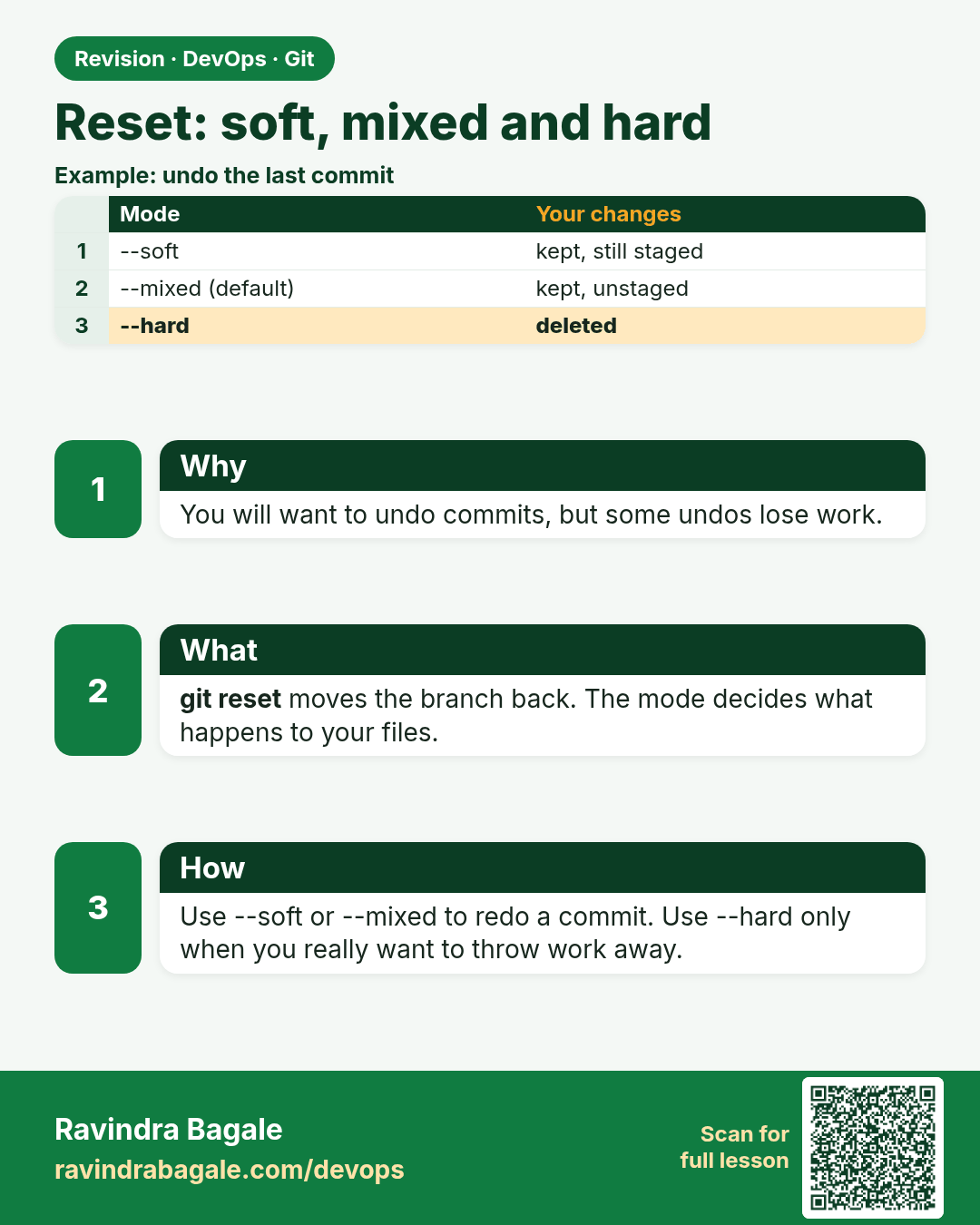
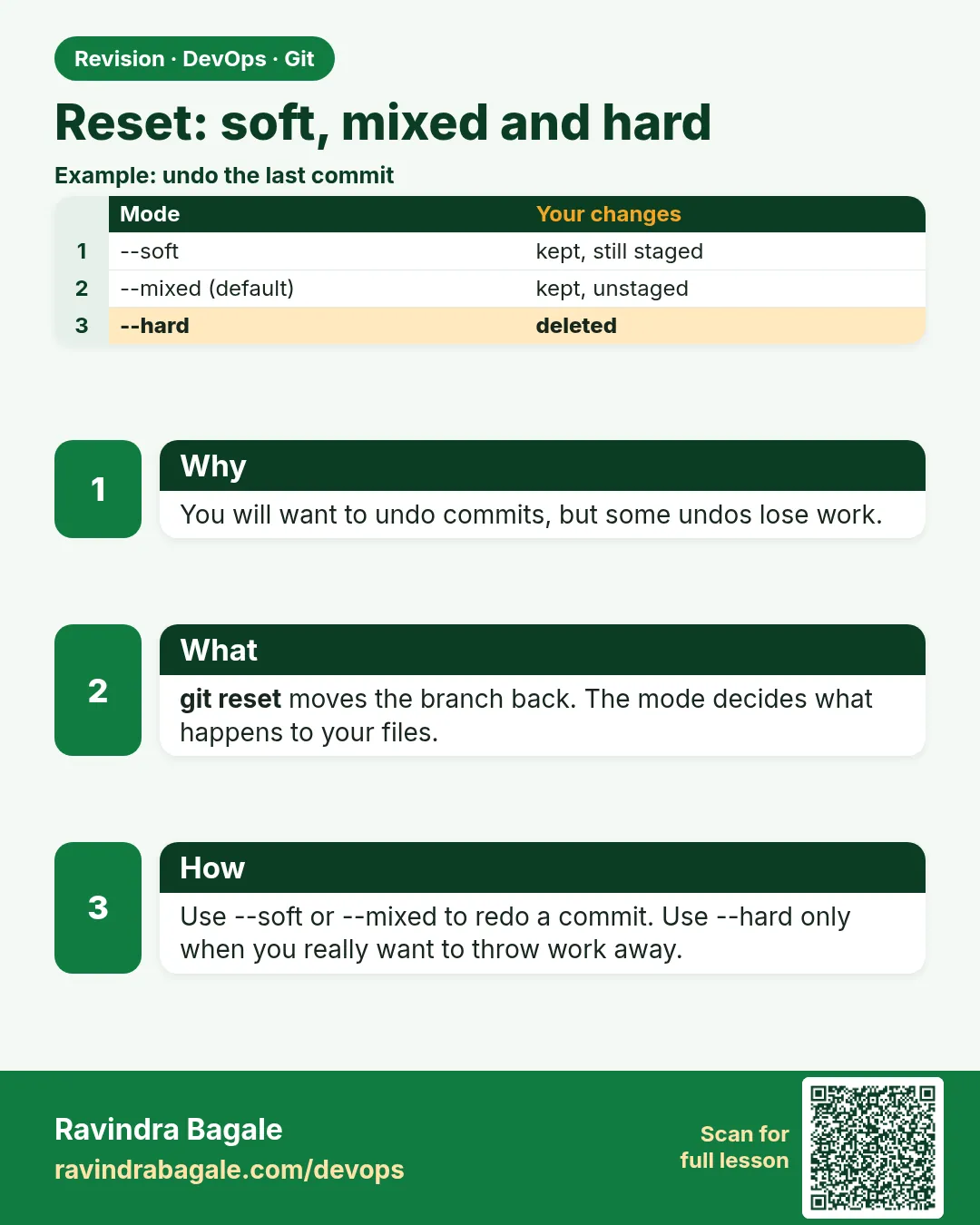 Revision card 11 of 15: Reset: soft, mixed and hard · Download PNG · Open card page
Lesson: 3.11 reset --soft, --mixed and --hard
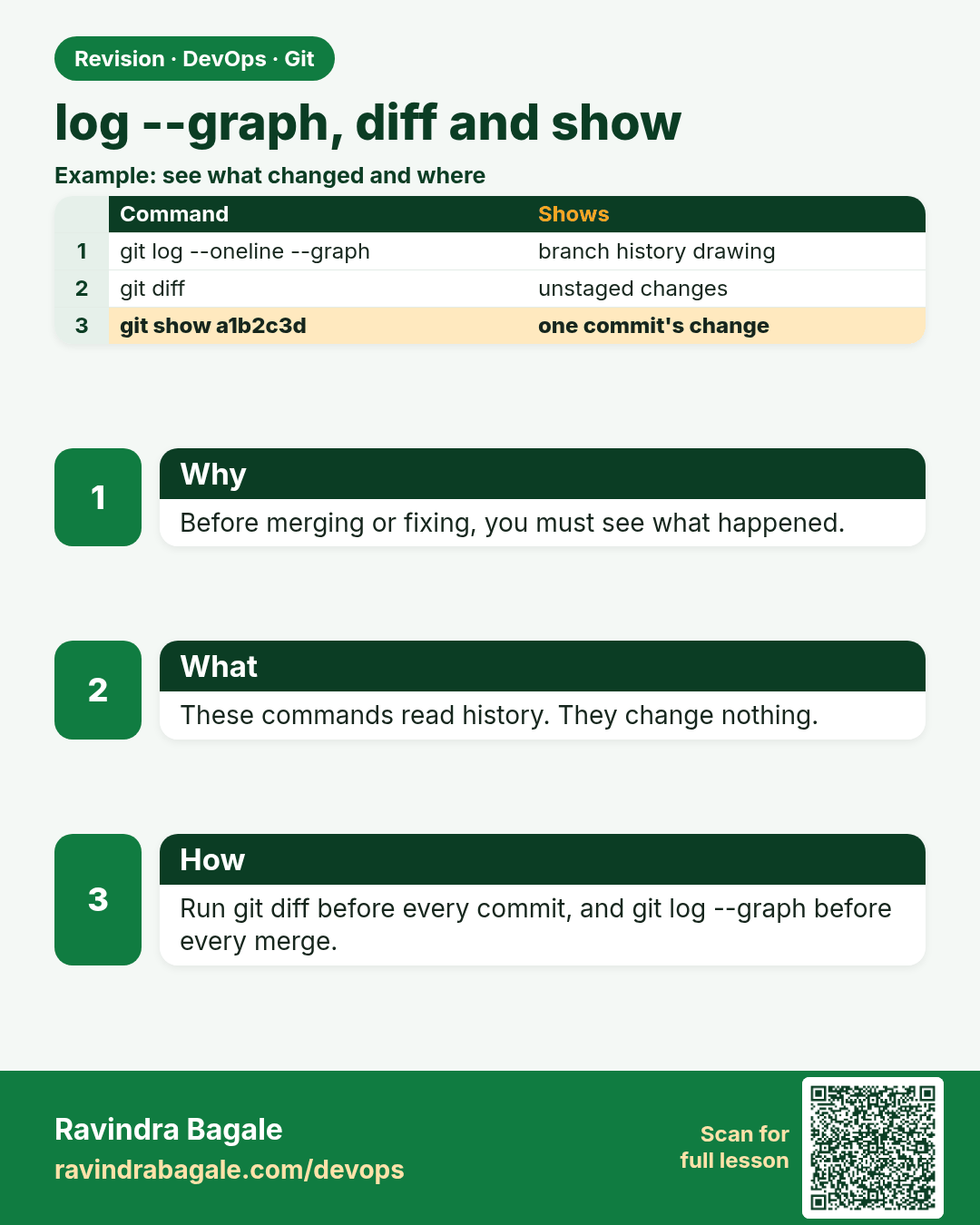
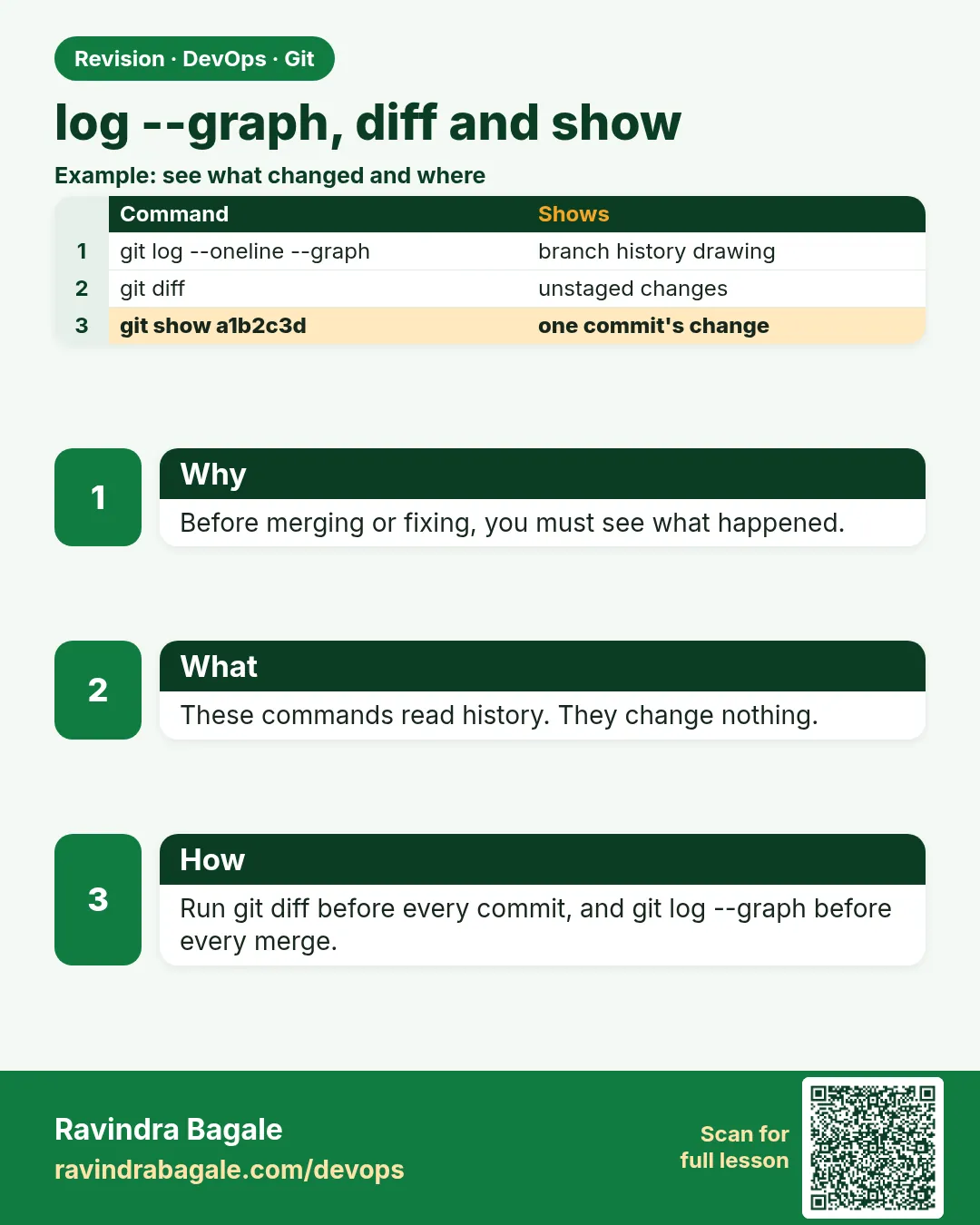 Revision card 12 of 15: log --graph, diff and show · Download PNG · Open card page
Lesson: 3.12 log --graph, diff and show
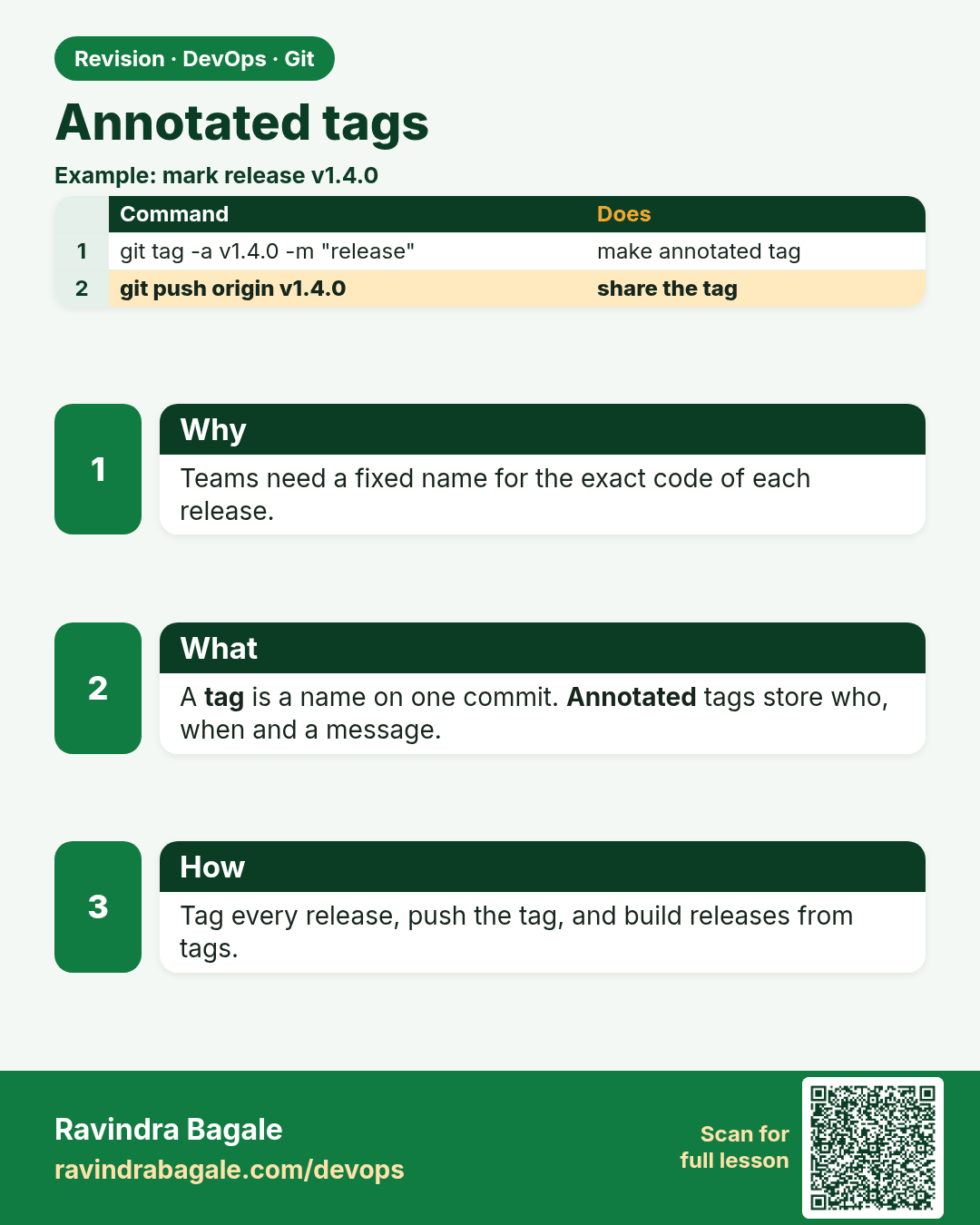
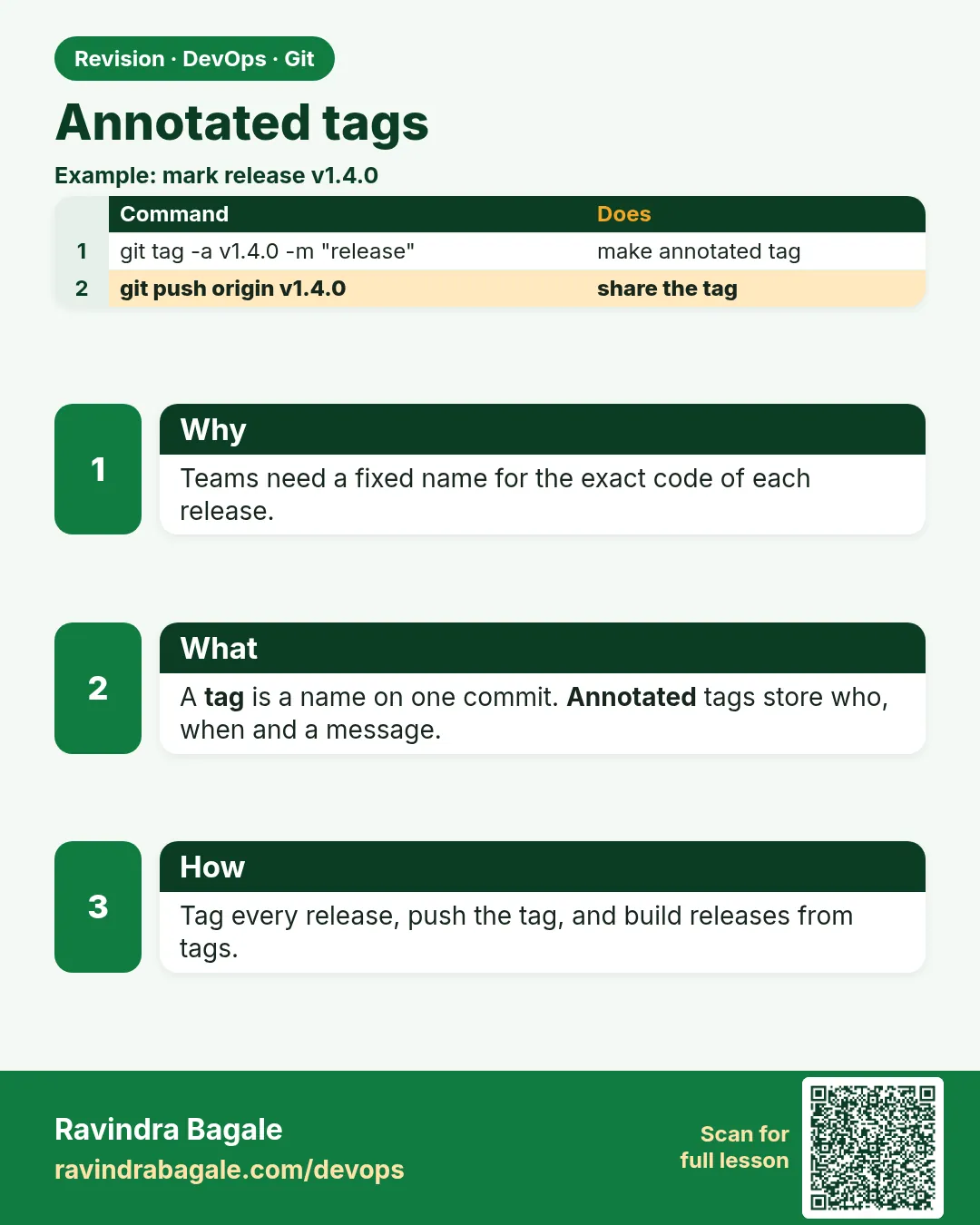 Revision card 13 of 15: Annotated tags · Download PNG · Open card page
Lesson: 3.13 Annotated tags
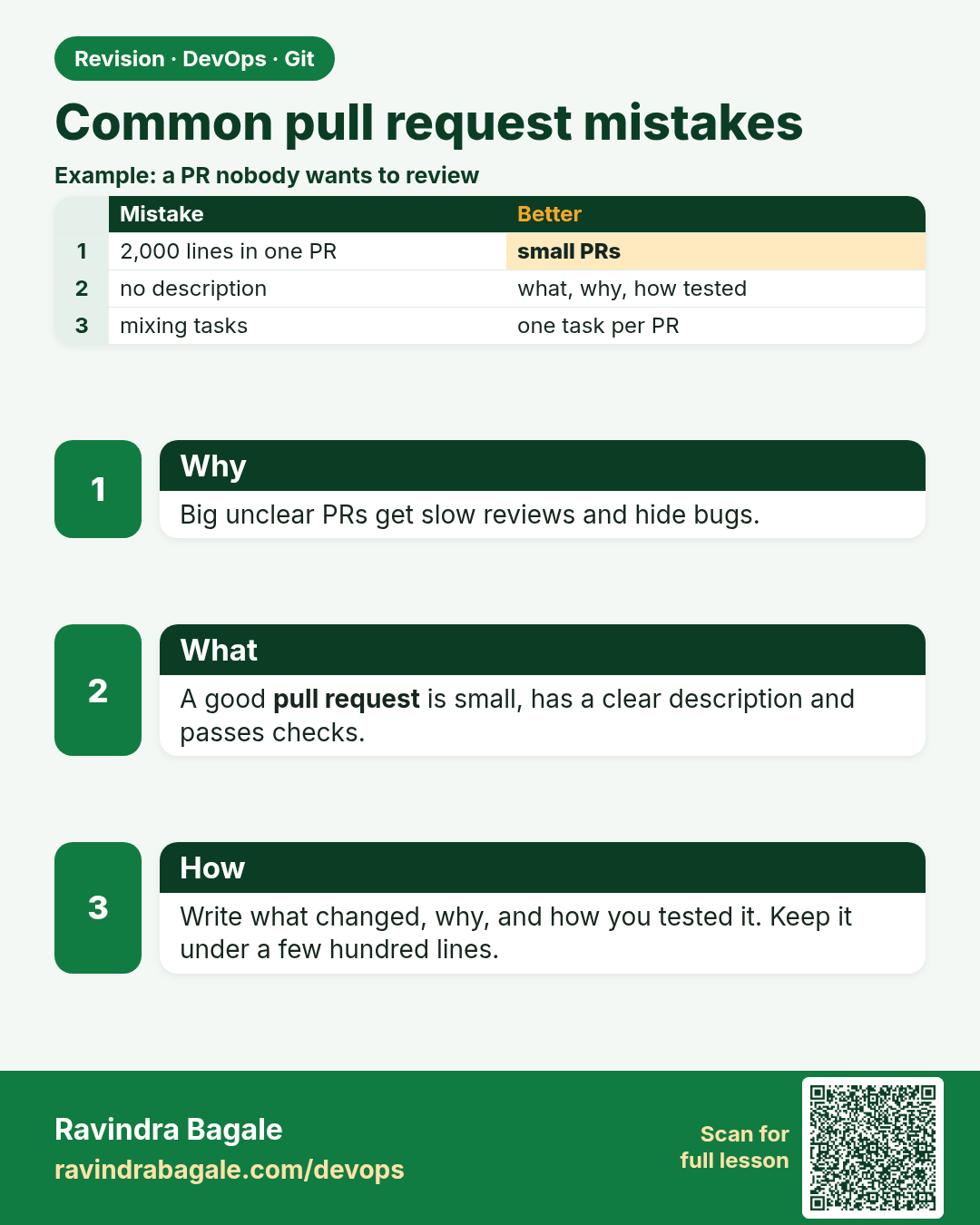
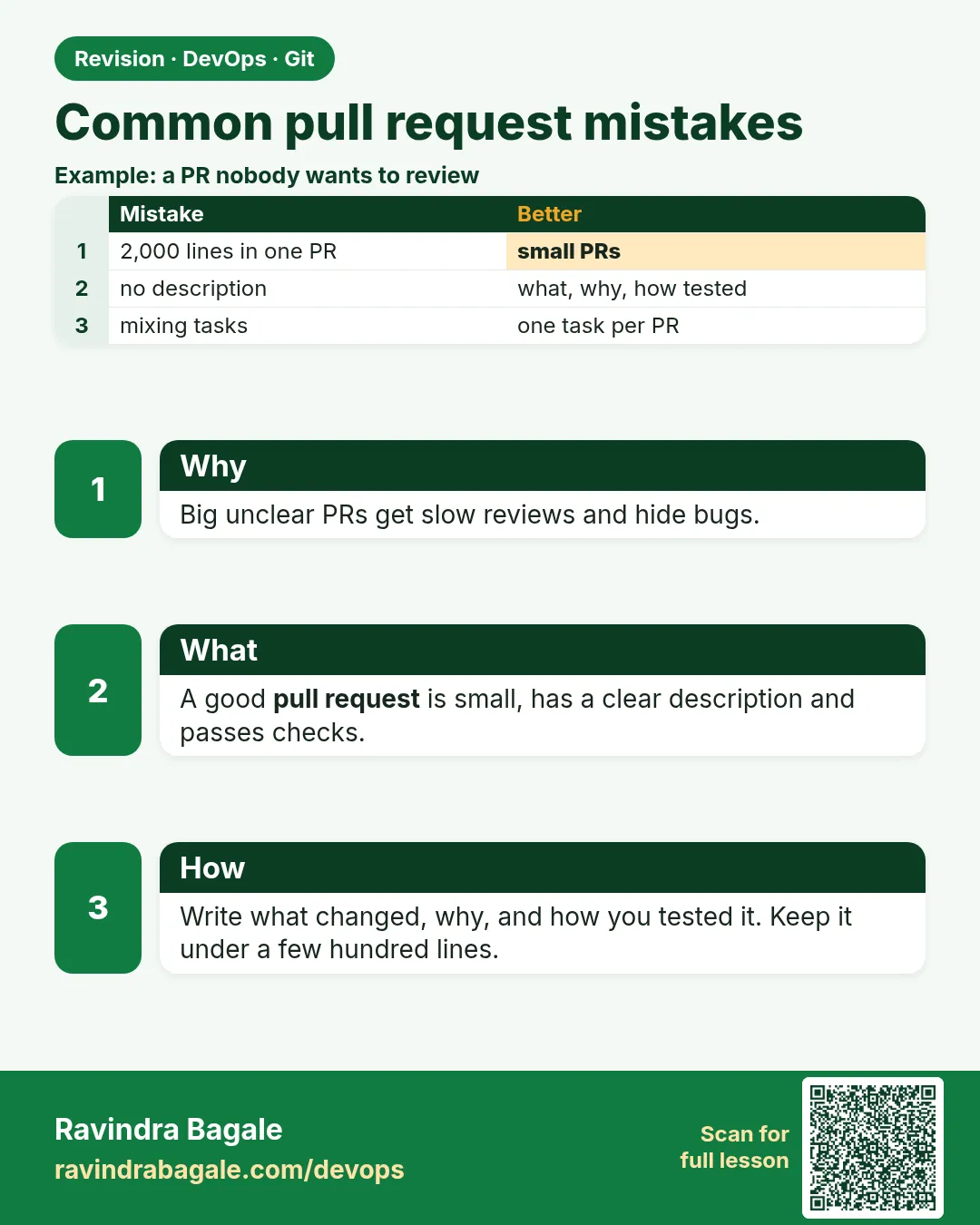 Revision card 14 of 15: Common pull request mistakes · Download PNG · Open card page
Lesson: 3.14 Common pull-request mistakes
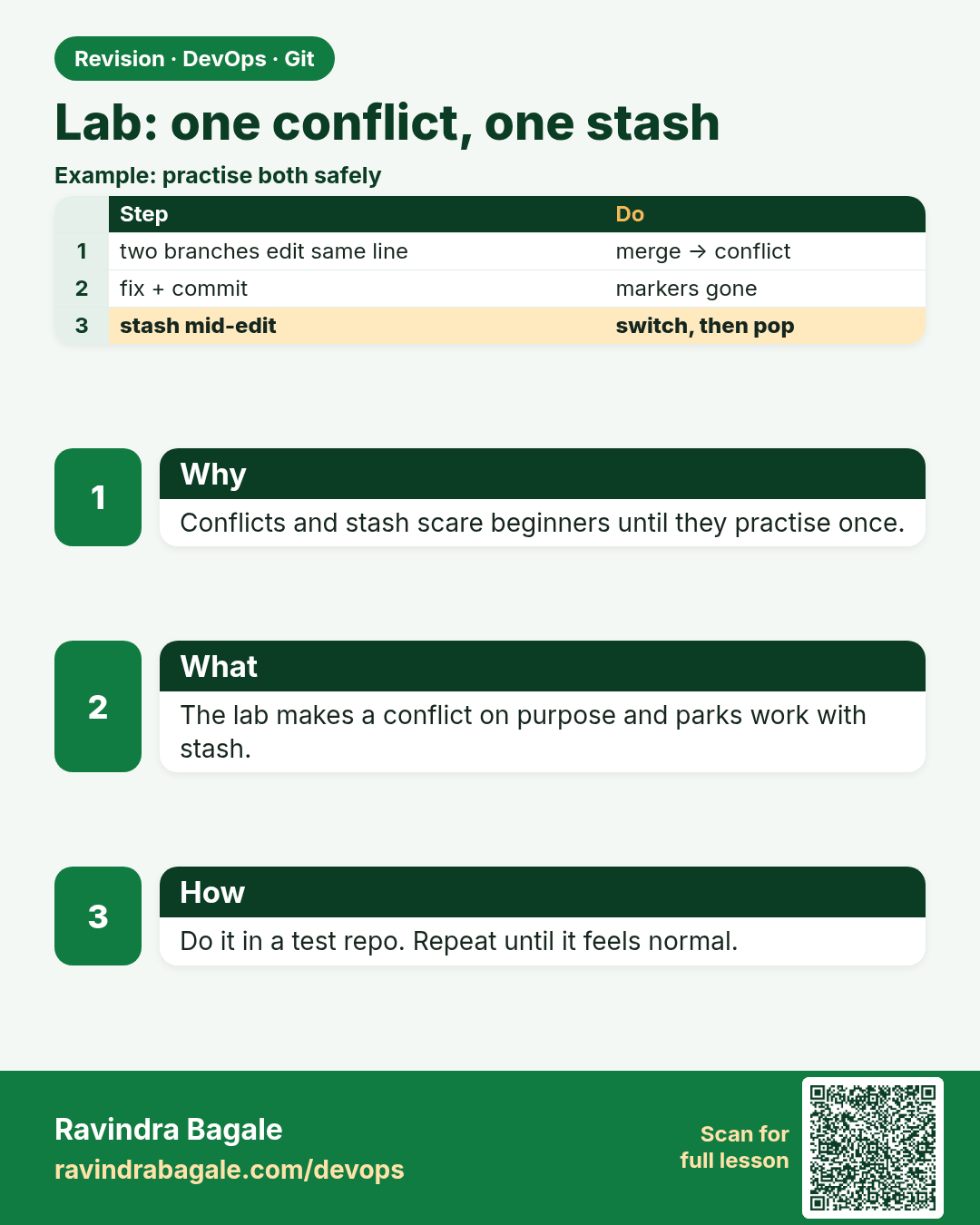
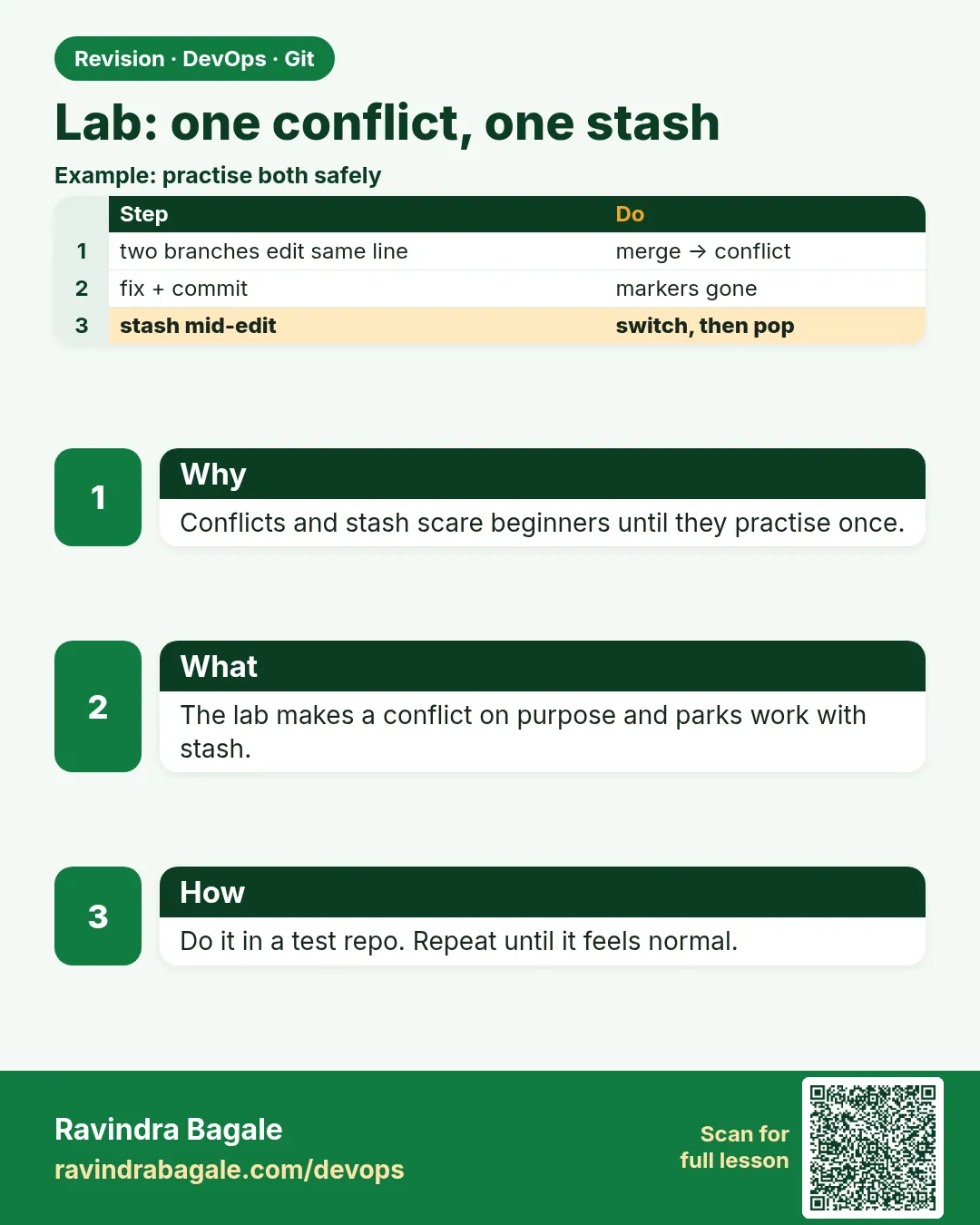 Revision card 15 of 15: Lab: one conflict, one stash · Download PNG · Open card page
Lesson: 3.15 Lab — colour, one conflict, one stash
Interview cards
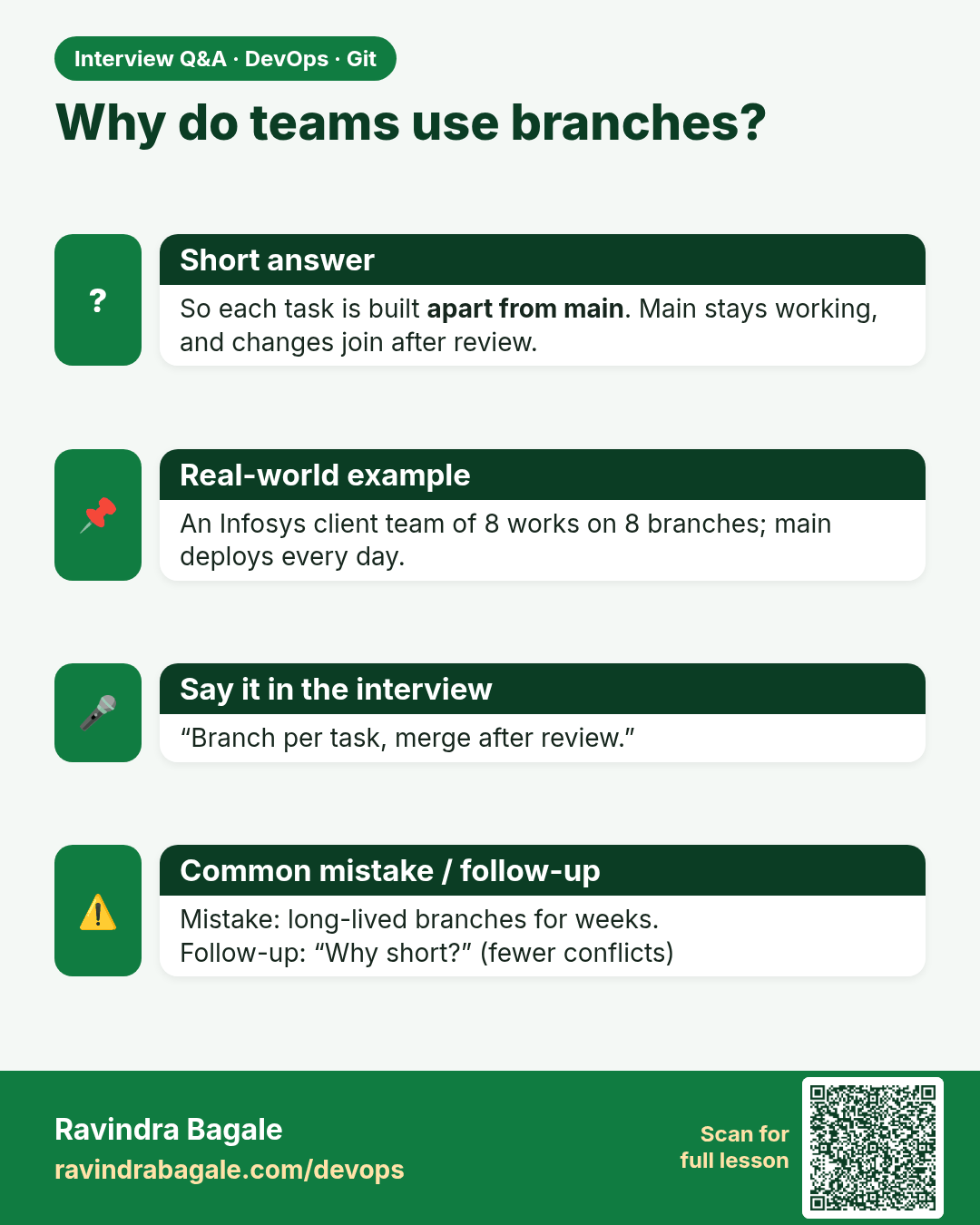
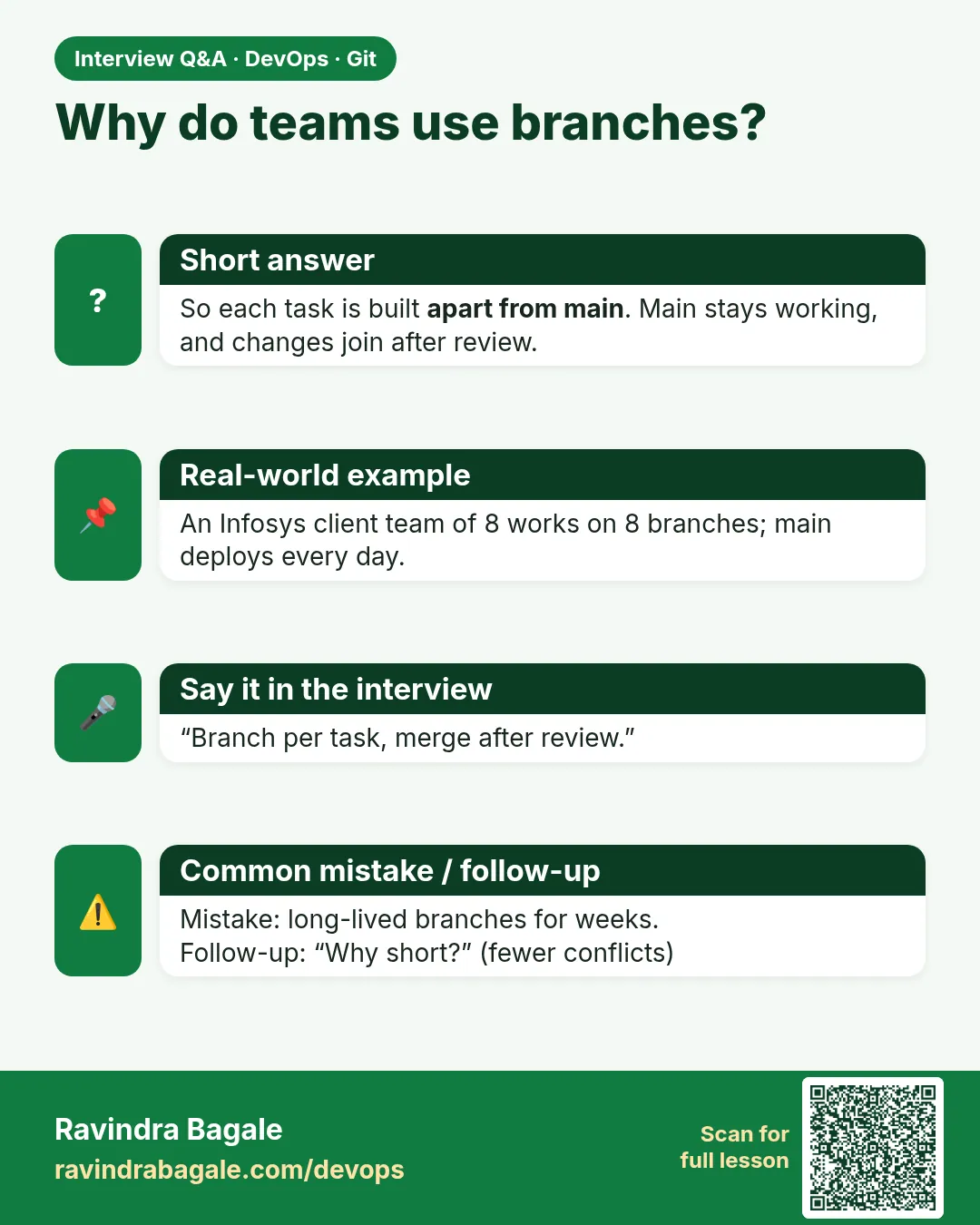 Interview card 1 of 15: Why do teams use branches? · Download PNG · Open card page
Lesson: 3.1 Why branches — two developers, one shared app
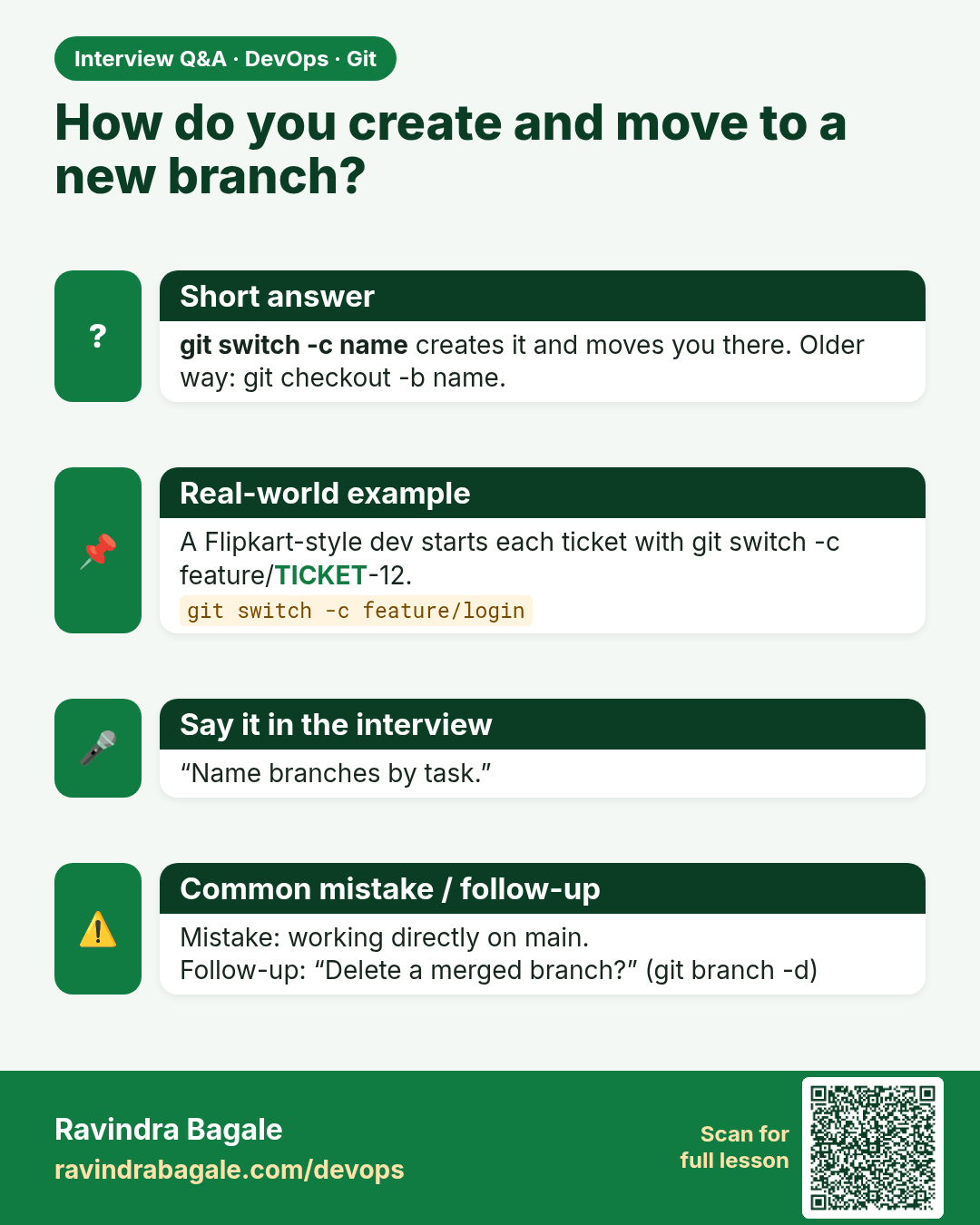
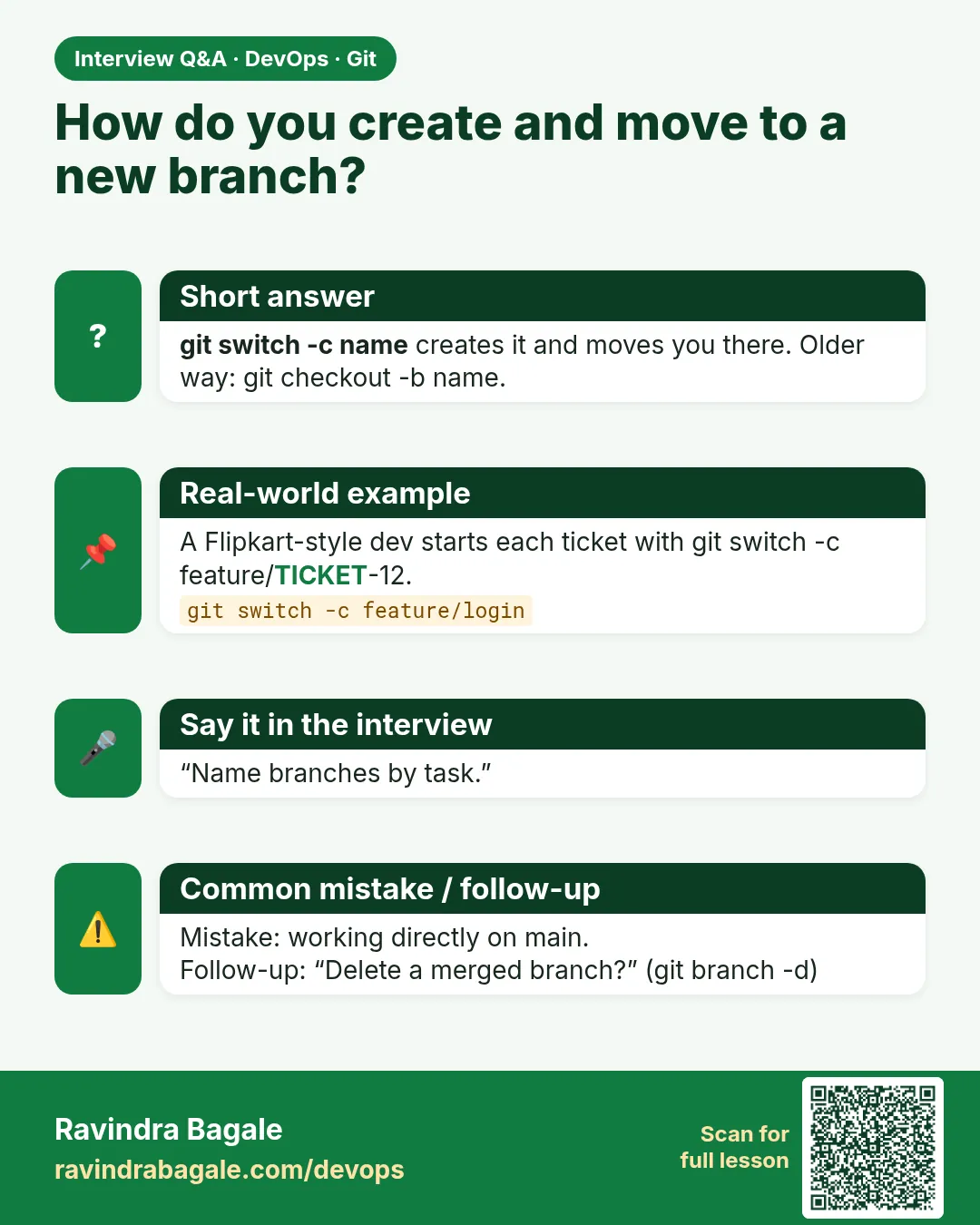 Interview card 2 of 15: How do you create and move to a new branch? · Download PNG · Open card page
Lesson: 3.2 branch, switch, list, delete
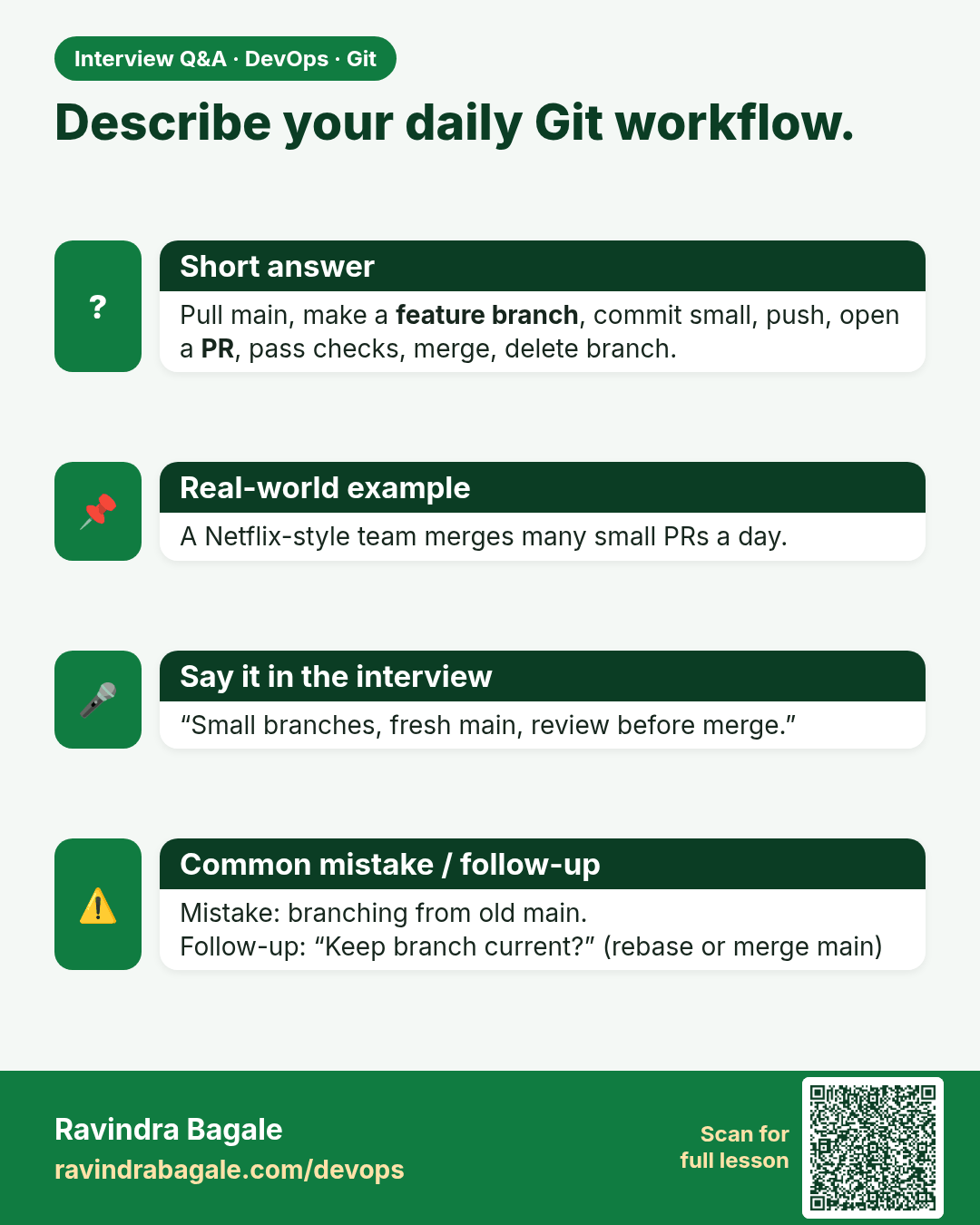
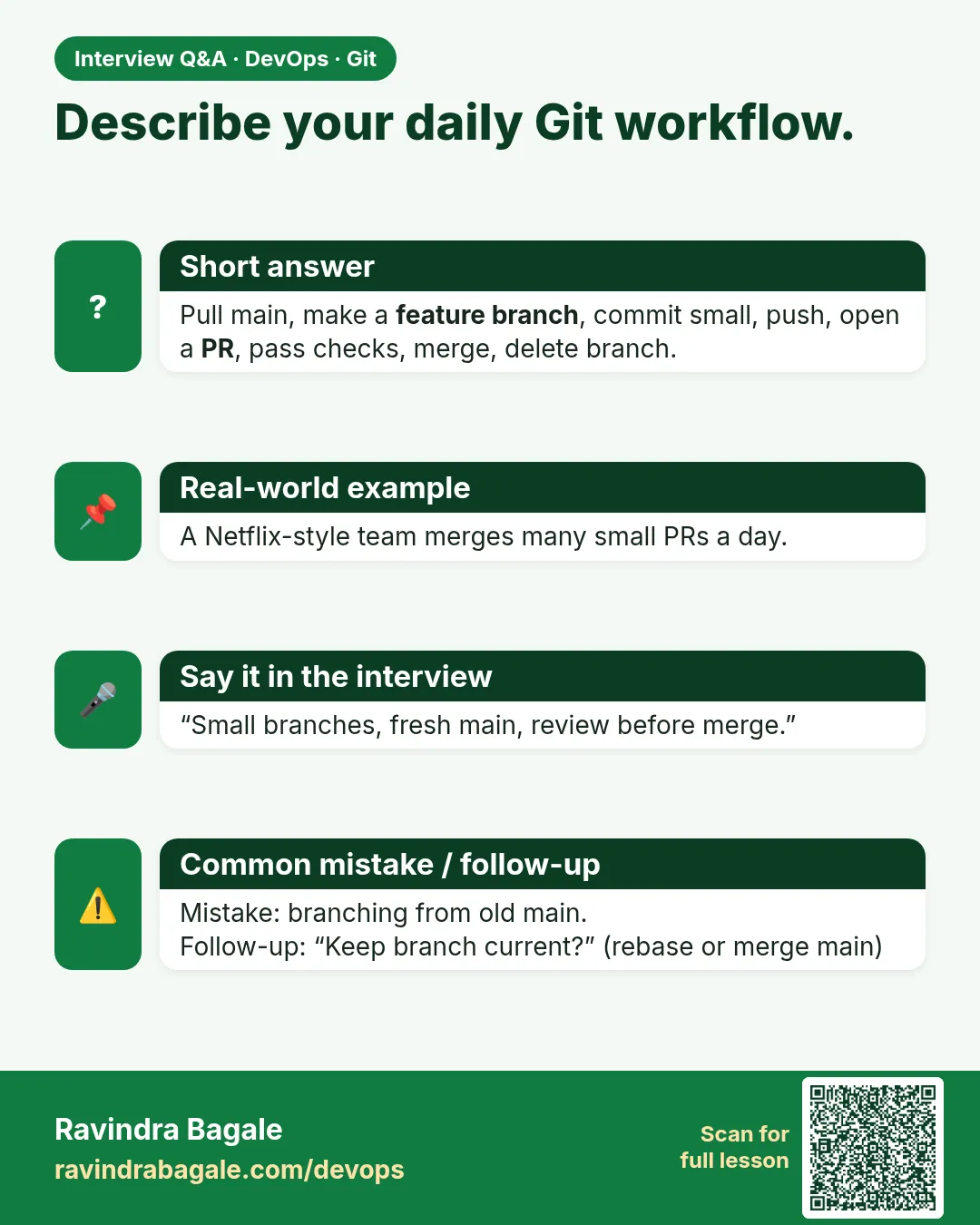 Interview card 3 of 15: Describe your daily Git workflow. · Download PNG · Open card page
Lesson: 3.3 Feature-branch workflow (the daily loop)
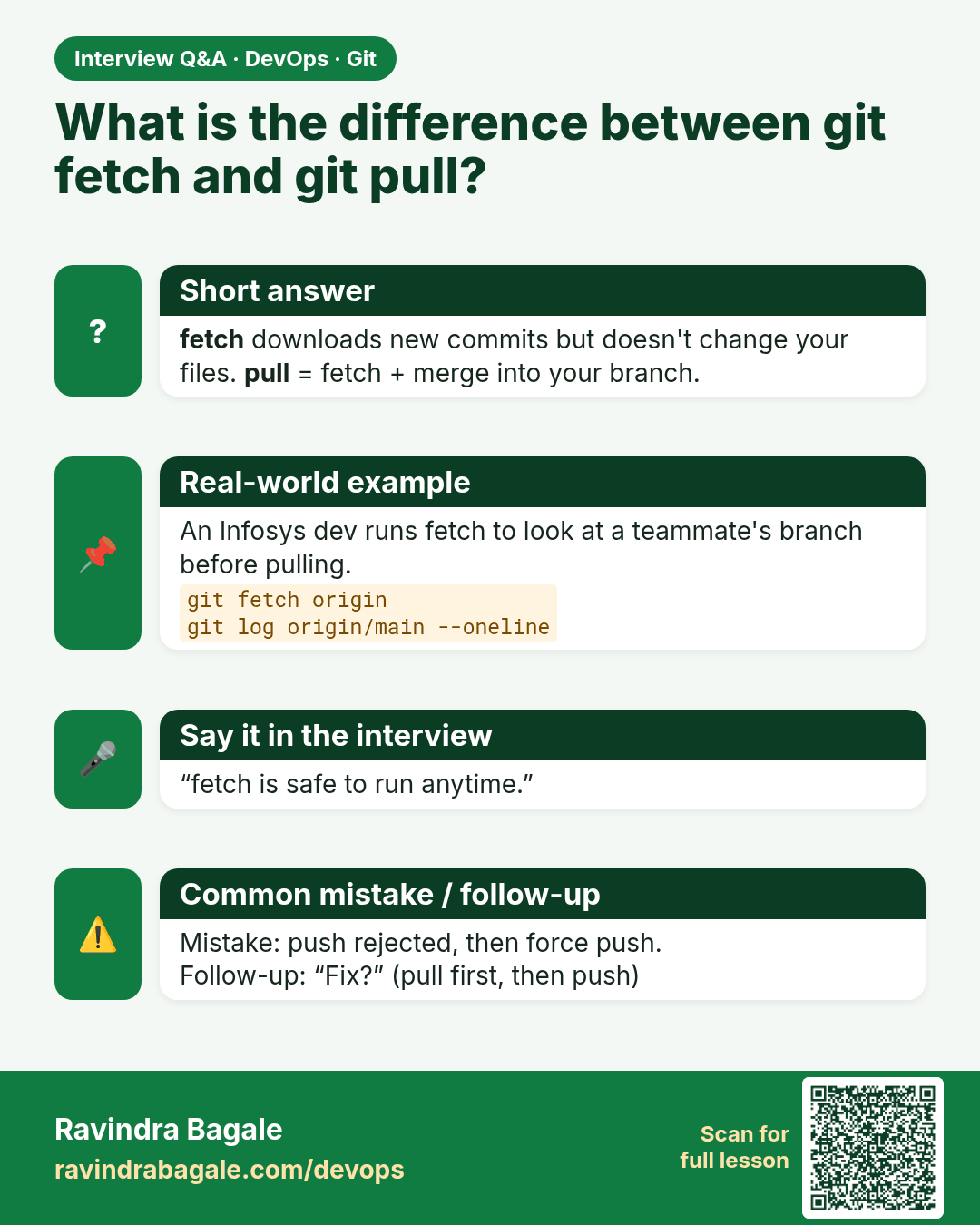
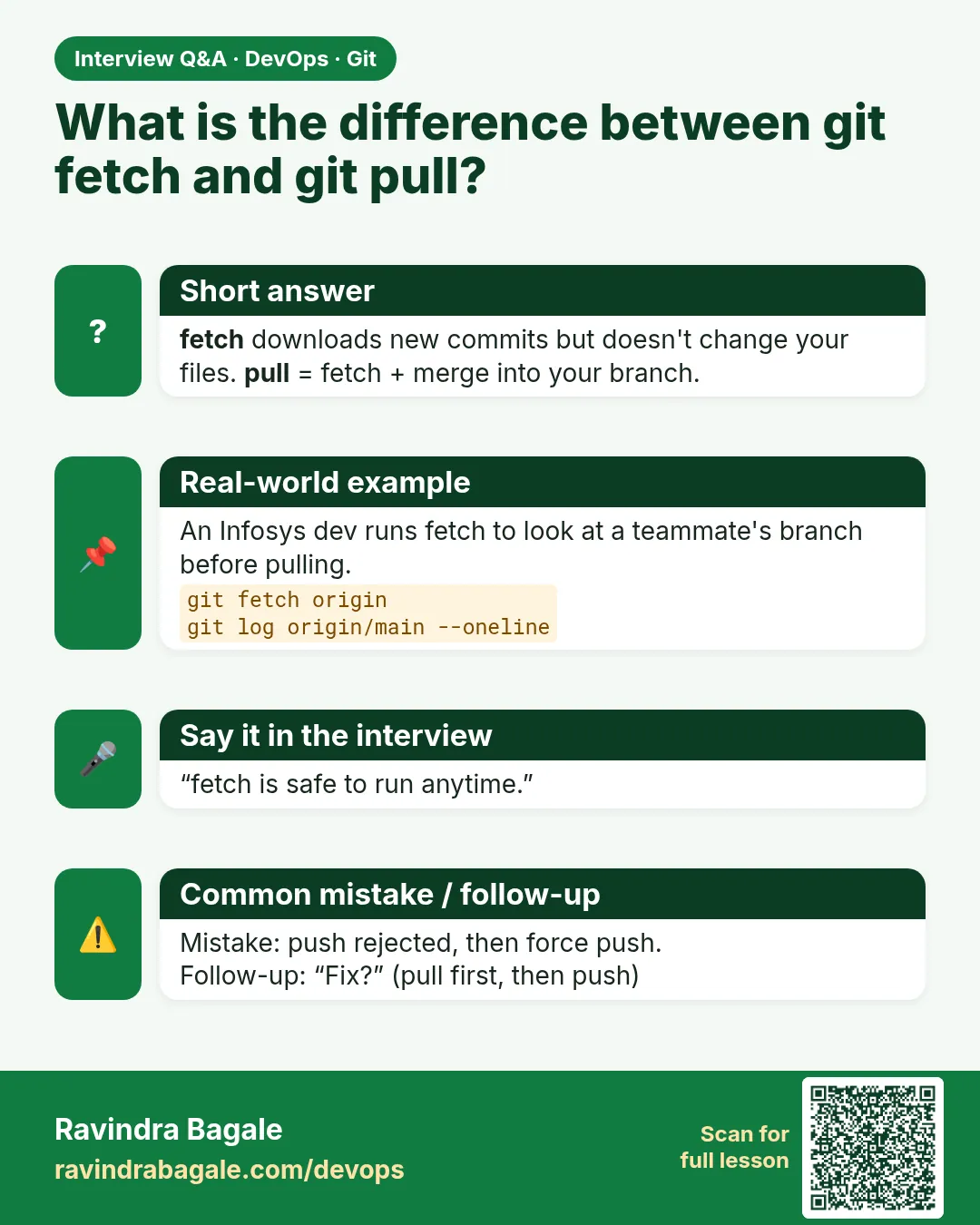 Interview card 4 of 15: What is the difference between git fetch and git pull? · Download PNG · Open card page
Lesson: 3.4 Fetch vs pull vs push
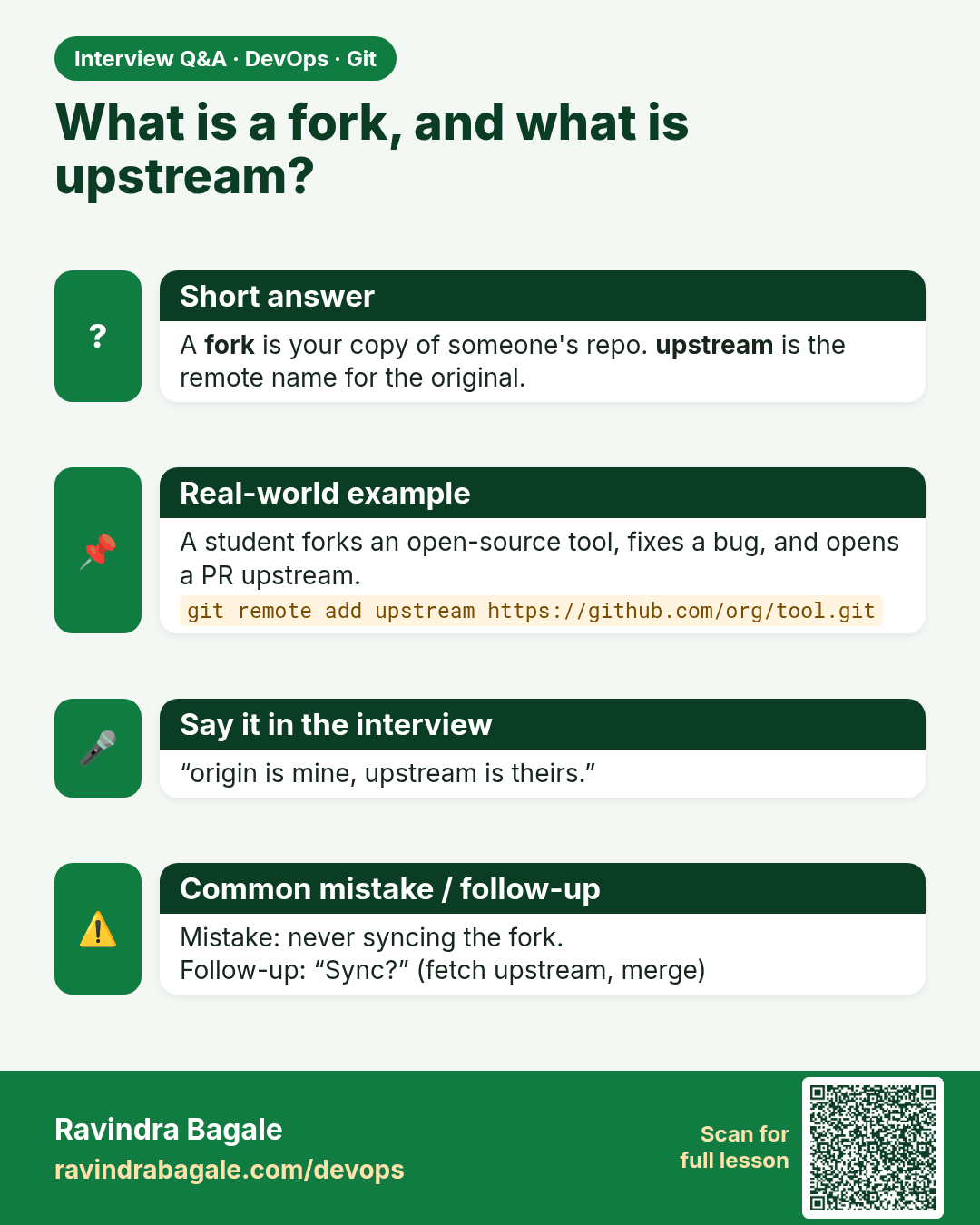
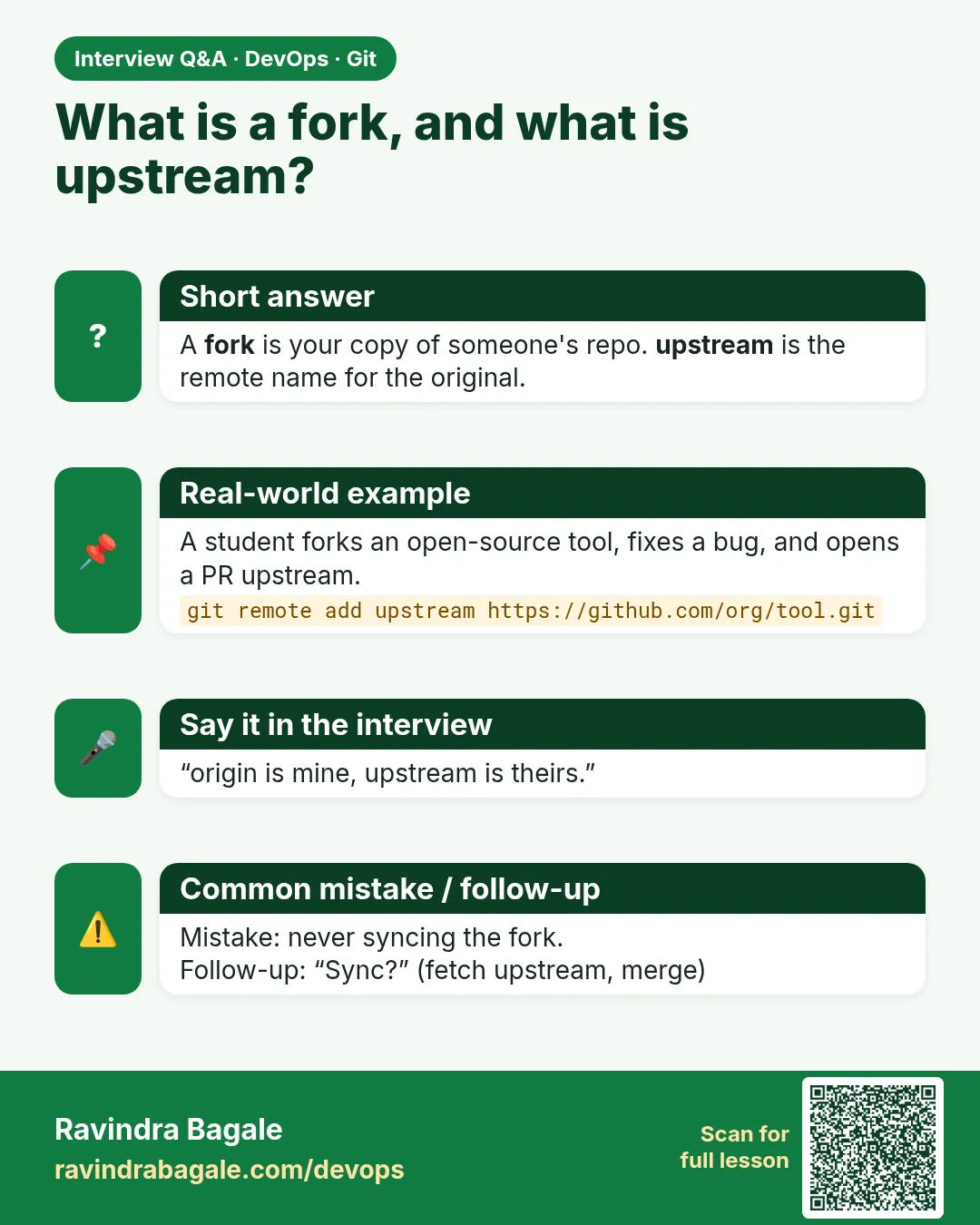 Interview card 5 of 15: What is a fork, and what is upstream? · Download PNG · Open card page
Lesson: 3.5 Fork, upstream, and the pull request
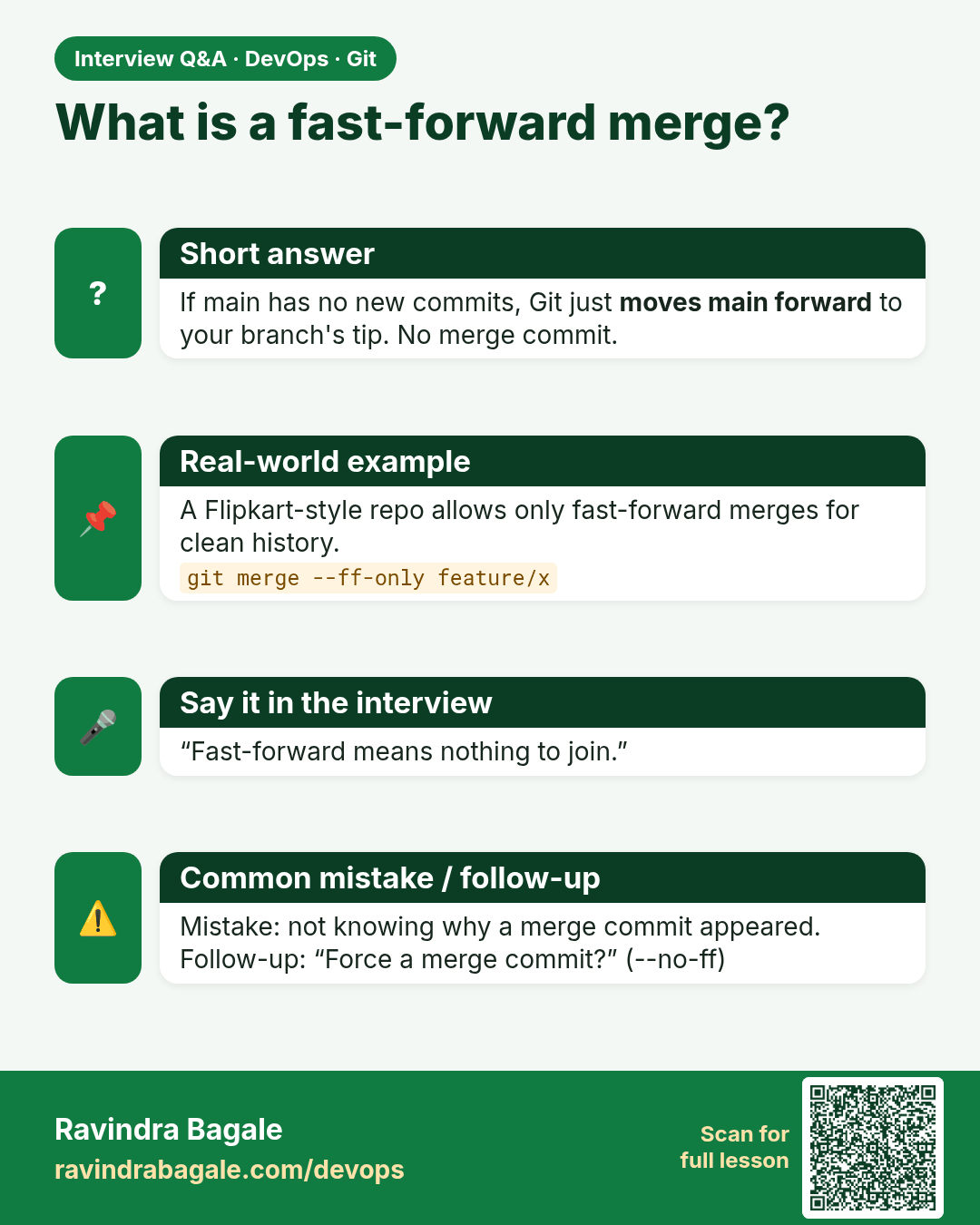
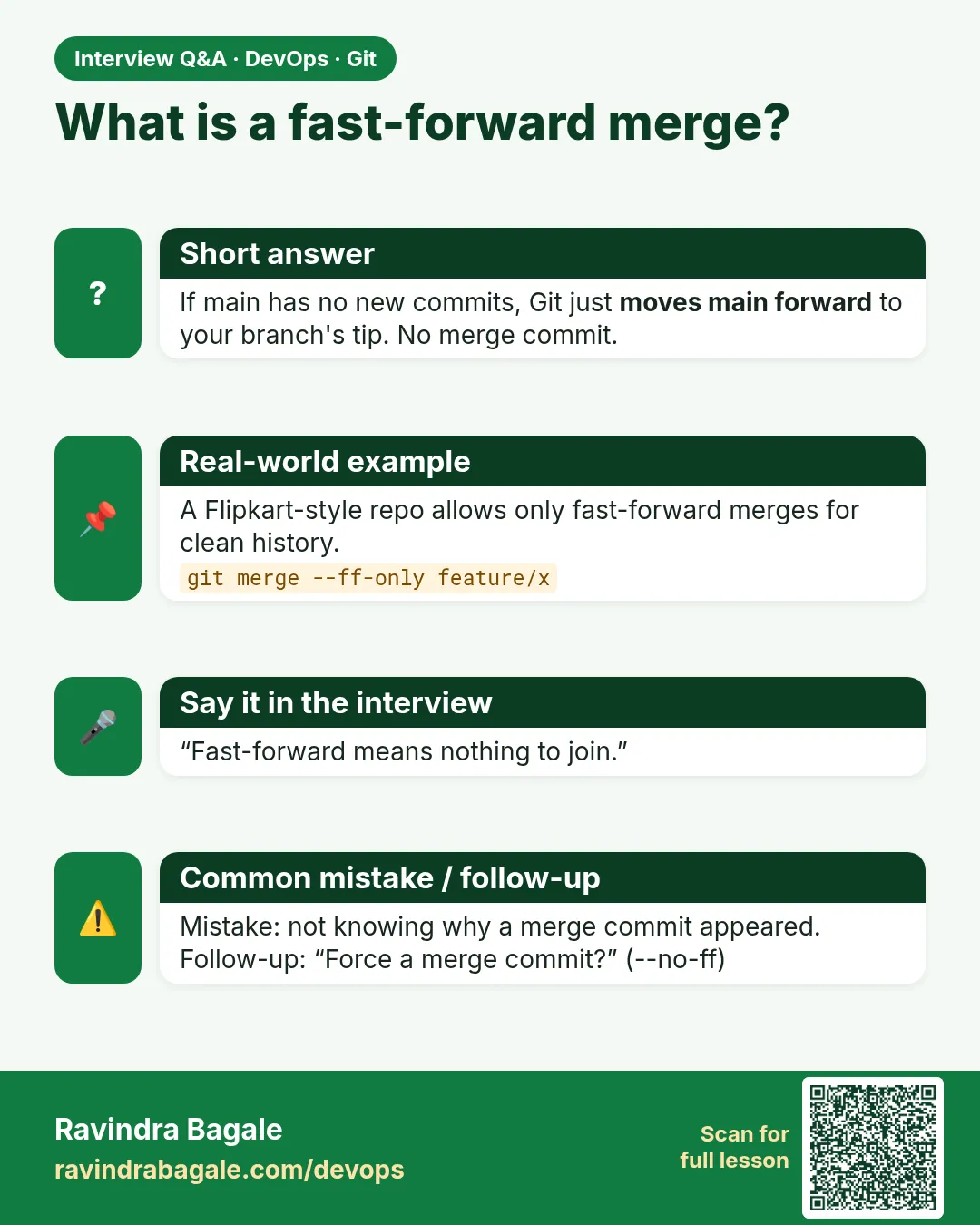 Interview card 6 of 15: What is a fast-forward merge? · Download PNG · Open card page
Lesson: 3.6 Merge — fast-forward and a merge commit
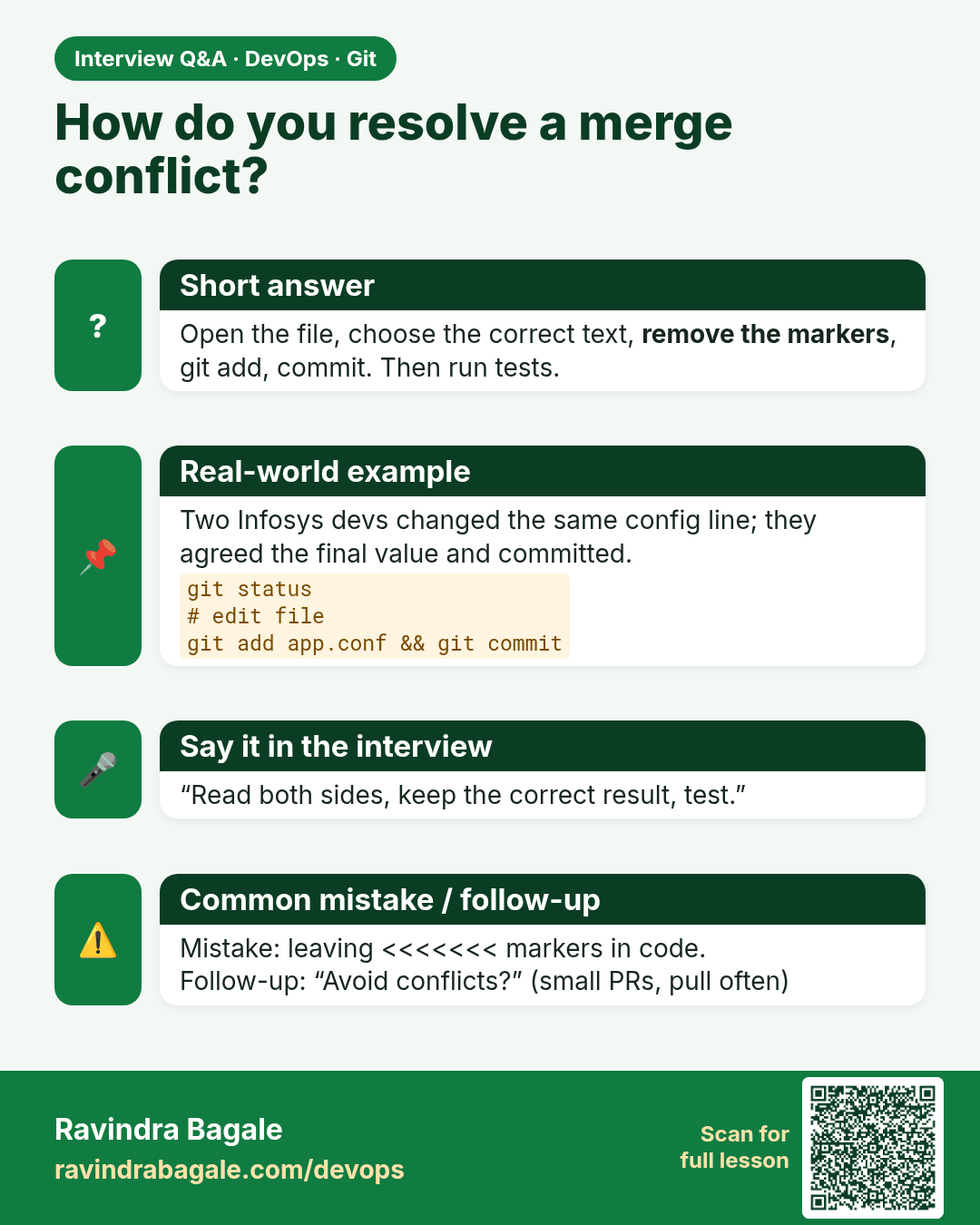
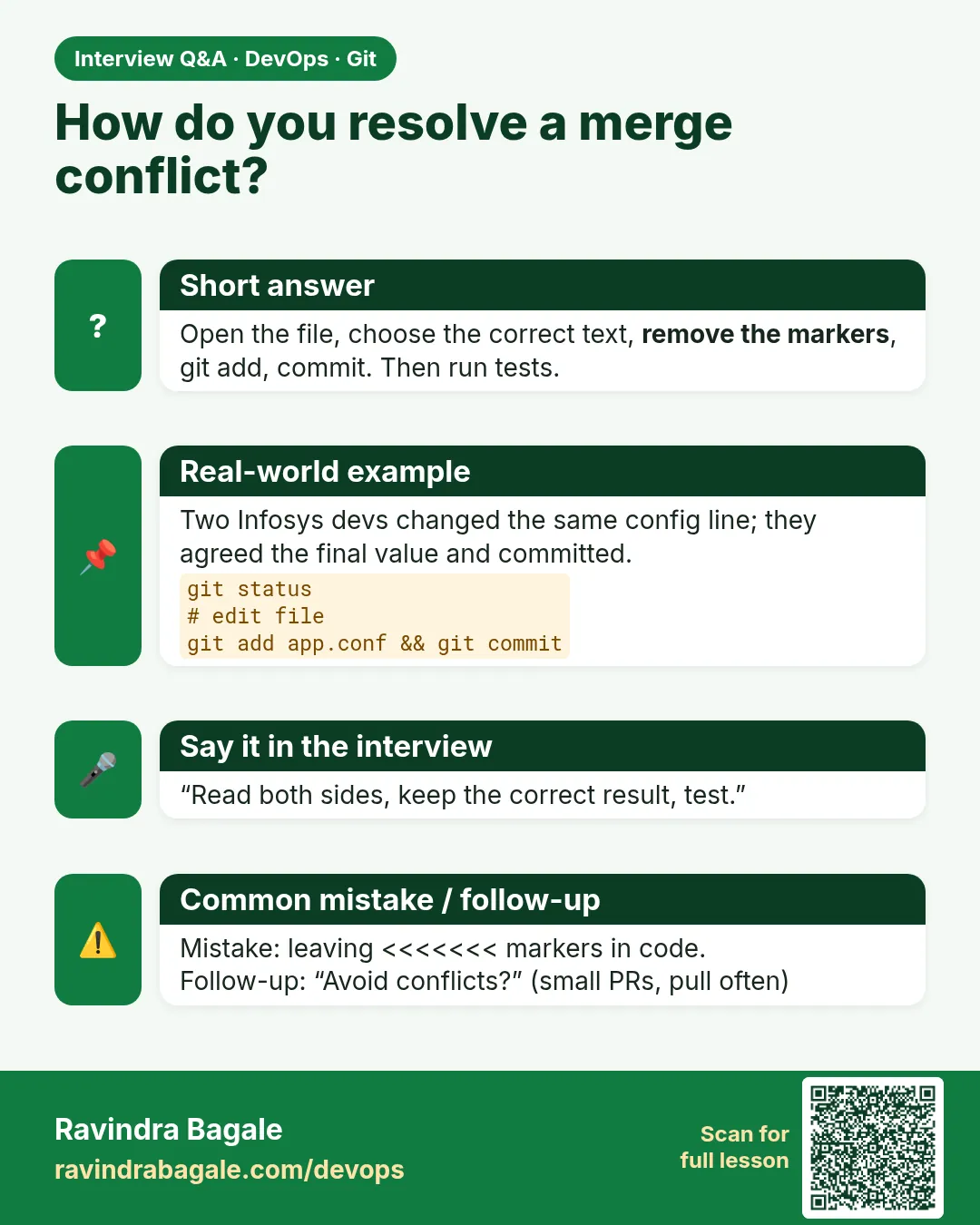 Interview card 7 of 15: How do you resolve a merge conflict? · Download PNG · Open card page
Lesson: 3.7 A conflict, line by line
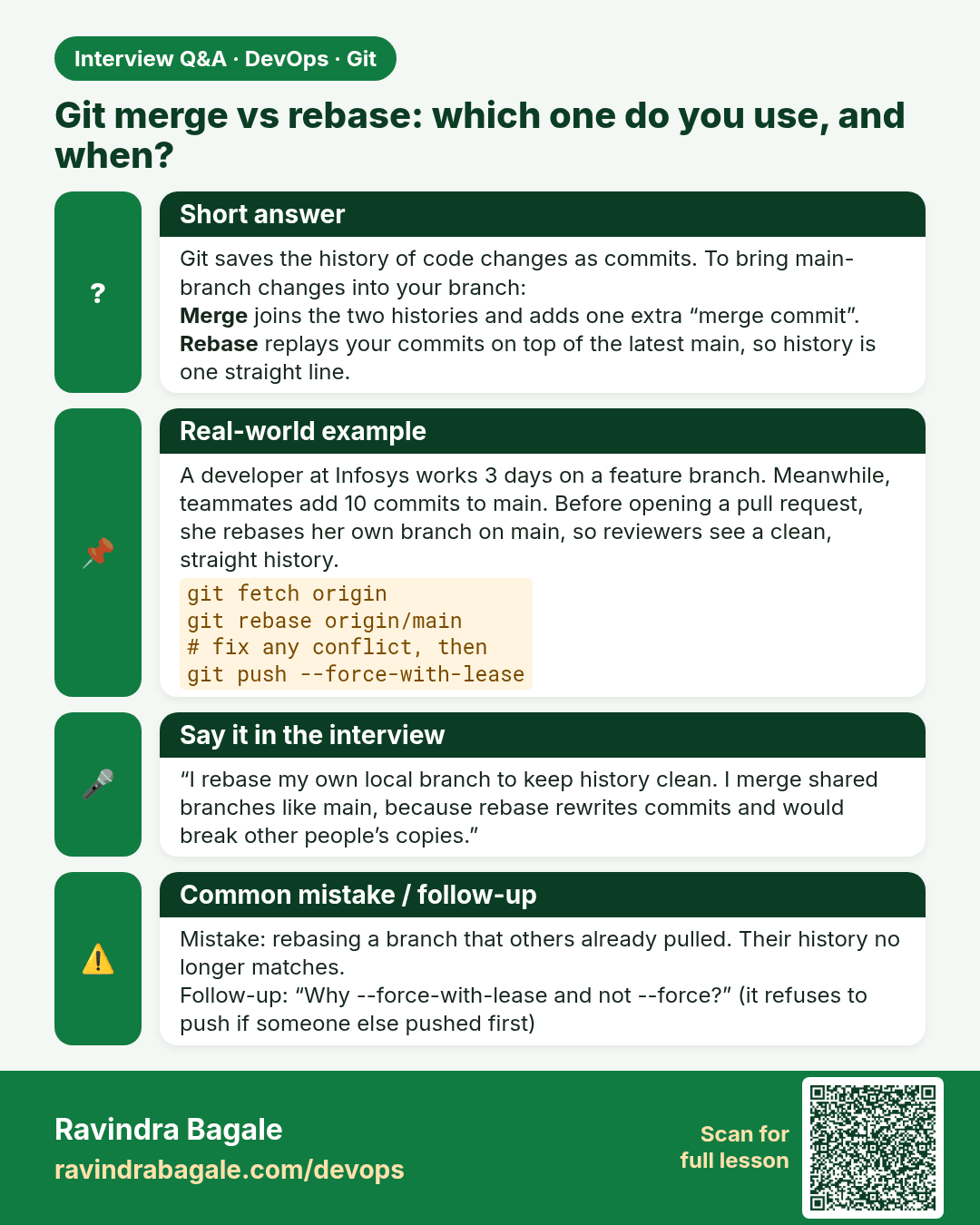
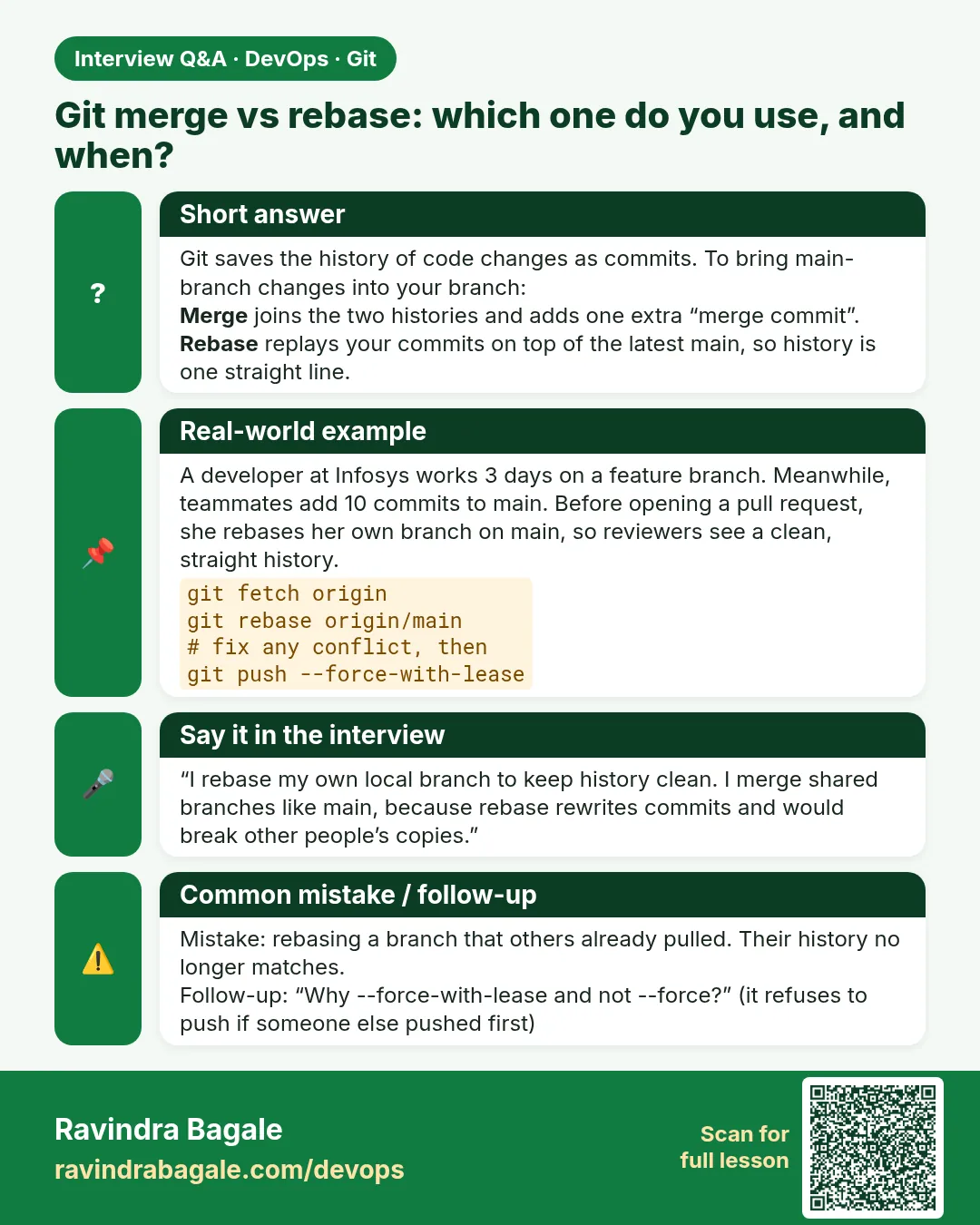 Interview card 8 of 15: Git merge vs rebase: which one do you use, and when? · Download PNG · Open card page
Lesson: 3.8 Rebase when it is safe — and when to merge instead
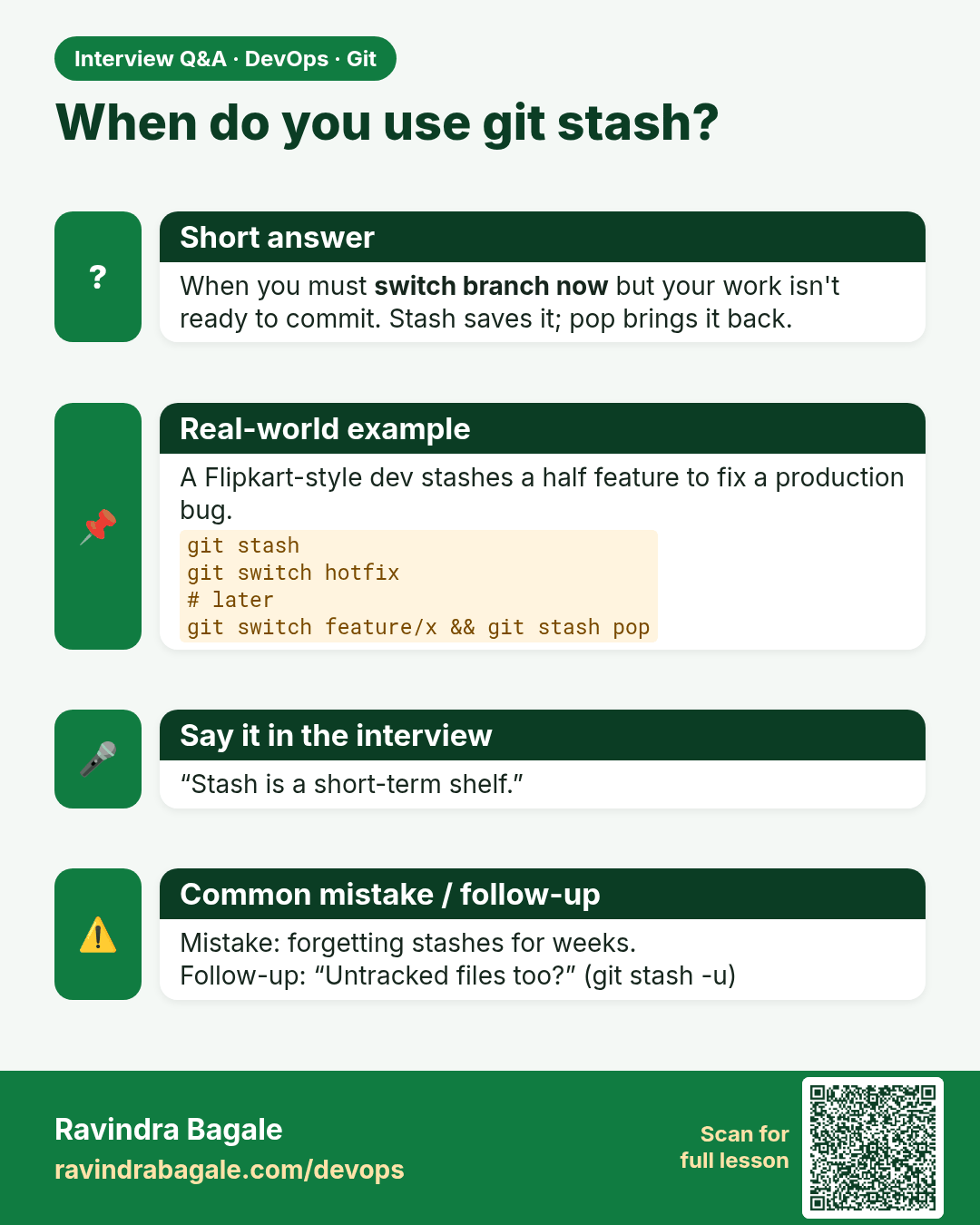
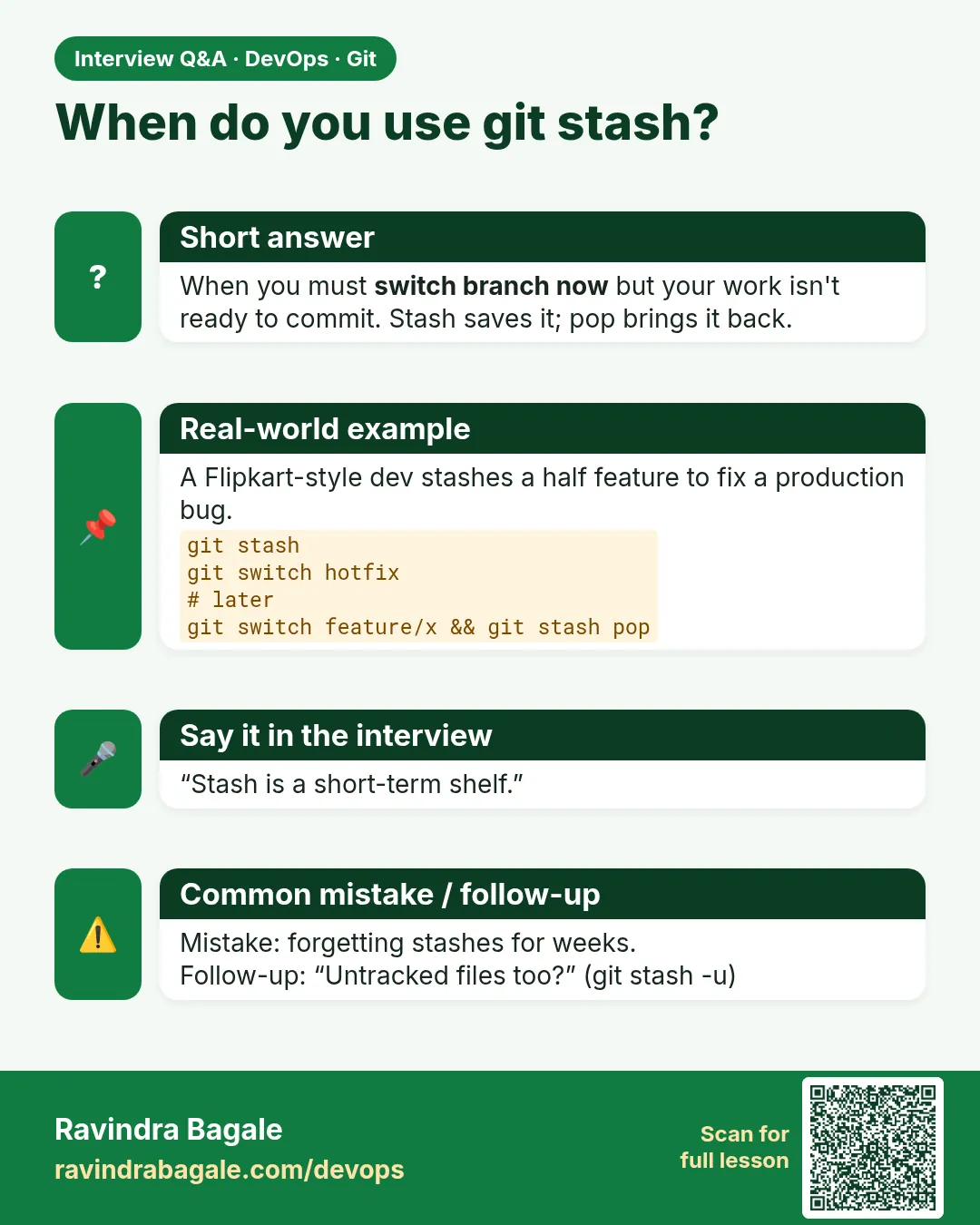 Interview card 9 of 15: When do you use git stash? · Download PNG · Open card page
Lesson: 3.9 Stash — park the unfinished edit
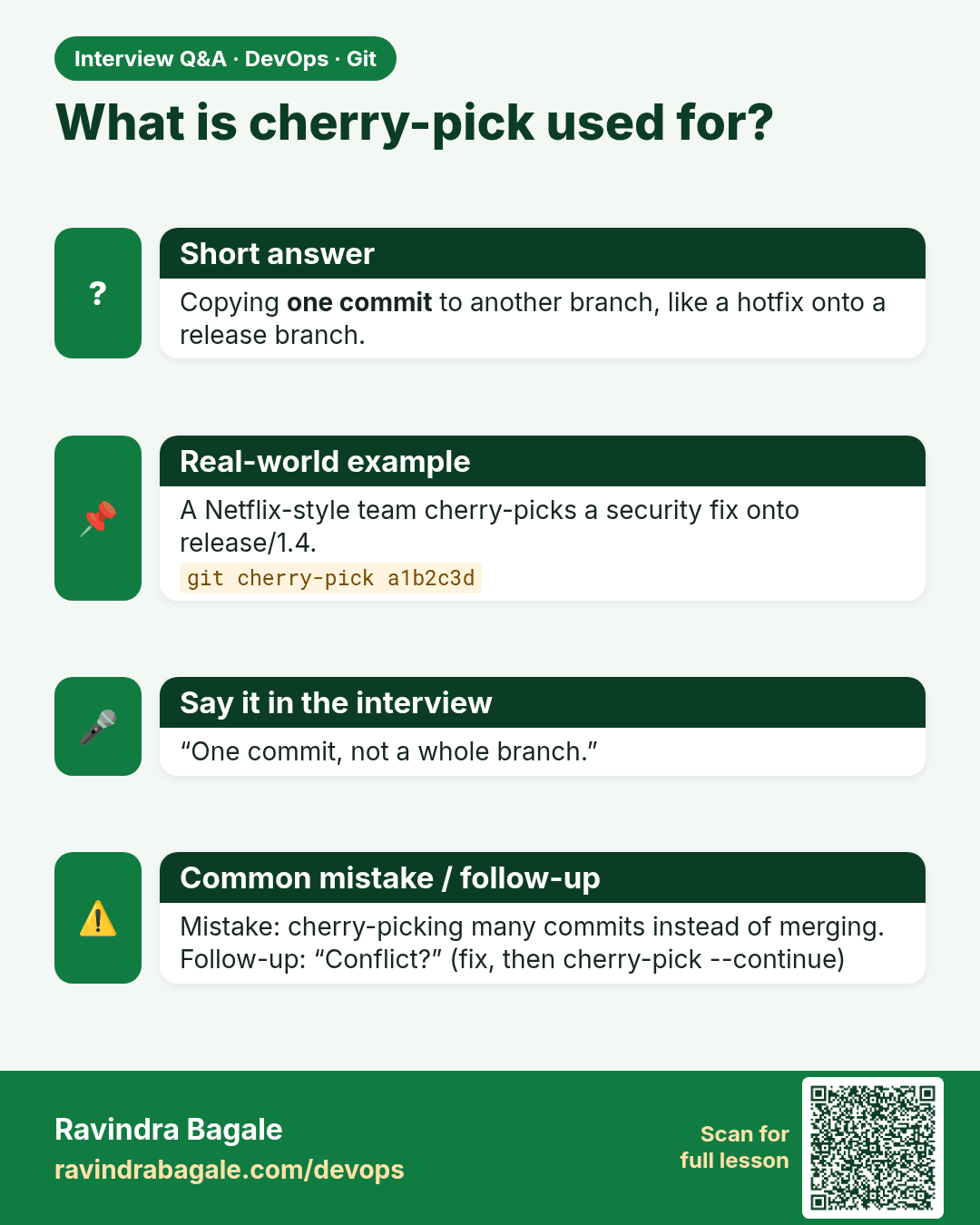
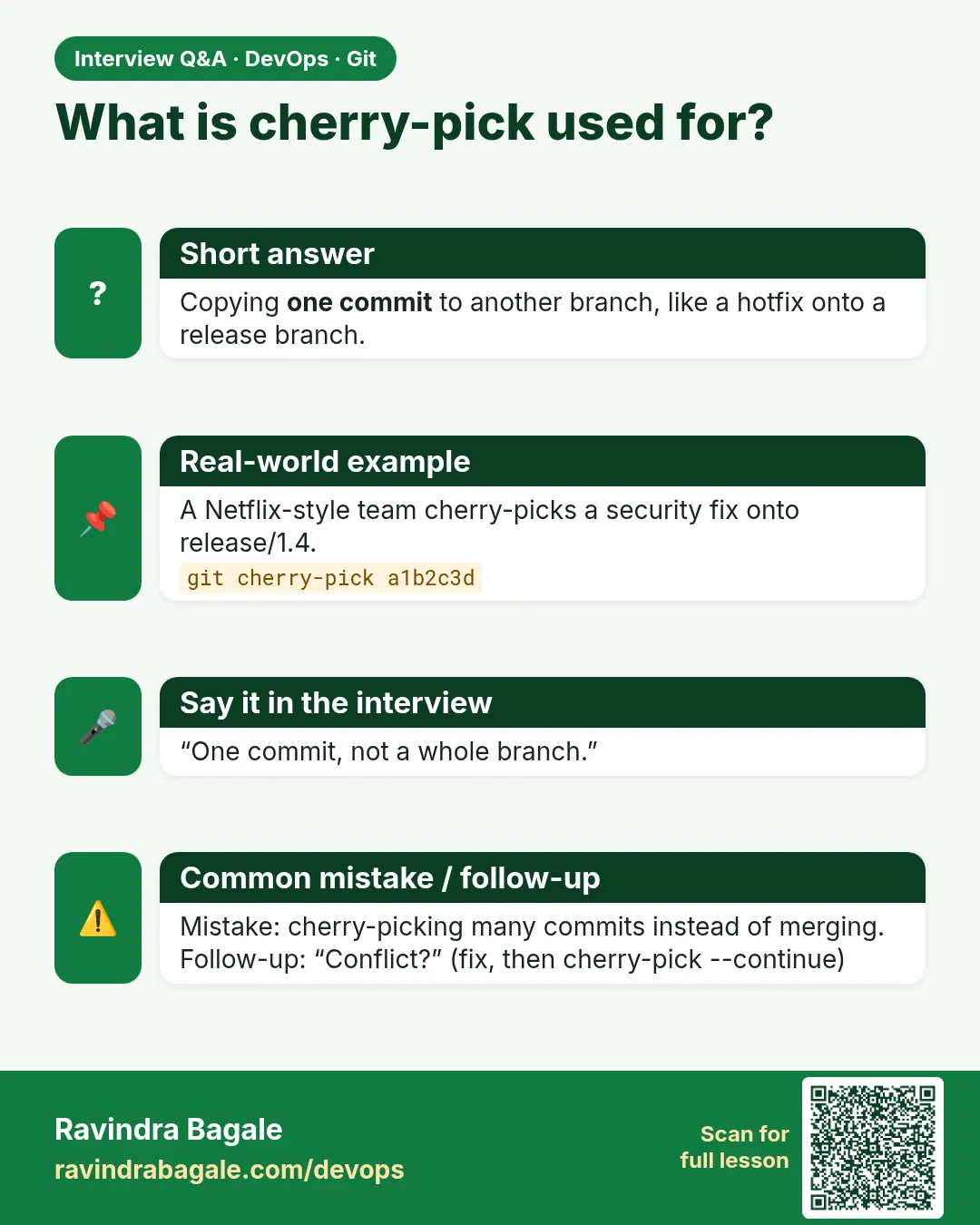 Interview card 10 of 15: What is cherry-pick used for? · Download PNG · Open card page
Lesson: 3.10 Cherry-pick one commit
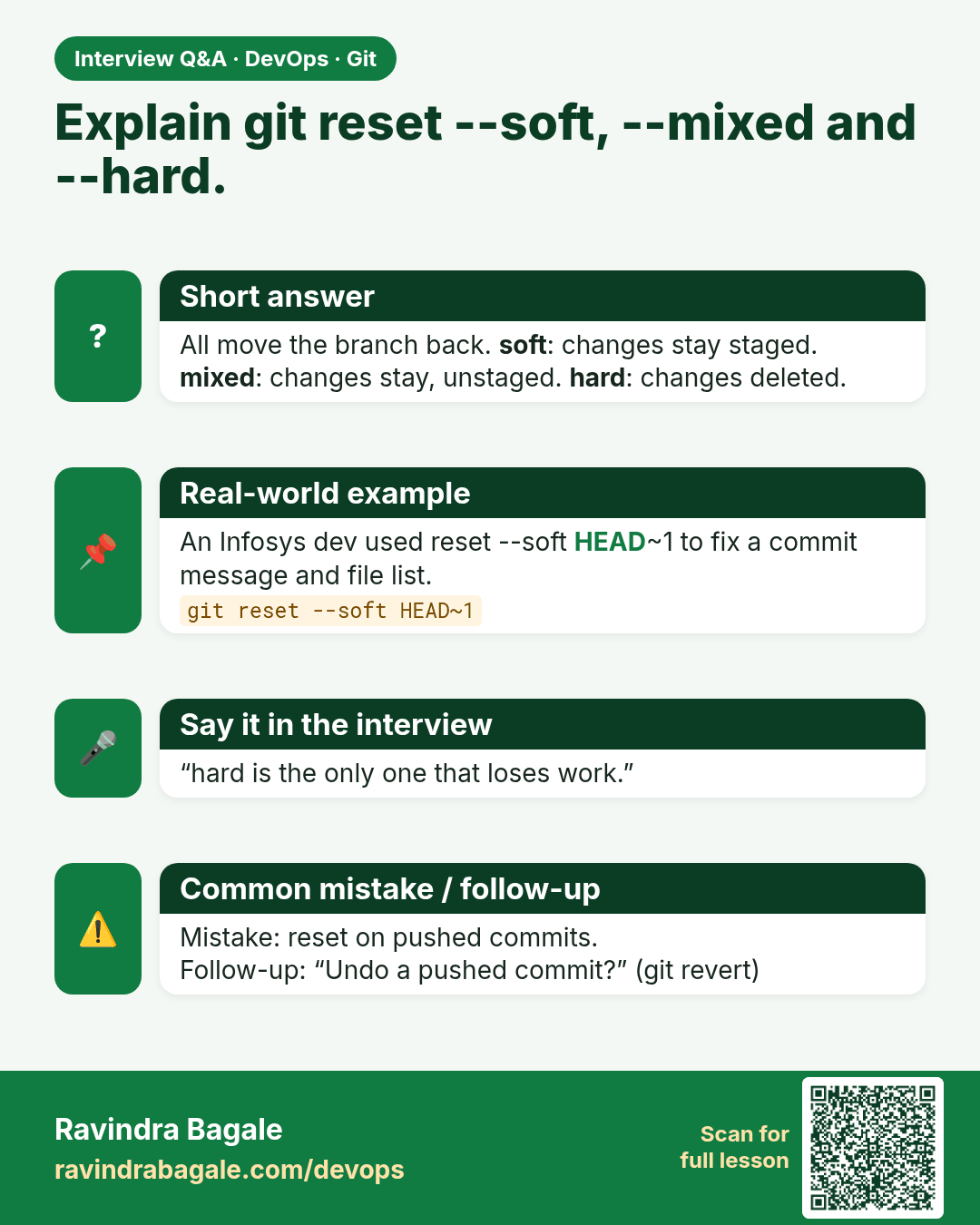
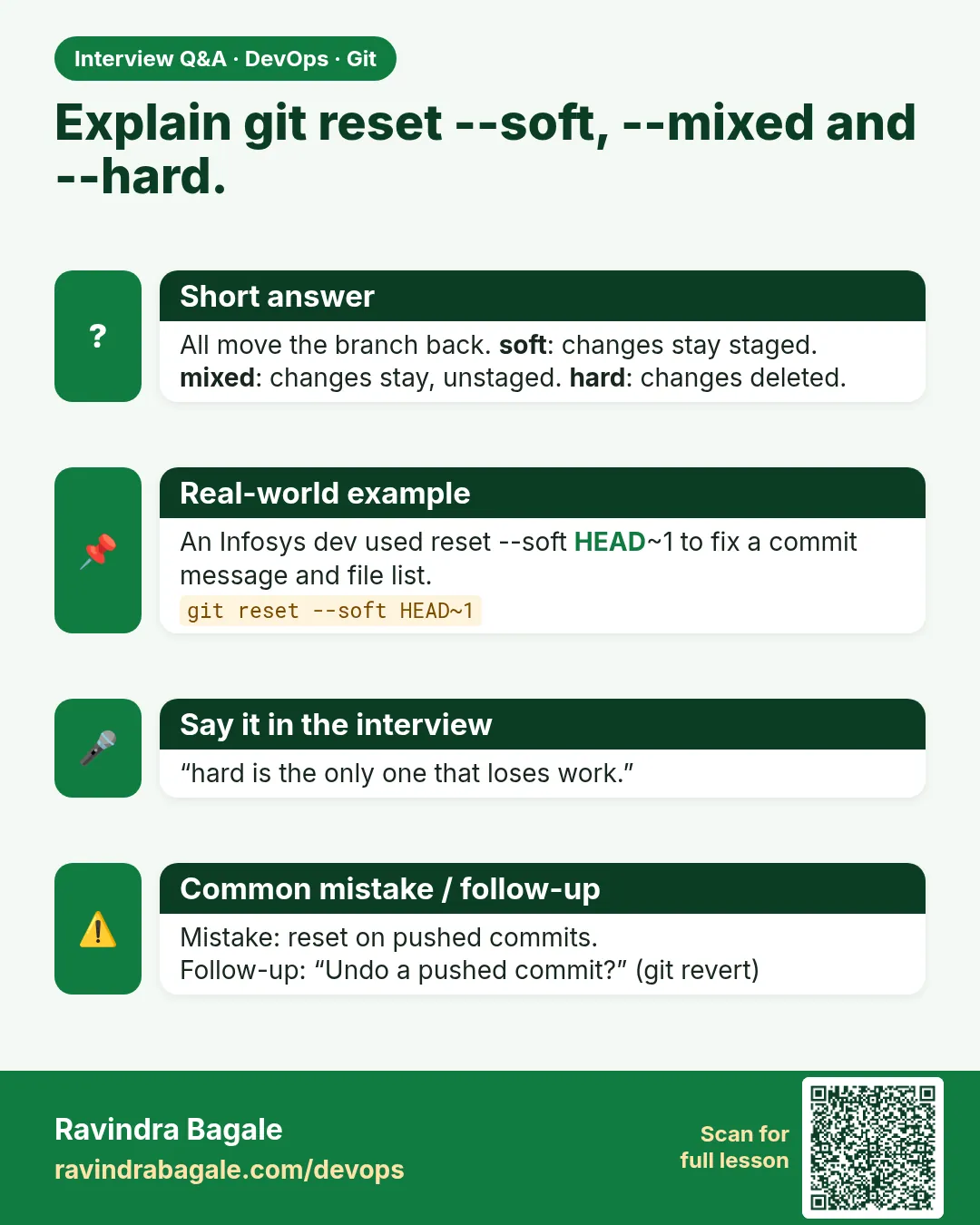 Interview card 11 of 15: Explain git reset --soft, --mixed and --hard. · Download PNG · Open card page
Lesson: 3.11 reset --soft, --mixed and --hard
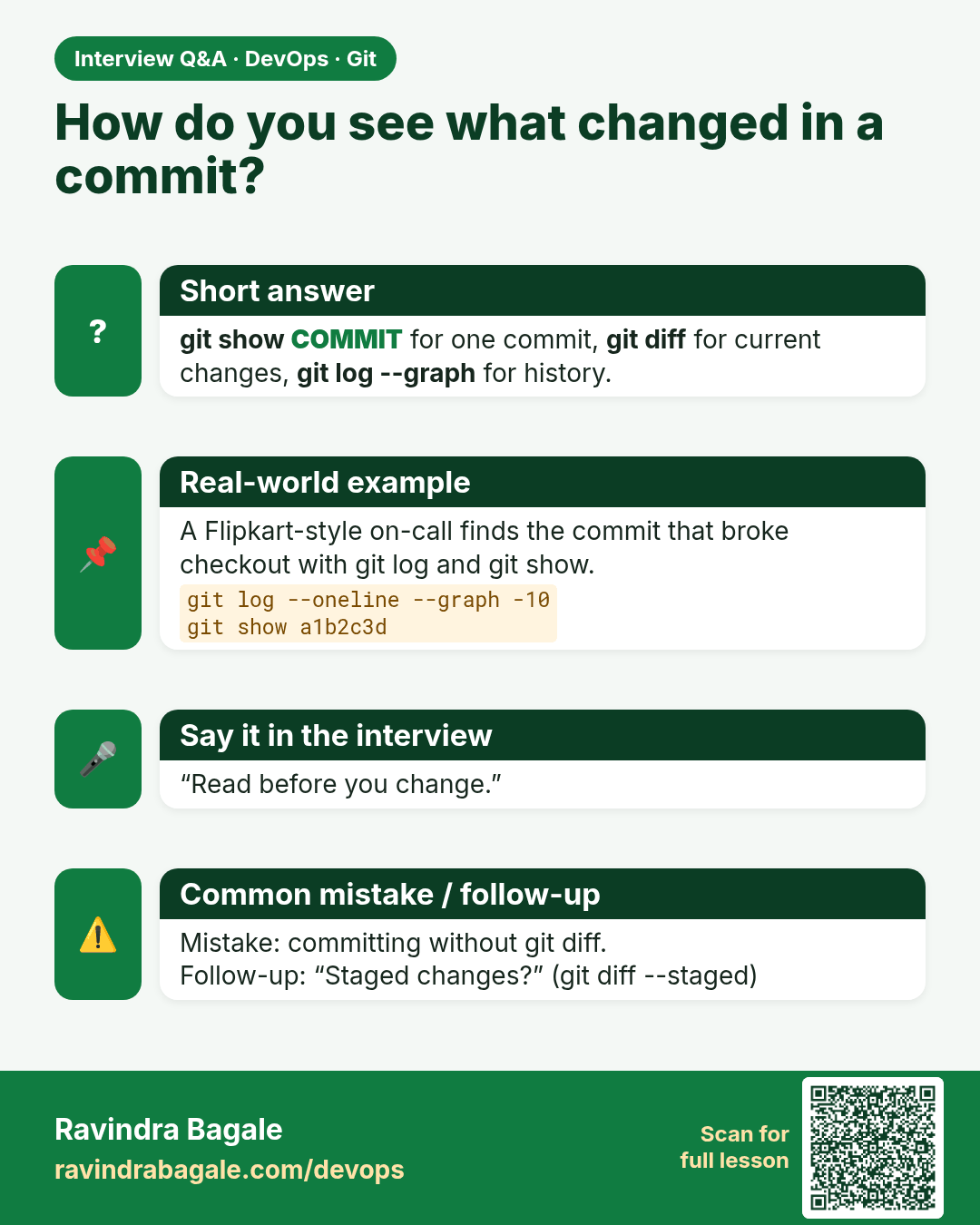
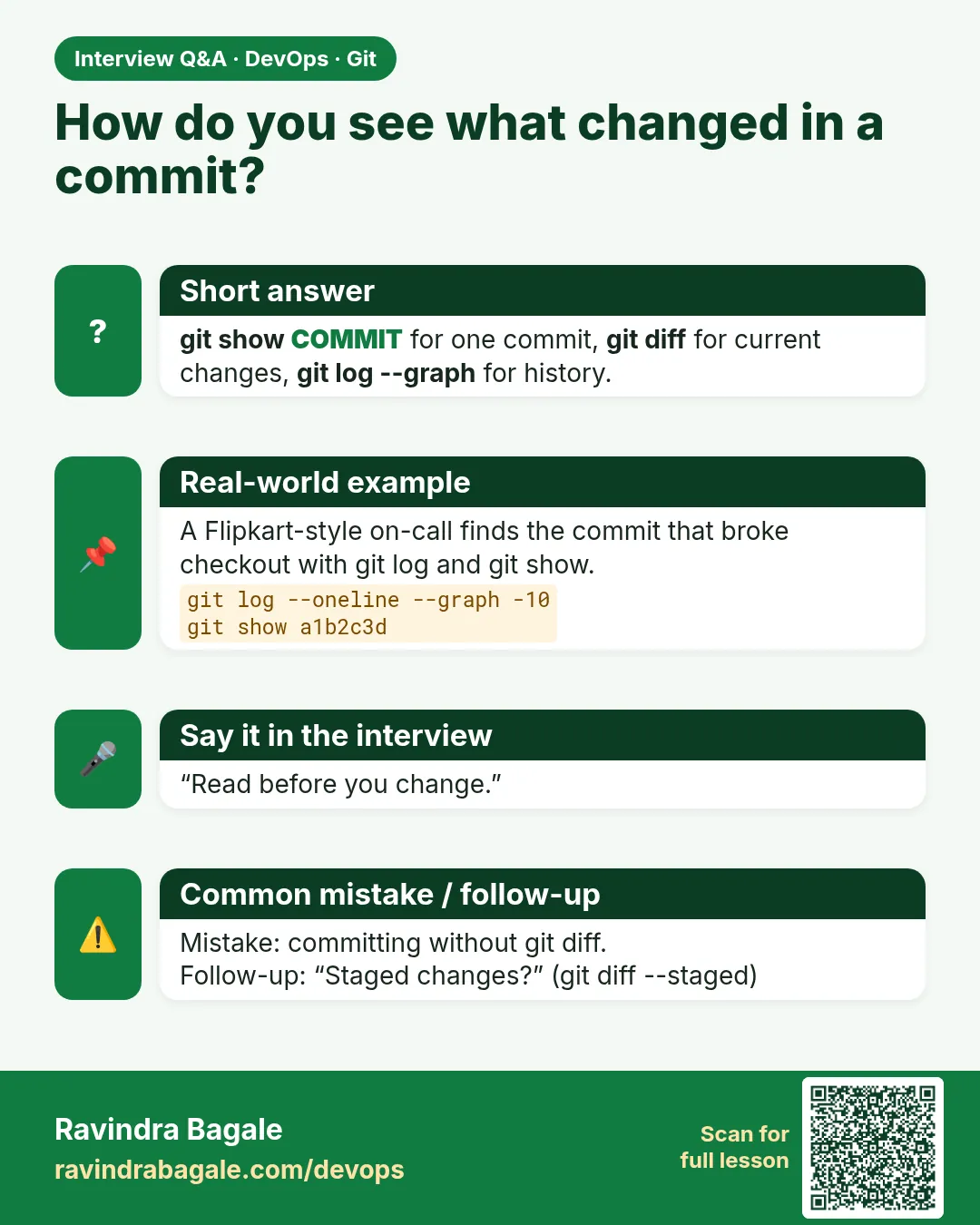 Interview card 12 of 15: How do you see what changed in a commit? · Download PNG · Open card page
Lesson: 3.12 log --graph, diff and show
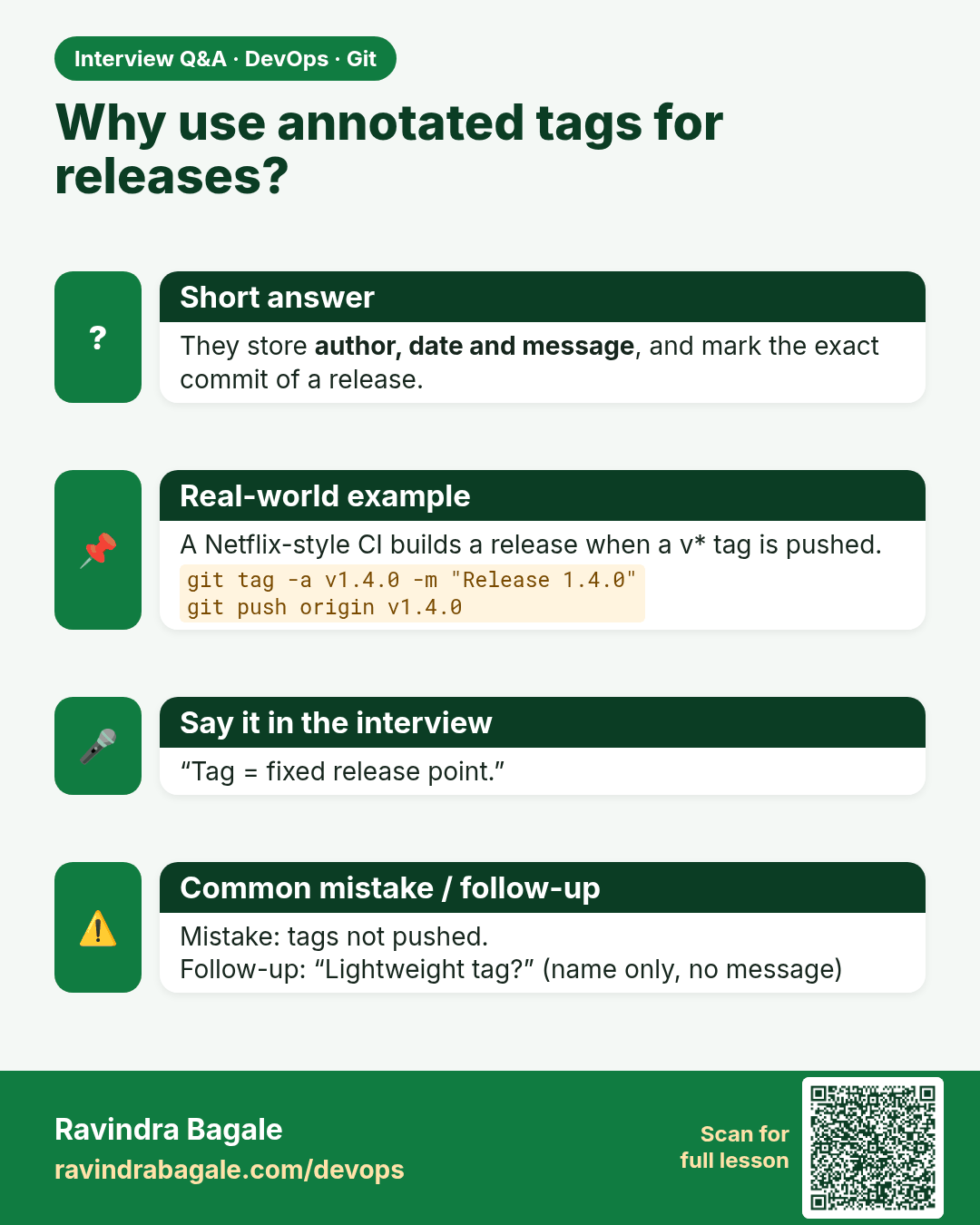
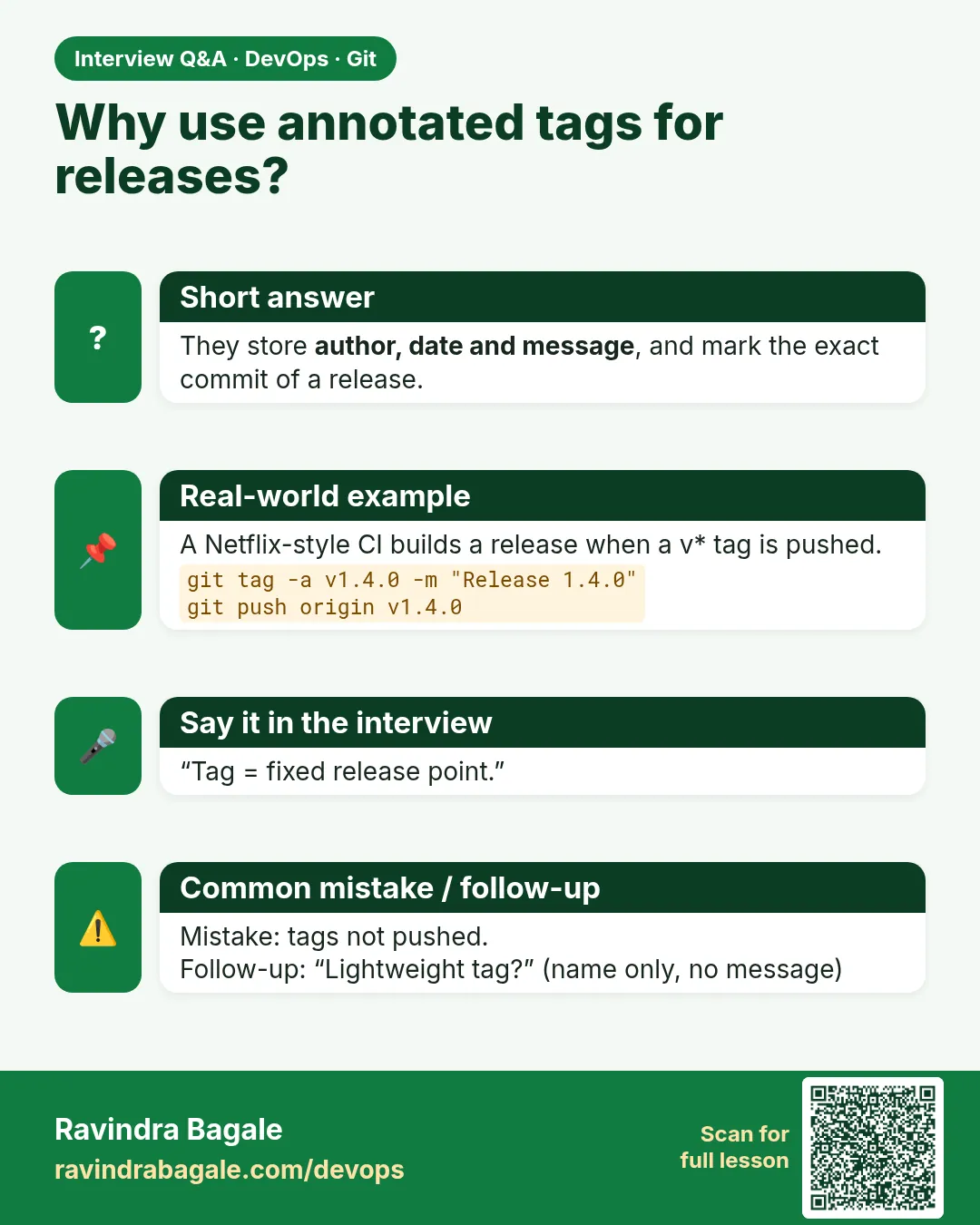 Interview card 13 of 15: Why use annotated tags for releases? · Download PNG · Open card page
Lesson: 3.13 Annotated tags
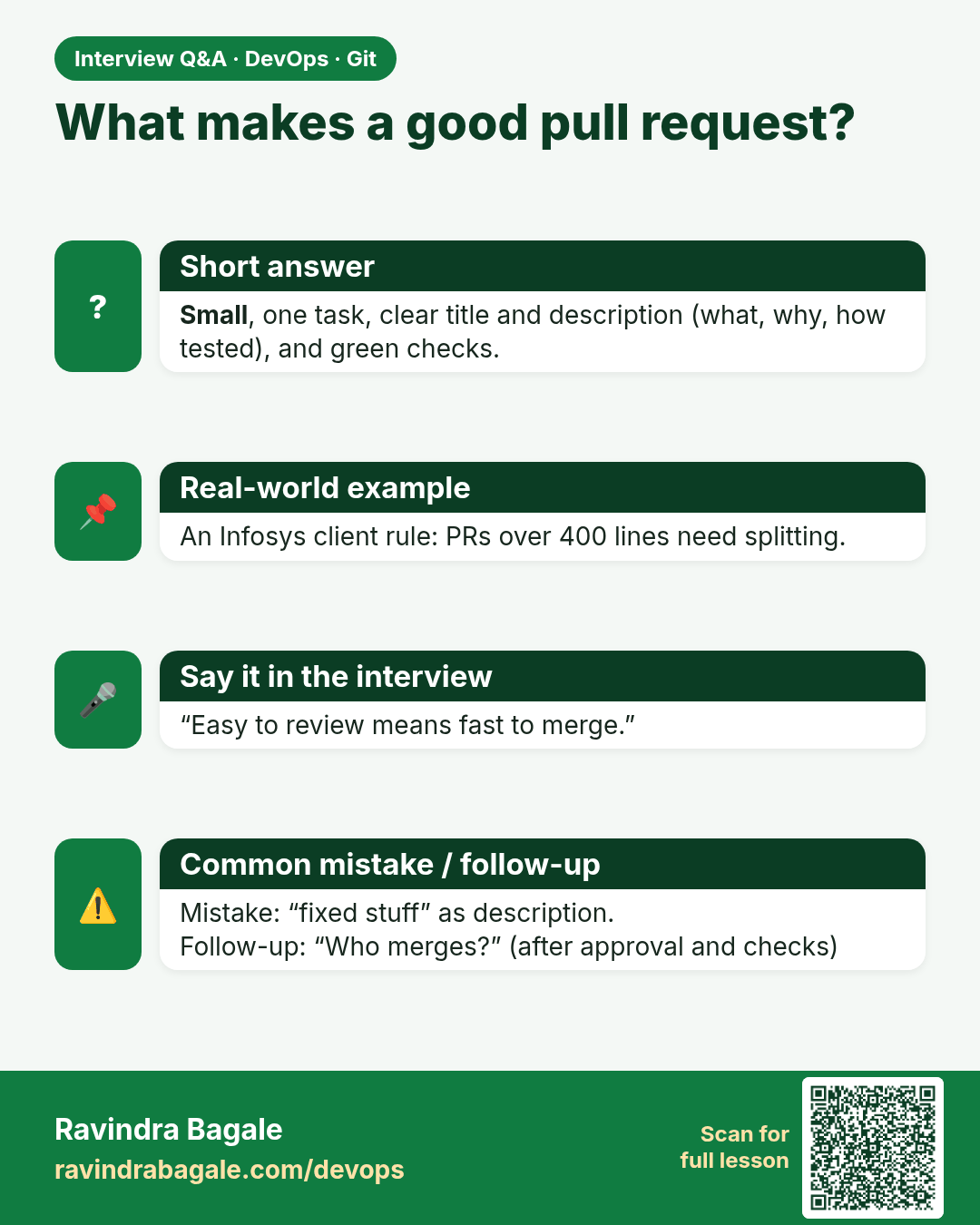
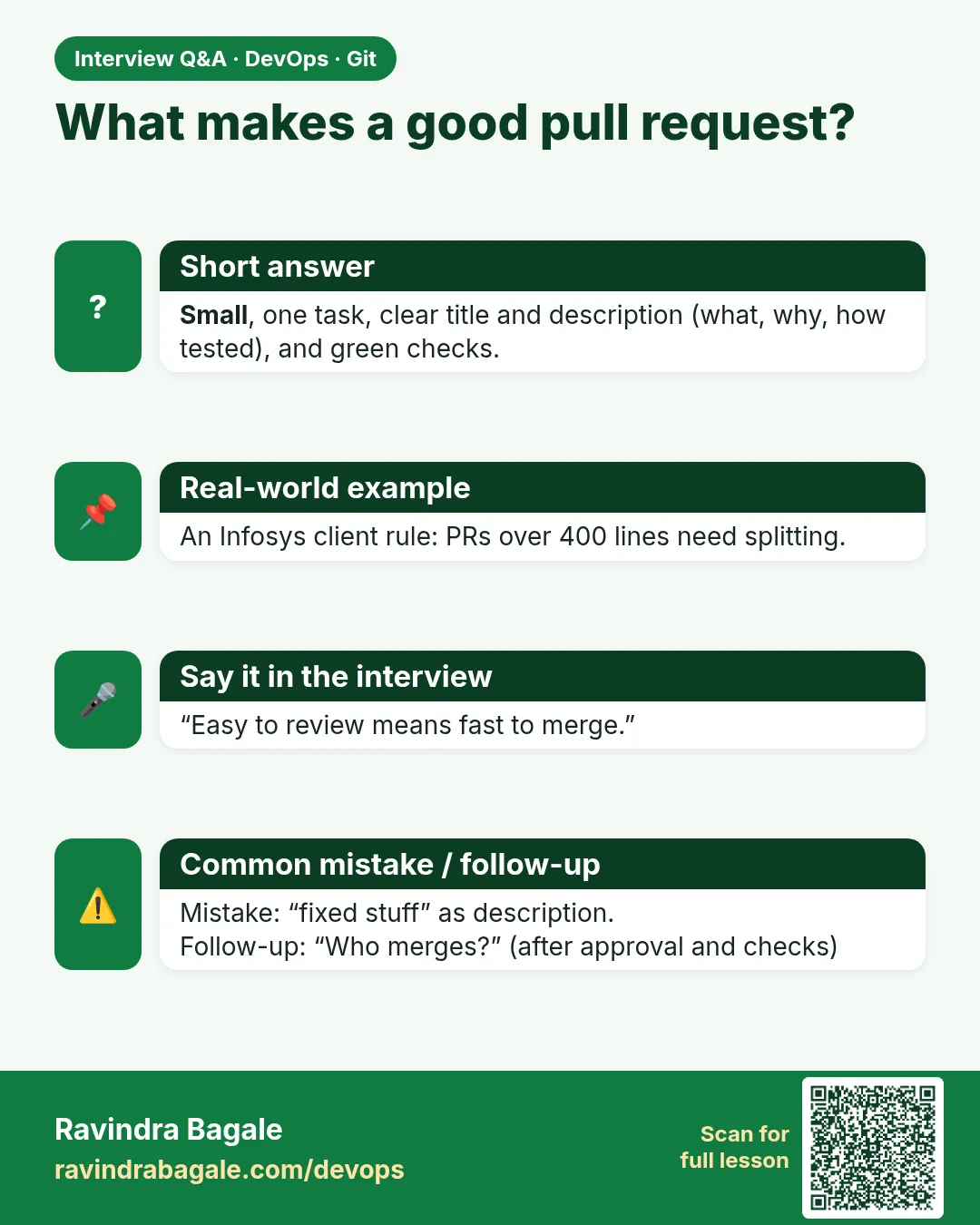 Interview card 14 of 15: What makes a good pull request? · Download PNG · Open card page
Lesson: 3.14 Common pull-request mistakes
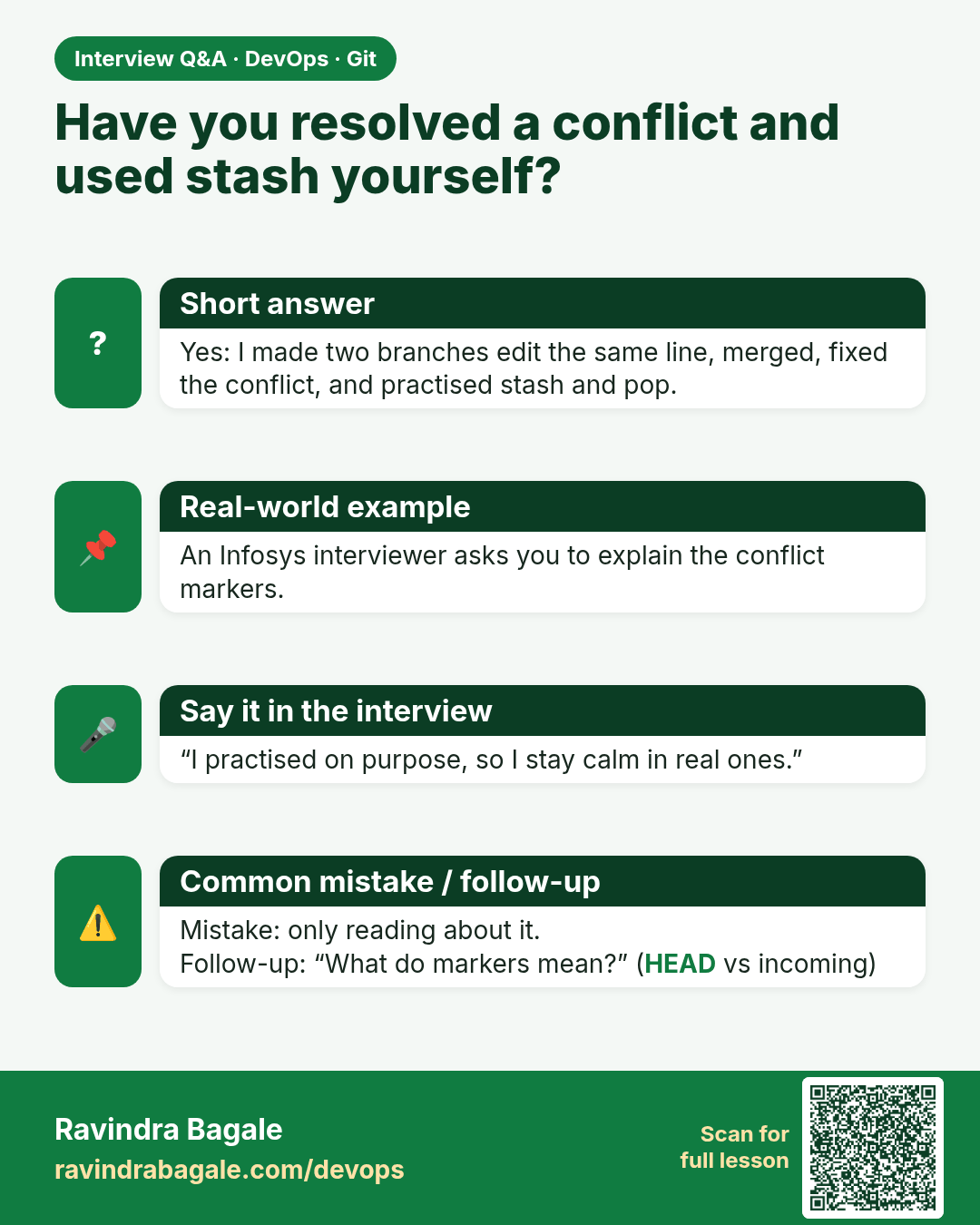
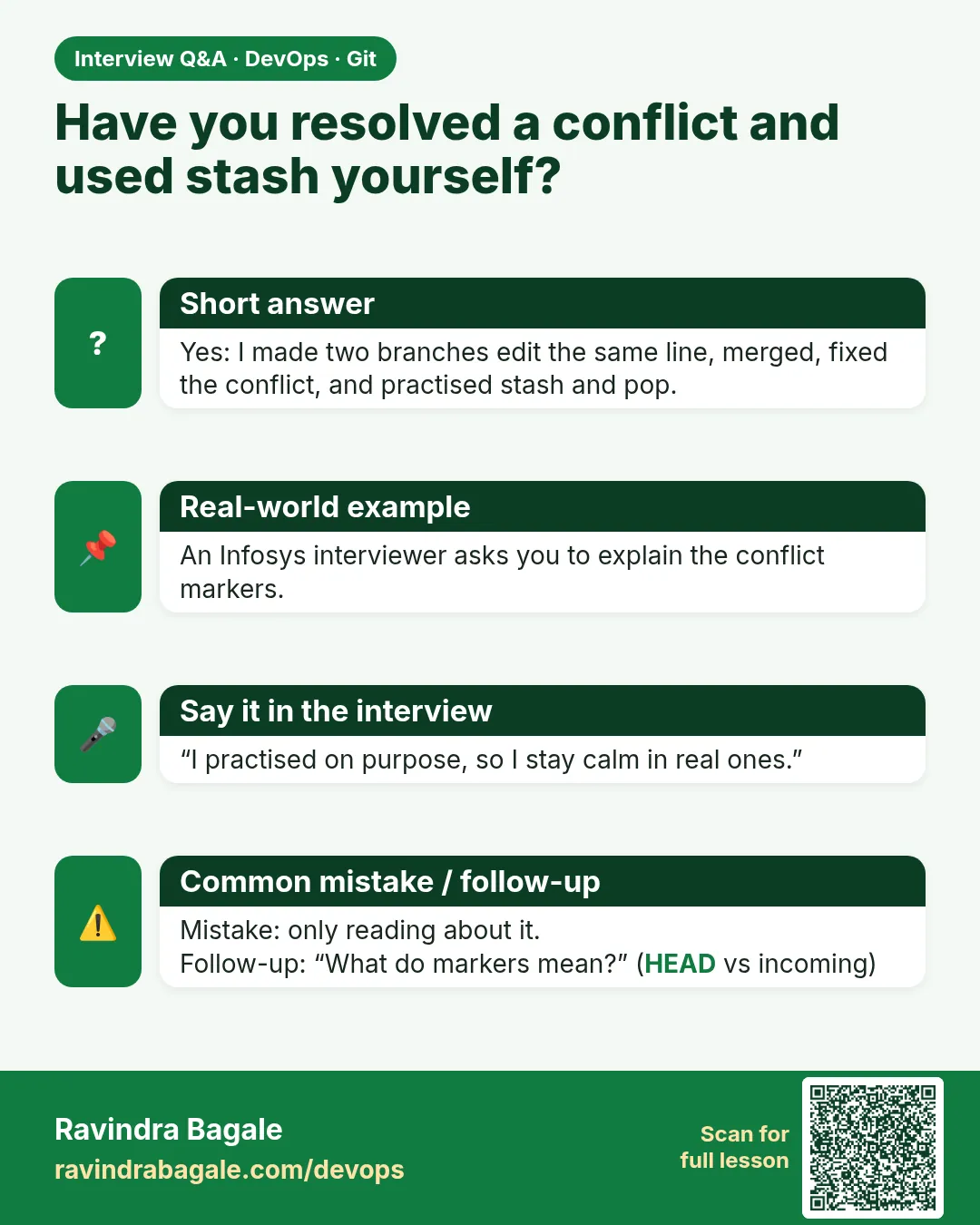 Interview card 15 of 15: Have you resolved a conflict and used stash yourself? · Download PNG · Open card page
Lesson: 3.15 Lab — colour, one conflict, one stash
Comparison cards
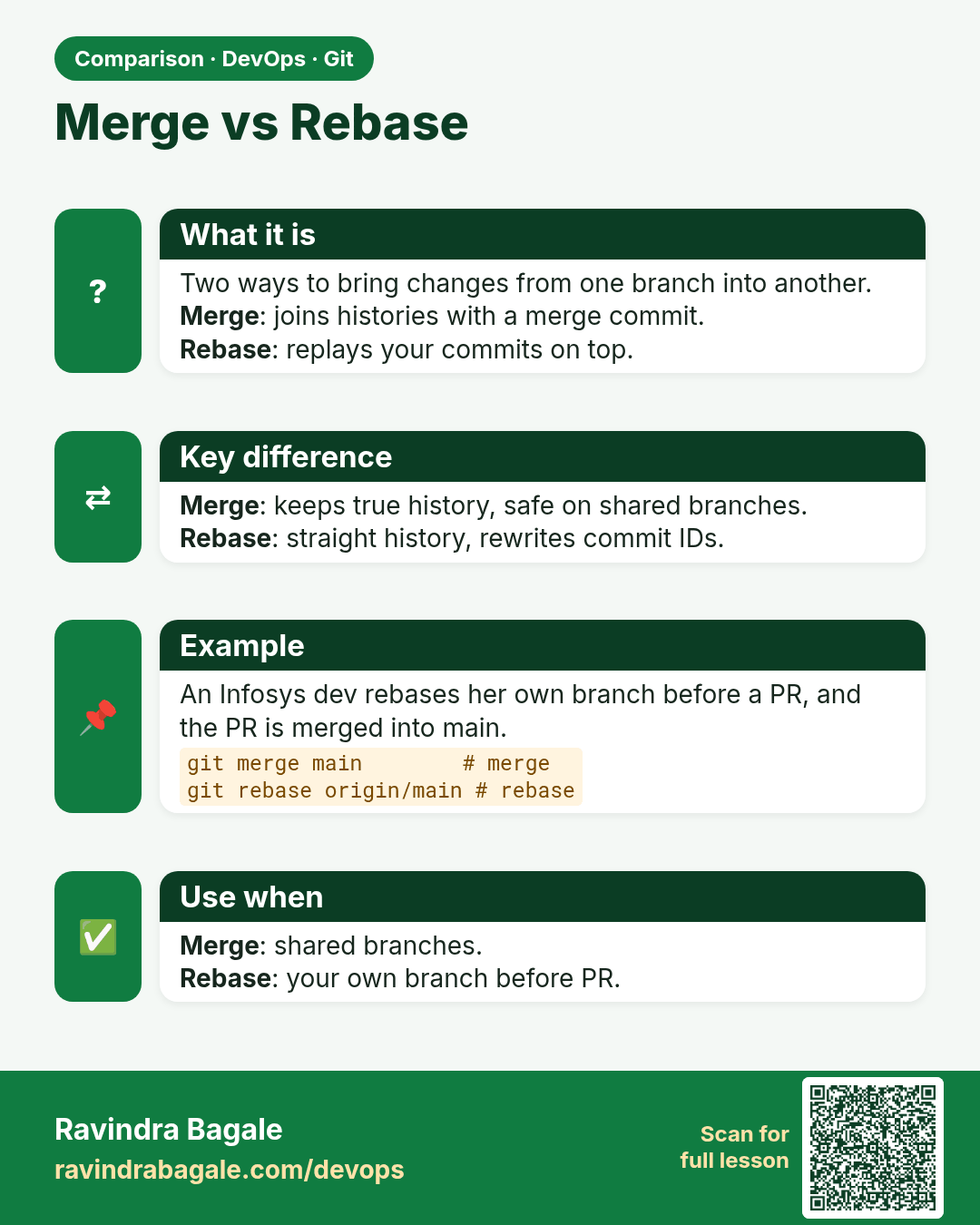
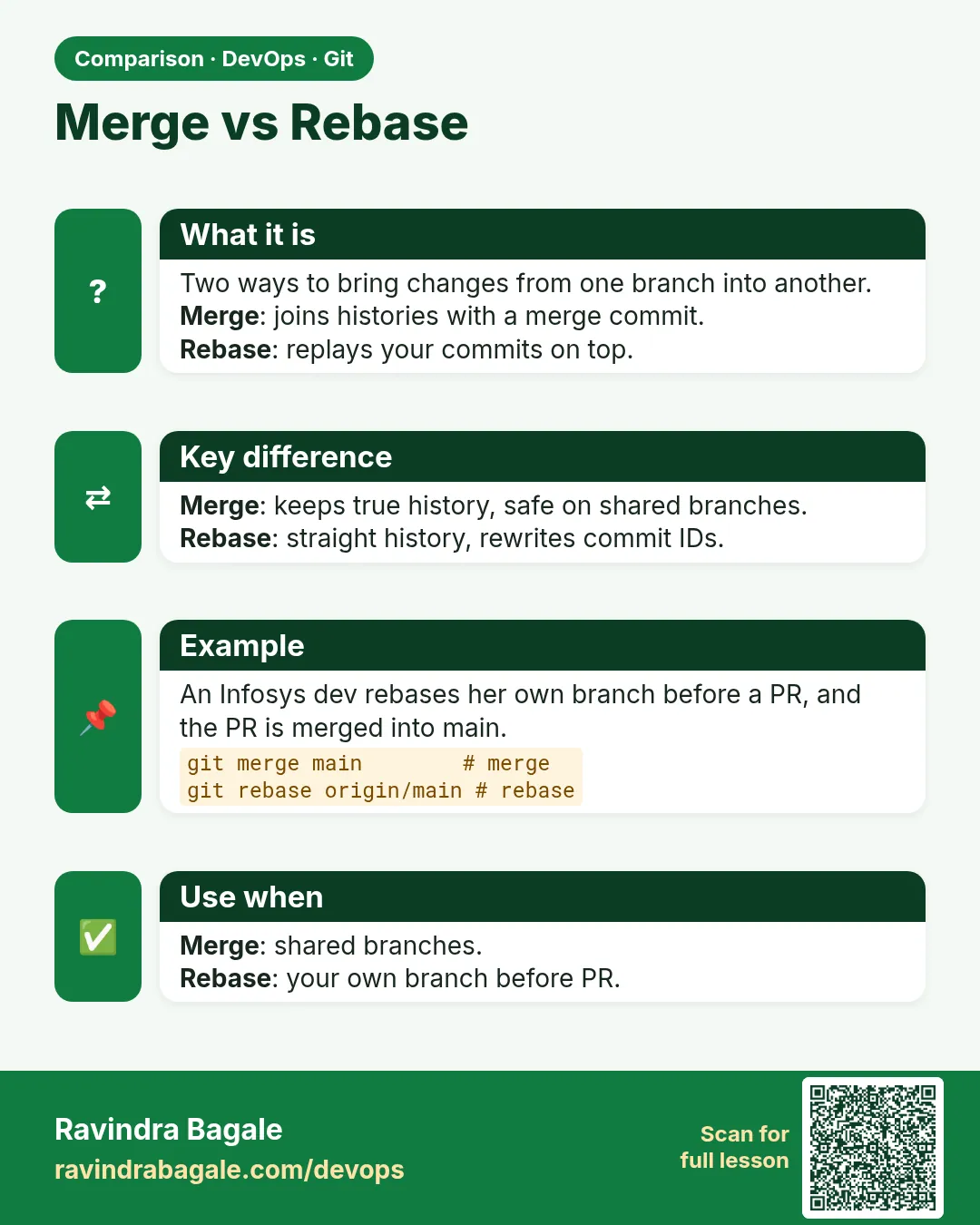 Comparison card 1 of 3: Merge vs Rebase · Download PNG · Open card page
Lesson: 3.6 Merge — fast-forward and a merge commit
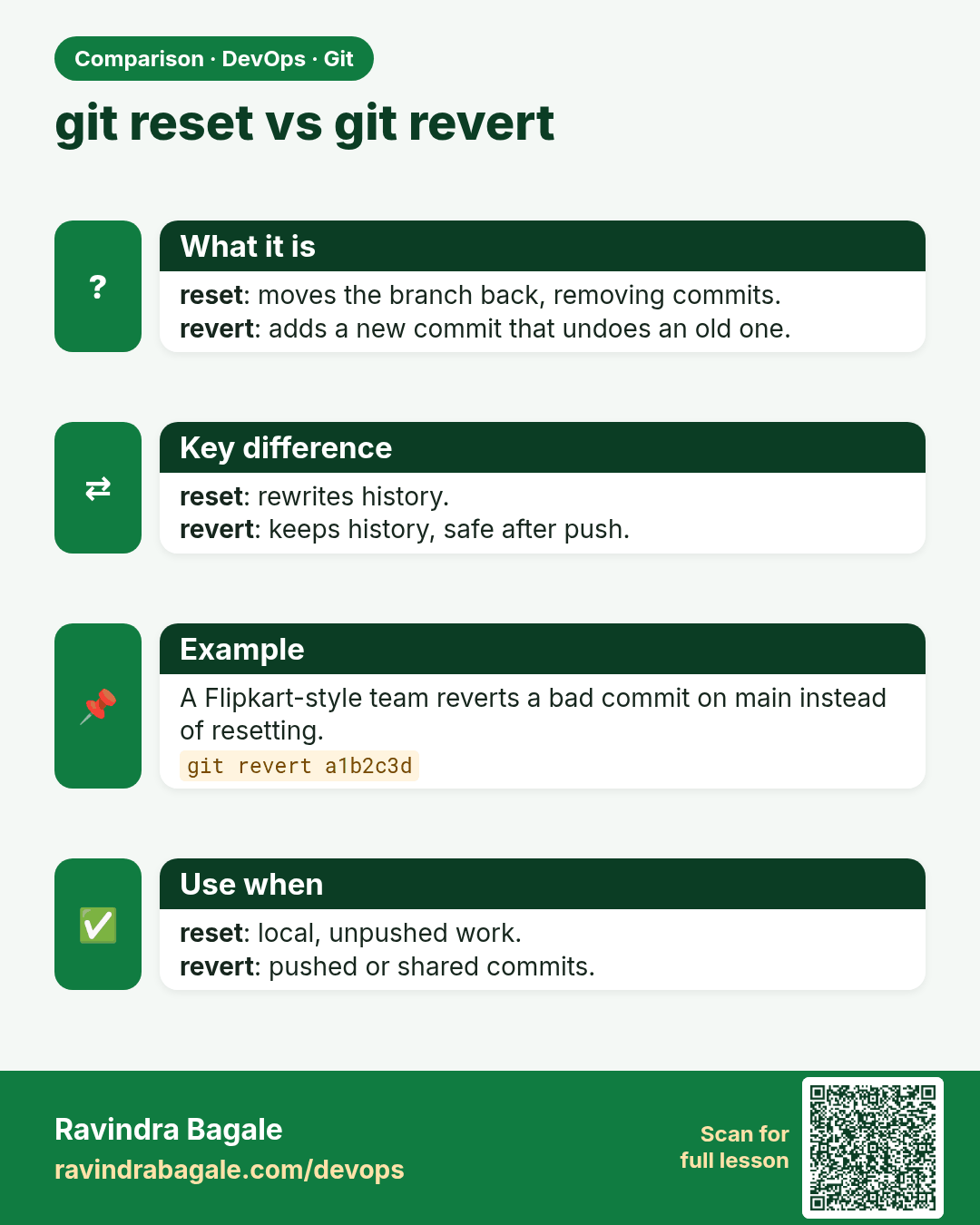
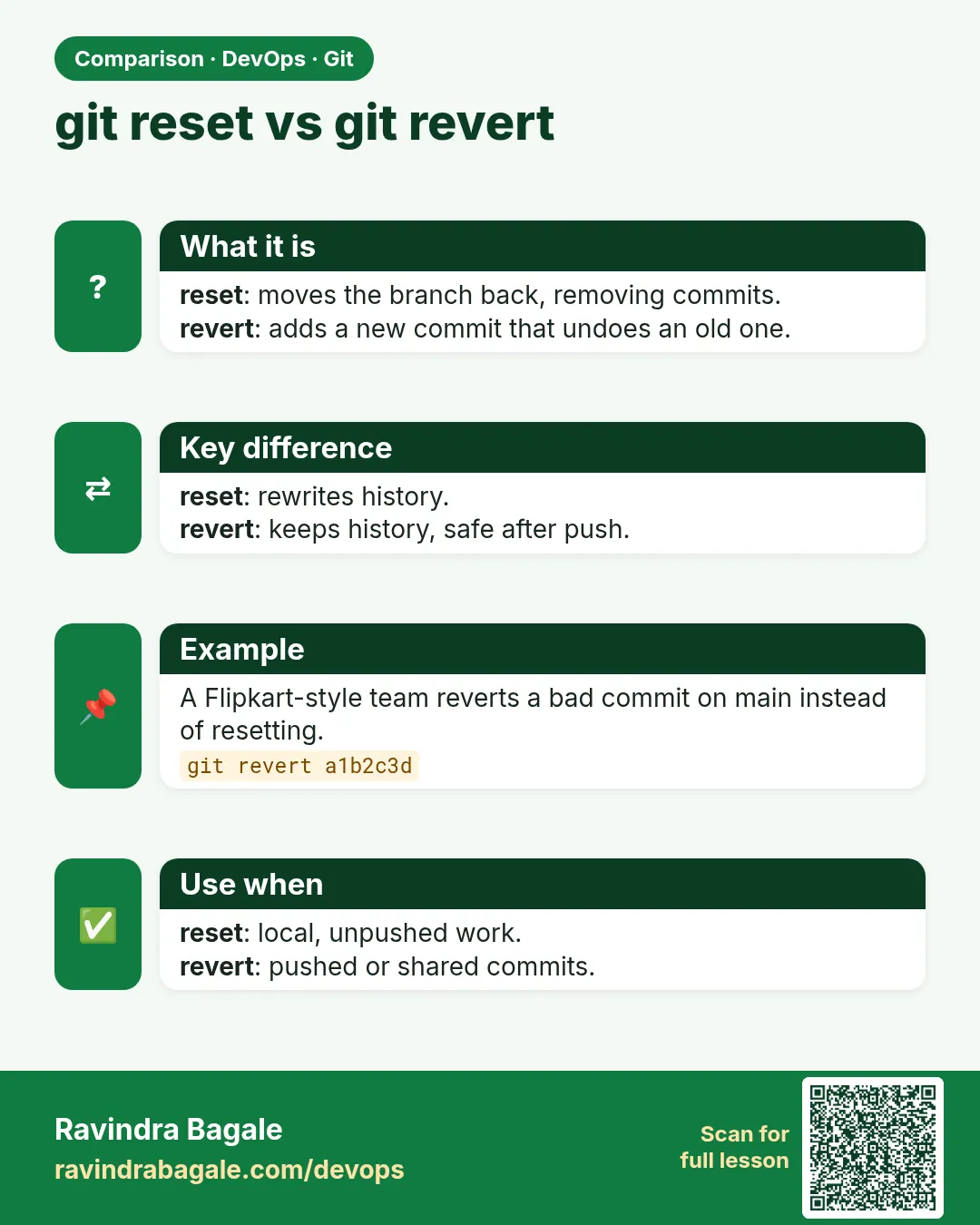 Comparison card 2 of 3: git reset vs git revert · Download PNG · Open card page
Lesson: 3.11 reset --soft, --mixed and --hard
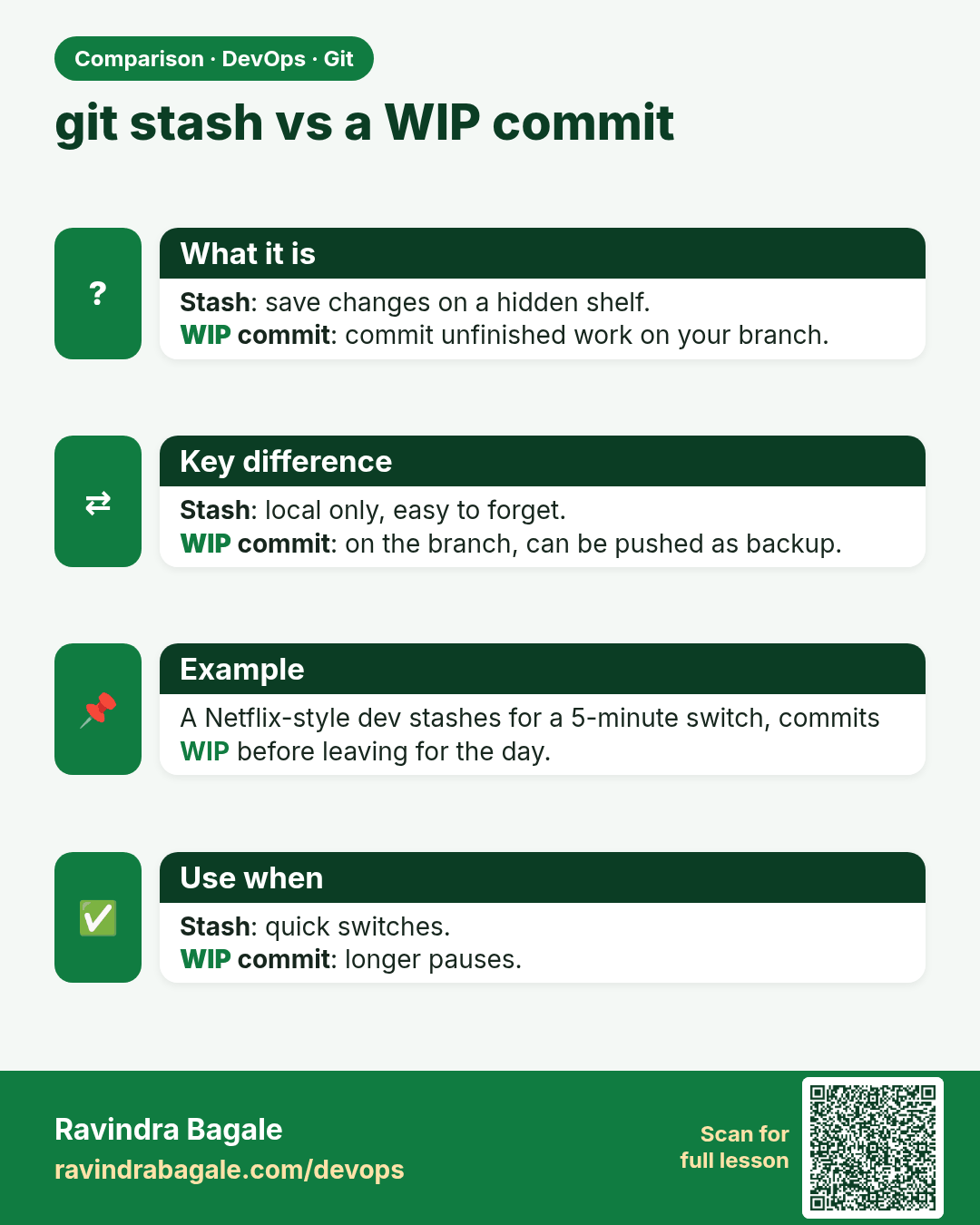
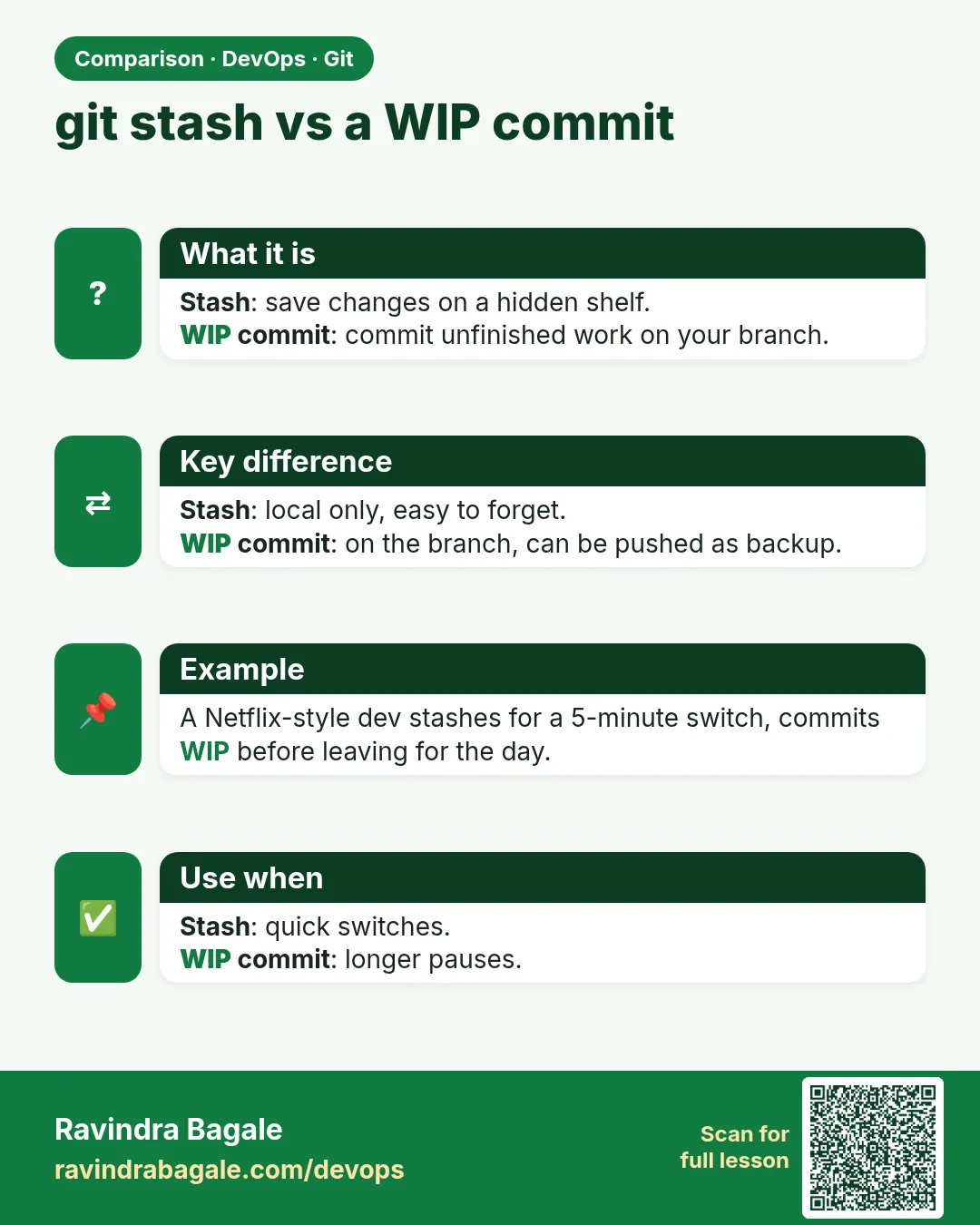 Comparison card 3 of 3: git stash vs a WIP commit · Download PNG · Open card page
Lesson: 3.9 Stash — park the unfinished edit