Chapter 3: Branch, Merge, Rebase, Stash and Pull Requests
3.2 branch, switch, list, delete
Why: the problem
In a normal day at Infosys you will create, switch, list, rename and delete branches many times. If you do it wrong, you lose work or push the wrong code. For example, git branch -D deletes a branch even if it has commits nobody merged, and those commits can be lost. Old tutorials use git checkout for everything, which is confusing because checkout also throws away file edits. New Git gives two clear commands: git switch for branches and git restore for files. In this lesson you will practise every branch command on hello-shop with real output: create, switch, list local and remote, rename, track a remote branch, push a branch, and delete it safely on your laptop and on the server.
What we will build
You will create three branches in hello-shop, push one to gitlab.com, check out a teammate's remote branch, rename one, and delete merged and unmerged branches the safe way.
What: every term in plain English
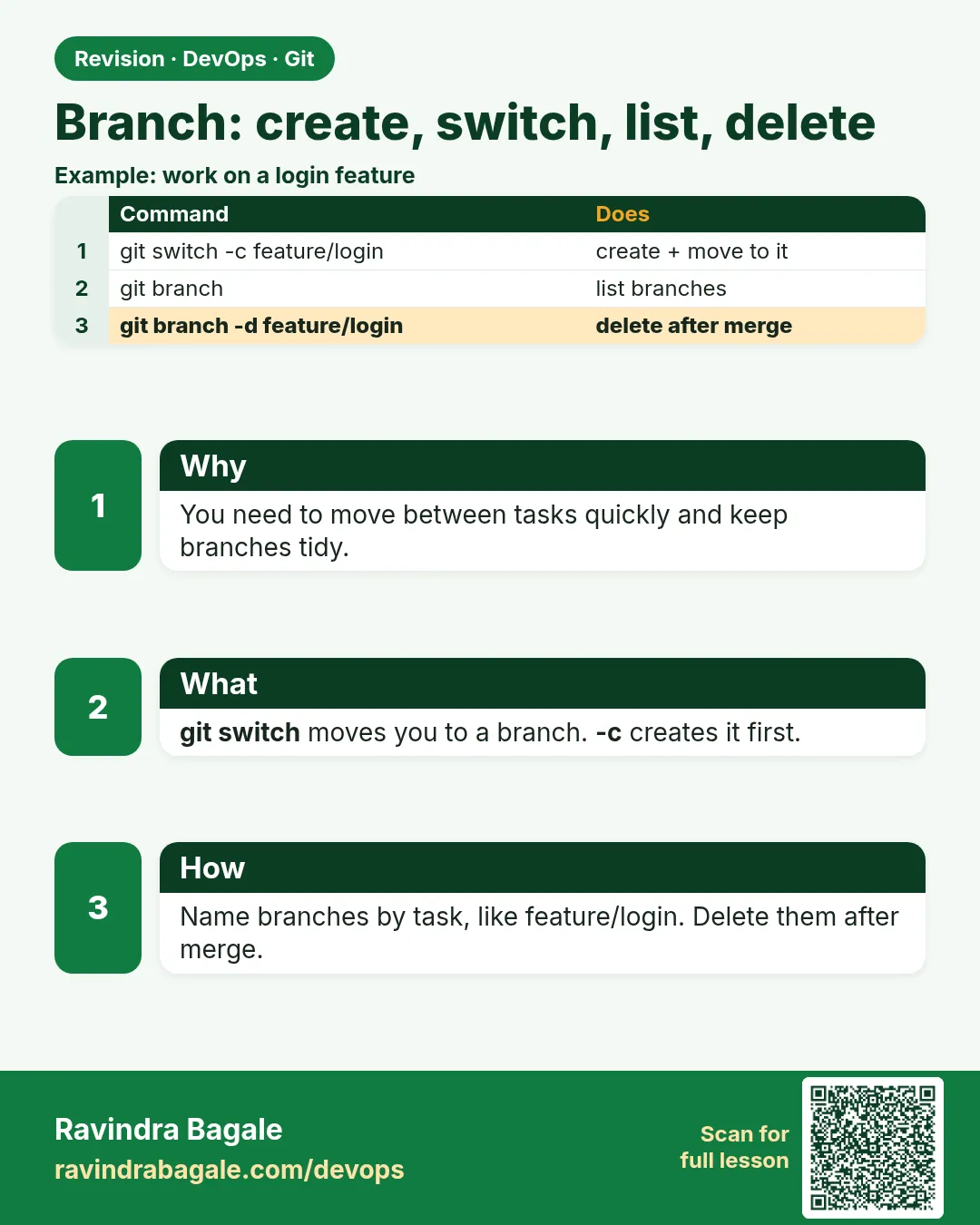
- git switch NAME — Move to an existing branch.
- git switch -c NAME — Create a branch and move to it.
- git branch — List local branches.
- git branch -a — List local and remote-tracking branches.
- git branch -m OLD NEW — Rename a branch.
- git branch -d NAME — Delete a branch only if it is merged.
- git branch -D NAME — Force delete, even if not merged. Careful.
- git push origin --delete NAME — Delete the branch on the server.
How: step by step
-
Go to the repo
cd ~/devops-lab/hello-shop && git switch -q mainWhat it does: Start on main.
Output
(no output) -
Create and switch
git switch -c feature/menuWhat it does: New branch from main.
Output
Switched to a new branch 'feature/menu' -
Commit on it
echo "menu=idli,dosa" > menu.txt && git add . && git commit -qm "Add menu file"What it does: The commit belongs to feature/menu.
Output
(no output) -
List with last commit
git branch -vWhat it does: Each branch and its latest commit.
Output
* feature/menu 3a3a3a3 Add menu file main e1f2a3b Set price to 149 -
Push and track
git push -u origin feature/menuWhat it does: Creates the branch on the server.
Output
* [new branch] feature/menu -> feature/menu branch 'feature/menu' set up to track 'origin/feature/menu'. -
Rename
git branch -m feature/menu feature/SHOP-201-menuWhat it does: Clearer name with the ticket.
Output
(no output) -
Delete merged branch
git switch -q main && git merge -q feature/SHOP-201-menu && git branch -d feature/SHOP-201-menuWhat it does: Safe delete after merge.
Output
Deleted branch feature/SHOP-201-menu (was 3a3a3a3).
Example 1: Work on a teammate's branch from the server
Stack. Git
Goal. Work on a teammate's branch from the server.
remote-branch.sh
git fetch origin
git branch -r
git switch fix/SHOP-150-payment-timeout
git branch -vv
git log --oneline -2
What each line does
git fetch origin— Get the latest branch list.git branch -r— Remote-tracking branches.git switch NAME— If a remote branch has that name, Git makes a local one that tracks it.branch -vv— Shows the tracking link.
Green output
  origin/main
  origin/fix/SHOP-150-payment-timeout
branch 'fix/SHOP-150-payment-timeout' set up to track 'origin/fix/SHOP-150-payment-timeout'.
Switched to a new branch 'fix/SHOP-150-payment-timeout'
* fix/SHOP-150-payment-timeout 9c8b7a6 [origin/fix/SHOP-150-payment-timeout] Raise payment timeout to 10s
Expected result. You can test or help on a teammate's branch in two commands.
Example 2: See why -d protects you and -D does not
Stack. Git
Goal. See why -d protects you and -D does not.
delete.sh
git switch -qc experiment
echo "x" > exp.txt && git add . && git commit -qm "Try idea"
git switch -q main
git branch -d experiment
git branch -D experiment
git reflog | grep "Try idea"
What each line does
git branch -d— Refuses: the commit is not merged.git branch -D— Deletes anyway.git reflog— The commit can still be found for a while.
Green output
error: the branch 'experiment' is not fully merged.
hint: If you are sure you want to delete it, run 'git branch -D experiment'.
Deleted branch experiment (was 7d7d7d7).
7d7d7d7 HEAD@{2}: commit: Try idea
Expected result. Use -d by habit. Use -D only when you are sure the work is not needed.
Example 3: Rename a branch that is already on the server
Stack. Git
Goal. Rename a branch that is already on the server.
rename-remote.sh
git switch -qc feature/menuu
git push -q -u origin feature/menuu
git branch -m feature/menu
git push -q -u origin feature/menu
git push origin --delete feature/menuu
git branch -a | grep menu
What each line does
feature/menuu— A typo already pushed.git branch -m— Fix the name locally.push -u origin feature/menu— Push the new name.push --delete— Remove the old name on the server.
Green output
 - [deleted]         feature/menuu
* feature/menu
  remotes/origin/feature/menu
Expected result. The server and laptop both have only the right name.
Example 4: Clean up branches that are already merged
Stack. Git, xargs
Goal. Clean up branches that are already merged.
cleanup.sh
git switch -q main && git pull -q
git branch --merged main
git branch --merged main | grep -v -E "^\*|main$" | xargs -r git branch -d
git fetch --prune
git branch -a
What each line does
--merged main— Branches fully inside main.grep -v ...— Never delete main or the current branch.xargs -r git branch -d— Delete each, safely.fetch --prune— Remove remote-tracking branches deleted on the server.
Green output
  feature/menu
  fix/SHOP-150-payment-timeout
* main
Deleted branch feature/menu (was 3a3a3a3).
Deleted branch fix/SHOP-150-payment-timeout (was 9c8b7a6).
 - [deleted]         (none)     -> origin/feature/menuu
* main
  remotes/origin/main
Expected result. A tidy branch list. Many teams do this every Friday.
Example 5: Find which branches contain a commit
Stack. Git
Goal. Find which branches contain a commit.
contains.sh
git branch --contains 9c8b7a6
git branch -r --contains 9c8b7a6
git branch --no-merged main
What each line does
--contains— Branches that have this commit.-r— Check remote branches too.--no-merged— Branches with work not in main yet.
Green output
* main
  origin/main
  feature/coupon
Expected result. You know if a fix reached main before you close the ticket.
Verify: did it work?
-
Current branch
git branch --show-currentWhat it does: Should be main.
Output
main -
No stale branches
git branch | wc -lWhat it does: Only main left.
Output
1 -
Server list
git ls-remote --heads originWhat it does: What the server has.
Output
e1f2a3b... refs/heads/main
When it is red 1
error: pathspec 'feature/x' did not match any file(s) known to git
Cause. No such branch locally or on the remote you fetched.
Fix, step by step
- git fetch
- git branch -a to check the name.
When it is red 2
error: Cannot delete branch 'main' checked out at '/home/ravi/devops-lab/hello-shop'
Cause. You cannot delete the branch you are on.
Fix, step by step
- git switch another branch first.
When it is red 3
error: the branch 'experiment' is not fully merged.
Cause. Safety check from -d.
Fix, step by step
- Merge it first, or use -D if you are sure.
When it is red 4
remote: GitLab: You are not allowed to delete protected branch main.
Cause. main is protected on the server.
Fix, step by step
- Good. Do not delete main.
Cleanup
-
Back to main
git switch -q mainWhat it does: Leave the repo on main.
Output
(no output)
Ravindra Bagale's Tip
-d vapra, -D la ghaabra. Ani dar Friday merged branches saaf kara.
Practice tasks
Easy Create and list
Why: Basics first.
What to do: Create two branches and list with -v.
- git branch -v
Check: Both shown.
Medium Track a remote branch
Why: Team work.
What to do: Switch to a teammate branch from origin.
- git switch NAME
Check: branch -vv shows tracking.
Hard Clean up
Why: Tidy repos help everyone.
What to do: Delete merged branches and prune.
- git branch --merged
- git fetch --prune
Check: Only main left.
Easy Say branch commands in two lines
Why: If you can say it simply, you understand it. Interviewers want the short version first.
What to do: Write two short lines about branch commands for a fresher who knows only basic Linux.
- Write the problem it solves.
- Write one real command or file that shows it.
- Read it aloud to a friend.
Check: A fresher understands it without asking a question.
Easy Make a safe lab folder
Why: Practice needs a place you can throw away. Then mistakes cost nothing.
What to do: Create a lab folder for this chapter and work only inside it.
- mkdir -p ~/devops-lab && cd ~/devops-lab
- Run every command of this lesson from here.
- Check with pwd before you delete anything.
Check: All lab files live in ~/devops-lab.
Medium Repeat it in a container
Why: Your laptop is not the server. A clean Ubuntu container shows what a fresh server needs.
What to do: Run the main steps of this lesson again inside an Ubuntu container.
- docker run --rm -it -v "$PWD":/lab -w /lab ubuntu:24.04 bash
- apt update and install what is missing.
- Note every missing tool.
Check: Same result inside the container, or a list of what you had to install.
Medium Break it on purpose
Why: You must know the red message by face. In an outage there is no time to read slowly.
What to do: Cause one error from the "When it is red" part of this lesson and fix it.
- Follow the error section.
- Copy the exact message into your notes.
- Write the fix in one line.
Check: You fixed it using only the steps, without searching the web.
Medium Write a one-page runbook
Why: At 2 a.m. nobody remembers the right command. A short page saves the on-call person.
What to do: Write a runbook page for this lesson.
- Title, when to use, exact command, how to check, how to undo.
Check: A teammate can follow it alone.
Hard Explain it like an interview
Why: Interviewers want real stories, not definitions.
What to do: Record a 60 second answer about this lesson.
- Say the problem, the command or file you used, and one error you hit.
Check: Your answer has a real command and a real error message.
Hard Draw the flow top to bottom
Why: A drawing shows who does what and in which order.
What to do: Draw this lesson as boxes from top to bottom.
- Start at the developer laptop, end at the user on the website.
Check: Each box matches a real thing you ran.
Homework: try at home
Try at home
Create five branches with team-style names, push two, rename one, and delete all merged ones with the cleanup script.
Recap
- switch for branches, restore for files.
- -c creates; -m renames.
- -d is safe; -D forces.
- push -u shares and tracks.
- --merged and --prune keep things tidy.
FAQ
Is git checkout still OK?
Yes, it works, but switch and restore are clearer.
Why does my new branch not appear for teammates?
You did not push it.
Can I switch with unsaved edits?
Yes if they do not conflict; otherwise commit or stash.
What is a detached HEAD?
You are on a commit, not a branch. Make a branch with git switch -c to keep work.
How do I see the last commit on each branch?
git branch -v
How do I see branches that are not merged?
git branch --no-merged main
Interview questions
-
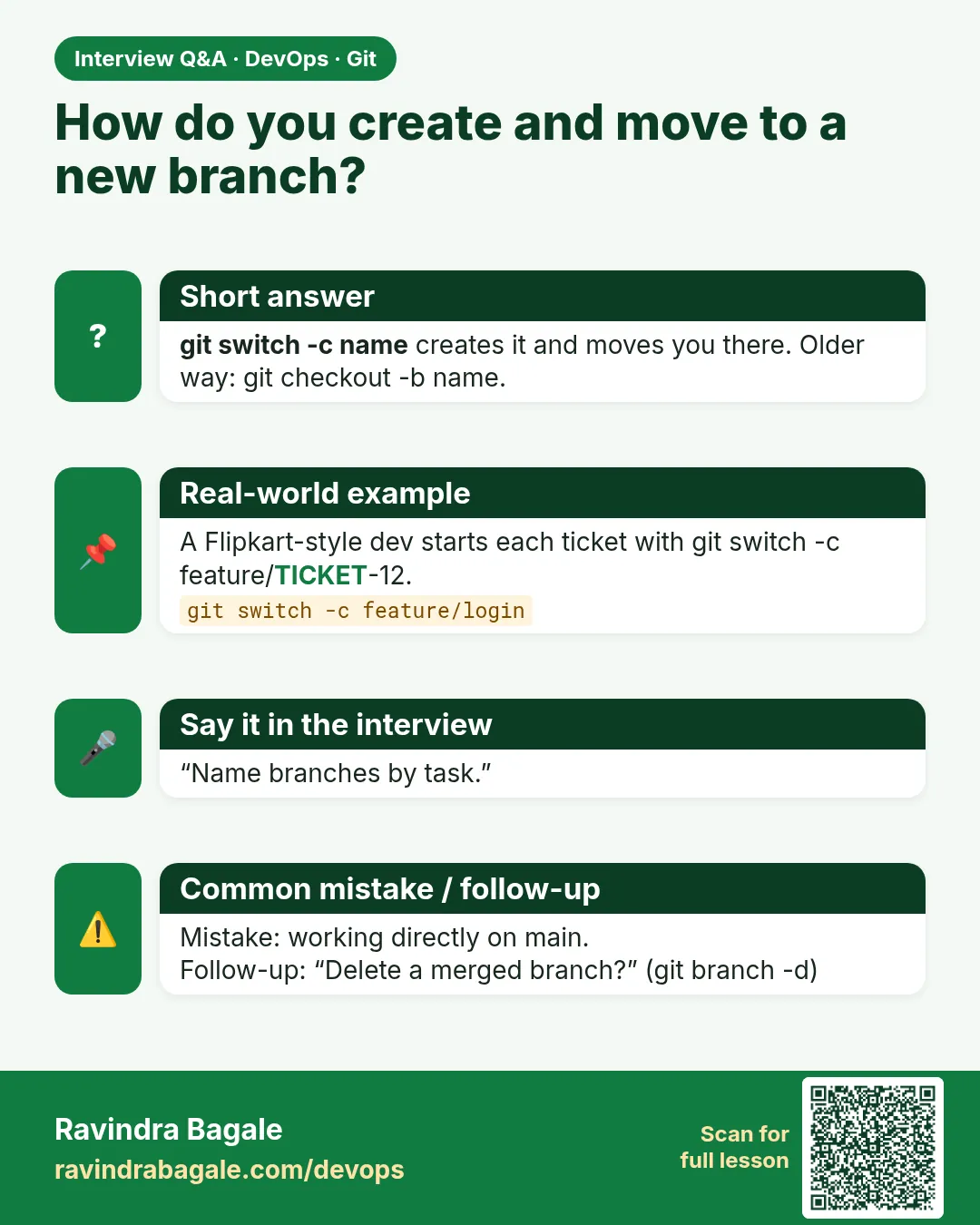
How do you create a branch and push it?
git switch -c NAME, commit, git push -u origin NAME.
-
Difference between -d and -D?
-d deletes only merged branches; -D forces.
-
How do you delete a remote branch?
git push origin --delete NAME.
-
What is a remote-tracking branch?
A local read-only copy like origin/main, updated by fetch.
-
What is detached HEAD?
HEAD points to a commit directly; new commits are not on any branch until you create one.
Quick quiz
Q1. Create and switch in one command?
git switch -c NAME
Q2. Safe delete?
git branch -d NAME
Q3. Delete on the server?
git push origin --delete NAME
Q4. List remote branches?
git branch -r
Q5. Remove stale remote-tracking branches?
git fetch --prune
Samajla ka?
 Revision card
 Interview card