Chapter 3: Branch, Merge, Rebase, Stash and Pull Requests
3.14 Common pull-request mistakes
Why: the problem
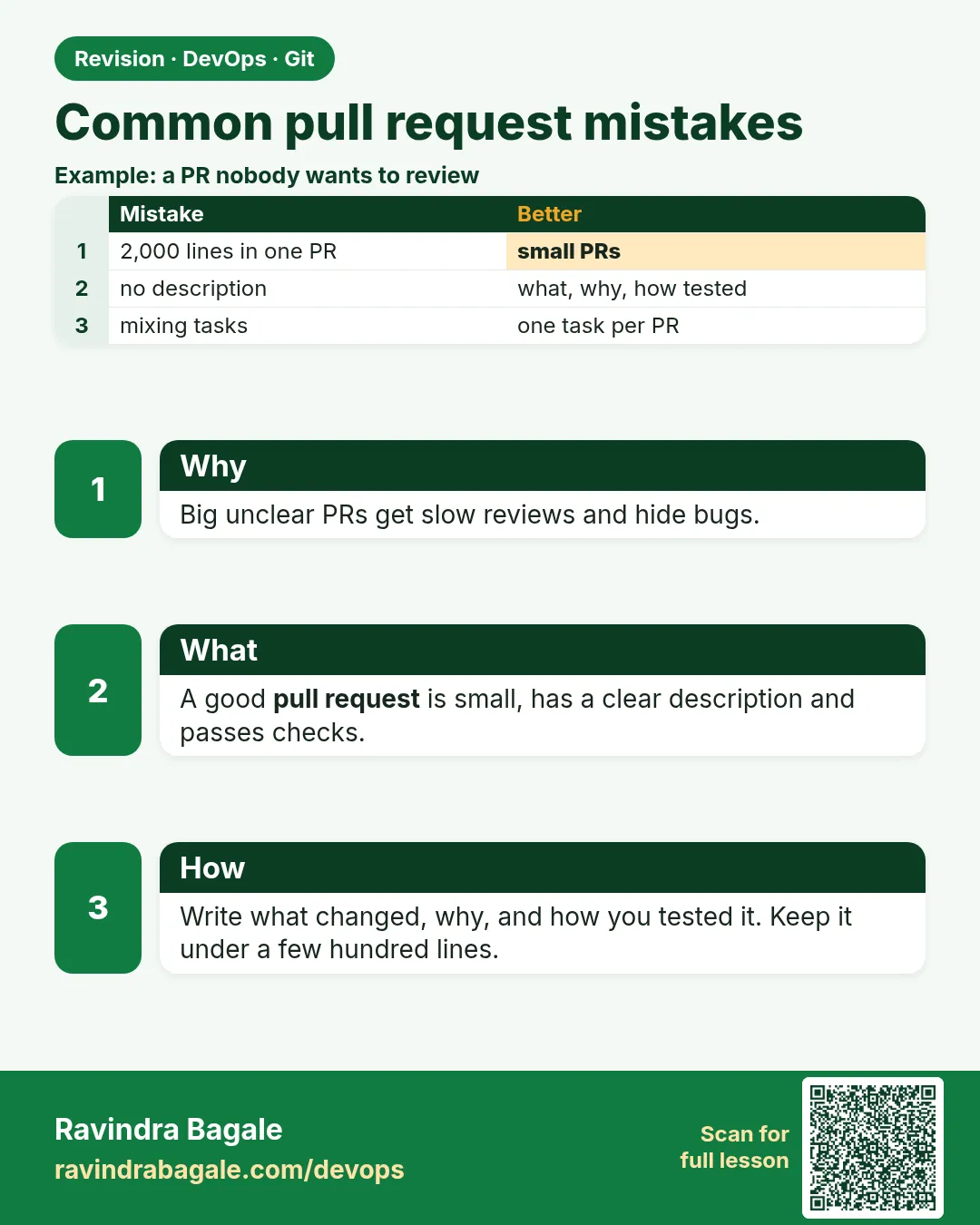
Most failed merge requests fail for simple reasons, not hard code. The MR is huge and nobody can review it. It contains a secret like an API key. It was opened from an old branch, so it shows 40 files you never touched. The title says "changes". CI is red and the author asks for a merge anyway. Or the author force-pushed and reviewers lost their comments. Each of these wastes the team's time and, with secrets, can cost money. In this lesson you will make each mistake on purpose in hello-shop and fix it: split a big MR, remove a committed secret, rebase an MR with unrelated changes, write a good title and description, and use a checklist before you ask for review.
What we will build
You will create bad MRs in hello-shop and repair each one: a secret in a commit, an old base, a giant MR, a weak message, and red CI. You finish with an MR template that prevents them.
What: every term in plain English
- MR description — Text that says what, why, and how to test.
- MR template — A file in .gitlab/merge_request_templates that pre-fills the description.
- Secret leak — A password or key committed to Git.
- Rotate — Make a new secret and disable the old one.
- Stacked MRs — A big change split into small MRs that build on each other.
- Conventional commit — A message style like "fix: raise payment timeout".
- Self-review — Reading your own diff before asking others.
- Draft — An MR that is not ready to merge.
How: step by step
-
Self-review first
git diff --stat origin/main...HEADWhat it does: How big is it?
Output
23 files changed, 1450 insertions(+) -
Find secrets
git diff origin/main...HEAD | grep -n -i -E "password|secret|api_key|token"What it does: Look before pushing.
Output
214:+API_KEY=dummy-1234-not-real -
Check base
git log --oneline origin/main..HEAD | wc -lWhat it does: How many commits.
Output
37 -
Check CI locally
python3 -m py_compile app.py && echo okWhat it does: Do not push red code.
Output
ok -
Good title
git commit --amend -m "fix: return 400 for empty search (SHOP-210)"What it does: Clear and linked.
Output
[feature/SHOP-210-search 2c2c2c2] fix: return 400 ... -
Draft MR
git push -u origin HEAD -o merge_request.create -o merge_request.draftWhat it does: Not ready yet.
Output
remote: https://gitlab.com/ravi-learner/hello-shop/-/merge_requests/14 -
Mark ready
On the MR page: Mark as readyWhat it does: After checks.
Output
Ready for review
Example 1: Remove a secret before it is pushed
Stack. Git
Goal. Remove a secret before it is pushed.
secret.sh
git switch -qc feature/sms
echo "SMS_TOKEN=dummy-not-real-123" > sms.env && echo "send()" > sms.py
git add . && git commit -qm "Add SMS"
git rm -q --cached sms.env
echo "*.env" >> .gitignore
git add .gitignore
git commit -q --amend --no-edit
git show --stat HEAD
What each line does
--cached— Remove from Git, keep the file..gitignore— Never add env files again.--amend— Rewrite your own unpushed commit.show --stat— No sms.env in the commit.
Green output
.gitignore | 1 +
sms.py     | 1 +
2 files changed, 2 insertions(+)
Expected result. The secret never reached the server. If it was pushed, rotate it at once: history rewrites do not make it safe.
Example 2: Fix an MR that shows unrelated files
Stack. Git
Goal. Fix an MR that shows unrelated files.
old-base.sh
git fetch -q origin
git merge-base HEAD origin/main
git log --oneline origin/main -1
git rebase --onto origin/main $(git merge-base HEAD origin/main) HEAD
git diff --stat origin/main...HEAD
git push --force-with-lease
What each line does
merge-base— Your branch started from an old commit.rebase --onto— Move only your commits to new main.diff --stat— Now only your files.
Green output
1a1a1a1...
9f9f9f9 Release 1.2.2
Successfully rebased and updated detached HEAD.
 sms.py     | 1 +
 .gitignore | 1 +
Expected result. Reviewers see only your change.
Example 3: Split a giant MR into small ones
Stack. Git, GitLab
Goal. Split a giant MR into small ones.
split.sh
git switch -c feature/SHOP-260-db origin/main
git checkout feature/big -- db/
git commit -qm "feat: add db layer (SHOP-260)"
git push -q -u origin feature/SHOP-260-db
git switch -c feature/SHOP-261-api feature/SHOP-260-db
git checkout feature/big -- api/
git commit -qm "feat: add api using db layer (SHOP-261)"
git push -q -u origin feature/SHOP-261-api -o merge_request.target=feature/SHOP-260-db
What each line does
checkout BRANCH -- dir/— Take only some folders.Second MR targets the first— Stacked MRs.Small diffs— Fast, real reviews.
Green output
remote:   https://gitlab.com/ravi-learner/hello-shop/-/merge_requests/15
remote:   https://gitlab.com/ravi-learner/hello-shop/-/merge_requests/16
Expected result. Two small MRs get approved in a day; one giant MR waits a week.
Example 4: An MR template that prevents mistakes
Stack. GitLab
Goal. An MR template that prevents mistakes.
.gitlab/merge_request_templates/Default.md
## What
One line: what does this change do?

## Why
Ticket: SHOP-XXX

## How to test
1. python3 app.py
2. curl -s localhost:8000/health

## Checklist
- [ ] Self-reviewed the diff
- [ ] No secrets, keys or .env files
- [ ] Branch rebased on latest main
- [ ] CI is green
- [ ] Under about 400 changed lines
What each line does
What and Why— Context for reviewers.How to test— Anyone can verify.Checklist— The five common mistakes.
Green output
Default template is applied to new merge requests in ravi-learner/hello-shop.
Expected result. Every MR starts with the right questions.
Example 5: Write a clear commit message and body
Stack. Git
Goal. Write a clear commit message and body.
message.sh
git commit --amend -q -m "fix: return 400 for empty search (SHOP-210)" -m "Empty q caused a 500. Now returns 400 with a message. Tested with curl."
git log -1 --format="%s%n%n%b"
What each line does
Subject— Type, what, ticket.Body— Why and how tested.
Green output
fix: return 400 for empty search (SHOP-210)

Empty q caused a 500. Now returns 400 with a message. Tested with curl.
Expected result. Reviewers understand the change from the log alone.
Example 6: Scan for secrets with a simple pre-push check
Stack. Git, grep
Goal. Scan for secrets with a simple pre-push check.
scan.sh
git diff origin/main...HEAD | grep -E "^[+].*(AKIA[0-9A-Z]{16}|BEGIN RSA PRIVATE KEY|password *=)" && echo "STOP: possible secret" || echo "no obvious secrets"
What each line does
AKIA...— AWS key pattern.PRIVATE KEY— Key files.password =— Hard-coded passwords.
Green output
no obvious secrets
Expected result. A quick check before every push; GitLab secret detection does it in CI.
Verify: did it work?
-
No env files tracked
git ls-files | grep -c "[.]env$"What it does: Zero.
Output
0 -
Small diff
git diff --shortstat origin/main...HEADWhat it does: A few lines.
Output
2 files changed, 2 insertions(+) -
Template exists
ls .gitlab/merge_request_templatesWhat it does: File.
Output
Default.md
When it is red 1
GitLab: Secret detection found 1 potential secret
Cause. A key in your diff.
Fix, step by step
- Remove it, amend or rewrite unpushed commits.
- If pushed: rotate the secret now.
When it is red 2
MR shows 40 files changed
Cause. Old base.
Fix, step by step
- git rebase origin/main or rebase --onto.
When it is red 3
Pipeline failed
Cause. Red CI.
Fix, step by step
- Read the job log, fix, push. Do not ask to merge red.
When it is red 4
Reviewer: comments lost after force push
Cause. You rewrote the branch during review.
Fix, step by step
- During review, add new commits; squash at merge time.
Cleanup
-
Delete lab branches
git switch -q main && git branch -D feature/sms 2>/dev/null; trueWhat it does: Tidy.
Output
(no output)
Ravindra Bagale's Tip
Review magnyaadhi swatah diff vacha. Secret disla tar laglech rotate kara!
Practice tasks
Easy Self-review
Why: Habit.
What to do: Review your own diff with stat and grep.
- git diff --stat
Check: No surprises.
Medium Secret
Why: Safety.
What to do: Remove an unpushed secret.
- git rm --cached
- --amend
Check: Not in commit.
Hard Template
Why: Team process.
What to do: Add an MR template.
- .gitlab/merge_request_templates
Check: Applied on new MR.
Easy Say MR mistakes in two lines
Why: If you can say it simply, you understand it. Interviewers want the short version first.
What to do: Write two short lines about MR mistakes for a fresher who knows only basic Linux.
- Write the problem it solves.
- Write one real command or file that shows it.
- Read it aloud to a friend.
Check: A fresher understands it without asking a question.
Easy Make a safe lab folder
Why: Practice needs a place you can throw away. Then mistakes cost nothing.
What to do: Create a lab folder for this chapter and work only inside it.
- mkdir -p ~/devops-lab && cd ~/devops-lab
- Run every command of this lesson from here.
- Check with pwd before you delete anything.
Check: All lab files live in ~/devops-lab.
Medium Repeat it in a container
Why: Your laptop is not the server. A clean Ubuntu container shows what a fresh server needs.
What to do: Run the main steps of this lesson again inside an Ubuntu container.
- docker run --rm -it -v "$PWD":/lab -w /lab ubuntu:24.04 bash
- apt update and install what is missing.
- Note every missing tool.
Check: Same result inside the container, or a list of what you had to install.
Medium Break it on purpose
Why: You must know the red message by face. In an outage there is no time to read slowly.
What to do: Cause one error from the "When it is red" part of this lesson and fix it.
- Follow the error section.
- Copy the exact message into your notes.
- Write the fix in one line.
Check: You fixed it using only the steps, without searching the web.
Medium Write a one-page runbook
Why: At 2 a.m. nobody remembers the right command. A short page saves the on-call person.
What to do: Write a runbook page for this lesson.
- Title, when to use, exact command, how to check, how to undo.
Check: A teammate can follow it alone.
Hard Explain it like an interview
Why: Interviewers want real stories, not definitions.
What to do: Record a 60 second answer about this lesson.
- Say the problem, the command or file you used, and one error you hit.
Check: Your answer has a real command and a real error message.
Hard Draw the flow top to bottom
Why: A drawing shows who does what and in which order.
What to do: Draw this lesson as boxes from top to bottom.
- Start at the developer laptop, end at the user on the website.
Check: Each box matches a real thing you ran.
Homework: try at home
Try at home
Open one MR in hello-shop using the template, pass every checklist item, and ask a friend to review it.
Recap
- Self-review first.
- No secrets, ever; rotate if leaked.
- Rebase on fresh main.
- Small MRs with clear titles.
- Green CI before review.
FAQ
Can I delete a pushed secret with rebase?
You can rewrite, but clones and caches may have it. Rotate first.
Who writes the description?
The author.
What is a good title?
Type, what and ticket, like fix: ... (SHOP-210).
Should I review my own MR?
Yes, before asking others.
What if a reviewer is slow?
Ping politely; keep MRs small so reviews are quick.
Interview questions
-
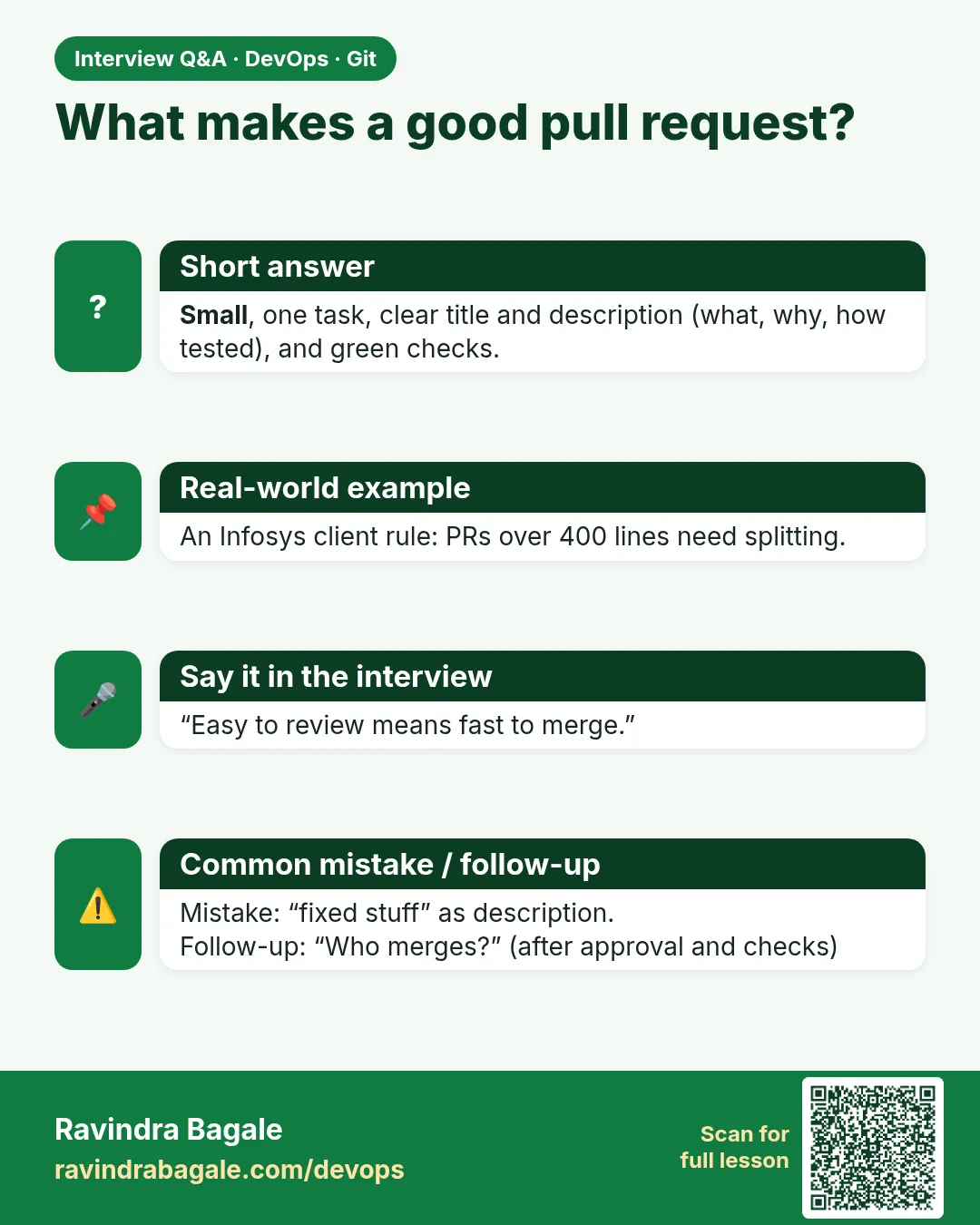
What makes a good MR?
Small, focused, described, tested, green CI, no secrets.
-
How do you handle a leaked secret?
Revoke and rotate immediately, then clean history and add detection.
-
Why are big MRs bad?
Slow, shallow reviews and more conflicts.
-
What is an MR template?
A pre-filled description with a checklist.
-
How do you deal with review comments?
Reply, push fix commits, re-request review.
Quick quiz
Q1. First check before review?
Self-review the diff.
Q2. Committed a secret and pushed?
Rotate it immediately.
Q3. MR shows unrelated files?
Rebase on latest main.
Q4. How big should an MR be?
Small, about 400 lines or less.
Q5. Force push during review?
Avoid; add commits instead.
Samajla ka?
 Revision card
 Interview card