Chapter 3: Branch, Merge, Rebase, Stash and Pull Requests
3.1 Why branches — two developers, one shared app
Why: the problem
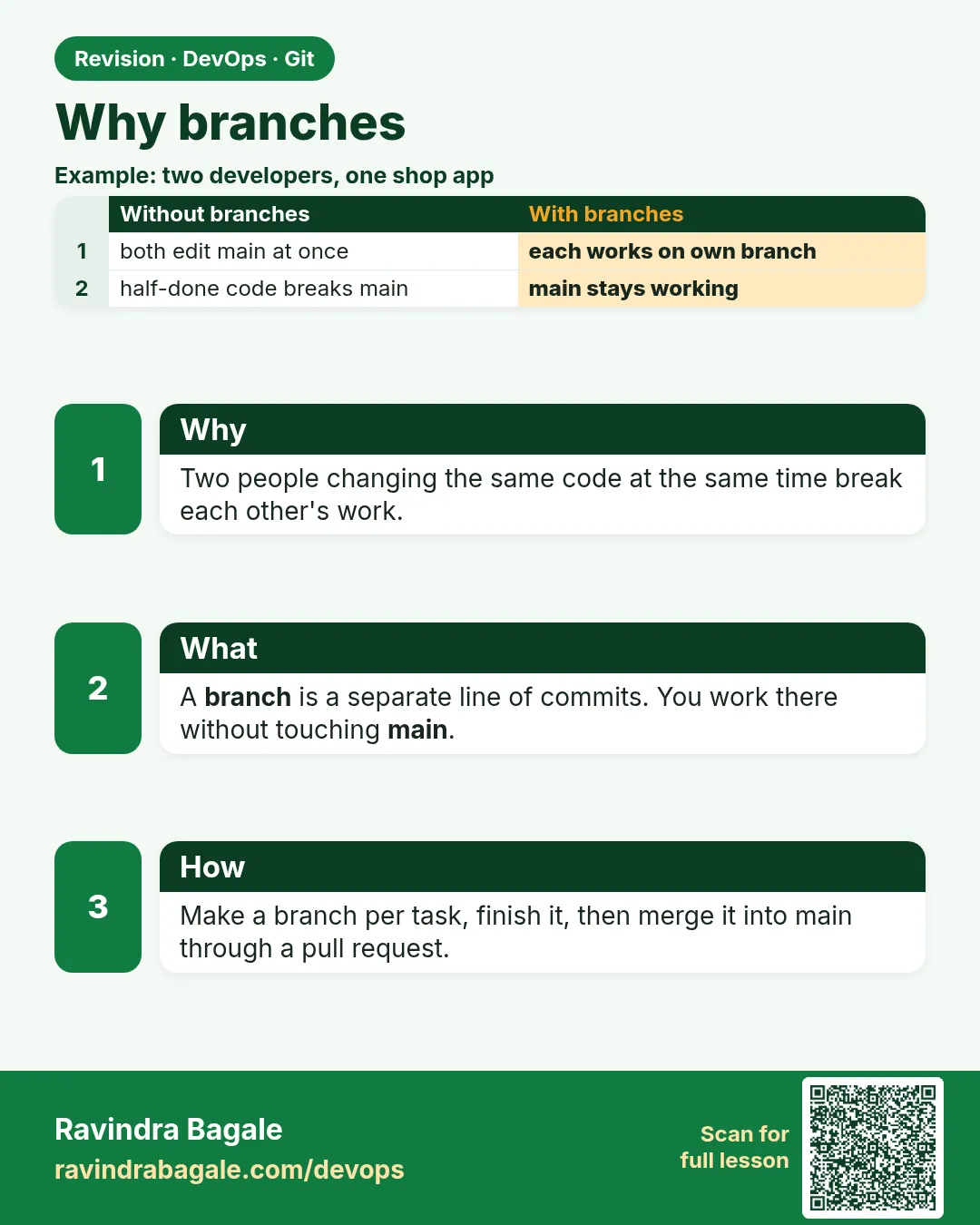
Think of the Swiggy app team on a busy week. Asha is building a new coupon page. Ravi must fix a payment bug today. Both edit the same repo. If they both work directly on main, Asha's half-done coupon code goes live with Ravi's fix, and the app breaks for lakhs of users. A branch solves this. A branch is a separate line of work, like a separate draft of the same document. Asha works on her draft, Ravi on his, and main stays clean and ready to release. When a draft is ready and reviewed, it is merged into main. Inside Git, a branch is only a small label that points to a commit, so making one is instant and free. In this lesson you will feel the problem first by working on main with two people, then solve it with branches, and see with your own eyes that a branch is just a label.
What we will build
You will make a shared bare repo and two clones, Asha and Ravi. First both commit on main and collide. Then you will redo it with two branches, merge Ravi's fix first, and keep Asha's work separate until it is ready.
What: every term in plain English
- Branch — A named line of work. Inside Git, a label that points to one commit.
- main — The branch that holds release-ready code.
- Feature branch — A short-lived branch for one feature or fix, like feature/coupon.
- HEAD — Shows which branch you are on now.
- Merge — Join the work of one branch into another.
- Diverge — Two branches got different new commits.
- Pointer — A small reference to a commit ID.
- Isolation — Your unfinished work does not affect others.
How: step by step
-
Make a shared server
mkdir -p ~/devops-lab/br && cd ~/devops-lab/br && git init -q --bare -b main srv.gitWhat it does: The team repo.
Output
(no output) -
Clone as Asha and Ravi
git clone -q srv.git asha && git clone -q srv.git raviWhat it does: Two laptops on one machine.
Output
(no output) -
First commit by Asha
cd asha && echo "price=100" > cart.txt && git add . && git commit -qm "Add cart" && git push -q -u origin mainWhat it does: main has one commit.
Output
(no output) -
Ravi gets it
cd ../ravi && git pull -q && cat cart.txtWhat it does: Both start equal.
Output
price=100 -
Asha starts a branch
cd ../asha && git switch -c feature/couponWhat it does: A new label at the same commit.
Output
Switched to a new branch 'feature/coupon' -
See the label file
cat .git/refs/heads/feature/couponWhat it does: A branch is one line: a commit ID.
Output
4f1e2d3c... -
List branches
git branchWhat it does: The star is where HEAD is.
Output
* feature/coupon
  main
Example 1: Feel the problem: half-done work on main
Stack. Git
Goal. Feel the problem: half-done work on main.
no-branch.sh
cd ~/devops-lab/br/asha && git switch -q main
echo "coupon=HALF_DONE" >> cart.txt
git commit -qam "WIP coupon"
git push -q
cd ../ravi
echo "fix=payment-timeout" >> cart.txt
git commit -qam "Fix payment timeout"
git push
What each line does
WIP coupon on main— Unfinished work is now on the release branch.Ravi pushes— The server already has Asha's commit.rejected— Ravi must pull Asha's half work into his fix.
Green output
 ! [rejected]        main -> main (fetch first)
error: failed to push some refs to '/home/ravi/devops-lab/br/srv.git'
hint: Updates were rejected because the remote contains work that you do
hint: not have locally.
Expected result. Ravi cannot ship his fix without shipping Asha's half-done coupon. This is why teams use branches.
Example 2: Redo it with two branches
Stack. Git
Goal. Redo it with two branches.
branches.sh
cd ~/devops-lab/br/asha
git reset -q --hard HEAD~1 && git push -q -f origin main
git switch -qc feature/coupon
echo "coupon=SAVE10" >> cart.txt && git commit -qam "Add SAVE10 coupon"
cd ../ravi && git fetch -q && git reset -q --hard origin/main
git switch -qc fix/payment-timeout
echo "timeout=10s" > pay.txt && git add pay.txt && git commit -qm "Raise payment timeout to 10s"
git switch -q main && git merge -q fix/payment-timeout && git push -q
git log --oneline --all --graph
What each line does
reset --hard + push -f— Lab only: remove the WIP commit from main. Never do this on a real shared main.feature/coupon— Asha works alone here.fix/payment-timeout— Ravi works alone here.git merge— Ravi merges only his fix into main.--all --graph— See both lines of work.
Green output
* 9c8b7a6 (HEAD -> main, origin/main, fix/payment-timeout) Raise payment timeout to 10s
* 4f1e2d3 Add cart
Expected result. main got only the finished fix. Asha's coupon waits on its branch.
Example 3: Prove a branch is only a pointer
Stack. Git
Goal. Prove a branch is only a pointer.
pointer.sh
cd ~/devops-lab/br/asha
git rev-parse feature/coupon
git rev-parse main
git switch -qc test-label
git rev-parse test-label
du -b .git/refs/heads/test-label
git switch -q feature/coupon && git branch -d test-label
What each line does
git rev-parse NAME— Prints the commit the label points to.switch -c test-label— A new branch at the same commit.du -b— The branch file is 41 bytes: 40 hex chars and a newline.branch -d— Delete only the label. Commits stay.
Green output
b1b2b3b4...
4f1e2d3c...
b1b2b3b4...
41  .git/refs/heads/test-label
Deleted branch test-label (was b1b2b3b).
Expected result. Making 100 branches costs almost nothing. That is why Git teams branch for every task.
Example 4: Name branches like a real team
Stack. Git
Goal. Name branches like a real team.
names.txt
feature/SHOP-142-coupon-page
fix/SHOP-150-payment-timeout
hotfix/1.4.1-null-price
chore/upgrade-python-3.12
release/1.5
commands
git switch -c feature/SHOP-142-coupon-page
git branch --list "feature/*"
What each line does
feature/— New features.fix/ and hotfix/— Bug fixes; hotfix goes to production fast.chore/— Upgrades, cleanup.release/— Preparing a release.SHOP-142— The Jira ticket, so the branch links to the task.
Green output
Switched to a new branch 'feature/SHOP-142-coupon-page'
  feature/SHOP-142-coupon-page
* feature/coupon
Expected result. Clear names tell the team what each branch is for, and Jira can link them.
Verify: did it work?
-
Main has only the fix
git -C ~/devops-lab/br/asha log --oneline origin/mainWhat it does: No coupon on main.
Output
9c8b7a6 Raise payment timeout to 10s 4f1e2d3 Add cart -
Coupon waits
git -C ~/devops-lab/br/asha log --oneline -1 feature/couponWhat it does: On its branch.
Output
b1b2b3b Add SAVE10 coupon -
Current branch
git -C ~/devops-lab/br/asha branch --show-currentWhat it does: Name only.
Output
feature/coupon
When it is red 1
fatal: a branch named 'feature/coupon' already exists
Cause. You tried to create a branch with a used name.
Fix, step by step
- git switch feature/coupon to go to it.
- Or pick a new name.
When it is red 2
error: Your local changes to the following files would be overwritten by checkout
Cause. Unsaved edits block the switch.
Fix, step by step
- Commit them, or git stash (lesson 3.9).
When it is red 3
fatal: cannot lock ref 'refs/heads/feature': 'refs/heads/feature/coupon' exists
Cause. You cannot have a branch feature and feature/coupon together.
Fix, step by step
- Use feature/NAME for all feature branches.
When it is red 4
Ravi: ! [rejected] main -> main (fetch first)
Cause. Someone pushed to main first.
Fix, step by step
- git pull --rebase
- git push
Cleanup
-
Remove the lab
rm -rf ~/devops-lab/brWhat it does: Server and both clones.
Output
(no output)
Ravindra Bagale's Tip
Branch mhanje vegla draft. main la nehmi release-ready theva, ardhavat kaam tithe naka!
Practice tasks
Easy Make three branches
Why: Practice is free.
What to do: Create feature, fix and chore branches.
- git switch -c NAME
Check: git branch lists all three.
Medium Collide on main
Why: Feel the pain.
What to do: Repeat Example 1 with two clones.
- push from both
Check: You see rejected.
Hard Ship only the fix
Why: Real hotfix flow.
What to do: Merge only the fix branch into main.
- git merge fix/...
Check: main has no WIP commit.
Easy Say why branches exist in two lines
Why: If you can say it simply, you understand it. Interviewers want the short version first.
What to do: Write two short lines about why branches exist for a fresher who knows only basic Linux.
- Write the problem it solves.
- Write one real command or file that shows it.
- Read it aloud to a friend.
Check: A fresher understands it without asking a question.
Easy Make a safe lab folder
Why: Practice needs a place you can throw away. Then mistakes cost nothing.
What to do: Create a lab folder for this chapter and work only inside it.
- mkdir -p ~/devops-lab && cd ~/devops-lab
- Run every command of this lesson from here.
- Check with pwd before you delete anything.
Check: All lab files live in ~/devops-lab.
Medium Repeat it in a container
Why: Your laptop is not the server. A clean Ubuntu container shows what a fresh server needs.
What to do: Run the main steps of this lesson again inside an Ubuntu container.
- docker run --rm -it -v "$PWD":/lab -w /lab ubuntu:24.04 bash
- apt update and install what is missing.
- Note every missing tool.
Check: Same result inside the container, or a list of what you had to install.
Medium Break it on purpose
Why: You must know the red message by face. In an outage there is no time to read slowly.
What to do: Cause one error from the "When it is red" part of this lesson and fix it.
- Follow the error section.
- Copy the exact message into your notes.
- Write the fix in one line.
Check: You fixed it using only the steps, without searching the web.
Medium Write a one-page runbook
Why: At 2 a.m. nobody remembers the right command. A short page saves the on-call person.
What to do: Write a runbook page for this lesson.
- Title, when to use, exact command, how to check, how to undo.
Check: A teammate can follow it alone.
Hard Explain it like an interview
Why: Interviewers want real stories, not definitions.
What to do: Record a 60 second answer about this lesson.
- Say the problem, the command or file you used, and one error you hit.
Check: Your answer has a real command and a real error message.
Hard Draw the flow top to bottom
Why: A drawing shows who does what and in which order.
What to do: Draw this lesson as boxes from top to bottom.
- Start at the developer laptop, end at the user on the website.
Check: Each box matches a real thing you ran.
Homework: try at home
Try at home
With a friend, or two folders, repeat the no-branch problem and then the branch fix. Draw main and both branches as boxes top to bottom.
Recap
- A branch is a separate line of work.
- Inside Git it is a tiny pointer.
- main stays release-ready.
- Name branches with a type and ticket.
- Merge only finished, reviewed work.
FAQ
How many branches can I have?
As many as you want. Delete them after merge.
Does a branch copy files?
No. It only points to a commit.
Should I branch for a one-line fix?
Yes. It keeps review and CI the same for every change.
What is trunk-based development?
Very short branches merged into main daily, often with feature flags.
Is master the same as main?
Same idea. New repos use main.
Interview questions
-
What is a Git branch?
A movable pointer to a commit, used to isolate work.
-
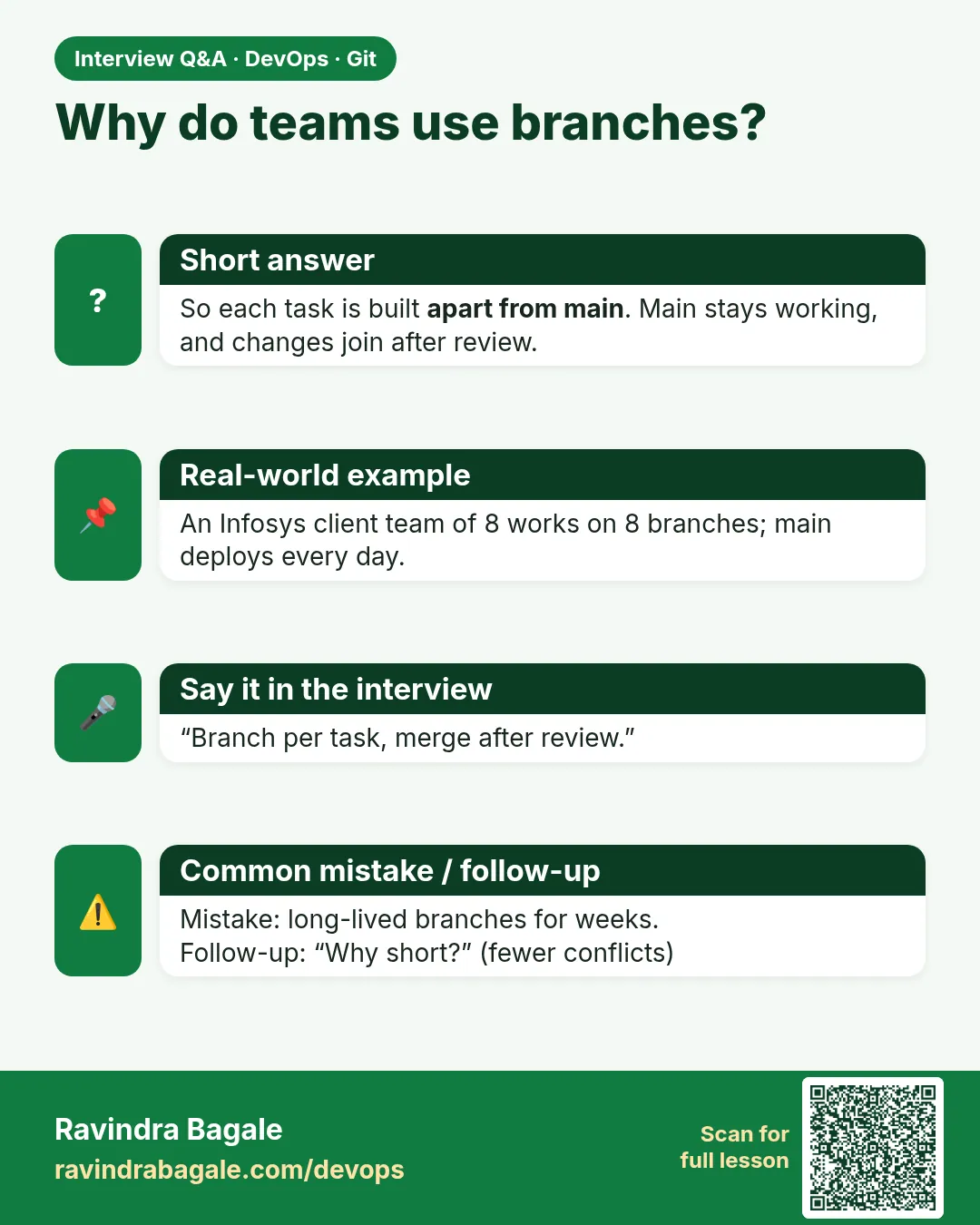
Why use feature branches?
Isolation, review, CI per change, and a clean main.
-
What is HEAD?
A pointer to the current branch or commit.
-
Explain a branching strategy you used.
Feature branches from main, merge requests with review and CI, merged by squash, hotfix branches for urgent fixes.
-
What is the cost of a branch?
Almost zero: a small ref file.
Quick quiz
Q1. What is a branch inside Git?
A label that points to a commit.
Q2. Why not work on main directly?
Unfinished work would block or break releases.
Q3. Is creating a branch slow?
No. It writes a 41-byte file.
Q4. Which command shows your branch?
git branch --show-current
Q5. What prefix for a bug fix?
fix/ or hotfix/.
Samajla ka?
 Revision card
 Interview card