Chapter 3: Branch, Merge, Rebase, Stash and Pull Requests
3.13 Annotated tags
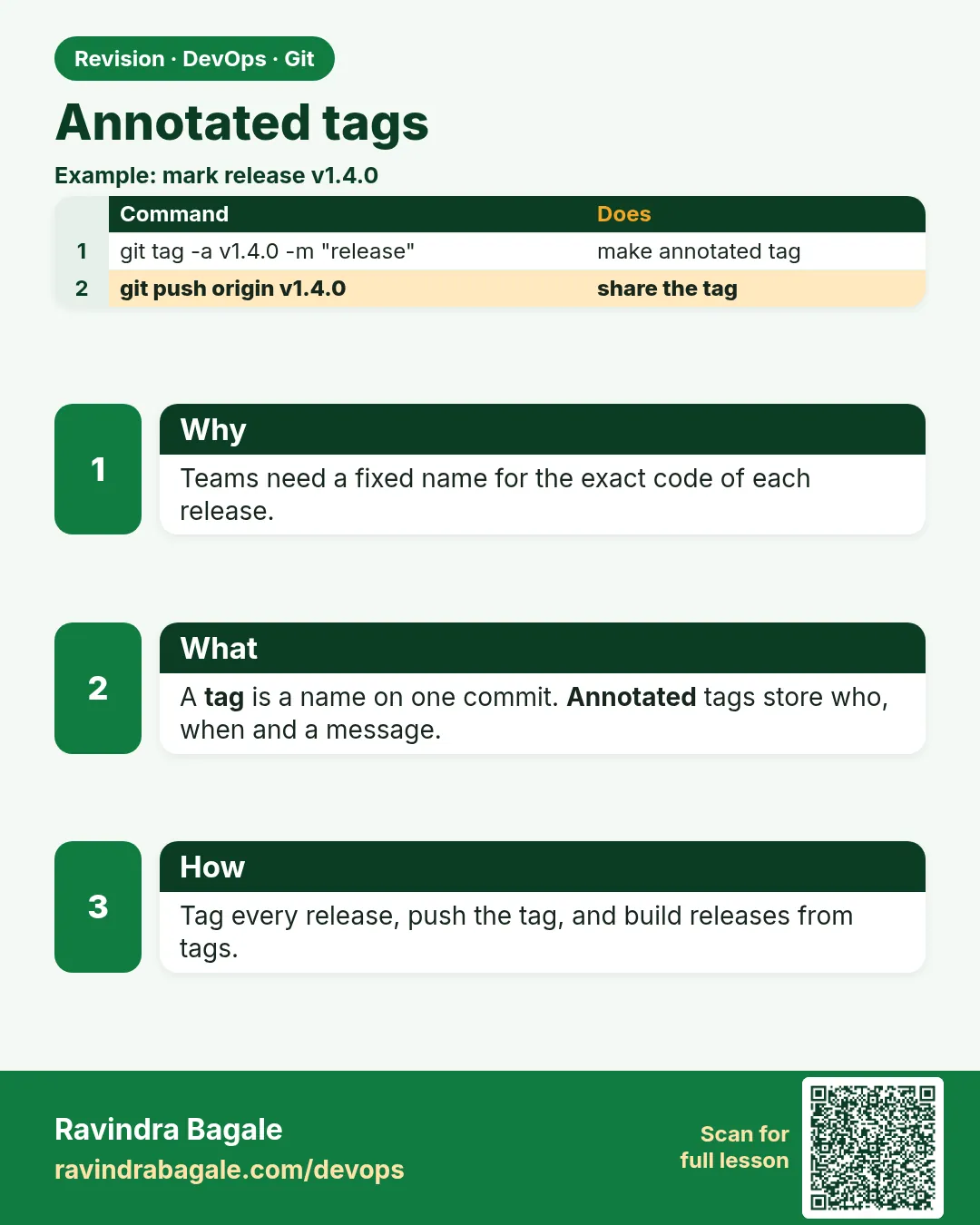
In short: A tag is a permanent name for one commit, like v1.4.0.
Why: the problem
A tag is a permanent name for one commit, like v1.4.0. Branches move; tags do not. Releases, Docker image versions and CI deploy jobs are usually tied to tags, so the team can always rebuild exactly what went to production. There are two kinds. A lightweight tag is only a name. An annotated tag is a real Git object with the tagger, date and a message, and it can be signed. Use annotated tags for releases. A common surprise: git push does not push tags, so the release job never starts. In this lesson you will create annotated tags on hello-shop with semantic versions, push them, trigger a GitLab CI job from a tag, check out a tag, and fix a wrong tag the right way.
What we will build
You will tag hello-shop v1.2.0 with a message, push it, see the difference from a lightweight tag, run a tag-only CI job, check out the tag, and replace a wrong tag with a new patch version.
What: every term in plain English
- Tag — A fixed name for one commit.
- Lightweight tag — Only a name, no message. git tag NAME.
- Annotated tag — A tag object with tagger, date and message. git tag -a NAME -m MSG.
- Semantic version — MAJOR.MINOR.PATCH, like 1.2.0.
- git push origin TAG — Push one tag.
- --follow-tags — Push annotated tags that point to pushed commits.
- git describe — Name a commit relative to the nearest tag.
- Detached HEAD — What you get when you check out a tag.
How: step by step
-
Annotated tag
cd ~/devops-lab/hello-shop && git switch -q main && git tag -a v1.2.0 -m "Release 1.2.0: gold badge"What it does: Release marker.
Output
(no output) -
Show it
git show v1.2.0 --stat | head -6What it does: Tagger and message.
Output
tag v1.2.0 Tagger: Ravi Learner <ravi@example.com> Date: Sun Oct 25 10:15:00 2026 +0530 Release 1.2.0: gold badge -
Lightweight for compare
git tag tmp-light && git cat-file -t tmp-light && git cat-file -t v1.2.0What it does: Different types.
Output
commit tag -
Push main
git push -qWhat it does: Tags are not pushed.
Output
(no output) -
Is it on server?
git ls-remote --tags origin v1.2.0What it does: Empty.
Output
(no output) -
Push the tag
git push origin v1.2.0What it does: Now it is.
Output
* [new tag] v1.2.0 -> v1.2.0 -
Describe
echo "z" > z.txt && git add . && git commit -qm "Next work" && git describeWhat it does: Distance from tag.
Output
v1.2.0-1-g5a5a5a5
Example 1: A CI job that runs only for tags
Stack. GitLab CI
Goal. A CI job that runs only for tags.
.gitlab-ci.yml
stages: [test, release]
unit:
  stage: test
  image: python:3.12-slim
  script:
    - python3 -m py_compile app.py
release:
  stage: release
  image: alpine:3.20
  script:
    - echo "Building hello-shop $CI_COMMIT_TAG"
    - echo "$CI_COMMIT_TAG" > VERSION
  artifacts:
    paths: [VERSION]
  rules:
    - if: $CI_COMMIT_TAG =~ /^v[0-9]+[.][0-9]+[.][0-9]+$/
What each line does
CI_COMMIT_TAG— Set only in tag pipelines.rules regex— Only v1.2.3 style tags.artifacts— Save the VERSION file.
Green output
$ echo "Building hello-shop $CI_COMMIT_TAG"
Building hello-shop v1.2.0
Uploading artifacts...
Job succeeded
Expected result. Pushing a tag starts the release job. Pushing a branch does not.
Example 2: Push tags with commits automatically
Stack. Git
Goal. Push tags with commits automatically.
follow.sh
git config --global push.followTags true
git tag -a v1.2.1 -m "Release 1.2.1: next work"
git push
git ls-remote --tags origin | grep v1.2
What each line does
push.followTags— Annotated tags go with git push.Lightweight tags— Not pushed by this; good, they are usually personal.
Green output
 * [new tag]         v1.2.1 -> v1.2.1
5a5a5a5...  refs/tags/v1.2.0^{}
6b6b6b6...  refs/tags/v1.2.1
Expected result. No more forgotten release tags.
Example 3: Check out a release to debug it
Stack. Git
Goal. Check out a release to debug it.
checkout-tag.sh
git switch --detach v1.2.0
git status | head -1
cat badge.py
git switch -c hotfix/1.2.x v1.2.0
git branch --show-current
What each line does
--detach— Look at the exact release.switch -c ... v1.2.0— Start a hotfix branch from the release.
Green output
HEAD detached at v1.2.0
BADGE_COLOR = "gold"
hotfix/1.2.x
Expected result. You can rebuild or patch any old release exactly.
Example 4: Fix a wrong tag without breaking others
Stack. Git
Goal. Fix a wrong tag without breaking others.
wrong-tag.sh
git switch -q main
git tag -l "v1.2.*"
git tag -d tmp-light
git tag -a v1.2.2 -m "Release 1.2.2: correct build" HEAD
git push origin v1.2.2
git tag -n1 -l "v1.2.*"
What each line does
Do not move a pushed tag— CI and people may have used it.tag -d— Fine for local, unpushed tags.New patch version— The honest fix: v1.2.2.tag -n1— Tags with first message line.
Green output
v1.2.0
v1.2.1
Deleted tag 'tmp-light' (was 5a5a5a5)
 * [new tag]         v1.2.2 -> v1.2.2
v1.2.0          Release 1.2.0: gold badge
v1.2.1          Release 1.2.1: next work
v1.2.2          Release 1.2.2: correct build
Expected result. Tags stay trustworthy because no released tag is moved.
Example 5: List and sort release tags
Stack. Git
Goal. List and sort release tags.
sort.sh
git tag -l "v*" --sort=-v:refname | head -3
git describe --tags --abbrev=0
What each line does
--sort=-v:refname— Newest version first, numeric order.--abbrev=0— Only the last tag name.
Green output
v1.2.2
v1.2.1
v1.2.0
v1.2.2
Expected result. Scripts can find the latest release for release notes.
Example 6: Delete a local tag and fetch the server truth
Stack. Git
Goal. Delete a local tag and fetch the server truth.
refetch.sh
git tag -d v1.2.1
git fetch --tags
git tag -l "v1.2.*"
What each line does
tag -d— Local only.fetch --tags— Get tags back from the server.
Green output
Deleted tag 'v1.2.1' (was 6b6b6b6)
 * [new tag]         v1.2.1     -> v1.2.1
v1.2.0
v1.2.1
v1.2.2
Expected result. Local tags can always be refreshed from the server.
Example 7: Tag a Docker image with the Git tag
Stack. Git, Docker
Goal. Tag a Docker image with the Git tag.
image.sh
TAG=$(git describe --tags --abbrev=0)
docker build -t registry.gitlab.com/ravi-learner/hello-shop:$TAG .
docker images --format "{{.Repository}}:{{.Tag}}" | grep hello-shop
What each line does
git describe— Latest tag.Same name— Image matches the code.
Green output
registry.gitlab.com/ravi-learner/hello-shop:v1.2.2
Expected result. Every image can be traced to an exact commit.
Verify: did it work?
-
Tags on server
git ls-remote --tags origin | grep -c "v1.2.[0-9]$"What it does: Three.
Output
3 -
Type
git cat-file -t v1.2.2What it does: Annotated.
Output
tag -
Describe
git describe --tagsWhat it does: On a tag.
Output
v1.2.2
When it is red 1
fatal: tag 'v1.2.0' already exists
Cause. Name used.
Fix, step by step
- Use the next version, v1.2.1.
When it is red 2
Release job did not run
Cause. Tag not pushed.
Fix, step by step
- git push origin TAG or set push.followTags true.
When it is red 3
! [rejected] v1.2.0 -> v1.2.0 (already exists)
Cause. You tried to move a pushed tag.
Fix, step by step
- Make a new version instead.
When it is red 4
You are in 'detached HEAD' state.
Cause. You checked out a tag.
Fix, step by step
- Look only, or git switch -c NAME to make changes.
Cleanup
-
Back to main
git switch -q main && git branch -D hotfix/1.2.xWhat it does: Tidy.
Output
Deleted branch hotfix/1.2.x ...
Ravindra Bagale's Tip
Release la annotated tag dya ani to push karayla visru naka. Push kelela tag halvaycha nahi!
Practice tasks
Easy Tag
Why: First release.
What to do: Create and push v1.0.0.
- git tag -a
- git push origin TAG
Check: On server.
Medium CI
Why: Automation.
What to do: Tag-only release job.
- rules CI_COMMIT_TAG
Check: Job ran.
Hard Hotfix from tag
Why: Support old versions.
What to do: Branch from a tag and tag v1.0.1.
- switch -c
Check: New tag pushed.
Easy Say annotated tags in two lines
Why: If you can say it simply, you understand it. Interviewers want the short version first.
What to do: Write two short lines about annotated tags for a fresher who knows only basic Linux.
- Write the problem it solves.
- Write one real command or file that shows it.
- Read it aloud to a friend.
Check: A fresher understands it without asking a question.
Easy Make a safe lab folder
Why: Practice needs a place you can throw away. Then mistakes cost nothing.
What to do: Create a lab folder for this chapter and work only inside it.
- mkdir -p ~/devops-lab && cd ~/devops-lab
- Run every command of this lesson from here.
- Check with pwd before you delete anything.
Check: All lab files live in ~/devops-lab.
Medium Repeat it in a container
Why: Your laptop is not the server. A clean Ubuntu container shows what a fresh server needs.
What to do: Run the main steps of this lesson again inside an Ubuntu container.
- docker run --rm -it -v "$PWD":/lab -w /lab ubuntu:24.04 bash
- apt update and install what is missing.
- Note every missing tool.
Check: Same result inside the container, or a list of what you had to install.
Medium Break it on purpose
Why: You must know the red message by face. In an outage there is no time to read slowly.
What to do: Cause one error from the "When it is red" part of this lesson and fix it.
- Follow the error section.
- Copy the exact message into your notes.
- Write the fix in one line.
Check: You fixed it using only the steps, without searching the web.
Medium Write a one-page runbook
Why: At 2 a.m. nobody remembers the right command. A short page saves the on-call person.
What to do: Write a runbook page for this lesson.
- Title, when to use, exact command, how to check, how to undo.
Check: A teammate can follow it alone.
Hard Explain it like an interview
Why: Interviewers want real stories, not definitions.
What to do: Record a 60 second answer about this lesson.
- Say the problem, the command or file you used, and one error you hit.
Check: Your answer has a real command and a real error message.
Hard Draw the flow top to bottom
Why: A drawing shows who does what and in which order.
What to do: Draw this lesson as boxes from top to bottom.
- Start at the developer laptop, end at the user on the website.
Check: Each box matches a real thing you ran.
Homework: try at home
Try at home
Tag three releases of hello-shop with annotated tags, push them, and make the CI release job print each version.
Recap
- Tags are fixed names.
- Use annotated tags for releases.
- Push tags explicitly or followTags.
- CI can release on tags.
- Never move a pushed tag.
FAQ
Can I sign tags?
Yes: git tag -s with a GPG or SSH key.
What is v1.2.0-1-g5a5a5a5?
One commit after v1.2.0, at commit 5a5a5a5.
Where to see tags on GitLab?
Code -> Tags, and Releases.
When bump MAJOR?
When you break compatibility.
Can a Docker image use the tag?
Yes, tag images with the Git tag.
Interview questions
-
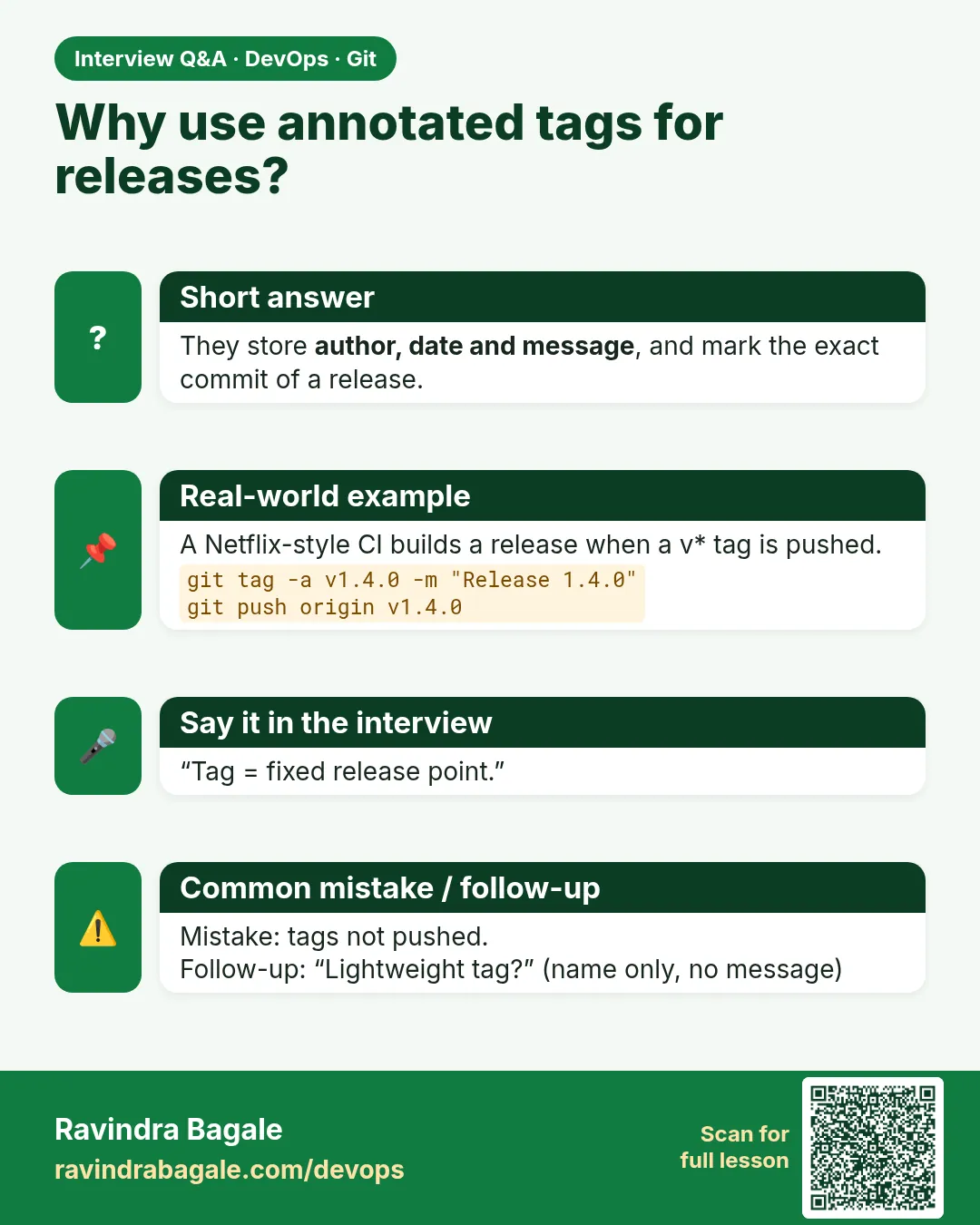
Lightweight vs annotated tags?
Annotated store metadata and a message; lightweight are just refs.
-
How do you push tags?
git push origin TAG or git push --follow-tags.
-
What is semantic versioning?
MAJOR.MINOR.PATCH with rules for breaking, feature and fix changes.
-
How do you trigger a release pipeline?
Pipeline rules on CI_COMMIT_TAG.
-
Why not re-tag?
Others and CI may already use the old commit for that name.
Quick quiz
Q1. Lightweight vs annotated?
Annotated has tagger, date and message.
Q2. Does git push send tags?
No, unless followTags or you push the tag.
Q3. Release tag format?
vMAJOR.MINOR.PATCH
Q4. Wrong pushed tag?
Make a new version.
Q5. Start a hotfix from a tag?
git switch -c hotfix/X TAG
Samajla ka?
 Revision card
 Interview card