Chapter 3: Branch, Merge, Rebase, Stash and Pull Requests
3.15 Lab — colour, one conflict, one stash
Why: the problem
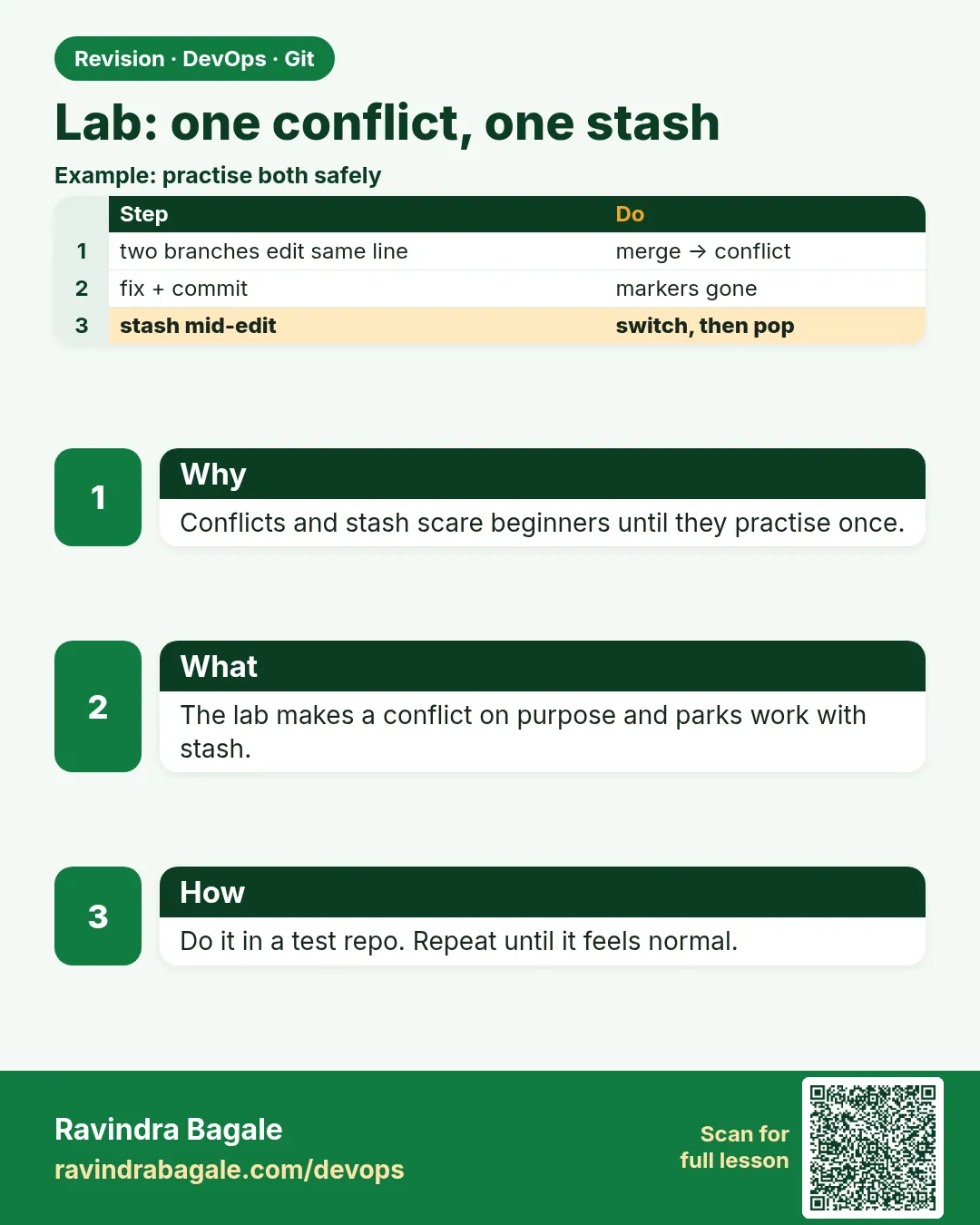
This lab joins the whole chapter into one story on one practice repo. You will use branches, a real conflict, a merge commit, the history graph, stash, an annotated tag, and a decision on rebase, exactly like a normal week on a team. Do it without looking at the notes first; look only when you are stuck. Save your terminal outputs in a notes file, because the graph and the tag output are what a reviewer or interviewer will ask you to explain. Before the lab steps, warm up with the examples below, which rebuild the practice repo and give you checks to prove each step is done.
What we will build
You will build a fresh practice repo with badge.py, then run the lab steps: branch, conflict, merge, graph, stash, tag and the rebase decision. Checks at the end prove each step.
What: every term in plain English
- Practice repo — A repo you are allowed to break.
- badge.py — The starter file with BADGE_COLOR.
- Conflict — Same line changed on both sides.
- Merge commit — Two parents; joins the branches.
- Stash — Parking for unfinished edits.
- Annotated tag — Release name with message.
- Rebase decision — Rebase only if the branch is not shared.
- Evidence — Saved outputs in notes.txt.
How: step by step
-
Create repo
mkdir -p ~/devops-lab/ch3-lab && cd ~/devops-lab/ch3-lab && git init -q -b mainWhat it does: Fresh.
Output
(no output) -
Identity check
git config user.name && git config user.emailWhat it does: Commits need these.
Output
Ravi Learner ravi@example.com -
Starter file
echo 'BADGE_COLOR = "green"' > badge.py && git add . && git commit -qm "Add badge starter"What it does: The base.
Output
(no output) -
Notes file
echo "# ch3 lab notes" > ~/devops-lab/ch3-notes.txtWhat it does: Outside the repo.
Output
(no output) -
Ignore notes
git status -sWhat it does: Notes are not in the repo.
Output
(no output) -
Ready
git log --onelineWhat it does: One commit.
Output
7a7a7a7 Add badge starter -
Save evidence helper
echo 'save(){ "$@" | tee -a ~/devops-lab/ch3-notes.txt; }' >> ~/.bashrc && . ~/.bashrcWhat it does: Run save CMD to log output.
Output
(no output)
Example 1: Warm-up: the conflict in one script
Stack. Git
Goal. Warm-up: the conflict in one script.
warmup.sh
cd ~/devops-lab/ch3-lab
git switch -qc feature/badge-colour
sed -i 's/green/gold/' badge.py && git commit -qam "Gold badge"
git switch -q main
sed -i 's/green/blue/' badge.py && git commit -qam "Set campaign colour to blue"
git merge feature/badge-colour || true
git diff --name-only --diff-filter=U
What each line does
Two sides— Same line, gold and blue.|| true— The script goes on after the expected failure.diff-filter=U— Lists the conflicted file.
Green output
CONFLICT (content): Merge conflict in badge.py
Automatic merge failed; fix conflicts and then commit the result.
badge.py
Expected result. The conflict from lab step 3 is ready to read.
Example 2: Resolve, graph, and save evidence
Stack. Git
Goal. Resolve, graph, and save evidence.
resolve.sh
printf 'BADGE_COLOR = "gold"\n' > badge.py
grep -c -E "^(=======|>>>>>>>)" badge.py || echo "0 markers"
git add badge.py && git commit -q --no-edit
save git log --oneline --graph --decorate -8
What each line does
Keep gold— As the lab asks.Marker check— Must be 0.save— Graph goes into notes.
Green output
0 markers
*   8b8b8b8 (HEAD -> main) Merge branch 'feature/badge-colour'
|\
| * 9c9c9c9 (feature/badge-colour) Gold badge
* | 0d0d0d0 Set campaign colour to blue
|/
* 7a7a7a7 Add badge starter
Expected result. Steps 4 and 5 done, with proof saved.
Example 3: Stash round-trip and tag
Stack. Git
Goal. Stash round-trip and tag.
stash-tag.sh
git switch -qc feature/badge-size
echo 'BADGE_SIZE = 32' >> badge.py
git stash push -m "wip"
git switch -q main && git status -s
git switch -q feature/badge-size && git stash pop -q && tail -1 badge.py
git switch -q main
git tag -a v1.2.0 -m "Release 1.2.0: gold badge" 8b8b8b8
save git show v1.2.0 --no-patch
What each line does
stash push— Park the size edit.pop— Bring it back on the branch.tag -a on the merge— Release marker.
Green output
BADGE_SIZE = 32
tag v1.2.0
Tagger: Ravi Learner <ravi@example.com>
Release 1.2.0: gold badge
commit 8b8b8b8...
Merge: 0d0d0d0 9c9c9c9
Expected result. Steps 6 and 7 done. The tag shows the merge commit with two parents.
Example 4: Final checks and the rebase answer
Stack. Git
Goal. Final checks and the rebase answer.
checks.sh
git log --merges --oneline | wc -l
git cat-file -t v1.2.0
git stash list | wc -l
git branch --merged main
echo "Rebase feature/badge-size on main only while it is mine and unpushed; refuse once a teammate has pulled it." >> ~/devops-lab/ch3-notes.txt
wc -l ~/devops-lab/ch3-notes.txt
What each line does
1 merge— Conflict merge exists.tag— Annotated.0 stashes— Popped.--merged— feature/badge-colour can be deleted.Rebase sentence— Step 8.
Green output
1
tag
0
  feature/badge-colour
* main
19 /home/ravi/devops-lab/ch3-notes.txt
Expected result. Every lab step has proof in your notes file.
Verify: did it work?
-
Merge exists
git -C ~/devops-lab/ch3-lab log --merges --oneline | wc -lWhat it does: One.
Output
1 -
Tag
git -C ~/devops-lab/ch3-lab tag -lWhat it does: Release.
Output
v1.2.0 -
Value
cat ~/devops-lab/ch3-lab/badge.py | head -1What it does: Gold.
Output
BADGE_COLOR = "gold"
When it is red 1
CONFLICT (content): Merge conflict in badge.py
Cause. Expected in step 3.
Fix, step by step
- Read, keep gold, remove markers, add, commit.
When it is red 2
error: Your local changes would be overwritten by checkout
Cause. You switched without stashing in step 6.
Fix, step by step
- git stash push -m "wip" first.
When it is red 3
fatal: tag 'v1.2.0' already exists
Cause. You ran step 7 twice.
Fix, step by step
- git tag -l; nothing more to do.
When it is red 4
save: command not found
Cause. The helper is not loaded.
Fix, step by step
- . ~/.bashrc
Cleanup
-
Remove lab
rm -rf ~/devops-lab/ch3-labWhat it does: Keep the notes file.
Output
(no output)
Ravindra Bagale's Tip
Lab ekda notes baghun, ekda notes shivay. Dusrya veli tumhi kharach shikla!
Practice tasks
Easy Warm-up
Why: Confidence.
What to do: Run the warm-up script.
- warmup.sh
Check: badge.py conflicted.
Medium Full lab
Why: Real practice.
What to do: Do steps 1 to 8.
- lab
Check: Notes have graph and tag.
Hard Timed
Why: Interview speed.
What to do: Redo in 20 minutes.
- no notes
Check: All checks pass.
Easy Say chapter 3 lab in two lines
Why: If you can say it simply, you understand it. Interviewers want the short version first.
What to do: Write two short lines about chapter 3 lab for a fresher who knows only basic Linux.
- Write the problem it solves.
- Write one real command or file that shows it.
- Read it aloud to a friend.
Check: A fresher understands it without asking a question.
Easy Make a safe lab folder
Why: Practice needs a place you can throw away. Then mistakes cost nothing.
What to do: Create a lab folder for this chapter and work only inside it.
- mkdir -p ~/devops-lab && cd ~/devops-lab
- Run every command of this lesson from here.
- Check with pwd before you delete anything.
Check: All lab files live in ~/devops-lab.
Medium Repeat it in a container
Why: Your laptop is not the server. A clean Ubuntu container shows what a fresh server needs.
What to do: Run the main steps of this lesson again inside an Ubuntu container.
- docker run --rm -it -v "$PWD":/lab -w /lab ubuntu:24.04 bash
- apt update and install what is missing.
- Note every missing tool.
Check: Same result inside the container, or a list of what you had to install.
Medium Break it on purpose
Why: You must know the red message by face. In an outage there is no time to read slowly.
What to do: Cause one error from the "When it is red" part of this lesson and fix it.
- Follow the error section.
- Copy the exact message into your notes.
- Write the fix in one line.
Check: You fixed it using only the steps, without searching the web.
Medium Write a one-page runbook
Why: At 2 a.m. nobody remembers the right command. A short page saves the on-call person.
What to do: Write a runbook page for this lesson.
- Title, when to use, exact command, how to check, how to undo.
Check: A teammate can follow it alone.
Hard Explain it like an interview
Why: Interviewers want real stories, not definitions.
What to do: Record a 60 second answer about this lesson.
- Say the problem, the command or file you used, and one error you hit.
Check: Your answer has a real command and a real error message.
Hard Draw the flow top to bottom
Why: A drawing shows who does what and in which order.
What to do: Draw this lesson as boxes from top to bottom.
- Start at the developer laptop, end at the user on the website.
Check: Each box matches a real thing you ran.
Homework: try at home
Try at home
Redo the full lab from an empty folder in under 20 minutes, without notes.
Recap
- One story uses the whole chapter.
- Conflict: read, choose, remove markers.
- Graph proves the merge.
- Stash, then tag the release.
- Save evidence for review.
FAQ
Can I use VS Code for the conflict?
Yes, but still check for markers before commit.
Do I need a remote?
No. Step 9 is optional.
What if I keep blue?
Then the lab answer differs; the lab asks for gold.
Why tag the merge commit?
It is the released state.
Can I repeat the lab?
Yes. Remove the folder and start again.
Interview questions
-
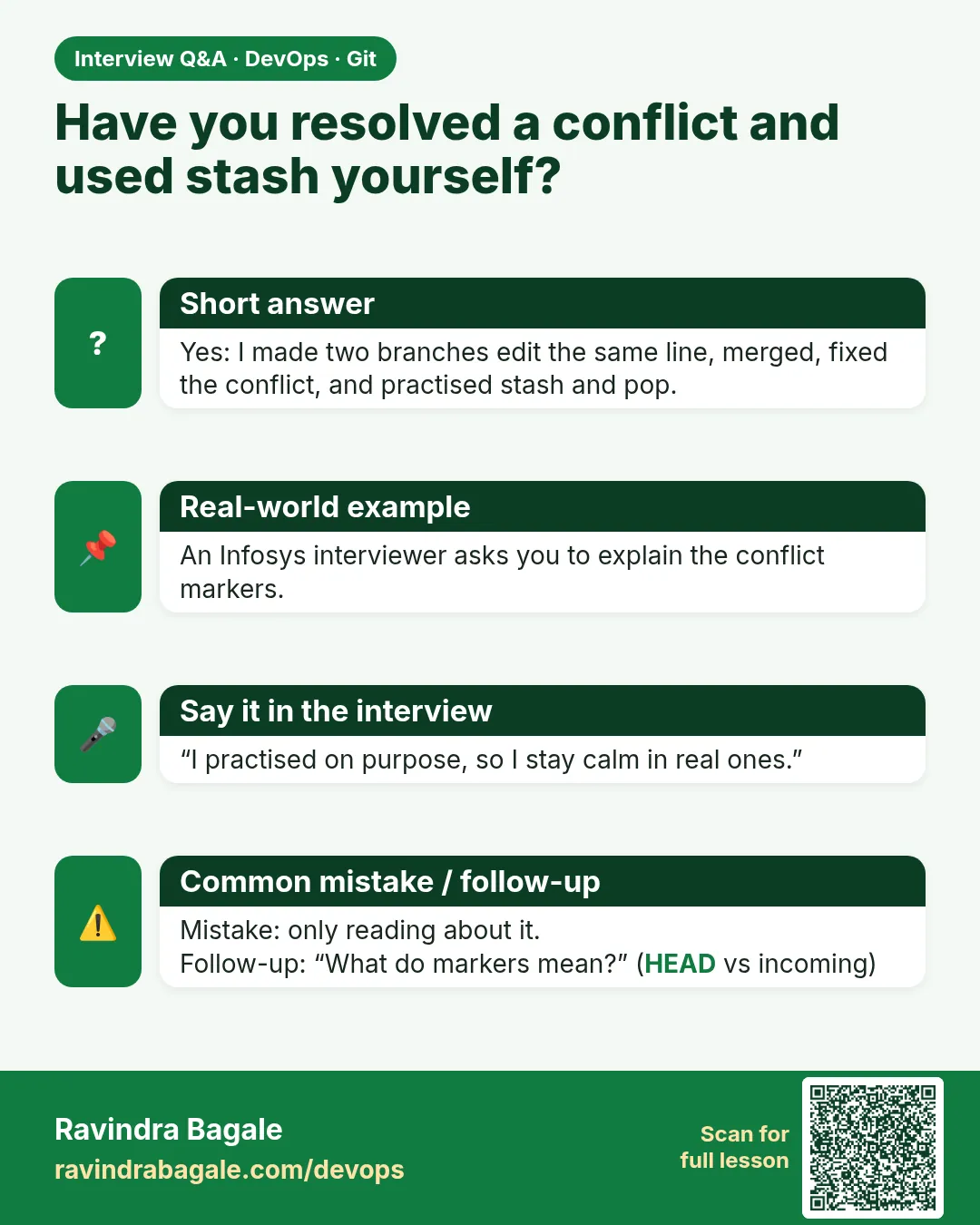
Walk me through resolving a conflict.
Merge, list files, read markers, choose final lines, remove markers, test, add, commit.
-
How do you show history shape?
git log --oneline --graph --decorate.
-
When do you stash?
To switch tasks with uncommitted work.
-
Why annotated tags for releases?
They record who, when and why.
-
Rebase or merge for a shared branch?
Merge.
Quick quiz
Q1. Which step makes the conflict?
Merging feature/badge-colour after blue on main.
Q2. How do you prove no markers?
grep for marker lines returns 0.
Q3. Where is the tag?
On the merge commit.
Q4. When to rebase?
Only while the branch is yours and unpushed.
Q5. What does save do?
Runs a command and appends output to notes.
Lab
Work in a practice clone you are allowed to break. One lab covers the history tools. Do not open a second repository for stash.
- From a clean
mainthat already has the starter file, createfeature/badge-colour. CommitBADGE_COLOR = "gold"inbadge.py. - Switch to
main. CommitBADGE_COLOR = "blue"on the same line, with messageSet campaign colour to blue. git merge feature/badge-colour. Open the conflict. In your notes, write what the start marker (seven less-than signs and HEAD), the middle=======line and the end marker (seven greater-than signs) each mean.- Keep gold, remove every marker,
git add, and commit the merge. git log --oneline --graph --decorate -8and save it.- On a new branch, start a second edit and do not commit.
git stash push -m "wip", switch back tomain, thengit stash pop. - Create an annotated tag
v1.2.0on the merge commit andgit showit. Push the tag only if the remote is yours. - In one sentence, say when you would rebase this feature and when you would refuse. Do not push to a client
upstream. - Optional: if you still have a branch that is not merged, push it only to your own
originand open one pull request. Read the diff for secrets. Skip this if step 4 already merged the only branch.
Practice task
A teammate ran git reset --hard and the gold experiment vanished. Which mode should they have used if they only wanted to undo the last commit but keep the file edits unstaged?
Thodkyaat sangaycha tar
- Branches are names on commits.
-ddeletes a merged branch.-Dcan throw away unmerged work. - Daily loop: update
main, branch, commit, push to your origin, open a pull request. Fork first when the client owns the repository.upstreamis their copy. git fetchonly downloads.git pulldownloads and merges.git pushsends.- Fast-forward only slides a label. Diverged work needs a merge commit. Conflict markers: HEAD is current, the name after
>>>>>>>is incoming,=======sits between them. - Rebase rewrites hashes. Use it on a branch you have not shared. Otherwise merge.
- Stash parks a dirty tree. Cherry-pick copies one commit.
--hardreset deletes file changes. An annotated tag names a release, and pushingmaindoes not push the tag.
Samajla ka?
 Revision card
 Interview card