Chapter 3: Branch, Merge, Rebase, Stash and Pull Requests
3.10 Cherry-pick one commit
Why: the problem
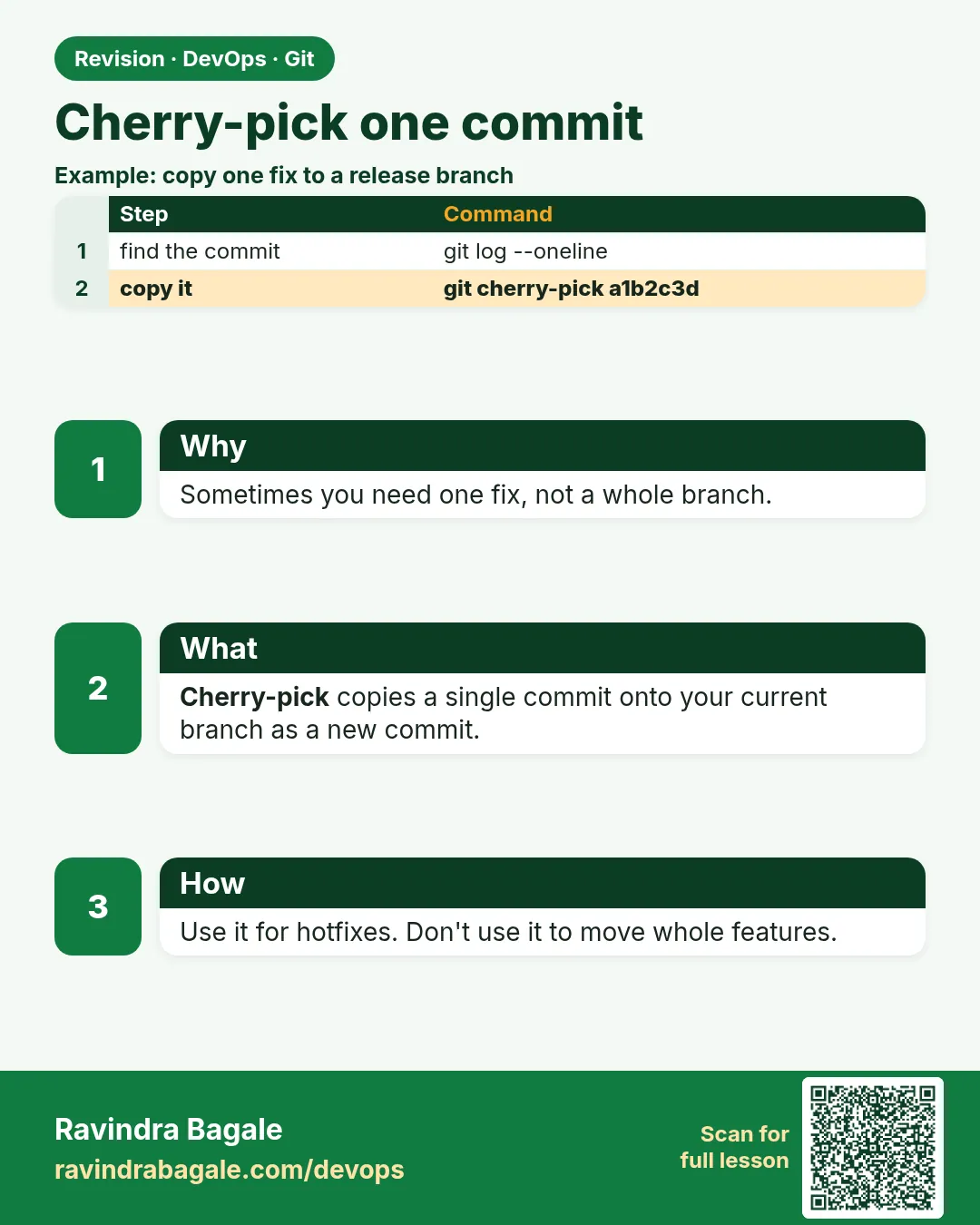
Sometimes you need one commit, not a whole branch. A security fix was made on main, but release/1.4 is already in production and must get only that fix, not all the new features. git cherry-pick copies one commit onto your current branch as a new commit with a new hash. It is the standard way to backport hotfixes at companies that support several versions, like a bank app with an old Android release. Overuse causes the same change to exist twice under different hashes, which confuses merges later. In this lesson you will backport a fix from main to release/1.4 in hello-shop, use -x to record where it came from, pick a range, handle a conflict, and know when to merge instead.
What we will build
You will create release/1.4, add features and a security fix on main, cherry-pick only the fix to the release branch with -x, try a range and a conflict, and verify the release has no feature commits.
What: every term in plain English
- Cherry-pick — Copy one commit onto the current branch.
- Backport — Bring a fix from a newer branch to an older release branch.
- -x — Add "(cherry picked from commit ...)" to the message.
- Range A..B — Commits after A up to B.
- --continue / --abort — After a conflict, finish or stop.
- Release branch — A branch for a version in production, like release/1.4.
- Duplicate change — Same diff in two commits with different hashes.
- -n / --no-commit — Apply changes without committing.
How: step by step
-
Release branch
cd ~/devops-lab/hello-shop && git switch -q main && git switch -qc release/1.4 && git switch -q mainWhat it does: Production line.
Output
(no output) -
New feature on main
echo "wishlist=on" > wishlist.txt && git add . && git commit -qm "Add wishlist"What it does: Must not go to 1.4.
Output
(no output) -
Security fix on main
echo "csrf=on" > security.txt && git add . && git commit -qm "Enable CSRF check"What it does: Must go to 1.4.
Output
(no output) -
Find the hash
git log --oneline -2What it does: Pick the right one.
Output
5a5a5a5 Enable CSRF check 4b4b4b4 Add wishlist -
Go to release
git switch -q release/1.4What it does: Target branch.
Output
(no output) -
Cherry-pick with -x
git cherry-pick -x 5a5a5a5What it does: Copy only the fix.
Output
[release/1.4 6c6c6c6] Enable CSRF check 1 file changed, 1 insertion(+) -
Check message
git log -1 --format=%BWhat it does: Source is recorded.
Output
Enable CSRF check

(cherry picked from commit 5a5a5a5...)
Example 1: Prove the release has the fix and not the feature
Stack. Git
Goal. Prove the release has the fix and not the feature.
verify.sh
ls security.txt wishlist.txt
git log --oneline release/1.4 -3
git cherry -v release/1.4 main
What each line does
ls— security.txt exists; wishlist.txt does not.git cherry— + means not in release; - means an equal change is already there.
Green output
ls: cannot access 'wishlist.txt': No such file or directory
security.txt
6c6c6c6 Enable CSRF check
e1f2a3b Set price to 149
+ 4b4b4b4 Add wishlist
- 5a5a5a5 Enable CSRF check
Expected result. Only the fix went to production. git cherry confirms it.
Example 2: Pick a range of commits
Stack. Git
Goal. Pick a range of commits.
range.sh
git switch -q main
echo "a" > fix1.txt && git add . && git commit -qm "Fix 1"
echo "b" > fix2.txt && git add . && git commit -qm "Fix 2"
git switch -q release/1.4
git cherry-pick -x main~2..main
git log --oneline -3
What each line does
A..B— Commits after A up to B. A is not included.main~2..main— The last two commits on main.
Green output
[release/1.4 7d7d7d7] Fix 1
[release/1.4 8e8e8e8] Fix 2
8e8e8e8 Fix 2
7d7d7d7 Fix 1
6c6c6c6 Enable CSRF check
Expected result. Several fixes in order, each with its source recorded.
Example 3: A conflict while cherry-picking
Stack. Git
Goal. A conflict while cherry-picking.
conflict.sh
git switch -q main && echo "price=199" > price.txt && git add . && git commit -qm "Price 199"
git switch -q release/1.4 && echo "price=149" > price.txt && git add . && git commit -qm "Price 149 for 1.4"
git cherry-pick main
git status -s
echo "price=149" > price.txt
git add price.txt
git cherry-pick --skip 2>/dev/null || git cherry-pick --abort
git log --oneline -1
What each line does
Same file both sides— Conflict.Decide— The release must keep 149.--skip or --abort— Do not take this commit.
Green output
CONFLICT (add/add): Merge conflict in price.txt
error: could not apply 9f9f9f9... Price 199
AA price.txt
0a0a0a0 Price 149 for 1.4
Expected result. Not every commit should be backported. Skipping is a valid answer.
Example 4: Use GitLab to cherry-pick into a release
Stack. GitLab
Goal. Use GitLab to cherry-pick into a release.
gitlab.txt
1. Open the merged commit page on gitlab.com/ravi-learner/hello-shop.
2. Options -> Cherry-pick.
3. Pick into branch: release/1.4. Tick "Start a new merge request".
4. GitLab creates a branch cherry-pick-5a5a5a5 and an MR into release/1.4.
5. CI runs on the release MR. Merge after review.
cli
git switch -c backport/csrf-1.4 release/1.4
git cherry-pick -x 5a5a5a5
git push -u origin backport/csrf-1.4 -o merge_request.create -o merge_request.target=release/1.4
What each line does
Backport MR— Even a backport gets review and CI.merge_request.target— Target the release branch, not main.
Green output
remote: View merge request for backport/csrf-1.4:
remote:   https://gitlab.com/ravi-learner/hello-shop/-/merge_requests/12
Expected result. Production fixes go through the same safe loop.
Example 5: Check if a fix already reached a release
Stack. Git
Goal. Check if a fix already reached a release.
contains.sh
git branch -a --contains 5a5a5a5
git log release/1.4 --grep "cherry picked from commit 5a5a5a5" --oneline
What each line does
--contains— Exact commit present?--grep cherry picked— Finds the copy thanks to -x.
Green output
* main
6c6c6c6 Enable CSRF check
Expected result. With -x you can always trace a backport.
Example 6: Cherry-pick without committing to combine fixes
Stack. Git
Goal. Cherry-pick without committing to combine fixes.
no-commit.sh
git switch -q release/1.4
git cherry-pick -n main~1 main
git status -s
git commit -qm "Backport fixes 1 and 2 to 1.4"
What each line does
-n— Apply changes only.One commit— Both fixes in one backport commit.
Green output
A  fix1.txt
A  fix2.txt
Expected result. Useful when a release branch wants one backport commit.
Verify: did it work?
-
Fix in release
git log --oneline release/1.4 | grep -c CSRFWhat it does: One.
Output
1 -
No wishlist
git ls-tree -r --name-only release/1.4 | grep -c wishlistWhat it does: Zero.
Output
0 -
No picking open
git status | grep -c cherryWhat it does: Zero.
Output
0
When it is red 1
error: could not apply 9f9f9f9... Price 199
Cause. Conflict on pick.
Fix, step by step
- Fix and git cherry-pick --continue, or --skip, or --abort.
When it is red 2
The previous cherry-pick is now empty, possibly due to conflict resolution.
Cause. The change is already there.
Fix, step by step
- git cherry-pick --skip
When it is red 3
error: commit 4d4d4d4 is a merge but no -m option was given.
Cause. You picked a merge commit.
Fix, step by step
- Pick the real commits, or use -m 1 carefully.
When it is red 4
fatal: bad revision 'abc123'
Cause. Wrong hash.
Fix, step by step
- git log --oneline main to copy it again.
Cleanup
-
Back to main
git switch -q mainWhat it does: Leave release.
Output
(no output)
Ravindra Bagale's Tip
Fakt ek fix pahije? cherry-pick -x. Poorna branch pahije tar merge kara.
Practice tasks
Easy One pick
Why: Basic backport.
What to do: Pick one fix to a release branch.
- git cherry-pick -x
Check: Fix exists on release.
Medium Range
Why: Several fixes.
What to do: Pick two commits.
- A..B
Check: Both on release.
Hard Verify
Why: Prove it.
What to do: Use git cherry.
- git cherry -v
Check: Shows - for picked.
Easy Say cherry-pick in two lines
Why: If you can say it simply, you understand it. Interviewers want the short version first.
What to do: Write two short lines about cherry-pick for a fresher who knows only basic Linux.
- Write the problem it solves.
- Write one real command or file that shows it.
- Read it aloud to a friend.
Check: A fresher understands it without asking a question.
Easy Make a safe lab folder
Why: Practice needs a place you can throw away. Then mistakes cost nothing.
What to do: Create a lab folder for this chapter and work only inside it.
- mkdir -p ~/devops-lab && cd ~/devops-lab
- Run every command of this lesson from here.
- Check with pwd before you delete anything.
Check: All lab files live in ~/devops-lab.
Medium Repeat it in a container
Why: Your laptop is not the server. A clean Ubuntu container shows what a fresh server needs.
What to do: Run the main steps of this lesson again inside an Ubuntu container.
- docker run --rm -it -v "$PWD":/lab -w /lab ubuntu:24.04 bash
- apt update and install what is missing.
- Note every missing tool.
Check: Same result inside the container, or a list of what you had to install.
Medium Break it on purpose
Why: You must know the red message by face. In an outage there is no time to read slowly.
What to do: Cause one error from the "When it is red" part of this lesson and fix it.
- Follow the error section.
- Copy the exact message into your notes.
- Write the fix in one line.
Check: You fixed it using only the steps, without searching the web.
Medium Write a one-page runbook
Why: At 2 a.m. nobody remembers the right command. A short page saves the on-call person.
What to do: Write a runbook page for this lesson.
- Title, when to use, exact command, how to check, how to undo.
Check: A teammate can follow it alone.
Hard Explain it like an interview
Why: Interviewers want real stories, not definitions.
What to do: Record a 60 second answer about this lesson.
- Say the problem, the command or file you used, and one error you hit.
Check: Your answer has a real command and a real error message.
Hard Draw the flow top to bottom
Why: A drawing shows who does what and in which order.
What to do: Draw this lesson as boxes from top to bottom.
- Start at the developer laptop, end at the user on the website.
Check: Each box matches a real thing you ran.
Homework: try at home
Try at home
Make release/2.0, put three commits on main, backport only the second one with -x, and prove it with git cherry.
Recap
- cherry-pick copies one commit.
- Use -x for traceability.
- Great for hotfix backports.
- Conflicts work like merges.
- Do not use it instead of merging branches.
FAQ
Will the same fix conflict later when I merge?
Usually Git sees it is the same change; sometimes you get a small conflict.
Can I cherry-pick from another remote?
Yes, after git fetch of that remote.
Can I edit the message?
Use -e.
What is -n?
Apply without committing, so you can combine.
Is it the same as patch?
Similar idea: git format-patch and git am do it via files.
Interview questions
-
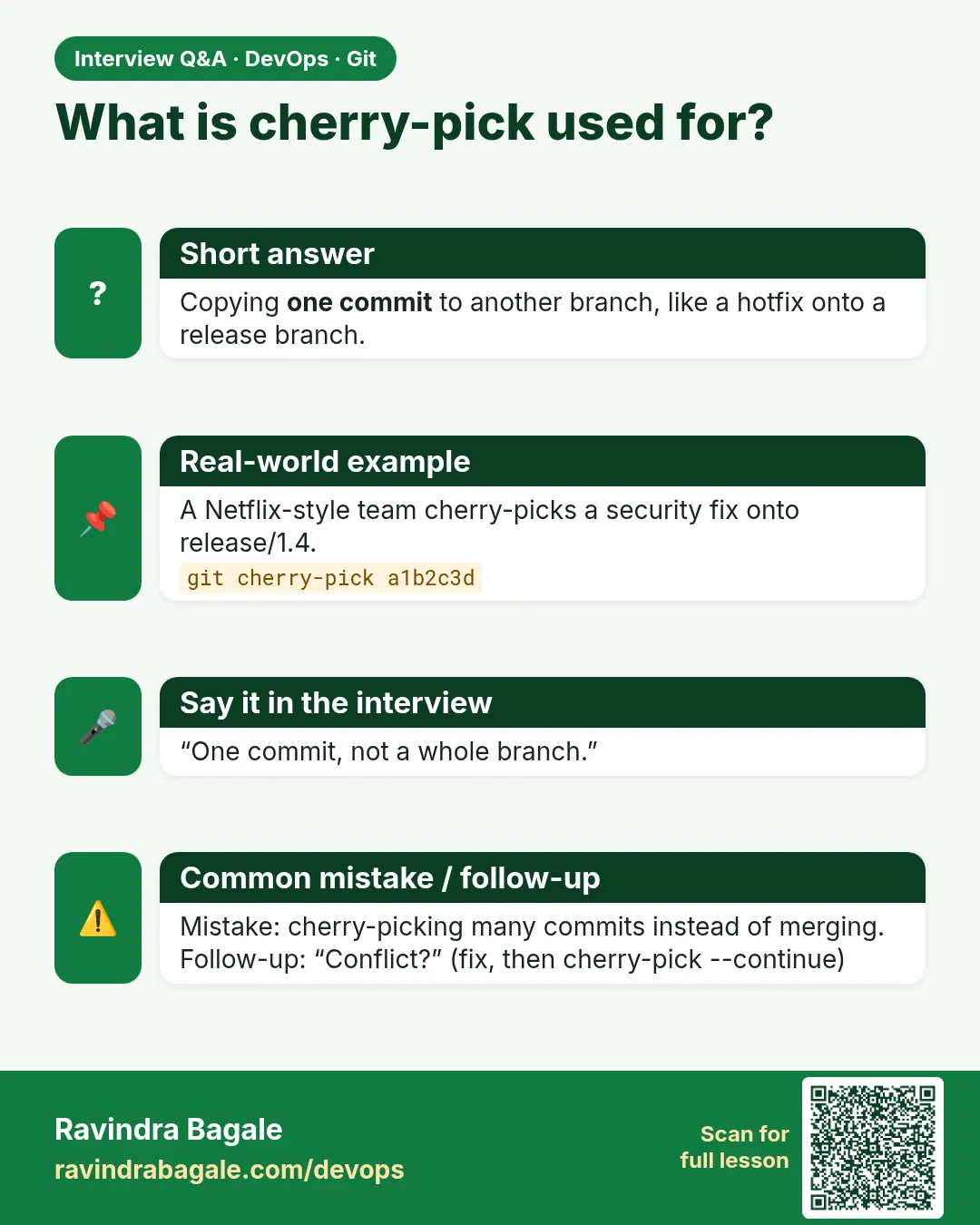
What is cherry-pick?
Applying the changes of an existing commit onto the current branch.
-
When do you use it?
Backporting hotfixes to release branches.
-
Downside?
Duplicate commits with different hashes; can confuse history.
-
How do you cherry-pick a range?
git cherry-pick A..B or A^..B to include A.
-
How do you check if a fix is in a branch?
git cherry -v or git branch --contains HASH.
Quick quiz
Q1. What does cherry-pick do?
Copies one commit to the current branch.
Q2. Why -x?
Records the source commit.
Q3. Same hash after pick?
No, a new hash.
Q4. Range syntax?
A..B, A not included.
Q5. When not to cherry-pick?
When you need the whole branch; merge it.
Samajla ka?
 Revision card
 Interview card