उजळणी (Revision) cards
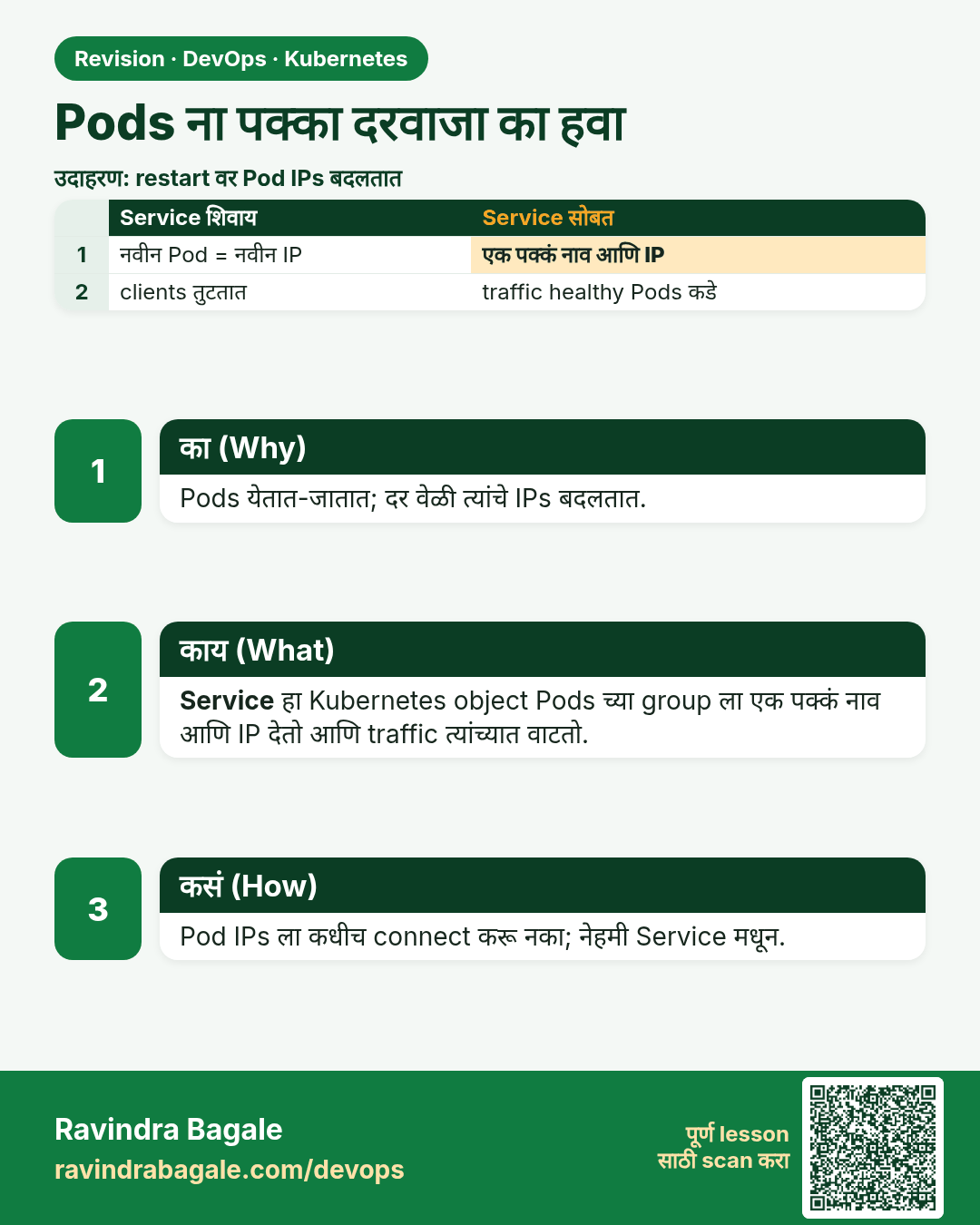
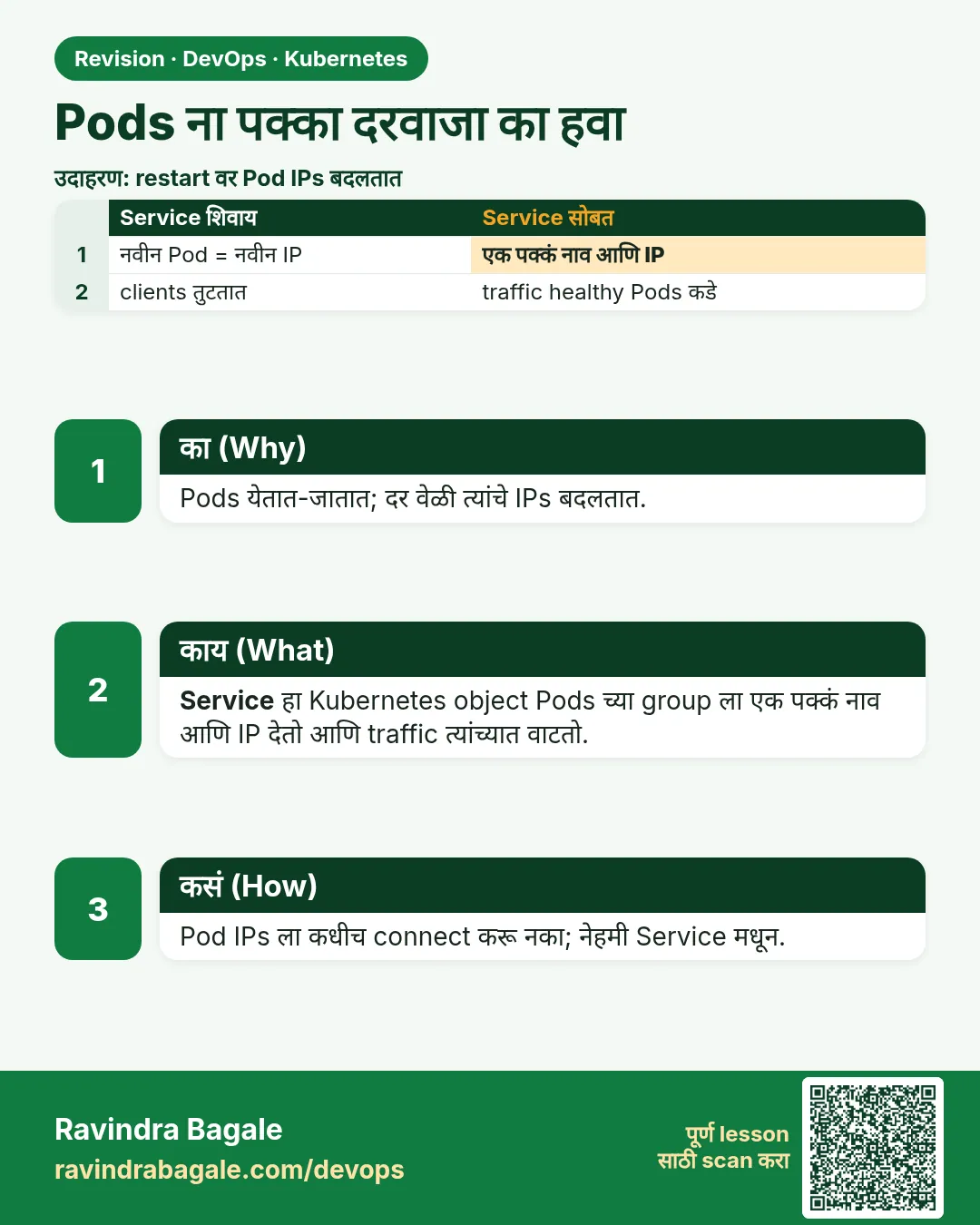 उजळणी (Revision) card 1 of 12: Pods ना पक्का दरवाजा का हवा · PNG download करा · Card page उघडा
Lesson: 19.1 Why Pods need a stable front door
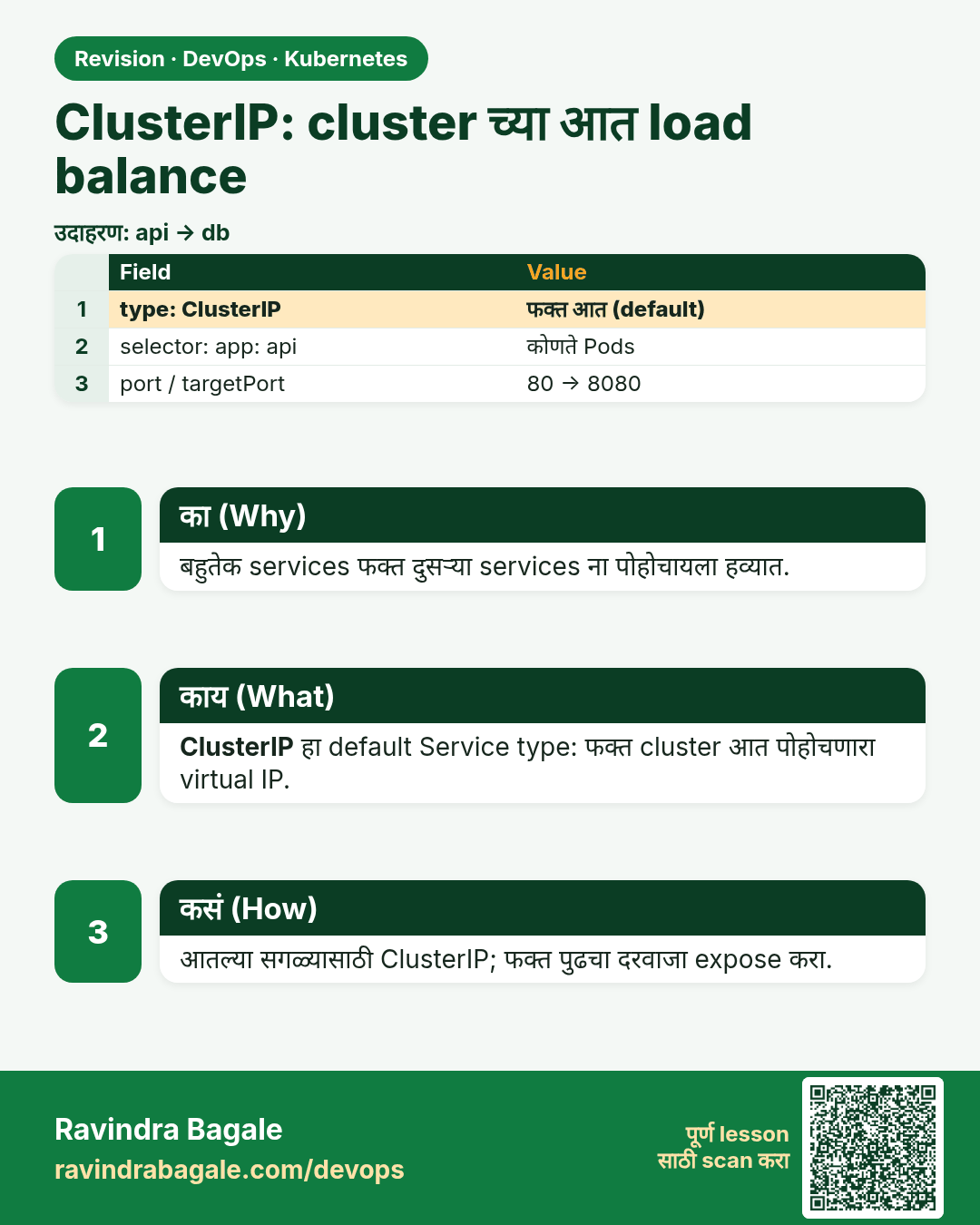
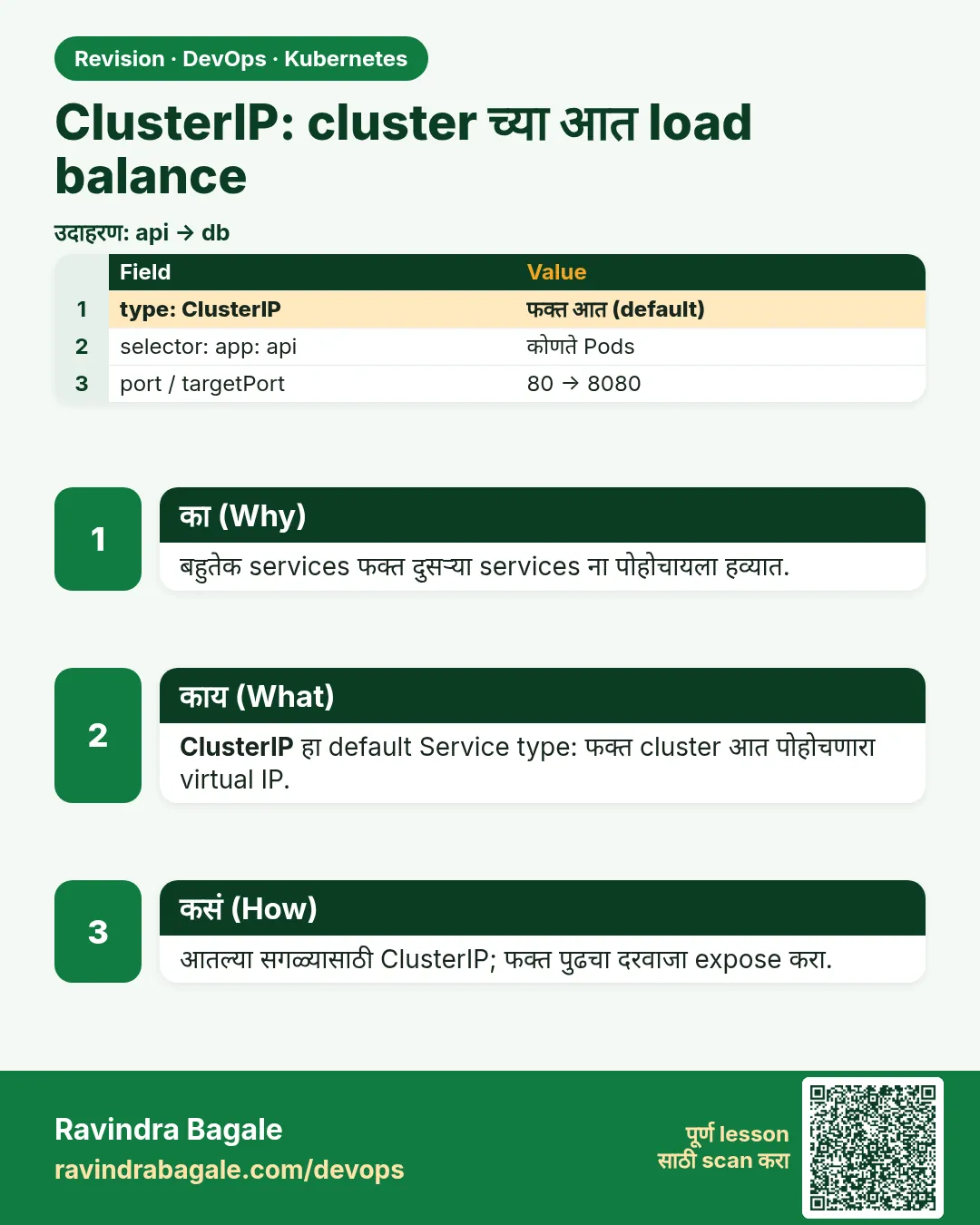 उजळणी (Revision) card 2 of 12: ClusterIP: cluster च्या आत load balance · PNG download करा · Card page उघडा
Lesson: 19.2 ClusterIP — load balance inside the cluster
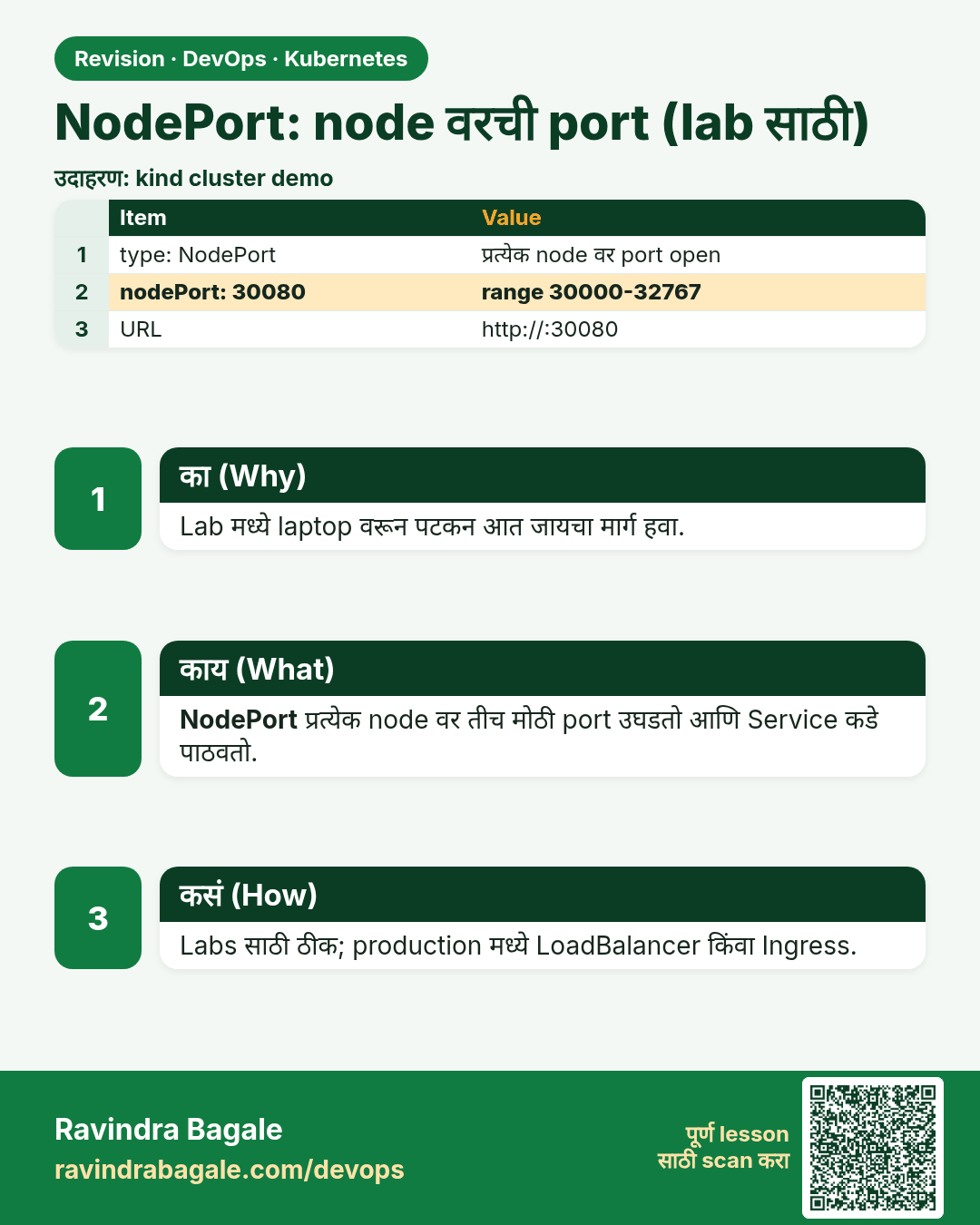
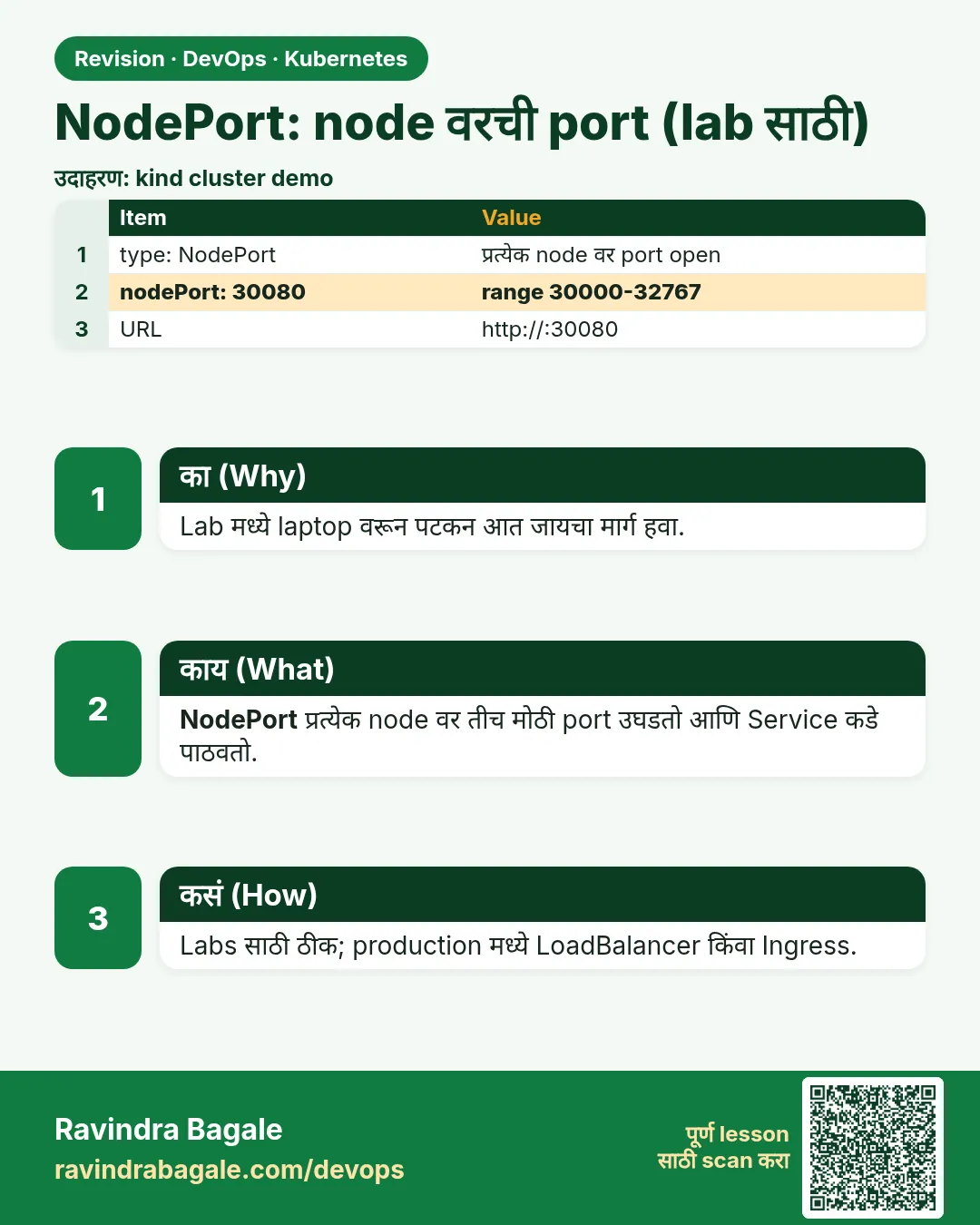 उजळणी (Revision) card 3 of 12: NodePort: node वरची port (lab साठी) · PNG download करा · Card page उघडा
Lesson: 19.3 NodePort — a port on the node, for a lab
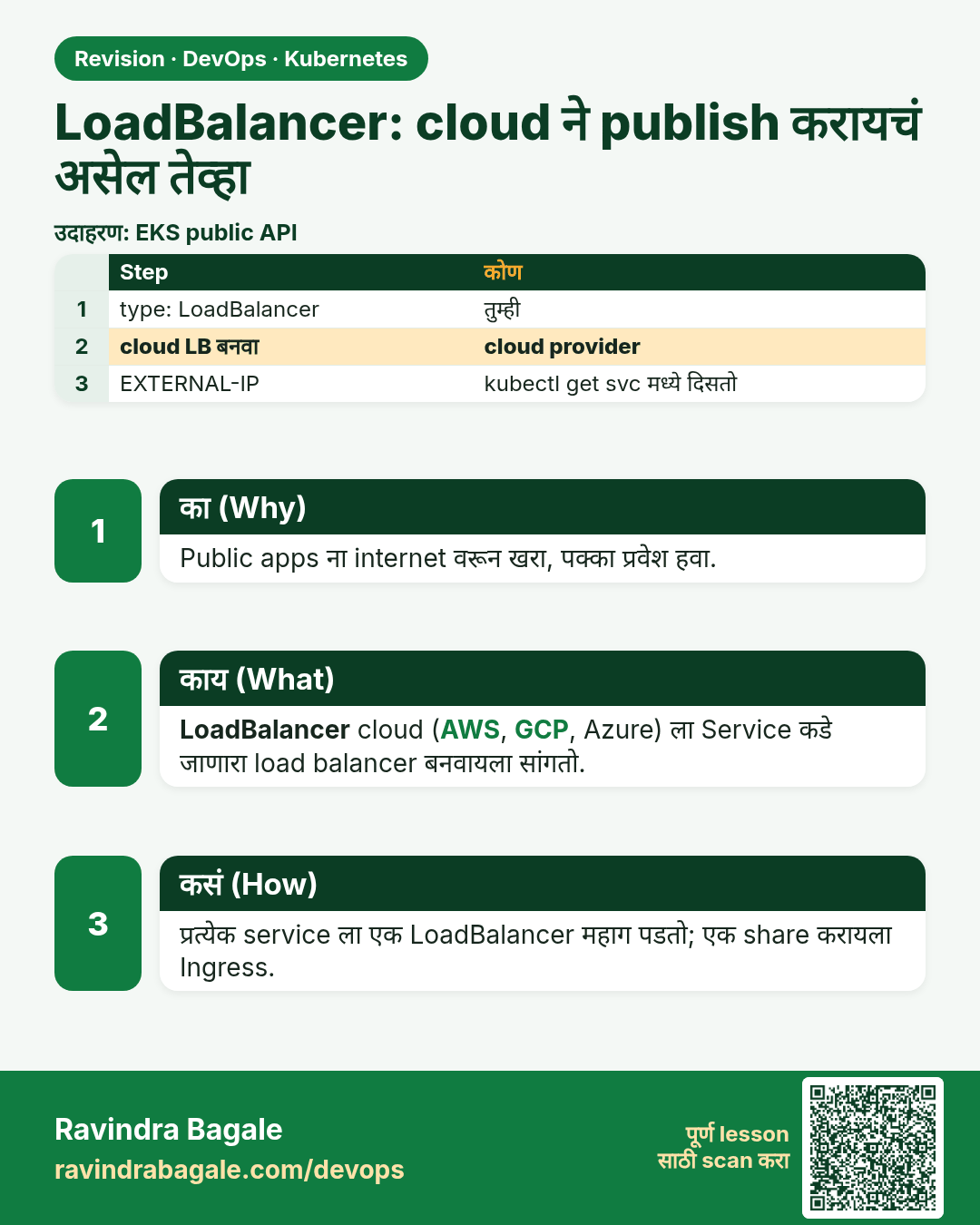
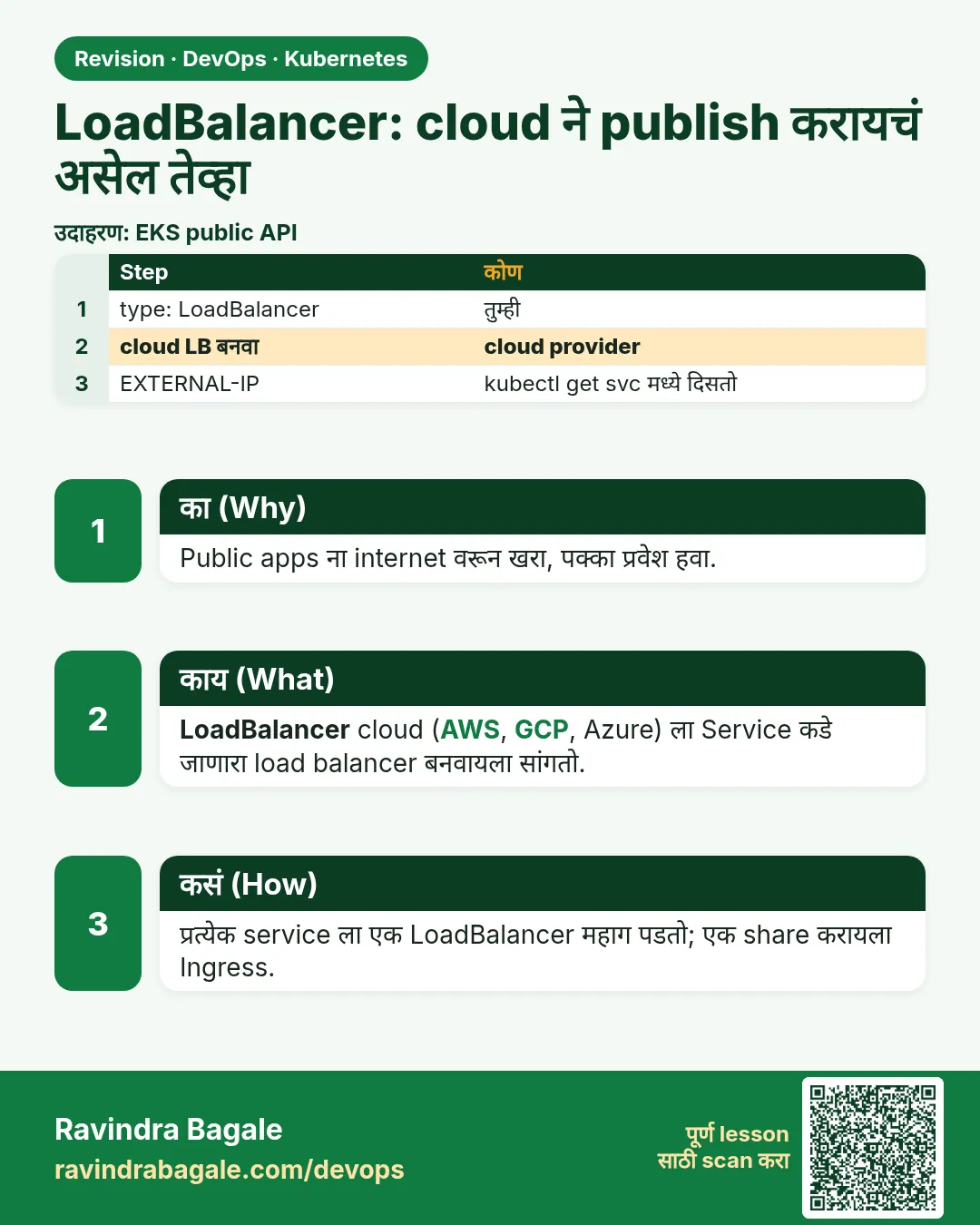 उजळणी (Revision) card 4 of 12: LoadBalancer: cloud ने publish करायचं असेल तेव्हा · PNG download करा · Card page उघडा
Lesson: 19.4 LoadBalancer — when a cloud should publish it
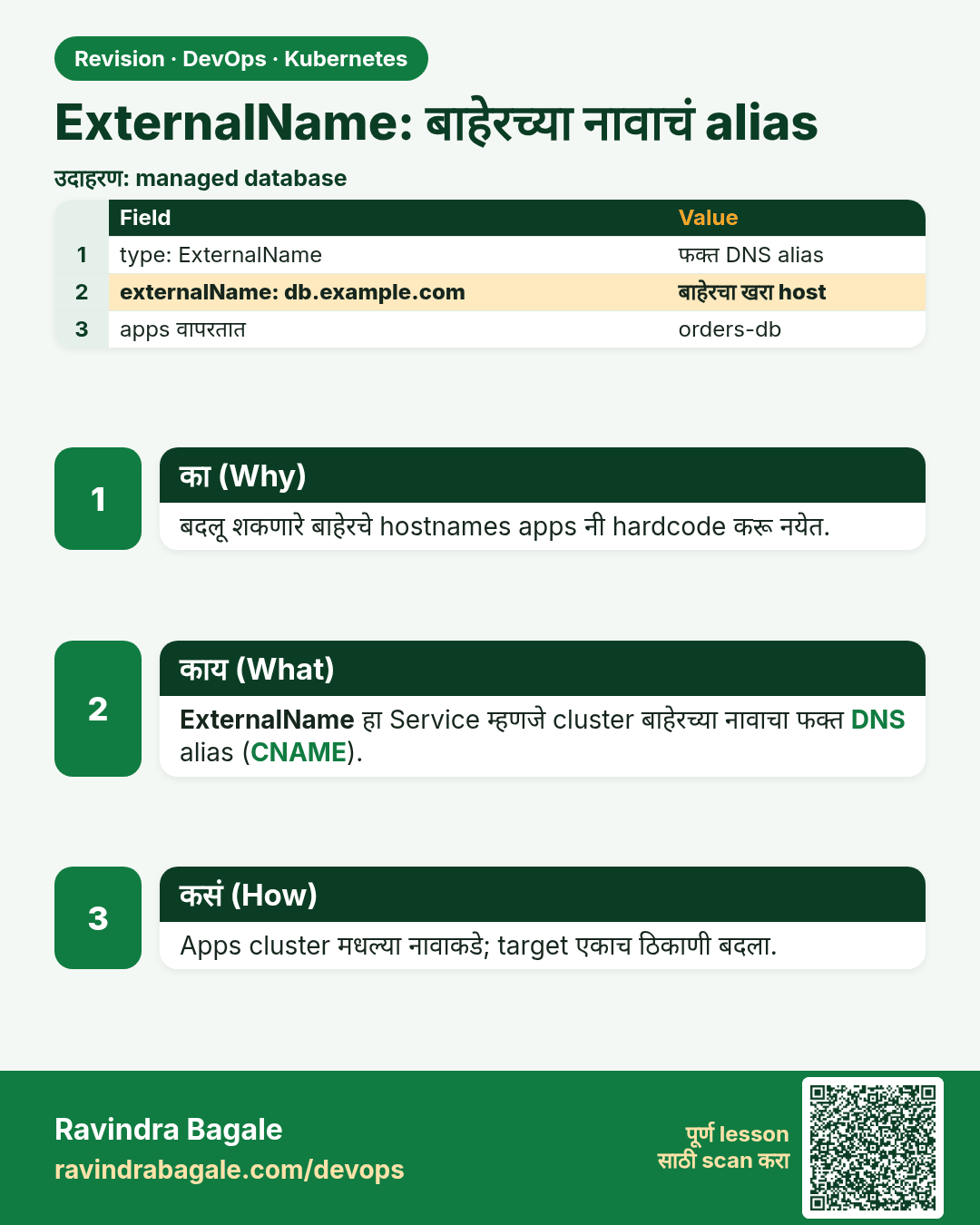
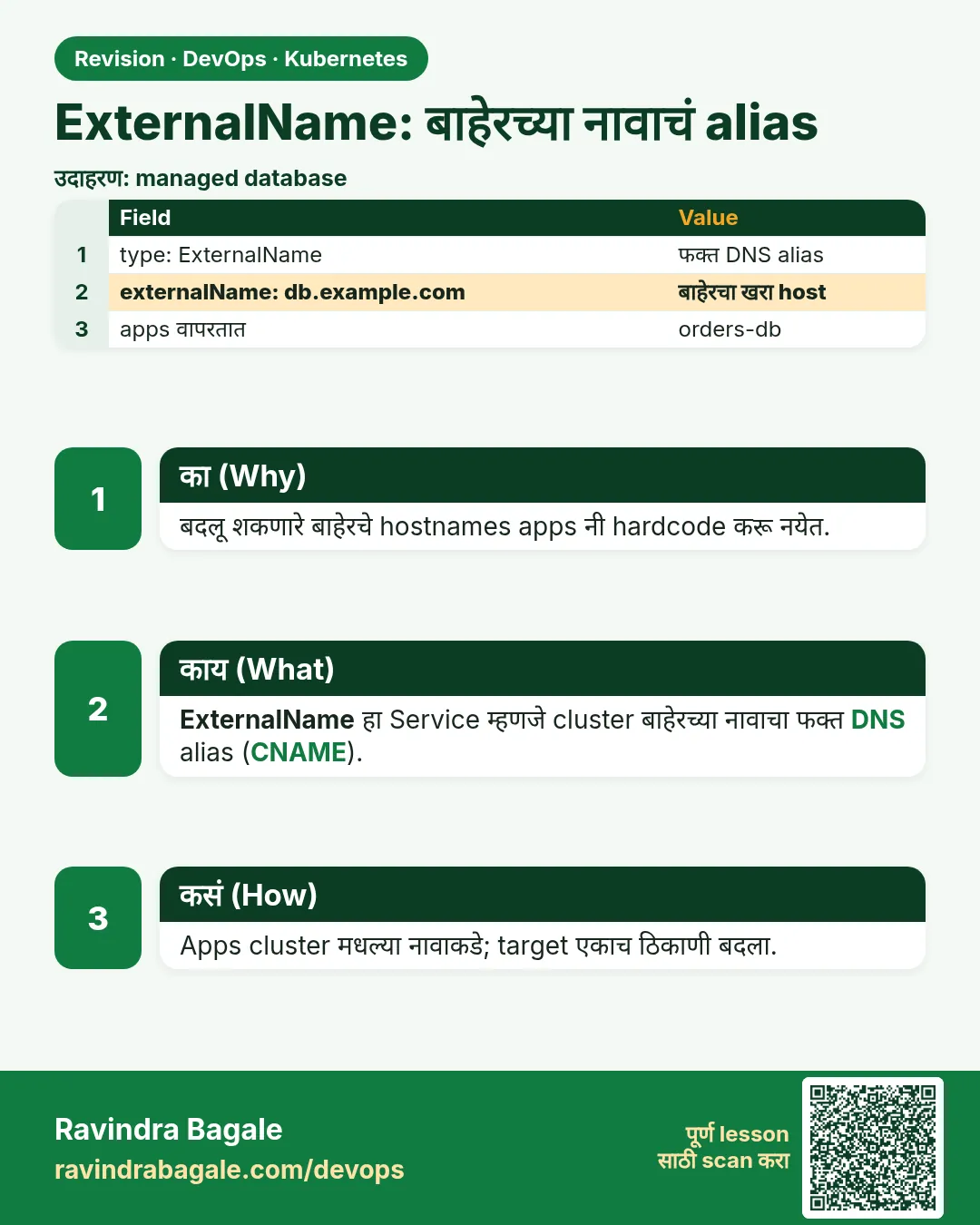 उजळणी (Revision) card 5 of 12: ExternalName: बाहेरच्या नावाचं alias · PNG download करा · Card page उघडा
Lesson: 19.5 ExternalName — an alias to a name outside
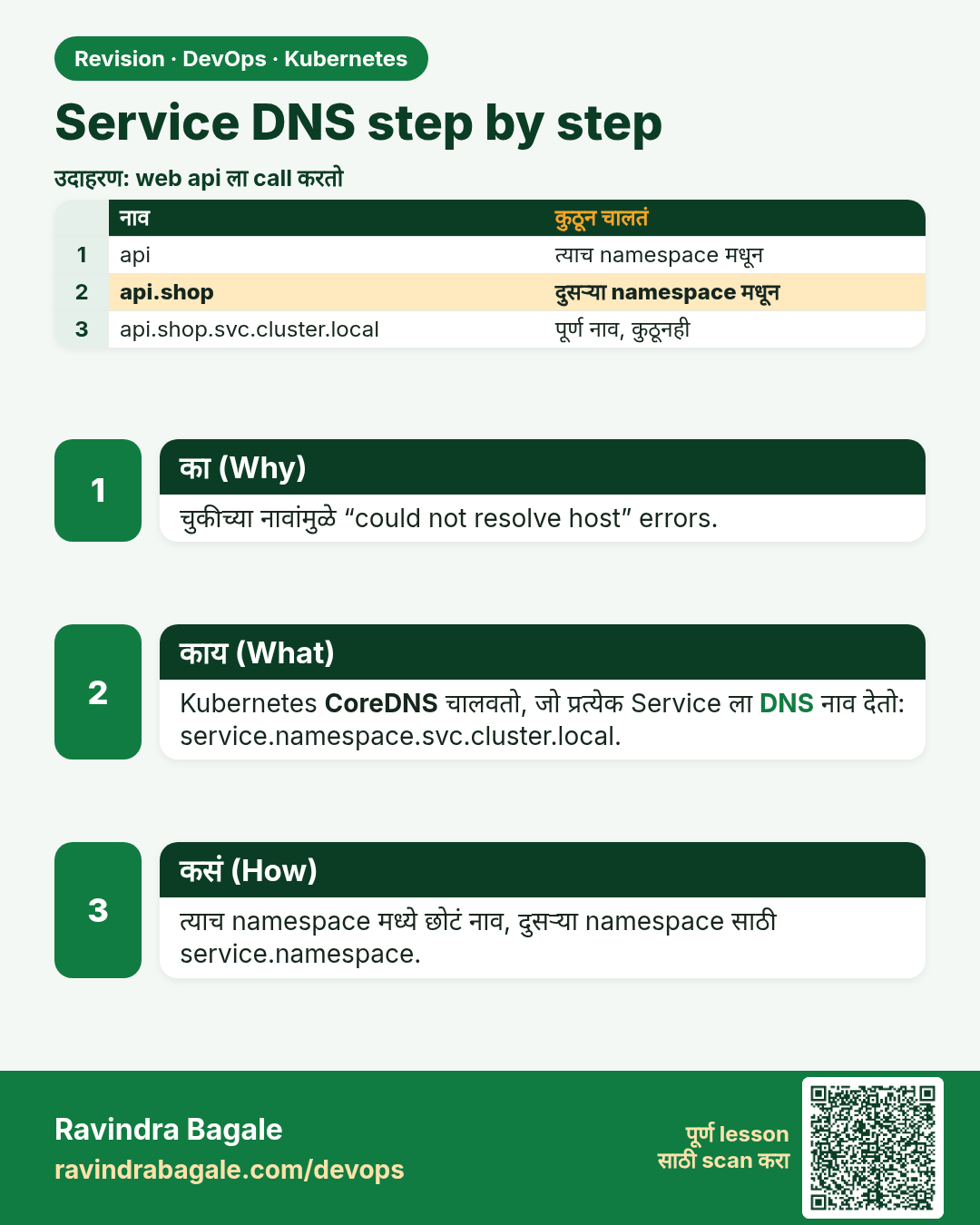
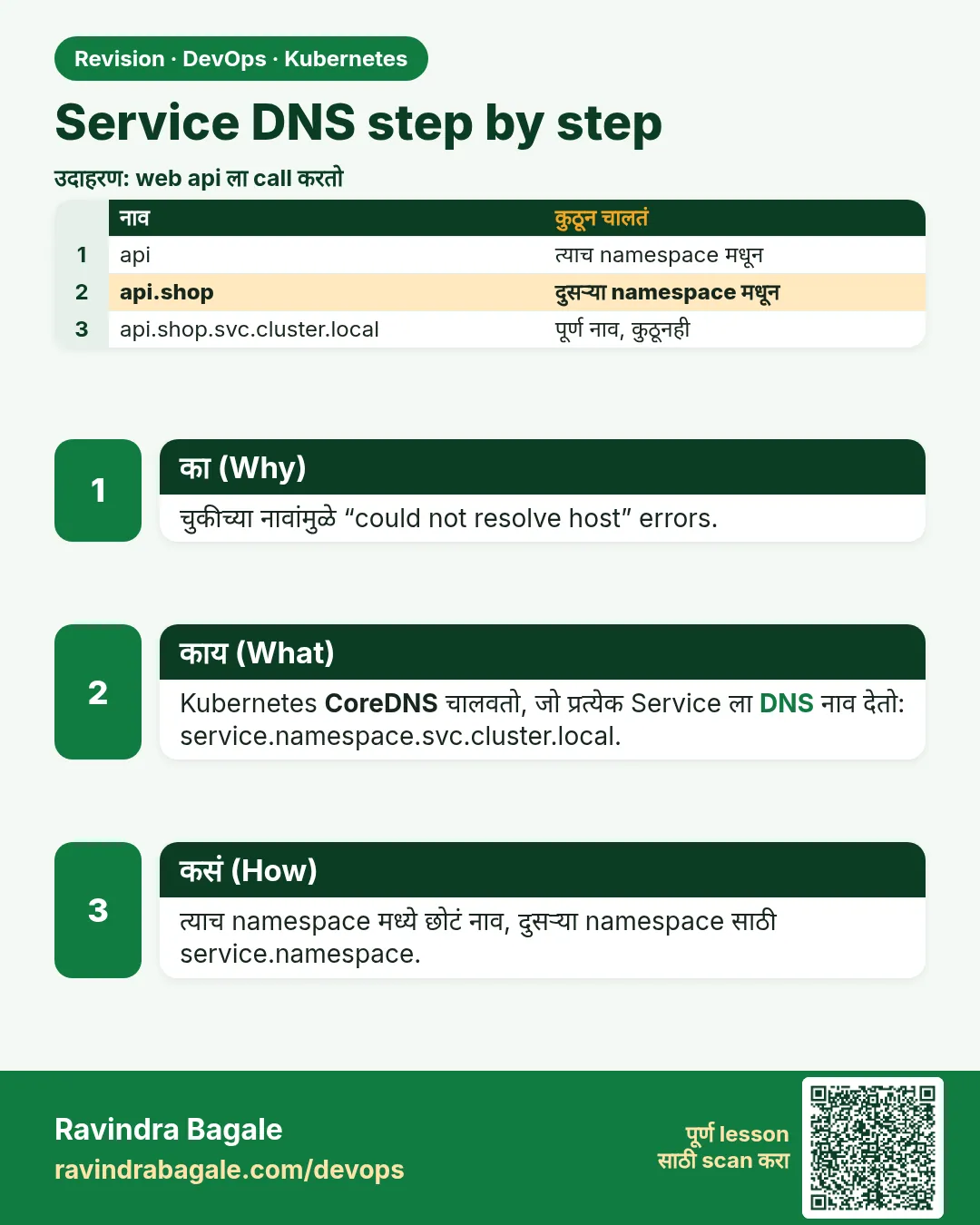 उजळणी (Revision) card 6 of 12: Service DNS step by step · PNG download करा · Card page उघडा
Lesson: 19.6 Service DNS, step by step
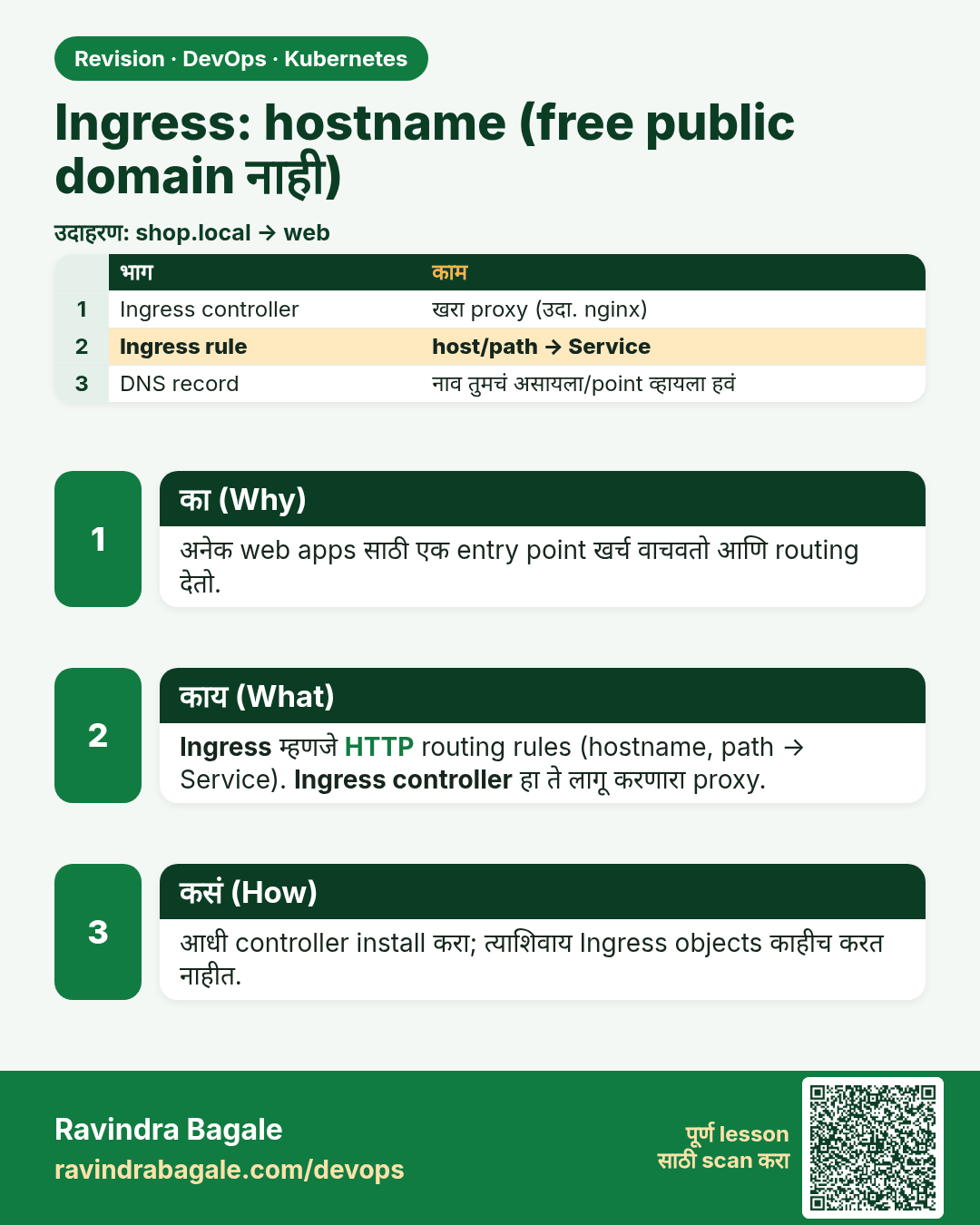
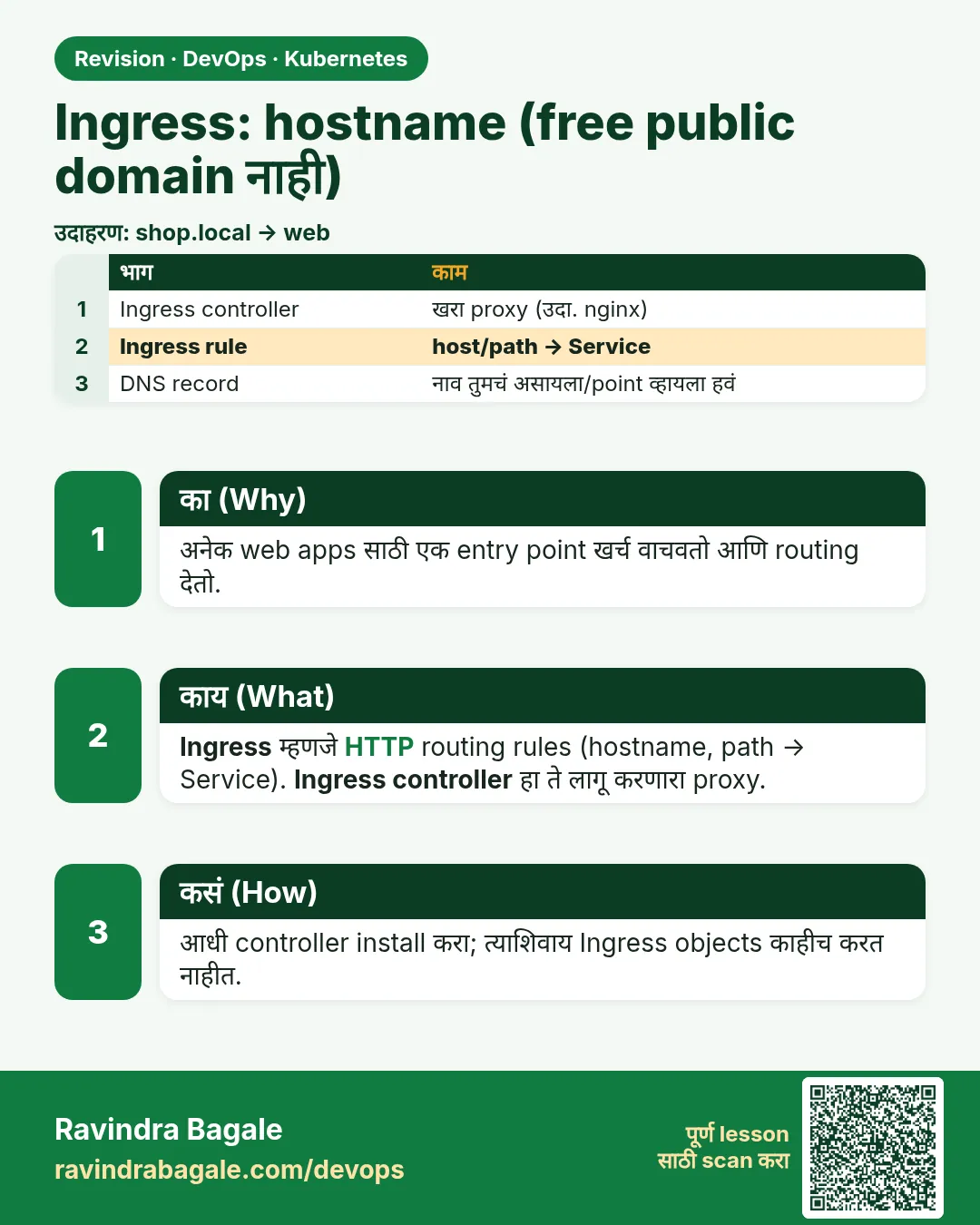 उजळणी (Revision) card 7 of 12: Ingress: hostname (free public domain नाही) · PNG download करा · Card page उघडा
Lesson: 19.7 Ingress — a hostname, not a free public domain
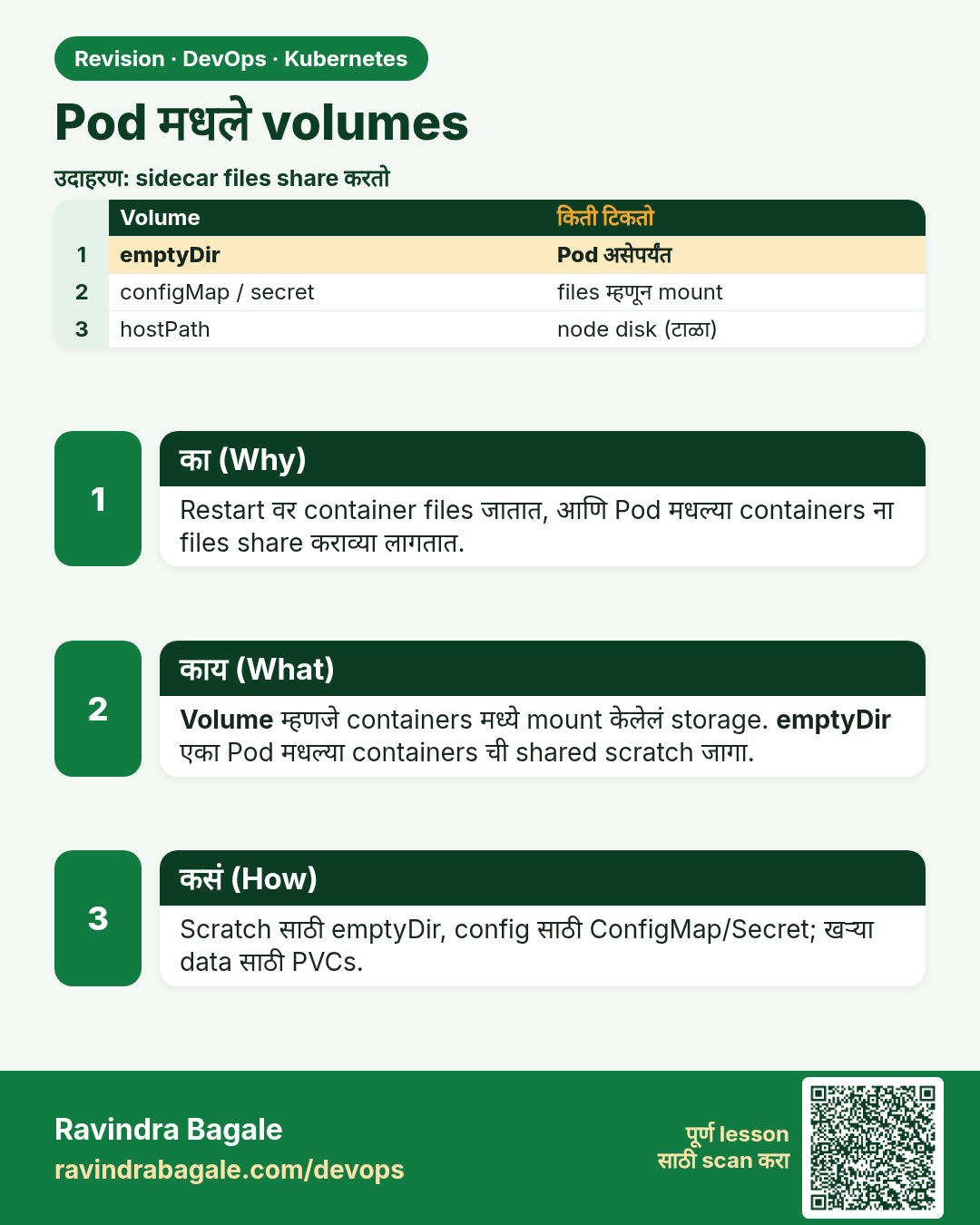
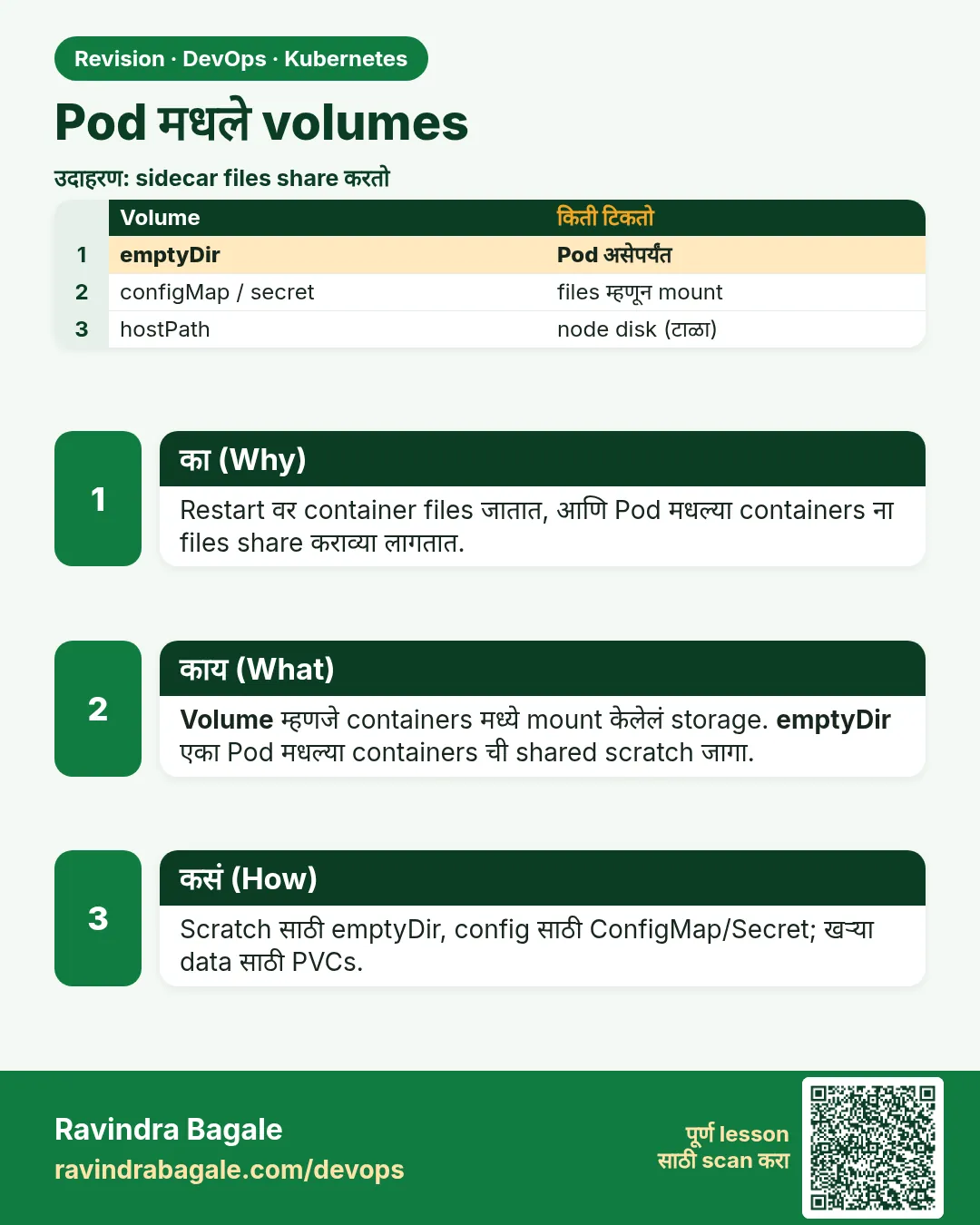 उजळणी (Revision) card 8 of 12: Pod मधले volumes · PNG download करा · Card page उघडा
Lesson: 19.8 Volumes inside a Pod
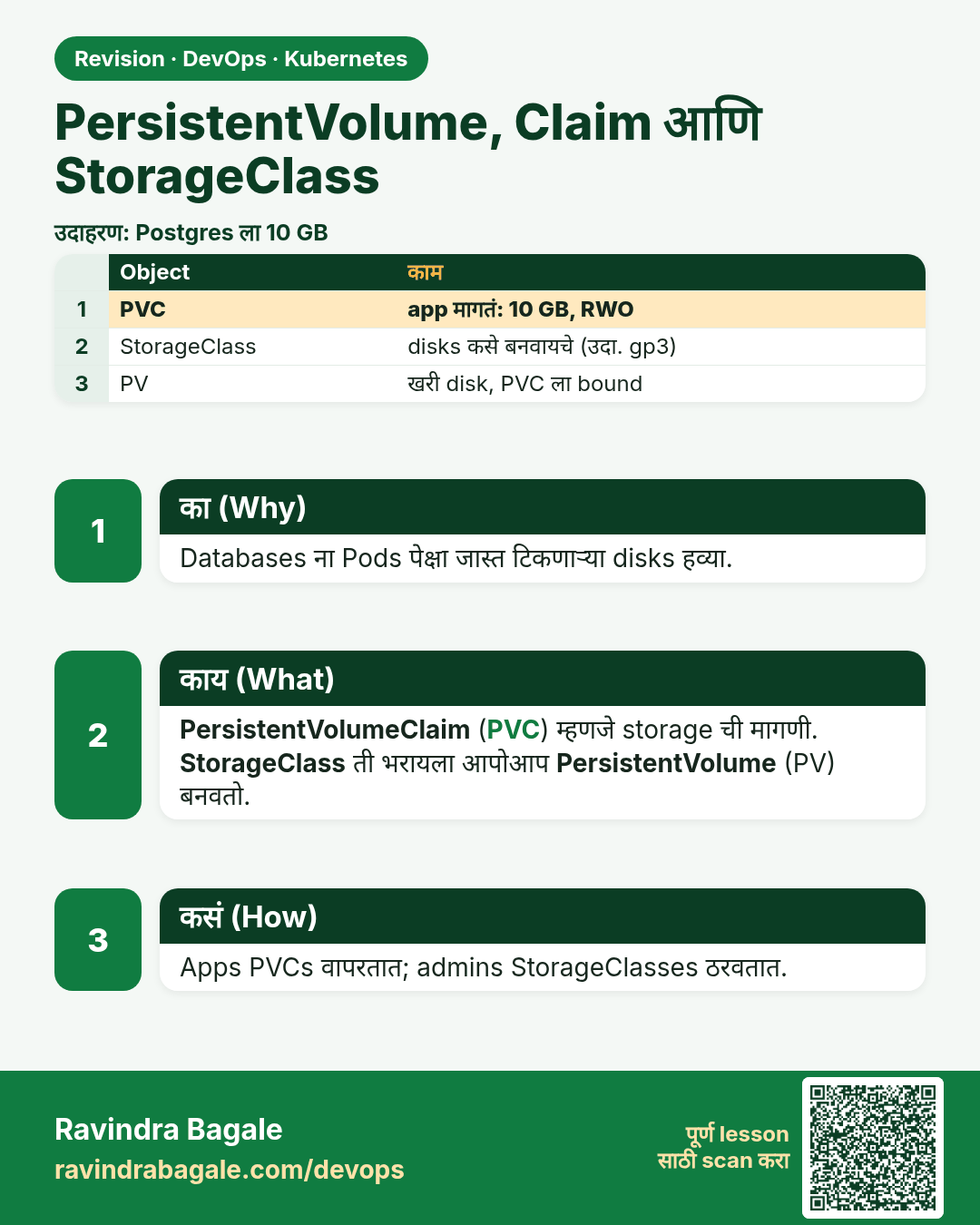
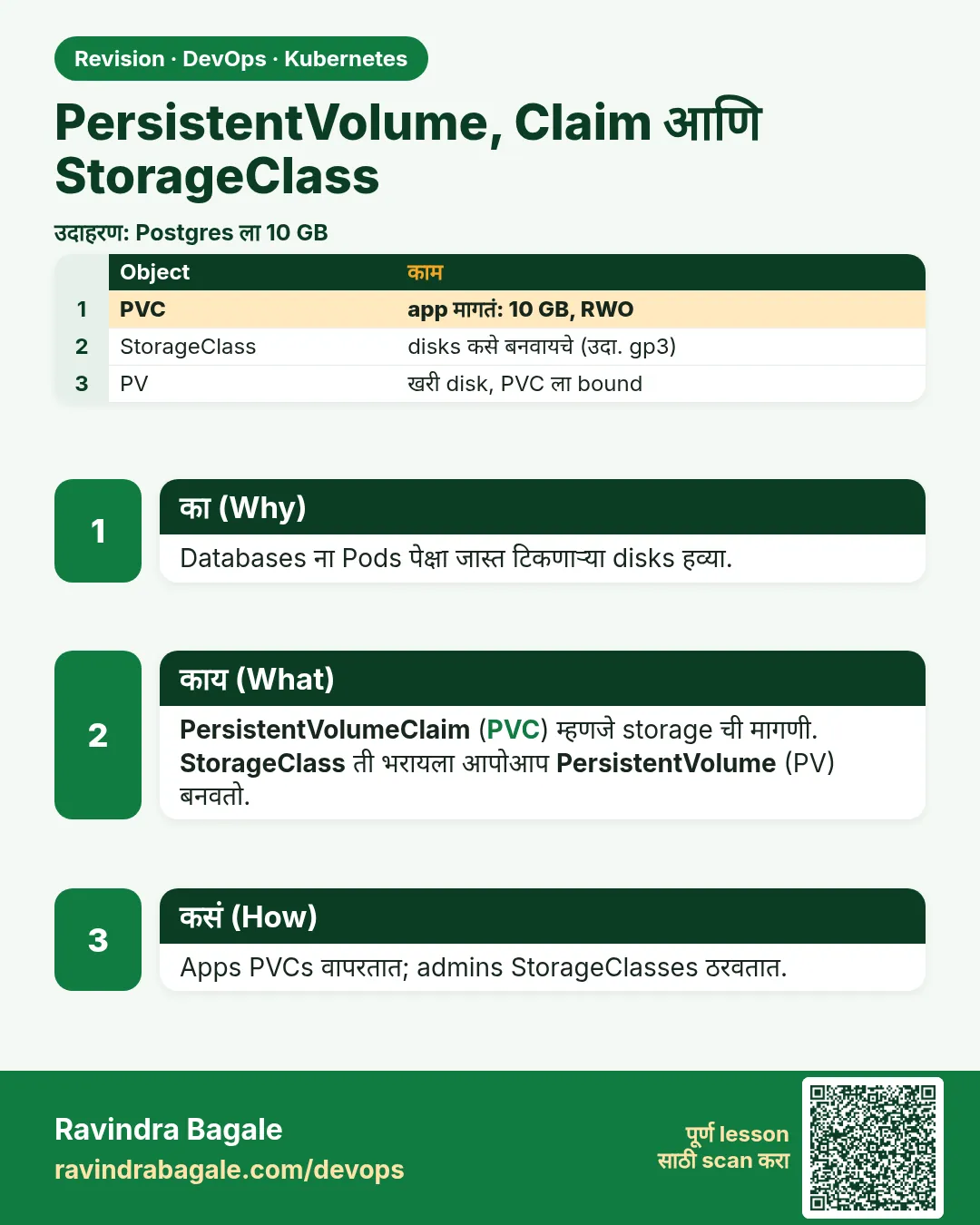 उजळणी (Revision) card 9 of 12: PersistentVolume, Claim आणि StorageClass · PNG download करा · Card page उघडा
Lesson: 19.9 PersistentVolume, claim and StorageClass
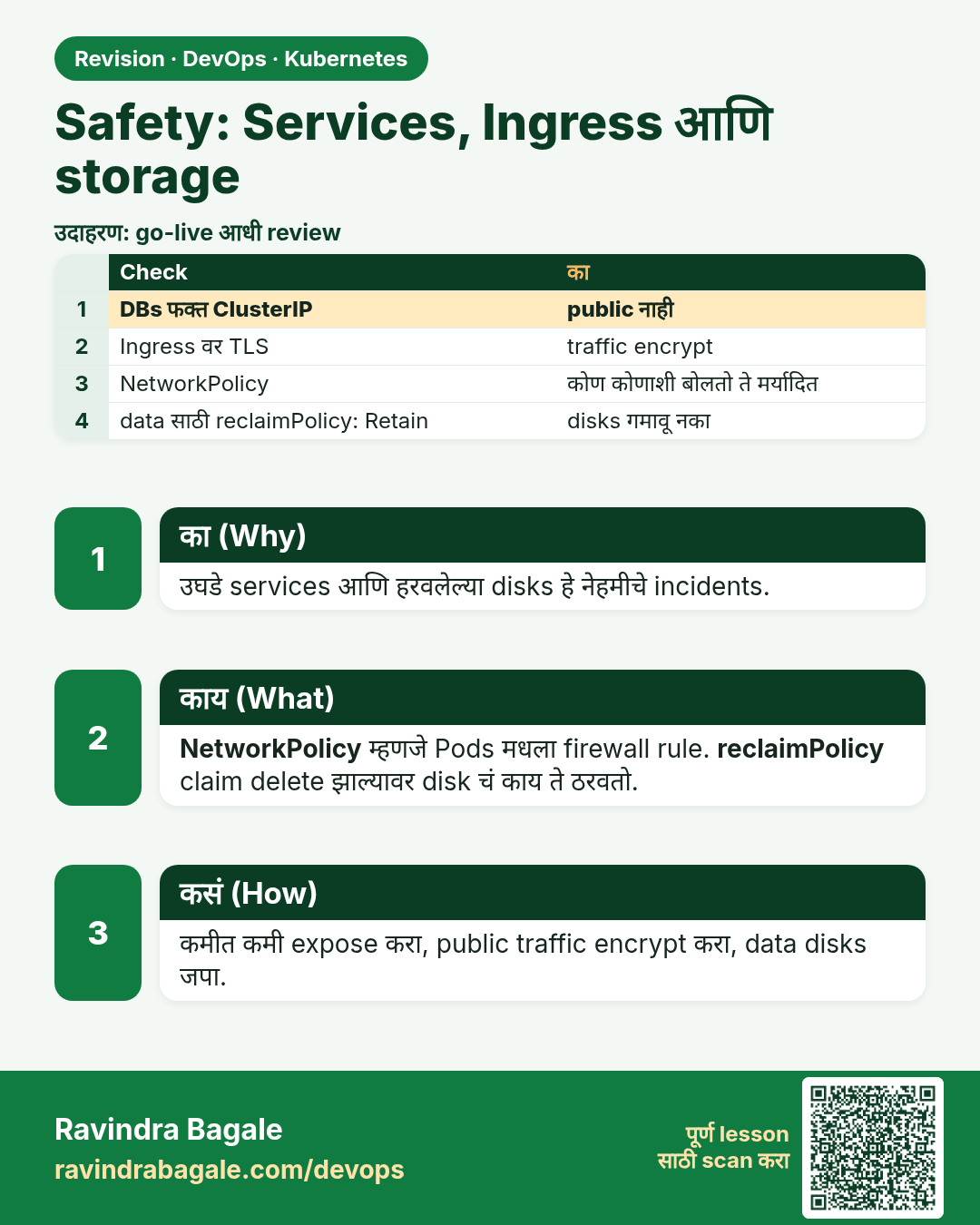
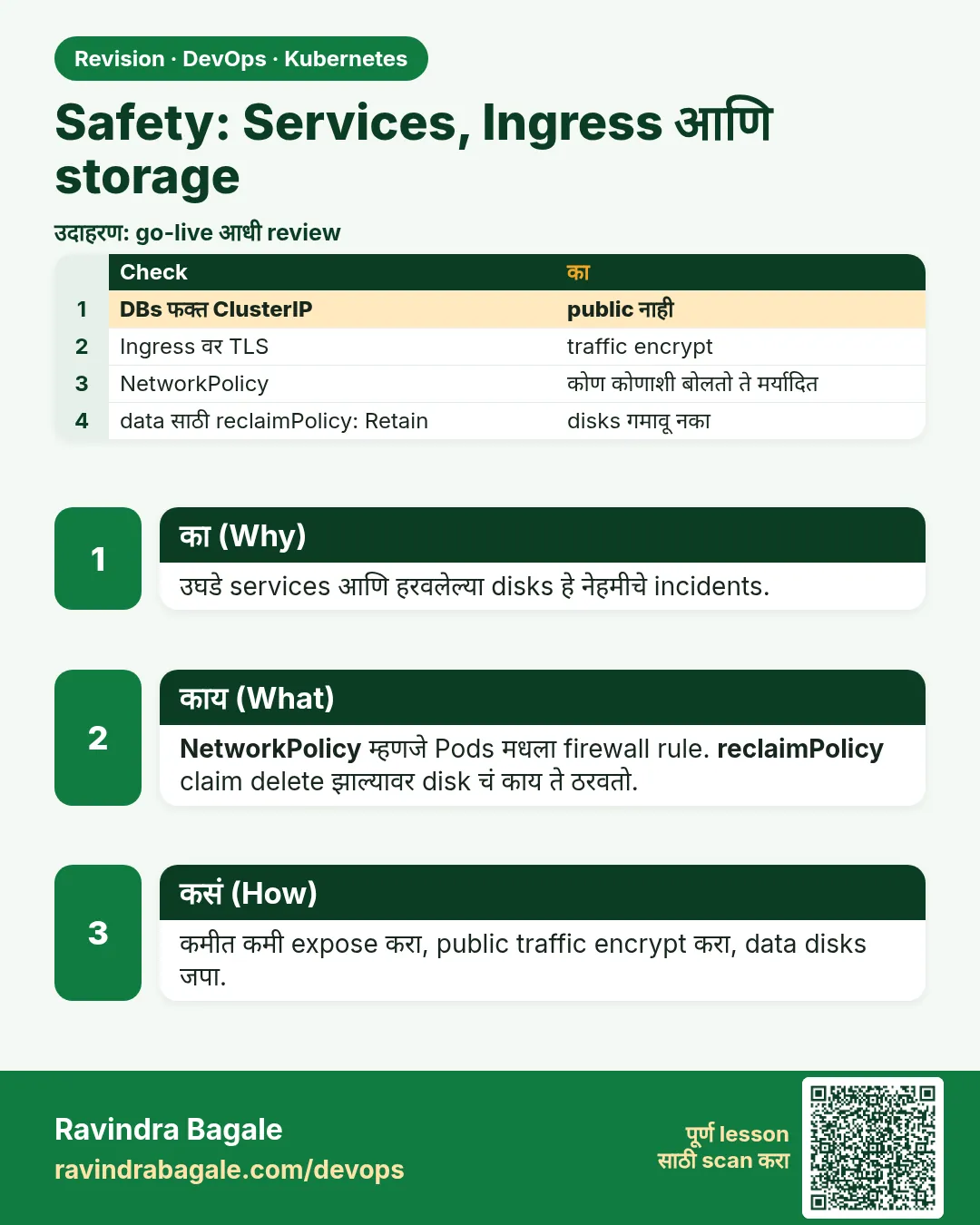 उजळणी (Revision) card 10 of 12: Safety: Services, Ingress आणि storage · PNG download करा · Card page उघडा
Lesson: 19.10 Safety
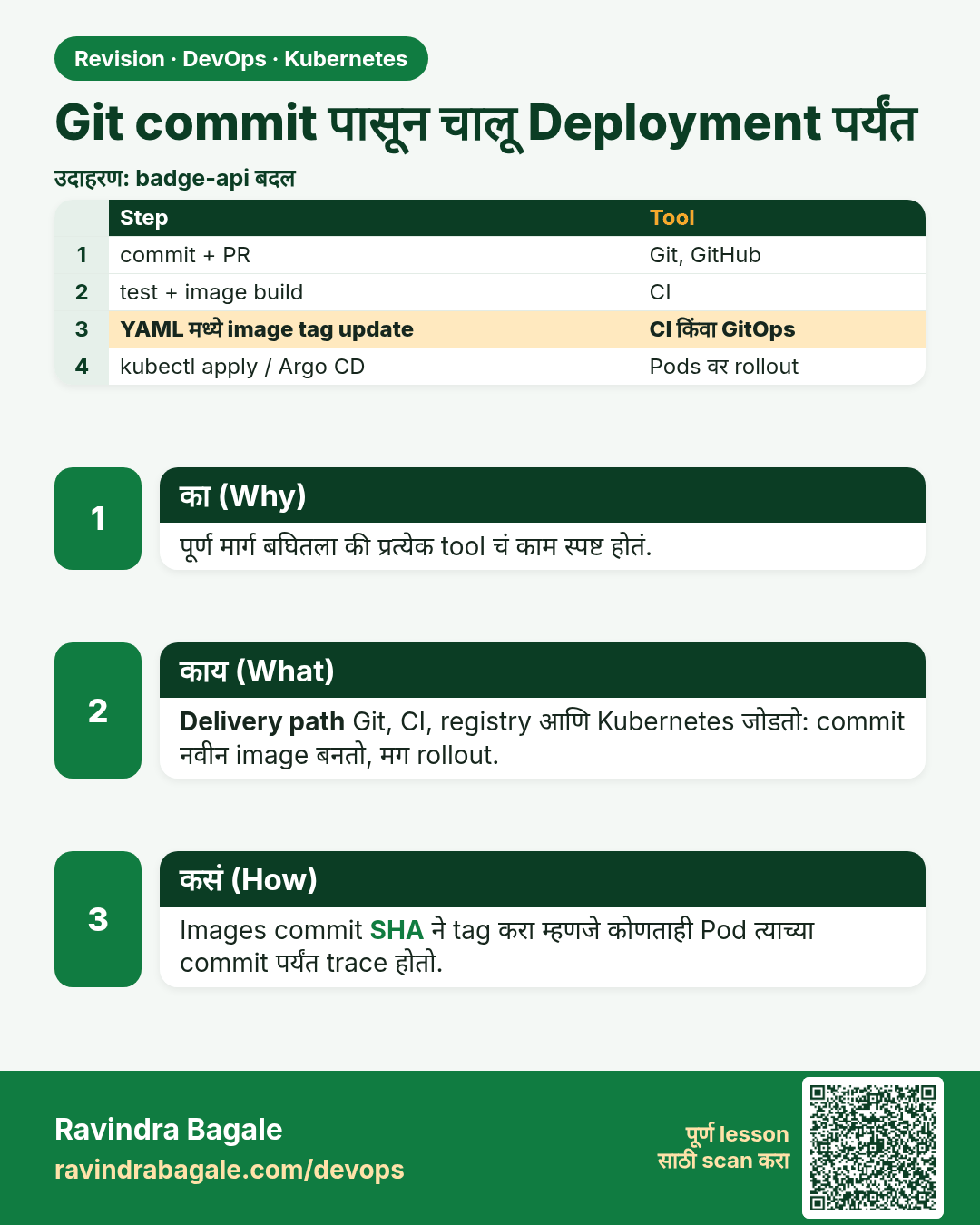
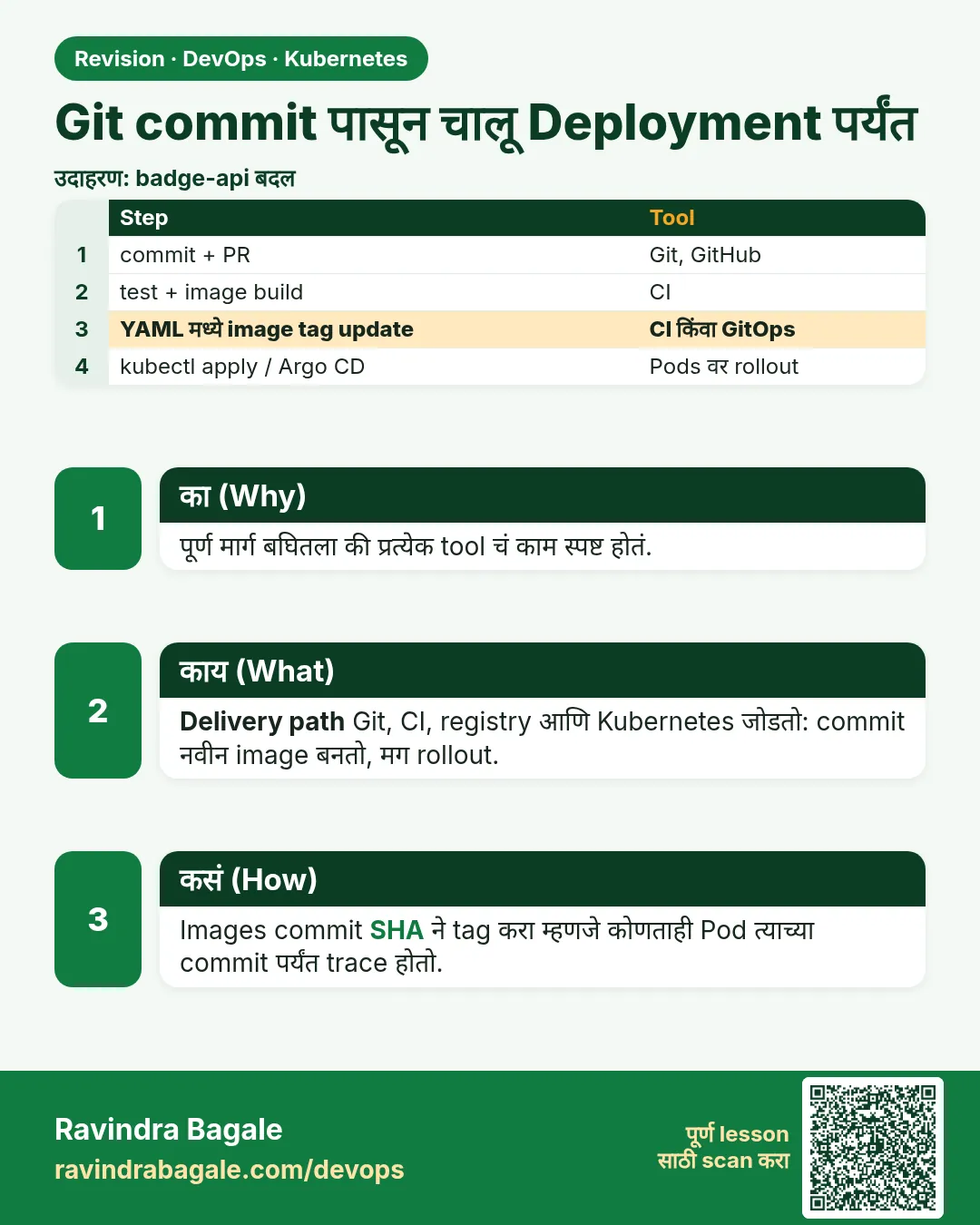 उजळणी (Revision) card 11 of 12: Git commit पासून चालू Deployment पर्यंत · PNG download करा · Card page उघडा
Lesson: 19.11 From a Git commit to a running Deployment
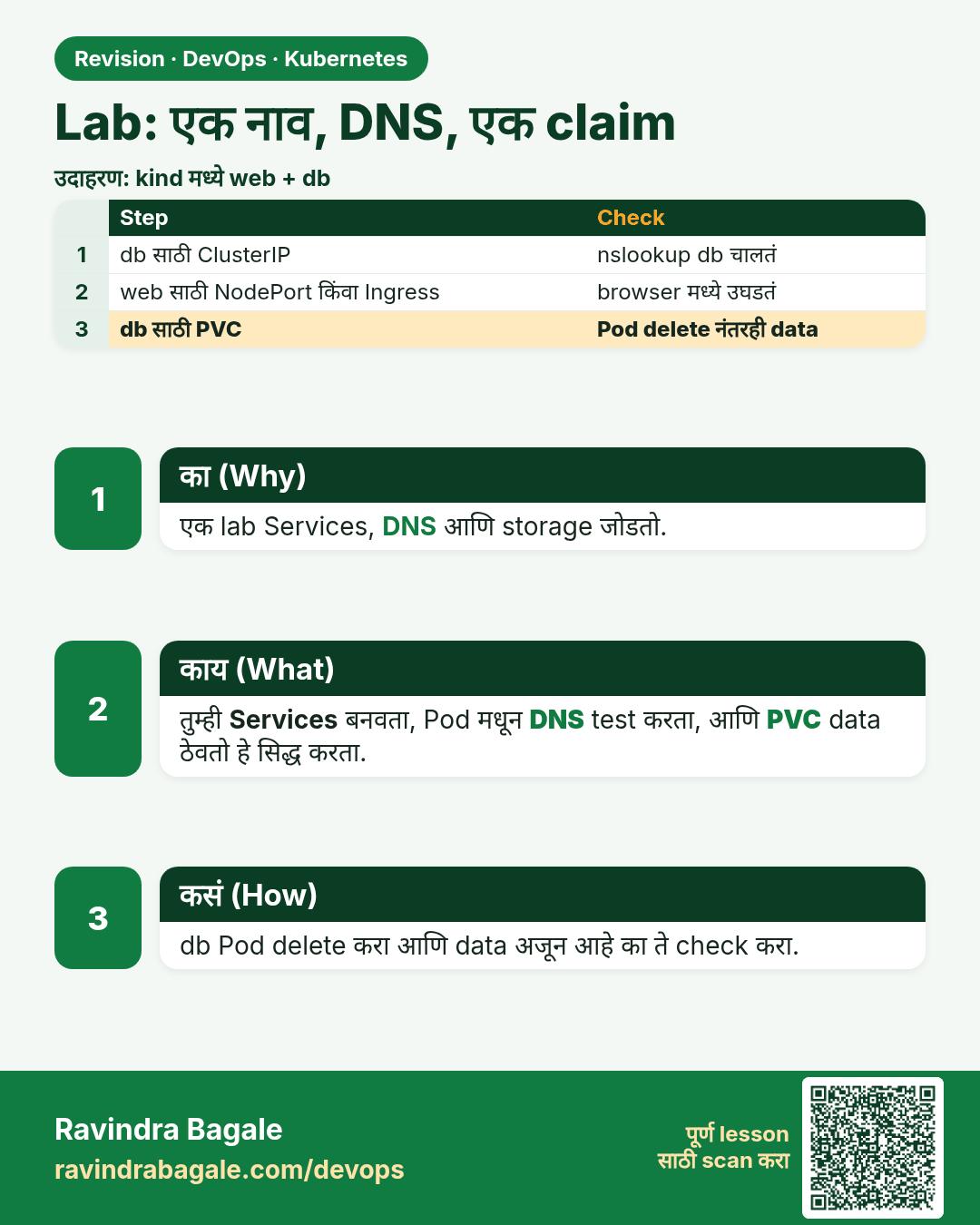
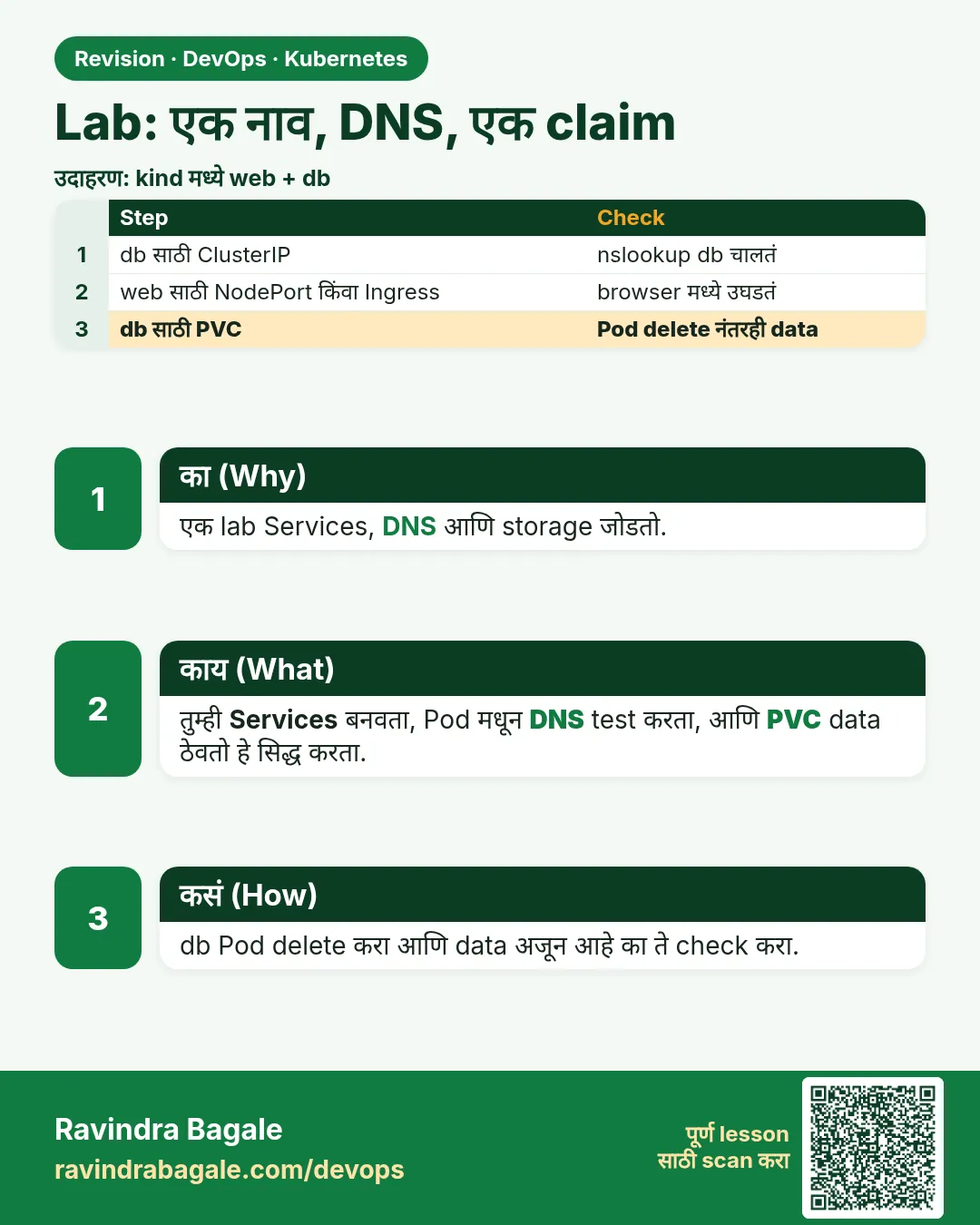 उजळणी (Revision) card 12 of 12: Lab: एक नाव, DNS, एक claim · PNG download करा · Card page उघडा
Lesson: 19.12 Lab — name, DNS, one claim
मुलाखत (Interview) cards
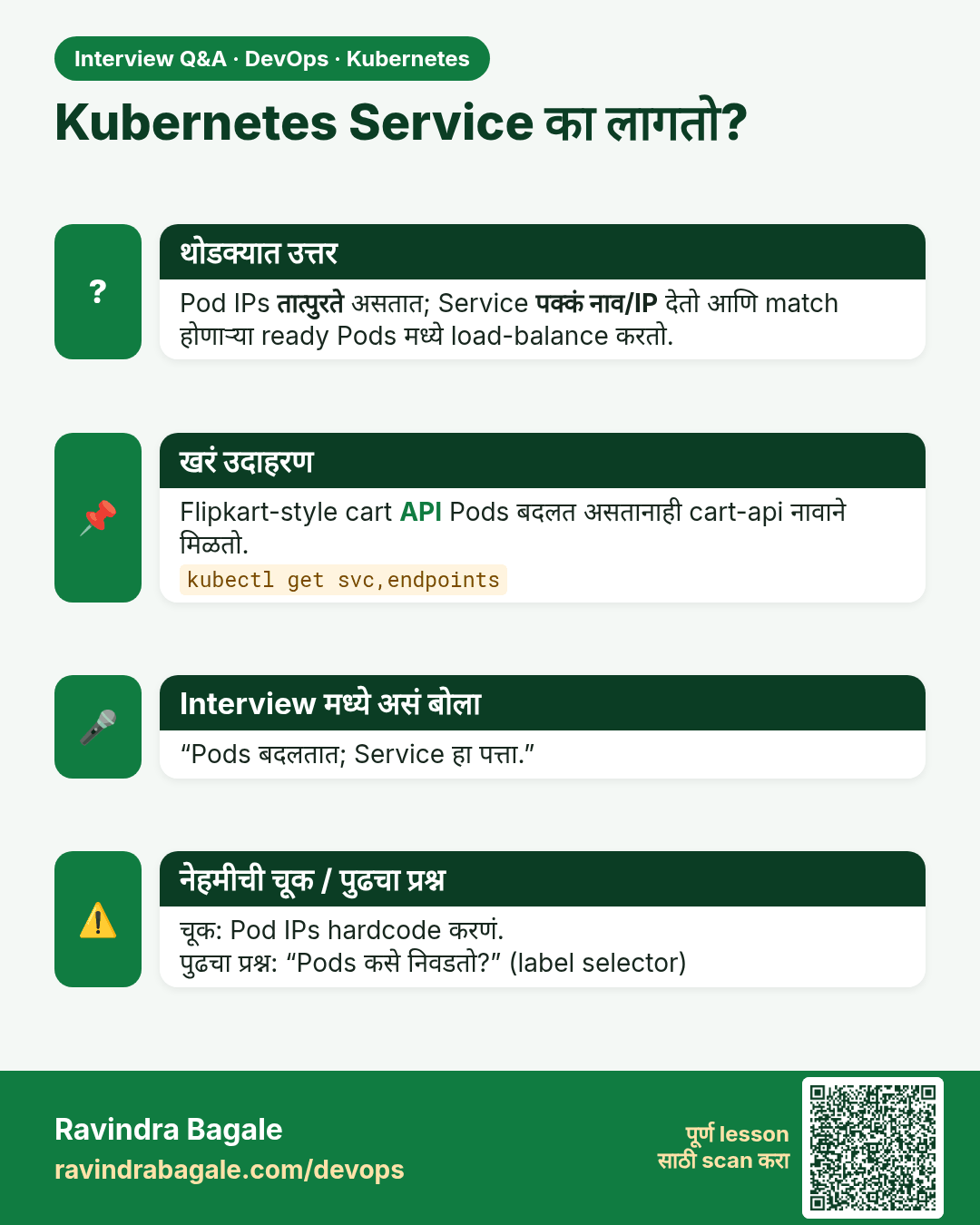
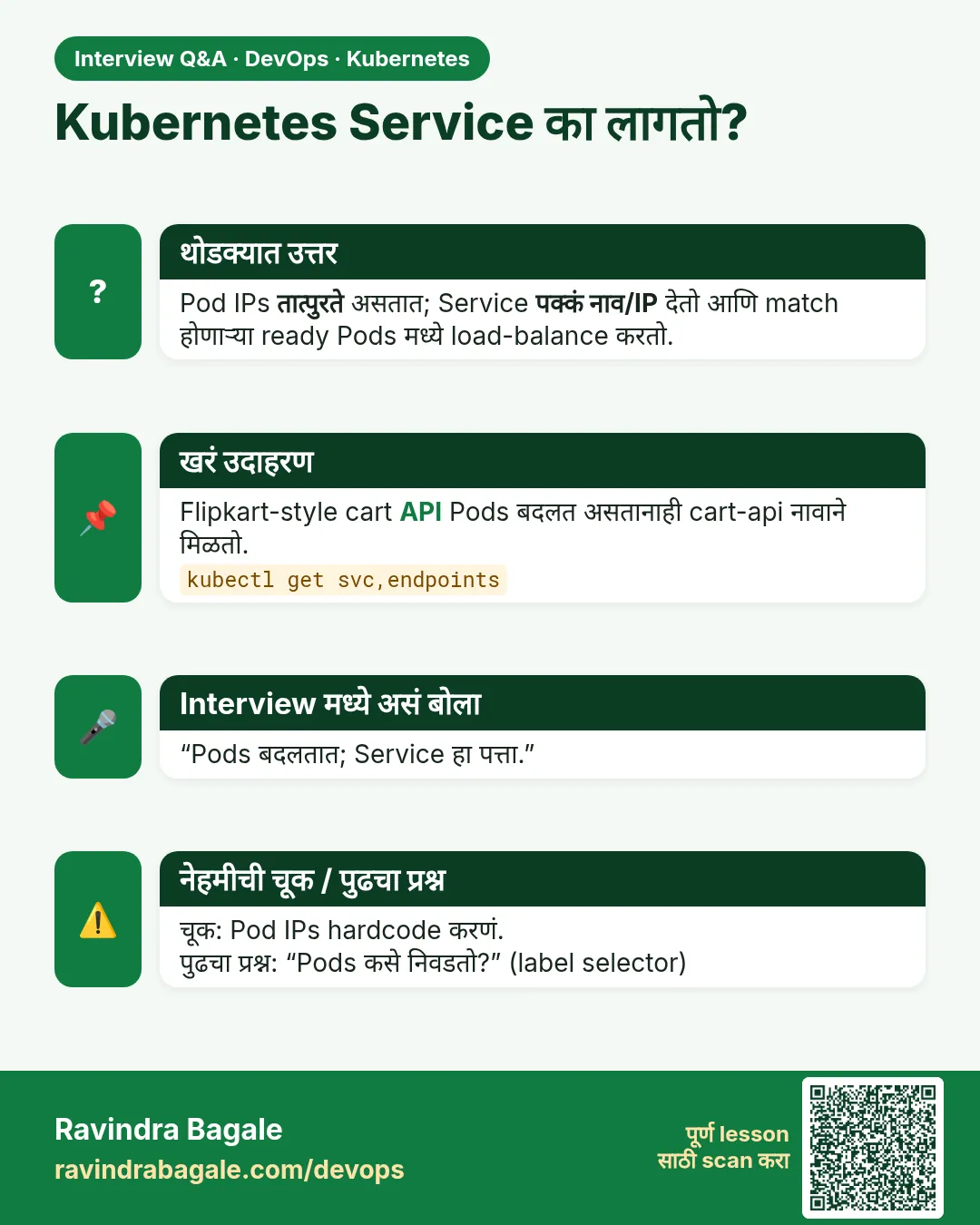 मुलाखत (Interview) card 1 of 12: Kubernetes Service का लागतो? · PNG download करा · Card page उघडा
Lesson: 19.1 Why Pods need a stable front door
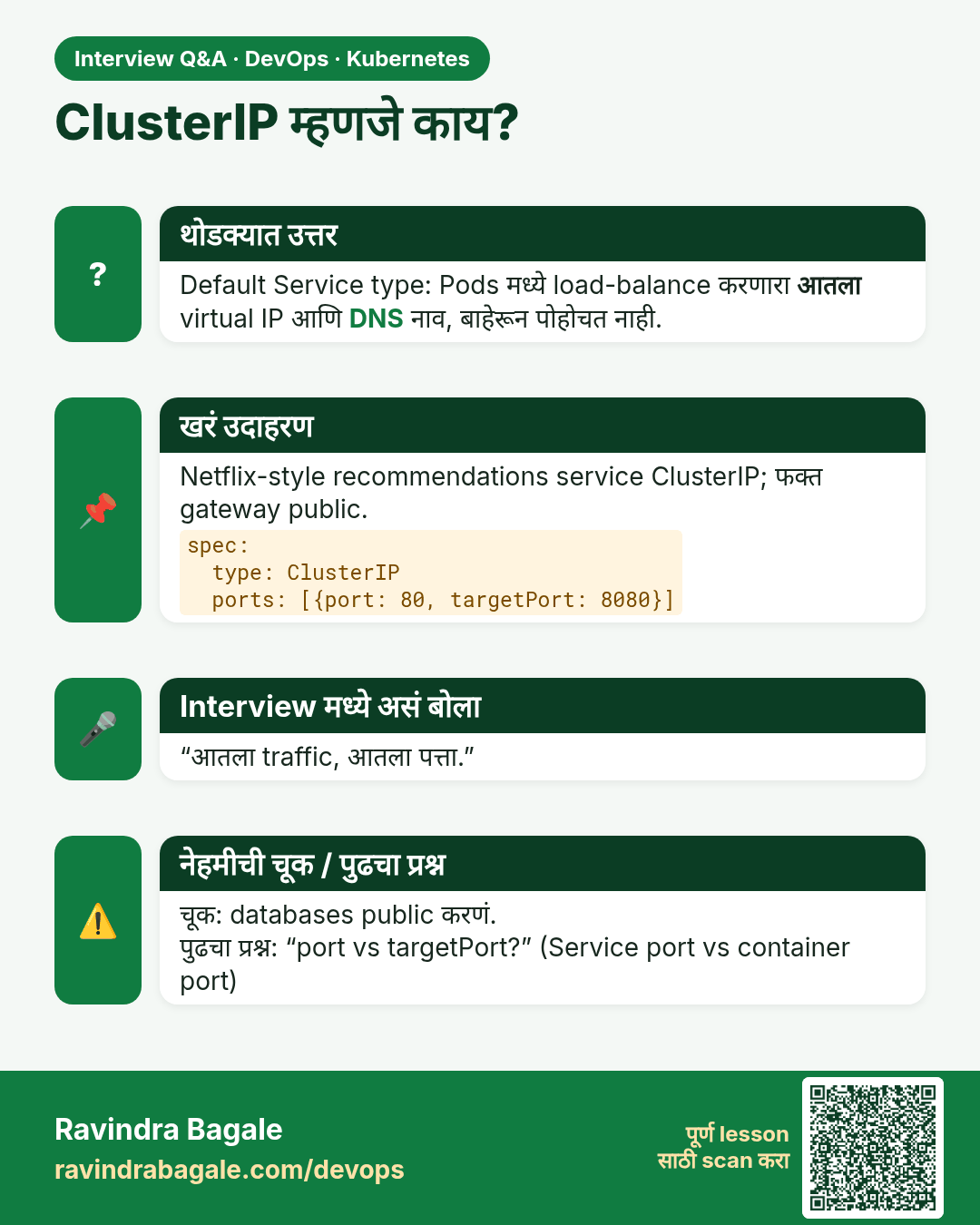
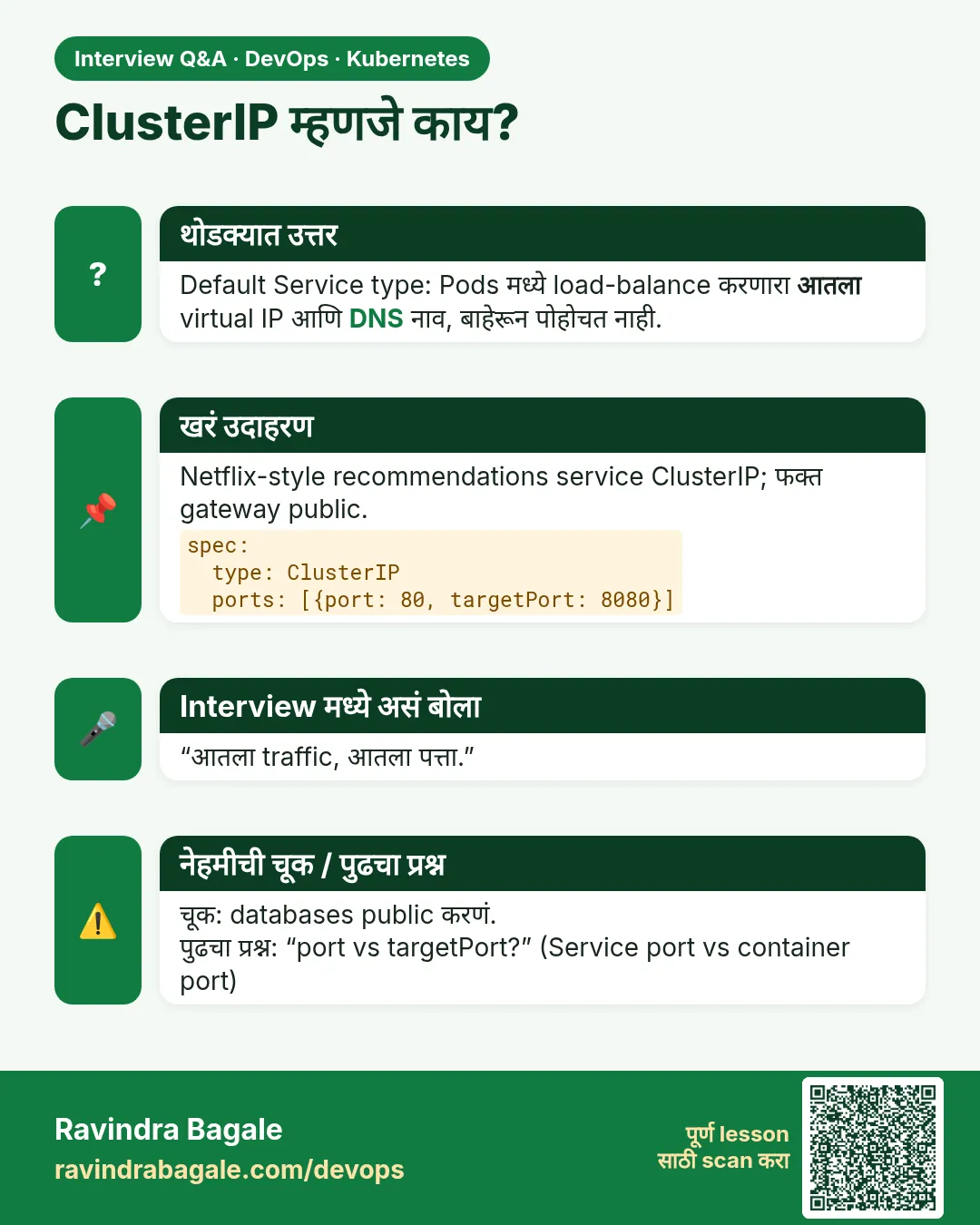 मुलाखत (Interview) card 2 of 12: ClusterIP म्हणजे काय? · PNG download करा · Card page उघडा
Lesson: 19.2 ClusterIP — load balance inside the cluster
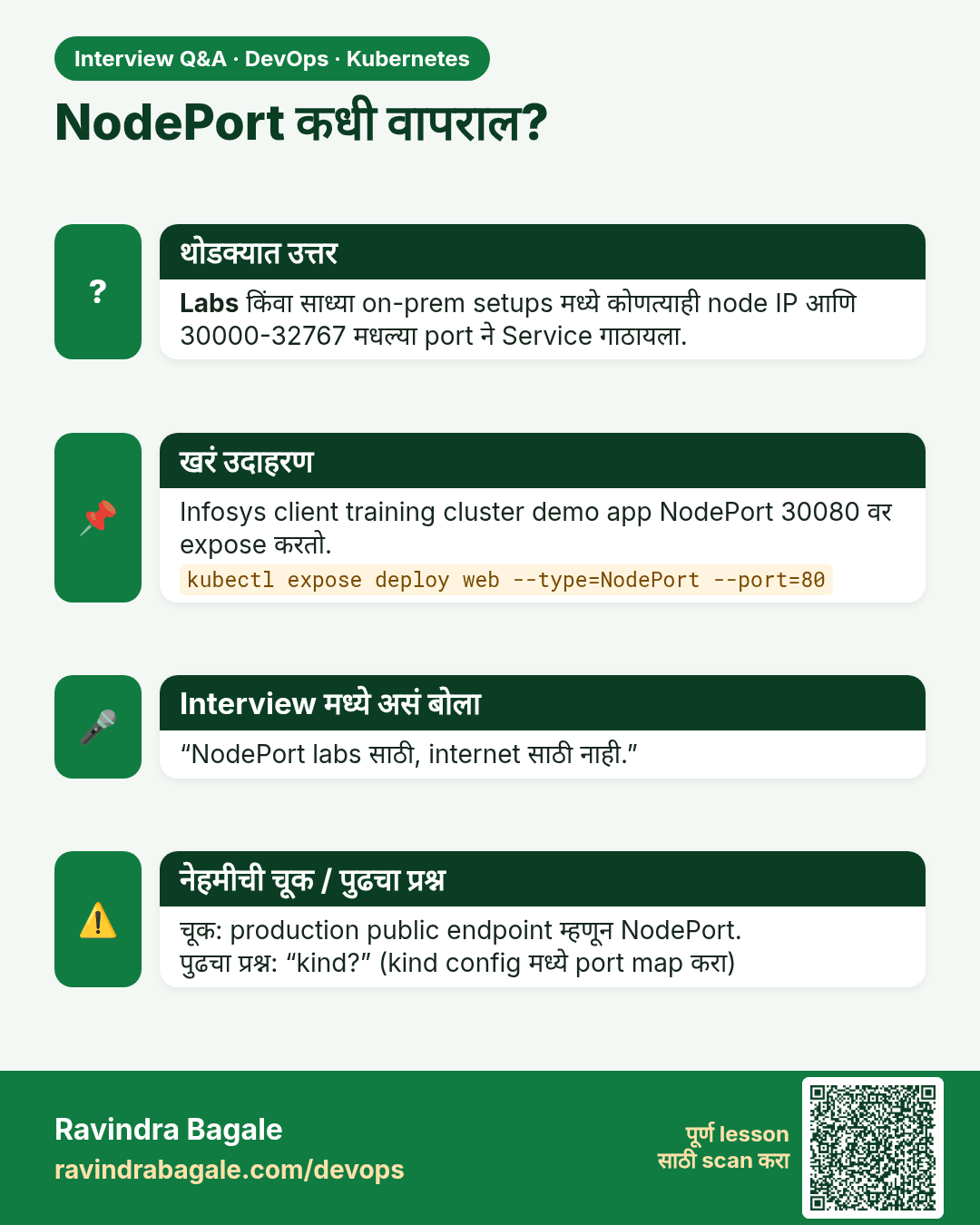
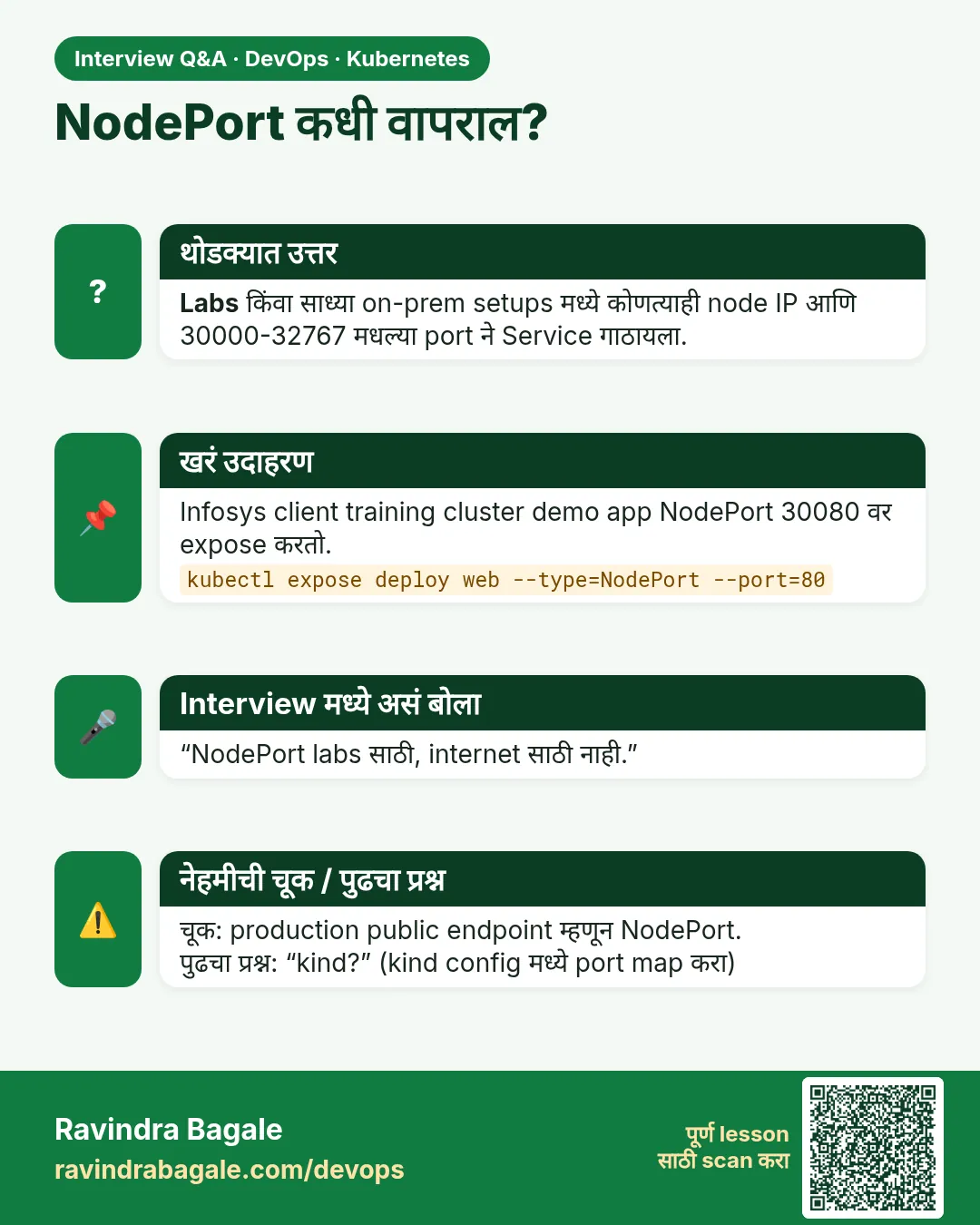 मुलाखत (Interview) card 3 of 12: NodePort कधी वापराल? · PNG download करा · Card page उघडा
Lesson: 19.3 NodePort — a port on the node, for a lab
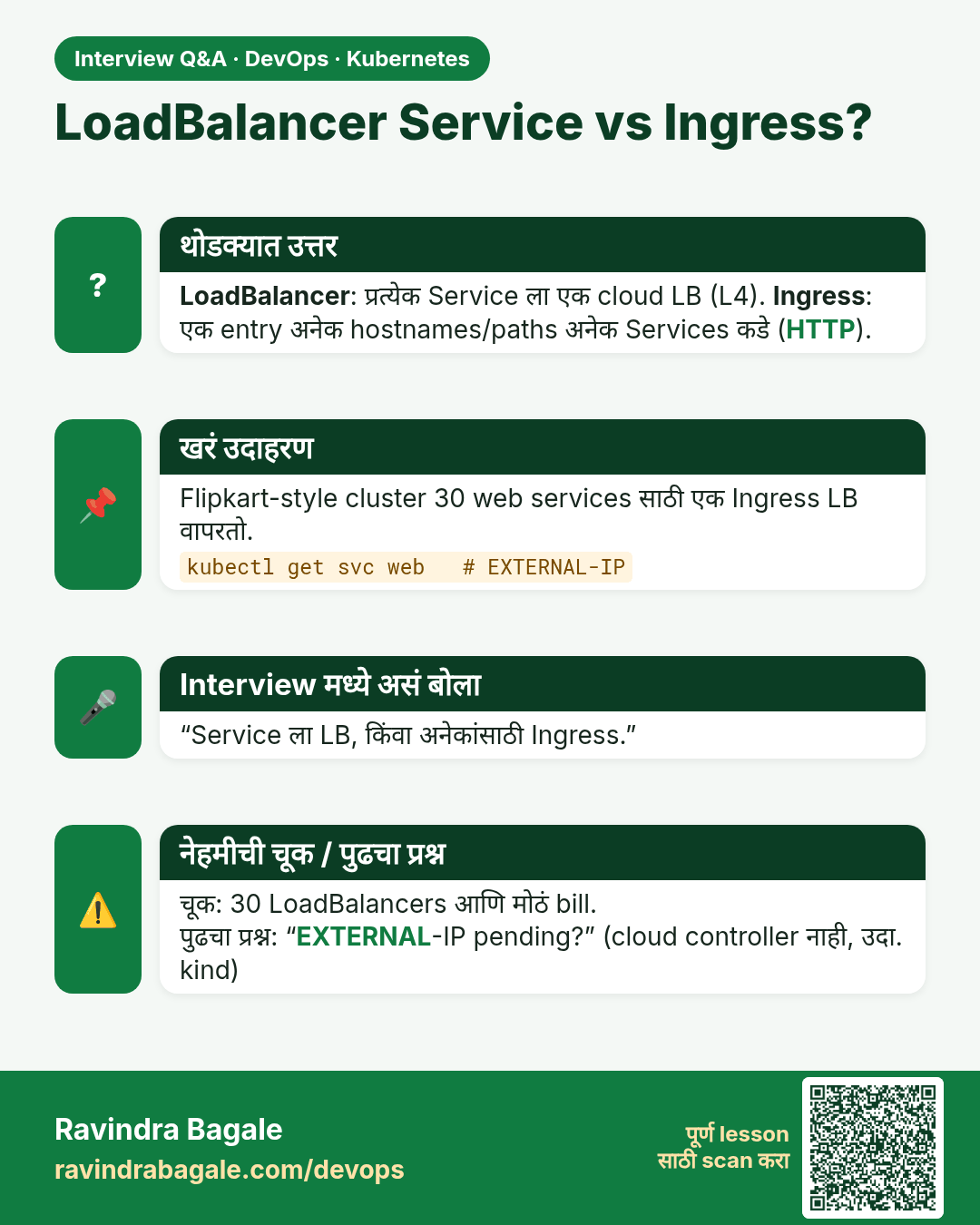
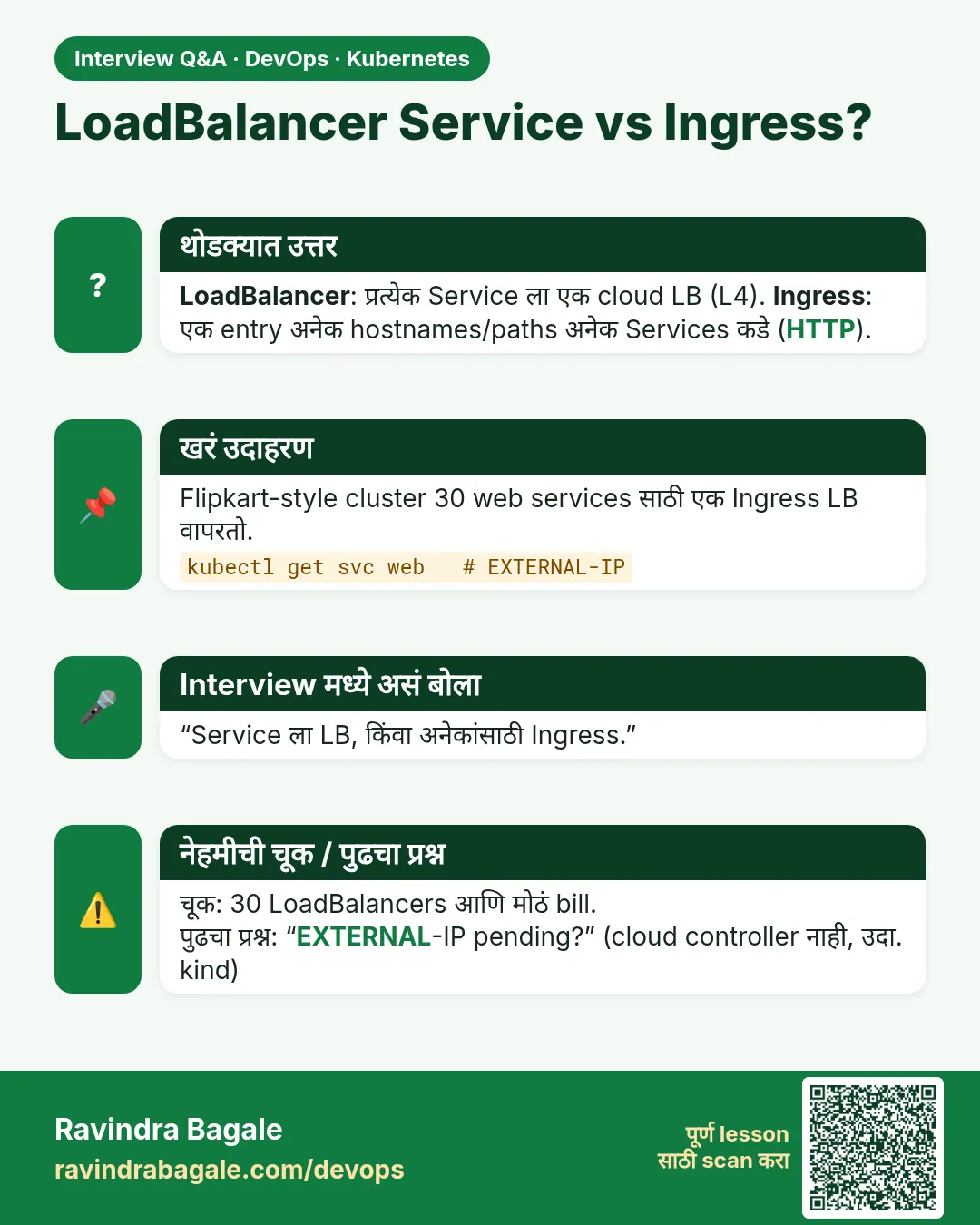 मुलाखत (Interview) card 4 of 12: LoadBalancer Service vs Ingress? · PNG download करा · Card page उघडा
Lesson: 19.4 LoadBalancer — when a cloud should publish it
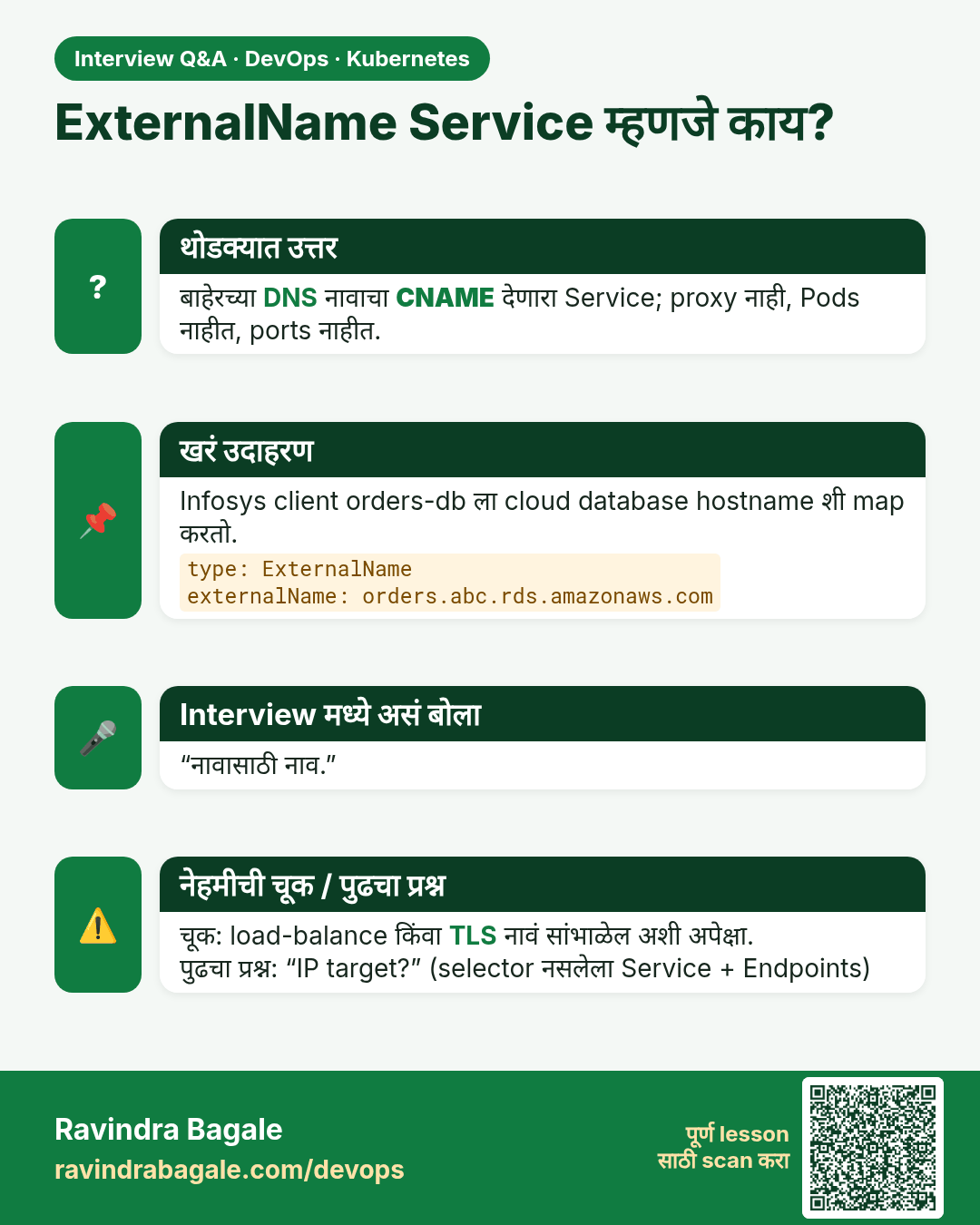
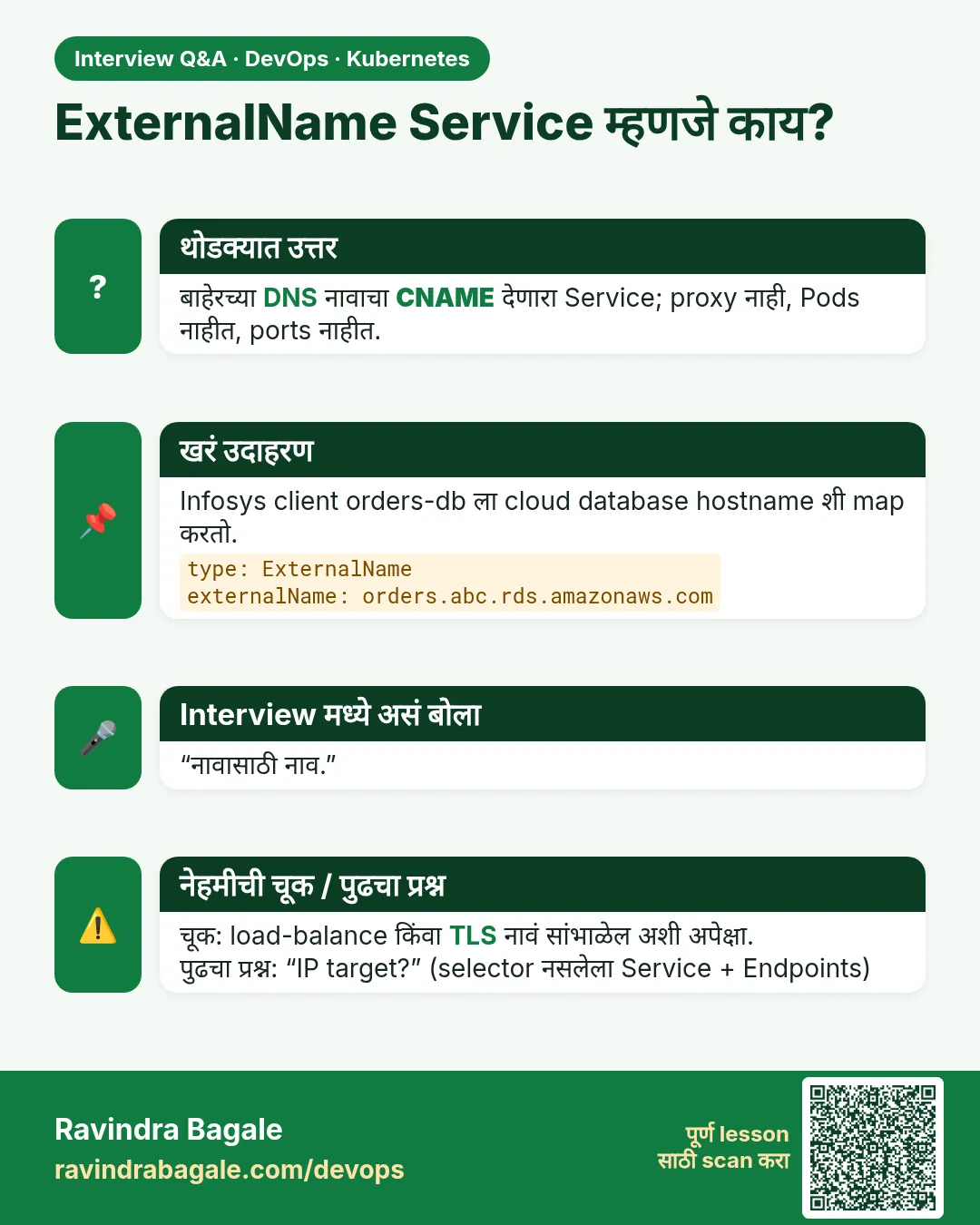 मुलाखत (Interview) card 5 of 12: ExternalName Service म्हणजे काय? · PNG download करा · Card page उघडा
Lesson: 19.5 ExternalName — an alias to a name outside
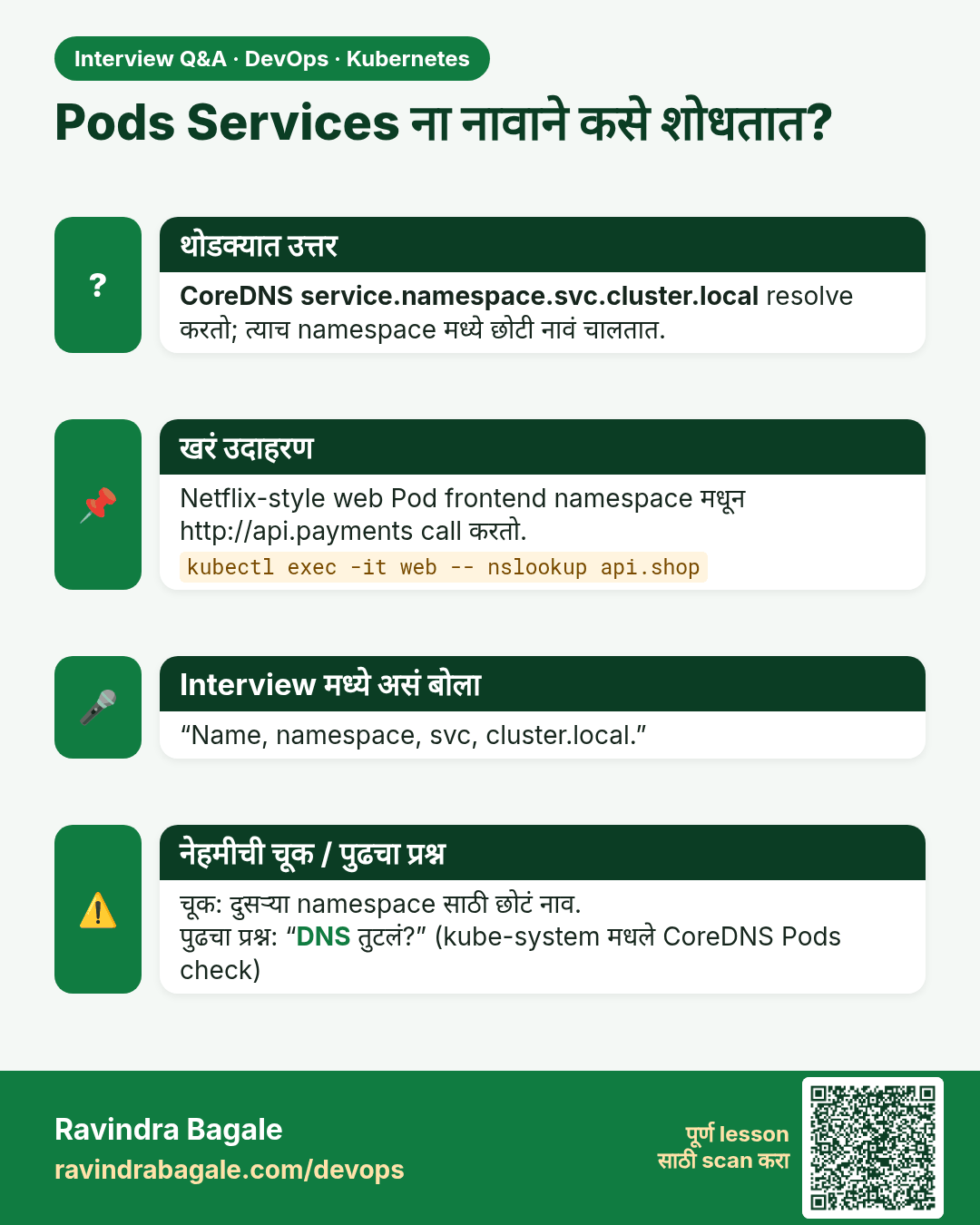
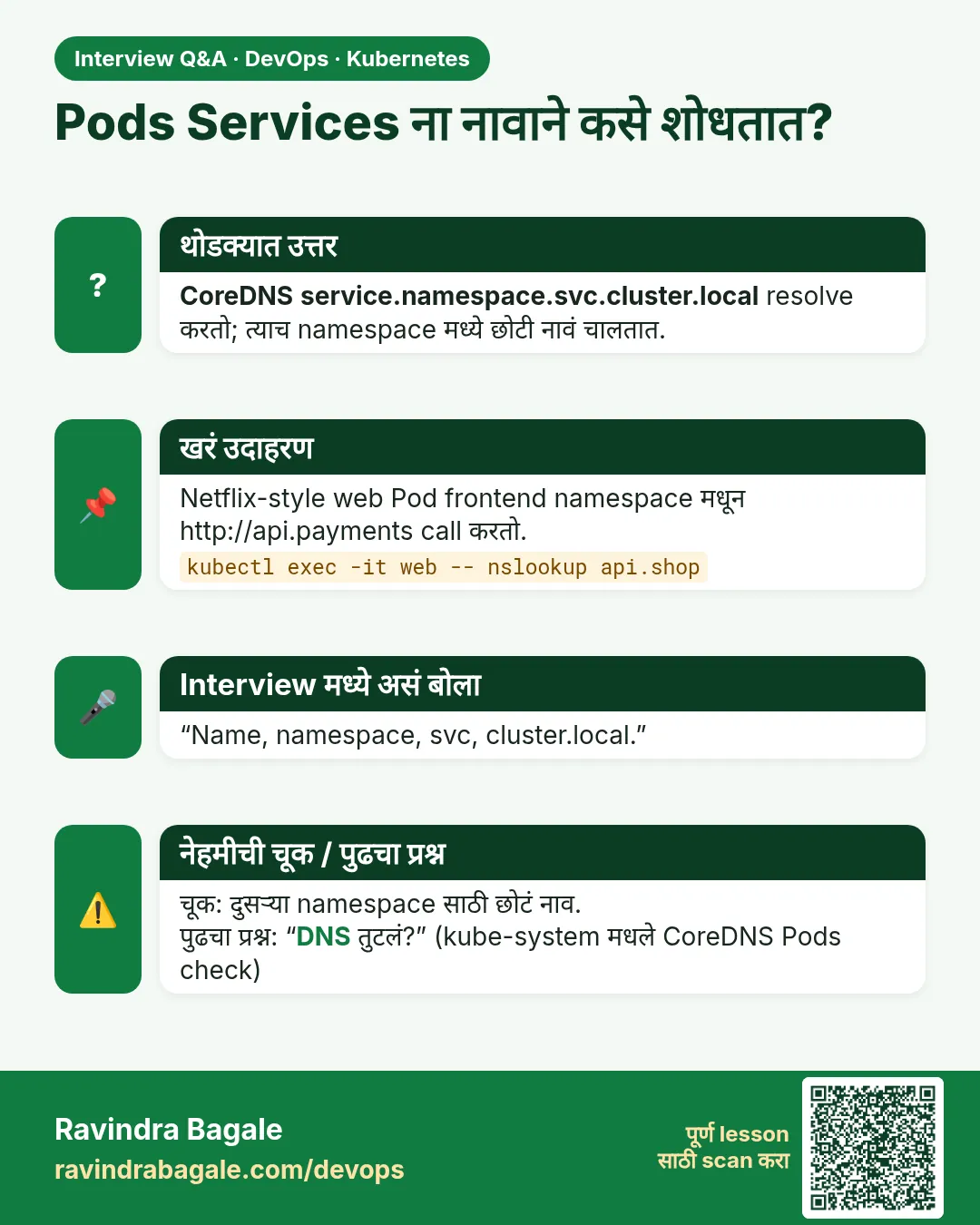 मुलाखत (Interview) card 6 of 12: Pods Services ना नावाने कसे शोधतात? · PNG download करा · Card page उघडा
Lesson: 19.6 Service DNS, step by step
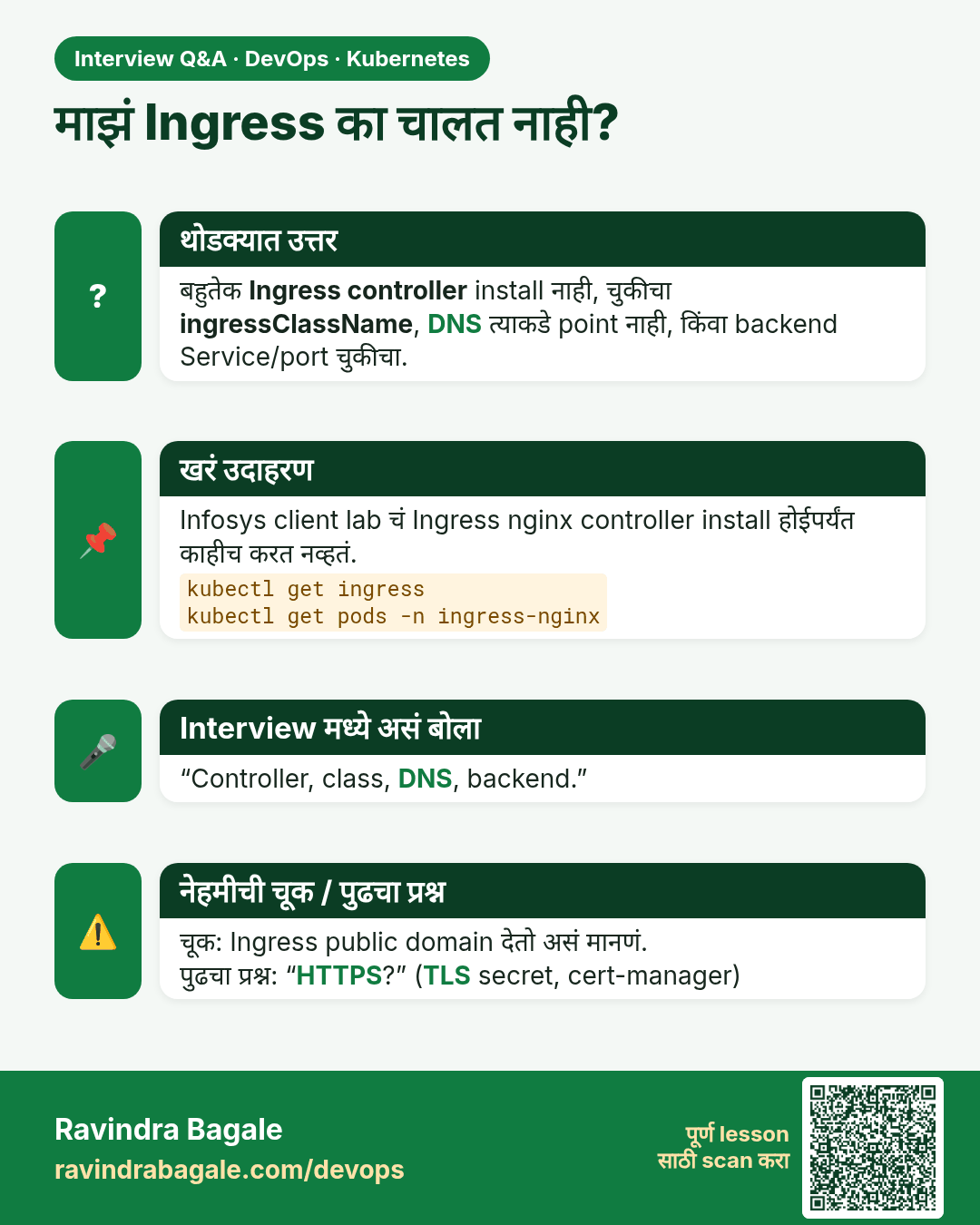
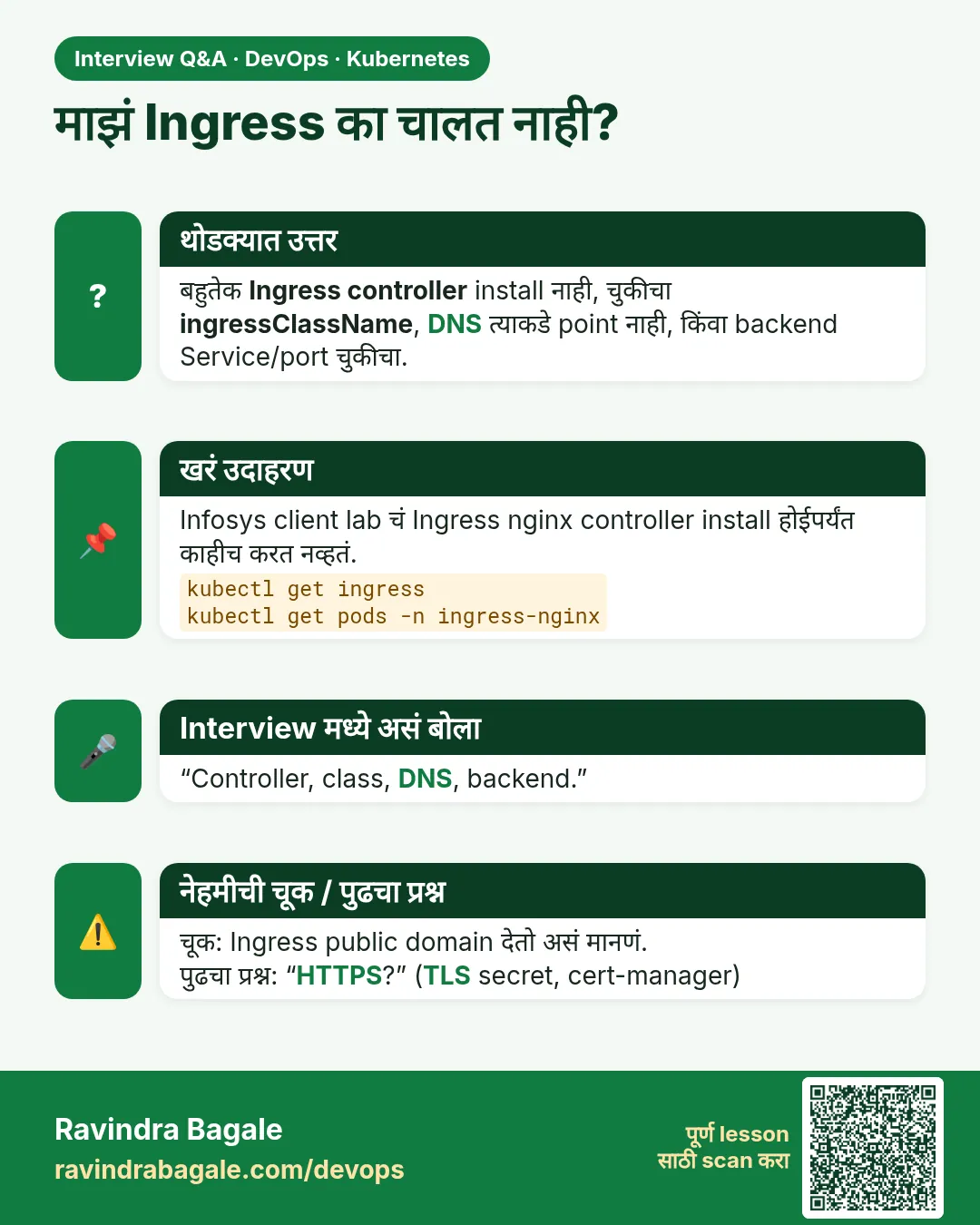 मुलाखत (Interview) card 7 of 12: माझं Ingress का चालत नाही? · PNG download करा · Card page उघडा
Lesson: 19.7 Ingress — a hostname, not a free public domain
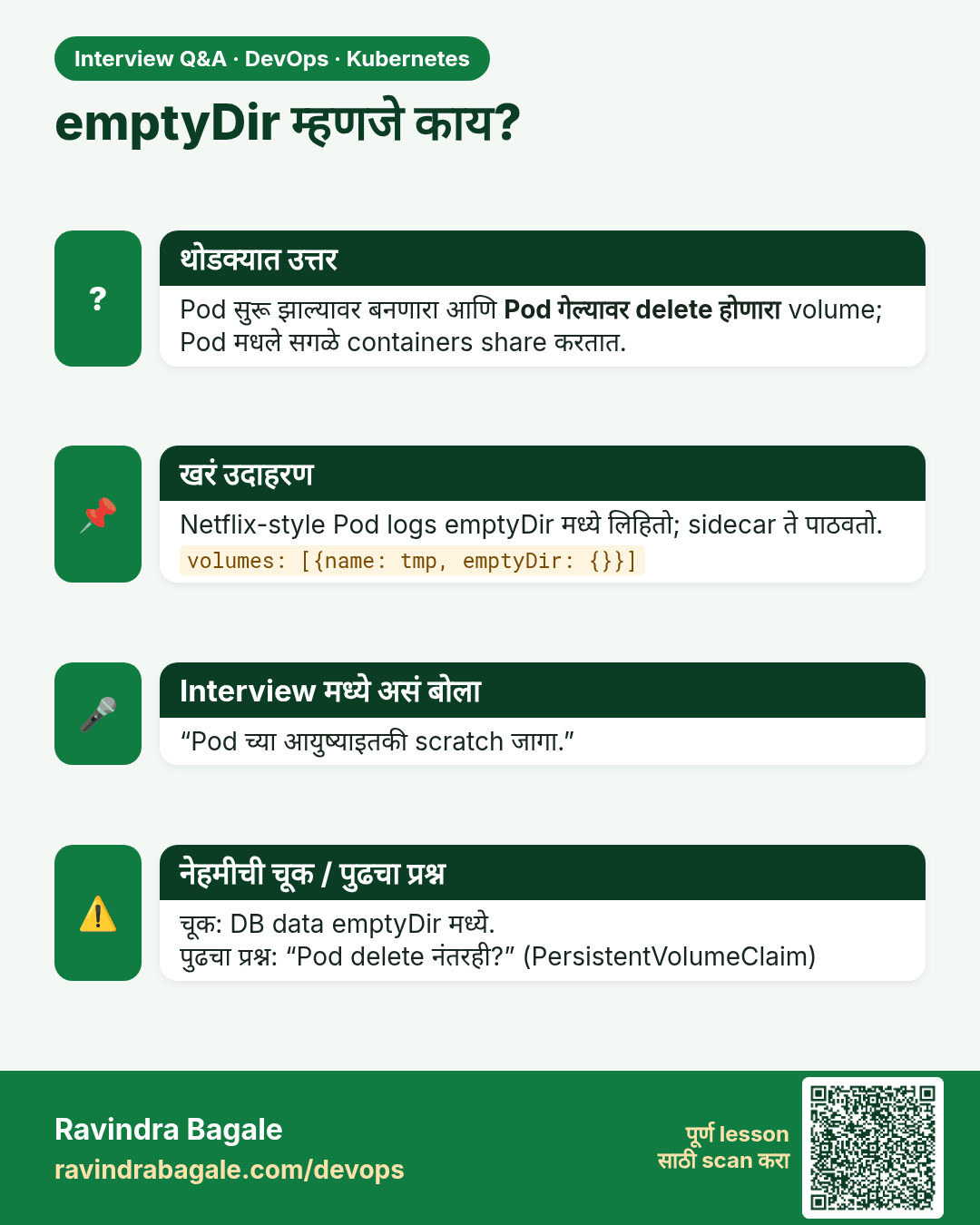
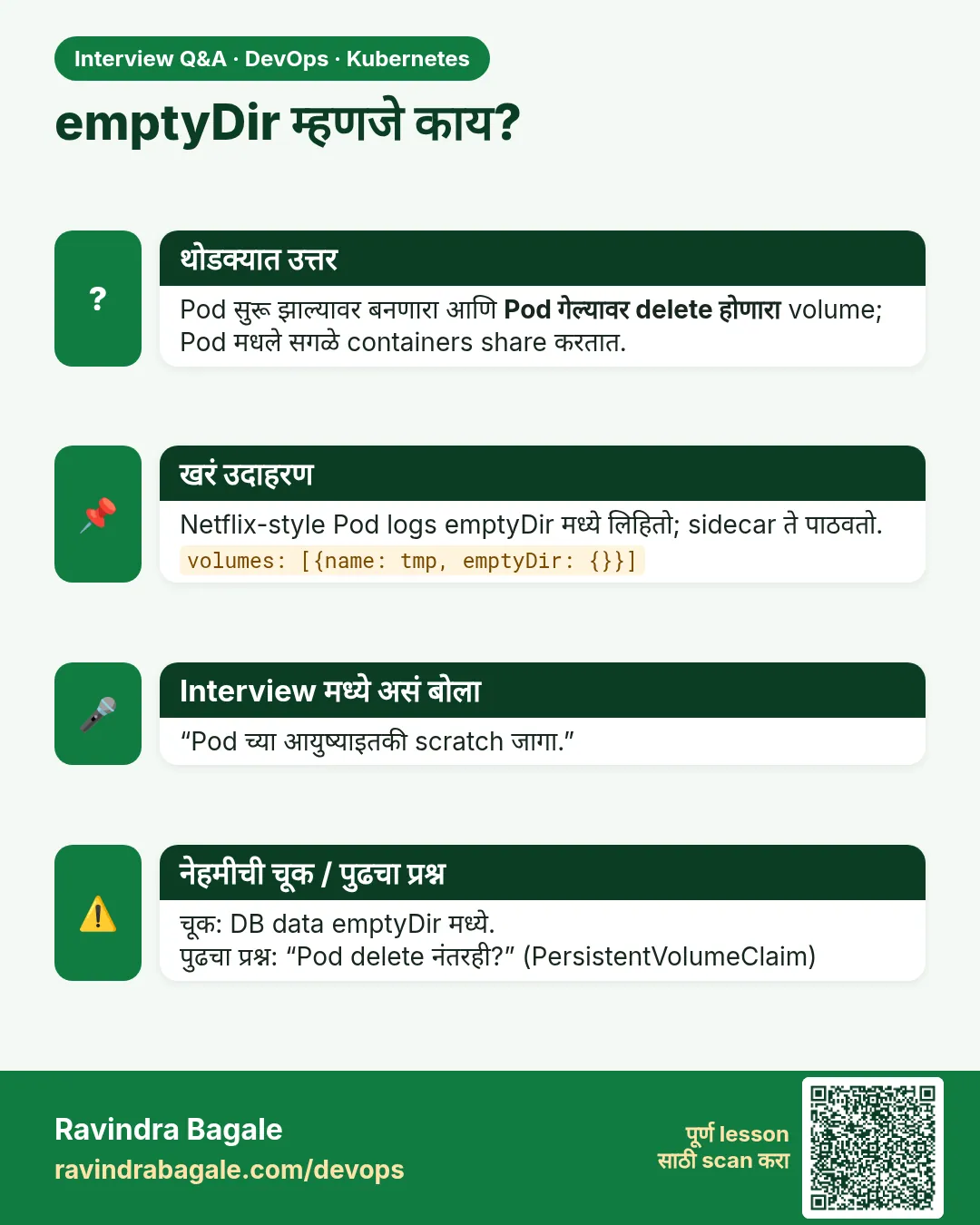 मुलाखत (Interview) card 8 of 12: emptyDir म्हणजे काय? · PNG download करा · Card page उघडा
Lesson: 19.8 Volumes inside a Pod
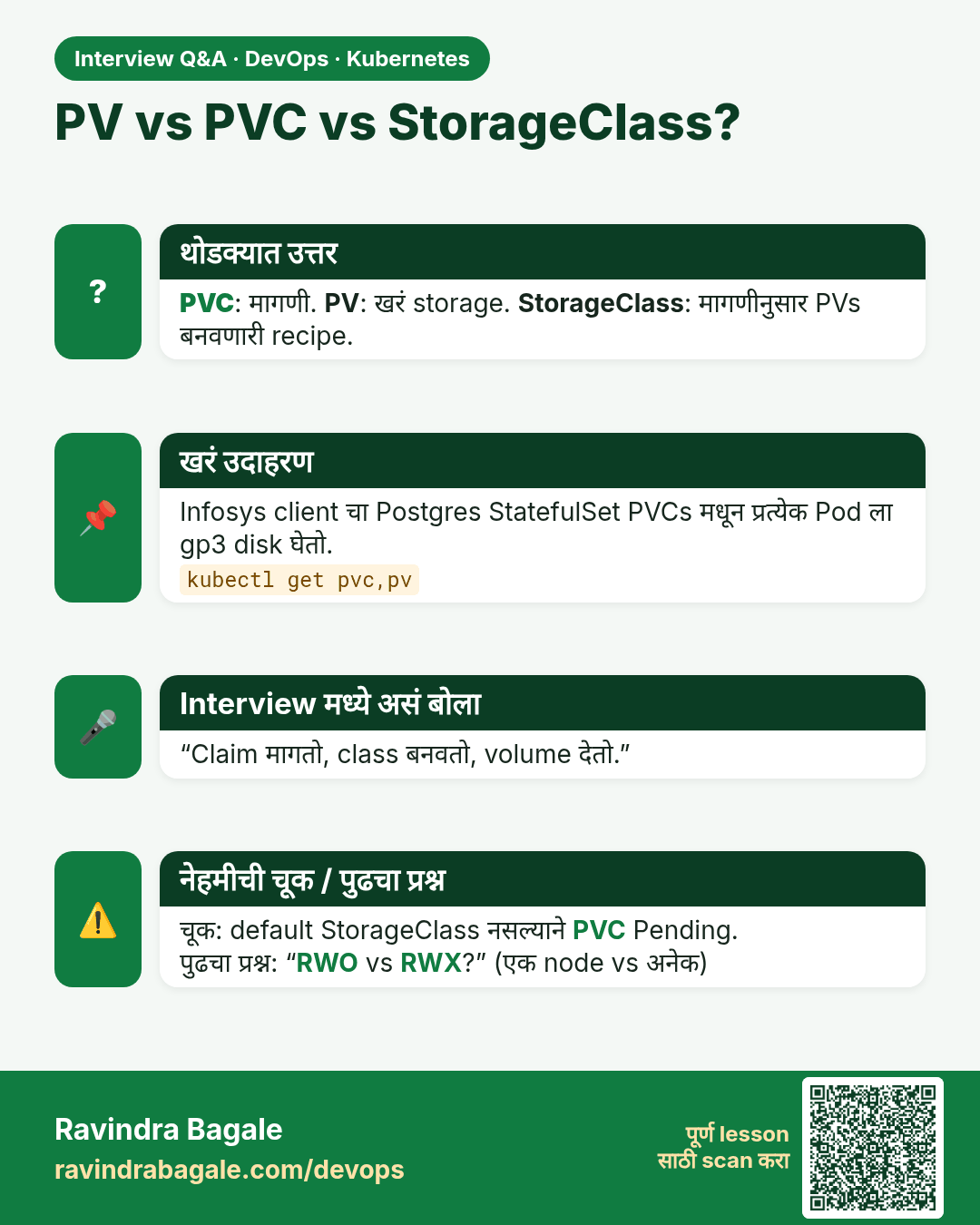
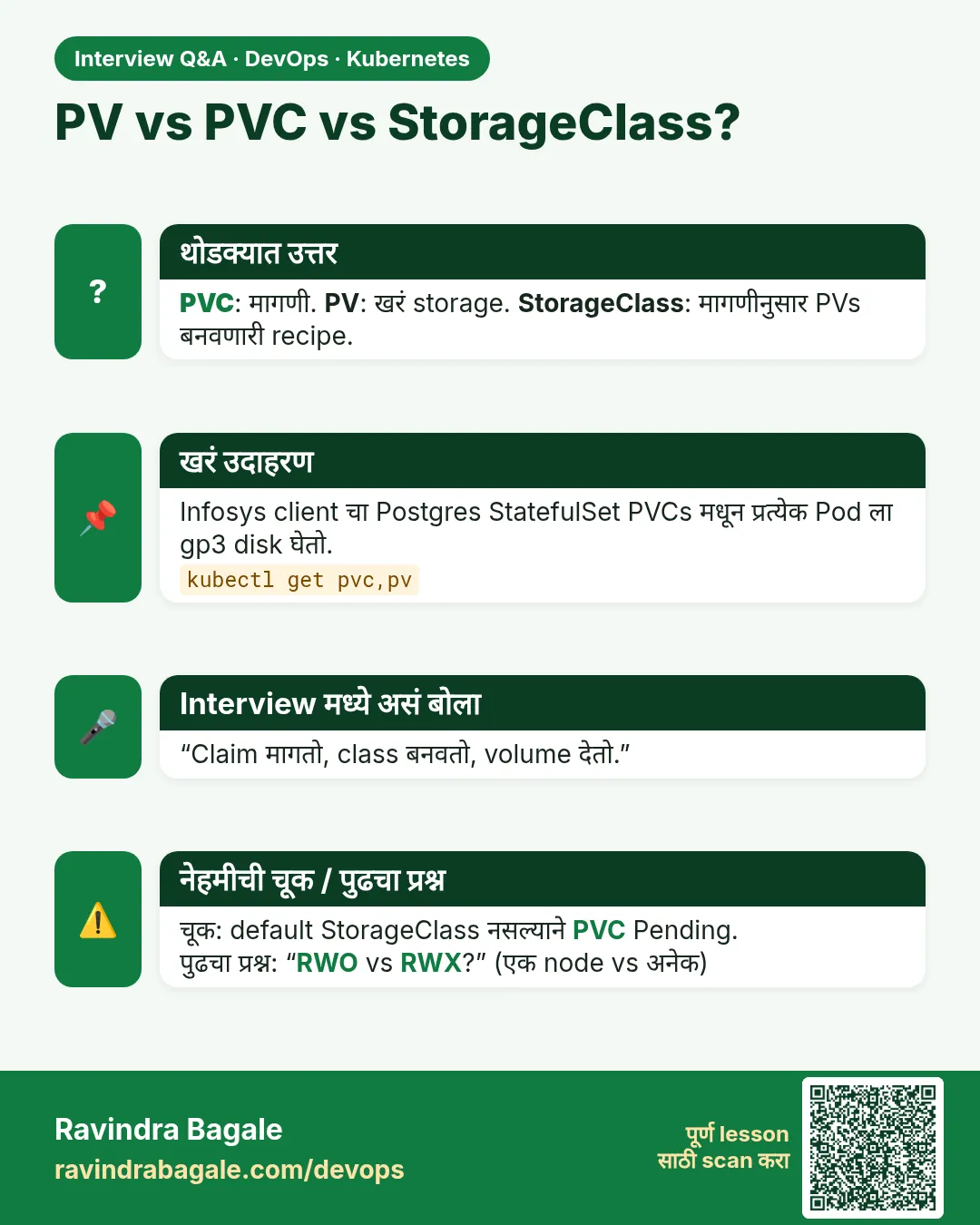 मुलाखत (Interview) card 9 of 12: PV vs PVC vs StorageClass? · PNG download करा · Card page उघडा
Lesson: 19.9 PersistentVolume, claim and StorageClass
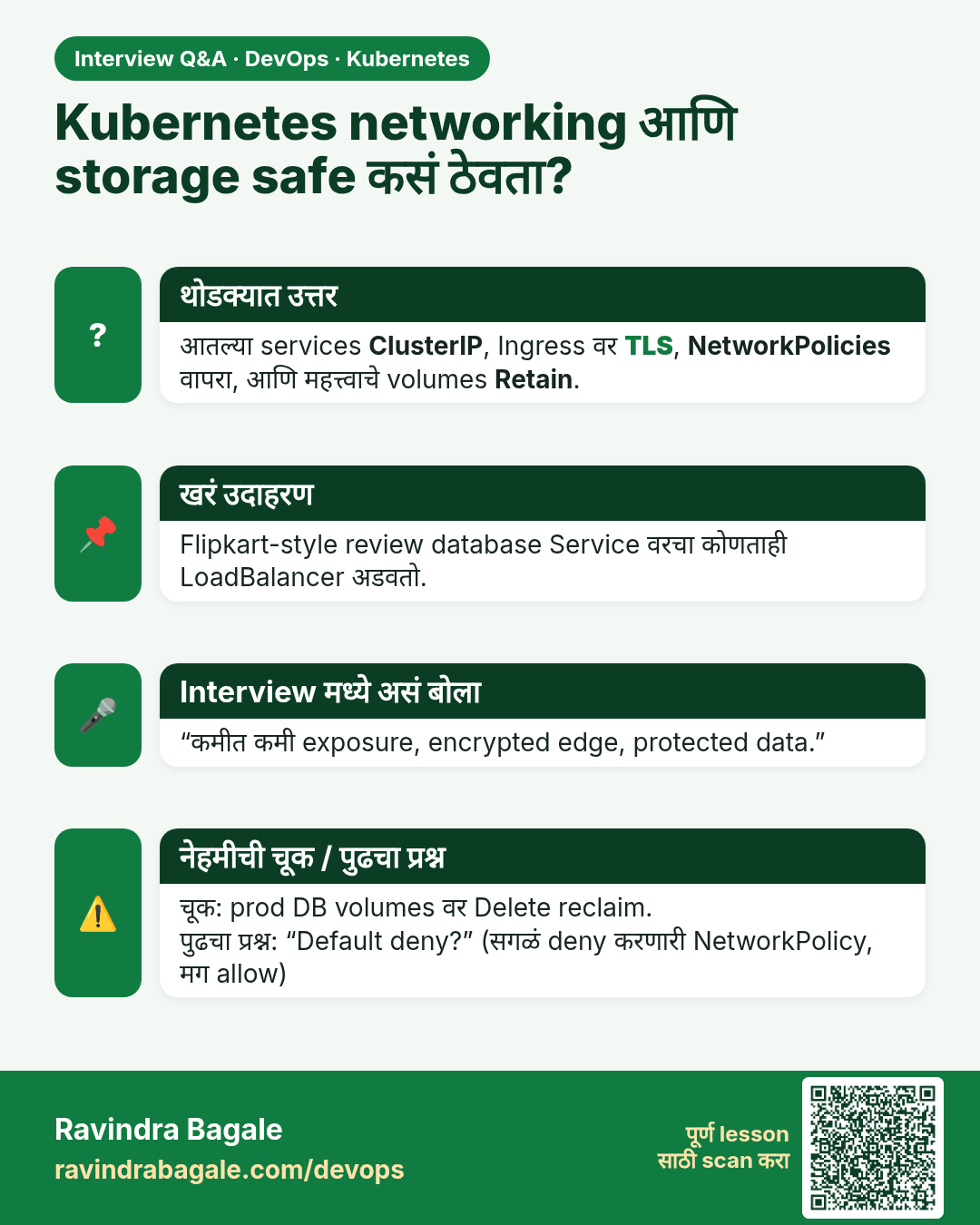
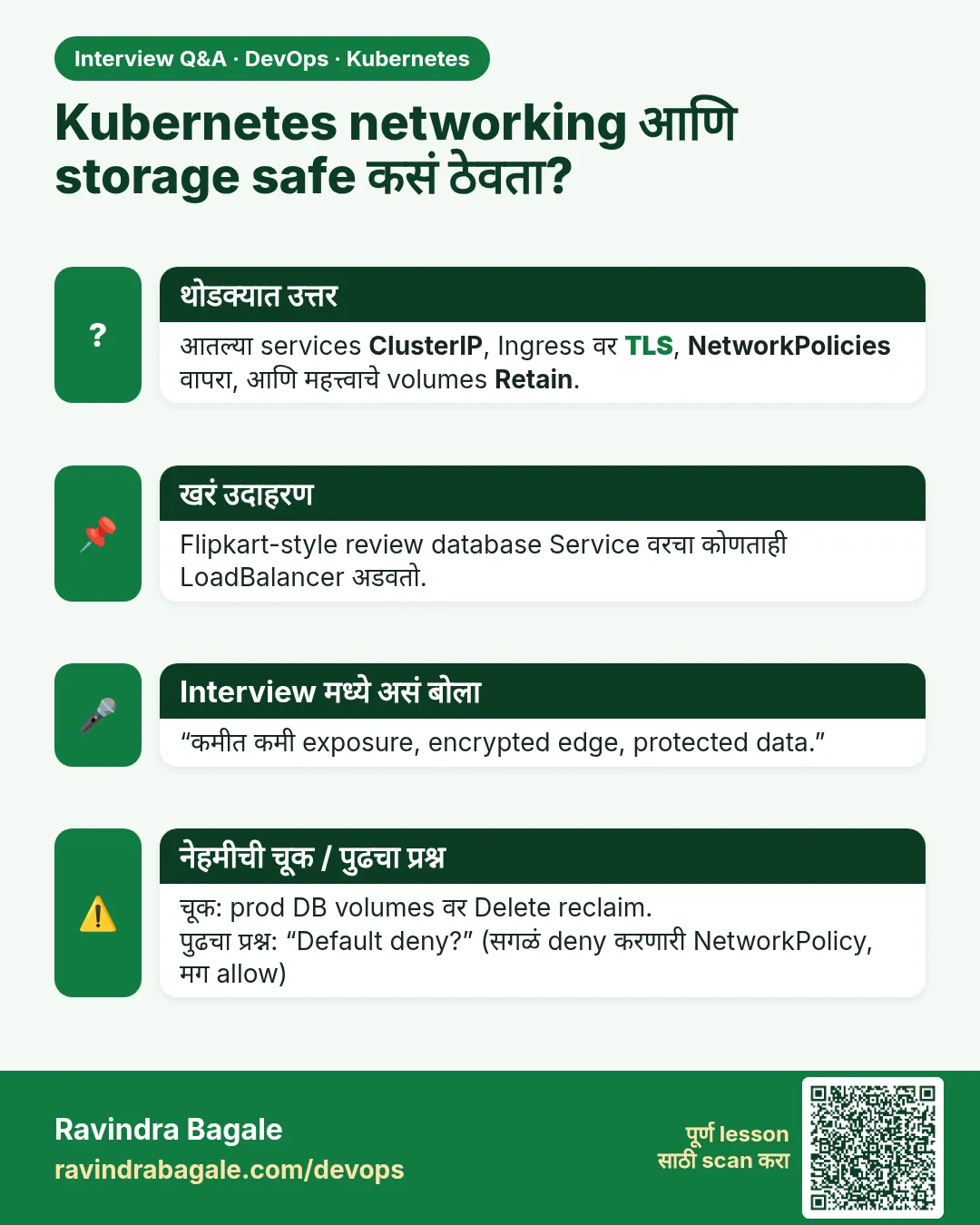 मुलाखत (Interview) card 10 of 12: Kubernetes networking आणि storage safe कसं ठेवता? · PNG download करा · Card page उघडा
Lesson: 19.10 Safety
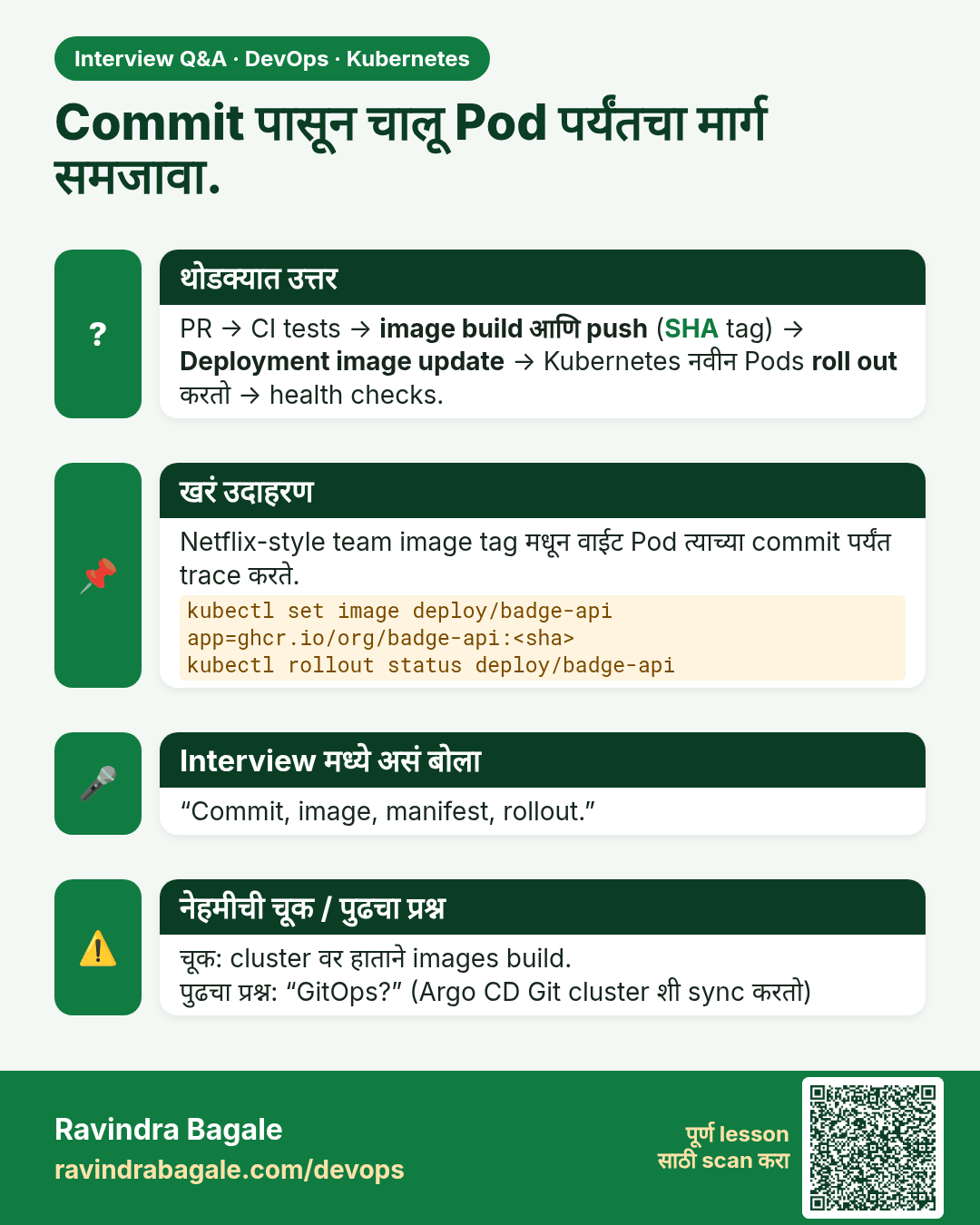
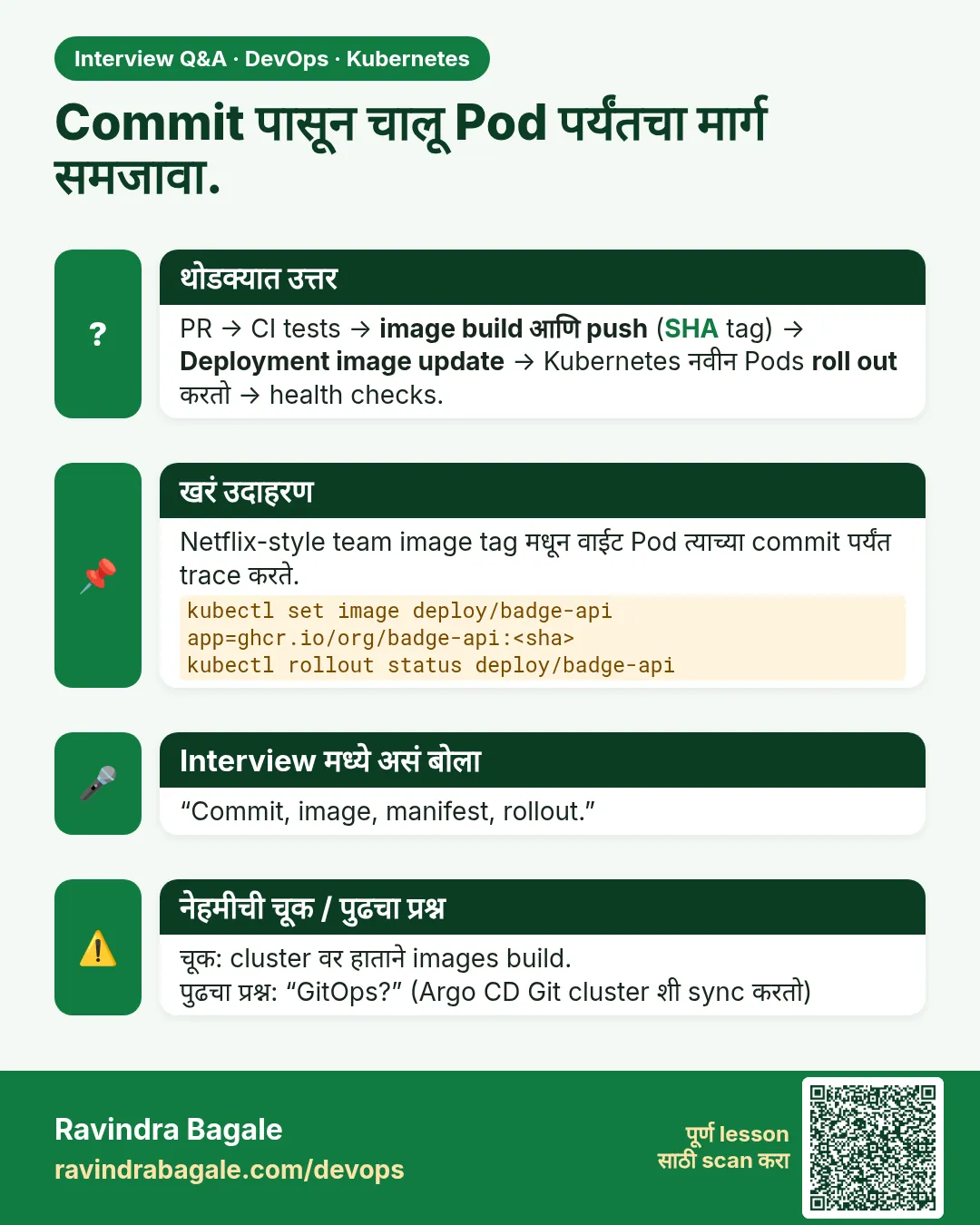 मुलाखत (Interview) card 11 of 12: Commit पासून चालू Pod पर्यंतचा मार्ग समजावा. · PNG download करा · Card page उघडा
Lesson: 19.11 From a Git commit to a running Deployment
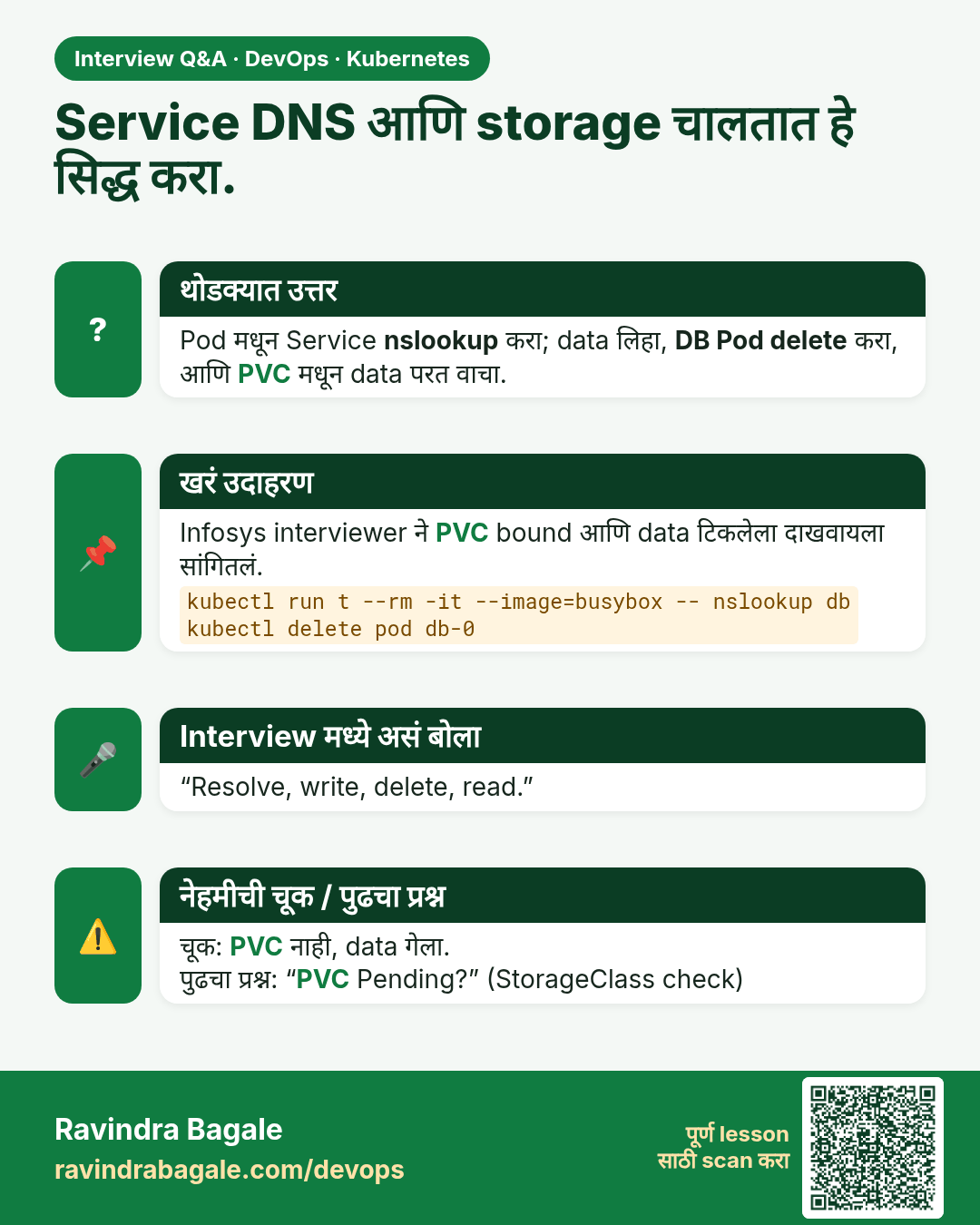
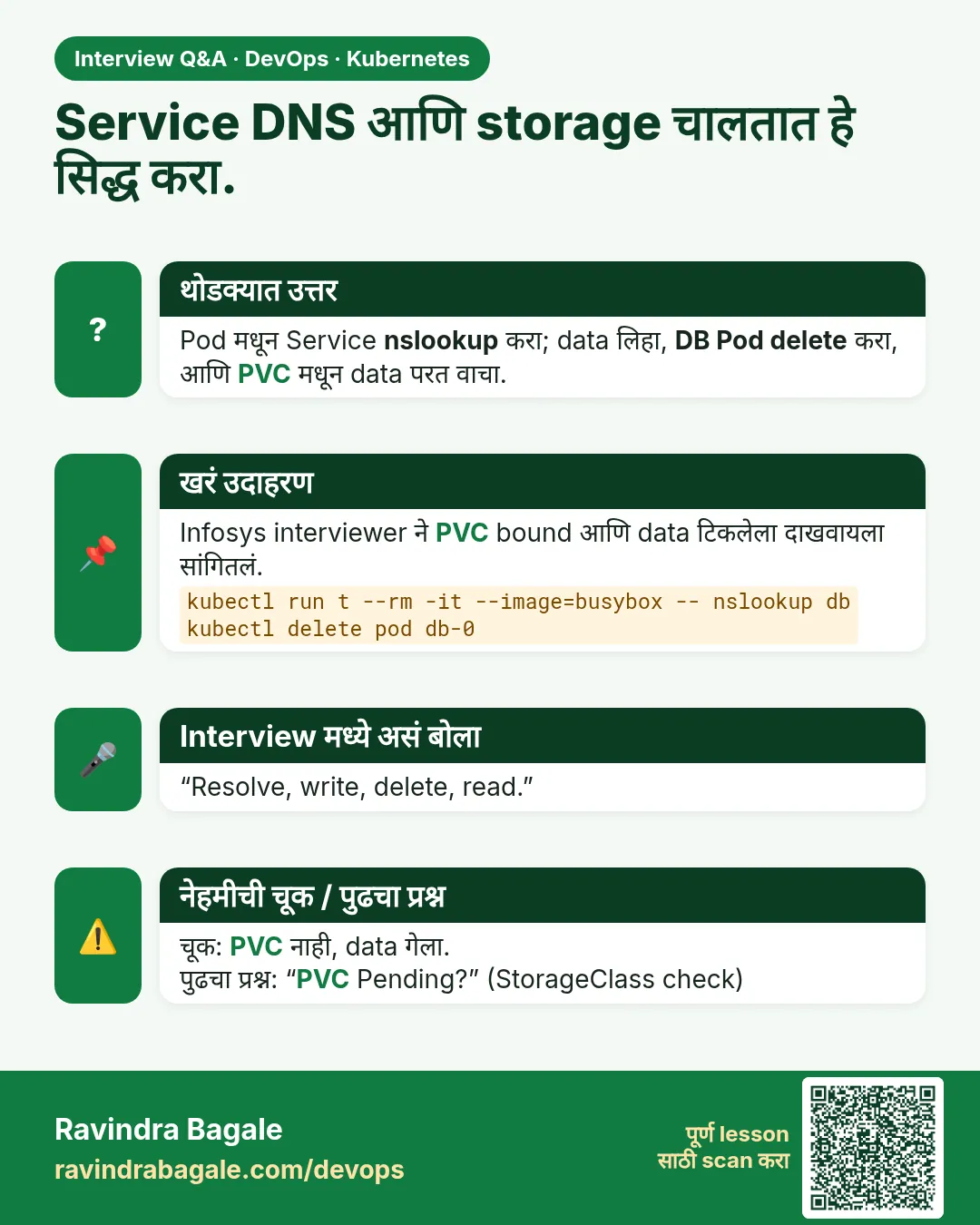 मुलाखत (Interview) card 12 of 12: Service DNS आणि storage चालतात हे सिद्ध करा. · PNG download करा · Card page उघडा
Lesson: 19.12 Lab — name, DNS, one claim
तुलना (Comparison) cards
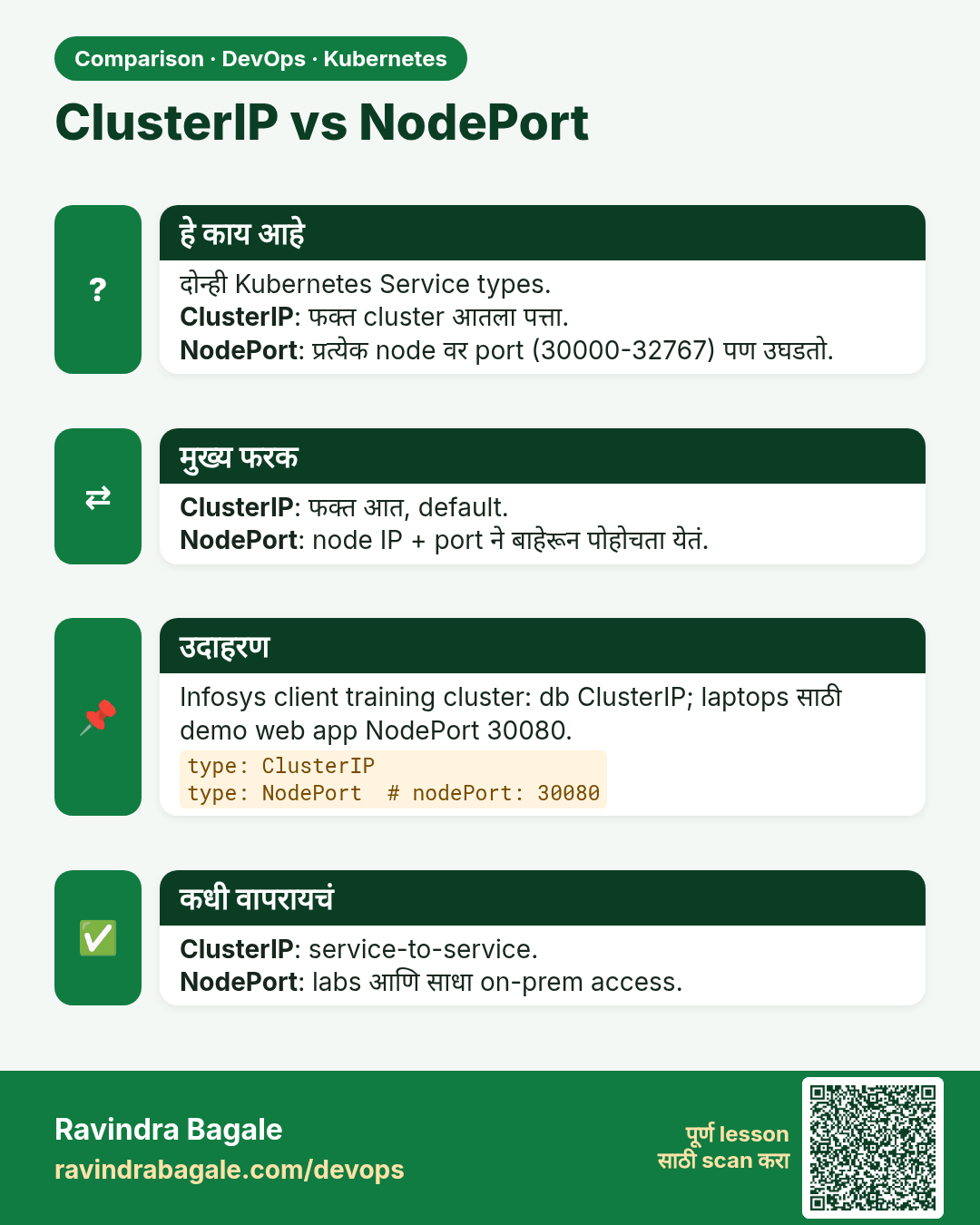
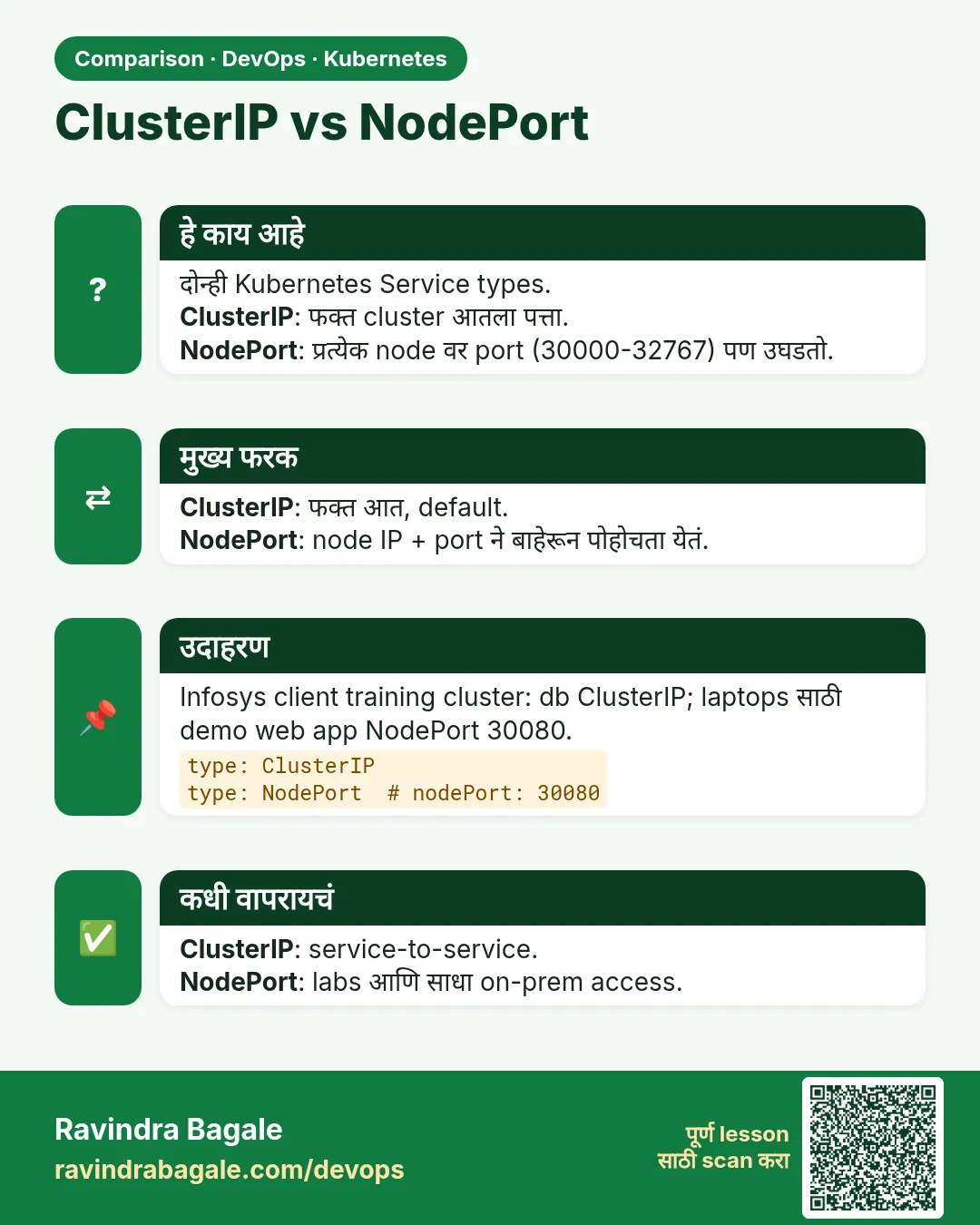 तुलना (Comparison) card 1 of 3: ClusterIP vs NodePort · PNG download करा · Card page उघडा
Lesson: 19.2 ClusterIP — load balance inside the cluster
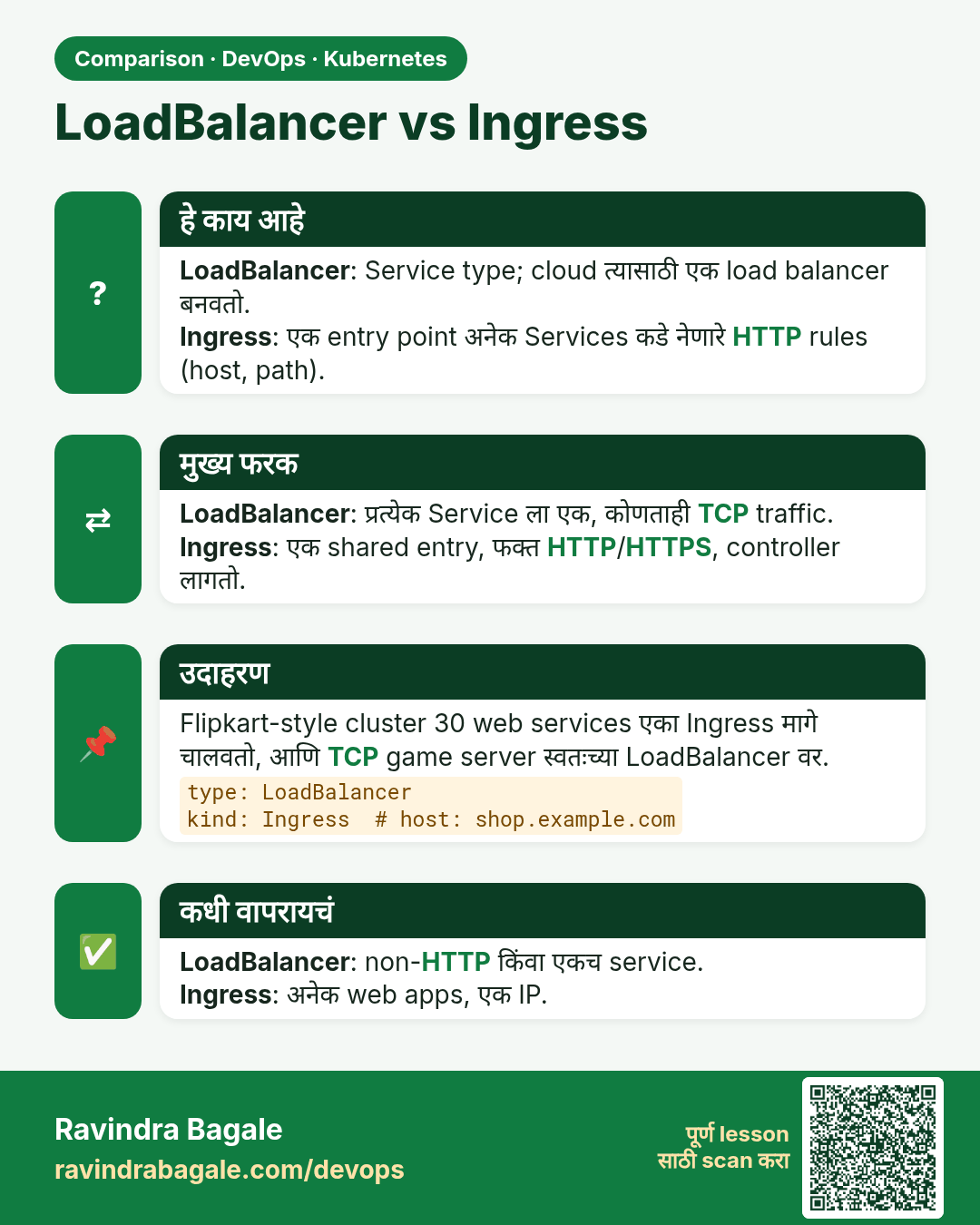
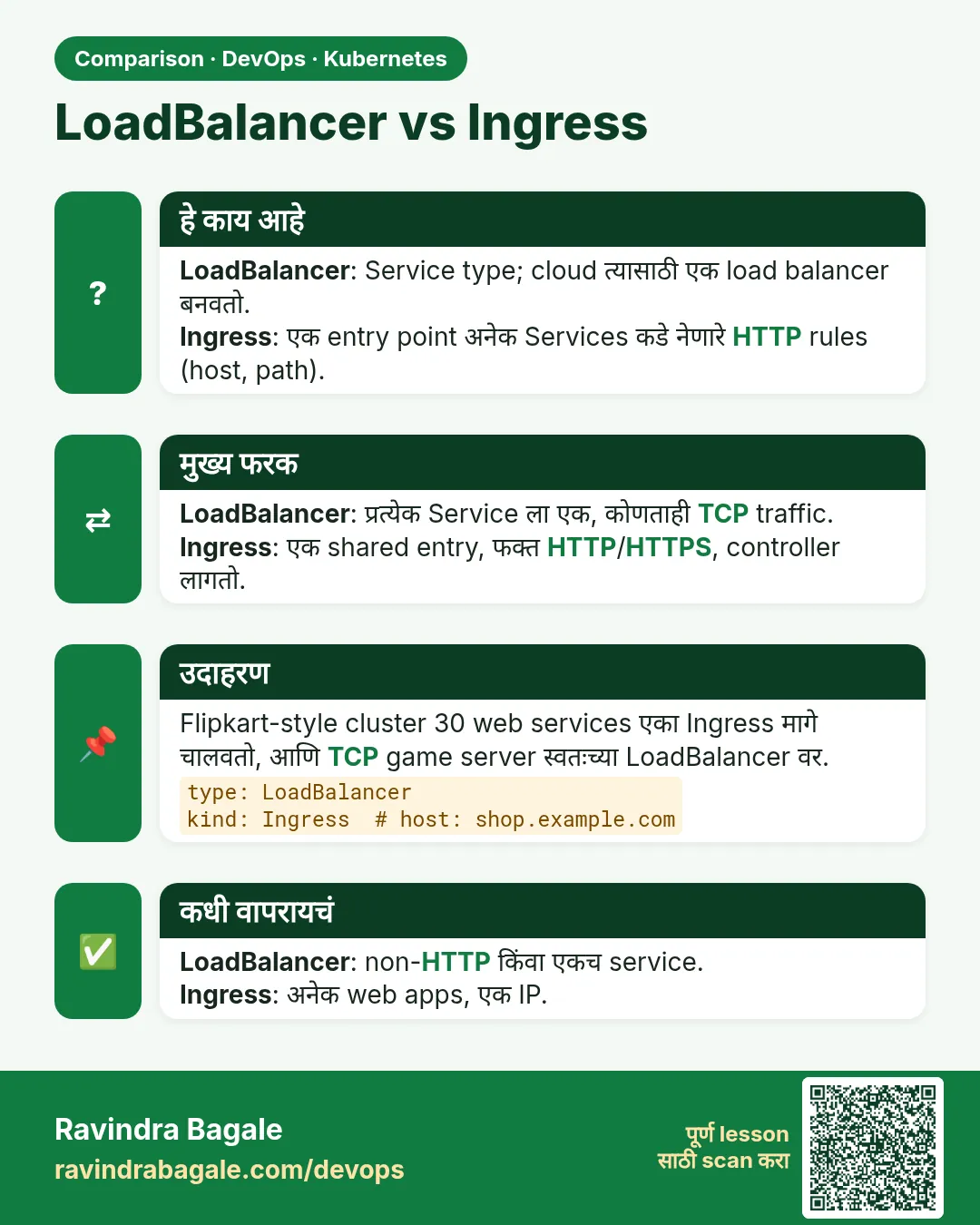 तुलना (Comparison) card 2 of 3: LoadBalancer vs Ingress · PNG download करा · Card page उघडा
Lesson: 19.7 Ingress — a hostname, not a free public domain
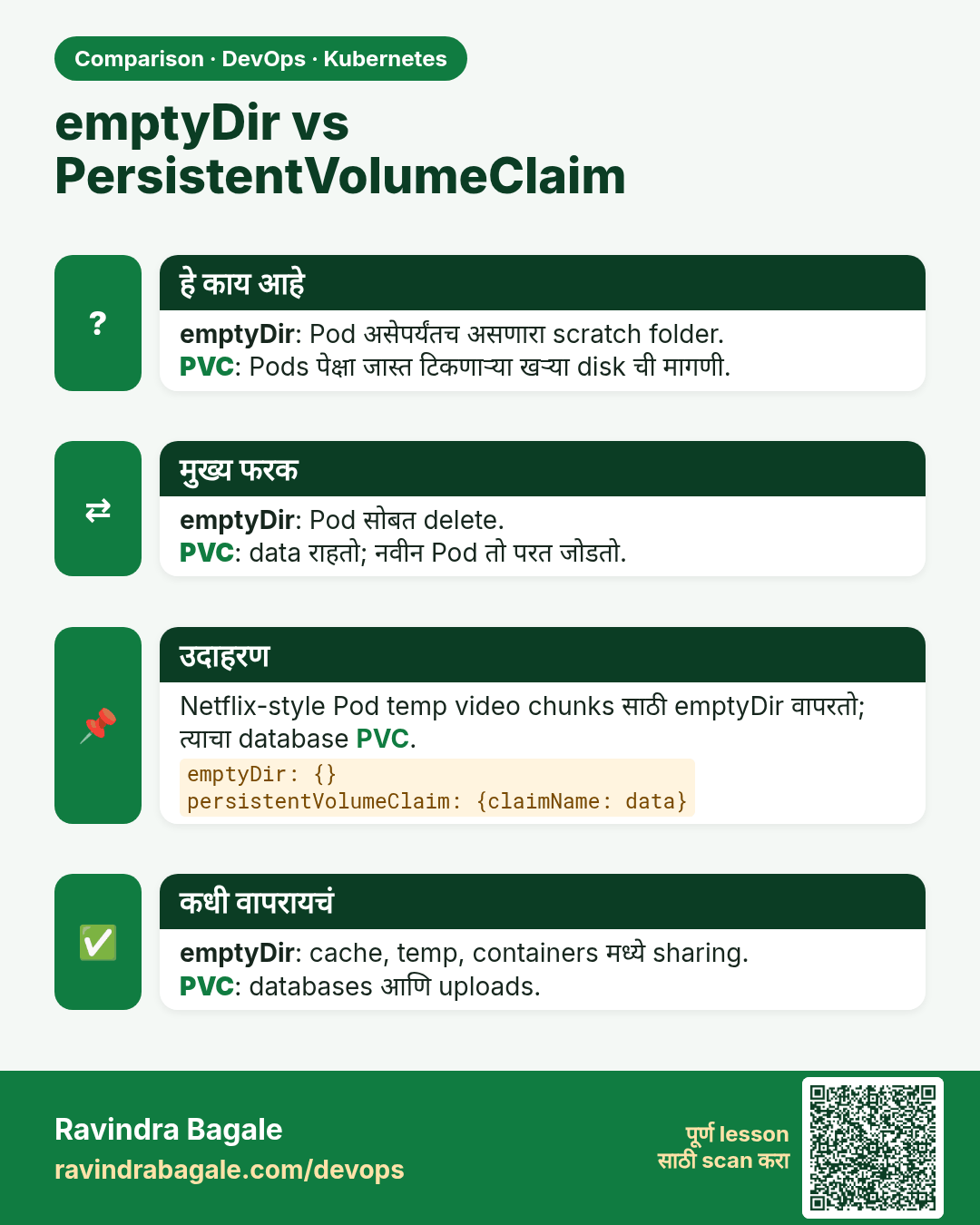
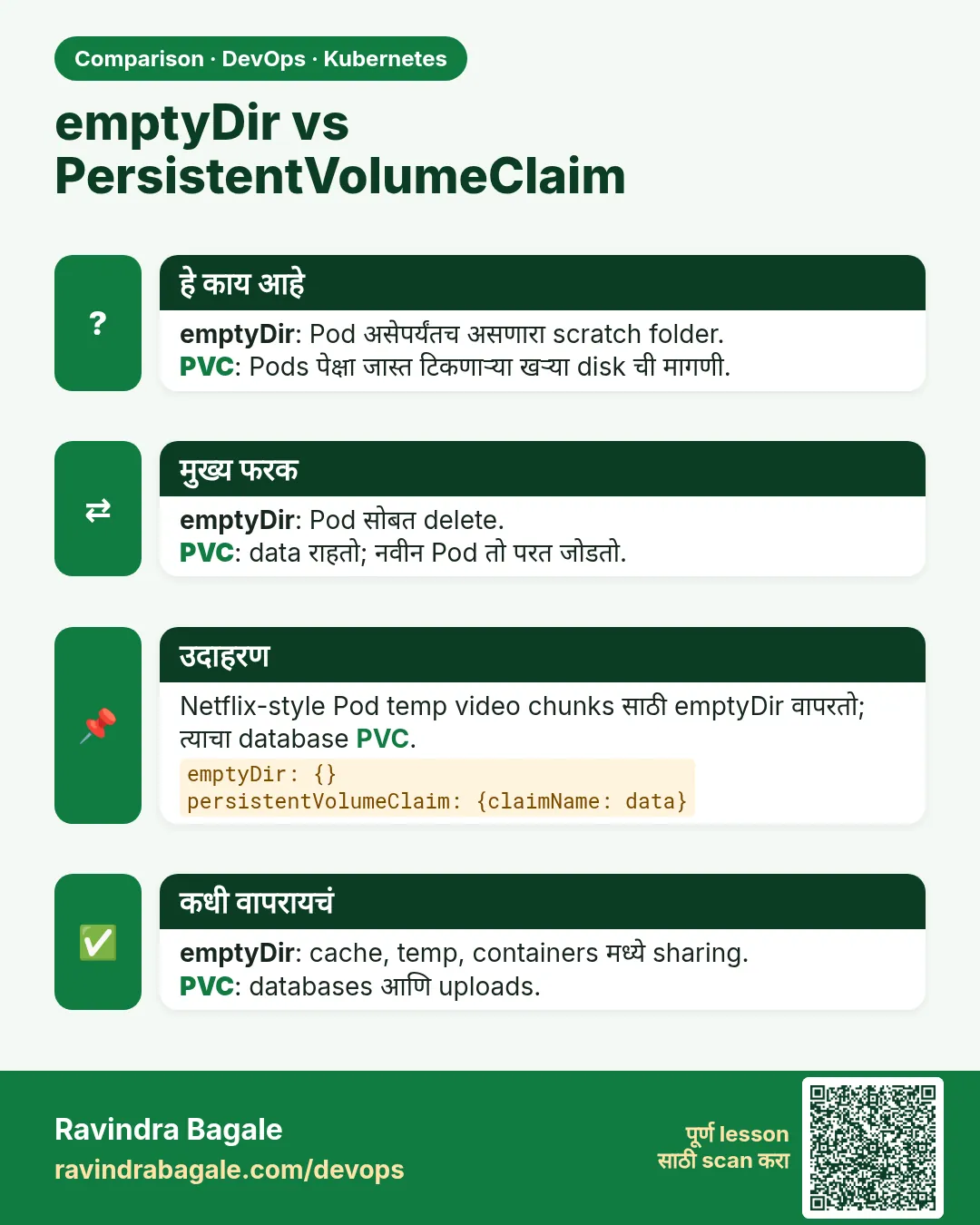 तुलना (Comparison) card 3 of 3: emptyDir vs PersistentVolumeClaim · PNG download करा · Card page उघडा
Lesson: 19.9 PersistentVolume, claim and StorageClass