Chapter 19: Kubernetes Services, Ingress and Volumes
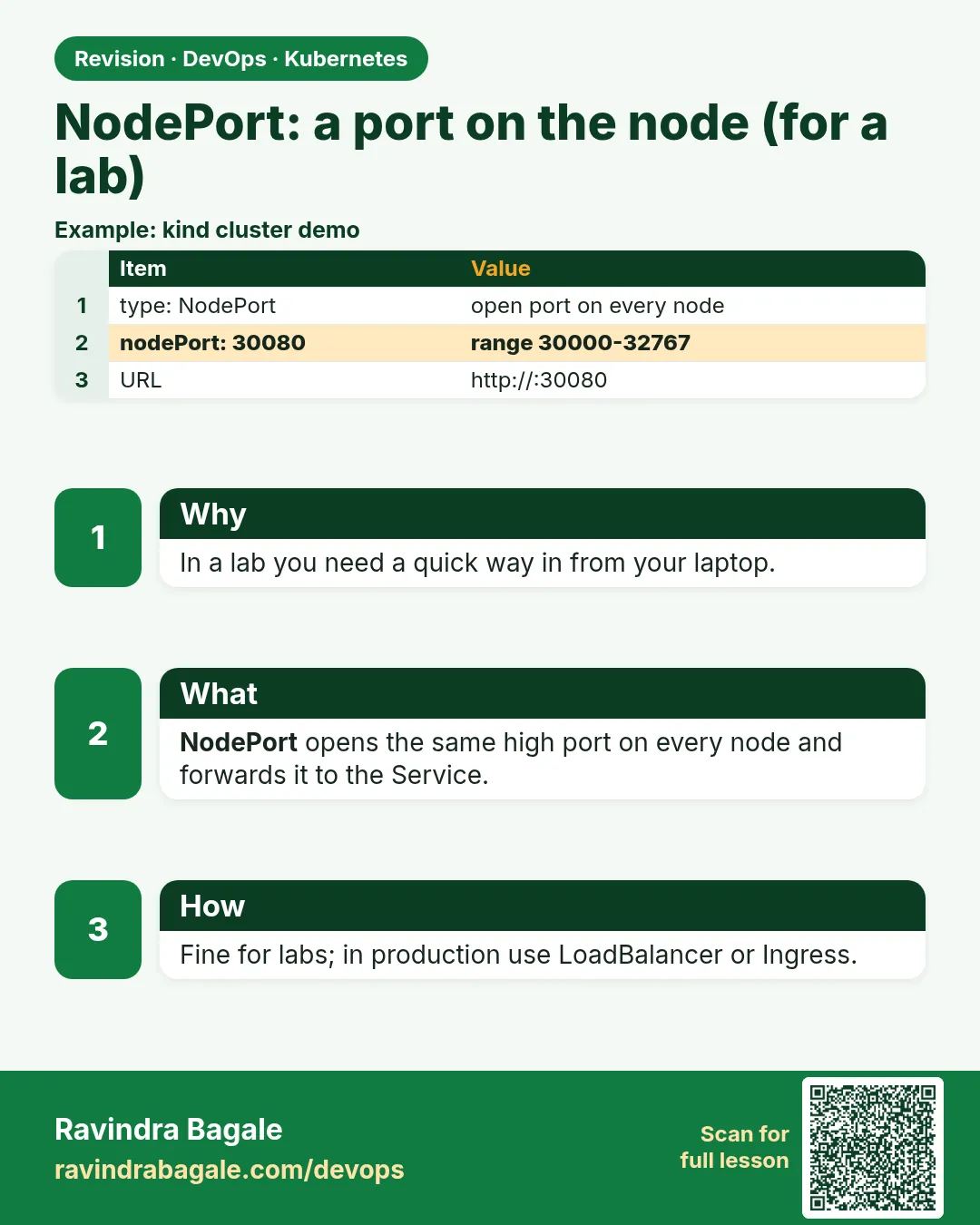
19.3 NodePort — a port on the node, for a lab
Why: the problem
You built an app on a kind cluster and want to open it in your browser. A ClusterIP will not work, because your laptop is outside the cluster. The fastest way out is a NodePort Service. Kubernetes opens the same port, from 30000 to 32767, on every node. Any traffic that reaches that port on any node is sent to the Service and then to a Pod. On a small lab, on bare-metal servers, or behind your own load balancer, this is enough. But it has limits: odd port numbers, you must know a node IP, and if that node dies the address dies with it. That is why public apps at companies like Flipkart use a LoadBalancer or an Ingress in front. In this lesson you will create a NodePort, reach it from your laptop through kind, pick a fixed port, and see that every node answers, even one with no Pod.
What we will build
You will make a kind cluster with a port mapping, expose the whoami Pods as a NodePort on port 30080, open it from your laptop with curl, and check that every node answers.
What: every term in plain English
- NodePort — A Service type that opens one port on every node.
- Port range — By default NodePorts use 30000 to 32767.
- nodePort — The port on the node. You can set it or let Kubernetes pick.
- extraPortMappings — A kind setting that maps a laptop port to a port on a node container.
- externalTrafficPolicy — Cluster (default) sends traffic to any node's Pods; Local only to Pods on the node that got the traffic.
- Source IP — The IP of the real client. Cluster policy hides it; Local keeps it.
How: step by step
-
Write a kind config with a port mapping
cat kind-np.yamlWhat it does: Maps laptop port 30080 to node port 30080.
Output
kind: Cluster apiVersion: kind.x-k8s.io/v1alpha4 nodes: - role: control-plane extraPortMappings: - containerPort: 30080 hostPort: 30080 - role: worker -
Create the cluster
kind create cluster --name lab --config kind-np.yamlWhat it does: Two nodes; the control plane forwards 30080.
Output
Set kubectl context to "kind-lab" -
Run the whoami Deployment
kubectl apply -f who.yaml && kubectl rollout status deploy/whoWhat it does: Same three Pods as lesson 19.1.
Output
deployment "who" successfully rolled out -
Create the NodePort Service
kubectl apply -f who-np.yaml && kubectl get svc who-npWhat it does: The PORT(S) column shows 80:30080.
Output
NAME TYPE CLUSTER-IP PORT(S) AGE who-np NodePort 10.96.33.7 80:30080/TCP 2s -
Open it from your laptop
curl -s localhost:30080 | grep HostnameWhat it does: Laptop to node port to Service to Pod.
Output
Hostname: who-6c8f7d9b5-9xw7m
Example 1: A NodePort Service with a fixed port
Stack. kind, Kubernetes 1.30
Goal. A NodePort Service with a fixed port.
who-np.yaml
apiVersion: v1
kind: Service
metadata:
  name: who-np
spec:
  type: NodePort
  selector:
    app: who
  ports:
  - port: 80
    targetPort: 80
    nodePort: 30080
What each line does
type: NodePort— Open a port on every node.port: 80— The ClusterIP port. A NodePort is also a ClusterIP.targetPort: 80— The Pod port.nodePort: 30080— The fixed node port. Leave it out to get a random one.
Green output
$ kubectl describe svc who-np | grep -E "Type|NodePort|Endpoints"
Type:                     NodePort
NodePort:                 unset  30080/TCP
Endpoints:                10.244.1.4:80,10.244.1.5:80,10.244.1.6:80
Expected result. The Service now listens on port 30080 of every node.
Example 2: Every node answers, even without a Pod on it
Stack. kube-proxy, Docker network kind
Goal. Every node answers, even without a Pod on it.
terminal
kubectl get pods -o wide -l app=who
CP=$(docker inspect -f '{{range .NetworkSettings.Networks}}{{.IPAddress}}{{end}}' lab-control-plane)
W=$(docker inspect -f '{{range .NetworkSettings.Networks}}{{.IPAddress}}{{end}}' lab-worker)
docker run --rm --network kind curlimages/curl:8.8.0 -s $CP:30080 | grep Hostname
docker run --rm --network kind curlimages/curl:8.8.0 -s $W:30080 | grep Hostname
What each line does
get pods -o wide— All Pods run on lab-worker (the control plane is tainted).docker inspect ... IPAddress— Gets each node container IP.--network kind— Runs curl on the same Docker network as the nodes.$CP:30080— The control plane has no who Pod but still answers.
Green output
NAME                  NODE
who-6c8f7d9b5-4kq2x   lab-worker
who-6c8f7d9b5-9xw7m   lab-worker
who-6c8f7d9b5-tm2zr   lab-worker
Hostname: who-6c8f7d9b5-tm2zr
Hostname: who-6c8f7d9b5-4kq2x
Expected result. Both nodes answer. kube-proxy forwards the traffic to a Pod on another node.
Example 3: Keep the real client IP with externalTrafficPolicy: Local
Stack. Service externalTrafficPolicy
Goal. Keep the real client IP with externalTrafficPolicy: Local.
terminal
kubectl patch svc who-np -p '{"spec":{"externalTrafficPolicy":"Local"}}'
docker run --rm --network kind curlimages/curl:8.8.0 -s -m 3 $CP:30080 || echo "no local Pod on control plane"
docker run --rm --network kind curlimages/curl:8.8.0 -s $W:30080 | grep -E "Hostname|RemoteAddr"
What each line does
externalTrafficPolicy: Local— Only Pods on the receiving node serve the traffic.$CP:30080— No Pod there, so the call fails.$W:30080— A local Pod answers.RemoteAddr— Now shows the real client IP, not a node IP.
Green output
service/who-np patched
no local Pod on control plane
Hostname: who-6c8f7d9b5-9xw7m
RemoteAddr: 172.18.0.5:51234
Expected result. Local keeps the client IP and avoids an extra hop, but nodes without Pods stop answering. Cloud load balancers use health checks to skip those nodes.
Verify: did it work?
-
Check the NodePort
kubectl get svc who-np -o jsonpath="{.spec.ports[0].nodePort}"What it does: Prints the node port.
Output
30080 -
Check the policy
kubectl get svc who-np -o jsonpath="{.spec.externalTrafficPolicy}"What it does: Prints Local after Example 3.
Output
Local
When it is red 1
The Service "who-np" is invalid: spec.ports[0].nodePort: Invalid value: 8080: provided port is not in the valid range. The range of valid ports is 30000-32767
Cause. You picked a nodePort outside the allowed range.
Fix, step by step
- Use a port between 30000 and 32767.
- Or leave nodePort out to get a random one.
When it is red 2
curl: (7) Failed to connect to localhost port 30080
Cause. The kind cluster was created without extraPortMappings.
Fix, step by step
- Delete the cluster.
- Create it again with kind-np.yaml.
- Or use kubectl port-forward svc/who-np 8080:80.
When it is red 3
provided port is already allocated
Cause. Another Service already uses that nodePort.
Fix, step by step
- Run kubectl get svc -A | grep 30080.
- Pick another port.
Cleanup
-
Delete the Service
kubectl delete svc who-npWhat it does: Closes the node port on all nodes.
Output
service "who-np" deleted -
Delete the lab cluster
kind delete cluster --name labWhat it does: Removes the whole cluster container. On minikube use: minikube delete.
Output
Deleting cluster "lab" ...
Deleted nodes: ["lab-control-plane"]
Ravindra Bagale's Tip
NodePort mhanje lab sathi chor-darvaja. Production madhe LoadBalancer kiva Ingress vapra!
Practice tasks
Easy Random port
Why: See the default behaviour.
What to do: Create a NodePort without nodePort.
- kubectl expose deploy who --type=NodePort --name=r
Check: A port between 30000 and 32767 appears.
Medium port-forward instead
Why: A quick lab door without NodePort.
What to do: Use kubectl port-forward to reach the ClusterIP Service.
- kubectl port-forward svc/who 8080:80
- curl localhost:8080
Check: whoami answers on 8080.
Hard NodePort on k3s
Why: Real VM, real firewall.
What to do: Install k3s on a VM and expose who with NodePort.
- Open the port in the security group.
- curl VM_IP:PORT
Check: It answers from your laptop.
Easy Say NodePort in two lines
Why: If you can say it simply, you understand it. Interviewers want the short version first.
What to do: Write two short lines about NodePort for a fresher who knows only Docker basics.
- Write what problem it solves.
- Write the one kubectl command you use for it.
- Read it aloud to a friend.
Check: A fresher understands it without asking a question.
Easy Start a fresh lab cluster
Why: Practice needs a throwaway cluster. If you break it, you delete it and start again.
What to do: Create a kind cluster, or a minikube cluster, and check the node is Ready.
- kind create cluster --name lab
- kubectl get nodes
- kubectl get pods -A
Check: One node shows STATUS Ready and the kube-system Pods are Running.
Medium Break it on purpose
Why: You must know the red message by face. During an outage there is no time to read slowly.
What to do: Cause one error from the "When it is red" part of this lesson and fix it.
- Follow the error section.
- Copy the exact message and the kubectl describe Events into your notes.
- Write the fix in one line.
Check: You fixed it using only the steps, without searching the web.
Medium Write a one-page runbook
Why: At 2 a.m. nobody remembers the right command. A short page saves the on-call person.
What to do: Write a runbook page for this lesson.
- Title, when to use, exact kubectl command, how to check, how to undo.
Check: A teammate can follow it alone.
Medium Repeat it on a cloud cluster
Why: kind is a laptop toy. Real clusters run on EKS, GKE, AKS or k3s on a VM.
What to do: Do the main steps of this lesson again on a small k3s VM or a free-tier managed cluster.
- Install k3s on one Ubuntu 22.04 VM: curl -sfL https://get.k3s.io | sh -
- Copy the kubeconfig.
- Apply the same YAML and compare the output.
Check: Same output on the cloud cluster as on kind.
Hard Explain it like an interview
Why: Interviewers want real stories, not definitions.
What to do: Record a 60 second answer about this lesson.
- Say the problem, the YAML field you used, the kubectl command you ran, and one error you hit.
Check: Your answer has a real command and a real error message.
Hard Draw the flow top to bottom
Why: A drawing shows who talks to whom and in what order.
What to do: Draw this lesson as boxes from top to bottom.
- Start at kubectl apply, go through the API server, controller and scheduler, end at the running container.
Check: Each box matches a real thing you saw in kubectl output.
Homework: try at home
Try at home
At home, create a NodePort without the nodePort field and find the random port Kubernetes picked. Then on a cloud VM with k3s, open that port in the firewall or security group and reach it from your phone.
Recap
- NodePort opens one port (30000-32767) on every node.
- Any node forwards to a ready Pod.
- A NodePort Service is also a ClusterIP Service.
- externalTrafficPolicy Local keeps the client IP but needs a Pod on that node.
- Good for labs and bare metal; use LoadBalancer or Ingress for public apps.
FAQ
Can I use port 80 as a NodePort?
Not by default. The range is 30000-32767. Use Ingress or a load balancer for port 80.
Do I need a security group rule?
Yes on AWS, for the NodePort range or the one port.
What is the difference from port-forward?
port-forward is a temporary tunnel from your laptop. NodePort is a real open port on nodes.
Which node IP should I use?
Any node. Better, put a load balancer in front of all of them.
Does a LoadBalancer use NodePorts?
Yes, by default the cloud load balancer sends traffic to the NodePort on each node.
Interview questions
-
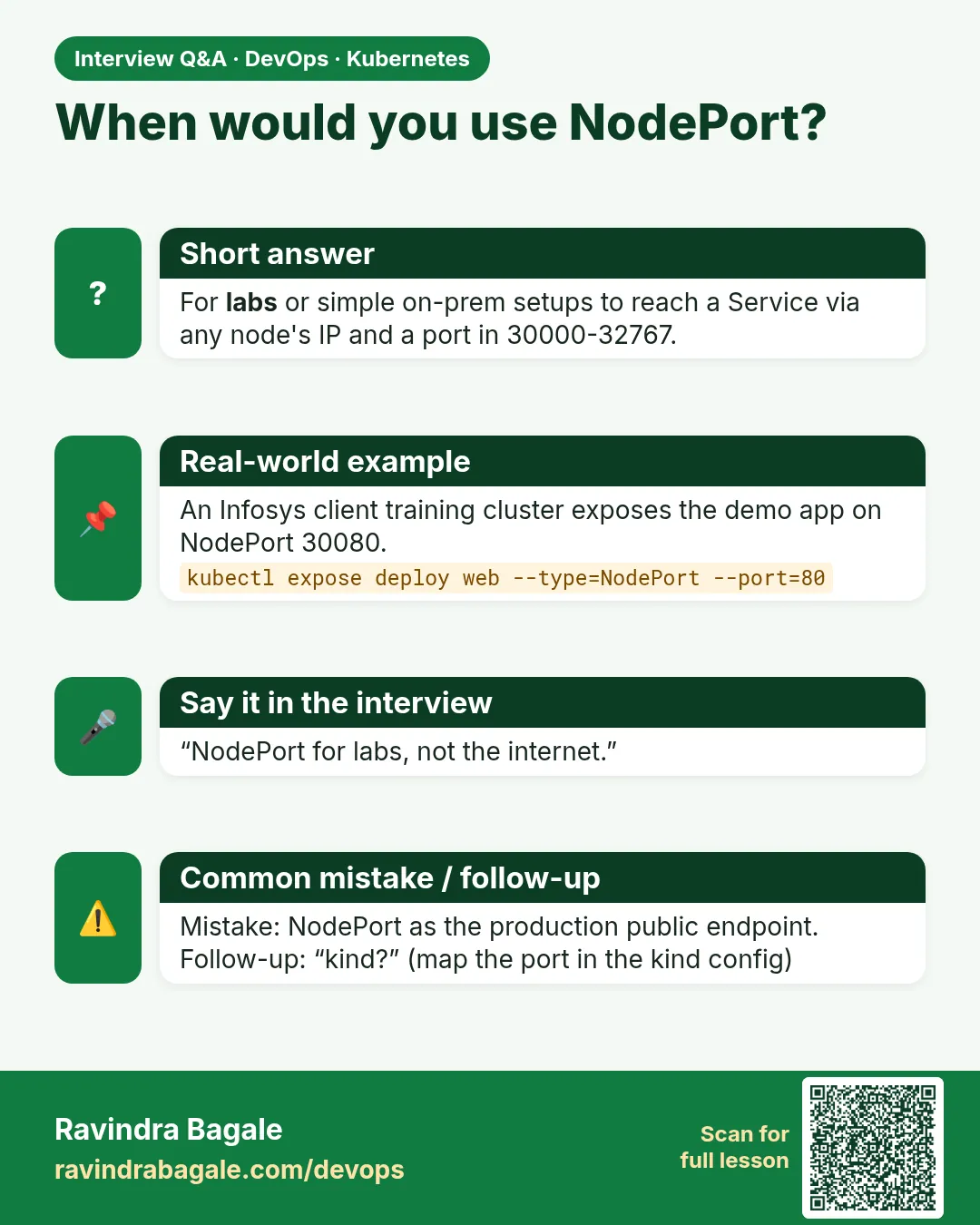
What is a NodePort Service?
A Service that opens the same high port on every node and forwards it to the Service's Pods.
-
What is externalTrafficPolicy?
Cluster sends traffic to any Pod and hides the client IP; Local sends only to local Pods and keeps the client IP.
-
Why is NodePort rarely used for production web apps?
Non-standard ports, no TLS, single-node addressing; LoadBalancer or Ingress is better.
-
How does a LoadBalancer relate to NodePort?
A LoadBalancer Service builds on NodePort; the cloud LB targets those node ports.
-
How do you reach a ClusterIP Service from your laptop for debugging?
kubectl port-forward svc/NAME LOCAL:PORT.
Quick quiz
Q1. What port range does NodePort use?
30000 to 32767 by default.
Q2. Which nodes open the NodePort?
Every node.
Q3. Is a NodePort also a ClusterIP?
Yes.
Q4. What does externalTrafficPolicy: Local keep?
The real client IP.
Q5. Why is NodePort not ideal for public apps?
Odd ports, you must know node IPs, and a dead node breaks the address.
Samajla ka?
 Revision card
 Interview card