Chapter 19: Kubernetes Services, Ingress and Volumes
19.1 Why Pods need a stable front door
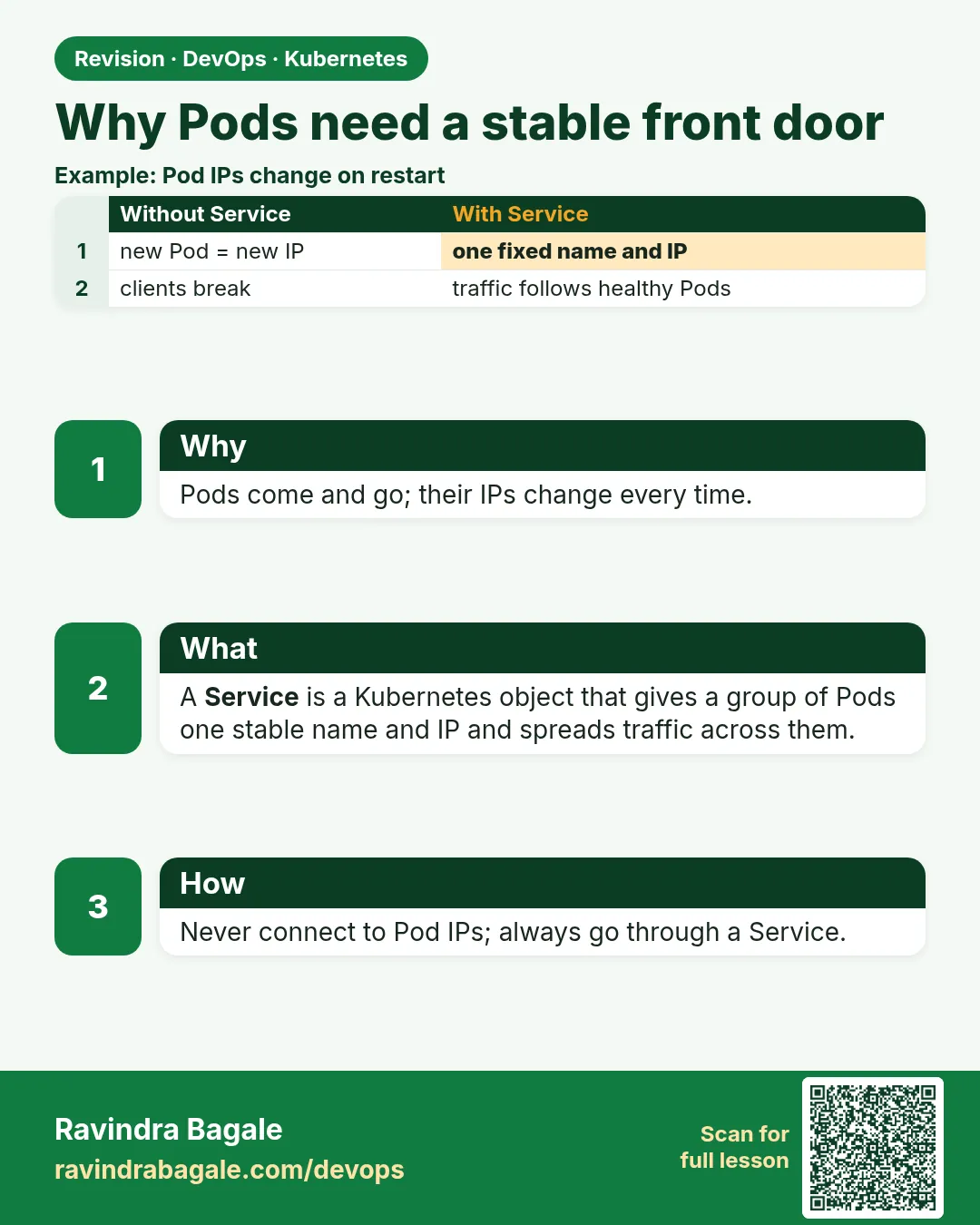
Why: the problem
The Myntra cart service must call the pricing service. Pricing runs as three Pods. Each Pod has its own IP, like 10.244.1.7. The cart team hard-codes that IP. It works on Monday. On Tuesday pricing is redeployed. The old Pods die, new Pods get new IPs, and every cart call fails with "connection refused". The same thing happens when a node dies or the HPA adds Pods. Pod IPs are not stable, and they are never meant to be. You need one address that stays the same while the Pods behind it change. That is a Service. It gets a fixed virtual IP and a DNS name, it finds the right Pods by label, and it spreads connections across the ready ones. In this lesson you will prove the problem first: you will call a Pod by IP, redeploy it, and watch the call break. Then you will put a Service in front and watch the same redeploy go unnoticed.
What we will build
You will run three whoami Pods (they print their own name and IP). You will call one by IP, roll the Deployment and see the IP vanish. Then you will create a Service called who and call it by name during a second rollout, with zero failed calls.
What: every term in plain English
- Pod IP — The IP of one Pod. It changes whenever the Pod is replaced.
- Service — A Kubernetes object that gives a group of Pods one stable IP and DNS name.
- Selector — The labels a Service uses to find its Pods.
- ClusterIP — The fixed virtual IP of a Service inside the cluster.
- Endpoint — One real Pod IP and port behind a Service.
- EndpointSlice — The object that stores the list of endpoints for a Service.
- kube-proxy — The agent on every node that sends Service traffic to a Pod.
- Rollout — Replacing old Pods with new ones, for example after an image change.
How: step by step
-
Start a lab cluster
kind create cluster --name lab
kubectl get nodes
What it does: Creates a one-node Kubernetes cluster inside Docker. On minikube use: minikube start.
Output
Creating cluster "lab" ... ✓ Ensuring node image (kindest/node:v1.30.0) ✓ Preparing nodes Set kubectl context to "kind-lab" NAME STATUS ROLES AGE VERSION lab-control-plane Ready control-plane 40s v1.30.0 -
Make a practice namespace
kubectl create namespace practice
kubectl config set-context --current --namespace=practice
What it does: Keeps all lab objects in one folder that is easy to delete.
Output
namespace/practice created Context "kind-lab" modified. -
Run three whoami Pods
kubectl apply -f who.yaml && kubectl rollout status deploy/whoWhat it does: Starts the Deployment from Example 1.
Output
deployment.apps/who created deployment "who" successfully rolled out -
Note one Pod IP
kubectl get pods -l app=who -o wideWhat it does: Write down one IP from the IP column.
Output
NAME READY STATUS IP who-6c8f7d9b5-4kq2x 1/1 Running 10.244.0.7 who-6c8f7d9b5-9xw7m 1/1 Running 10.244.0.8 who-6c8f7d9b5-tm2zr 1/1 Running 10.244.0.9 -
Call the Pod by IP
kubectl run t --rm -it --image=curlimages/curl:8.8.0 --restart=Never -- curl -s 10.244.0.7 | grep HostnameWhat it does: A throwaway Pod calls the IP directly.
Output
Hostname: who-6c8f7d9b5-4kq2x -
Replace the Pods
kubectl rollout restart deploy/who && kubectl rollout status deploy/whoWhat it does: Every Pod is replaced. New Pods, new IPs.
Output
deployment.apps/who restarted deployment "who" successfully rolled out -
Call the old IP again
kubectl run t --rm -it --image=curlimages/curl:8.8.0 --restart=Never -- curl -s -m 3 10.244.0.7What it does: The old IP is gone.
Output
curl: (28) Connection timed out after 3001 milliseconds
Example 1: The Deployment that every lesson in this chapter reuses
Stack. kind, Kubernetes 1.30
Goal. The Deployment that every lesson in this chapter reuses.
who.yaml
apiVersion: apps/v1
kind: Deployment
metadata:
  name: who
spec:
  replicas: 3
  selector:
    matchLabels: {app: who}
  template:
    metadata:
      labels: {app: who}
    spec:
      containers:
      - name: who
        image: traefik/whoami:v1.10
        ports:
        - containerPort: 80
What each line does
replicas: 3— Three copies, so we can see traffic spread.labels app: who— The label the Service will select.image traefik/whoami:v1.10— A tiny web app that prints its hostname and IP.containerPort: 80— The app listens on port 80.
Green output
$ kubectl get pods -l app=who
NAME                  READY   STATUS    RESTARTS   AGE
who-6c8f7d9b5-4kq2x   1/1     Running   0          20s
who-6c8f7d9b5-9xw7m   1/1     Running   0          20s
who-6c8f7d9b5-tm2zr   1/1     Running   0          20s
Expected result. Three Pods, three IPs. Any of them can disappear at any time.
Example 2: Put a Service in front and call it by name
Stack. Kubernetes Service
Goal. Put a Service in front and call it by name.
who-svc.yaml
apiVersion: v1
kind: Service
metadata:
  name: who
spec:
  selector:
    app: who
  ports:
  - port: 80
    targetPort: 80
terminal
kubectl apply -f who-svc.yaml
kubectl get svc who
kubectl run t --rm -it --image=curlimages/curl:8.8.0 --restart=Never -- \
  sh -c 'for i in 1 2 3 4 5 6; do curl -s who | grep Hostname; done'
What each line does
kind: Service— A stable front door.selector app: who— Send traffic to Pods with this label.port: 80— The port callers use on the Service.targetPort: 80— The port on the Pod.curl -s who— Calls the Service by its short DNS name.
Green output
service/who created
NAME   TYPE        CLUSTER-IP     PORT(S)   AGE
who    ClusterIP   10.96.45.120   80/TCP    2s
Hostname: who-7d4b8c6f9-2pl8k
Hostname: who-7d4b8c6f9-v5ngq
Hostname: who-7d4b8c6f9-2pl8k
Hostname: who-7d4b8c6f9-hr7tw
Hostname: who-7d4b8c6f9-v5ngq
Hostname: who-7d4b8c6f9-hr7tw
Expected result. One name, three Pods answering in turn. The caller never sees a Pod IP.
Example 3: Prove zero failed calls during a rollout
Stack. Rolling update + Service
Goal. Prove zero failed calls during a rollout.
terminal
kubectl run loop --image=curlimages/curl:8.8.0 --restart=Never -- \
  sh -c 'ok=0; bad=0; for i in $(seq 1 200); do if curl -s -m 1 who > /dev/null; then ok=$((ok+1)); else bad=$((bad+1)); fi; sleep 0.1; done; echo ok=$ok bad=$bad'
kubectl rollout restart deploy/who
kubectl rollout status deploy/who
sleep 25; kubectl logs loop
What each line does
kubectl run loop— A Pod that calls the Service 200 times over 20 seconds.curl -m 1— Each call may take at most 1 second.ok / bad counters— Count good and failed calls.rollout restart— Replaces all Pods while the loop runs.kubectl logs loop— Shows the final counts.
Green output
deployment.apps/who restarted
deployment "who" successfully rolled out
ok=200 bad=0
Expected result. All 200 calls worked while every Pod was replaced. The Service always pointed only at ready Pods.
Verify: did it work?
-
See the endpoints
kubectl get endpointslices -l kubernetes.io/service-name=whoWhat it does: The real Pod IPs behind the Service right now.
Output
NAME ADDRESSTYPE PORTS ENDPOINTS who-x7k2p IPv4 80 10.244.0.12,10.244.0.13,10.244.0.14 -
Describe the Service
kubectl describe svc who | grep -E "IP:|Endpoints"What it does: The ClusterIP stays the same; endpoints change.
Output
IP:                10.96.45.120
Endpoints:         10.244.0.12:80,10.244.0.13:80,10.244.0.14:80
When it is red 1
curl: (6) Could not resolve host: who
Cause. You ran curl from a Pod in another namespace, or the Service does not exist.
Fix, step by step
- Run kubectl get svc -n practice.
- From another namespace use who.practice.
- Check the spelling of the name.
When it is red 2
Endpoints: none
Cause. The selector does not match any Pod label.
Fix, step by step
- Run kubectl get pods --show-labels.
- Make the Service selector equal the Pod labels.
- Apply again and check endpoints.
When it is red 3
pod "t" already exists
Cause. An old test Pod with the same name is still there.
Fix, step by step
- Run kubectl delete pod t.
- Run the command again.
Cleanup
-
Delete the loop Pod
kubectl delete pod loopWhat it does: Removes the test Pod.
Output
pod "loop" deleted -
Delete the practice namespace
kubectl delete namespace practiceWhat it does: Deletes every object you made in this lesson in one go.
Output
namespace "practice" deleted
Ravindra Bagale's Tip
Pod cha IP kadhi lakshat thevu naka, to badalto. Service cha naav vapra. Naav kayam, Pods yetat-jaatat!
Practice tasks
Easy Find the ClusterIP
Why: Know where the stable IP lives.
What to do: Print only the ClusterIP of who.
- kubectl get svc who -o jsonpath={.spec.clusterIP}
Check: You see an IP like 10.96.x.x.
Medium Break the selector
Why: A wrong label is the most common Service bug.
What to do: Change the selector to app: whoo and test.
- kubectl edit svc who
- Check endpoints.
Check: Endpoints are empty and curl fails.
Hard Count during scale down
Why: Removing Pods must also be safe.
What to do: Run the loop while scaling from 3 to 1.
- Start the loop.
- kubectl scale deploy/who --replicas=1
Check: bad stays 0 or very close to 0.
Easy Say Service basics in two lines
Why: If you can say it simply, you understand it. Interviewers want the short version first.
What to do: Write two short lines about Service basics for a fresher who knows only Docker basics.
- Write what problem it solves.
- Write the one kubectl command you use for it.
- Read it aloud to a friend.
Check: A fresher understands it without asking a question.
Easy Start a fresh lab cluster
Why: Practice needs a throwaway cluster. If you break it, you delete it and start again.
What to do: Create a kind cluster, or a minikube cluster, and check the node is Ready.
- kind create cluster --name lab
- kubectl get nodes
- kubectl get pods -A
Check: One node shows STATUS Ready and the kube-system Pods are Running.
Medium Break it on purpose
Why: You must know the red message by face. During an outage there is no time to read slowly.
What to do: Cause one error from the "When it is red" part of this lesson and fix it.
- Follow the error section.
- Copy the exact message and the kubectl describe Events into your notes.
- Write the fix in one line.
Check: You fixed it using only the steps, without searching the web.
Medium Write a one-page runbook
Why: At 2 a.m. nobody remembers the right command. A short page saves the on-call person.
What to do: Write a runbook page for this lesson.
- Title, when to use, exact kubectl command, how to check, how to undo.
Check: A teammate can follow it alone.
Medium Repeat it on a cloud cluster
Why: kind is a laptop toy. Real clusters run on EKS, GKE, AKS or k3s on a VM.
What to do: Do the main steps of this lesson again on a small k3s VM or a free-tier managed cluster.
- Install k3s on one Ubuntu 22.04 VM: curl -sfL https://get.k3s.io | sh -
- Copy the kubeconfig.
- Apply the same YAML and compare the output.
Check: Same output on the cloud cluster as on kind.
Hard Explain it like an interview
Why: Interviewers want real stories, not definitions.
What to do: Record a 60 second answer about this lesson.
- Say the problem, the YAML field you used, the kubectl command you ran, and one error you hit.
Check: Your answer has a real command and a real error message.
Hard Draw the flow top to bottom
Why: A drawing shows who talks to whom and in what order.
What to do: Draw this lesson as boxes from top to bottom.
- Start at kubectl apply, go through the API server, controller and scheduler, end at the running container.
Check: Each box matches a real thing you saw in kubectl output.
Homework: try at home
Try at home
At home, scale who to 5 replicas, run the six-call loop again and count how many different hostnames answer. Then scale to 1 and run it again. Write what changed and what stayed the same (the ClusterIP).
Recap
- Pod IPs change on every replacement.
- A Service gives one stable IP and DNS name.
- It finds Pods by labels and sends traffic only to ready ones.
- EndpointSlices hold the real Pod IPs.
- Rollouts behind a Service do not break callers.
FAQ
Is a Service a real process?
No. It is a rule. kube-proxy on each node programs iptables or IPVS to send traffic to Pods.
Can two Services point at the same Pods?
Yes, if both selectors match.
Do I always need a Service?
Only if something must call the Pods. A batch Job may not need one.
Can I ping a ClusterIP?
Usually no. It answers only on the Service ports.
Does a Service do health checks?
It uses the Pod readiness probe. Unready Pods are removed from endpoints.
Interview questions
-
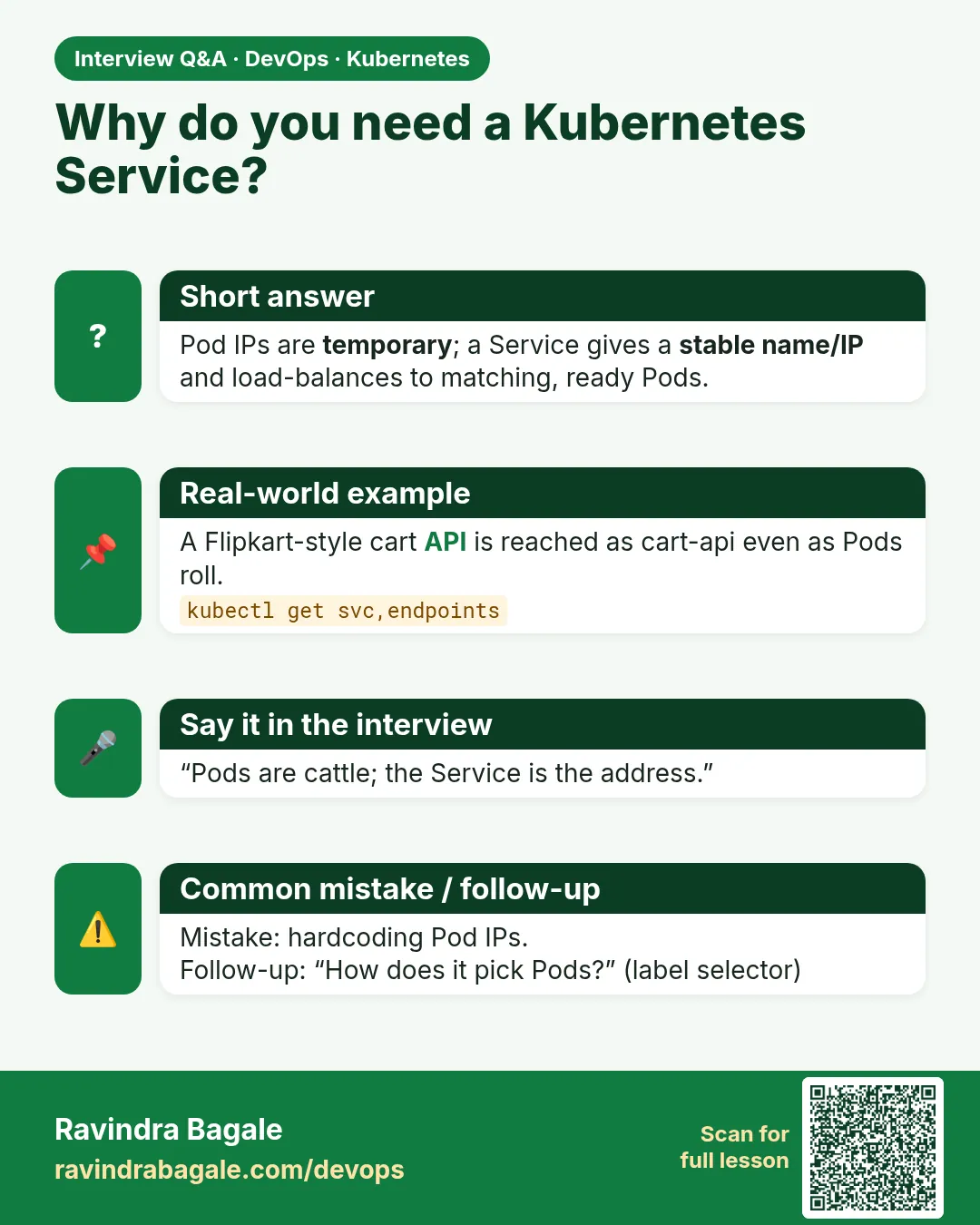
Why do we need Services in Kubernetes?
Pods are temporary and their IPs change. A Service gives a stable virtual IP and DNS name and load balances across ready Pods.
-
How does a Service pick Pods?
Its selector matches Pod labels; ready matches become endpoints.
-
What is kube-proxy?
A node agent that implements Services using iptables or IPVS rules.
-
What happens to a Service during a rolling update?
New ready Pods are added to endpoints and old ones removed, so callers see no outage.
-
What is an EndpointSlice?
A scalable object listing the IPs and ports of a Service's backends.
Quick quiz
Q1. Why not call Pods by IP?
Pod IPs change whenever Pods are replaced.
Q2. How does a Service find its Pods?
With a label selector.
Q3. Which object holds the real Pod IPs?
The EndpointSlice.
Q4. What does targetPort mean?
The port on the Pod that traffic goes to.
Q5. Did the rollout break calls to the Service?
No, the Service only sent traffic to ready Pods.
Samajla ka?
 Revision card
 Interview card