Revision cards
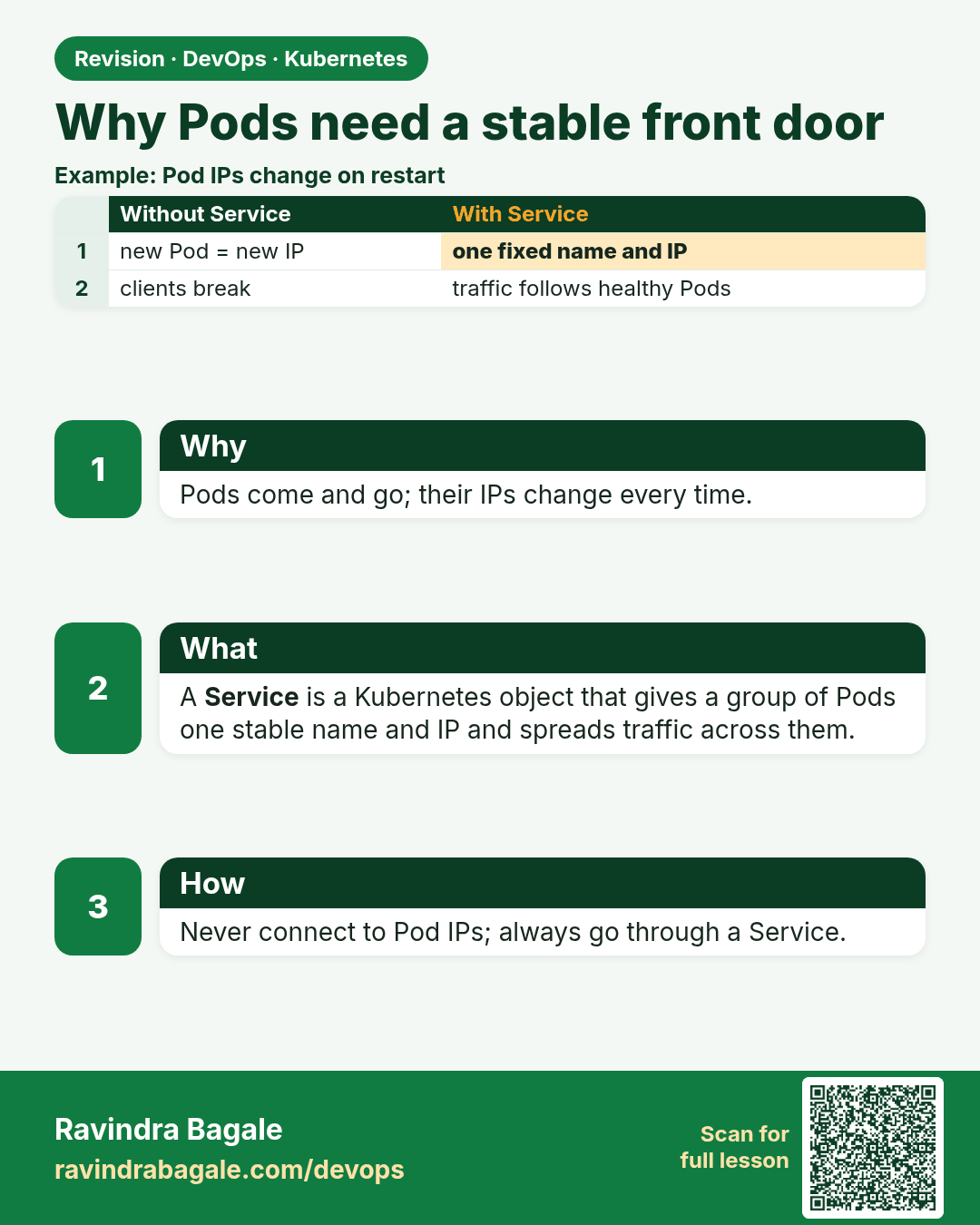
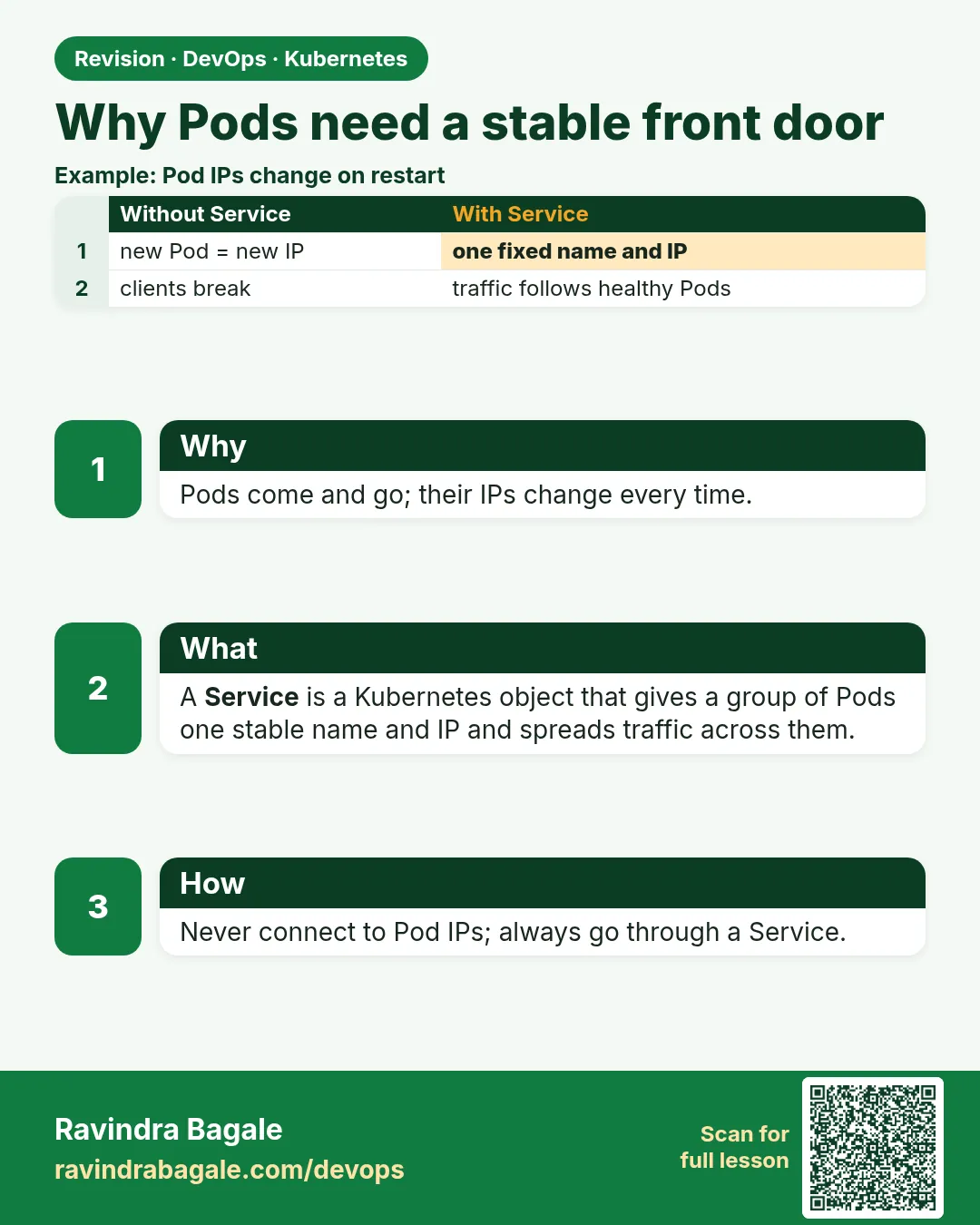 Revision card 1 of 12: Why Pods need a stable front door · Download PNG · Open card page
Lesson: 19.1 Why Pods need a stable front door
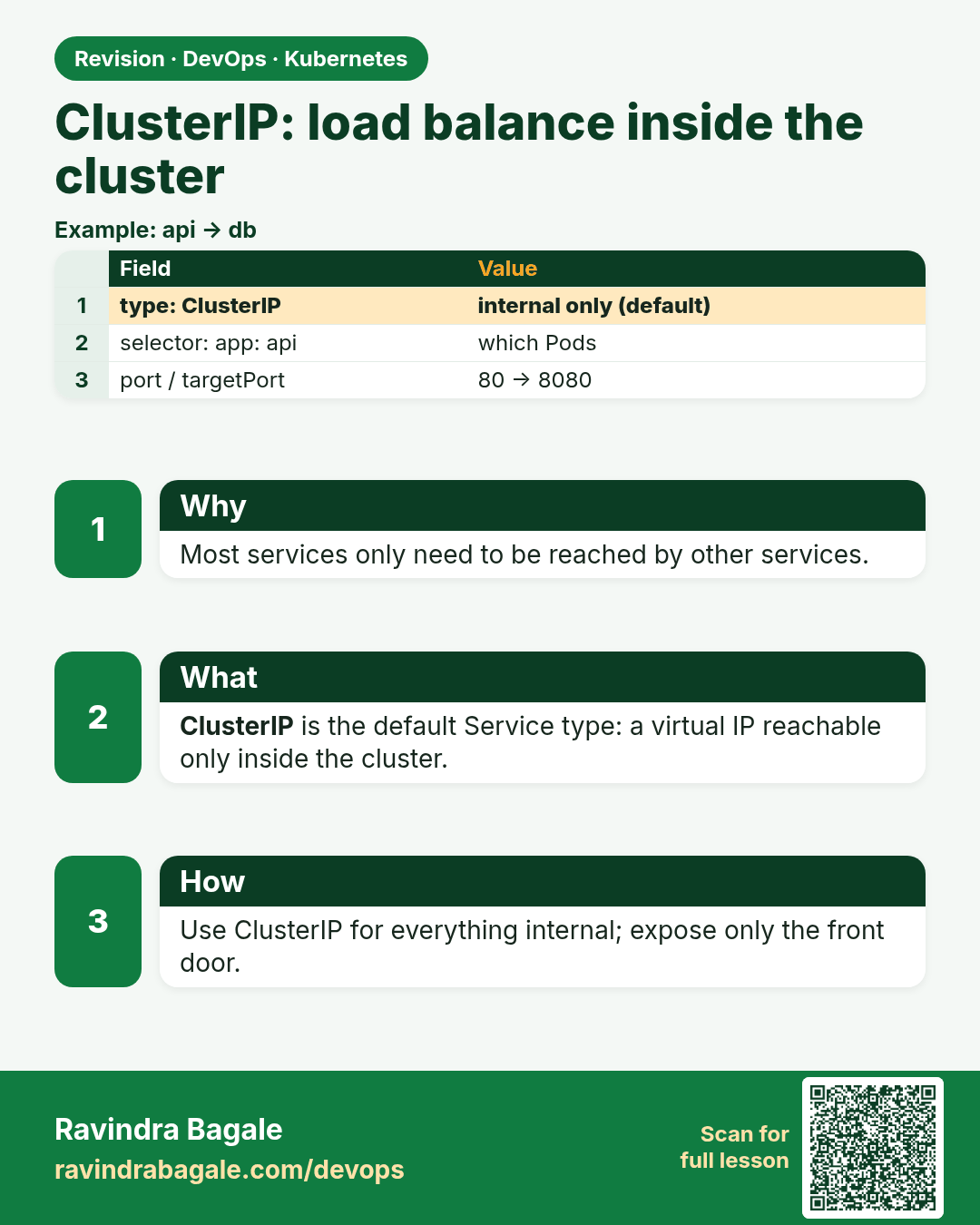
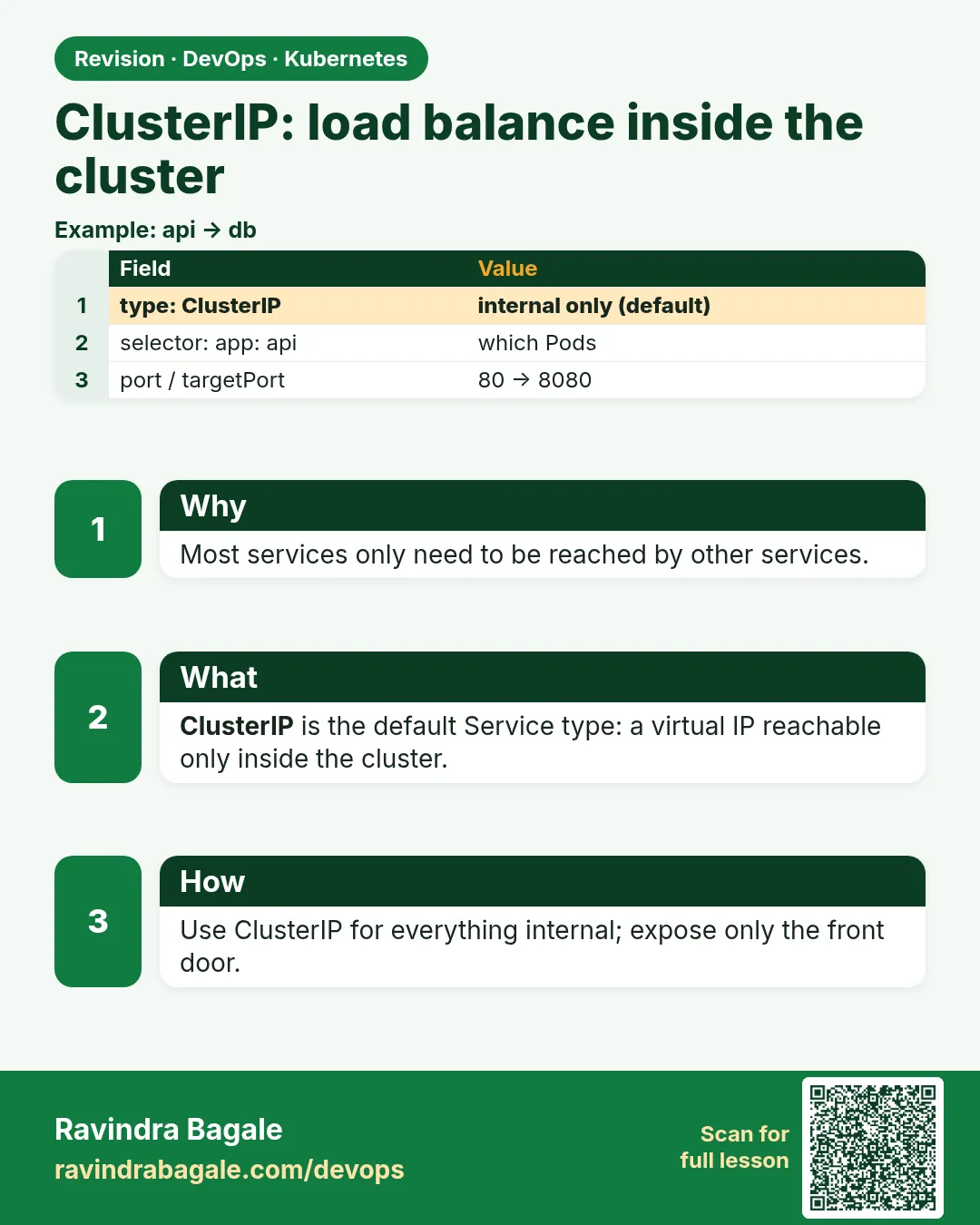 Revision card 2 of 12: ClusterIP: load balance inside the cluster · Download PNG · Open card page
Lesson: 19.2 ClusterIP — load balance inside the cluster
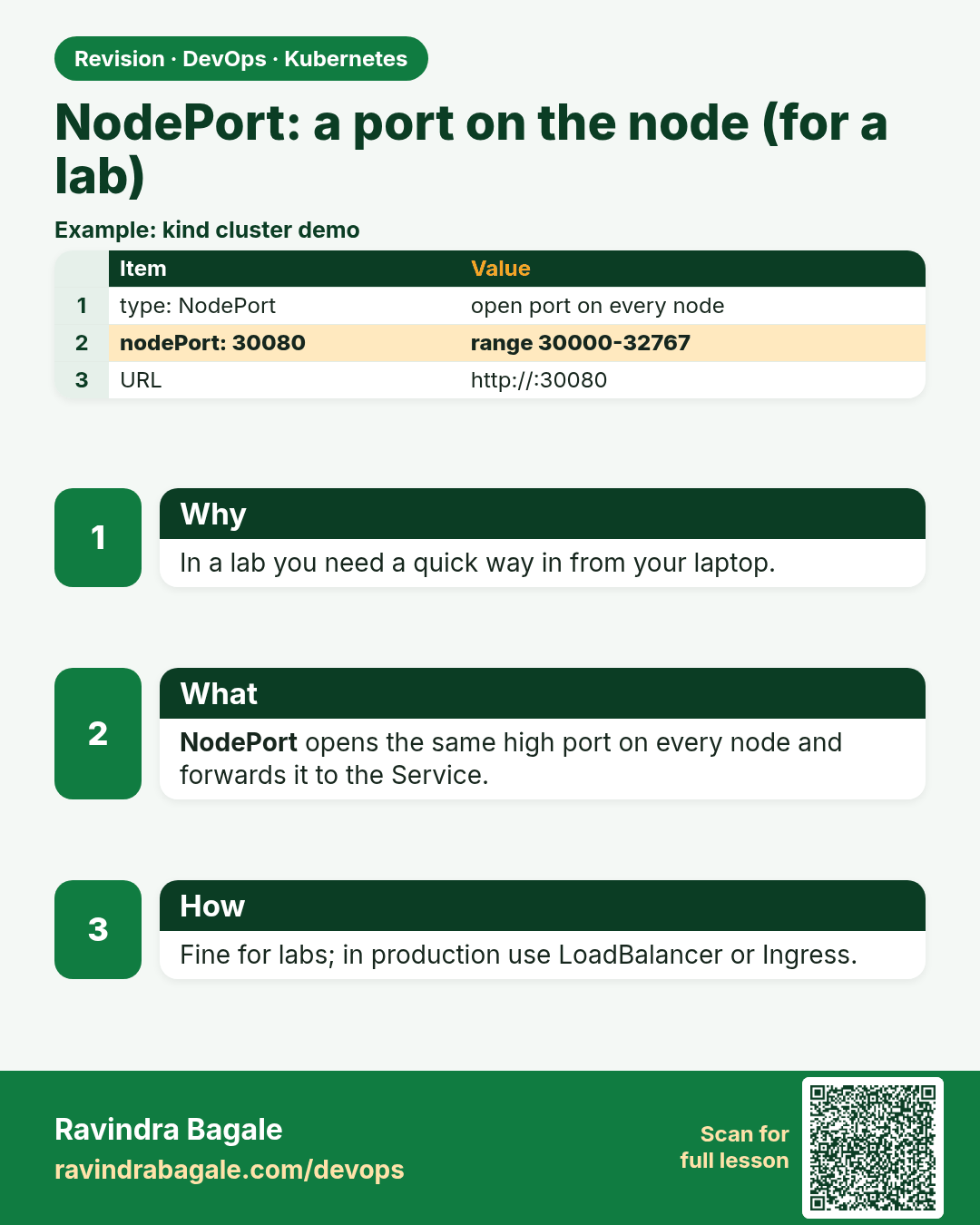
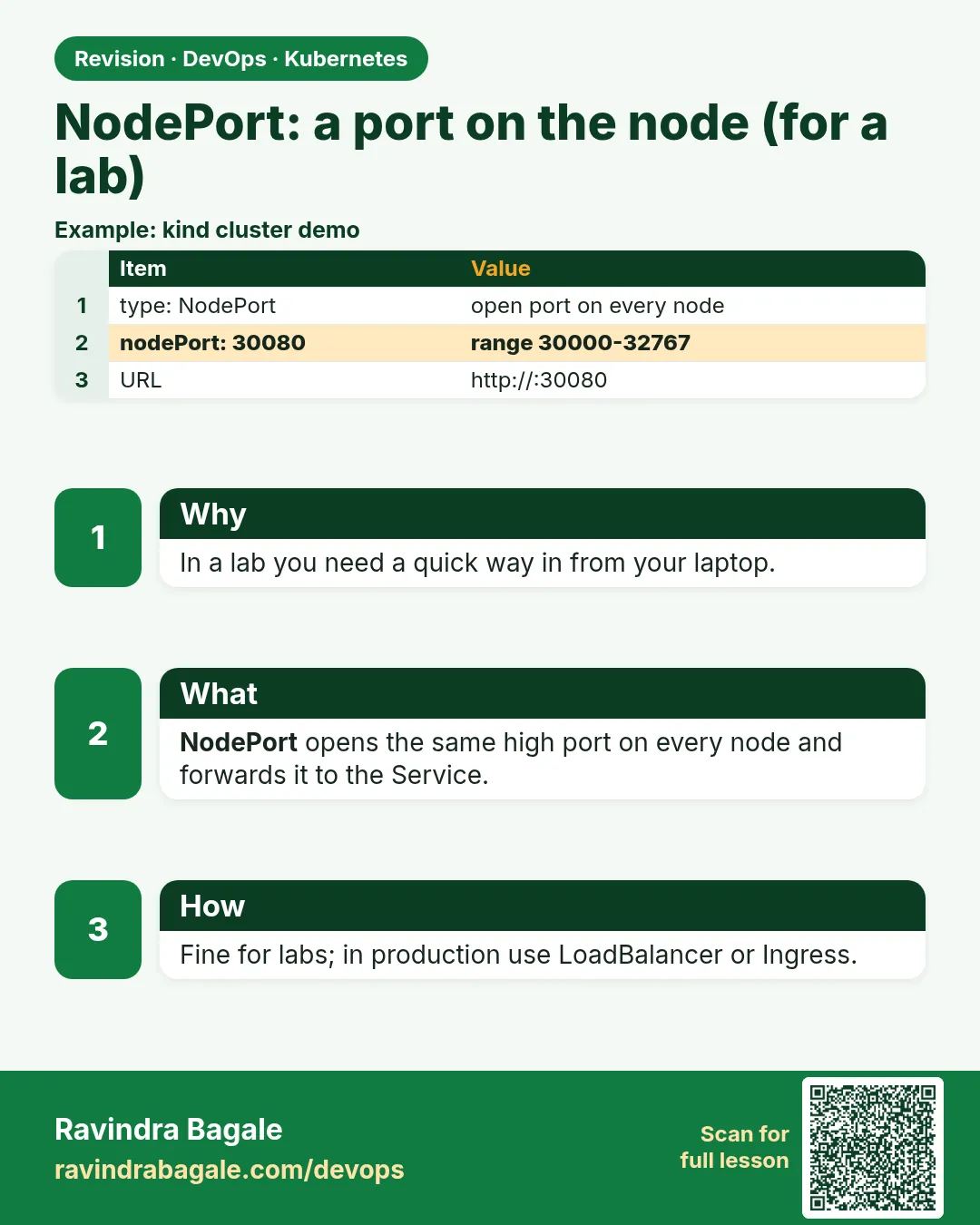 Revision card 3 of 12: NodePort: a port on the node (for a lab) · Download PNG · Open card page
Lesson: 19.3 NodePort — a port on the node, for a lab
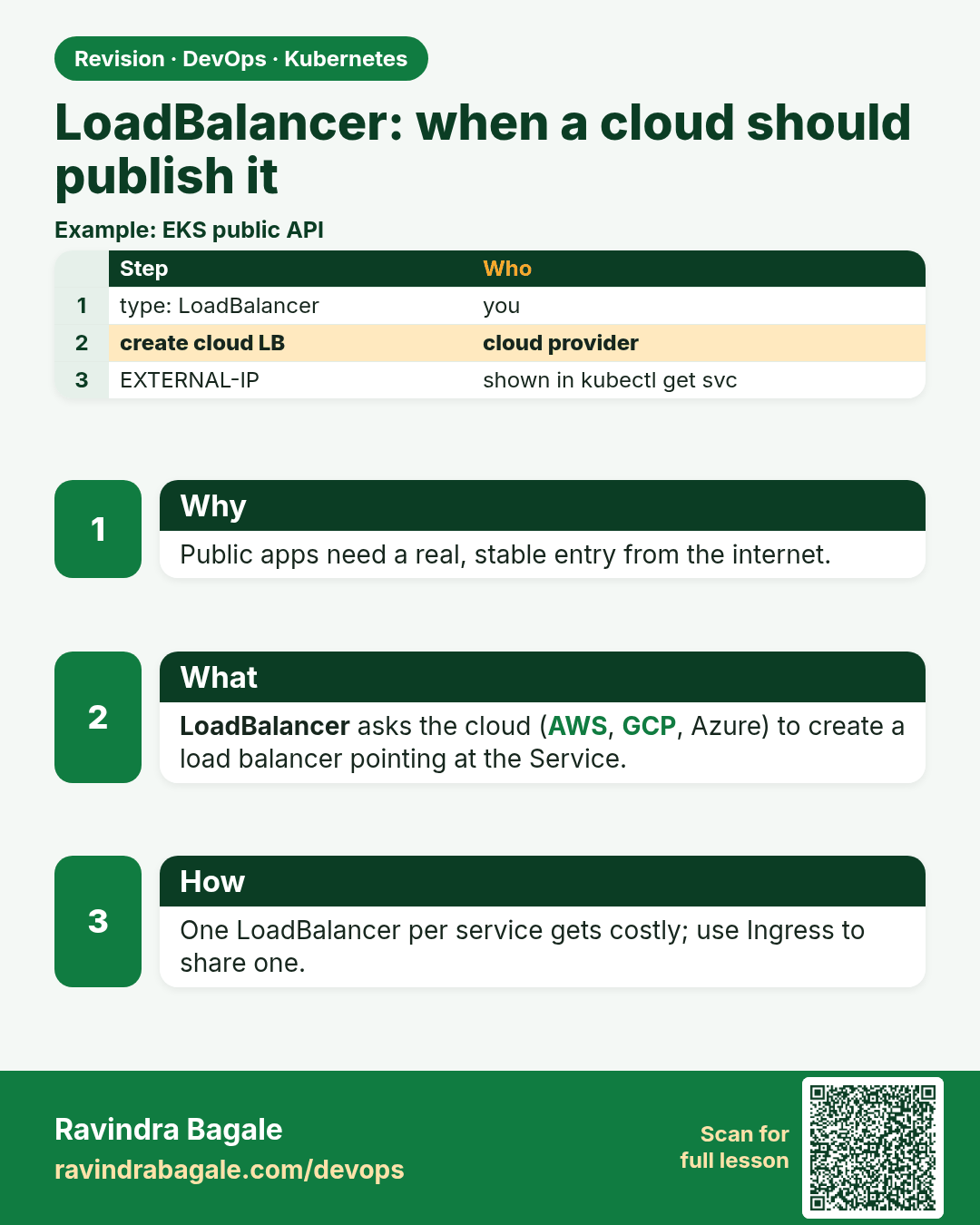
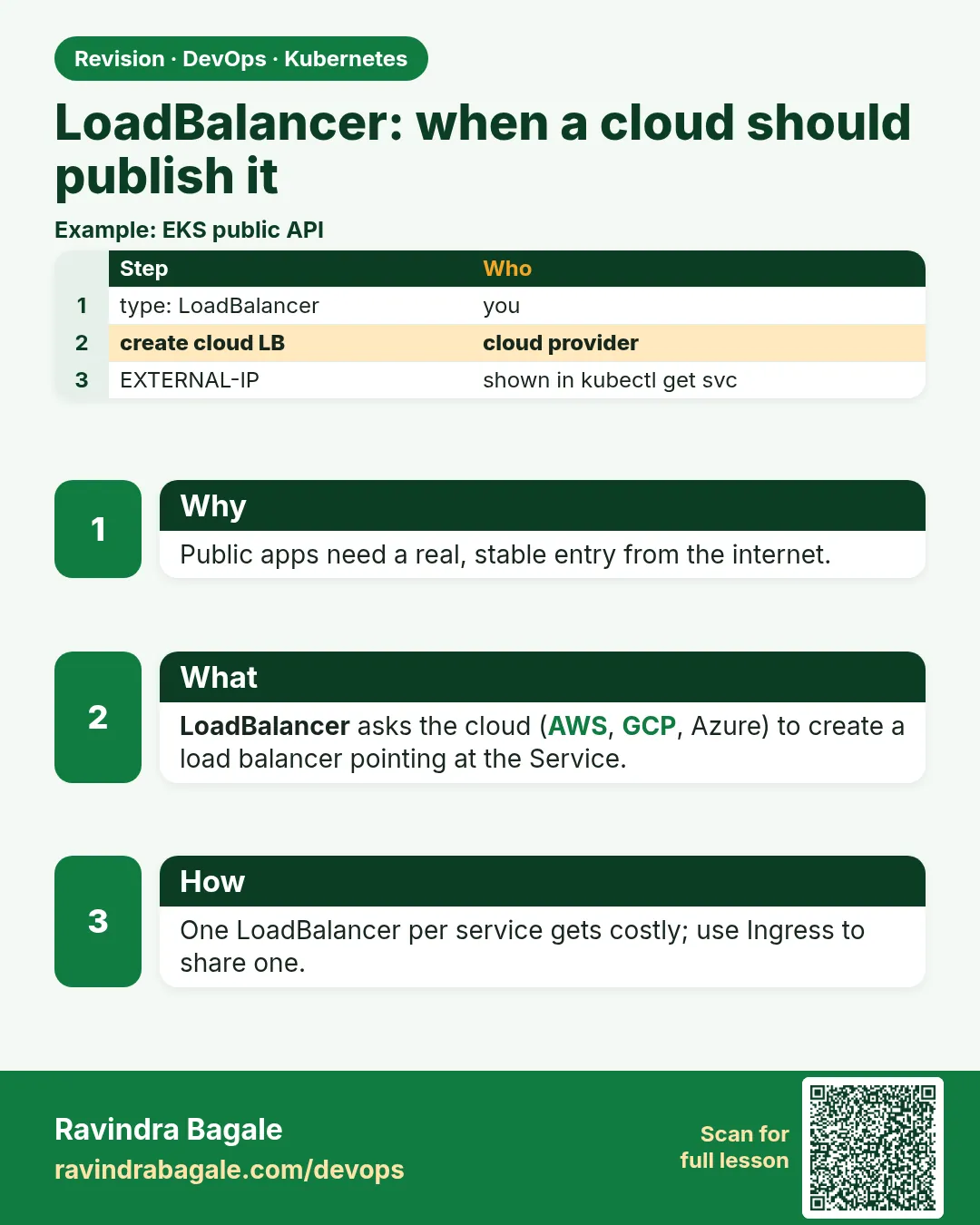 Revision card 4 of 12: LoadBalancer: when a cloud should publish it · Download PNG · Open card page
Lesson: 19.4 LoadBalancer — when a cloud should publish it
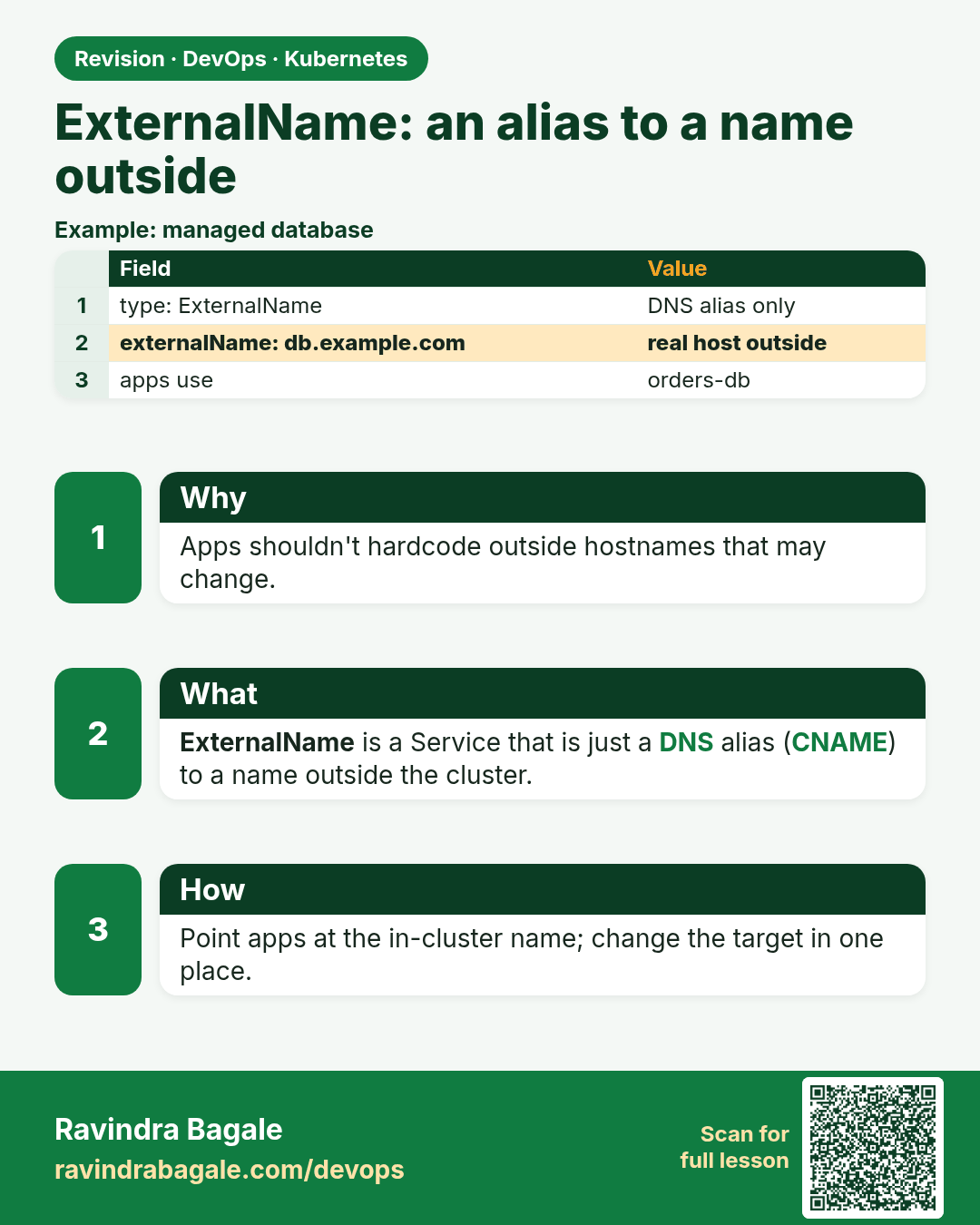
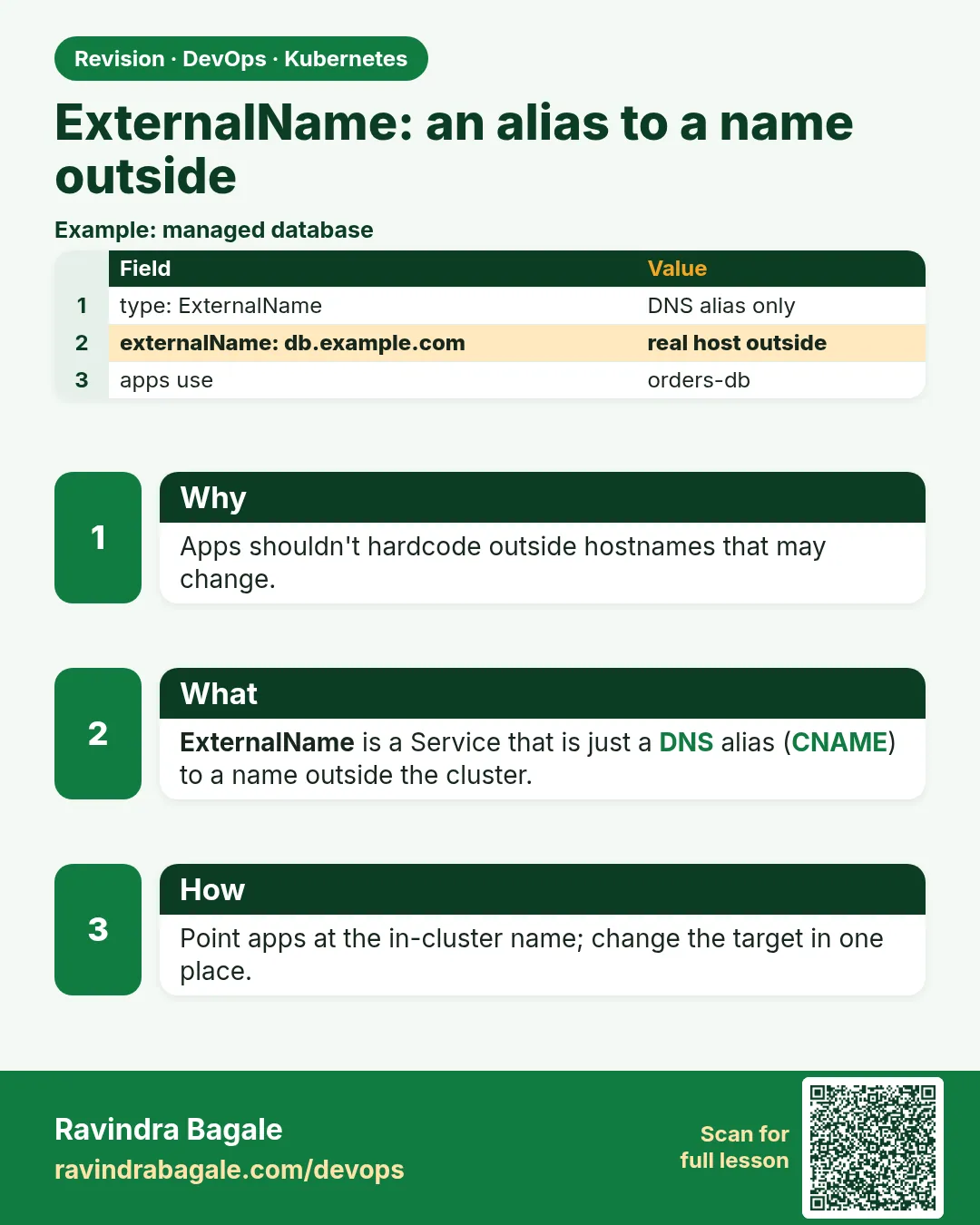 Revision card 5 of 12: ExternalName: an alias to a name outside · Download PNG · Open card page
Lesson: 19.5 ExternalName — an alias to a name outside
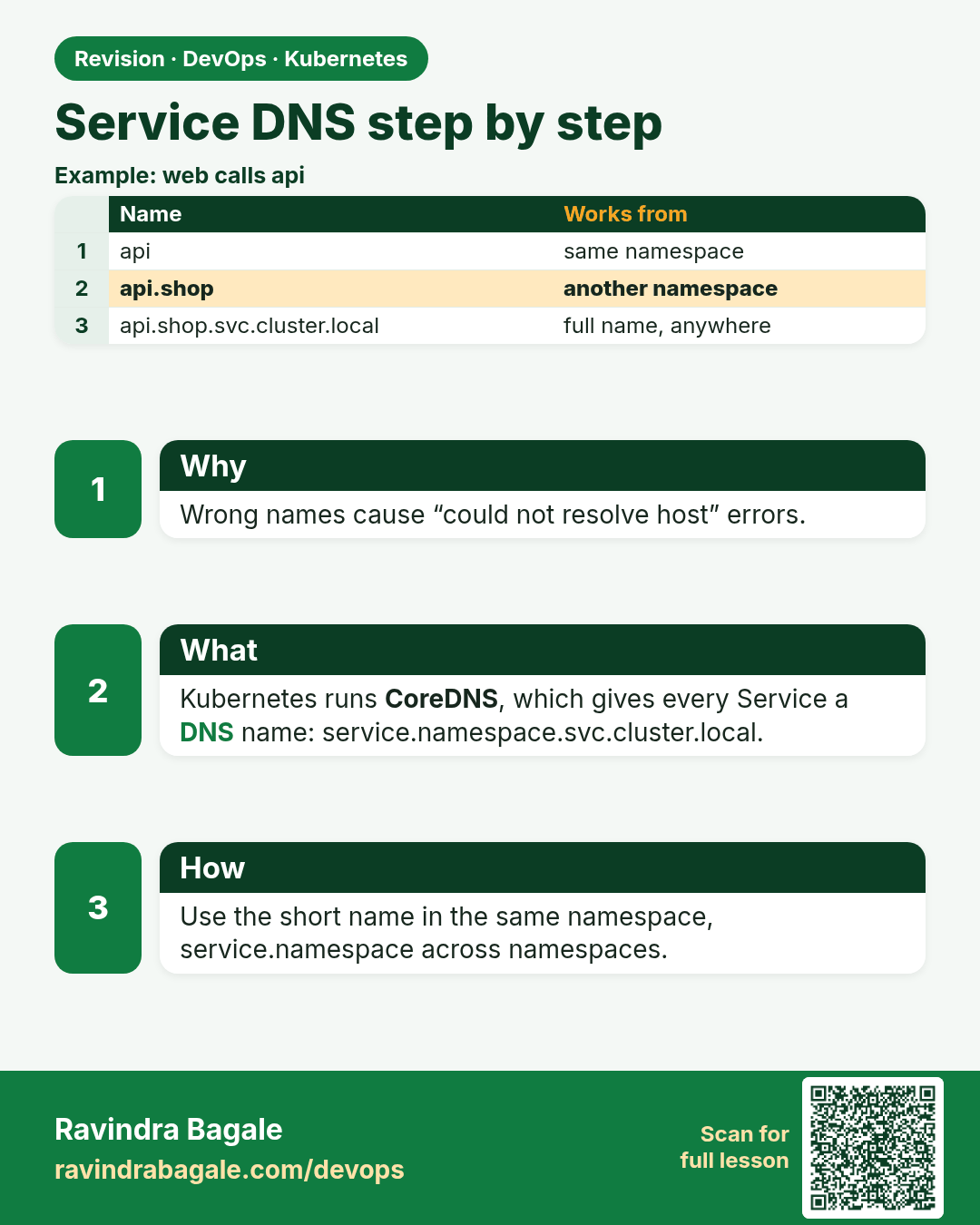
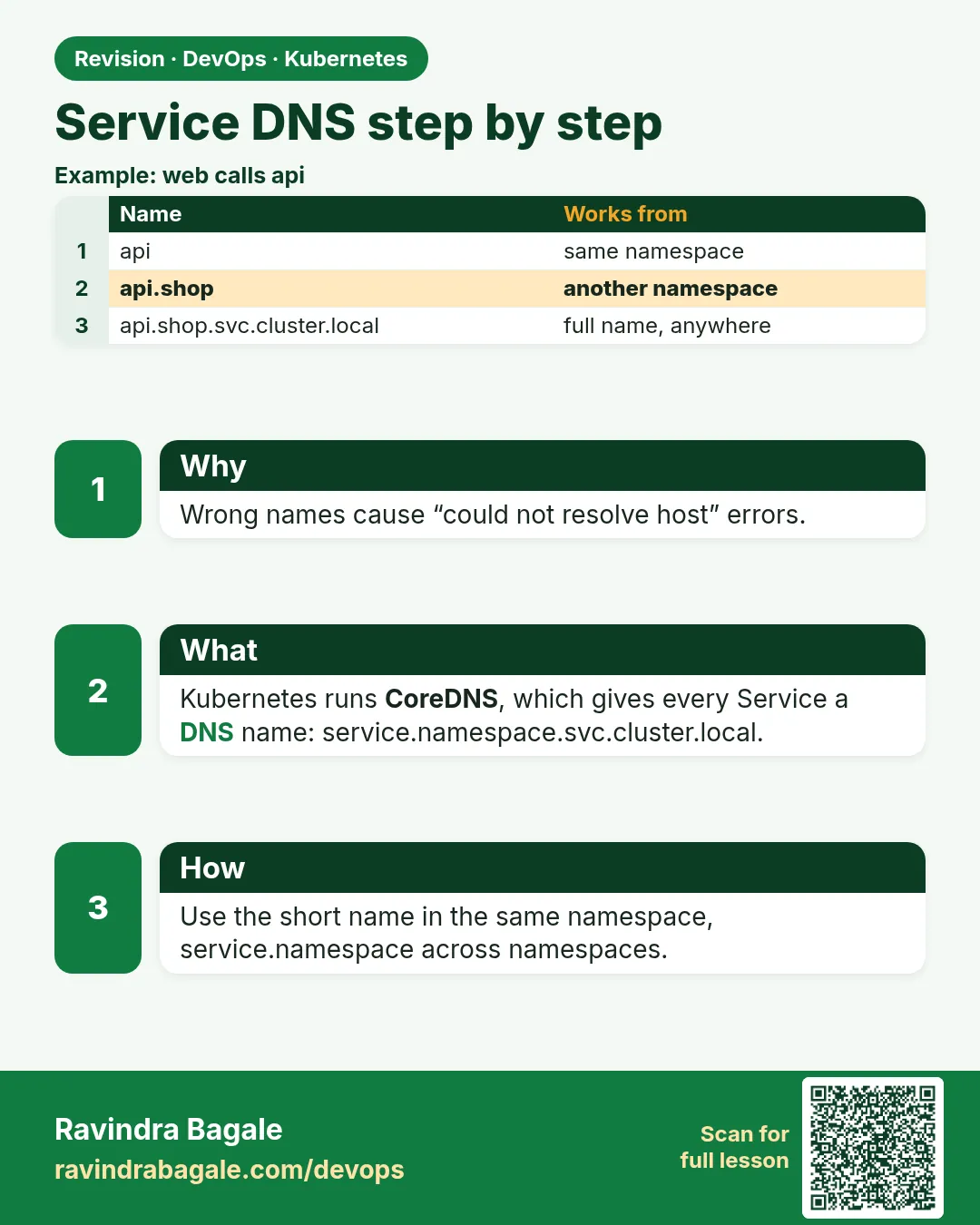 Revision card 6 of 12: Service DNS step by step · Download PNG · Open card page
Lesson: 19.6 Service DNS, step by step
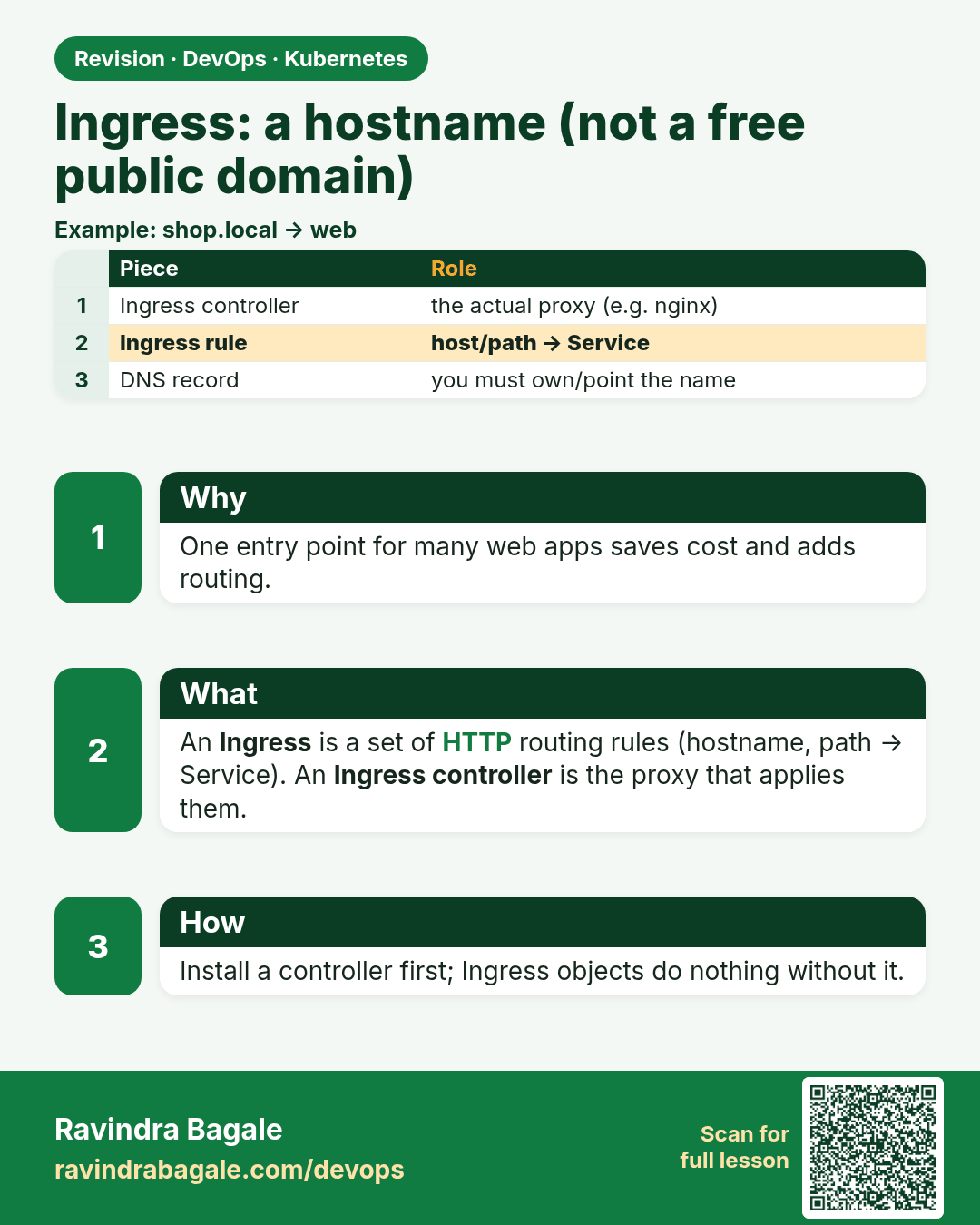
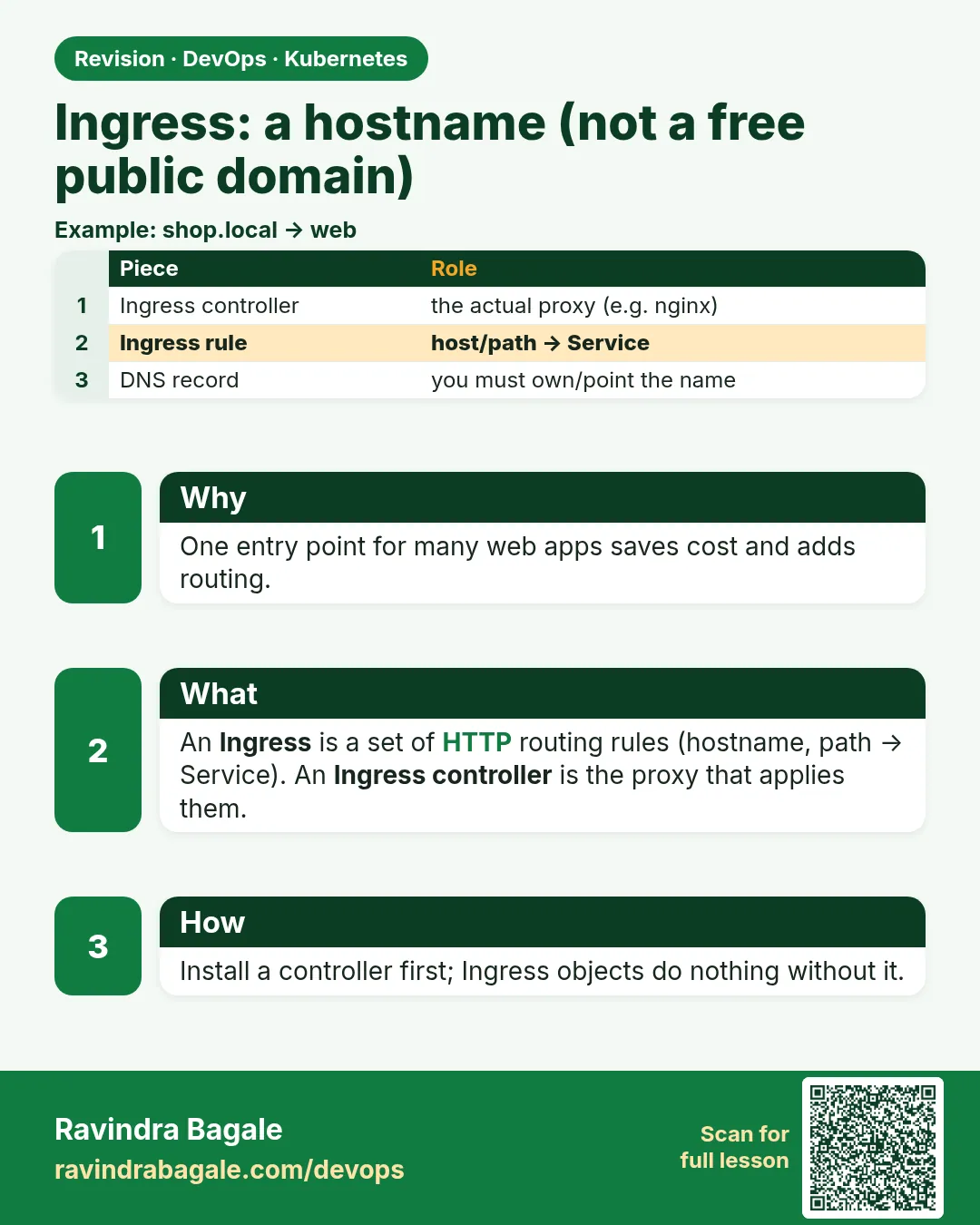 Revision card 7 of 12: Ingress: a hostname (not a free public domain) · Download PNG · Open card page
Lesson: 19.7 Ingress — a hostname, not a free public domain
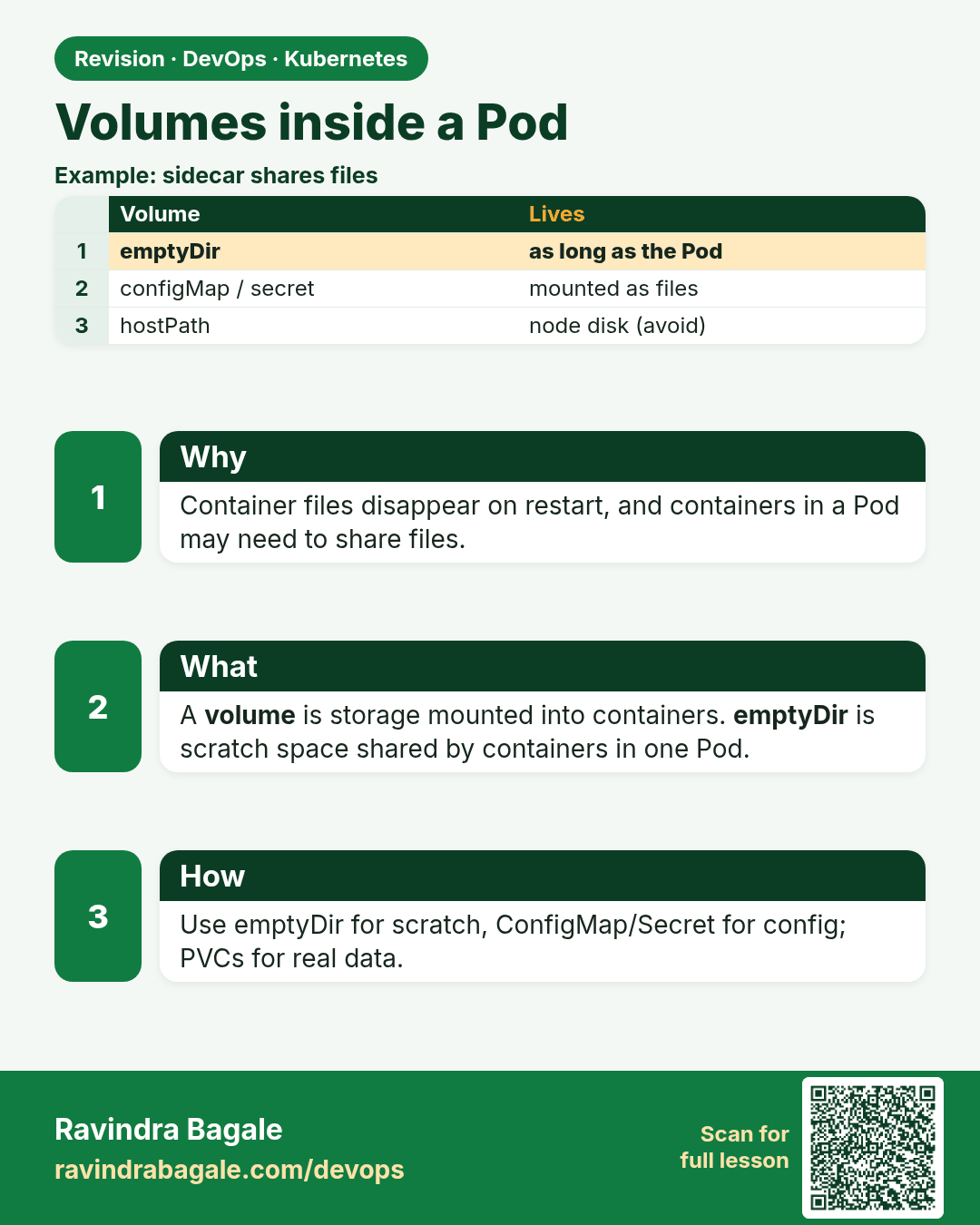
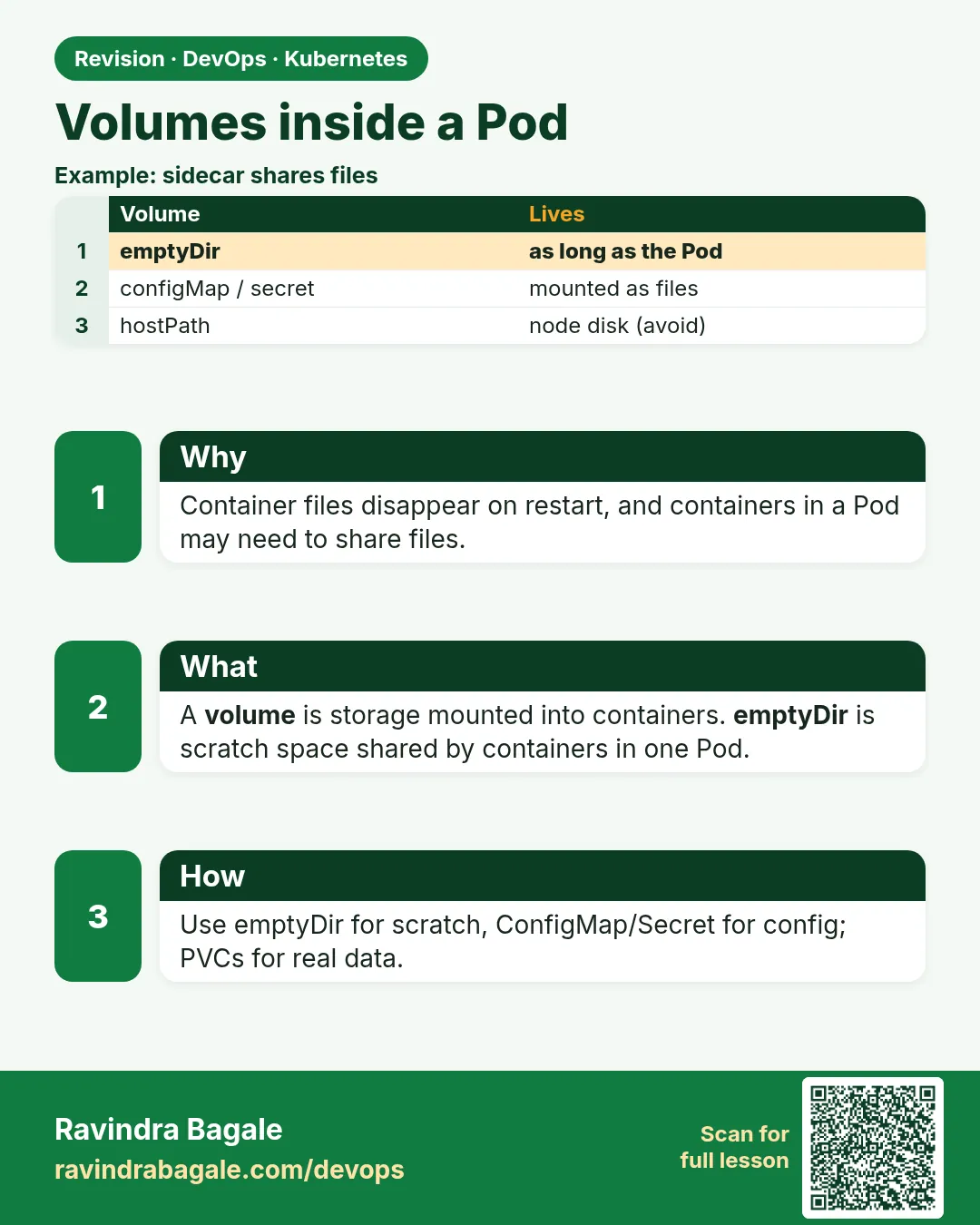 Revision card 8 of 12: Volumes inside a Pod · Download PNG · Open card page
Lesson: 19.8 Volumes inside a Pod
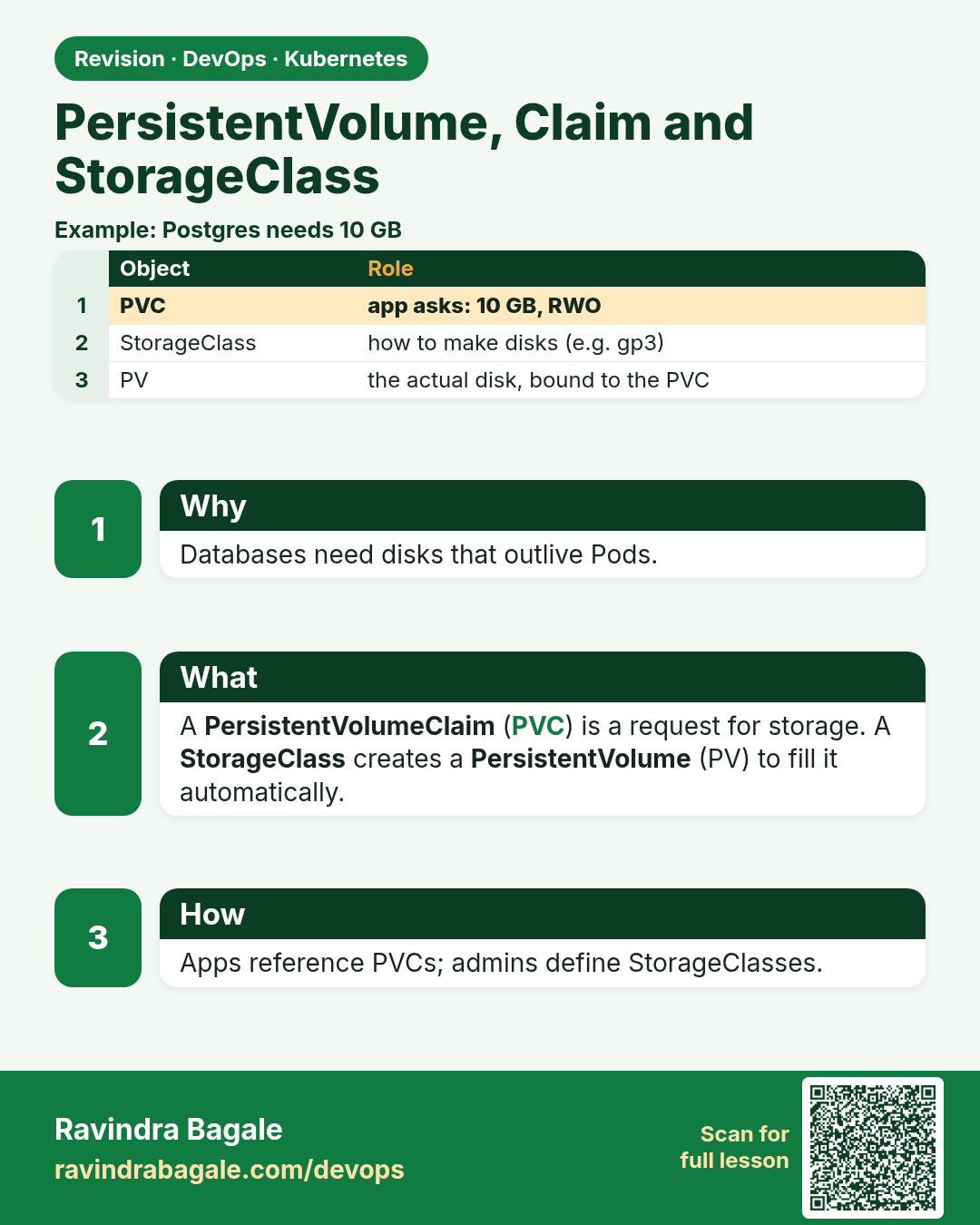
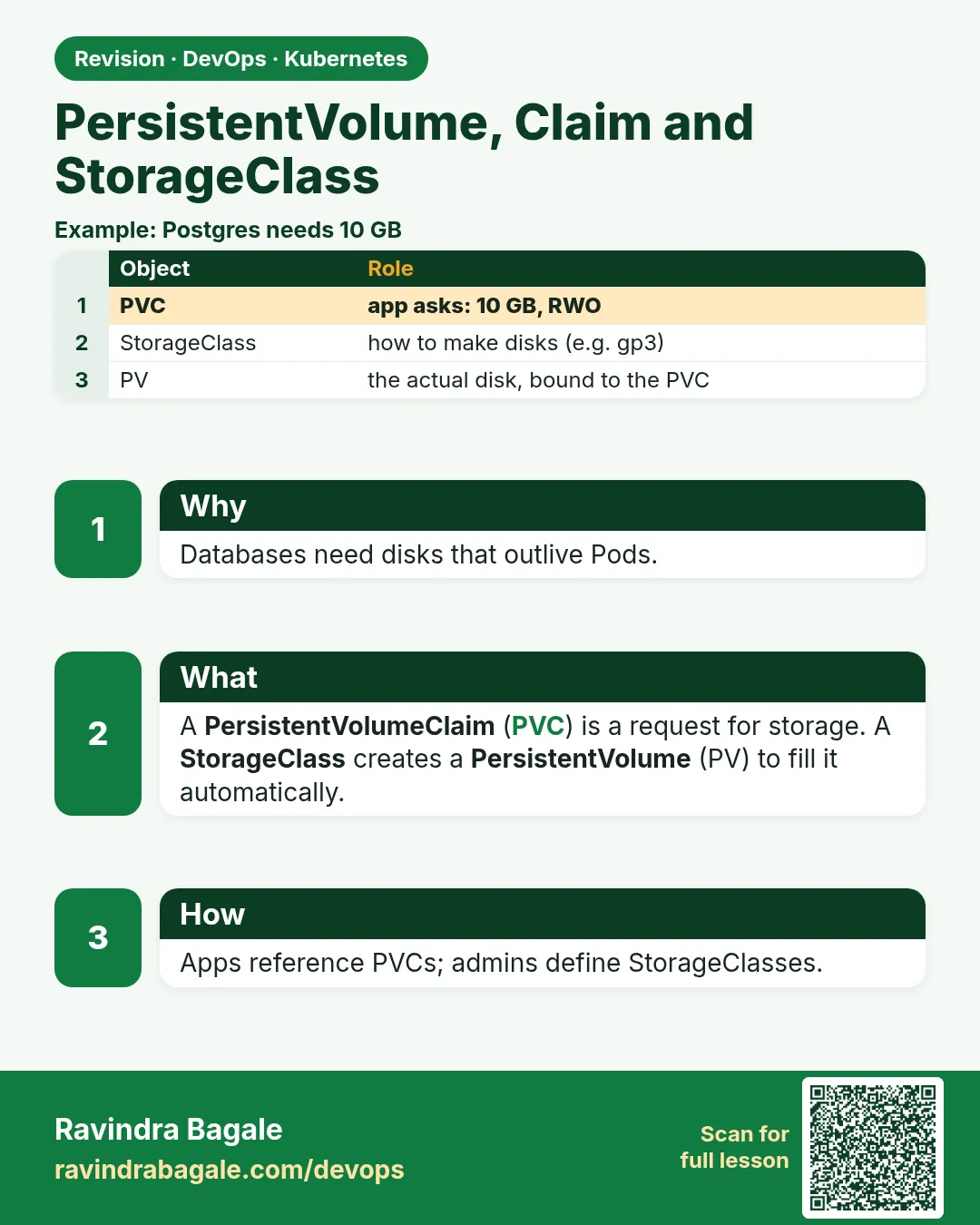 Revision card 9 of 12: PersistentVolume, Claim and StorageClass · Download PNG · Open card page
Lesson: 19.9 PersistentVolume, claim and StorageClass
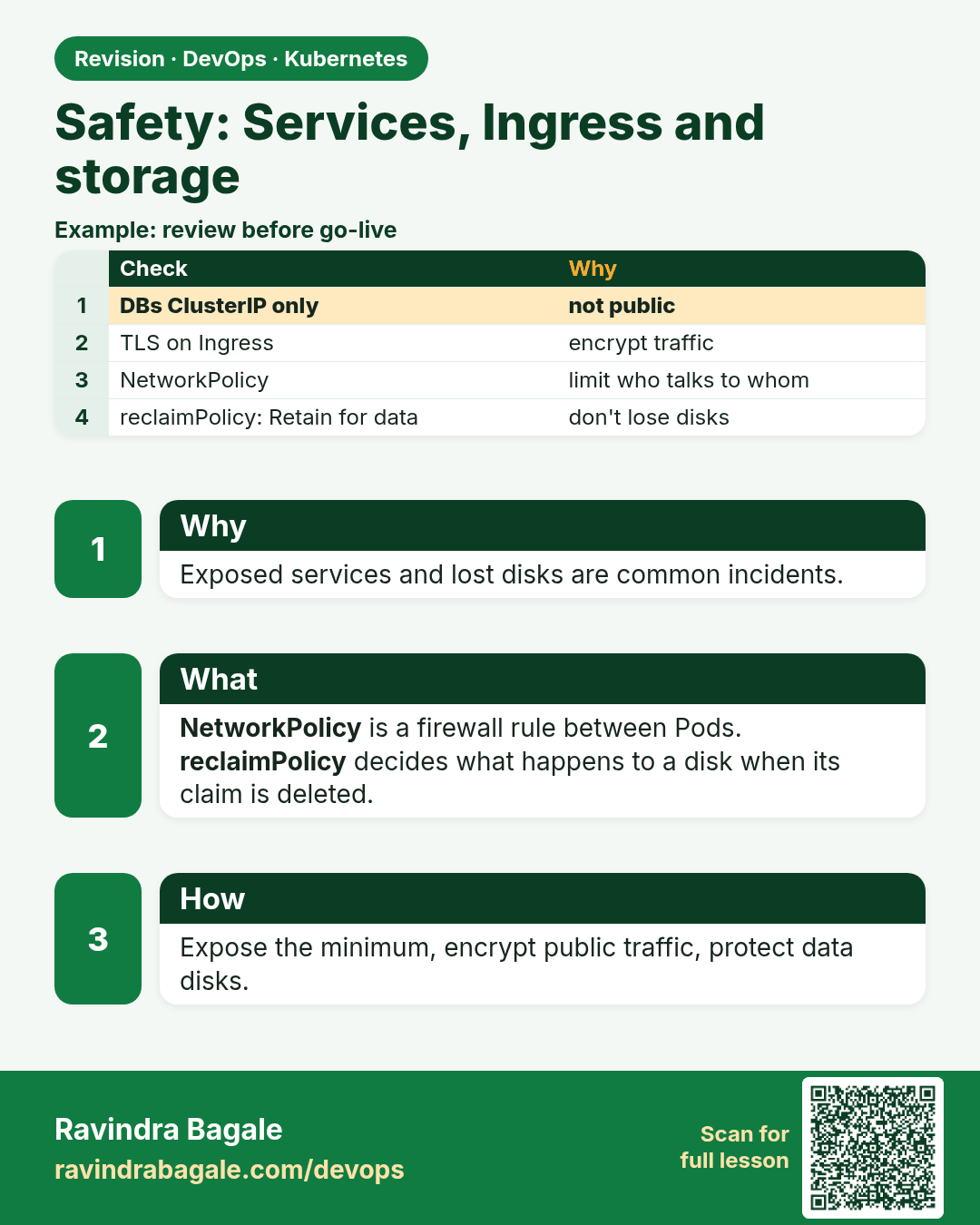
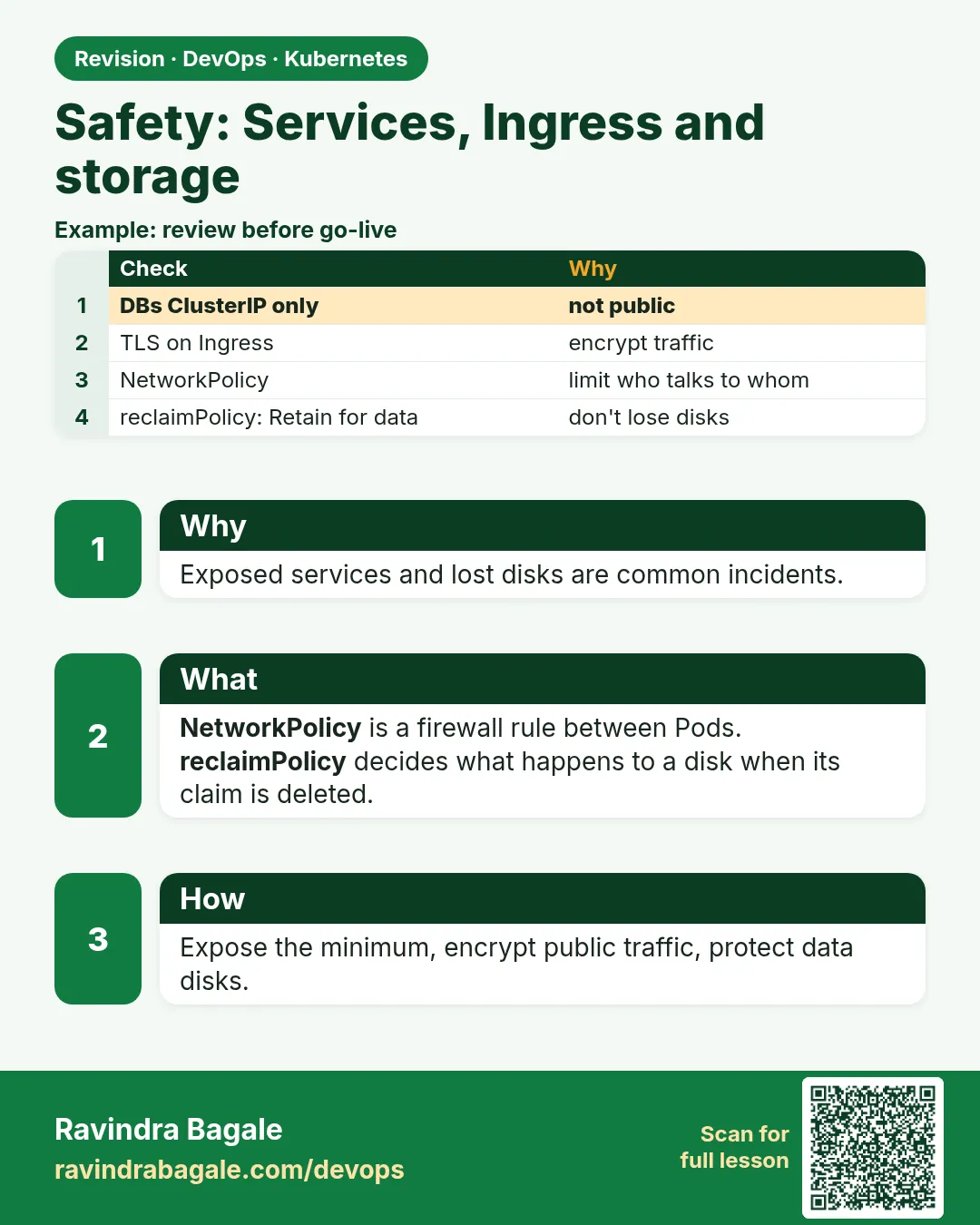 Revision card 10 of 12: Safety: Services, Ingress and storage · Download PNG · Open card page
Lesson: 19.10 Safety
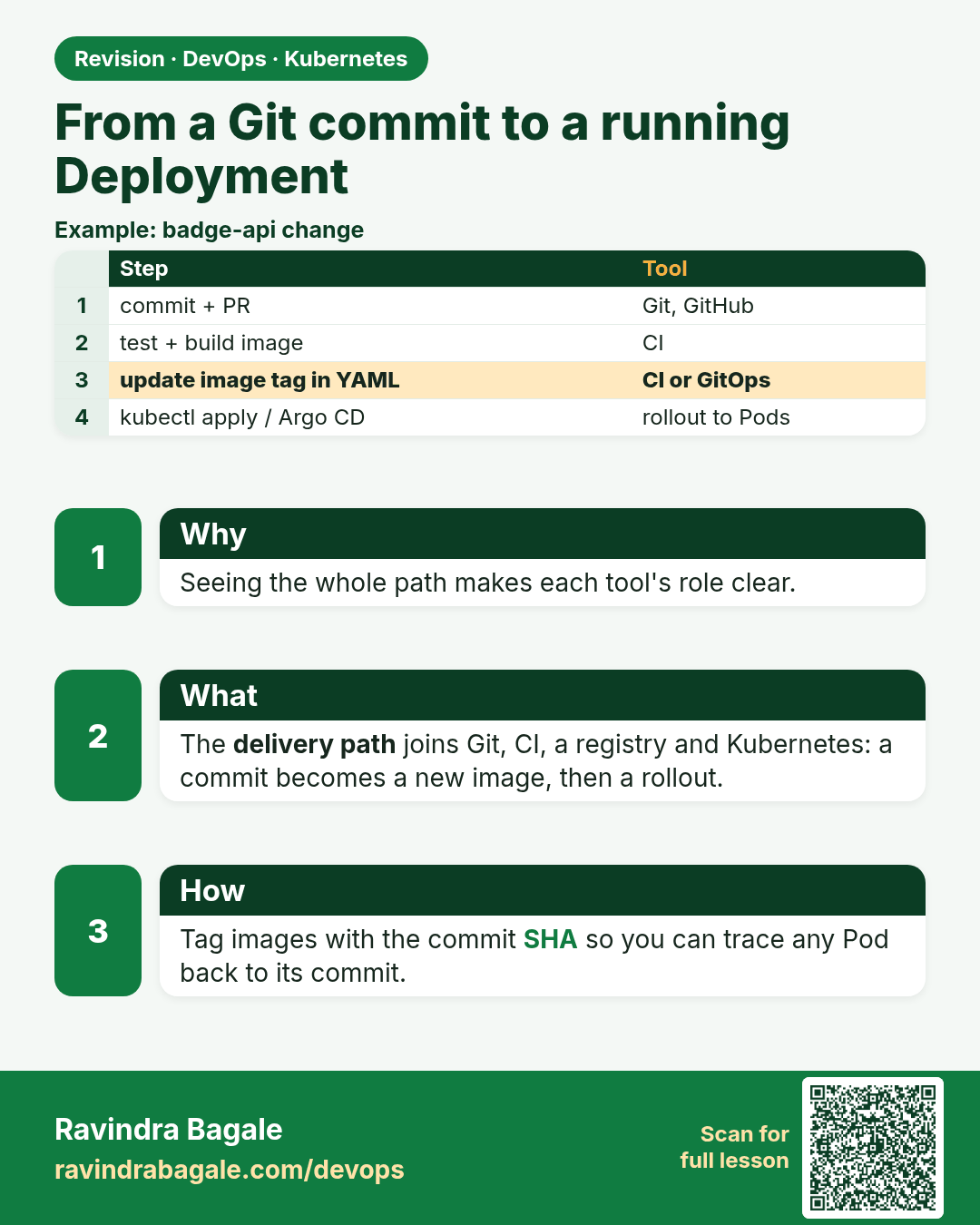
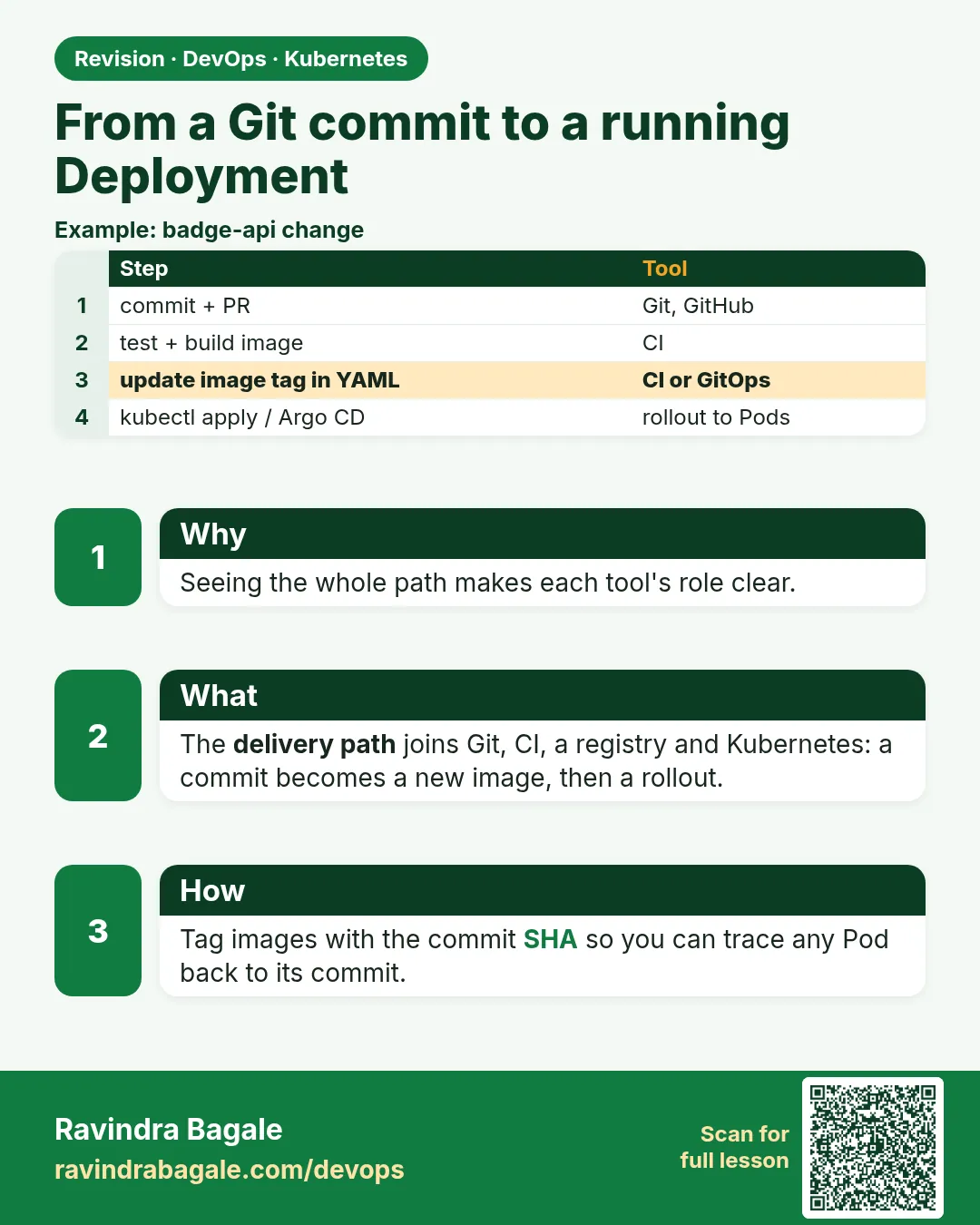 Revision card 11 of 12: From a Git commit to a running Deployment · Download PNG · Open card page
Lesson: 19.11 From a Git commit to a running Deployment
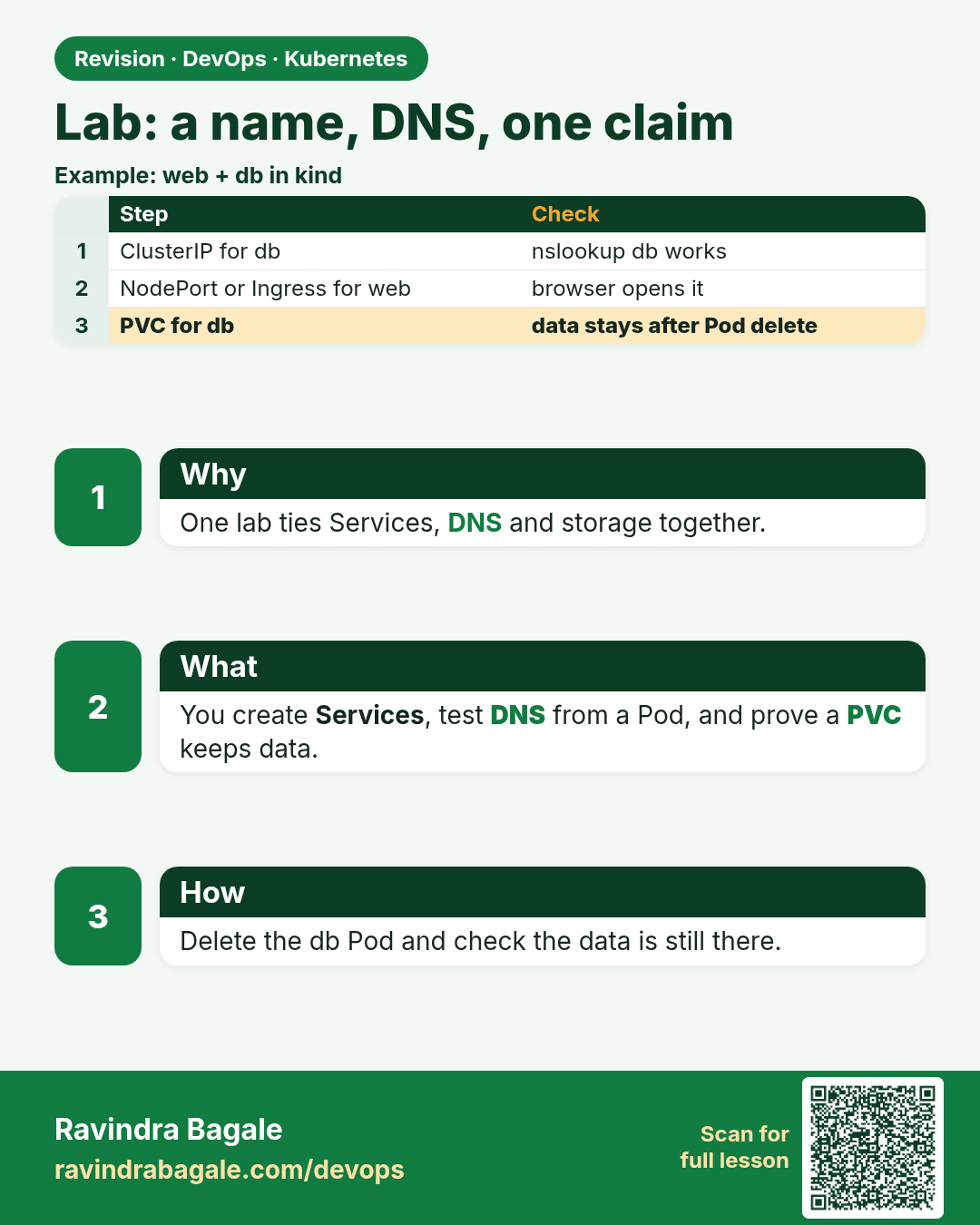
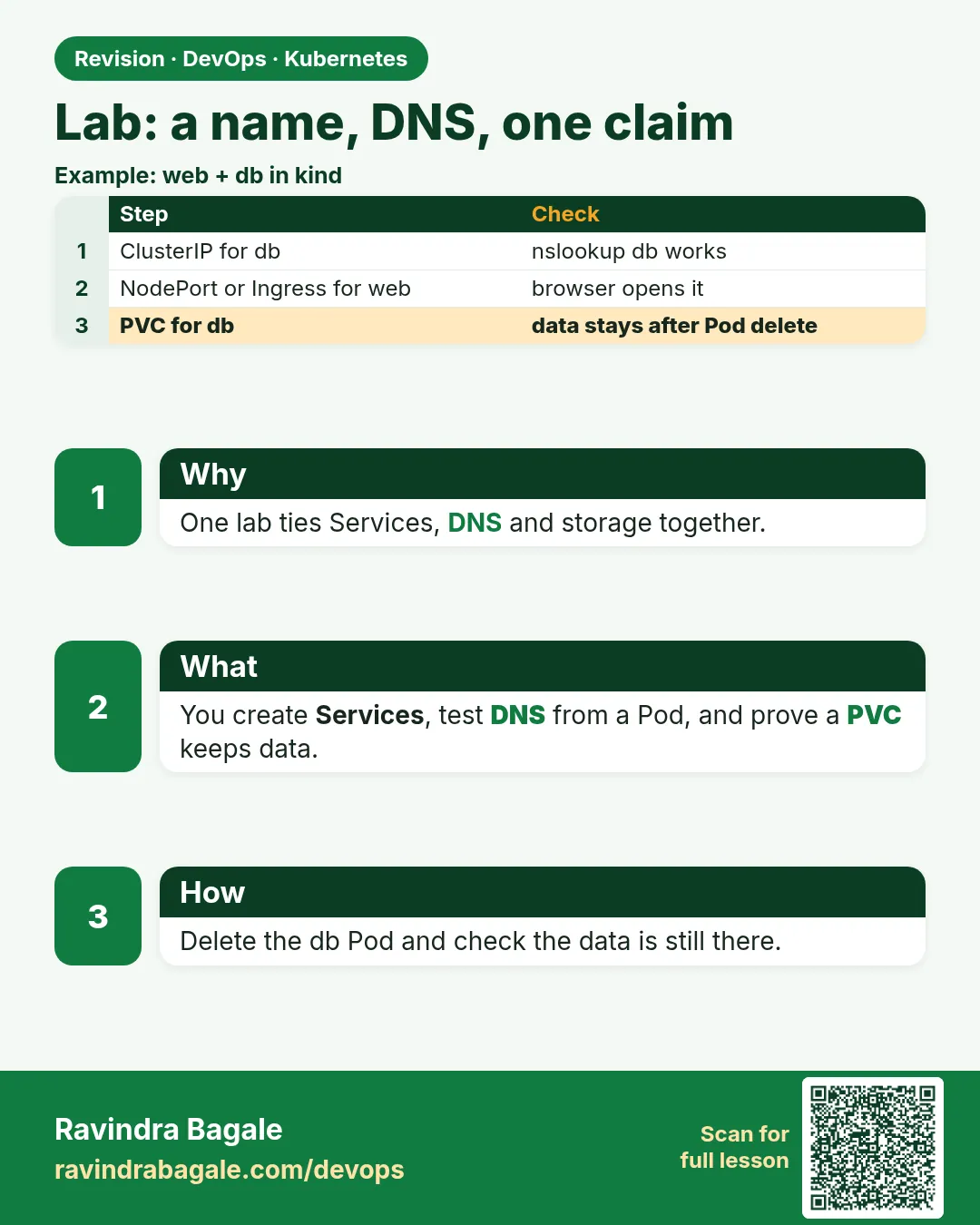 Revision card 12 of 12: Lab: a name, DNS, one claim · Download PNG · Open card page
Lesson: 19.12 Lab — name, DNS, one claim
Interview cards
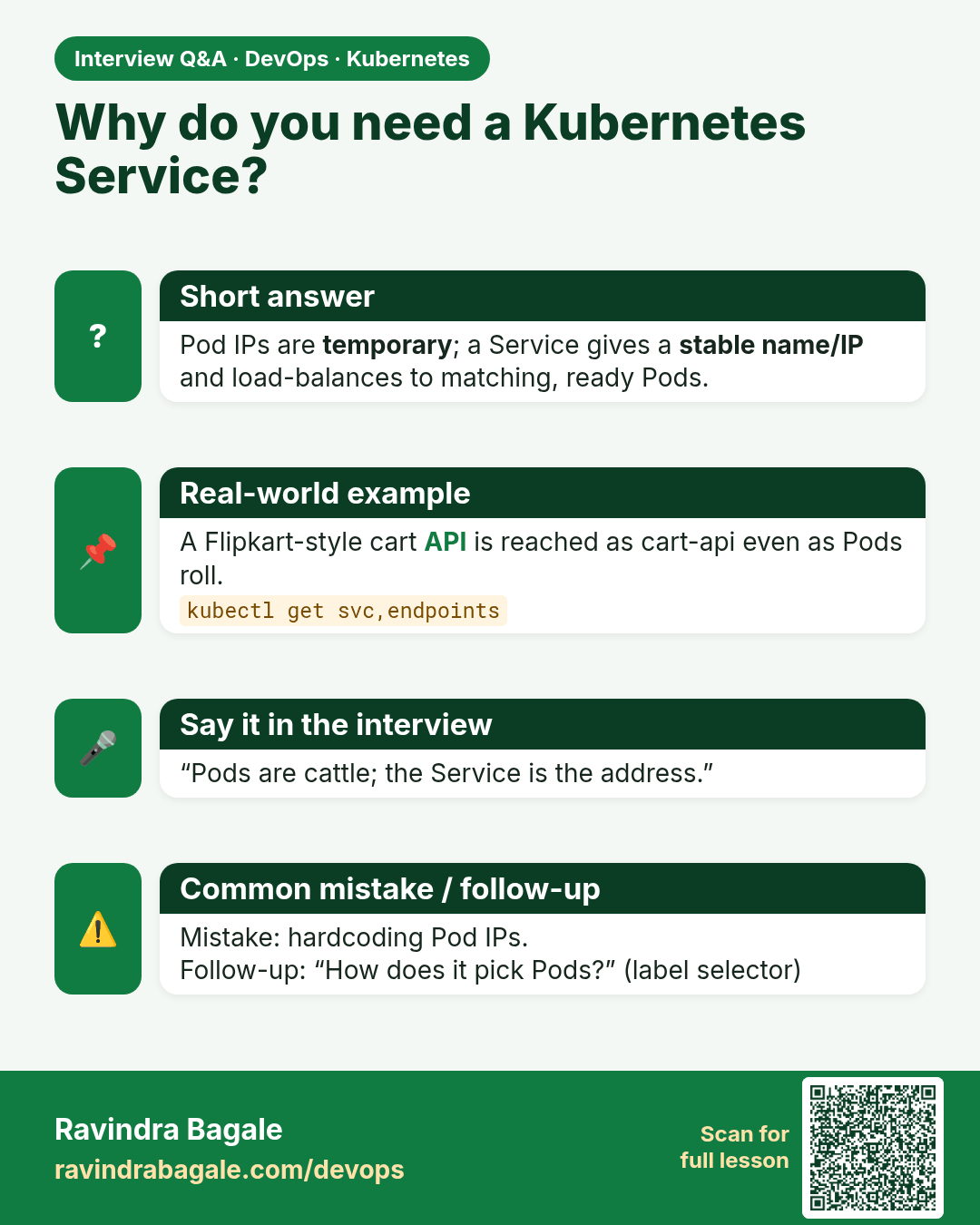
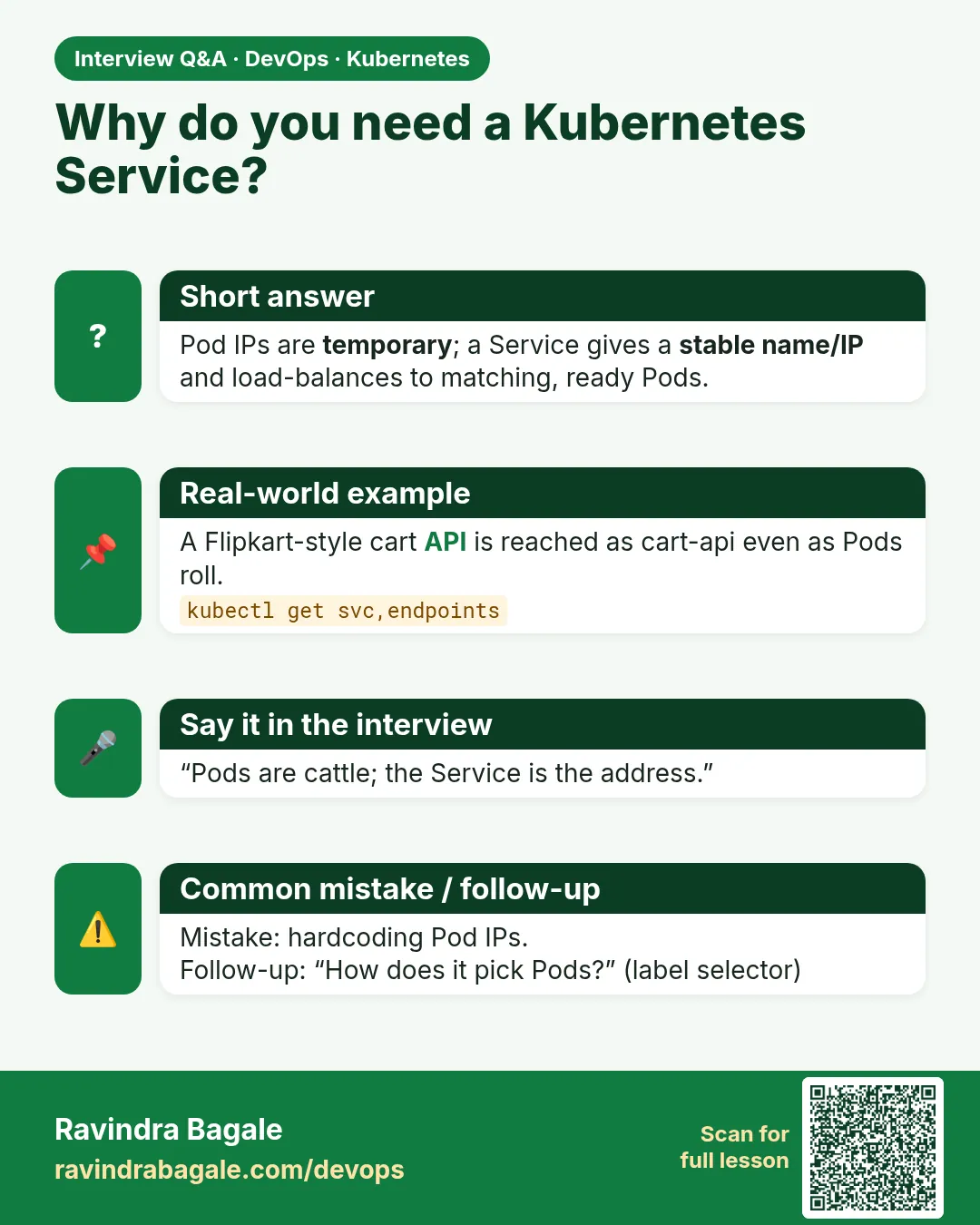 Interview card 1 of 12: Why do you need a Kubernetes Service? · Download PNG · Open card page
Lesson: 19.1 Why Pods need a stable front door
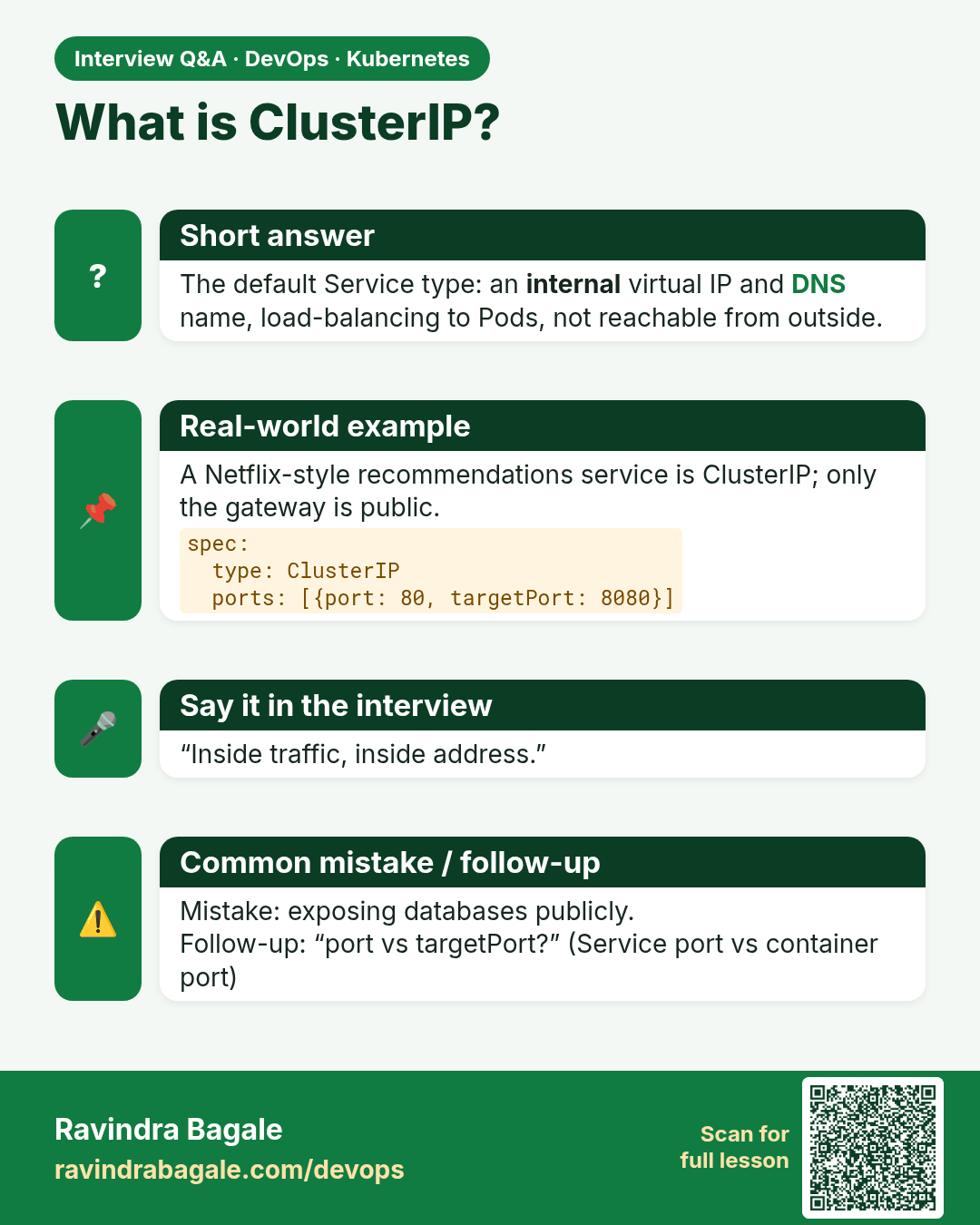
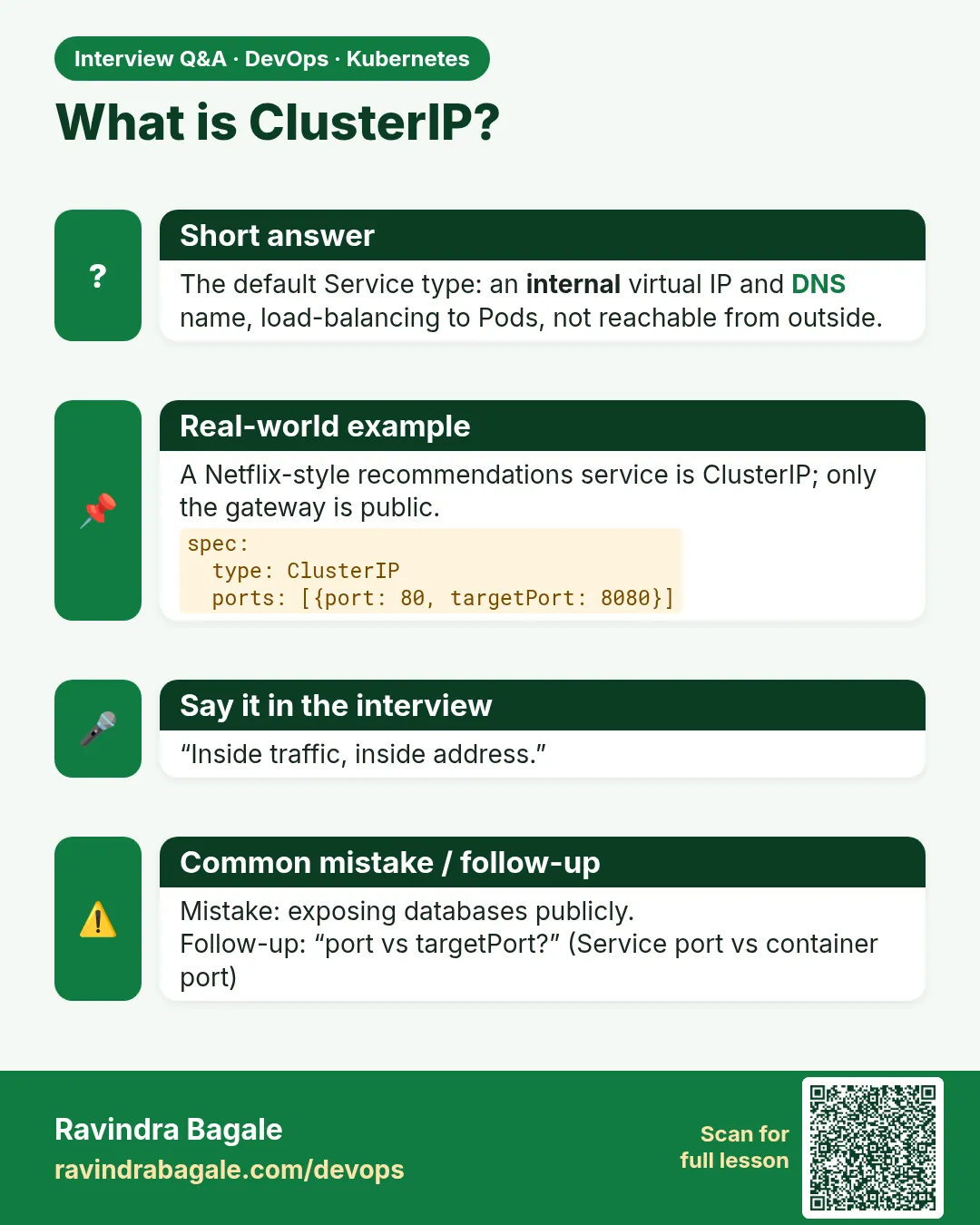 Interview card 2 of 12: What is ClusterIP? · Download PNG · Open card page
Lesson: 19.2 ClusterIP — load balance inside the cluster
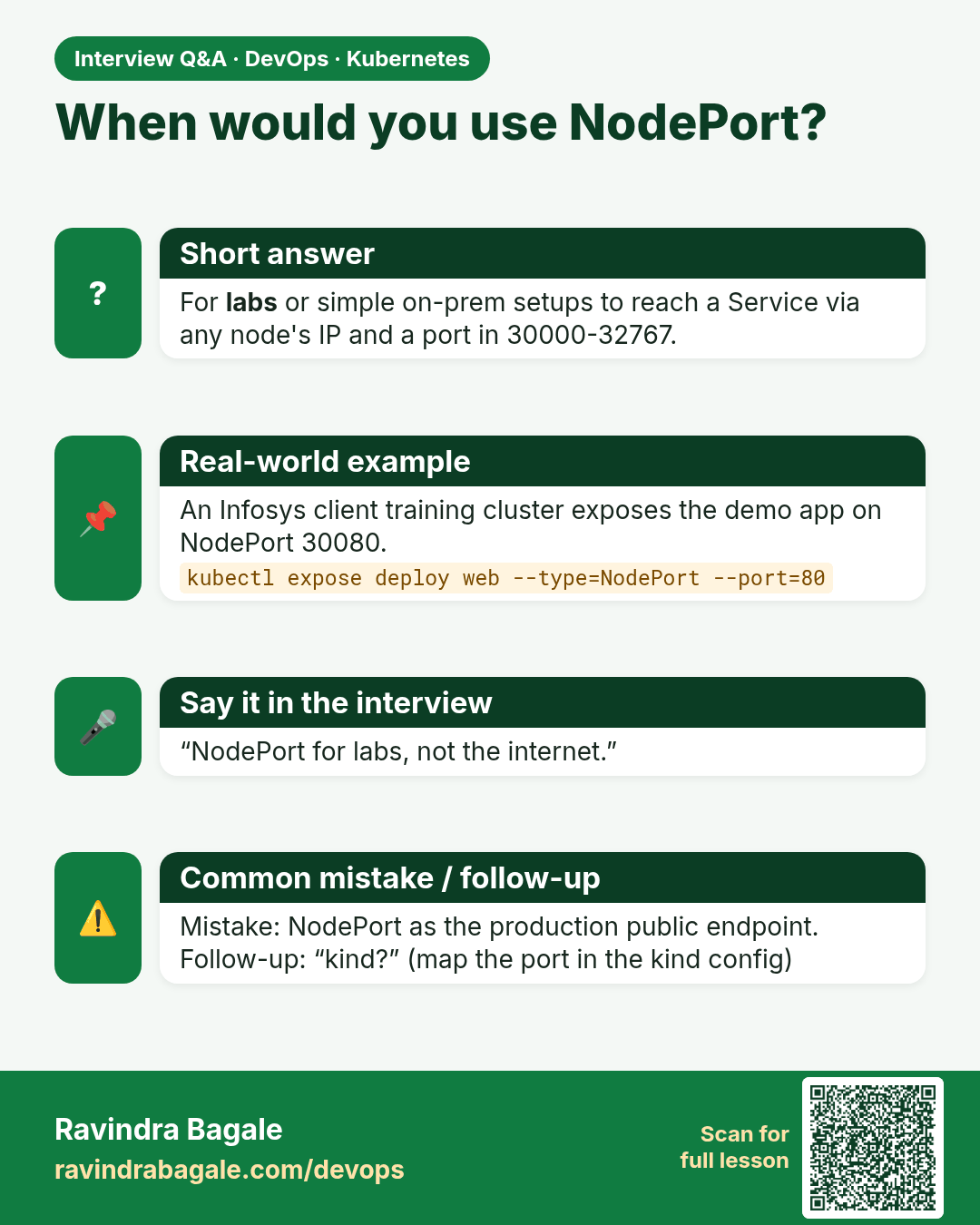
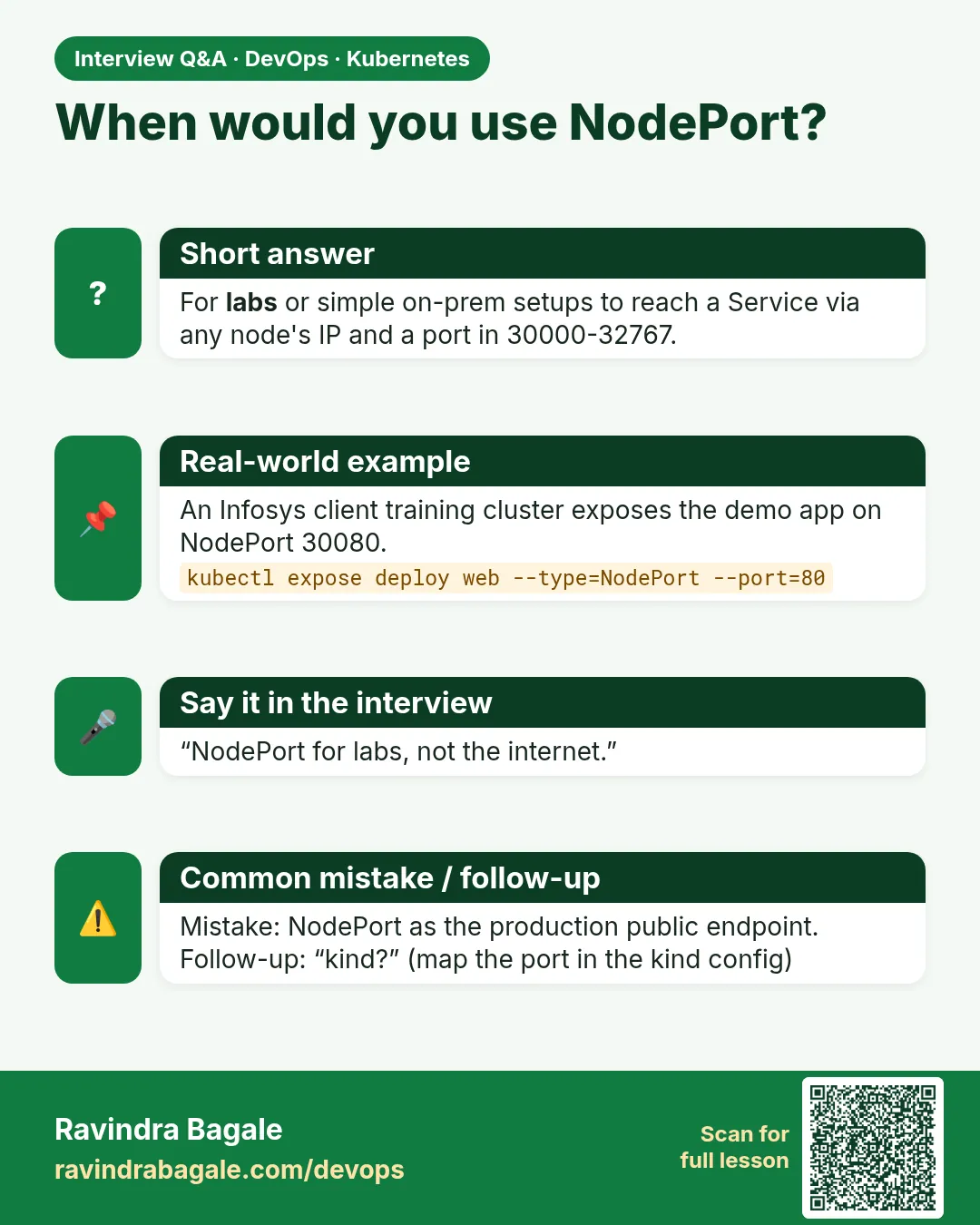 Interview card 3 of 12: When would you use NodePort? · Download PNG · Open card page
Lesson: 19.3 NodePort — a port on the node, for a lab
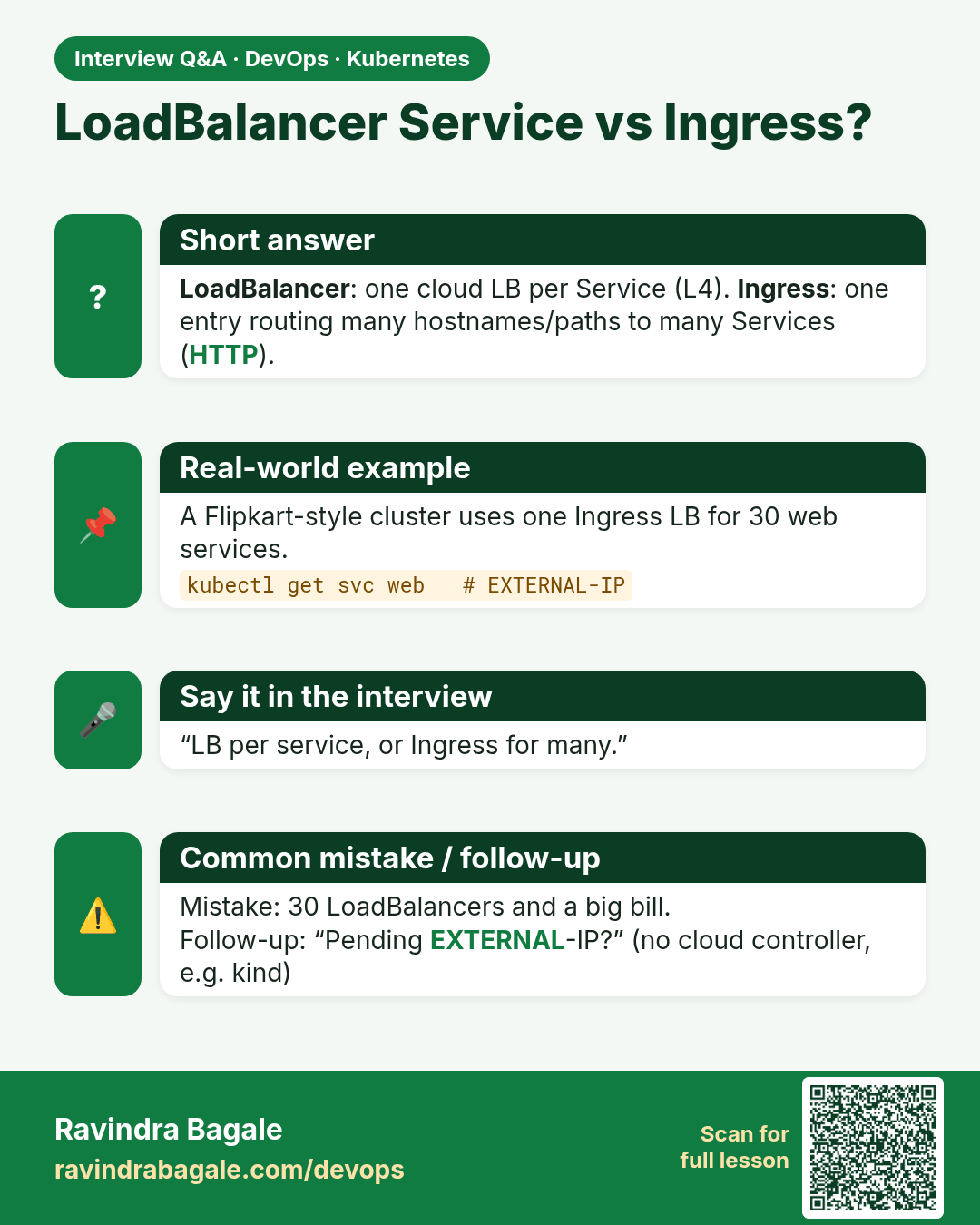
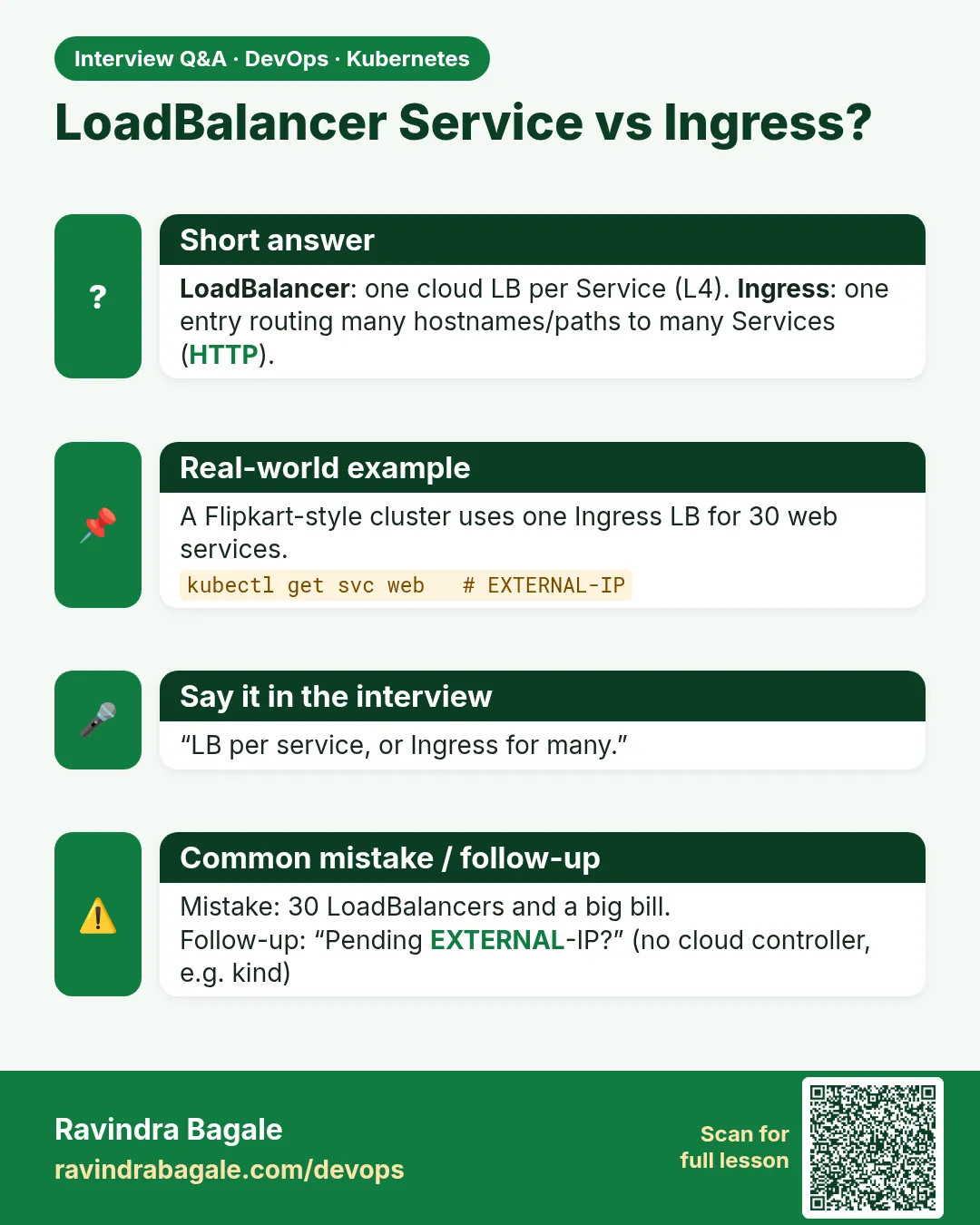 Interview card 4 of 12: LoadBalancer Service vs Ingress? · Download PNG · Open card page
Lesson: 19.4 LoadBalancer — when a cloud should publish it
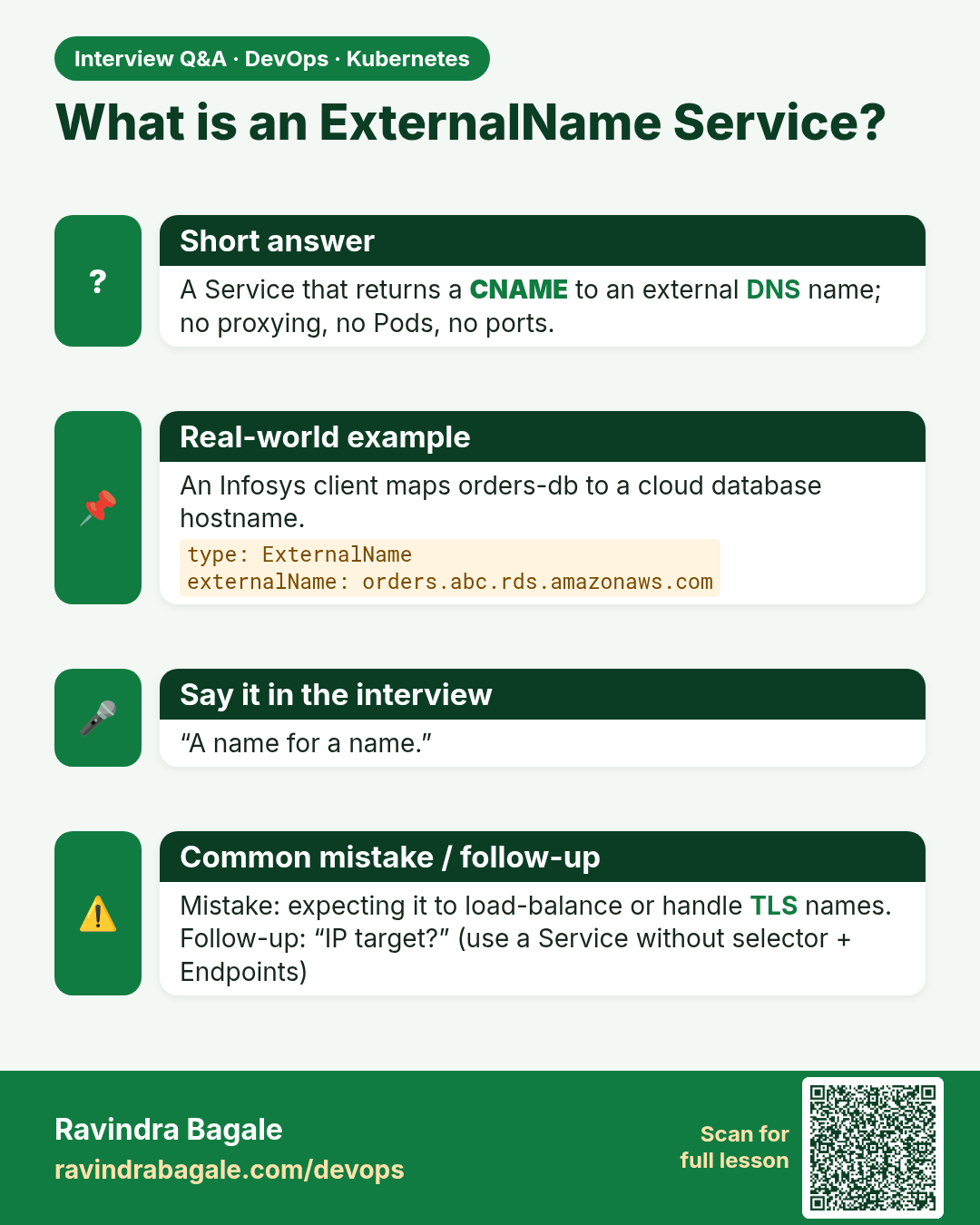
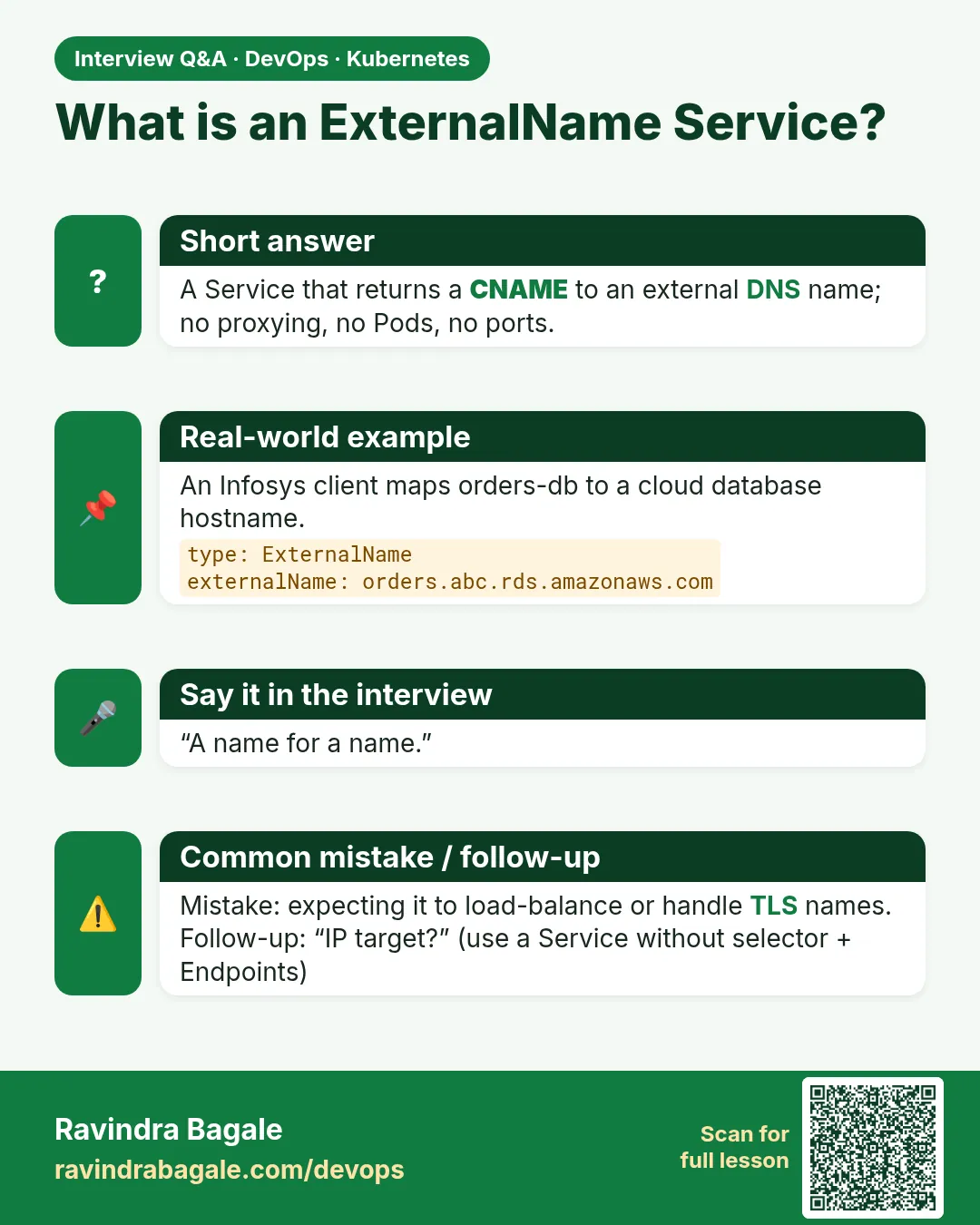 Interview card 5 of 12: What is an ExternalName Service? · Download PNG · Open card page
Lesson: 19.5 ExternalName — an alias to a name outside
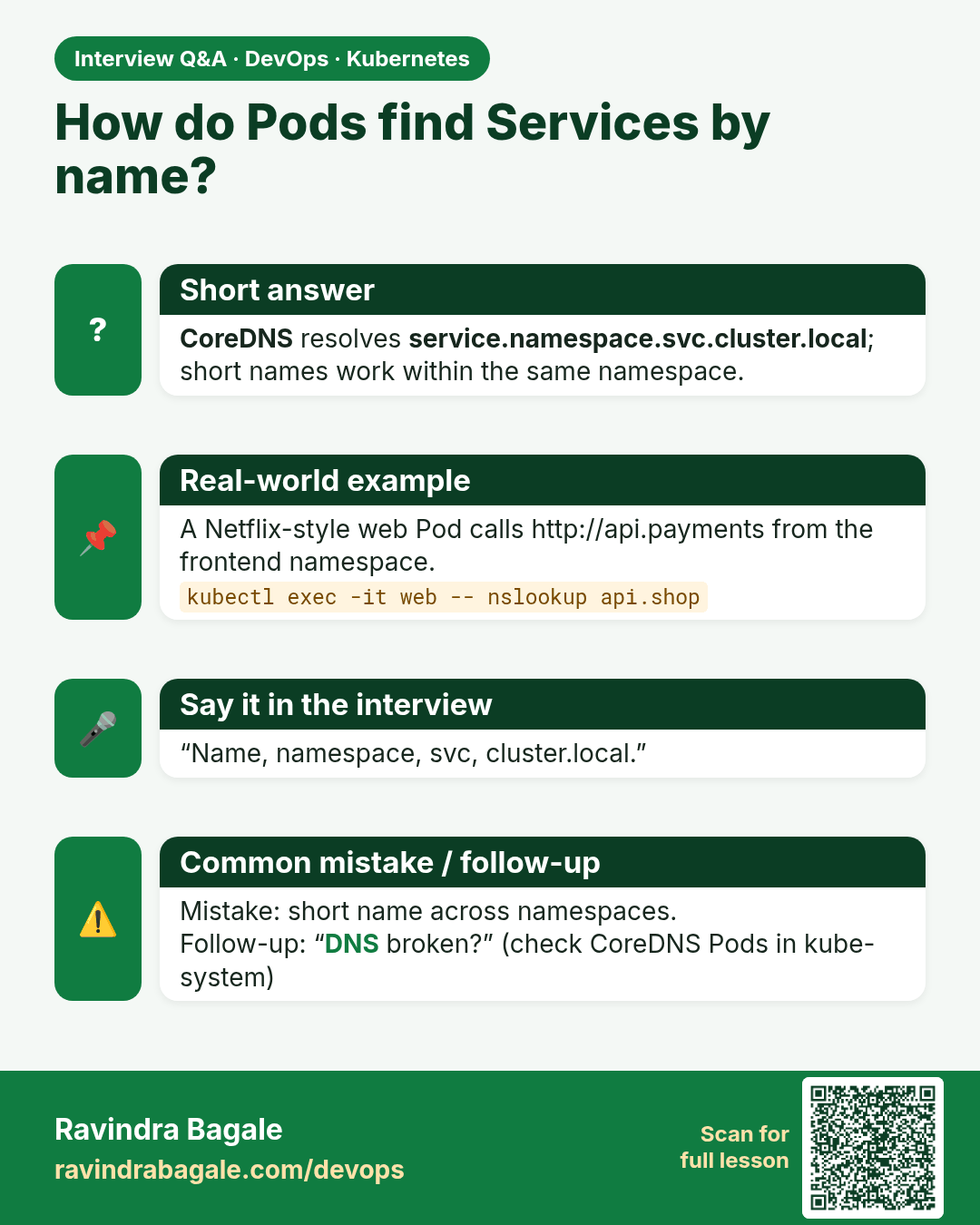
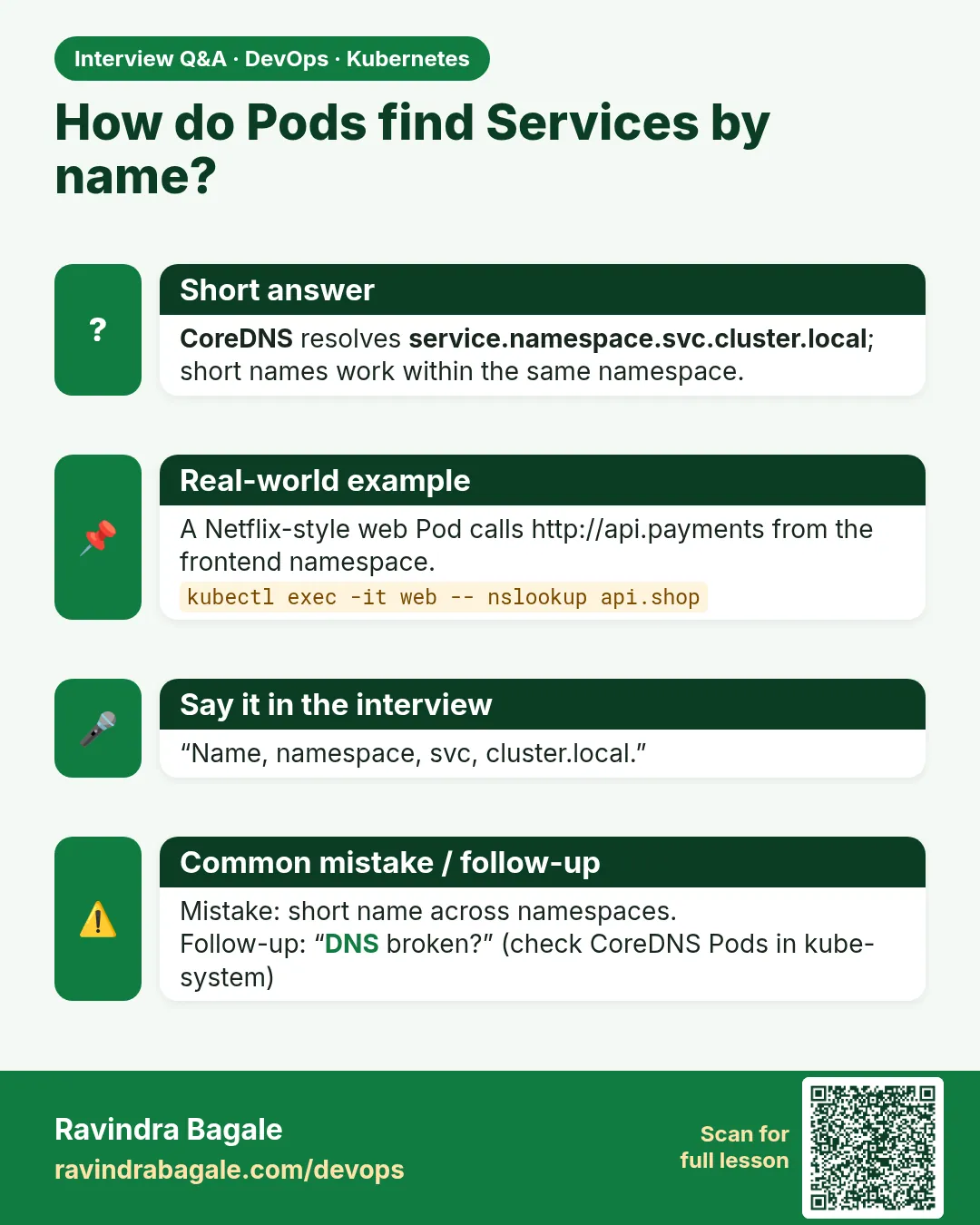 Interview card 6 of 12: How do Pods find Services by name? · Download PNG · Open card page
Lesson: 19.6 Service DNS, step by step
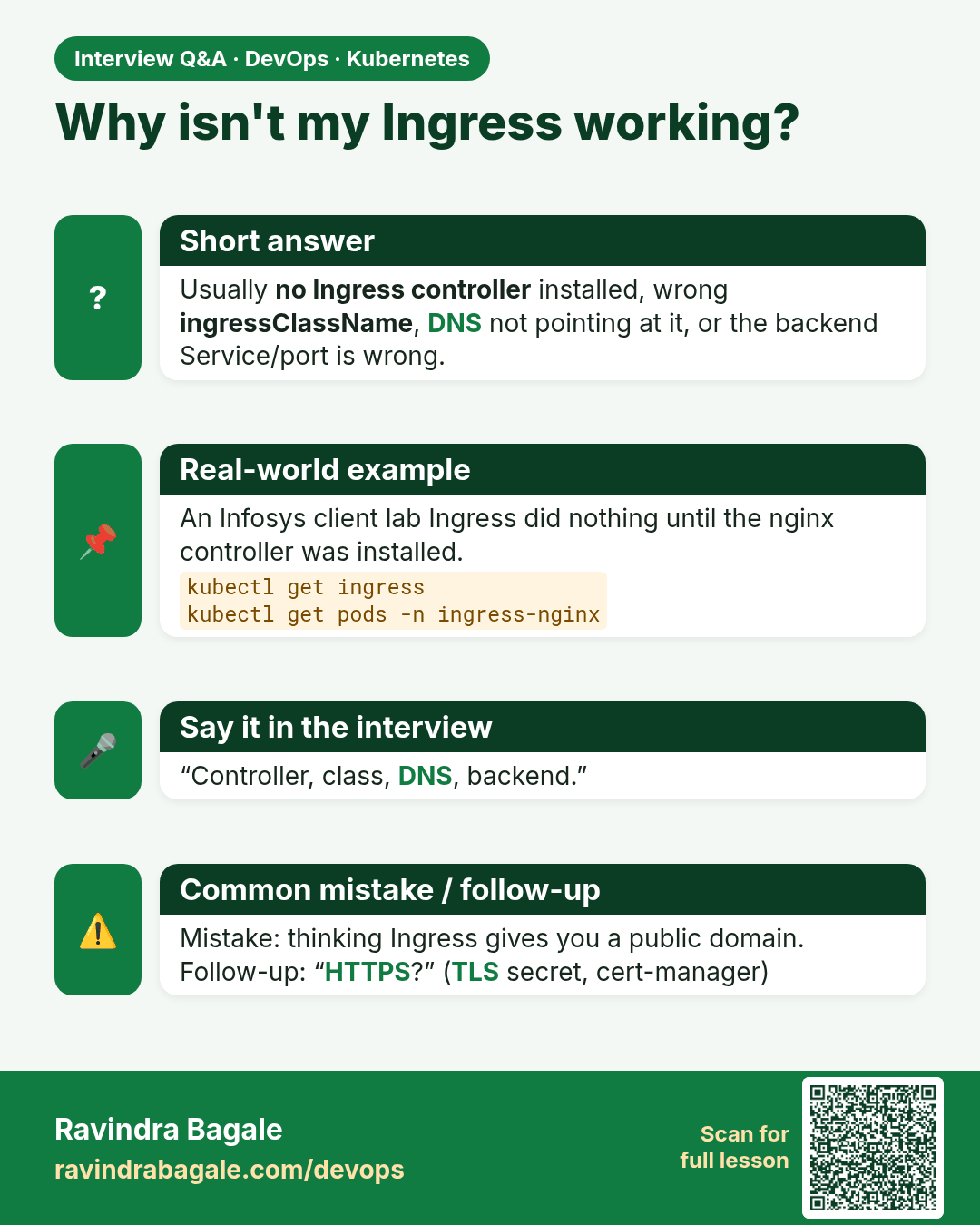
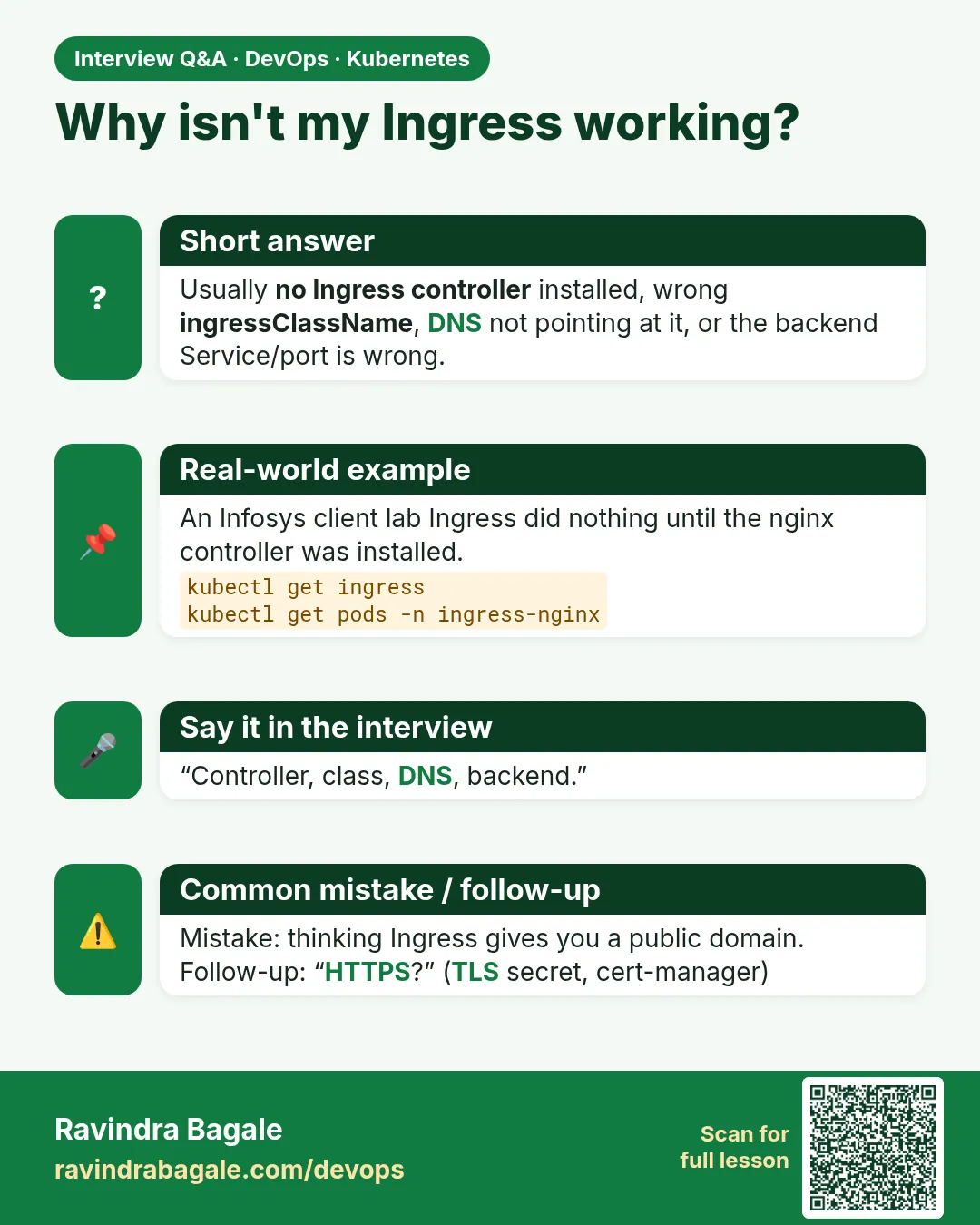 Interview card 7 of 12: Why isn't my Ingress working? · Download PNG · Open card page
Lesson: 19.7 Ingress — a hostname, not a free public domain
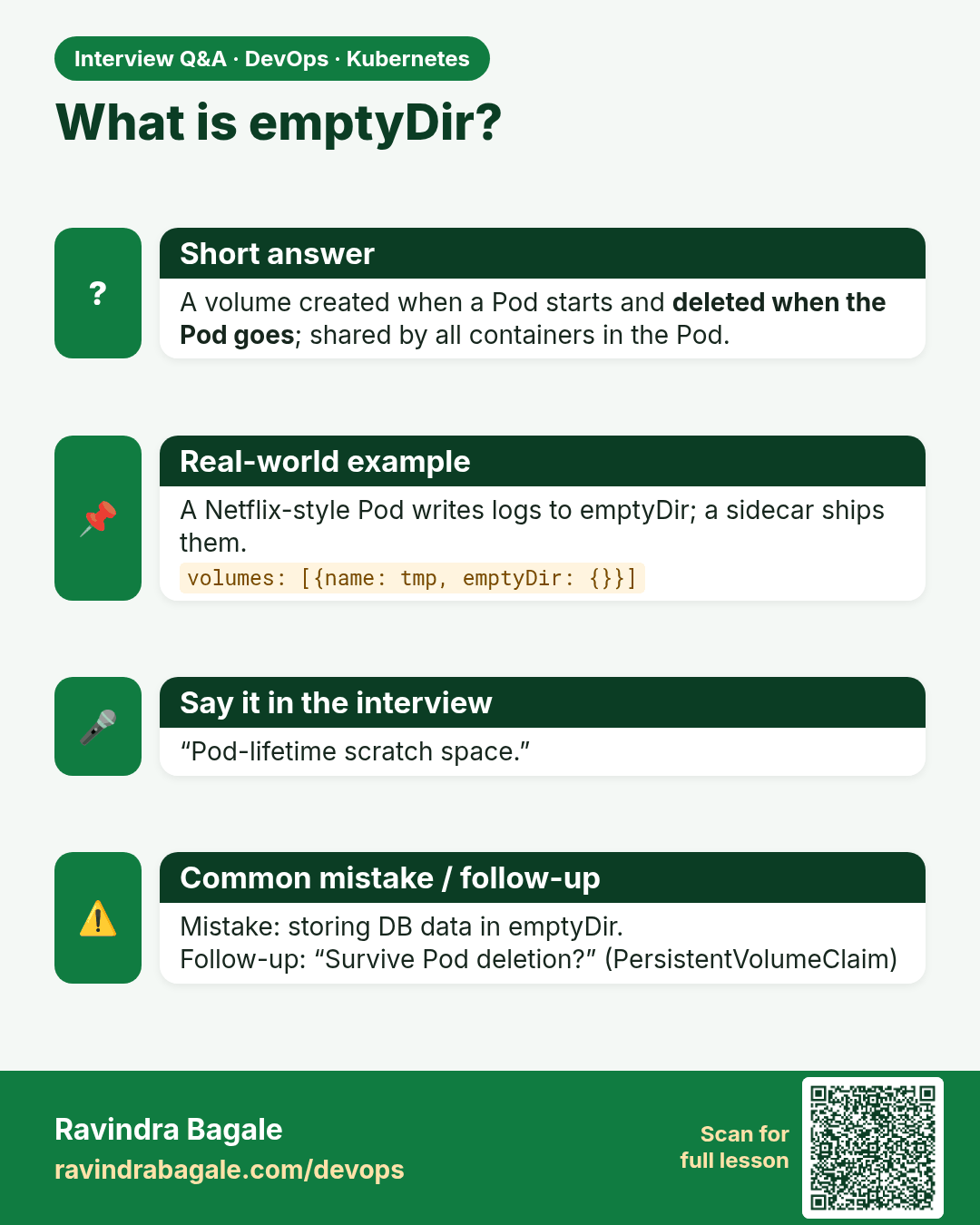
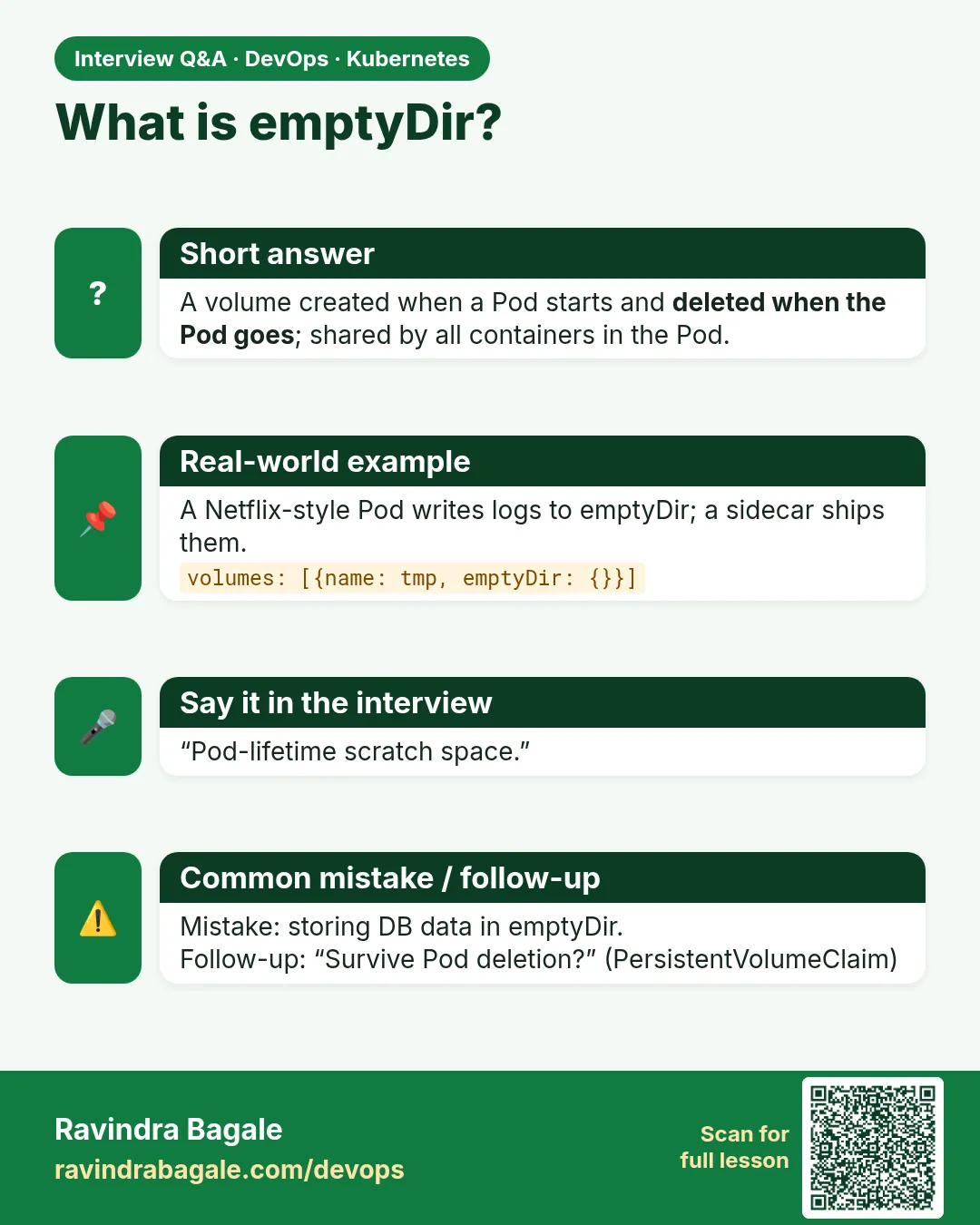 Interview card 8 of 12: What is emptyDir? · Download PNG · Open card page
Lesson: 19.8 Volumes inside a Pod
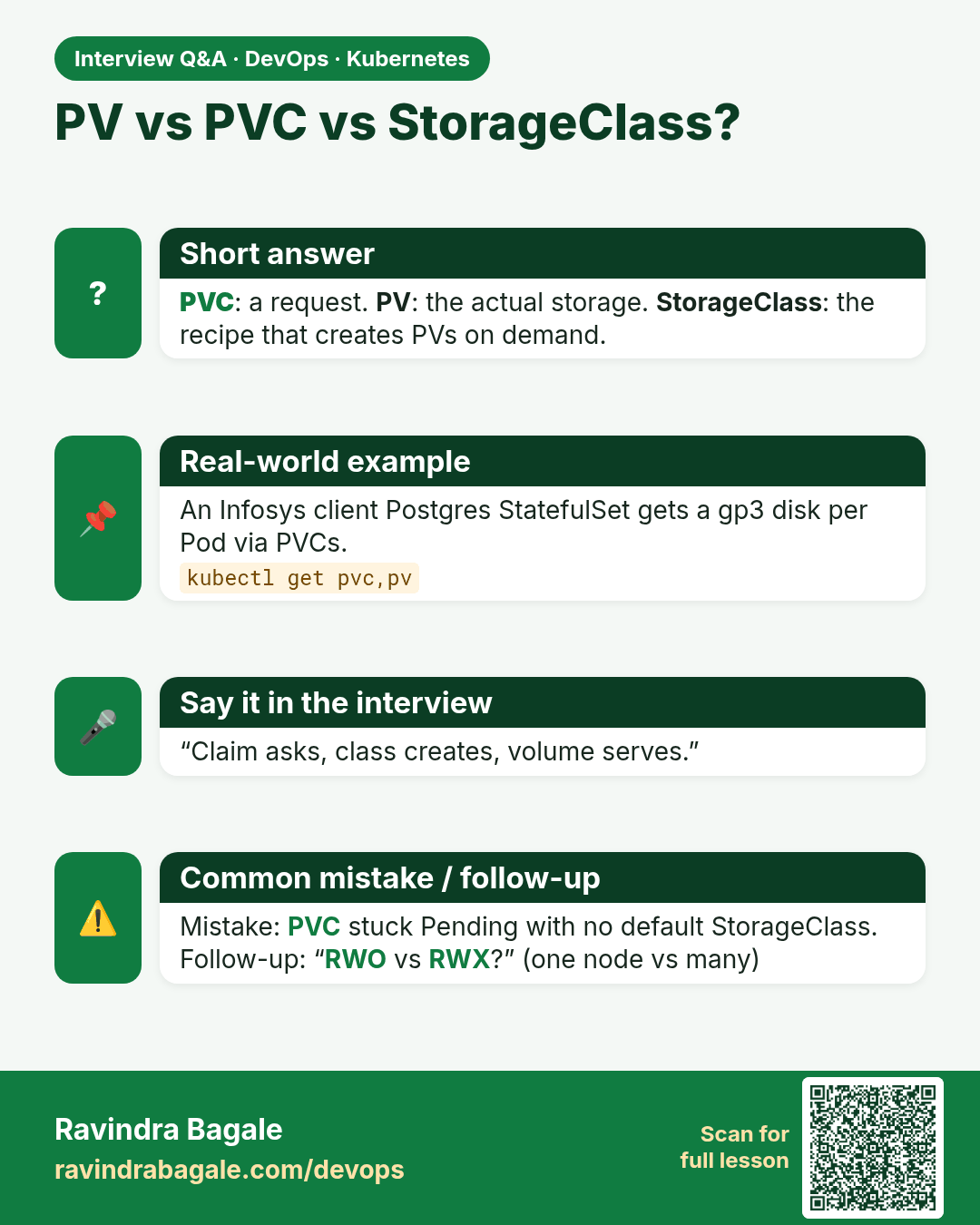
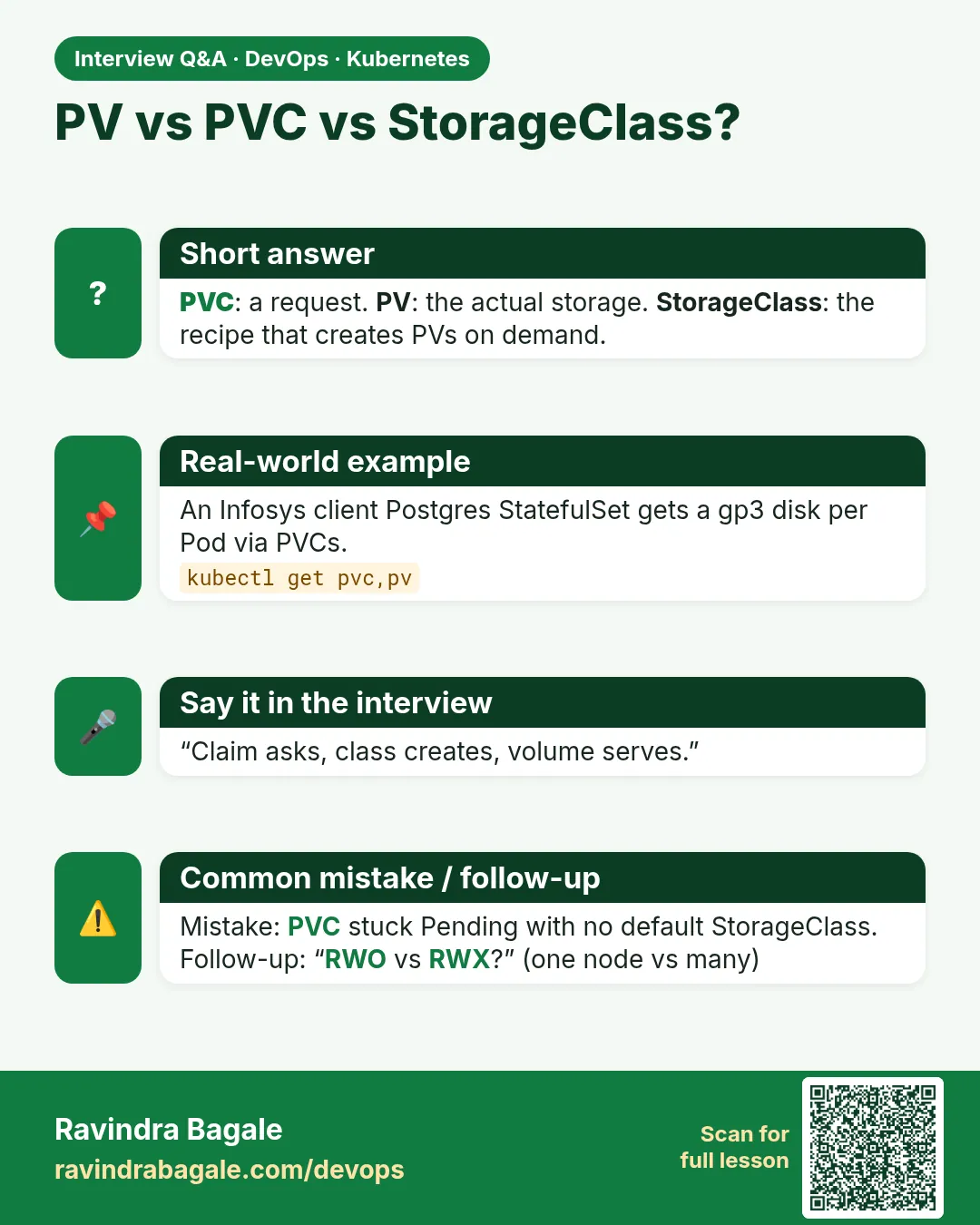 Interview card 9 of 12: PV vs PVC vs StorageClass? · Download PNG · Open card page
Lesson: 19.9 PersistentVolume, claim and StorageClass
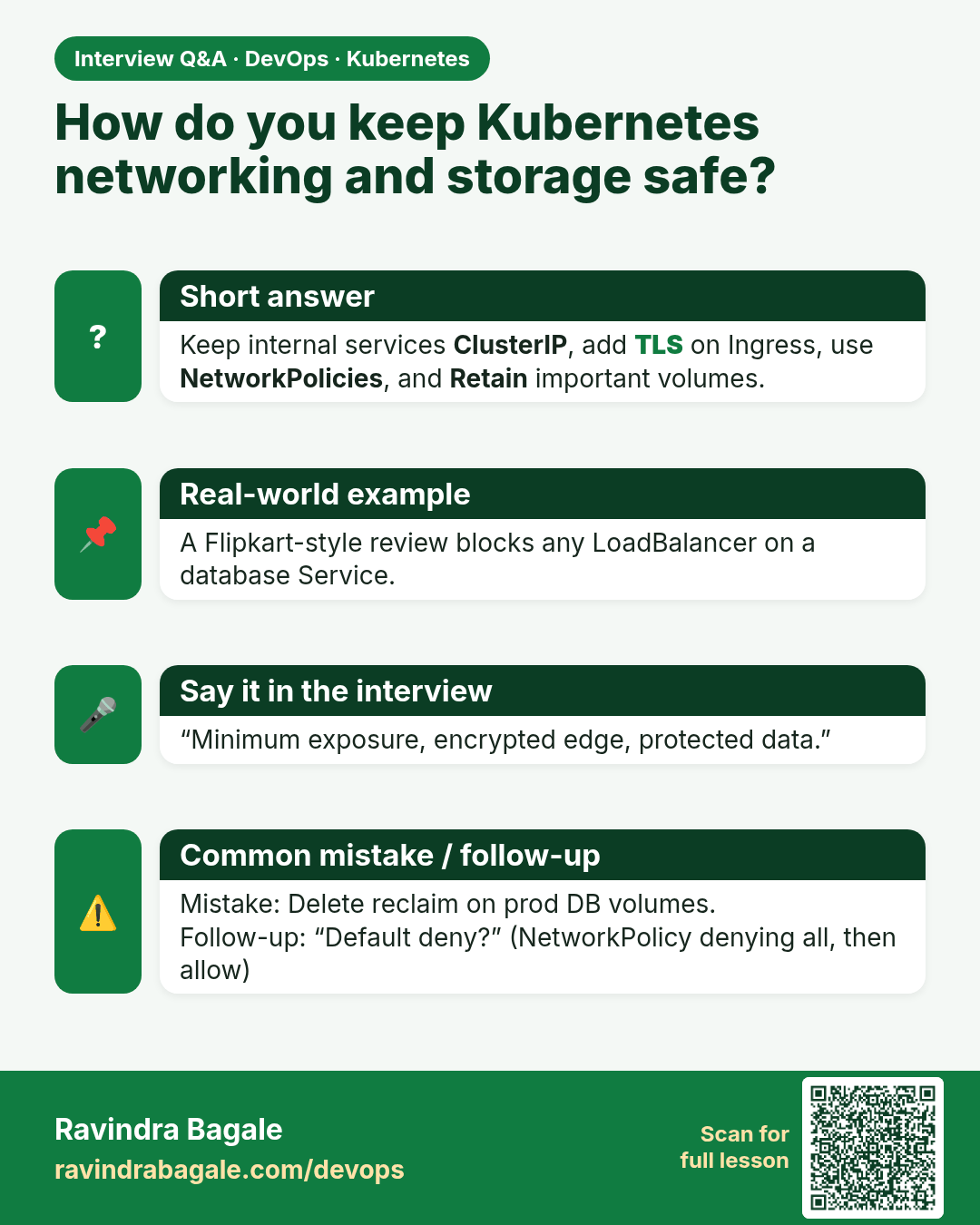
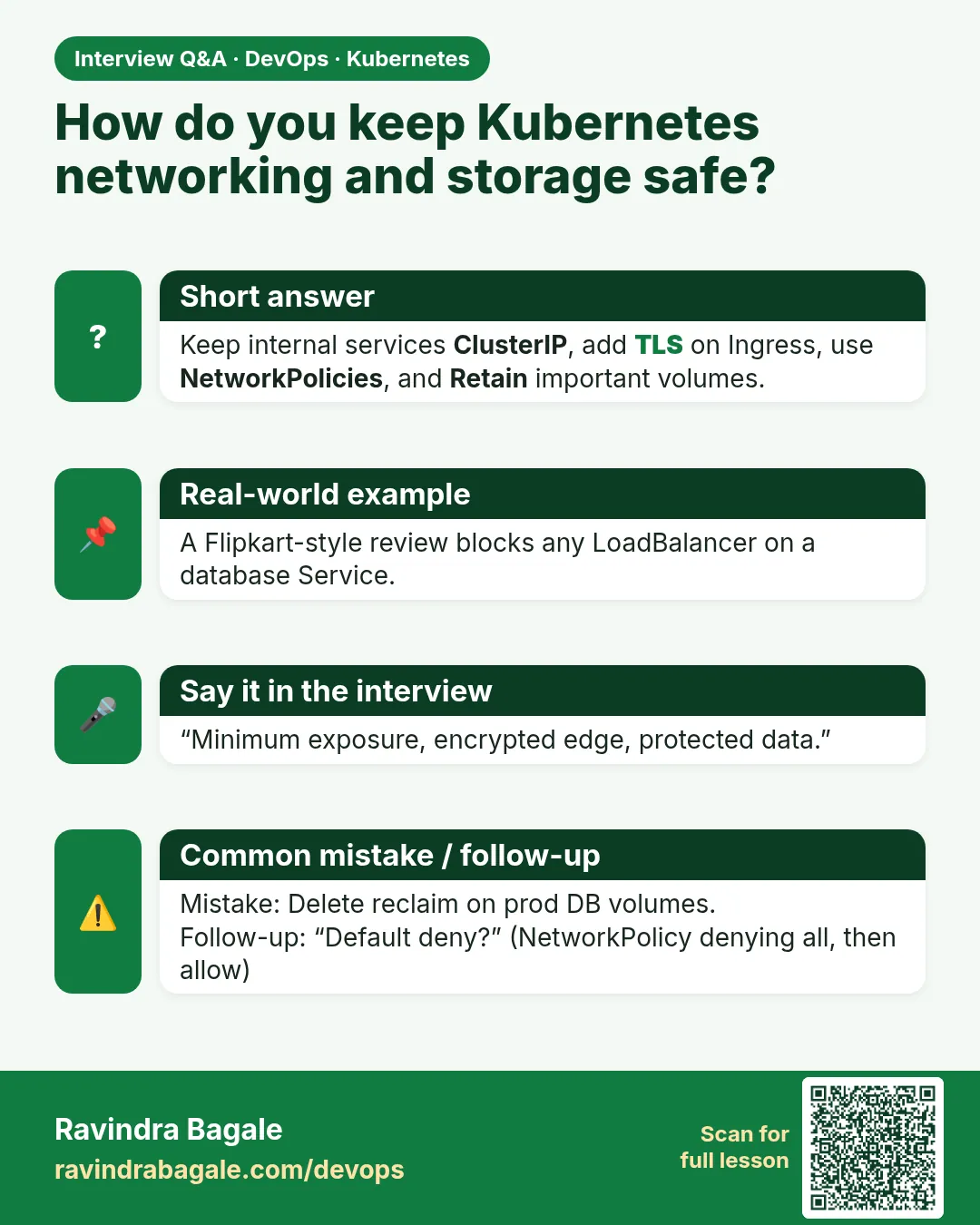 Interview card 10 of 12: How do you keep Kubernetes networking and storage safe? · Download PNG · Open card page
Lesson: 19.10 Safety
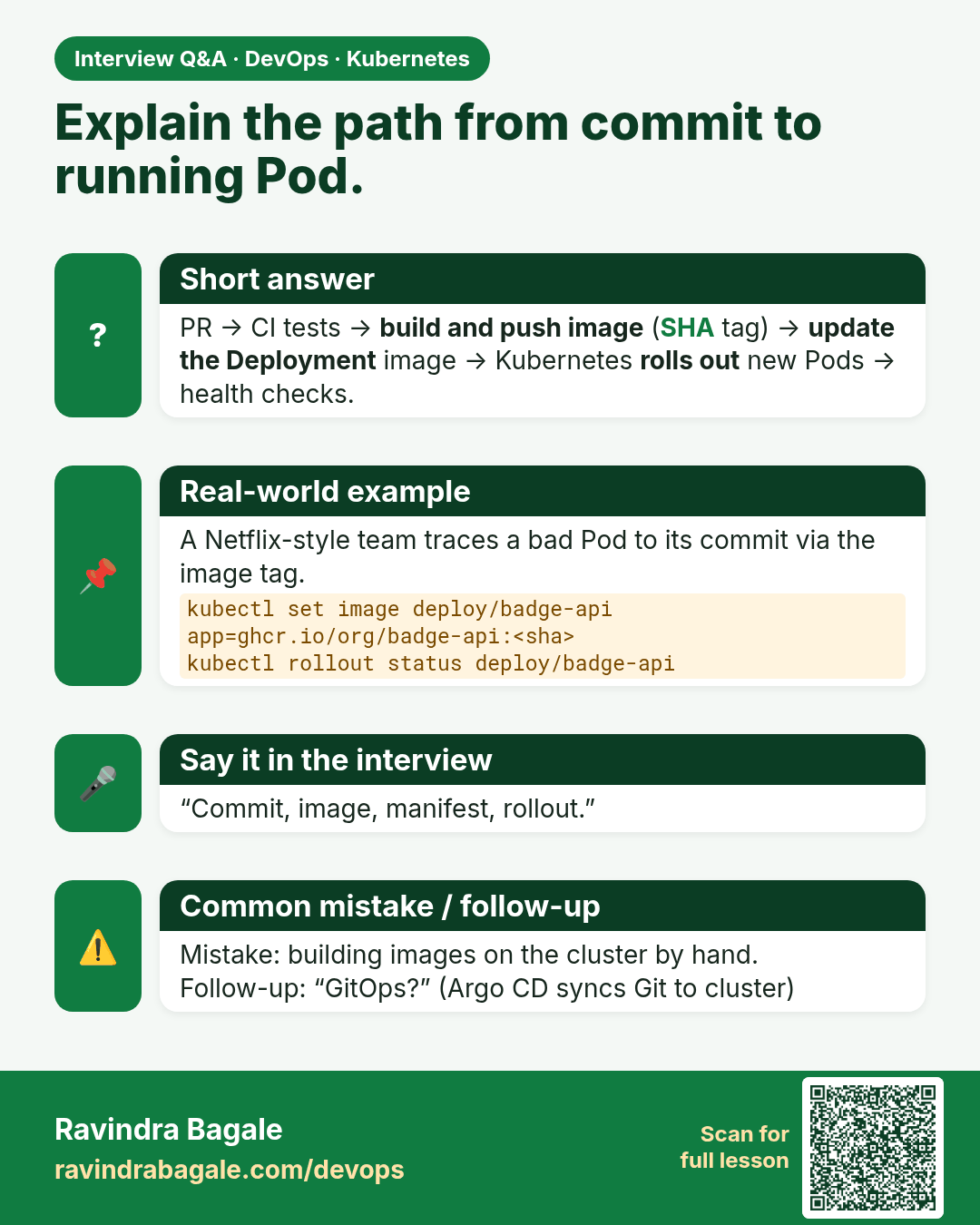
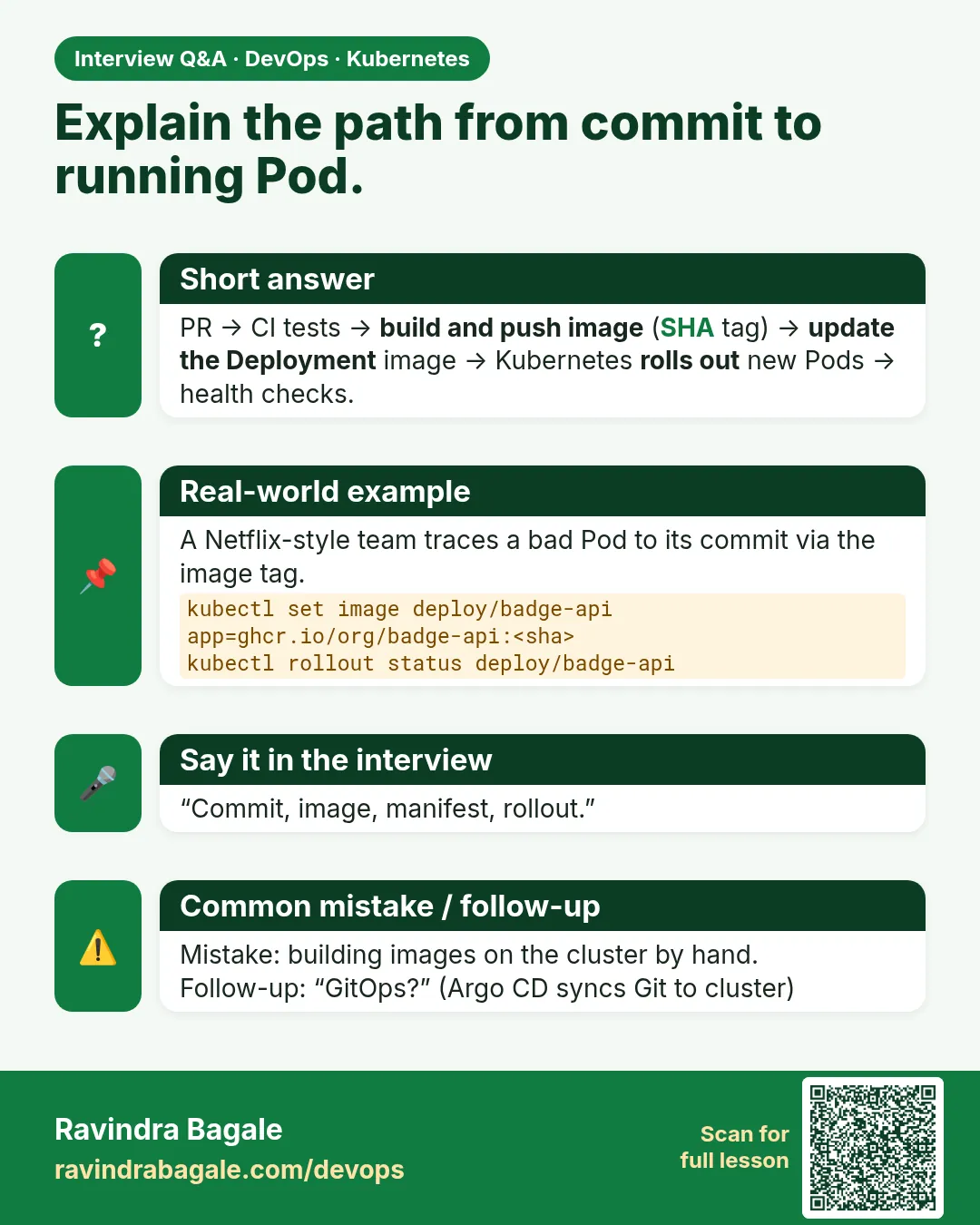 Interview card 11 of 12: Explain the path from commit to running Pod. · Download PNG · Open card page
Lesson: 19.11 From a Git commit to a running Deployment
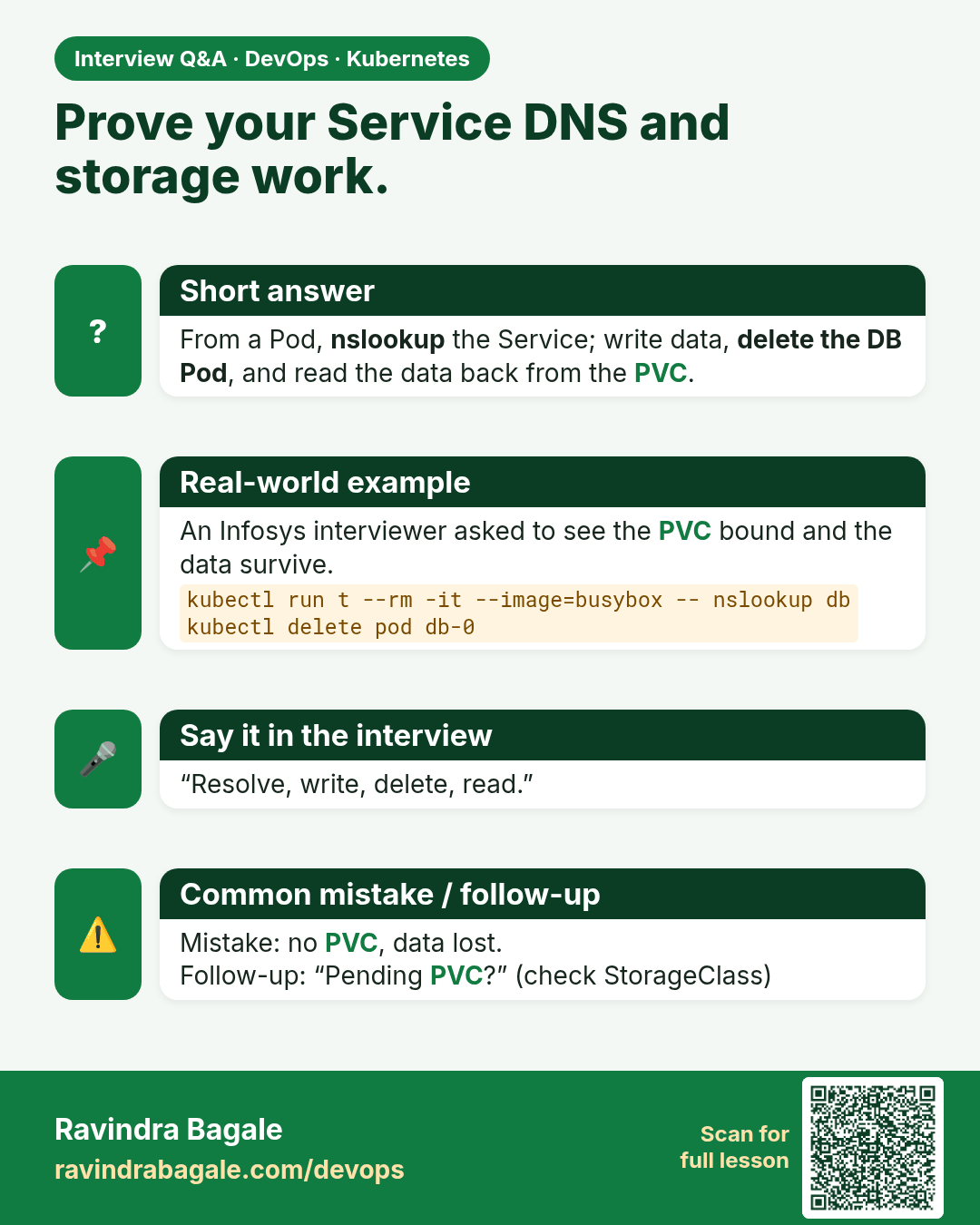
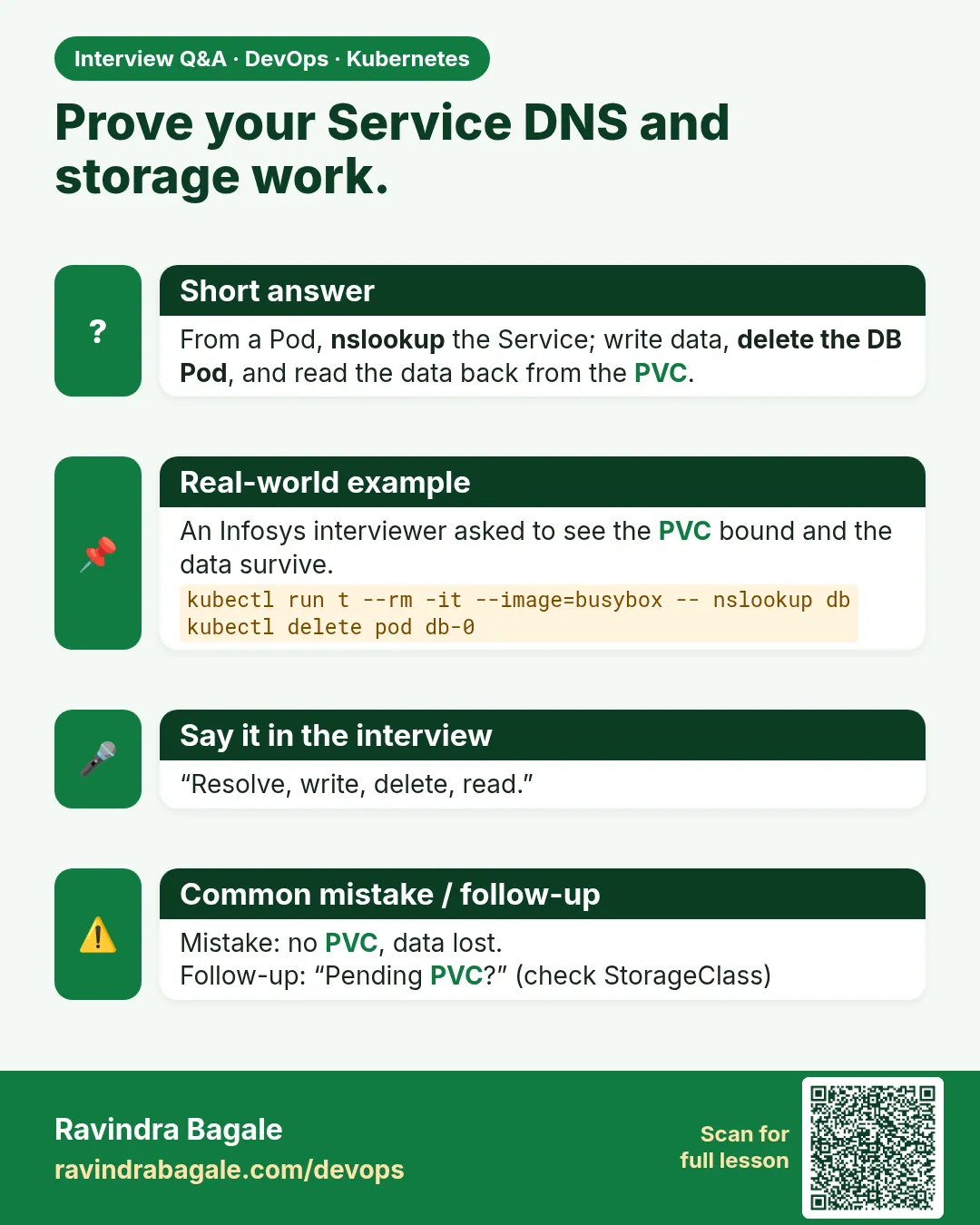 Interview card 12 of 12: Prove your Service DNS and storage work. · Download PNG · Open card page
Lesson: 19.12 Lab — name, DNS, one claim
Comparison cards
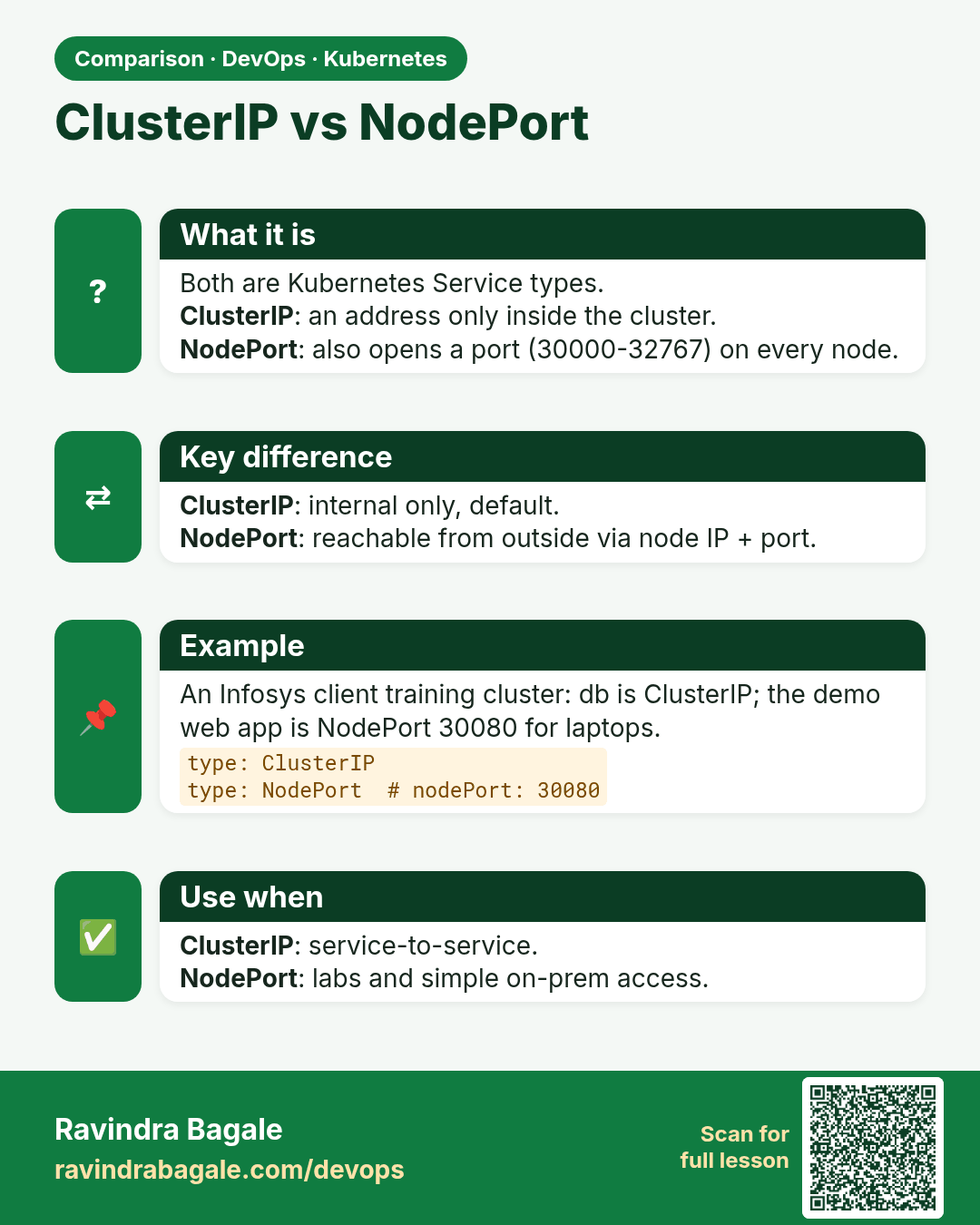
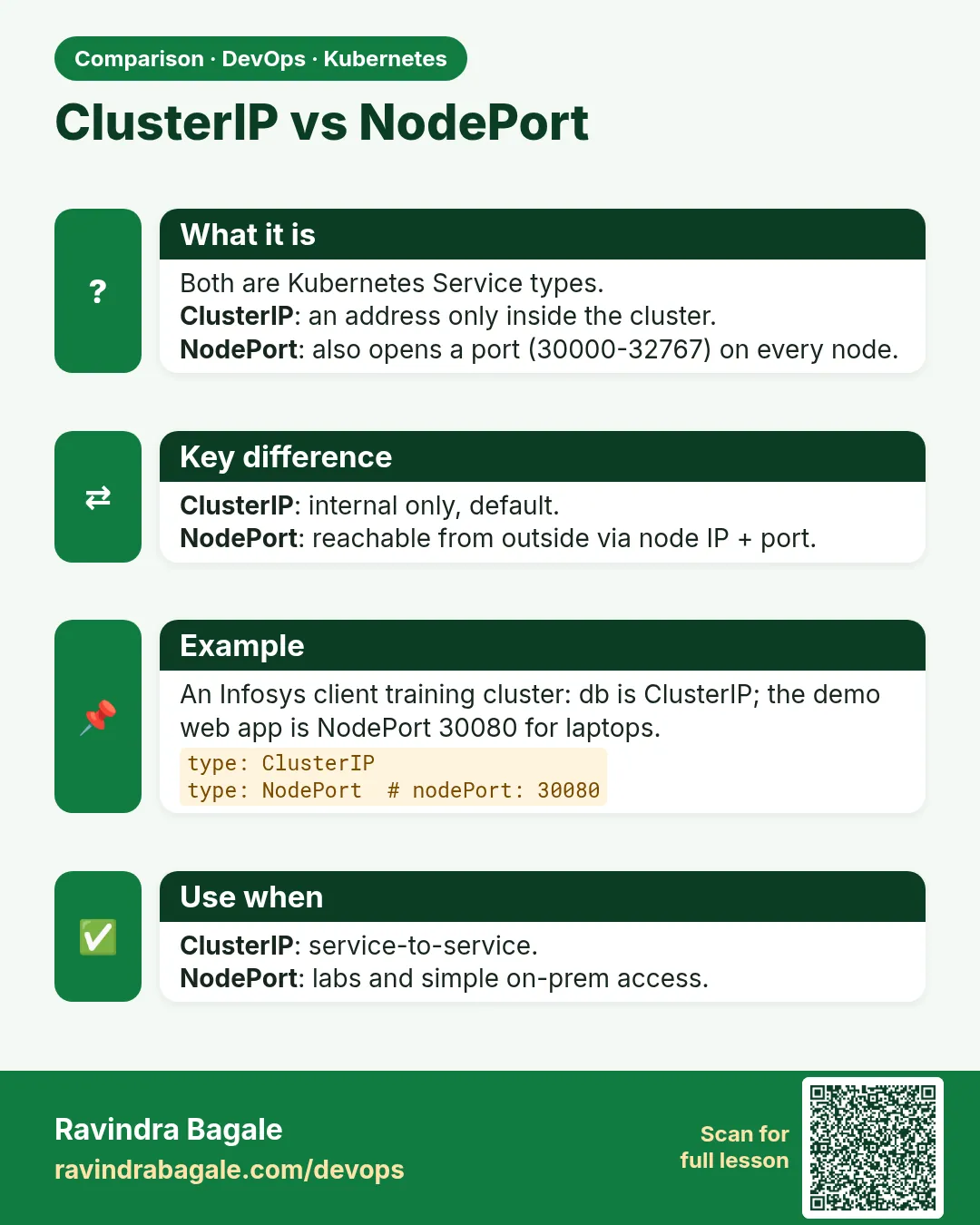 Comparison card 1 of 3: ClusterIP vs NodePort · Download PNG · Open card page
Lesson: 19.2 ClusterIP — load balance inside the cluster
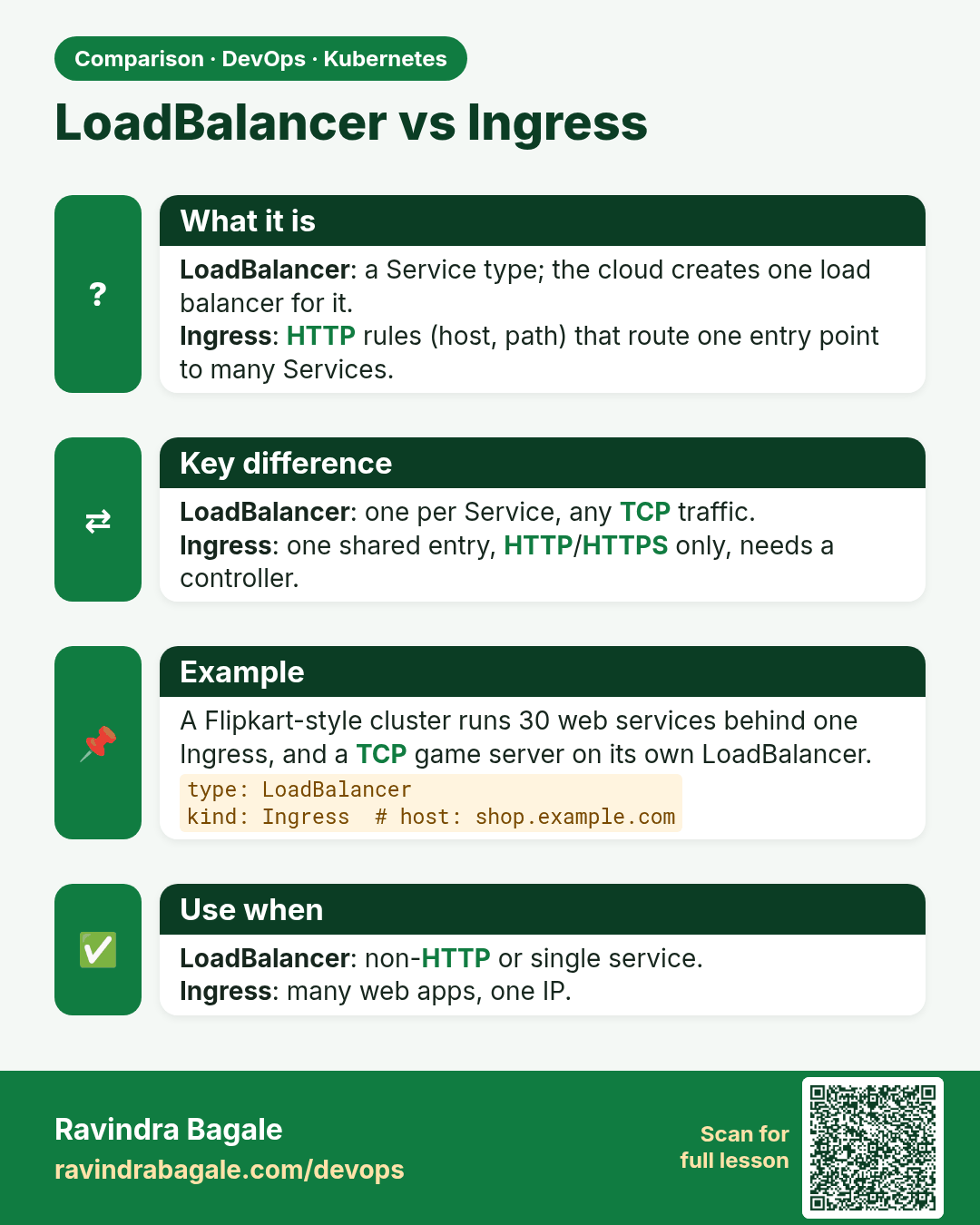
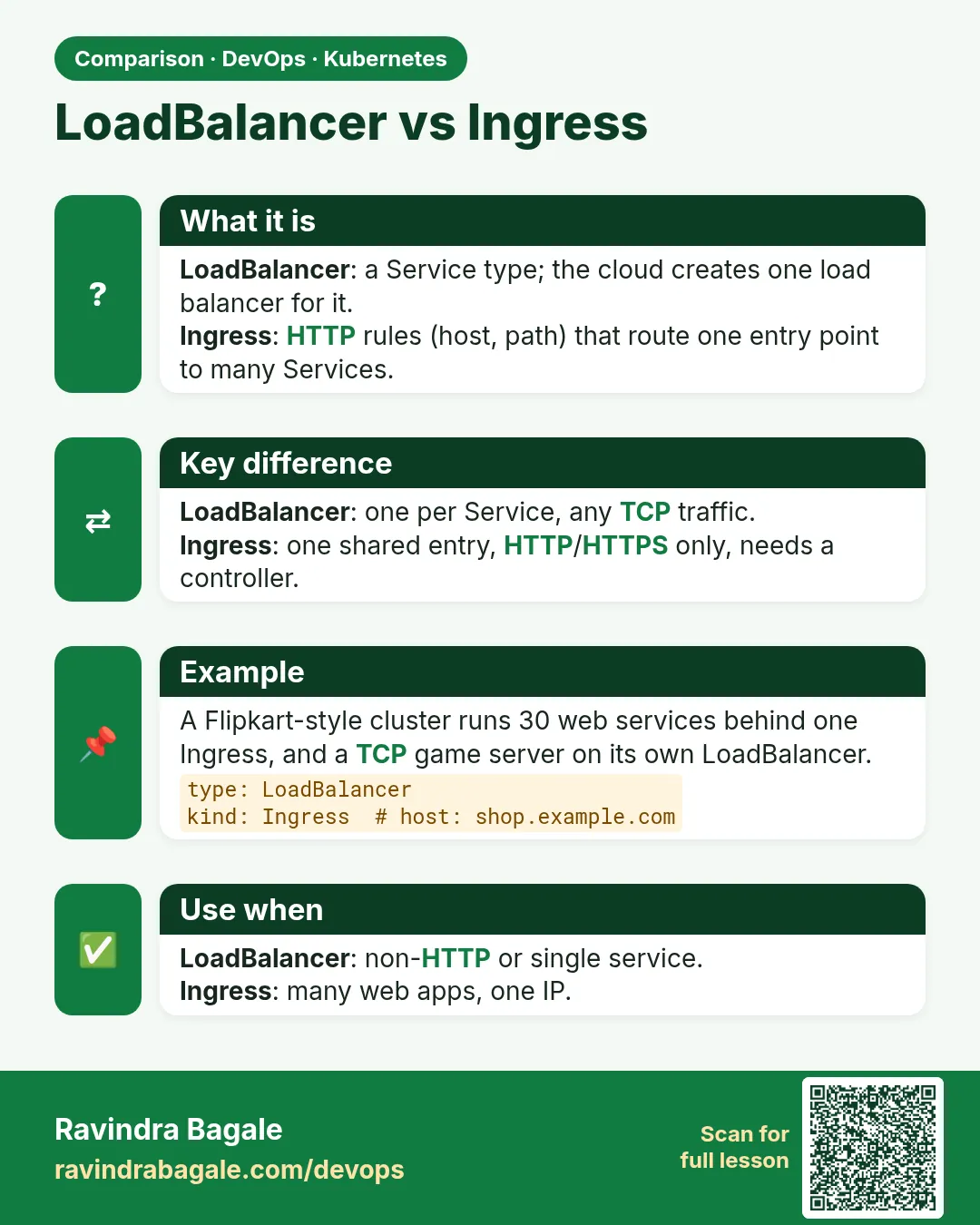 Comparison card 2 of 3: LoadBalancer vs Ingress · Download PNG · Open card page
Lesson: 19.7 Ingress — a hostname, not a free public domain
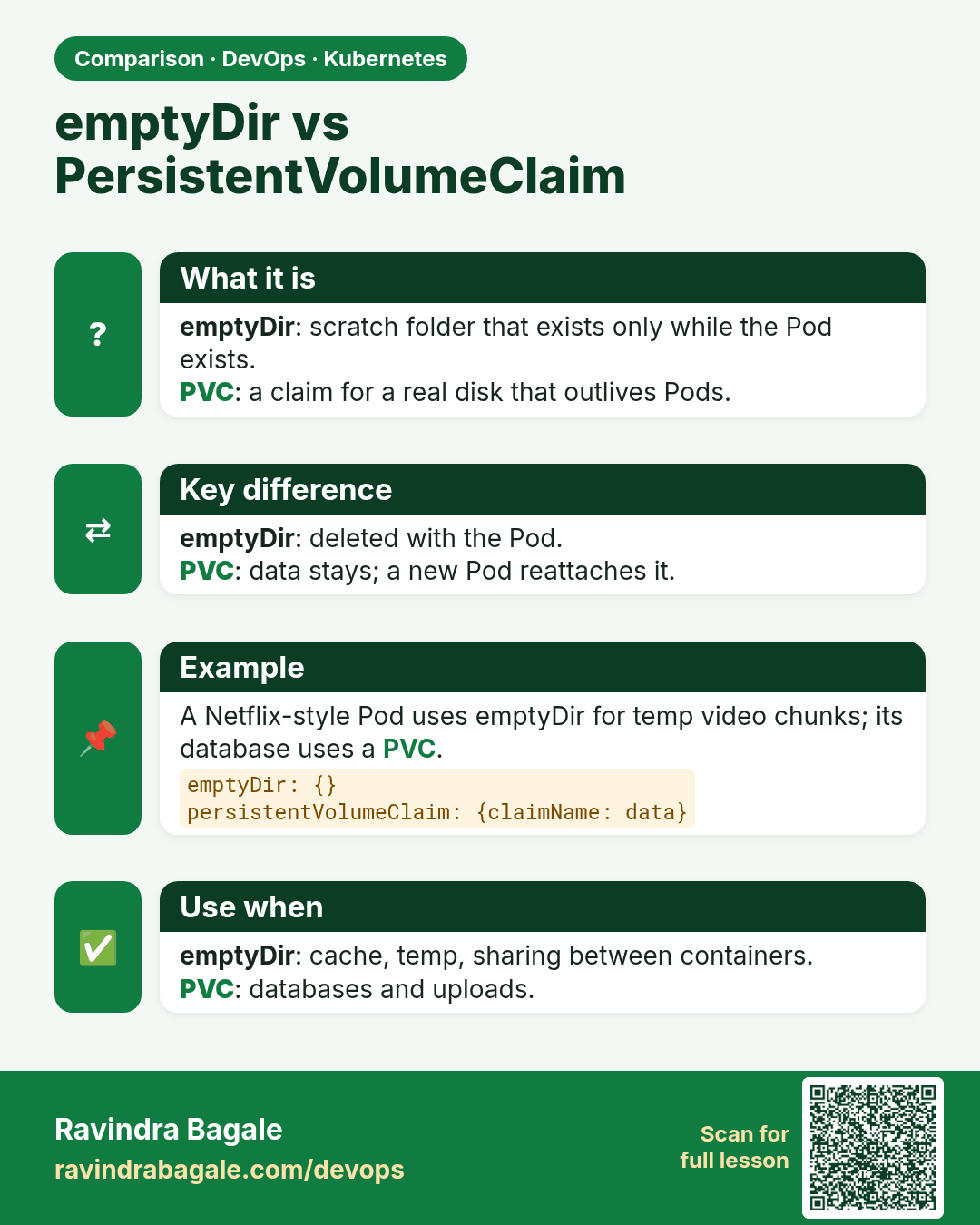
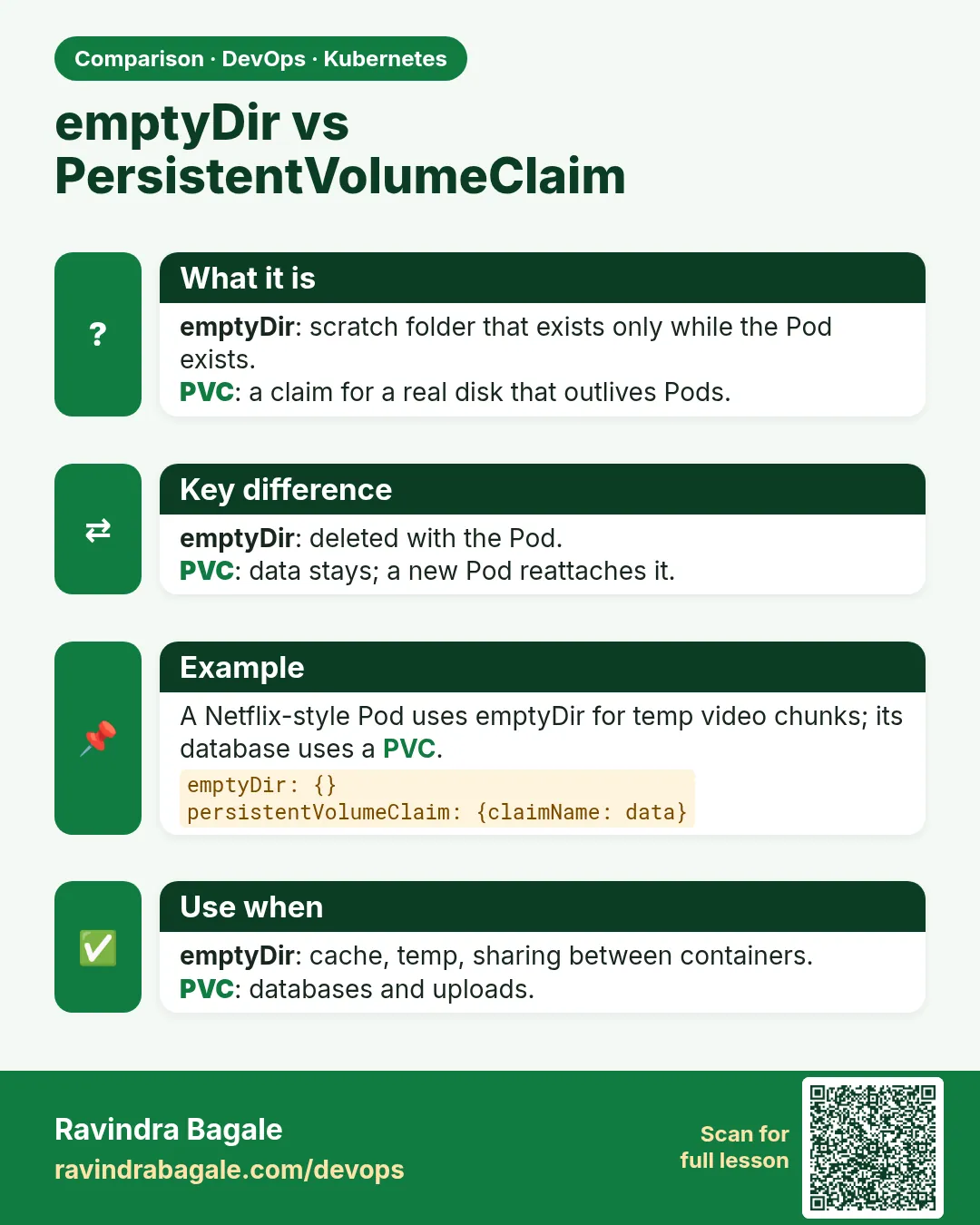 Comparison card 3 of 3: emptyDir vs PersistentVolumeClaim · Download PNG · Open card page
Lesson: 19.9 PersistentVolume, claim and StorageClass