Chapter 20: Jenkins Manual Jobs — Install, Configure and Freestyle
20.9 Webhook vs poll SCM (honest lab)
Why: the problem
How should Jenkins know that someone pushed code? There are two answers. Polling: Jenkins asks Git every few minutes "anything new?". Webhook: Git calls Jenkins the moment a push happens. Webhooks are faster and lighter, so every blog says "always use webhooks". But a webhook needs Git to reach Jenkins over the network. On a laptop lab with a cloud Git service, your Jenkins at localhost:8080 cannot be reached from the internet, so the webhook silently fails and students think Jenkins is broken. Inside a company, a firewall often blocks the Git SaaS from calling the internal Jenkins, which is why many Infosys and TCS client projects still use polling. The honest rule: use a webhook when Git can reach Jenkins, poll when it cannot, and never poll every minute on hundreds of jobs. In our lab, Gitea and Jenkins share the ci Docker network, so a real webhook works. In this lesson you will set up both, measure the delay of each, and read the logs that prove which one started a build.
What we will build
You will add Poll SCM with schedule H/2 * * * * to badge-api-ci and watch the Git Polling Log. Then you will turn polling off, install nothing new, and use the Build Authorization Token Root plugin to accept a webhook from Gitea at /buildByToken/build with a job token. You will push a commit, time how long each method takes to start a build, and read the "Started by" line in each Console Output.
What: every term in plain English
- Poll SCM — A trigger where Jenkins checks the Git remote on a schedule and builds only if something changed.
- H in cron — Hash. Jenkins spreads jobs over the period so they do not all poll at the same second.
- Webhook — An HTTP call the Git server makes to Jenkins on push.
- Authentication token — A secret string in the job that allows token-based triggering.
- buildByToken — The URL path from Build Authorization Token Root that accepts a token without a user login.
- Git Polling Log — The page that shows each poll and its result.
How: step by step
-
Enable Poll SCM
badge-api-ci > Configure > Build Triggers > Poll SCM > Schedule H/2 * * * *What it does: Checks Gitea about every 2 minutes.
Output
Would last have run at ...; would next run at ... -
Push a commit
echo "// poll test" >> src/badges.js && git commit -am "poll test" && git pushWhat it does: A change for the poll to find.
Output
main -> main -
Read the polling log
badge-api-ci > Git Polling LogWhat it does: Shows the check and the change found.
Output
Changes found -
Turn polling off, add a token
Build Triggers > untick Poll SCM > tick Trigger builds remotely > Authentication Token = value from your vault (lab: badge-hook-7f3)What it does: The job now accepts token triggers.
Output
Saved -
Add a Gitea webhook
Gitea > badge-api > Settings > Webhooks > Add Webhook > Gitea > Target URL http://jenkins:8080/buildByToken/build?job=badge-api-ci&token=badge-hook-7f3 > Trigger on Push eventsWhat it does: Gitea calls Jenkins on each push.
Output
Webhook added -
Allow local webhooks in Gitea
docker exec gitea sh -c 'printf "[webhook]\nALLOWED_HOST_LIST = private\n" >> /data/gitea/conf/app.ini' && docker restart giteaWhat it does: By default Gitea blocks webhooks to private addresses. This allows them in the lab.
Output
gitea -
Test delivery
Gitea > Webhooks > badge-api-ci hook > Test DeliveryWhat it does: Gitea shows the response code.
Output
Delivery succeeded: 201
Example 1: Measure polling delay
Stack. Poll SCM, curl
Goal. Measure polling delay.
poll-timer.sh (laptop)
cd badge-api
J=http://localhost:8080
n0=$(curl -s -u "ravi:$JENKINS_TOKEN" "$J/job/badge-api-ci/api/json?tree=nextBuildNumber" | tr -dc 0-9)
date +%T
echo "// $(date +%s)" >> src/badges.js
git commit -qam "timing test" && git push -q
while true; do
  n=$(curl -s -u "ravi:$JENKINS_TOKEN" "$J/job/badge-api-ci/api/json?tree=nextBuildNumber" | tr -dc 0-9)
  [ "$n" -gt "$n0" ] && break
  sleep 5
done
date +%T
What each line does
nextBuildNumber— Goes up the moment a new build is scheduled.tr -dc 0-9— Keeps only digits from the JSON.while ... sleep 5— Checks every 5 seconds until the build appears.
Green output
10:41:07
10:42:56
Expected result. About two minutes with H/2. Console shows: Started by an SCM change.
Example 2: Measure webhook delay
Stack. Gitea webhook, build-token-root
Goal. Measure webhook delay.
hook-timer.sh (laptop)
cd badge-api
J=http://localhost:8080
n0=$(curl -s -u "ravi:$JENKINS_TOKEN" "$J/job/badge-api-ci/api/json?tree=nextBuildNumber" | tr -dc 0-9)
start=$(date +%s)
echo "// $(date +%s)" >> src/badges.js
git commit -qam "webhook test" && git push -q
until [ "$(curl -s -u "ravi:$JENKINS_TOKEN" "$J/job/badge-api-ci/api/json?tree=nextBuildNumber" | tr -dc 0-9)" -gt "$n0" ]; do sleep 1; done
echo "build scheduled after $(( $(date +%s) - start )) s"
curl -s -u "ravi:$JENKINS_TOKEN" "$J/job/badge-api-ci/lastBuild/consoleText" | head -2
What each line does
until ... do sleep 1— Polls Jenkins every second.consoleText— Plain text log. The first line says who started the build.
Green output
build scheduled after 11 s
Started by remote host 172.19.0.3
Running as SYSTEM
Expected result. Seconds instead of minutes (most of it is the quiet period of 10 s from lesson 20.5). The start line names Gitea's container IP.
Example 3: Read the webhook delivery and the token check
Stack. curl, Gitea logs
Goal. Read the webhook delivery and the token check.
check-hook.sh
J=http://localhost:8080
echo -n "wrong token: "
curl -s -o /dev/null -w "%{http_code}\n" "$J/buildByToken/build?job=badge-api-ci&token=wrong"
echo -n "right token: "
curl -s -o /dev/null -w "%{http_code}\n" "$J/buildByToken/build?job=badge-api-ci&token=badge-hook-7f3"
docker logs gitea 2>&1 | grep -i webhook | tail -2
What each line does
wrong token— Rejected, so random callers cannot start builds.right token— 201 queued.docker logs gitea— Gitea logs each delivery.
Green output
wrong token: 403
right token: 201
2026/10/25 05:16:02 ...services/webhook/deliver.go:254:Deliver() [I] Webhook delivered: 201
Expected result. Only callers with the token can trigger the job. Treat the token as a secret and rotate it like one.
Verify: did it work?
-
Polling is off
curl -s -u ravi:$JENKINS_TOKEN http://localhost:8080/job/badge-api-ci/config.xml | grep -c SCMTriggerWhat it does: 0 after you untick Poll SCM.
Output
0 -
Last cause
curl -s -u ravi:$JENKINS_TOKEN "http://localhost:8080/job/badge-api-ci/lastBuild/api/json?tree=actions[causes[shortDescription]]" | grep -o 'Started by[^"]*'What it does: Shows the trigger.
Output
Started by remote host 172.19.0.3
When it is red 1
Gitea: webhook can only call allowed HTTP servers (check your webhook.ALLOWED_HOST_LIST setting)
Cause. Gitea blocks private targets by default.
Fix, step by step
- Add ALLOWED_HOST_LIST = private under [webhook] in app.ini.
- Restart Gitea.
When it is red 2
Delivery failed: dial tcp: lookup jenkins: no such host
Cause. Gitea is not on the ci network or the URL uses localhost.
Fix, step by step
- docker network connect ci gitea.
- Use http://jenkins:8080, not localhost.
When it is red 3
Polling log: No changes but you pushed
Cause. You pushed to another branch than the job builds.
Fix, step by step
- Check branch specifier.
- git log origin/main on the laptop.
When it is red 4
Cloud Git cannot reach localhost Jenkins
Cause. Your laptop is not on the internet.
Fix, step by step
- Use Poll SCM in labs, or a secure tunnel approved by your company.
Cleanup
-
Keep the webhook, drop polling
Make sure Poll SCM is untickedWhat it does: Avoids double builds.
Output
Saved
Ravindra Bagale's Tip
Laptop varcha Jenkins internet varun disat nahi. Mhanun lab madhe poll, company madhe webhook. Lakshat theva!
Practice tasks
Easy Read cron
Why: Know the syntax.
What to do: Explain H/15 * * * * and H 2 * * 1-5.
- Write both in words.
Check: Correct meaning.
Medium Retry a failed delivery
Why: Ops skill.
What to do: Stop Jenkins, push, start it, redeliver from Gitea.
- Use Redelivery.
Check: Build appears.
Hard Avoid double builds
Why: Hygiene.
What to do: Show what happens with poll and webhook both on.
- Enable both.
- Push once.
Check: Explain the result.
Easy Say webhooks and polling in two lines
Why: If you can say it simply, you understand it. Juniors and interviewers want the short version first.
What to do: Write two short lines about webhooks and polling for a fresher who knows only Linux basics.
- Write what problem it solves.
- Write the one command or menu you use for it.
- Read it aloud to a friend.
Check: A fresher understands it without asking a question.
Easy Start a fresh lab Jenkins
Why: Practice needs a throwaway Jenkins. If you break it, you delete it and start again.
What to do: Run Jenkins LTS in Docker with a named volume.
- docker volume create jenkins_home
- docker run -d --name jenkins -p 8080:8080 -v jenkins_home:/var/jenkins_home jenkins/jenkins:lts-jdk17
- docker exec jenkins cat /var/jenkins_home/secrets/initialAdminPassword
Check: The Jenkins unlock page opens on localhost:8080.
Medium Break it on purpose
Why: You must know the red message by face. During an outage there is no time to read slowly.
What to do: Cause one error from the "When it is red" part of this lesson and fix it.
- Follow the error section.
- Copy the exact message into your notes.
- Write the fix in one line.
Check: You fixed it using only the steps, without searching the web.
Medium Write a one-page runbook
Why: At 2 a.m. nobody remembers where a file lives. A short page saves the on-call person.
What to do: Write a runbook page for this lesson.
- Title, when to use, exact command, how to check, how to undo.
Check: A teammate can follow it alone.
Medium Repeat it on a cloud VM
Why: A laptop is not a server. Real Jenkins runs on EC2 or a company VM.
What to do: Do the main steps of this lesson again on a small Ubuntu 22.04 EC2 instance.
- Launch t3.small with 20 GB disk.
- Open port 22 only to your IP.
- Repeat the steps and compare the output.
Check: Same green output on the VM as on your laptop.
Hard Explain it like an interview
Why: Interviewers want real stories, not definitions.
What to do: Record a 60 second answer about this lesson.
- Say the problem, the command you ran, and one error you hit.
Check: Your answer has a real command and a real error message.
Hard Draw the flow top to bottom
Why: A drawing shows who talks to whom and in what order.
What to do: Draw this lesson as boxes from top to bottom.
- Start at the developer push, go through the controller and agent, end at the result.
Check: Each box matches a real thing you saw on screen.
Homework: try at home
Try at home
Make two jobs watch the same repo, one with Poll SCM H/5 and one with the webhook. Push five times and compare their build counts and start times in a small table.
Recap
- Webhooks are fast but need network reach.
- Polling works anywhere but costs load and minutes.
- Use H in cron schedules.
- Protect token triggers like secrets.
- Read Started by to know what triggered a build.
FAQ
Why did my webhook work in Gitea test but not on push?
The test may use another event. Tick Push events.
Can polling hurt Git?
Hundreds of jobs polling every minute can overload a Git server.
Is the token URL safe over HTTP?
Only inside a private lab network. Use HTTPS in real setups.
What if Jenkins is down when the push happens?
The webhook delivery fails. Gitea and most Git servers keep a delivery log with a Redeliver button, and a nightly poll or timer can act as a safety net.
Interview questions
-
Poll SCM vs webhook?
Polling asks Git on a schedule; webhook is a push from Git. Webhooks are faster and lighter but need Git to reach Jenkins.
-
Webhook not firing — how do you debug?
Check the delivery log in the Git server, response code, network and DNS, token, and event types.
Quick quiz
Q1. What does H mean in H/2 * * * *?
Jenkins picks a hashed minute to spread load.
Q2. Which is faster, poll or webhook?
Webhook.
Q3. When must you poll?
When the Git server cannot reach Jenkins over the network.
Q4. Which line proves the trigger?
The Started by line.
Samajla ka?
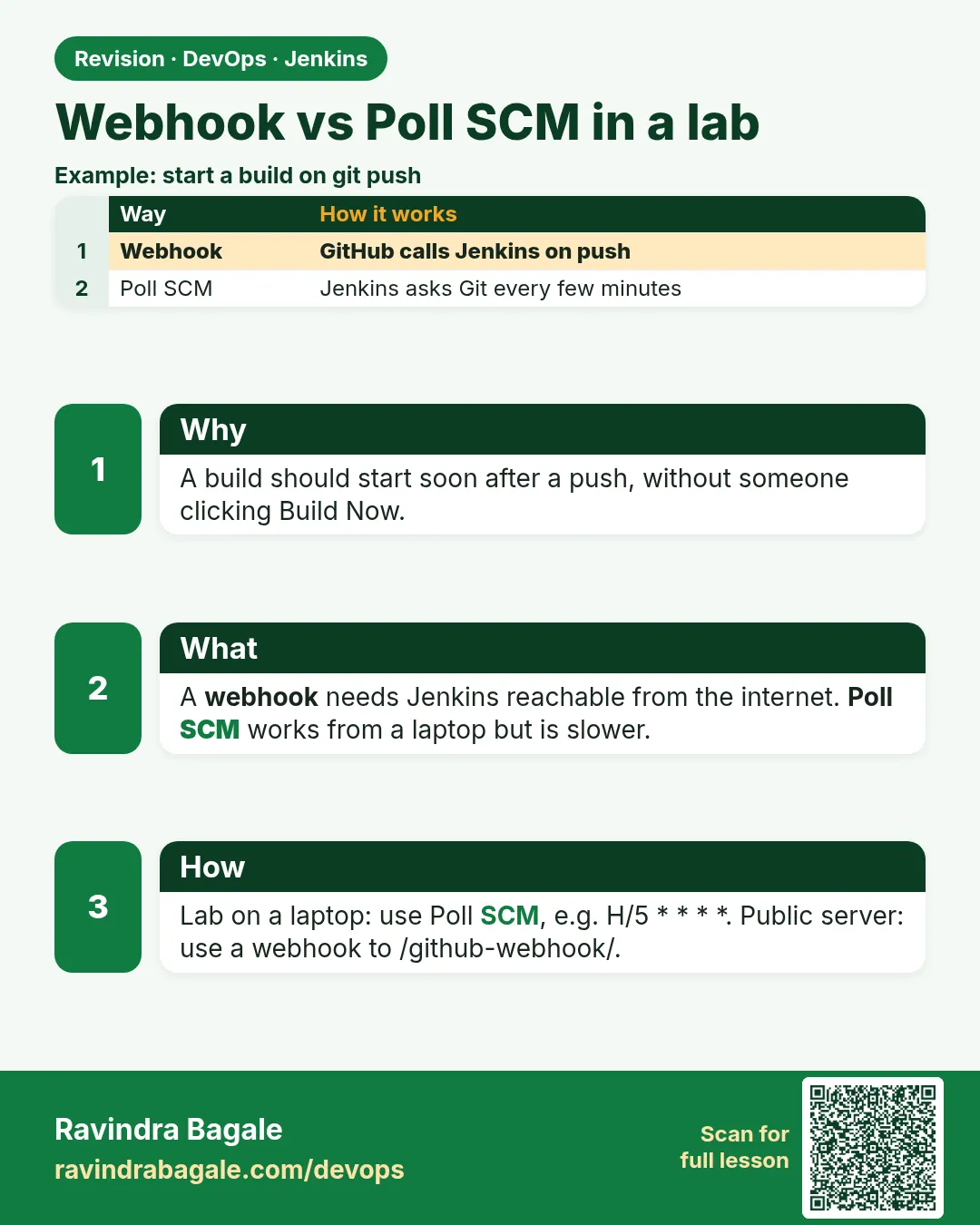 Revision card
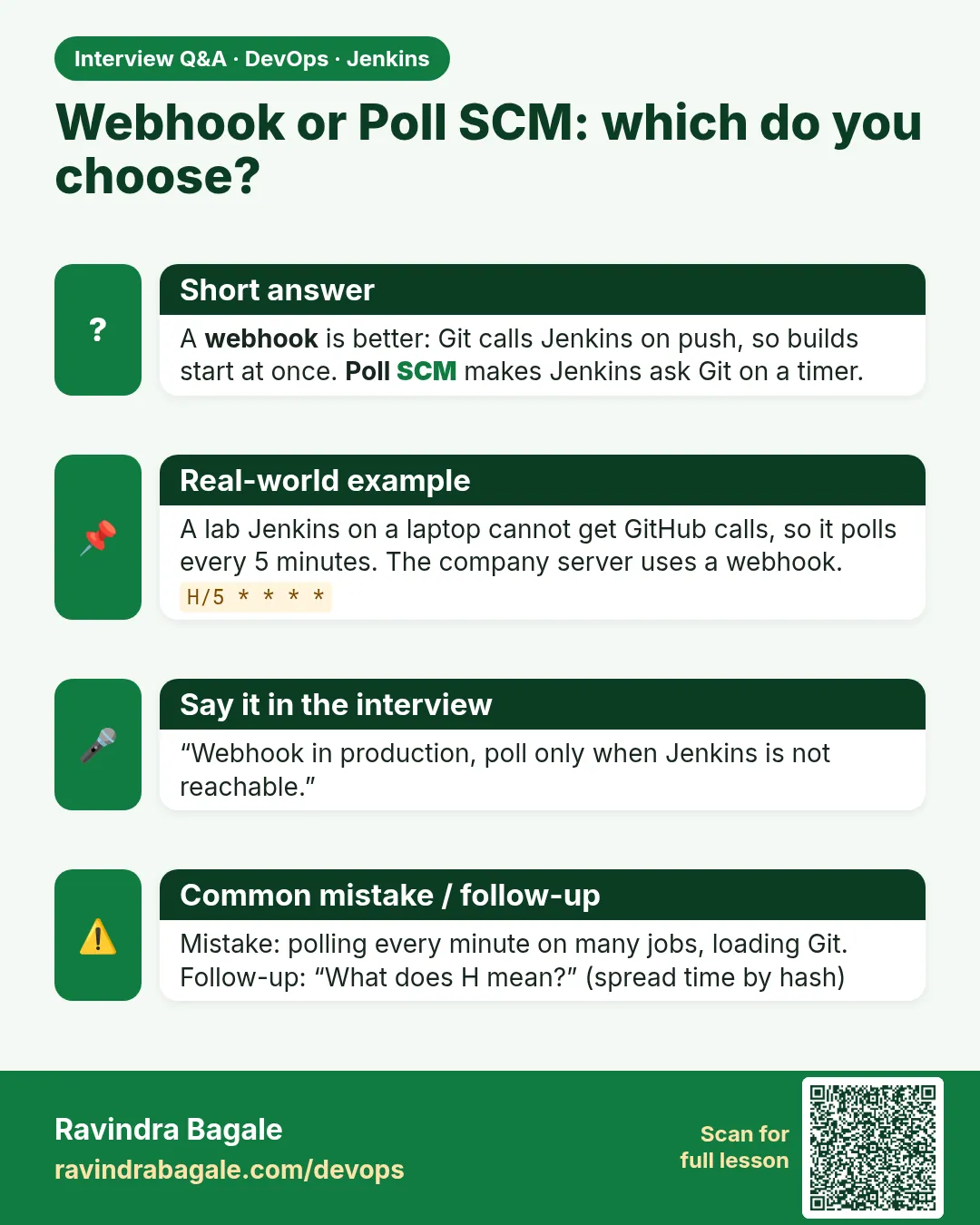 Interview card
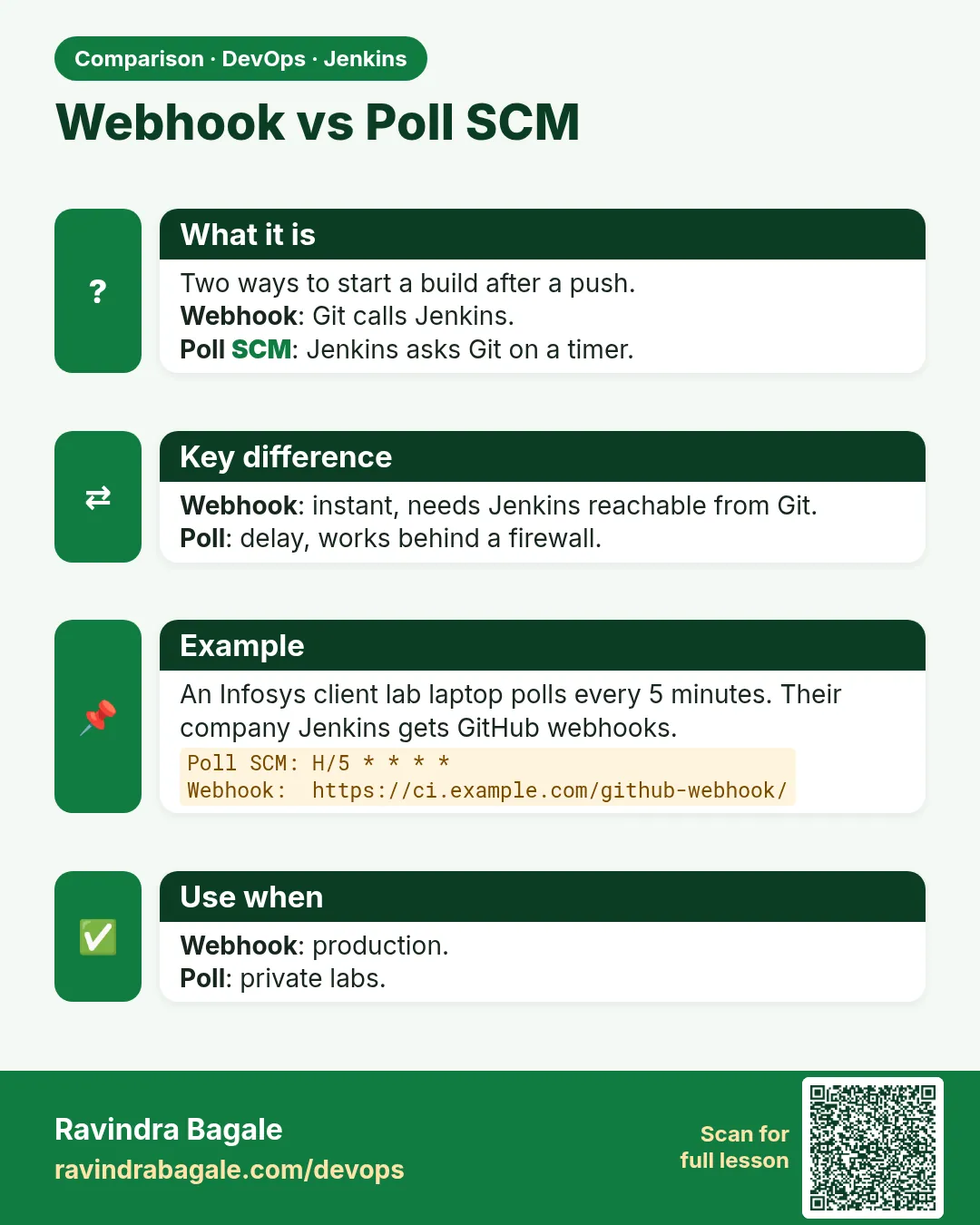 Comparison card