Chapter 20: Jenkins Manual Jobs — Install, Configure and Freestyle
20.4 Plugins you actually need for this lab
Why: the problem
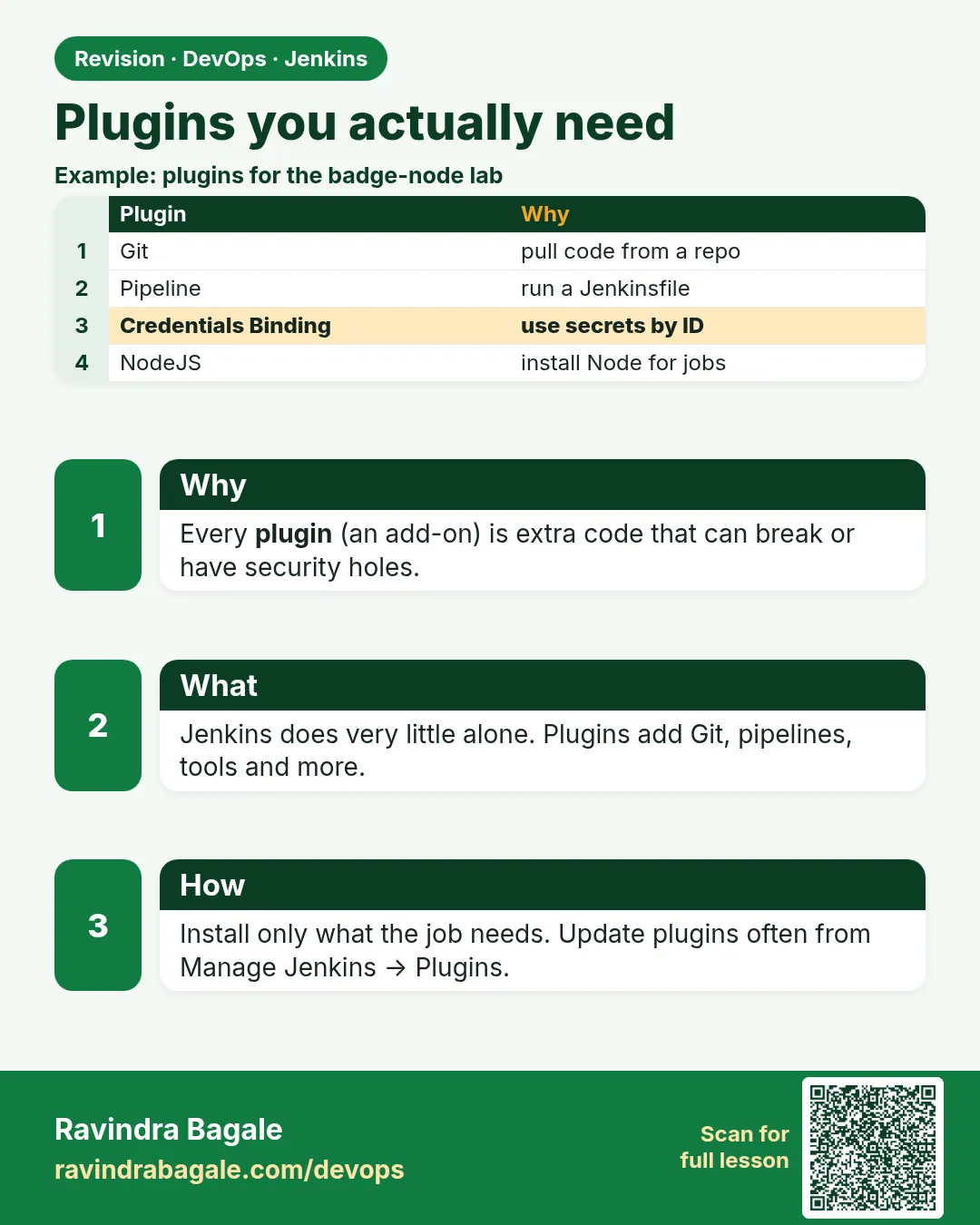
Plugins are both the best and the worst part of Jenkins. There are more than 1,800 of them, and a fresher's instinct is to install anything that sounds useful. A year later the server has 250 plugins, half unused, some abandoned, a few with published security warnings, and every Jenkins upgrade breaks something. At one Bengaluru e-commerce company, an upgrade failed on a Monday because an old plugin nobody used no longer loaded. The fix is discipline: install only what the lab needs, write the list in a plugins.txt file, and install from that file so any new server is identical. For this chapter you need only a handful: Git, Credentials, Timestamper, Workspace Cleanup, Email Extension, Parameterized Trigger, Copy Artifact, Build Authorization Token Root, NodeJS (optional) and JUnit. In this lesson you will list what is installed, install the missing ones from the CLI, bake them into the custom image with jenkins-plugin-cli, and check for plugins with security warnings.
What we will build
You will read the installed plugin list with the CLI, compare it with a short plugins.txt, install missing plugins with install-plugin, and restart safely. Then you will add jenkins-plugin-cli to the ravi/jenkins-node Dockerfile so the plugins are part of the image. Last, you will use a Groovy script to list plugins that have updates and the update center to find security warnings.
What: every term in plain English
- Plugin — An add-on .jpi file in JENKINS_HOME/plugins that adds features.
- Dependency — A plugin another plugin needs. Jenkins installs these for you.
- plugins.txt — A text file with one plugin id per line, optionally with :version.
- jenkins-plugin-cli — A tool in the official image that installs plugins from plugins.txt at build time.
- Update center — The site Jenkins checks for plugin versions and security warnings.
- Safe restart — Waits for running builds to finish, then restarts.
How: step by step
-
List installed plugins
java -jar jenkins-cli.jar -s http://localhost:8080 -auth ravi:$JENKINS_TOKEN list-plugins | sort | headWhat it does: Shows id, name and version.
Output
credentials Credentials Plugin 1389.vd7a_b_f5fa_50a_2 git Git plugin 5.6.0 ... -
Count them
java -jar jenkins-cli.jar -s http://localhost:8080 -auth ravi:$JENKINS_TOKEN list-plugins | wc -lWhat it does: Suggested plugins plus dependencies.
Output
83 -
Install the lab set
java -jar jenkins-cli.jar -s http://localhost:8080 -auth ravi:$JENKINS_TOKEN install-plugin ws-cleanup email-ext parameterized-trigger copyartifact build-token-root nodejs junit -deployWhat it does: Downloads them and loads them without a full restart where possible.
Output
Installing ws-cleanup from update center ... -
Safe restart
java -jar jenkins-cli.jar -s http://localhost:8080 -auth ravi:$JENKINS_TOKEN safe-restartWhat it does: Restarts after builds finish.
Output
(Jenkins restarts) -
Check a plugin is active
java -jar jenkins-cli.jar -s http://localhost:8080 -auth ravi:$JENKINS_TOKEN list-plugins build-token-rootWhat it does: Prints one line if installed.
Output
build-token-root Build Authorization Token Root Plugin 151.va_e52fe3215fc
Example 1: Compare installed plugins with the lab list
Stack. bash, jenkins-cli.jar
Goal. Compare installed plugins with the lab list.
plugins.txt
git
credentials
timestamper
ws-cleanup
email-ext
parameterized-trigger
copyartifact
build-token-root
nodejs
junit
matrix-auth
compare.sh
#!/usr/bin/env bash
set -euo pipefail
CLI="java -jar jenkins-cli.jar -s http://localhost:8080 -auth ravi:$JENKINS_TOKEN"
$CLI list-plugins | awk '{print $1}' | sort > installed.txt
cut -d: -f1 plugins.txt | sort > wanted.txt
echo "Missing:"
comm -23 wanted.txt installed.txt
echo "Installed but not in list (review these):"
comm -13 wanted.txt installed.txt | head -10
What each line does
awk print $1— Keeps only the plugin id column.cut -d: -f1— Drops an optional :version.comm -23— Lines only in wanted: missing plugins.comm -13— Lines only in installed: extras, mostly dependencies.
Green output
Missing:
build-token-root
copyartifact
email-ext
parameterized-trigger
ws-cleanup
Installed but not in list (review these):
ant
antisamy-markup-formatter
apache-httpcomponents-client-4-api
bootstrap5-api
bouncycastle-api
Expected result. You know exactly what to install, and you have a list of extras to review.
Example 2: Bake plugins into the custom image so every new Jenkins is identical
Stack. Docker, jenkins-plugin-cli
Goal. Bake plugins into the custom image so every new Jenkins is identical.
Dockerfile
FROM jenkins/jenkins:lts-jdk17
USER root
RUN apt-get update \
 && apt-get install -y --no-install-recommends curl ca-certificates gnupg \
 && curl -fsSL https://deb.nodesource.com/setup_20.x | bash - \
 && apt-get install -y --no-install-recommends nodejs \
 && rm -rf /var/lib/apt/lists/*
USER jenkins
COPY --chown=jenkins:jenkins plugins.txt /usr/share/jenkins/ref/plugins.txt
RUN jenkins-plugin-cli --plugin-file /usr/share/jenkins/ref/plugins.txt
rebuild.sh
docker build -t ravi/jenkins-node:lts .
docker rm -f jenkins
docker run -d --name jenkins --network ci -p 8080:8080 -p 50000:50000 \
  -v jenkins_home:/var/jenkins_home ravi/jenkins-node:lts
sleep 40
docker logs jenkins 2>&1 | grep -i "fully up"
What each line does
/usr/share/jenkins/ref— Files here are copied into JENKINS_HOME at start.jenkins-plugin-cli --plugin-file— Downloads each plugin and its dependencies during docker build.docker logs ... fully up— Jenkins prints this when ready.
Green output
Done
Successfully tagged ravi/jenkins-node:lts
jenkins
2026-10-25 05:40:12.311+0000 [id=31] INFO hudson.lifecycle.Lifecycle#onReady: Jenkins is fully up and running
Expected result. The plugin set now lives in Git as plugins.txt. A new server gets the same set.
Example 3: Find plugins with available updates (read-only)
Stack. Groovy, update center
Goal. Find plugins with available updates (read-only).
Script Console
import jenkins.model.Jenkins
def uc = Jenkins.get().updateCenter
uc.updateAllSites()
def pm = Jenkins.get().pluginManager
def n = 0
pm.plugins.sort { it.shortName }.each { p ->
  if (p.hasUpdate()) {
    println "${p.shortName}: ${p.version} -> ${p.updateInfo.version}"
    n++
  }
}
println "Plugins with updates: ${n} of ${pm.plugins.size()}"
What each line does
updateAllSites()— Refreshes data from the update center.hasUpdate()— True when a newer version exists.updateInfo.version— The newer version number.
Green output
email-ext: 1876.v28d8d38315b_d -> 1880.v5b_a_c4c50f2b_2
git: 5.6.0 -> 5.7.0
Plugins with updates: 2 of 91
Expected result. You know what to update before the next maintenance window. Security warnings also show as a red banner in Manage Jenkins.
Verify: did it work?
-
All lab plugins present
bash compare.sh | sed -n 1,2pWhat it does: Missing list is empty.
Output
Missing: Installed but not in list (review these): -
No failed plugins
curl -s -u ravi:$JENKINS_TOKEN "http://localhost:8080/pluginManager/api/json?depth=1&tree=plugins[shortName,active]" | grep -c '"active":false' || trueWhat it does: 0 means none are disabled.
Output
0
When it is red 1
Failed to load: X - Update required: Y 2.x to be installed
Cause. A plugin needs a newer dependency.
Fix, step by step
- Install updates for the named dependency.
- Safe restart.
- Read Manage Jenkins > Plugins > Installed for the red banner.
When it is red 2
Plugin requires Jenkins 2.4xx or newer
Cause. Your Jenkins core is older than the plugin needs.
Fix, step by step
- Upgrade Jenkins LTS first.
- Or pin an older plugin version in plugins.txt with id:version.
When it is red 3
jenkins-plugin-cli: Unable to resolve plugin
Cause. A typo in the id or no network in docker build.
Fix, step by step
- Check the id on plugins.jenkins.io.
- Retry the build with network access.
Cleanup
-
Remove temp files
rm -f installed.txt wanted.txtWhat it does: Removes compare output.
Output
(no output)
Ravindra Bagale's Tip
Plugin "kadachit lagel" mhanun install karu naka. plugins.txt madhe yaadi theva. Lakshat theva!
Practice tasks
Easy Read a plugin page
Why: Know what you install.
What to do: Open plugins.jenkins.io/git and read its health and warnings.
- Note version and last release date.
Check: You can say if it is maintained.
Medium Pin versions
Why: Repeatable builds.
What to do: Add :version to three plugins.
- Edit plugins.txt.
- Rebuild.
Check: Same versions on two builds.
Hard Plan an upgrade
Why: Upgrades need a plan.
What to do: Write steps: backup, staging Jenkins, update, test jobs, prod.
- Write the plan.
Check: Team lead could follow it.
Easy Say Jenkins plugins in two lines
Why: If you can say it simply, you understand it. Juniors and interviewers want the short version first.
What to do: Write two short lines about Jenkins plugins for a fresher who knows only Linux basics.
- Write what problem it solves.
- Write the one command or menu you use for it.
- Read it aloud to a friend.
Check: A fresher understands it without asking a question.
Easy Start a fresh lab Jenkins
Why: Practice needs a throwaway Jenkins. If you break it, you delete it and start again.
What to do: Run Jenkins LTS in Docker with a named volume.
- docker volume create jenkins_home
- docker run -d --name jenkins -p 8080:8080 -v jenkins_home:/var/jenkins_home jenkins/jenkins:lts-jdk17
- docker exec jenkins cat /var/jenkins_home/secrets/initialAdminPassword
Check: The Jenkins unlock page opens on localhost:8080.
Medium Break it on purpose
Why: You must know the red message by face. During an outage there is no time to read slowly.
What to do: Cause one error from the "When it is red" part of this lesson and fix it.
- Follow the error section.
- Copy the exact message into your notes.
- Write the fix in one line.
Check: You fixed it using only the steps, without searching the web.
Medium Write a one-page runbook
Why: At 2 a.m. nobody remembers where a file lives. A short page saves the on-call person.
What to do: Write a runbook page for this lesson.
- Title, when to use, exact command, how to check, how to undo.
Check: A teammate can follow it alone.
Medium Repeat it on a cloud VM
Why: A laptop is not a server. Real Jenkins runs on EC2 or a company VM.
What to do: Do the main steps of this lesson again on a small Ubuntu 22.04 EC2 instance.
- Launch t3.small with 20 GB disk.
- Open port 22 only to your IP.
- Repeat the steps and compare the output.
Check: Same green output on the VM as on your laptop.
Hard Explain it like an interview
Why: Interviewers want real stories, not definitions.
What to do: Record a 60 second answer about this lesson.
- Say the problem, the command you ran, and one error you hit.
Check: Your answer has a real command and a real error message.
Hard Draw the flow top to bottom
Why: A drawing shows who talks to whom and in what order.
What to do: Draw this lesson as boxes from top to bottom.
- Start at the developer push, go through the controller and agent, end at the result.
Check: Each box matches a real thing you saw on screen.
Homework: try at home
Try at home
Keep plugins.txt in a Git repo next to the Dockerfile. Remove one plugin you do not need, rebuild the image, and confirm Jenkins still starts and jobs still run.
Recap
- Install only plugins you need.
- Keep the list in plugins.txt in Git.
- jenkins-plugin-cli bakes plugins into the image.
- Review updates and security warnings regularly.
- Use safe-restart, not kill.
FAQ
Why so many plugins after the wizard?
Dependencies. Git alone pulls several API plugins.
Are plugins safe?
Most are, but check warnings and maintenance status. Remove unused ones.
Can I downgrade a plugin?
Yes, from the Installed page if a backup .bak exists, or pin in plugins.txt.
Interview questions
-
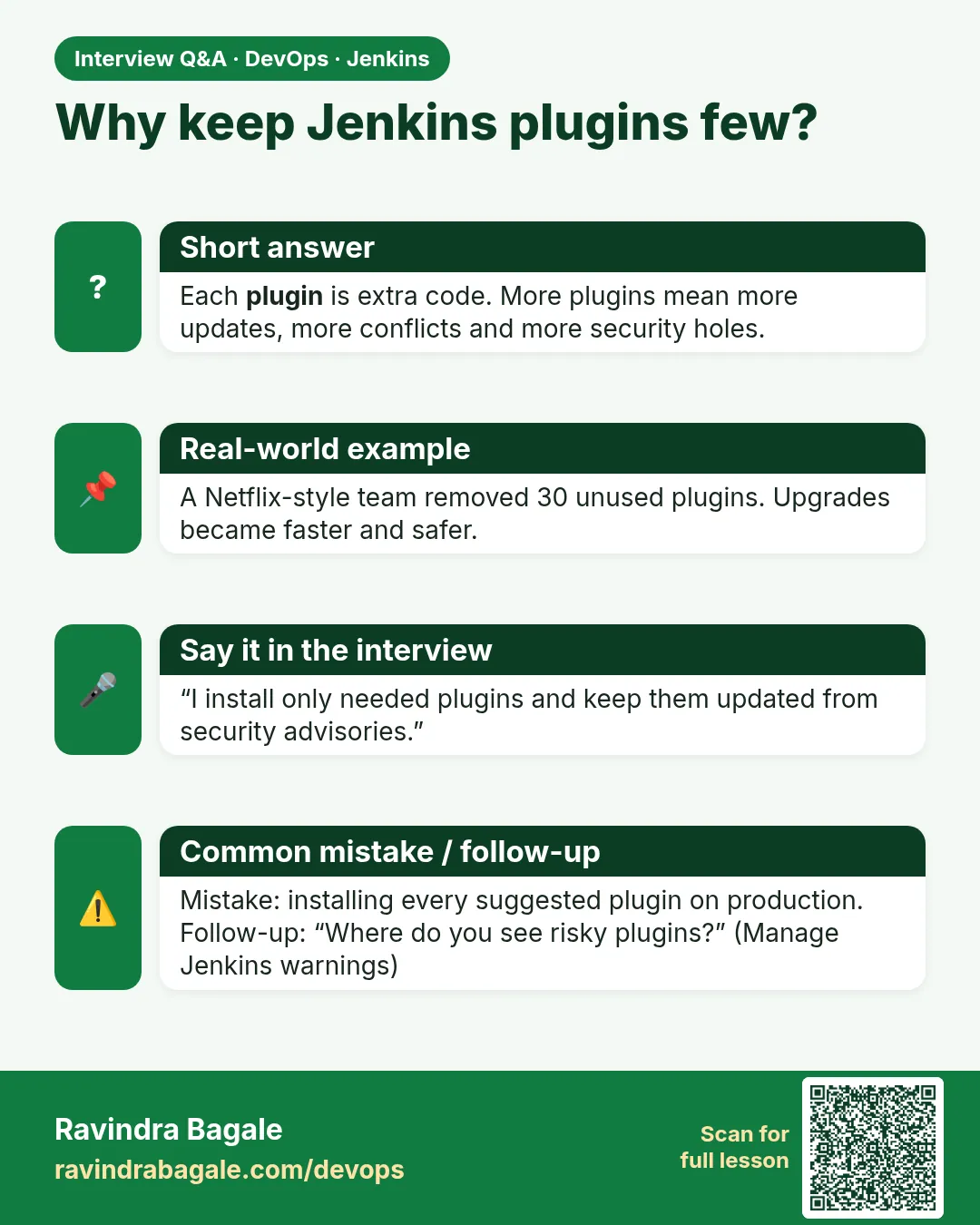
How do you manage Jenkins plugins at scale?
plugins.txt with pinned versions, installed by jenkins-plugin-cli in a custom image or by configuration as code, tested on staging before production.
-
A plugin update broke Jenkins. What do you do?
Read the log, downgrade or pin the previous version, restart, and file a test step for next time.
Quick quiz
Q1. Where do plugins live?
JENKINS_HOME/plugins.
Q2. How do you install plugins at image build?
jenkins-plugin-cli --plugin-file plugins.txt.
Q3. Which plugin allows triggering with a token without login?
Build Authorization Token Root (build-token-root).
Q4. What is a safe restart?
A restart after running builds finish.
Samajla ka?
 Revision card
 Interview card