Chapter 20: Jenkins Manual Jobs — Install, Configure and Freestyle
20.15 Archive and email after the build
Why: the problem
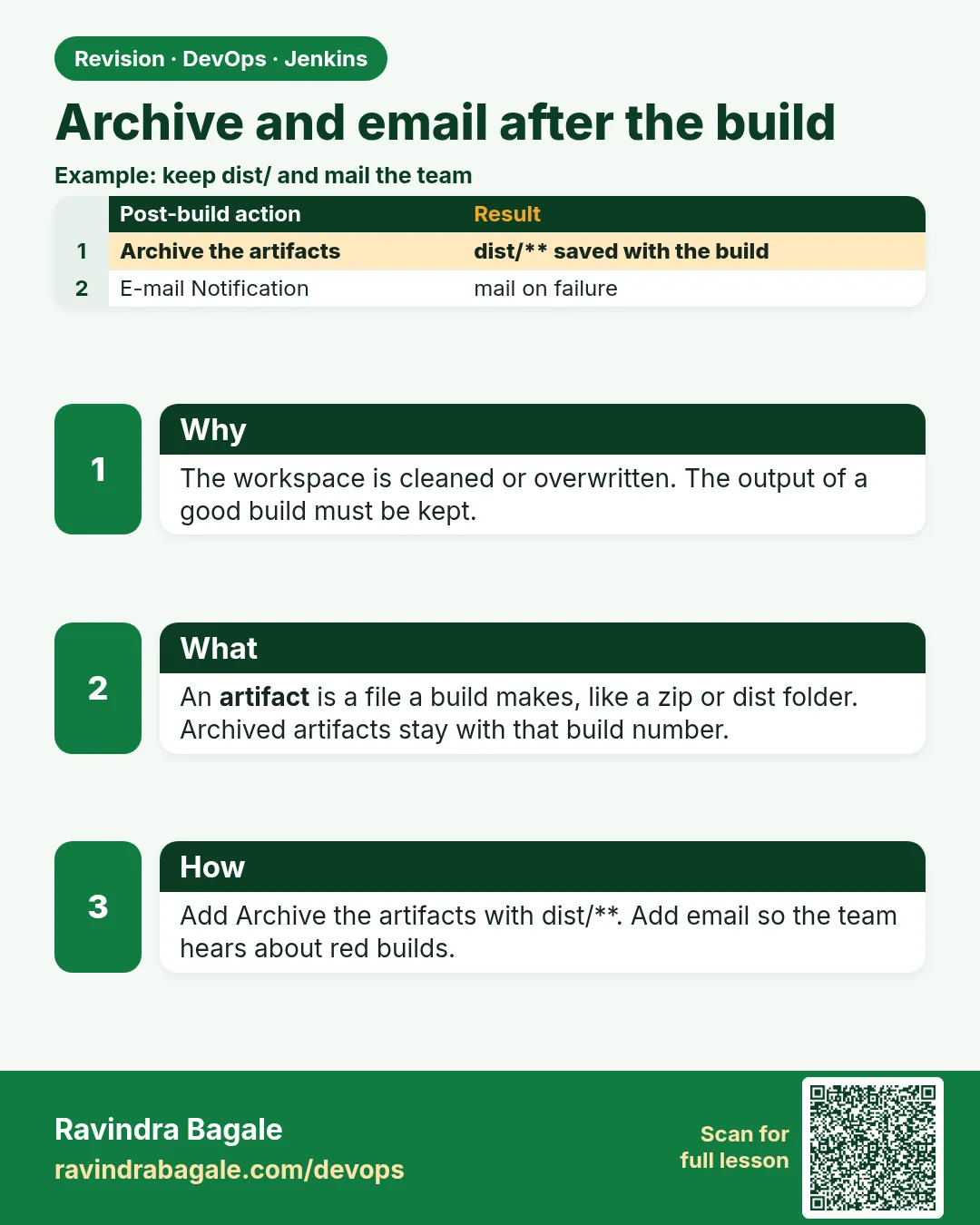
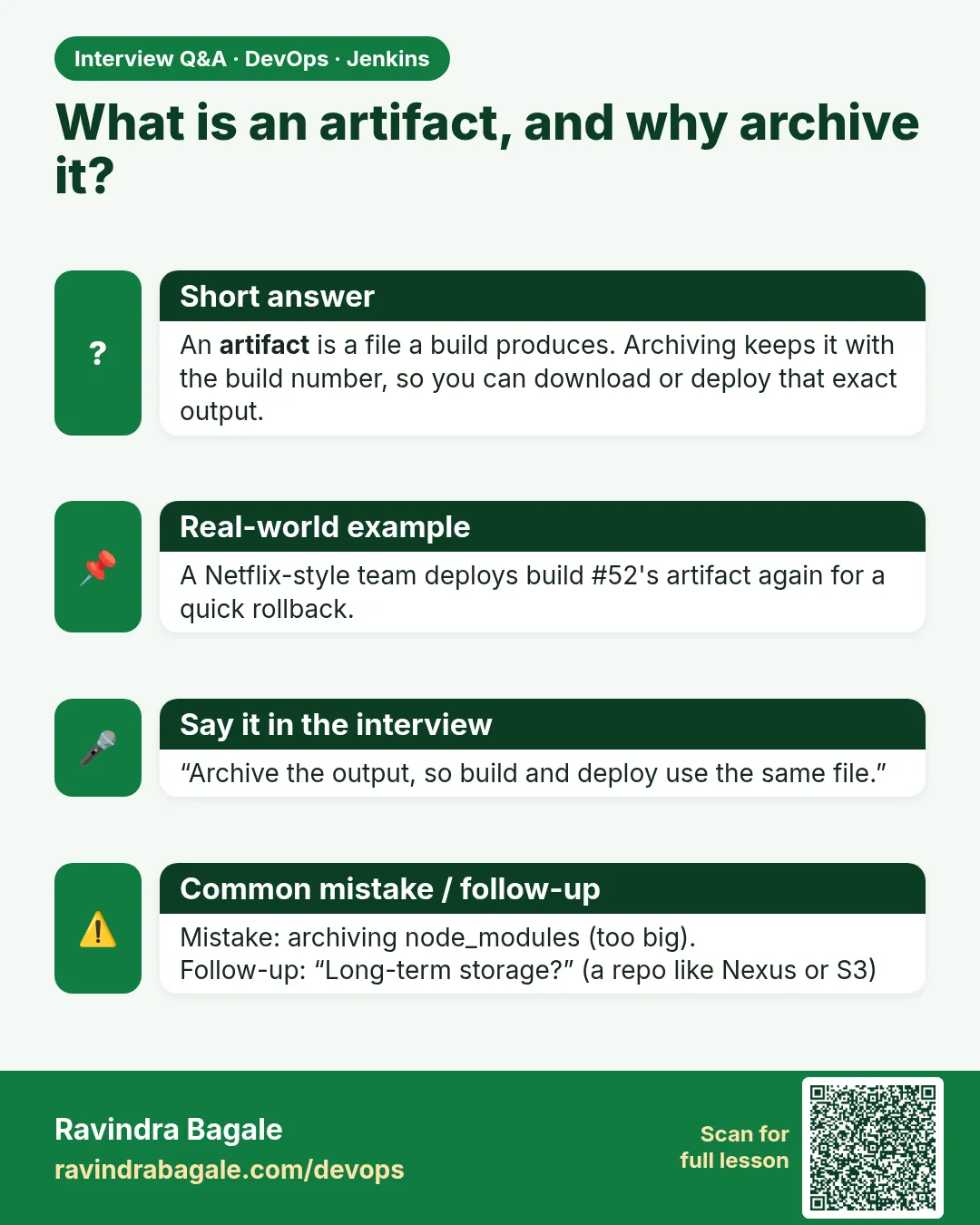
When a build finishes, two questions follow. Where is the file it built? And who knows that it finished? If the tgz stays only in the workspace, the next build or the Delete workspace action wipes it, and nobody can redeploy last Tuesday's version during an incident. If nobody is told about a red build, it stays red for days while people keep pushing on top of it. Archive the artifacts and the first problem is solved: Jenkins keeps chosen files with each build, and fingerprints let you trace a file back to the exact build and commit that made it. The Email Extension plugin solves the second: it sends a mail on failure, on fixed, or to the people whose commits are in the build. A Zomato-style on-call team relies on "build fixed" and "build failed" mails to know when they can relax. In this lesson you will archive dist and reports, fingerprint the tgz, run a fake mail server called MailHog in the lab, and send failure and fixed emails you can actually read.
What we will build
You will add Archive the artifacts with dist/.tgz, reports/.xml and build-info.txt and turn on fingerprinting. Then you will start MailHog on the ci network, point Jenkins SMTP settings to it, add Editable Email Notification to badge-api-ci with Failure and Fixed triggers, break and fix a test, and read both emails in the MailHog web page. Last, you will find which build made a given tgz using its MD5 fingerprint.
What: every term in plain English
- Artifact — A file saved with a build, downloadable from its page.
- Fingerprint — An MD5 hash Jenkins records so it can say which builds made or used a file.
- Email Extension — The email-ext plugin with triggers and templates.
- Trigger (email) — When to send: Failure - Any, Fixed, Always and more.
- MailHog — A fake SMTP server that catches mail and shows it in a web page. Lab only.
- SMTP — The protocol for sending mail, usually port 25 or 587; MailHog listens on 1025.
How: step by step
-
Start MailHog
docker run -d --name mailhog --network ci -p 8025:8025 mailhog/mailhogWhat it does: SMTP on mailhog:1025, web on localhost:8025.
Output
b2c9... -
Point Jenkins to it
Manage Jenkins > System > Extended E-mail Notification > SMTP server mailhog > port 1025; also E-mail Notification > SMTP server mailhog > port 1025What it does: Both mail plugins use MailHog.
Output
Saved -
Test mail
E-mail Notification > Test configuration by sending test e-mail > ravi@lab.localWhat it does: A test mail appears at localhost:8025.
Output
Email was successfully sent -
Archive files
badge-api-ci > Post-build > Archive the artifacts > dist/*.tgz, reports/*.xml, build-info.txt > Advanced > Fingerprint all archived artifactsWhat it does: Files stay with each build.
Output
Saved -
Add email
Post-build > Editable Email Notification > Recipients ravi@lab.local, dev-team@lab.local > Advanced > Triggers: Failure - Any, FixedWhat it does: Mail on red and on back to green.
Output
Saved -
Order
Put Archive before Email and before Delete workspaceWhat it does: Archive must run while files exist.
Output
Saved
Example 1: Email templates that are useful at 2 a
Stack. email-ext, MailHog
Goal. Email templates that are useful at 2 a.m.
Default Subject
$PROJECT_NAME #$BUILD_NUMBER - $BUILD_STATUS
Default Content
Job: $PROJECT_NAME
Build: $BUILD_NUMBER  Status: $BUILD_STATUS
Commit: ${GIT_REVISION, length=7}  Branch: ${GIT_BRANCH}
Changes:
${CHANGES, showPaths=false, format="%a: %m\n"}
Failed tests:
${FAILED_TESTS, showStack=false, maxTests=5}
Log tail:
${BUILD_LOG, maxLines=15}
Open: $BUILD_URL
What each line does
$BUILD_STATUS— Failure, Fixed, Still Failing and so on.${GIT_REVISION, length=7}— Short commit hash.${CHANGES ...}— Author and message of each commit in the build.${FAILED_TESTS}— Names of failing tests from the JUnit report.${BUILD_LOG, maxLines=15}— The last lines of the log, so you may not need to open Jenkins.$BUILD_URL— One click to the build.
Green output
Subject: badge-api-ci #14 - Failure
Job: badge-api-ci
Build: 14  Status: Failure
Commit: a7d3e10  Branch: origin/main
Changes:
ravi: tweak silver threshold
Failed tests:
silver at 500
Log tail:
not ok 2 - silver at 500
Build step 'Execute shell' marked build as failure
Finished: FAILURE
Open: http://localhost:8080/job/badge-api-ci/14/
Expected result. The mail alone tells the on-call person what broke and who changed it. Build #15 sends "Fixed" after the revert.
Example 2: Read the mails from the command line
Stack. MailHog API, Python
Goal. Read the mails from the command line.
read-mail.sh
curl -s localhost:8025/api/v2/messages | python3 -c '
import sys,json
for m in json.load(sys.stdin)["items"][:3]:
    h=m["Content"]["Headers"]
    print(h["To"][0], "|", h["Subject"][0])'
What each line does
api/v2/messages— MailHog API with all caught mails.Headers To and Subject— Who got which mail.
Green output
dev-team@lab.local | badge-api-ci #15 - Fixed
dev-team@lab.local | badge-api-ci #14 - Failure
ravi@lab.local | Test email #1
Expected result. Proof that failure and fixed mails were sent, without any real mail server.
Example 3: Find the build that made a file
Stack. Jenkins fingerprints
Goal. Find the build that made a file.
which-build.sh
J=http://localhost:8080; A="ravi:$JENKINS_TOKEN"
curl -s -u "$A" -o got.tgz "$J/job/badge-api-ci/lastSuccessfulBuild/artifact/dist/badge-api-1.0.0.tgz"
md5=$(md5sum got.tgz | cut -d" " -f1)
echo "md5 $md5"
curl -s -u "$A" "$J/fingerprint/$md5/api/json?tree=fileName,original[name,number],timestamp" ; echo
What each line does
artifact/dist/...— Download URL for an archived file.md5sum— The fingerprint is the MD5 of the file./fingerprint/MD5/api/json— Jenkins says which job and build made it.
Green output
md5 5e1b0c7f4a3d2e9b8c6a1f0e7d3c2b1a
{"_class":"hudson.model.Fingerprint","fileName":"badge-api-1.0.0.tgz","original":{"name":"badge-api-ci","number":15},"timestamp":1792900000000}
Expected result. Given any tgz on a server, you can find the exact build, and from it the commit.
Verify: did it work?
-
Artifacts listed
curl -s -u ravi:$JENKINS_TOKEN "http://localhost:8080/job/badge-api-ci/lastSuccessfulBuild/api/json?tree=artifacts[relativePath]"What it does: Three kinds of files.
Output
{"artifacts":[{"relativePath":"build-info.txt"},{"relativePath":"dist/badge-api-1.0.0.tgz"},{"relativePath":"reports/junit.xml"}]} -
MailHog has mail
curl -s localhost:8025/api/v2/messages | grep -o '"total":[0-9]*'What it does: Count of mails.
Output
"total":3
When it is red 1
ERROR: No artifacts found that match the file pattern "dist/*.tgz"
Cause. The build failed before packaging, or the workspace was deleted first.
Fix, step by step
- Tick "Do not fail build if archiving returns nothing" for failure cases.
- Put Delete workspace last.
When it is red 2
Connection error sending email ... Could not connect to SMTP host: localhost, port: 25
Cause. SMTP settings still default.
Fix, step by step
- Set host mailhog and port 1025 in both mail sections.
When it is red 3
No mail on failure
Cause. Trigger list missing Failure - Any, or recipients empty.
Fix, step by step
- Check Advanced > Triggers.
- Add Recipient List under each trigger.
Cleanup
-
Remove MailHog
docker rm -f mailhogWhat it does: Stops the fake mail server.
Output
mailhog -
Remove download
rm -f got.tgzWhat it does: Cleanup.
Output
(no output)
Ravindra Bagale's Tip
Build zalela file archive kara, nahitar incident madhe juna version sapdnar nahi. Lakshat theva!
Practice tasks
Easy Download an artifact
Why: Know the URL.
What to do: Download build-info.txt with curl.
- Use artifact/ URL.
Check: File saved.
Medium Keep fewer artifacts
Why: Disk.
What to do: Keep artifacts for last 5 builds.
- Discard settings.
Check: Old artifacts gone.
Hard Chat notice
Why: Modern teams.
What to do: Plan a Slack or Teams notice instead of email.
- Read the plugin docs.
Check: A written plan.
Easy Say artifacts and notifications in two lines
Why: If you can say it simply, you understand it. Juniors and interviewers want the short version first.
What to do: Write two short lines about artifacts and notifications for a fresher who knows only Linux basics.
- Write what problem it solves.
- Write the one command or menu you use for it.
- Read it aloud to a friend.
Check: A fresher understands it without asking a question.
Easy Start a fresh lab Jenkins
Why: Practice needs a throwaway Jenkins. If you break it, you delete it and start again.
What to do: Run Jenkins LTS in Docker with a named volume.
- docker volume create jenkins_home
- docker run -d --name jenkins -p 8080:8080 -v jenkins_home:/var/jenkins_home jenkins/jenkins:lts-jdk17
- docker exec jenkins cat /var/jenkins_home/secrets/initialAdminPassword
Check: The Jenkins unlock page opens on localhost:8080.
Medium Break it on purpose
Why: You must know the red message by face. During an outage there is no time to read slowly.
What to do: Cause one error from the "When it is red" part of this lesson and fix it.
- Follow the error section.
- Copy the exact message into your notes.
- Write the fix in one line.
Check: You fixed it using only the steps, without searching the web.
Medium Write a one-page runbook
Why: At 2 a.m. nobody remembers where a file lives. A short page saves the on-call person.
What to do: Write a runbook page for this lesson.
- Title, when to use, exact command, how to check, how to undo.
Check: A teammate can follow it alone.
Medium Repeat it on a cloud VM
Why: A laptop is not a server. Real Jenkins runs on EC2 or a company VM.
What to do: Do the main steps of this lesson again on a small Ubuntu 22.04 EC2 instance.
- Launch t3.small with 20 GB disk.
- Open port 22 only to your IP.
- Repeat the steps and compare the output.
Check: Same green output on the VM as on your laptop.
Hard Explain it like an interview
Why: Interviewers want real stories, not definitions.
What to do: Record a 60 second answer about this lesson.
- Say the problem, the command you ran, and one error you hit.
Check: Your answer has a real command and a real error message.
Hard Draw the flow top to bottom
Why: A drawing shows who talks to whom and in what order.
What to do: Draw this lesson as boxes from top to bottom.
- Start at the developer push, go through the controller and agent, end at the result.
Check: Each box matches a real thing you saw on screen.
Homework: try at home
Try at home
Add the "Developers" recipient provider so commit authors get the failure mail. Make a commit as another Git user and check MailHog.
Recap
- Archive what you may need to redeploy.
- Fingerprints trace files to builds.
- Email on Failure and Fixed, not on every success.
- MailHog lets you test mail safely.
- Order: archive, publish, email, clean.
FAQ
Should Jenkins store artifacts forever?
No. Push releases to Nexus, Artifactory or S3 and keep few in Jenkins.
Why not mail on every build?
People stop reading. Mail on change of state.
Is MailHog safe for production?
No, it is for labs and tests only.
Where are archived files stored?
Under JENKINS_HOME/jobs/NAME/builds/NUMBER/archive. That is why big artifacts fill the controller disk, and why release files belong in an artifact repository.
Can email include attachments?
Email Extension can attach files with a pattern, but sending a link to the build is usually better than mailing large files.
Interview questions
-
What is artifact fingerprinting?
Jenkins records MD5 hashes of files to track which builds produced and used them.
-
How do you notify on build failures?
Email Extension or chat plugins with Failure and Fixed triggers, including commit authors.
-
An old version must be redeployed during an incident. How does Jenkins help?
Open the last good build, download the archived artifact or use its fingerprint and commit, and run the deploy job with that version, instead of rebuilding from memory.
Quick quiz
Q1. Why fingerprint artifacts?
To trace a file back to its build.
Q2. Which trigger mails when red turns green?
Fixed.
Q3. Why archive before deleting the workspace?
Files are gone after deletion.
Samajla ka?
 Revision card
 Interview card