Chapter 20: Jenkins Manual Jobs — Install, Configure and Freestyle
20.5 Configuration: URL, executors, quiet period
Why: the problem
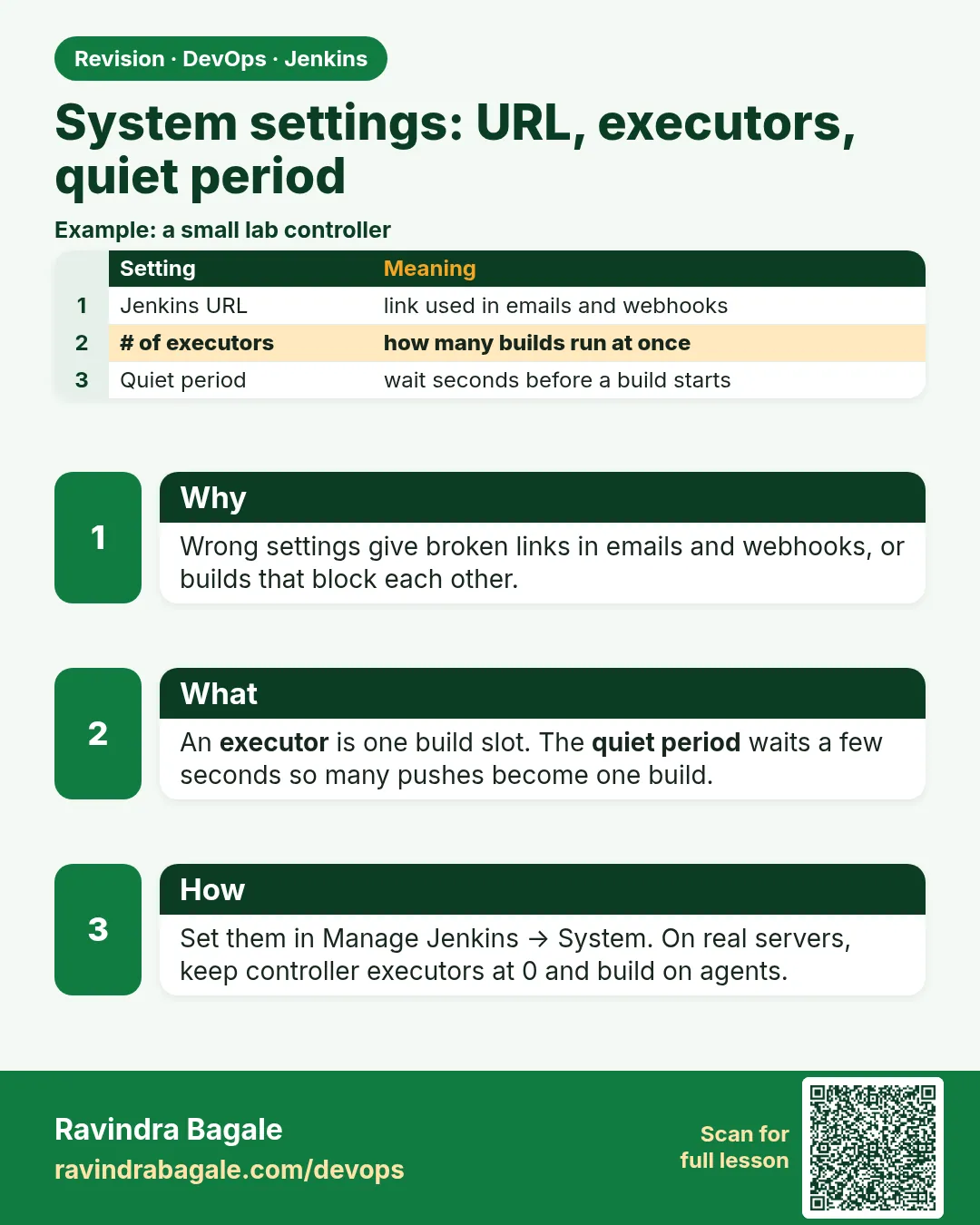
A Jenkins that works on day one can still be wrong for a team. Three settings cause most of the quiet trouble. First, the Jenkins URL: if it says localhost, every email and chat message links to the wrong place, and webhooks from the Git server cannot reach back. Second, executors: each executor runs one build at a time. Too many on a small machine and builds fight for CPU and memory until the server freezes; too few and developers wait in a queue all afternoon. Third, the quiet period: when a developer pushes five commits in one minute, a short wait lets Jenkins build once instead of five times. A Zomato-style team pushing hundreds of times a day saves real hours with these three numbers. There is also the system message, build history limits, and timezone, which matter when people in Pune and London read the same logs. In this lesson you will set all of these in the UI, then write them as Configuration as Code YAML, so the next server gets the same settings without clicks.
What we will build
You will set the Jenkins URL, admin email, system message, executors, quiet period and the user timezone. You will see the queue fill up when executors are too few, and watch the quiet period merge rapid triggers into one build. Then you will install the Configuration as Code plugin, export the current settings, and reload a small jenkins.yaml that sets the same values.
What: every term in plain English
- Jenkins URL — The address Jenkins puts in links, emails and webhook callbacks.
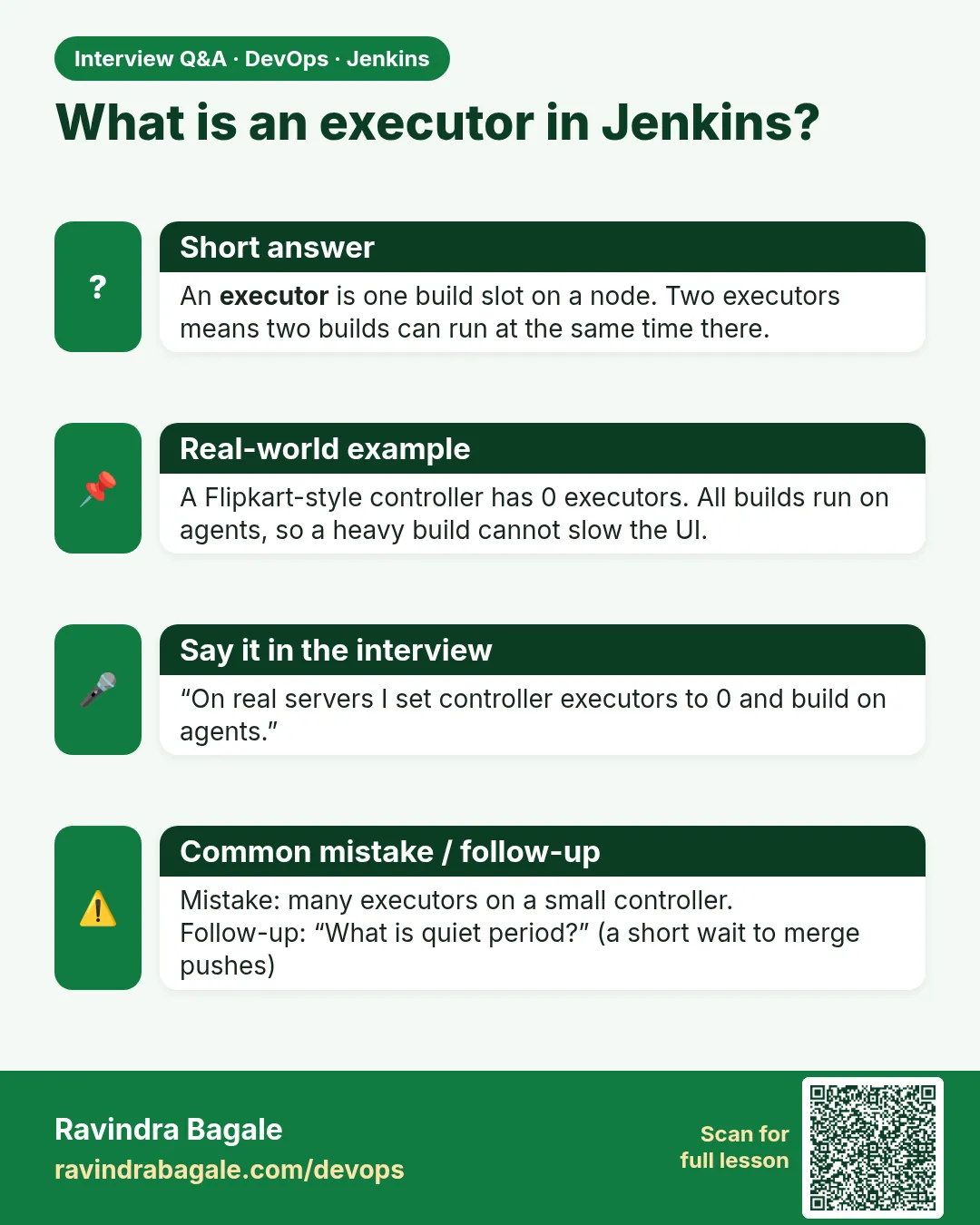
- Executor — A slot that runs one build. A node with 2 executors runs 2 builds at once.
- Build queue — Builds waiting for a free executor.
- Quiet period — Seconds Jenkins waits after a trigger before starting, to merge rapid triggers.
- System message — A banner on the dashboard, for example a maintenance notice.
- JCasC — Jenkins Configuration as Code plugin. Settings in a YAML file.
How: step by step
-
Set the URL and email
Manage Jenkins > System > Jenkins Location > URL http://localhost:8080/ > System Admin e-mail jenkins@lab.localWhat it does: Links in logs and emails are now correct.
Output
Saved -
Set the quiet period
Manage Jenkins > System > Quiet period 10What it does: Waits 10 seconds after each trigger.
Output
Saved -
Set executors
Manage Jenkins > Nodes > Built-In Node > Configure > Number of executors 2What it does: Two builds can run at once in the lab.
Output
Saved -
Add a system message
Manage Jenkins > System > System Message: Lab Jenkins - data can be wiped any timeWhat it does: Visible on the dashboard.
Output
Saved -
Set your timezone
Your name > Account > User Defined Time Zone > Asia/KolkataWhat it does: Build times show in IST for you.
Output
Saved -
Install JCasC
Manage Jenkins > Plugins > Available > Configuration as Code > InstallWhat it does: Adds Manage Jenkins > Configuration as Code.
Output
Success
Example 1: See the queue when executors are full
Stack. Jenkins queue, curl
Goal. See the queue when executors are full.
Execute shell box (job slow-job)
echo "start $BUILD_NUMBER on $NODE_NAME executor $EXECUTOR_NUMBER"
sleep 60
echo "done $BUILD_NUMBER"
fill-queue.sh
J=http://localhost:8080
for i in 1 2 3 4; do
  curl -s -X POST -u "ravi:$JENKINS_TOKEN" "$J/job/slow-job/build?delay=0sec" -o /dev/null -w "queued %{http_code}\n"
done
sleep 5
curl -s -u "ravi:$JENKINS_TOKEN" "$J/queue/api/json?tree=items[why]" ; echo
What each line does
$EXECUTOR_NUMBER— Which executor slot runs this build: 0 or 1 here.sleep 60— Keeps the executor busy.?delay=0sec— Skips the quiet period so the queue fills at once.queue/api/json— Shows waiting items and why they wait.
Green output
queued 201
queued 201
queued 201
queued 201
{"_class":"hudson.model.Queue","items":[{"why":"Waiting for next available executor"}]}
Expected result. Two builds run, the rest wait. Jenkins also merges identical queued builds of the same job without parameters, which is why only one waits.
Example 2: Quiet period merges rapid triggers
Stack. curl, quiet period
Goal. Quiet period merges rapid triggers.
rapid.sh
J=http://localhost:8080
before=$(curl -s -u "ravi:$JENKINS_TOKEN" "$J/job/badge-hello/api/json?tree=nextBuildNumber" | sed 's/.*:\([0-9]*\)}/\1/')
for i in 1 2 3 4 5; do
  curl -s -X POST -u "ravi:$JENKINS_TOKEN" "$J/job/badge-hello/build" -o /dev/null
  sleep 1
done
sleep 25
after=$(curl -s -u "ravi:$JENKINS_TOKEN" "$J/job/badge-hello/api/json?tree=nextBuildNumber" | sed 's/.*:\([0-9]*\)}/\1/')
echo "triggers sent: 5, builds made: $((after - before))"
What each line does
nextBuildNumber— The number the next build will get.five POSTs in 5 seconds— Like five quick git pushes.quiet period 10— Each new trigger lands while the first one is still waiting, so they merge.
Green output
triggers sent: 5, builds made: 1
Expected result. One build instead of five. Set quiet period to 0 and run again to see 5 or close to it.
Example 3: The same settings as Configuration as Code
Stack. JCasC plugin, YAML
Goal. The same settings as Configuration as Code.
jenkins.yaml
jenkins:
  systemMessage: "Lab Jenkins - data can be wiped any time"
  numExecutors: 2
  quietPeriod: 10
  securityRealm:
    local:
      allowsSignup: false
unclassified:
  location:
    url: "http://localhost:8080/"
    adminAddress: "jenkins@lab.local"
  timestamper:
    allPipelines: true
apply.sh
docker cp jenkins.yaml jenkins:/var/jenkins_home/jenkins.yaml
curl -s -X POST -u "ravi:$JENKINS_TOKEN" "http://localhost:8080/configuration-as-code/reload" -o /dev/null -w "reload %{http_code}\n"
curl -s -u "ravi:$JENKINS_TOKEN" "http://localhost:8080/api/json?tree=quietPeriod,numExecutors" ; echo
What each line does
jenkins: / unclassified:— Top-level JCasC sections. Location lives under unclassified.allowsSignup: false— Keeps sign-up off even after reload./var/jenkins_home/jenkins.yaml— The default path JCasC reads.configuration-as-code/reload— Applies the file without a restart.
Green output
reload 200
{"_class":"hudson.model.Hudson","numExecutors":2,"quietPeriod":10}
Expected result. Settings now live in a file you can review in a merge request.
Verify: did it work?
-
URL is set
curl -s -u ravi:$JENKINS_TOKEN http://localhost:8080/manage/configure | grep -o "http://localhost:8080/" | head -1What it does: The URL field has the right value.
Output
http://localhost:8080/ -
Executors
curl -s -u ravi:$JENKINS_TOKEN "http://localhost:8080/computer/api/json?tree=totalExecutors"What it does: Total slots across nodes.
Output
{"_class":"hudson.model.ComputerSet","totalExecutors":2}
When it is red 1
Jenkins root URL is empty but is required for the proper operation
Cause. The URL was never set.
Fix, step by step
- Set it in Manage Jenkins > System > Jenkins Location.
- Or in JCasC under unclassified.location.url.
When it is red 2
Builds stuck: Waiting for next available executor
Cause. All executors busy or 0 executors on the only node.
Fix, step by step
- Check Manage Jenkins > Nodes.
- Raise executors in the lab or add an agent.
- Cancel stuck builds.
When it is red 3
ConfiguratorException: Invalid configuration elements
Cause. A YAML key is wrong or belongs to a plugin not installed.
Fix, step by step
- Open Manage Jenkins > Configuration as Code > View Configuration to see valid keys.
- Fix indentation; YAML uses spaces only.
Cleanup
-
Delete slow-job
java -jar jenkins-cli.jar -s http://localhost:8080 -auth ravi:$JENKINS_TOKEN delete-job slow-jobWhat it does: Removes the test job.
Output
(no output)
Ravindra Bagale's Tip
Jenkins URL pahila set kara, nahitar email madhe chukiche link jatat. Lakshat theva!
Practice tasks
Easy Change the banner
Why: Communication.
What to do: Set a maintenance system message.
- Edit.
- Reload dashboard.
Check: Banner shows.
Medium Measure queue time
Why: Data beats guessing.
What to do: Run 6 slow builds and note waiting time.
- Trigger 6 with parameters to avoid merging.
Check: You know average wait.
Hard Rebuild from YAML
Why: Disaster drill.
What to do: Start a new container with only jenkins.yaml and plugins.
- Run with CASC_JENKINS_CONFIG.
Check: Same settings appear.
Easy Say Jenkins system configuration in two lines
Why: If you can say it simply, you understand it. Juniors and interviewers want the short version first.
What to do: Write two short lines about Jenkins system configuration for a fresher who knows only Linux basics.
- Write what problem it solves.
- Write the one command or menu you use for it.
- Read it aloud to a friend.
Check: A fresher understands it without asking a question.
Easy Start a fresh lab Jenkins
Why: Practice needs a throwaway Jenkins. If you break it, you delete it and start again.
What to do: Run Jenkins LTS in Docker with a named volume.
- docker volume create jenkins_home
- docker run -d --name jenkins -p 8080:8080 -v jenkins_home:/var/jenkins_home jenkins/jenkins:lts-jdk17
- docker exec jenkins cat /var/jenkins_home/secrets/initialAdminPassword
Check: The Jenkins unlock page opens on localhost:8080.
Medium Break it on purpose
Why: You must know the red message by face. During an outage there is no time to read slowly.
What to do: Cause one error from the "When it is red" part of this lesson and fix it.
- Follow the error section.
- Copy the exact message into your notes.
- Write the fix in one line.
Check: You fixed it using only the steps, without searching the web.
Medium Write a one-page runbook
Why: At 2 a.m. nobody remembers where a file lives. A short page saves the on-call person.
What to do: Write a runbook page for this lesson.
- Title, when to use, exact command, how to check, how to undo.
Check: A teammate can follow it alone.
Medium Repeat it on a cloud VM
Why: A laptop is not a server. Real Jenkins runs on EC2 or a company VM.
What to do: Do the main steps of this lesson again on a small Ubuntu 22.04 EC2 instance.
- Launch t3.small with 20 GB disk.
- Open port 22 only to your IP.
- Repeat the steps and compare the output.
Check: Same green output on the VM as on your laptop.
Hard Explain it like an interview
Why: Interviewers want real stories, not definitions.
What to do: Record a 60 second answer about this lesson.
- Say the problem, the command you ran, and one error you hit.
Check: Your answer has a real command and a real error message.
Hard Draw the flow top to bottom
Why: A drawing shows who talks to whom and in what order.
What to do: Draw this lesson as boxes from top to bottom.
- Start at the developer push, go through the controller and agent, end at the result.
Check: Each box matches a real thing you saw on screen.
Homework: try at home
Try at home
Export your current Jenkins settings from Manage Jenkins > Configuration as Code > Download Configuration. Remove noisy parts, keep URL, executors, quiet period and security, and commit the file to Git.
Recap
- Set the Jenkins URL first.
- Executors limit parallel builds; size them to CPU and RAM.
- Quiet period merges rapid triggers.
- JCasC keeps settings in Git.
- Check settings with the REST API.
FAQ
How many executors per CPU?
A rule of thumb is one per CPU core for heavy builds.
Does quiet period slow developers?
By seconds only, and saves many duplicate builds.
Can JCasC hold secrets?
Only as variables from the environment or a secret store, never plain text.
Why does the queue merge my builds?
Jenkins does not queue two identical builds of the same job without parameters. The second trigger joins the one already waiting. Parameterized builds with different values are kept apart.
Where do I see who changed a setting?
Install the Audit Trail or Job Config History plugin. JCasC in Git gives you history for free through commits.
Interview questions
-
What is Configuration as Code in Jenkins?
A plugin that applies Jenkins settings from YAML, so servers are reproducible and changes are reviewed.
-
Builds wait a long time in the queue. What do you check?
Executor count, offline agents, label mismatches, and long-running stuck builds.
Quick quiz
Q1. What does an executor do?
Runs one build at a time.
Q2. Why set a quiet period?
To merge rapid triggers into one build.
Q3. Why must the Jenkins URL be right?
Links, emails and webhooks use it.
Q4. Which plugin reads jenkins.yaml?
Configuration as Code.
Samajla ka?
 Revision card
 Interview card