Chapter 20: Jenkins Manual Jobs — Install, Configure and Freestyle
20.16 Upstream and downstream
Why: the problem
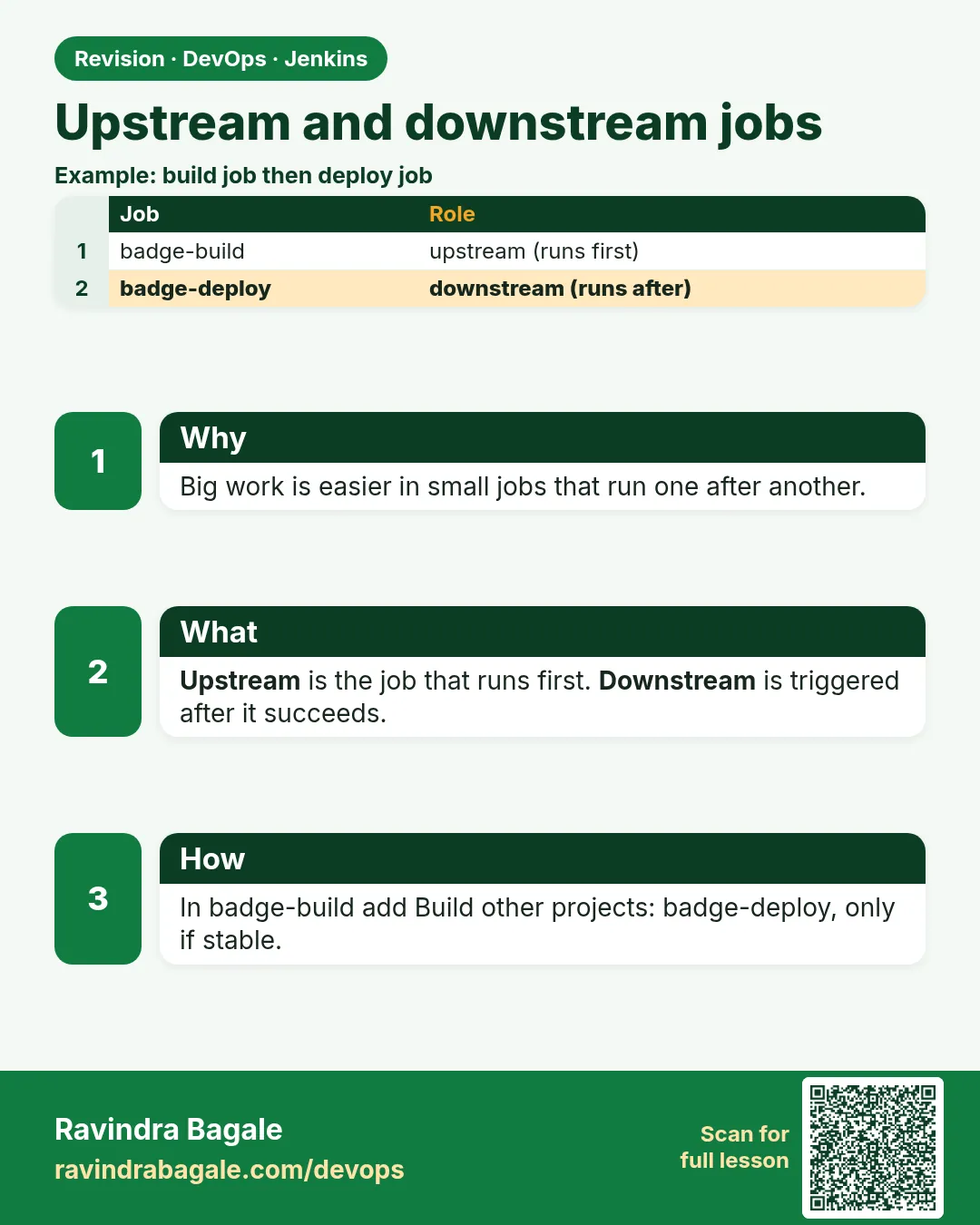
One giant job that builds, tests, packages, deploys to dev, runs smoke tests and deploys to qa is hard to rerun and hard to share. If only the qa deploy failed, you must rerun everything. Teams split work into a chain of jobs instead: an upstream job builds and archives the artifact, and downstream jobs deploy it and test it. Each job is small, can be rerun alone, and can have its own permissions; a qa engineer may run the qa deploy without being able to change the build. The key rule is that downstream jobs must use the exact file the upstream built, not rebuild from Git, otherwise you test something different from what you ship. Jenkins Freestyle supports this with Build other projects, the Parameterized Trigger plugin to pass values like the build number and commit, and Copy Artifact to fetch the exact tgz. A Flipkart-style release train used chains like this for years before Pipelines. In this lesson you will chain badge-api-ci to badge-deploy-dev and badge-smoke, passing the build number and commit, and copying the exact artifact.
What we will build
You will make badge-api-ci trigger badge-deploy-dev only when stable, passing UPSTREAM_BUILD and GIT_COMMIT with the Parameterized Trigger plugin. badge-deploy-dev will copy dist/*.tgz from that exact upstream build with Copy Artifact and run it on port 3101, then trigger badge-smoke, which calls the API and checks the badge rules. You will view the chain on the upstream build page, and rerun only the deploy job for an older build number.
What: every term in plain English
- Upstream job — The job that runs first and triggers others.
- Downstream job — A job started by another job.
- Parameterized Trigger — A plugin that starts other jobs and passes parameters.
- Copy Artifact — A plugin that copies archived files from another job's build.
- Permission to copy artifact — A setting on the upstream job that allows a downstream job to copy its files.
- Stable — A build that finished SUCCESS, not UNSTABLE or FAILURE.
How: step by step
-
Allow copying
badge-api-ci > Configure > General > Permission to Copy Artifact > Projects: badge-deploy-devWhat it does: Lets the deploy job fetch files.
Output
Saved -
Create badge-deploy-dev
New Item > Freestyle > parameters: UPSTREAM_BUILD (String), UPSTREAM_COMMIT (String)What it does: The downstream deploy job.
Output
Saved -
Copy the exact artifact
Build Steps > Copy artifacts from another project > Project badge-api-ci > Which build: Specific build ${UPSTREAM_BUILD} > Artifacts dist/*.tgz, build-info.txtWhat it does: Gets the file built by that exact build.
Output
Saved -
Add the trigger upstream
badge-api-ci > Post-build > Trigger parameterized build on other projects > badge-deploy-dev > Trigger when Stable > Predefined parametersWhat it does: Starts the deploy only on green.
Output
Saved -
Create badge-smoke
Freestyle with parameter TARGET_PORT, triggered by badge-deploy-devWhat it does: Tests the deployed app.
Output
Saved
Example 1: Pass the build and commit downstream
Stack. Parameterized Trigger, Copy Artifact
Goal. Pass the build and commit downstream.
Predefined parameters (in badge-api-ci trigger)
UPSTREAM_BUILD=$BUILD_NUMBER
UPSTREAM_COMMIT=$GIT_COMMIT
badge-deploy-dev: Execute shell
set -euo pipefail
echo "deploying upstream build $UPSTREAM_BUILD commit ${UPSTREAM_COMMIT:0:7}"
grep "commit=$UPSTREAM_COMMIT" build-info.txt > /dev/null || { echo "artifact does not match commit"; exit 3; }
PKG=$(ls dist/badge-api-*.tgz)
docker rm -f badge-dev > /dev/null 2>&1 || true
docker create --name badge-dev -p 3101:3001 -w /app node:20-alpine \
  sh -c "tar xzf /pkg.tgz --strip-components=1 && node src/server.js" > /dev/null
docker cp "$PKG" badge-dev:/pkg.tgz
docker start badge-dev > /dev/null
sleep 2
docker exec badge-dev wget -qO- localhost:3001/health
echo
echo "TARGET_PORT=3101" > downstream.properties
What each line does
$BUILD_NUMBER / $GIT_COMMIT— Expanded in the upstream job and sent down.Copy artifacts ... ${UPSTREAM_BUILD}— Fetches files from that exact build, not the latest.grep commit=...— Double check: the file came from the commit we expect.downstream.properties— A file the next trigger can read parameters from.
Green output
Started by upstream project "badge-api-ci" build number 16
originally caused by:
 Started by remote host 172.19.0.3
Copied 2 artifacts from "badge-api-ci" build number 16
deploying upstream build 16 commit 9c41d2e
ok
Triggering a new build of badge-smoke
Finished: SUCCESS
Expected result. The deploy used build 16's own tgz. The log shows the full cause chain back to the Gitea push.
Example 2: A smoke test job as the last link
Stack. bash, Freestyle
Goal. A smoke test job as the last link.
badge-smoke: Execute shell
set -euo pipefail
P=${TARGET_PORT:-3101}
check() {
  got=$(docker exec badge-dev wget -qO- "localhost:3001/badge?points=$1" | sed 's/.*"badge":"\([a-z]*\)".*/\1/')
  if [ "$got" = "$2" ]; then echo "ok   $1 -> $got"; else echo "FAIL $1 -> $got (want $2)"; return 1; fi
}
check 1000 gold
check 600 silver
check 150 bronze
check 5 none
echo "smoke passed on port $P"
What each line does
check()— A tiny function: call the API, compare with the expected badge.sed ...— Pulls the badge value out of the JSON.return 1— Any wrong answer fails the job.
Green output
Started by upstream project "badge-deploy-dev" build number 4
ok   1000 -> gold
ok   600 -> silver
ok   150 -> bronze
ok   5 -> none
smoke passed on port 3101
Finished: SUCCESS
Expected result. Three small jobs, one chain: build, deploy, smoke.
Example 3: Redeploy an older build without rebuilding
Stack. curl, Copy Artifact
Goal. Redeploy an older build without rebuilding.
redeploy-old.sh
J=http://localhost:8080; A="ravi:$JENKINS_TOKEN"
OLD=12
COMMIT=$(curl -s -u "$A" "$J/job/badge-api-ci/$OLD/artifact/build-info.txt" | sed -n 's/^commit=//p')
echo "rolling back to build $OLD commit ${COMMIT:0:7}"
curl -s -X POST -u "$A" "$J/job/badge-deploy-dev/buildWithParameters" \
  --data UPSTREAM_BUILD=$OLD --data UPSTREAM_COMMIT=$COMMIT -o /dev/null -w "queued %{http_code}\n"
What each line does
artifact/build-info.txt— Reads the commit from the archived file of build 12.buildWithParameters— Runs only the deploy job with the old build number.
Green output
rolling back to build 12 commit 3b8e1f0
queued 201
Expected result. A rollback in under a minute, using a file that was already tested. No new build needed.
Verify: did it work?
-
Chain visible
Open badge-api-ci build 16What it does: Downstream Builds: badge-deploy-dev #4, badge-smoke #4.
Output
Downstream Builds listed -
Dev running
curl -s localhost:3101/healthWhat it does: ok.
Output
ok
When it is red 1
ERROR: Unable to find project for artifact copy: badge-api-ci ... or you do not have permission
Cause. Permission to Copy Artifact not set on the upstream job.
Fix, step by step
- Add badge-deploy-dev to that list.
When it is red 2
Unable to find a build for artifact copy from: badge-api-ci
Cause. The build number does not exist or its artifacts were discarded.
Fix, step by step
- Check the number.
- Keep artifacts for more builds.
When it is red 3
Downstream not triggered
Cause. Trigger is set to Stable but the build was UNSTABLE.
Fix, step by step
- Fix the tests, or change the condition consciously.
Cleanup
-
Stop dev app
docker rm -f badge-devWhat it does: Frees port 3101.
Output
badge-dev
Ravindra Bagale's Tip
Deploy sathi parat build karu naka. Test zaleli tich file pudhe nya. Lakshat theva!
Practice tasks
Easy Read the cause
Why: Traceability.
What to do: Read Started by upstream lines.
- Open downstream console.
Check: You can trace to the push.
Medium Block on downstream
Why: Order.
What to do: Make upstream wait for downstream.
- Use the trigger option to block.
Check: Upstream result includes downstream.
Hard Draw the chain
Why: Clarity.
What to do: Draw build to smoke with arrows and parameters.
- Boxes and labels.
Check: One clear diagram.
Easy Say upstream and downstream jobs in two lines
Why: If you can say it simply, you understand it. Juniors and interviewers want the short version first.
What to do: Write two short lines about upstream and downstream jobs for a fresher who knows only Linux basics.
- Write what problem it solves.
- Write the one command or menu you use for it.
- Read it aloud to a friend.
Check: A fresher understands it without asking a question.
Easy Start a fresh lab Jenkins
Why: Practice needs a throwaway Jenkins. If you break it, you delete it and start again.
What to do: Run Jenkins LTS in Docker with a named volume.
- docker volume create jenkins_home
- docker run -d --name jenkins -p 8080:8080 -v jenkins_home:/var/jenkins_home jenkins/jenkins:lts-jdk17
- docker exec jenkins cat /var/jenkins_home/secrets/initialAdminPassword
Check: The Jenkins unlock page opens on localhost:8080.
Medium Break it on purpose
Why: You must know the red message by face. During an outage there is no time to read slowly.
What to do: Cause one error from the "When it is red" part of this lesson and fix it.
- Follow the error section.
- Copy the exact message into your notes.
- Write the fix in one line.
Check: You fixed it using only the steps, without searching the web.
Medium Write a one-page runbook
Why: At 2 a.m. nobody remembers where a file lives. A short page saves the on-call person.
What to do: Write a runbook page for this lesson.
- Title, when to use, exact command, how to check, how to undo.
Check: A teammate can follow it alone.
Medium Repeat it on a cloud VM
Why: A laptop is not a server. Real Jenkins runs on EC2 or a company VM.
What to do: Do the main steps of this lesson again on a small Ubuntu 22.04 EC2 instance.
- Launch t3.small with 20 GB disk.
- Open port 22 only to your IP.
- Repeat the steps and compare the output.
Check: Same green output on the VM as on your laptop.
Hard Explain it like an interview
Why: Interviewers want real stories, not definitions.
What to do: Record a 60 second answer about this lesson.
- Say the problem, the command you ran, and one error you hit.
Check: Your answer has a real command and a real error message.
Hard Draw the flow top to bottom
Why: A drawing shows who talks to whom and in what order.
What to do: Draw this lesson as boxes from top to bottom.
- Start at the developer push, go through the controller and agent, end at the result.
Check: Each box matches a real thing you saw on screen.
Homework: try at home
Try at home
Add a badge-deploy-qa job after badge-smoke that needs a manual start, using the same UPSTREAM_BUILD. Deploy build 16 to qa by hand.
Recap
- Split work into small linked jobs.
- Pass build number and commit downstream.
- Copy the exact artifact; never rebuild for deploy.
- Trigger deploys only on stable builds.
- Rollback by redeploying an old build's artifact.
FAQ
Is a chain better than one job?
Easier reruns and permissions, but harder to see as one flow. Pipelines show both.
Can I pass files?
Use Copy Artifact, not parameters.
What replaces this later?
A Pipeline with stages and stash or artifacts.
What if two upstream builds finish close together?
Each sends its own UPSTREAM_BUILD, so each deploy copies its own artifact. Jenkins may merge queued downstream builds with identical parameters, but different build numbers stay separate.
Who may run the downstream deploy?
Give deploy jobs their own permissions. Developers can run CI, while only release engineers run qa or staging deploys.
Interview questions
-
Upstream vs downstream jobs?
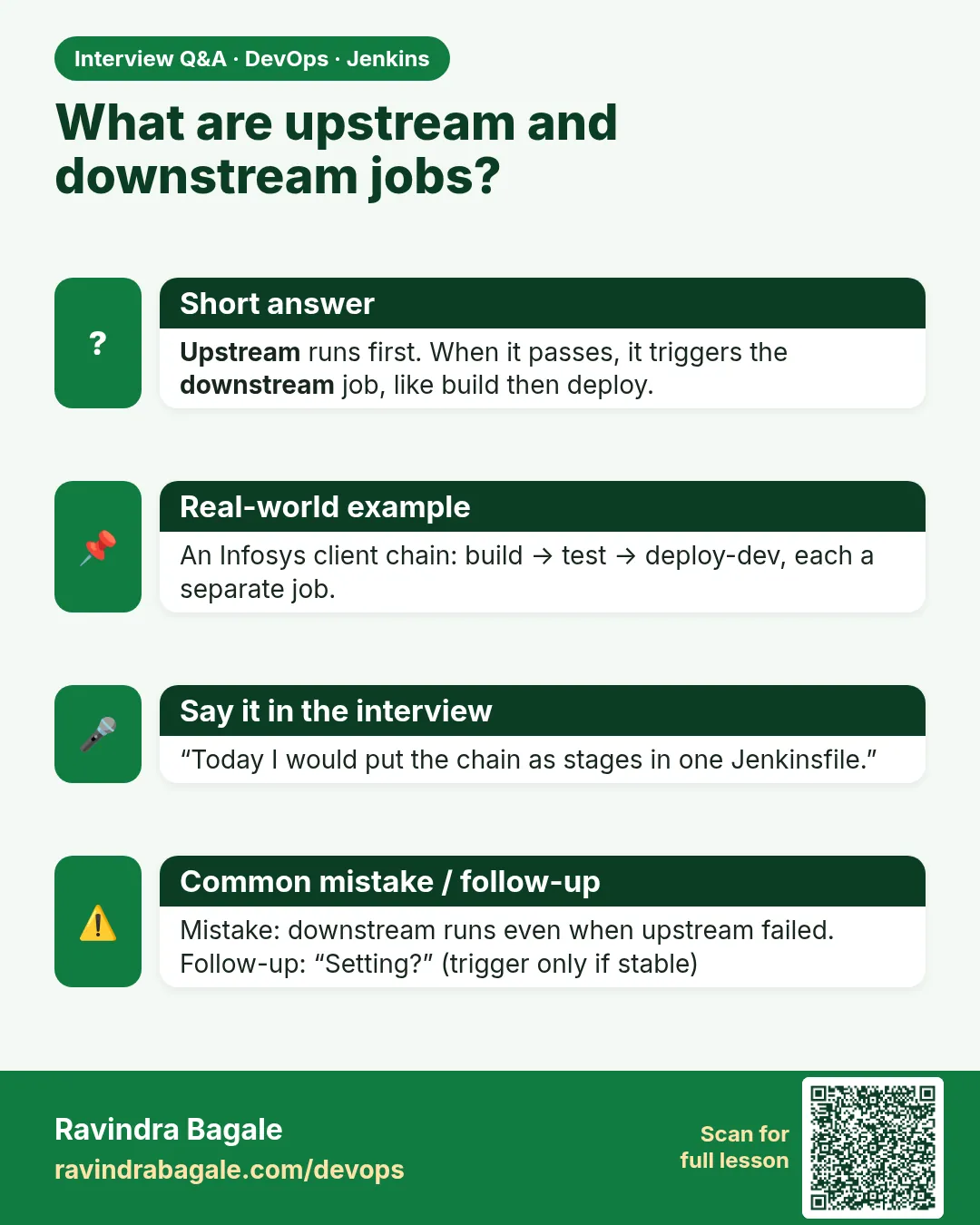
Upstream triggers downstream; data passes through parameters and artifacts, ideally the same artifact through all stages.
-
How do you roll back with Freestyle jobs?
Re-run the deploy job pointing to an older archived build artifact.
-
Why should downstream jobs not rebuild from Git?
The rebuild might pick up new commits or different dependency versions, so you would deploy something nobody tested. Promote one artifact through every stage.
Quick quiz
Q1. Why copy the artifact instead of rebuilding?
To deploy exactly what was tested.
Q2. Which plugin passes parameters downstream?
Parameterized Trigger.
Q3. When should deploy trigger?
Only when upstream is stable.
Samajla ka?
 Revision card
 Interview card