Chapter 20: Jenkins Manual Jobs — Install, Configure and Freestyle
20.14 Parameters on the Freestyle job
Why: the problem
A job that always does exactly the same thing is useful, but teams soon need choices: which branch to build, which environment to deploy to, whether to skip slow tests during an urgent fix, how many lab replicas to start. Without parameters, people copy the job five times: badge-deploy-dev, badge-deploy-qa, badge-deploy-qa-copy, badge-deploy-final, badge-deploy-final2. Six months later nobody knows which copy is real. Parameters solve this: one job, with a form that asks for values before it runs. Jenkins offers String, Choice, Boolean, Password and File parameters, and every value becomes an environment variable in the build. At a Myntra-style company, one parameterized deploy job with a Choice of dev, qa and staging replaces a dozen copies. Parameters can also be passed by URL from scripts and other jobs. In this lesson you will add four parameters to a deploy job, validate them in the script so wrong input fails early, and trigger it from the UI and with curl.
What we will build
You will create the job badge-deploy-lab with parameters BRANCH (String), TARGET (Choice: dev, qa), RUN_TESTS (Boolean) and REPLICAS (String with a numeric check). The build script validates every value, checks out the branch, optionally runs tests, and starts the chosen number of lab containers with names based on TARGET. You will trigger it with Build with Parameters and with buildWithParameters over curl, and see the values recorded on each build page.
What: every term in plain English
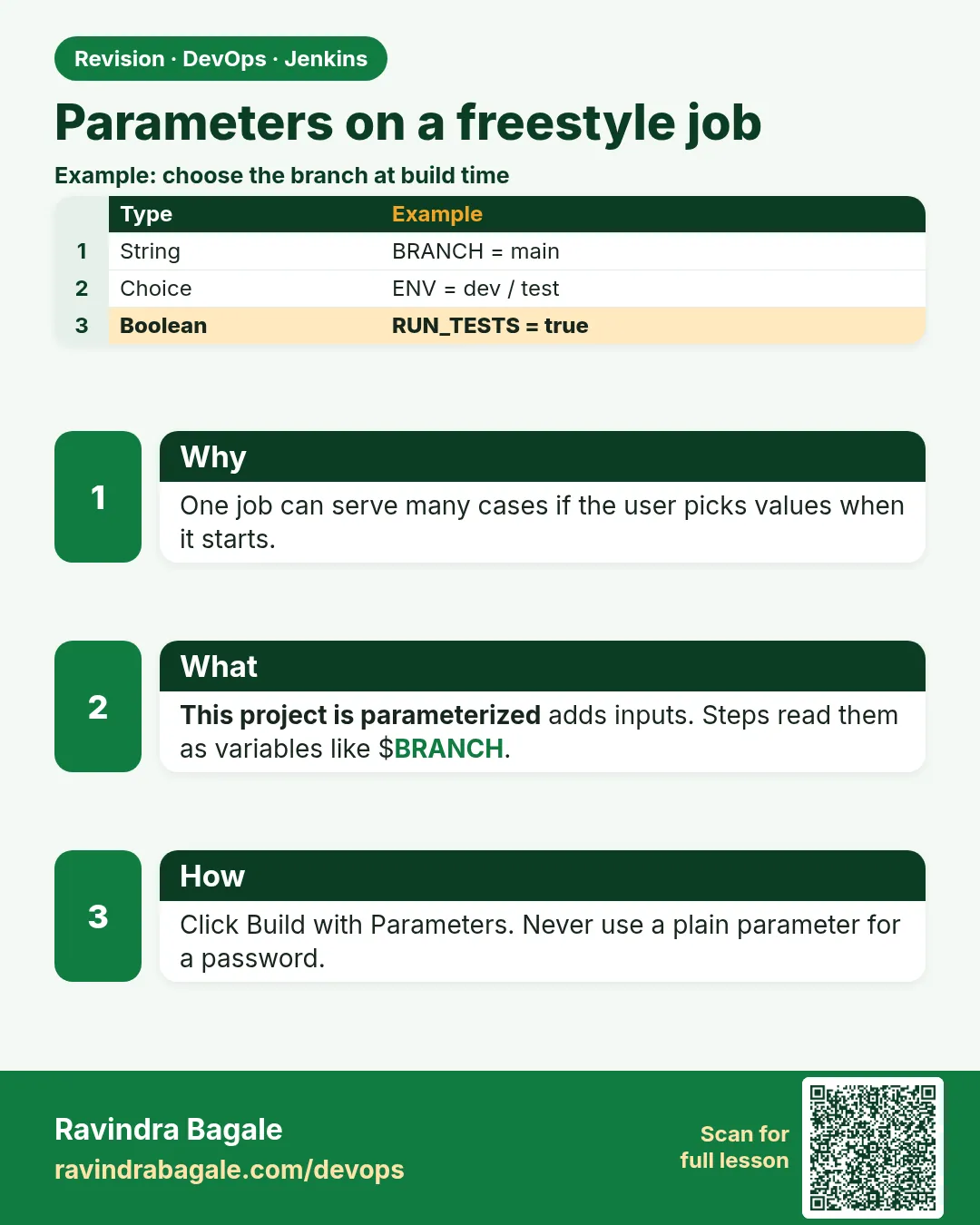
- Parameter — A value asked before the build starts. It becomes an environment variable.
- String parameter — Free text, like a branch name.
- Choice parameter — A dropdown with fixed values; the first is the default.
- Boolean parameter — A checkbox; the variable is true or false.
- buildWithParameters — The REST URL to start a parameterized build.
- Input validation — Checking values in the script and failing early with a clear message.
How: step by step
-
Make the job
New Item > badge-deploy-lab > Freestyle > This project is parameterizedWhat it does: Opens parameter settings.
Output
Saved -
Add BRANCH
Add Parameter > String > BRANCH default mainWhat it does: Branch to deploy.
Output
Saved -
Add TARGET
Add Parameter > Choice > TARGET choices: dev, qa (one per line)What it does: Where to deploy in the lab.
Output
Saved -
Add RUN_TESTS
Add Parameter > Boolean > RUN_TESTS default tickedWhat it does: Allows skipping tests only on purpose.
Output
Saved -
Add REPLICAS
Add Parameter > String > REPLICAS default 1What it does: How many lab containers.
Output
Saved -
Use BRANCH in Git
Source Code Management > Git > Branch Specifier */${BRANCH}What it does: Checks out the chosen branch.
Output
Saved
Example 1: A deploy script that trusts nothing
Stack. Freestyle parameters, bash, Docker
Goal. A deploy script that trusts nothing.
ci/deploy-param.sh
#!/usr/bin/env bash
set -euo pipefail
echo "BRANCH=$BRANCH TARGET=$TARGET RUN_TESTS=$RUN_TESTS REPLICAS=$REPLICAS"
case "$TARGET" in dev|qa) ;; *) echo "bad TARGET $TARGET"; exit 2;; esac
[[ "$REPLICAS" =~ ^[1-3]$ ]] || { echo "REPLICAS must be 1, 2 or 3"; exit 2; }
[[ "$BRANCH" =~ ^[A-Za-z0-9._/-]+$ ]] || { echo "bad BRANCH name"; exit 2; }
npm ci
if [ "$RUN_TESTS" = "true" ]; then npm test; else echo "WARNING: tests skipped by $BUILD_USER_ID"; fi
npm run build
PKG=$(ls dist/badge-api-*.tgz | head -1)
base=$([ "$TARGET" = dev ] && echo 3100 || echo 3200)
docker ps -aq --filter "name=badge-$TARGET-" | xargs -r docker rm -f > /dev/null
for i in $(seq 1 "$REPLICAS"); do
  port=$((base + i))
  docker create --name "badge-$TARGET-$i" -p "$port:3001" -w /app node:20-alpine \
    sh -c "tar xzf /pkg.tgz --strip-components=1 && node src/server.js" > /dev/null
  docker cp "$PKG" "badge-$TARGET-$i:/pkg.tgz"
  docker start "badge-$TARGET-$i" > /dev/null
  echo "started badge-$TARGET-$i on port $port"
done
What each line does
case "$TARGET"— A Choice parameter limits the UI, but curl can send any value, so check again.=~ ^[1-3]$— Only 1 to 3 replicas in the lab.BRANCH regex— Stops odd input like spaces or semicolons.$RUN_TESTS = "true"— Boolean parameters arrive as the text true or false.$BUILD_USER_ID— Set by the build-user-vars plugin if installed; otherwise empty. Shows who skipped tests.xargs -r docker rm -f— Removes old containers for that target only.
Green output
BRANCH=main TARGET=qa RUN_TESTS=true REPLICAS=2
added 0 packages in 0.2s
ℹ pass 3
badge-api-1.0.0.tgz
started badge-qa-1 on port 3201
started badge-qa-2 on port 3202
Finished: SUCCESS
Expected result. Two qa containers from main, after tests. The build page shows the Parameters link with all four values.
Example 2: Trigger with curl, including a bad value
Stack. curl, REST API
Goal. Trigger with curl, including a bad value.
trigger-params.sh
J=http://localhost:8080; A="ravi:$JENKINS_TOKEN"
curl -s -X POST -u "$A" "$J/job/badge-deploy-lab/buildWithParameters" \
  --data-urlencode BRANCH=main --data TARGET=dev --data RUN_TESTS=true --data REPLICAS=1 \
  -o /dev/null -w "good: %{http_code}\n"
curl -s -X POST -u "$A" "$J/job/badge-deploy-lab/buildWithParameters" \
  --data TARGET=prod --data REPLICAS=9 -o /dev/null -w "bad: %{http_code}\n"
sleep 30
curl -s -u "$A" "$J/job/badge-deploy-lab/lastBuild/consoleText" | grep -E "bad TARGET|REPLICAS must|Finished"
What each line does
--data-urlencode— Safe for branch names with slashes.Missing parameters— Jenkins uses defaults for any not sent.TARGET=prod— Not in the choice list; the script refuses it.
Green output
good: 201
bad: 201
bad TARGET prod
Finished: FAILURE
Expected result. Jenkins queued both, but the script blocked the bad one in its first line. Never trust parameters, even from a dropdown.
Example 3: Read the parameters of any old build
Stack. REST API, Python
Goal. Read the parameters of any old build.
params-of.sh
J=http://localhost:8080; A="ravi:$JENKINS_TOKEN"
for n in 1 2 3; do
  curl -s -u "$A" "$J/job/badge-deploy-lab/$n/api/json?tree=result,actions[parameters[name,value]]" \
   | python3 -c 'import sys,json;d=json.load(sys.stdin);p=[a for a in d["actions"] if a.get("parameters")];print('"$n"',d["result"],{x["name"]:x["value"] for x in p[0]["parameters"]} if p else {})'
done
What each line does
actions[parameters[...]]— Where Jenkins stores the values of each build.python3 -c— Turns the list into a small dictionary.
Green output
1 SUCCESS {'BRANCH': 'main', 'TARGET': 'qa', 'RUN_TESTS': True, 'REPLICAS': '2'}
2 SUCCESS {'BRANCH': 'main', 'TARGET': 'dev', 'RUN_TESTS': True, 'REPLICAS': '1'}
3 FAILURE {'BRANCH': 'main', 'TARGET': 'prod', 'RUN_TESTS': True, 'REPLICAS': '9'}
Expected result. A full record of who asked for what. Useful in incident reviews.
Verify: did it work?
-
Dev and qa running
docker ps --filter name=badge- --format "{{.Names}} {{.Ports}}"What it does: Containers per target.
Output
badge-dev-1 0.0.0.0:3101->3001/tcp badge-qa-1 0.0.0.0:3201->3001/tcp badge-qa-2 0.0.0.0:3202->3001/tcp -
Health of dev
curl -s localhost:3101/healthWhat it does: ok.
Output
ok
When it is red 1
HTTP 400: Nothing is submitted
Cause. You used /build on a parameterized job without parameters JSON.
Fix, step by step
- Use /buildWithParameters instead.
When it is red 2
REPLICAS must be 1, 2 or 3
Cause. Bad input, as designed.
Fix, step by step
- Send a valid value.
When it is red 3
Bind for 0.0.0.0:3101 failed: port is already allocated
Cause. Old containers from another run.
Fix, step by step
- docker ps -a --filter name=badge-
- Remove them, then rebuild.
Cleanup
-
Remove lab containers
docker ps -aq --filter name=badge- | xargs -r docker rm -fWhat it does: Frees ports.
Output
(container ids)
Ravindra Bagale's Tip
Job copy karu naka, parameter vapra. Aani script madhe value tapasa. Lakshat theva!
Practice tasks
Easy Defaults
Why: Know defaults.
What to do: Trigger with no data and read values.
- curl POST with no data.
Check: Defaults used.
Medium Password parameter
Why: Sensitive input.
What to do: Try a Password parameter and see it masked.
- Add it.
- Echo it.
Check: Shows ****.
Hard Remove copies
Why: Cleanup.
What to do: Replace two copied jobs with one parameterized job.
- Compare configs.
Check: One job left.
Easy Say Freestyle parameters in two lines
Why: If you can say it simply, you understand it. Juniors and interviewers want the short version first.
What to do: Write two short lines about Freestyle parameters for a fresher who knows only Linux basics.
- Write what problem it solves.
- Write the one command or menu you use for it.
- Read it aloud to a friend.
Check: A fresher understands it without asking a question.
Easy Start a fresh lab Jenkins
Why: Practice needs a throwaway Jenkins. If you break it, you delete it and start again.
What to do: Run Jenkins LTS in Docker with a named volume.
- docker volume create jenkins_home
- docker run -d --name jenkins -p 8080:8080 -v jenkins_home:/var/jenkins_home jenkins/jenkins:lts-jdk17
- docker exec jenkins cat /var/jenkins_home/secrets/initialAdminPassword
Check: The Jenkins unlock page opens on localhost:8080.
Medium Break it on purpose
Why: You must know the red message by face. During an outage there is no time to read slowly.
What to do: Cause one error from the "When it is red" part of this lesson and fix it.
- Follow the error section.
- Copy the exact message into your notes.
- Write the fix in one line.
Check: You fixed it using only the steps, without searching the web.
Medium Write a one-page runbook
Why: At 2 a.m. nobody remembers where a file lives. A short page saves the on-call person.
What to do: Write a runbook page for this lesson.
- Title, when to use, exact command, how to check, how to undo.
Check: A teammate can follow it alone.
Medium Repeat it on a cloud VM
Why: A laptop is not a server. Real Jenkins runs on EC2 or a company VM.
What to do: Do the main steps of this lesson again on a small Ubuntu 22.04 EC2 instance.
- Launch t3.small with 20 GB disk.
- Open port 22 only to your IP.
- Repeat the steps and compare the output.
Check: Same green output on the VM as on your laptop.
Hard Explain it like an interview
Why: Interviewers want real stories, not definitions.
What to do: Record a 60 second answer about this lesson.
- Say the problem, the command you ran, and one error you hit.
Check: Your answer has a real command and a real error message.
Hard Draw the flow top to bottom
Why: A drawing shows who talks to whom and in what order.
What to do: Draw this lesson as boxes from top to bottom.
- Start at the developer push, go through the controller and agent, end at the result.
Check: Each box matches a real thing you saw on screen.
Homework: try at home
Try at home
Add a Choice parameter LOG_LEVEL (info, debug) and pass it into the container as an environment variable. Validate it in the script.
Recap
- Parameters replace copied jobs.
- Every value is an environment variable.
- Validate everything in the script.
- Trigger with buildWithParameters.
- Each build records its values.
FAQ
Can parameters be secrets?
Use credentials instead; Password parameters still show in some places.
Can a parameter change the Git branch?
Yes, with */${BRANCH} in the branch field.
Are Boolean values real booleans?
In the shell they are the text true or false.
What if I add a parameter later?
Old builds simply do not have it. Triggers from scripts that do not send it get the default value, so pick safe defaults such as dev, not production.
Can I hide the form for scripts?
Scripts never see the form; they post values. People see the form when they click Build with Parameters.
Interview questions
-
How do you avoid duplicate jobs per environment?
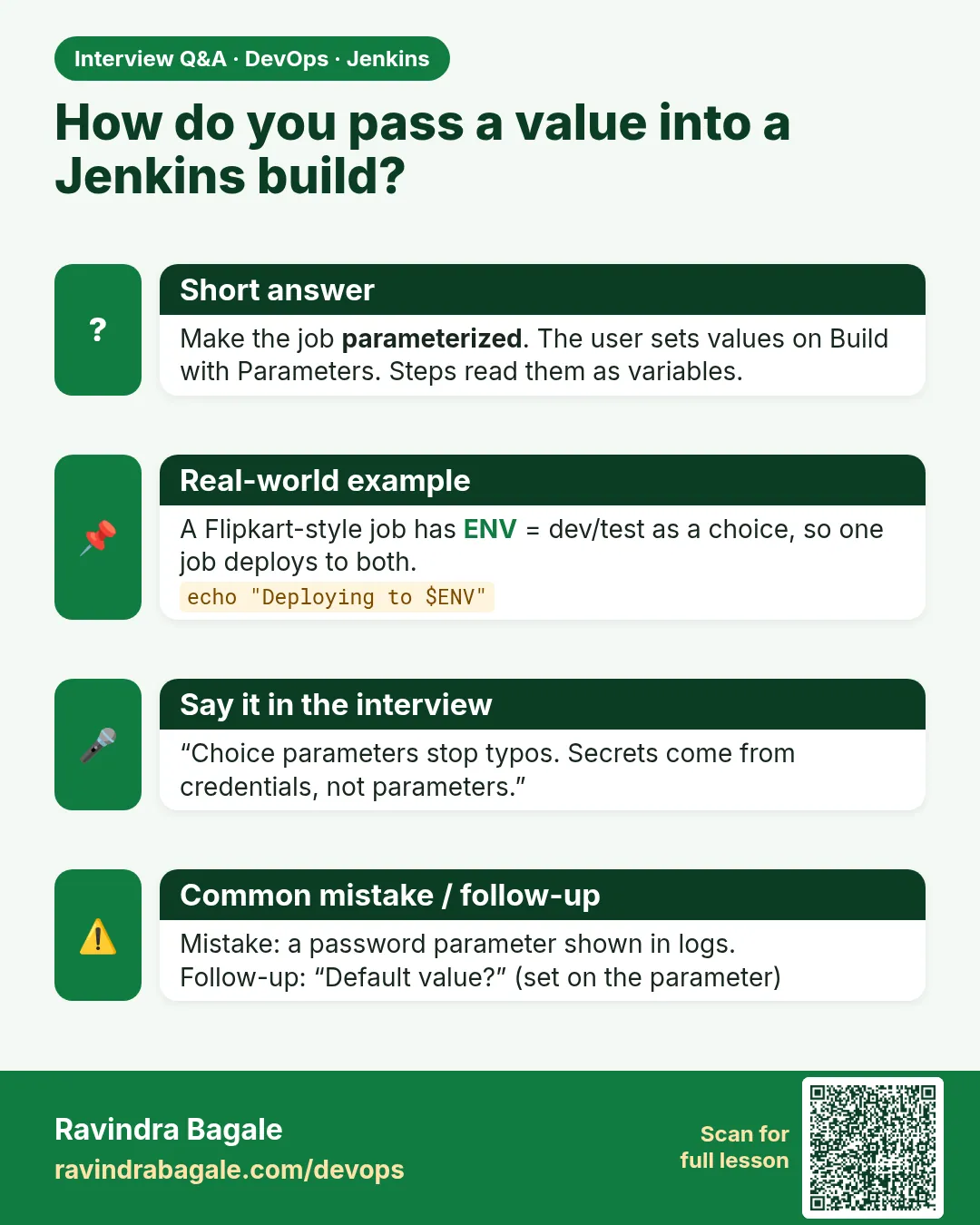
One parameterized job with a Choice for environment, validated inputs, and per-environment credentials.
-
How do you trigger a parameterized job remotely?
POST to /job/NAME/buildWithParameters with form fields and an API token.
Quick quiz
Q1. How do parameters reach the script?
As environment variables.
Q2. Why validate Choice values in the script?
curl can send any value.
Q3. Which URL starts a parameterized build?
/buildWithParameters.
Samajla ka?
 Revision card
 Interview card