Chapter 20: Jenkins Manual Jobs — Install, Configure and Freestyle
20.10 Tiny Node.js project shape (what Jenkins needs)
Why: the problem
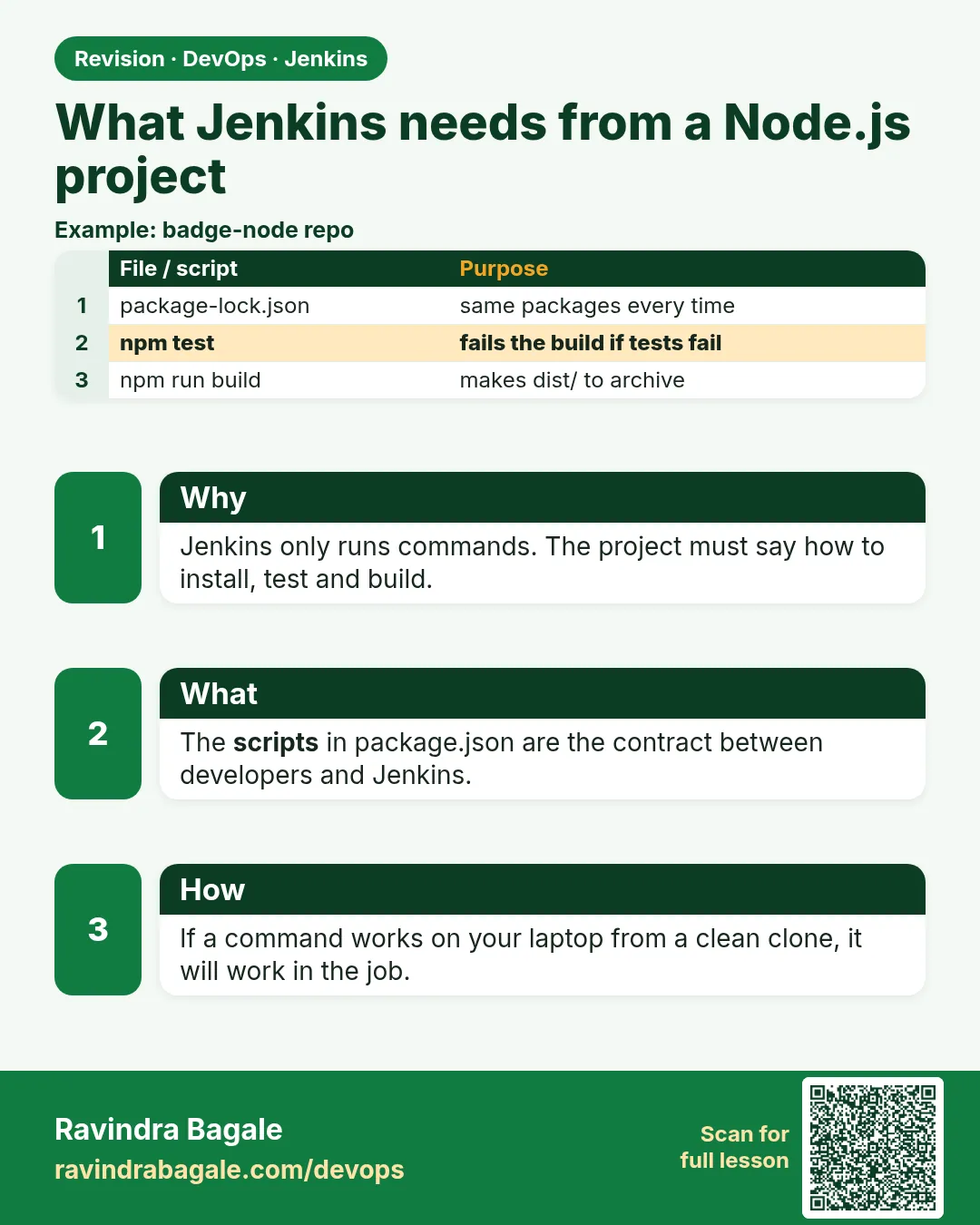
Jenkins cannot fix a project that does not know how to build itself. Before you write a single build step, the repository must answer three questions with simple commands: how do I install dependencies, how do I test, and how do I package? For a Node.js project, the answers live in package.json scripts and a committed package-lock.json. When those are missing, Jenkins jobs fill up with long shell scripts that only one engineer understands. A Paytm-style team ships the same small structure in every service: npm ci installs exact versions from the lock file, npm test runs tests and exits non-zero on failure, npm run build or npm pack makes an artifact, and a health URL tells you the app is alive. In this lesson you will write the badge-api project in that shape, with Node's built-in test runner so it needs no extra libraries, run each command on your laptop first, and push it. Jenkins then only needs three short lines.
What we will build
You will create badge-api with package.json, package-lock.json, src/badges.js, src/server.js and test/badges.test.js. You will run npm ci, npm test and npm pack locally, add a JUnit test report for Jenkins, add a .gitignore, and push. The rule you will follow: anything Jenkins runs must also run on a laptop with the same command.
What: every term in plain English
- package.json — The Node project file: name, version, scripts and dependencies.
- package-lock.json — Exact versions of every dependency. Commit it.
- npm ci — Clean install from the lock file. Fails if package.json and lock do not match.
- npm test — Runs the test script.
- node:test — The test runner built into Node 18+.
- npm pack — Makes a .tgz package of the project.
- JUnit XML — A test report format Jenkins can show as charts.
How: step by step
-
Create package.json
npm init -yWhat it does: A starter project file.
Output
Wrote to /home/ravi/badge-api/package.json -
Create the lock file
npm install --package-lock-onlyWhat it does: Makes package-lock.json even with no dependencies.
Output
up to date, audited 1 package -
Run tests
npm testWhat it does: Runs node --test.
Output
# pass 3 # fail 0 -
Make the package
npm packWhat it does: Builds badge-api-1.0.0.tgz.
Output
badge-api-1.0.0.tgz -
Push
git add . && git commit -m "project shape for CI" && git pushWhat it does: Jenkins will see it.
Output
main -> main
Example 1: The whole badge-api project
Stack. Node.js 20, node:test
Goal. The whole badge-api project.
package.json
{
  "name": "badge-api",
  "version": "1.0.0",
  "private": true,
  "main": "src/server.js",
  "scripts": {
    "start": "node src/server.js",
    "test": "node --test test/",
    "test:ci": "node --test --test-reporter=junit --test-reporter-destination=reports/junit.xml test/",
    "build": "mkdir -p dist && npm pack --pack-destination dist"
  },
  "files": ["src/"],
  "engines": { "node": ">=18" }
}
src/badges.js
function badgeFor(points) {
  if (typeof points !== "number" || points !== points) throw new Error("points must be a number");
  if (points >= 1000) return "gold";
  if (points >= 500) return "silver";
  if (points >= 100) return "bronze";
  return "none";
}
module.exports = { badgeFor };
src/server.js
const http = require("http");
const { badgeFor } = require("./badges");
const port = process.env.PORT || 3001;
http.createServer((req, res) => {
  const url = new URL(req.url, "http://x");
  if (url.pathname === "/health") return res.end("ok");
  if (url.pathname === "/badge") {
    const pts = Number(url.searchParams.get("points"));
    try { return res.end(JSON.stringify({ points: pts, badge: badgeFor(pts) })); }
    catch (e) { res.statusCode = 400; return res.end(e.message); }
  }
  res.statusCode = 404; res.end("not found");
}).listen(port, () => console.log("badge-api on " + port));
test/badges.test.js
const test = require("node:test");
const assert = require("node:assert");
const { badgeFor } = require("../src/badges");
test("gold at 1000", () => assert.strictEqual(badgeFor(1000), "gold"));
test("silver at 500", () => assert.strictEqual(badgeFor(500), "silver"));
test("bad input throws", () => assert.throws(() => badgeFor("x")));
What each line does
scripts.test— node --test runs every test file in test/.scripts.test:ci— Same tests, but writes reports/junit.xml for Jenkins.scripts.build— Puts the .tgz into dist/.files— Only src/ goes into the package.points !== points— True only for NaN, a cheap NaN check./health— A URL that says ok when the app runs. Deploy steps check it.
Green output
$ npm ci
added 0 packages in 0.2s
$ npm test
✔ gold at 1000 (0.6ms)
✔ silver at 500 (0.1ms)
✔ bad input throws (0.3ms)
ℹ tests 3
ℹ pass 3
ℹ fail 0
$ npm run build
badge-api-1.0.0.tgz
$ ls dist
badge-api-1.0.0.tgz
Expected result. Three commands, all green on the laptop. Jenkins will run the same three.
Example 2: Ignore files that must never be committed
Stack. Git
Goal. Ignore files that must never be committed.
.gitignore
node_modules/
dist/
reports/
*.log
.env
What each line does
node_modules/— Rebuilt by npm ci. Never commit it.dist/ and reports/— Build output, made fresh by Jenkins..env— Local secrets. Never in Git.
Green output
$ git status --short
?? .gitignore
$ git check-ignore -v dist/badge-api-1.0.0.tgz
.gitignore:2:dist/  dist/badge-api-1.0.0.tgz
Expected result. Build output and secrets stay out of the repo.
Example 3: A local CI dry run: the exact script Jenkins will run
Stack. bash, npm
Goal. A local CI dry run: the exact script Jenkins will run.
ci.sh
#!/usr/bin/env bash
set -euo pipefail
node --version
npm ci
npm run test:ci
npm run build
ls -l dist reports
grep -o 'tests="[0-9]*"' reports/junit.xml | head -1
What each line does
npm run test:ci— Writes the JUnit report.ls -l dist reports— Shows the two outputs Jenkins will keep.grep tests=— Quick check that the report has tests.
Green output
v20.18.0
added 0 packages in 0.2s
✔ gold at 1000
✔ silver at 500
✔ bad input throws
badge-api-1.0.0.tgz
dist:
-rw-r--r-- 1 ravi ravi 1102 Oct 25 11:02 badge-api-1.0.0.tgz
reports:
-rw-r--r-- 1 ravi ravi  612 Oct 25 11:02 junit.xml
tests="3"
Expected result. If ci.sh passes on your laptop, a Jenkins failure is about the Jenkins machine, not the code.
Verify: did it work?
-
Lock file committed
git ls-files | grep package-lock.jsonWhat it does: The lock is in Git.
Output
package-lock.json -
App answers
PORT=3001 node src/server.js & sleep 1; curl -s "localhost:3001/badge?points=600"; kill %1What it does: Runs and returns a badge.
Output
{"points":600,"badge":"silver"}
When it is red 1
npm ERR! The npm ci command can only install with an existing package-lock.json
Cause. No lock file in the repo.
Fix, step by step
- Run npm install --package-lock-only.
- Commit package-lock.json.
When it is red 2
npm ERR! code EUSAGE ... lock file is not in sync
Cause. package.json changed without updating the lock.
Fix, step by step
- Run npm install locally.
- Commit both files together.
When it is red 3
Unknown option --test-reporter
Cause. Node is older than 18.15.
Fix, step by step
- Use Node 20 in Jenkins (lesson 20.6).
When it is red 4
Error: Cannot find module '../src/badges'
Cause. The test path is wrong or the file name has different case. Linux is case sensitive, so Badges.js and badges.js are different files, even if it worked on Windows or macOS.
Fix, step by step
- Run ls src on Linux.
- Fix the require path or rename the file with git mv.
Cleanup
-
Remove local outputs
rm -rf dist reports node_modulesWhat it does: Fresh start.
Output
(no output)
Ravindra Bagale's Tip
Laptop var chalat nahi, te Jenkins var pan chalnar nahi. Pahila ci.sh local la chalva. Lakshat theva!
Practice tasks
Easy Add a lint script
Why: Quality.
What to do: Add "lint": "node --check src/*.js".
- Run npm run lint.
Check: Passes.
Medium Version bump
Why: Releases.
What to do: Use npm version patch.
- Run it.
- See tag.
Check: Version 1.0.1.
Hard Add a dependency
Why: Real projects.
What to do: Add a small dependency and see npm ci install it.
- npm install a package.
- Commit both files.
Check: npm ci adds it in Jenkins.
Easy Say CI-ready Node.js project shape in two lines
Why: If you can say it simply, you understand it. Juniors and interviewers want the short version first.
What to do: Write two short lines about CI-ready Node.js project shape for a fresher who knows only Linux basics.
- Write what problem it solves.
- Write the one command or menu you use for it.
- Read it aloud to a friend.
Check: A fresher understands it without asking a question.
Easy Start a fresh lab Jenkins
Why: Practice needs a throwaway Jenkins. If you break it, you delete it and start again.
What to do: Run Jenkins LTS in Docker with a named volume.
- docker volume create jenkins_home
- docker run -d --name jenkins -p 8080:8080 -v jenkins_home:/var/jenkins_home jenkins/jenkins:lts-jdk17
- docker exec jenkins cat /var/jenkins_home/secrets/initialAdminPassword
Check: The Jenkins unlock page opens on localhost:8080.
Medium Break it on purpose
Why: You must know the red message by face. During an outage there is no time to read slowly.
What to do: Cause one error from the "When it is red" part of this lesson and fix it.
- Follow the error section.
- Copy the exact message into your notes.
- Write the fix in one line.
Check: You fixed it using only the steps, without searching the web.
Medium Write a one-page runbook
Why: At 2 a.m. nobody remembers where a file lives. A short page saves the on-call person.
What to do: Write a runbook page for this lesson.
- Title, when to use, exact command, how to check, how to undo.
Check: A teammate can follow it alone.
Medium Repeat it on a cloud VM
Why: A laptop is not a server. Real Jenkins runs on EC2 or a company VM.
What to do: Do the main steps of this lesson again on a small Ubuntu 22.04 EC2 instance.
- Launch t3.small with 20 GB disk.
- Open port 22 only to your IP.
- Repeat the steps and compare the output.
Check: Same green output on the VM as on your laptop.
Hard Explain it like an interview
Why: Interviewers want real stories, not definitions.
What to do: Record a 60 second answer about this lesson.
- Say the problem, the command you ran, and one error you hit.
Check: Your answer has a real command and a real error message.
Hard Draw the flow top to bottom
Why: A drawing shows who talks to whom and in what order.
What to do: Draw this lesson as boxes from top to bottom.
- Start at the developer push, go through the controller and agent, end at the result.
Check: Each box matches a real thing you saw on screen.
Homework: try at home
Try at home
Add a fourth test for bronze at 100 and a failing input test for NaN. Run ci.sh, push, and keep ci.sh in the repo.
Recap
- The repo must know how to build itself.
- Install, test, package: three commands.
- Commit the lock file; use npm ci.
- Write JUnit XML for Jenkins.
- Run ci.sh locally before blaming Jenkins.
FAQ
Why node:test and not Jest?
It is built in, so the lab needs no downloads. Jest works the same way in Jenkins.
Do I need a build step for plain Node?
Packaging with npm pack gives a clean artifact to archive.
Where is the version?
In package.json, and you can add BUILD_NUMBER later.
Should tests talk to a real database?
Unit tests should not. Keep them fast and offline so every push gets a quick answer. Put database tests in a separate stage or job that starts a throwaway container.
Why add an engines field?
It documents the Node version the project needs. npm warns when the running Node does not match, which helps you catch a wrong agent early.
Interview questions
-
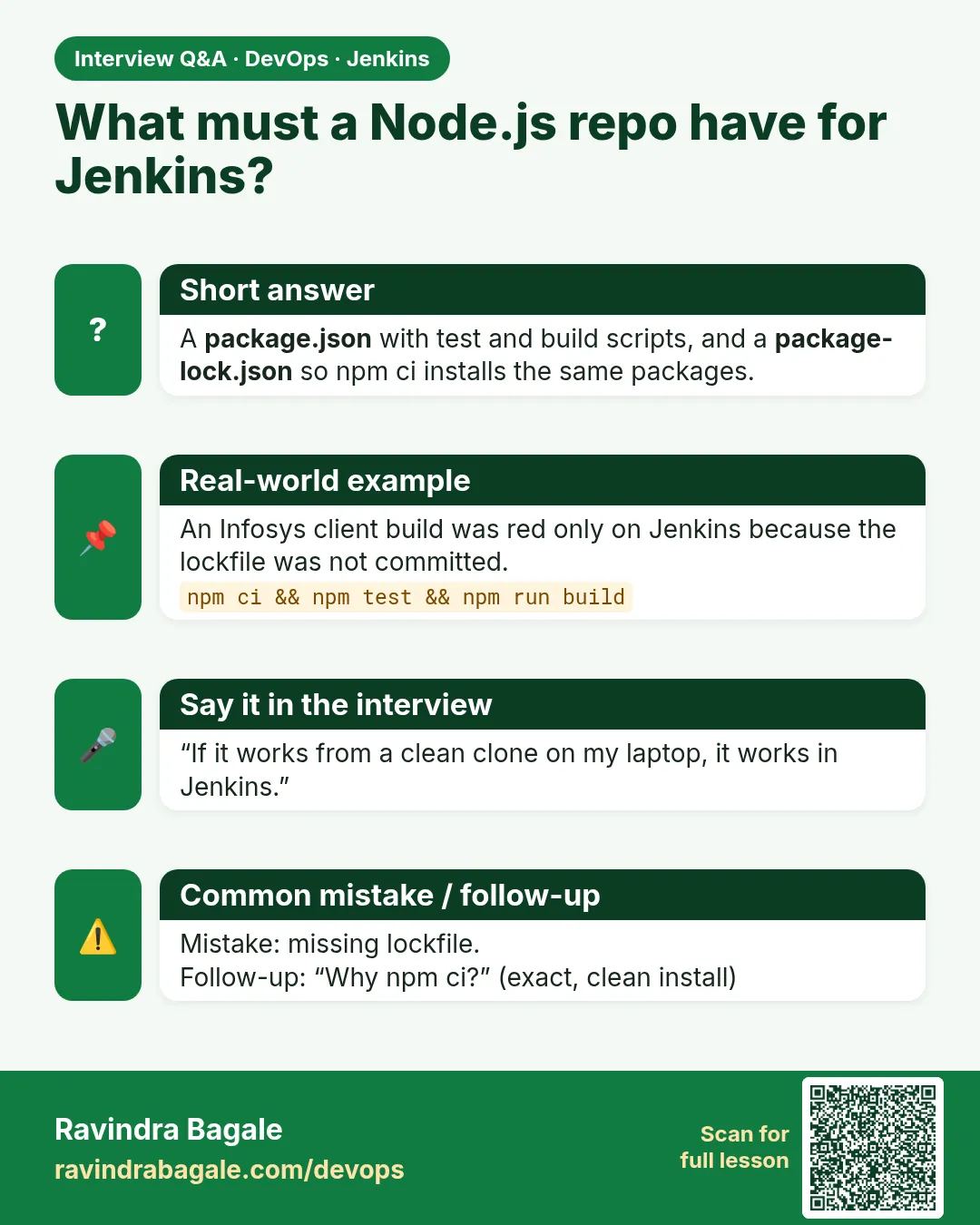
What does a project need for easy CI?
Lock file, scripted install, test and build commands that exit non-zero on failure, and machine-readable test reports.
-
npm ci vs npm install?
npm ci is clean, exact and fails on mismatch; npm install may update the lock.
-
Why keep a ci.sh in the repository?
Developers can run exactly what CI runs, the Jenkins job stays tiny, and moving to a Jenkinsfile or another CI tool later means calling the same script.
Quick quiz
Q1. Why npm ci and not npm install in CI?
It installs exact versions from the lock and fails on mismatch.
Q2. Which file must be committed?
package-lock.json.
Q3. What does test:ci produce?
reports/junit.xml.
Samajla ka?
 Revision card
 Interview card