Chapter 20: Jenkins Manual Jobs — Install, Configure and Freestyle
20.8 Git integration in a Freestyle project
Why: the problem
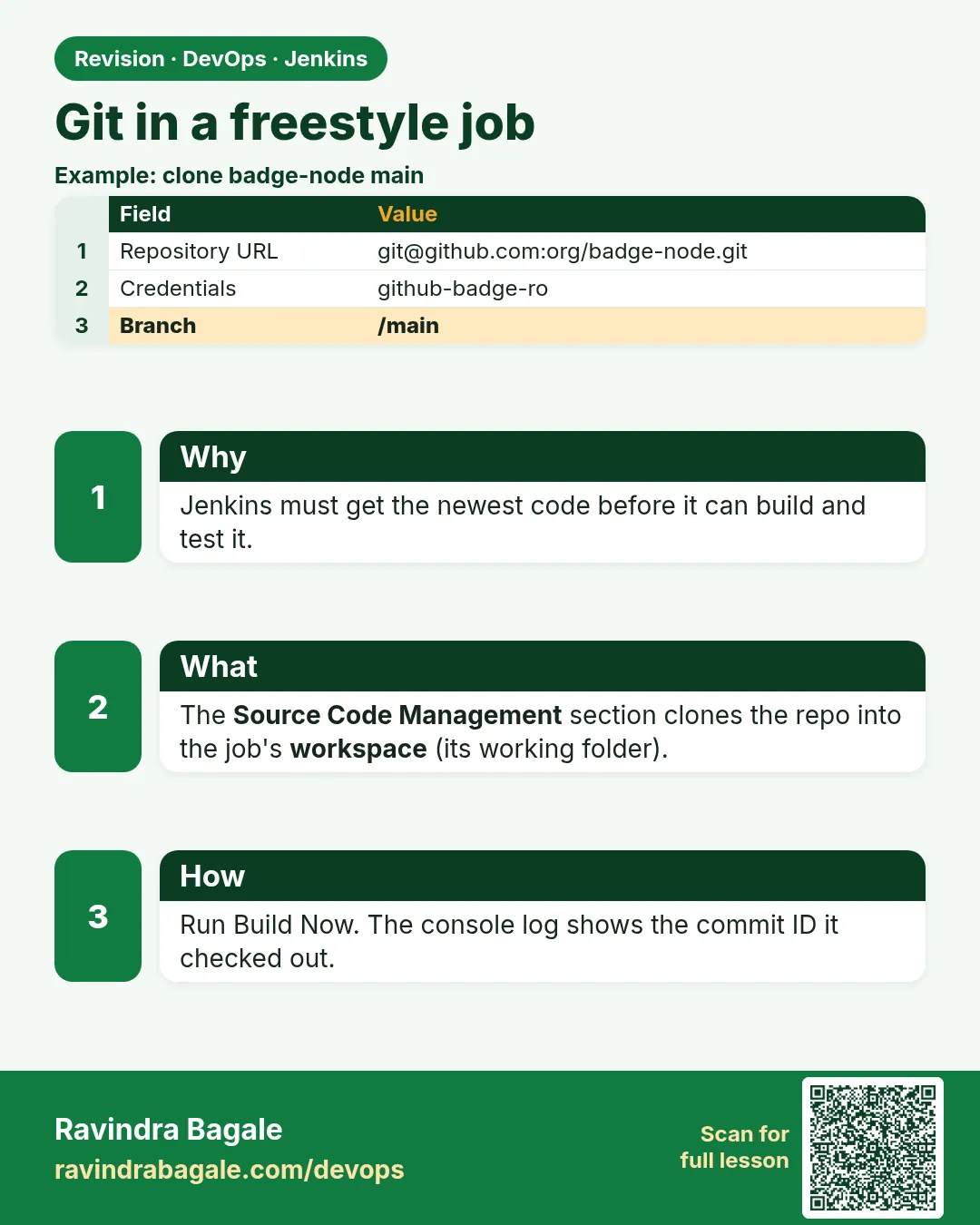
A build is only useful if it builds the right code. When a Freestyle job checks out from Git, four small fields decide everything: the repository URL, the credential ID, the branch specifier, and what to do with old files in the workspace. Get the branch wrong and a release job quietly builds develop instead of main; at a Hyderabad SaaS company that is how an untested feature reached customers. Forget to clean the workspace and a deleted file still sits there from an old build, so tests pass in Jenkins but fail on a fresh machine. The Git plugin also sets useful variables like GIT_COMMIT and GIT_BRANCH, which you should print and save so you can always answer "which commit is live?". In this lesson you will push the badge-api project to Gitea, connect a Freestyle job to it with the credential from 20.7, build a chosen branch, wipe the workspace safely, and record the exact commit of every build.
What we will build
You will push a small Node.js project to the private Gitea repo, then create the Freestyle job badge-api-ci with Source Code Management set to Git, the gitea-badge-token credential and branch */main. You will add Additional Behaviours: Clean before checkout and Check out to specific local branch. You will print GIT_COMMIT, GIT_BRANCH and the commit message, save them into build-info.txt, and test a second branch with a branch parameter.
What: every term in plain English
- SCM — Source Code Management. In Freestyle, the Git section of the job.
- Repository URL — Where to clone from, here http://gitea:3000/ravi/badge-api.git.
- Branch specifier — Which branch to build, like */main.
- GIT_COMMIT — The full commit hash this build checked out.
- Detached HEAD — Jenkins checks out a commit, not a branch, by default.
- Clean before checkout — Runs git clean -fdx so old untracked files are removed.
How: step by step
-
Create the project on your laptop
mkdir badge-api && cd badge-api && git init -b mainWhat it does: A new local repo.
Output
Initialized empty Git repository in /home/ravi/badge-api/.git/ -
Add the remote
git remote add origin http://localhost:3000/ravi/badge-api.gitWhat it does: From the laptop, Gitea is on localhost:3000.
Output
(no output) -
Push
git add . && git commit -m "badge api first version" && git push -u origin mainWhat it does: Gitea asks for user and token.
Output
* [new branch] main -> main -
Point the job at Gitea
New Item > badge-api-ci > Freestyle > Source Code Management: Git > URL http://gitea:3000/ravi/badge-api.git > Credentials gitea-badge-token > Branch */mainWhat it does: From Jenkins, Gitea is the hostname gitea.
Output
No error under the URL field -
Add behaviours
Additional Behaviours > Clean before checkout; Check out to specific local branch (main)What it does: Fresh workspace and a real branch name.
Output
Saved
Example 1: Print and save exactly what was built
Stack. Git plugin, Gitea
Goal. Print and save exactly what was built.
Execute shell
set -e
echo "branch: $GIT_BRANCH"
echo "commit: $GIT_COMMIT"
echo "prev:   ${GIT_PREVIOUS_SUCCESSFUL_COMMIT:-none}"
git log -1 --format="author: %an%nmsg:    %s"
git status --short | wc -l
printf "job=%s\nbuild=%s\ncommit=%s\nbranch=%s\n" "$JOB_NAME" "$BUILD_NUMBER" "$GIT_COMMIT" "$GIT_BRANCH" > build-info.txt
cat build-info.txt
What each line does
$GIT_BRANCH— Set by the Git plugin, like origin/main.$GIT_COMMIT— The exact commit hash.GIT_PREVIOUS_SUCCESSFUL_COMMIT— The commit of the last green build. Useful for change lists.git status --short | wc -l— 0 means the checkout is clean.build-info.txt— A small file you can archive and ship with the app.
Green output
Cloning the remote Git repository
Cloning repository http://gitea:3000/ravi/badge-api.git
 > git fetch --tags --force --progress -- http://gitea:3000/ravi/badge-api.git +refs/heads/*:refs/remotes/origin/*
Checking out Revision 9c41d2e7a1b0f3c5d6e7f8091a2b3c4d5e6f7a8b (refs/remotes/origin/main)
 > git checkout -b main 9c41d2e7a1b0f3c5d6e7f8091a2b3c4d5e6f7a8b
Commit message: "badge api first version"
branch: origin/main
commit: 9c41d2e7a1b0f3c5d6e7f8091a2b3c4d5e6f7a8b
prev:   none
author: ravi
msg:    badge api first version
0
job=badge-api-ci
build=1
commit=9c41d2e7a1b0f3c5d6e7f8091a2b3c4d5e6f7a8b
branch=origin/main
Expected result. You can answer "which commit is this build?" for every run.
Example 2: Build any branch with a parameter
Stack. Git, parameters
Goal. Build any branch with a parameter.
Job settings
This project is parameterized:
  String Parameter: BRANCH  default: main
Source Code Management > Git > Branch Specifier: */${BRANCH}
make-branch.sh (laptop)
cd badge-api
git switch -c feature/gold-badge
echo "// gold badge rule" >> src/badges.js
git commit -am "add gold badge rule"
git push -u origin feature/gold-badge
curl -s -X POST -u "ravi:$JENKINS_TOKEN" \
  "http://localhost:8080/job/badge-api-ci/buildWithParameters?BRANCH=feature/gold-badge" \
  -o /dev/null -w "queued %{http_code}\n"
What each line does
*/${BRANCH}— The branch field can use a parameter.buildWithParameters?BRANCH=...— Starts the job for that branch.git switch -c— Creates and moves to a new branch.
Green output
* [new branch]      feature/gold-badge -> feature/gold-badge
queued 201
# Console of build #2:
Checking out Revision 4be1... (refs/remotes/origin/feature/gold-badge)
branch: origin/feature/gold-badge
Expected result. One job can test any branch on demand.
Example 3: Prove Clean before checkout removes leftovers
Stack. Git plugin behaviours
Goal. Prove Clean before checkout removes leftovers.
Execute shell (test once)
ls leftover.txt 2>/dev/null && echo "leftover still here" || echo "workspace is clean"
echo "temp" > leftover.txt
What each line does
First build— Creates leftover.txt, an untracked file.Second build— Clean before checkout runs git clean -fdx first, so the file is gone.Without the behaviour— The file would survive and could hide bugs.
Green output
# build 3
workspace is clean
# build 4
 > git clean -fdx
workspace is clean
Expected result. Every build starts from the commit only, like a fresh laptop.
Verify: did it work?
-
Job knows its SCM
curl -s -u ravi:$JENKINS_TOKEN http://localhost:8080/job/badge-api-ci/config.xml | grep -o "http://gitea:3000/ravi/badge-api.git"What it does: URL is saved.
Output
http://gitea:3000/ravi/badge-api.git -
Commit recorded
curl -s -u ravi:$JENKINS_TOKEN "http://localhost:8080/job/badge-api-ci/lastBuild/git/api/json?tree=lastBuiltRevision[SHA1]"What it does: The Git plugin keeps the hash.
Output
{"lastBuiltRevision":{"SHA1":"4be1..."}}
When it is red 1
Failed to connect to repository : Command "git ls-remote -h -- http://gitea:3000/ravi/badge-api.git HEAD" returned status code 128
Cause. Bad URL, wrong credential, or network.
Fix, step by step
- Test from the container: docker exec jenkins git ls-remote http://gitea:3000/ravi/badge-api.git.
- Pick the right credential ID.
- Check the repo name.
When it is red 2
Couldn't find any revision to build. Verify the repository and branch configuration for this job.
Cause. The branch does not exist on the remote.
Fix, step by step
- Check spelling: main vs master.
- git ls-remote --heads to list branches.
When it is red 3
fatal: detected dubious ownership in repository
Cause. The workspace was created by another user, often after running as root.
Fix, step by step
- Fix owner: chown -R jenkins:jenkins the workspace.
- Never run builds as root.
When it is red 4
stderr: remote: Repository not found
Cause. The token user has no access to a private repo, or the owner or name is wrong.
Fix, step by step
- Open the repo in Gitea as that user.
- Add the user as a collaborator with Read.
- Fix the owner part of the URL.
Cleanup
-
Delete the feature branch
git push origin --delete feature/gold-badgeWhat it does: Removes it from Gitea.
Output
- [deleted] feature/gold-badge
Ravindra Bagale's Tip
Kuthla commit build zala te nehmi print kara: GIT_COMMIT. Lakshat theva!
Practice tasks
Easy List branches
Why: Know the remote.
What to do: git ls-remote --heads from Jenkins.
- docker exec jenkins git ls-remote --heads URL.
Check: Branches printed.
Medium Shallow clone
Why: Speed.
What to do: Turn on shallow clone depth 1.
- Advanced clone behaviours.
Check: Clone is faster.
Hard Tag builds
Why: Traceability.
What to do: Push a git tag build-N after green builds.
- Use a credential with write.
Check: Tags appear in Gitea.
Easy Say Git in Freestyle jobs in two lines
Why: If you can say it simply, you understand it. Juniors and interviewers want the short version first.
What to do: Write two short lines about Git in Freestyle jobs for a fresher who knows only Linux basics.
- Write what problem it solves.
- Write the one command or menu you use for it.
- Read it aloud to a friend.
Check: A fresher understands it without asking a question.
Easy Start a fresh lab Jenkins
Why: Practice needs a throwaway Jenkins. If you break it, you delete it and start again.
What to do: Run Jenkins LTS in Docker with a named volume.
- docker volume create jenkins_home
- docker run -d --name jenkins -p 8080:8080 -v jenkins_home:/var/jenkins_home jenkins/jenkins:lts-jdk17
- docker exec jenkins cat /var/jenkins_home/secrets/initialAdminPassword
Check: The Jenkins unlock page opens on localhost:8080.
Medium Break it on purpose
Why: You must know the red message by face. During an outage there is no time to read slowly.
What to do: Cause one error from the "When it is red" part of this lesson and fix it.
- Follow the error section.
- Copy the exact message into your notes.
- Write the fix in one line.
Check: You fixed it using only the steps, without searching the web.
Medium Write a one-page runbook
Why: At 2 a.m. nobody remembers where a file lives. A short page saves the on-call person.
What to do: Write a runbook page for this lesson.
- Title, when to use, exact command, how to check, how to undo.
Check: A teammate can follow it alone.
Medium Repeat it on a cloud VM
Why: A laptop is not a server. Real Jenkins runs on EC2 or a company VM.
What to do: Do the main steps of this lesson again on a small Ubuntu 22.04 EC2 instance.
- Launch t3.small with 20 GB disk.
- Open port 22 only to your IP.
- Repeat the steps and compare the output.
Check: Same green output on the VM as on your laptop.
Hard Explain it like an interview
Why: Interviewers want real stories, not definitions.
What to do: Record a 60 second answer about this lesson.
- Say the problem, the command you ran, and one error you hit.
Check: Your answer has a real command and a real error message.
Hard Draw the flow top to bottom
Why: A drawing shows who talks to whom and in what order.
What to do: Draw this lesson as boxes from top to bottom.
- Start at the developer push, go through the controller and agent, end at the result.
Check: Each box matches a real thing you saw on screen.
Homework: try at home
Try at home
Add a second repo, badge-ui, and a job that checks it out on branch develop. Print GIT_COMMIT and save build-info.txt there too.
Recap
- URL, credential ID and branch decide what is built.
- Clean before checkout keeps builds honest.
- GIT_COMMIT tells you exactly what was built.
- Parameters let one job build any branch.
- Test Git from inside the container when it fails.
FAQ
HTTPS or SSH for Jenkins?
Both work. HTTPS with a token is simpler in labs; SSH keys are common in companies.
Why gitea:3000 in Jenkins but localhost:3000 on my laptop?
Containers on the ci network reach each other by name.
Should Jenkins push to Git?
Only with a separate write credential, and only when needed.
What does */main mean?
Any remote (the star) and the branch main. It matches origin/main. You can also write refs/heads/main to be exact.
Can one job watch many branches?
Freestyle can use a pattern like /feature/, but builds and history get mixed. Multibranch Pipeline (next chapter) gives each branch its own job, which is cleaner.
Interview questions
-
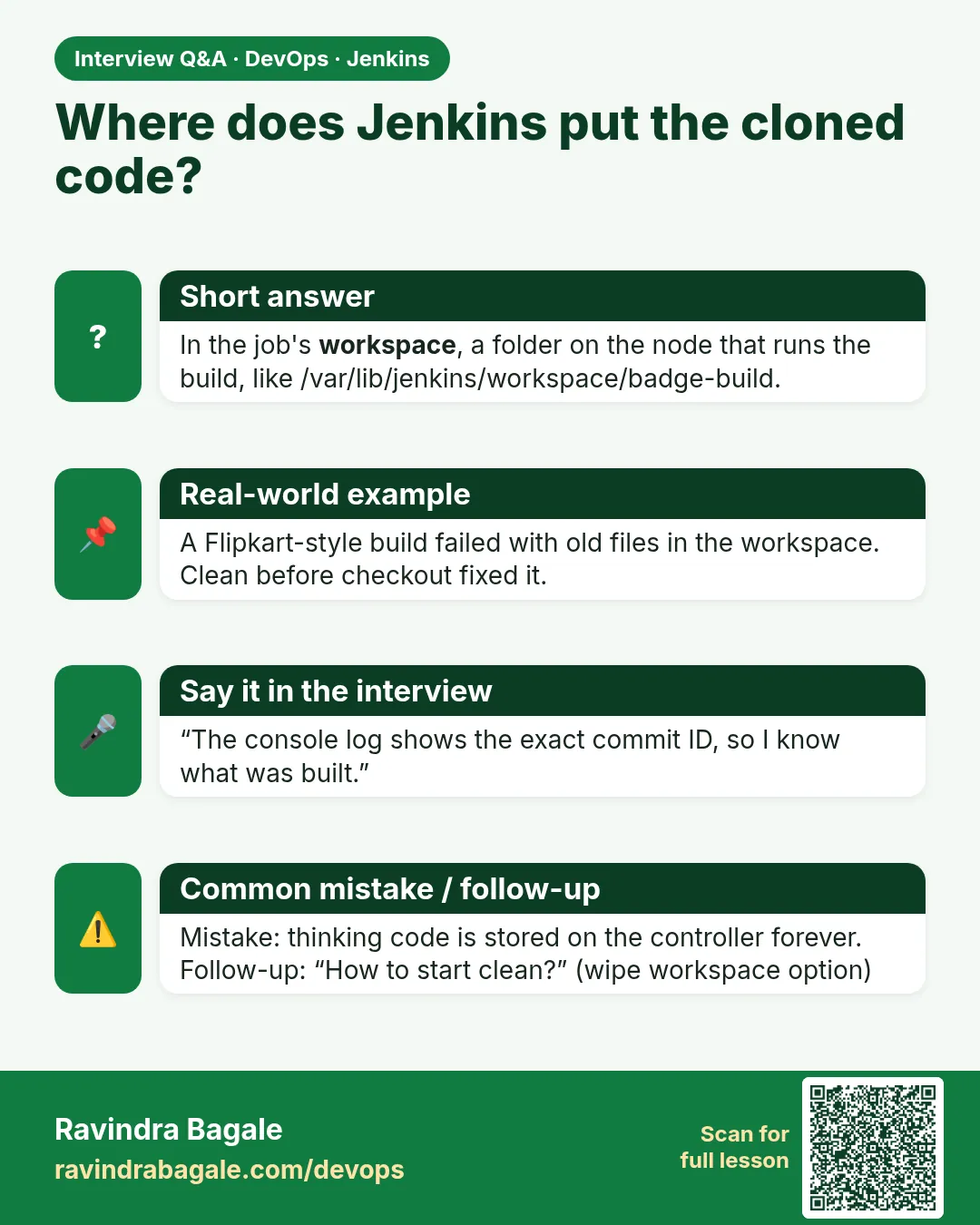
How do you know which commit a Jenkins build used?
The Git plugin sets GIT_COMMIT and stores lastBuiltRevision; print and archive it.
-
Couldn't find any revision to build — cause?
Branch specifier does not match any remote branch.
Quick quiz
Q1. Which variable holds the commit?
GIT_COMMIT.
Q2. Why clean before checkout?
To remove untracked files from old builds.
Q3. Why is Jenkins in detached HEAD by default?
It checks out a commit, not a local branch.
Samajla ka?
 Revision card
 Interview card