Chapter 20: Jenkins Manual Jobs — Install, Configure and Freestyle
20.3 First UI: suggested plugins and safety
Why: the problem
The first ten minutes after Jenkins starts decide whether it is safe. Jenkins can run any shell command on its machine, so whoever can configure a job can, in practice, control that server and read every secret it holds. In 2019 and again in later years, security teams found thousands of Jenkins servers open on the internet with no login or with "anyone can sign up" turned on. Attackers used them to mine cryptocurrency and steal cloud keys. A Swiggy-scale company would lose real money from one such server. The setup wizard does most of the right things: it creates an admin user, turns on login, and installs a sensible set of suggested plugins. But you still have to check a few switches: no self sign-up, no anonymous read, the built-in node not running builds in a team setup, and CSRF protection on. In this lesson you will walk through the wizard on purpose, then check every safety switch with the UI, curl and the script console, so you can prove your Jenkins is locked before you add any Git credentials.
What we will build
You will finish the setup wizard with the suggested plugins, create the admin user ravi and a normal user dev1, and set the security realm and authorization strategy. Then you will test from outside with curl that anonymous users cannot read jobs, that sign-up is off, and that CSRF crumbs are required. Last, you will run a read-only Groovy script in the script console that prints the security settings, and save its output as proof for your team.
What: every term in plain English
- Setup wizard — The first-start pages: unlock, plugins, admin user, Jenkins URL.
- Security realm — Where users come from: Jenkins own user database, LDAP, or SSO.
- Authorization strategy — Who can do what. Logged-in users can do anything, or Matrix-based security.
- Anonymous — A visitor who is not logged in. Should see only the login page.
- CSRF crumb — A one-time value Jenkins needs on POST requests, so other websites cannot trick your browser.
- Script console — Manage Jenkins > Script Console. Runs Groovy as the Jenkins system. Admins only.
- Built-in node — The controller itself. Builds should run on agents in real teams.
How: step by step
-
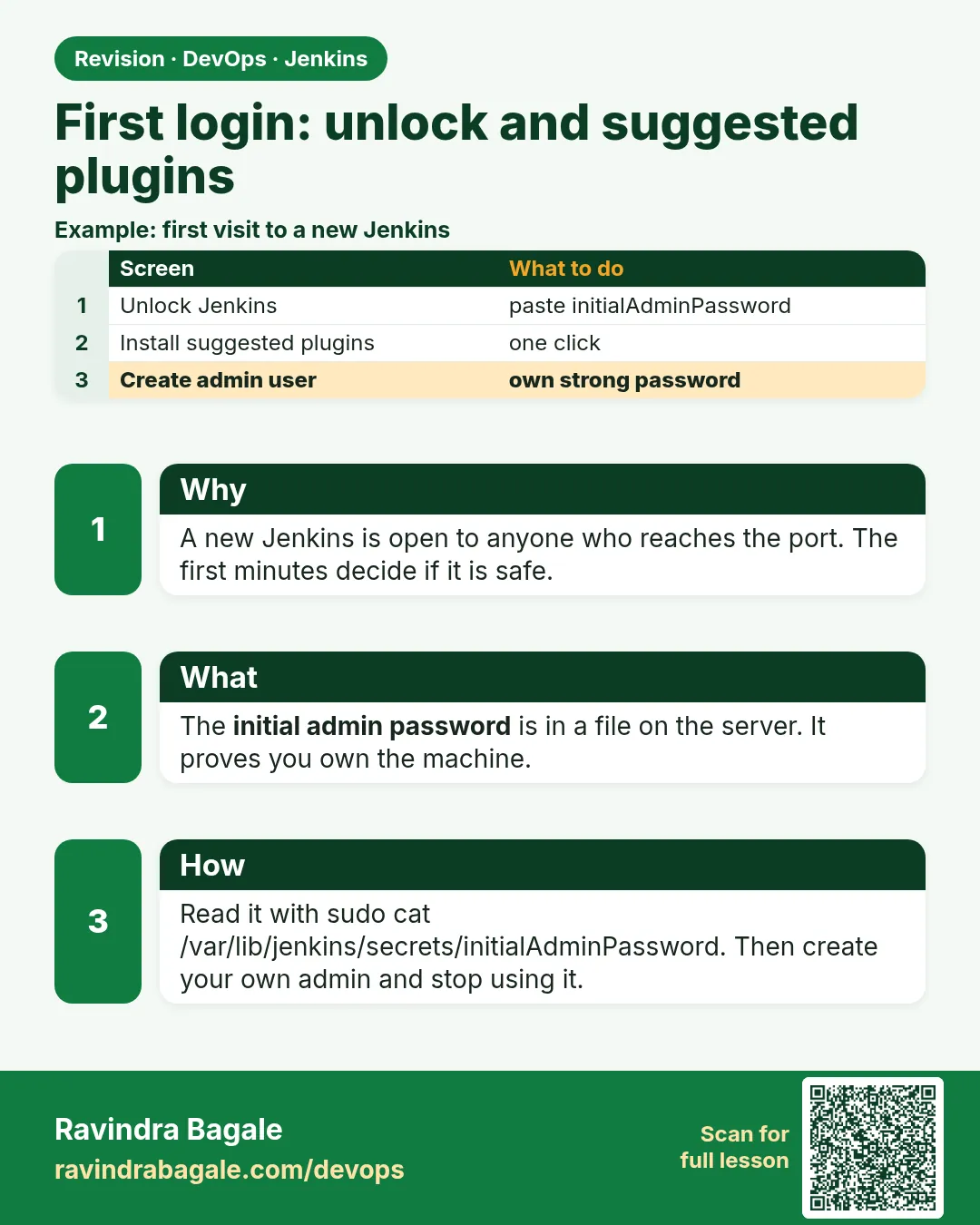
Install suggested plugins
Unlock page > Install suggested pluginsWhat it does: Gets Git, Credentials, Pipeline, Timestamper, Matrix Authorization and more.
Output
Getting Started ... 100% -
Create the admin user
Username ravi, a strong password from your vault, full name, emailWhat it does: Your daily admin login. Do not keep using the unlock password.
Output
Create First Admin User > Save and Continue -
Set the Jenkins URL
Instance Configuration > http://localhost:8080/What it does: Used in emails and links. Chapter lessons expect this exact URL.
Output
Jenkins is ready! -
Turn off sign-up
Manage Jenkins > Security > Security Realm: Jenkins own user database > untick Allow users to sign upWhat it does: Strangers cannot create accounts.
Output
Saved -
Use matrix security
Authorization: Matrix-based security > Authenticated Users: Overall Read, Job Read/Build > ravi: AdministerWhat it does: Normal users can see and run jobs, but not change Jenkins.
Output
Saved -
Create a normal user
Manage Jenkins > Users > Create User > dev1What it does: A developer account without admin rights.
Output
dev1 created -
Stop builds on the controller
Manage Jenkins > Nodes > Built-In Node > Configure > Number of executors 0 (team setups only; keep 2 in this lab)What it does: In companies, builds run on agents. In this lab we keep 2 executors until chapter 22.
Output
Saved
Example 1: Check from outside that anonymous users see nothing
Stack. curl, Jenkins security
Goal. Check from outside that anonymous users see nothing.
check-anon.sh
#!/usr/bin/env bash
J=http://localhost:8080
echo -n "api/json as anonymous: "
curl -s -o /dev/null -w "%{http_code}\n" "$J/api/json"
echo -n "signup page: "
curl -s -o /dev/null -w "%{http_code}\n" "$J/signup"
echo -n "job page as anonymous: "
curl -s -o /dev/null -w "%{http_code}\n" "$J/job/badge-hello/"
echo -n "api/json as ravi: "
curl -s -o /dev/null -w "%{http_code}\n" -u "ravi:$JENKINS_TOKEN" "$J/api/json"
What each line does
api/json as anonymous— Should be 403. If it is 200, anyone on the network can list your jobs./signup— Should be 404 when sign-up is off.job page— 403 again for anonymous.-u ravi:$JENKINS_TOKEN— With a token the same URL gives 200.
Green output
api/json as anonymous: 403
signup page: 404
job page as anonymous: 403
api/json as ravi: 200
Expected result. Anonymous gets 403 or 404 everywhere; your token gets 200.
Example 2: Read-only Groovy that prints the main security settings
Stack. Groovy, Script Console
Goal. Read-only Groovy that prints the main security settings.
Script Console
import jenkins.model.Jenkins
def j = Jenkins.get()
println "Version:        " + Jenkins.VERSION
println "Realm:          " + j.securityRealm.class.simpleName
println "Sign-up allowed:" + (j.securityRealm.hasProperty('allowsSignup') ? j.securityRealm.allowsSignup() : 'n/a')
println "Authorization:  " + j.authorizationStrategy.class.simpleName
println "CSRF crumbs:    " + (j.crumbIssuer != null)
println "Agent port:     " + j.slaveAgentPort
println "Built-in execs: " + j.numExecutors
println "Users:          " + hudson.model.User.getAll().collect { it.id }.join(', ')
What each line does
Jenkins.get()— The running Jenkins object.securityRealm— Where logins come from. HudsonPrivateSecurityRealm is the own user database.allowsSignup()— false means sign-up is off.authorizationStrategy— Should be GlobalMatrixAuthorizationStrategy or ProjectMatrix..., not Unsecured.crumbIssuer— Not null means CSRF protection is on.numExecutors— Builds allowed on the controller.
Green output
Version:        2.479.3
Realm:          HudsonPrivateSecurityRealm
Sign-up allowed:false
Authorization:  GlobalMatrixAuthorizationStrategy
CSRF crumbs:    true
Agent port:     50000
Built-in execs: 2
Users:          dev1, ravi
Expected result. A one-screen proof you can paste into a ticket. It only reads; it changes nothing.
Example 3: A POST without a crumb fails, with a crumb it works
Stack. curl, CSRF
Goal. A POST without a crumb fails, with a crumb it works.
crumb-test.sh
J=http://localhost:8080
# 1) session login with password-like flow is avoided; API token skips crumb, so test with cookies
curl -s -c jar.txt -o /dev/null "$J/login"
echo -n "POST build with no auth and no crumb: "
curl -s -b jar.txt -X POST -o /dev/null -w "%{http_code}\n" "$J/job/badge-hello/build"
echo -n "crumb for ravi: "
curl -s -u "ravi:$JENKINS_TOKEN" "$J/crumbIssuer/api/json"; echo
echo -n "POST build with token: "
curl -s -u "ravi:$JENKINS_TOKEN" -X POST -o /dev/null -w "%{http_code}\n" "$J/job/badge-hello/build"
What each line does
crumbIssuer/api/json— Returns the crumb field name and value for the current user.No auth, no crumb— Rejected with 403.With API token— Jenkins does not need a crumb for API token requests, which is why scripts use tokens.
Green output
POST build with no auth and no crumb: 403
crumb for ravi: {"_class":"hudson.security.csrf.DefaultCrumbIssuer","crumb":"7c1e...","crumbRequestField":"Jenkins-Crumb"}
POST build with token: 201
Expected result. Scripts must use API tokens. Browser forms carry the crumb by themselves.
Verify: did it work?
-
Login required
curl -s -o /dev/null -w "%{http_code}\n" http://localhost:8080/api/jsonWhat it does: 403 without login.
Output
403 -
dev1 cannot manage
Log in as dev1 > open /manageWhat it does: Normal users get an access denied page.
Output
dev1 is missing the Overall/Administer permission -
Users list
curl -s -u ravi:$JENKINS_TOKEN "http://localhost:8080/asynchPeople/api/json?tree=users[user[id]]"What it does: Shows the two users.
Output
{"users":[{"user":{"id":"dev1"}},{"user":{"id":"ravi"}}]}
When it is red 1
Some plugins failed to install
Cause. Network or a mirror timeout during the wizard.
Fix, step by step
- Click Retry on the wizard.
- Or later: Manage Jenkins > Plugins > Available, install them again.
- Check DNS inside the container: docker exec jenkins getent hosts updates.jenkins.io.
When it is red 2
You locked yourself out (no admin can log in)
Cause. Matrix security saved without giving ravi Administer.
Fix, step by step
- docker exec jenkins vi /var/jenkins_home/config.xml is risky; instead stop Jenkins.
- Set useSecurity to false in config.xml only in the lab, start, fix the matrix, turn security back on.
- In real servers, follow the official lost-admin procedure and audit it.
When it is red 3
No valid crumb was included in the request
Cause. A script POSTs with a password session instead of an API token.
Fix, step by step
- Use an API token with -u user:token.
- Or fetch the crumb first and send it as a header.
Cleanup
-
Delete the test cookie file
rm -f jar.txtWhat it does: Removes the cookie jar.
Output
(no output)
Ravindra Bagale's Tip
Jenkins la internet var ughada theu naka. Sign-up band, anonymous la 403. Lakshat theva!
Practice tasks
Easy Revoke a token
Why: Leaked tokens must die fast.
What to do: Create a token, use it, revoke it, use it again.
- Create.
- curl with it.
- Revoke and curl again.
Check: Second call gets 401.
Medium Give dev1 one job
Why: Least privilege.
What to do: Enable project-based matrix and give dev1 build on badge-hello only.
- Switch strategy.
- Edit job permissions.
Check: dev1 sees only badge-hello.
Hard Audit users weekly
Why: People leave.
What to do: Write a script that lists users and their last login.
- Use the Groovy console read-only.
Check: A list you could review.
Easy Say Jenkins first setup and safety in two lines
Why: If you can say it simply, you understand it. Juniors and interviewers want the short version first.
What to do: Write two short lines about Jenkins first setup and safety for a fresher who knows only Linux basics.
- Write what problem it solves.
- Write the one command or menu you use for it.
- Read it aloud to a friend.
Check: A fresher understands it without asking a question.
Easy Start a fresh lab Jenkins
Why: Practice needs a throwaway Jenkins. If you break it, you delete it and start again.
What to do: Run Jenkins LTS in Docker with a named volume.
- docker volume create jenkins_home
- docker run -d --name jenkins -p 8080:8080 -v jenkins_home:/var/jenkins_home jenkins/jenkins:lts-jdk17
- docker exec jenkins cat /var/jenkins_home/secrets/initialAdminPassword
Check: The Jenkins unlock page opens on localhost:8080.
Medium Break it on purpose
Why: You must know the red message by face. During an outage there is no time to read slowly.
What to do: Cause one error from the "When it is red" part of this lesson and fix it.
- Follow the error section.
- Copy the exact message into your notes.
- Write the fix in one line.
Check: You fixed it using only the steps, without searching the web.
Medium Write a one-page runbook
Why: At 2 a.m. nobody remembers where a file lives. A short page saves the on-call person.
What to do: Write a runbook page for this lesson.
- Title, when to use, exact command, how to check, how to undo.
Check: A teammate can follow it alone.
Medium Repeat it on a cloud VM
Why: A laptop is not a server. Real Jenkins runs on EC2 or a company VM.
What to do: Do the main steps of this lesson again on a small Ubuntu 22.04 EC2 instance.
- Launch t3.small with 20 GB disk.
- Open port 22 only to your IP.
- Repeat the steps and compare the output.
Check: Same green output on the VM as on your laptop.
Hard Explain it like an interview
Why: Interviewers want real stories, not definitions.
What to do: Record a 60 second answer about this lesson.
- Say the problem, the command you ran, and one error you hit.
Check: Your answer has a real command and a real error message.
Hard Draw the flow top to bottom
Why: A drawing shows who talks to whom and in what order.
What to do: Draw this lesson as boxes from top to bottom.
- Start at the developer push, go through the controller and agent, end at the result.
Check: Each box matches a real thing you saw on screen.
Homework: try at home
Try at home
Write a checklist of six security checks for a new Jenkins (sign-up, anonymous, matrix, CSRF, admins, executors). Run check-anon.sh and the Groovy script, and attach both outputs to the checklist.
Recap
- The wizard makes an admin and installs suggested plugins.
- Turn off sign-up and anonymous read.
- Use matrix security to give least privilege.
- CSRF crumbs protect browser POSTs; scripts use API tokens.
- Prove settings with curl and read-only Groovy.
FAQ
Is "Logged-in users can do anything" fine?
Only for a one-person lab. Teams need matrix security.
Can I skip the suggested plugins?
You can, but then you must add Git, Credentials and others by hand.
Should Jenkins face the internet?
No. Put it behind a VPN or a reverse proxy with SSO.
Interview questions
-
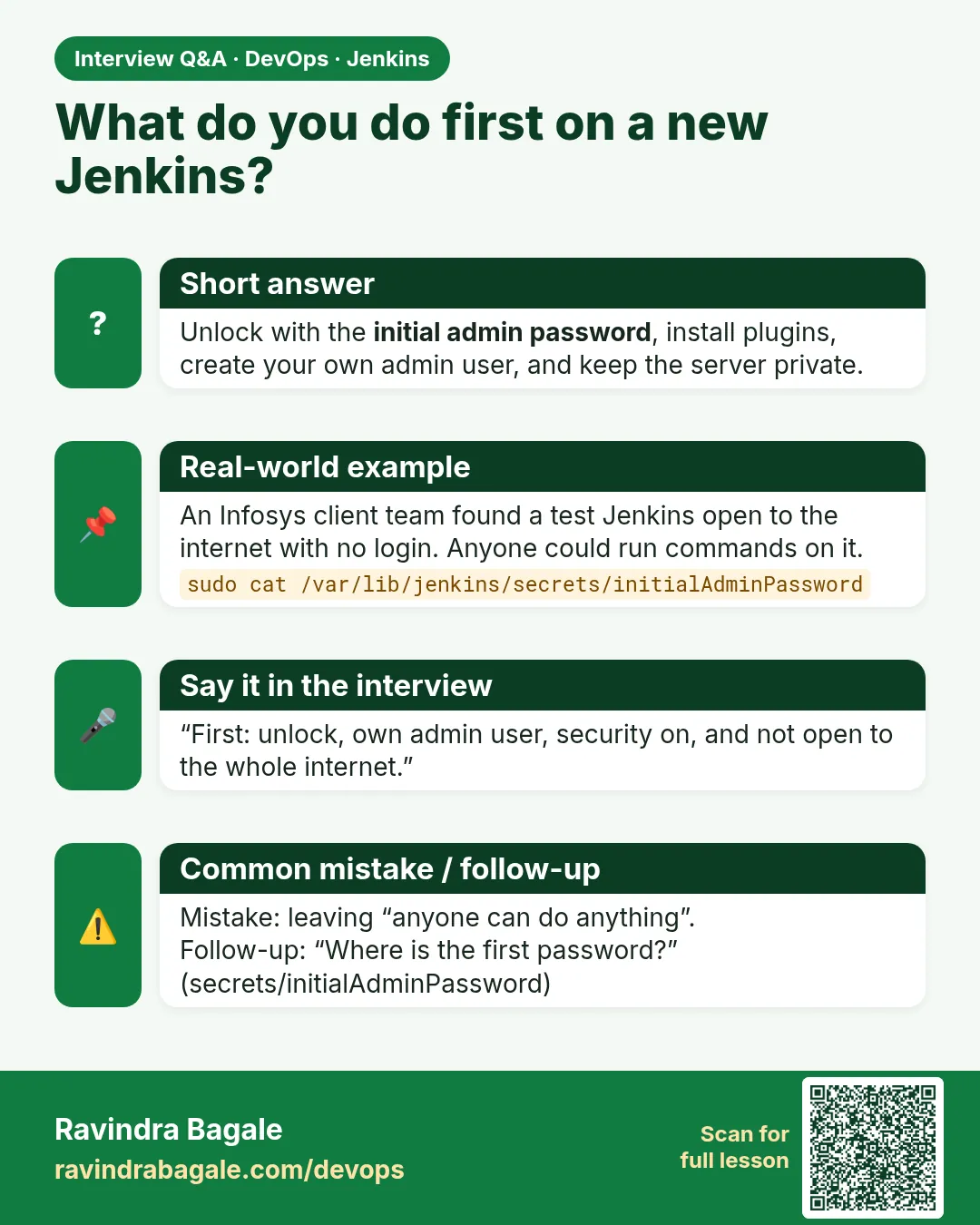
How do you secure a fresh Jenkins?
Admin user, no sign-up, matrix authorization, CSRF on, API tokens, no builds on the controller, behind VPN or SSO, keep plugins updated.
-
What is a CSRF crumb?
A token Jenkins requires on state-changing requests so other sites cannot make your browser act for you.
-
Why is the script console dangerous?
It runs arbitrary Groovy with full Jenkins rights, including reading secrets.
Quick quiz
Q1. What should anonymous users get from /api/json?
403.
Q2. Why use API tokens in scripts?
They can be revoked one by one and do not need a CSRF crumb.
Q3. Who should use the script console?
Only admins; it runs code as Jenkins itself.
Q4. Where do you turn off sign-up?
Manage Jenkins > Security > Security Realm.
Samajla ka?
 Revision card
 Interview card