Chapter 20: Jenkins Manual Jobs — Install, Configure and Freestyle
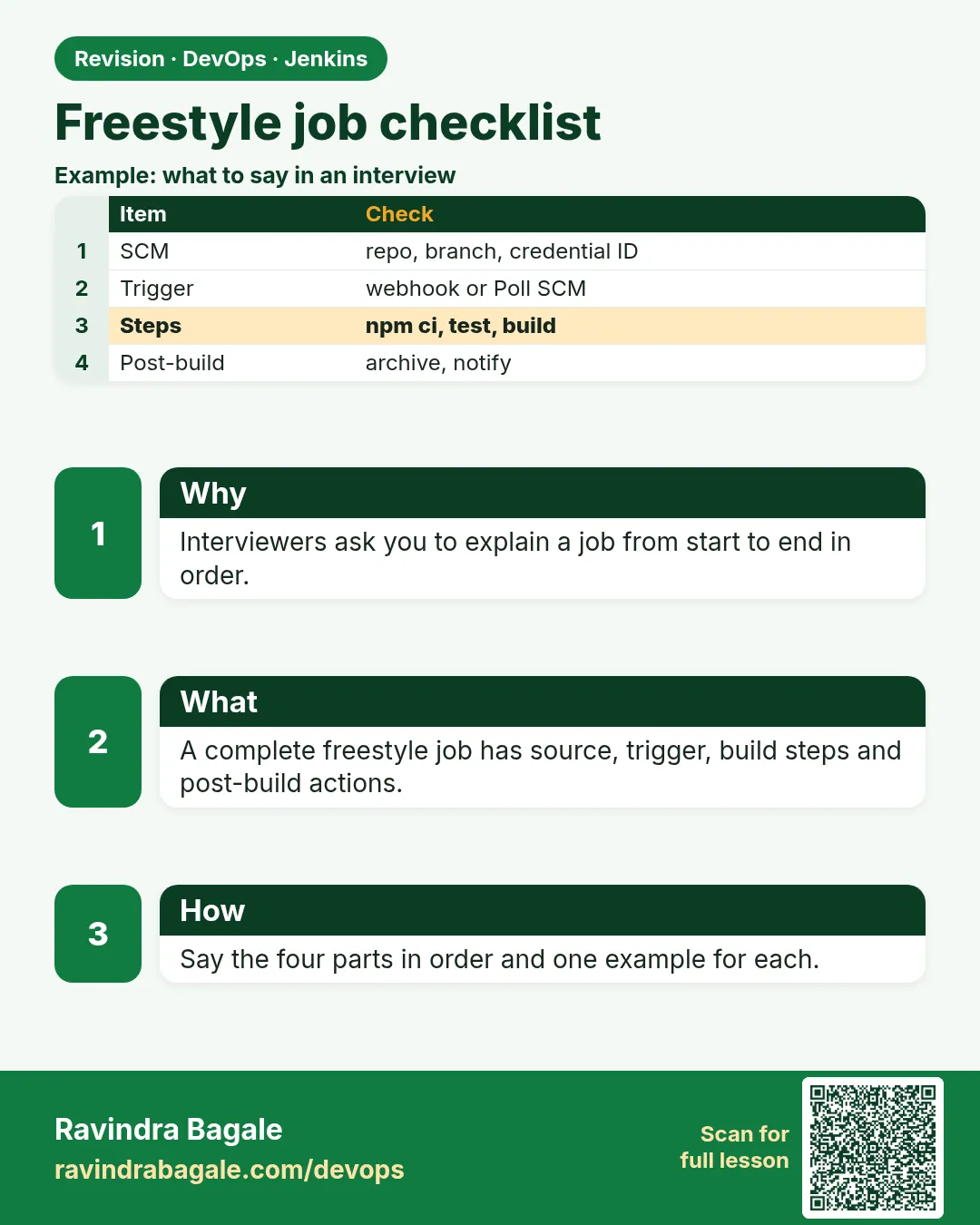
20.13 Freestyle checklist for interviews
Why: the problem
Interviewers love Freestyle questions because they show whether you have actually run Jenkins or only watched videos. "How do you make sure a job builds the right commit?", "Where are secrets?", "How do you stop a broken build from deploying?", "How do you back up a job?". Teams also inherit messy Freestyle setups: jobs with secrets in shell boxes, no build discarder, polling every minute, and steps that run on the controller. At a TCS migration project, the first task given to a new engineer was simply to audit 120 Freestyle jobs against a checklist. In this lesson you will turn everything from 20.1 to 20.12 into a short checklist and then write a script that checks every job automatically by reading its config.xml: discard rules, SCM set, credentials by ID, no obvious secrets, no minute-level polling, timestamps or timeout present. You will run it on your lab, fix what it finds, and keep the report as interview proof.
What we will build
You will write freestyle-audit.py, which lists all jobs through the REST API, downloads each config.xml, and checks ten rules. You will run it, read the table, fix two jobs, run it again, and save the report as CSV. Then you will practise answering six classic Freestyle interview questions with evidence from your own lab.
What: every term in plain English
- Checklist — A short list of rules every job must meet.
- config.xml audit — Reading job XML with a script to find problems at scale.
- LogRotator — The XML name of the Discard old builds setting.
- Secret pattern — Text that looks like a password or key, like password= or AKIA.
- Evidence — Logs, screenshots or reports that prove you did something.
How: step by step
-
List jobs
curl -s -u ravi:$JENKINS_TOKEN "http://localhost:8080/api/json?tree=jobs[name]"What it does: All job names.
Output
{"jobs":[{"name":"badge-api-ci"},{"name":"badge-hello"},{"name":"cred-demo"}]} -
Run the audit
python3 freestyle-audit.pyWhat it does: Checks every job.
Output
table of PASS and FAIL -
Fix badge-hello
Add Discard old builds and timestampsWhat it does: Two fails gone.
Output
Saved -
Run again and save
python3 freestyle-audit.py --csv audit.csvWhat it does: Report for your notes.
Output
audit.csv written
Example 1: An automatic Freestyle job audit
Stack. Python 3 standard library, Jenkins REST API
Goal. An automatic Freestyle job audit.
freestyle-audit.py
import os, re, sys, csv, base64, urllib.request, xml.etree.ElementTree as ET
J = "http://localhost:8080"
AUTH = base64.b64encode(f"ravi:{os.environ['JENKINS_TOKEN']}".encode()).decode()
def get(path):
    r = urllib.request.Request(J + path, headers={"Authorization": "Basic " + AUTH})
    return urllib.request.urlopen(r).read().decode()
import json
jobs = [j["name"] for j in json.loads(get("/api/json?tree=jobs[name]"))["jobs"]]
SECRET = re.compile(r"(password=|passwd=|AKIA[0-9A-Z]{16}|BEGIN [A-Z ]*PRIVATE KEY)", re.I)
rows = []
for name in jobs:
    x = get(f"/job/{name}/config.xml")
    root = ET.fromstring(x)
    spec = root.findtext(".//hudson.triggers.SCMTrigger/spec") or ""
    checks = {
        "discard": root.find(".//hudson.tasks.LogRotator") is not None,
        "scm_git": root.find(".//scm[@class='hudson.plugins.git.GitSCM']") is not None,
        "creds_by_id": "credentialsId" in x or root.find(".//scm[@class='hudson.plugins.git.GitSCM']") is None,
        "no_secret_text": not SECRET.search(x),
        "no_url_password": not re.search(r"https?://[^/\s:]+:[^@\s]+@", x),
        "poll_ok": not spec.strip().startswith("* "),
        "timestamps": "TimestamperBuildWrapper" in x,
        "no_root_sudo": "sudo " not in x,
        "has_steps": root.find(".//builders/*") is not None,
        "description": bool((root.findtext("description") or "").strip()),
    }
    rows.append((name, checks))
keys = list(rows[0][1].keys())
print(f"{'job':16}" + "".join(f"{k[:9]:>10}" for k in keys))
for name, c in rows:
    print(f"{name:16}" + "".join(f"{('ok' if c[k] else 'FAIL'):>10}" for k in keys))
if "--csv" in sys.argv:
    with open(sys.argv[-1], "w", newline="") as f:
        w = csv.writer(f); w.writerow(["job"] + keys)
        [w.writerow([n] + [c[k] for k in keys]) for n, c in rows]
    print("audit.csv written")
What each line does
api/json?tree=jobs[name]— Gets all job names.ET.fromstring— Parses the XML so we can look for elements.LogRotator— Present when Discard old builds is on.SECRET regex— Finds common secret shapes: password=, AWS key ids, private keys.https?://user:pass@— Catches passwords inside Git URLs.spec starts with "* "— Polling every minute; too often.TimestamperBuildWrapper— Timestamps option is on.description— A job without a description confuses the next person.
Green output
job                discard   scm_git creds_by_   no_secret no_url_pa   poll_ok timestamp no_root_s has_steps descripti
badge-api-ci            ok        ok        ok        ok        ok        ok        ok        ok        ok        ok
badge-hello           FAIL      FAIL        ok        ok        ok        ok      FAIL        ok        ok      FAIL
cred-demo             FAIL      FAIL        ok        ok        ok        ok      FAIL        ok        ok      FAIL
Expected result. One screen shows which jobs break the rules. After fixes, badge-hello passes all but scm_git, which is fine for a helper job.
Example 2: The human checklist that matches the script
Stack. Markdown
Goal. The human checklist that matches the script.
freestyle-checklist.md
# Freestyle job checklist
1. Description says what it does and who owns it.
2. Git URL, credential ID, branch */main (no passwords in URLs).
3. Clean before checkout.
4. Trigger: webhook, or Poll SCM H/5 or slower.
5. Timestamps and a build timeout.
6. Small build steps; scripts live in the repo (ci/*.sh).
7. Tests write JUnit XML; JUnit publisher on.
8. Archive only what you need; fingerprint it.
9. Discard old builds: 14 days or 30 builds.
10. Secrets only through Credentials Binding.
What each line does
1-10— Each line maps to a lesson in this chapter.ci/*.sh— Keeps logic in Git, so moving to a Jenkinsfile is easy.
Green output
Printed, and pinned next to the team wiki page "Jenkins rules".
Expected result. A checklist you can say out loud in an interview, item by item.
Example 3: Back up all job configs into Git
Stack. bash, git
Goal. Back up all job configs into Git.
backup-jobs.sh
#!/usr/bin/env bash
set -euo pipefail
J=http://localhost:8080; A="ravi:$JENKINS_TOKEN"
mkdir -p jobs-backup && cd jobs-backup
[ -d .git ] || git init -q -b main
for j in $(curl -s -u "$A" "$J/api/json?tree=jobs[name]" | python3 -c 'import sys,json;print(" ".join(x["name"] for x in json.load(sys.stdin)["jobs"]))'); do
  curl -s -u "$A" "$J/job/$j/config.xml" -o "$j.xml"
done
git add -A
git commit -qm "jobs backup $(date +%F)" && echo "committed" || echo "no changes"
git log --oneline | head -3
What each line does
config.xml for each job— The full definition of each job.git commit— History of every job change for free.|| echo "no changes"— No error when nothing changed.
Green output
committed
3d1f0aa jobs backup 2026-10-25
Expected result. You can restore any job with create-job and see every change with git diff.
Verify: did it work?
-
Audit ran
ls -l audit.csvWhat it does: The report exists.
Output
-rw-r--r-- 1 ravi ravi 412 Oct 25 12:10 audit.csv -
Backup repo
git -C jobs-backup ls-files | wc -lWhat it does: One XML per job.
Output
3
When it is red 1
urllib.error.HTTPError: HTTP Error 401: Unauthorized
Cause. JENKINS_TOKEN not set or wrong.
Fix, step by step
- export JENKINS_TOKEN=...
- Test with curl -u first.
When it is red 2
xml.etree.ElementTree.ParseError
Cause. The job is not Freestyle (for example a folder) or the XML has an odd header.
Fix, step by step
- Skip jobs whose root tag is not project.
- Print the first line of the XML.
Cleanup
-
Keep the reports
mkdir -p ~/jenkins-evidence && mv audit.csv ~/jenkins-evidence/What it does: Keep for interviews.
Output
(no output)
Ravindra Bagale's Tip
Interview madhe fakta definition nako, tumcha audit report dakhva. Lakshat theva!
Practice tasks
Easy Say the checklist
Why: Interview practice.
What to do: Recite the ten items.
- Record yourself.
Check: Under two minutes.
Medium Add a rule
Why: Grow the audit.
What to do: Check that a build timeout exists.
- Look for BuildTimeoutWrapper.
Check: New column.
Hard Run nightly
Why: Automation.
What to do: Make a Jenkins job that runs the audit nightly.
- Use a timer trigger.
Check: Report each morning.
Easy Say Freestyle best practices in two lines
Why: If you can say it simply, you understand it. Juniors and interviewers want the short version first.
What to do: Write two short lines about Freestyle best practices for a fresher who knows only Linux basics.
- Write what problem it solves.
- Write the one command or menu you use for it.
- Read it aloud to a friend.
Check: A fresher understands it without asking a question.
Easy Start a fresh lab Jenkins
Why: Practice needs a throwaway Jenkins. If you break it, you delete it and start again.
What to do: Run Jenkins LTS in Docker with a named volume.
- docker volume create jenkins_home
- docker run -d --name jenkins -p 8080:8080 -v jenkins_home:/var/jenkins_home jenkins/jenkins:lts-jdk17
- docker exec jenkins cat /var/jenkins_home/secrets/initialAdminPassword
Check: The Jenkins unlock page opens on localhost:8080.
Medium Break it on purpose
Why: You must know the red message by face. During an outage there is no time to read slowly.
What to do: Cause one error from the "When it is red" part of this lesson and fix it.
- Follow the error section.
- Copy the exact message into your notes.
- Write the fix in one line.
Check: You fixed it using only the steps, without searching the web.
Medium Write a one-page runbook
Why: At 2 a.m. nobody remembers where a file lives. A short page saves the on-call person.
What to do: Write a runbook page for this lesson.
- Title, when to use, exact command, how to check, how to undo.
Check: A teammate can follow it alone.
Medium Repeat it on a cloud VM
Why: A laptop is not a server. Real Jenkins runs on EC2 or a company VM.
What to do: Do the main steps of this lesson again on a small Ubuntu 22.04 EC2 instance.
- Launch t3.small with 20 GB disk.
- Open port 22 only to your IP.
- Repeat the steps and compare the output.
Check: Same green output on the VM as on your laptop.
Hard Explain it like an interview
Why: Interviewers want real stories, not definitions.
What to do: Record a 60 second answer about this lesson.
- Say the problem, the command you ran, and one error you hit.
Check: Your answer has a real command and a real error message.
Hard Draw the flow top to bottom
Why: A drawing shows who talks to whom and in what order.
What to do: Draw this lesson as boxes from top to bottom.
- Start at the developer push, go through the controller and agent, end at the result.
Check: Each box matches a real thing you saw on screen.
Homework: try at home
Try at home
Run the audit on any Jenkins you can access (your lab or, with permission, a team staging Jenkins). Fix one job and show before and after reports.
Recap
- A checklist turns lessons into habits.
- config.xml can be audited by script.
- Back up job XML into Git.
- Fix the worst rules first: secrets and discard.
- Keep reports as interview evidence.
FAQ
Is reading config.xml allowed?
Only with read rights on the job; use your own token.
Will this work for Pipeline jobs?
Partly. Their logic is in the Jenkinsfile, so audit that file too.
What about folders?
Recurse into /job/FOLDER/job/NAME paths.
Interview questions
-
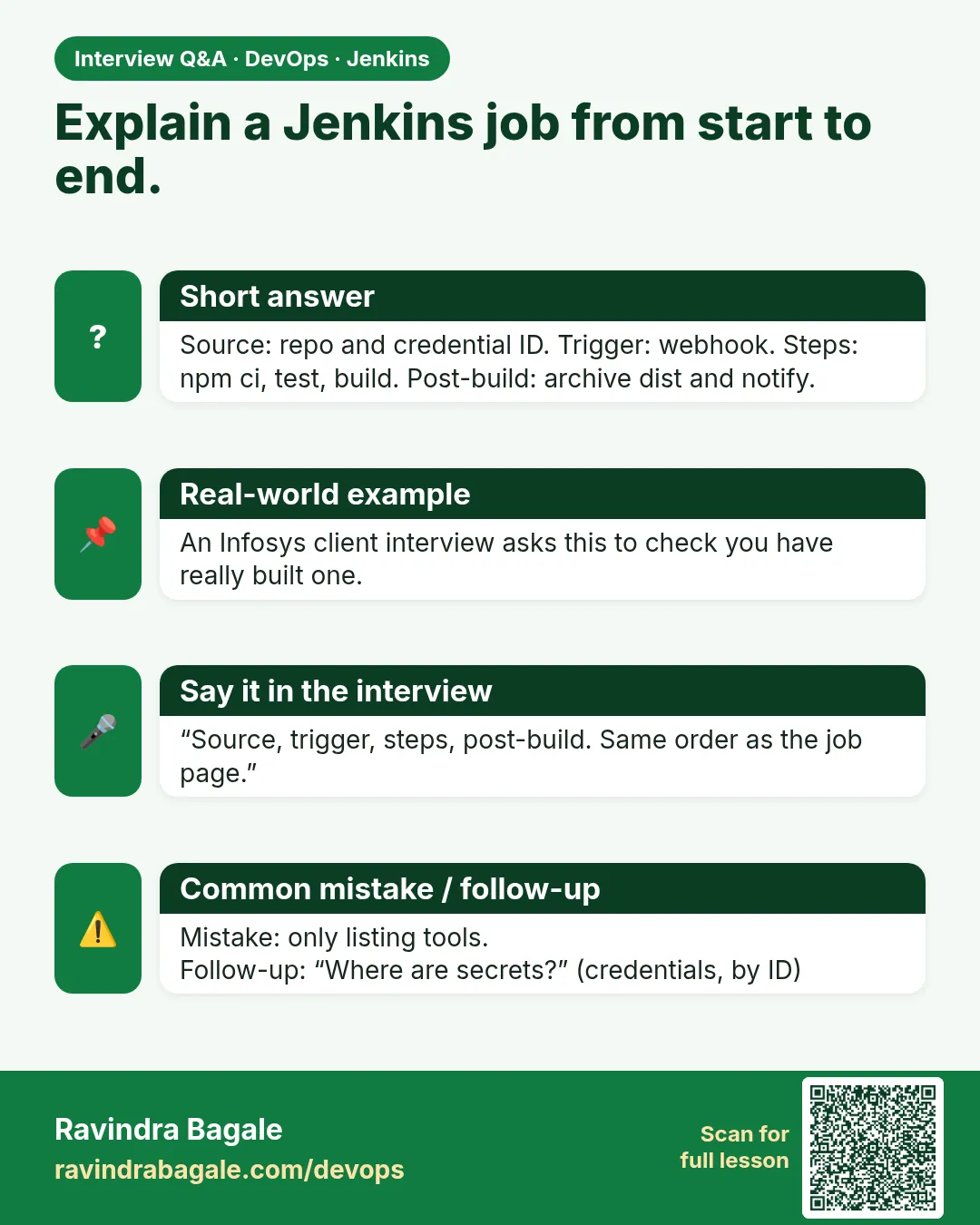
How would you audit 100 Freestyle jobs?
REST API to list jobs, fetch config.xml, check rules by script, produce a report, fix by priority, then migrate to Pipelines.
-
What are common Freestyle anti-patterns?
Secrets in shell steps, no build discarder, minute polling, giant scripts in the UI, builds on the controller.
Quick quiz
Q1. Which XML element shows discard rules?
LogRotator.
Q2. How do you find secrets in jobs at scale?
Script over config.xml with patterns.
Q3. How do you back up jobs simply?
Save each config.xml into Git.
Samajla ka?
 Revision card
 Interview card