Chapter 20: Jenkins Manual Jobs — Install, Configure and Freestyle
20.1 Why a Freestyle job still matters
Why: the problem
Picture a Netflix-style release weekend at a mid-size company. The badge service is a small Node.js API that prints user badges. Every Friday, an operations engineer logs in to a server over SSH at 2 a.m., runs git pull, npm ci, npm test, and restarts the app from memory. One Friday she forgets npm test. A broken badge rule goes live and thousands of users see the wrong badge. Nobody can say which commit went out, because nothing was logged. A Jenkins Freestyle job fixes exactly this. You type the same commands once, into form boxes in the Jenkins web page. From then on, every run uses the same steps in the same order, gets a build number, and keeps its full log. Freestyle is the oldest Jenkins job type, and many Infosys, TCS and Wipro client projects still have hundreds of them. Even if your next team uses Pipeline or GitLab CI, you will meet Freestyle jobs in real life, and you will be asked to migrate them. You cannot migrate what you cannot read. In this lesson you will start a lab Jenkins, build your first Freestyle job by clicking, export it as XML, and create the same job again from the command line.
What we will build
You will run Jenkins LTS in Docker on your laptop, create a Freestyle job called badge-hello with one Execute shell step, run it, and read the Console Output. Then you will download the job's config.xml with curl, change the job name, and create a copy with the Jenkins CLI. By the end you will see that a Freestyle job is just a saved XML file of form fields, and that the shell commands inside it are the same commands you will later move into a Jenkinsfile in chapter 21.
What: every term in plain English
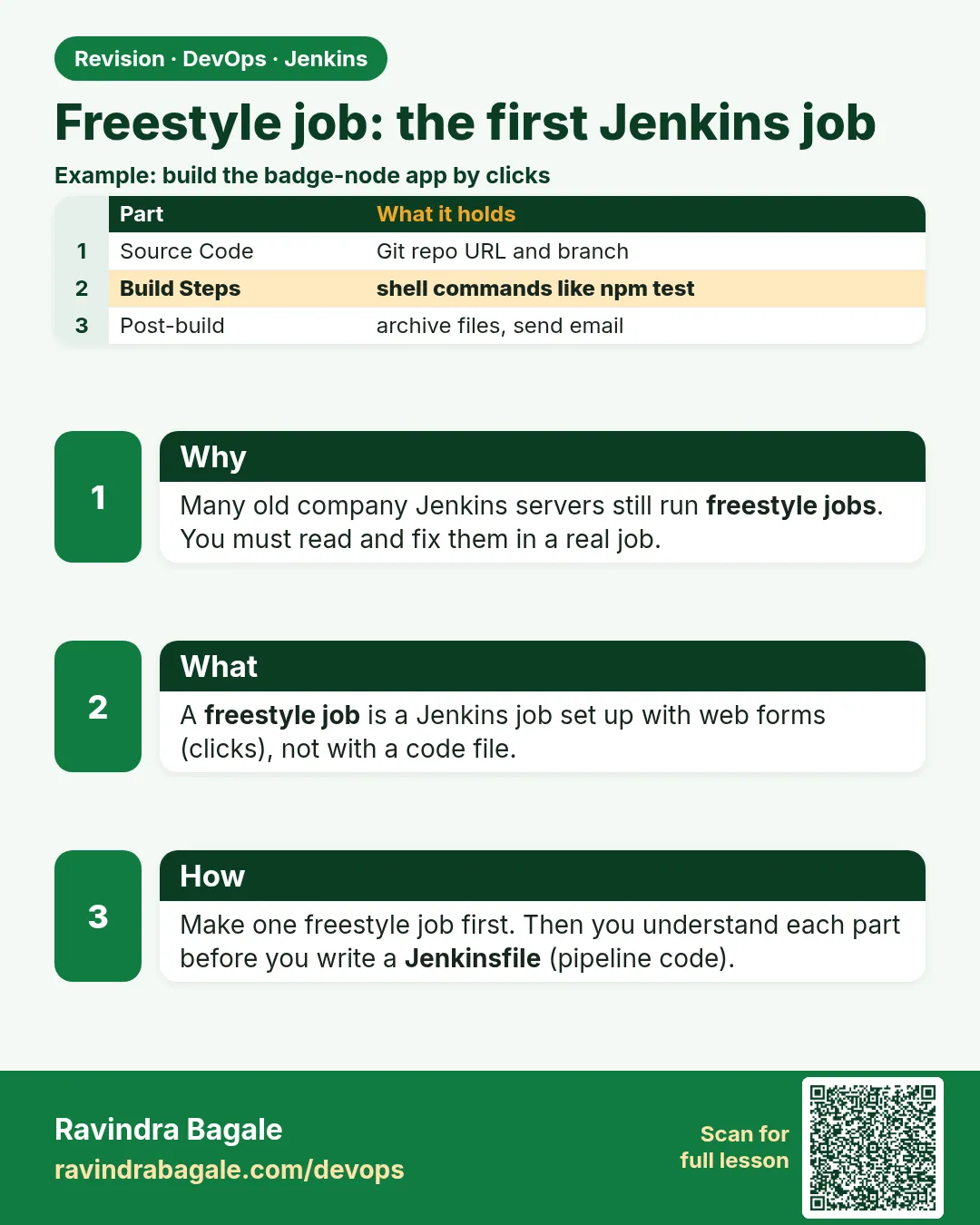
- Freestyle project — A Jenkins job you configure only through web forms: source code, triggers, build steps and post-build actions.
- Execute shell — A build step that runs a shell script on the agent. Exit code 0 means pass; any other code means fail.
- Build — One run of a job. It gets a number (#1, #2), a log, and a result.
- Console Output — The full log of one build. The first page you open when a build is red.
- Workspace — The folder where the job runs, for example /var/jenkins_home/workspace/badge-hello.
- config.xml — The file where Jenkins saves a job. Every Freestyle form field ends up here.
- Jenkins CLI — jenkins-cli.jar, a small Java program to control Jenkins from a terminal.
- LTS — Long Term Support. The stable Jenkins line that companies run in production.
How: step by step
-
Create a network and a volume
docker network create ci
docker volume create jenkins_home
What it does: The ci network lets Jenkins and the Git server talk by name later. The volume keeps all Jenkins data.
Output
3f9a1c... jenkins_home -
Start Jenkins LTS
docker run -d --name jenkins --network ci -p 8080:8080 -p 50000:50000 -v jenkins_home:/var/jenkins_home jenkins/jenkins:lts-jdk17What it does: Runs the stable Jenkins line with Java 17.
Output
b81e44c2d0aa... -
Read the unlock password
docker exec jenkins cat /var/jenkins_home/secrets/initialAdminPasswordWhat it does: A one-time password made at first start.
Output
8c2f1e9a0b7d4c3e9f1a2b3c4d5e6f70 -
Finish the wizard
Open http://localhost:8080 > paste password > Install suggested plugins > create admin user raviWhat it does: Installs Git, Credentials, Timestamper and other common plugins.
Output
Jenkins is ready! -
Create the Freestyle job
New Item > badge-hello > Freestyle project > OK > Build Steps > Add build step > Execute shellWhat it does: Opens the shell box where you type the commands.
Output
Saved -
Run it
Build Now > #1 > Console OutputWhat it does: Runs the steps and shows every line.
Output
Finished: SUCCESS -
Make an API token
Click ravi (top right) > Security > API Token > Add new Token > name lab > GenerateWhat it does: A token for curl and the CLI. Copy it once; Jenkins will not show it again.
Output
11f0c3a9d2e8b7...
Example 1: The first Freestyle job: a shell step that prints facts about the build
Stack. Jenkins LTS, Freestyle, bash
Goal. The first Freestyle job: a shell step that prints facts about the build.
Execute shell box
set -e
echo "Job:     $JOB_NAME"
echo "Build:   $BUILD_NUMBER"
echo "Node:    $NODE_NAME"
echo "Folder:  $WORKSPACE"
echo "URL:     $BUILD_URL"
git --version
java -version 2>&1 | head -1
echo "hello from badge-hello" > hello.txt
ls -l hello.txt
What each line does
set -e— Stop at the first failing command, so a hidden error turns the build red.$JOB_NAME, $BUILD_NUMBER— Variables Jenkins fills in for every build.$NODE_NAME— The machine the build ran on. built-in means the controller itself.$WORKSPACE— The job folder. Files you create stay there after the build.$BUILD_URL— A link to this build. Useful in chat messages and emails.echo ... > hello.txt— Creates a file in the workspace, so you can see it under Workspace in the UI.
Green output
Started by user ravi
Running as SYSTEM
Building in workspace /var/jenkins_home/workspace/badge-hello
[badge-hello] $ /bin/sh -xe /tmp/jenkins8812345.sh
+ set -e
+ echo Job:     badge-hello
Job:     badge-hello
Build:   1
Node:    built-in
Folder:  /var/jenkins_home/workspace/badge-hello
URL:     http://localhost:8080/job/badge-hello/1/
git version 2.39.5
openjdk version "17.0.12" 2024-07-16
-rw-r--r-- 1 jenkins jenkins 23 Oct 25 04:45 hello.txt
Finished: SUCCESS
Expected result. A green tick next to #1. Workspace link shows hello.txt.
Example 2: Export the job as XML and look at what the form fields became
Stack. curl, Jenkins REST API
Goal. Export the job as XML and look at what the form fields became.
export-job.sh
#!/usr/bin/env bash
set -euo pipefail
J=http://localhost:8080
curl -s -u "ravi:$JENKINS_TOKEN" "$J/job/badge-hello/config.xml" -o badge-hello.xml
wc -l badge-hello.xml
grep -n "builders" badge-hello.xml
grep -A3 "hudson.tasks.Shell" badge-hello.xml | head -6
What each line does
job/badge-hello/config.xml— Every job has this URL. GET reads the XML; POST replaces it.-u "ravi:$JENKINS_TOKEN"— Log in with your user and the API token, never the password.builders— The XML block that holds the Build Steps you added in the form.hudson.tasks.Shell— The class name of the Execute shell step. Your script sits in its command field.
Green output
$ JENKINS_TOKEN=11f0c3a9d2e8b7 bash export-job.sh
31 badge-hello.xml
14:  <builders>
22:  </builders>
15:    <hudson.tasks.Shell>
16:      <command>set -e
17:echo "Job:     $JOB_NAME"
18:echo "Build:   $BUILD_NUMBER"
Expected result. You now hold the whole job in one text file. Put it in Git and you have a backup of the job.
Example 3: Create a copy of the job from the terminal with jenkins-cli
Stack. Java 17, jenkins-cli.jar
Goal. Create a copy of the job from the terminal with jenkins-cli.jar.
clone-job.sh
#!/usr/bin/env bash
set -euo pipefail
J=http://localhost:8080
curl -s -o jenkins-cli.jar "$J/jnlpJars/jenkins-cli.jar"
sed 's/hello from badge-hello/hello from badge-copy/' badge-hello.xml > badge-copy.xml
cat badge-copy.xml | java -jar jenkins-cli.jar -s "$J" -auth "ravi:$JENKINS_TOKEN" create-job badge-copy
java -jar jenkins-cli.jar -s "$J" -auth "ravi:$JENKINS_TOKEN" build badge-copy -s -v | tail -3
java -jar jenkins-cli.jar -s "$J" -auth "ravi:$JENKINS_TOKEN" list-jobs
What each line does
jnlpJars/jenkins-cli.jar— Every Jenkins serves the matching CLI jar at this path.sed ...— Changes one line, so you can prove the copy is a different job.cat ... | ... create-job— The CLI reads the XML from standard input and makes a new job.build -s -v— Starts a build, waits for it (-s) and prints the log (-v).list-jobs— Lists every job name. badge-copy is now there.
Green output
hello from badge-copy
-rw-r--r-- 1 jenkins jenkins 22 Oct 25 04:52 hello.txt
Finished: SUCCESS
badge-copy
badge-hello
Expected result. Two jobs on the dashboard. You made the second one without a single click.
Verify: did it work?
-
Jenkins container is up
docker ps --filter name=jenkins --format "{{.Names}} {{.Status}}"What it does: Shows the container is running.
Output
jenkins Up 15 minutes -
Login page answers
curl -s -o /dev/null -w "%{http_code}\n" http://localhost:8080/loginWhat it does: 200 means Jenkins is ready.
Output
200 -
Last build result
curl -s -u ravi:$JENKINS_TOKEN "http://localhost:8080/job/badge-hello/lastBuild/api/json?tree=number,result"What it does: Reads the result of the latest build.
Output
{"_class":"hudson.model.FreeStyleBuild","number":1,"result":"SUCCESS"}
When it is red 1
Build step "Execute shell" marked build as failure
Cause. A command in the shell box returned a non-zero exit code.
Fix, step by step
- Open Console Output and find the last line starting with +.
- Run the same command by hand: docker exec -it jenkins bash.
- Fix the command and Build Now again.
When it is red 2
ERROR: anonymous is missing the Overall/Read permission
Cause. curl or the CLI was used without -u or -auth.
Fix, step by step
- Add -u ravi:$JENKINS_TOKEN to curl.
- Add -auth ravi:$JENKINS_TOKEN to the CLI.
- Check the token is not expired or revoked.
When it is red 3
ERROR: Job 'badge-copy' already exists
Cause. You ran create-job twice with the same name.
Fix, step by step
- Use update-job badge-copy to replace it.
- Or delete it first: delete-job badge-copy.
When it is red 4
Bind for 0.0.0.0:8080 failed: port is already allocated
Cause. Another program uses port 8080.
Fix, step by step
- Find it with sudo ss -ltnp | grep 8080.
- Stop it, or start Jenkins with -p 8090:8080.
Cleanup
-
Delete the copy job
java -jar jenkins-cli.jar -s http://localhost:8080 -auth ravi:$JENKINS_TOKEN delete-job badge-copyWhat it does: Removes the test copy. Keep badge-hello.
Output
(no output) -
Stop Jenkins for today
docker stop jenkinsWhat it does: Data stays in the jenkins_home volume.
Output
jenkins
Ravindra Bagale's Tip
Freestyle mhanje form madhe bharlele commands. Pahila Console Output vacha, mag config.xml bagha. Lakshat theva!
Practice tasks
Easy Add a second shell step
Why: Real jobs have more than one step.
What to do: Add another Execute shell step that prints uptime.
- Add build step.
- Save.
- Build Now.
Check: Console shows both steps in order.
Medium Break and fix
Why: Red logs must look familiar.
What to do: Add the command exit 3, build, read the log, then remove it.
- Add exit 3.
- Build.
- Read the last lines.
Check: You can point to the exact line that failed.
Hard Diff two XML files
Why: Code review needs readable changes.
What to do: Export badge-hello before and after a change and diff them.
- Export.
- Change one field.
- Export again and run diff.
Check: diff shows only the changed field.
Easy Say Freestyle jobs in two lines
Why: If you can say it simply, you understand it. Juniors and interviewers want the short version first.
What to do: Write two short lines about Freestyle jobs for a fresher who knows only Linux basics.
- Write what problem it solves.
- Write the one command or menu you use for it.
- Read it aloud to a friend.
Check: A fresher understands it without asking a question.
Easy Start a fresh lab Jenkins
Why: Practice needs a throwaway Jenkins. If you break it, you delete it and start again.
What to do: Run Jenkins LTS in Docker with a named volume.
- docker volume create jenkins_home
- docker run -d --name jenkins -p 8080:8080 -v jenkins_home:/var/jenkins_home jenkins/jenkins:lts-jdk17
- docker exec jenkins cat /var/jenkins_home/secrets/initialAdminPassword
Check: The Jenkins unlock page opens on localhost:8080.
Medium Break it on purpose
Why: You must know the red message by face. During an outage there is no time to read slowly.
What to do: Cause one error from the "When it is red" part of this lesson and fix it.
- Follow the error section.
- Copy the exact message into your notes.
- Write the fix in one line.
Check: You fixed it using only the steps, without searching the web.
Medium Write a one-page runbook
Why: At 2 a.m. nobody remembers where a file lives. A short page saves the on-call person.
What to do: Write a runbook page for this lesson.
- Title, when to use, exact command, how to check, how to undo.
Check: A teammate can follow it alone.
Medium Repeat it on a cloud VM
Why: A laptop is not a server. Real Jenkins runs on EC2 or a company VM.
What to do: Do the main steps of this lesson again on a small Ubuntu 22.04 EC2 instance.
- Launch t3.small with 20 GB disk.
- Open port 22 only to your IP.
- Repeat the steps and compare the output.
Check: Same green output on the VM as on your laptop.
Hard Explain it like an interview
Why: Interviewers want real stories, not definitions.
What to do: Record a 60 second answer about this lesson.
- Say the problem, the command you ran, and one error you hit.
Check: Your answer has a real command and a real error message.
Hard Draw the flow top to bottom
Why: A drawing shows who talks to whom and in what order.
What to do: Draw this lesson as boxes from top to bottom.
- Start at the developer push, go through the controller and agent, end at the result.
Check: Each box matches a real thing you saw on screen.
Homework: try at home
Try at home
Create a Freestyle job called disk-report that prints df -h, free -m and the top five biggest folders in the workspace. Export its XML with curl, commit the XML to a local Git repo, then delete the job and restore it from the XML with create-job.
Recap
- A Freestyle job is form fields saved as config.xml.
- Execute shell runs normal bash; exit code decides green or red.
- Console Output is the first place to look.
- curl and jenkins-cli.jar can read, create and build jobs with an API token.
- Freestyle commands move almost line by line into a Jenkinsfile later.
FAQ
Is Freestyle deprecated?
No. It is still supported, but new work should move to Pipeline because Pipeline lives in Git.
Why learn it then?
Many older projects still run hundreds of Freestyle jobs. Migration starts with reading them.
Can a Freestyle job have stages?
No. It has build steps in a list. Stages come with Pipeline.
Is running builds on the built-in node fine?
Only in a lab. In companies, builds run on agents (chapter 22).
Interview questions
-
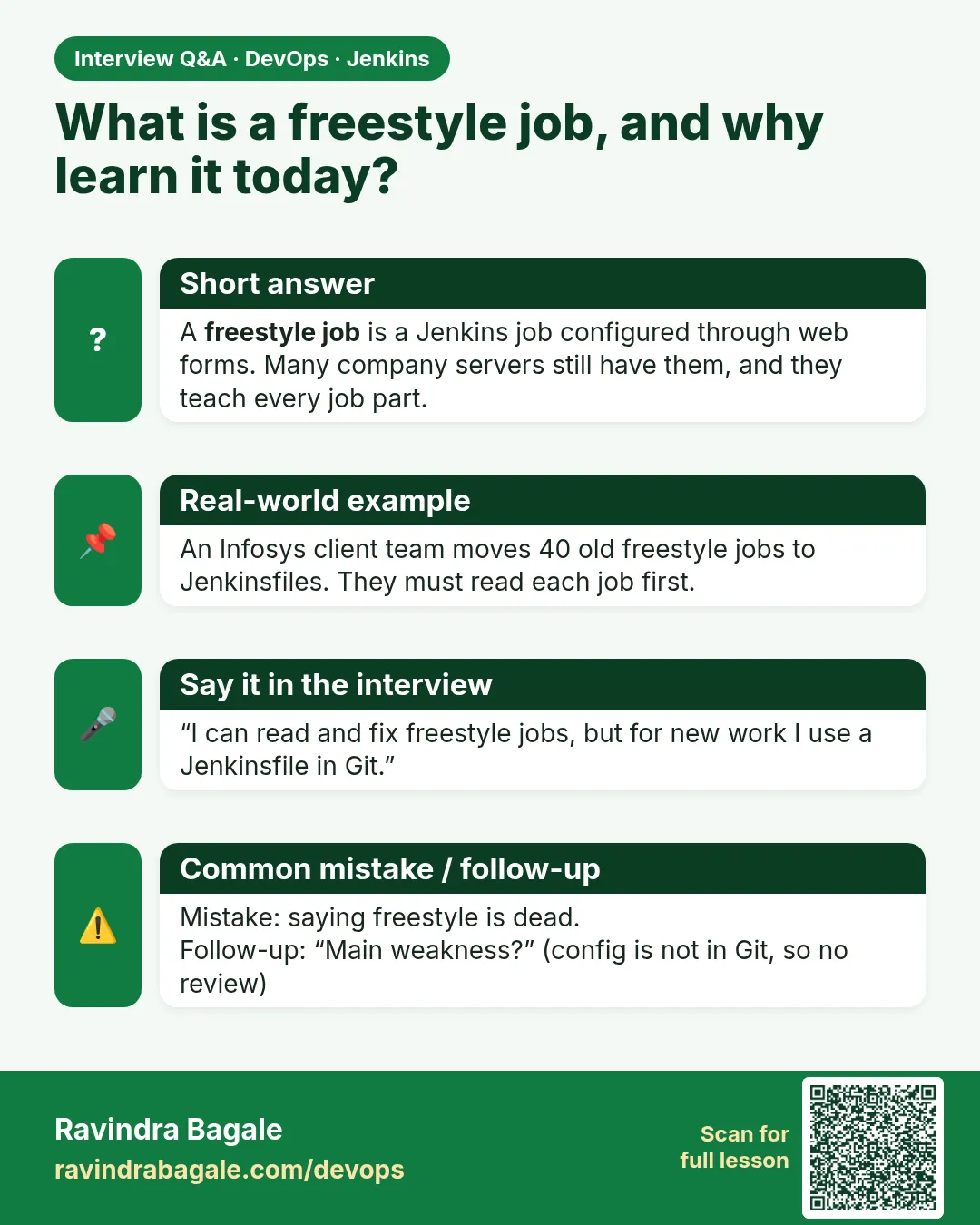
What is a Freestyle job?
The classic Jenkins job type configured through the UI: SCM, triggers, build steps and post-build actions, saved as config.xml.
-
How would you back up a Freestyle job?
Download its config.xml through the REST API or the CLI get-job command, and keep it in Git.
-
Freestyle vs Pipeline?
Freestyle is UI-driven and hard to review. Pipeline is code in a Jenkinsfile: versioned, reviewed, with stages and better restart.
-
How do you trigger a job without the UI?
REST POST to /job/NAME/build with a token, or jenkins-cli.jar build.
Quick quiz
Q1. Where does Jenkins save a Freestyle job?
In config.xml inside JENKINS_HOME/jobs/NAME.
Q2. What makes an Execute shell step fail?
Any command that returns a non-zero exit code (with set -e or as the last command).
Q3. Which variable holds the build number?
BUILD_NUMBER.
Q4. How do you start a build and wait for it from the CLI?
build JOB -s -v.
Samajla ka?
 Revision card
 Interview card