Ravi Sir's Cards › DevOps
Chapter 48: Docker Images: Layers, Tags, Registries, Docker Hub, ECR, Multi-Arch and Every Image Command: Cards
मराठी cards · Open the chapter
Revision cards
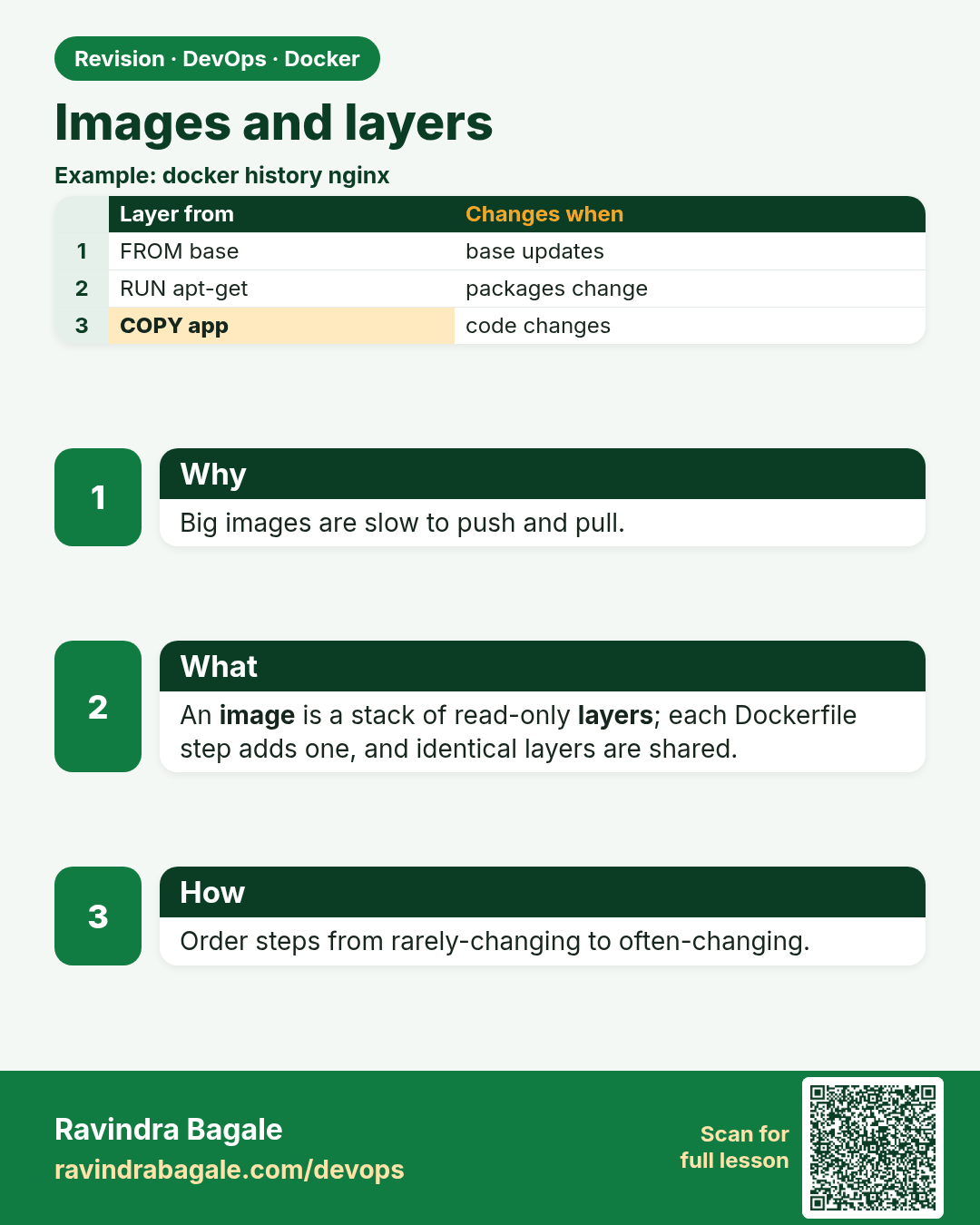
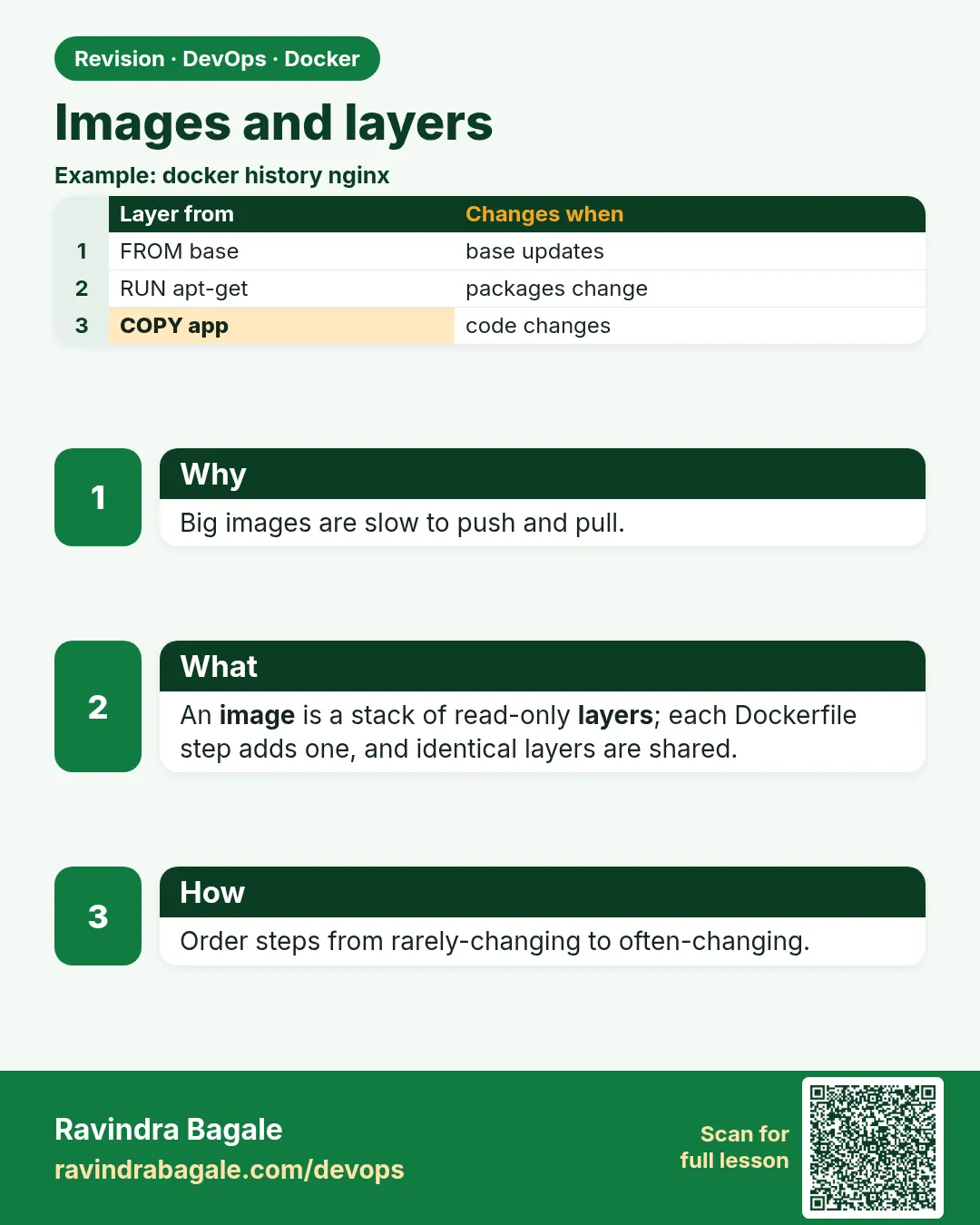 Revision card 1 of 10: Images and layers · Download PNG · Open card page
Lesson: 48.1 Images and layers: what is inside an image
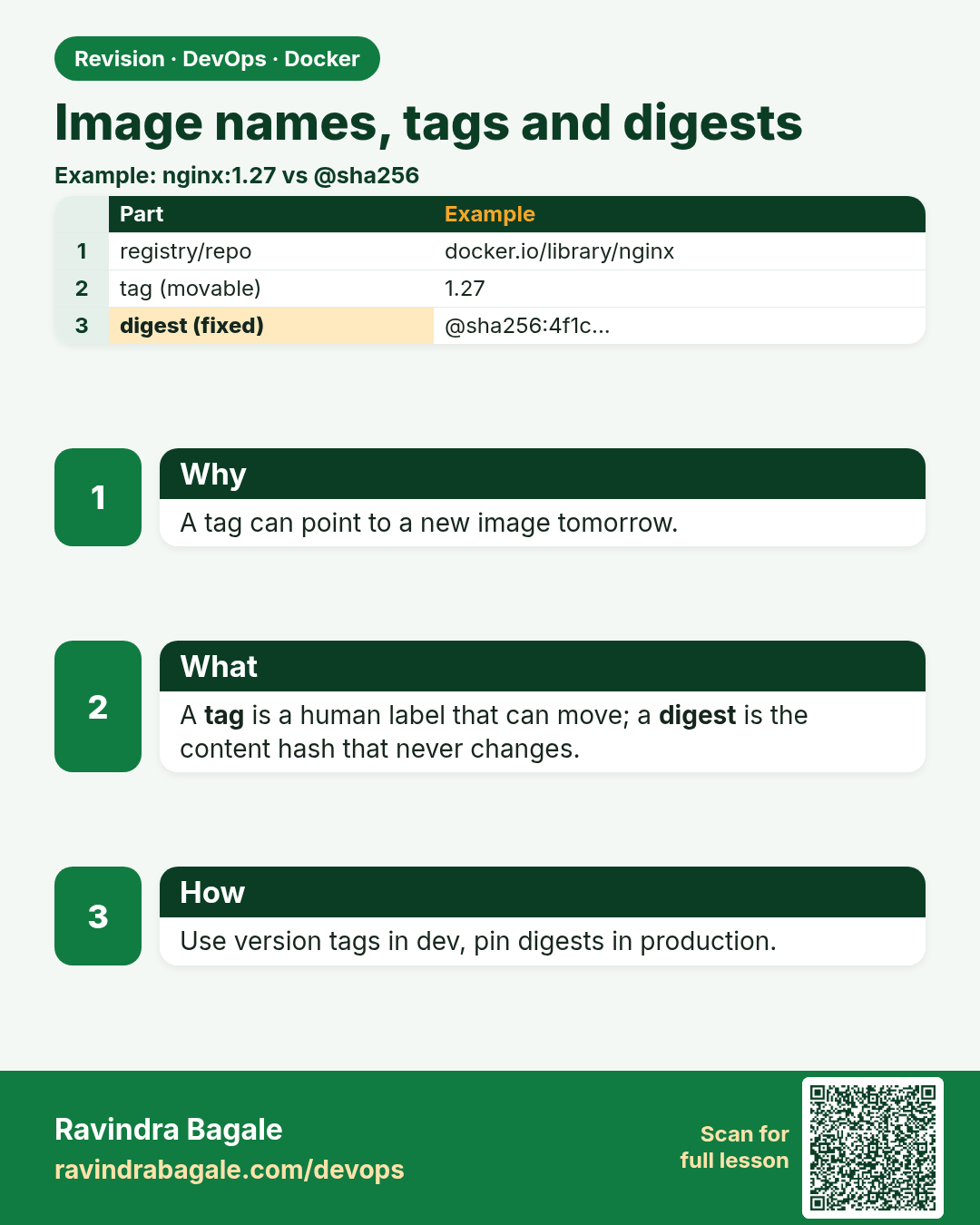
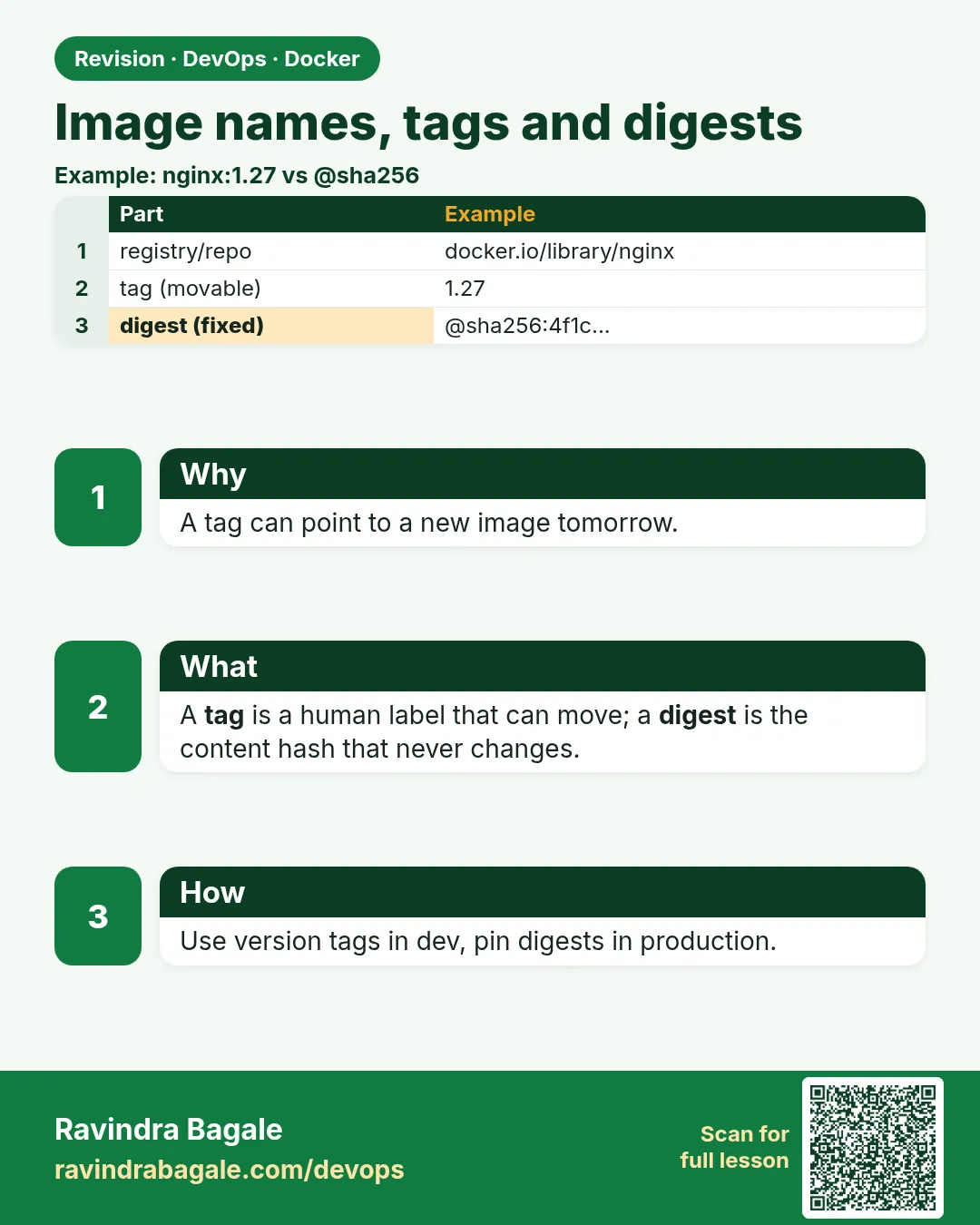 Revision card 2 of 10: Image names, tags and digests · Download PNG · Open card page
Lesson: 48.2 Image names, tags and digests
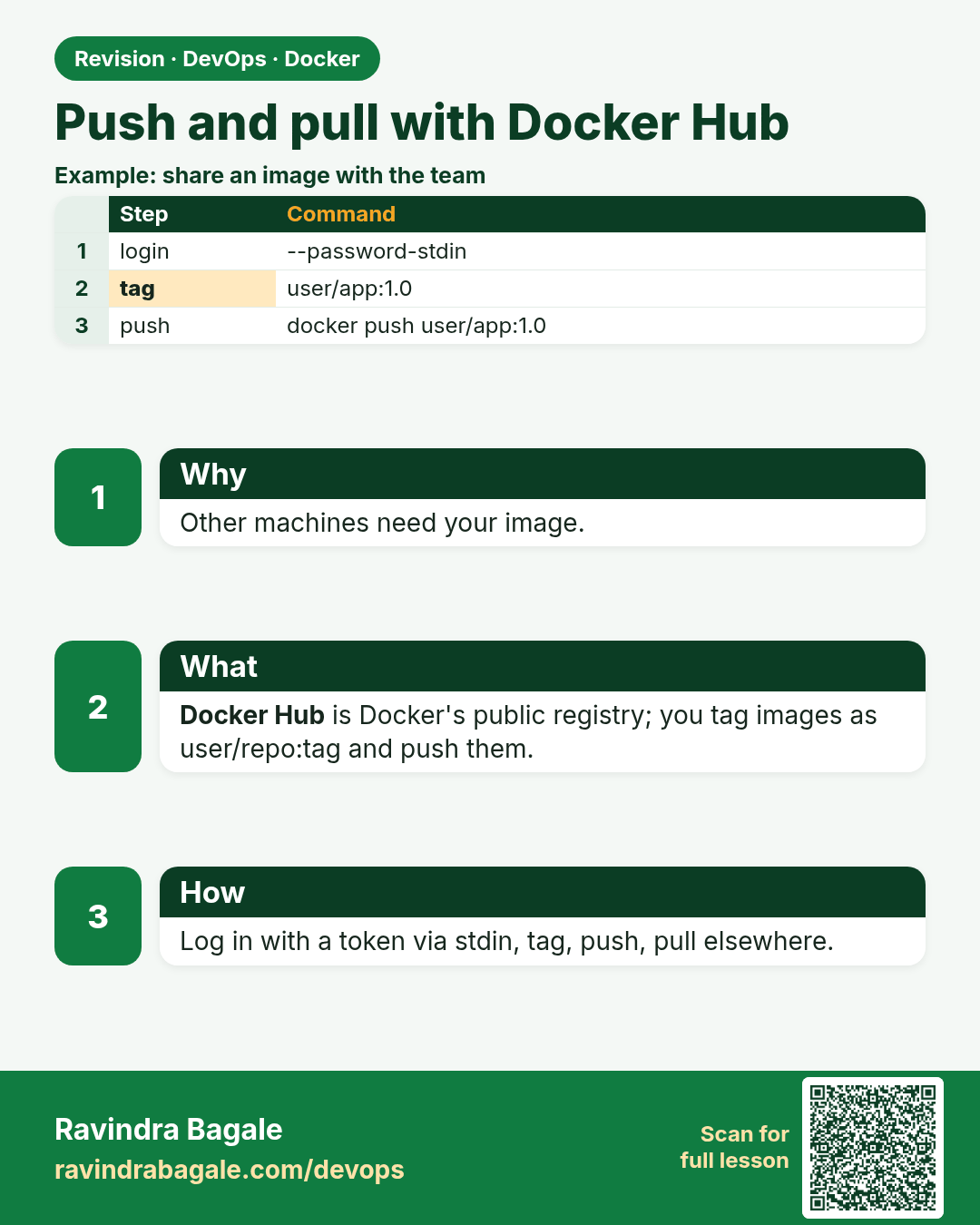
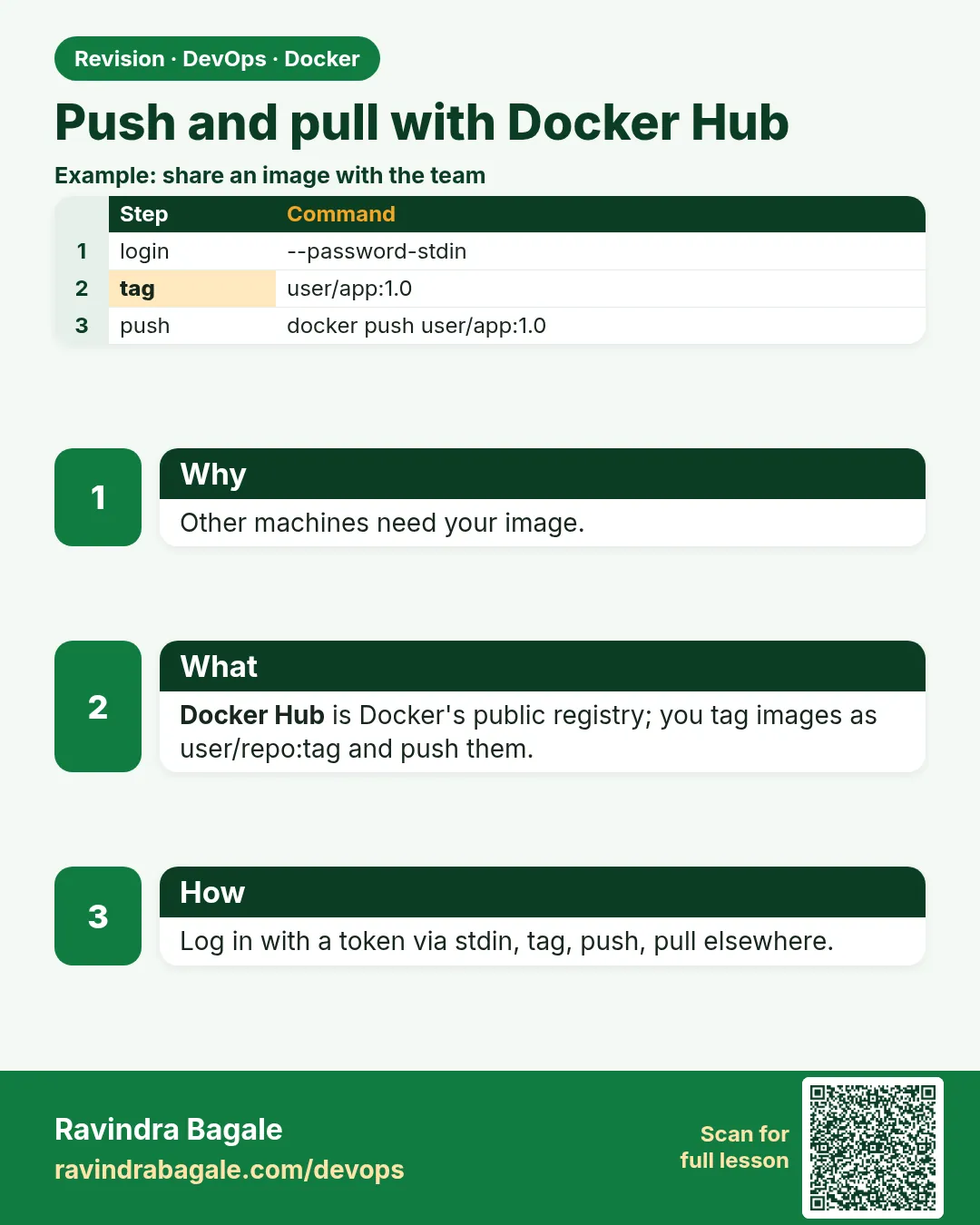 Revision card 3 of 10: Push and pull with Docker Hub · Download PNG · Open card page
Lesson: 48.3 Push and pull with Docker Hub
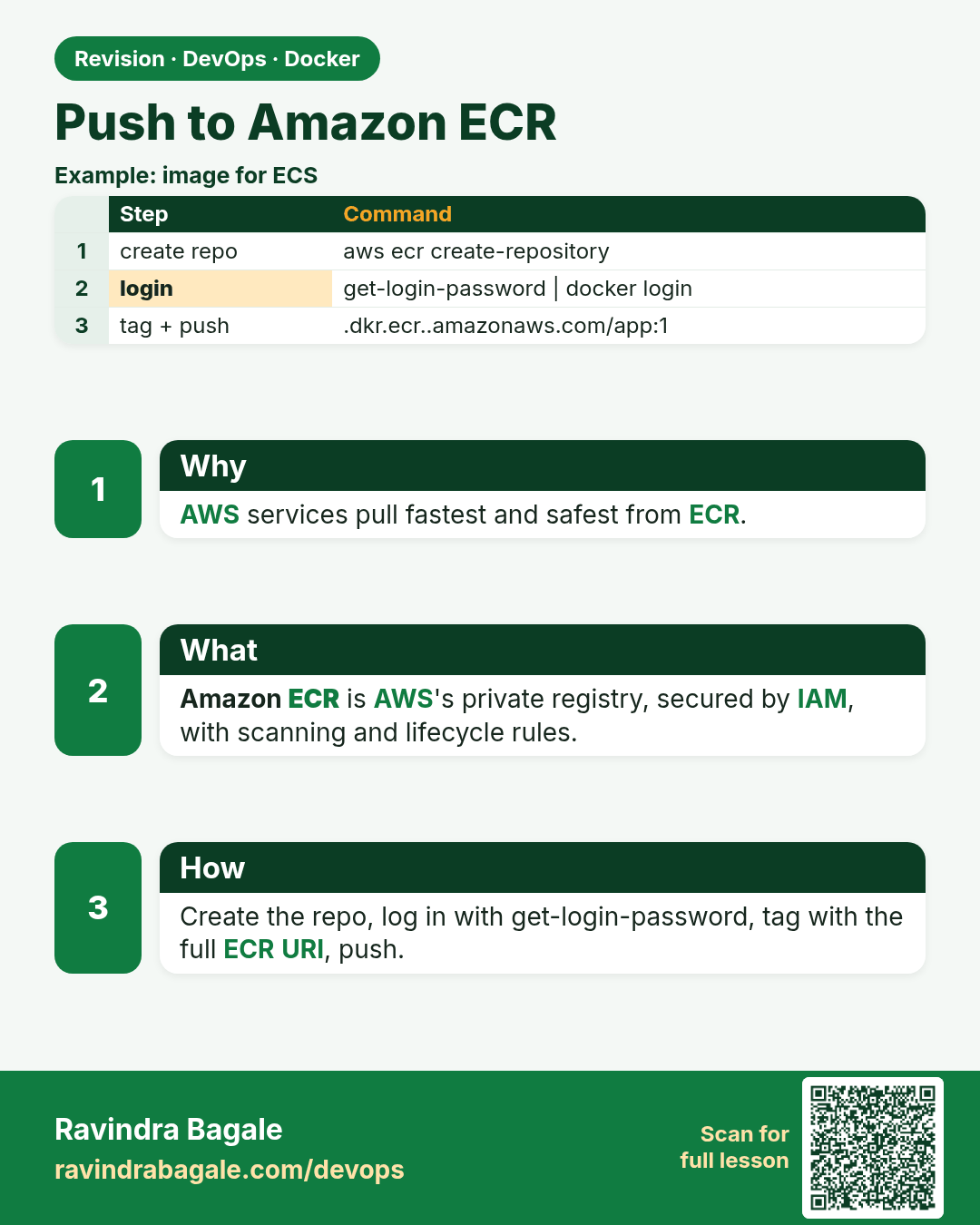
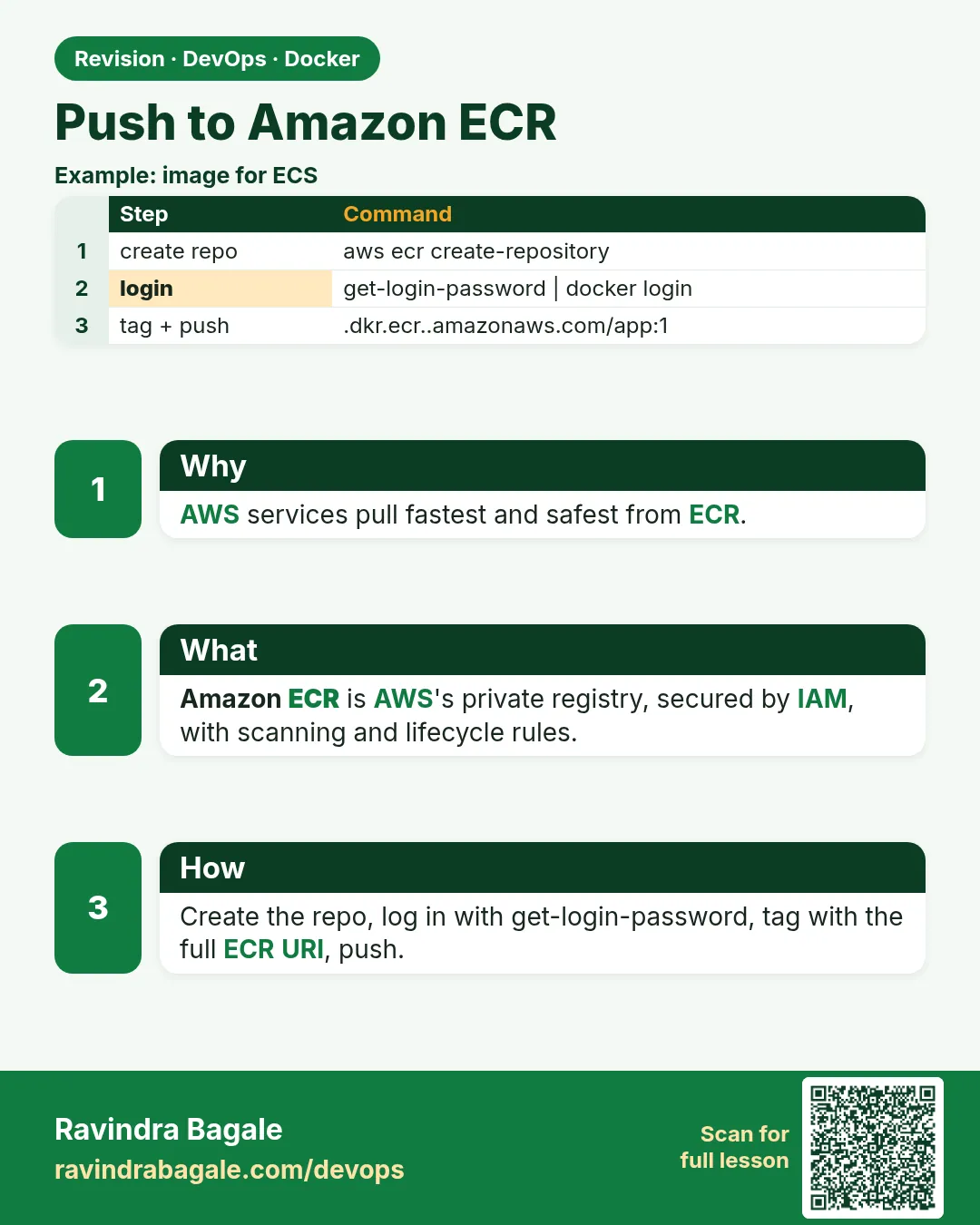 Revision card 4 of 10: Push to Amazon ECR · Download PNG · Open card page
Lesson: 48.4 Push to Amazon ECR
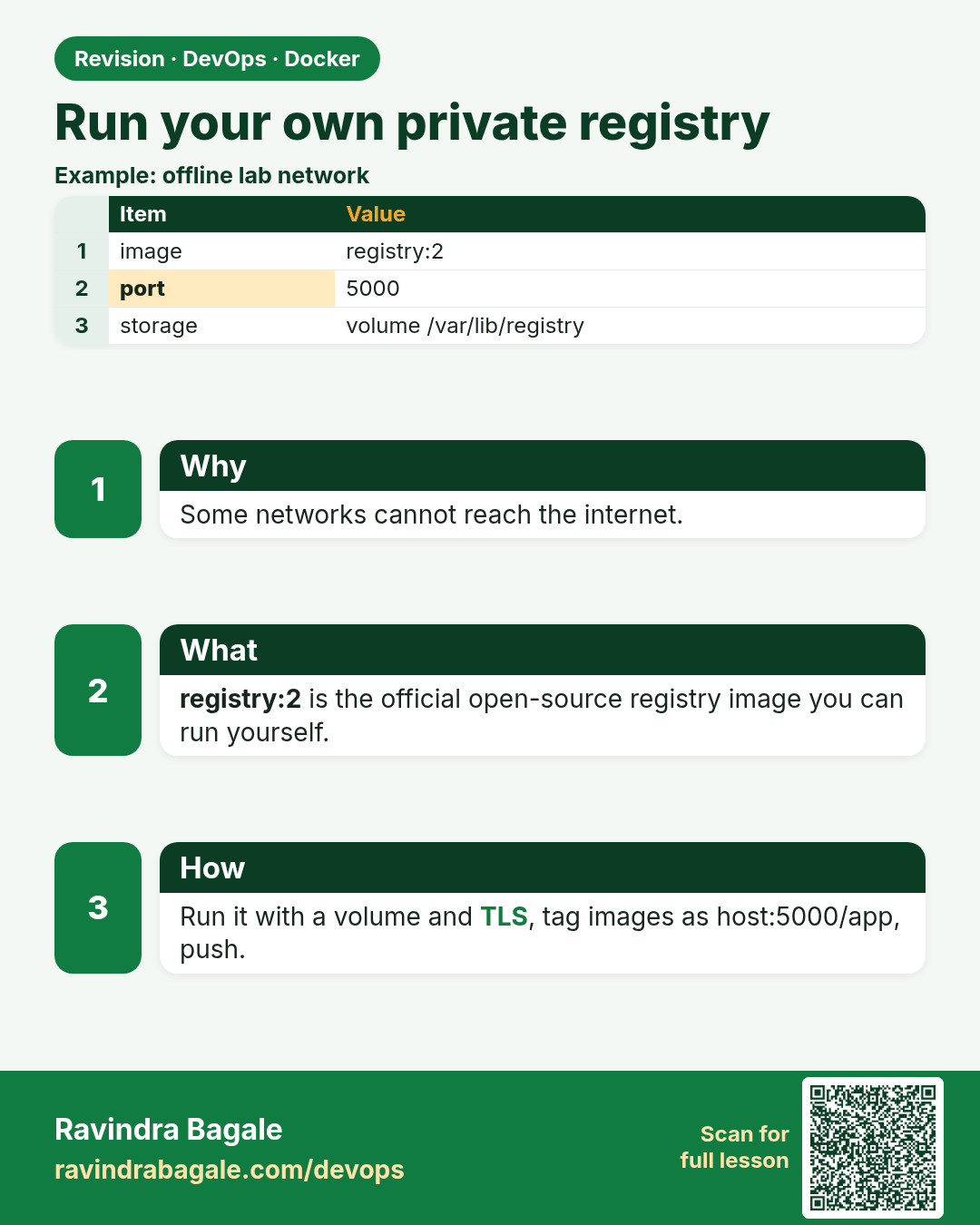
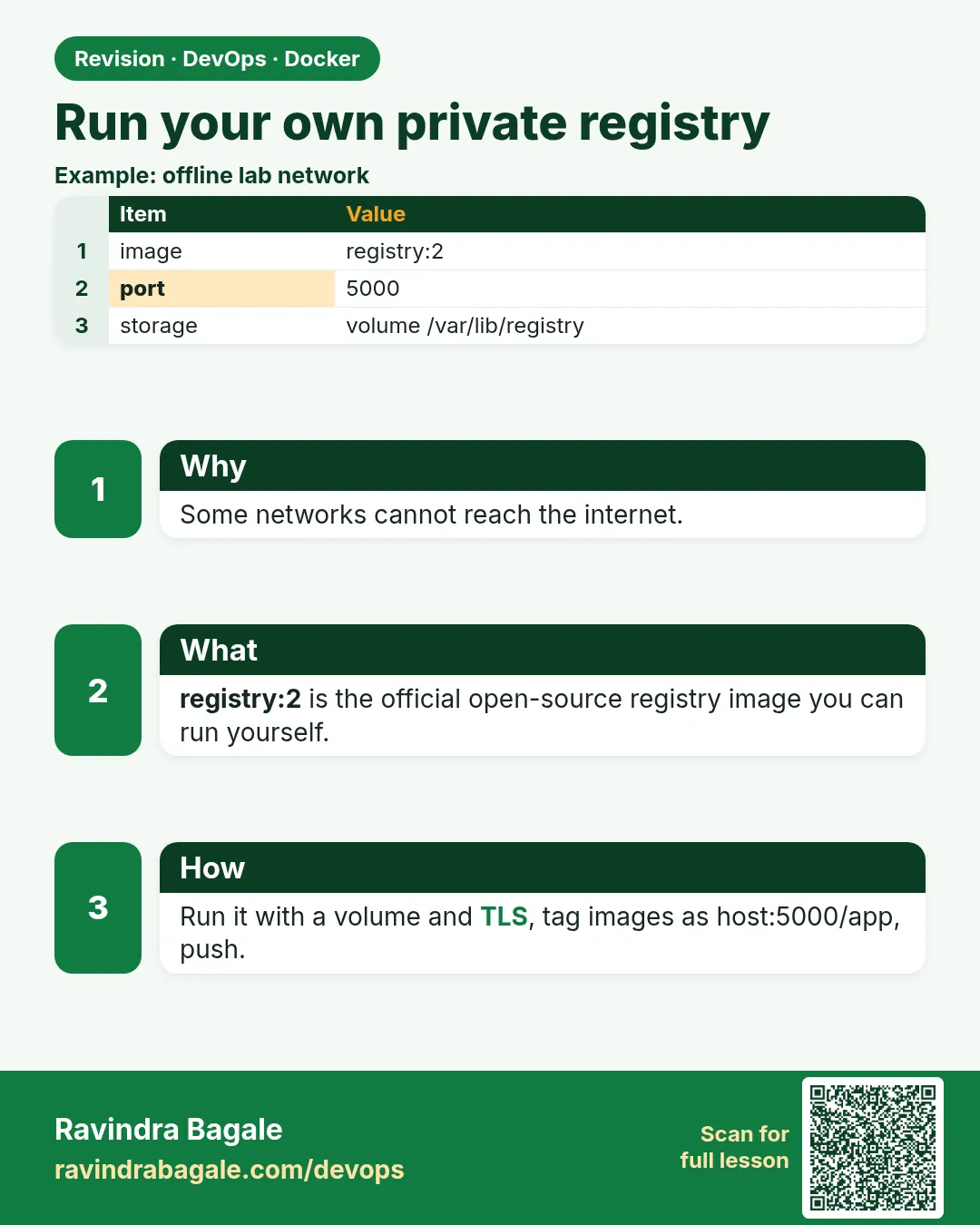 Revision card 5 of 10: Run your own private registry · Download PNG · Open card page
Lesson: 48.5 Run your own private registry
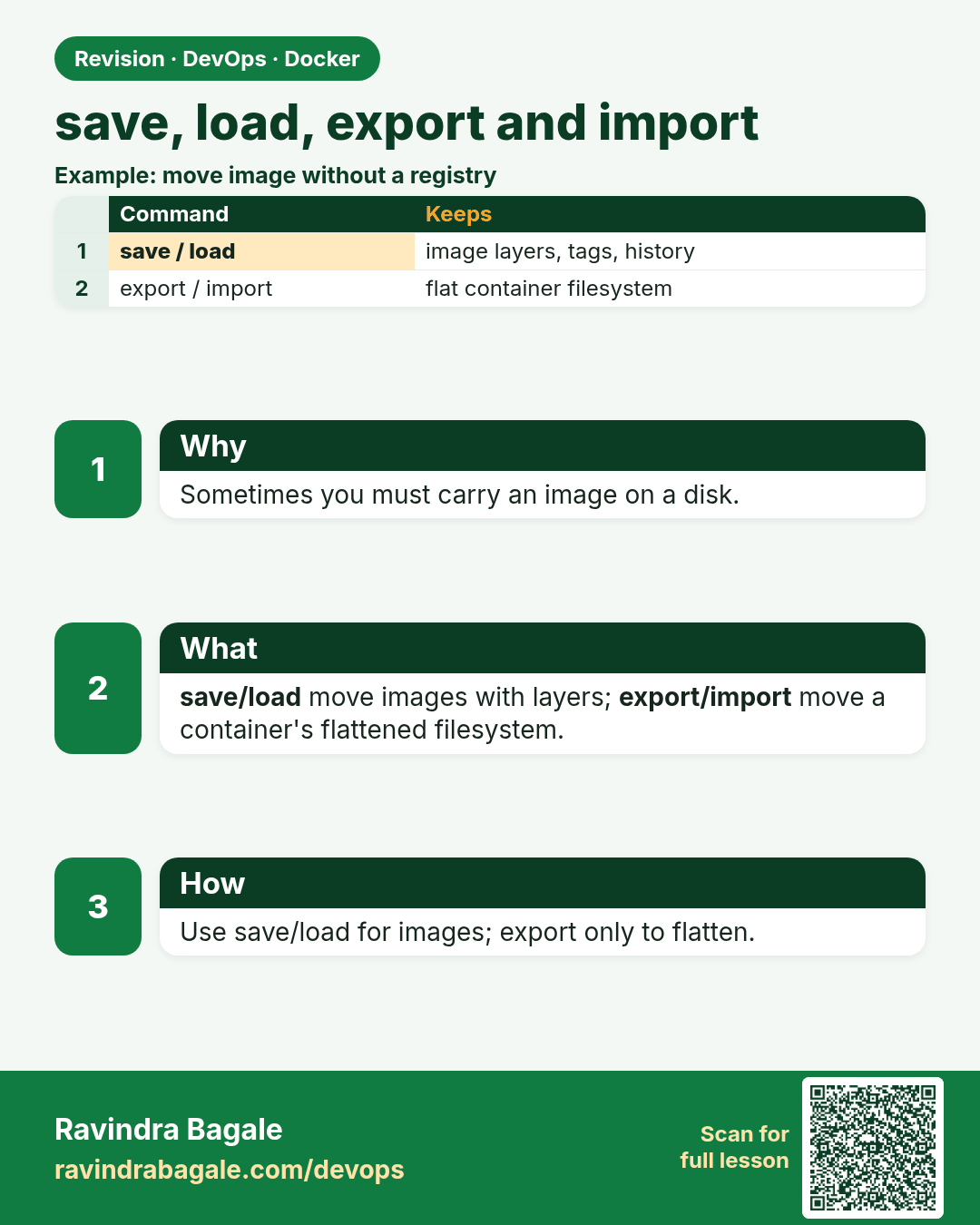
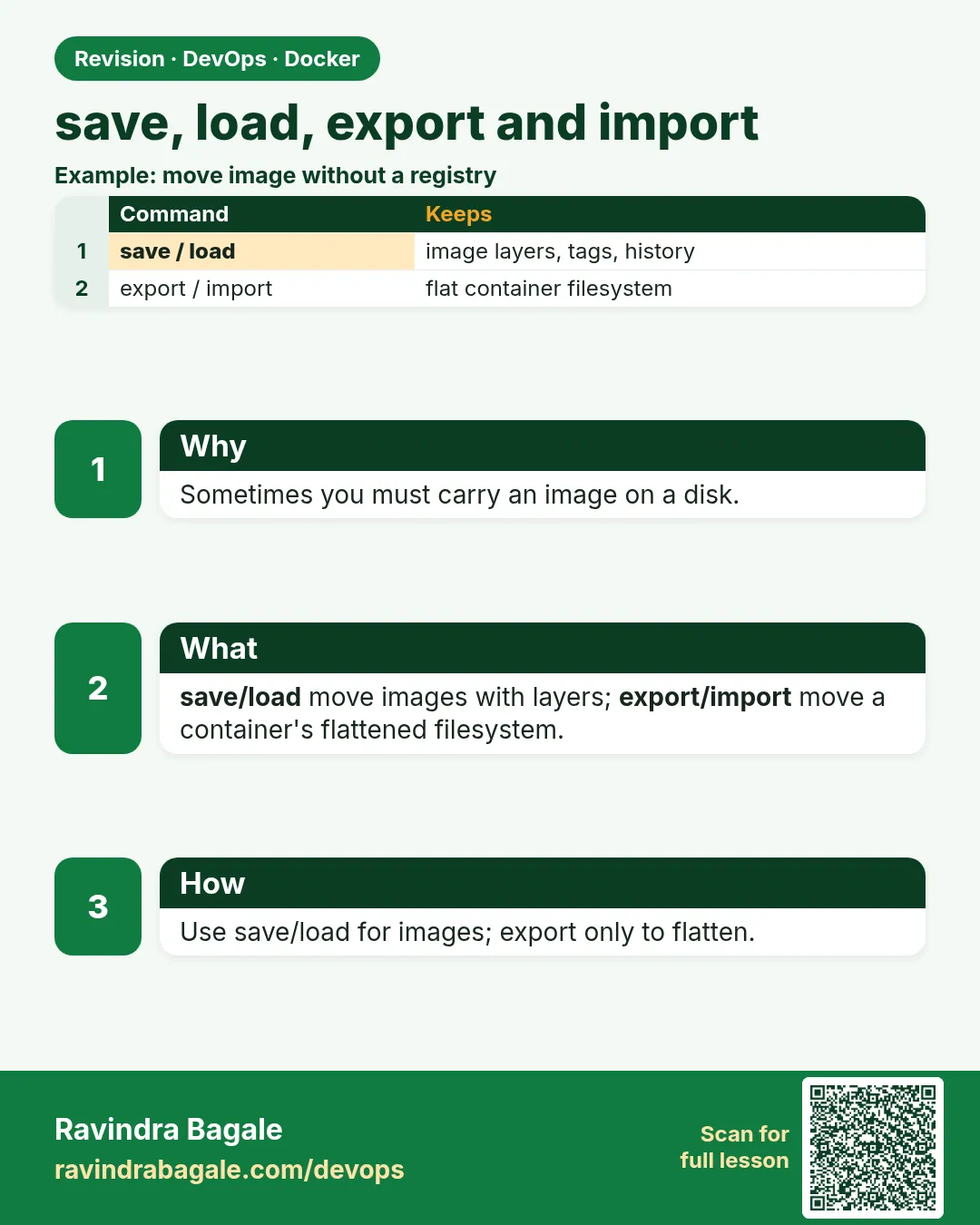 Revision card 6 of 10: save, load, export and import · Download PNG · Open card page
Lesson: 48.6 save, load, export and import: move images without a registry
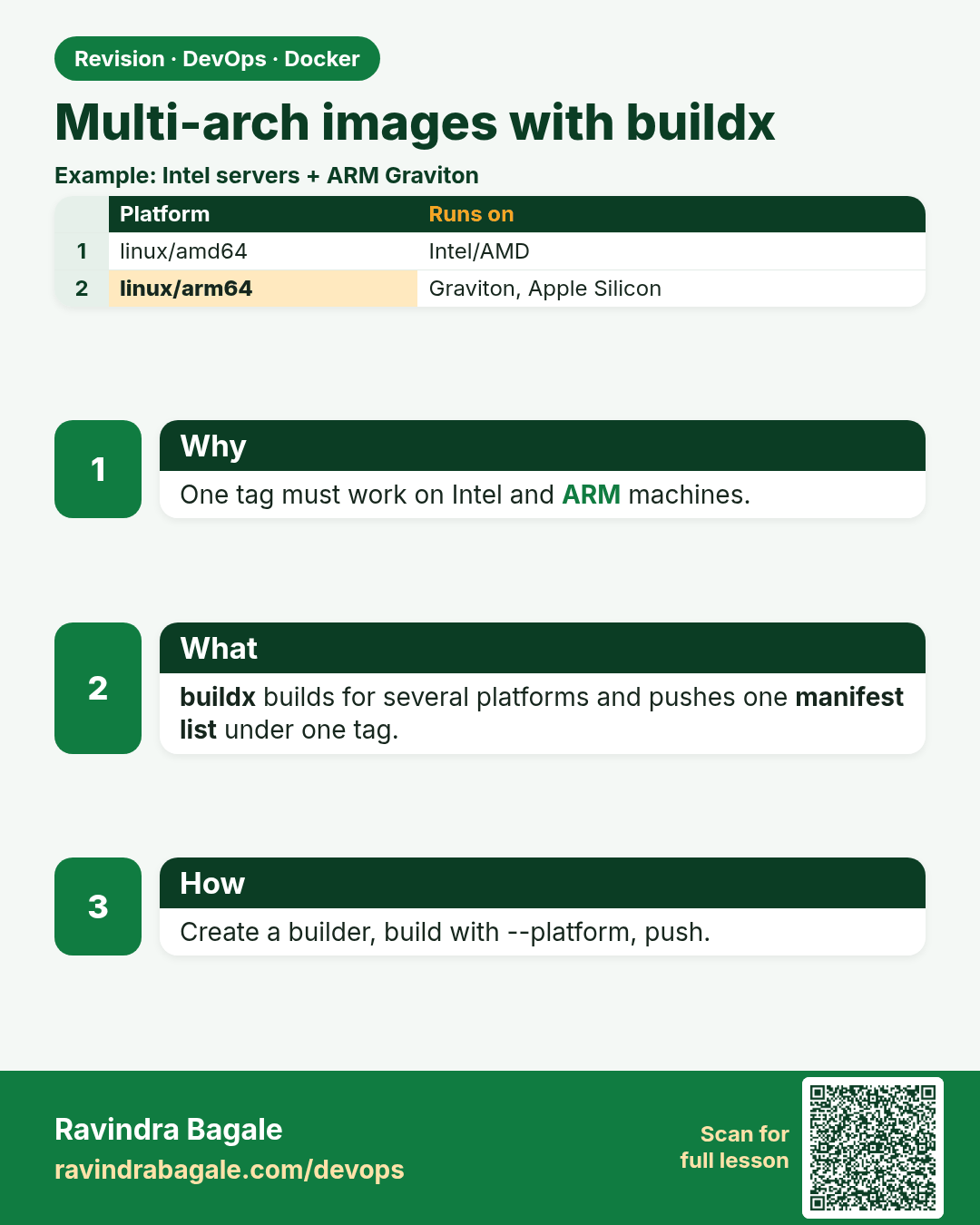
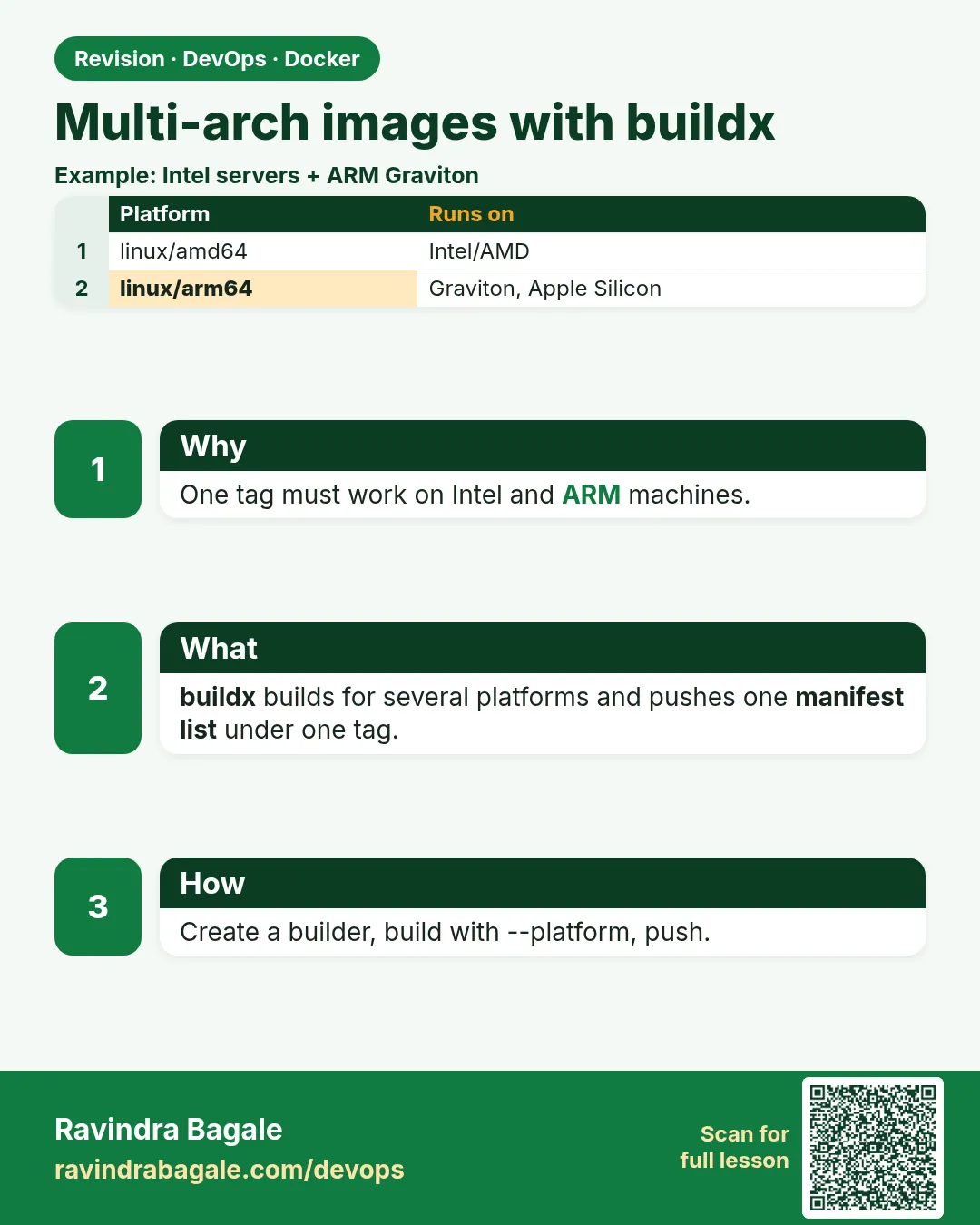 Revision card 7 of 10: Multi-arch images with buildx · Download PNG · Open card page
Lesson: 48.7 Multi-arch images with buildx
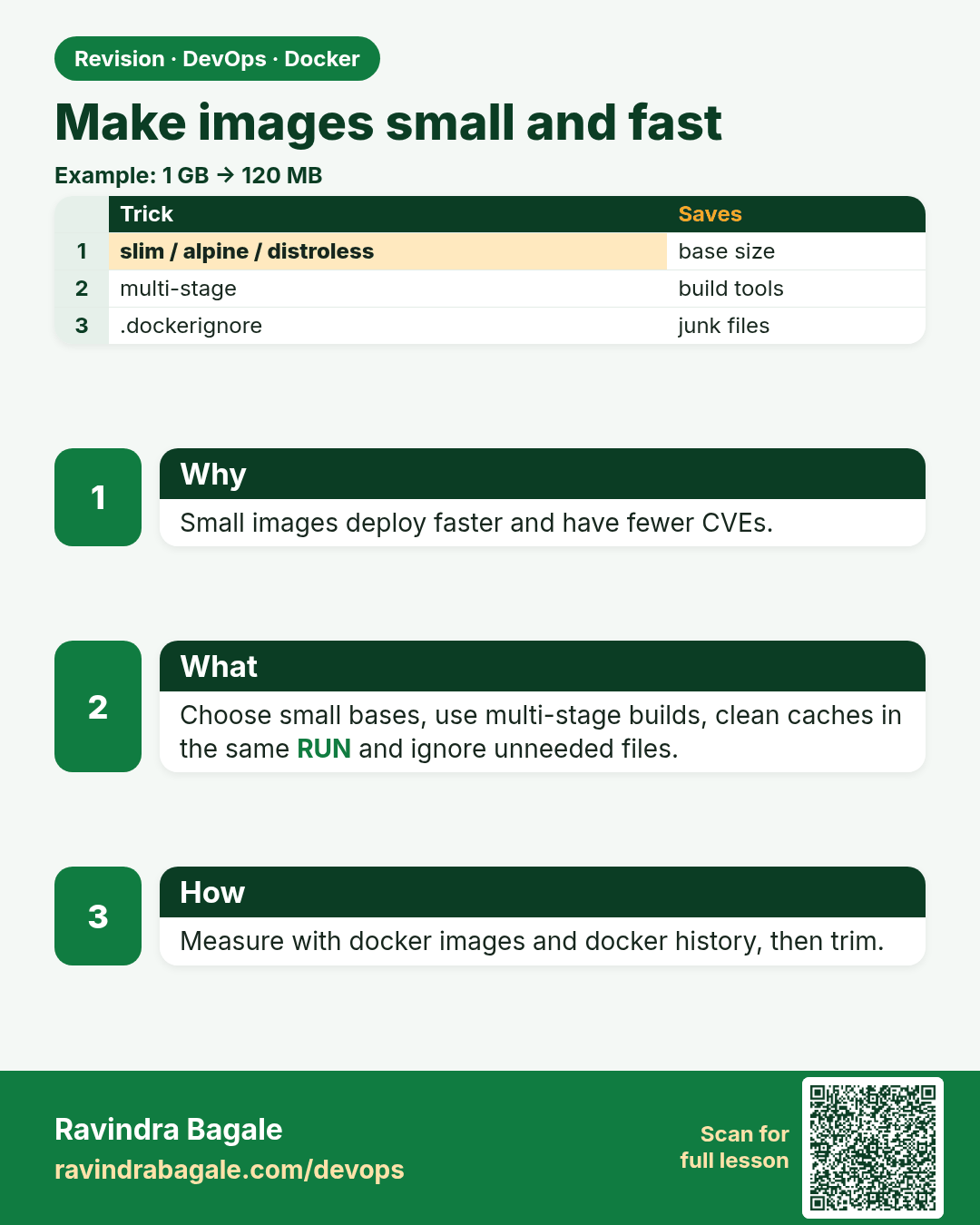
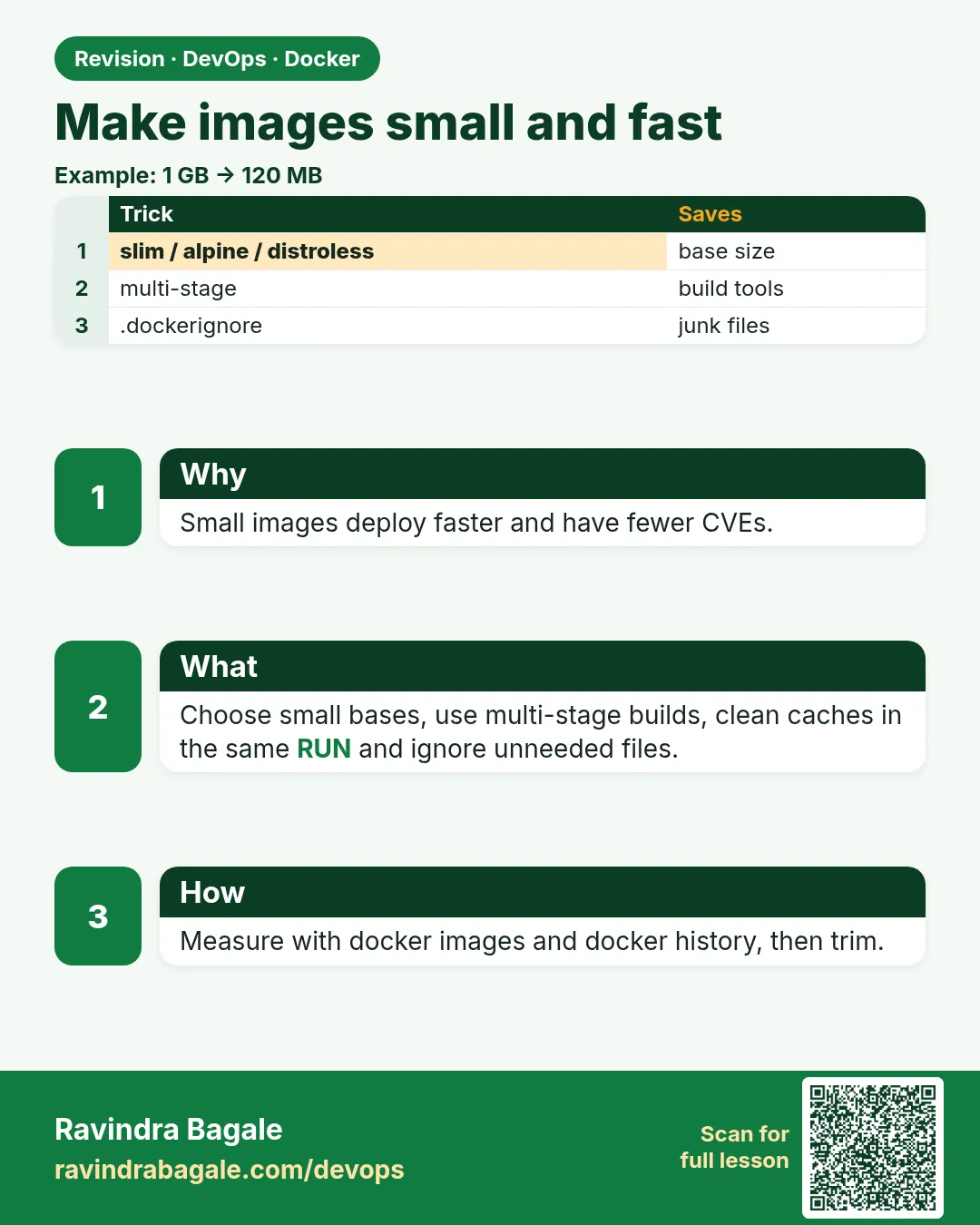 Revision card 8 of 10: Make images small and fast · Download PNG · Open card page
Lesson: 48.8 Make images small and fast
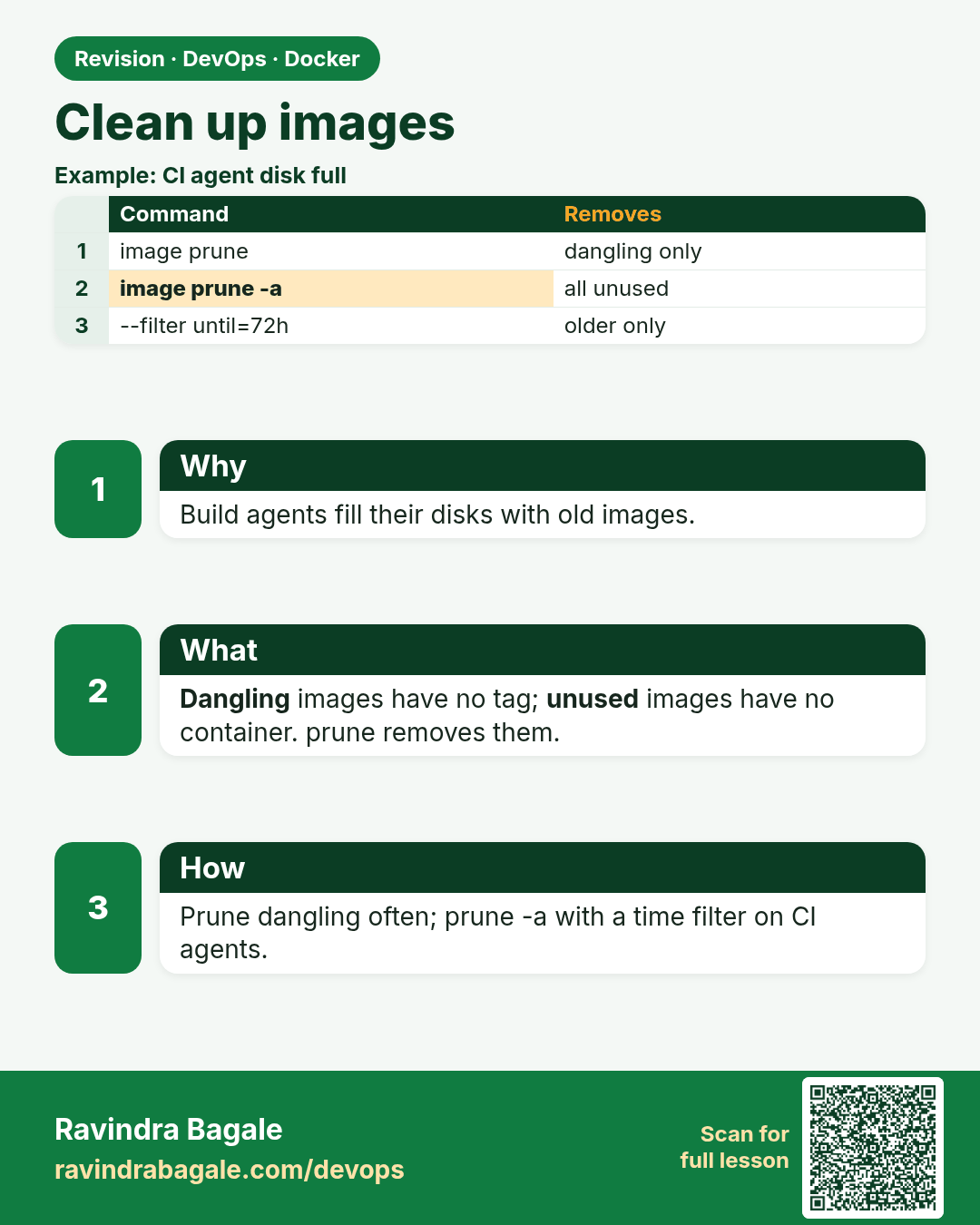
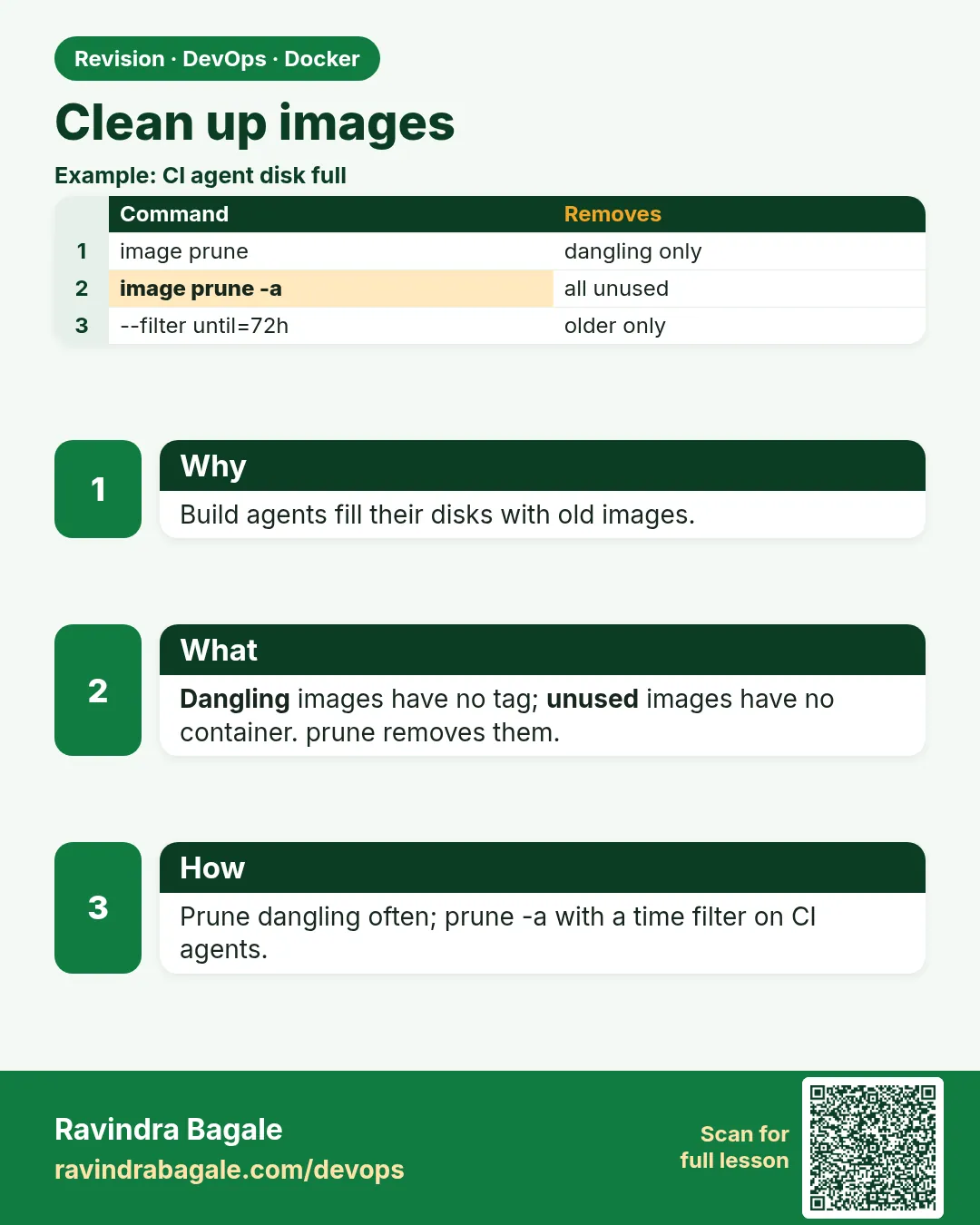 Revision card 9 of 10: Clean up images · Download PNG · Open card page
Lesson: 48.9 Clean up images: dangling, unused and prune
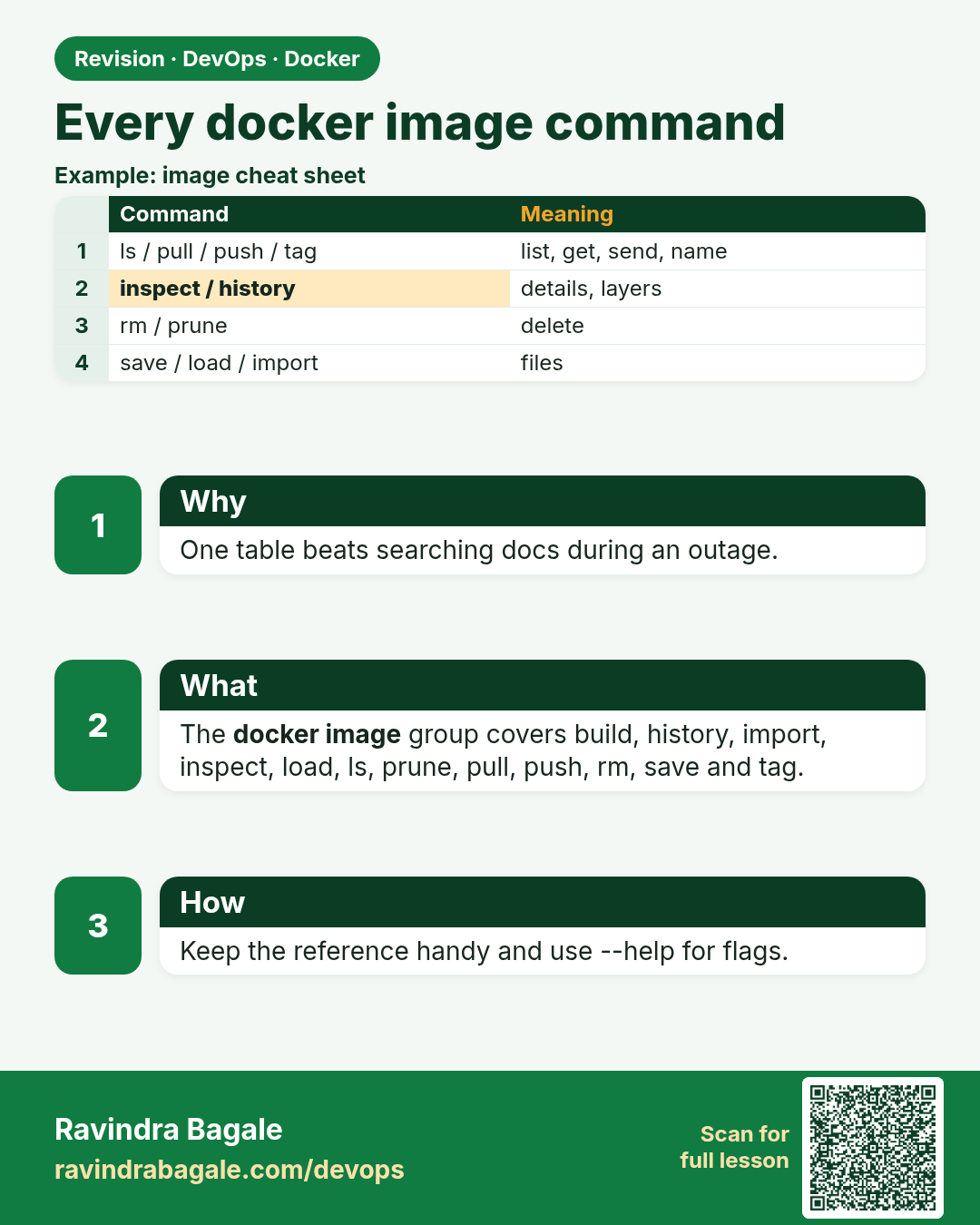
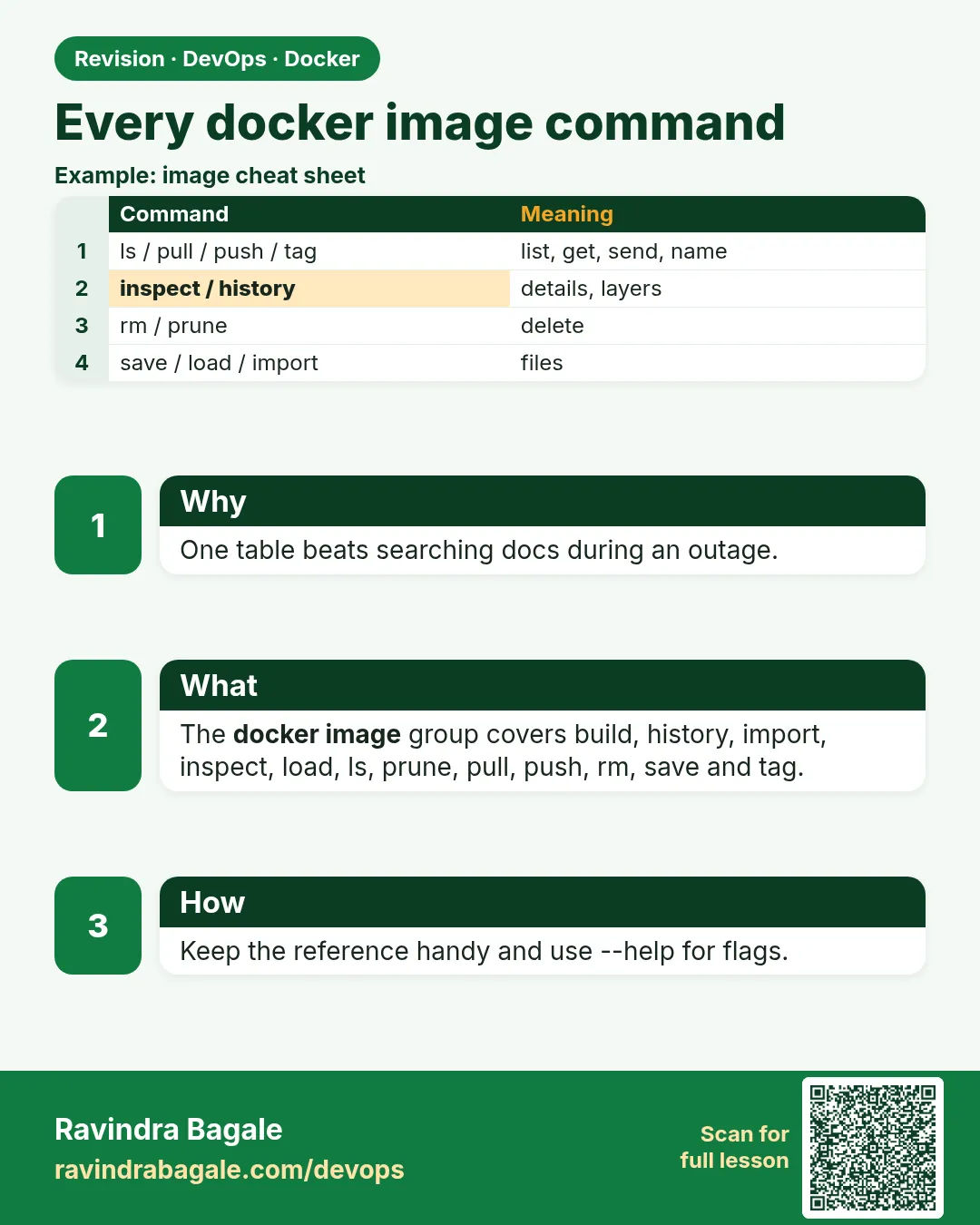 Revision card 10 of 10: Every docker image command · Download PNG · Open card page
Lesson: 48.10 Every docker image command: full reference
Interview cards
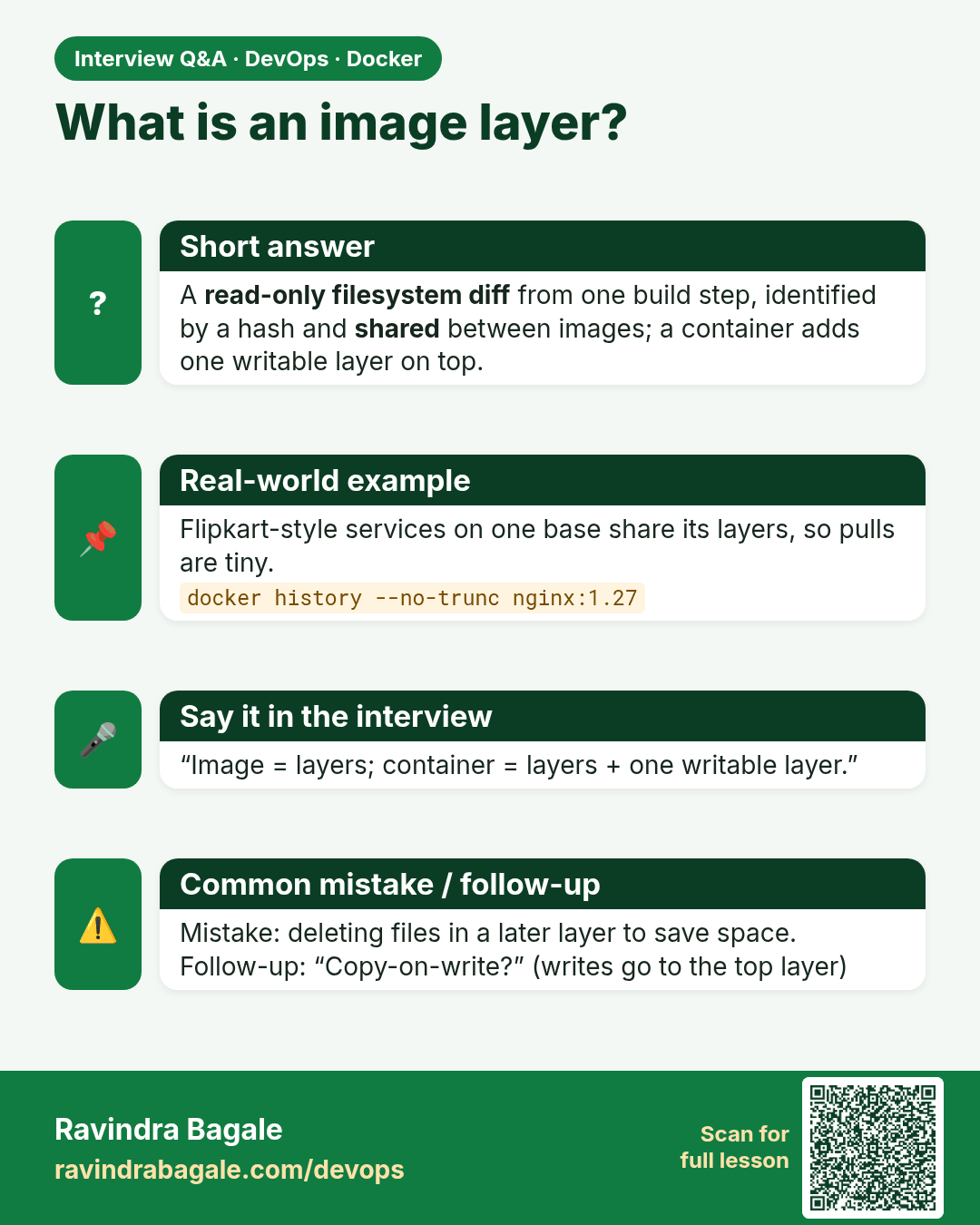
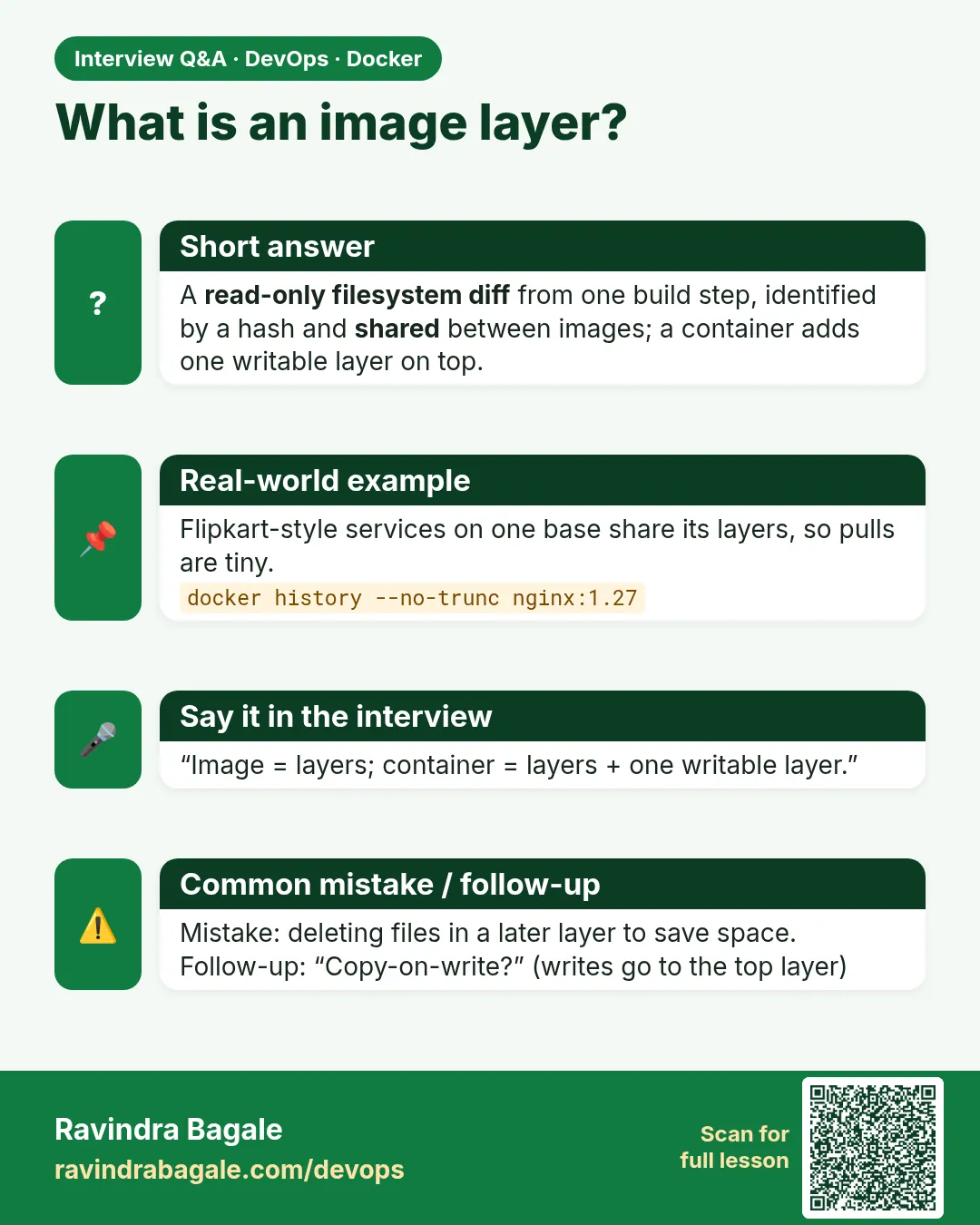 Interview card 1 of 10: What is an image layer? · Download PNG · Open card page
Lesson: 48.1 Images and layers: what is inside an image
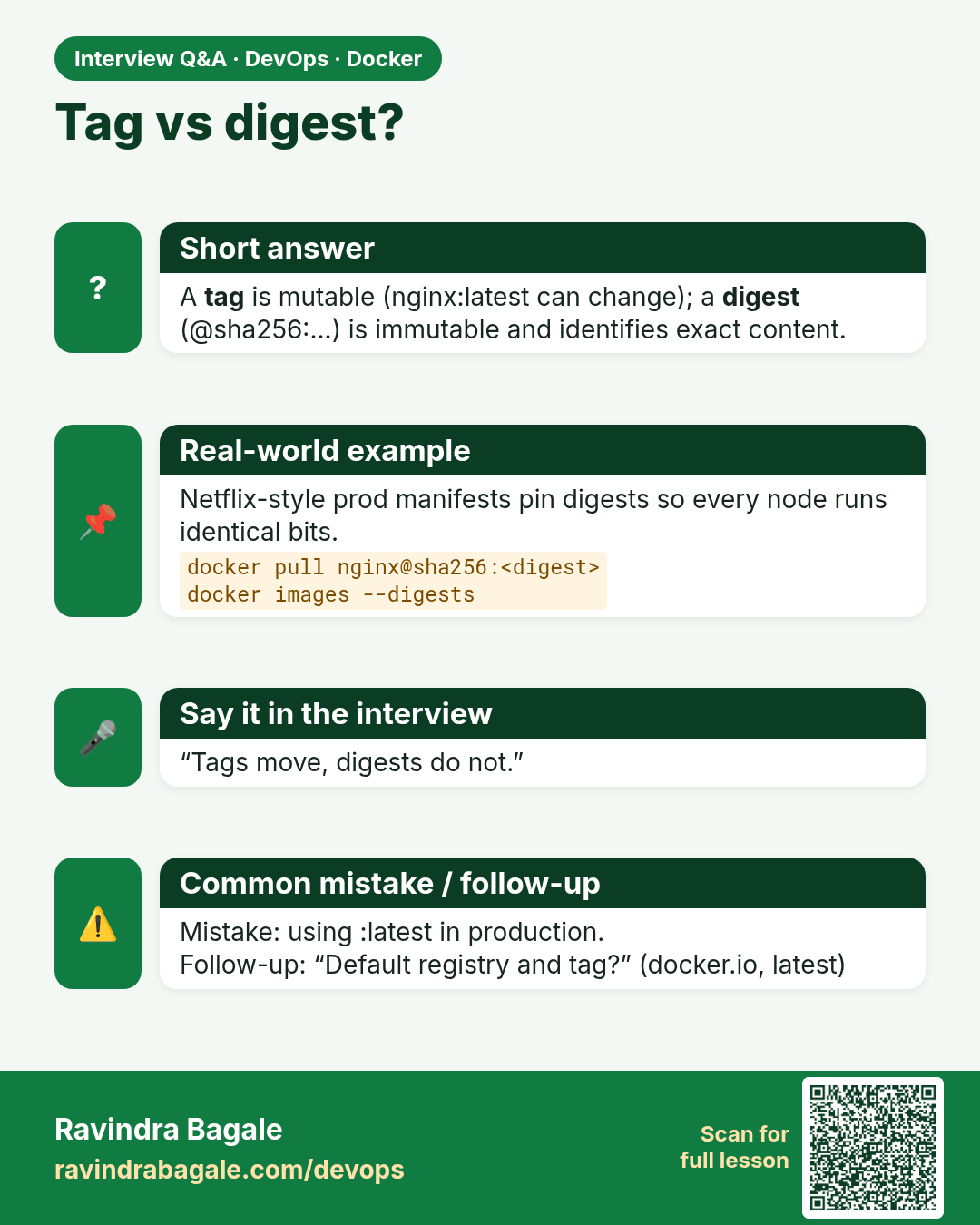
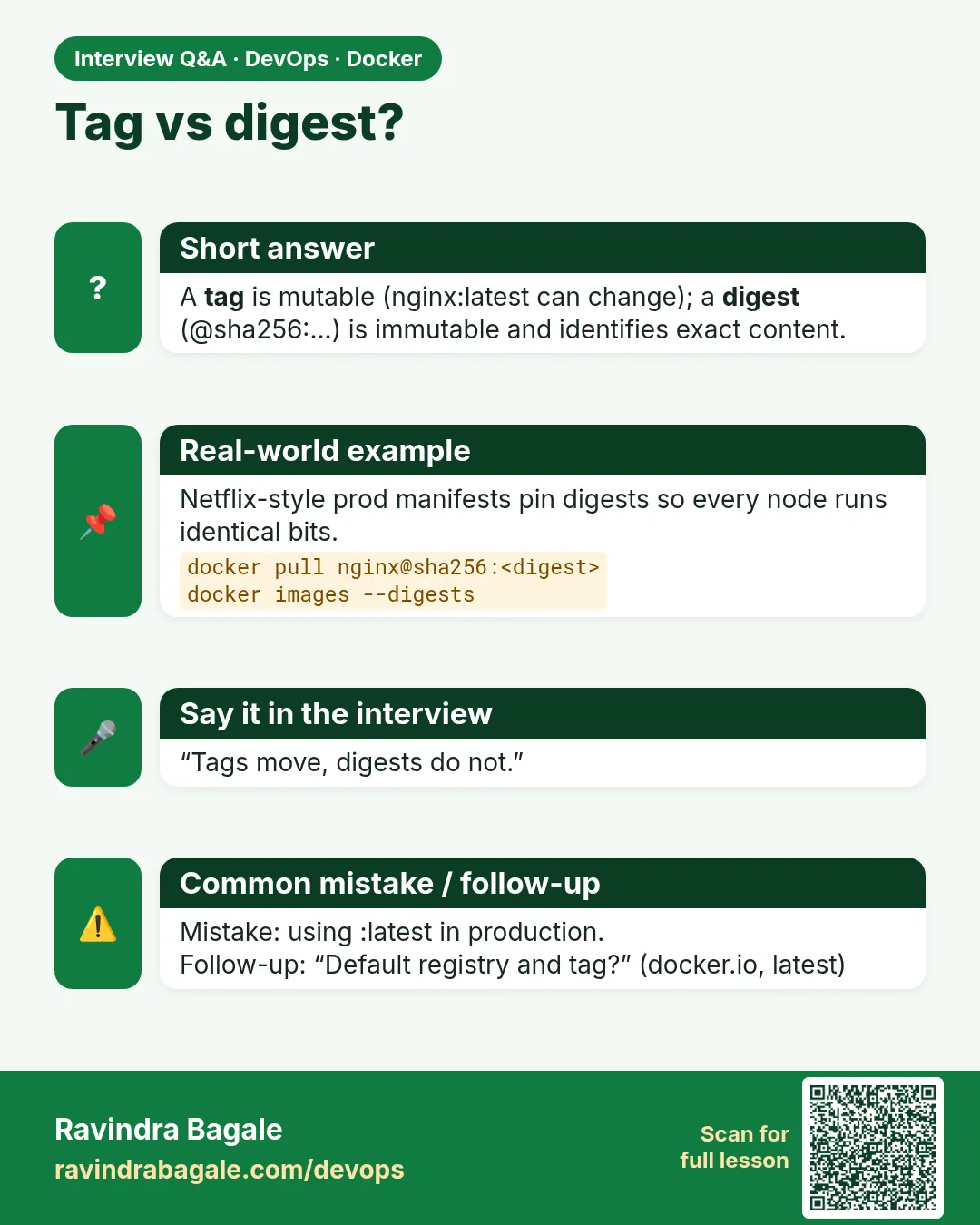 Interview card 2 of 10: Tag vs digest? · Download PNG · Open card page
Lesson: 48.2 Image names, tags and digests
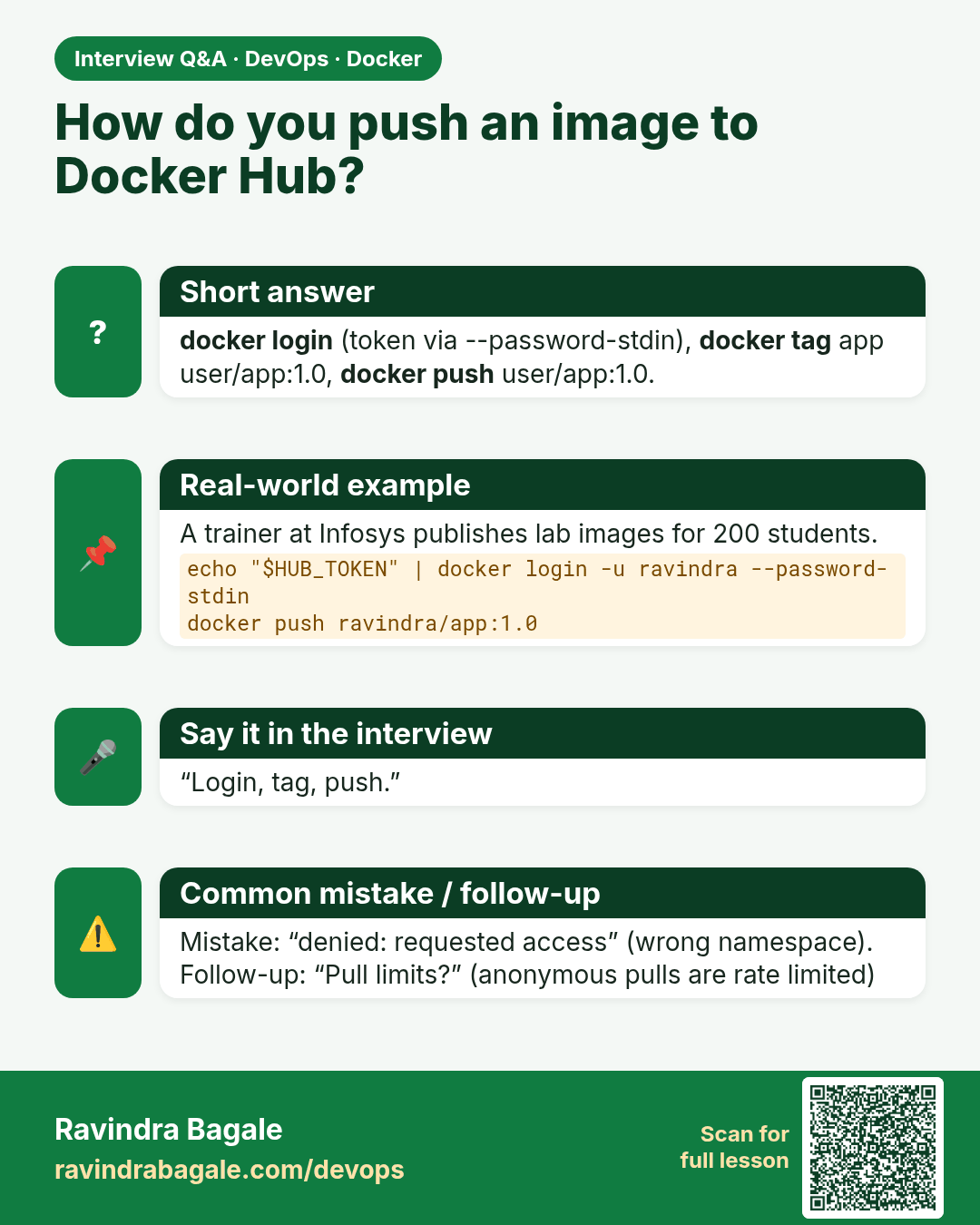
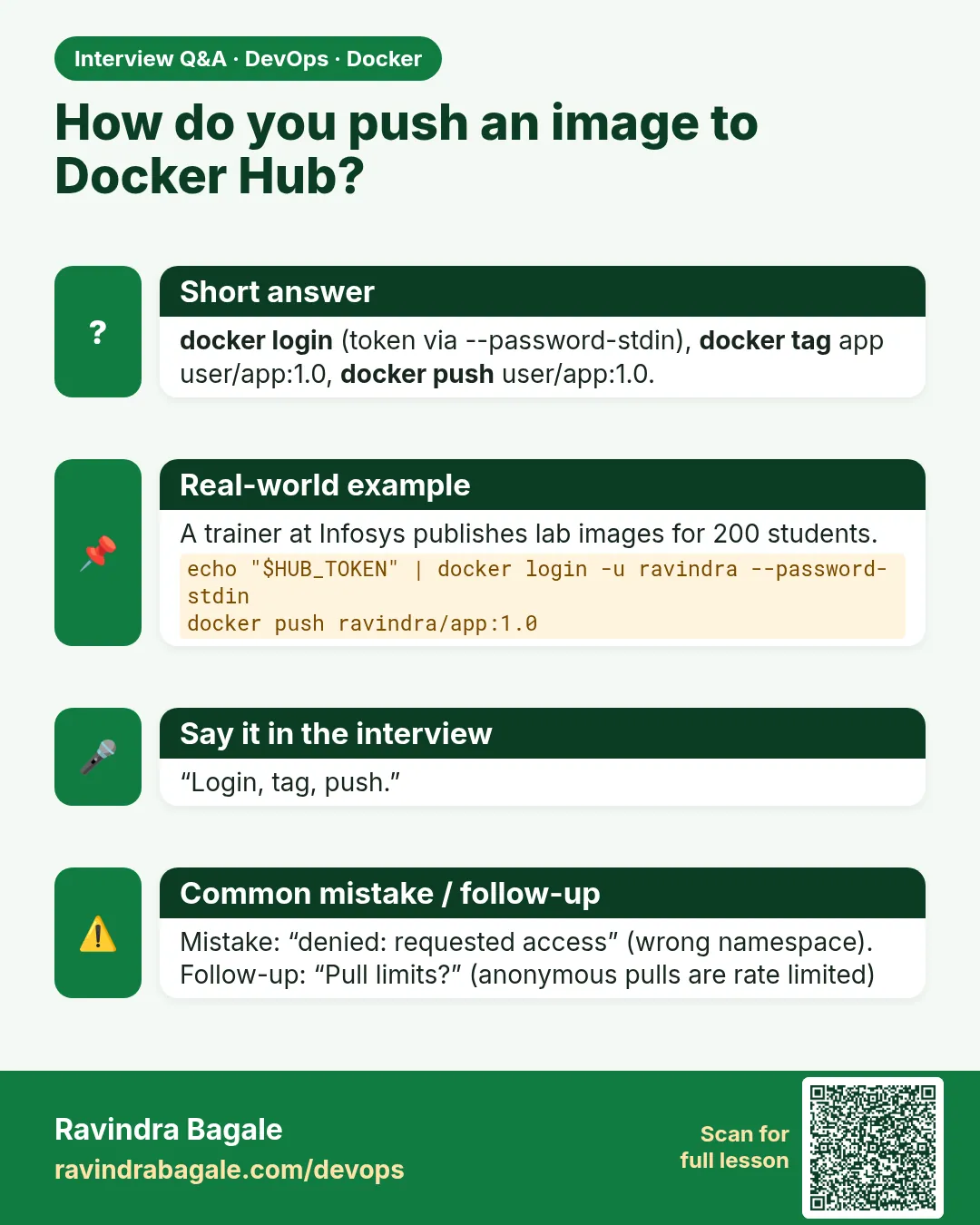 Interview card 3 of 10: How do you push an image to Docker Hub? · Download PNG · Open card page
Lesson: 48.3 Push and pull with Docker Hub
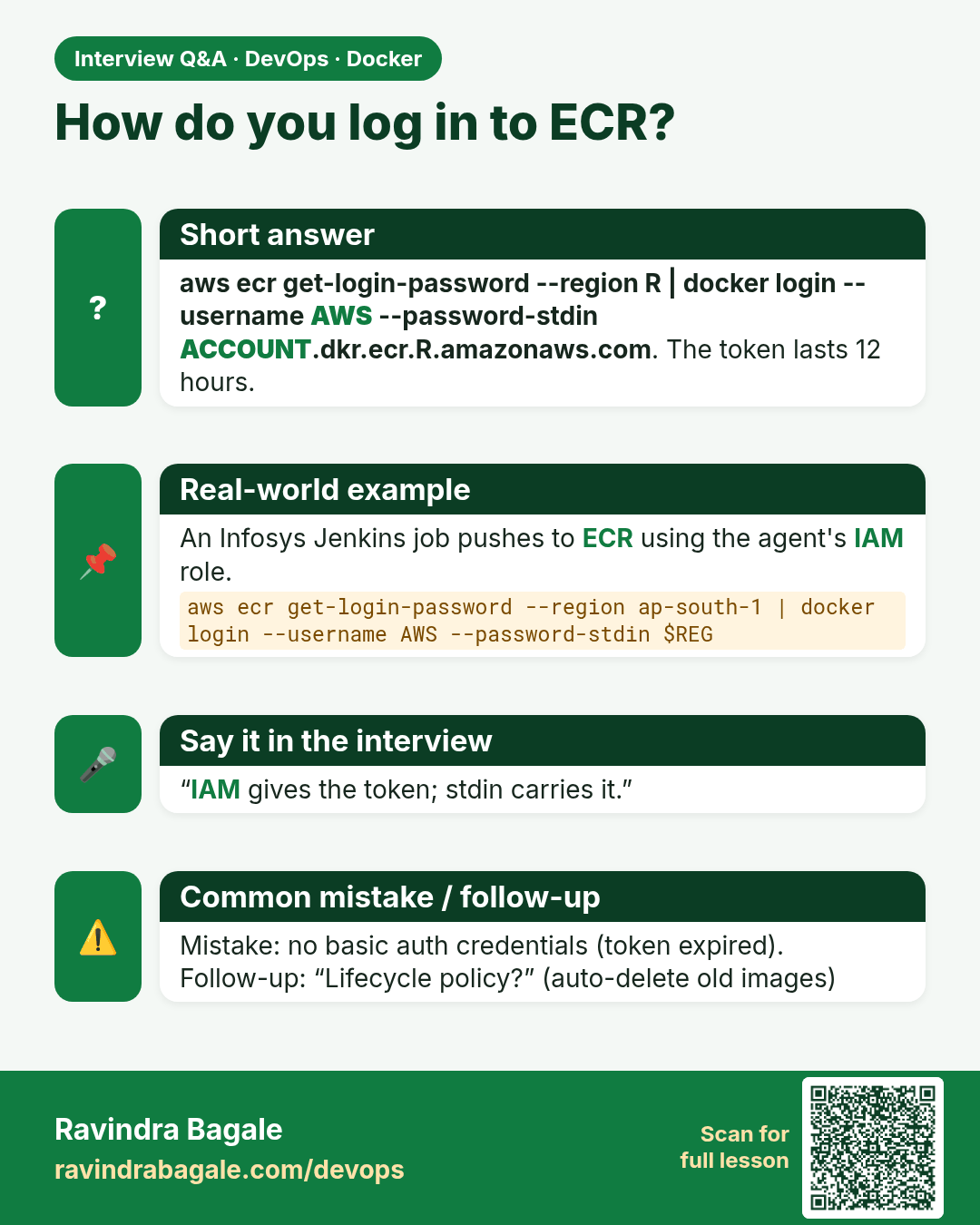
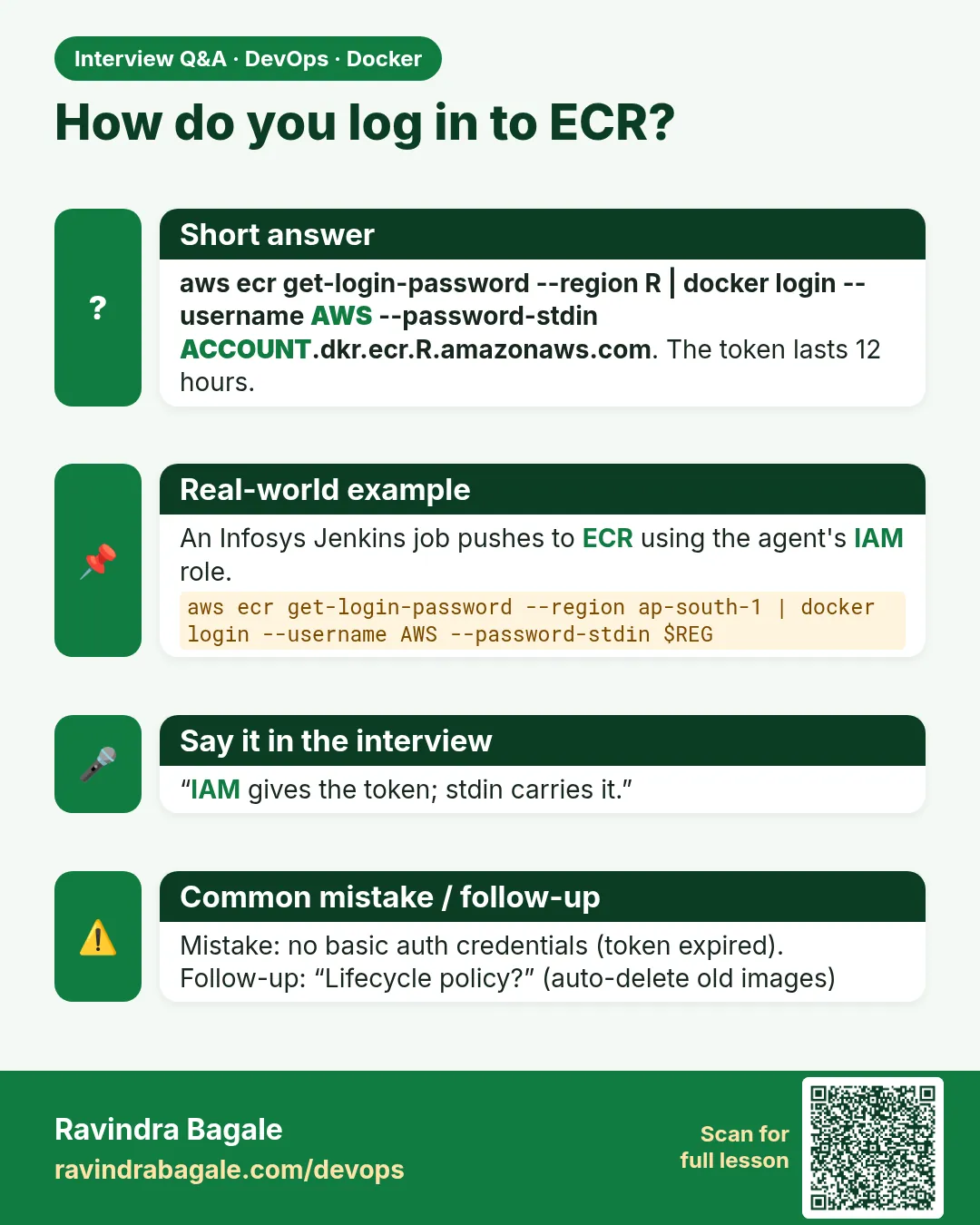 Interview card 4 of 10: How do you log in to ECR? · Download PNG · Open card page
Lesson: 48.4 Push to Amazon ECR
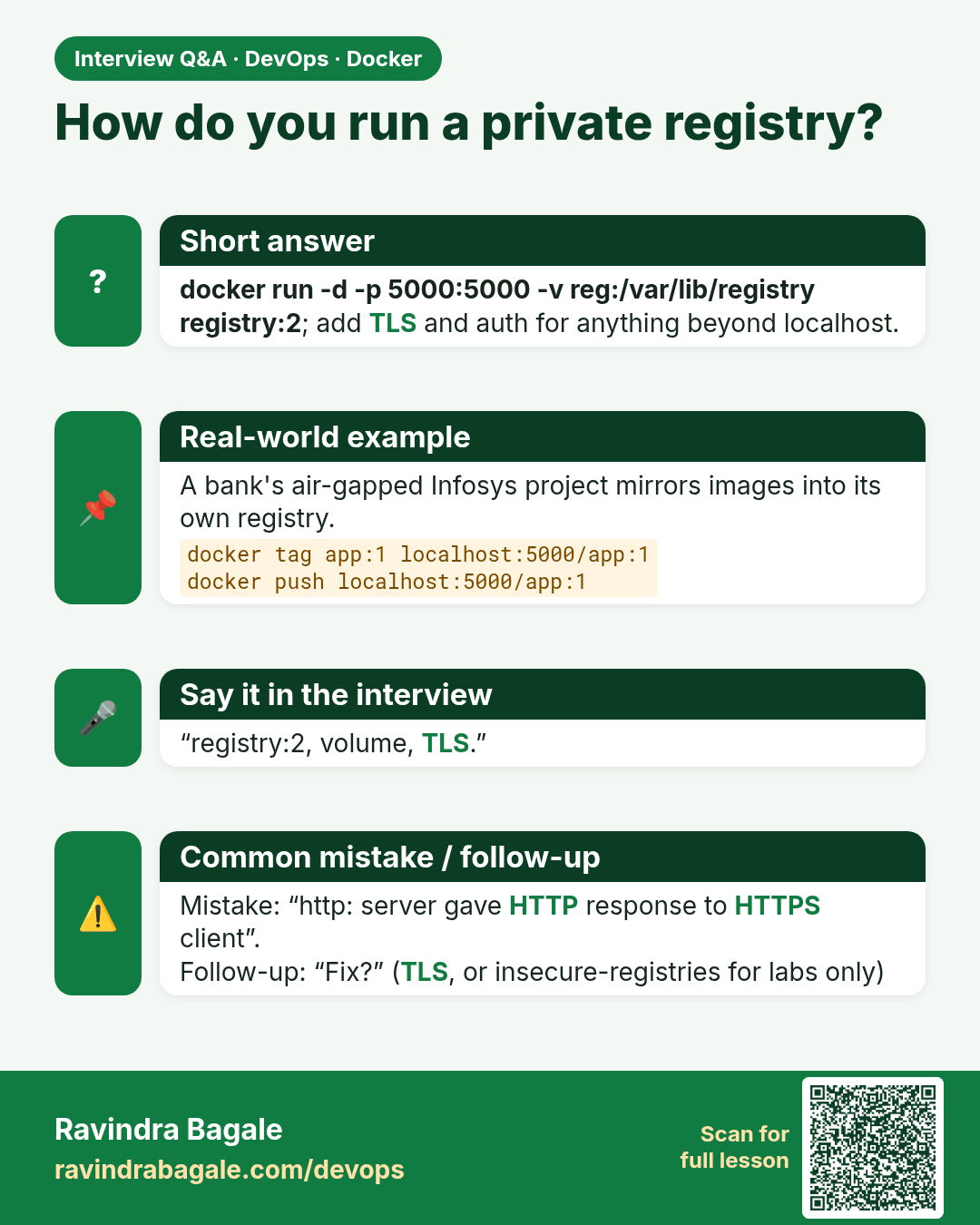
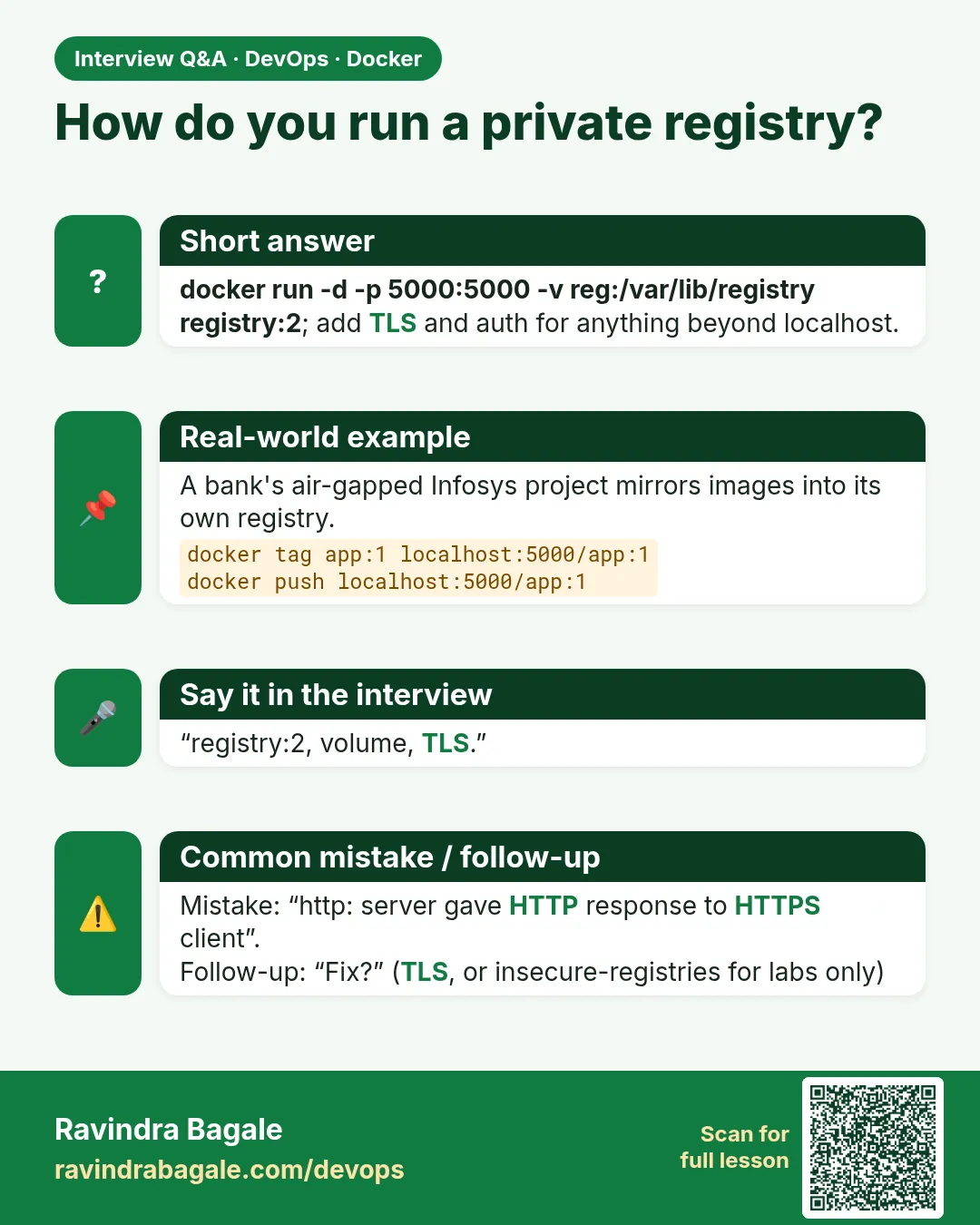 Interview card 5 of 10: How do you run a private registry? · Download PNG · Open card page
Lesson: 48.5 Run your own private registry
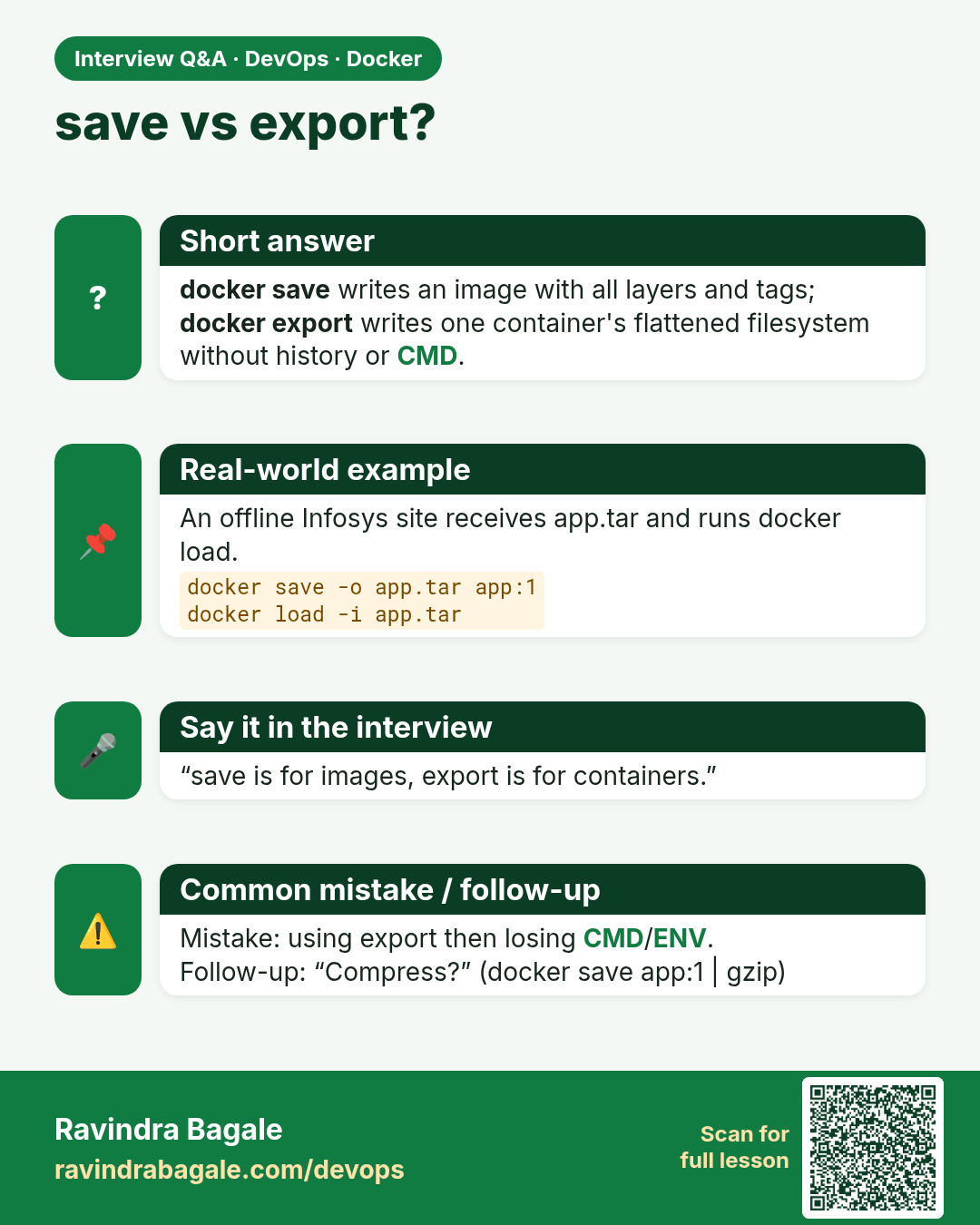
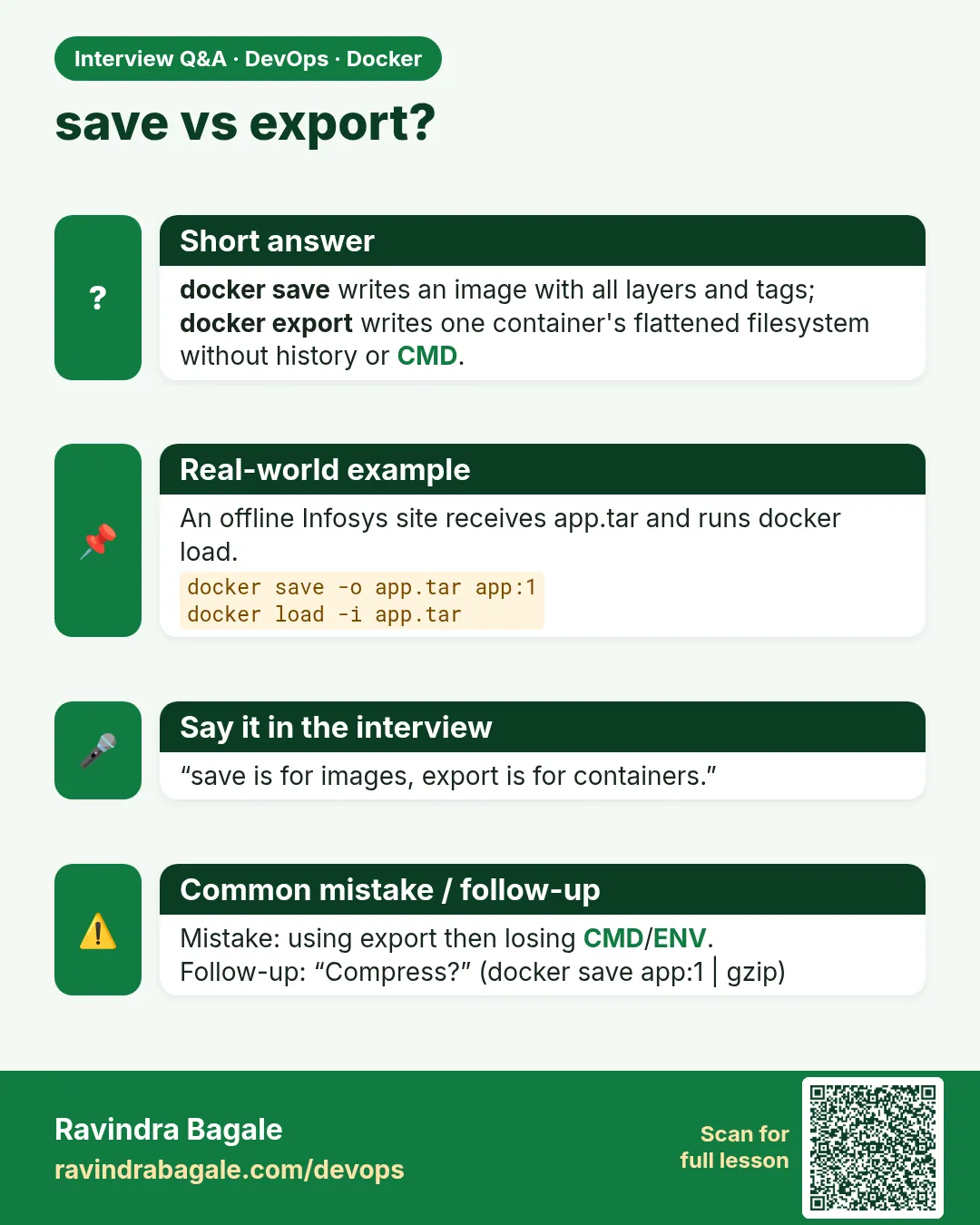 Interview card 6 of 10: save vs export? · Download PNG · Open card page
Lesson: 48.6 save, load, export and import: move images without a registry
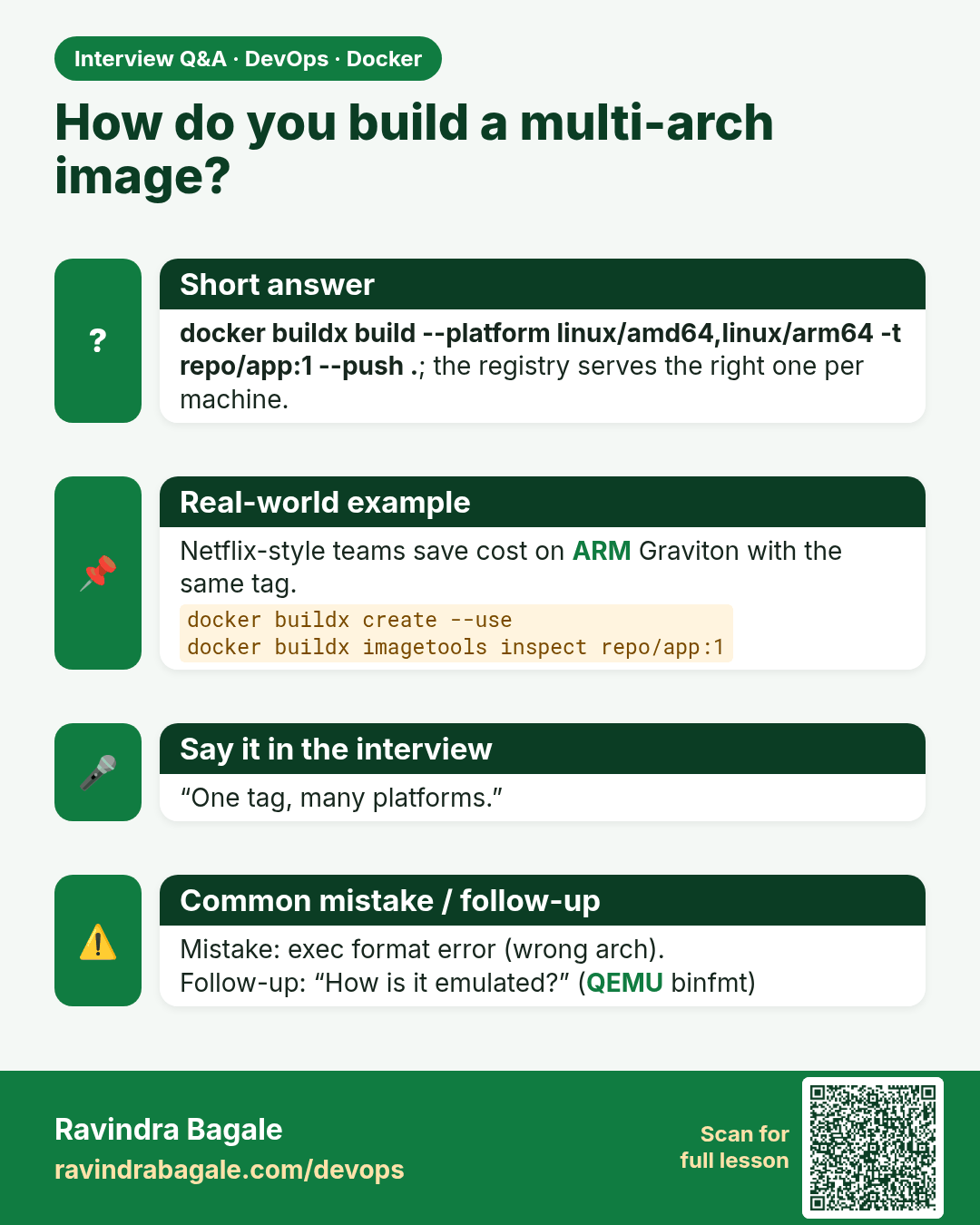
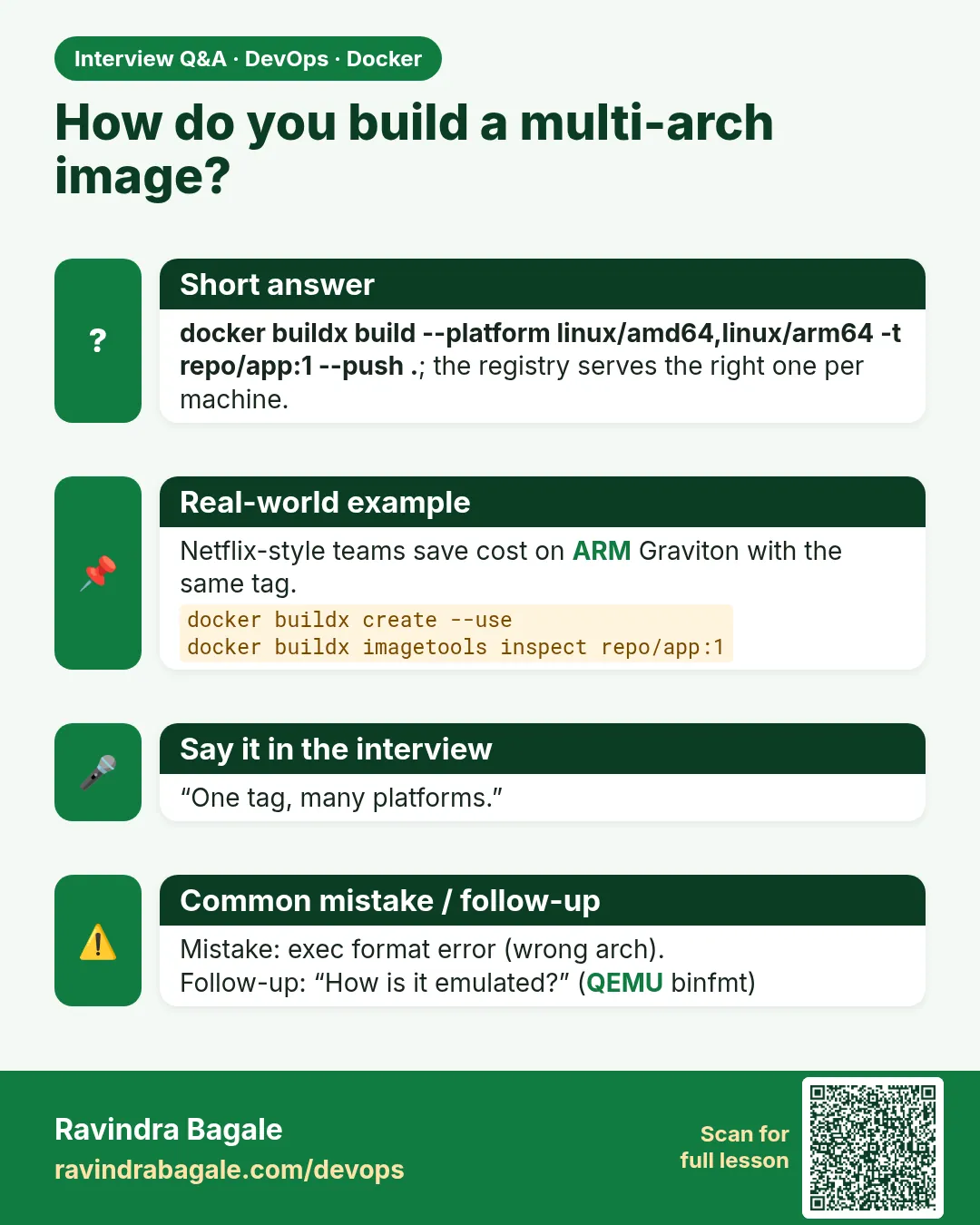 Interview card 7 of 10: How do you build a multi-arch image? · Download PNG · Open card page
Lesson: 48.7 Multi-arch images with buildx
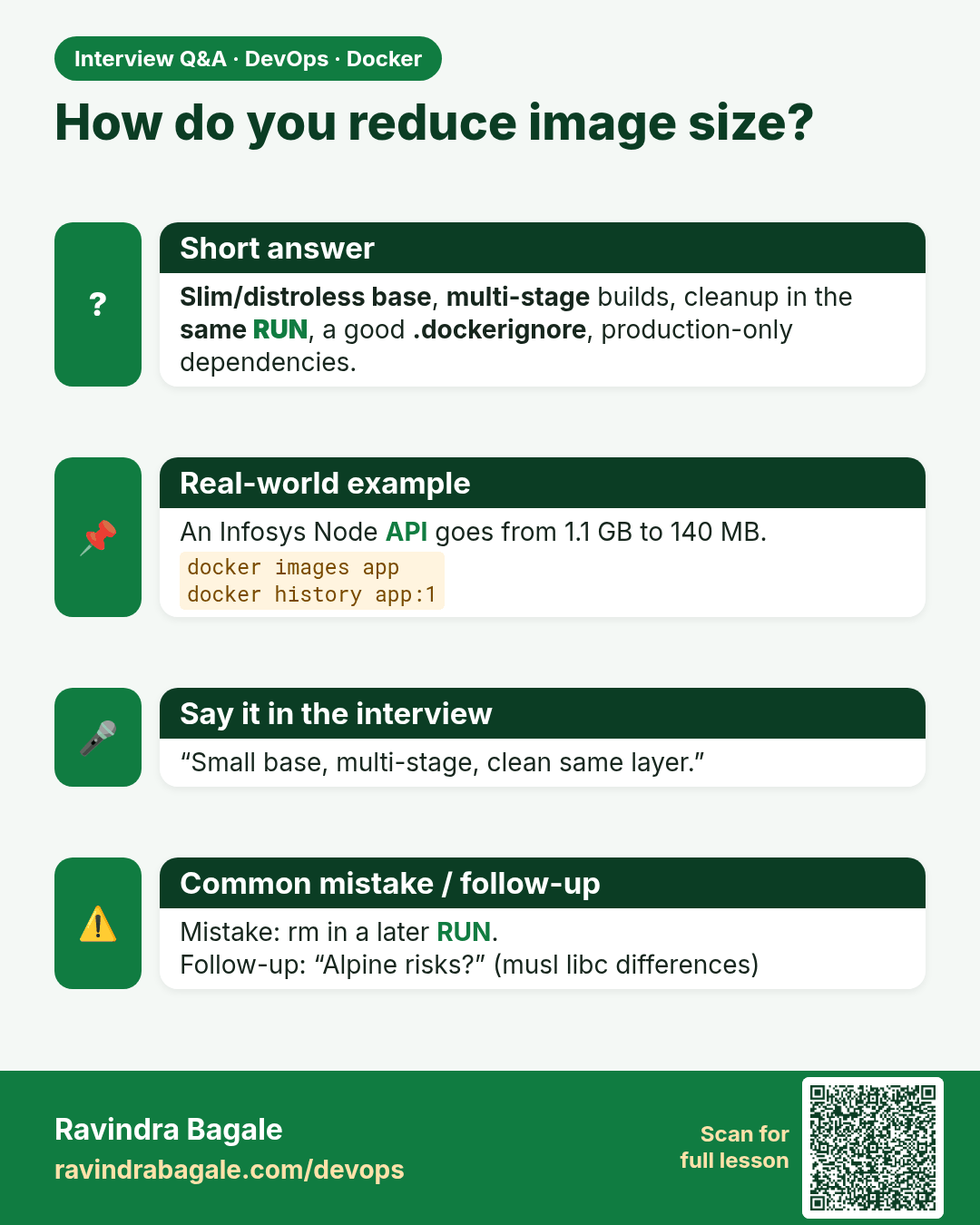
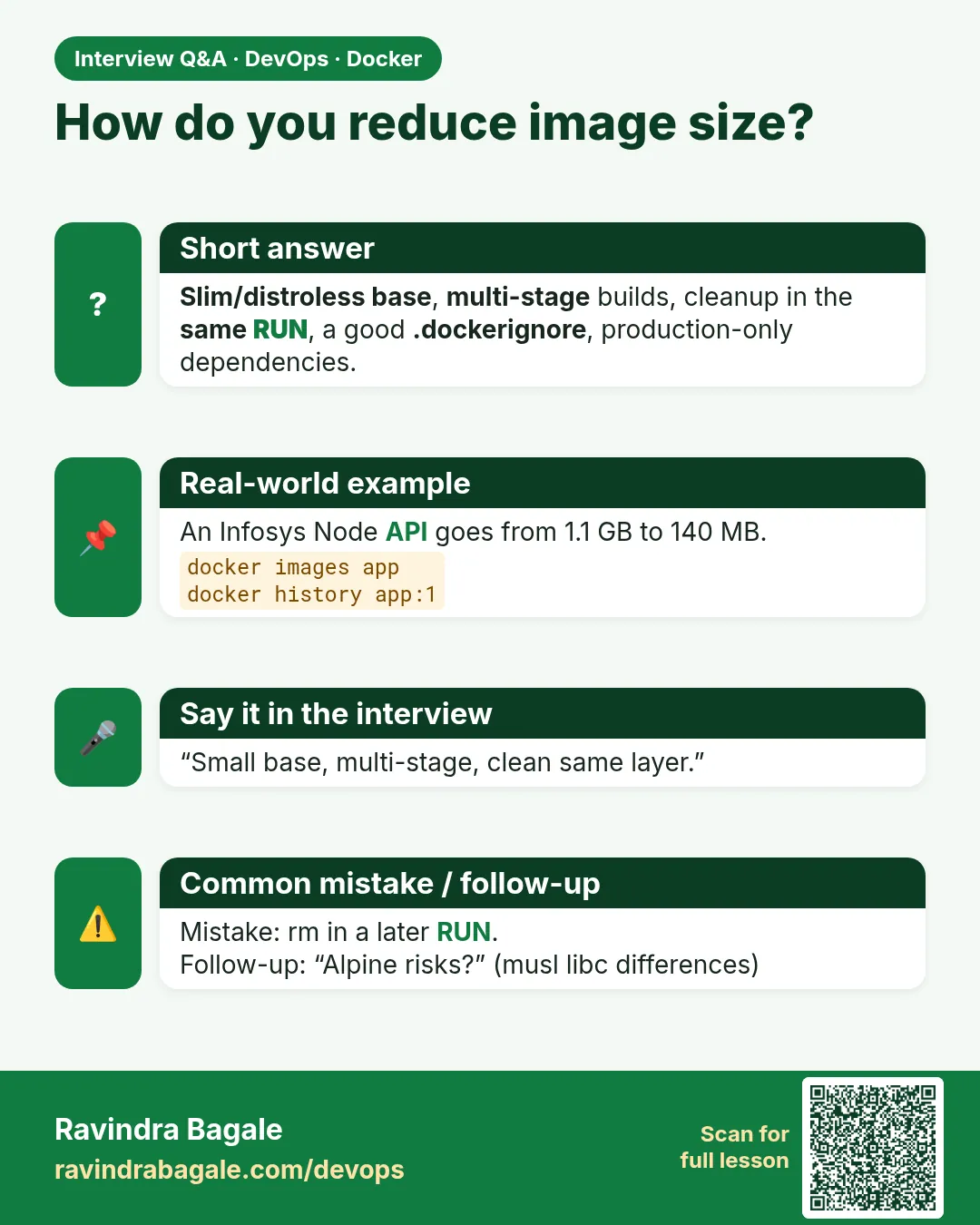 Interview card 8 of 10: How do you reduce image size? · Download PNG · Open card page
Lesson: 48.8 Make images small and fast
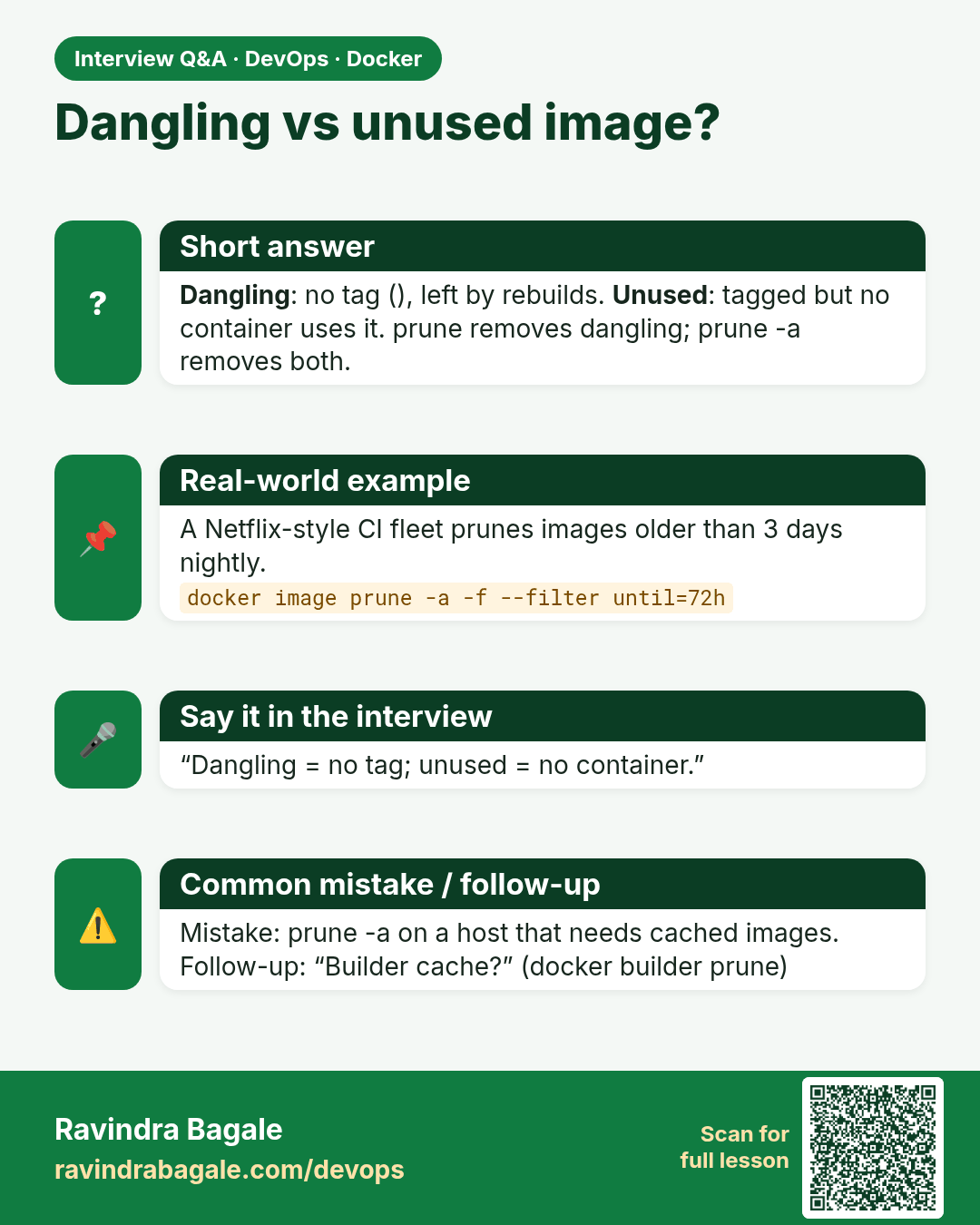
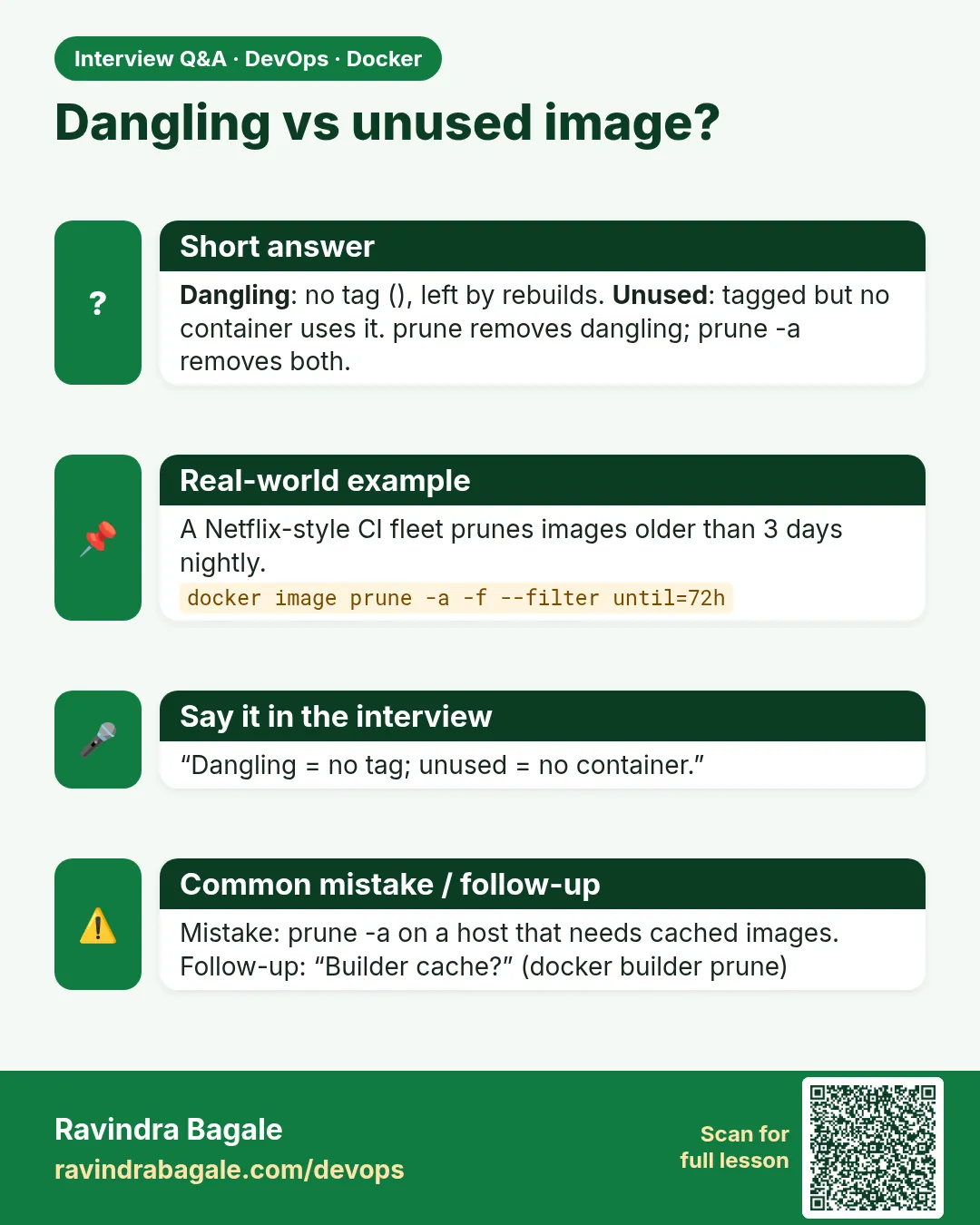 Interview card 9 of 10: Dangling vs unused image? · Download PNG · Open card page
Lesson: 48.9 Clean up images: dangling, unused and prune
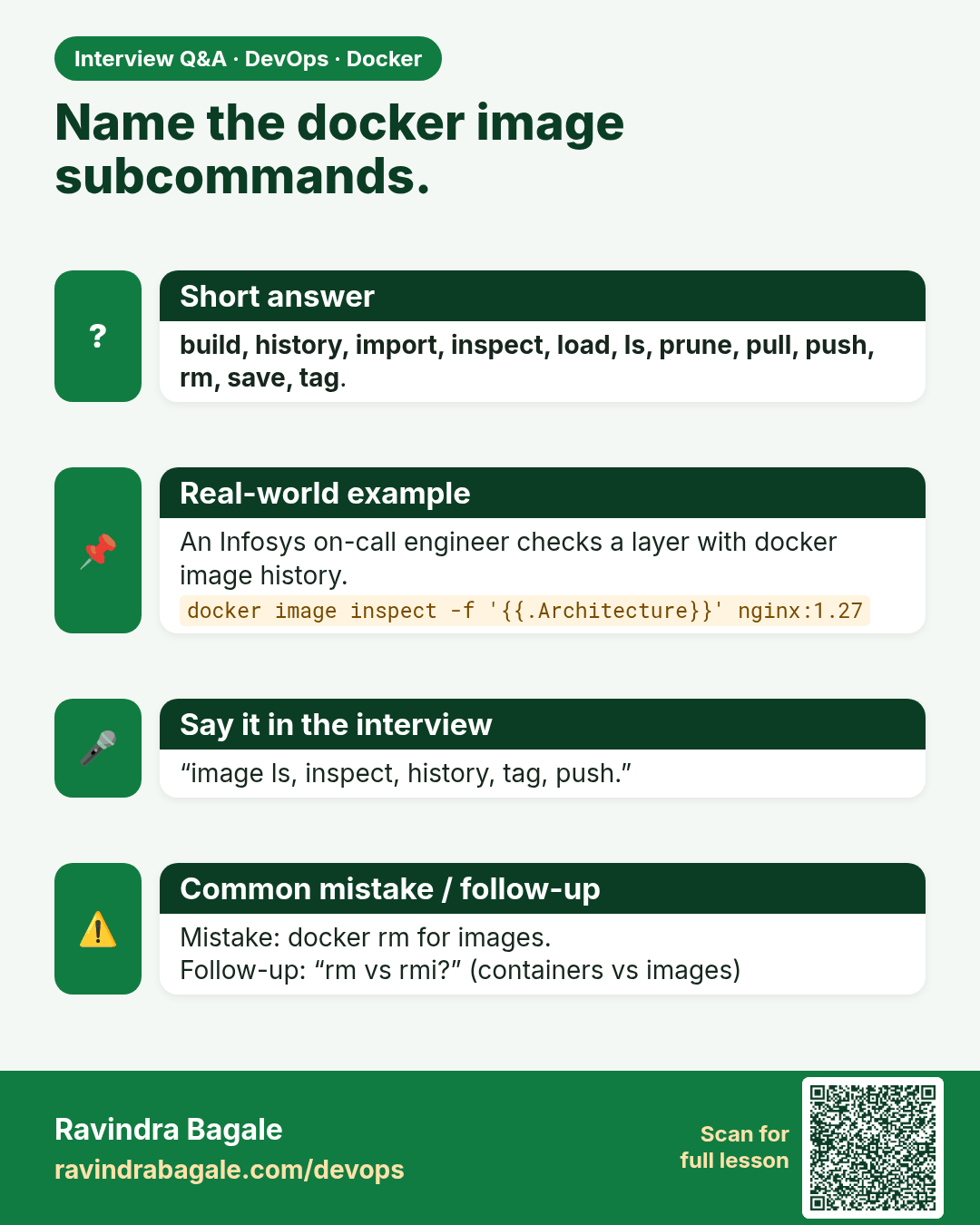
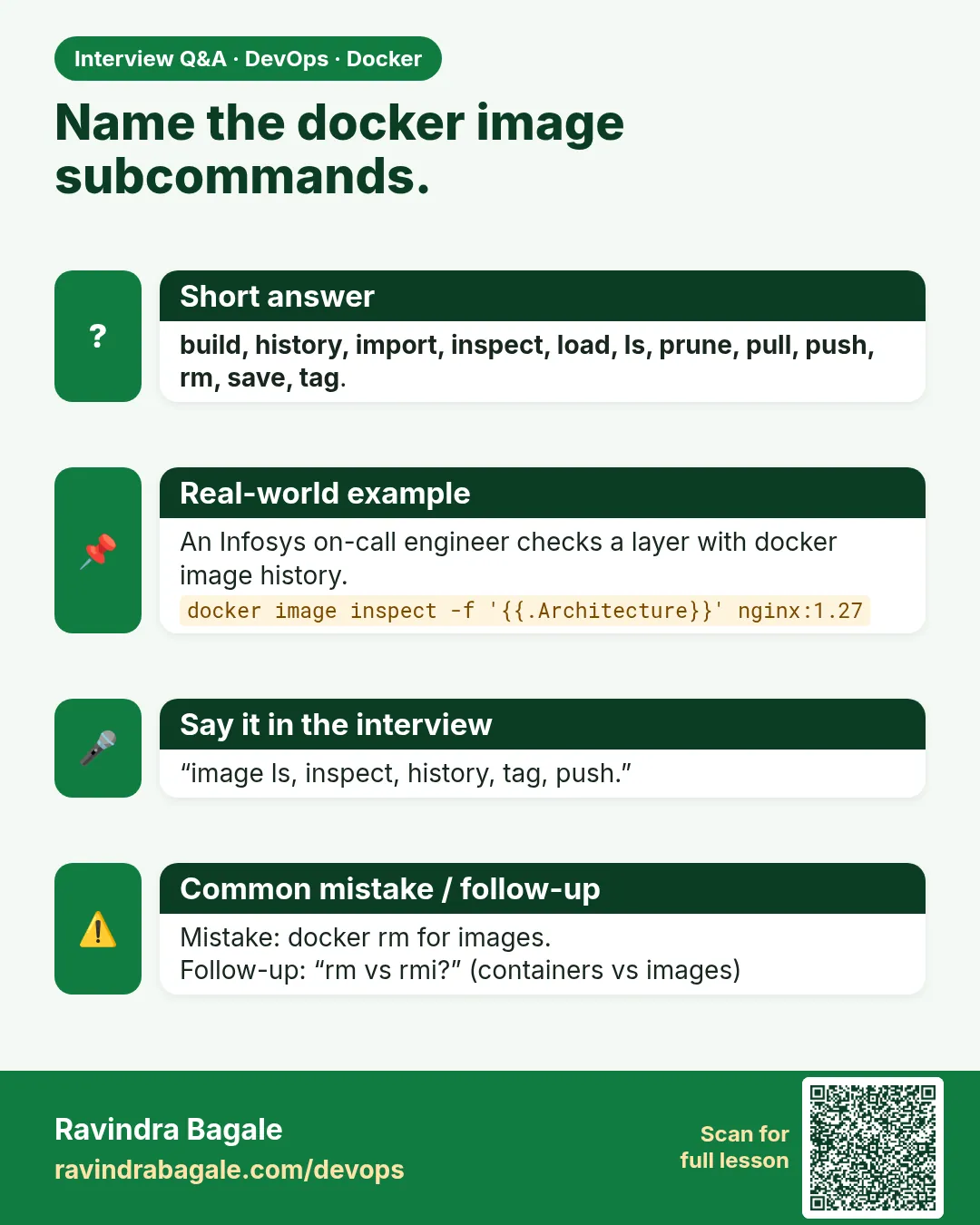 Interview card 10 of 10: Name the docker image subcommands. · Download PNG · Open card page
Lesson: 48.10 Every docker image command: full reference
Comparison cards
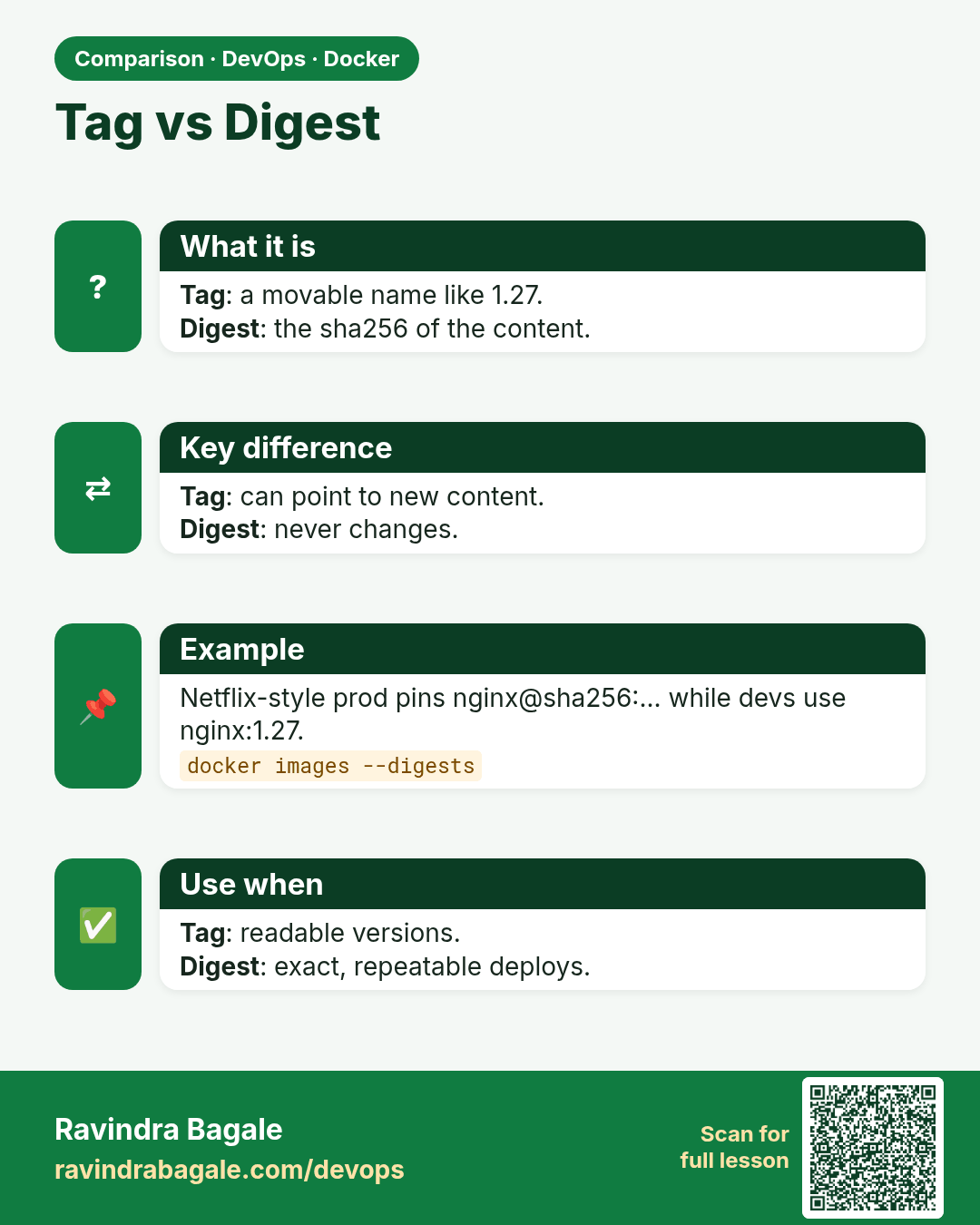
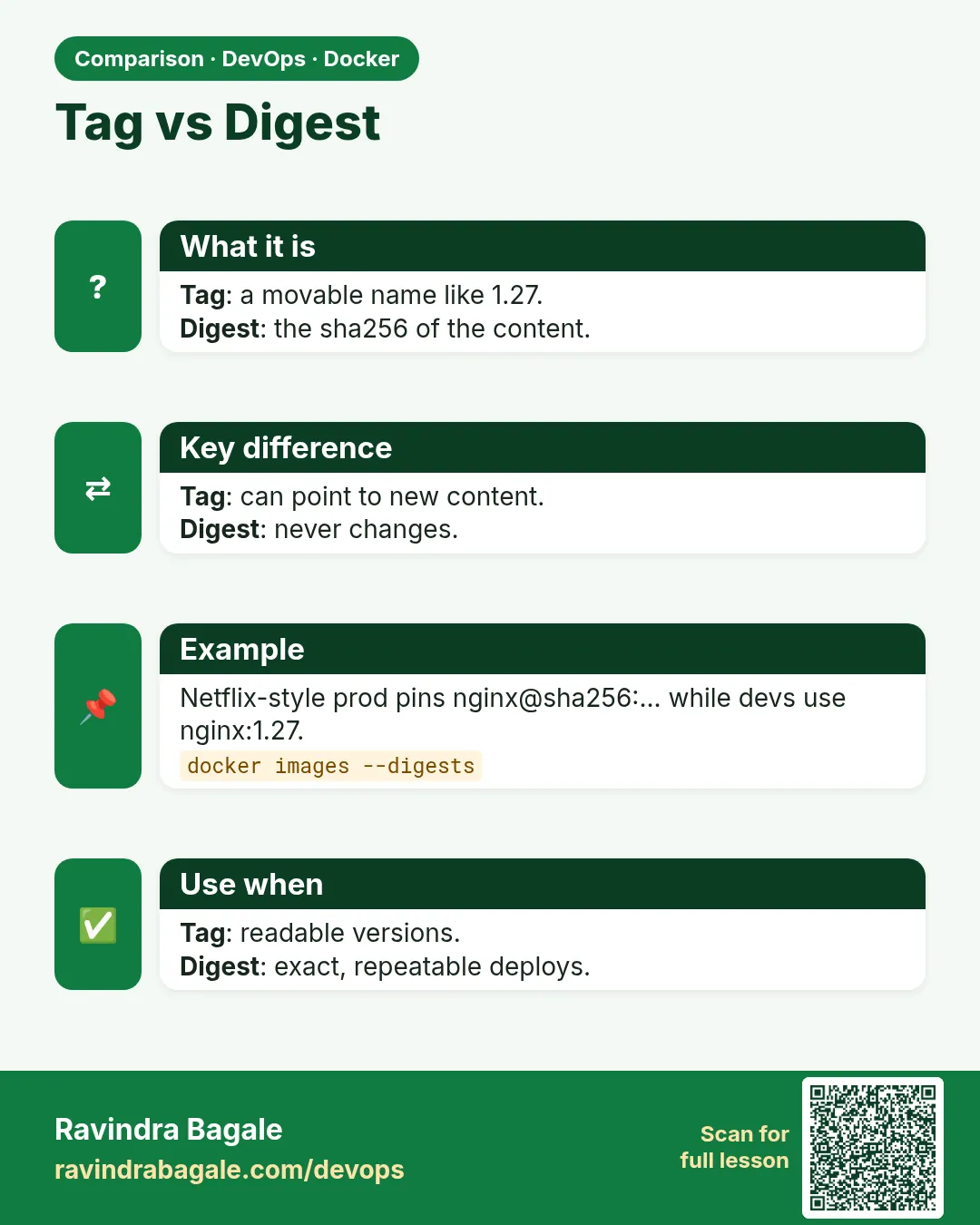 Comparison card 1 of 3: Tag vs Digest · Download PNG · Open card page
Lesson: 48.2 Image names, tags and digests
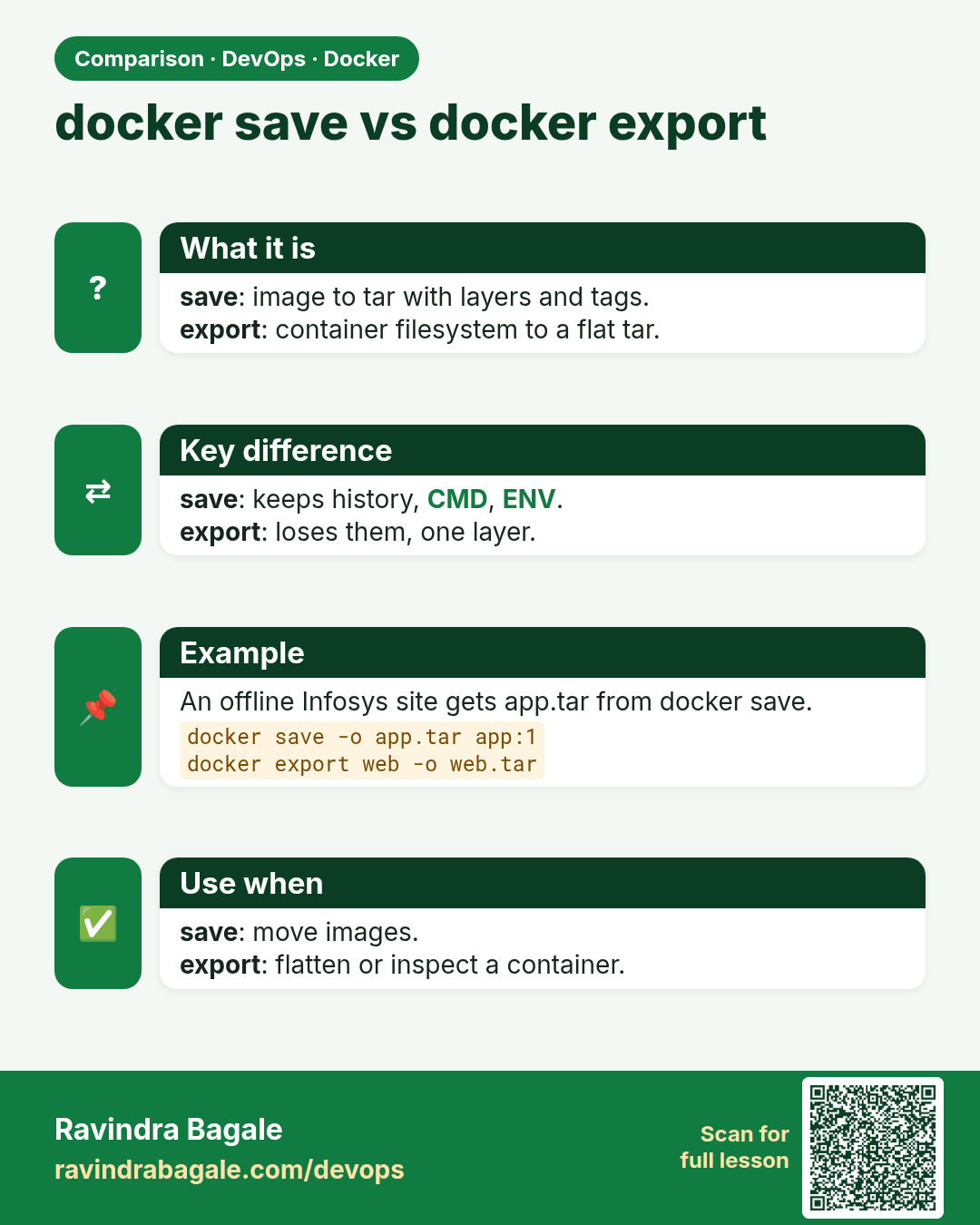
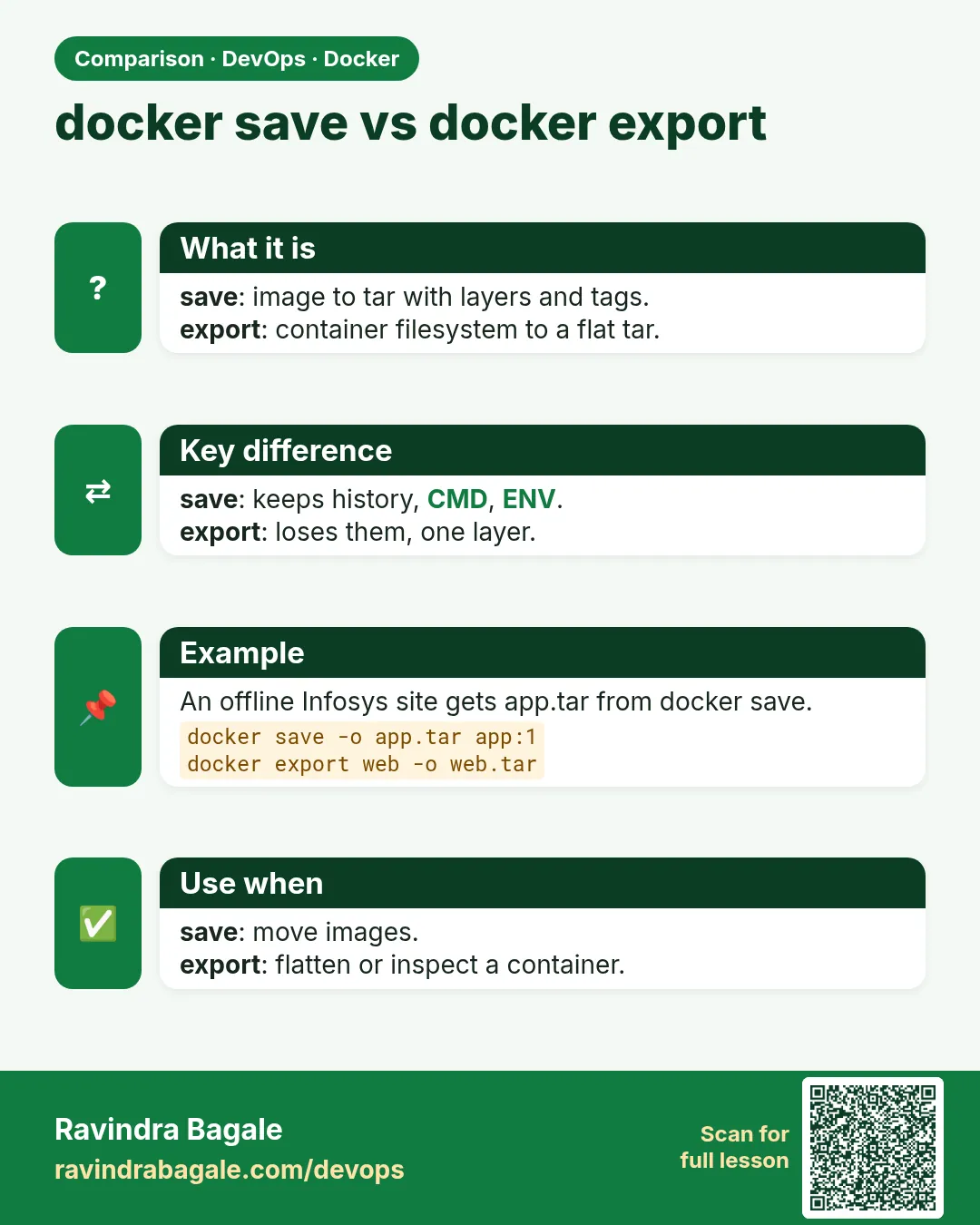 Comparison card 2 of 3: docker save vs docker export · Download PNG · Open card page
Lesson: 48.6 save, load, export and import: move images without a registry
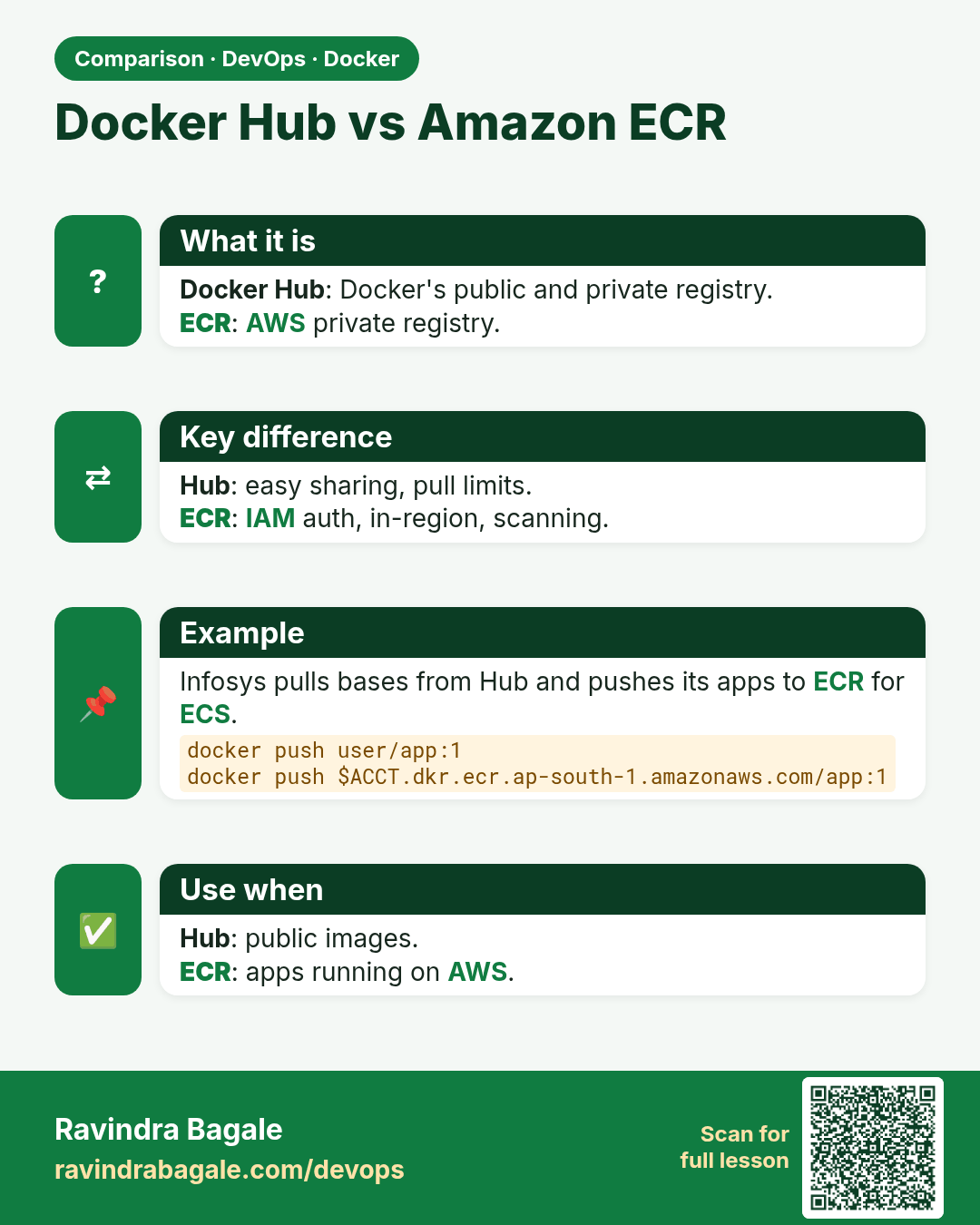
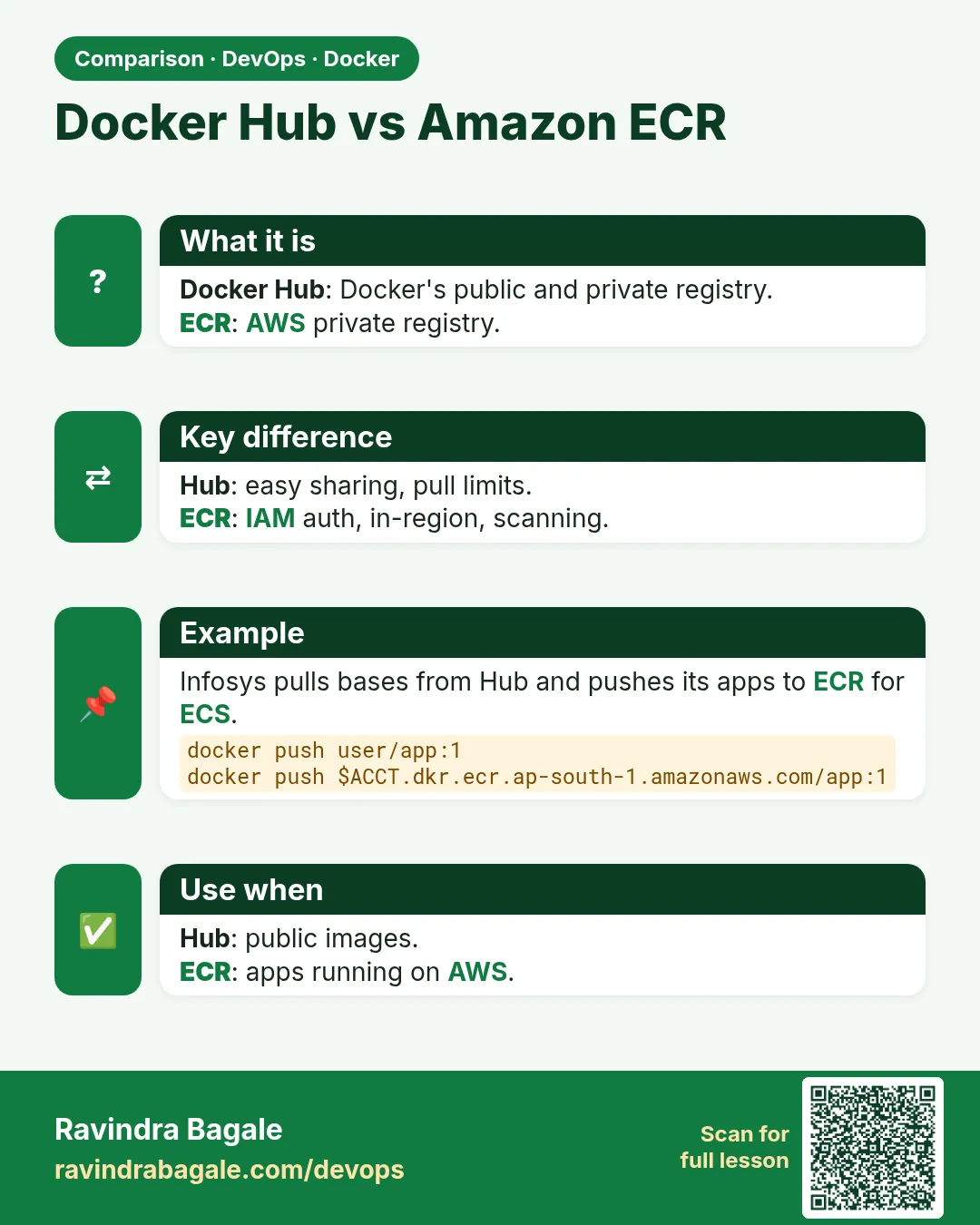 Comparison card 3 of 3: Docker Hub vs Amazon ECR · Download PNG · Open card page
Lesson: 48.4 Push to Amazon ECR