Chapter 18: Kubernetes Workloads
18.5 ReplicaSet — keep N Pods
Why: the problem
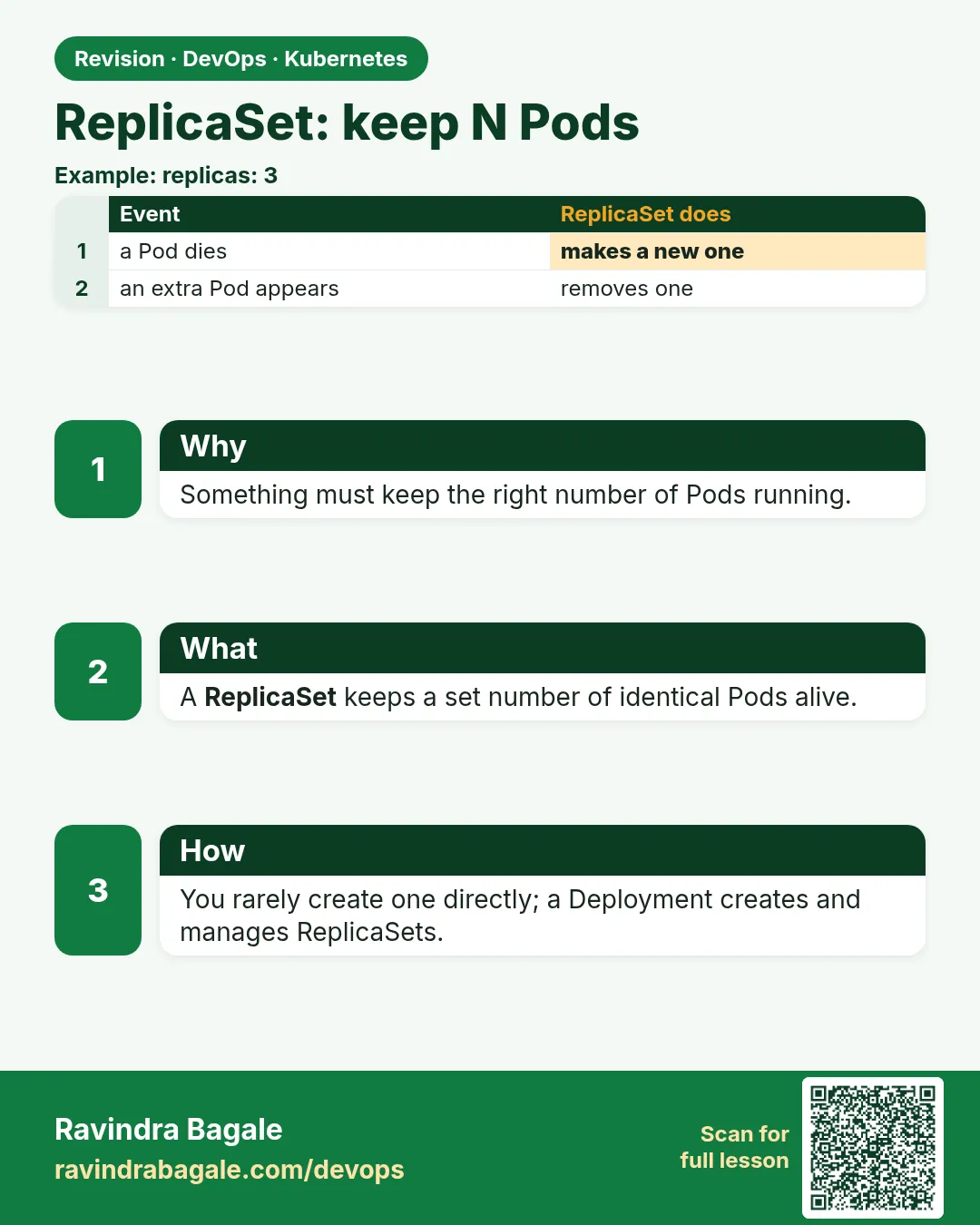
Ola runs its fare service with five copies. One copy dies at peak time. Someone has to notice and start a new one. With a ReplicaSet nobody has to. A ReplicaSet has one job: keep exactly N Pods with a given label alive. It counts the Pods that match its selector. Too few, it creates more from its template. Too many, it deletes some. It does not care why a Pod disappeared. It just fixes the count. You rarely write a ReplicaSet by hand, because a Deployment creates and manages ReplicaSets for you. But every Deployment runs on ReplicaSets, and many interview questions are about how the count and the label selector work. In this lesson you will write a ReplicaSet, delete Pods, add a stray Pod with the same label, and see the ReplicaSet adopt or delete it.
What we will build
You will apply a ReplicaSet with 3 nginx Pods, scale it, delete Pods, add a matching bare Pod, and change a Pod's label to remove it from the set. You will also see why changing the template does not update running Pods.
What: every term in plain English
- ReplicaSet — A controller that keeps a set number of Pods with matching labels running.
- replicas — The number of Pods you want.
- selector — The label rule the ReplicaSet uses to count its Pods.
- template — The Pod recipe used to make new Pods.
- Label — A key and value on an object, like app: fare.
- Adopt — A ReplicaSet takes ownership of a matching Pod that has no owner.
- Orphan — A Pod whose owner was deleted with --cascade=orphan.
How: step by step
-
Start a lab cluster
kind create cluster --name lab
kubectl get nodes
What it does: Creates a one-node Kubernetes cluster inside Docker. On minikube use: minikube start.
Output
Creating cluster "lab" ... ✓ Ensuring node image (kindest/node:v1.30.0) ✓ Preparing nodes Set kubectl context to "kind-lab" NAME STATUS ROLES AGE VERSION lab-control-plane Ready control-plane 40s v1.30.0 -
Make a practice namespace
kubectl create namespace practice
kubectl config set-context --current --namespace=practice
What it does: Keeps all lab objects in one folder that is easy to delete.
Output
namespace/practice created Context "kind-lab" modified. -
Write the ReplicaSet
cat rs.yamlWhat it does: Three Pods with the label app: fare.
Output
apiVersion: apps/v1 kind: ReplicaSet metadata: name: fare spec: replicas: 3 selector: matchLabels: {app: fare} template: metadata: labels: {app: fare} spec: containers: - name: web image: nginx:1.27 -
Apply it
kubectl apply -f rs.yaml && kubectl get rs fareWhat it does: The ReplicaSet makes three Pods.
Output
replicaset.apps/fare created NAME DESIRED CURRENT READY AGE fare 3 3 3 6s -
Scale it
kubectl scale rs fare --replicas=5 && kubectl get pods -l app=fareWhat it does: Two more Pods appear.
Output
replicaset.apps/fare scaled NAME READY STATUS fare-4xkq2 1/1 Running fare-7mzb9 1/1 Running fare-9plw3 1/1 Running fare-c2vn8 1/1 Running fare-tq5rd 1/1 Running -
Delete two Pods
kubectl delete pod fare-4xkq2 fare-7mzb9 && kubectl get rs fareWhat it does: The count drops for a second and is fixed.
Output
pod "fare-4xkq2" deleted pod "fare-7mzb9" deleted NAME DESIRED CURRENT READY fare 5 5 4 -
Read the events
kubectl describe rs fare | tail -5What it does: Every create and delete is logged.
Output
Normal  SuccessfulCreate  12s  replicaset-controller  Created pod: fare-h8jx4
Normal  SuccessfulCreate  12s  replicaset-controller  Created pod: fare-k1rf6
Example 1: A stray Pod with the same label is deleted
Stack. kind, Kubernetes 1.30
Goal. A stray Pod with the same label is deleted.
stray.yaml
apiVersion: v1
kind: Pod
metadata:
  name: stray
  labels:
    app: fare
spec:
  containers:
  - name: web
    image: httpd:2.4
terminal
kubectl get rs fare
kubectl apply -f stray.yaml
sleep 3
kubectl get pods -l app=fare
kubectl get rs fare
What each line does
labels app: fare— Same label as the ReplicaSet selector.image httpd— A different image. The ReplicaSet does not check images, only labels.Pod count 6— One too many, so the ReplicaSet deletes one, maybe the stray.
Green output
NAME   DESIRED   CURRENT   READY
fare   5         5         5
pod/stray created
NAME         READY   STATUS
fare-9plw3   1/1     Running
fare-c2vn8   1/1     Running
fare-h8jx4   1/1     Running
fare-k1rf6   1/1     Running
fare-tq5rd   1/1     Running
stray        0/1     Terminating
Expected result. Labels are the only thing that counts. Never reuse a label that a controller selects.
Example 2: Take a Pod out of the set to debug it
Stack. kubectl label
Goal. Take a Pod out of the set to debug it.
terminal
kubectl label pod fare-9plw3 app=debug --overwrite
kubectl get pods -L app
kubectl exec fare-9plw3 -- nginx -v
What each line does
label --overwrite— Changes app from fare to debug.-L app— Adds a column with the app label.New Pod— The ReplicaSet sees only 4 matching Pods and makes a fifth.fare-9plw3— Keeps running, out of traffic and out of the set, ready for you to inspect.
Green output
pod/fare-9plw3 labeled
NAME         READY   STATUS    APP
fare-9plw3   1/1     Running   debug
fare-c2vn8   1/1     Running   fare
fare-h8jx4   1/1     Running   fare
fare-k1rf6   1/1     Running   fare
fare-m3zt7   1/1     Running   fare
fare-tq5rd   1/1     Running   fare
nginx version: nginx/1.27.0
Expected result. A real on-call trick: pull a bad Pod out of the Service by changing its label, keep it alive, and study it while a fresh copy serves traffic.
Example 3: Template changes do not touch running Pods
Stack. kind, Kubernetes 1.30
Goal. Template changes do not touch running Pods.
terminal
kubectl set image rs/fare web=nginx:1.26
kubectl get pods -l app=fare -o custom-columns=NAME:.metadata.name,IMAGE:.spec.containers[0].image
kubectl delete pod -l app=fare --wait=false
sleep 5
kubectl get pods -l app=fare -o custom-columns=NAME:.metadata.name,IMAGE:.spec.containers[0].image
What each line does
set image rs/fare— Changes the template only.Old Pods— Still run nginx:1.27. A ReplicaSet only counts; it never updates.delete pod— New Pods are made from the new template with nginx:1.26.Lesson— This is why you use a Deployment for updates.
Green output
replicaset.apps/fare image updated
NAME         IMAGE
fare-c2vn8   nginx:1.27
fare-h8jx4   nginx:1.27
NAME         IMAGE
fare-p9d2k   nginx:1.26
fare-w4n8s   nginx:1.26
Expected result. A ReplicaSet does not roll out. The Deployment in lesson 18.7 makes a new ReplicaSet for each version and moves Pods across safely.
Verify: did it work?
-
Check desired equals ready
kubectl get rs fare -o jsonpath='{.spec.replicas} {.status.readyReplicas}{"\n"}'What it does: Both numbers must match.
Output
5 5 -
See the owner of a Pod
kubectl get pod -l app=fare -o jsonpath='{.items[0].metadata.ownerReferences[0].name}{"\n"}'What it does: Shows the ReplicaSet name.
Output
fare
When it is red 1
The ReplicaSet "fare" is invalid: spec.template.metadata.labels: Invalid value: map[string]string{"app":"web"}: `selector` does not match template `labels`
Cause. The template labels do not match the selector.
Fix, step by step
- Make template.metadata.labels contain every key in selector.matchLabels.
- Apply again.
When it is red 2
field is immutable (spec.selector)
Cause. You tried to change the selector of an existing ReplicaSet.
Fix, step by step
- Delete the ReplicaSet and create it again with the new selector.
When it is red 3
Pods keep disappearing right after you create them
Cause. Another controller selects the same labels and deletes extras.
Fix, step by step
- Run kubectl get rs,deploy -o wide and compare selectors.
- Use unique labels per app.
Cleanup
-
Delete the ReplicaSet and Pods
kubectl delete rs fare
kubectl delete pod fare-9plw3 --ignore-not-found
What it does: Deletes the set and its Pods, plus the debug Pod.
Output
replicaset.apps "fare" deleted pod "fare-9plw3" deleted -
Delete the practice namespace
kubectl delete namespace practiceWhat it does: Deletes every object you made in this lesson in one go.
Output
namespace "practice" deleted
Ravindra Bagale's Tip
ReplicaSet fakt label baghun Pods mojto. Image badalla tari juna Pod tasach rahto. Lakshat theva!
Practice tasks
Easy Scale with YAML
Why: Git is the source of truth.
What to do: Change replicas in rs.yaml and apply.
- Edit replicas: 2.
- kubectl apply -f rs.yaml
Check: Only 2 Pods remain.
Medium Orphan the Pods
Why: Interviewers ask about cascade.
What to do: Delete the ReplicaSet but keep the Pods.
- kubectl delete rs fare --cascade=orphan
- kubectl get pods
Check: Pods still run with no owner.
Hard Re-adopt
Why: See adoption happen.
What to do: Apply rs.yaml again after orphaning.
- kubectl apply -f rs.yaml
- Check ownerReferences.
Check: The old Pods get the ReplicaSet as owner again.
Easy Say a ReplicaSet keeping N Pods in two lines
Why: If you can say it simply, you understand it. Interviewers want the short version first.
What to do: Write two short lines about a ReplicaSet keeping N Pods for a fresher who knows only Docker basics.
- Write what problem it solves.
- Write the one kubectl command you use for it.
- Read it aloud to a friend.
Check: A fresher understands it without asking a question.
Easy Start a fresh lab cluster
Why: Practice needs a throwaway cluster. If you break it, you delete it and start again.
What to do: Create a kind cluster, or a minikube cluster, and check the node is Ready.
- kind create cluster --name lab
- kubectl get nodes
- kubectl get pods -A
Check: One node shows STATUS Ready and the kube-system Pods are Running.
Medium Break it on purpose
Why: You must know the red message by face. During an outage there is no time to read slowly.
What to do: Cause one error from the "When it is red" part of this lesson and fix it.
- Follow the error section.
- Copy the exact message and the kubectl describe Events into your notes.
- Write the fix in one line.
Check: You fixed it using only the steps, without searching the web.
Medium Write a one-page runbook
Why: At 2 a.m. nobody remembers the right command. A short page saves the on-call person.
What to do: Write a runbook page for this lesson.
- Title, when to use, exact kubectl command, how to check, how to undo.
Check: A teammate can follow it alone.
Medium Repeat it on a cloud cluster
Why: kind is a laptop toy. Real clusters run on EKS, GKE, AKS or k3s on a VM.
What to do: Do the main steps of this lesson again on a small k3s VM or a free-tier managed cluster.
- Install k3s on one Ubuntu 22.04 VM: curl -sfL https://get.k3s.io | sh -
- Copy the kubeconfig.
- Apply the same YAML and compare the output.
Check: Same output on the cloud cluster as on kind.
Hard Explain it like an interview
Why: Interviewers want real stories, not definitions.
What to do: Record a 60 second answer about this lesson.
- Say the problem, the YAML field you used, the kubectl command you ran, and one error you hit.
Check: Your answer has a real command and a real error message.
Hard Draw the flow top to bottom
Why: A drawing shows who talks to whom and in what order.
What to do: Draw this lesson as boxes from top to bottom.
- Start at kubectl apply, go through the API server, controller and scheduler, end at the running container.
Check: Each box matches a real thing you saw in kubectl output.
Homework: try at home
Try at home
At home, write a ReplicaSet with 4 Pods. Delete two Pods, add a stray Pod with the same label, and relabel one Pod. Write what the ReplicaSet did each time and why.
Recap
- A ReplicaSet keeps N Pods with matching labels.
- It counts by label only, not image.
- It never updates running Pods.
- Relabel a Pod to pull it out for debugging.
- Deployments create ReplicaSets for you.
FAQ
Should I create ReplicaSets myself?
Almost never. Use a Deployment, which adds rolling updates and history.
What is matchExpressions?
A richer selector, like key in a list of values.
Why does the stray Pod get deleted and not another?
The controller prefers to delete Pods that are not ready, newer, or on busier nodes.
Can two ReplicaSets share labels?
They can, but they will fight. Always use unique labels.
What happens to Pods when I delete a ReplicaSet?
They are deleted too, unless you use --cascade=orphan.
Interview questions
-
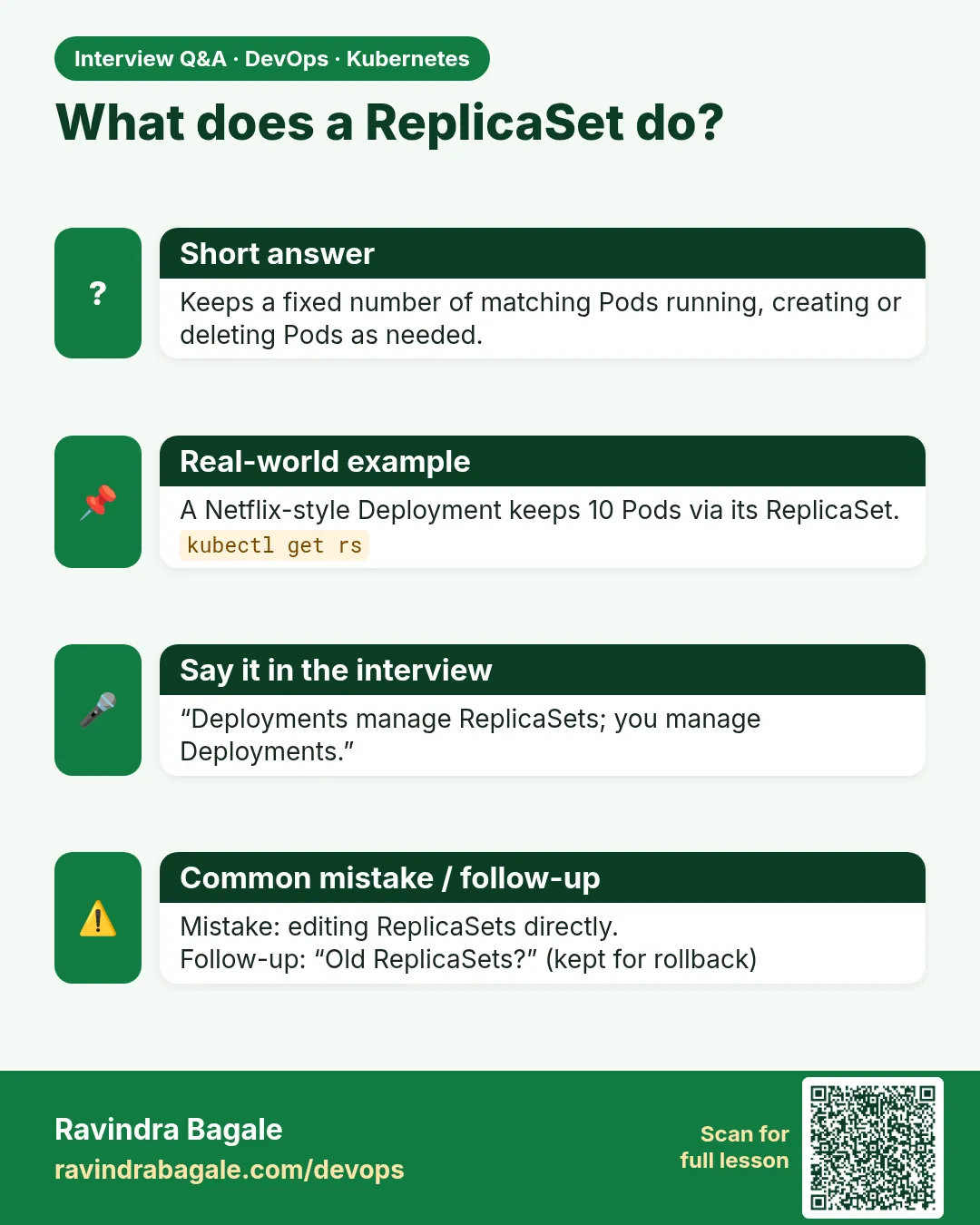
What is a ReplicaSet?
A controller that ensures a specified number of Pod replicas matching a selector are running.
-
How does it decide which Pods are its own?
By the label selector and ownerReferences.
-
Why use a Deployment instead?
A Deployment manages ReplicaSets to give rolling updates, rollback and revision history.
-
What happens if you create a Pod with a matching label?
The ReplicaSet may adopt it and, if over the count, delete a Pod.
-
Can you change a ReplicaSet selector?
No, it is immutable in apps/v1.
Quick quiz
Q1. What does a ReplicaSet compare?
The number of Pods matching its selector with replicas.
Q2. Does a ReplicaSet update Pods when the image changes?
No.
Q3. How do you take a Pod out of a set without killing it?
Change its label.
Q4. Must template labels match the selector?
Yes.
Q5. Who usually creates ReplicaSets?
A Deployment.
Samajla ka?
 Revision card
 Interview card