Chapter 18: Kubernetes Workloads
18.1 Why Kubernetes — Compose does not survive a dead host
Why: the problem
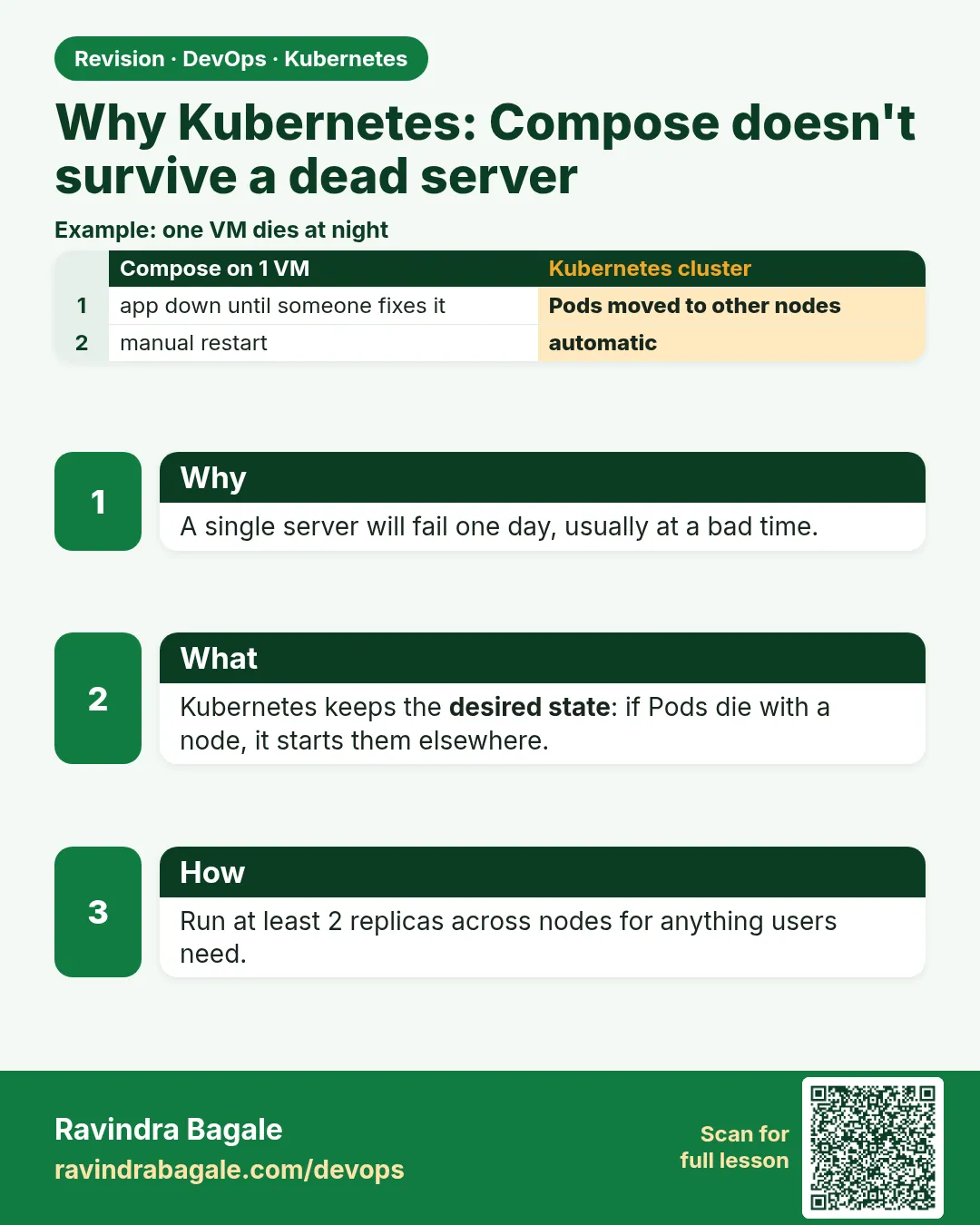
Think of Swiggy on a Friday night. The order service runs in Docker Compose on one EC2 server. At 8:30 p.m. that server's disk fails. Compose does not move anything. Every container was on that one machine, so every container is gone. Orders stop until someone wakes up, makes a new server and runs docker compose up by hand. That can take 40 minutes. On a busy night that costs real money. Compose is great on one machine. It does not know that other machines exist. Kubernetes fixes this. You give it several machines, called nodes. You tell it what you want, for example three copies of the order service. If a node dies, Kubernetes notices within about a minute and starts the lost copies on the nodes that are still healthy. Nobody has to wake up. In this lesson you will see this happen for real. You will run the same small app in Compose and in a three-node kind cluster, then kill a node and watch what each tool does.
What we will build
You will run a small nginx web app two ways. First with Docker Compose on your laptop. Then as a Deployment with three replicas on a three-node kind cluster. Then you will stop one node container and watch Kubernetes move the Pods to the other nodes, while Compose has no answer for a dead host.
What: every term in plain English
- Node — One machine (VM or physical) that runs your containers. In kind, each node is a Docker container.
- Cluster — A group of nodes managed together by Kubernetes.
- Control plane — The brain of the cluster. It stores what you asked for and makes it happen.
- Worker node — A node that runs your app Pods.
- Desired state — What you asked for, like "3 copies of nginx".
- Actual state — What is really running right now.
- Reconcile — The control loop that keeps fixing actual state until it matches desired state.
- kind — Kubernetes IN Docker. A free tool that makes a real cluster out of Docker containers for practice.
- kubectl — The command line tool you use to talk to the cluster.
How: step by step
-
Write a three-node kind config
cat kind-3.yamlWhat it does: A config file that asks kind for one control plane and two workers.
Output
kind: Cluster apiVersion: kind.x-k8s.io/v1alpha4 nodes: - role: control-plane - role: worker - role: worker -
Create the cluster
kind create cluster --name lab --config kind-3.yamlWhat it does: Starts three node containers and joins them into one cluster.
Output
Creating cluster "lab" ... ✓ Preparing nodes 📦 📦 📦 ✓ Joining worker nodes 🚜 Set kubectl context to "kind-lab" -
Check the nodes
kubectl get nodes -o wideWhat it does: Lists every node, its role and its internal IP.
Output
NAME STATUS ROLES AGE VERSION INTERNAL-IP lab-control-plane Ready control-plane 60s v1.30.0 172.18.0.4 lab-worker Ready none 40s v1.30.0 172.18.0.3 lab-worker2 Ready none 40s v1.30.0 172.18.0.2 -
Run three copies of nginx
kubectl create deployment web --image=nginx:1.27 --replicas=3What it does: Asks Kubernetes for three nginx Pods. It picks the nodes itself.
Output
deployment.apps/web created -
See where the Pods landed
kubectl get pods -o wideWhat it does: The NODE column shows the Pods spread across the workers.
Output
NAME READY STATUS NODE web-6d4cf56db6-2xkqp 1/1 Running lab-worker web-6d4cf56db6-8m9tz 1/1 Running lab-worker2 web-6d4cf56db6-q7rvn 1/1 Running lab-worker -
Kill a node
docker stop lab-workerWhat it does: Stops the node container. This is the same as a server losing power.
Output
lab-worker -
Watch Kubernetes heal
kubectl get pods -o wide -wWhat it does: After about a minute the node is NotReady and after the eviction timeout new Pods start on lab-worker2.
Output
web-6d4cf56db6-2xkqp   1/1   Terminating   lab-worker
web-6d4cf56db6-zp4lc   0/1   Pending       none
web-6d4cf56db6-zp4lc   1/1   Running       lab-worker2
Example 1: The app in Docker Compose, on one host
Stack. Docker Compose v2, nginx 1.27
Goal. The app in Docker Compose, on one host.
compose.yaml
services:
  web:
    image: nginx:1.27
    ports:
      - "8080:80"
    deploy:
      replicas: 1
    restart: always
terminal
docker compose up -d
curl -s -o /dev/null -w "%{http_code}\n" localhost:8080
docker compose ps
What each line does
image: nginx:1.27— A pinned nginx version, never latest.ports 8080:80— Laptop port 8080 goes to container port 80.restart: always— Docker restarts the container if it crashes, but only on this same host.docker compose ps— Shows the container and its state.
Green output
[+] Running 2/2
 ✔ Network demo_default  Created
 ✔ Container demo-web-1  Started
200
NAME         IMAGE        STATUS
demo-web-1   nginx:1.27   Up 5 seconds
Expected result. The app works. But restart: always only helps when the process crashes. If the whole host dies, nothing restarts it anywhere else.
Example 2: The same app as a Kubernetes Deployment with 3 replicas
Stack. kind v0.23, Kubernetes 1.30
Goal. The same app as a Kubernetes Deployment with 3 replicas.
web.yaml
apiVersion: apps/v1
kind: Deployment
metadata:
  name: web
spec:
  replicas: 3
  selector:
    matchLabels:
      app: web
  template:
    metadata:
      labels:
        app: web
    spec:
      containers:
      - name: nginx
        image: nginx:1.27
        ports:
        - containerPort: 80
terminal
kubectl apply -f web.yaml
kubectl rollout status deployment/web
kubectl get pods -l app=web -o wide
What each line does
kind: Deployment— The object that keeps N copies of a Pod running.replicas: 3— The desired state: three Pods.selector.matchLabels— How the Deployment finds its own Pods.template— The Pod recipe. Every copy is made from this.labels app: web— The tag that must match the selector.kubectl rollout status— Waits until all three are ready.
Green output
deployment.apps/web created
Waiting for deployment "web" rollout to finish: 1 of 3 updated replicas are available...
deployment "web" successfully rolled out
NAME                   READY   STATUS    NODE
web-7c9d8b6f5d-4lq2m   1/1     Running   lab-worker
web-7c9d8b6f5d-b8wxs   1/1     Running   lab-worker2
web-7c9d8b6f5d-k2r9d   1/1     Running   lab-worker
Expected result. Three copies run on two different nodes. You wrote what you want, not where to run it.
Example 3: The dead host test: Compose versus Kubernetes
Stack. kind 3 nodes, Docker 26
Goal. The dead host test: Compose versus Kubernetes.
terminal
# Compose: stop the only host (here, the Docker engine)
sudo systemctl stop docker
curl -s -m 3 localhost:8080 || echo "site down"
sudo systemctl start docker

# Kubernetes: stop one worker node
docker stop lab-worker
kubectl get nodes
sleep 330
kubectl get pods -l app=web -o wide
What each line does
systemctl stop docker— Pretends the Compose host died. All containers stop.docker stop lab-worker— Pretends one Kubernetes node died.kubectl get nodes— Shows lab-worker as NotReady after about 40 seconds.sleep 330— The default eviction wait is 5 minutes. After it, Pods on the dead node are replaced.get pods -o wide— All 3 Pods now run on lab-worker2.
Green output
site down
NAME                STATUS     ROLES           AGE
lab-control-plane   Ready      control-plane   12m
lab-worker          NotReady   none            12m
lab-worker2         Ready      none            12m
NAME                   READY   STATUS    NODE
web-7c9d8b6f5d-b8wxs   1/1     Running   lab-worker2
web-7c9d8b6f5d-n5t7h   1/1     Running   lab-worker2
web-7c9d8b6f5d-x9pz2   1/1     Running   lab-worker2
Expected result. Compose: the site is down until a human acts. Kubernetes: the desired state (3) is restored on the healthy node without anyone typing a command.
Verify: did it work?
-
Count ready replicas
kubectl get deployment webWhat it does: READY must say 3/3 again after the healing.
Output
NAME READY UP-TO-DATE AVAILABLE AGE web 3/3 3 3 14m -
See the events
kubectl get events --sort-by=.lastTimestamp | tail -5What it does: Shows the node going NotReady and new Pods being scheduled.
Output
Warning  NodeNotReady  node/lab-worker  Node lab-worker status is now: NodeNotReady
Normal   Scheduled     pod/web-...-n5t7h  Successfully assigned practice/web-...-n5t7h to lab-worker2
When it is red 1
ERROR: failed to create cluster: node(s) already exist for a cluster with the name "lab"
Cause. A cluster called lab is already there from an old lesson.
Fix, step by step
- Run kind get clusters.
- Delete it with kind delete cluster --name lab, or use another name.
- Create again.
When it is red 2
The connection to the server localhost:6443 was refused - did you specify the right host or port?
Cause. The cluster is not running, or kubectl points to an old context.
Fix, step by step
- Run kubectl config current-context.
- Run docker ps and check the lab-control-plane container is Up.
- Run kubectl config use-context kind-lab.
When it is red 3
Pods stay Running on lab-worker even after docker stop
Cause. You looked too early. Kubernetes waits for the node to be NotReady and then for the eviction time (about 5 minutes).
Fix, step by step
- Run kubectl get nodes until lab-worker is NotReady.
- Wait 5 more minutes.
- Check again with kubectl get pods -o wide.
Cleanup
-
Bring the node back
docker start lab-workerWhat it does: The node rejoins as Ready. Kubernetes does not move Pods back by itself.
Output
lab-worker -
Delete the app
kubectl delete deployment webWhat it does: Removes the Deployment and its Pods.
Output
deployment.apps "web" deleted -
Delete the lab cluster
kind delete cluster --name labWhat it does: Removes the whole cluster container. On minikube use: minikube delete.
Output
Deleting cluster "lab" ... Deleted nodes: ["lab-control-plane"] -
Stop Compose
docker compose downWhat it does: Removes the Compose container and network.
Output
[+] Running 2/2
 ✔ Container demo-web-1  Removed
Ravindra Bagale's Tip
Compose ek machine var chalto. Machine gela tar sagla gela. Kubernetes dusrya node var Pods chalu karto. Lakshat theva!
Practice tasks
Easy Count your nodes
Why: You must know what the cluster has.
What to do: List nodes and their roles.
- kubectl get nodes -o wide
Check: You can name the control plane and workers.
Medium Time the healing
Why: Numbers make the story real in interviews.
What to do: Stop one worker and time it until READY is full again.
- date; docker stop lab-worker
- kubectl get deploy -w
- date when READY is full
Check: You have the number of seconds written down.
Hard Make healing faster
Why: Five minutes is long for some teams.
What to do: Add tolerations with tolerationSeconds: 30 for node.kubernetes.io/unreachable to the Pod template and repeat the test.
- Edit web.yaml.
- kubectl apply -f web.yaml
- Stop a node and time it again.
Check: Healing now takes under a minute.
Easy Say why Kubernetes beats Compose when a host dies in two lines
Why: If you can say it simply, you understand it. Interviewers want the short version first.
What to do: Write two short lines about why Kubernetes beats Compose when a host dies for a fresher who knows only Docker basics.
- Write what problem it solves.
- Write the one kubectl command you use for it.
- Read it aloud to a friend.
Check: A fresher understands it without asking a question.
Easy Start a fresh lab cluster
Why: Practice needs a throwaway cluster. If you break it, you delete it and start again.
What to do: Create a kind cluster, or a minikube cluster, and check the node is Ready.
- kind create cluster --name lab
- kubectl get nodes
- kubectl get pods -A
Check: One node shows STATUS Ready and the kube-system Pods are Running.
Medium Break it on purpose
Why: You must know the red message by face. During an outage there is no time to read slowly.
What to do: Cause one error from the "When it is red" part of this lesson and fix it.
- Follow the error section.
- Copy the exact message and the kubectl describe Events into your notes.
- Write the fix in one line.
Check: You fixed it using only the steps, without searching the web.
Medium Write a one-page runbook
Why: At 2 a.m. nobody remembers the right command. A short page saves the on-call person.
What to do: Write a runbook page for this lesson.
- Title, when to use, exact kubectl command, how to check, how to undo.
Check: A teammate can follow it alone.
Medium Repeat it on a cloud cluster
Why: kind is a laptop toy. Real clusters run on EKS, GKE, AKS or k3s on a VM.
What to do: Do the main steps of this lesson again on a small k3s VM or a free-tier managed cluster.
- Install k3s on one Ubuntu 22.04 VM: curl -sfL https://get.k3s.io | sh -
- Copy the kubeconfig.
- Apply the same YAML and compare the output.
Check: Same output on the cloud cluster as on kind.
Hard Explain it like an interview
Why: Interviewers want real stories, not definitions.
What to do: Record a 60 second answer about this lesson.
- Say the problem, the YAML field you used, the kubectl command you ran, and one error you hit.
Check: Your answer has a real command and a real error message.
Hard Draw the flow top to bottom
Why: A drawing shows who talks to whom and in what order.
What to do: Draw this lesson as boxes from top to bottom.
- Start at kubectl apply, go through the API server, controller and scheduler, end at the running container.
Check: Each box matches a real thing you saw in kubectl output.
Homework: try at home
Try at home
At home, make the three-node kind cluster again. Run a Deployment with 4 replicas of any image. Stop one worker and time how long it takes until READY is 4/4 again. Write the time in your notes.
Recap
- Compose runs on one host and cannot survive that host dying.
- Kubernetes runs on many nodes and keeps desired state.
- You write what you want; the scheduler picks where.
- kind gives you a real multi-node cluster on a laptop.
- Healing after a node loss takes about 5 minutes by default.
FAQ
Do I need Kubernetes for a small project?
No. One server with Compose is fine for small apps. Use Kubernetes when you need many servers, self-healing and zero-downtime updates.
Is kind good for production?
No. kind is for learning and CI tests. Production uses EKS, GKE, AKS or k3s on real servers.
kind or minikube?
Both are fine. kind is faster and supports many nodes easily. minikube has handy addons like ingress and dashboard.
Does Kubernetes replace Docker?
No. Kubernetes runs containers. The images you build with Docker still run on it.
Why did the Pods not move back when the node came back?
Kubernetes does not rebalance by itself. New Pods may go to that node later.
Interview questions
-
Why would a company move from Compose to Kubernetes?
To run across many servers, survive a server dying, scale up and down, and do rolling updates without downtime.
-
What is desired state?
The state you write in YAML, like 3 replicas. Controllers keep changing the cluster until it matches.
-
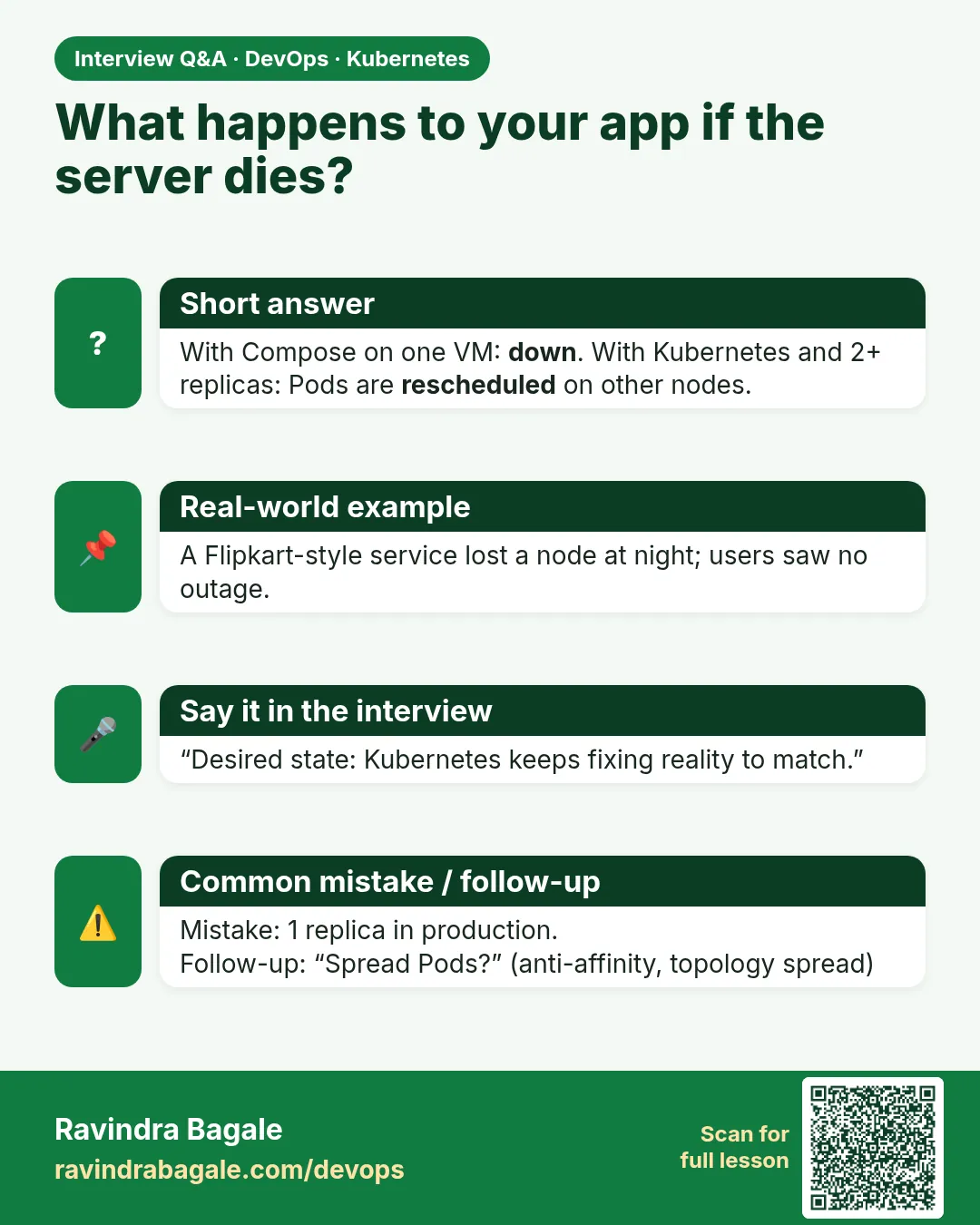
What happens when a node dies?
The node turns NotReady, and after the eviction timeout the Pods there are replaced on healthy nodes by their controller.
-
Can a bare container restart policy replace this?
No. restart: always only works on the same host. It cannot move work to another machine.
-
How do you practise Kubernetes without cloud cost?
With kind or minikube on a laptop.
Quick quiz
Q1. What does Compose do when its host dies?
Nothing. All containers on that host are gone.
Q2. What does Kubernetes keep comparing?
Desired state and actual state.
Q3. In kind, what is a node?
A Docker container.
Q4. Which command shows which node each Pod is on?
kubectl get pods -o wide.
Q5. Why did healing take minutes, not seconds?
Kubernetes waits for the node to be NotReady and then for the eviction timeout.
Samajla ka?
 Revision card
 Interview card