Chapter 18: Kubernetes Workloads
18.4 Bare Pod — lab only, dies and stays dead
Why: the problem
A new engineer at a Pune startup wants to put the billing API on Kubernetes quickly. He writes kind: Pod, applies it, and it runs. He goes home. At night the node is drained for a kernel patch. The Pod is deleted and nothing brings it back. In the morning billing is down and the YAML is still sitting in his laptop. This is the bare Pod trap. A bare Pod has no owner. If the Pod is deleted, evicted, or its node dies, it is gone for good. kubelet will restart a crashed container inside the Pod, but only while the Pod itself still exists on that node. Bare Pods are fine for a quick test, a debug shell or a one-off command. For anything that must stay up, you use a controller like a Deployment, which owns the Pods and makes new ones. In this lesson you will prove it: you will delete, evict and drain a bare Pod and a Deployment Pod side by side.
What we will build
You will run one bare Pod called lonely and one Deployment called kept, both with nginx. Then you will delete a Pod of each, drain the node, and check the ownerReferences field. Only the Deployment Pod comes back each time.
What: every term in plain English
- Bare Pod — A Pod created directly with kind: Pod. No controller owns it.
- Controller — An object that watches Pods and makes new ones, like Deployment, ReplicaSet, StatefulSet, DaemonSet or Job.
- ownerReferences — A field in the Pod metadata that names its owner. Bare Pods have none.
- Eviction — Kubernetes removes a Pod from a node, for example when the node is low on memory.
- Drain — kubectl drain empties a node before maintenance by evicting its Pods.
- Cordon — Marks a node as not schedulable. Drain does this first.
- Container restart — kubelet restarting a dead container inside the same Pod. Different from making a new Pod.
How: step by step
-
Create a two-node cluster
printf "kind: Cluster\napiVersion: kind.x-k8s.io/v1alpha4\nnodes:\n- role: control-plane\n- role: worker\n" > kind-2.yaml
kind create cluster --name lab --config kind-2.yaml
What it does: One control plane and one worker, so you can drain the worker.
Output
Creating cluster "lab" ... Set kubectl context to "kind-lab" -
Make a practice namespace
kubectl create namespace practice
kubectl config set-context --current --namespace=practice
What it does: Keeps all lab objects in one folder that is easy to delete.
Output
namespace/practice created Context "kind-lab" modified. -
Create the bare Pod
kubectl run lonely --image=nginx:1.27What it does: kubectl run makes a single bare Pod.
Output
pod/lonely created -
Create the Deployment
kubectl create deployment kept --image=nginx:1.27What it does: A Deployment that owns its Pod through a ReplicaSet.
Output
deployment.apps/kept created -
Compare the owners
kubectl get pods -o custom-columns=NAME:.metadata.name,OWNER:.metadata.ownerReferences[0].kindWhat it does: The bare Pod has no owner.
Output
NAME OWNER kept-5b7d8c9f6d-h2k4p ReplicaSet lonely none -
Delete one of each
kubectl delete pod lonely
kubectl delete pod -l app=kept
What it does: Removes both Pods.
Output
pod "lonely" deleted pod "kept-5b7d8c9f6d-h2k4p" deleted -
See what came back
kubectl get podsWhat it does: Only the Deployment has a new Pod.
Output
NAME                    READY   STATUS    RESTARTS   AGE
kept-5b7d8c9f6d-q8w3n   1/1     Running   0          4s
Example 1: Container restart works inside a bare Pod, Pod loss does not
Stack. kind, Kubernetes 1.30
Goal. Container restart works inside a bare Pod, Pod loss does not.
terminal
kubectl run lonely --image=nginx:1.27
kubectl exec lonely -- sh -c "kill 1"
sleep 5
kubectl get pod lonely
What each line does
kill 1— Kills the main process, the same as a crash.RESTARTS 1— kubelet started the container again inside the same Pod.Same Pod name— The Pod object still exists, so restart works.
Green output
pod/lonely created
NAME     READY   STATUS    RESTARTS     AGE
lonely   1/1     Running   1 (3s ago)   20s
Expected result. A crash is fixed by kubelet. That is why people think bare Pods are safe. The next example shows when they are not.
Example 2: Drain the node: the bare Pod is lost
Stack. kind 2 nodes
Goal. Drain the node: the bare Pod is lost.
terminal
kubectl get pods -o wide
kubectl drain lab-worker --ignore-daemonsets --delete-emptydir-data
kubectl drain lab-worker --ignore-daemonsets --force
kubectl get pods -o wide
What each line does
drain— Cordons the node and evicts its Pods.First drain fails— kubectl refuses to delete a Pod with no controller, as a warning.--force— Deletes the bare Pod anyway. It will never come back.kept Pod— Is recreated on the control plane node, if allowed, or stays Pending until a node is free.
Green output
NAME                    READY   STATUS    NODE
kept-5b7d8c9f6d-q8w3n   1/1     Running   lab-worker
lonely                  1/1     Running   lab-worker
node/lab-worker cordoned
error: unable to drain node "lab-worker" due to error: cannot delete Pods declare no controller (use --force to override): practice/lonely
node/lab-worker already cordoned
Warning: deleting Pods that declare no controller: practice/lonely
pod/lonely evicted
pod/kept-5b7d8c9f6d-q8w3n evicted
node/lab-worker drained
NAME                    READY   STATUS    NODE
kept-5b7d8c9f6d-m7c2x   0/1     Pending   none
Expected result. Kubernetes itself warns you: Pods that declare no controller are lost. The Deployment Pod is recreated and waits for a node.
Example 3: Bring the node back and turn the bare Pod into a Deployment
Stack. kubectl dry-run
Goal. Bring the node back and turn the bare Pod into a Deployment.
terminal
kubectl uncordon lab-worker
kubectl get pods -o wide
kubectl create deployment lonely --image=nginx:1.27 --dry-run=client -o yaml > lonely-deploy.yaml
kubectl apply -f lonely-deploy.yaml
kubectl get deploy,pods -l app=lonely
What each line does
uncordon— Allows Pods on the node again.--dry-run=client -o yaml— Writes the YAML without creating anything. A fast way to start a file.lonely-deploy.yaml— Commit this file to Git. Now billing would come back after any drain.
Green output
node/lab-worker uncordoned
NAME                    READY   STATUS    NODE
kept-5b7d8c9f6d-m7c2x   1/1     Running   lab-worker
deployment.apps/lonely created
NAME                     READY   UP-TO-DATE   AVAILABLE
deployment.apps/lonely   1/1     1            1
NAME                          READY   STATUS
pod/lonely-6c8f9d7b5-tq2zr    1/1     Running
Expected result. Same image, but now owned. This is the fix for the Pune startup story.
Verify: did it work?
-
Check the owner chain
kubectl get pod -l app=lonely -o jsonpath='{.items[0].metadata.ownerReferences[0].kind}{"\n"}'What it does: The Pod is owned by a ReplicaSet, which is owned by the Deployment.
Output
ReplicaSet -
Find all bare Pods
kubectl get pods -A -o json | jq -r '.items[] | select(.metadata.ownerReferences == null) | .metadata.namespace + "/" + .metadata.name'What it does: Lists Pods with no owner. In real clusters these are suspects. Static Pods show a Node owner, so they will not appear.
Output
practice/debug-shell
When it is red 1
error: unable to drain node "lab-worker": cannot delete Pods declare no controller (use --force to override)
Cause. There is a bare Pod on the node.
Fix, step by step
- Find it with kubectl get pods -o wide.
- Move it into a Deployment first.
- Then drain, or use --force only if you accept losing it.
When it is red 2
cannot delete DaemonSet-managed Pods (use --ignore-daemonsets to ignore)
Cause. DaemonSet Pods are on every node by design.
Fix, step by step
- Add --ignore-daemonsets to the drain command.
When it is red 3
Error from server (AlreadyExists): pods "lonely" already exists
Cause. You ran kubectl run with a name that already exists.
Fix, step by step
- Delete the old Pod or pick another name.
Cleanup
-
Delete the lesson objects
kubectl delete deploy kept lonely --ignore-not-found
kubectl delete pod lonely --ignore-not-found
What it does: Removes everything you made.
Output
deployment.apps "kept" deleted deployment.apps "lonely" deleted -
Delete the lab cluster
kind delete cluster --name labWhat it does: Removes the whole cluster container. On minikube use: minikube delete.
Output
Deleting cluster "lab" ...
Deleted nodes: ["lab-control-plane"]
Ravindra Bagale's Tip
Bare Pod la maalak nahi. Node gela ki Pod pan gela. Production madhe nehmi Deployment vapra. Lakshat theva!
Practice tasks
Easy Find the owner
Why: Owners tell you who will recreate a Pod.
What to do: Print the owner kind of every Pod in kube-system.
- kubectl get pods -n kube-system -o custom-columns=N:.metadata.name,O:.metadata.ownerReferences[0].kind
Check: You can name the owner of each.
Medium Use a debug Pod properly
Why: Bare Pods are good for debugging.
What to do: Start a throwaway busybox Pod that deletes itself.
- kubectl run dbg --rm -it --image=busybox:1.36 --restart=Never -- sh
- nslookup kubernetes.default
Check: The Pod is gone after you exit.
Hard Convert three Pods
Why: Real clean-up work.
What to do: Turn three bare Pod YAML files into Deployments.
- Move the Pod spec under spec.template.
- Add selector and labels.
Check: All three run as Deployments.
Easy Say why a bare Pod is lab only in two lines
Why: If you can say it simply, you understand it. Interviewers want the short version first.
What to do: Write two short lines about why a bare Pod is lab only for a fresher who knows only Docker basics.
- Write what problem it solves.
- Write the one kubectl command you use for it.
- Read it aloud to a friend.
Check: A fresher understands it without asking a question.
Easy Start a fresh lab cluster
Why: Practice needs a throwaway cluster. If you break it, you delete it and start again.
What to do: Create a kind cluster, or a minikube cluster, and check the node is Ready.
- kind create cluster --name lab
- kubectl get nodes
- kubectl get pods -A
Check: One node shows STATUS Ready and the kube-system Pods are Running.
Medium Break it on purpose
Why: You must know the red message by face. During an outage there is no time to read slowly.
What to do: Cause one error from the "When it is red" part of this lesson and fix it.
- Follow the error section.
- Copy the exact message and the kubectl describe Events into your notes.
- Write the fix in one line.
Check: You fixed it using only the steps, without searching the web.
Medium Write a one-page runbook
Why: At 2 a.m. nobody remembers the right command. A short page saves the on-call person.
What to do: Write a runbook page for this lesson.
- Title, when to use, exact kubectl command, how to check, how to undo.
Check: A teammate can follow it alone.
Medium Repeat it on a cloud cluster
Why: kind is a laptop toy. Real clusters run on EKS, GKE, AKS or k3s on a VM.
What to do: Do the main steps of this lesson again on a small k3s VM or a free-tier managed cluster.
- Install k3s on one Ubuntu 22.04 VM: curl -sfL https://get.k3s.io | sh -
- Copy the kubeconfig.
- Apply the same YAML and compare the output.
Check: Same output on the cloud cluster as on kind.
Hard Explain it like an interview
Why: Interviewers want real stories, not definitions.
What to do: Record a 60 second answer about this lesson.
- Say the problem, the YAML field you used, the kubectl command you ran, and one error you hit.
Check: Your answer has a real command and a real error message.
Hard Draw the flow top to bottom
Why: A drawing shows who talks to whom and in what order.
What to do: Draw this lesson as boxes from top to bottom.
- Start at kubectl apply, go through the API server, controller and scheduler, end at the running container.
Check: Each box matches a real thing you saw in kubectl output.
Homework: try at home
Try at home
At home, run a bare Pod and a Deployment on a two-node kind cluster. Drain the worker and write down exactly what happens to each. Then convert the bare Pod to a Deployment with --dry-run=client -o yaml.
Recap
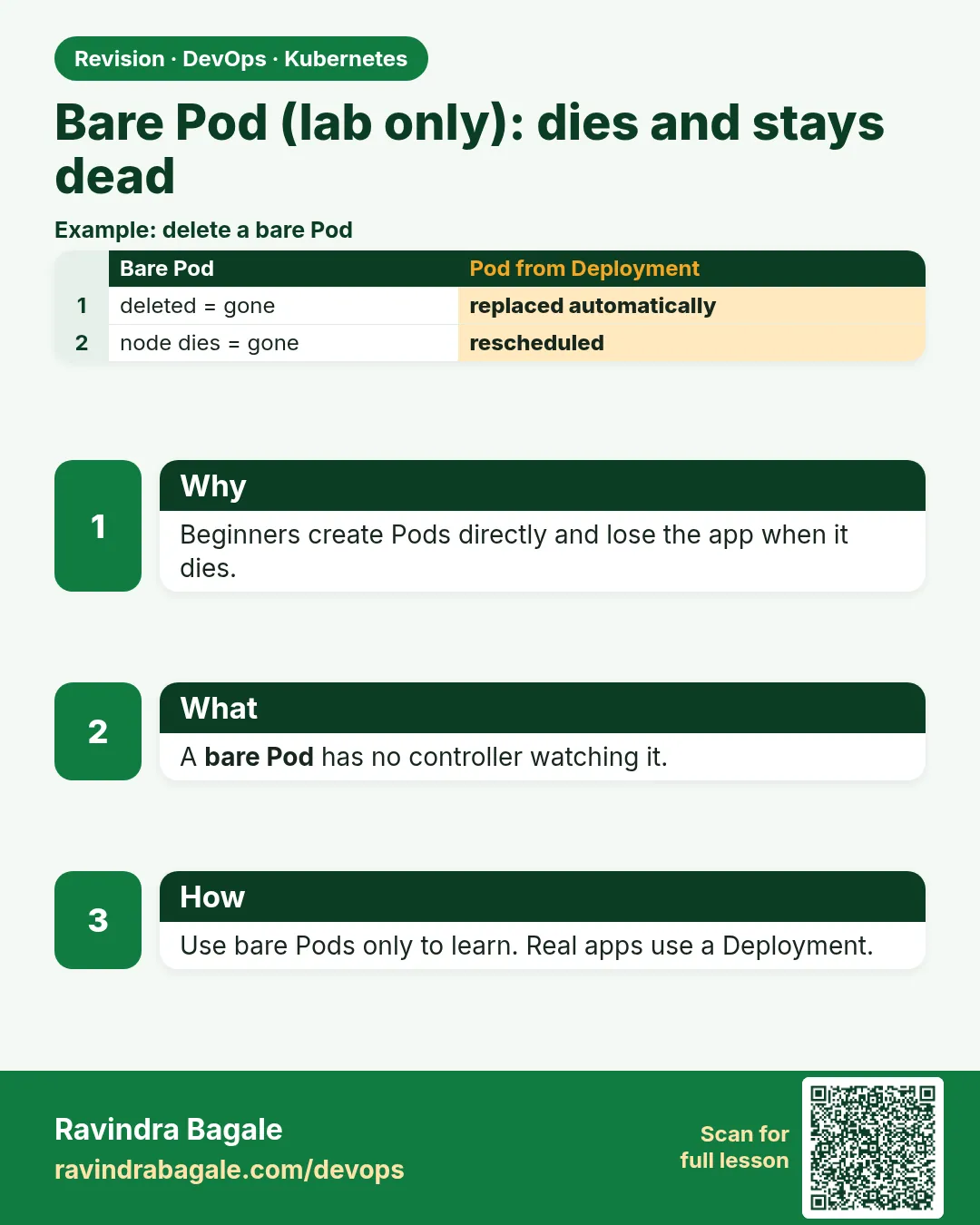
- A bare Pod has no owner and never comes back after deletion.
- kubelet restarts crashed containers, not lost Pods.
- drain refuses bare Pods unless you use --force.
- Use a Deployment for anything that must stay up.
- kubectl run is fine for debug Pods.
FAQ
Is kubectl run always a bare Pod?
Yes, in current versions it creates a Pod only. Use kubectl create deployment for a Deployment.
Are static Pods bare Pods?
They are made by kubelet from a file and are tied to one node. The control plane parts in kind run this way.
Will a bare Pod move to another node?
Never. A Pod is bound to one node for its whole life.
Can I add an owner later?
Not in a useful way. Create a Deployment with the same labels and delete the bare Pod.
Why does drain have --force at all?
For leftover test Pods you are happy to lose.
Interview questions
-
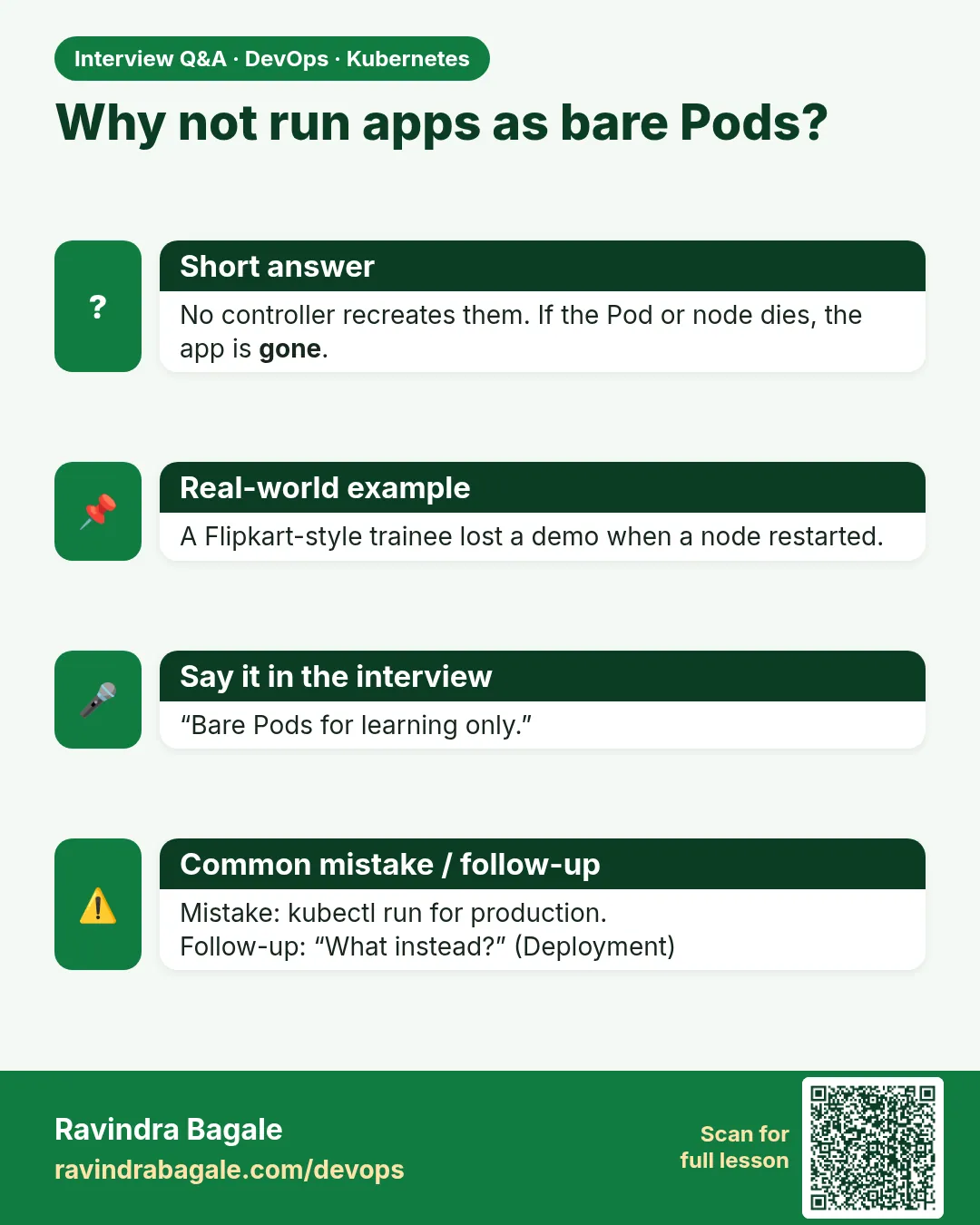
What is the problem with bare Pods in production?
No controller recreates them after deletion, eviction, drain or node failure.
-
What is the difference between a container restart and Pod recreation?
kubelet restarts the container inside the same Pod; a controller creates a brand-new Pod with a new name, maybe on another node.
-
What does kubectl drain do?
Cordons the node and evicts its Pods, respecting PodDisruptionBudgets.
-
How do you find Pods without a controller?
Check metadata.ownerReferences, for example with jq.
-
When would you still use a bare Pod?
For one-off debugging, like kubectl run --rm -it busybox.
Quick quiz
Q1. Who brings back a deleted bare Pod?
Nobody.
Q2. Who restarts a crashed container in a bare Pod?
The kubelet, while the Pod exists.
Q3. Which field shows the owner?
metadata.ownerReferences.
Q4. What flag lets drain delete bare Pods?
--force.
Q5. When is a bare Pod OK?
Quick tests, debug shells and one-off commands.
Samajla ka?
 Revision card
 Interview card