Ravi Sir's Cards › DevOps
Chapter 53: Docker Compose Tutorial: Services, depends_on Healthchecks, Env Files, Profiles, Overrides, Scaling and Every Command: Cards
मराठी cards · Open the chapter
Revision cards
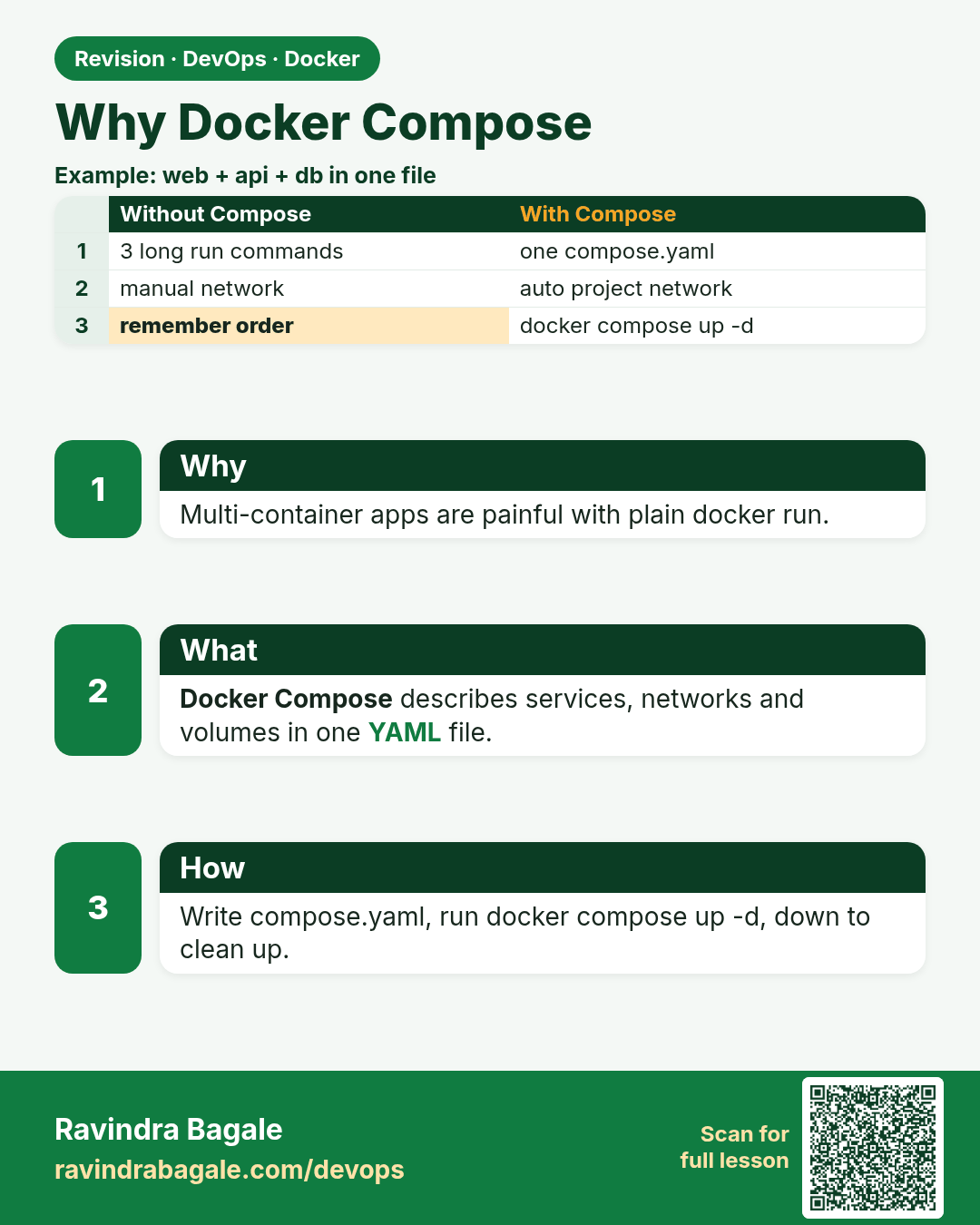
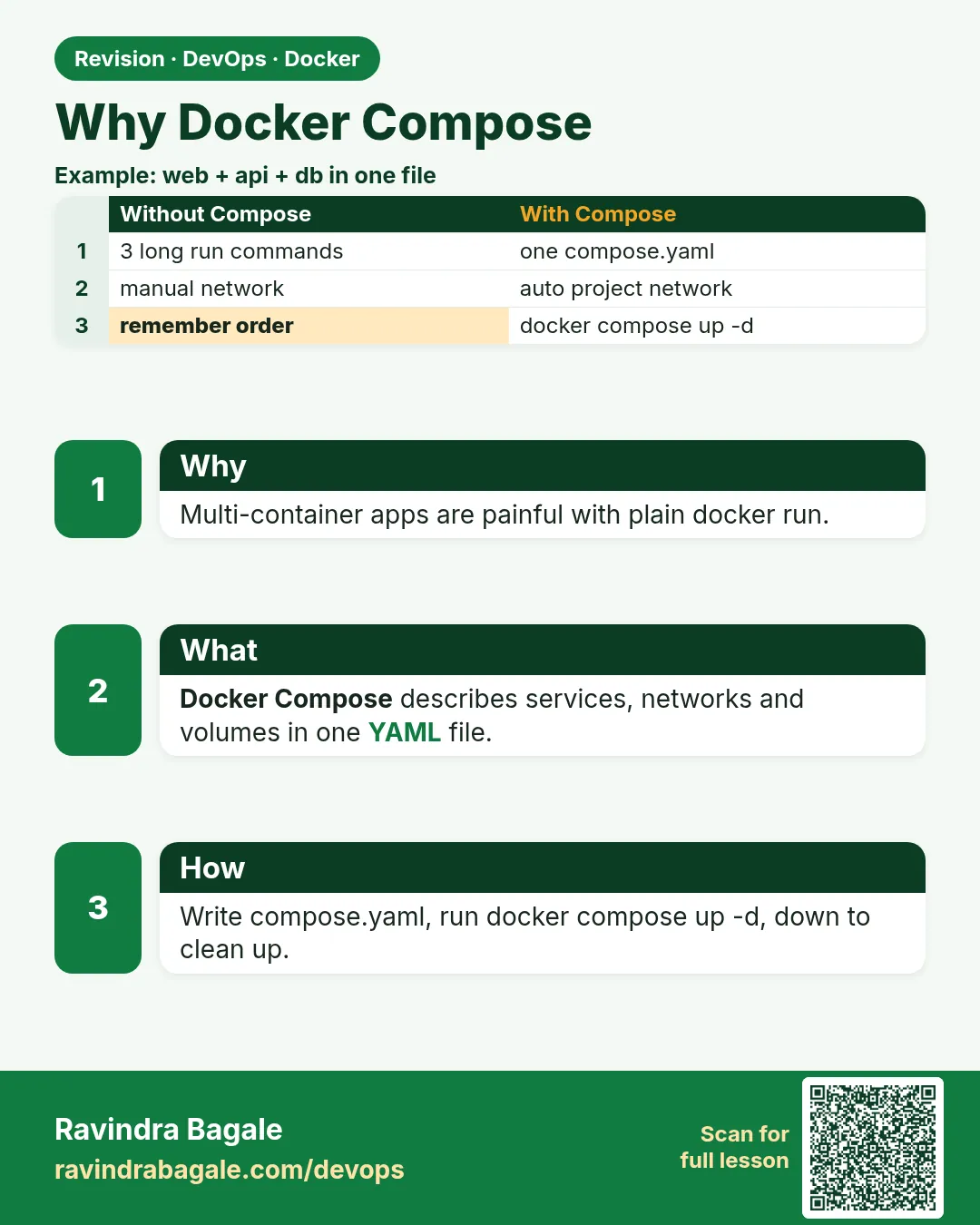 Revision card 1 of 9: Why Docker Compose · Download PNG · Open card page
Lesson: 53.1 Why Compose: one file for the whole app
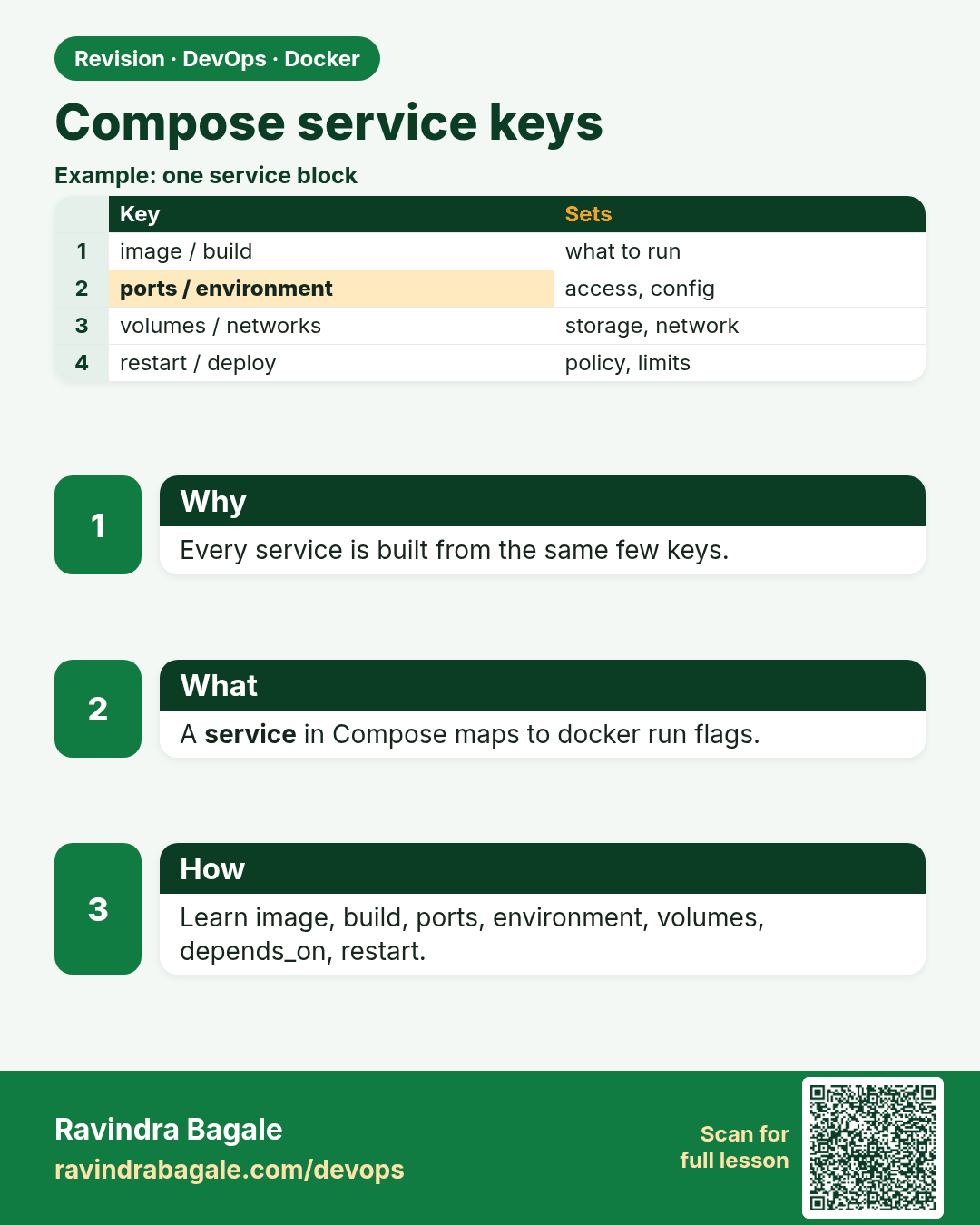
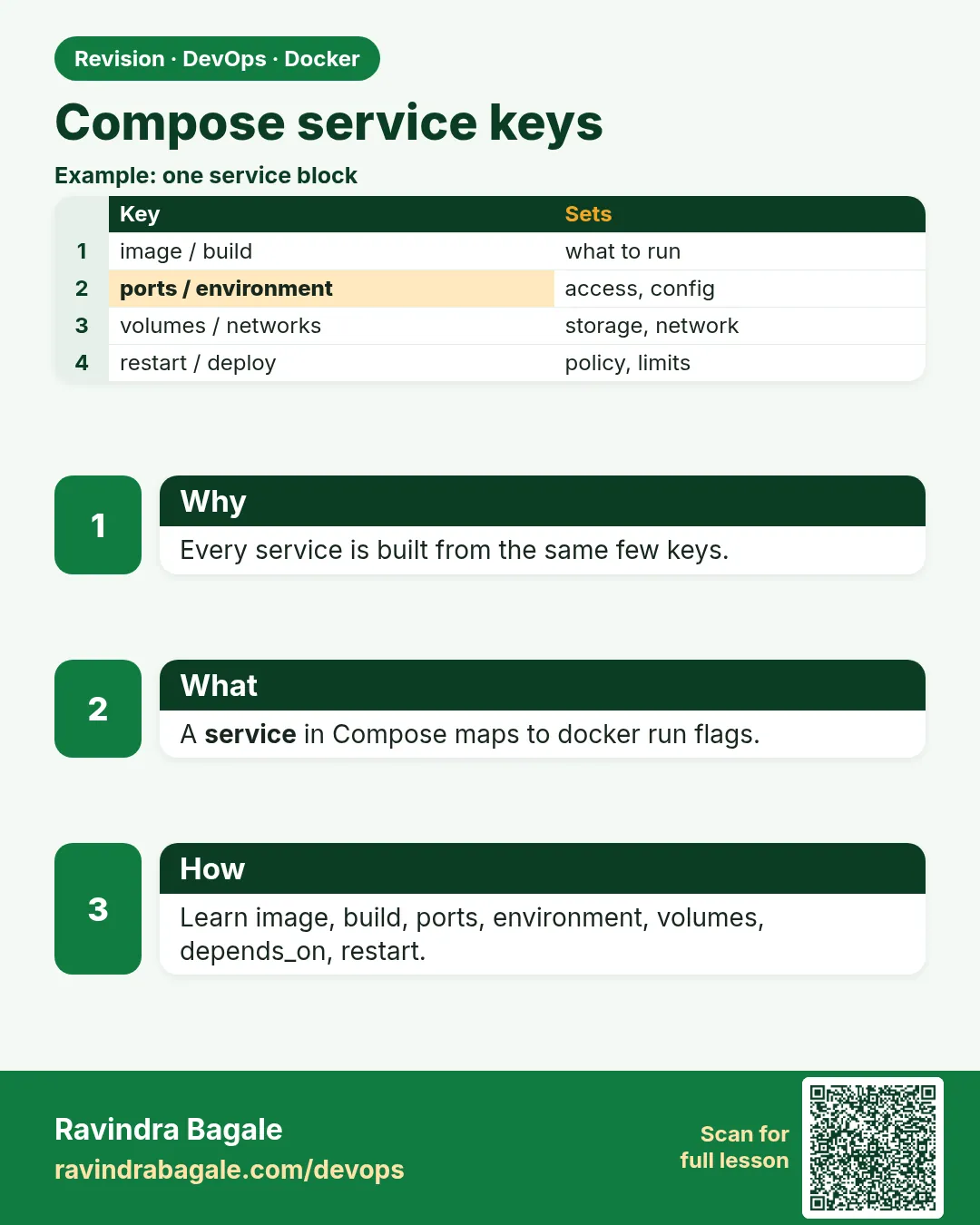 Revision card 2 of 9: Compose service keys · Download PNG · Open card page
Lesson: 53.2 Service keys: build, image, command, environment, ports, restart
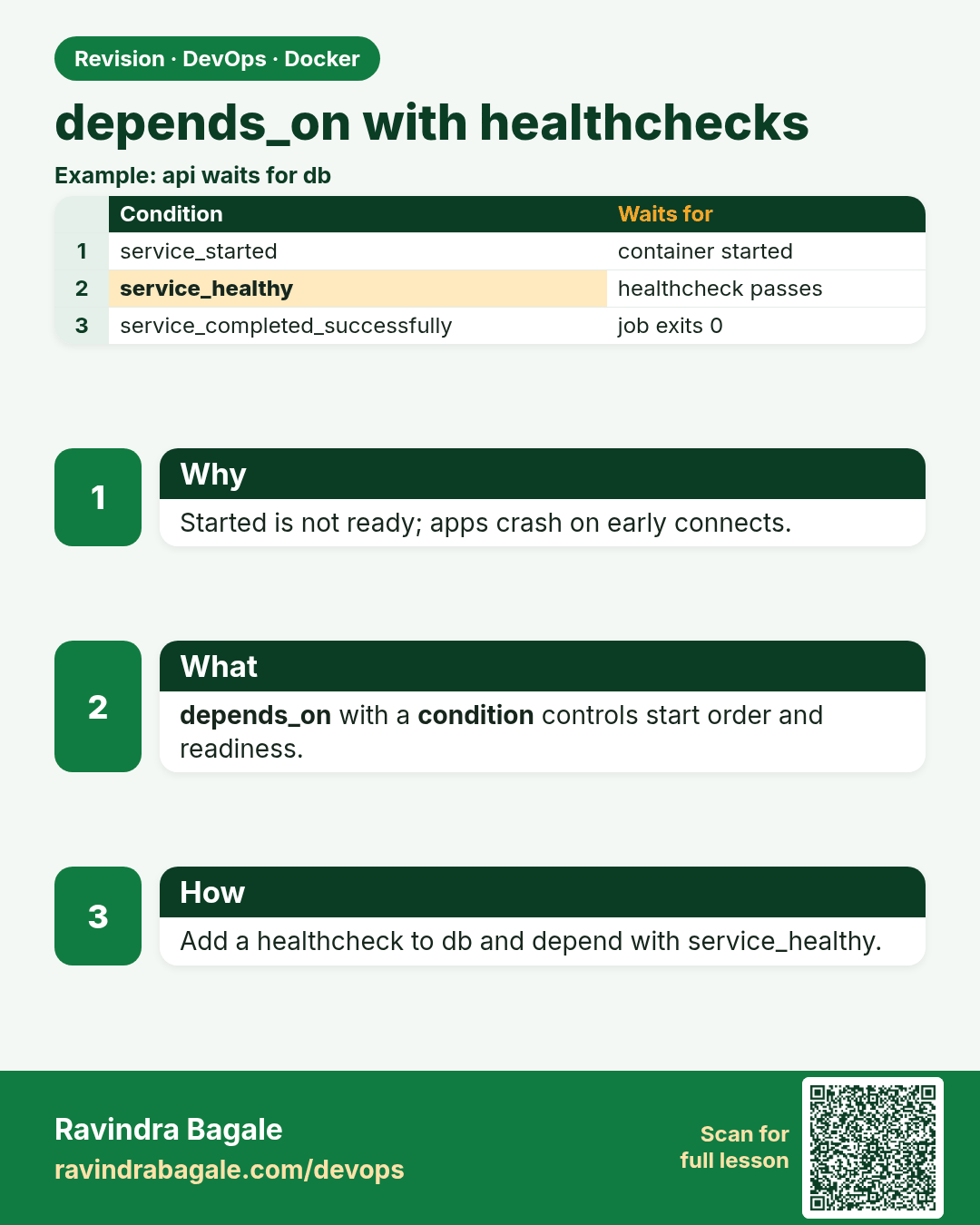
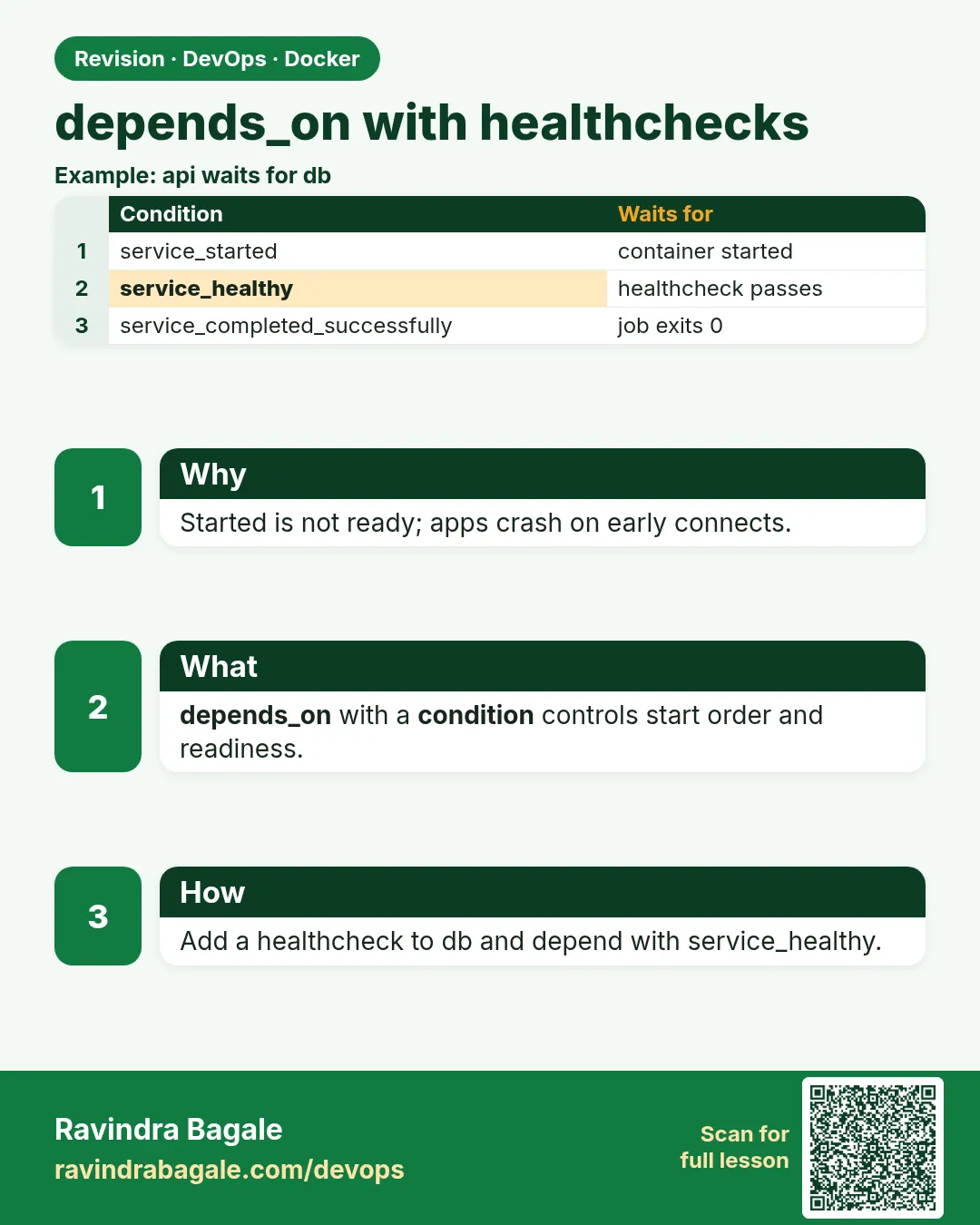 Revision card 3 of 9: depends_on with healthchecks · Download PNG · Open card page
Lesson: 53.3 depends_on with healthchecks: start in the right order
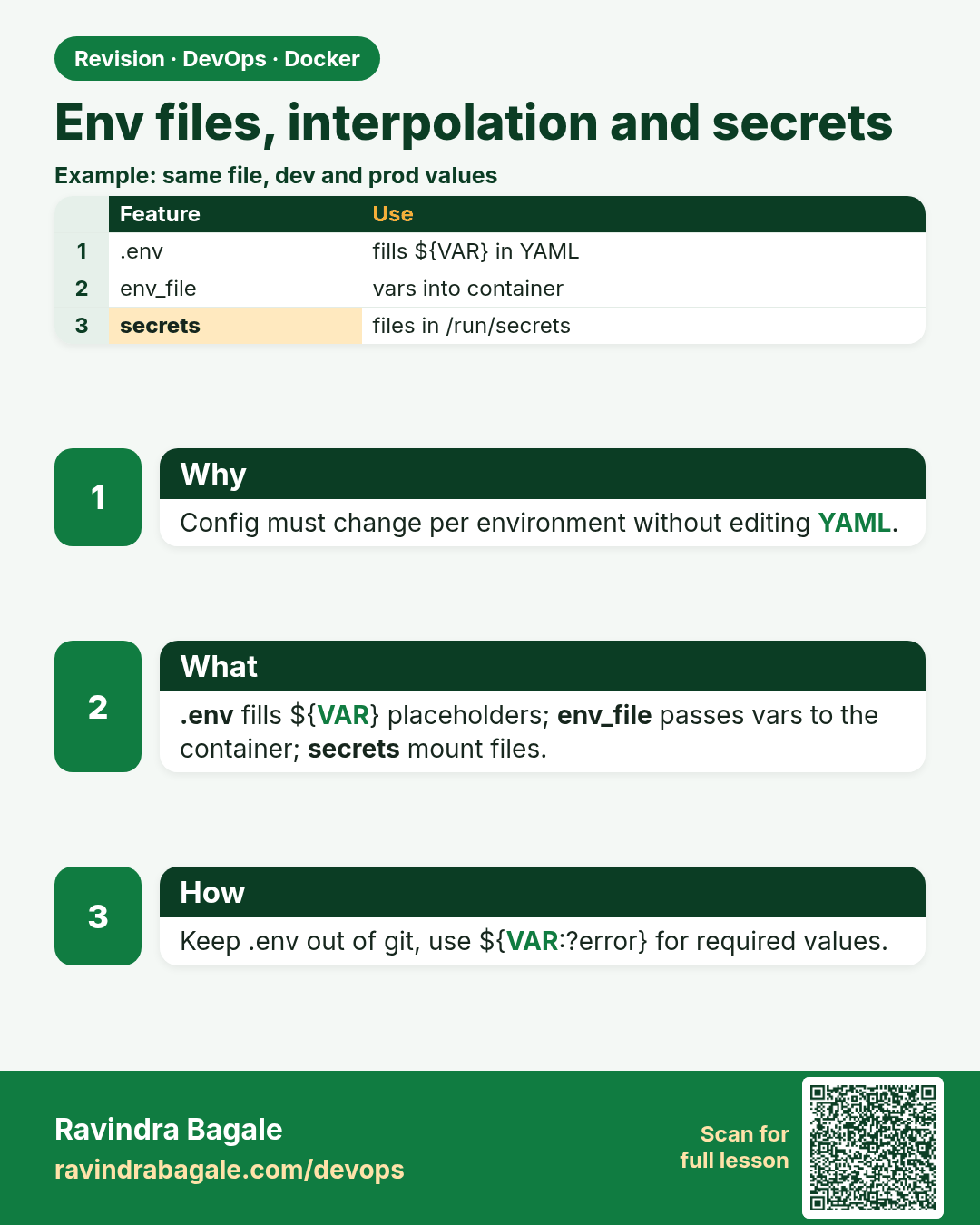
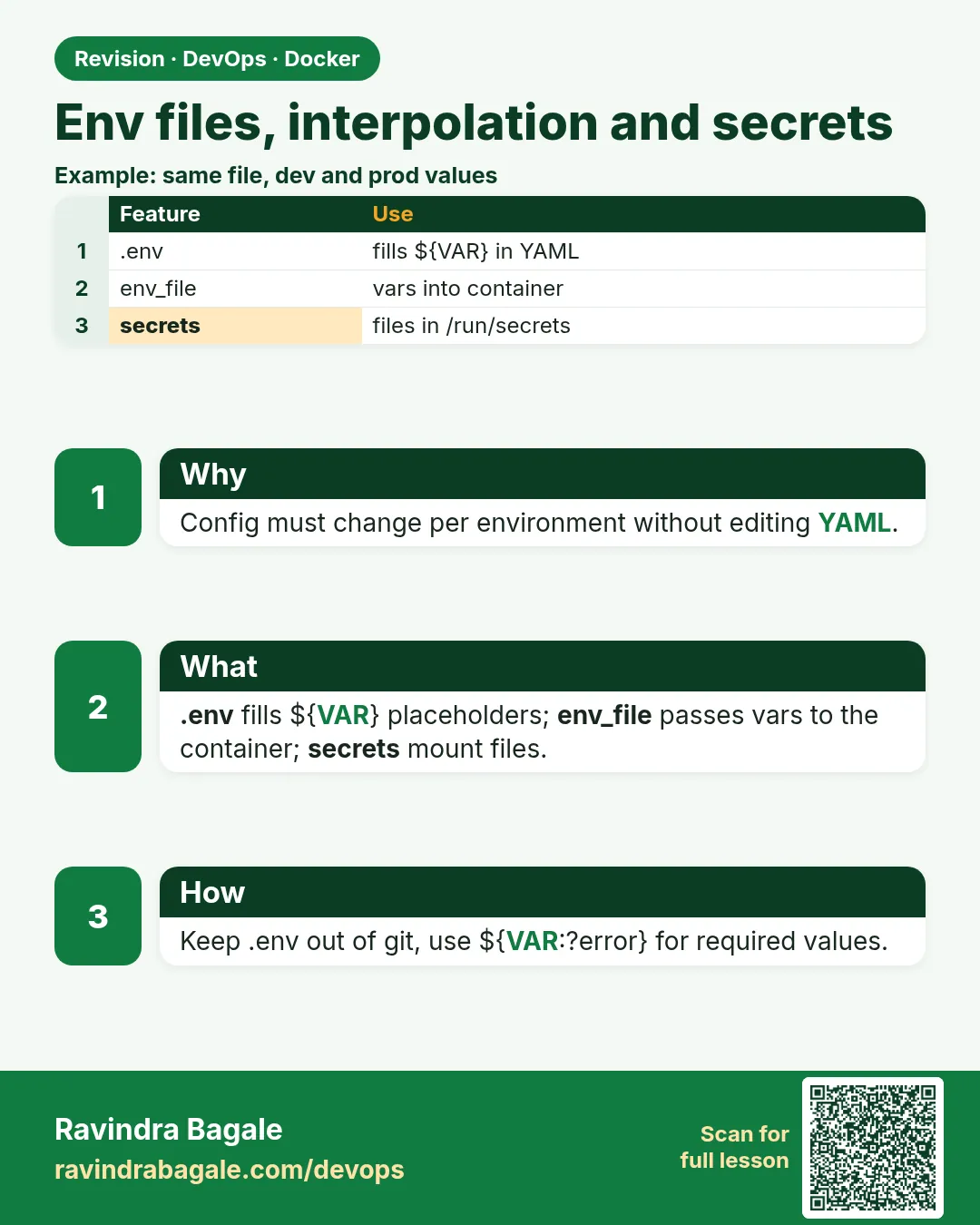 Revision card 4 of 9: Env files, interpolation and secrets · Download PNG · Open card page
Lesson: 53.4 Environment files, interpolation and secrets
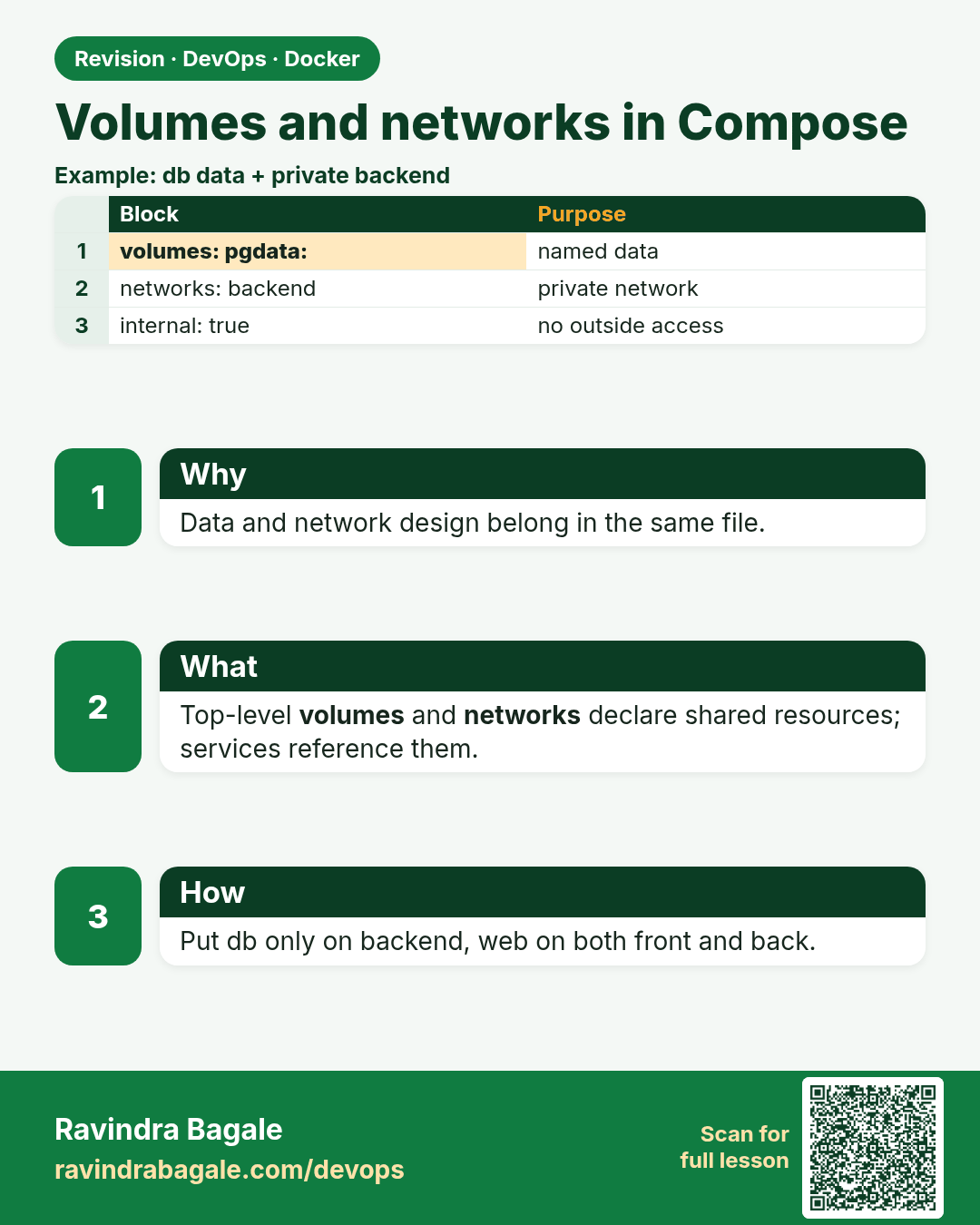
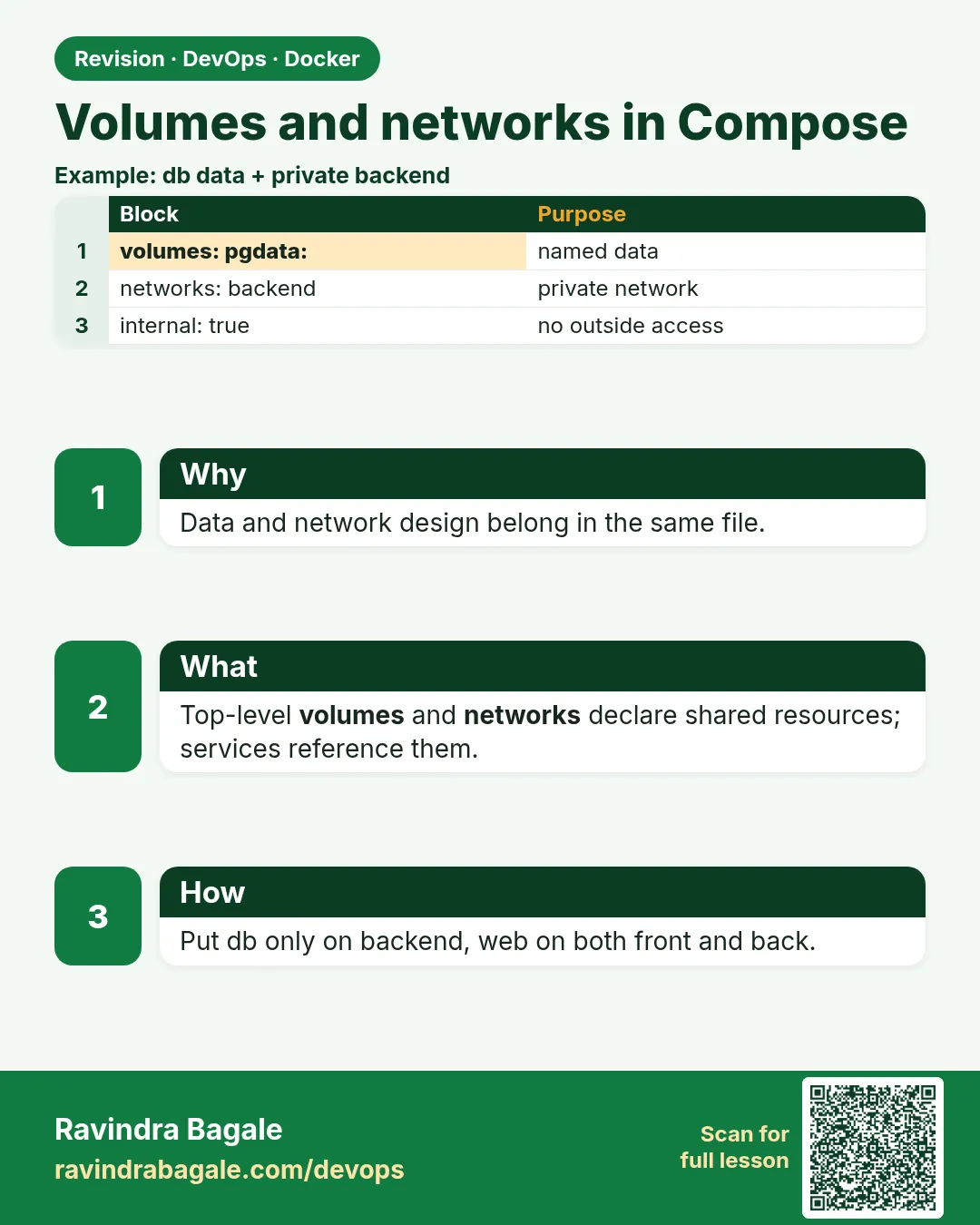 Revision card 5 of 9: Volumes and networks in Compose · Download PNG · Open card page
Lesson: 53.5 Volumes and networks in Compose
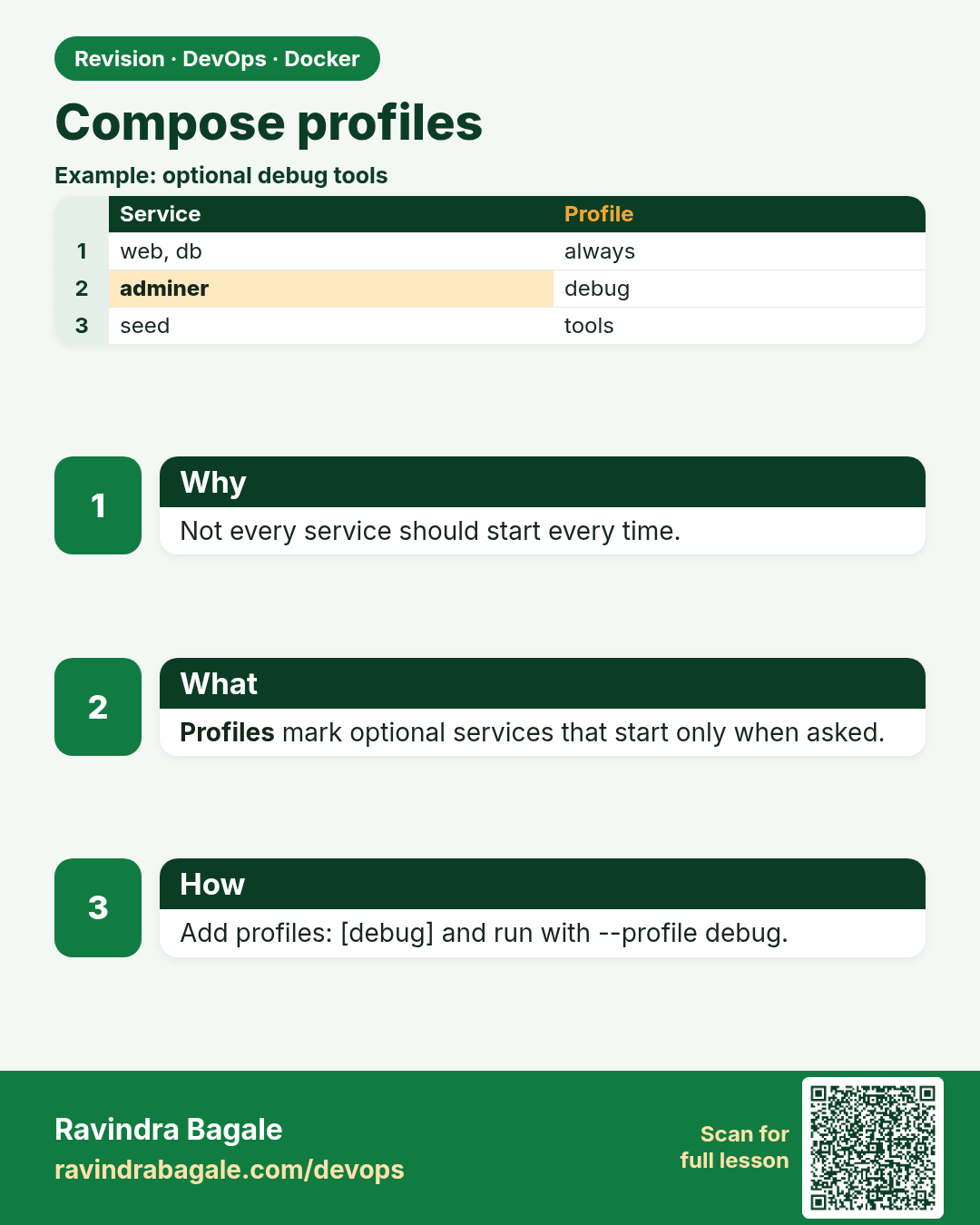
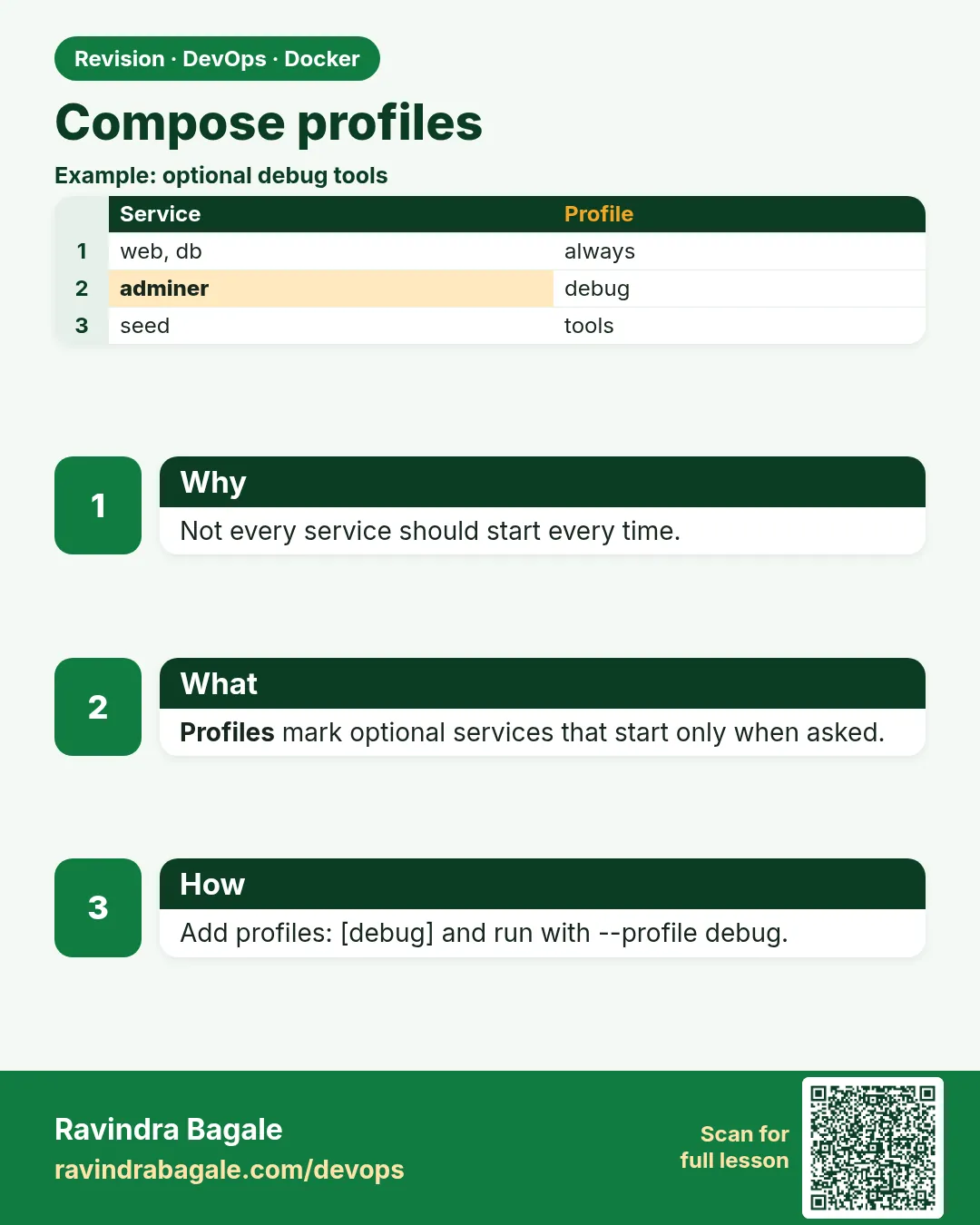 Revision card 6 of 9: Compose profiles · Download PNG · Open card page
Lesson: 53.6 Profiles: optional services
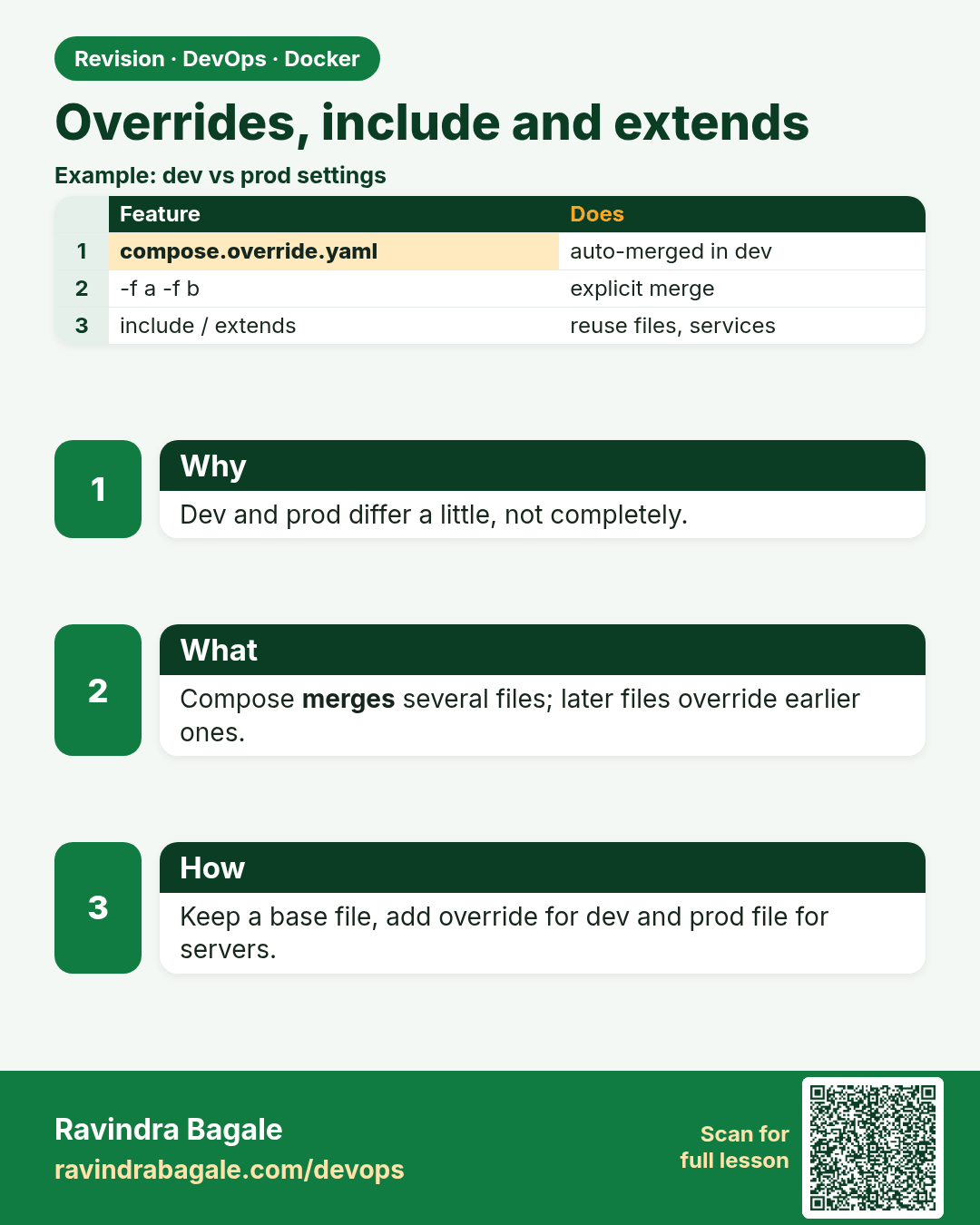
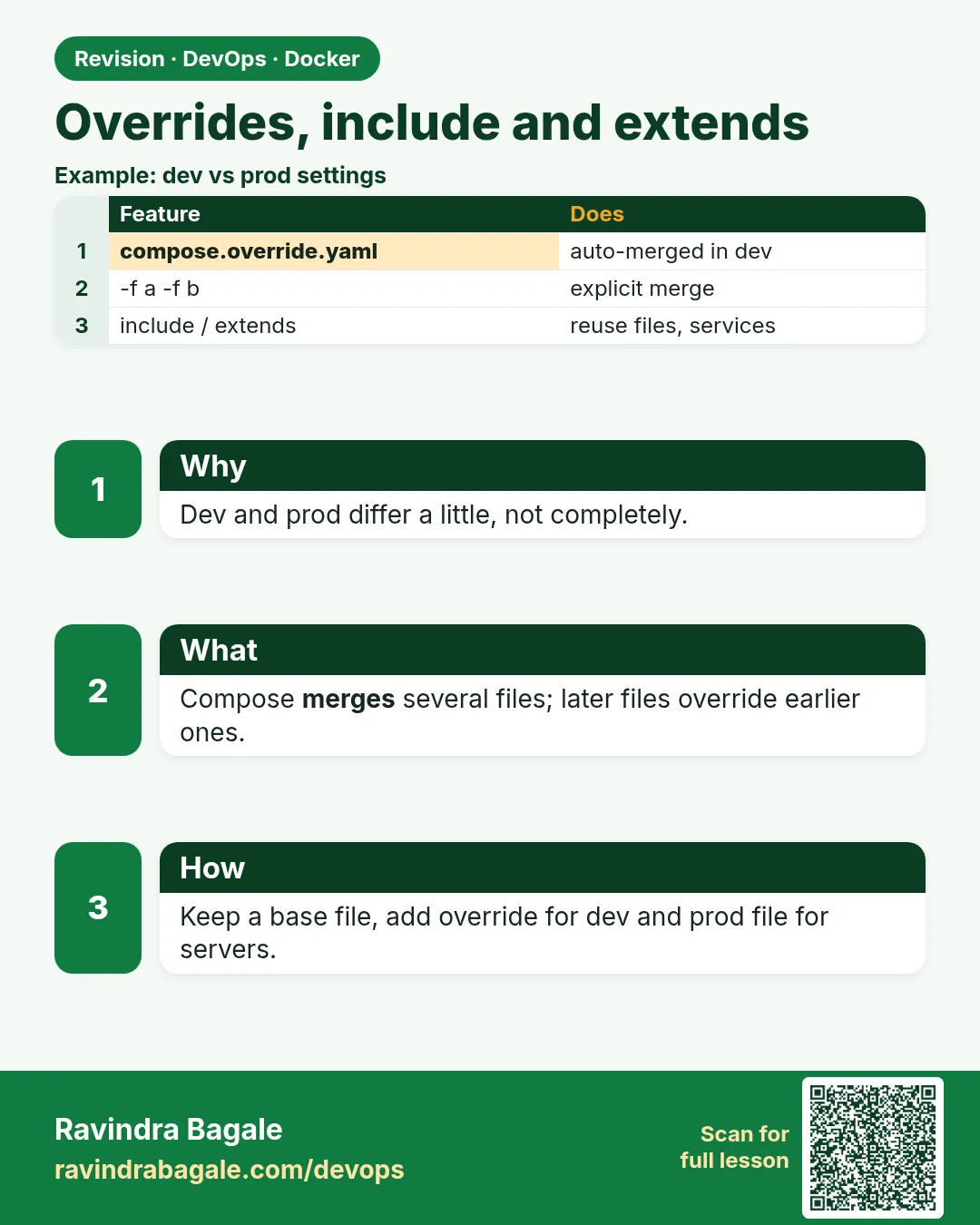 Revision card 7 of 9: Overrides, include and extends · Download PNG · Open card page
Lesson: 53.7 Override files, multiple -f, include and extends
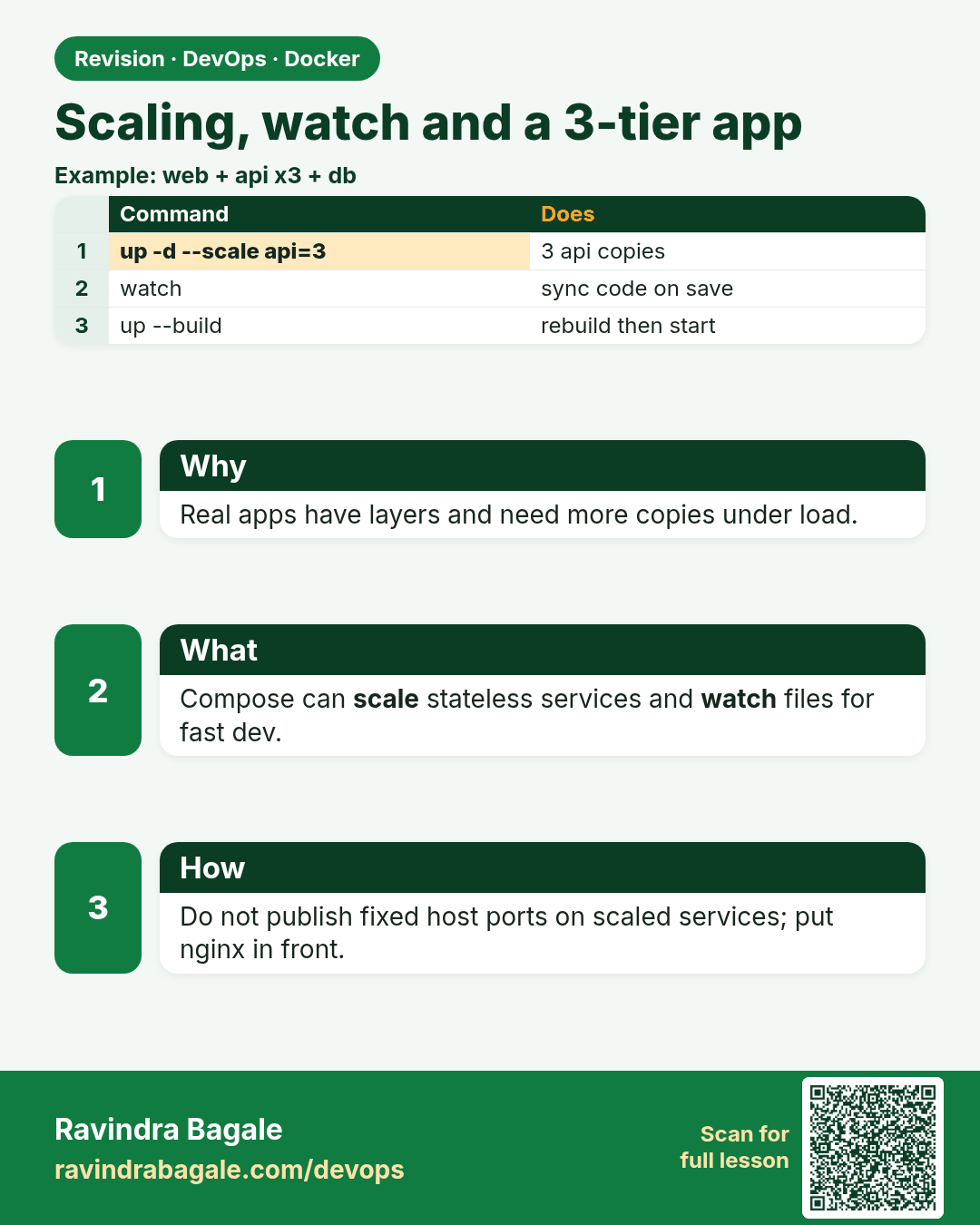
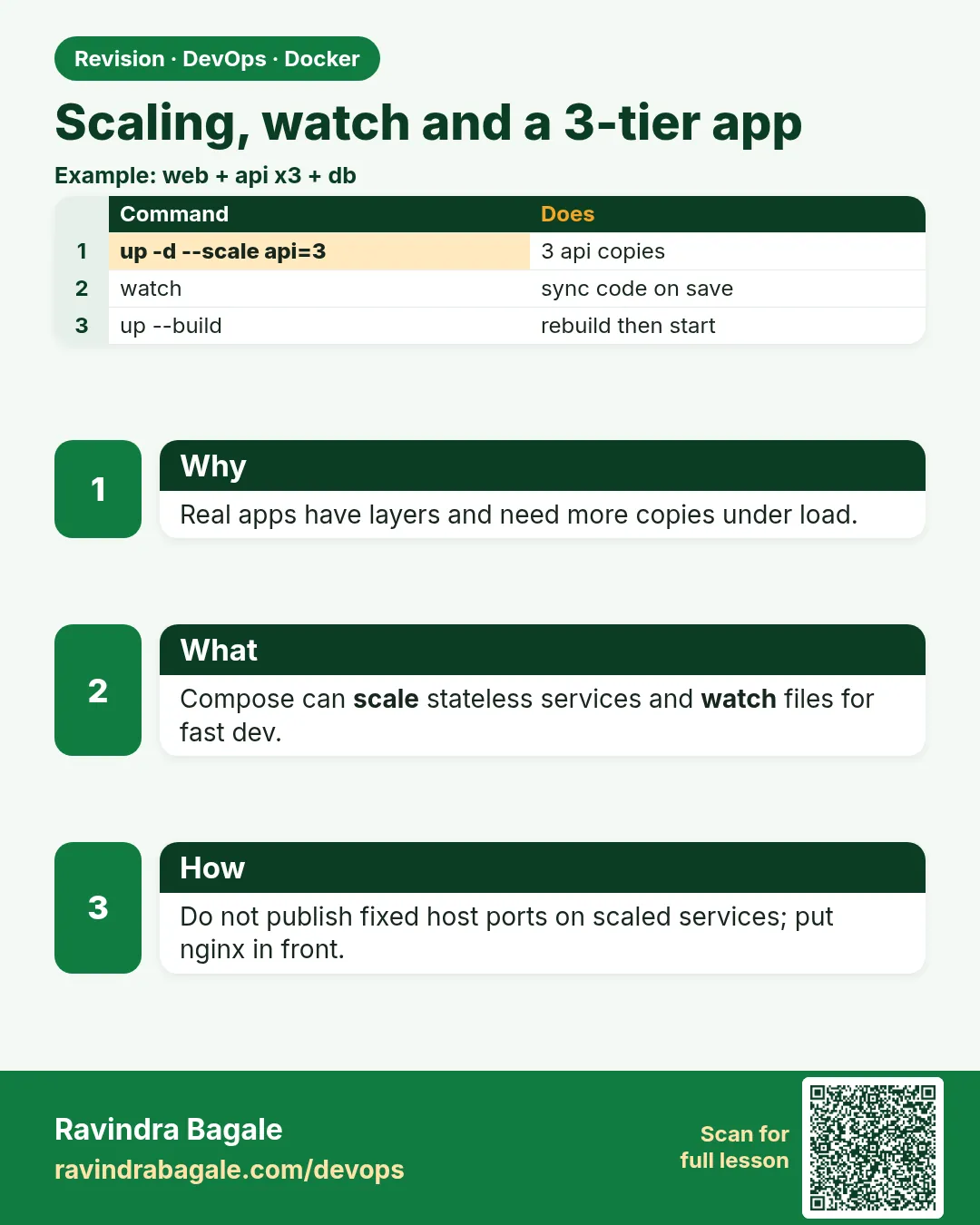 Revision card 8 of 9: Scaling, watch and a 3-tier app · Download PNG · Open card page
Lesson: 53.8 Scaling, watch mode and the full 3-tier stack
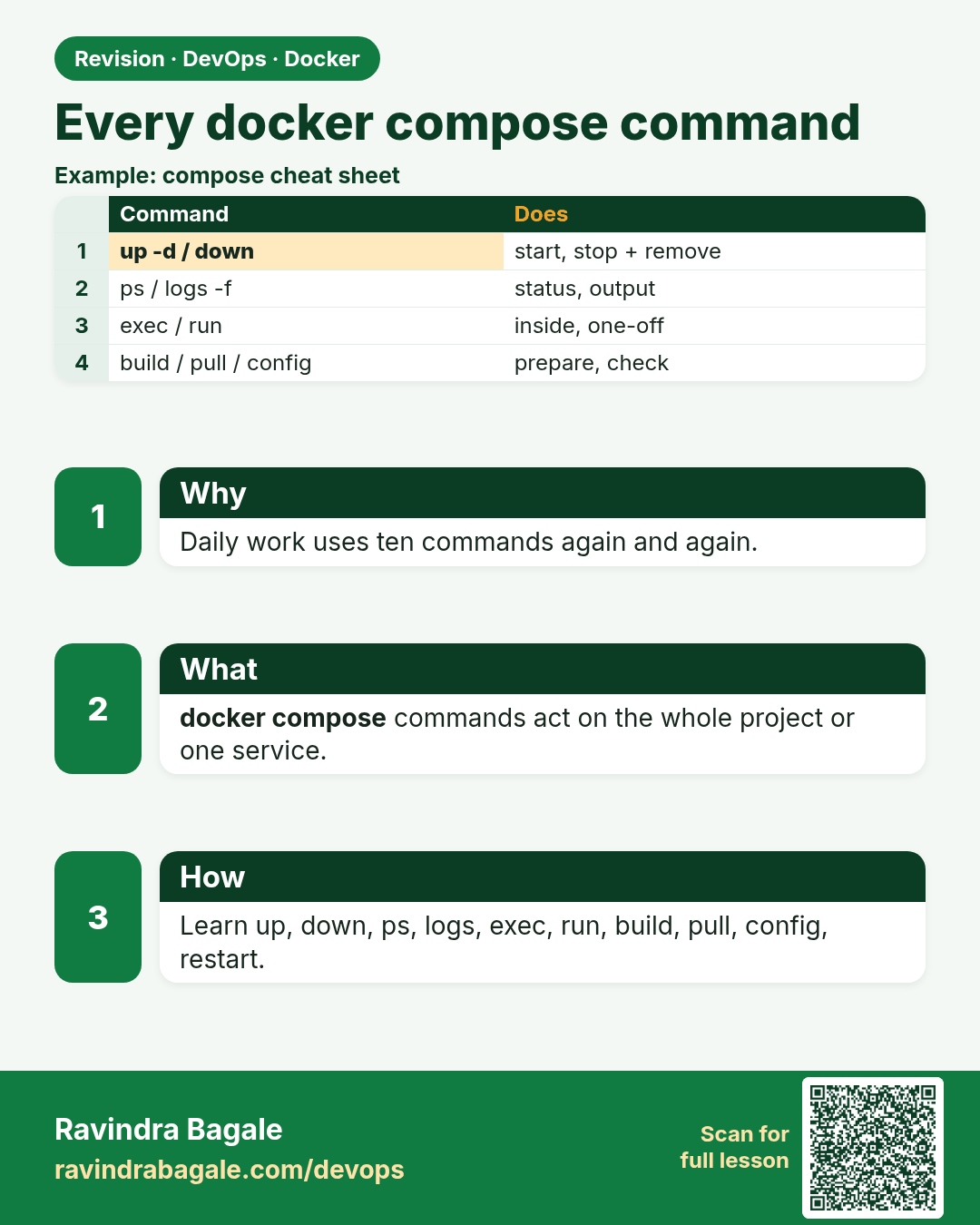
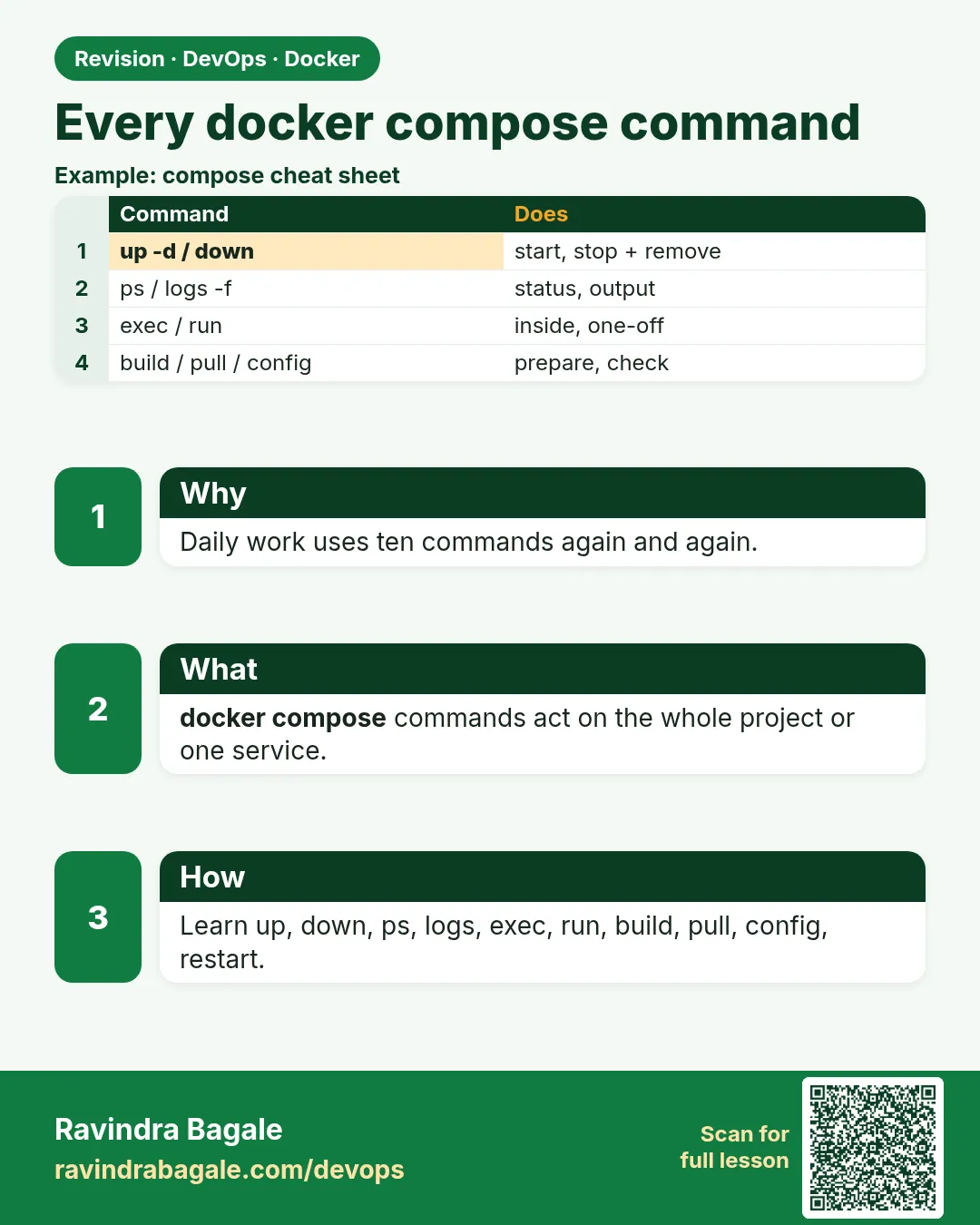 Revision card 9 of 9: Every docker compose command · Download PNG · Open card page
Lesson: 53.9 Every docker compose command: full reference
Interview cards
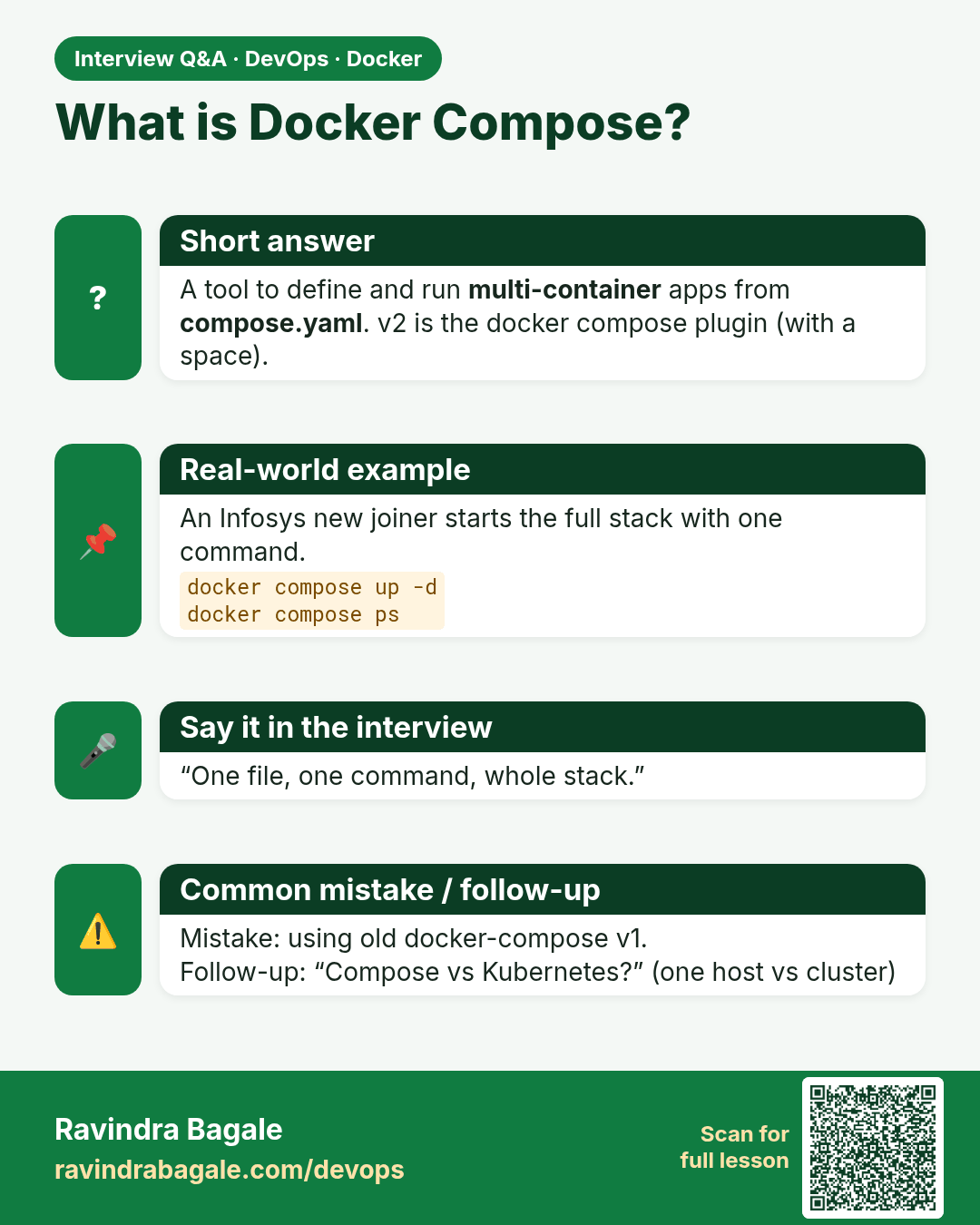
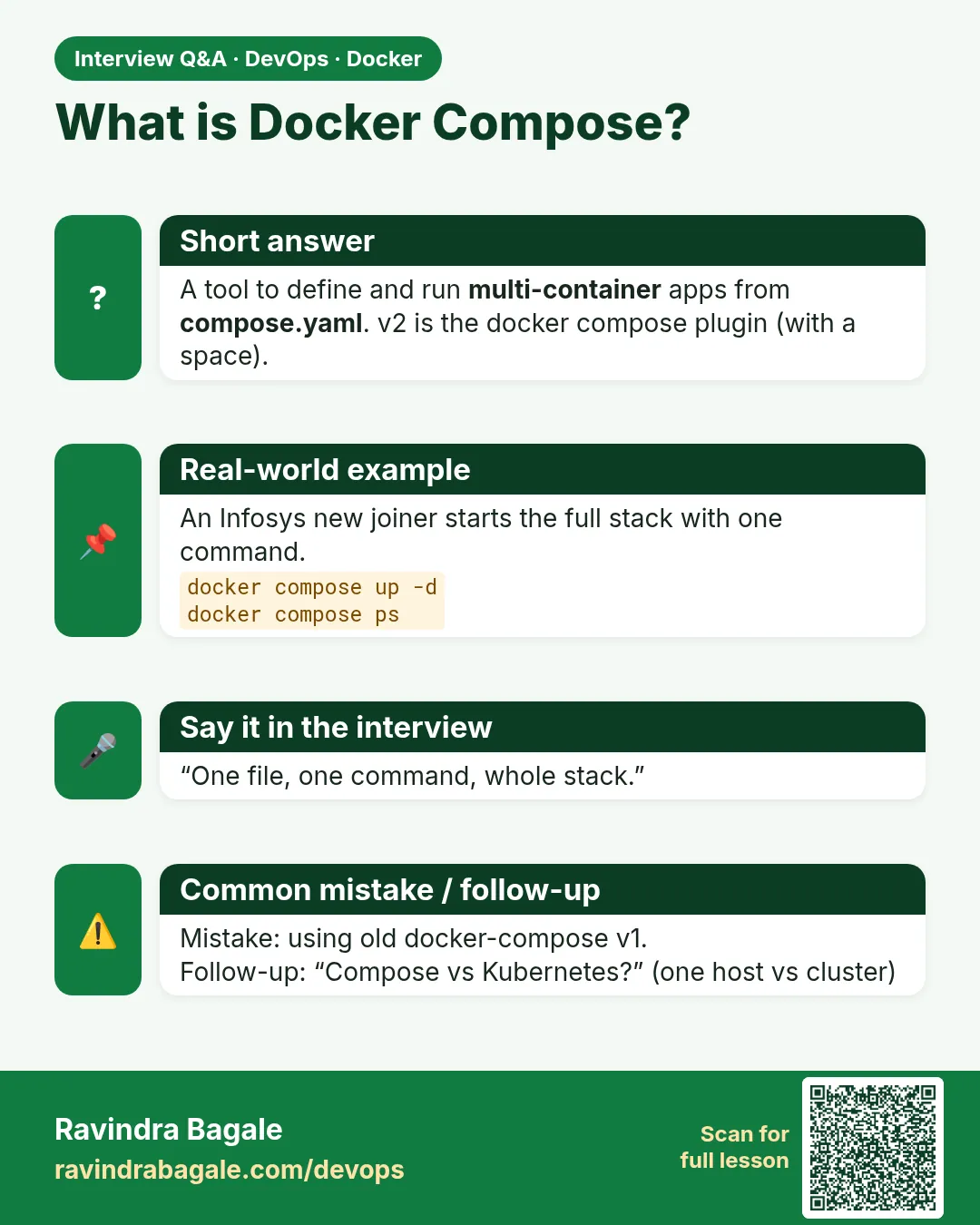 Interview card 1 of 9: What is Docker Compose? · Download PNG · Open card page
Lesson: 53.1 Why Compose: one file for the whole app
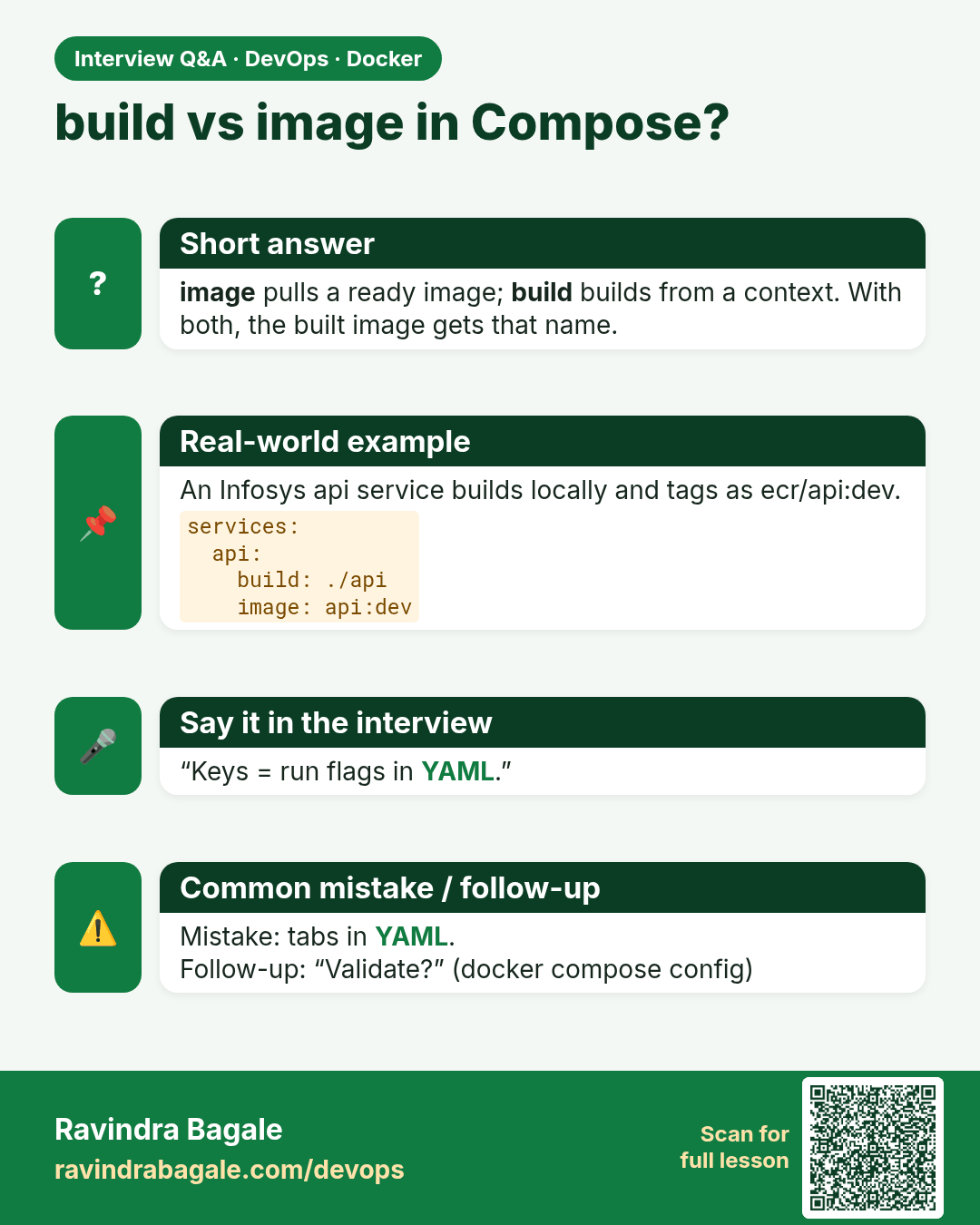
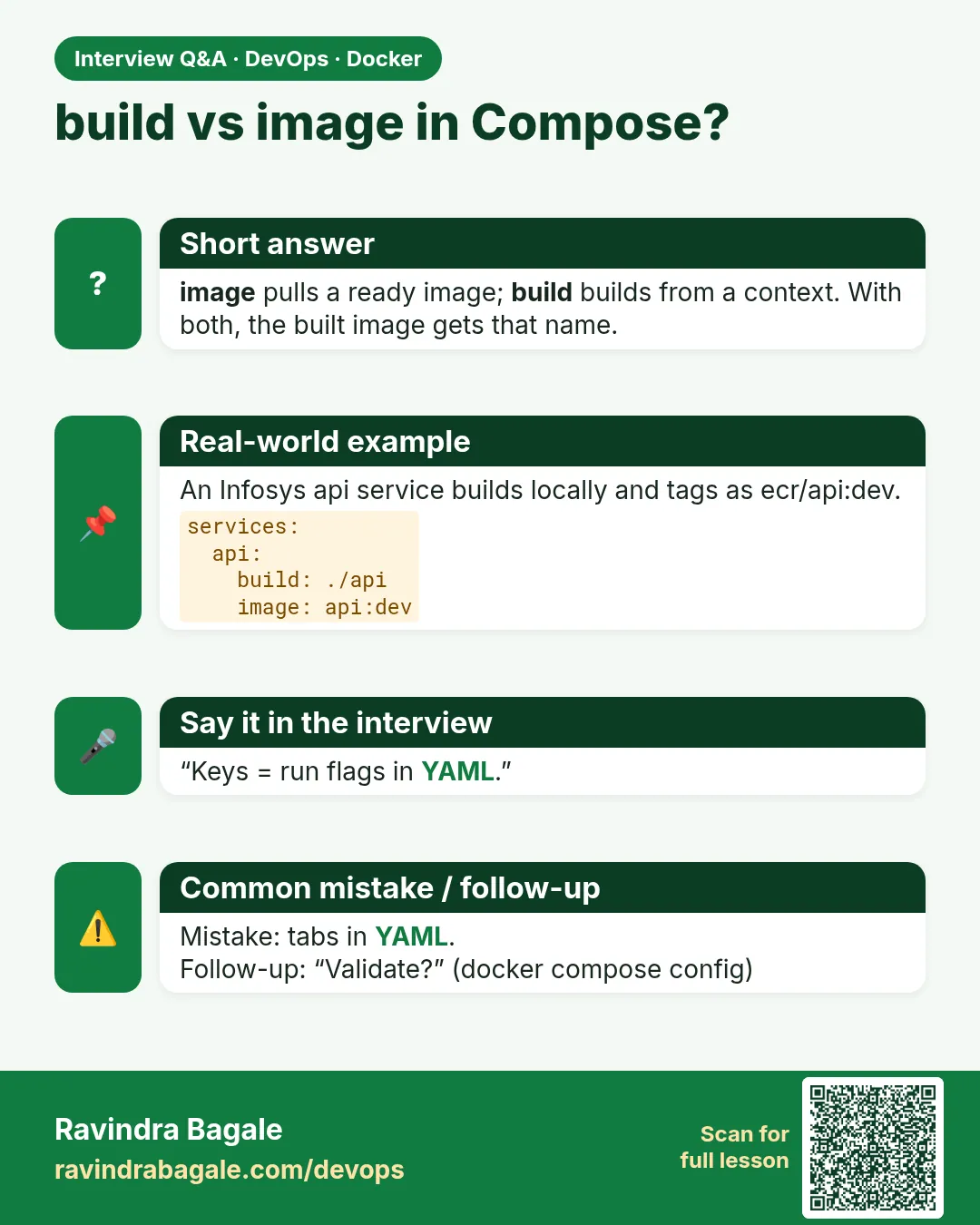 Interview card 2 of 9: build vs image in Compose? · Download PNG · Open card page
Lesson: 53.2 Service keys: build, image, command, environment, ports, restart
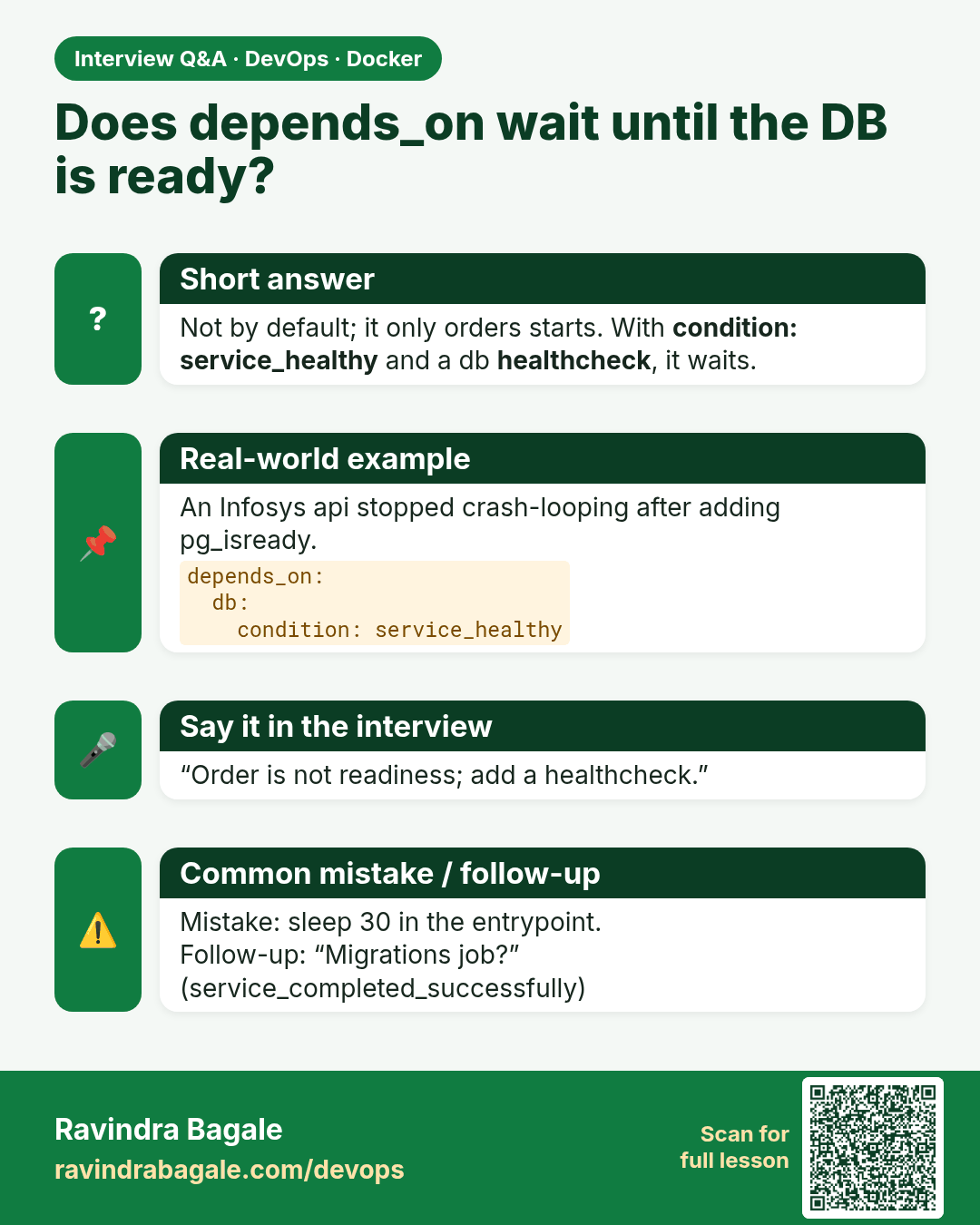
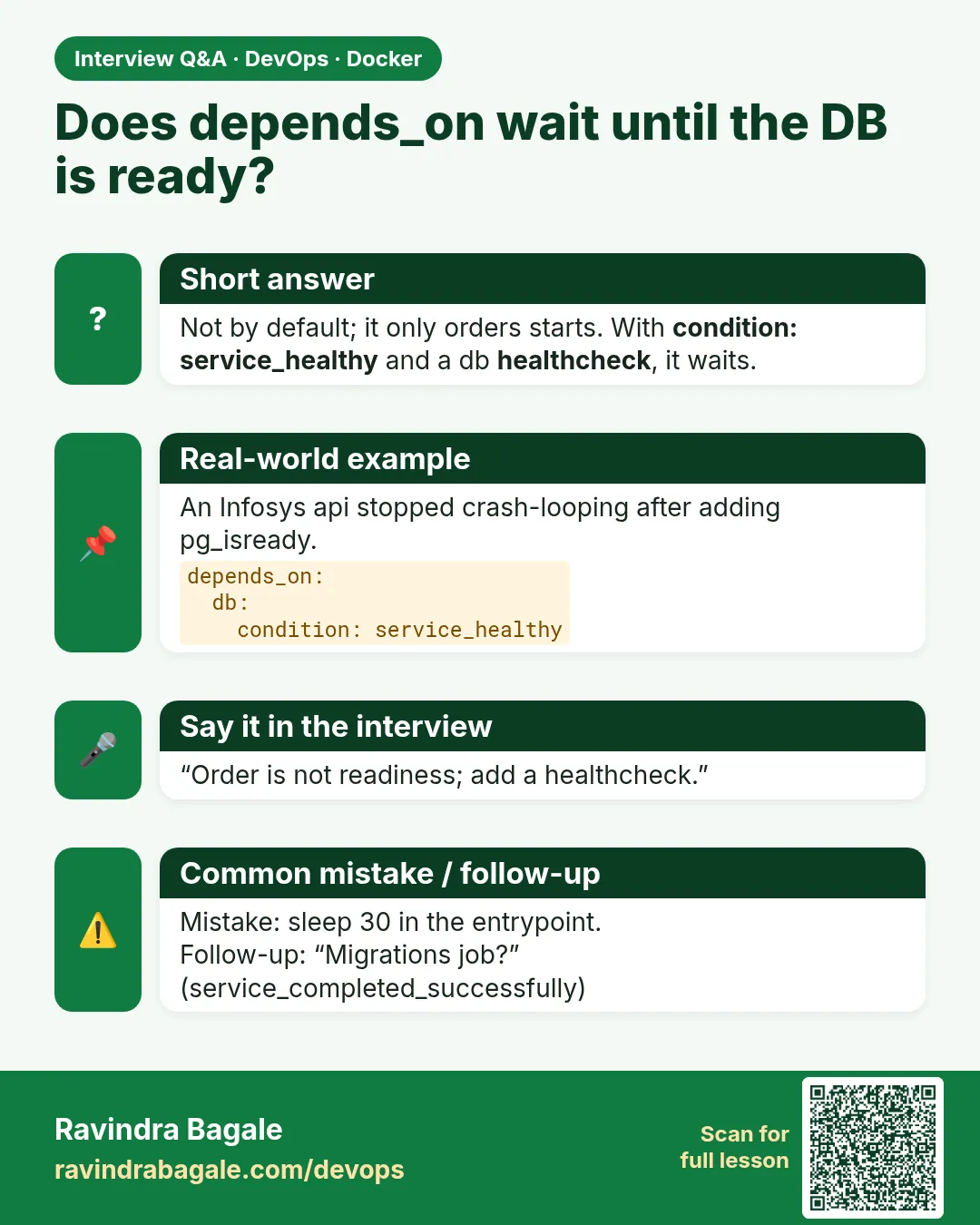 Interview card 3 of 9: Does depends_on wait until the DB is ready? · Download PNG · Open card page
Lesson: 53.3 depends_on with healthchecks: start in the right order
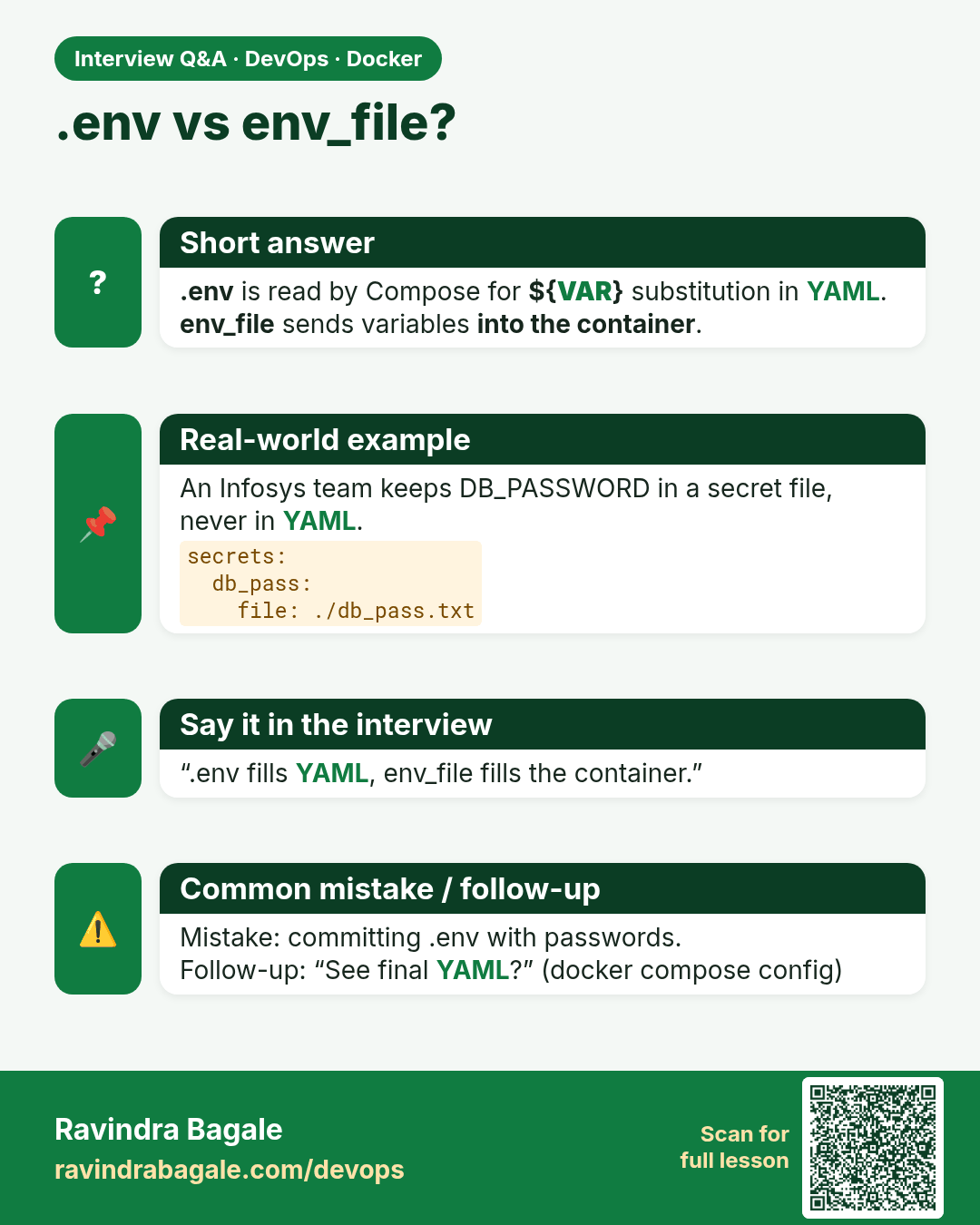
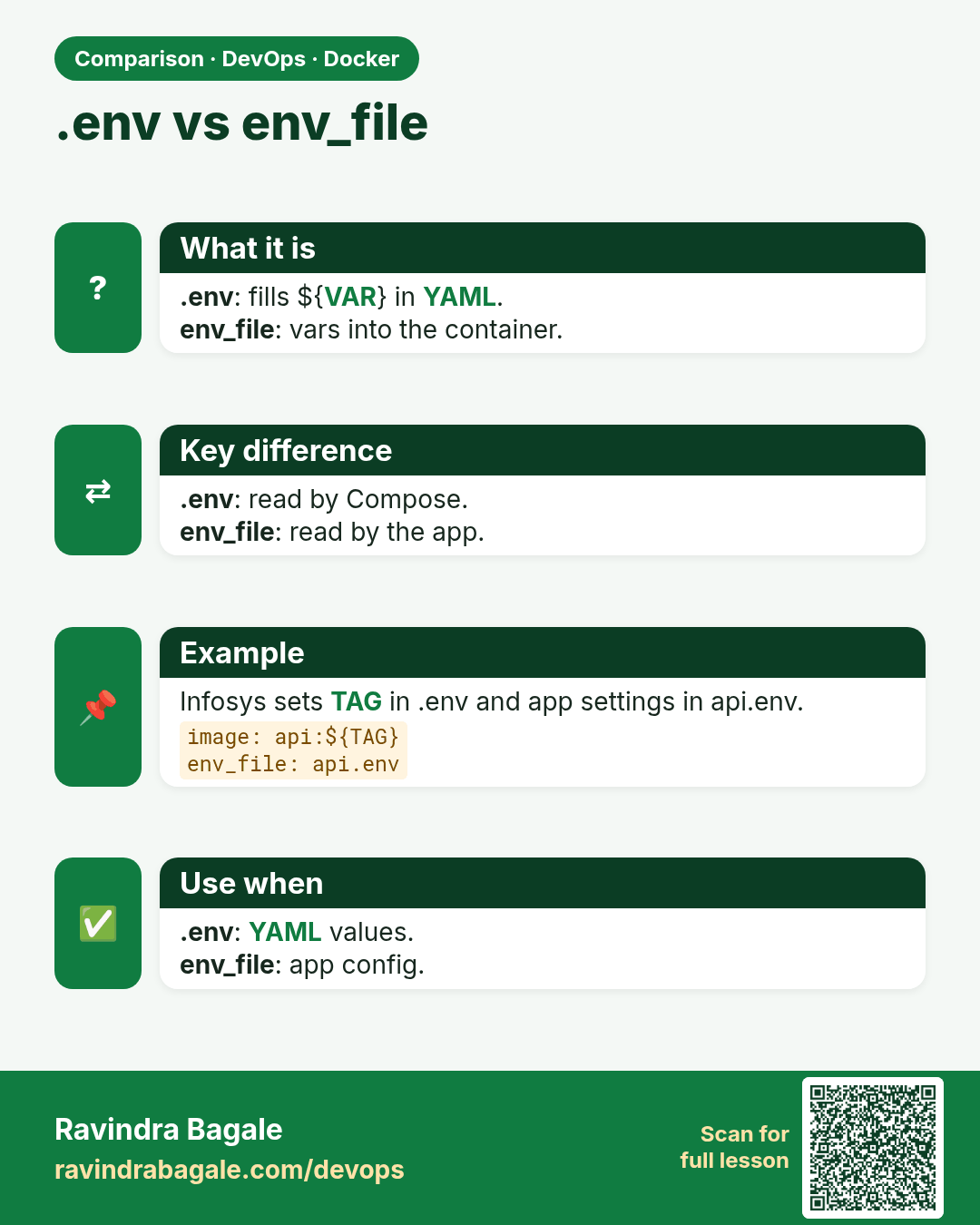
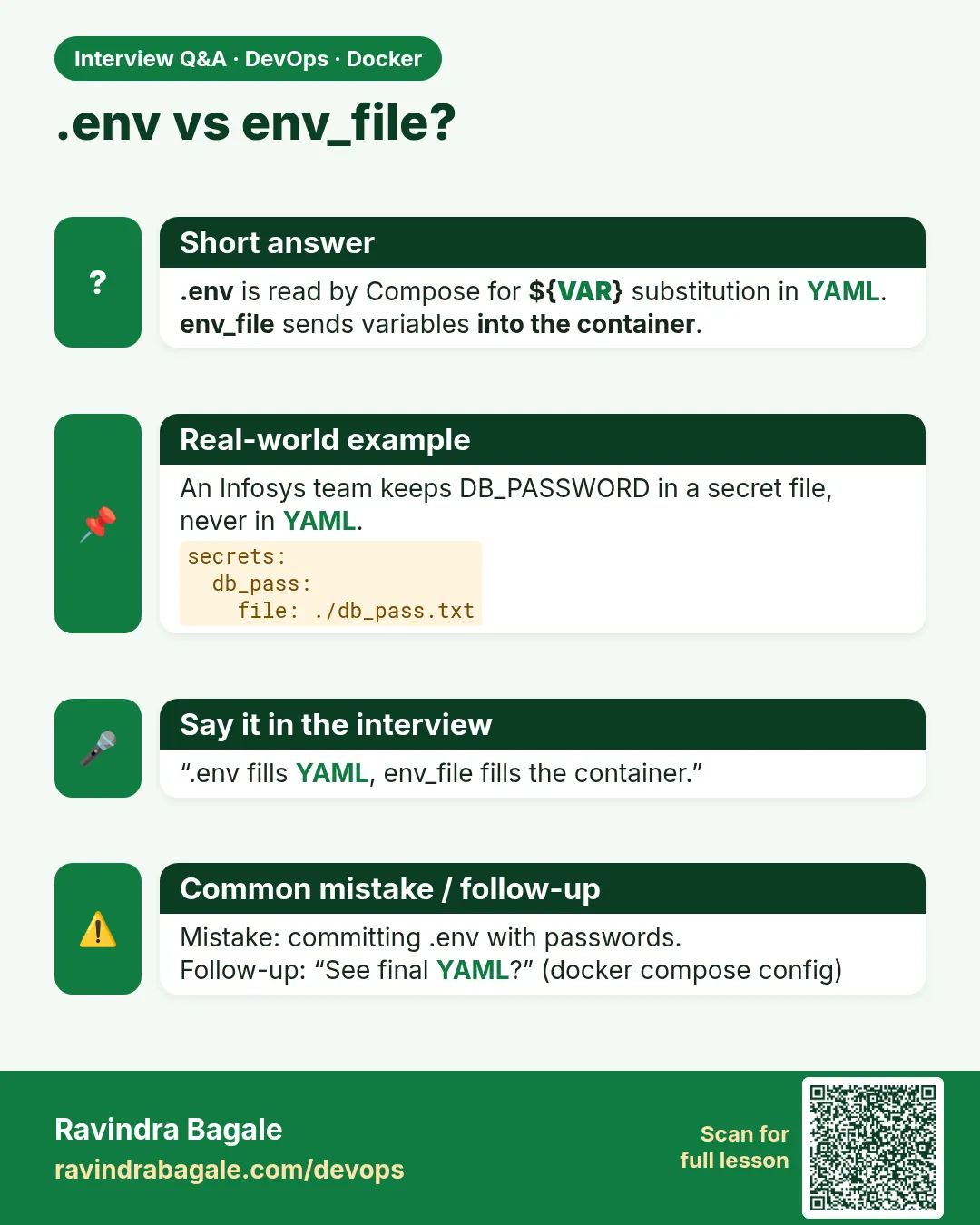 Interview card 4 of 9: .env vs env_file? · Download PNG · Open card page
Lesson: 53.4 Environment files, interpolation and secrets
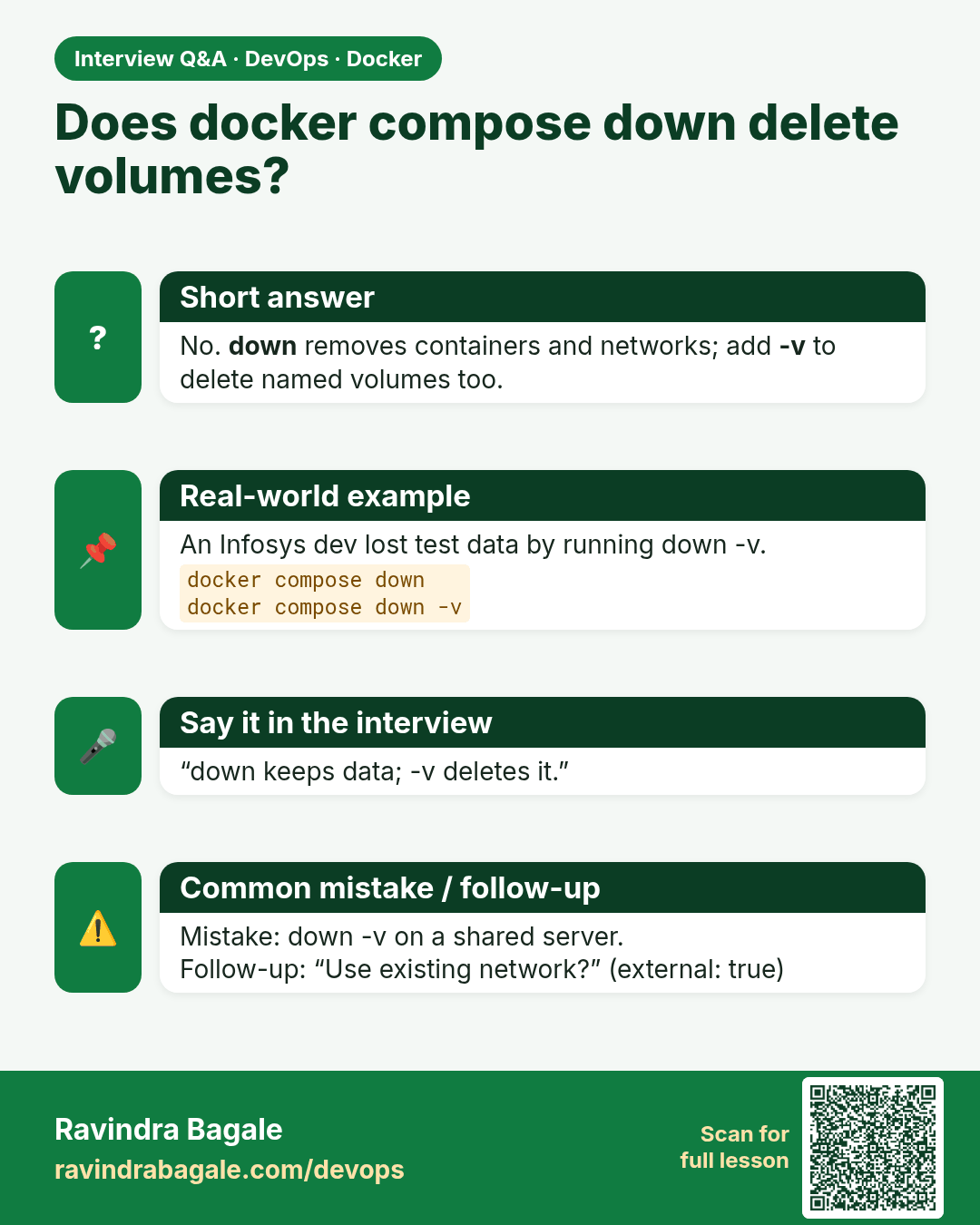
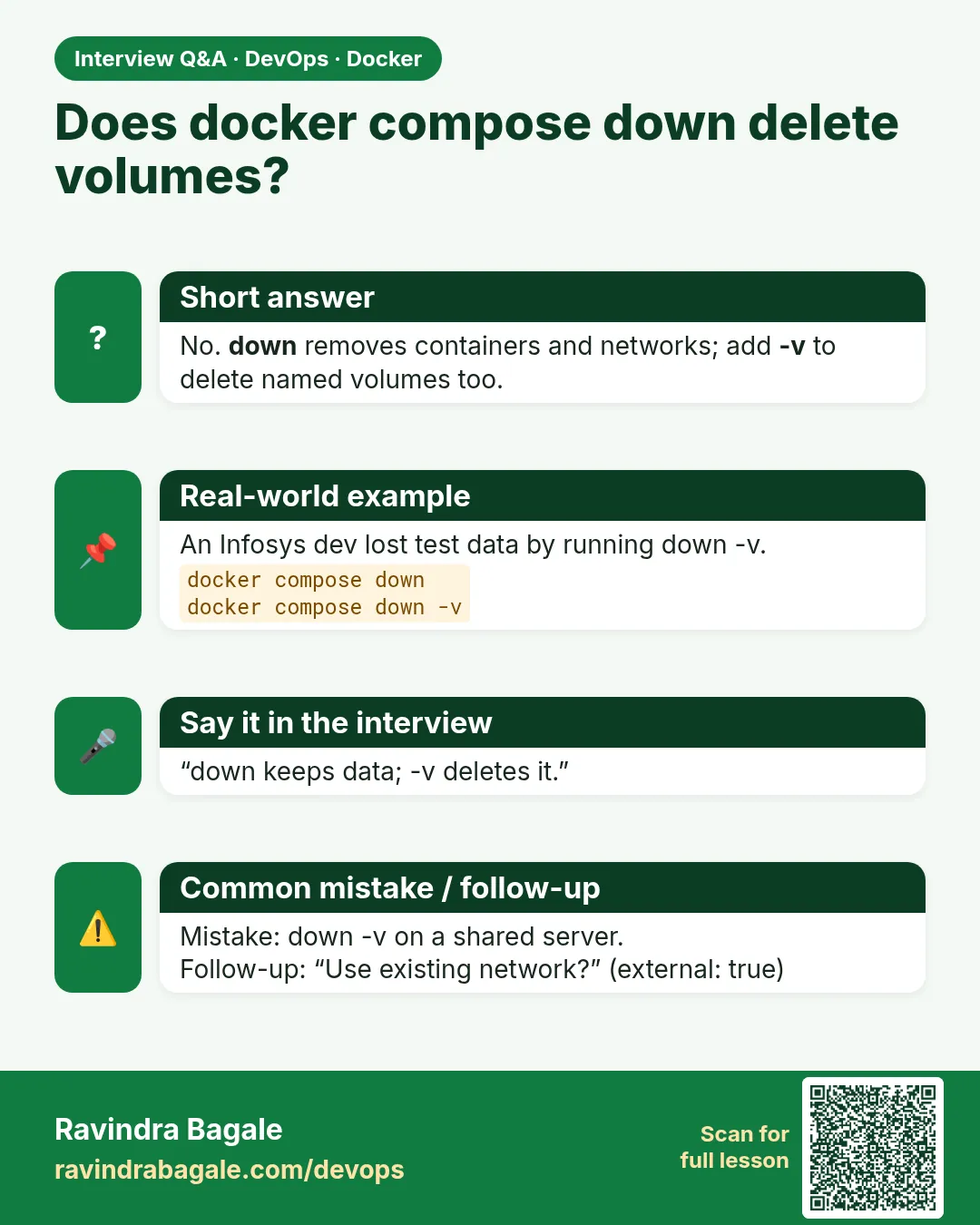 Interview card 5 of 9: Does docker compose down delete volumes? · Download PNG · Open card page
Lesson: 53.5 Volumes and networks in Compose
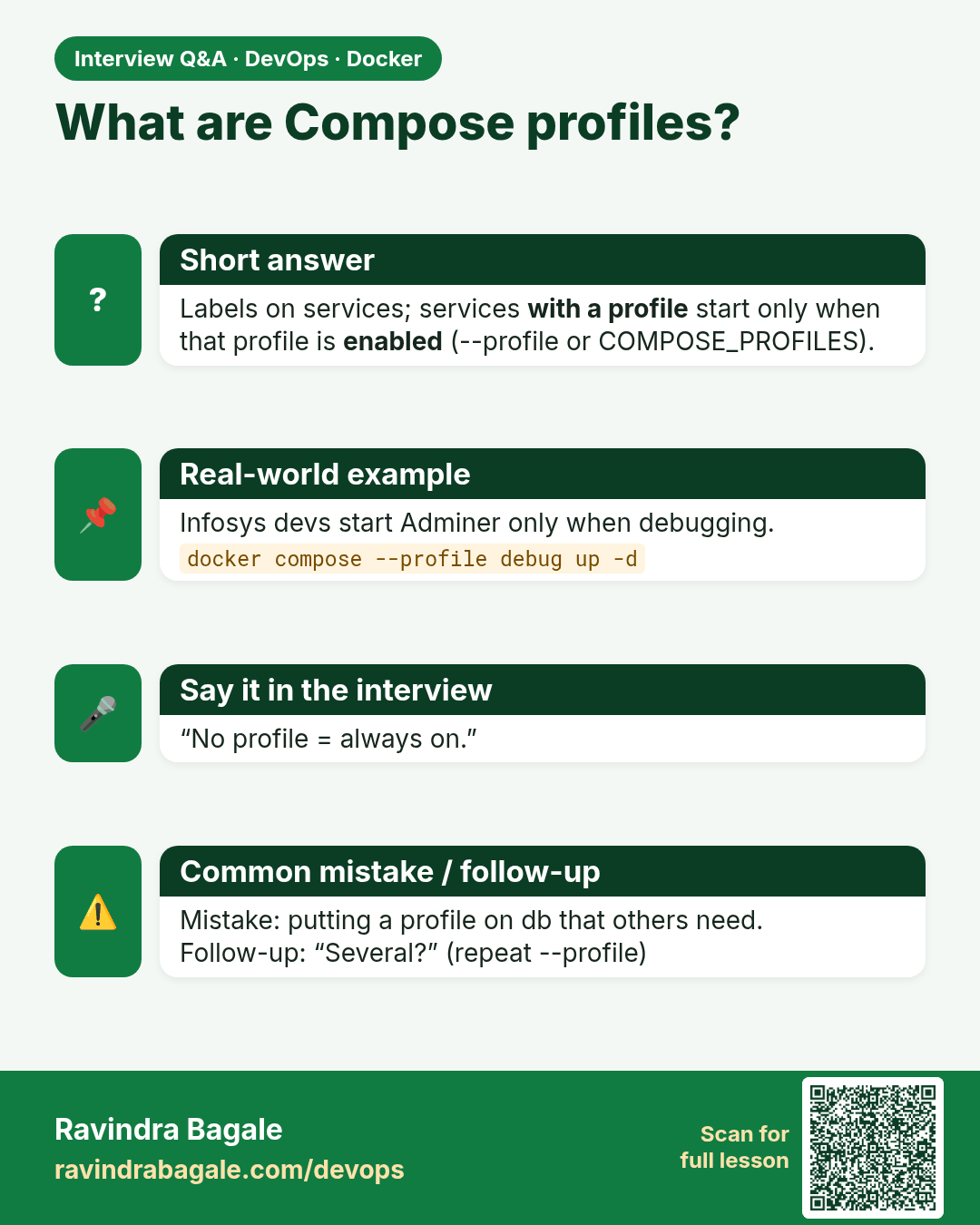
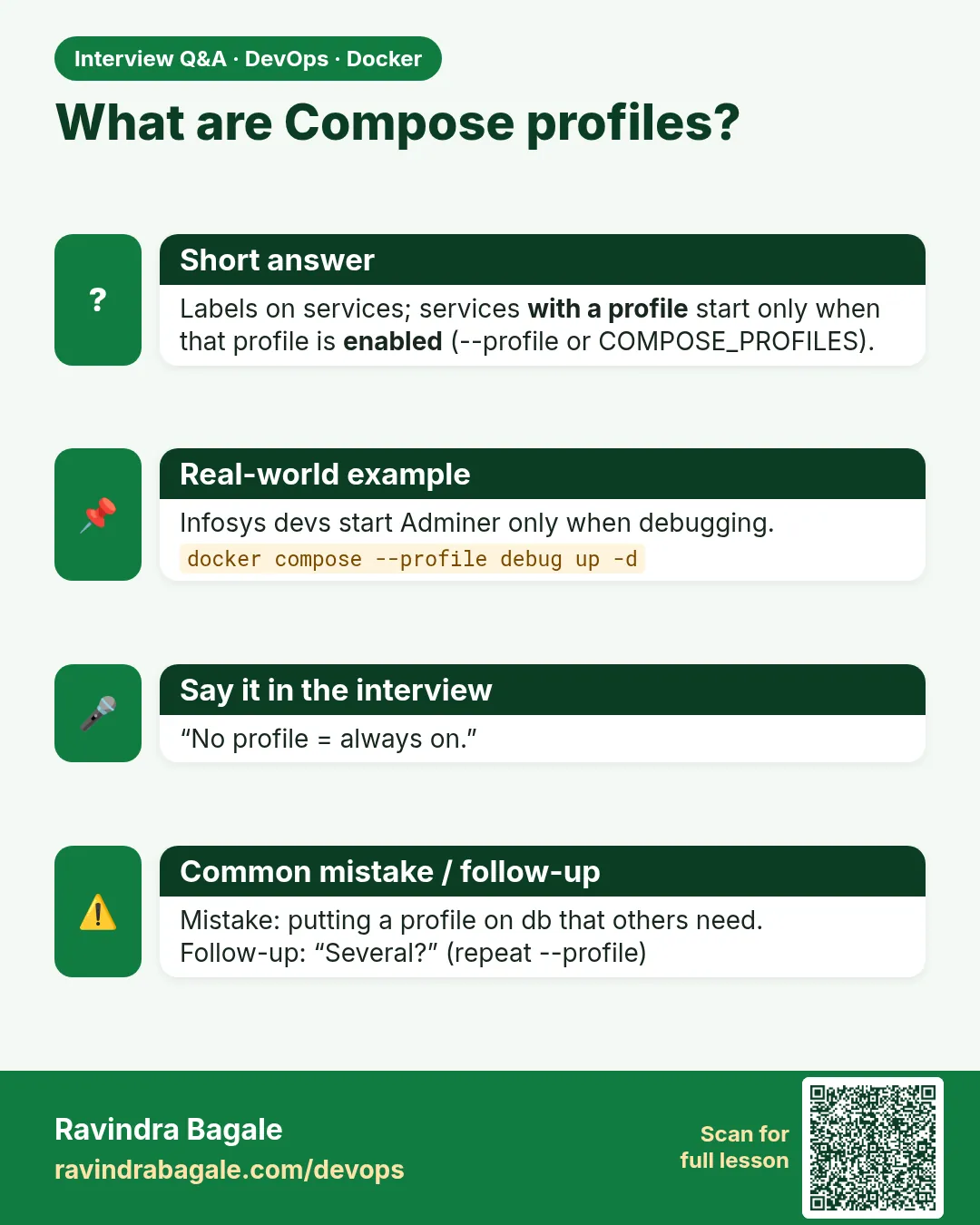 Interview card 6 of 9: What are Compose profiles? · Download PNG · Open card page
Lesson: 53.6 Profiles: optional services
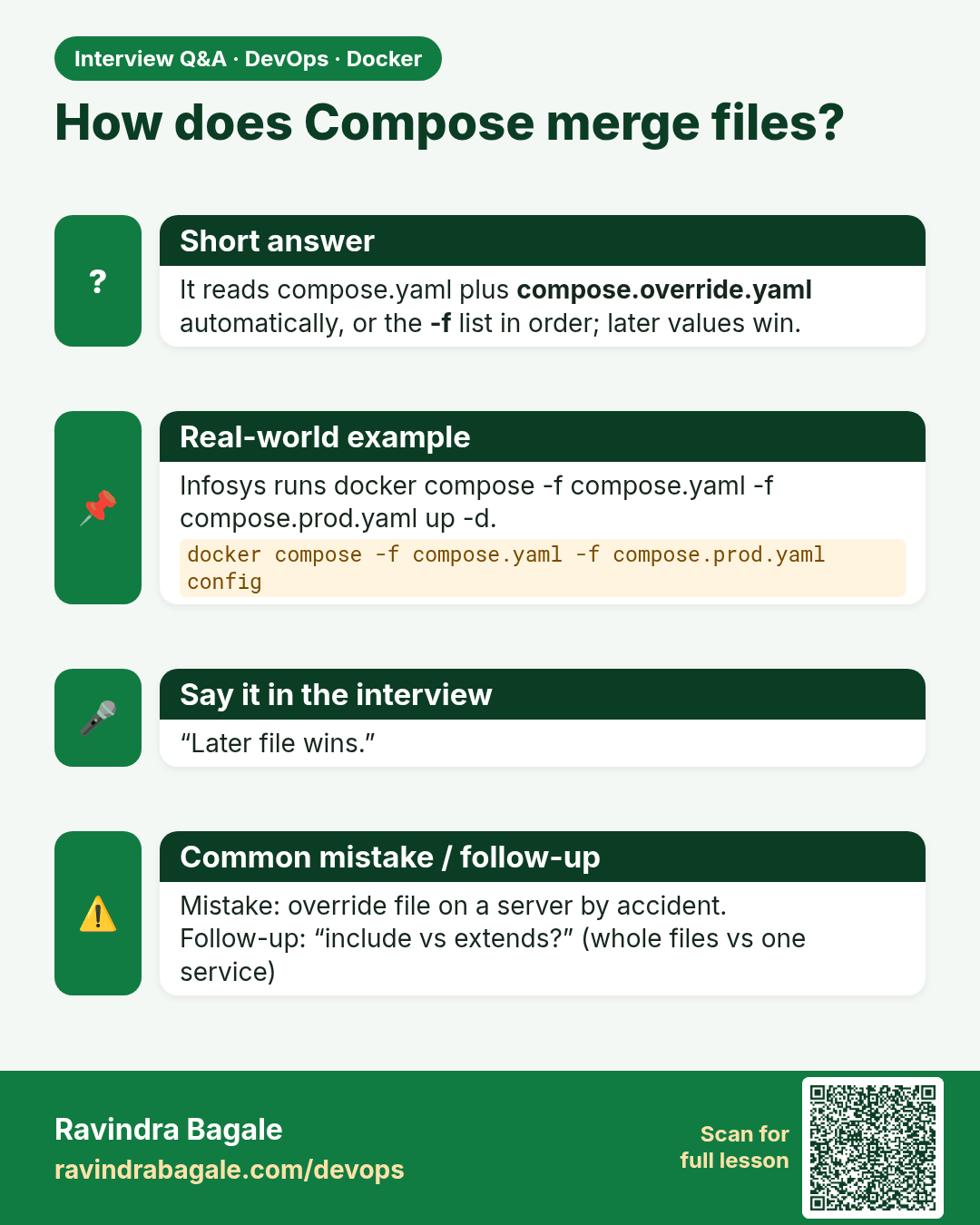
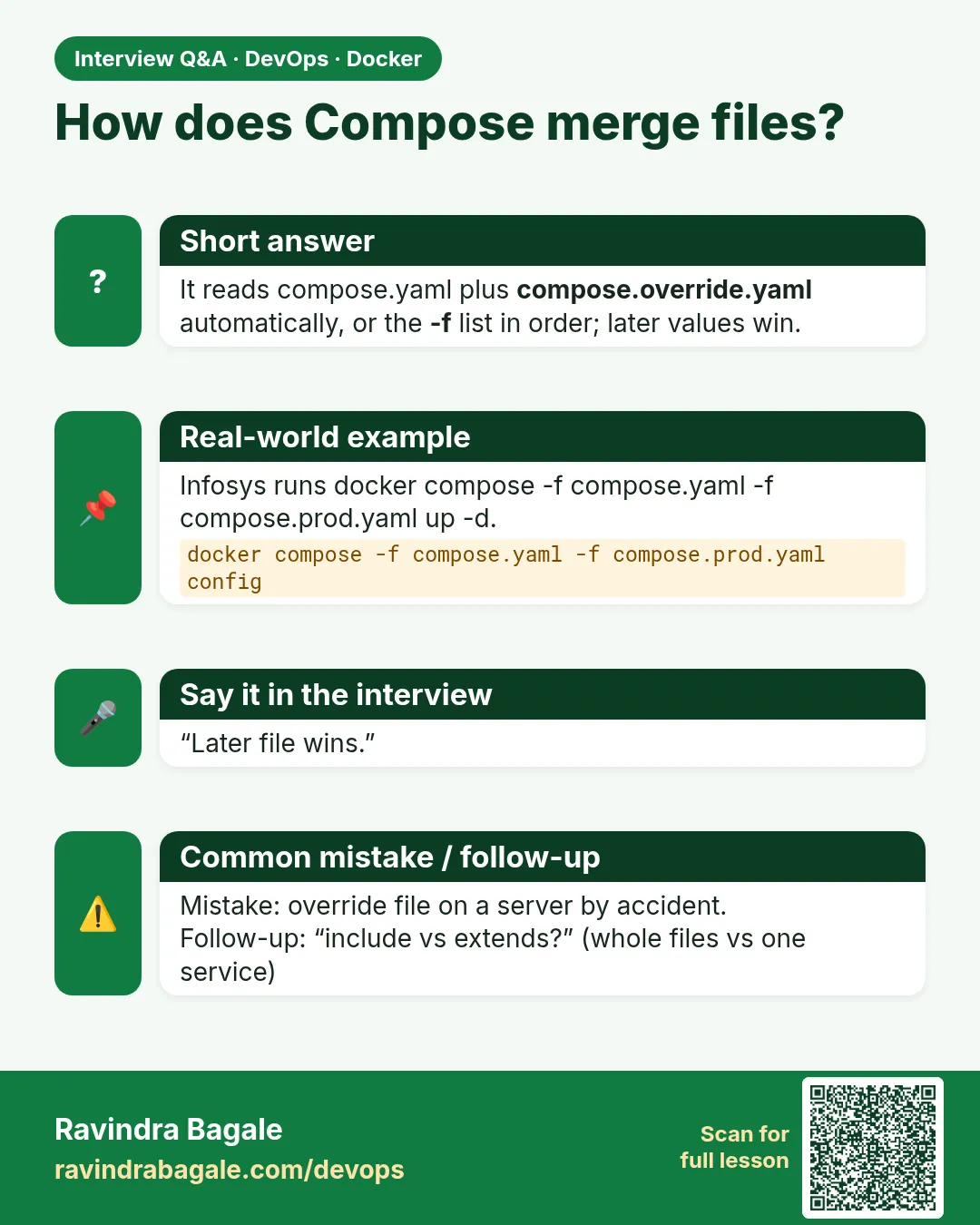 Interview card 7 of 9: How does Compose merge files? · Download PNG · Open card page
Lesson: 53.7 Override files, multiple -f, include and extends
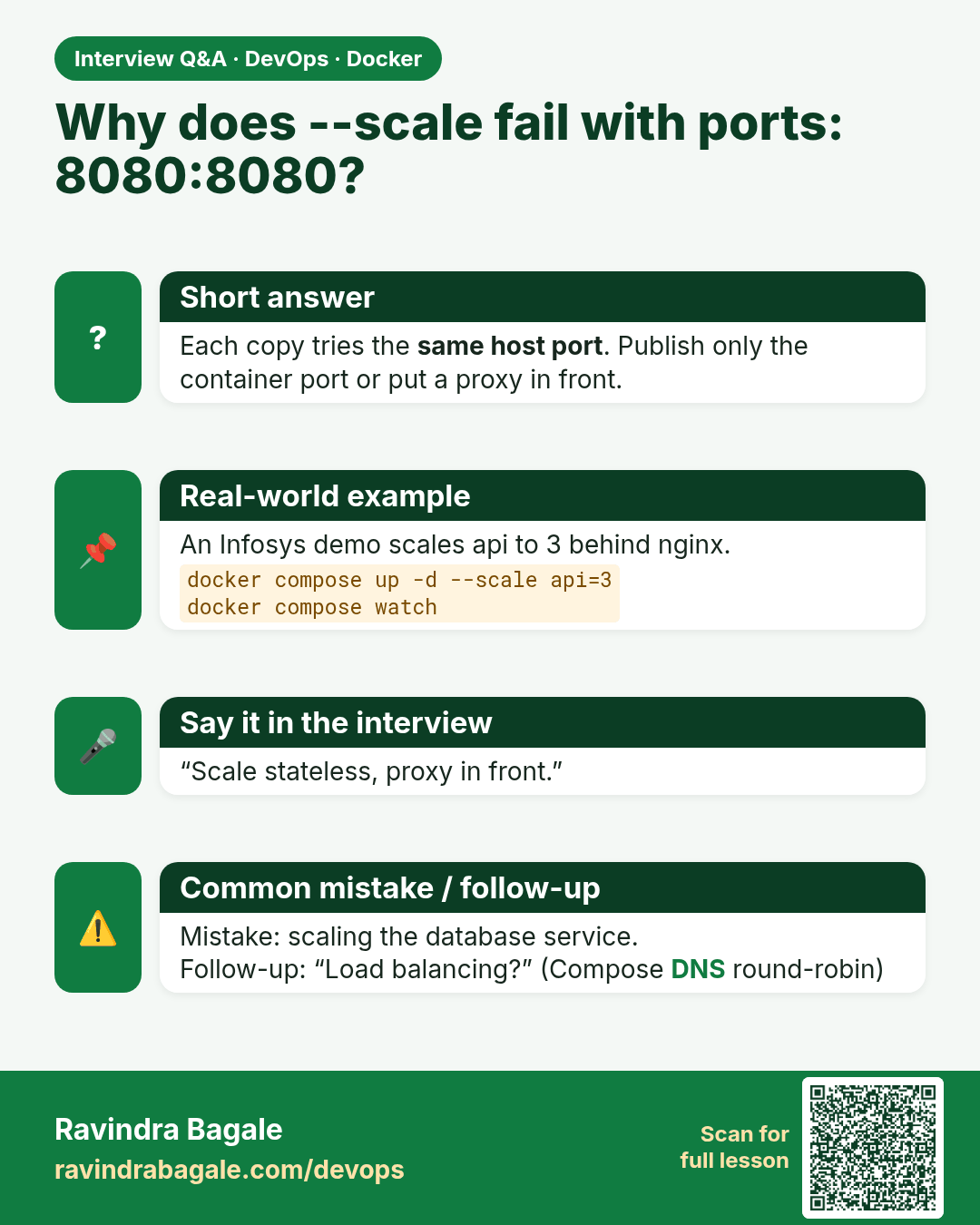
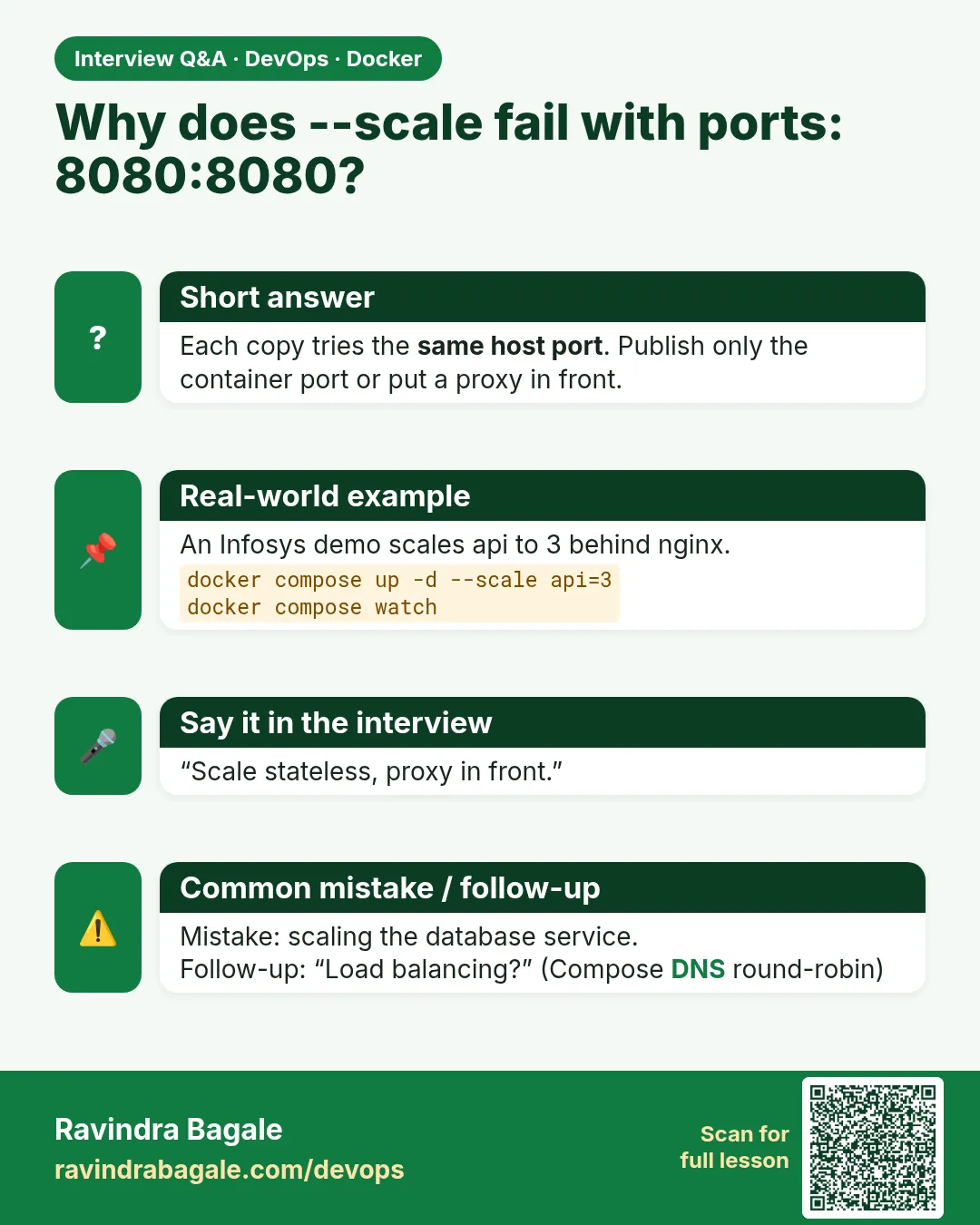 Interview card 8 of 9: Why does --scale fail with ports: 8080:8080? · Download PNG · Open card page
Lesson: 53.8 Scaling, watch mode and the full 3-tier stack
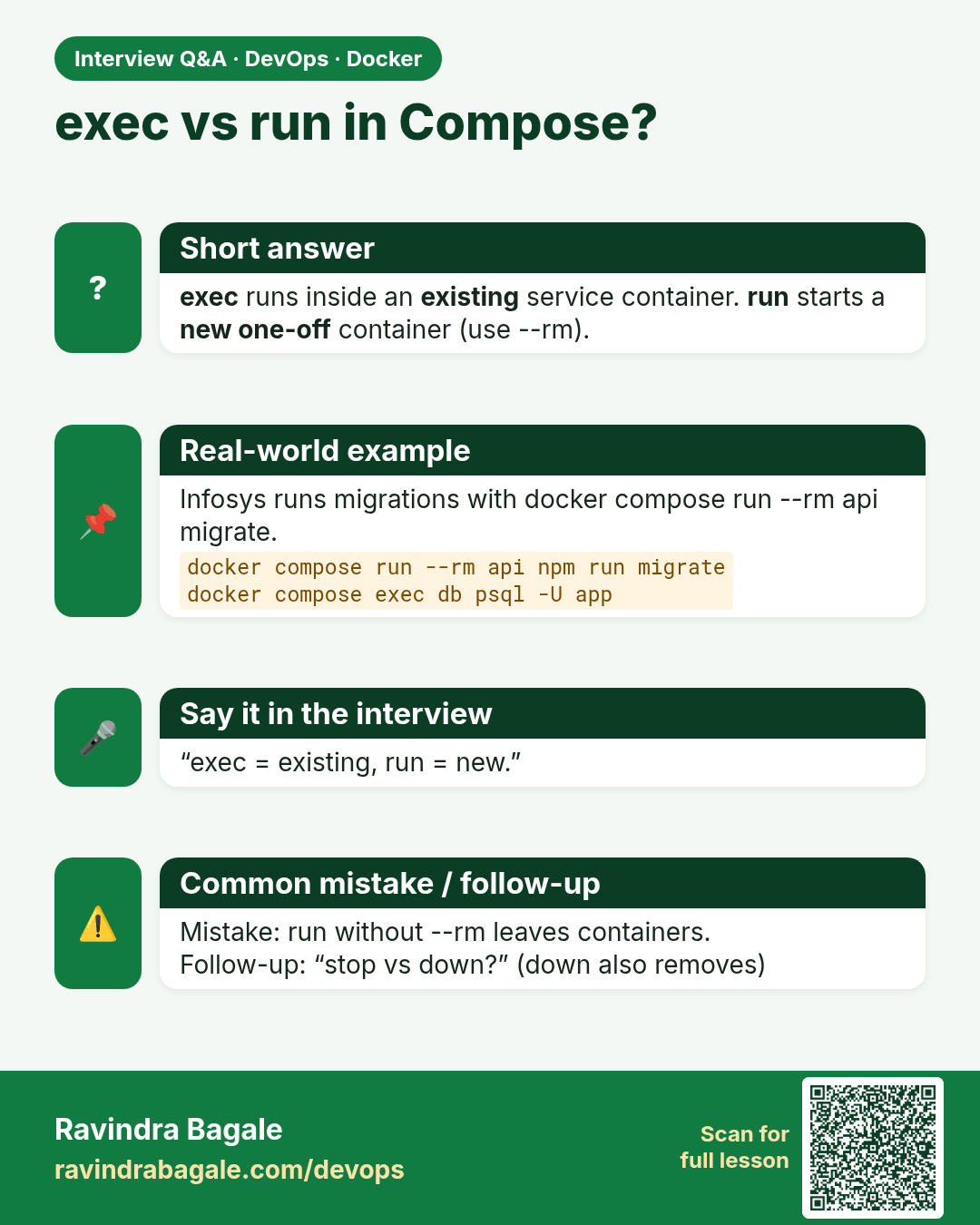
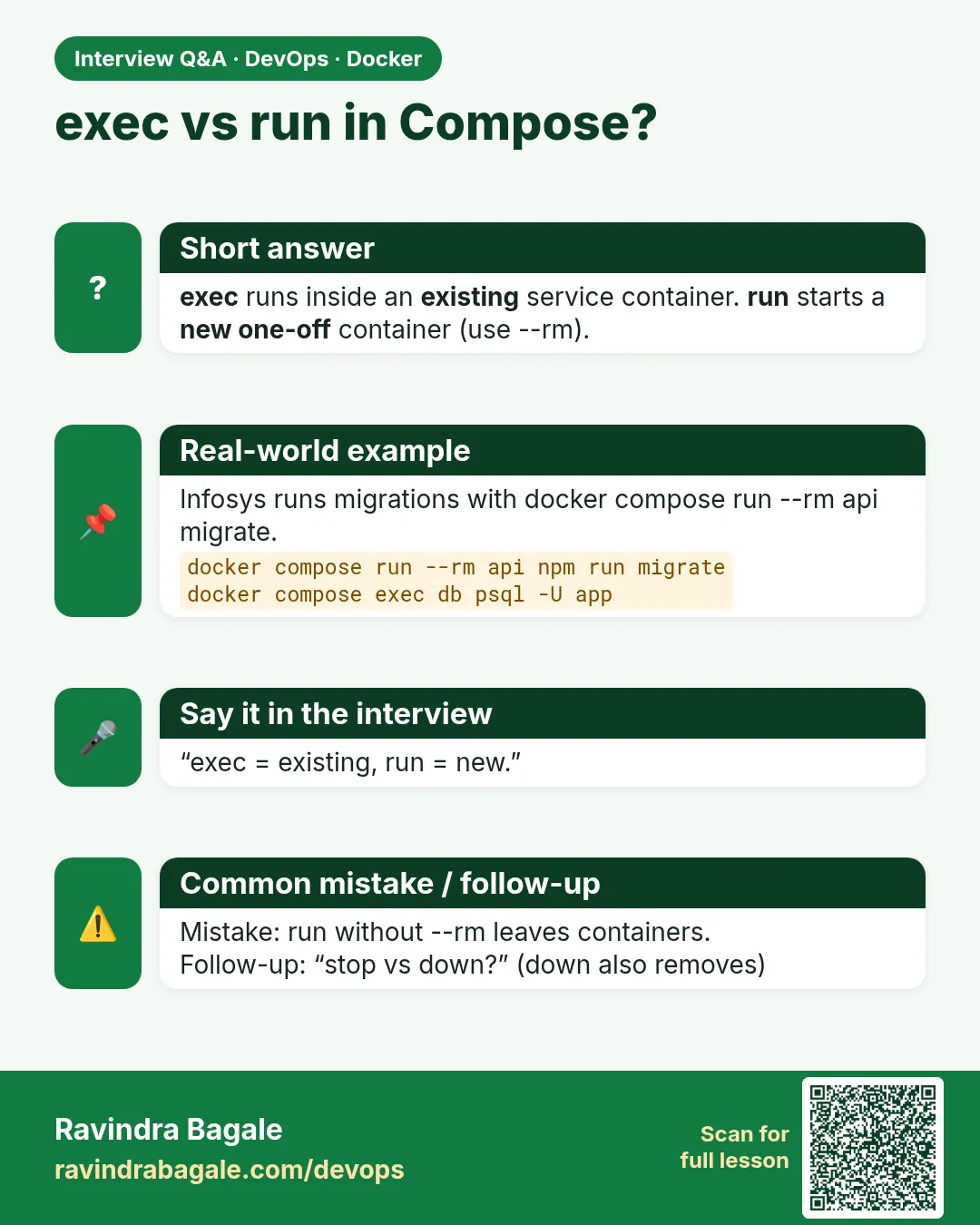 Interview card 9 of 9: exec vs run in Compose? · Download PNG · Open card page
Lesson: 53.9 Every docker compose command: full reference
Comparison cards
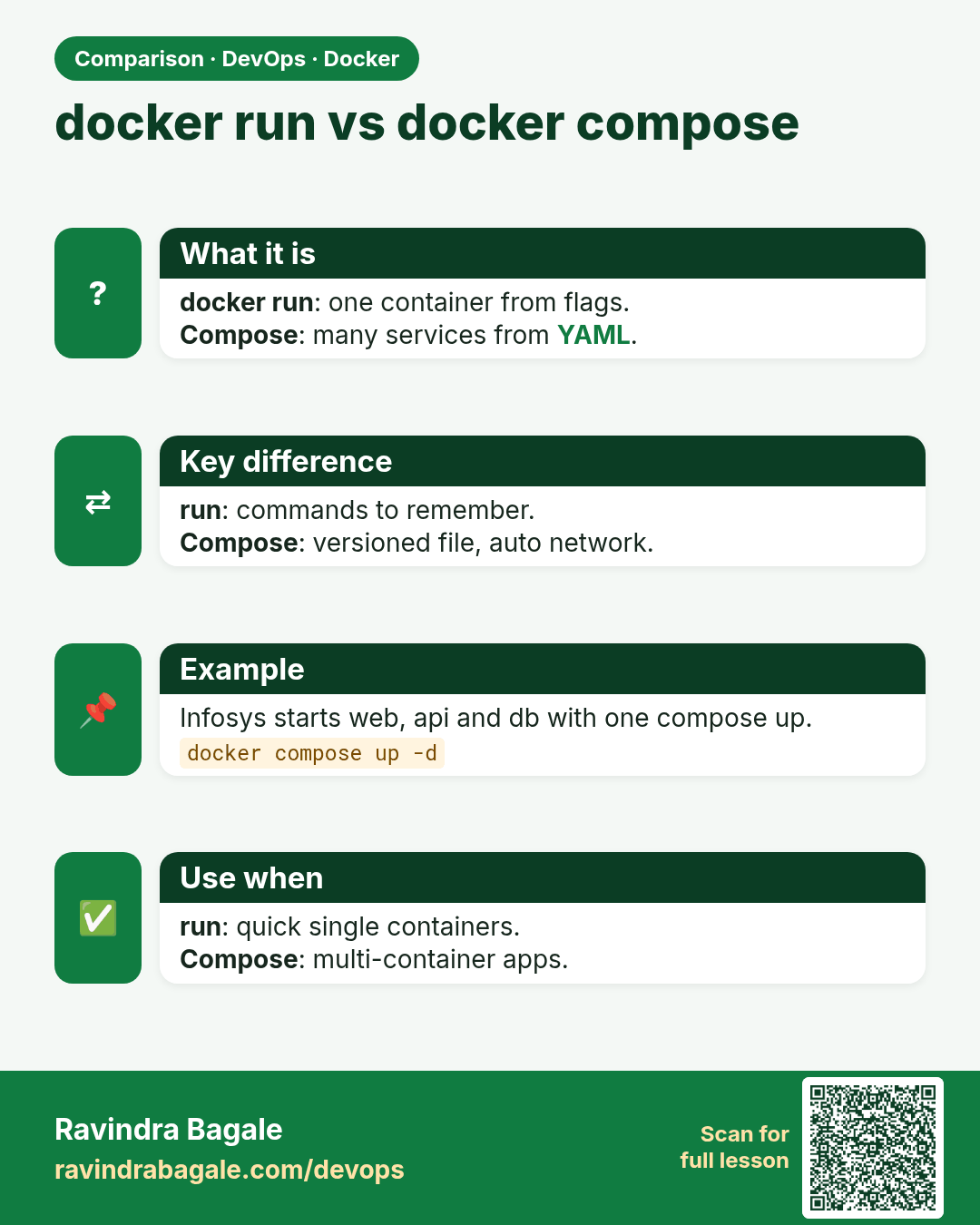
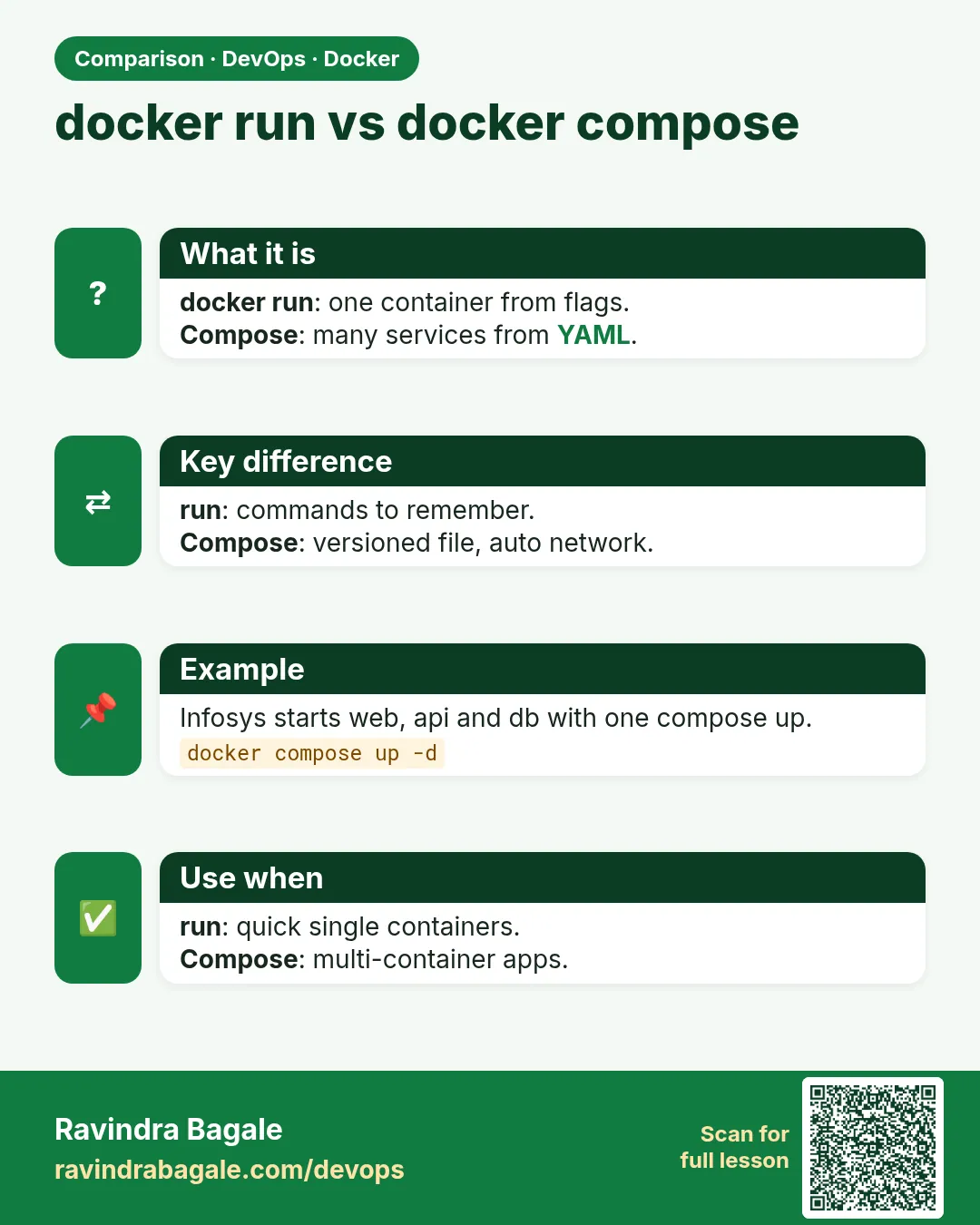 Comparison card 1 of 3: docker run vs docker compose · Download PNG · Open card page
Lesson: 53.1 Why Compose: one file for the whole app
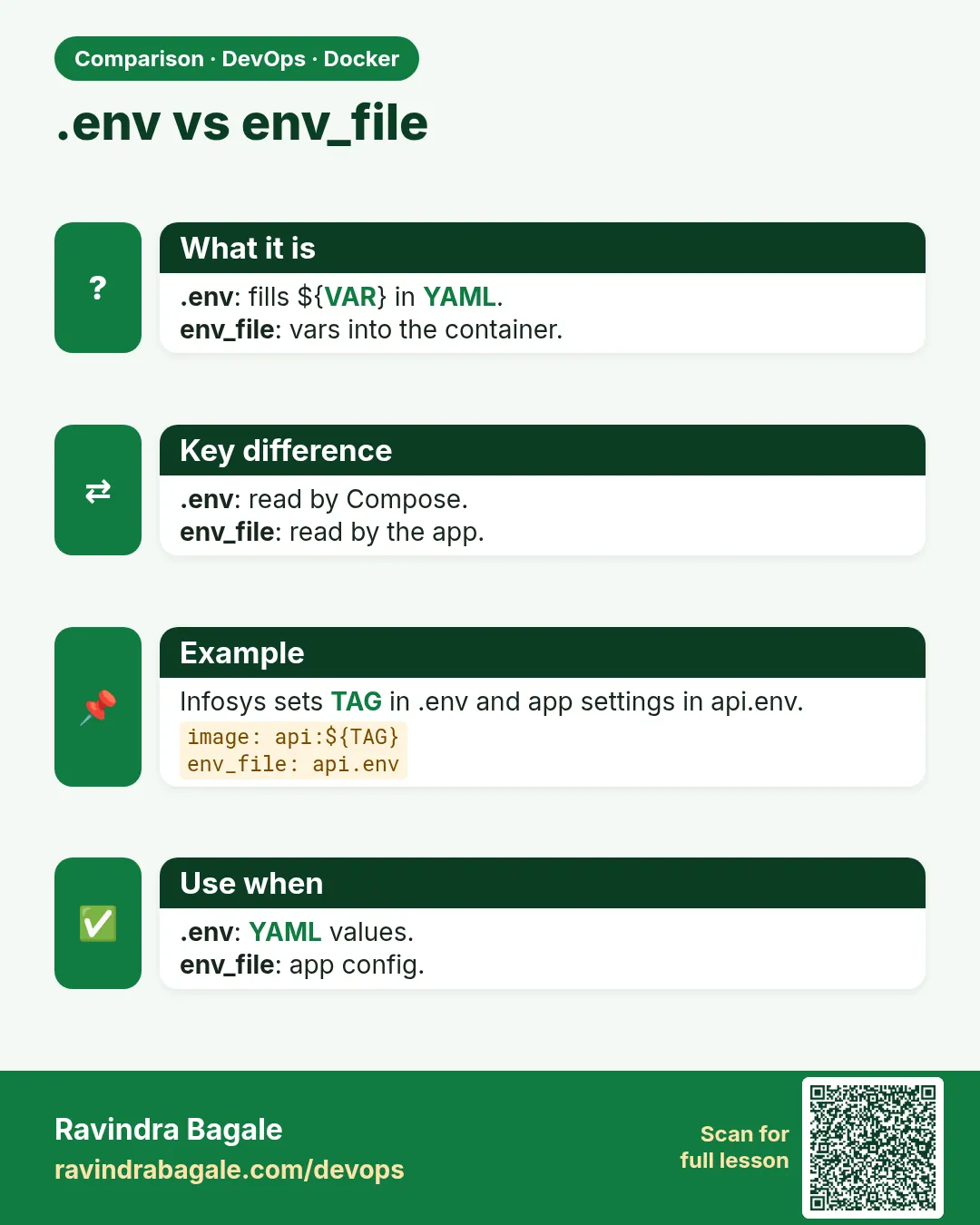 Comparison card 2 of 3: .env vs env_file · Download PNG · Open card page
Lesson: 53.4 Environment files, interpolation and secrets
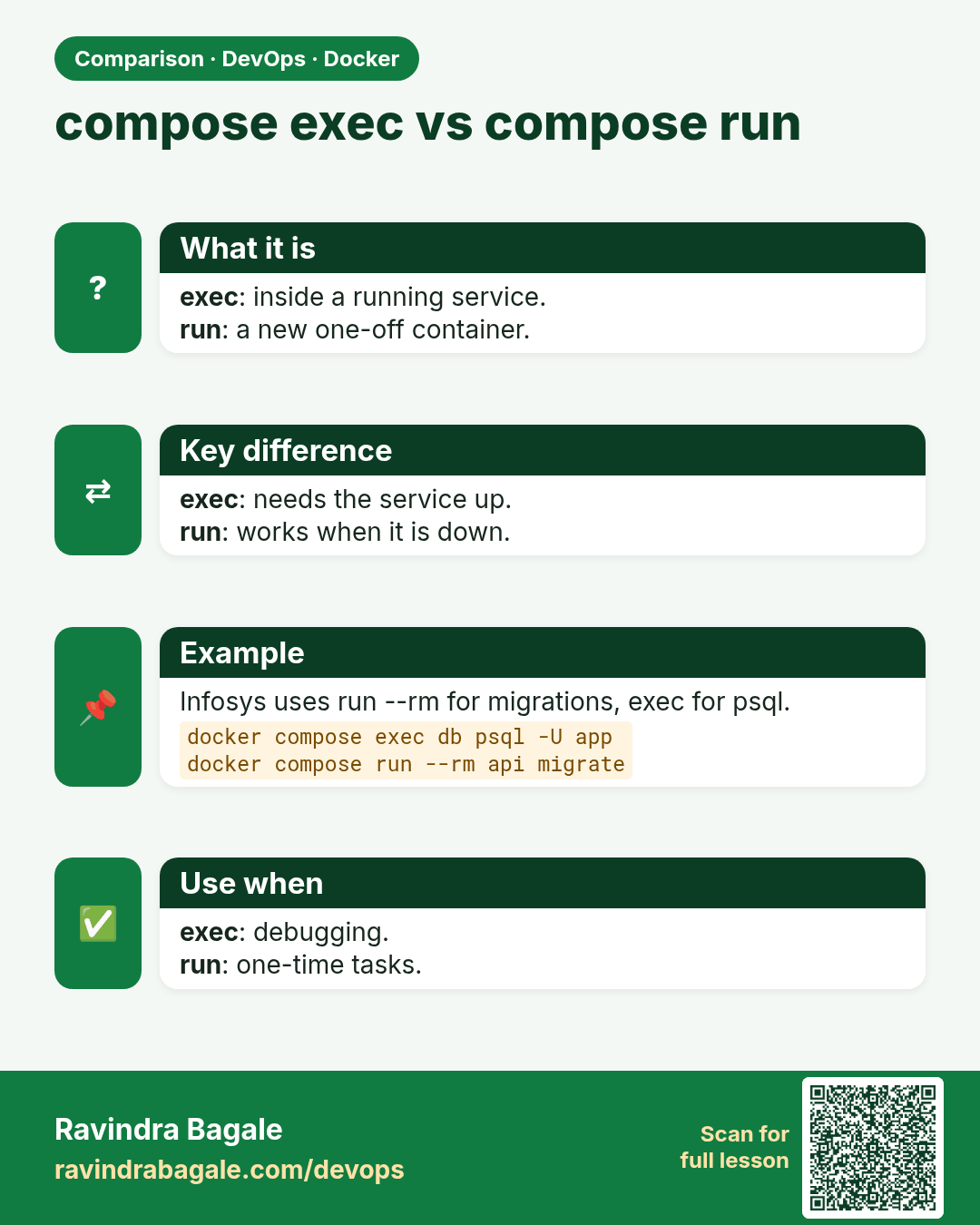
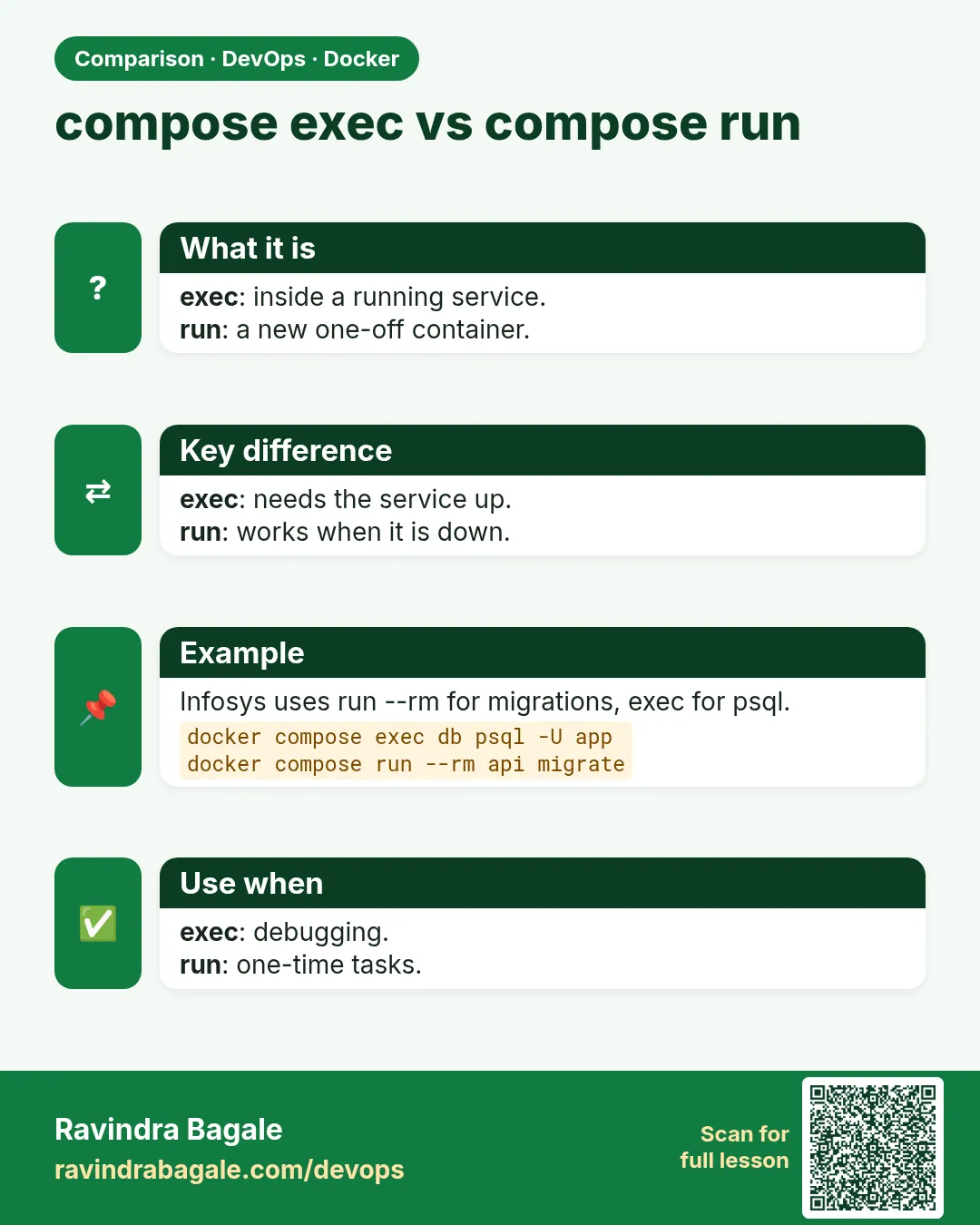 Comparison card 3 of 3: compose exec vs compose run · Download PNG · Open card page
Lesson: 53.9 Every docker compose command: full reference