Ravindra BagaleCourses & study guides मराठी

Ravi Sir's Cards › DevOps

Chapter 44: Terraform AWS Guides EC2 RDS S3 Security Groups IAM ALB and Auto Scaling: Cards

मराठी cards · Open the chapter

Revision cards
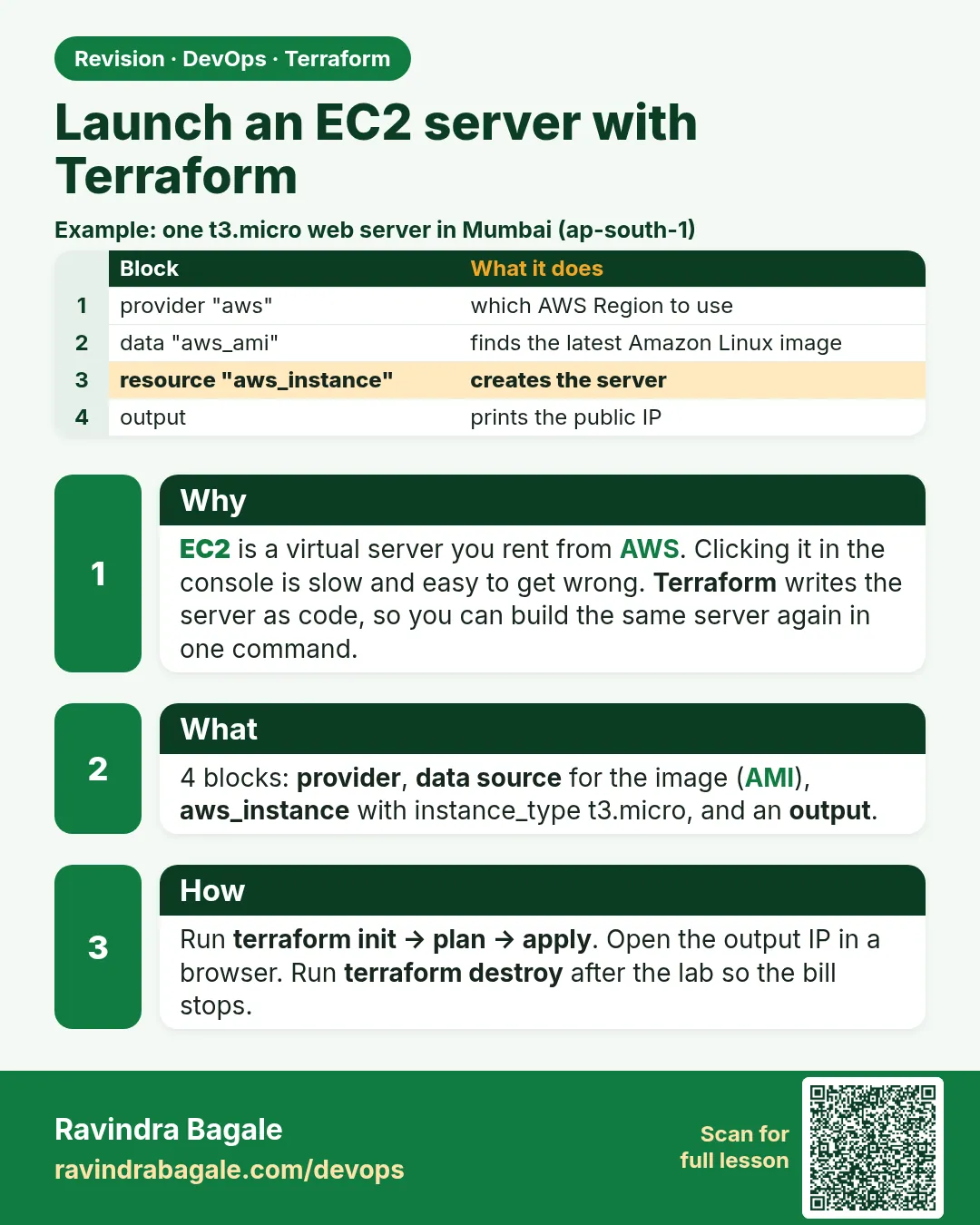
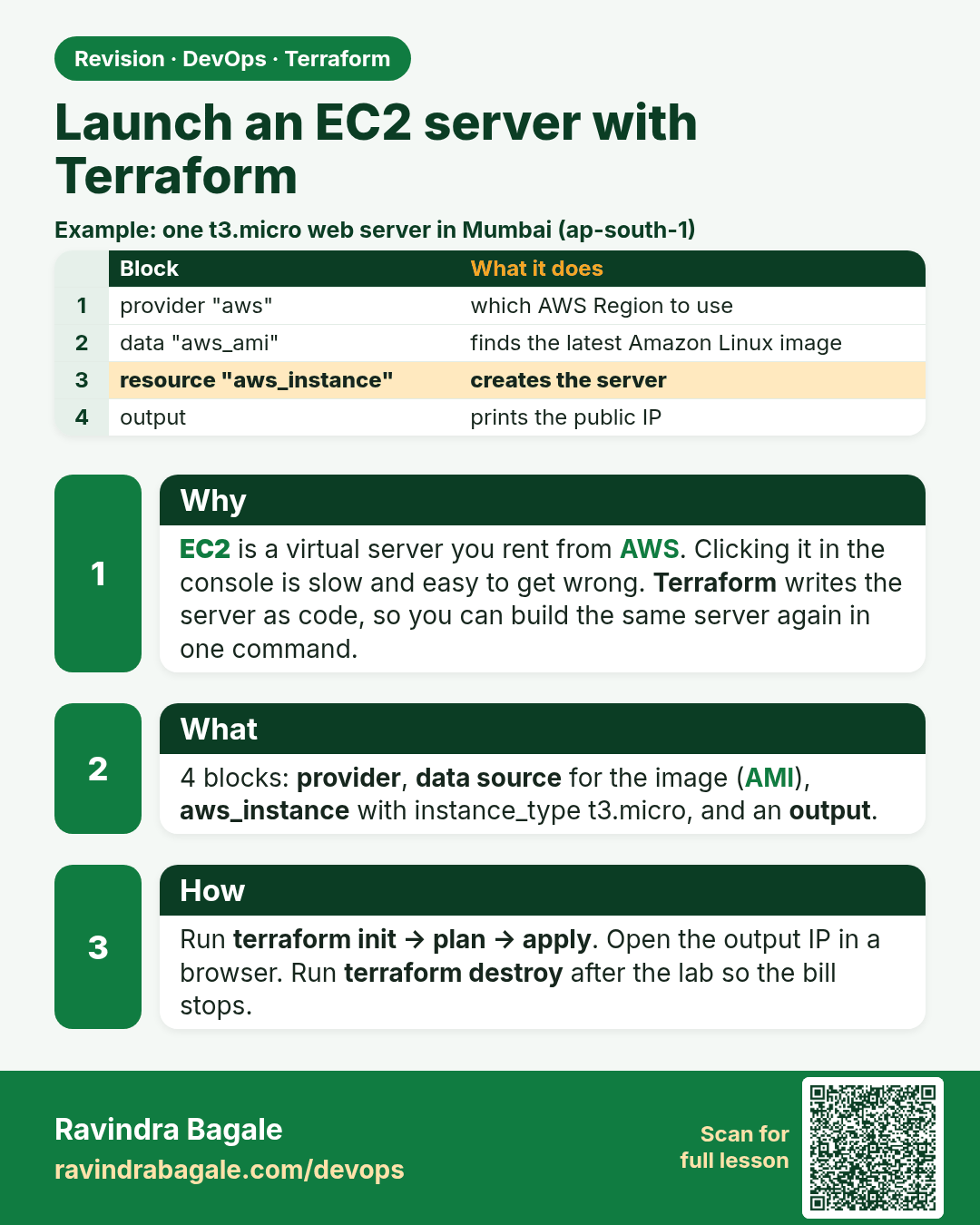
Launch an EC2 server with Terraform. EC2 is a virtual server you rent from AWS. Clicking it in the console is slow and easy to get wrong. Terraform writes the server as code, so you can build the same server again in one command.
Revision card 1 of 7: Launch an EC2 server with Terraform · Download PNG · Open card page

Lesson: 44.1 How to launch an EC2 instance with Terraform
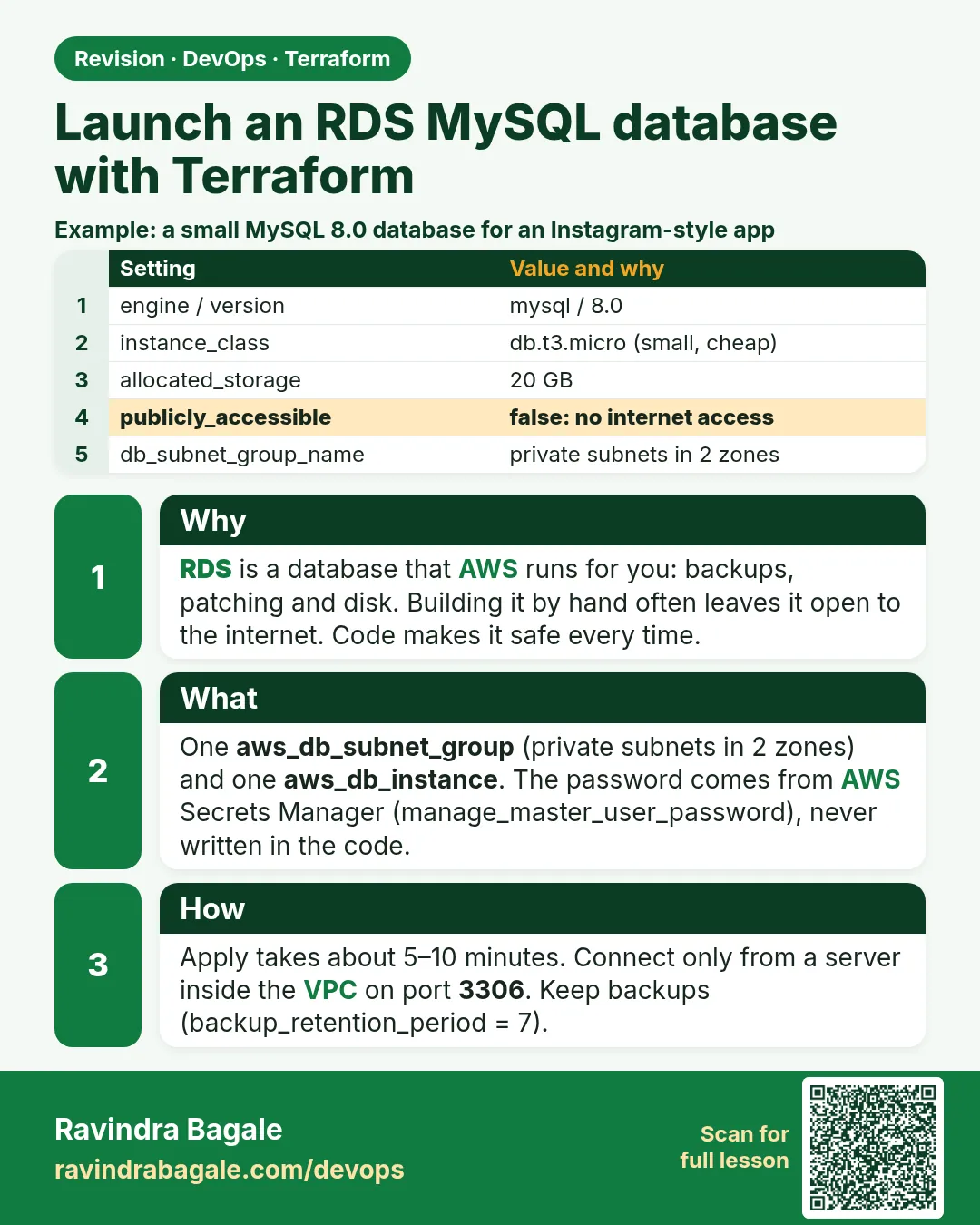
Launch an RDS MySQL database with Terraform. RDS is a database that AWS runs for you: backups, patching and disk. Building it by hand often leaves it open to the internet. Code makes it safe every time.
Revision card 2 of 7: Launch an RDS MySQL database with Terraform · Download PNG · Open card page

Lesson: 44.2 How to launch an RDS MySQL database with Terraform

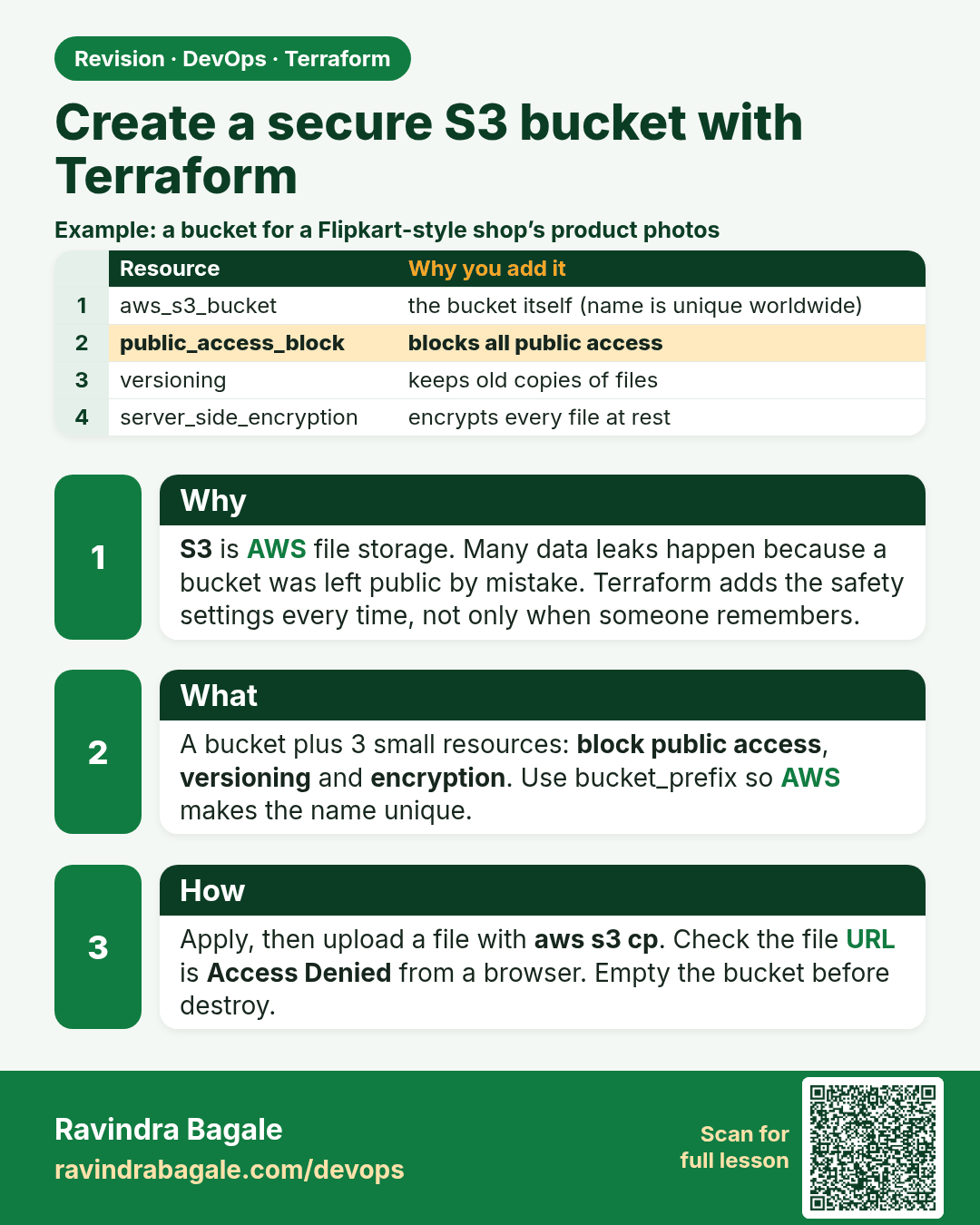
Create a secure S3 bucket with Terraform. S3 is AWS file storage. Many data leaks happen because a bucket was left public by mistake. Terraform adds the safety settings every time, not only when someone remembers.
Revision card 3 of 7: Create a secure S3 bucket with Terraform · Download PNG · Open card page

Lesson: 44.3 How to create a secure S3 bucket with Terraform

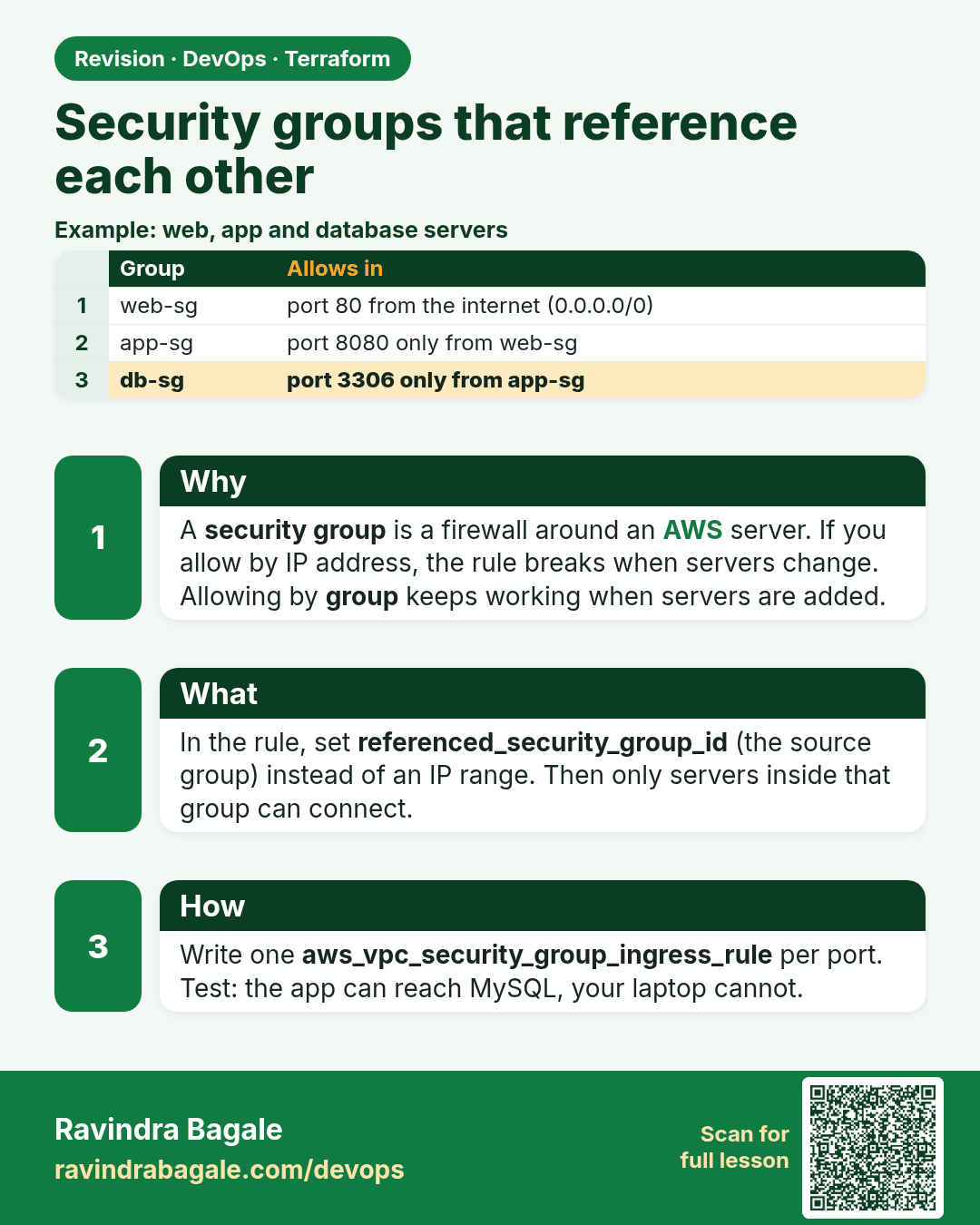
Security groups that reference each other. A security group is a firewall around an AWS server. If you allow by IP address, the rule breaks when servers change. Allowing by group keeps working when servers are added.
Revision card 4 of 7: Security groups that reference each other · Download PNG · Open card page

Lesson: 44.4 How to create security groups that reference each other

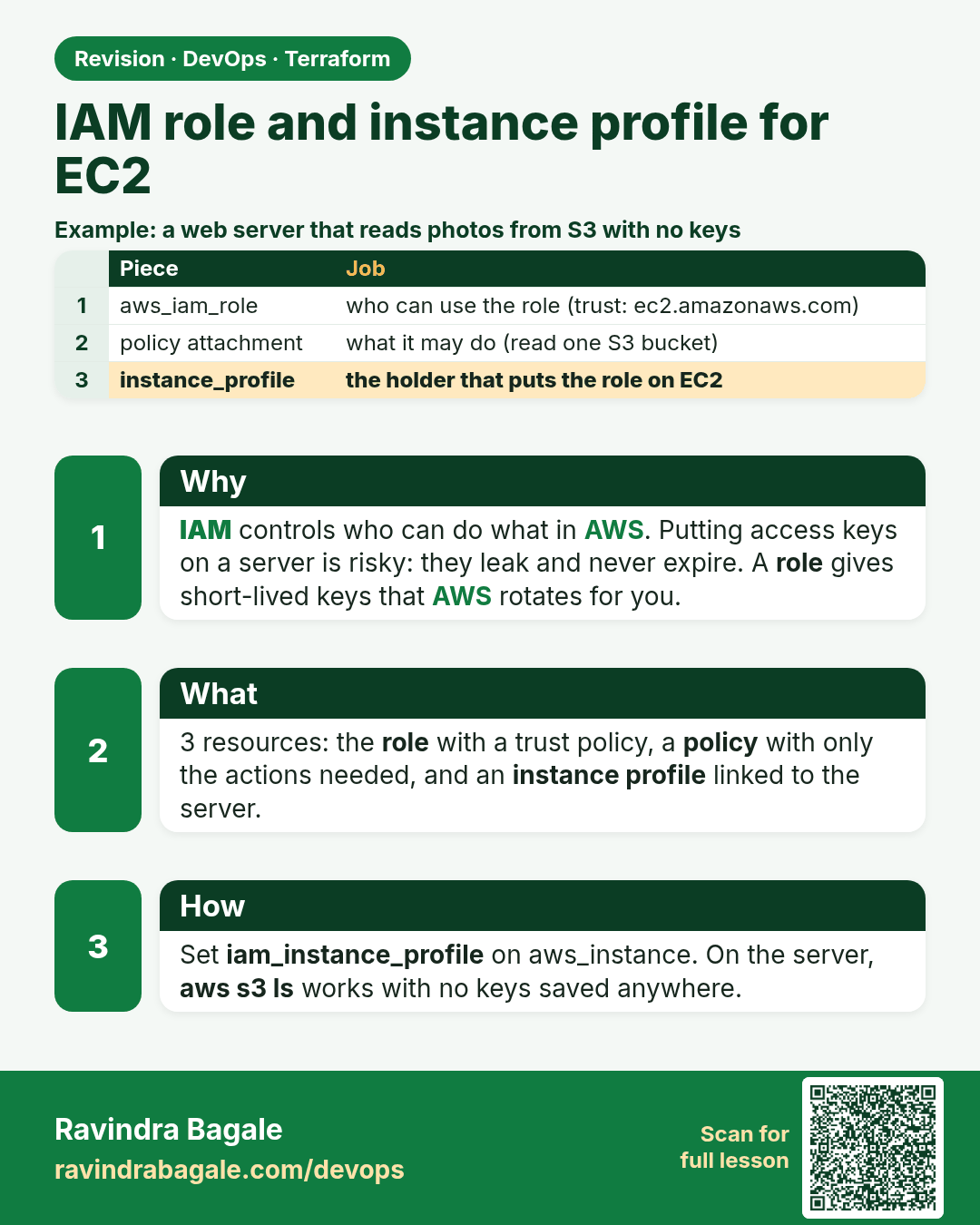
IAM role and instance profile for EC2. IAM controls who can do what in AWS. Putting access keys on a server is risky: they leak and never expire. A role gives short-lived keys that AWS rotates for you.
Revision card 5 of 7: IAM role and instance profile for EC2 · Download PNG · Open card page

Lesson: 44.5 How to create an IAM role and instance profile for EC2

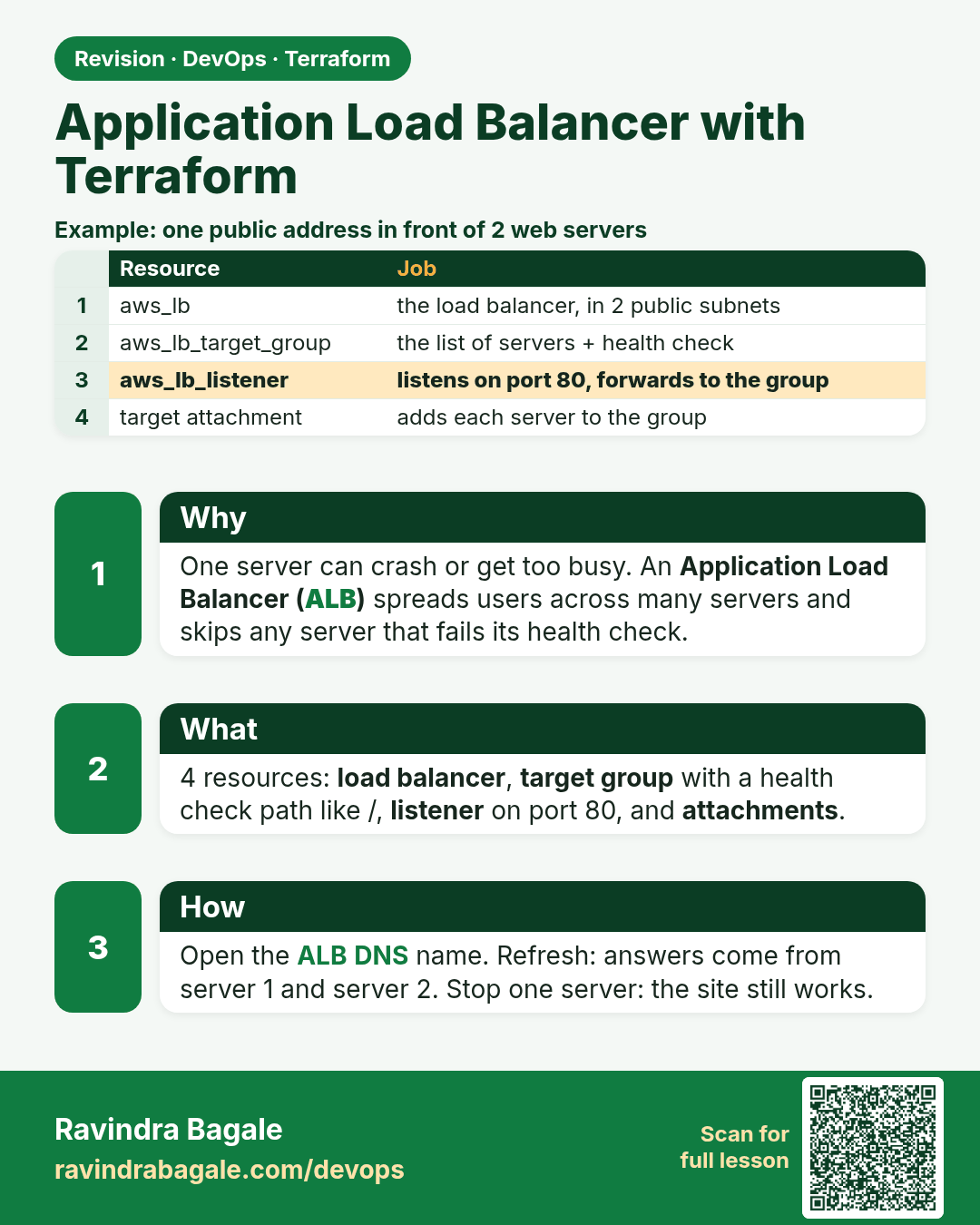
Application Load Balancer with Terraform. One server can crash or get too busy. An Application Load Balancer (ALB) spreads users across many servers and skips any server that fails its health check.
Revision card 6 of 7: Application Load Balancer with Terraform · Download PNG · Open card page

Lesson: 44.6 How to create an Application Load Balancer with Terraform

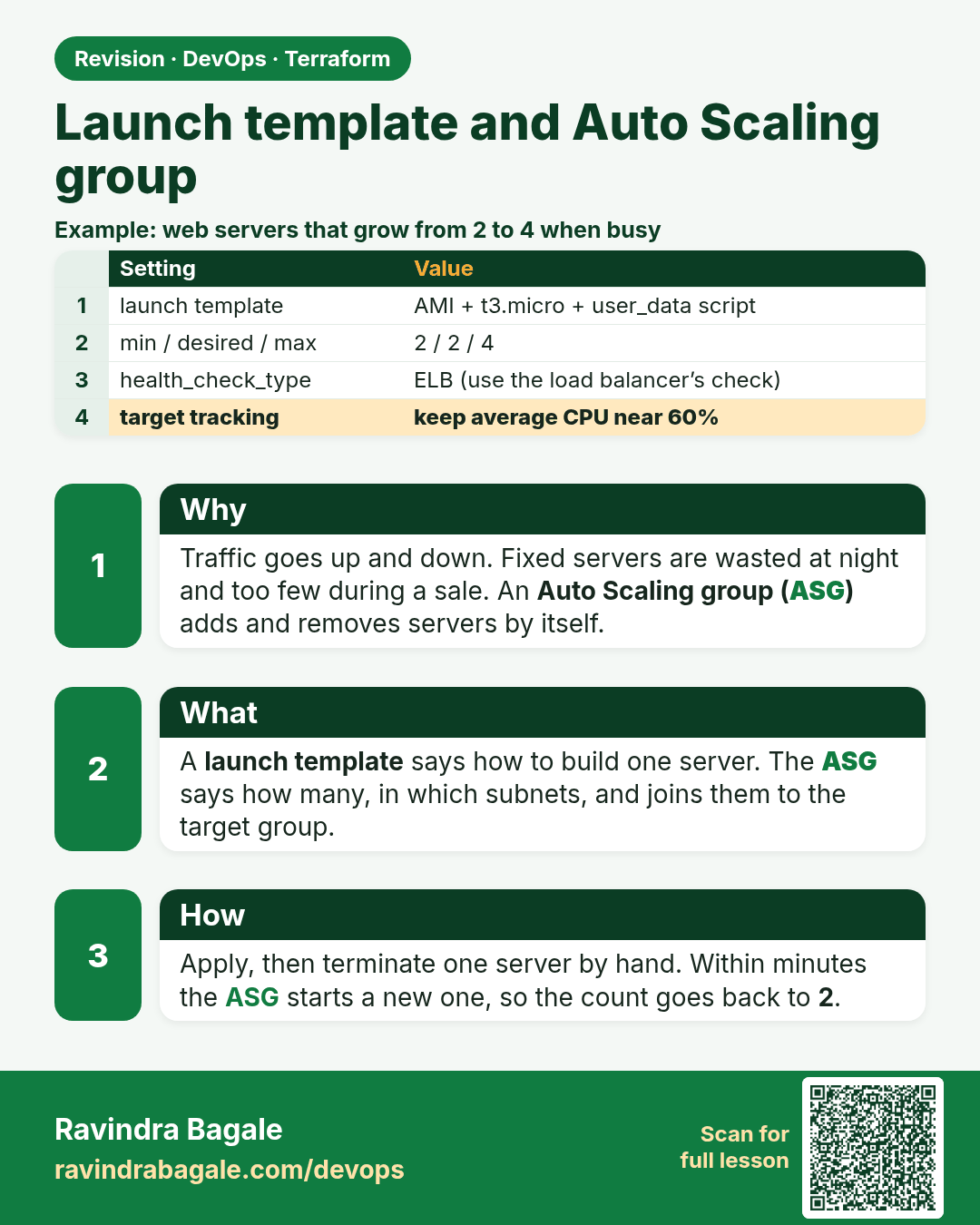
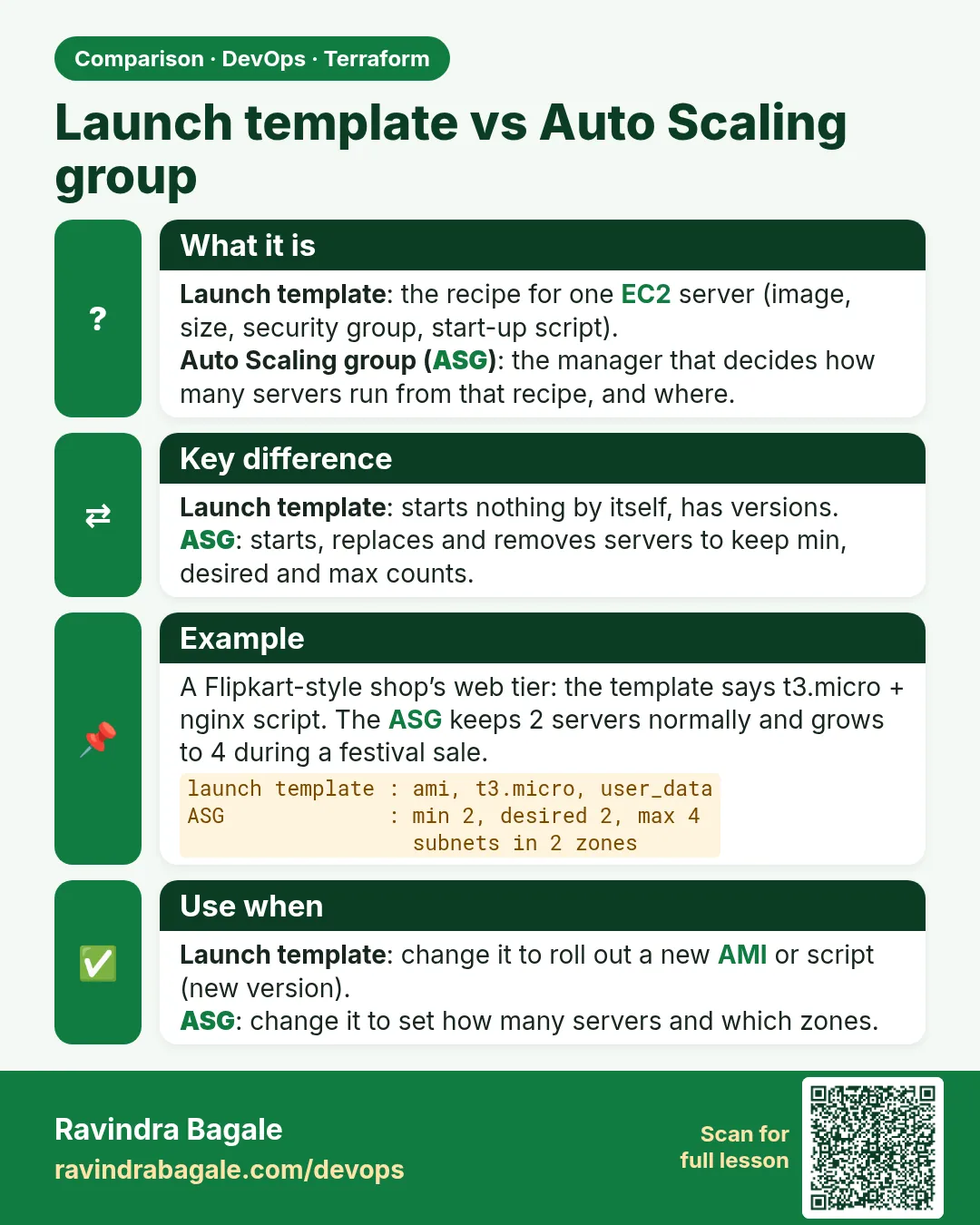
Launch template and Auto Scaling group. Traffic goes up and down. Fixed servers are wasted at night and too few during a sale. An Auto Scaling group (ASG) adds and removes servers by itself.
Revision card 7 of 7: Launch template and Auto Scaling group · Download PNG · Open card page

Lesson: 44.7 How to create a launch template and Auto Scaling group

Interview cards

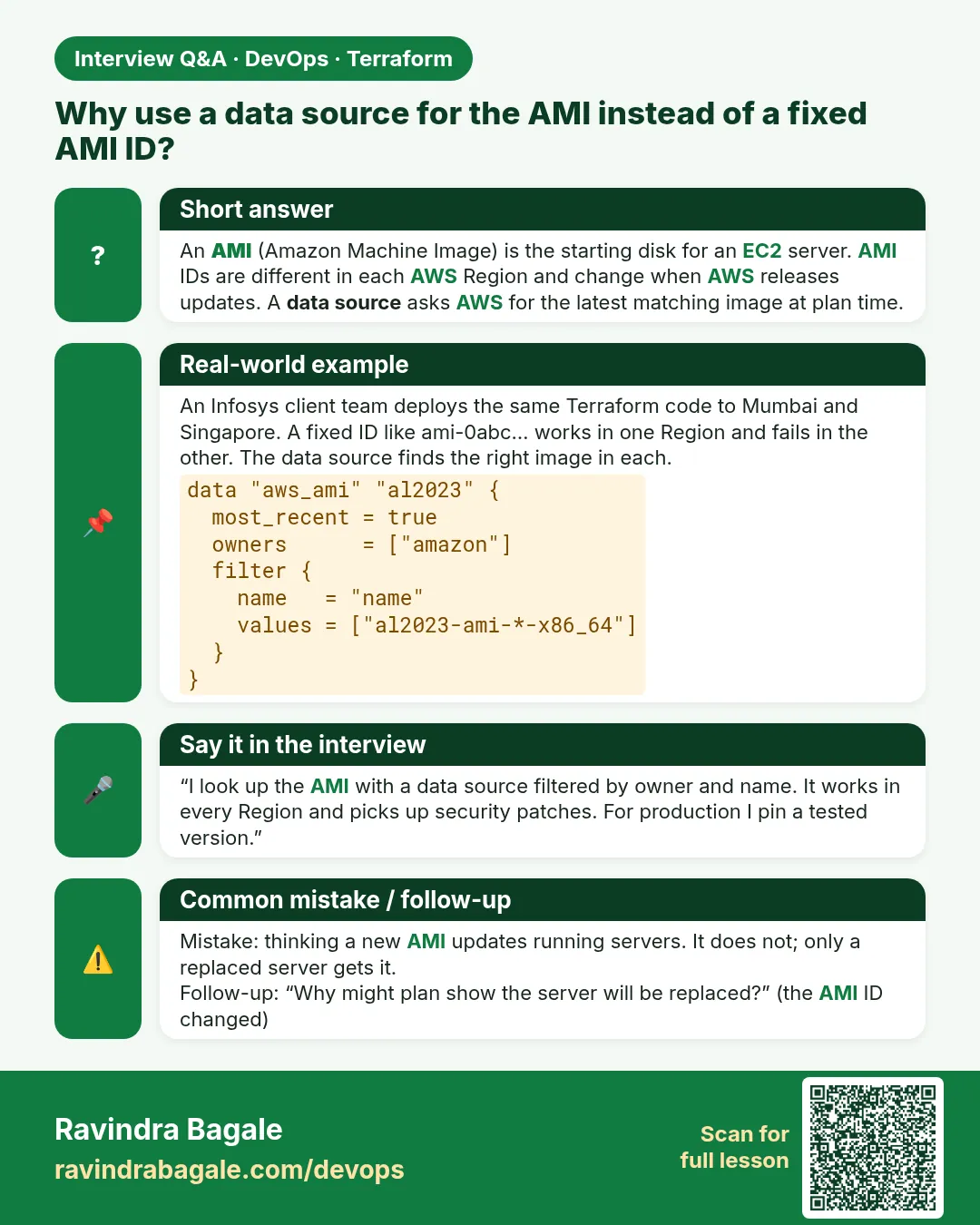
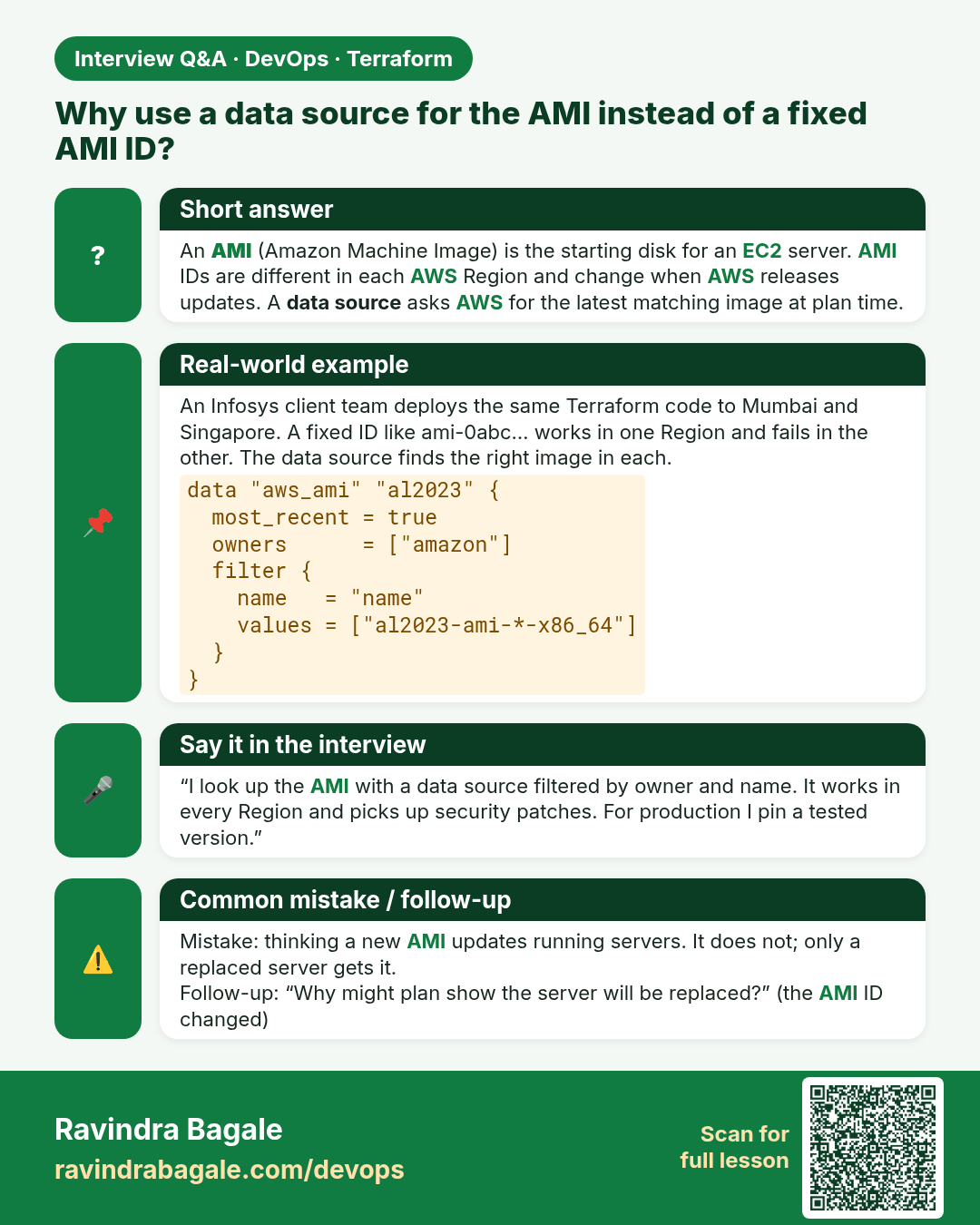
Why use a data source for the AMI instead of a fixed AMI ID? An AMI (Amazon Machine Image) is the starting disk for an EC2 server. AMI IDs are different in each AWS Region and change when AWS releases updates. A data source asks AWS for the latest matching image at plan time.
Interview card 1 of 7: Why use a data source for the AMI instead of a fixed AMI ID? · Download PNG · Open card page

Lesson: 44.1 How to launch an EC2 instance with Terraform
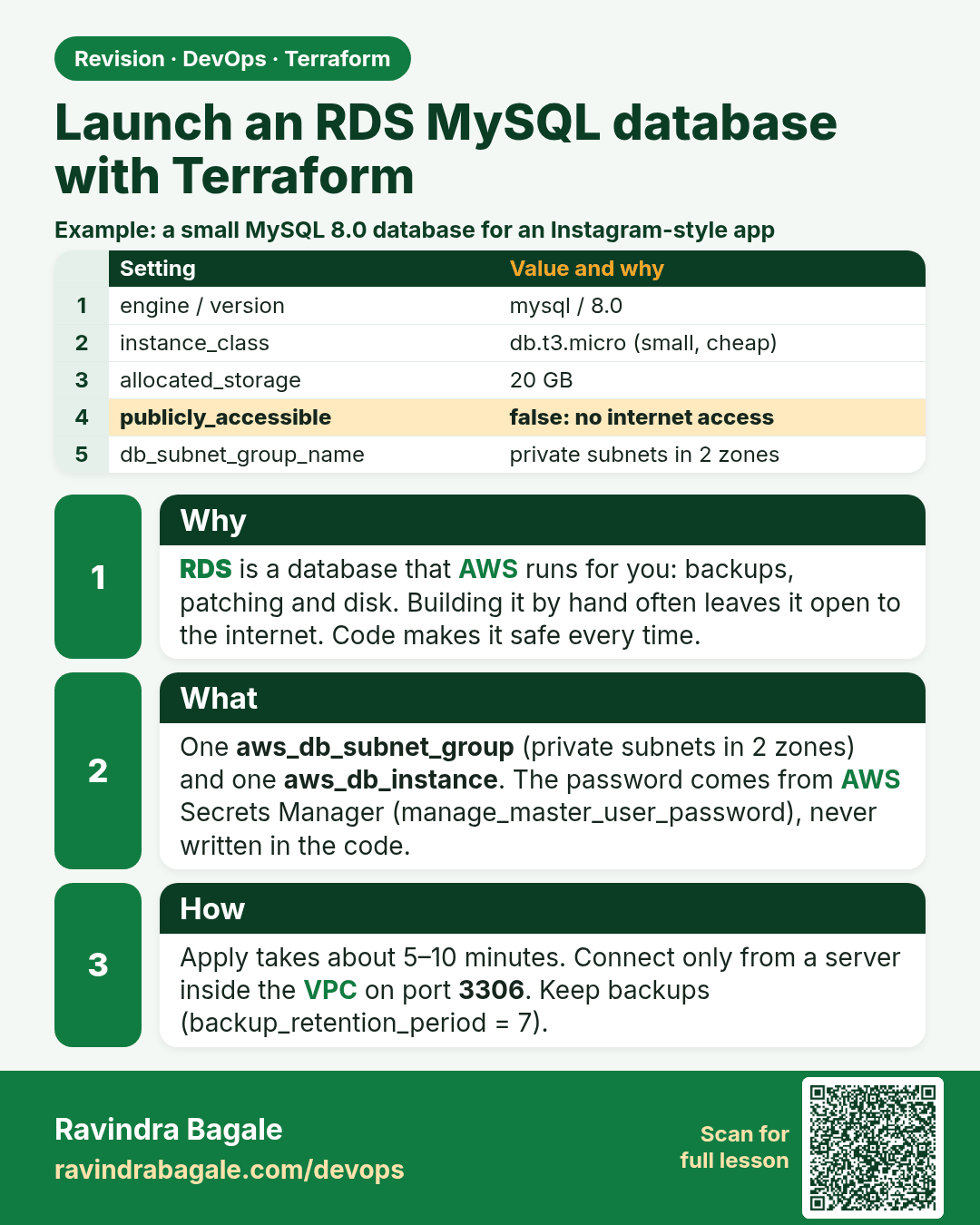
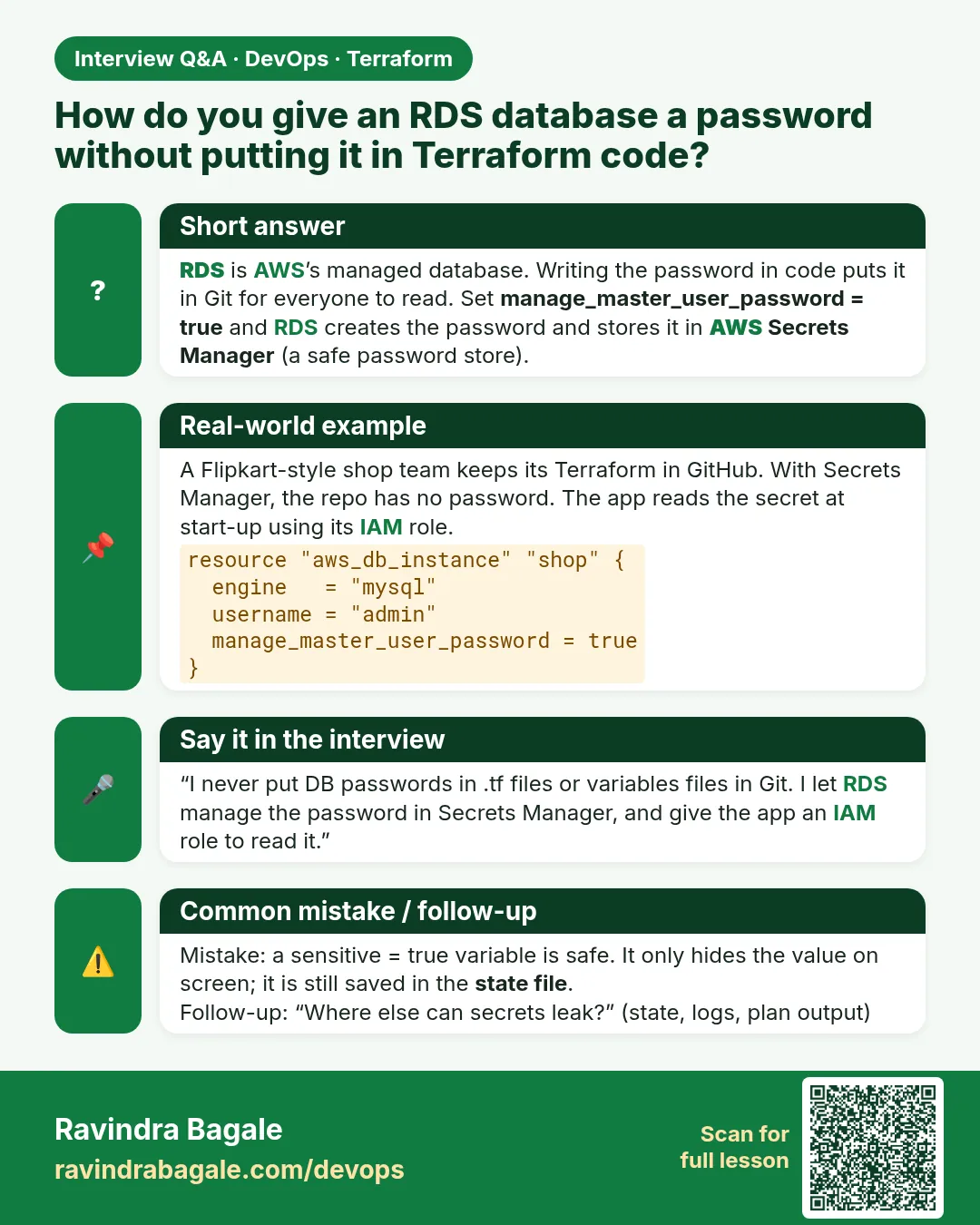
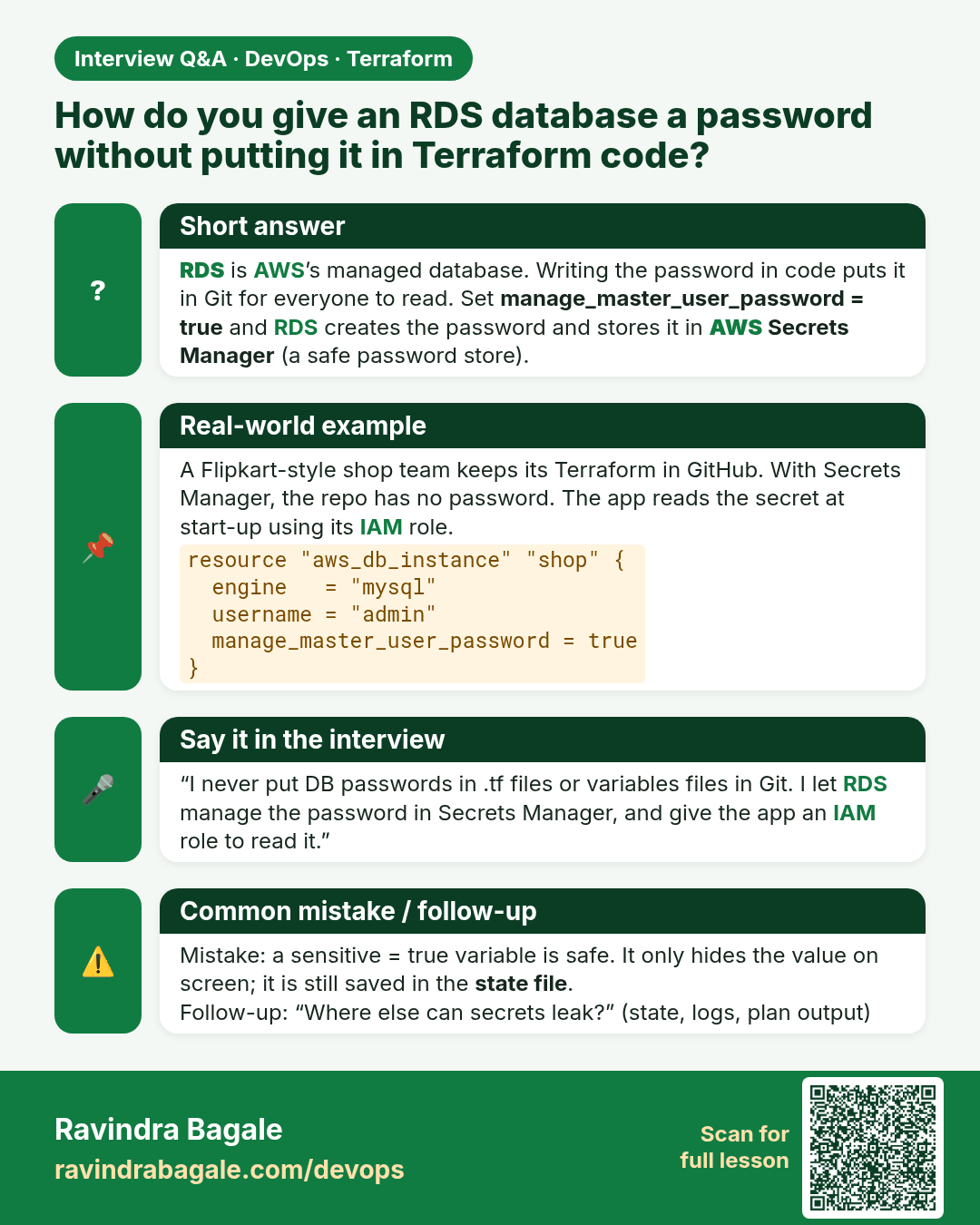
How do you give an RDS database a password without putting it in Terraform code? RDS is AWS’s managed database. Writing the password in code puts it in Git for everyone to read. Set manage_master_user_password = true and RDS creates the password and stores it in AWS Secrets Manager (a safe password
Interview card 2 of 7: How do you give an RDS database a password without putting it in Terraform code? · Download PNG · Open card page

Lesson: 44.2 How to launch an RDS MySQL database with Terraform
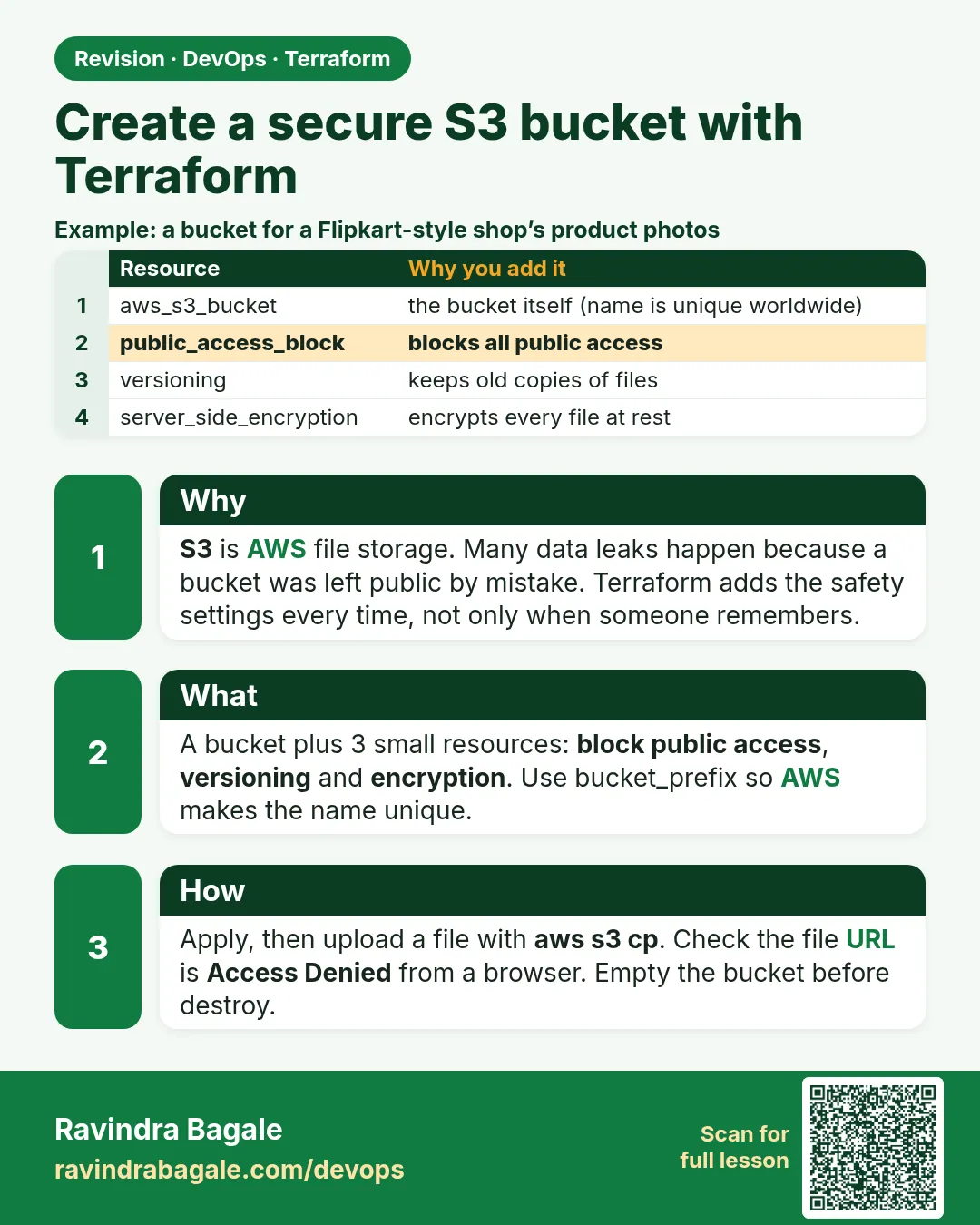
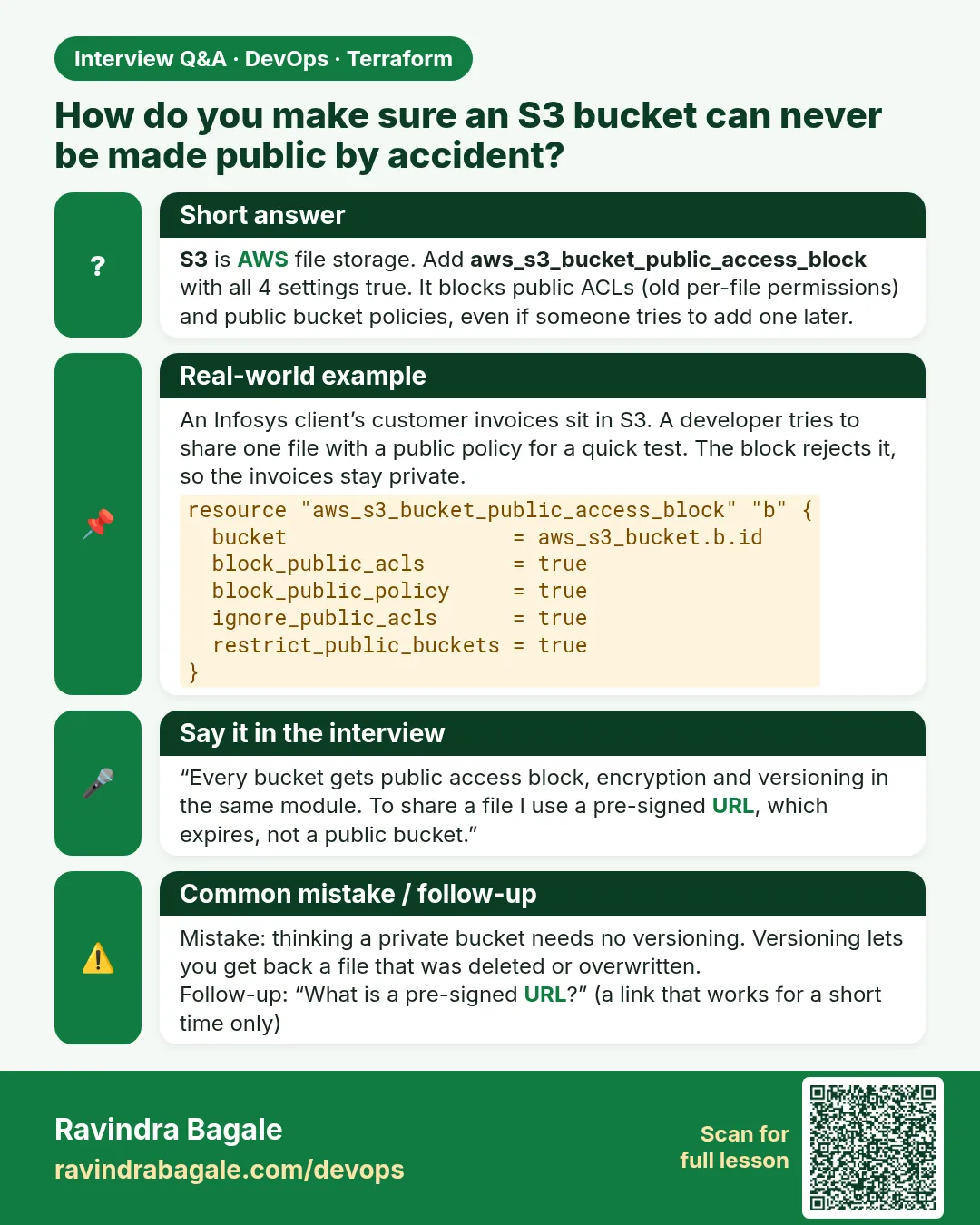
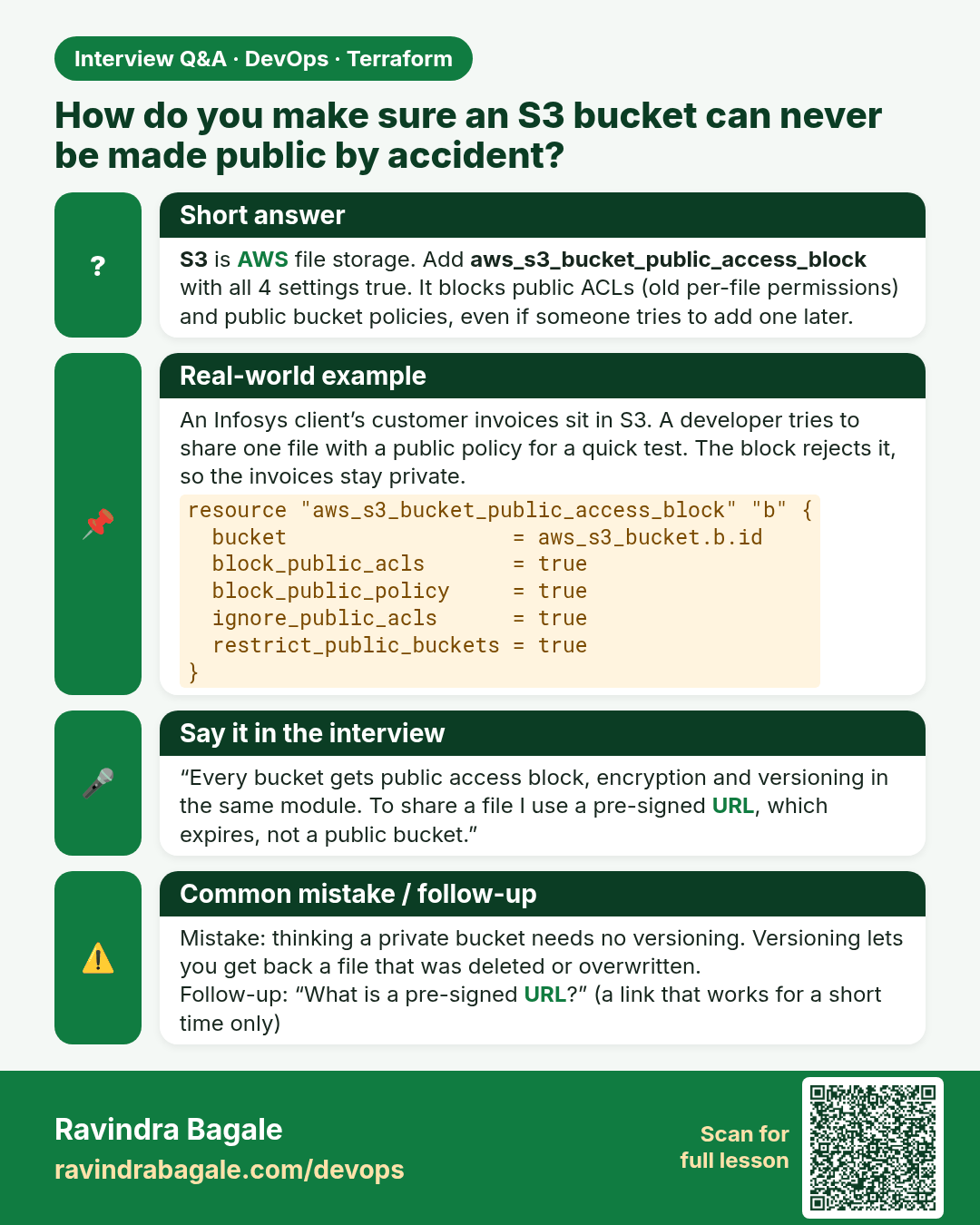
How do you make sure an S3 bucket can never be made public by accident? S3 is AWS file storage. Add aws_s3_bucket_public_access_block with all 4 settings true. It blocks public ACLs (old per-file permissions) and public bucket policies, even if someone tries to add one later.
Interview card 3 of 7: How do you make sure an S3 bucket can never be made public by accident? · Download PNG · Open card page

Lesson: 44.3 How to create a secure S3 bucket with Terraform
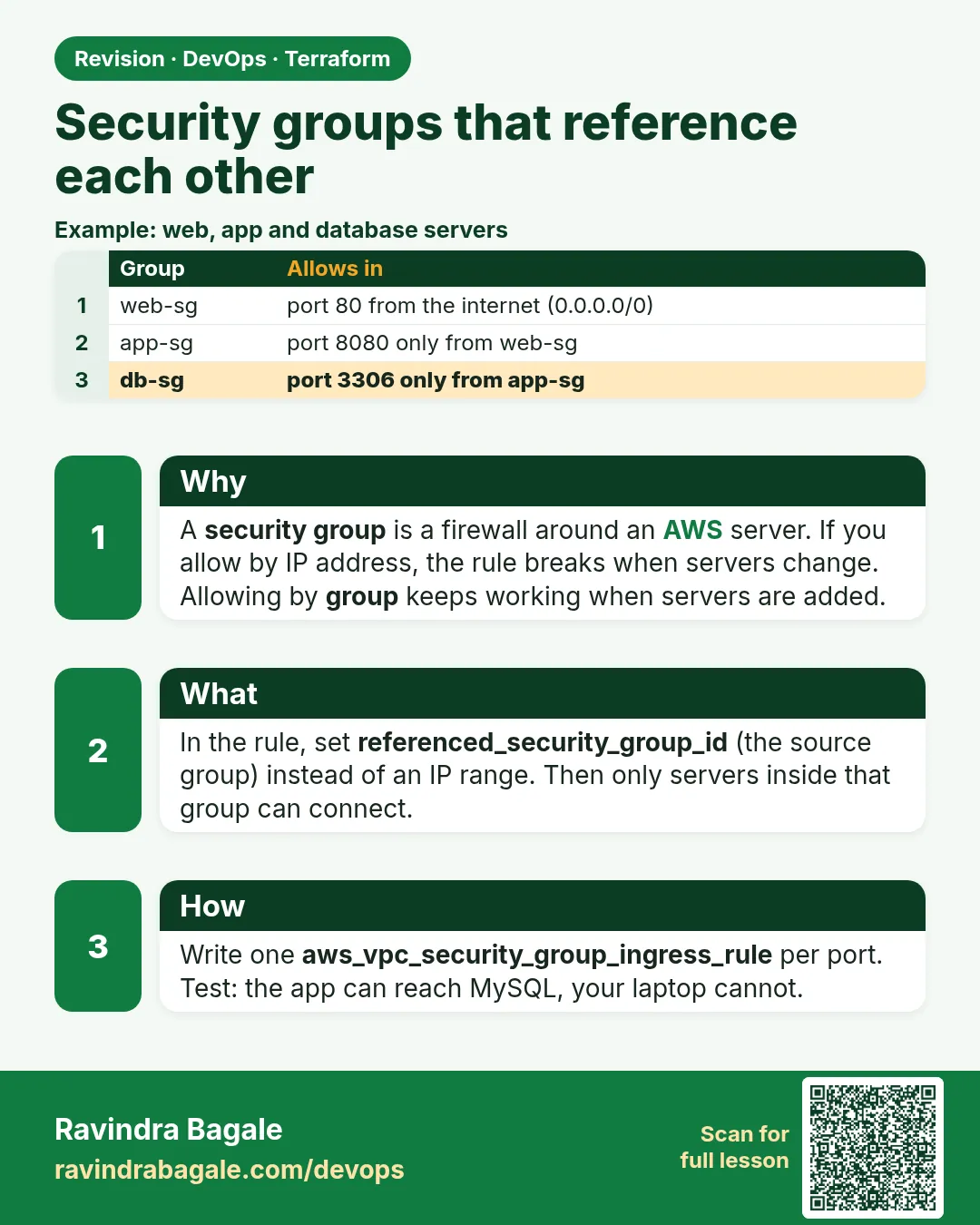
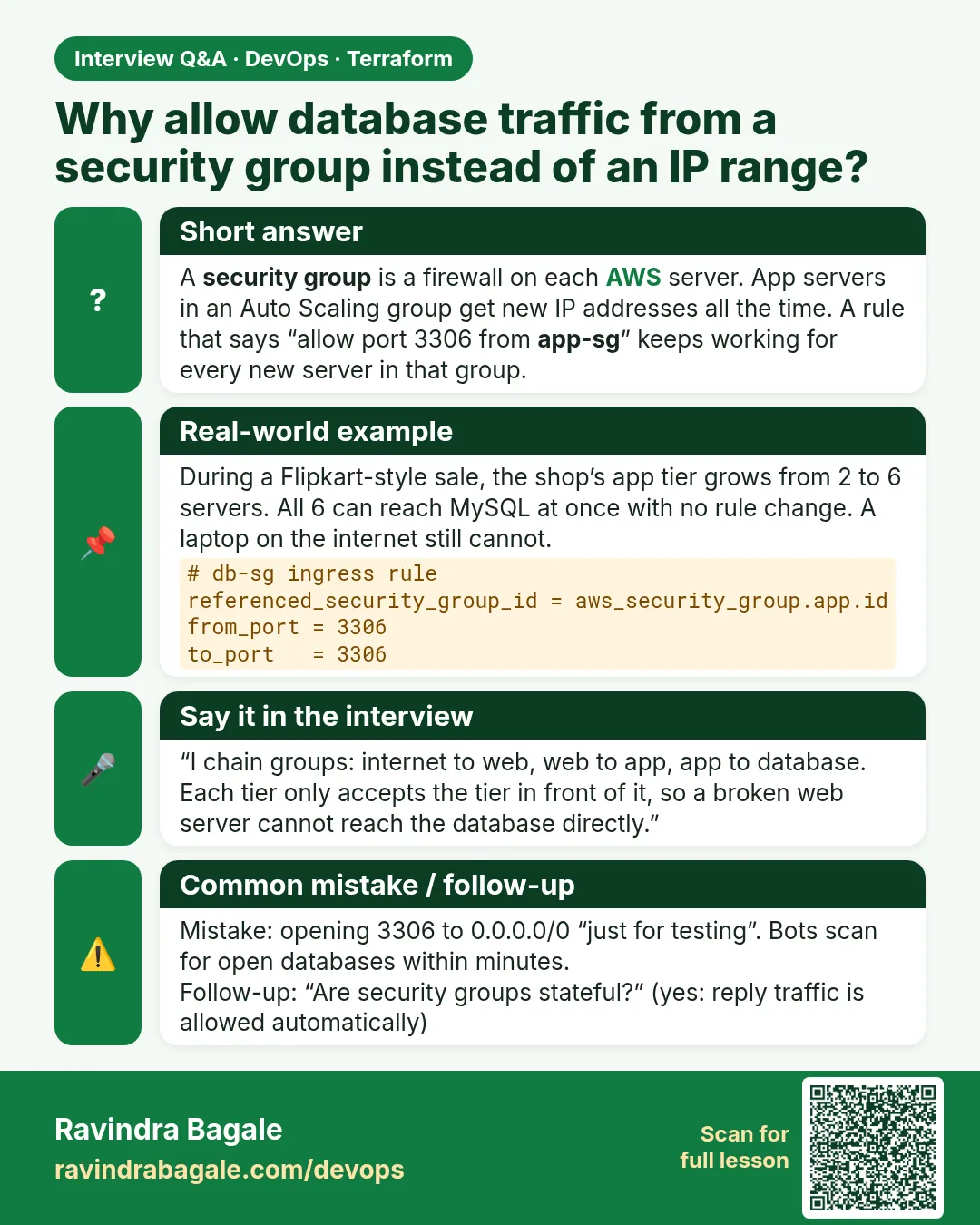
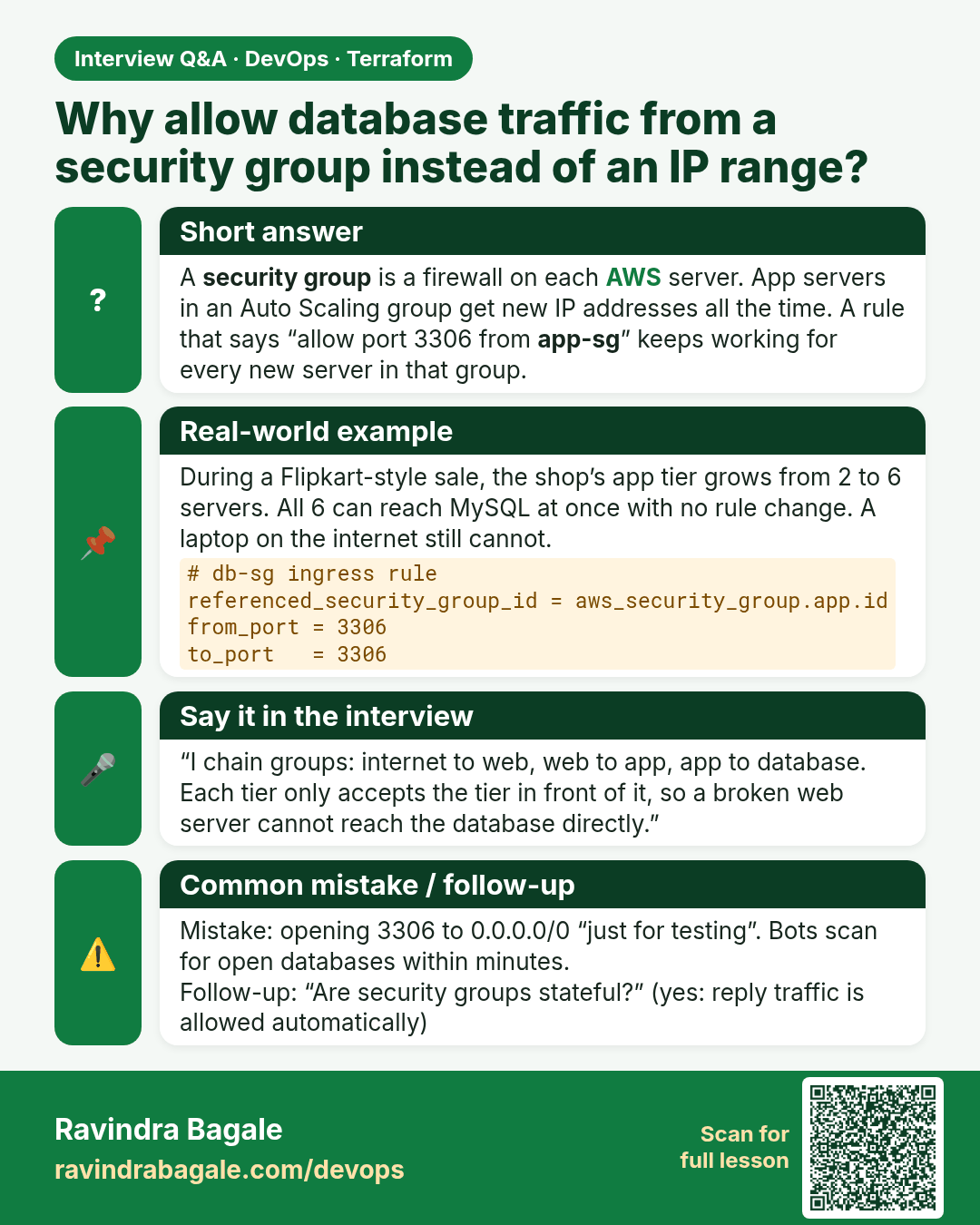
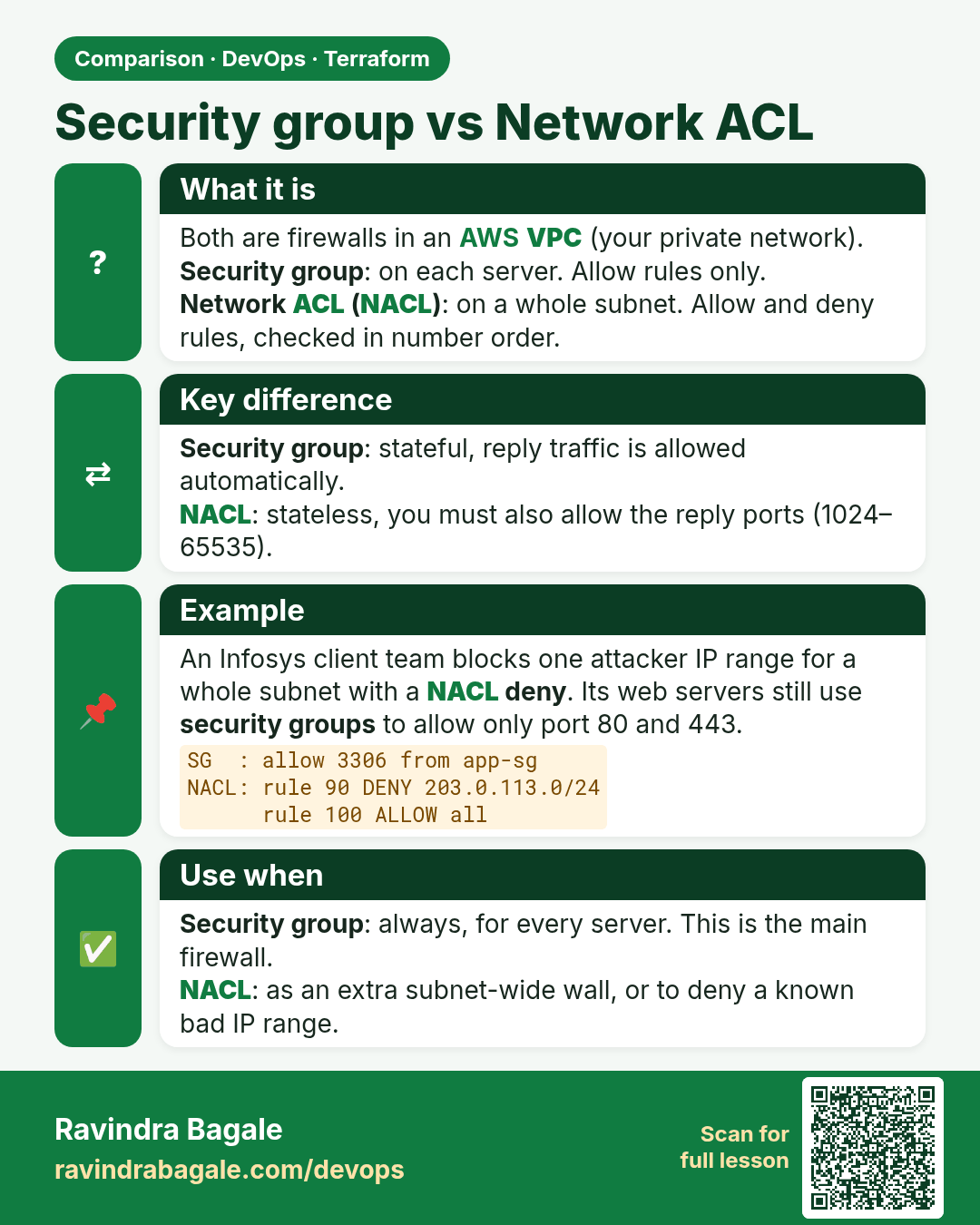
Why allow database traffic from a security group instead of an IP range? A security group is a firewall on each AWS server. App servers in an Auto Scaling group get new IP addresses all the time. A rule that says “allow port 3306 from app-sg” keeps working for every new server in that group.
Interview card 4 of 7: Why allow database traffic from a security group instead of an IP range? · Download PNG · Open card page

Lesson: 44.4 How to create security groups that reference each other
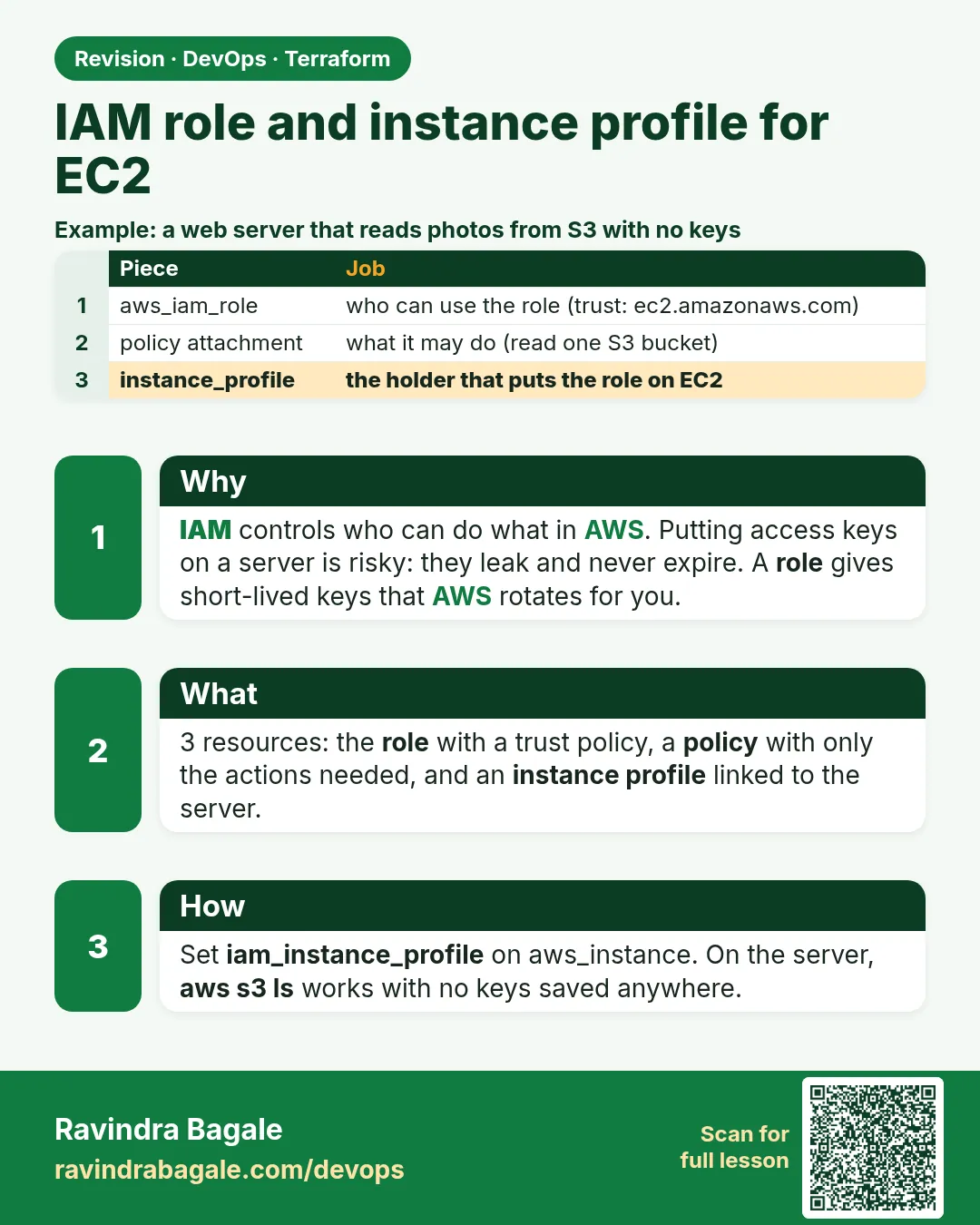
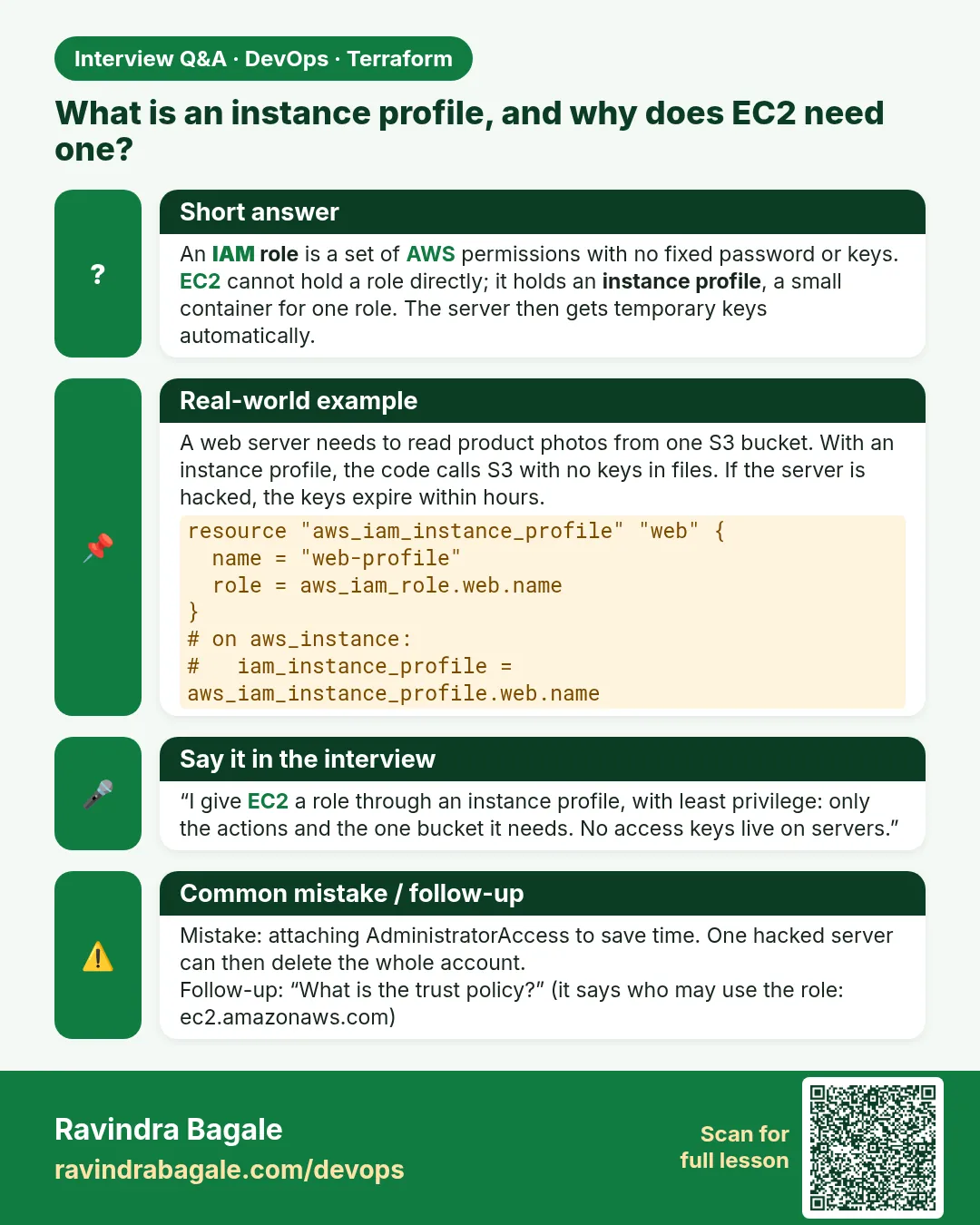
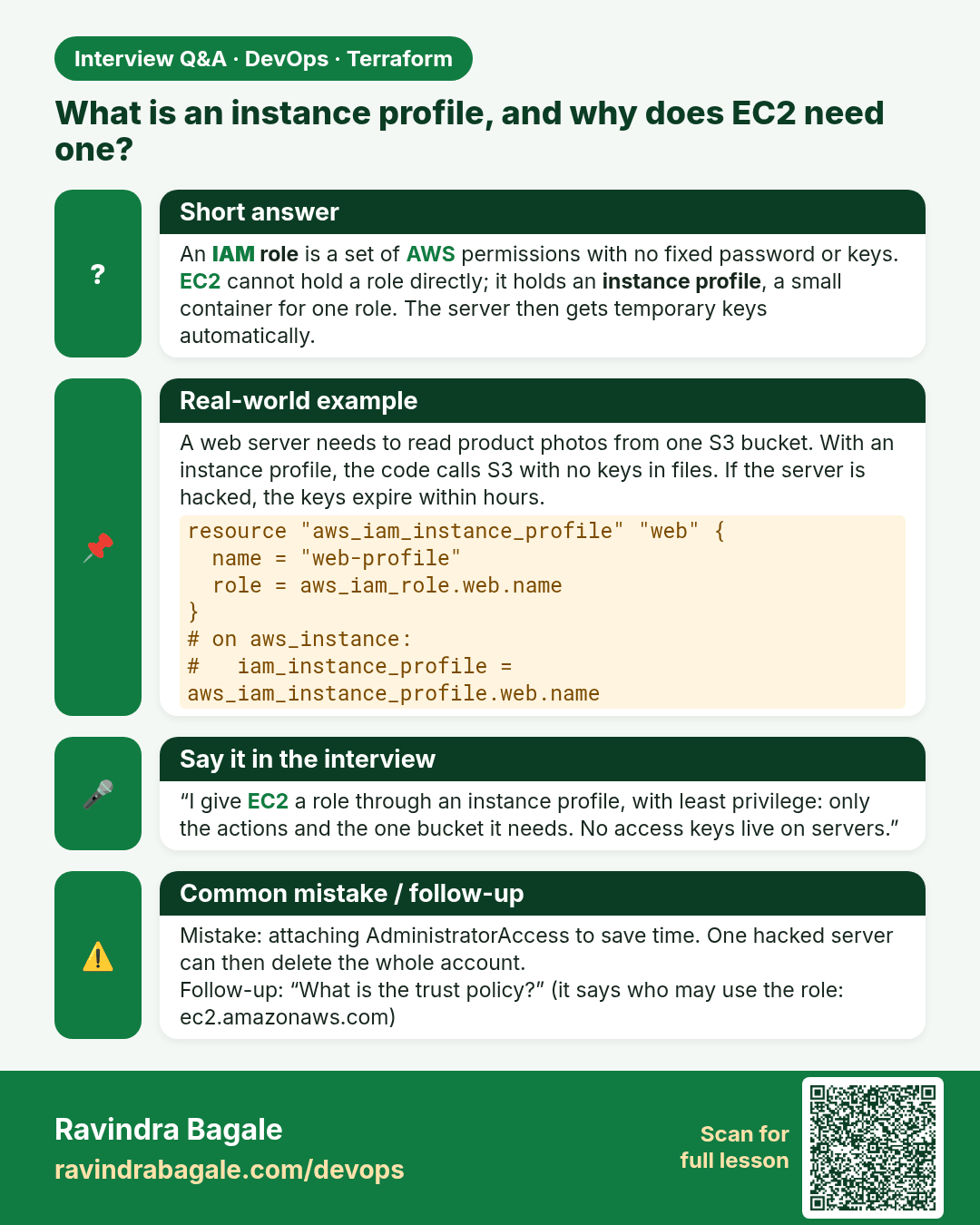
What is an instance profile, and why does EC2 need one? An IAM role is a set of AWS permissions with no fixed password or keys. EC2 cannot hold a role directly; it holds an instance profile, a small container for one role. The server then gets temporary keys automatically.
Interview card 5 of 7: What is an instance profile, and why does EC2 need one? · Download PNG · Open card page

Lesson: 44.5 How to create an IAM role and instance profile for EC2
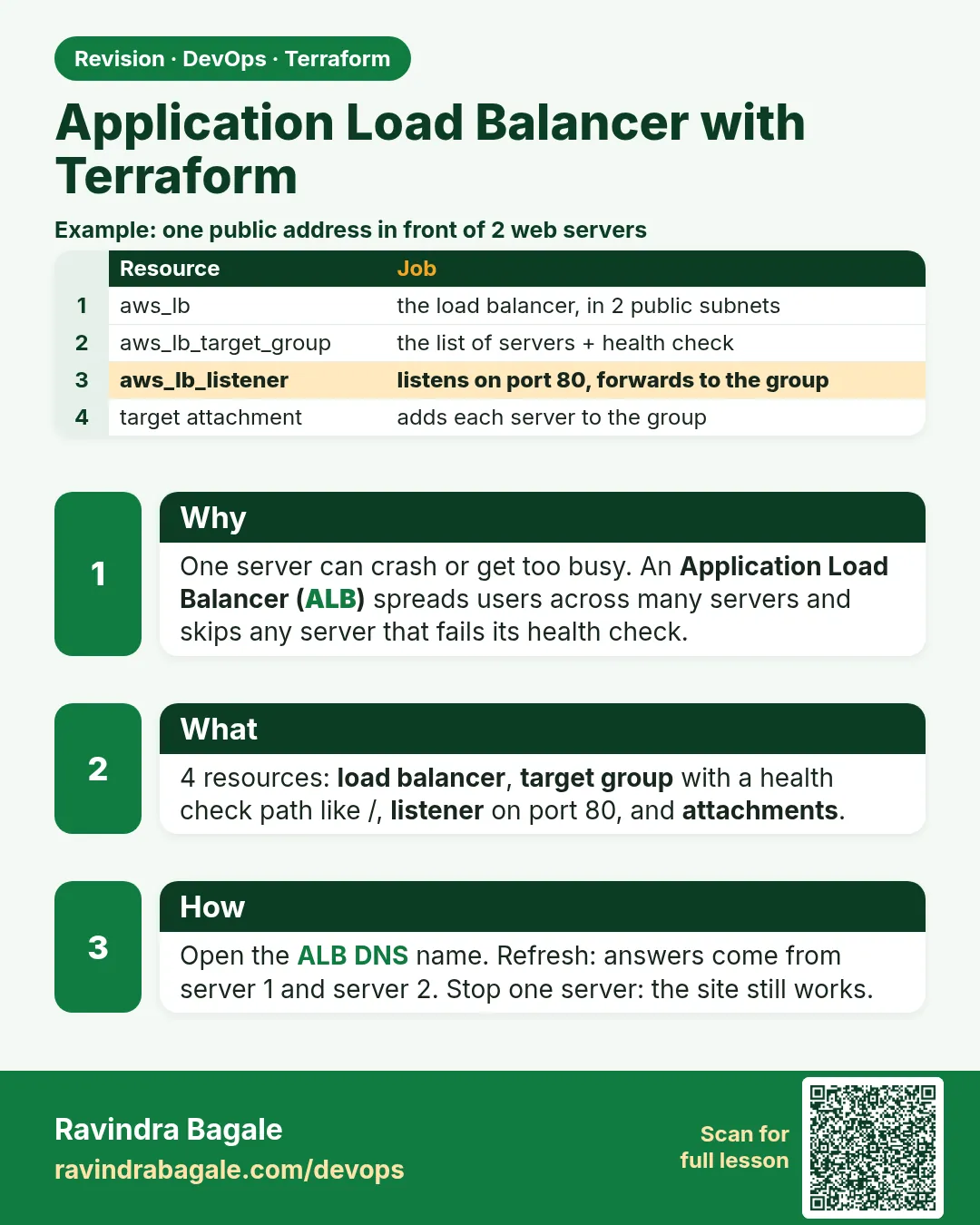
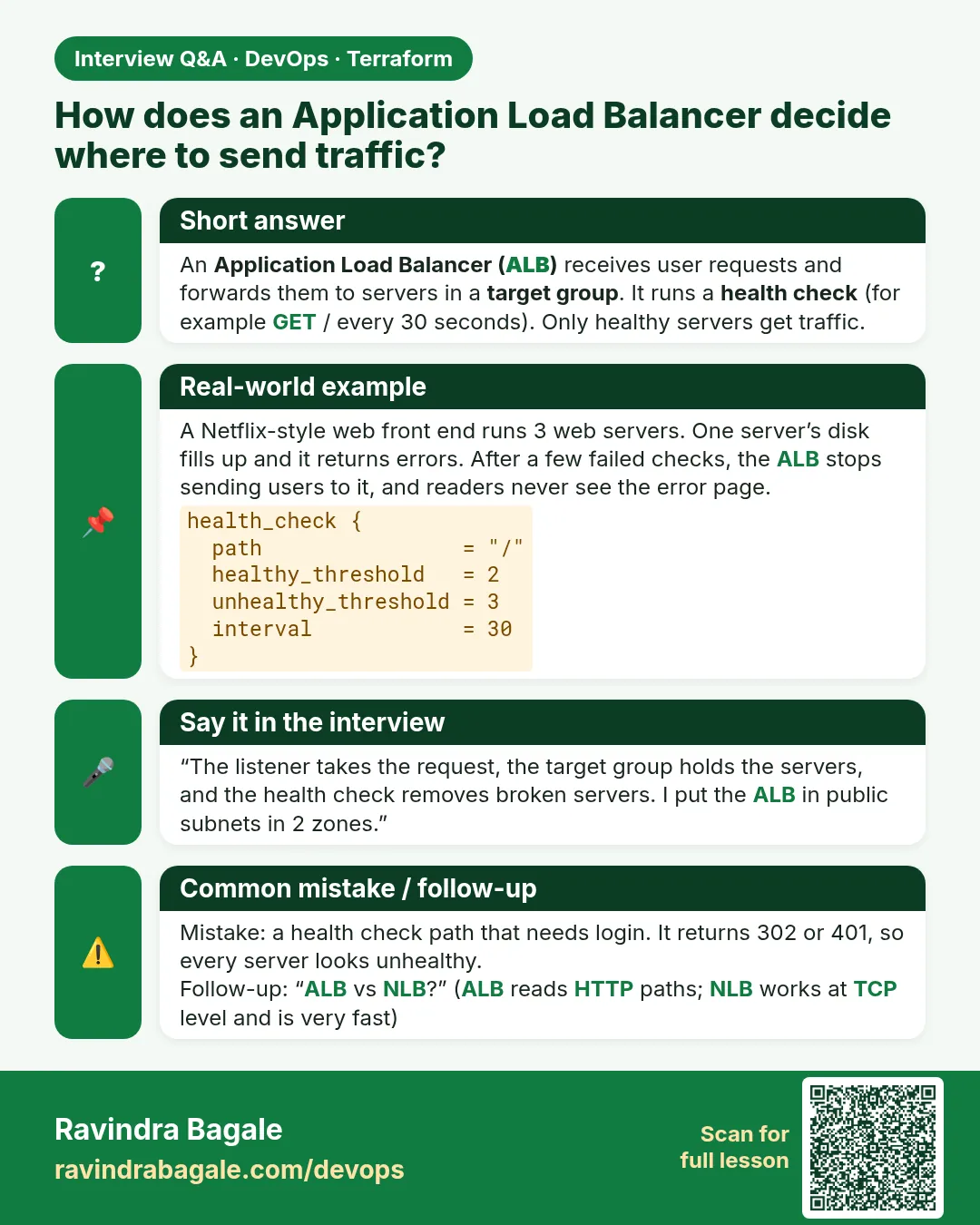
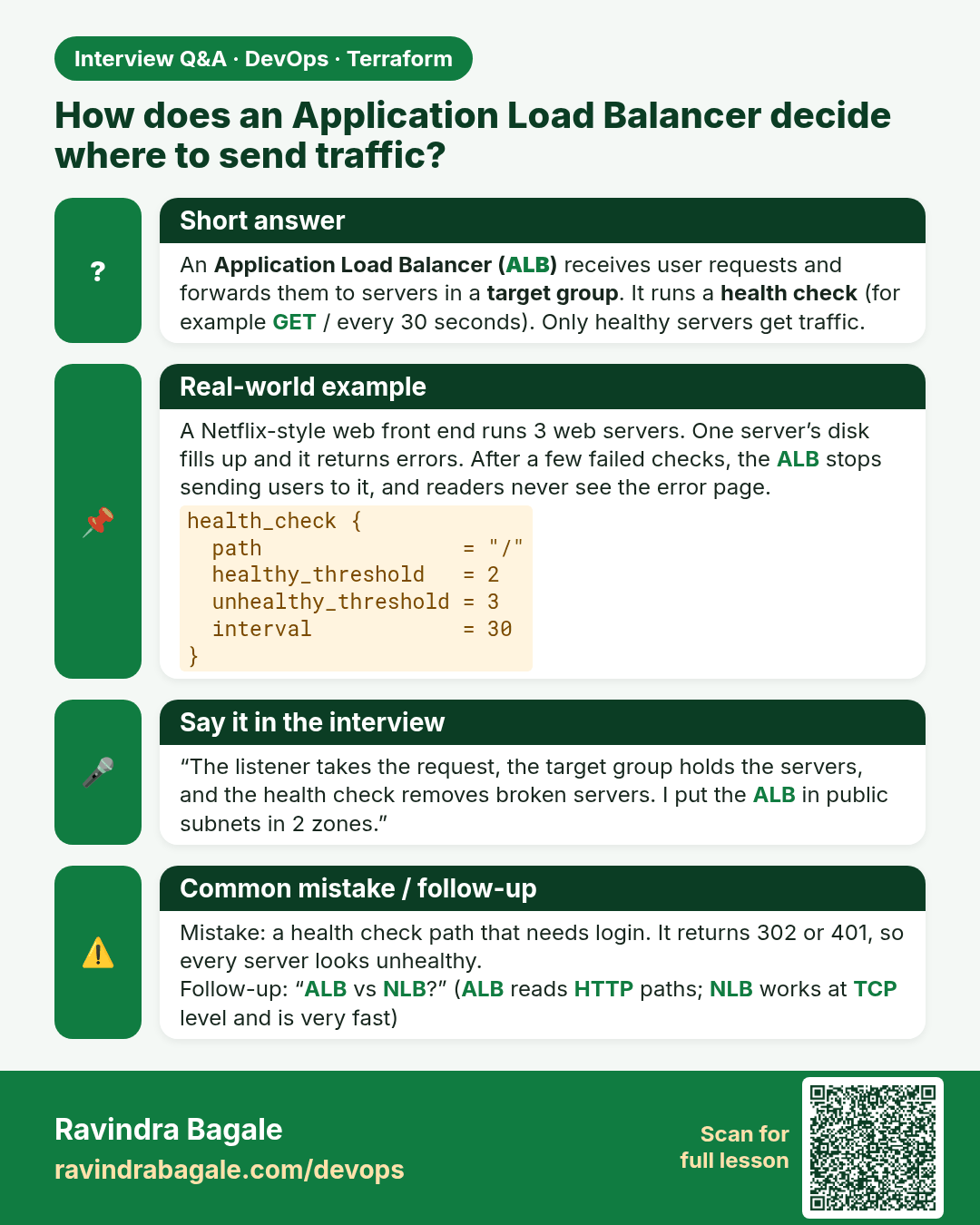
How does an Application Load Balancer decide where to send traffic? An Application Load Balancer (ALB) receives user requests and forwards them to servers in a target group. It runs a health check (for example GET / every 30 seconds). Only healthy servers get traffic.
Interview card 6 of 7: How does an Application Load Balancer decide where to send traffic? · Download PNG · Open card page

Lesson: 44.6 How to create an Application Load Balancer with Terraform
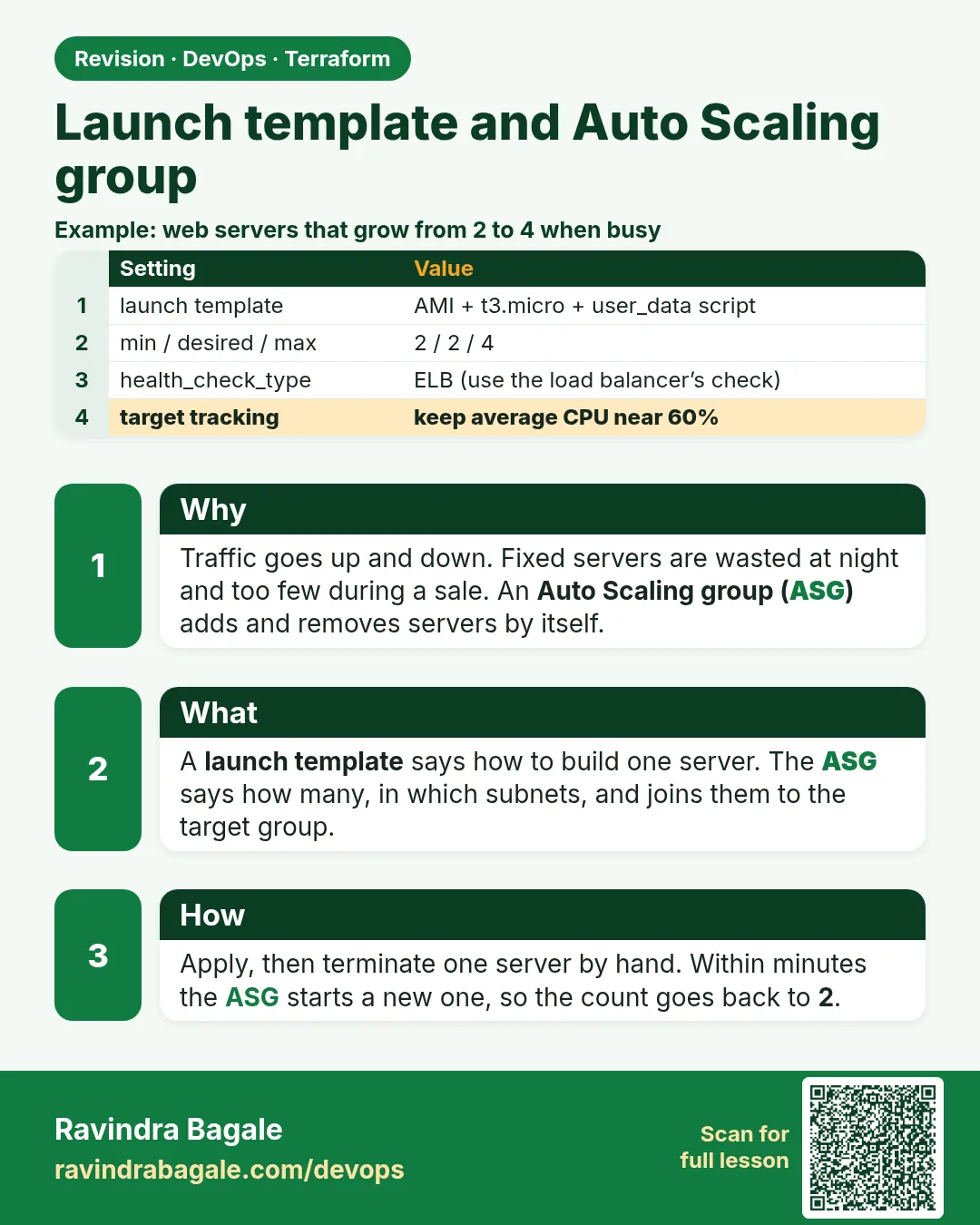
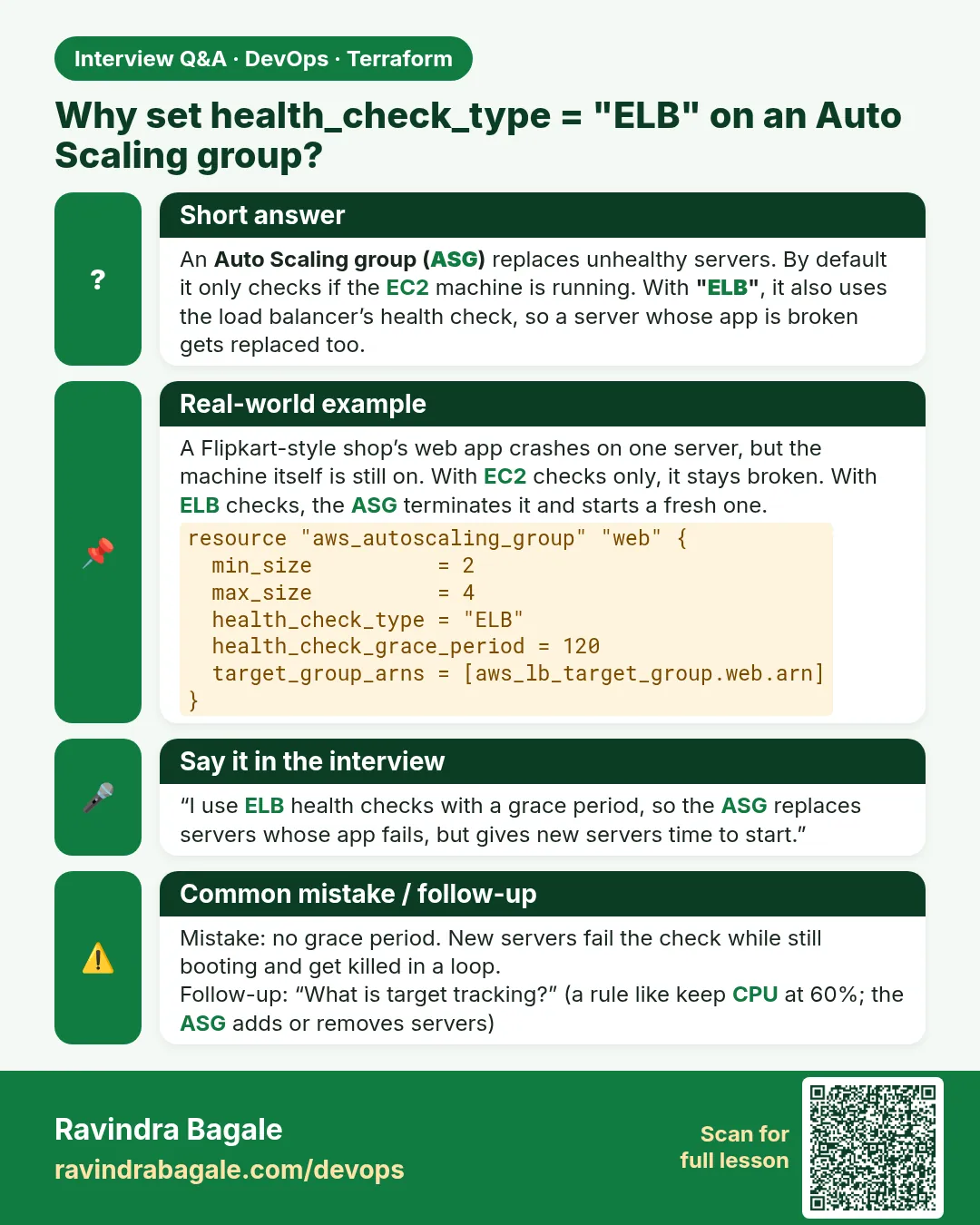
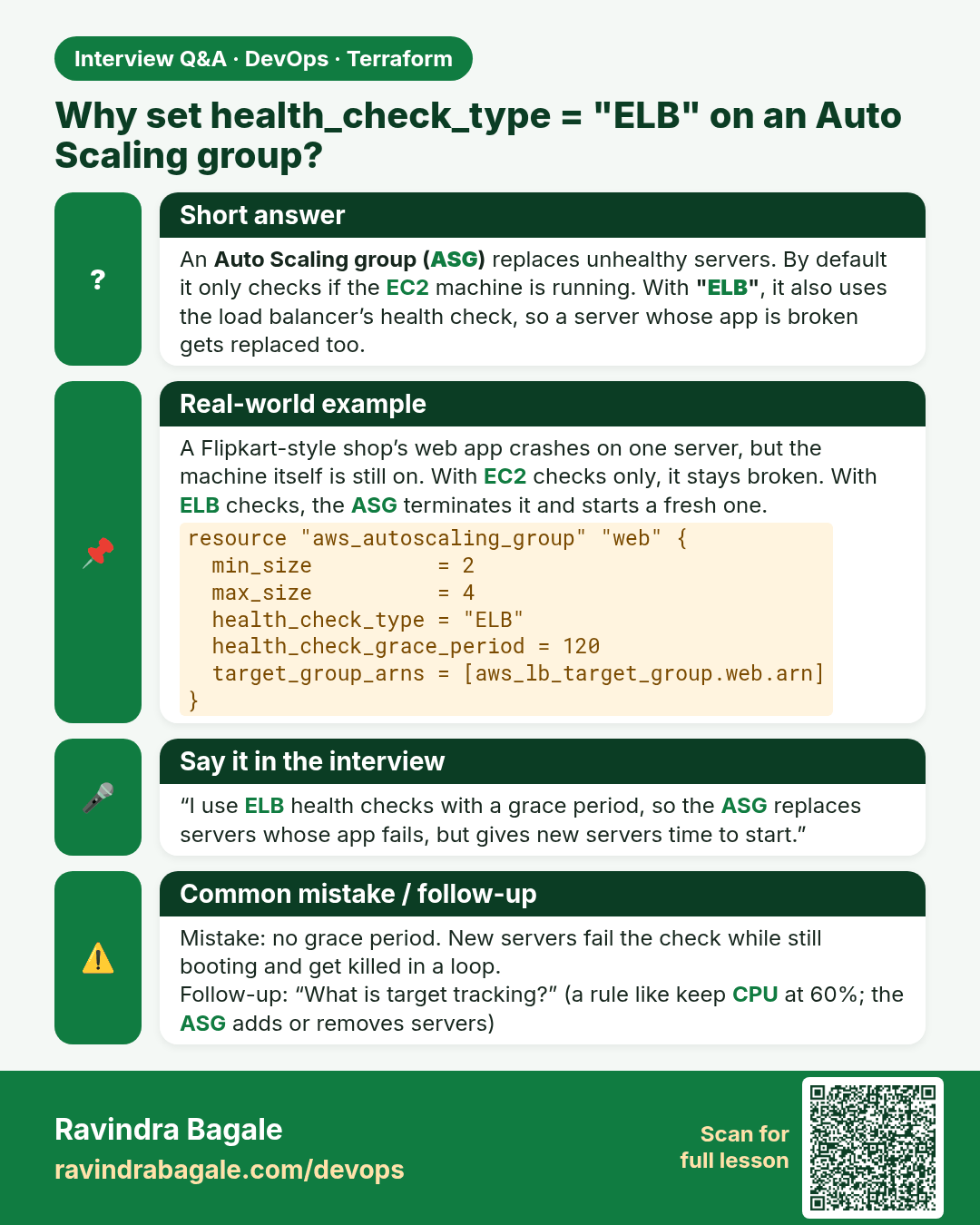
Why set health_check_type = "ELB" on an Auto Scaling group? An Auto Scaling group (ASG) replaces unhealthy servers. By default it only checks if the EC2 machine is running. With "ELB", it also uses the load balancer’s health check, so a server whose app is broken gets replaced too.
Interview card 7 of 7: Why set health_check_type = "ELB" on an Auto Scaling group? · Download PNG · Open card page

Lesson: 44.7 How to create a launch template and Auto Scaling group

Comparison cards
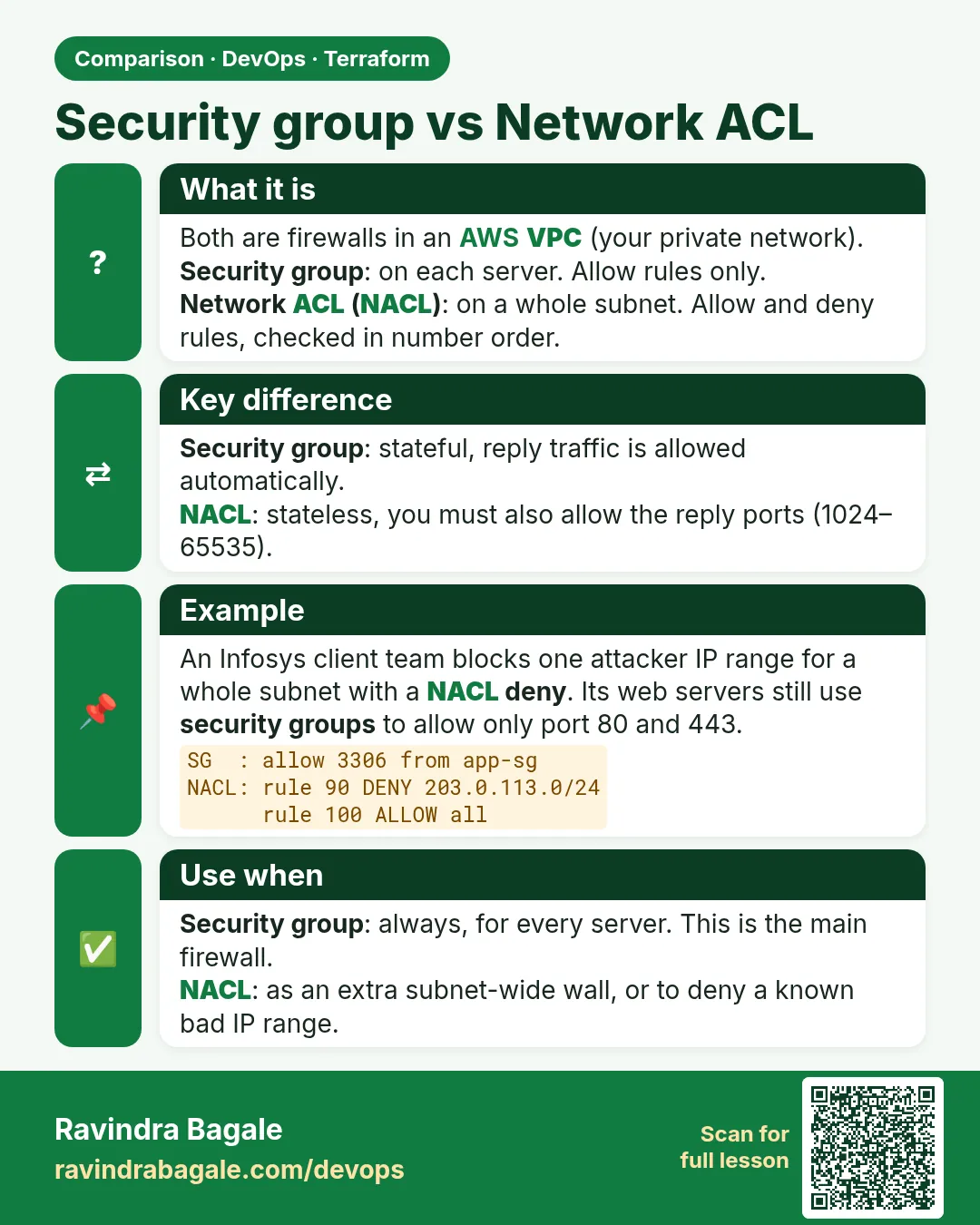
Security group vs Network ACL. Both are firewalls in an AWS VPC (your private network).Security group: on each server. Allow rules only.Network ACL (NACL): on a whole subnet. Allow and deny rules, checked in number order.
Comparison card 1 of 3: Security group vs Network ACL · Download PNG · Open card page

Lesson: Chapter 44: Terraform AWS Guides EC2 RDS S3 Security Groups IAM ALB and Auto Scaling
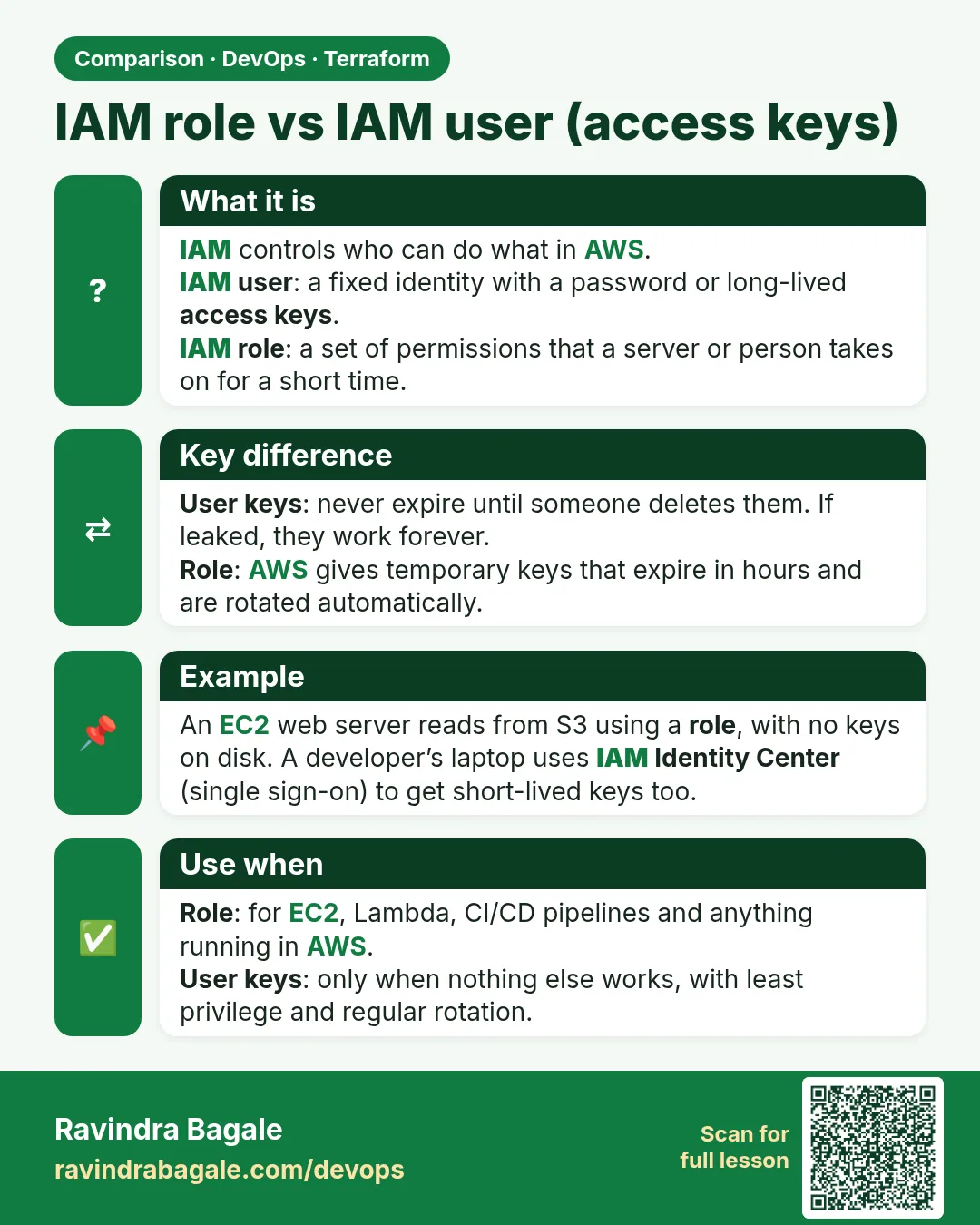
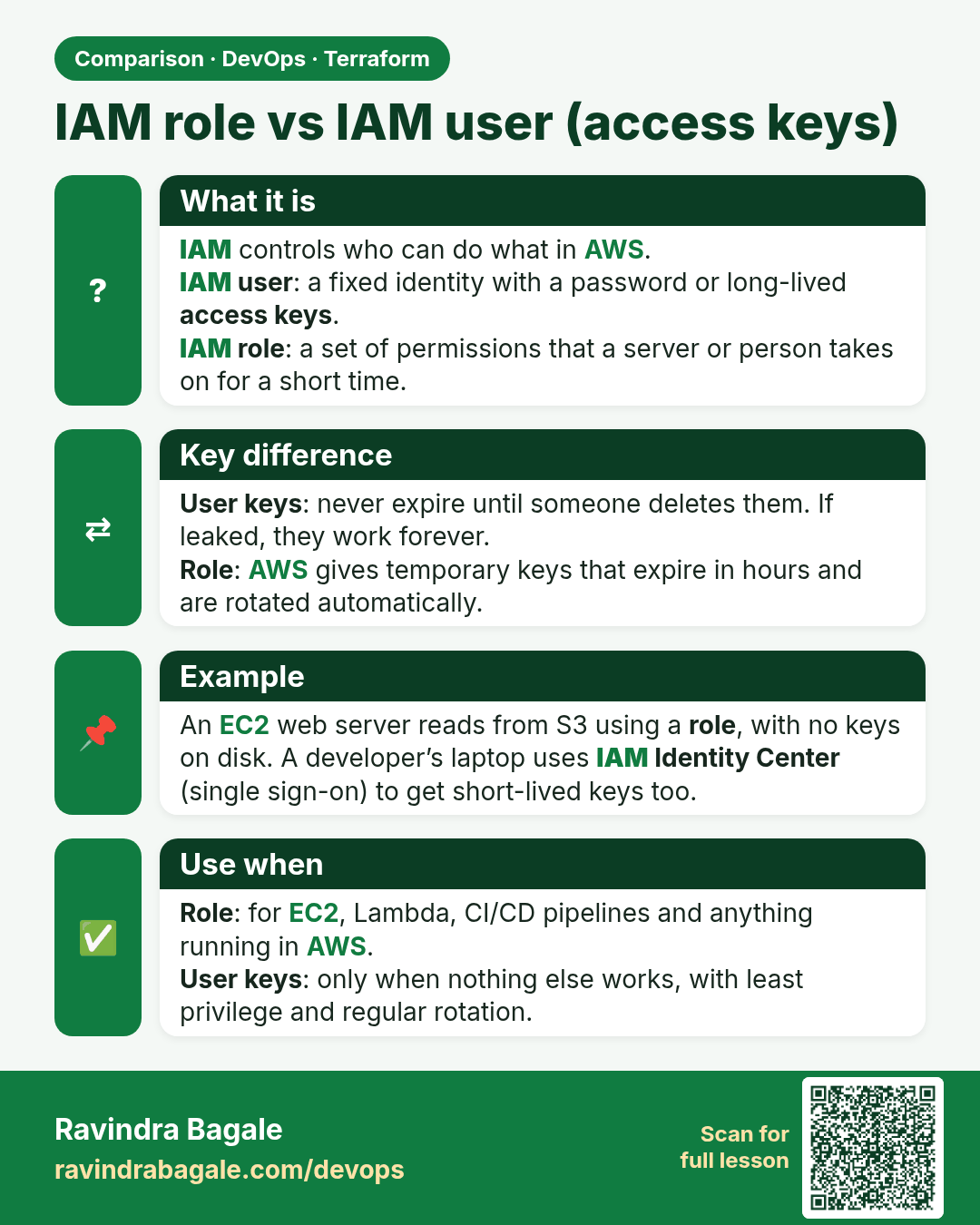
IAM role vs IAM user (access keys). IAM controls who can do what in AWS.IAM user: a fixed identity with a password or long-lived access keys.IAM role: a set of permissions that a server or person takes on for a short time.
Comparison card 2 of 3: IAM role vs IAM user (access keys) · Download PNG · Open card page

Lesson: Chapter 44: Terraform AWS Guides EC2 RDS S3 Security Groups IAM ALB and Auto Scaling
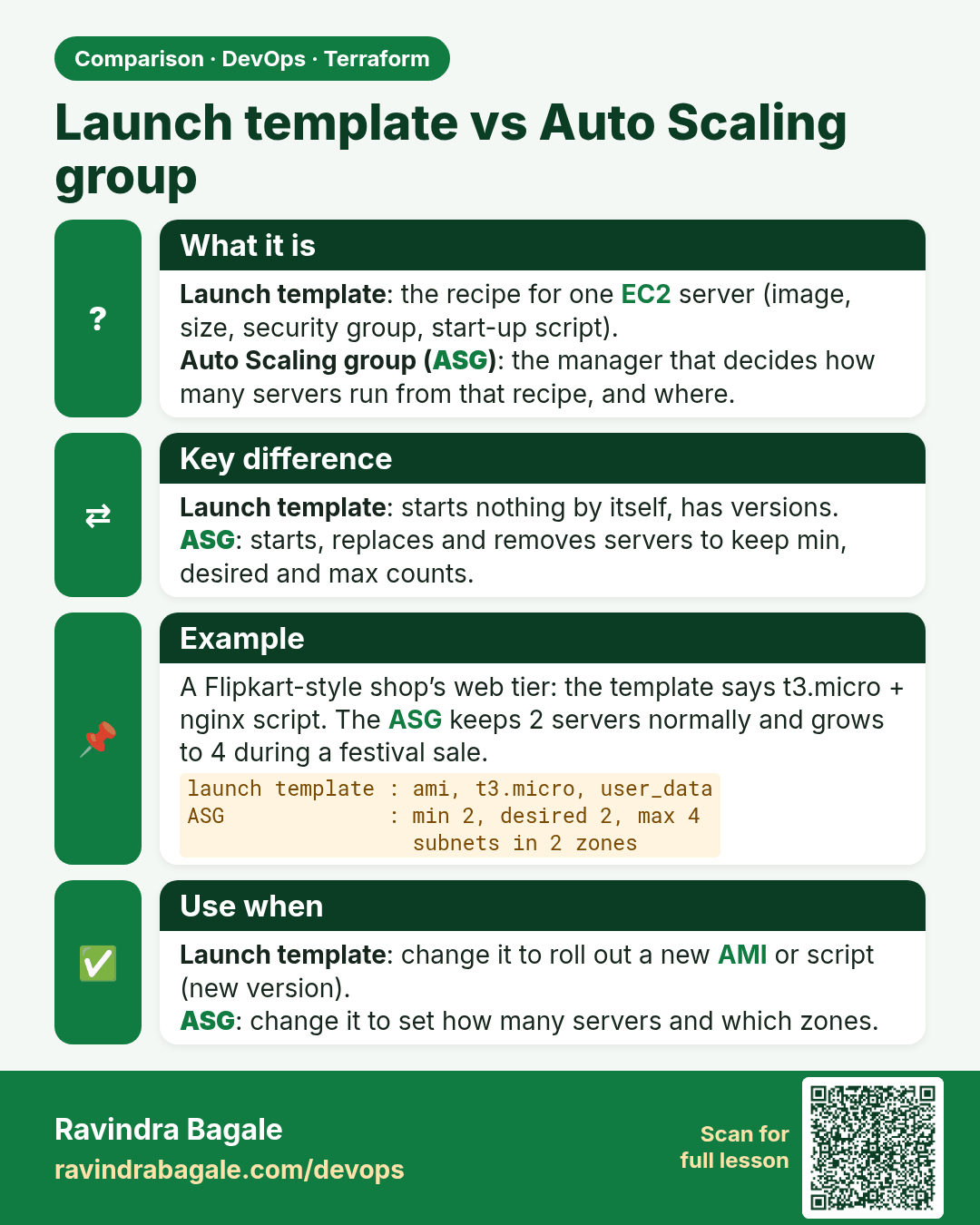
Launch template vs Auto Scaling group. Launch template: the recipe for one EC2 server (image, size, security group, start-up script).Auto Scaling group (ASG): the manager that decides how many servers run from that recipe, and where.
Comparison card 3 of 3: Launch template vs Auto Scaling group · Download PNG · Open card page

Lesson: Chapter 44: Terraform AWS Guides EC2 RDS S3 Security Groups IAM ALB and Auto Scaling