Ravindra BagaleCourses & study guides मराठी

Ravi Sir's Cards › DevOps

Chapter 16: Capstone — Ship It End-to-End: Cards

मराठी cards · Open the chapter

Revision cards
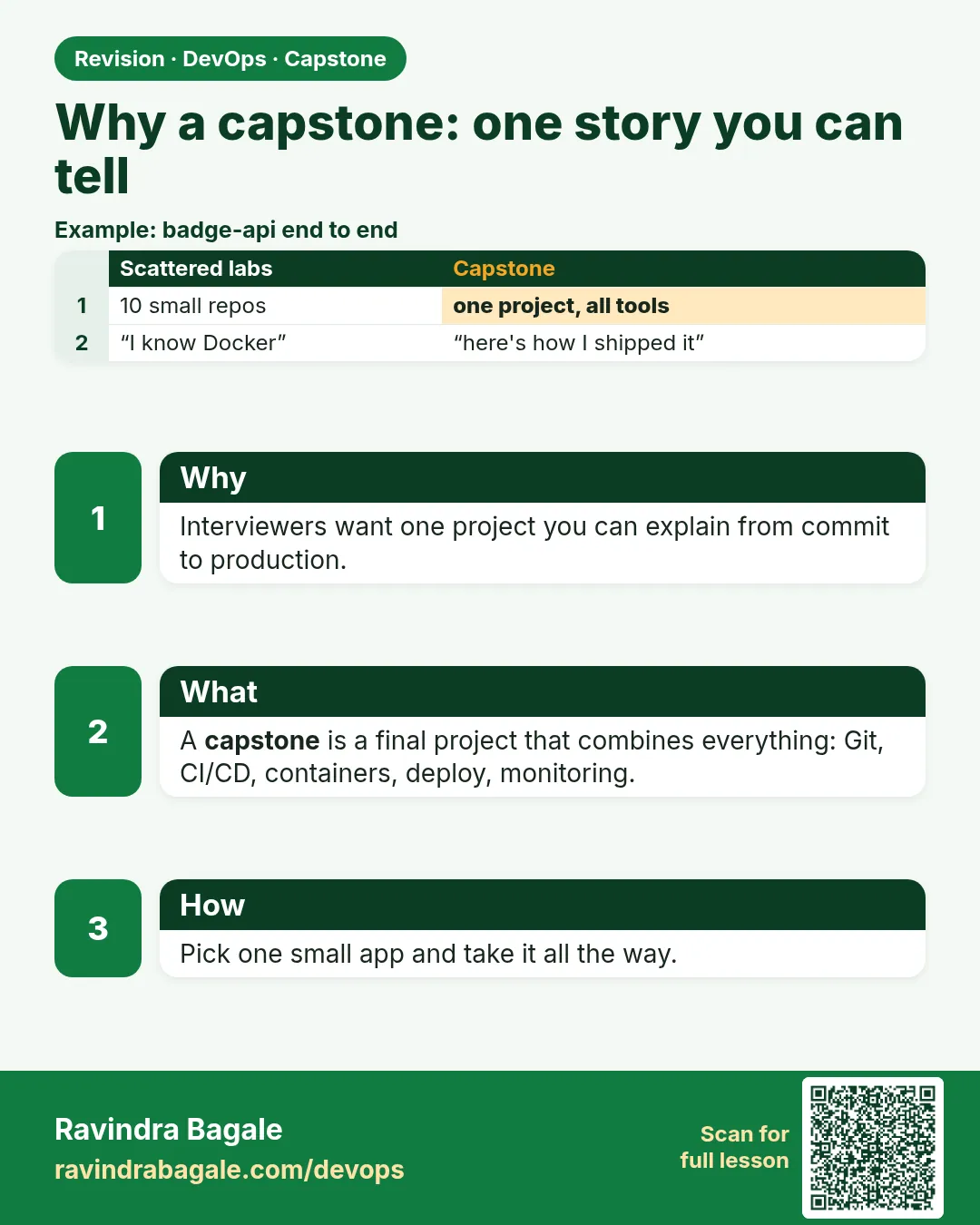
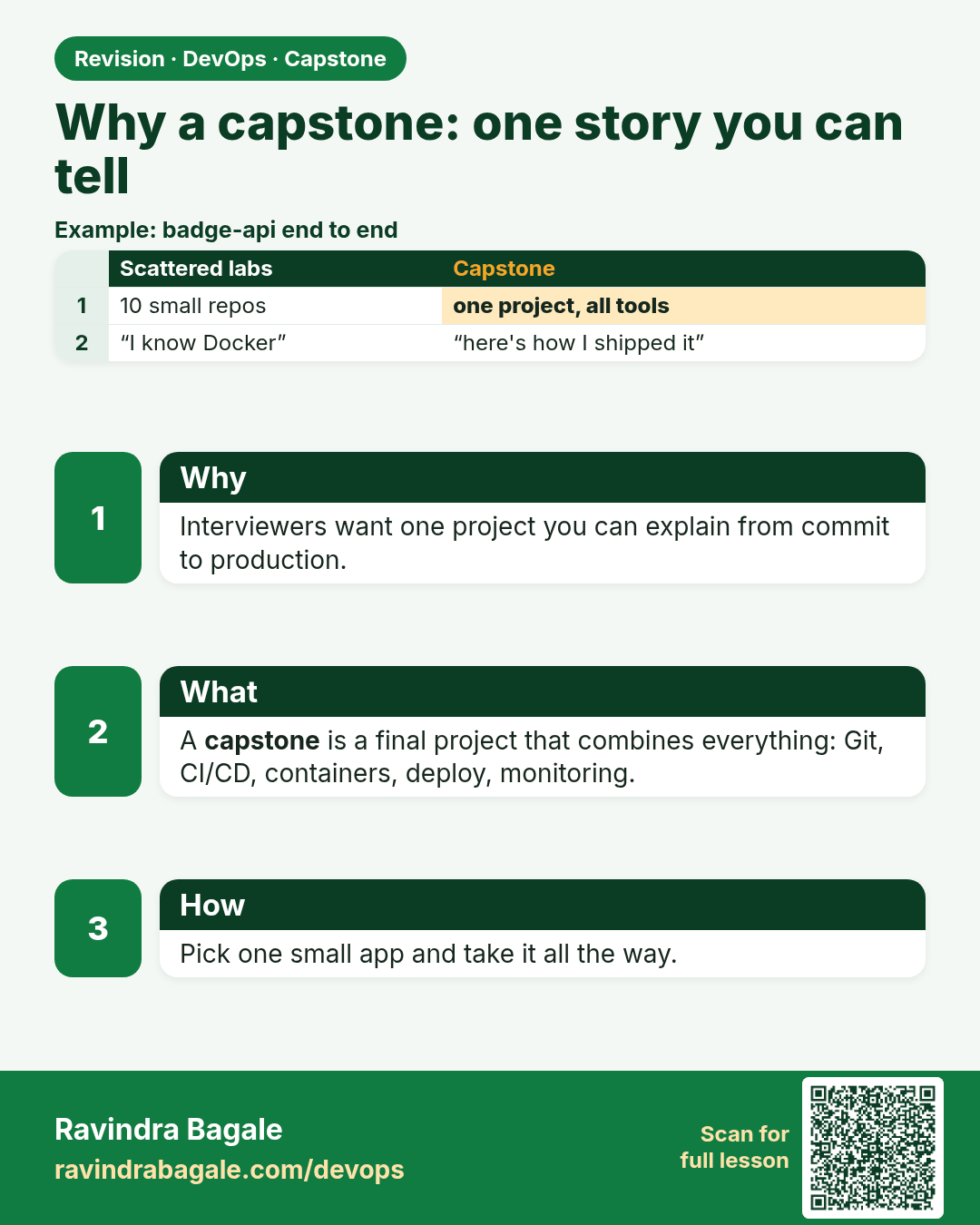
Why a capstone: one story you can tell. Interviewers want one project you can explain from commit to production.
Revision card 1 of 16: Why a capstone: one story you can tell · Download PNG · Open card page

Lesson: 16.1 Why a capstone — one story you can tell
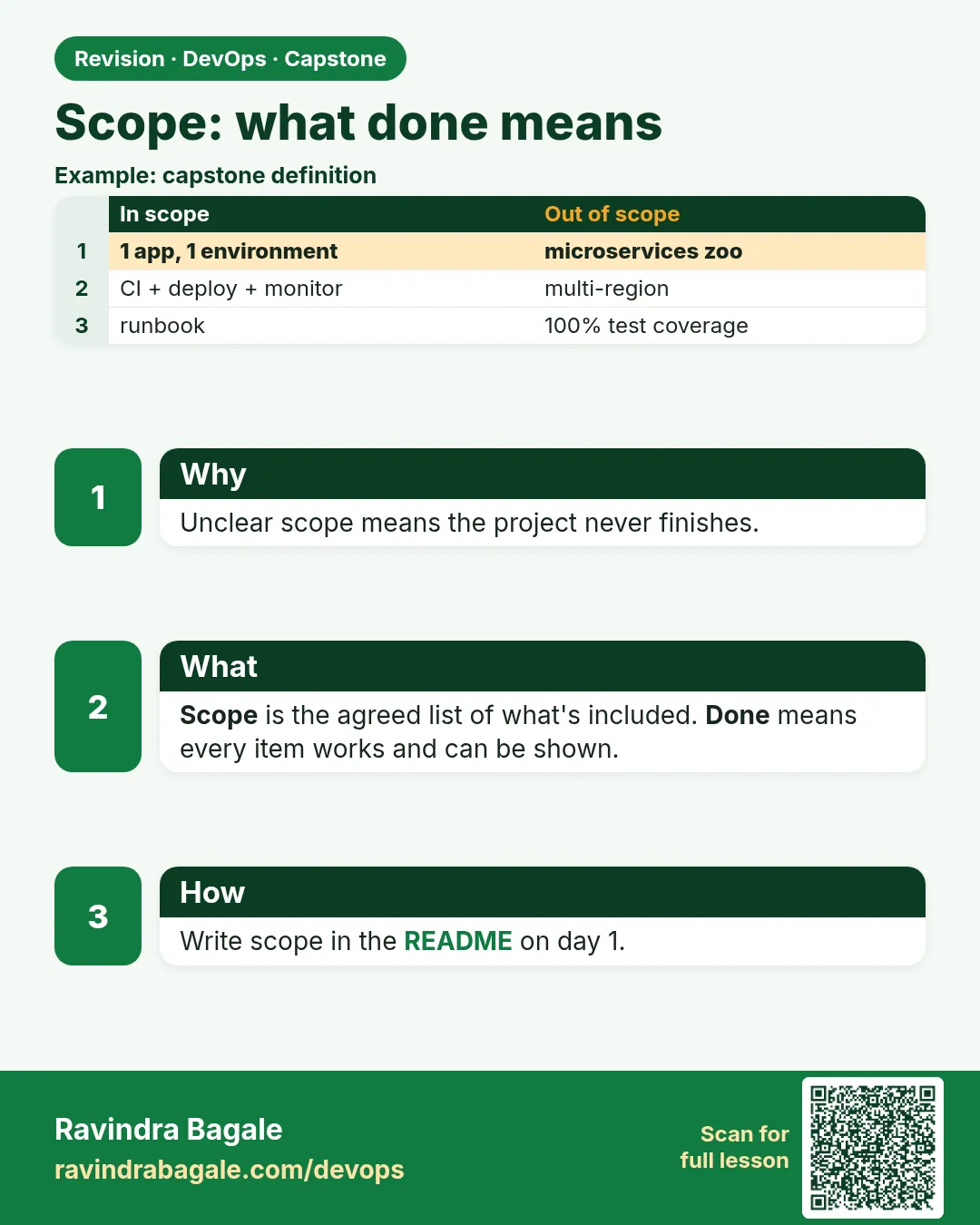
Scope: what done means. Unclear scope means the project never finishes.
Revision card 2 of 16: Scope: what done means · Download PNG · Open card page

Lesson: 16.2 Scope — what "done" means

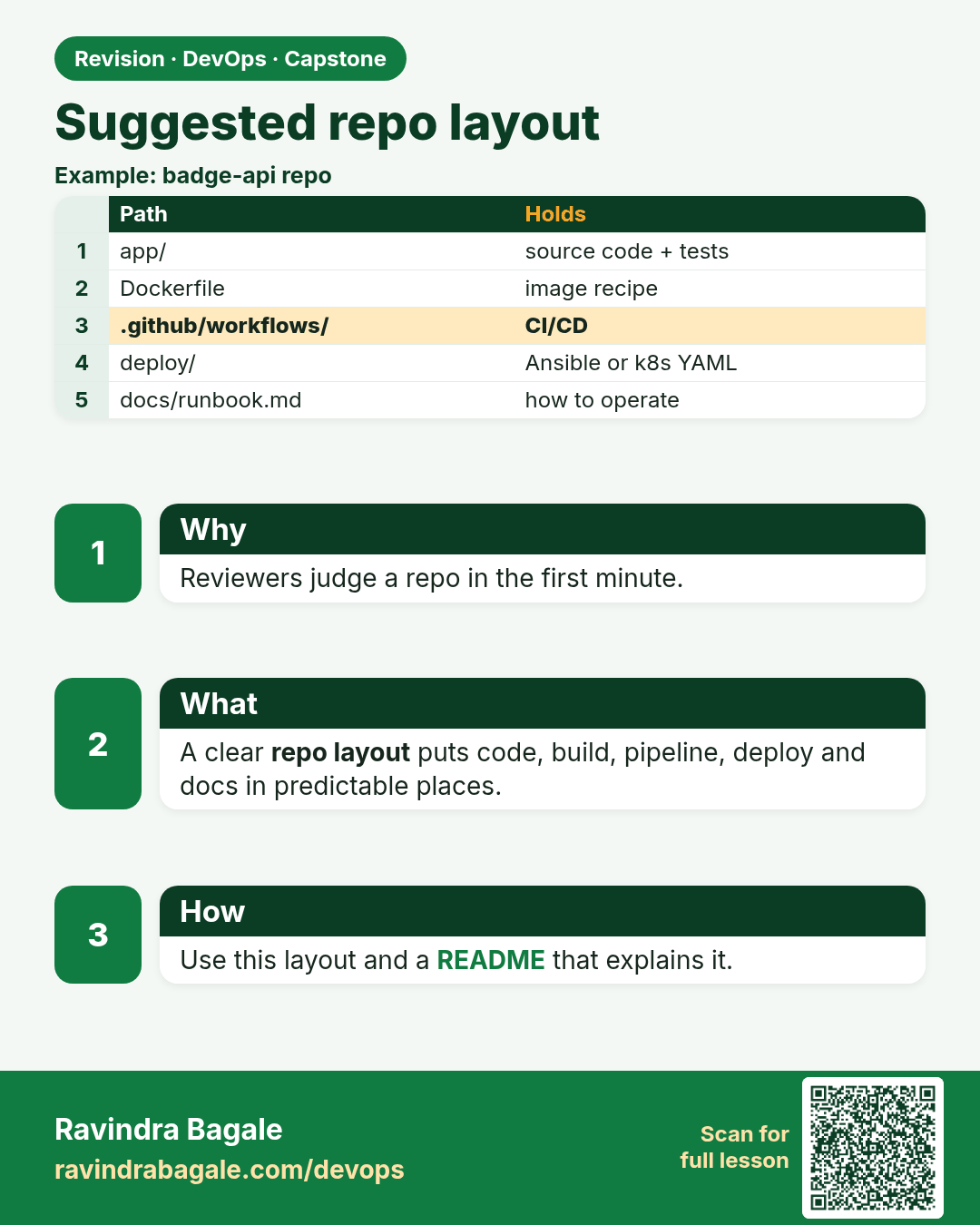
Suggested repo layout. Reviewers judge a repo in the first minute.
Revision card 3 of 16: Suggested repo layout · Download PNG · Open card page

Lesson: 16.3 Suggested repo layout

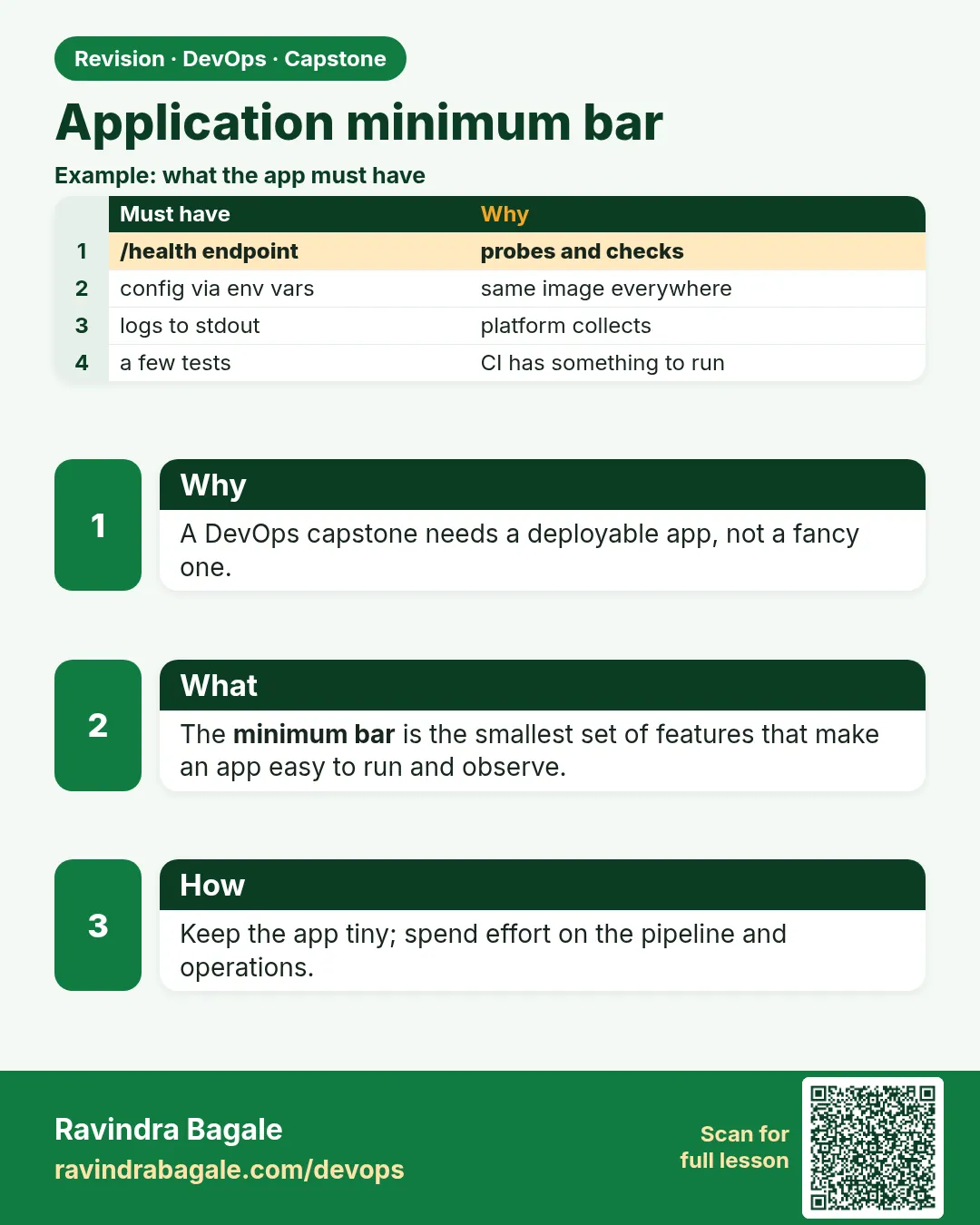
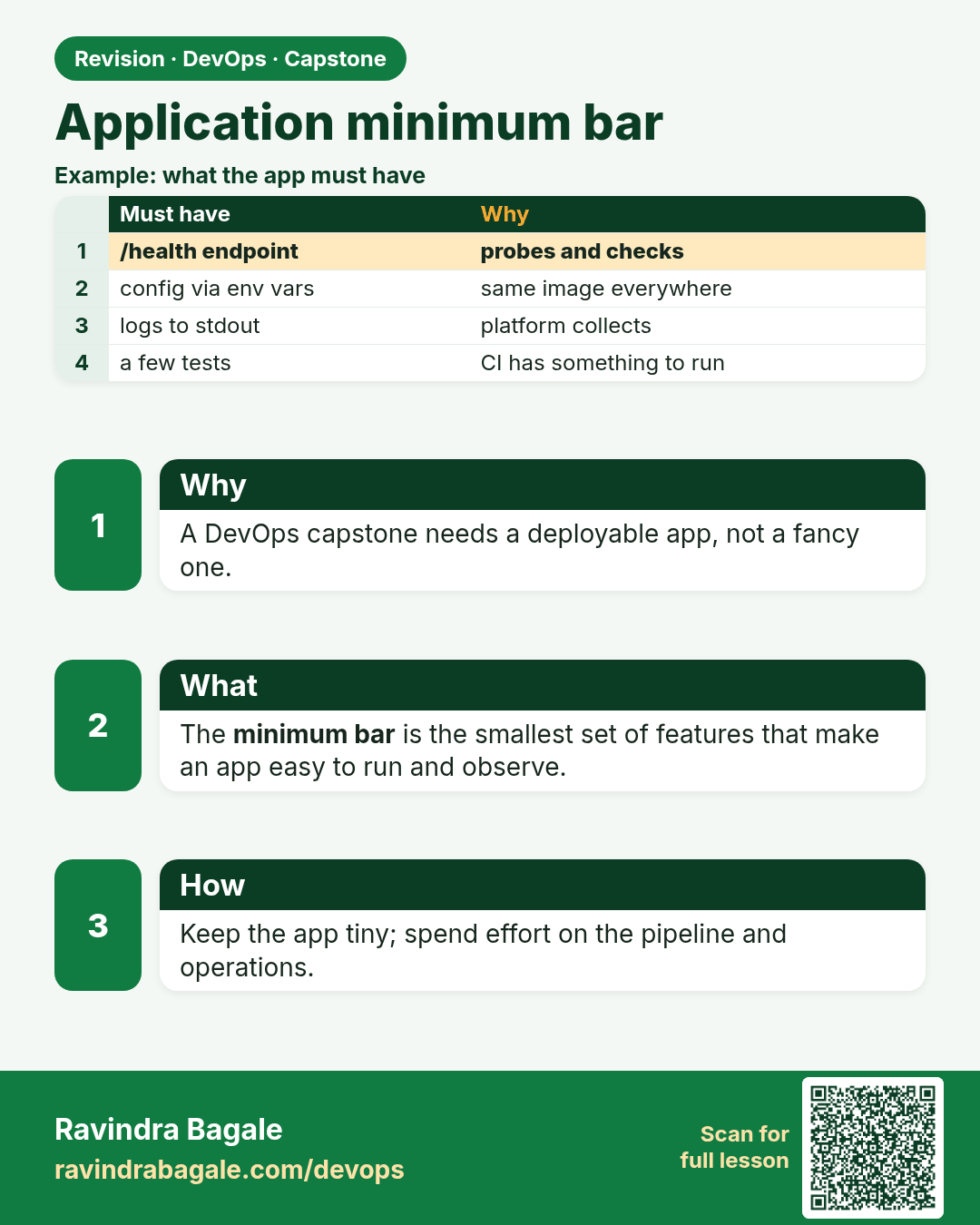
Application minimum bar. A DevOps capstone needs a deployable app, not a fancy one.
Revision card 4 of 16: Application minimum bar · Download PNG · Open card page

Lesson: 16.4 Application minimum bar

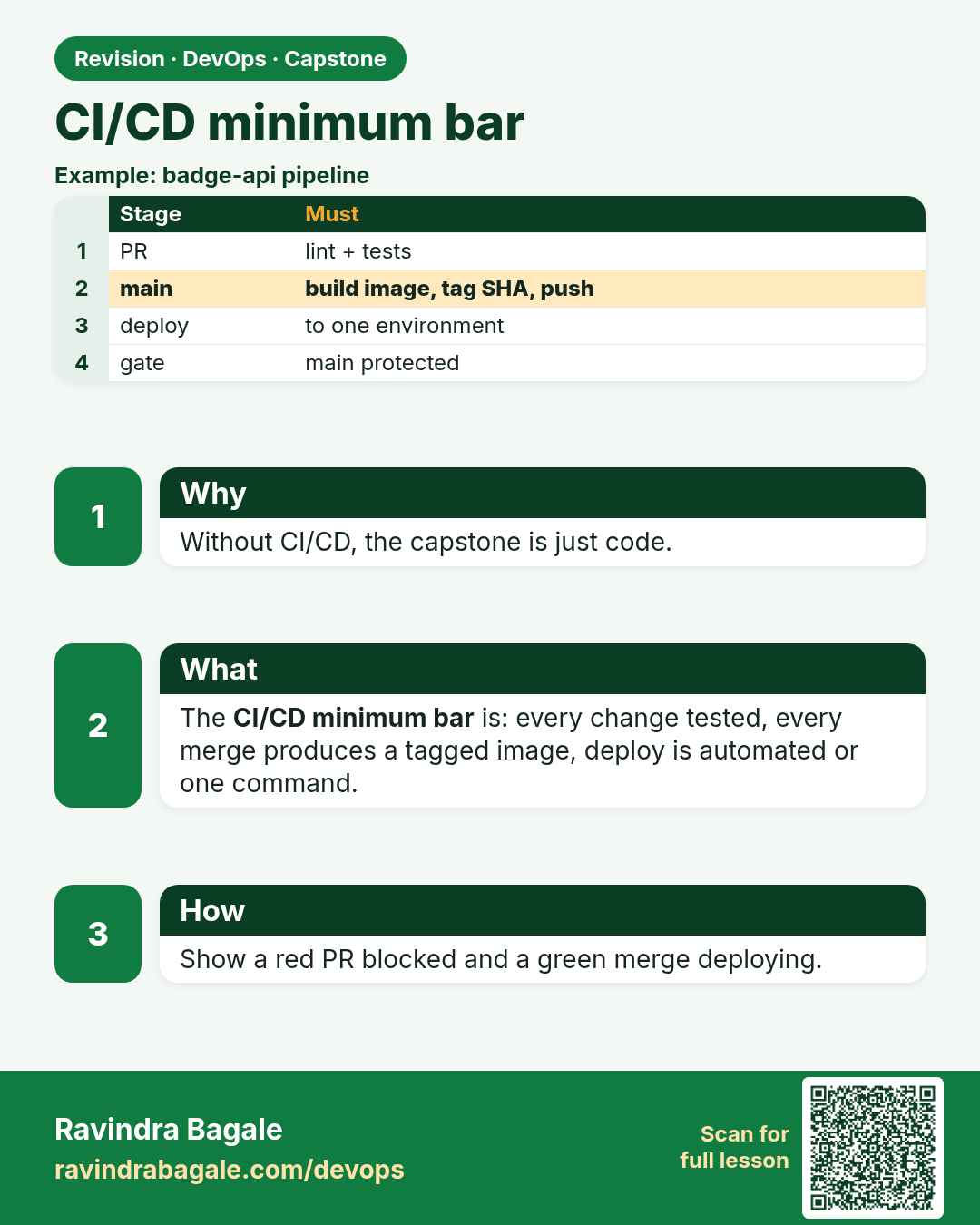
CI/CD minimum bar. Without CI/CD, the capstone is just code.
Revision card 5 of 16: CI/CD minimum bar · Download PNG · Open card page

Lesson: 16.5 CI/CD minimum bar

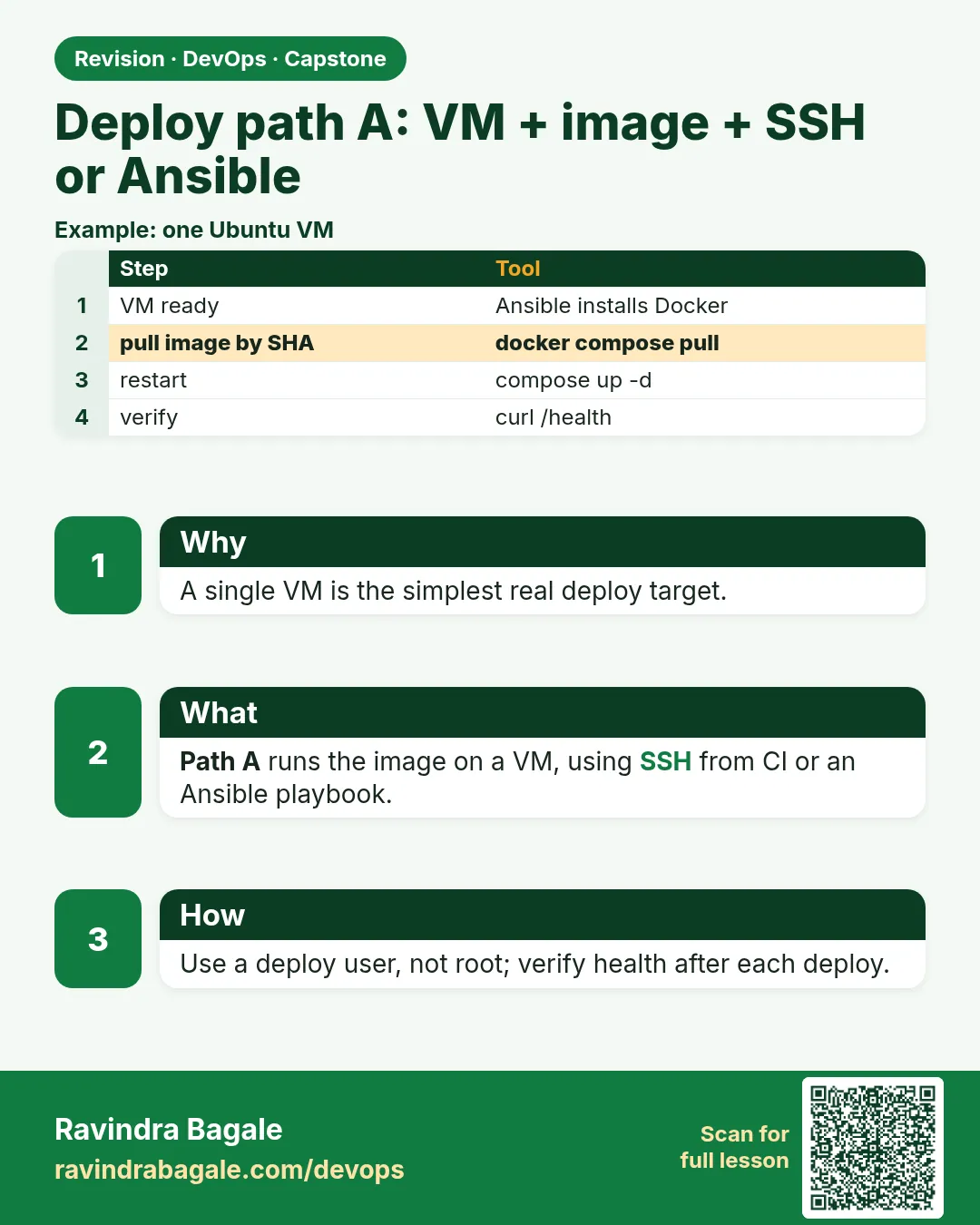
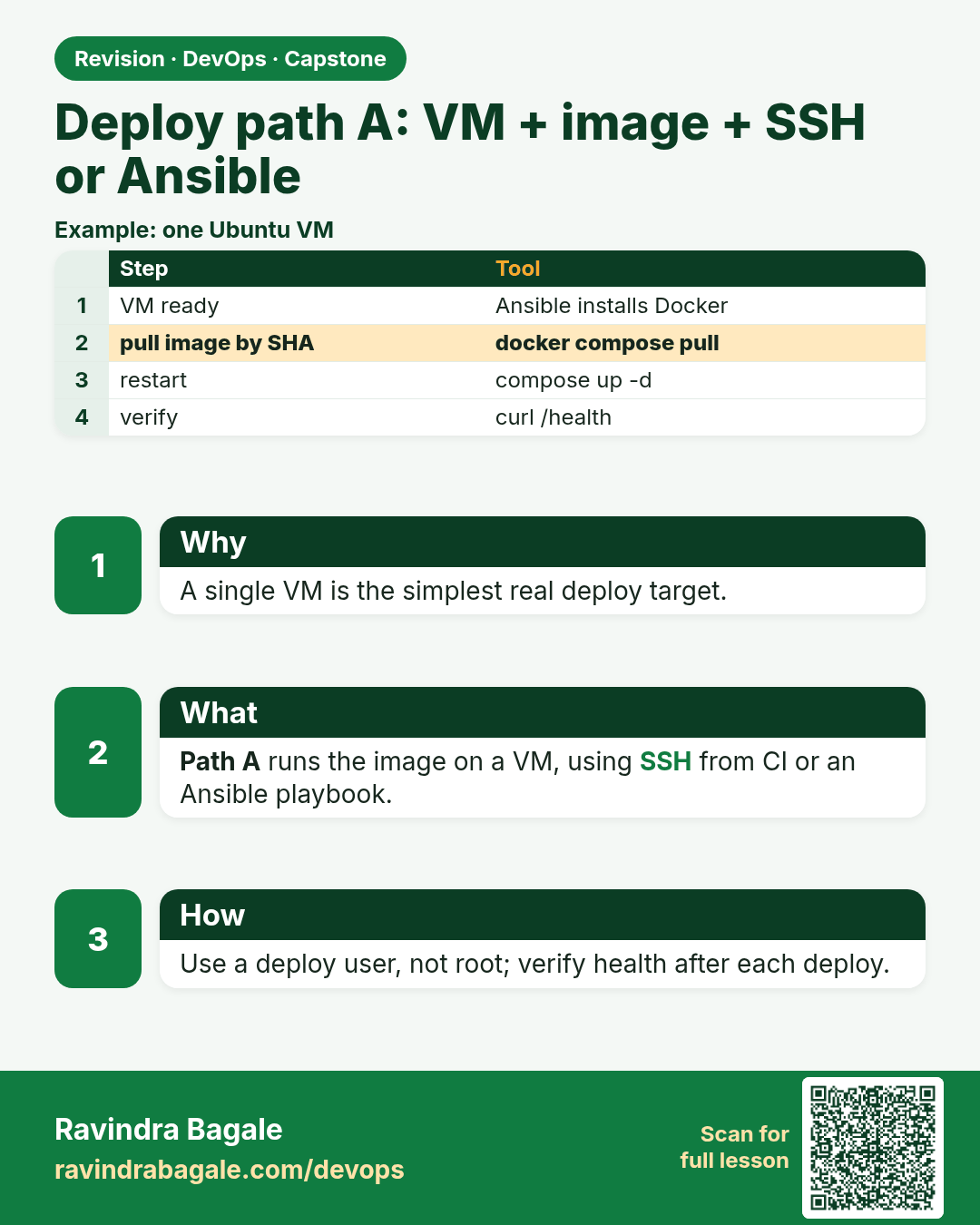
Deploy path A: VM + image + SSH or Ansible. A single VM is the simplest real deploy target.
Revision card 6 of 16: Deploy path A: VM + image + SSH or Ansible · Download PNG · Open card page

Lesson: 16.6 Deploy path A — VM + image (SSH or Ansible)

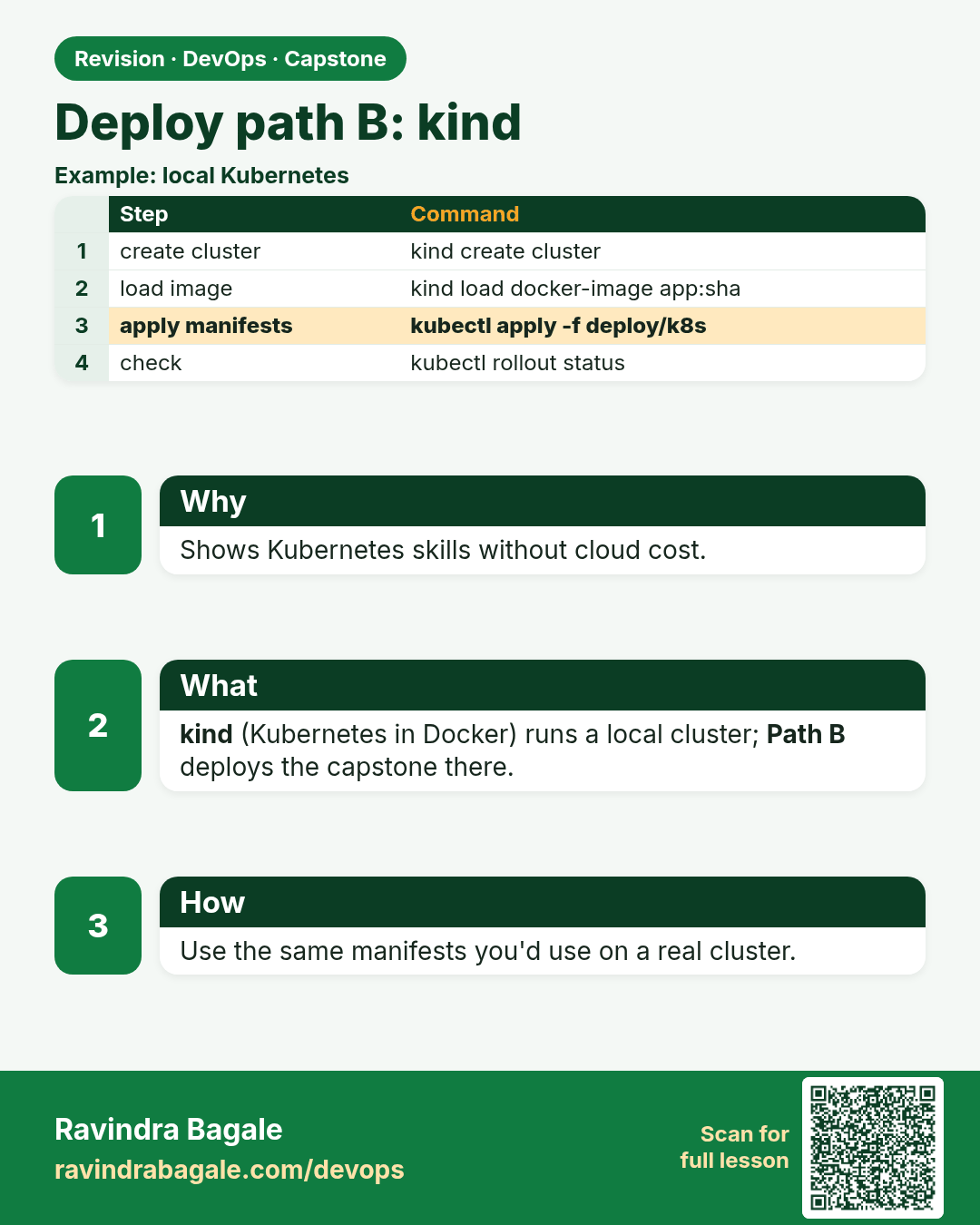
Deploy path B: kind. Shows Kubernetes skills without cloud cost.
Revision card 7 of 16: Deploy path B: kind · Download PNG · Open card page

Lesson: 16.7 Deploy path B — kind

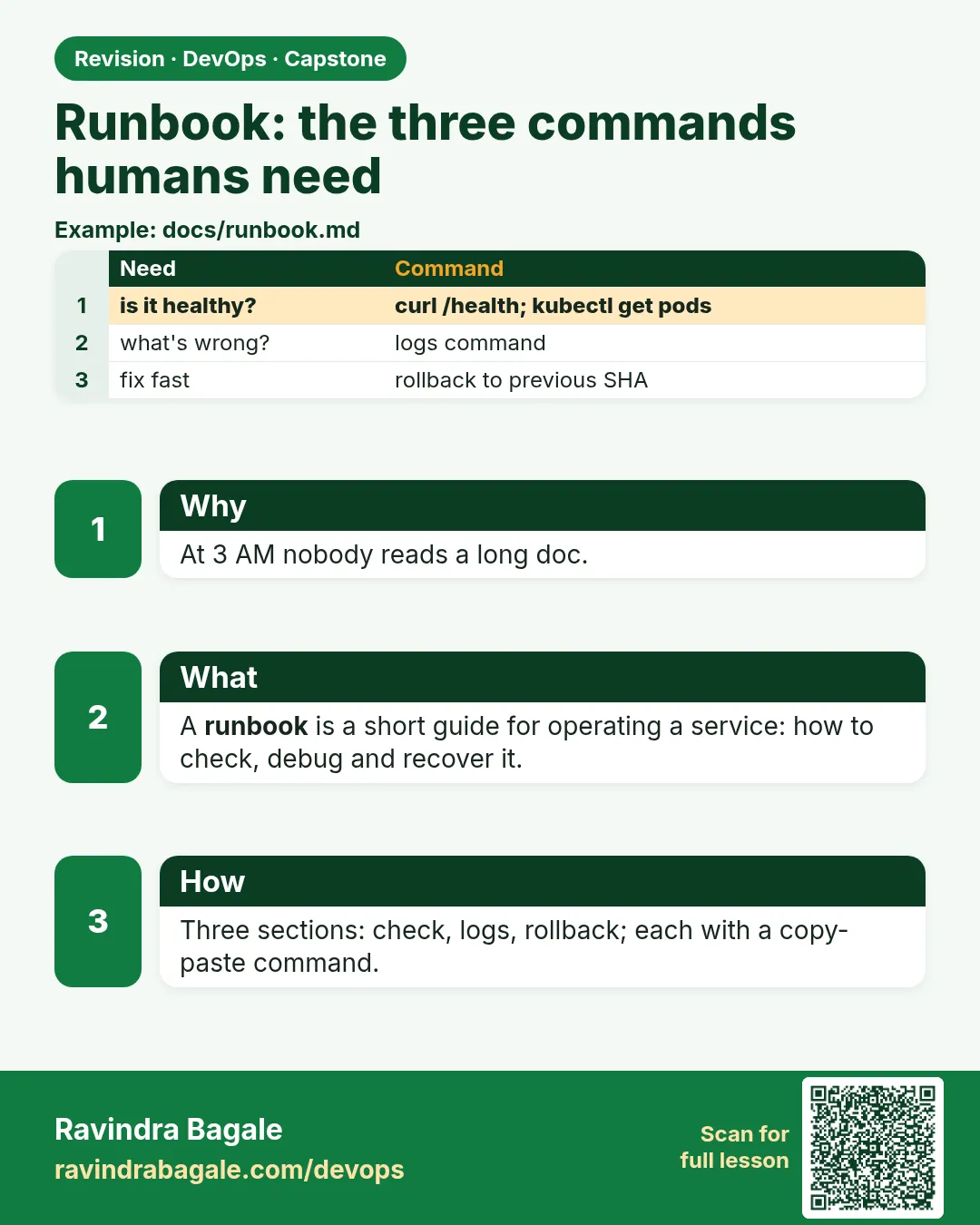
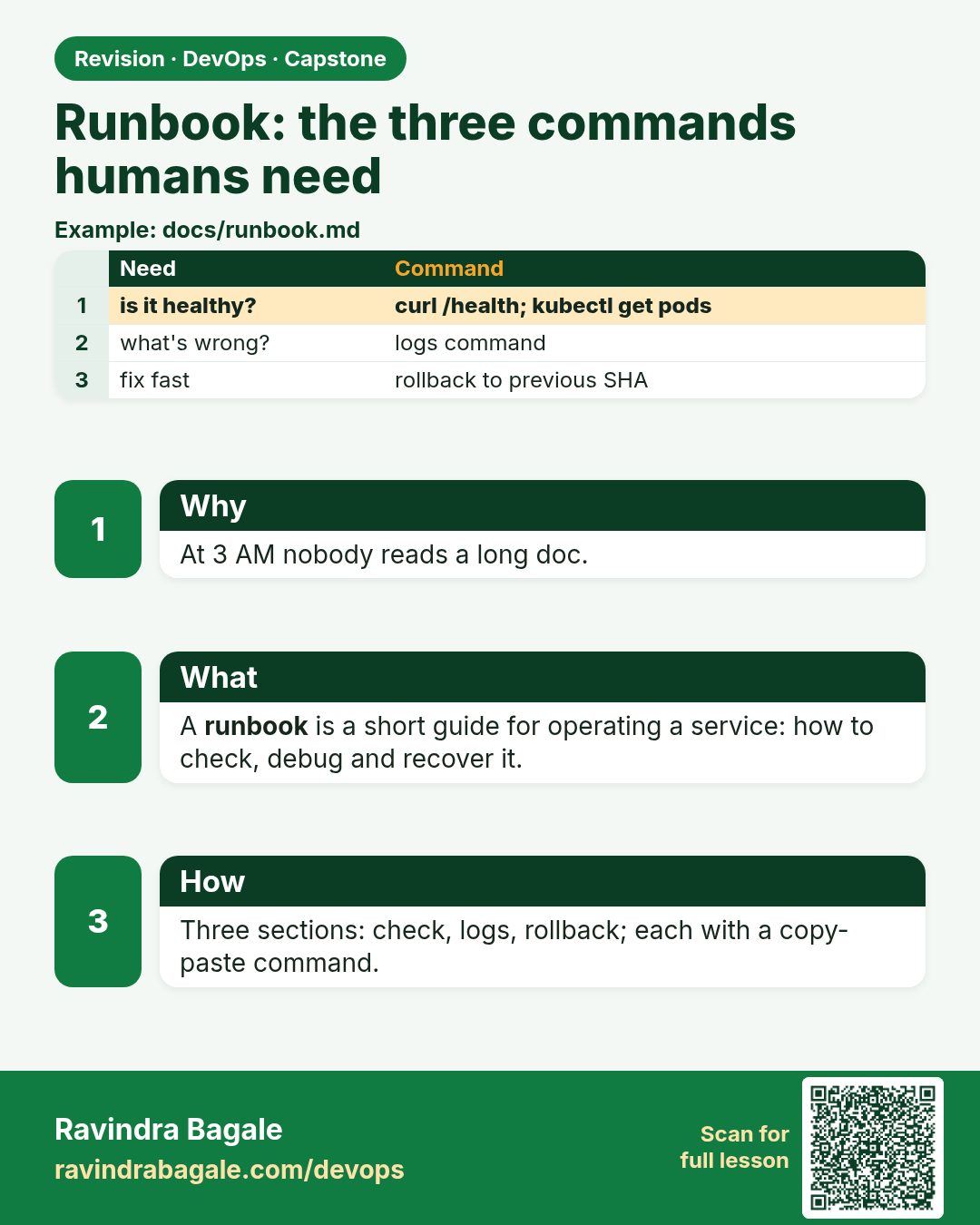
Runbook: the three commands humans need. At 3 AM nobody reads a long doc.
Revision card 8 of 16: Runbook: the three commands humans need · Download PNG · Open card page

Lesson: 16.8 Runbook — the three commands humans need

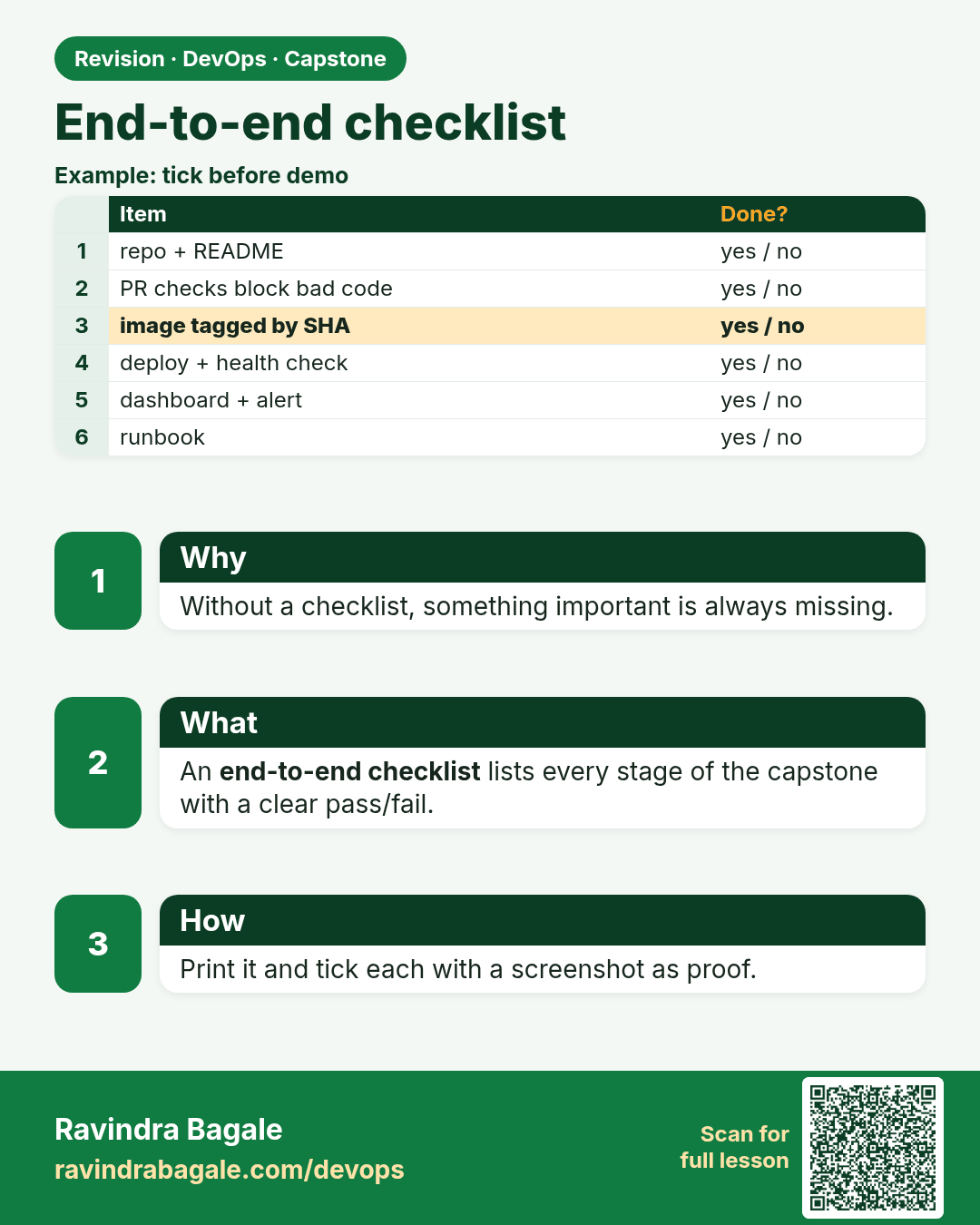
End-to-end checklist. Without a checklist, something important is always missing.
Revision card 9 of 16: End-to-end checklist · Download PNG · Open card page

Lesson: 16.9 End-to-end checklist (print or tick in CHECKLIST.md)

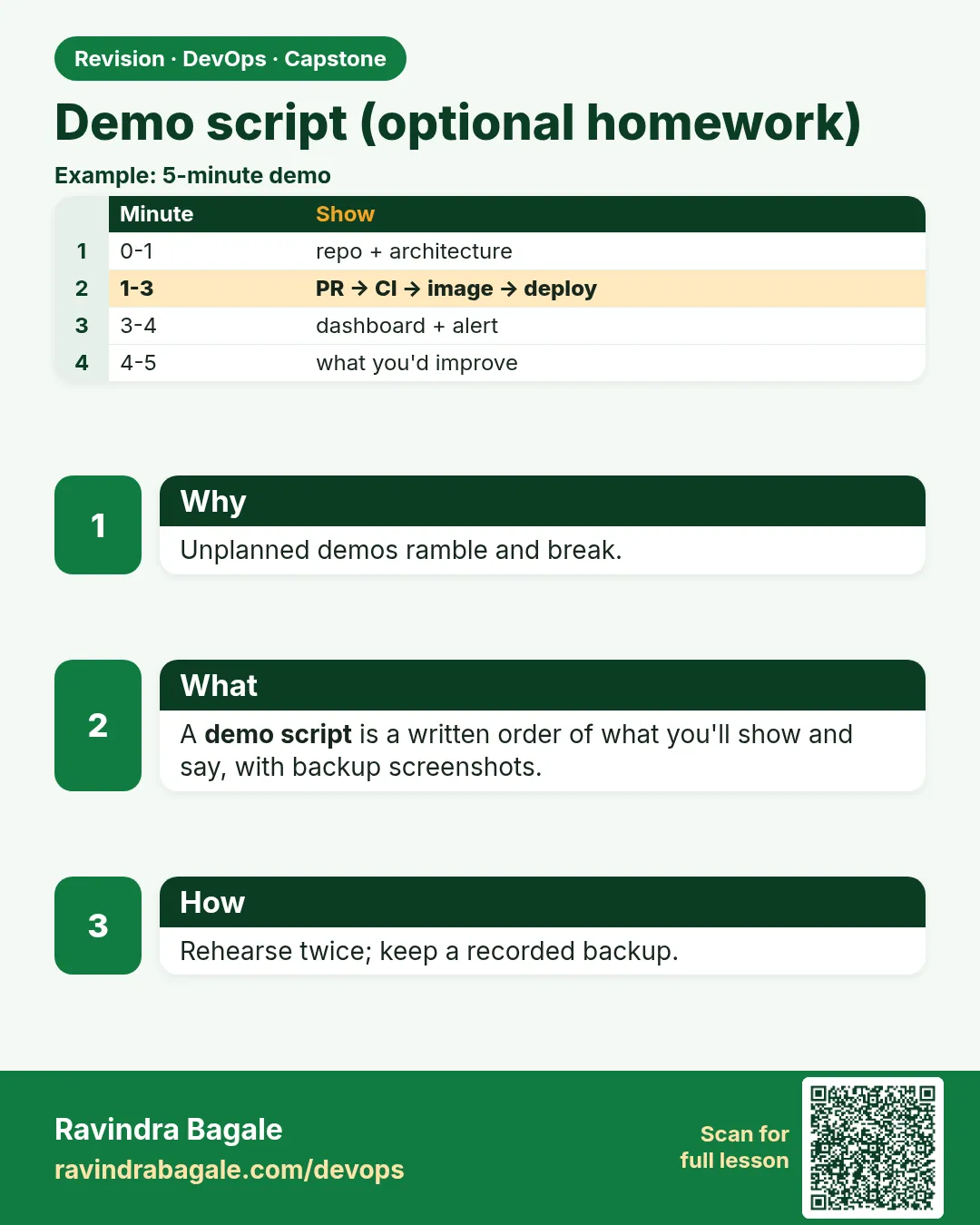
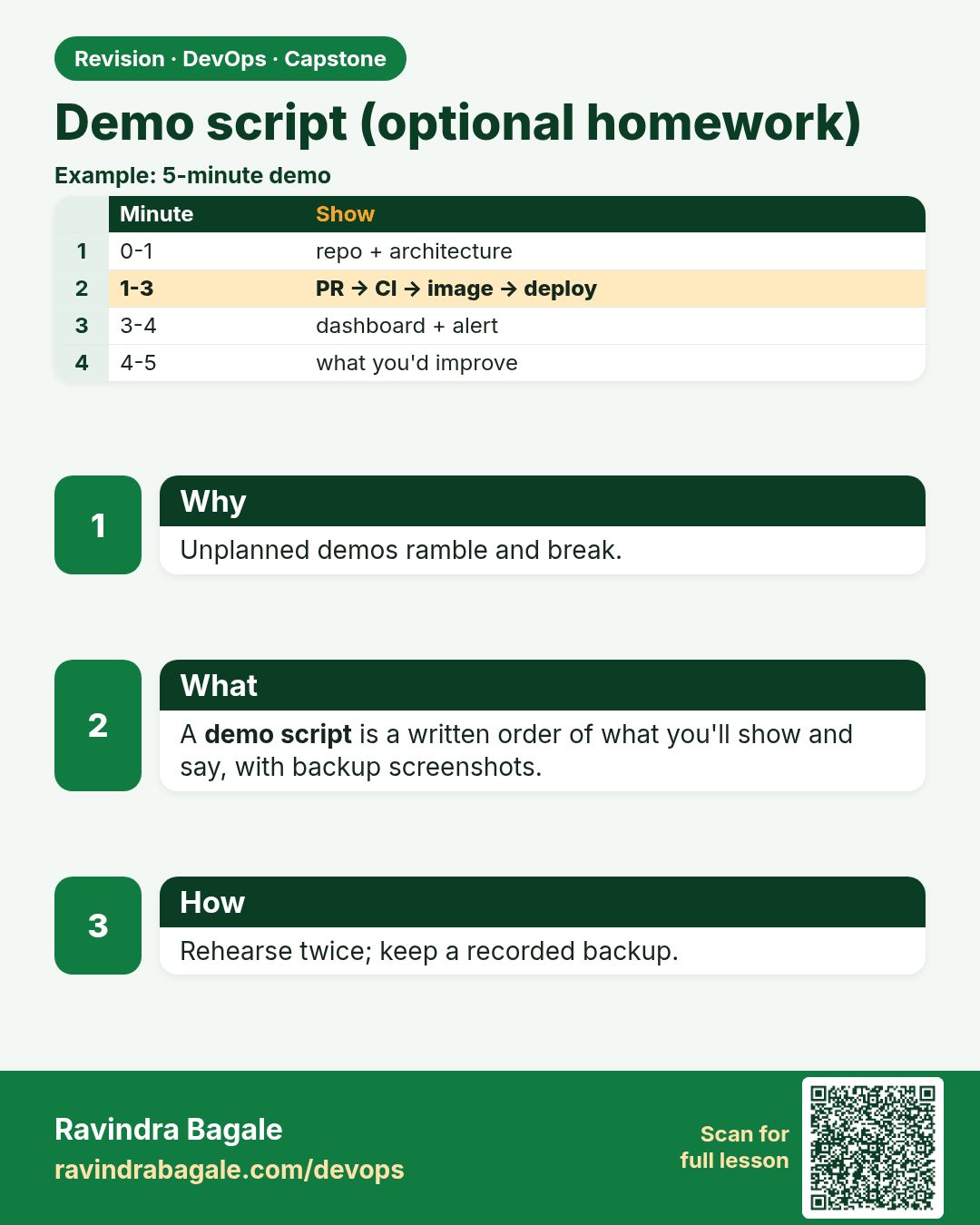
Demo script (optional homework). Unplanned demos ramble and break.
Revision card 10 of 16: Demo script (optional homework) · Download PNG · Open card page

Lesson: 16.10 Demo script (optional homework)

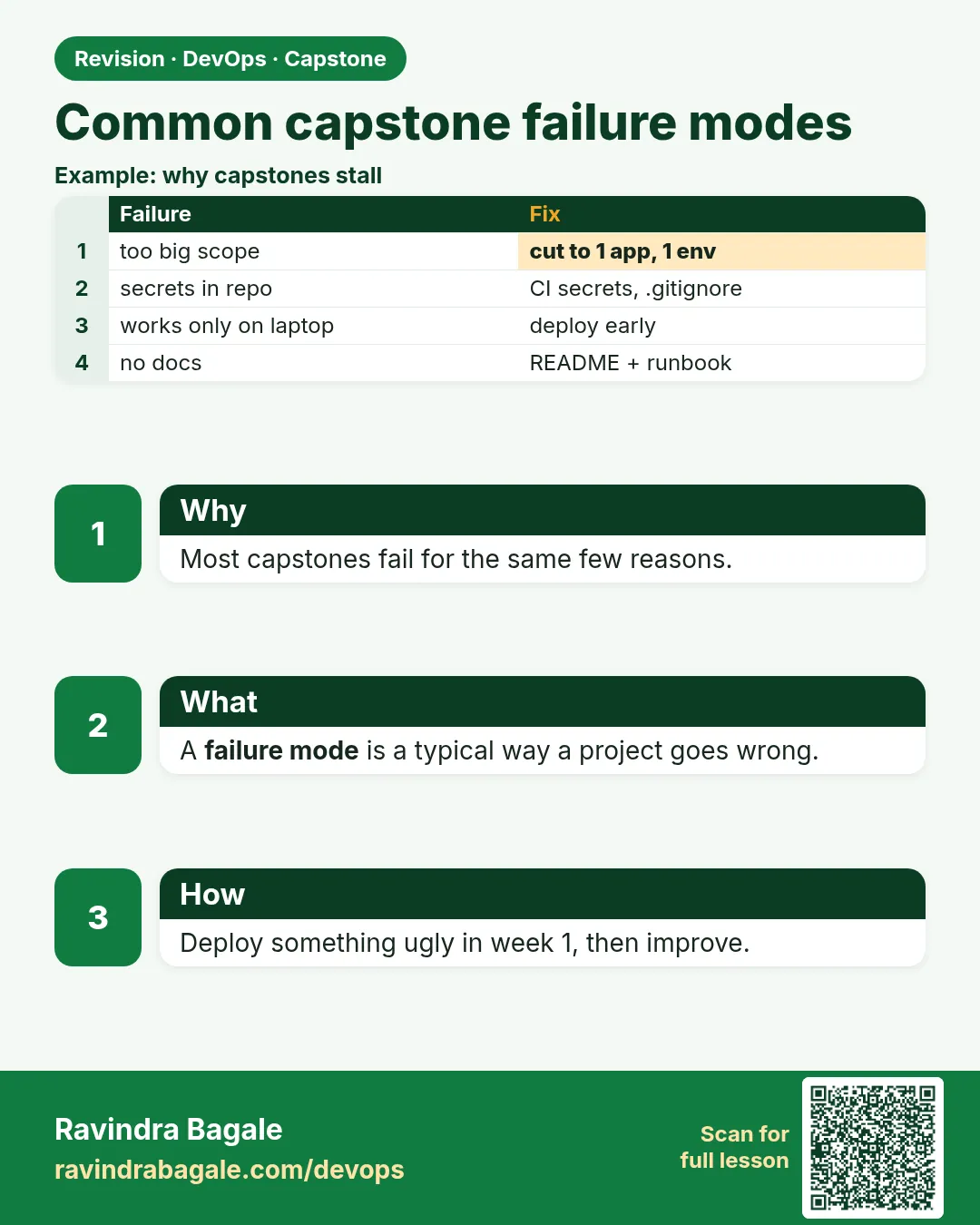
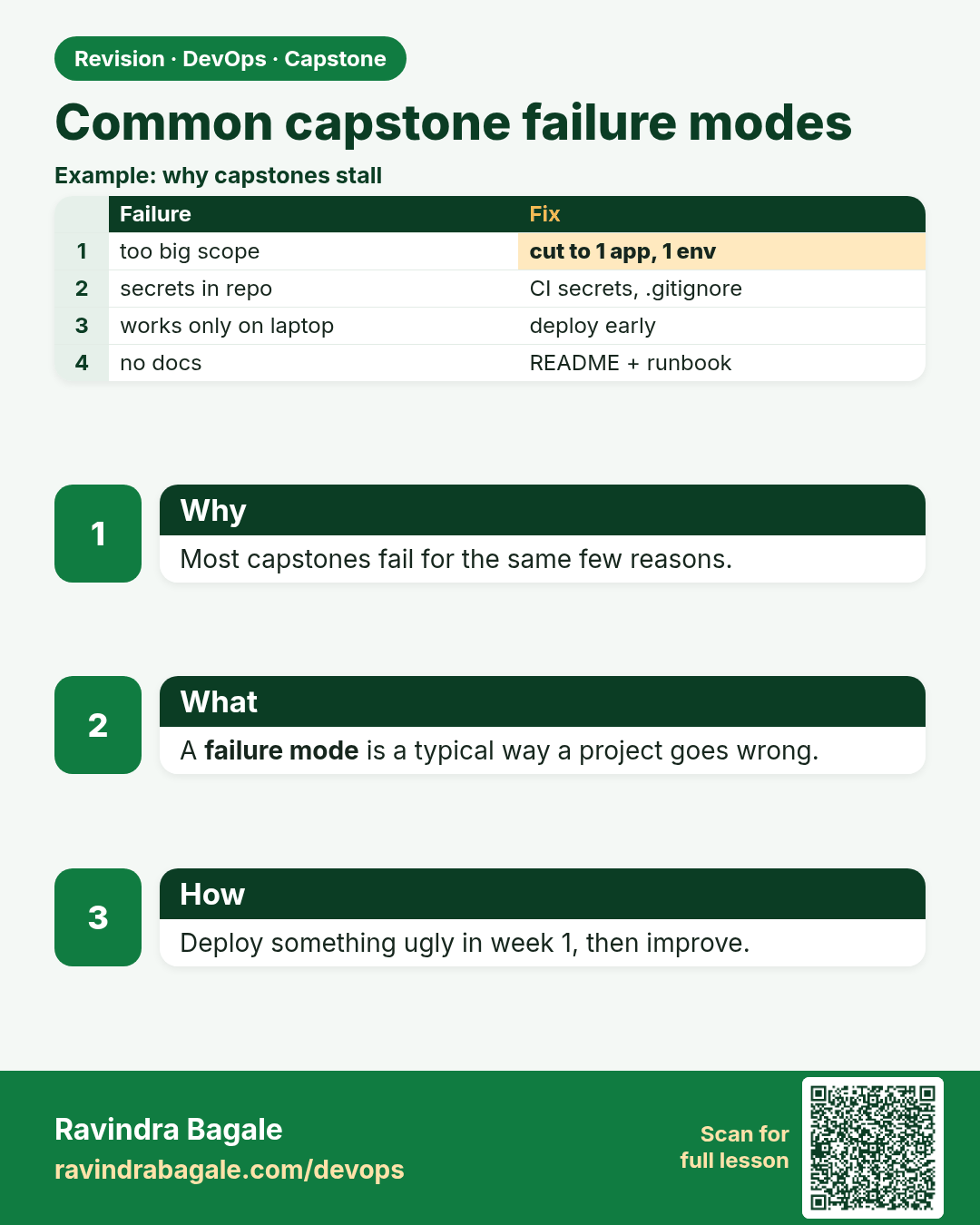
Common capstone failure modes. Most capstones fail for the same few reasons.
Revision card 11 of 16: Common capstone failure modes · Download PNG · Open card page

Lesson: 16.11 Common capstone failure modes

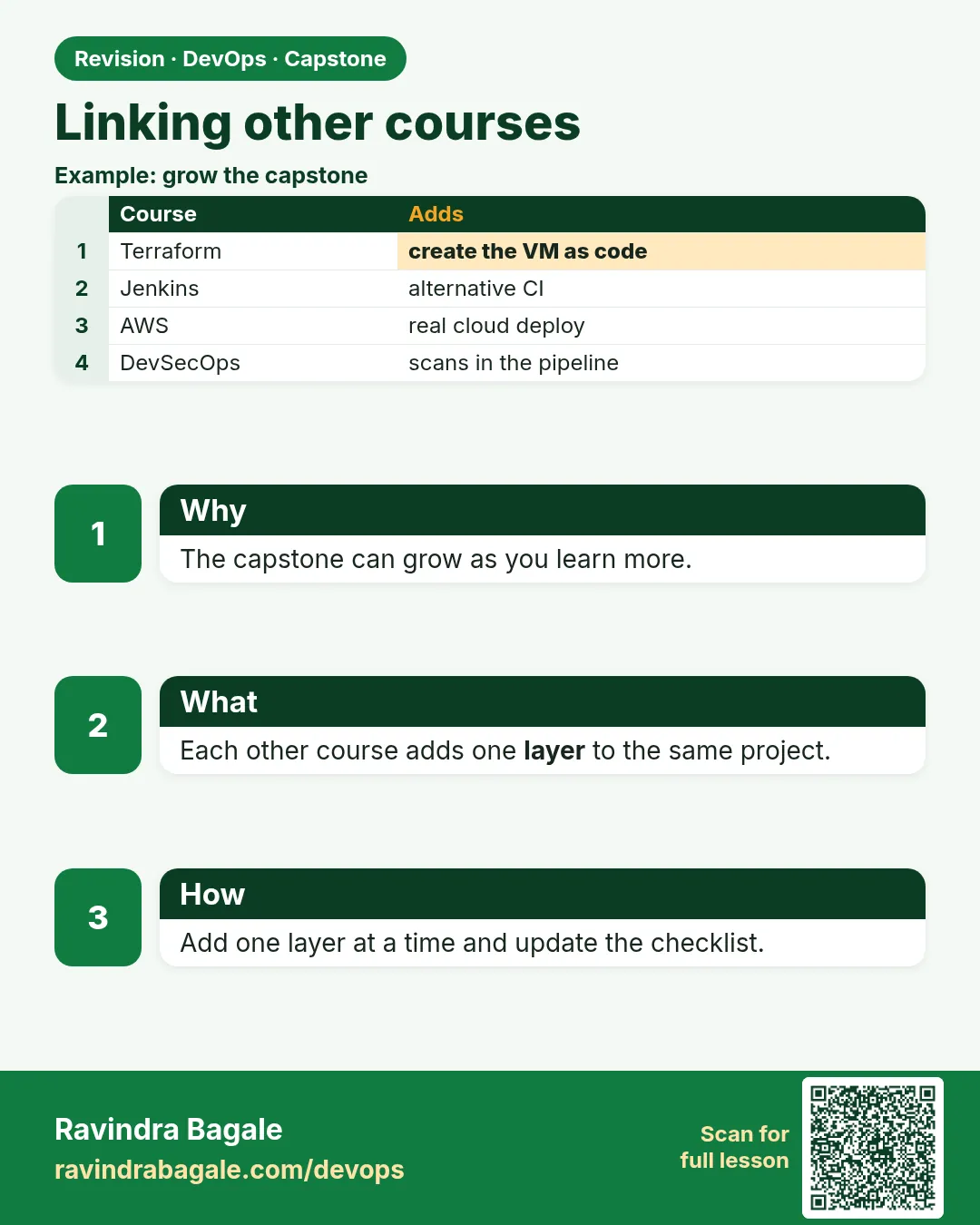
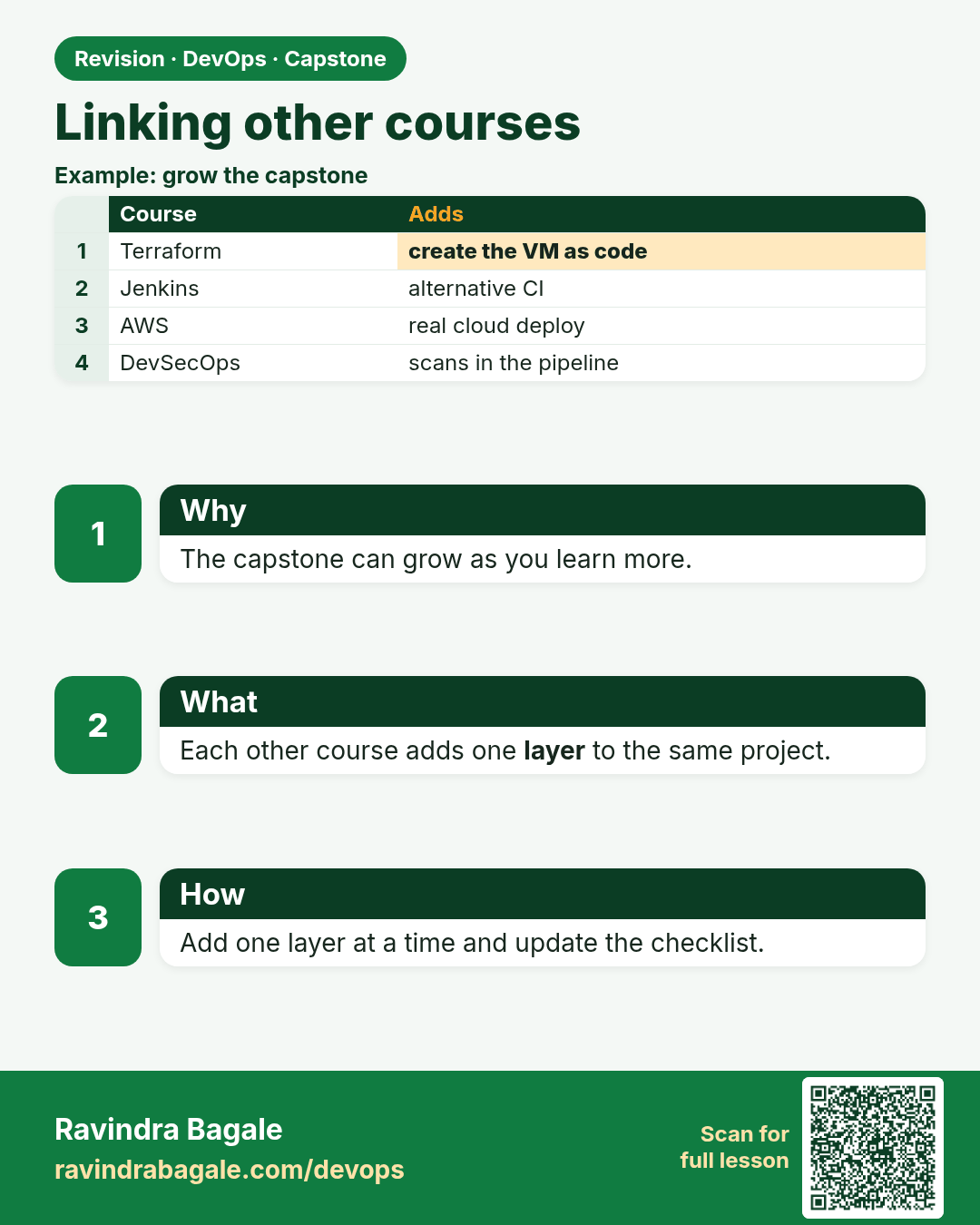
Linking other courses. The capstone can grow as you learn more.
Revision card 12 of 16: Linking other courses · Download PNG · Open card page

Lesson: 16.12 Linking other courses

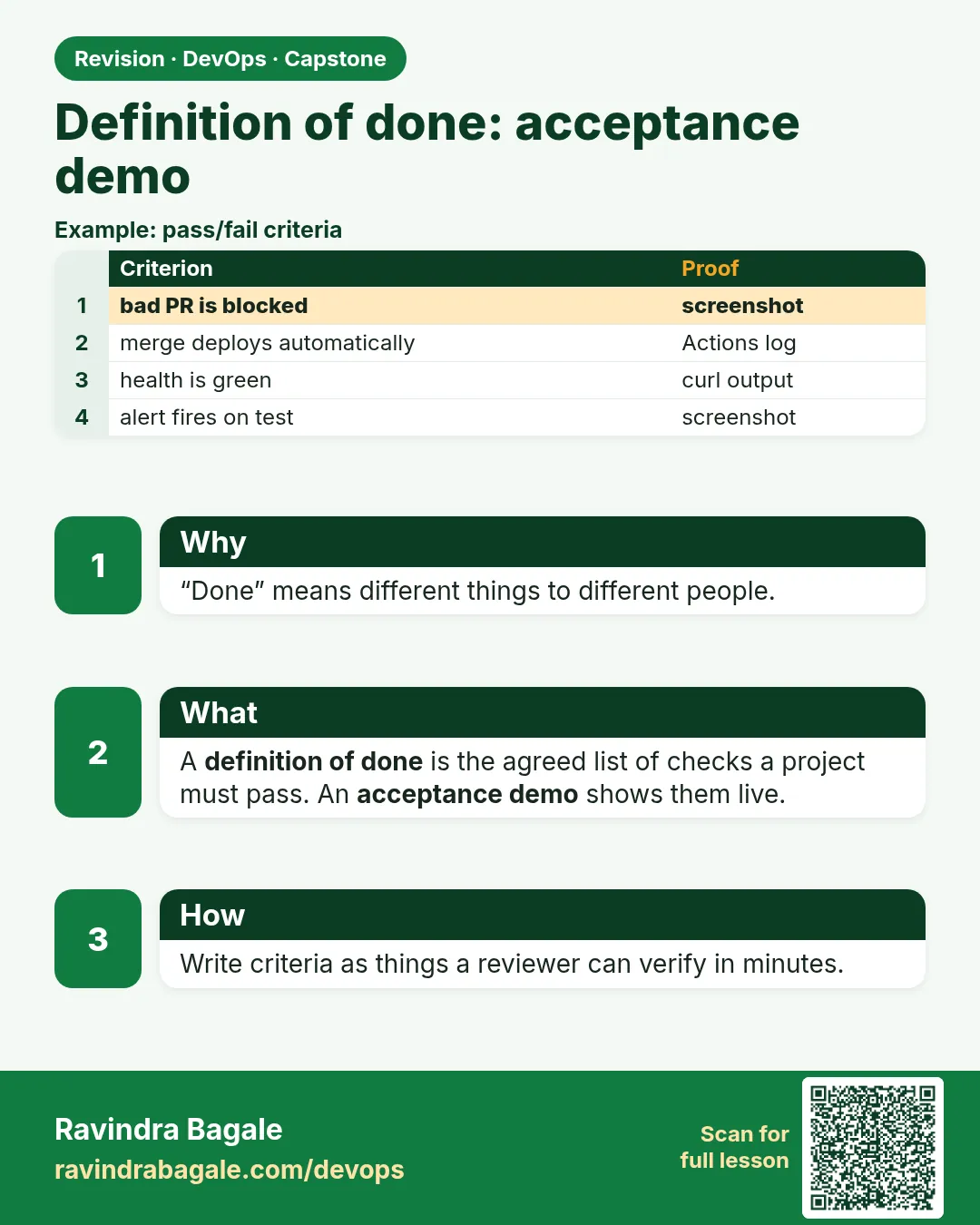
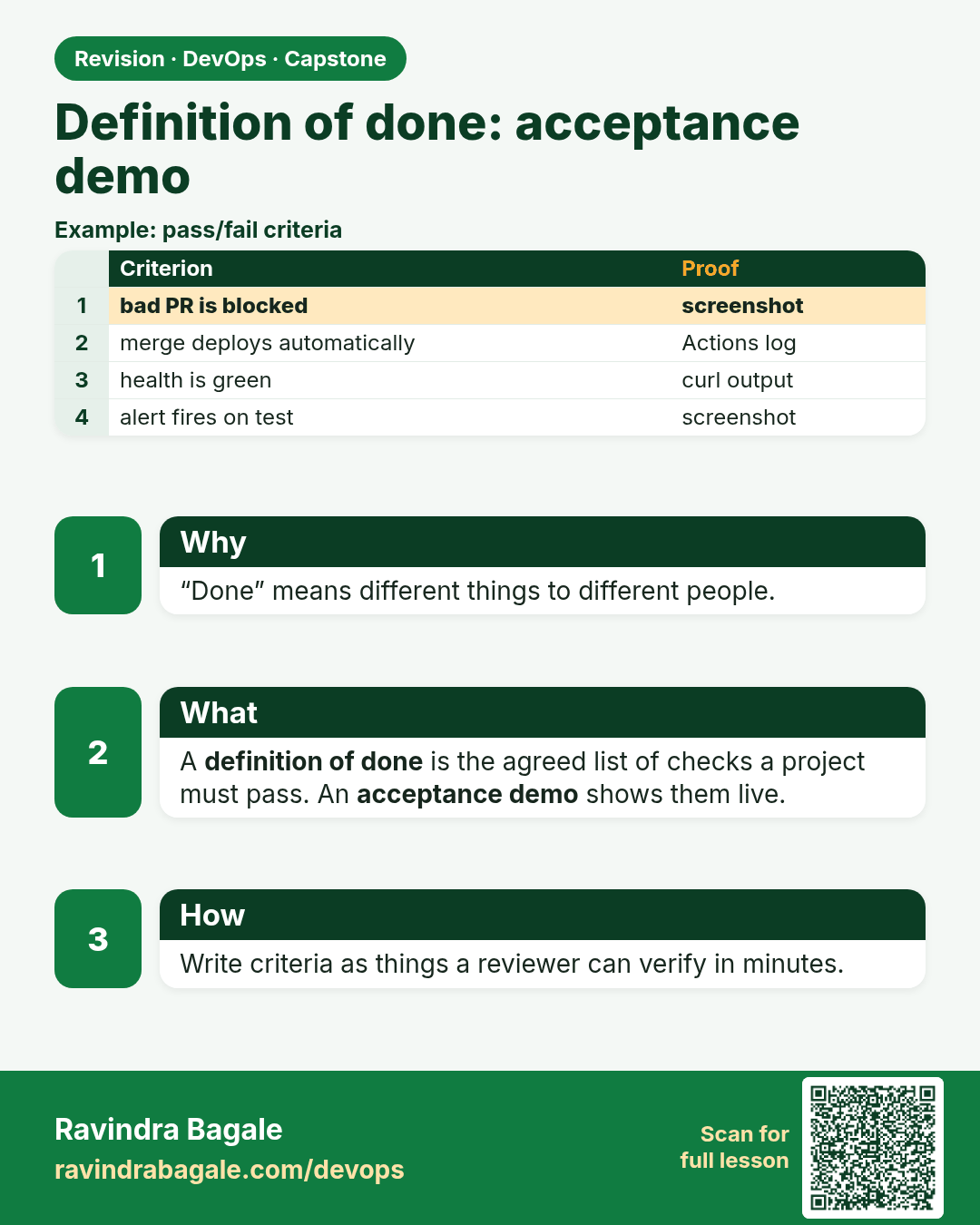
Definition of done: acceptance demo. “Done” means different things to different people.
Revision card 13 of 16: Definition of done: acceptance demo · Download PNG · Open card page

Lesson: 16.12b Definition of done — acceptance demo

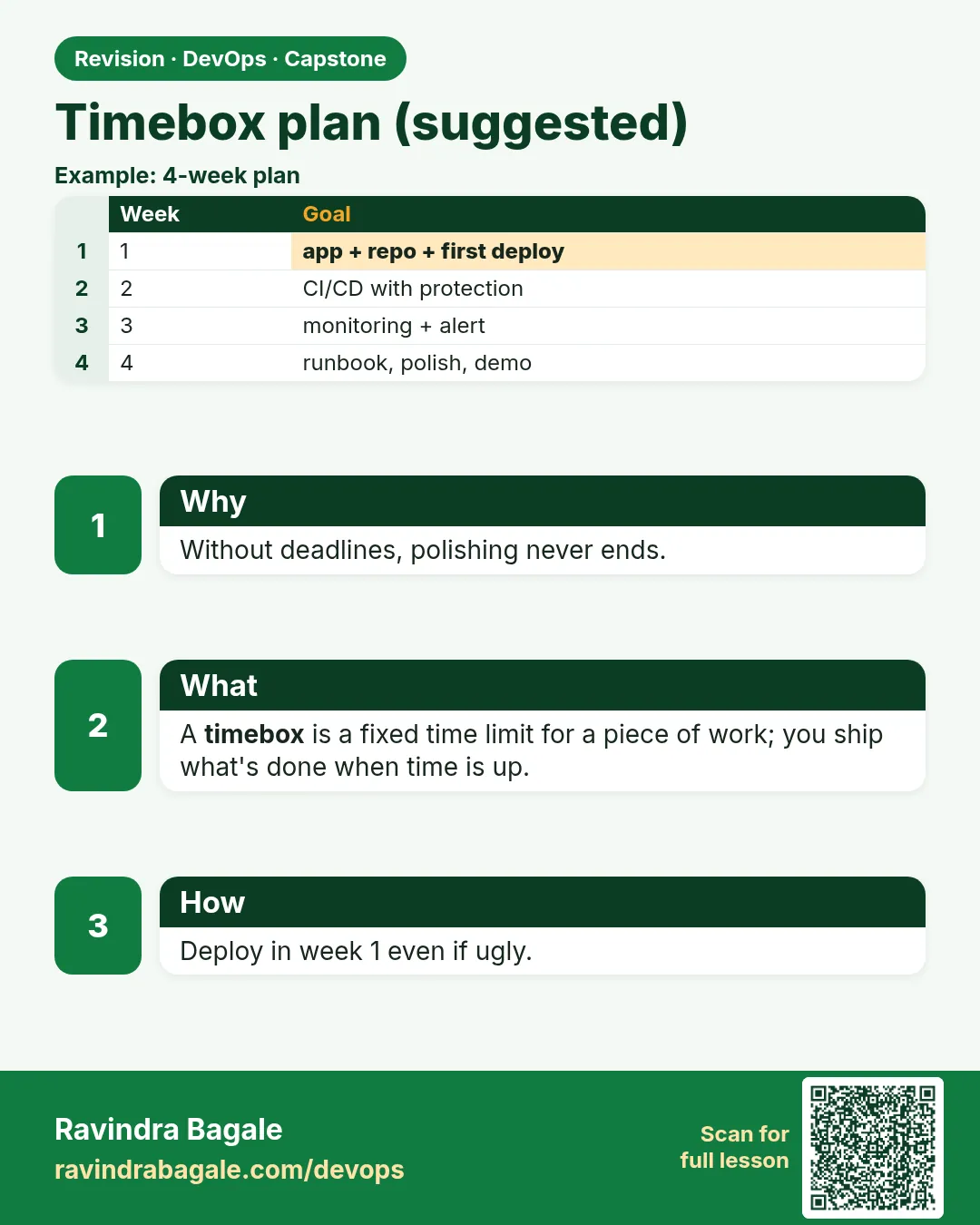
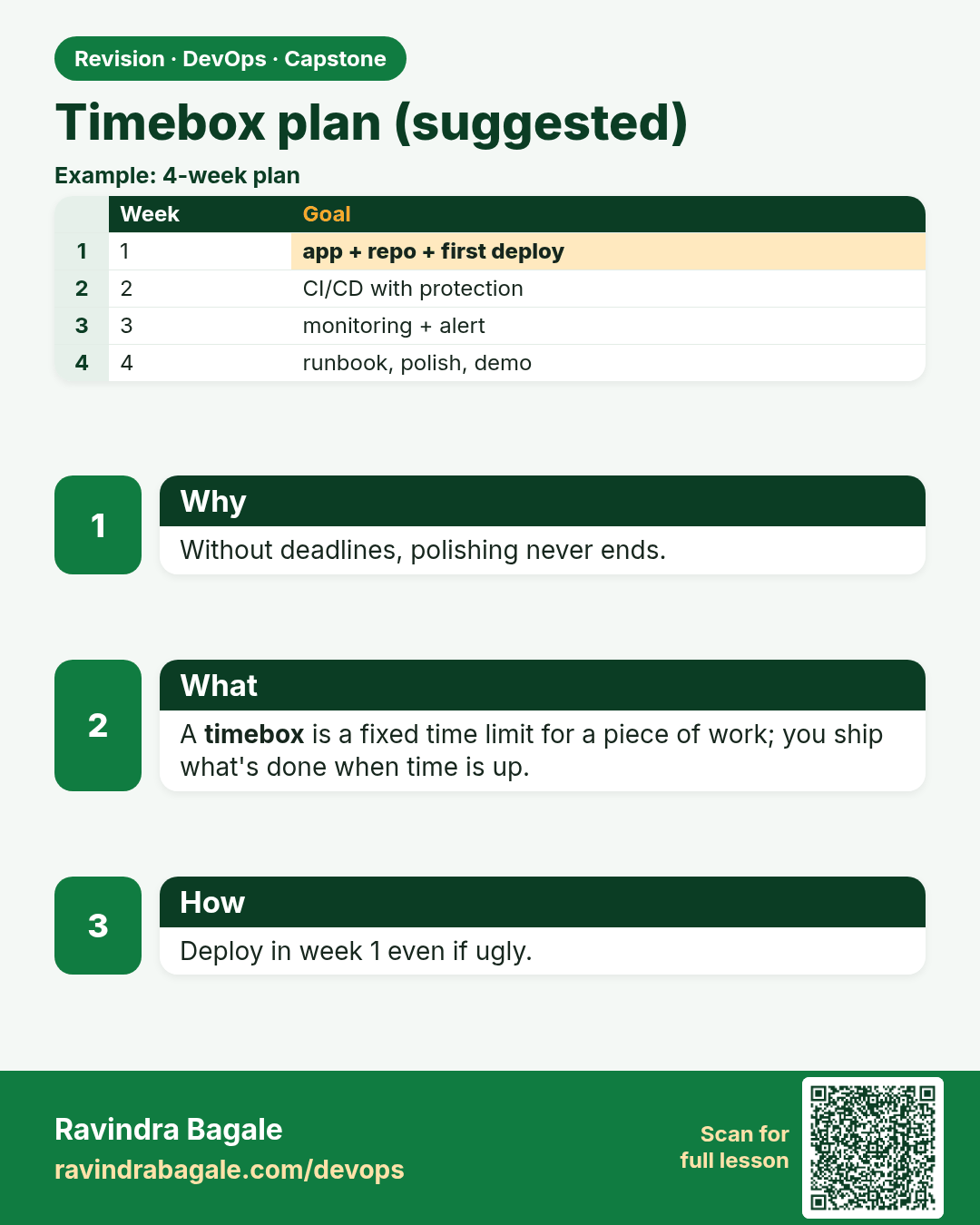
Timebox plan (suggested). Without deadlines, polishing never ends.
Revision card 14 of 16: Timebox plan (suggested) · Download PNG · Open card page

Lesson: 16.12c Timebox plan (suggested)

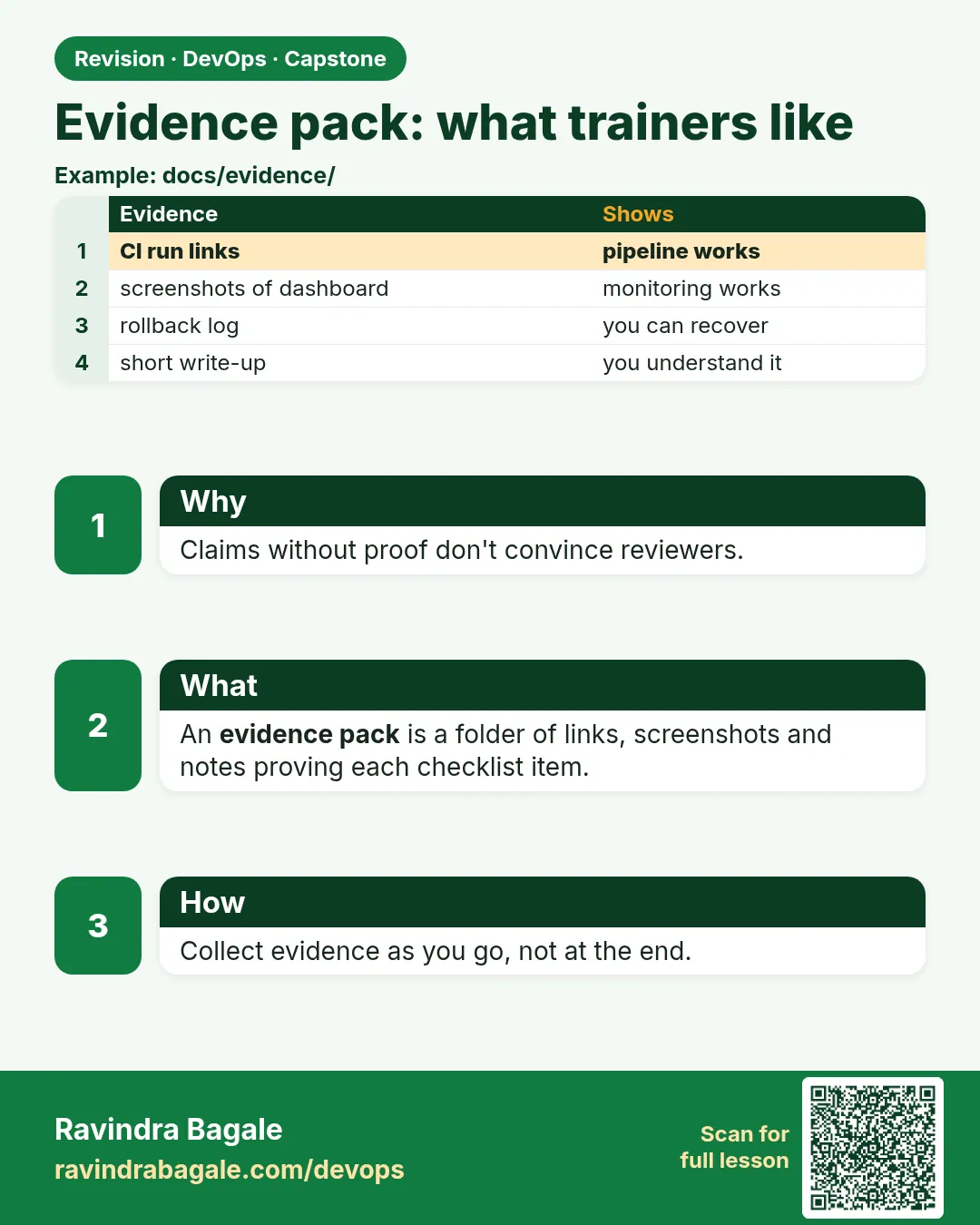
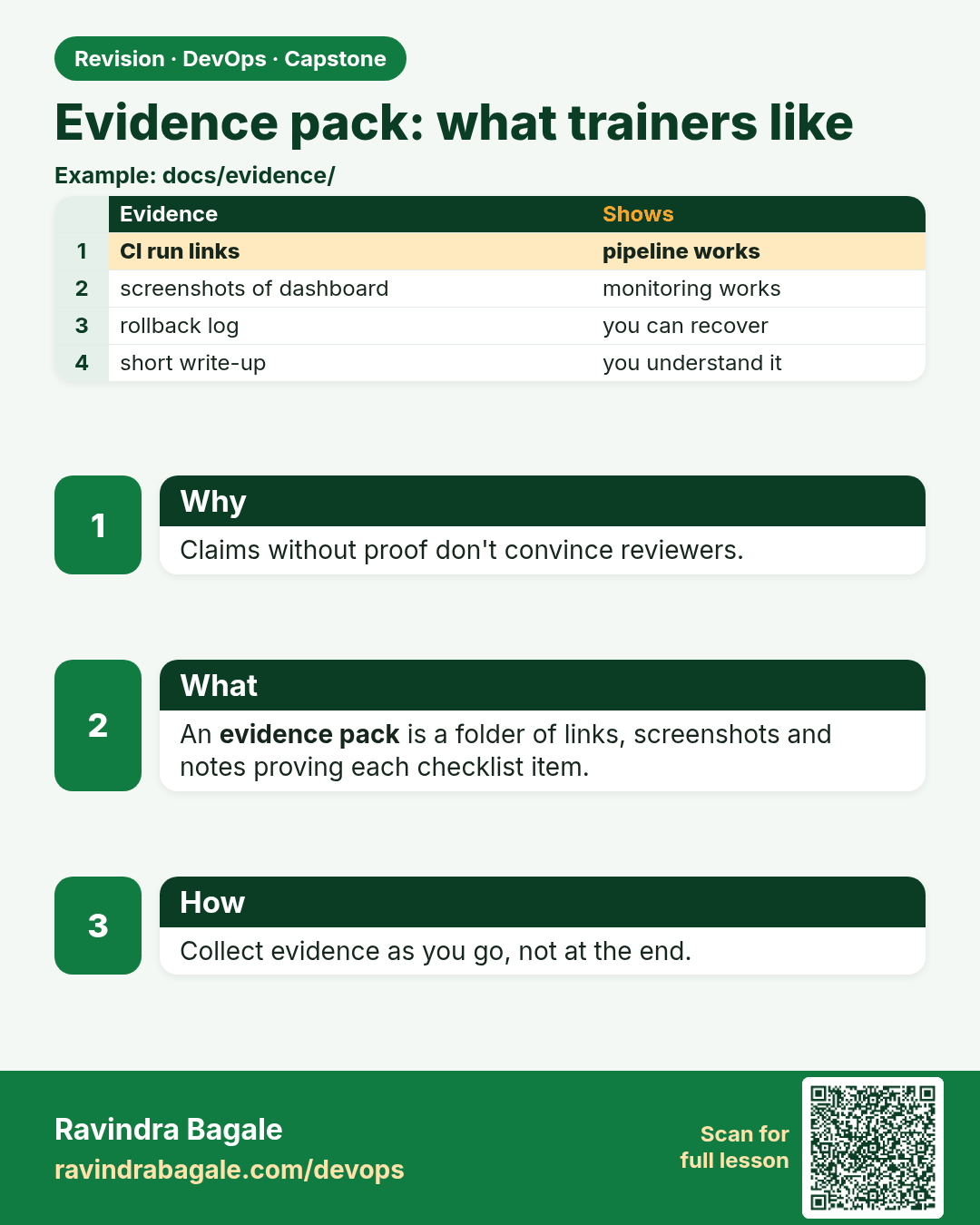
Evidence pack: what trainers like. Claims without proof don't convince reviewers.
Revision card 15 of 16: Evidence pack: what trainers like · Download PNG · Open card page

Lesson: 16.12d Evidence pack (what trainers like)

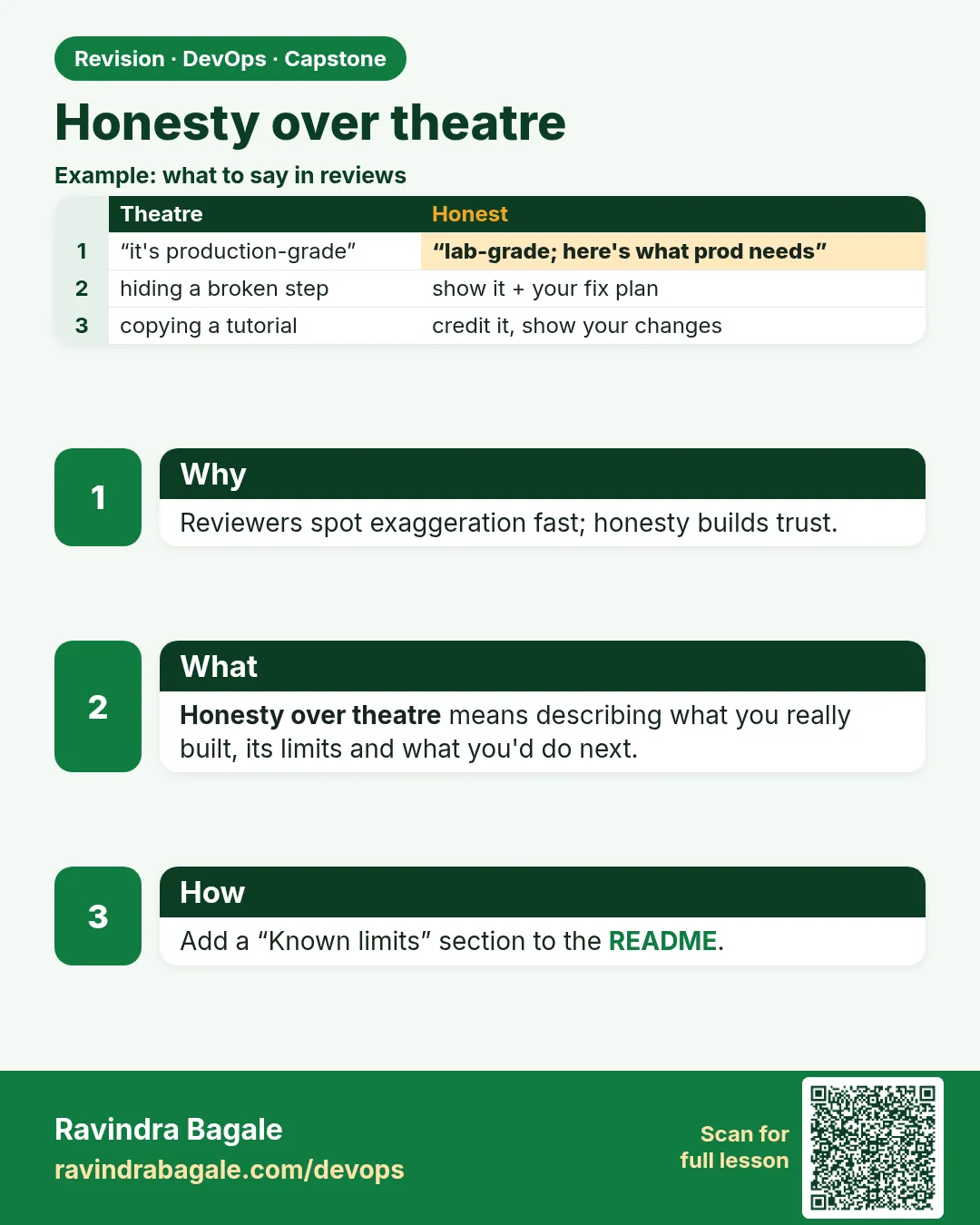
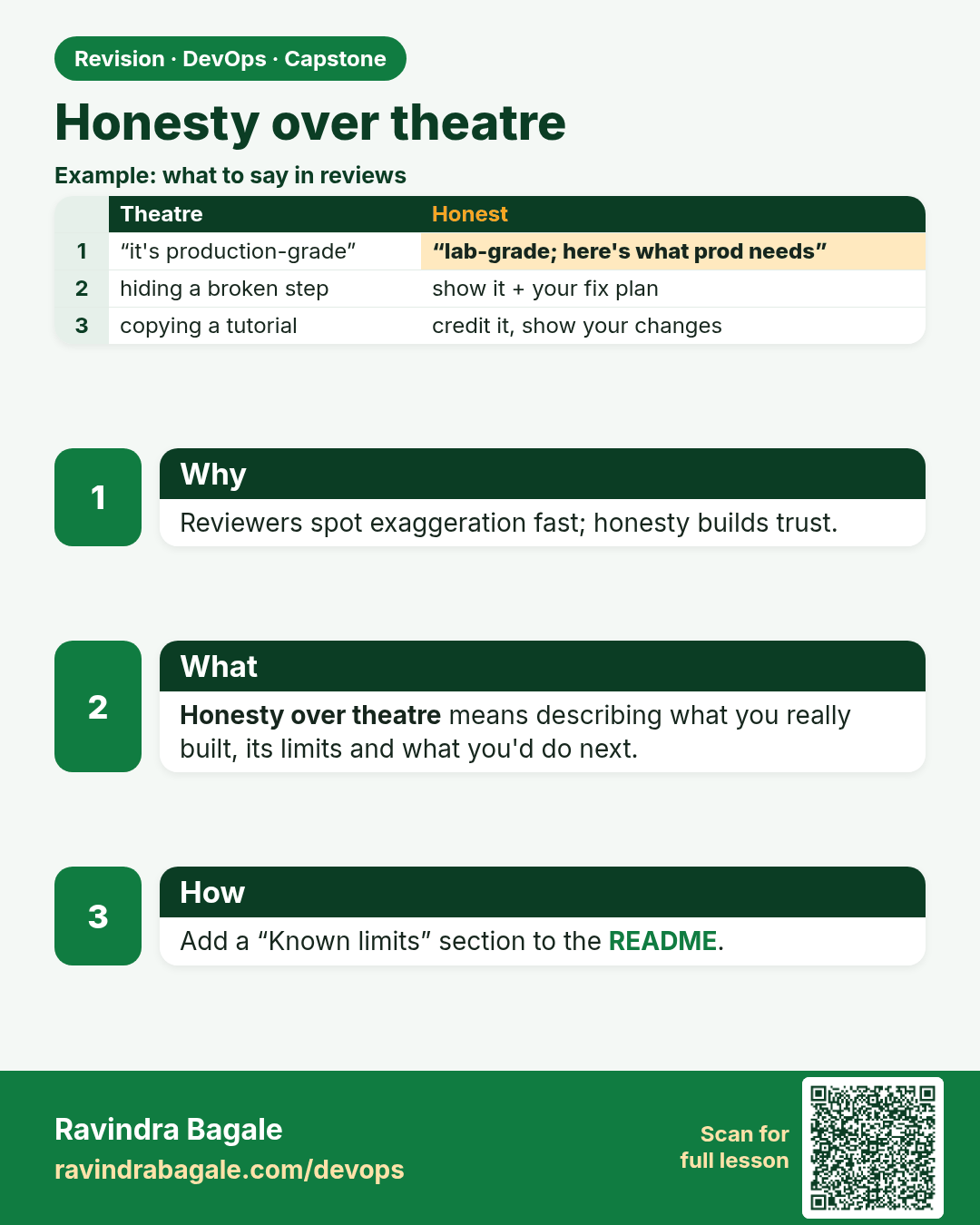
Honesty over theatre. Reviewers spot exaggeration fast; honesty builds trust.
Revision card 16 of 16: Honesty over theatre · Download PNG · Open card page

Lesson: 16.12e Honesty over theatre

Interview cards

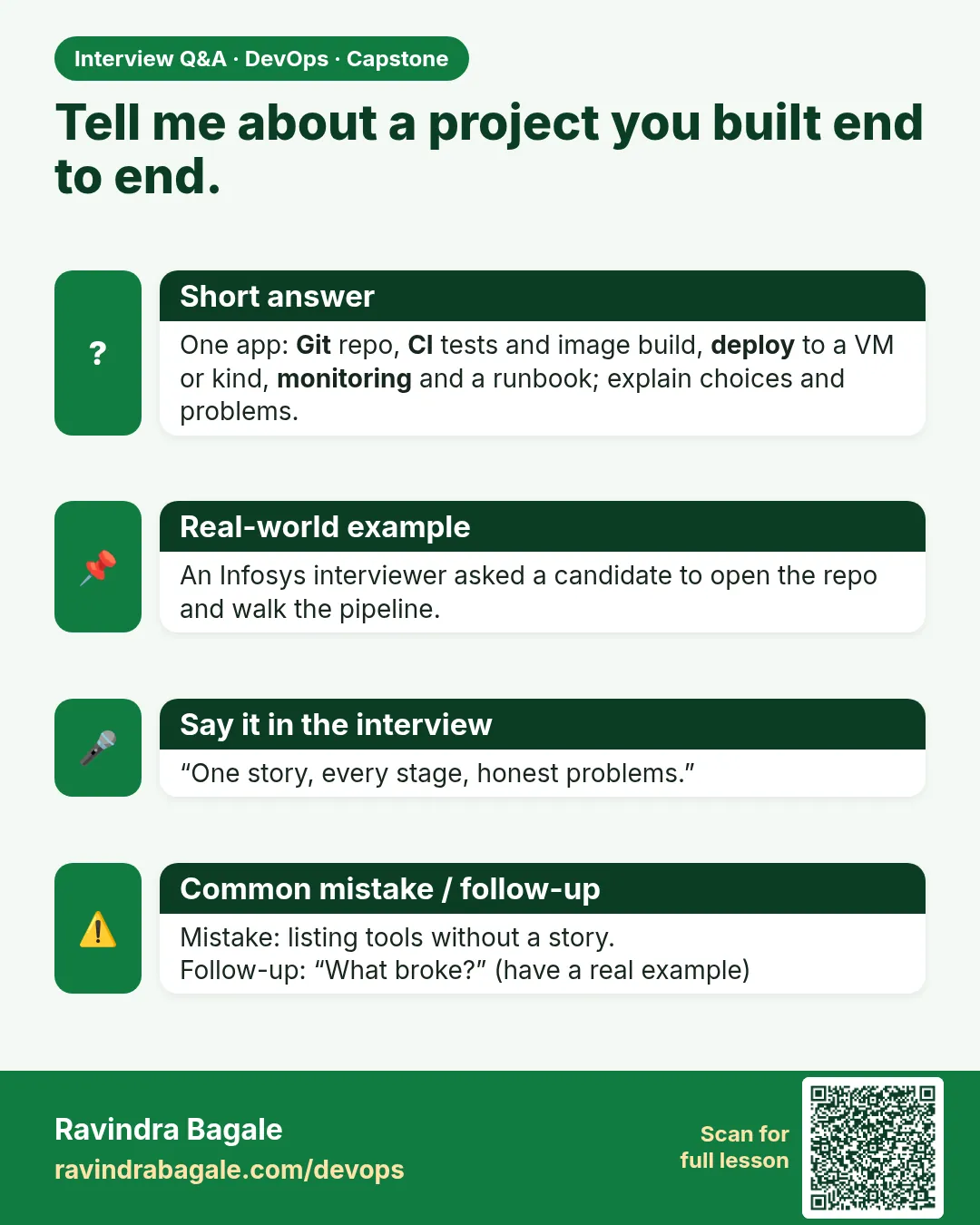
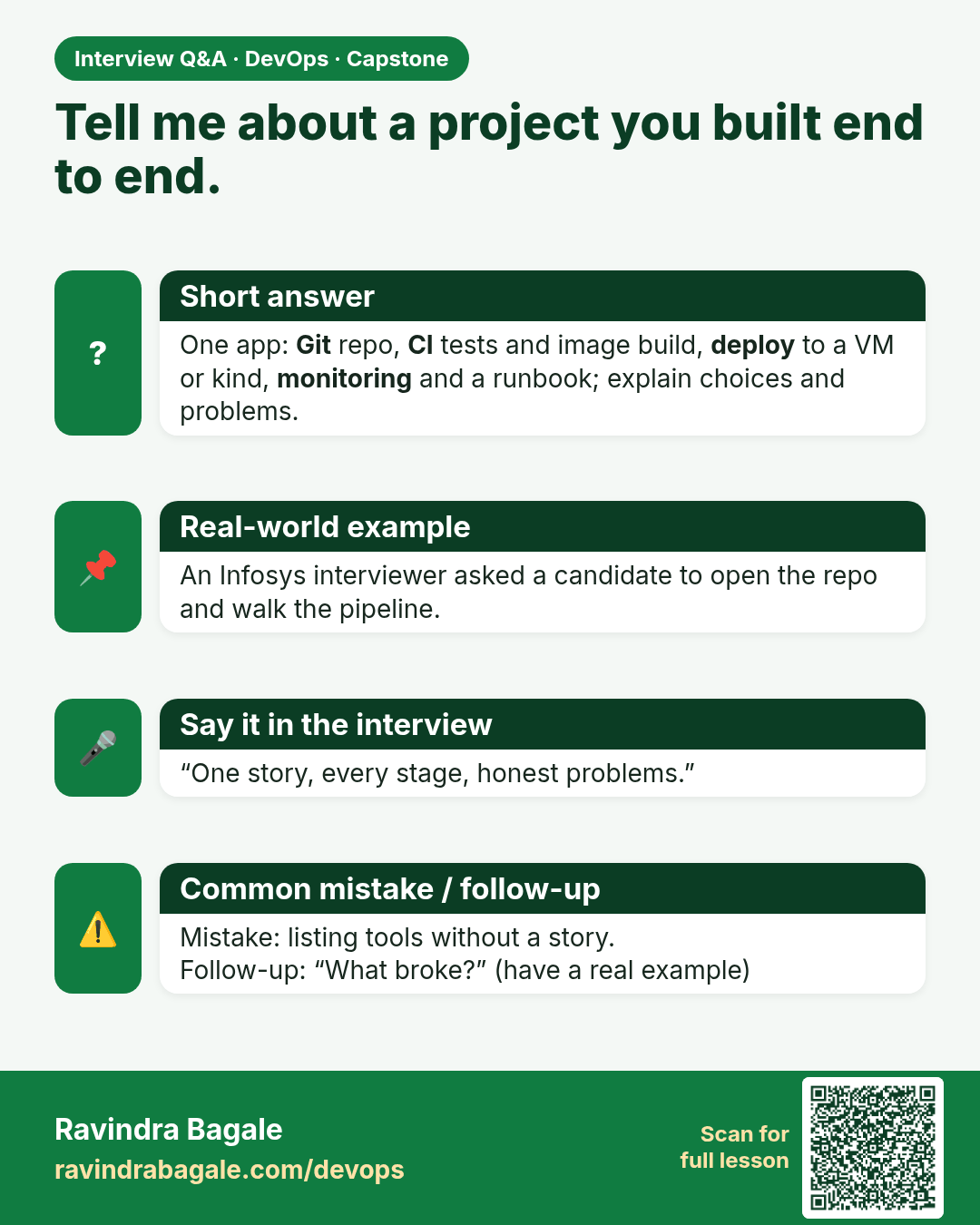
Tell me about a project you built end to end. One app: Git repo, CI tests and image build, deploy to a VM or kind, monitoring and a runbook; explain choices and problems.
Interview card 1 of 16: Tell me about a project you built end to end. · Download PNG · Open card page

Lesson: 16.1 Why a capstone — one story you can tell
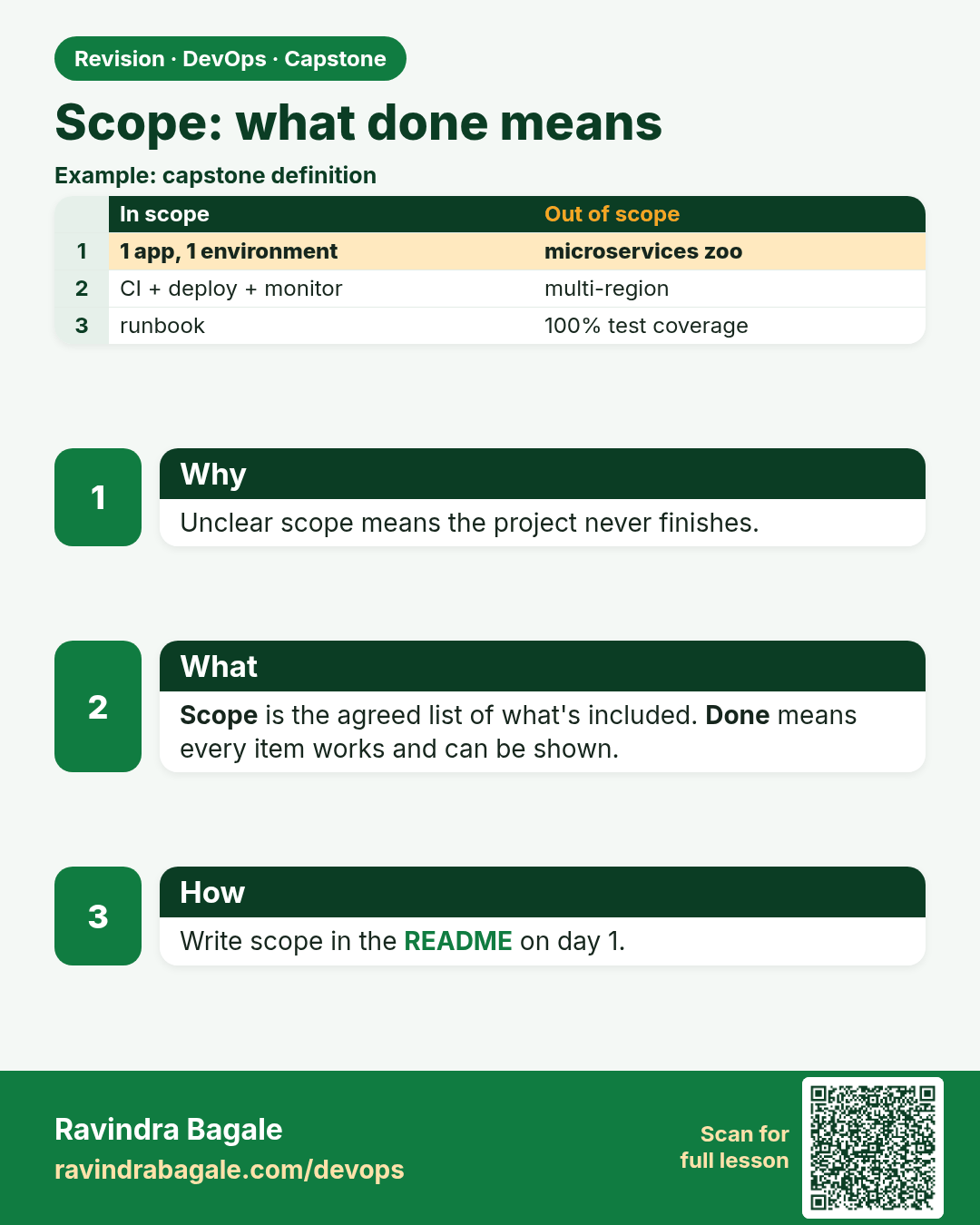
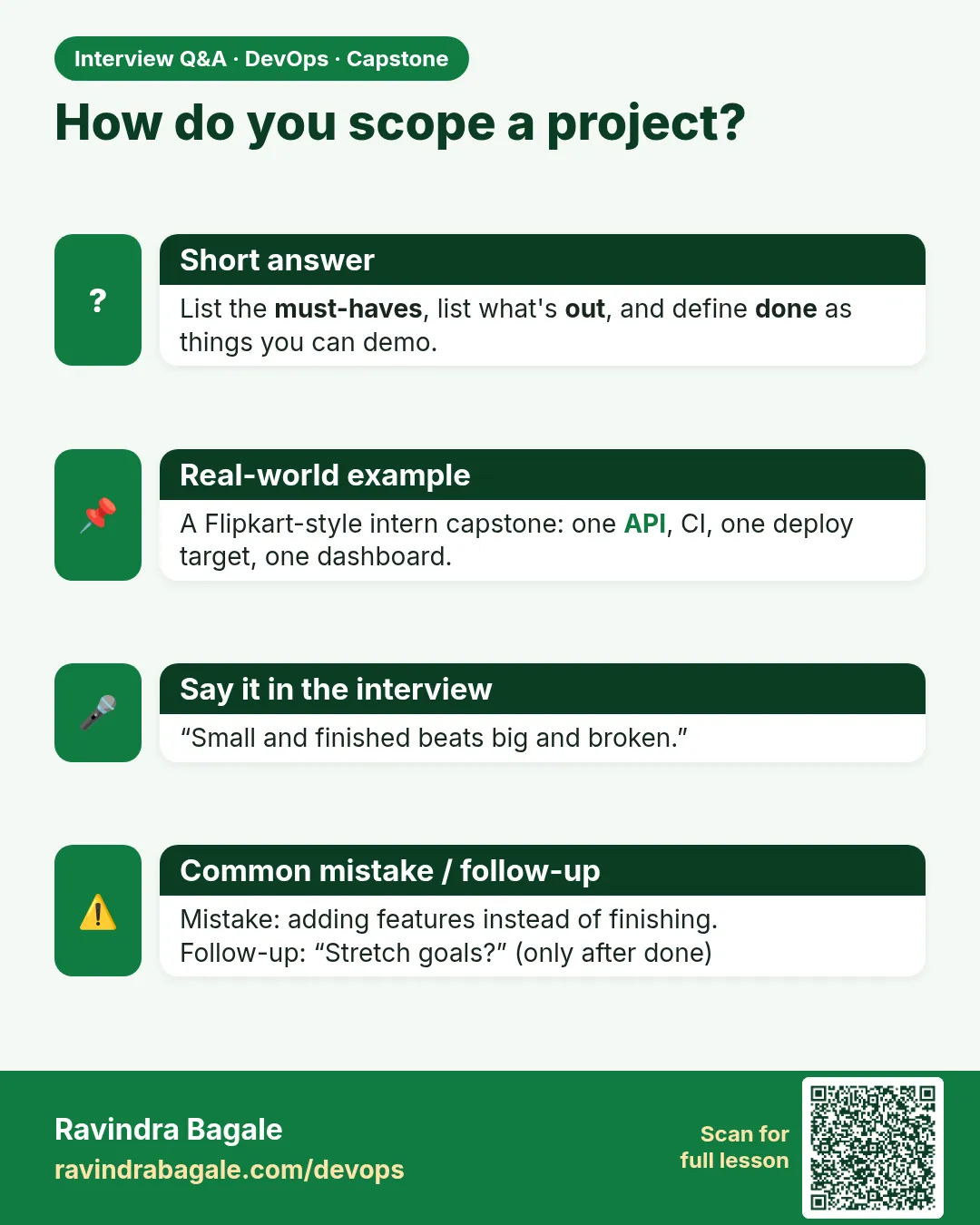
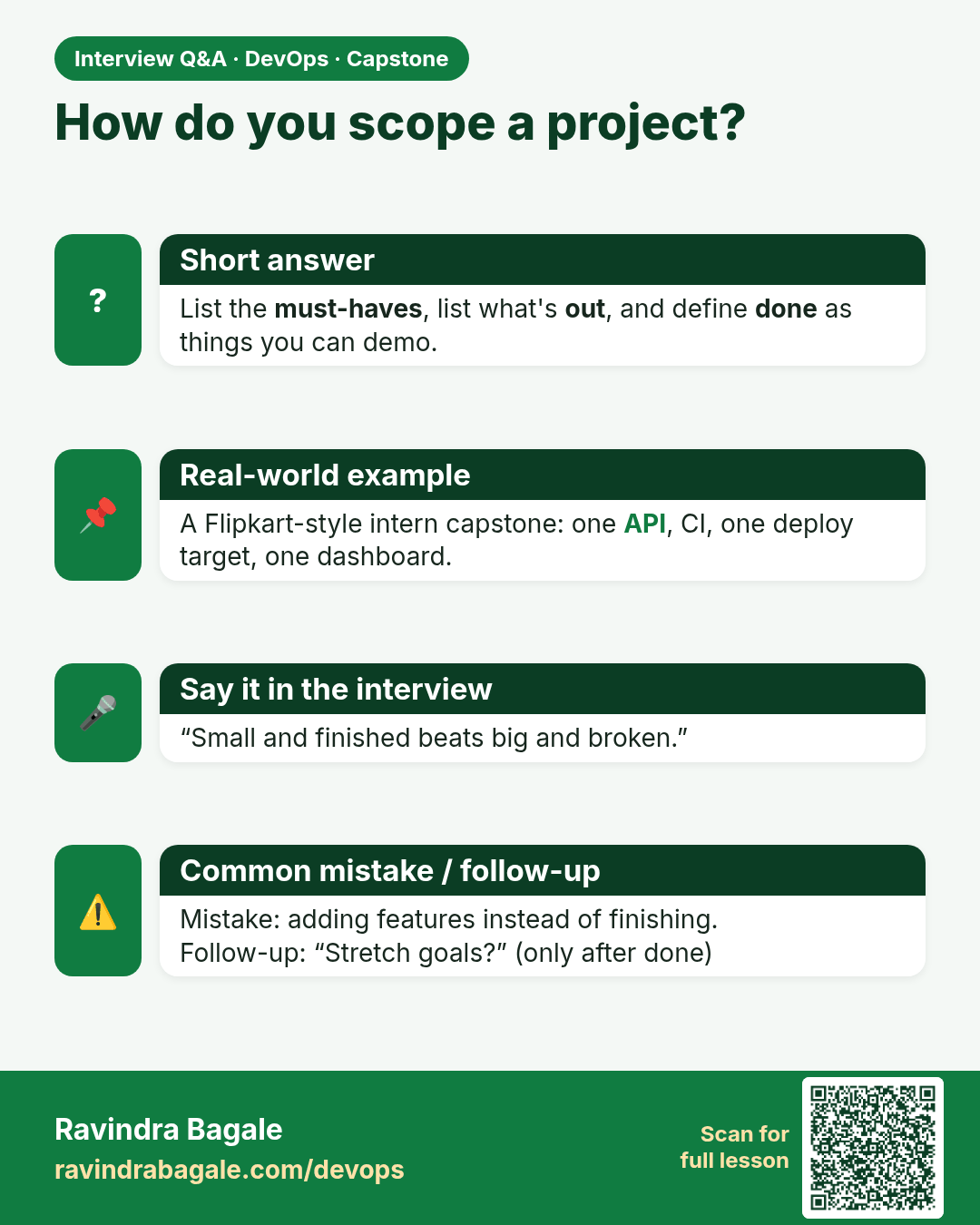
How do you scope a project? List the must-haves, list what's out, and define done as things you can demo.
Interview card 2 of 16: How do you scope a project? · Download PNG · Open card page

Lesson: 16.2 Scope — what "done" means
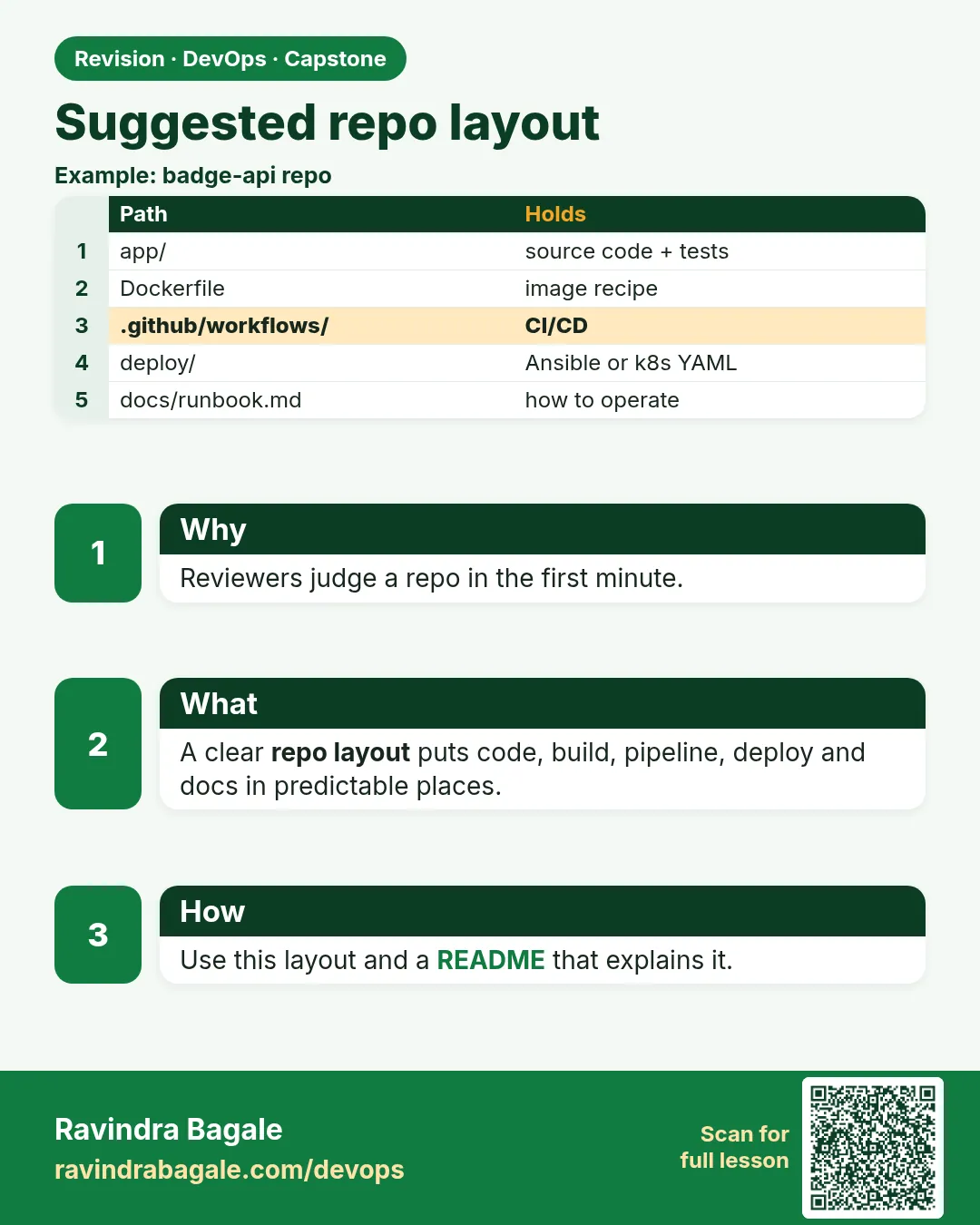
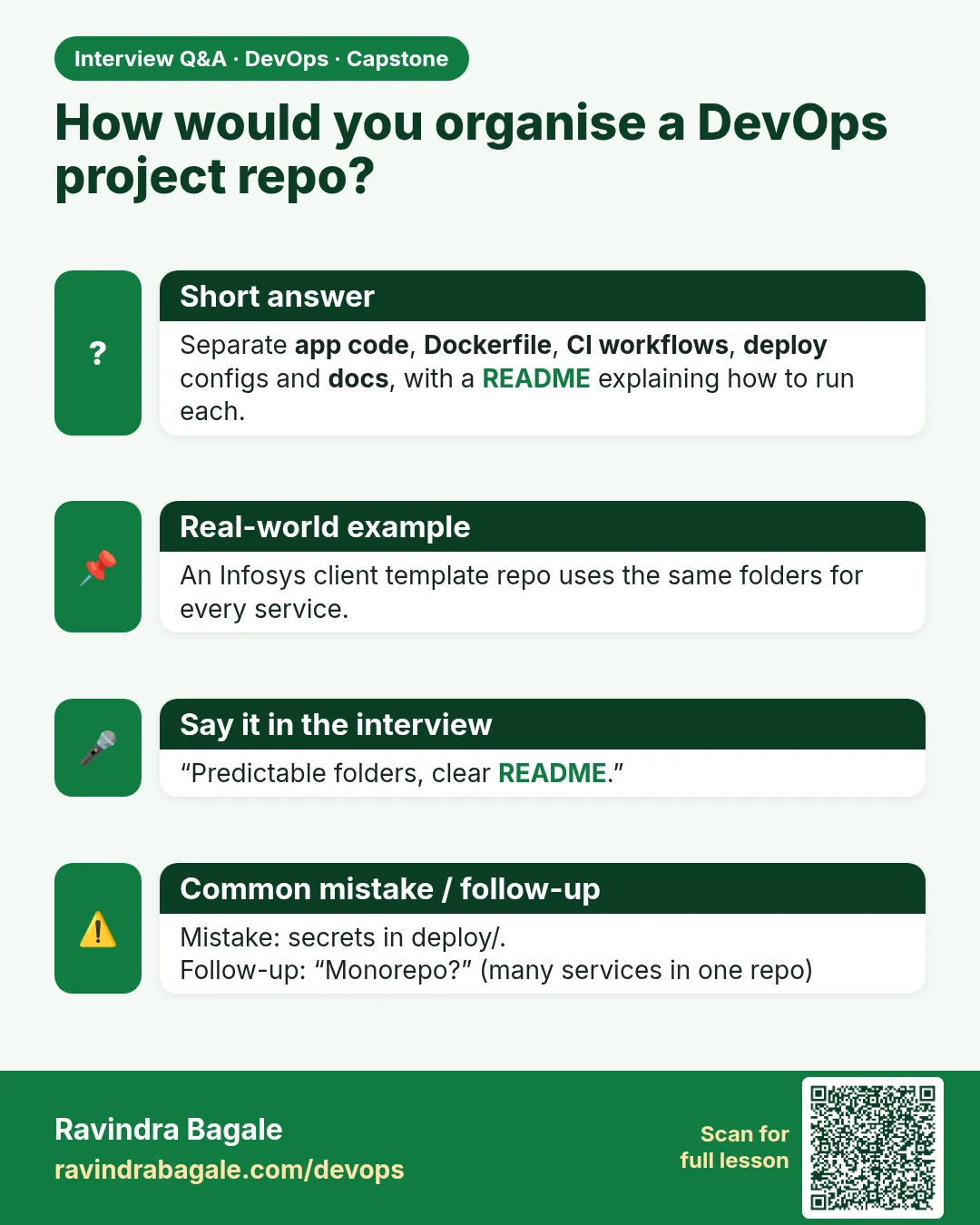
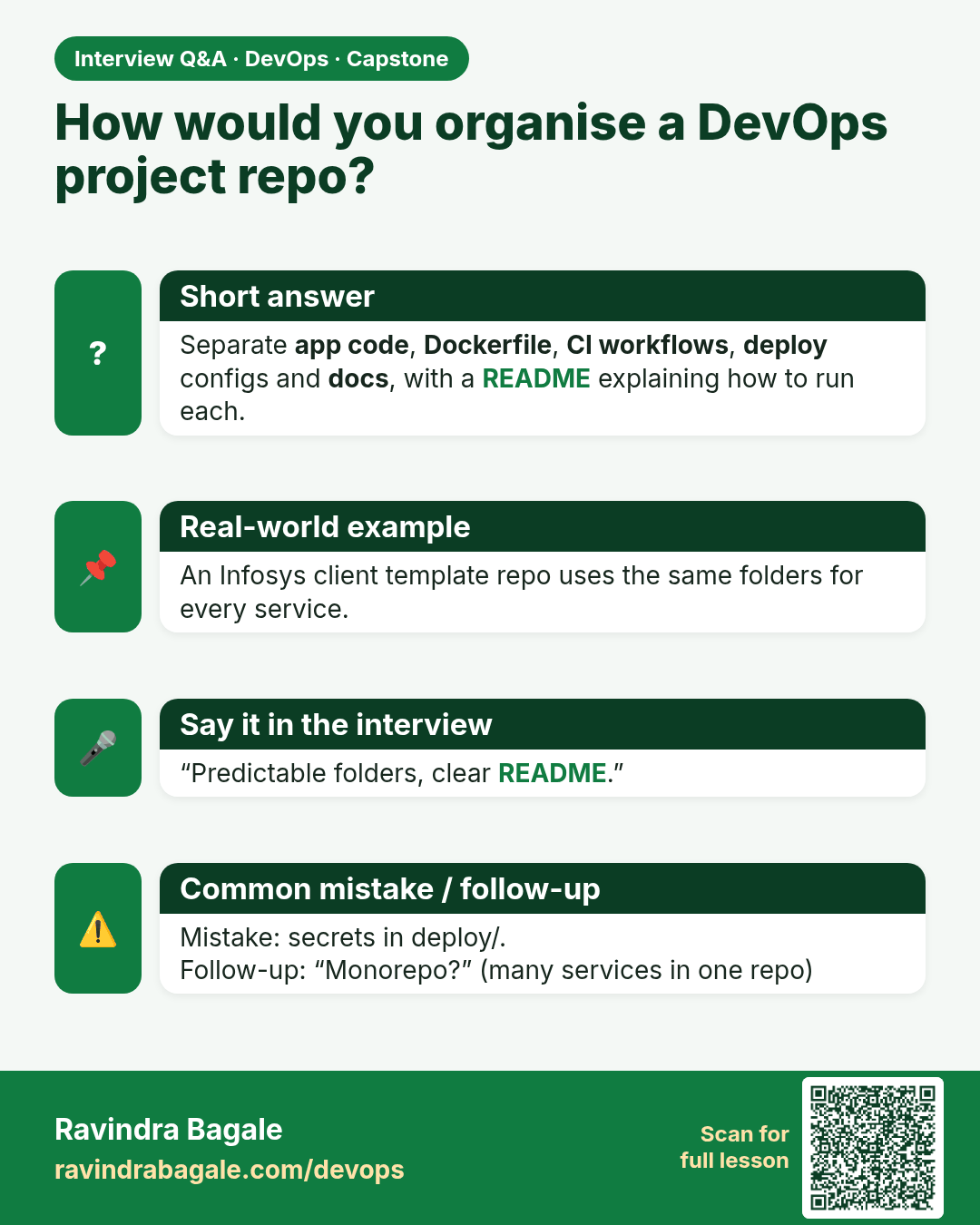
How would you organise a DevOps project repo? Separate app code, Dockerfile, CI workflows, deploy configs and docs, with a README explaining how to run each.
Interview card 3 of 16: How would you organise a DevOps project repo? · Download PNG · Open card page

Lesson: 16.3 Suggested repo layout

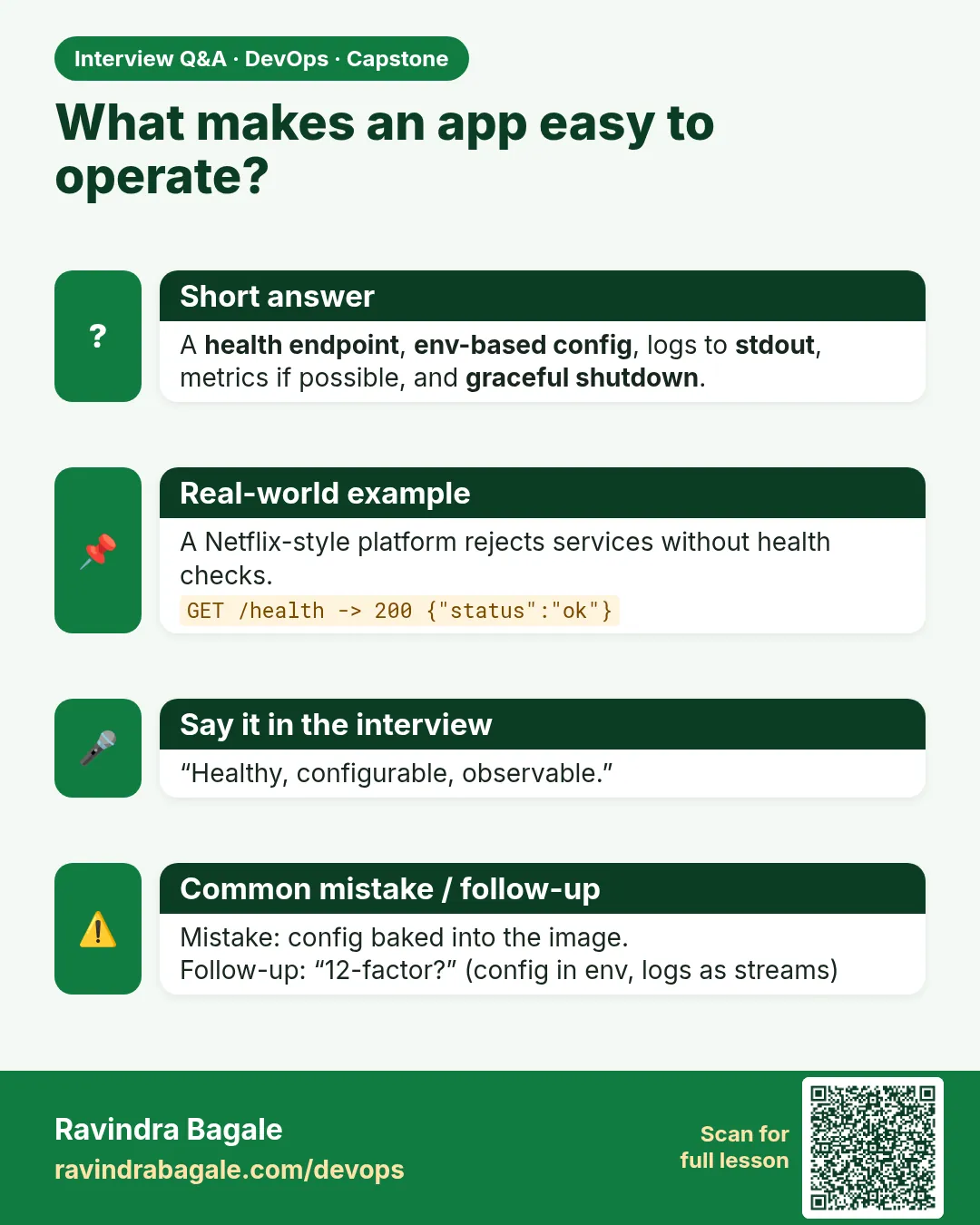
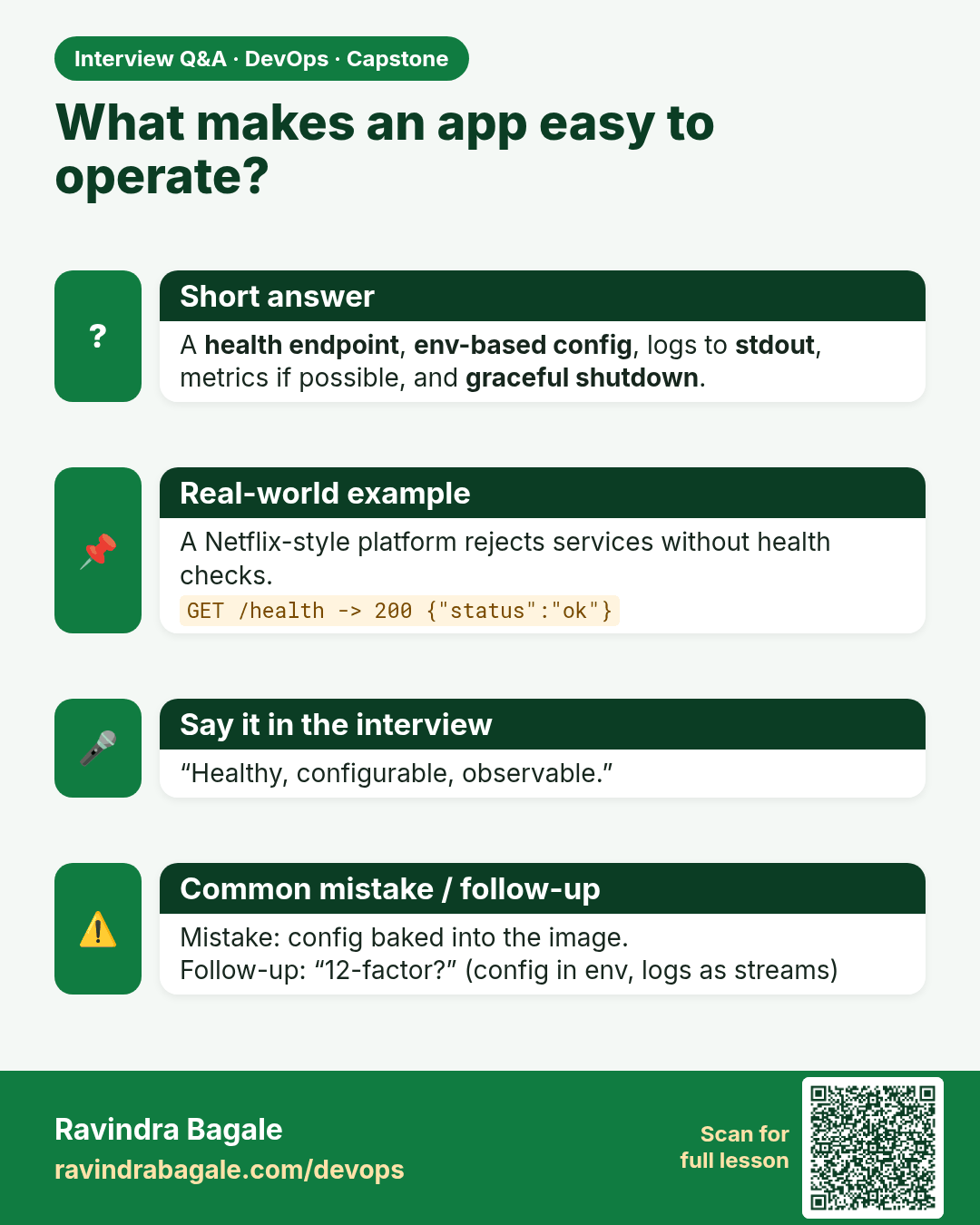
What makes an app easy to operate? A health endpoint, env-based config, logs to stdout, metrics if possible, and graceful shutdown.
Interview card 4 of 16: What makes an app easy to operate? · Download PNG · Open card page

Lesson: 16.4 Application minimum bar
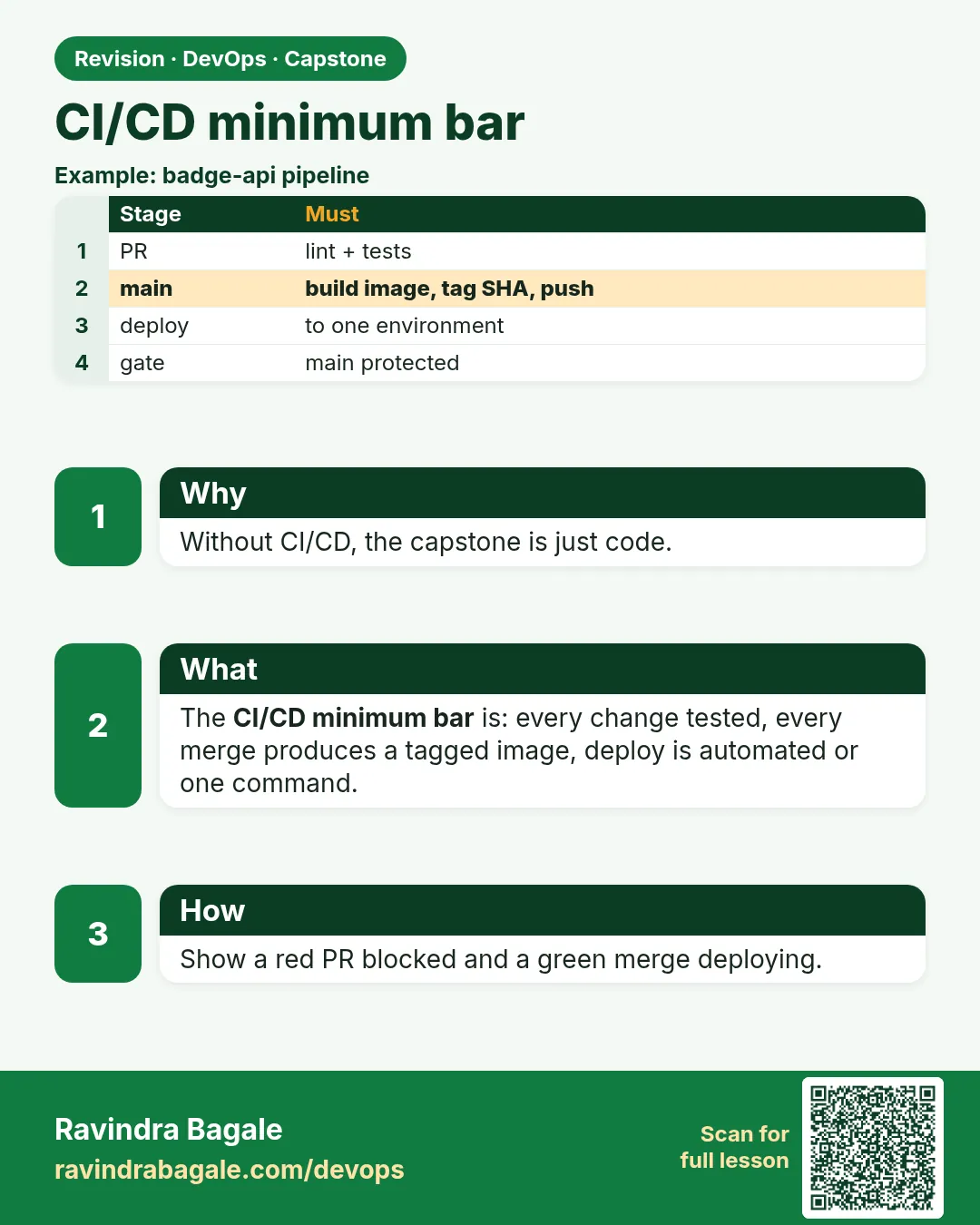
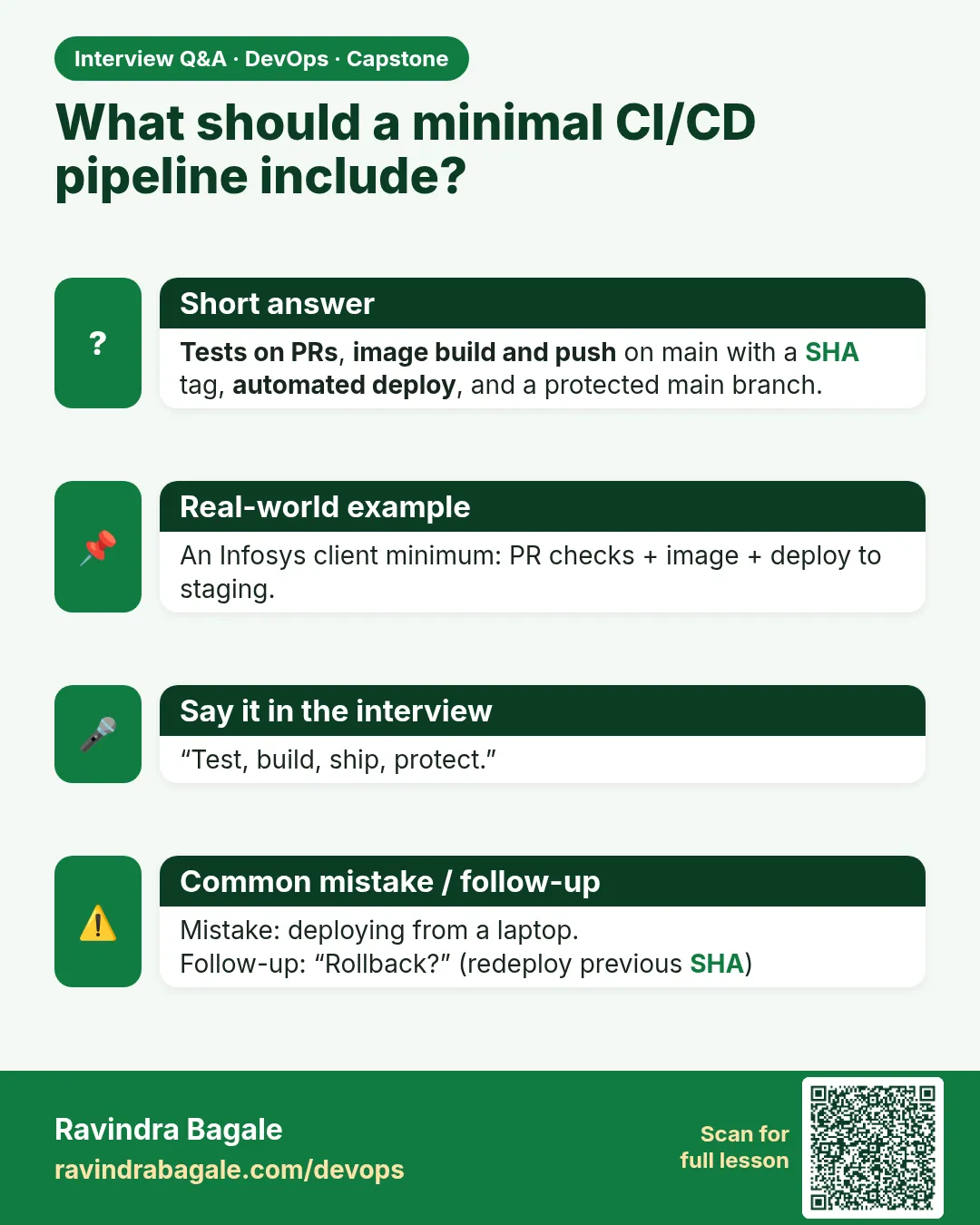
What should a minimal CI/CD pipeline include? Tests on PRs, image build and push on main with a SHA tag, automated deploy, and a protected main branch.
Interview card 5 of 16: What should a minimal CI/CD pipeline include? · Download PNG · Open card page

Lesson: 16.5 CI/CD minimum bar

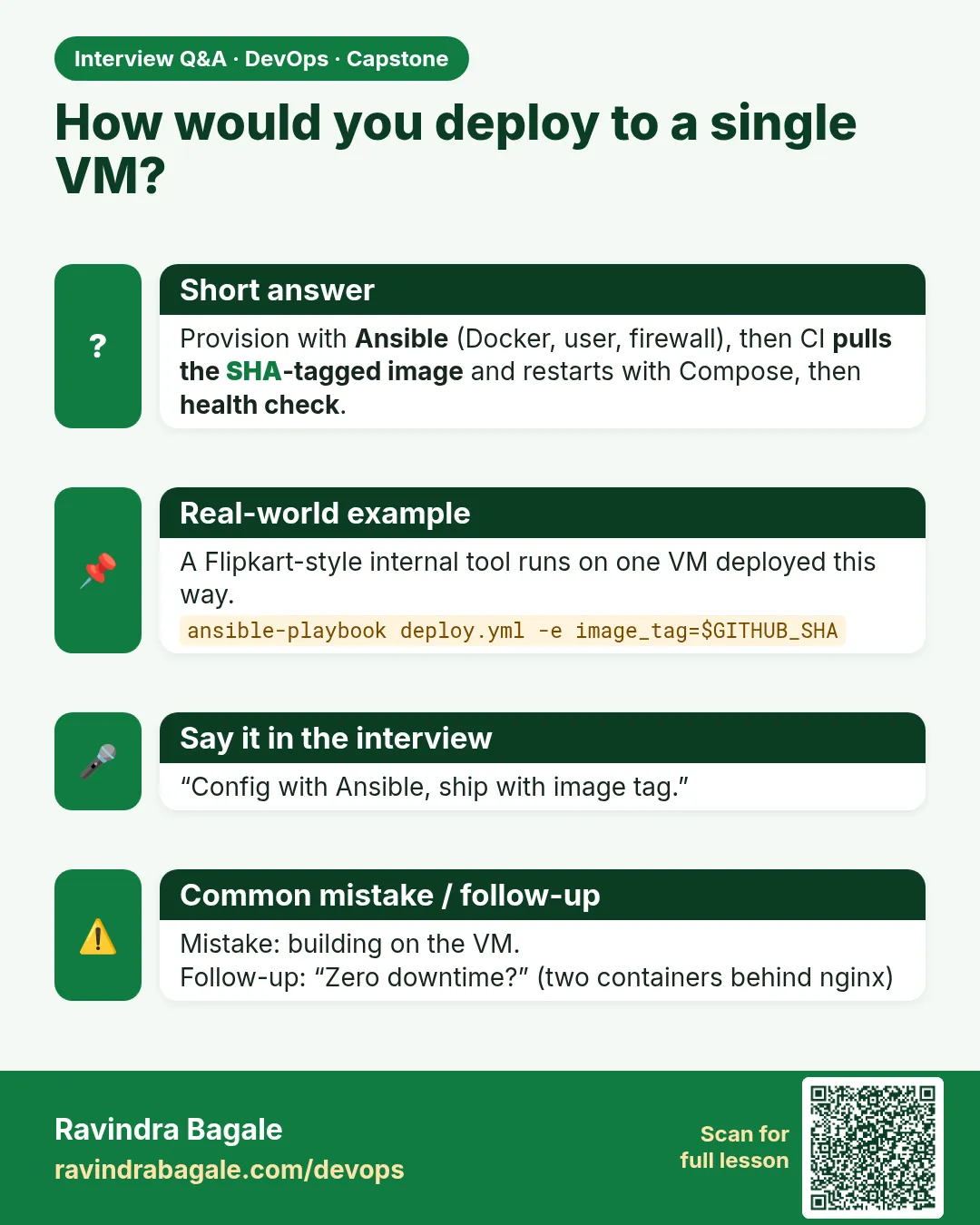
How would you deploy to a single VM? Provision with Ansible (Docker, user, firewall), then CI pulls the SHA-tagged image and restarts with Compose, then health check.
Interview card 6 of 16: How would you deploy to a single VM? · Download PNG · Open card page

Lesson: 16.6 Deploy path A — VM + image (SSH or Ansible)
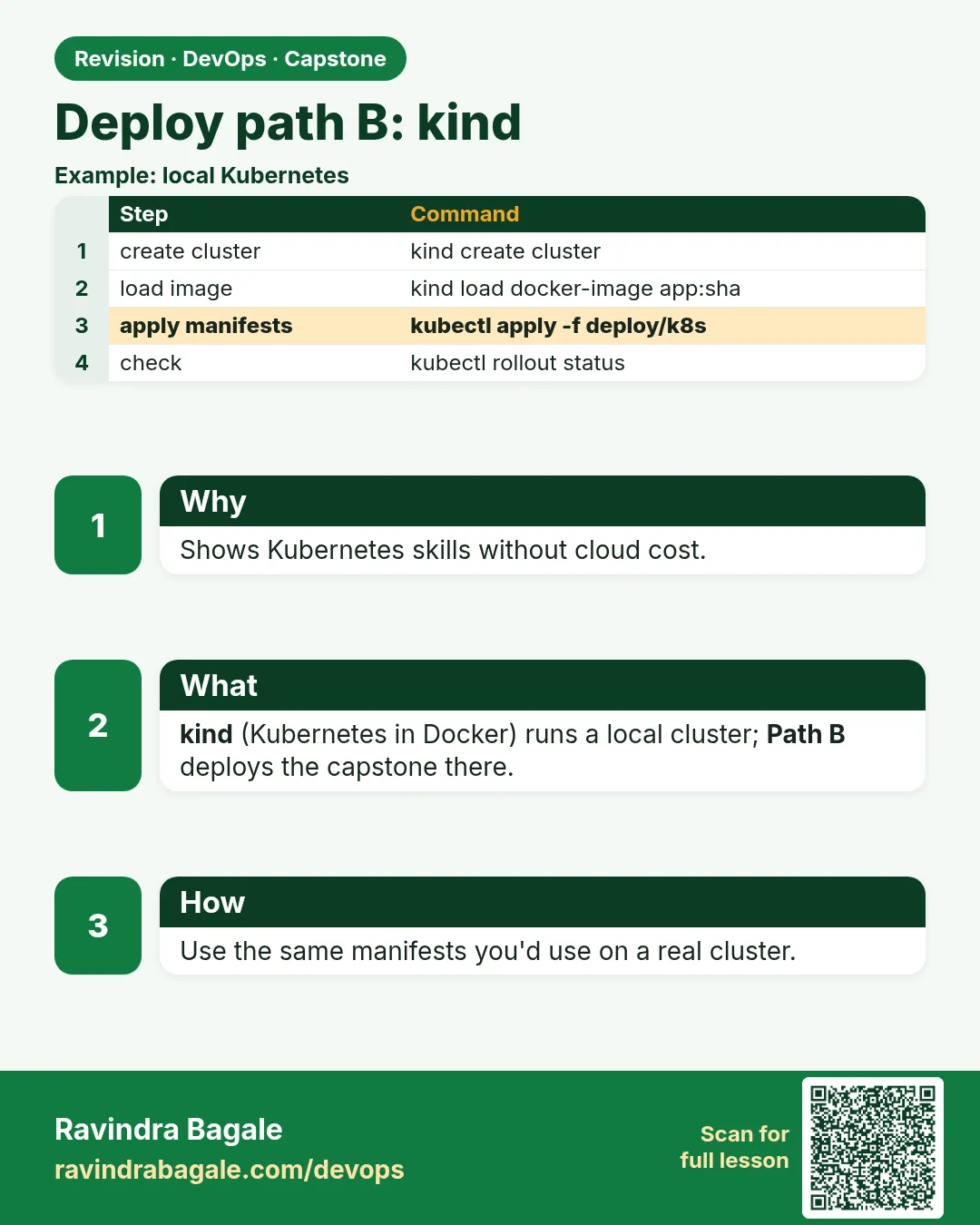
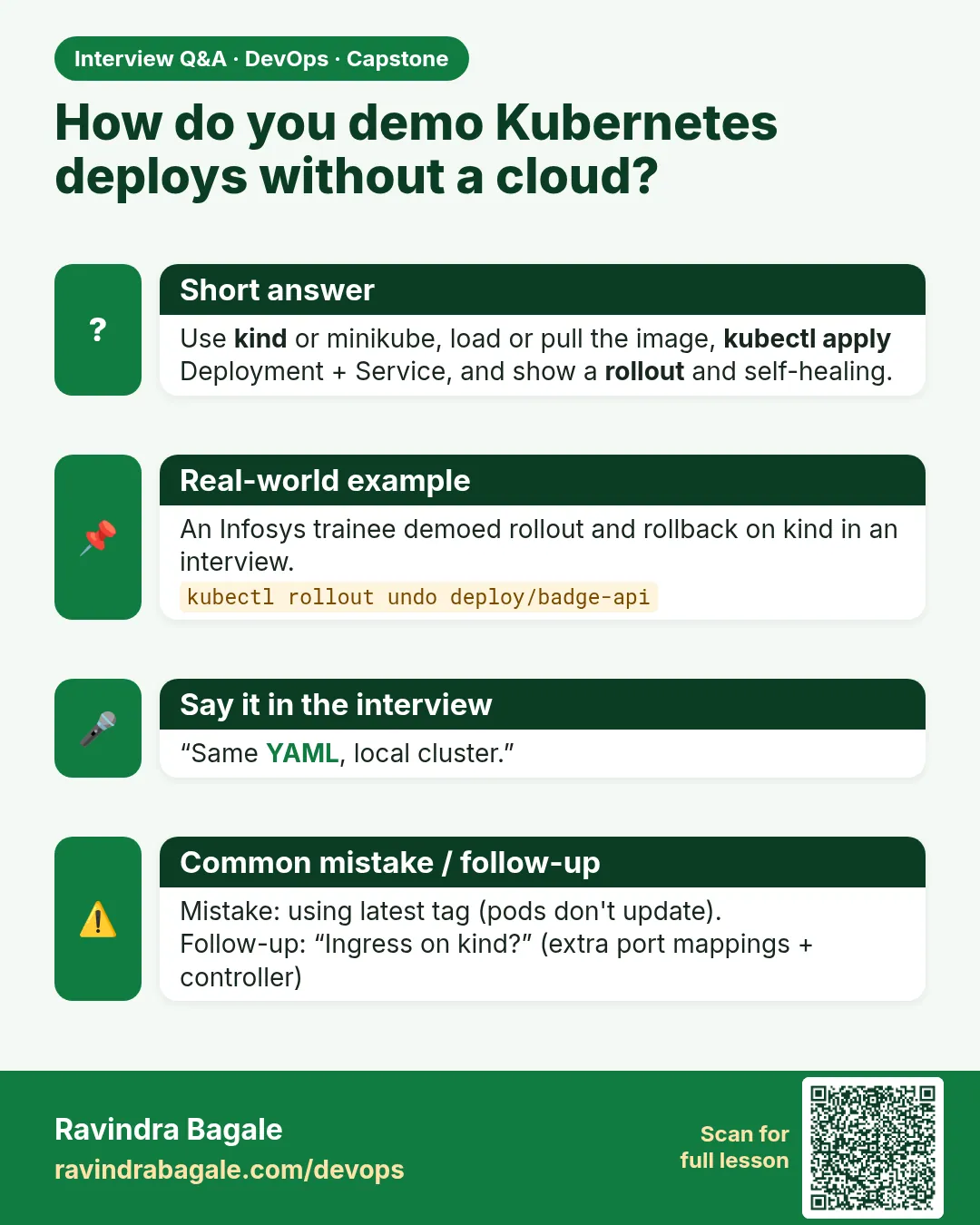
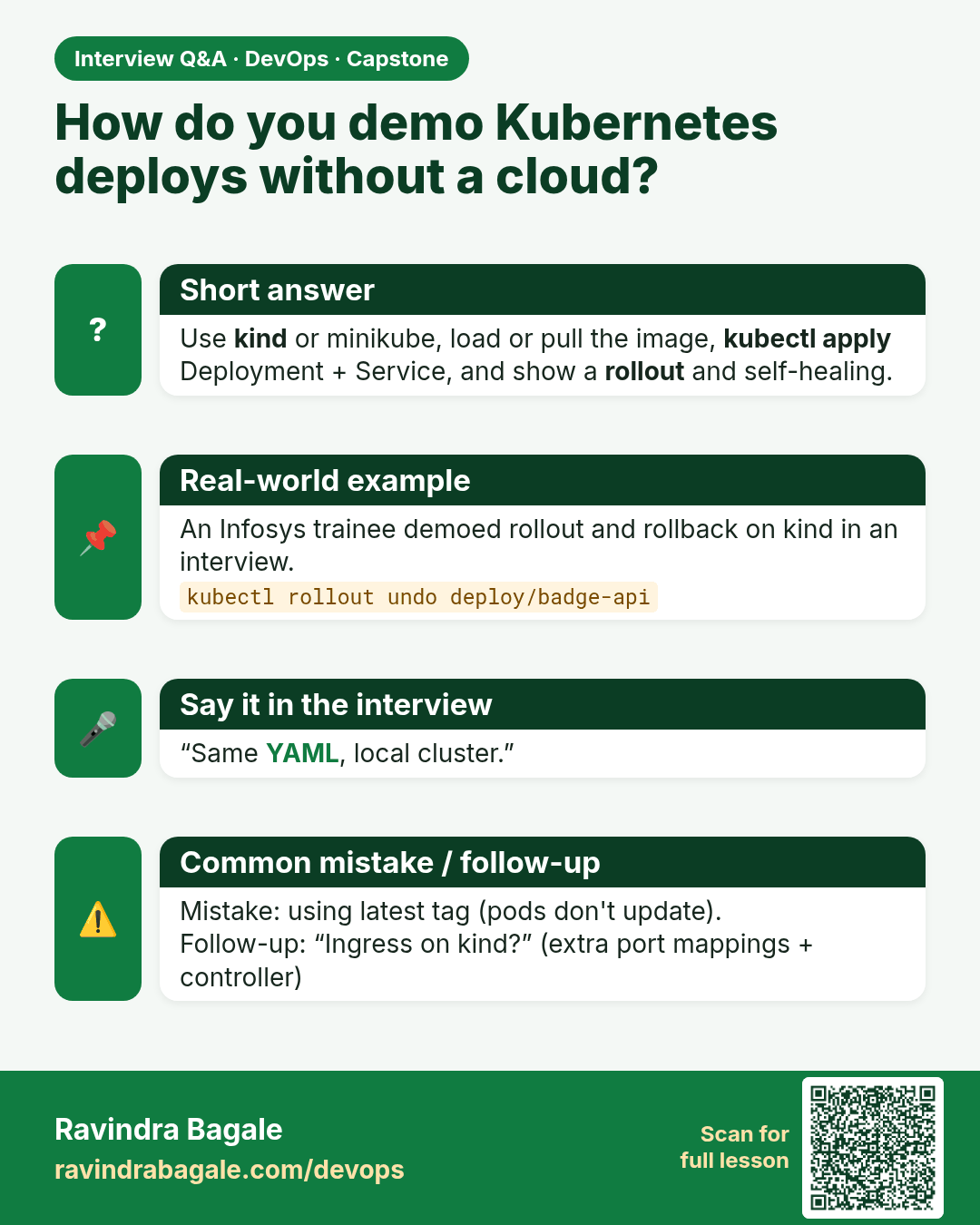
How do you demo Kubernetes deploys without a cloud? Use kind or minikube, load or pull the image, kubectl apply Deployment + Service, and show a rollout and self-healing.
Interview card 7 of 16: How do you demo Kubernetes deploys without a cloud? · Download PNG · Open card page

Lesson: 16.7 Deploy path B — kind

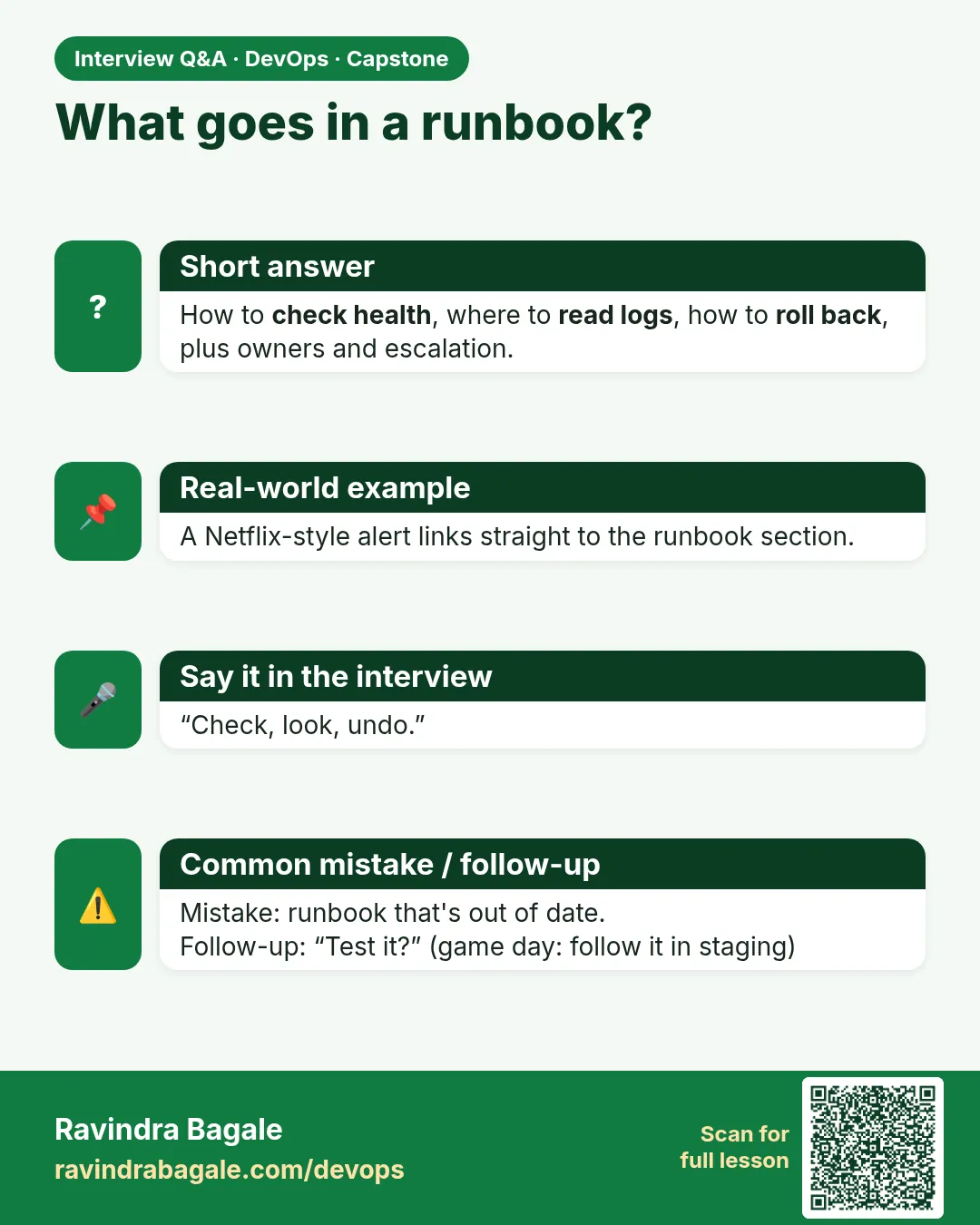
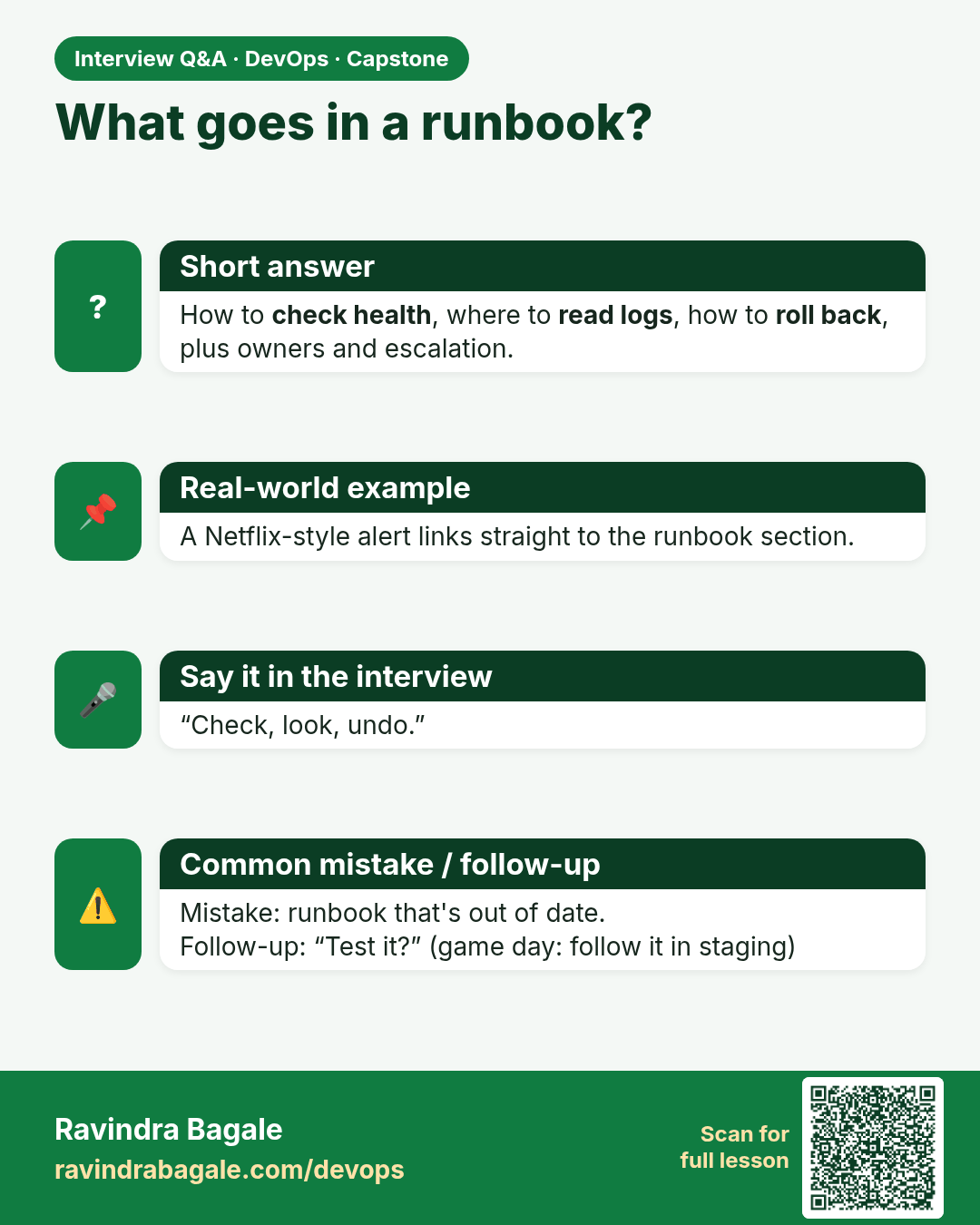
What goes in a runbook? How to check health, where to read logs, how to roll back, plus owners and escalation.
Interview card 8 of 16: What goes in a runbook? · Download PNG · Open card page

Lesson: 16.8 Runbook — the three commands humans need
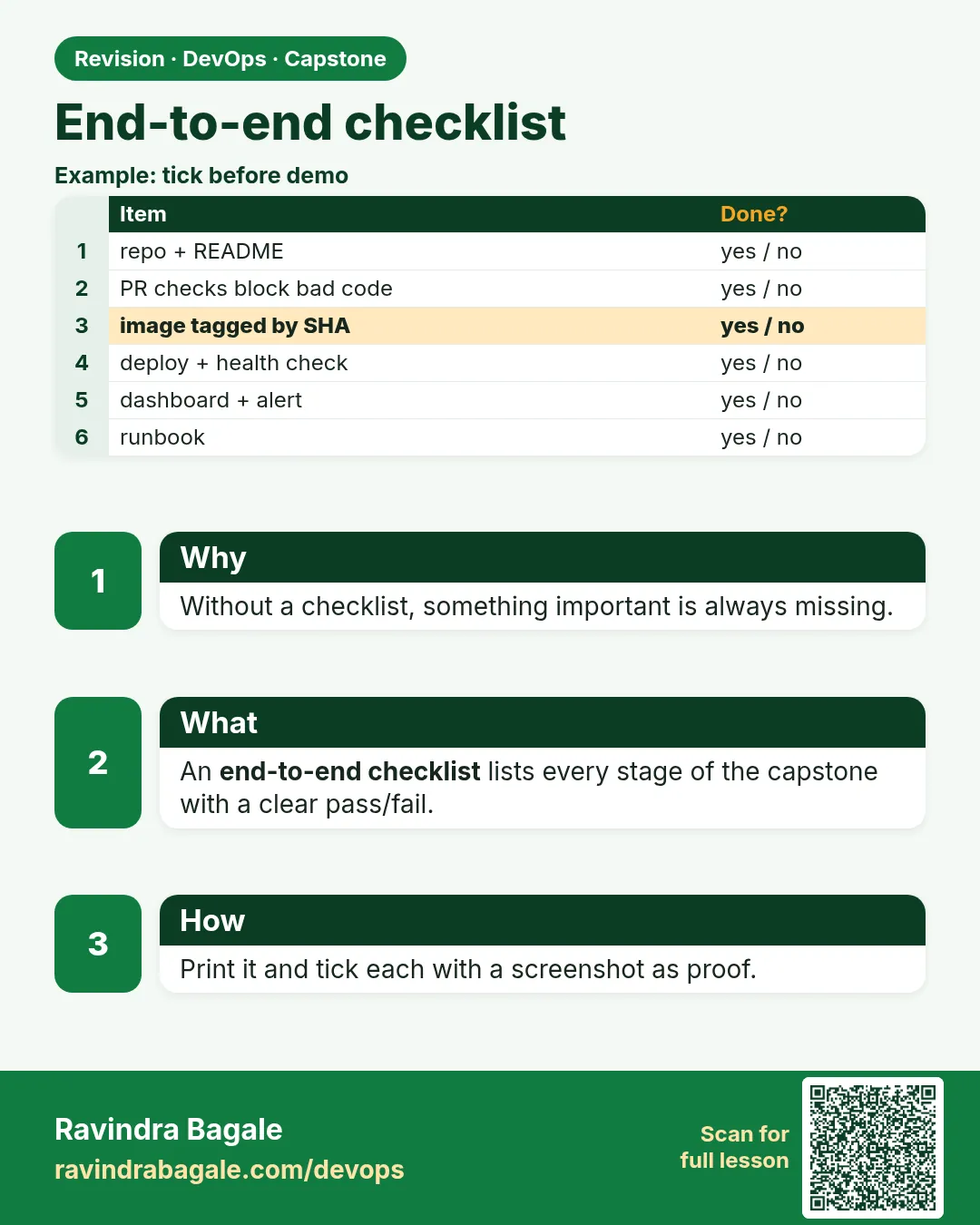
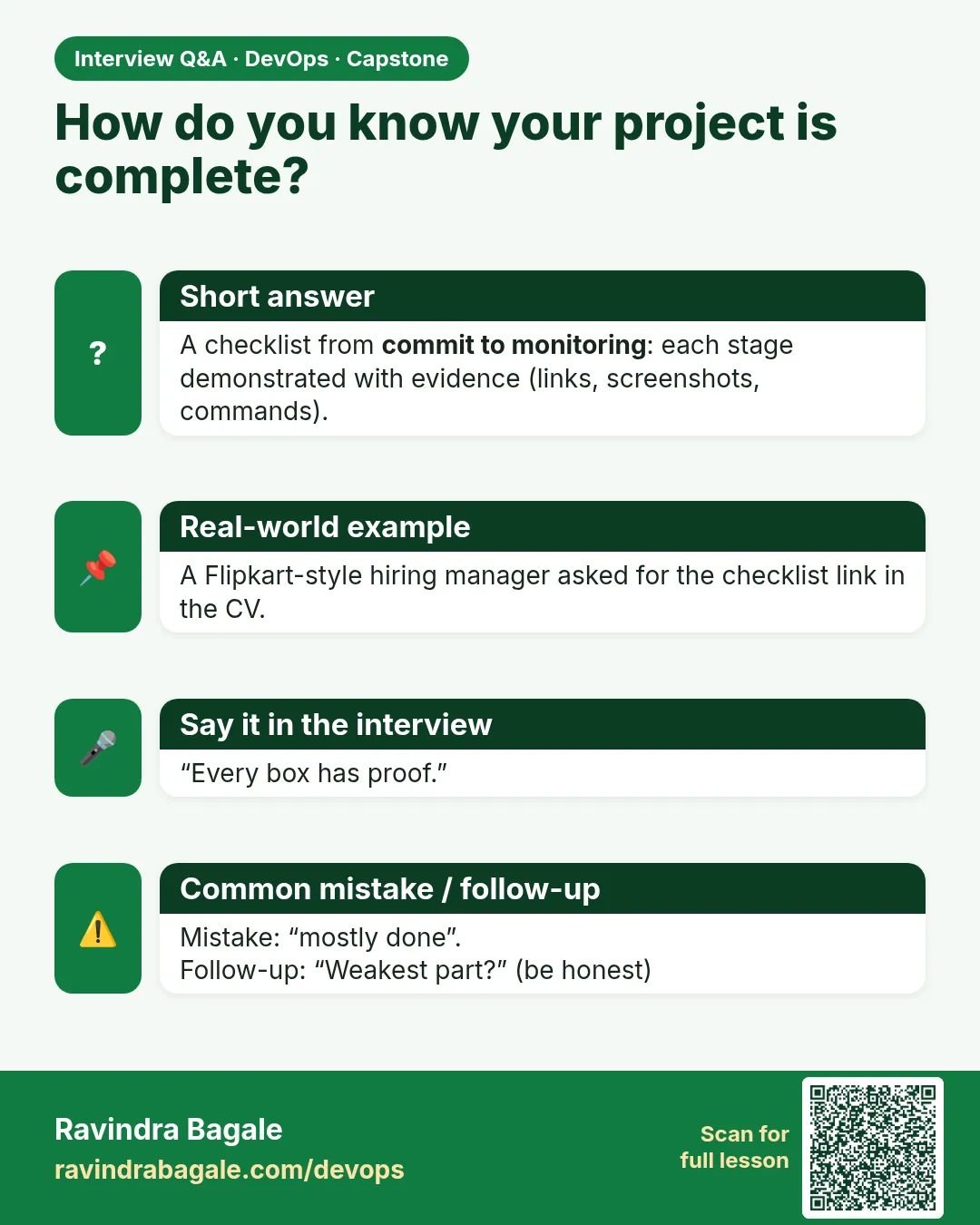
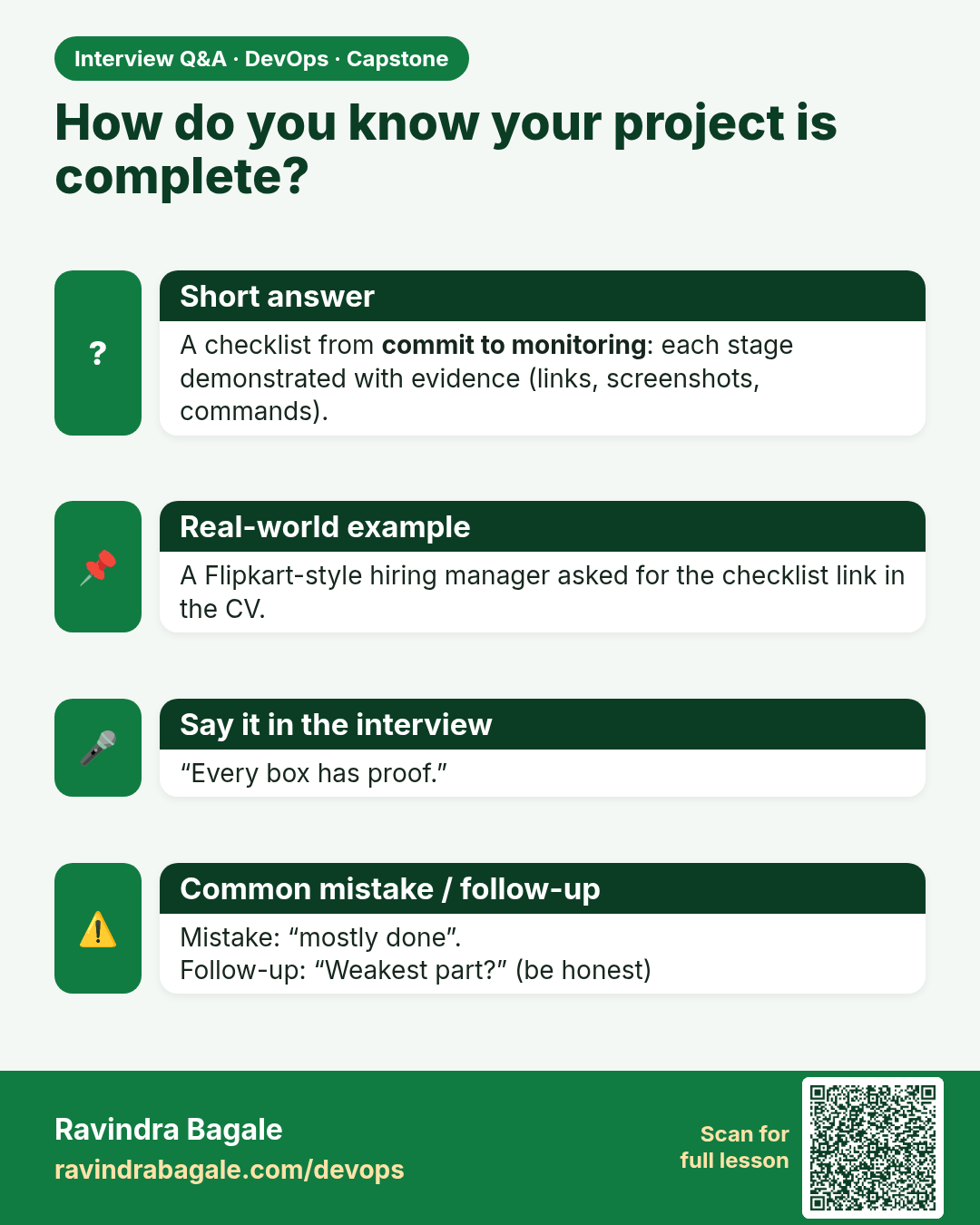
How do you know your project is complete? A checklist from commit to monitoring: each stage demonstrated with evidence (links, screenshots, commands).
Interview card 9 of 16: How do you know your project is complete? · Download PNG · Open card page

Lesson: 16.9 End-to-end checklist (print or tick in CHECKLIST.md)

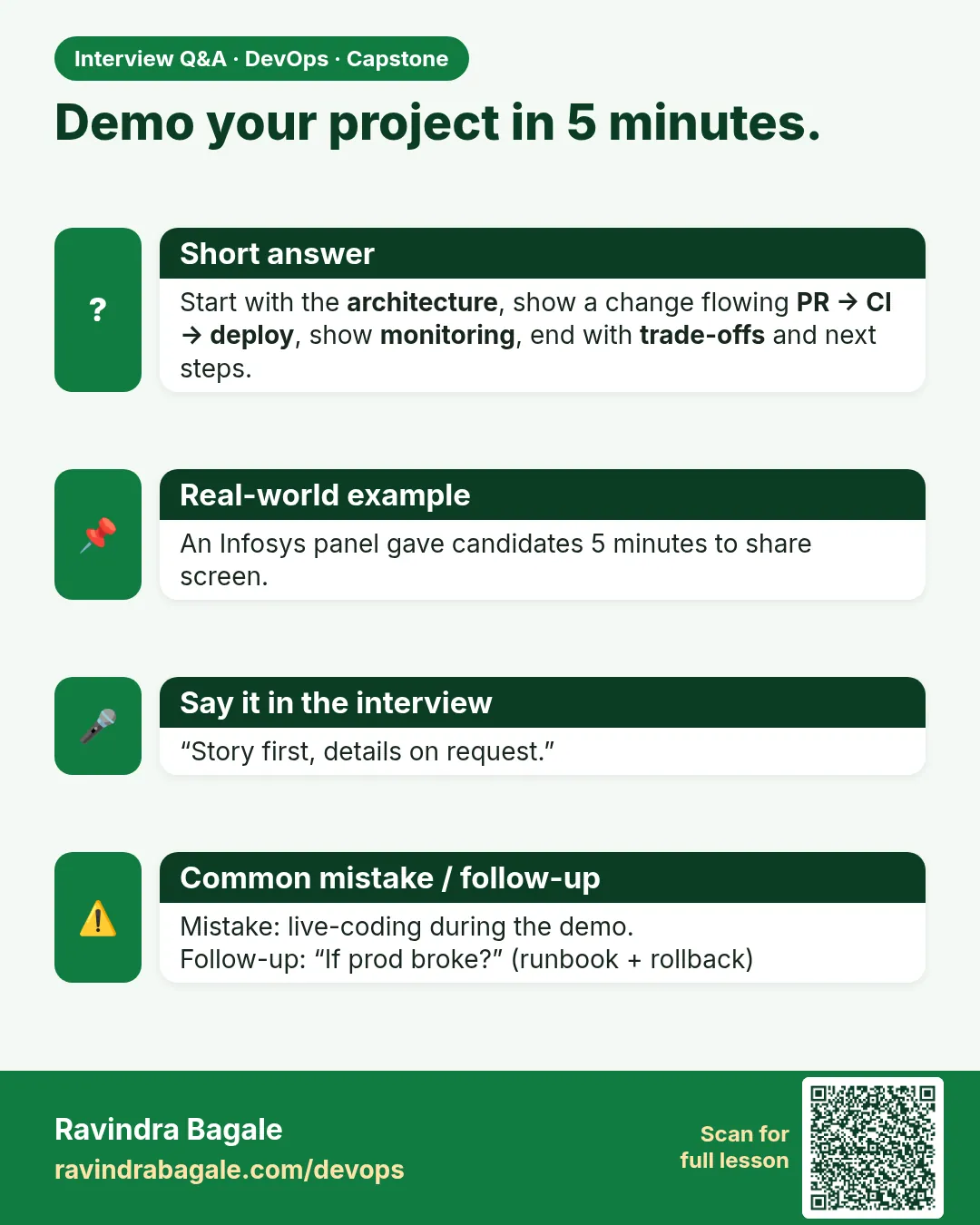
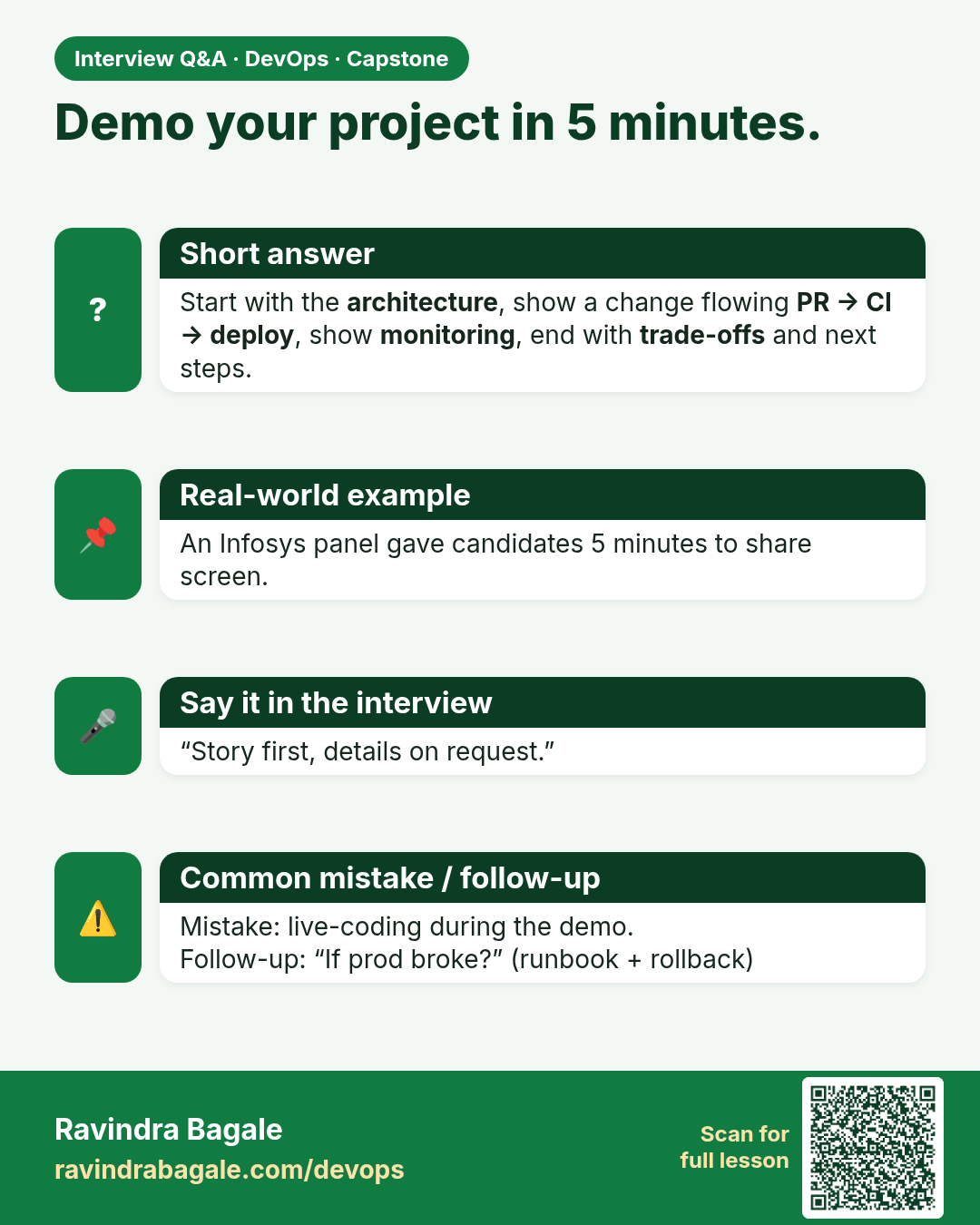
Demo your project in 5 minutes. Start with the architecture, show a change flowing PR → CI → deploy, show monitoring, end with trade-offs and next steps.
Interview card 10 of 16: Demo your project in 5 minutes. · Download PNG · Open card page

Lesson: 16.10 Demo script (optional homework)

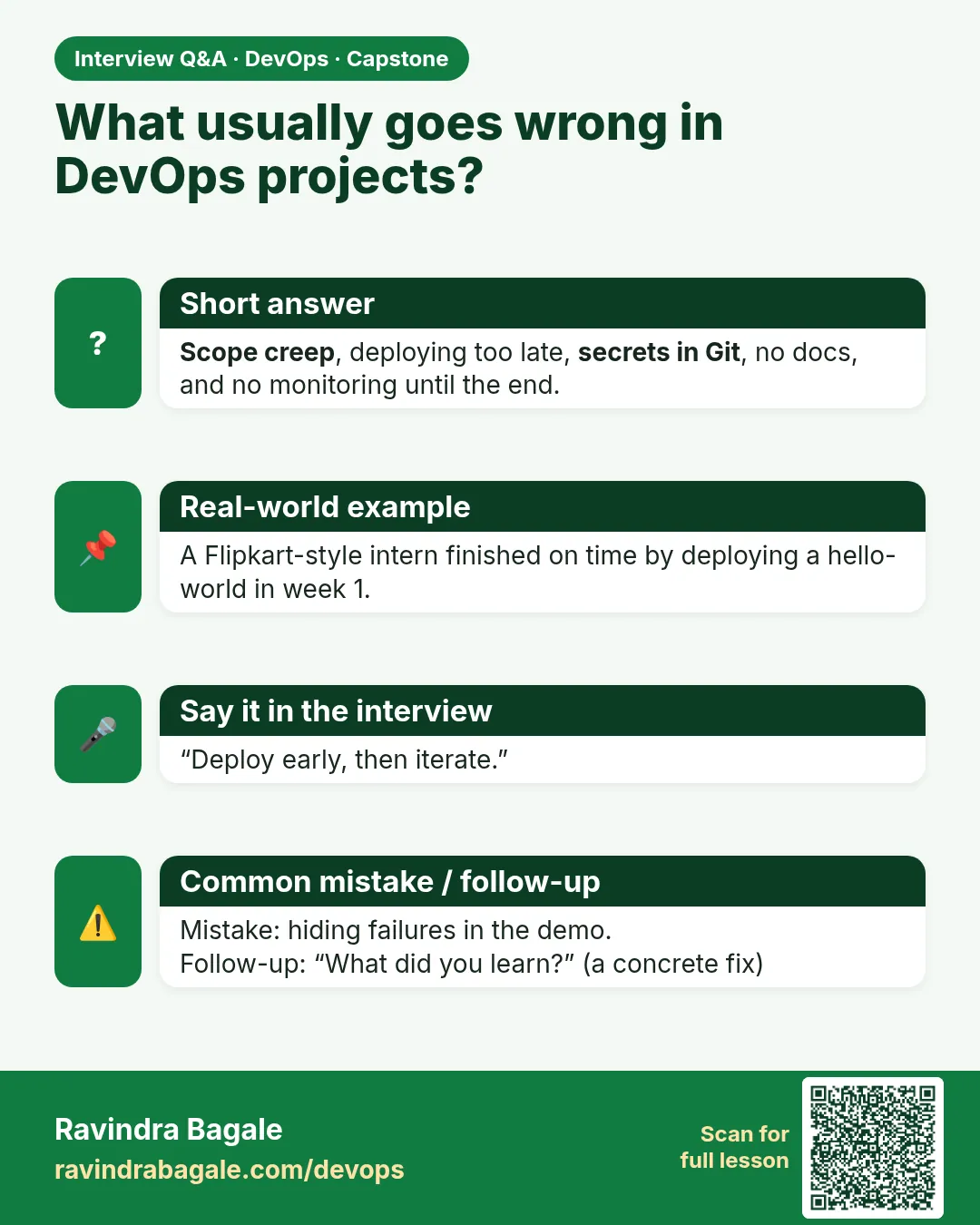
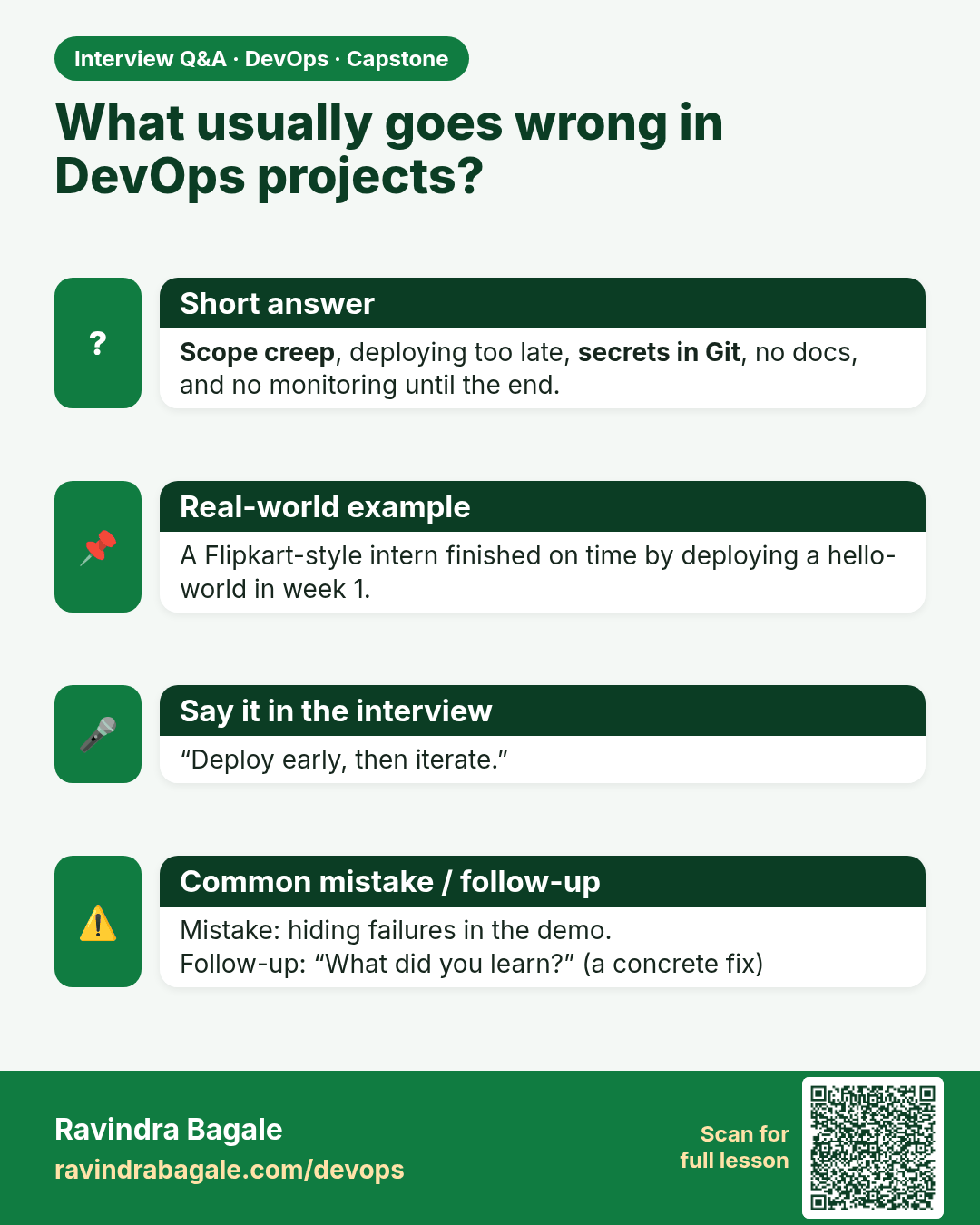
What usually goes wrong in DevOps projects? Scope creep, deploying too late, secrets in Git, no docs, and no monitoring until the end.
Interview card 11 of 16: What usually goes wrong in DevOps projects? · Download PNG · Open card page

Lesson: 16.11 Common capstone failure modes

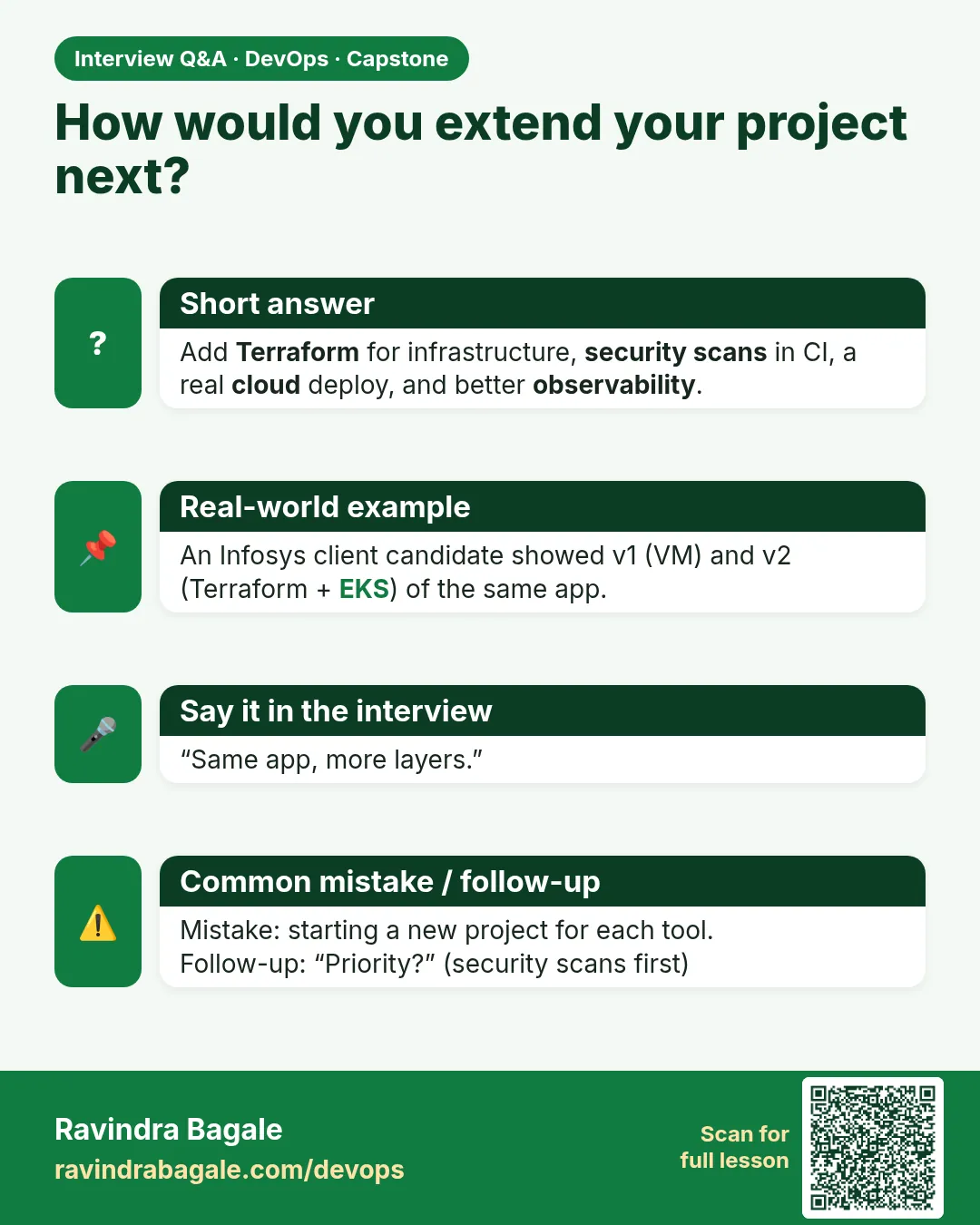
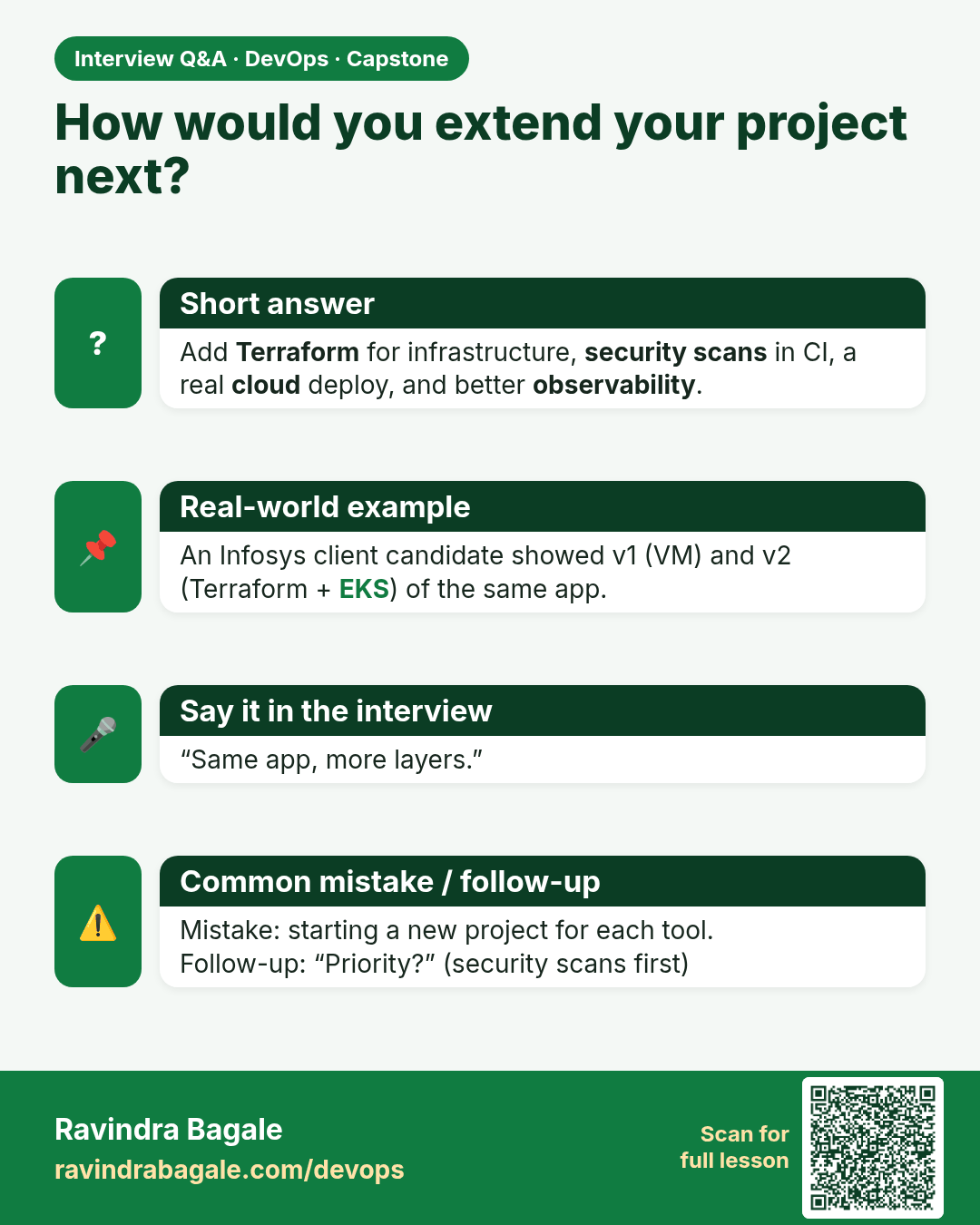
How would you extend your project next? Add Terraform for infrastructure, security scans in CI, a real cloud deploy, and better observability.
Interview card 12 of 16: How would you extend your project next? · Download PNG · Open card page

Lesson: 16.12 Linking other courses

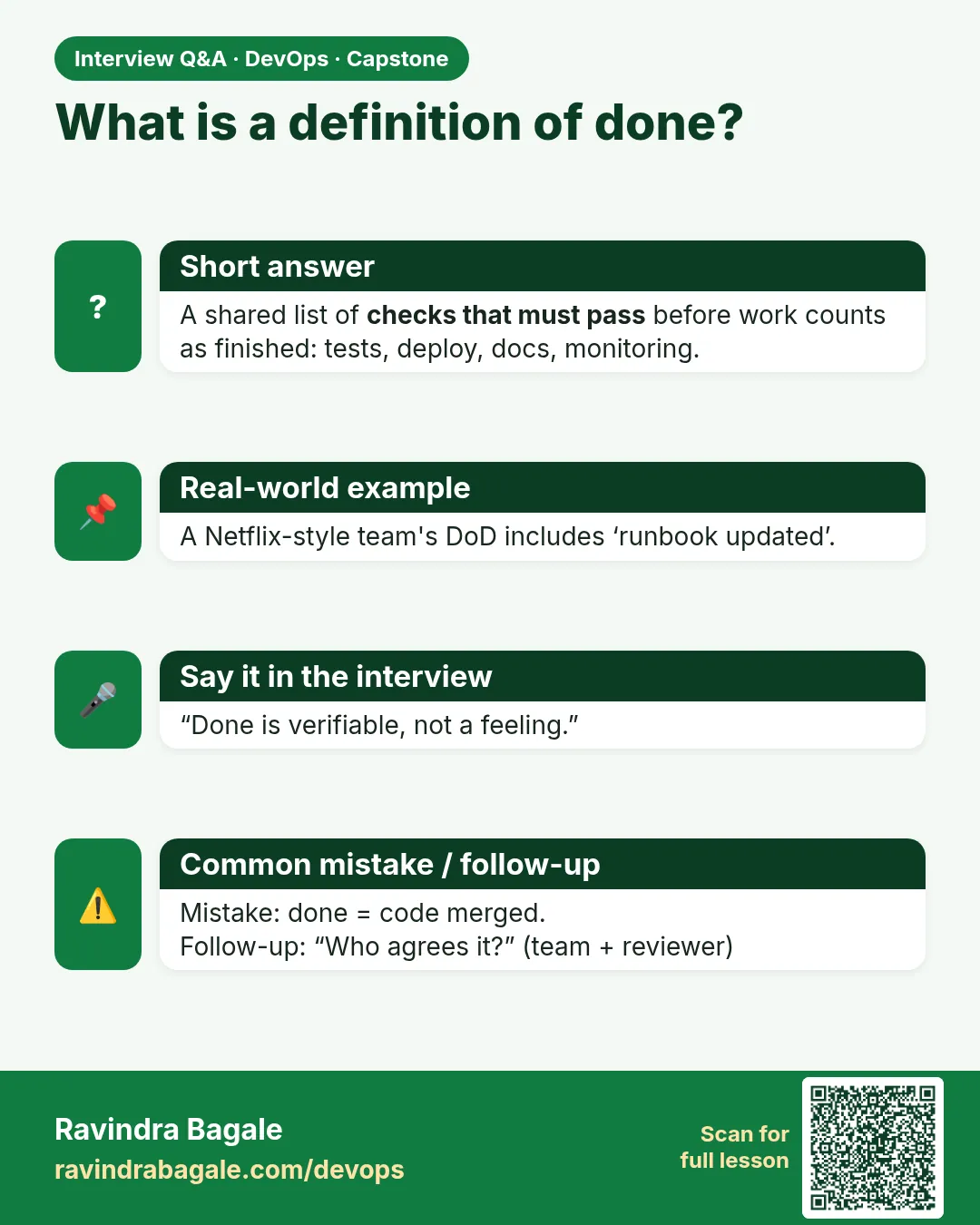
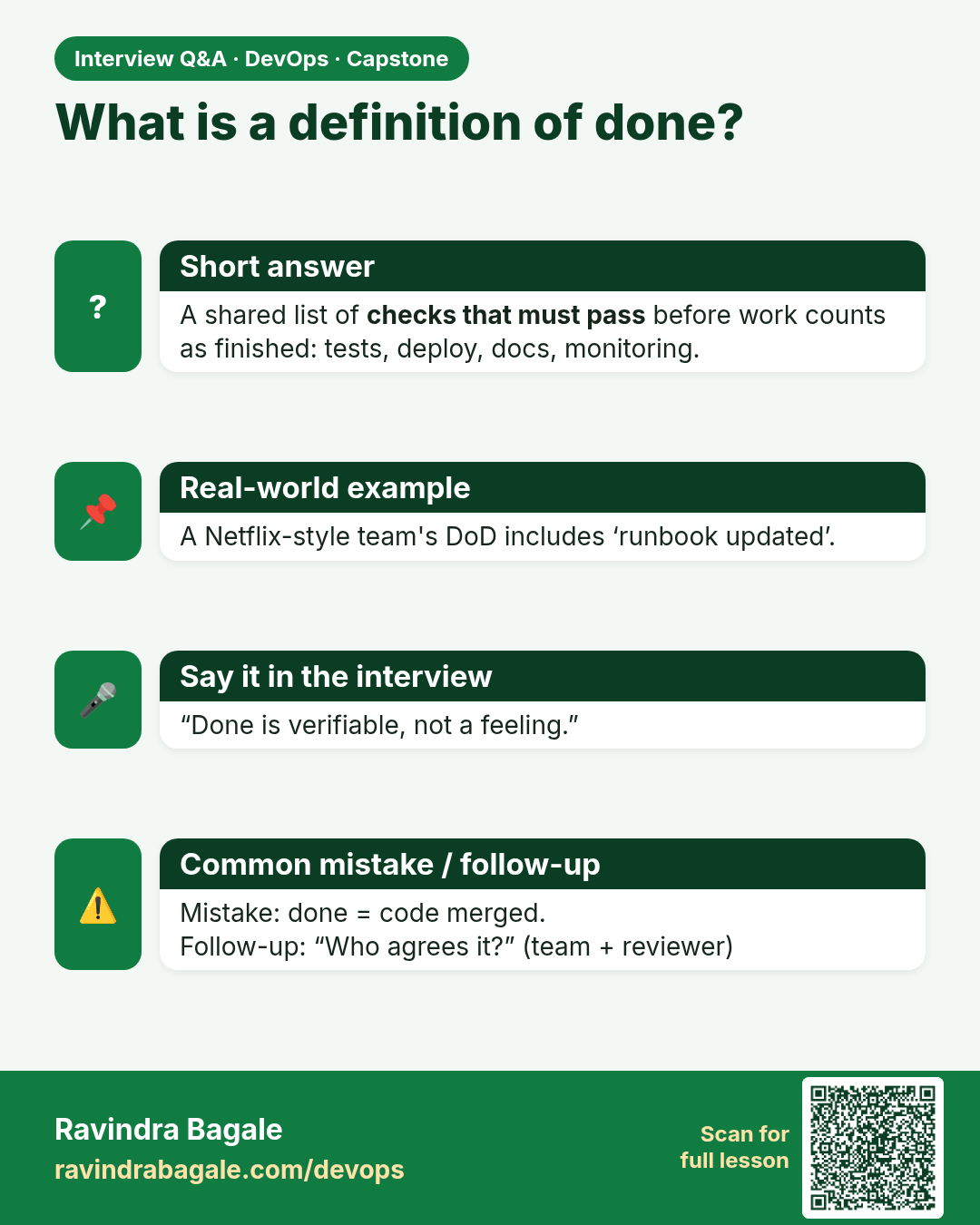
What is a definition of done? A shared list of checks that must pass before work counts as finished: tests, deploy, docs, monitoring.
Interview card 13 of 16: What is a definition of done? · Download PNG · Open card page

Lesson: 16.12b Definition of done — acceptance demo

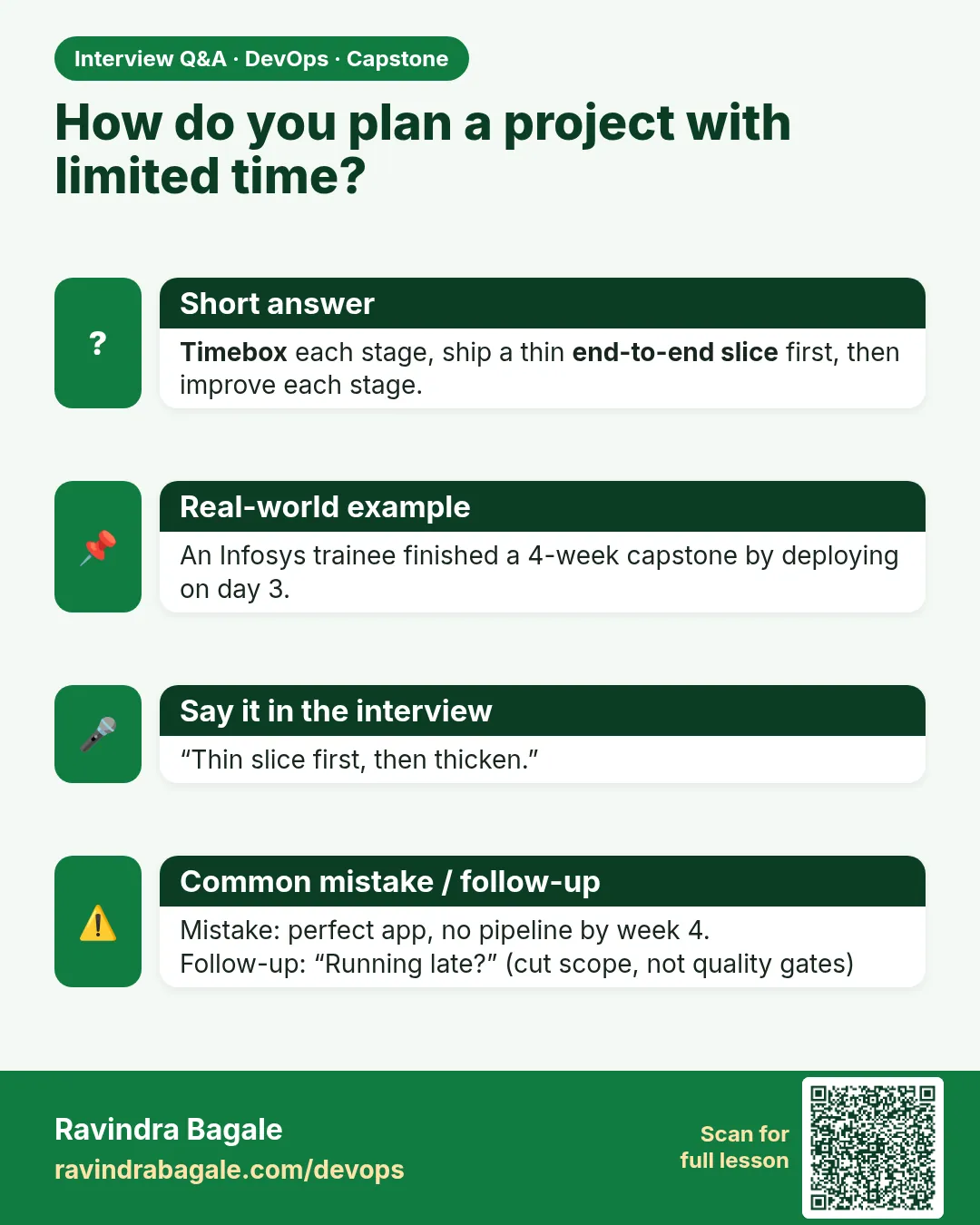
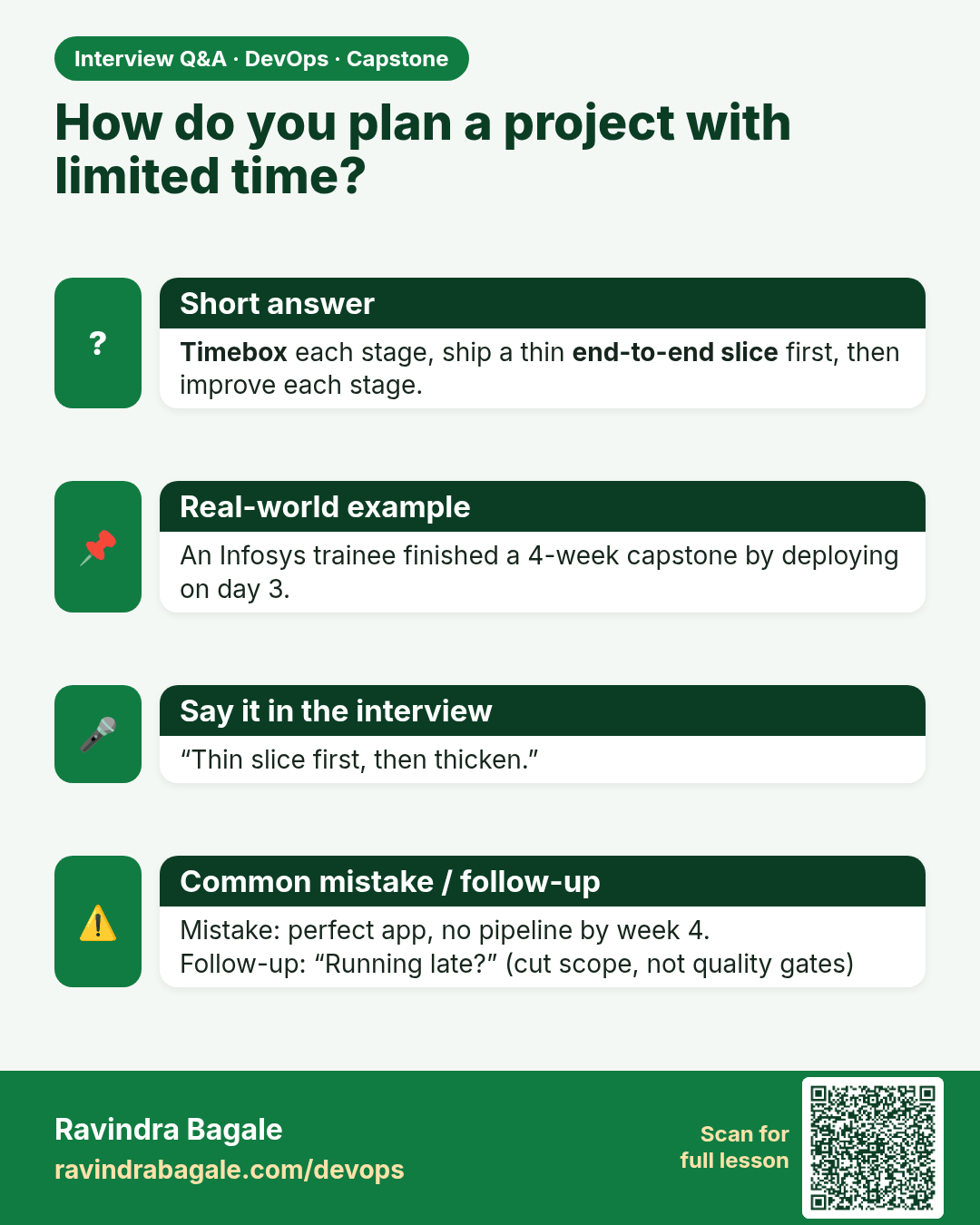
How do you plan a project with limited time? Timebox each stage, ship a thin end-to-end slice first, then improve each stage.
Interview card 14 of 16: How do you plan a project with limited time? · Download PNG · Open card page

Lesson: 16.12c Timebox plan (suggested)

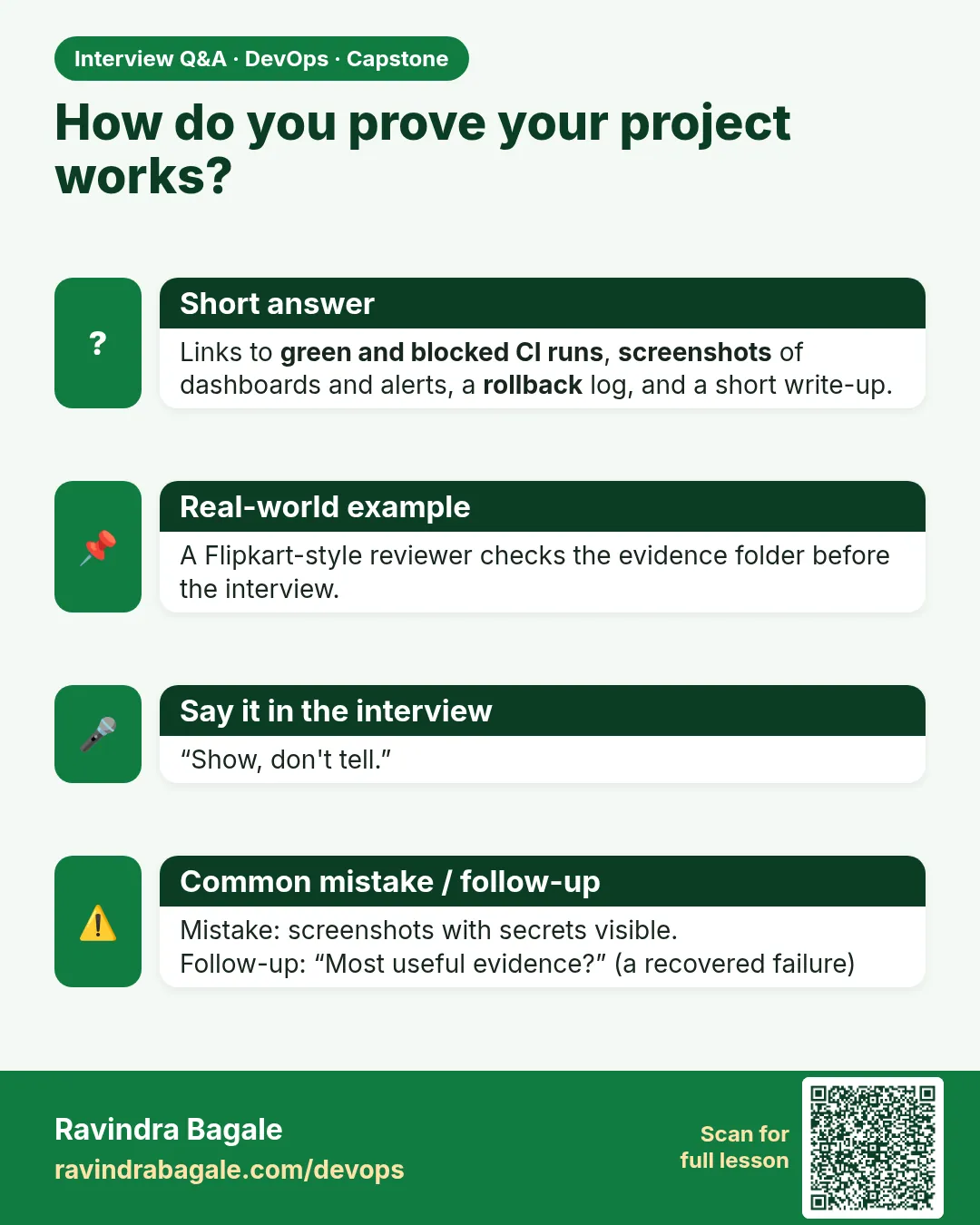
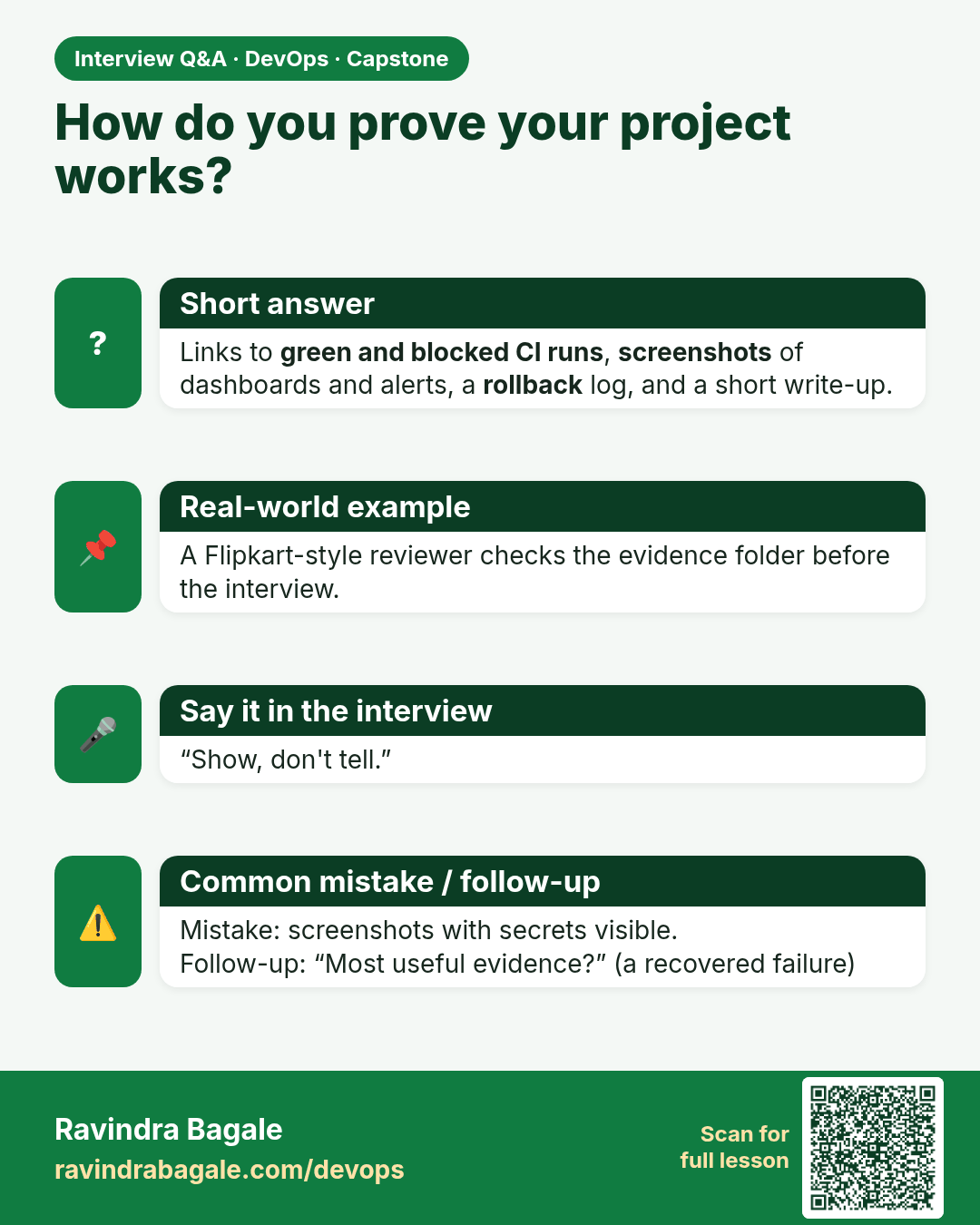
How do you prove your project works? Links to green and blocked CI runs, screenshots of dashboards and alerts, a rollback log, and a short write-up.
Interview card 15 of 16: How do you prove your project works? · Download PNG · Open card page

Lesson: 16.12d Evidence pack (what trainers like)

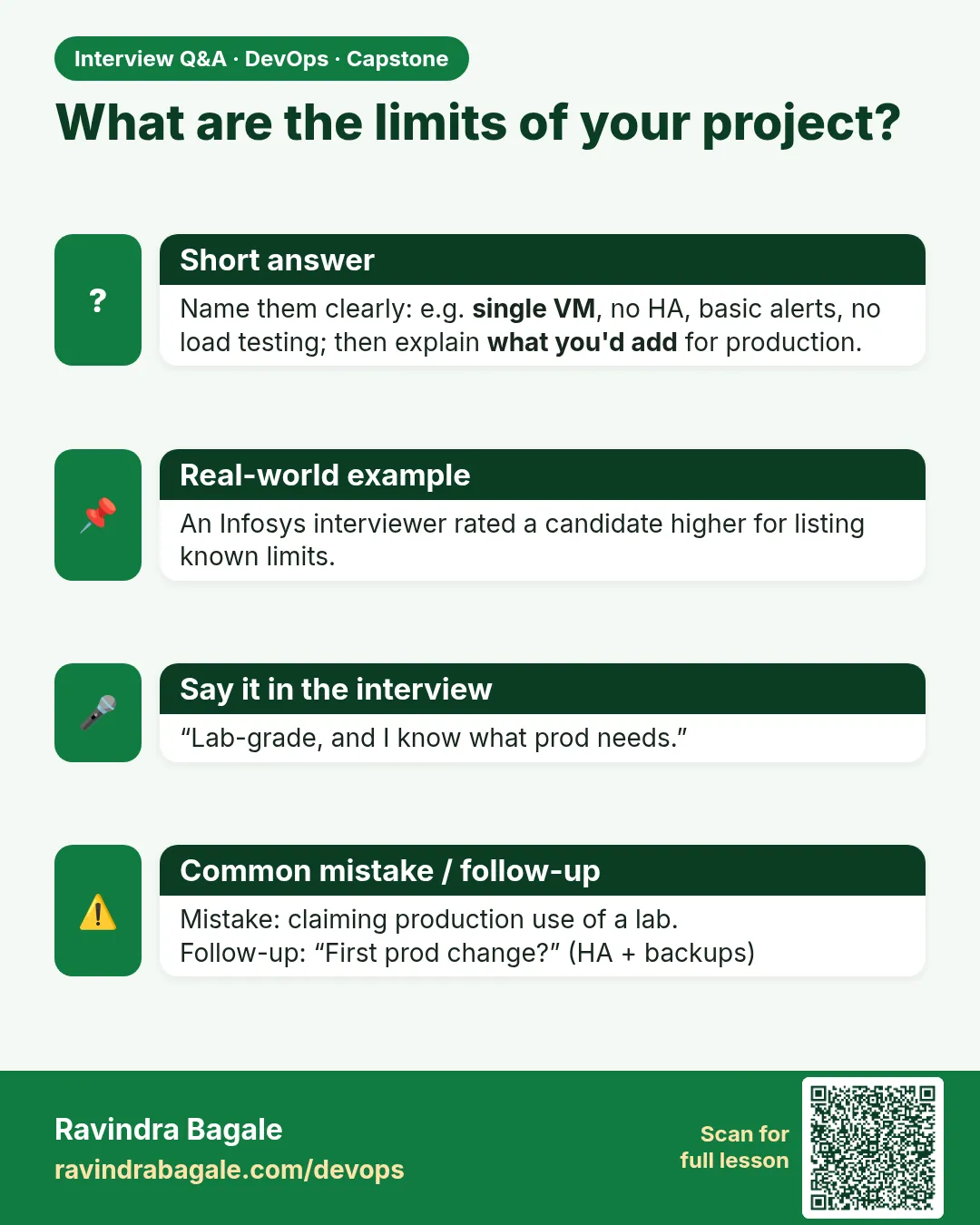
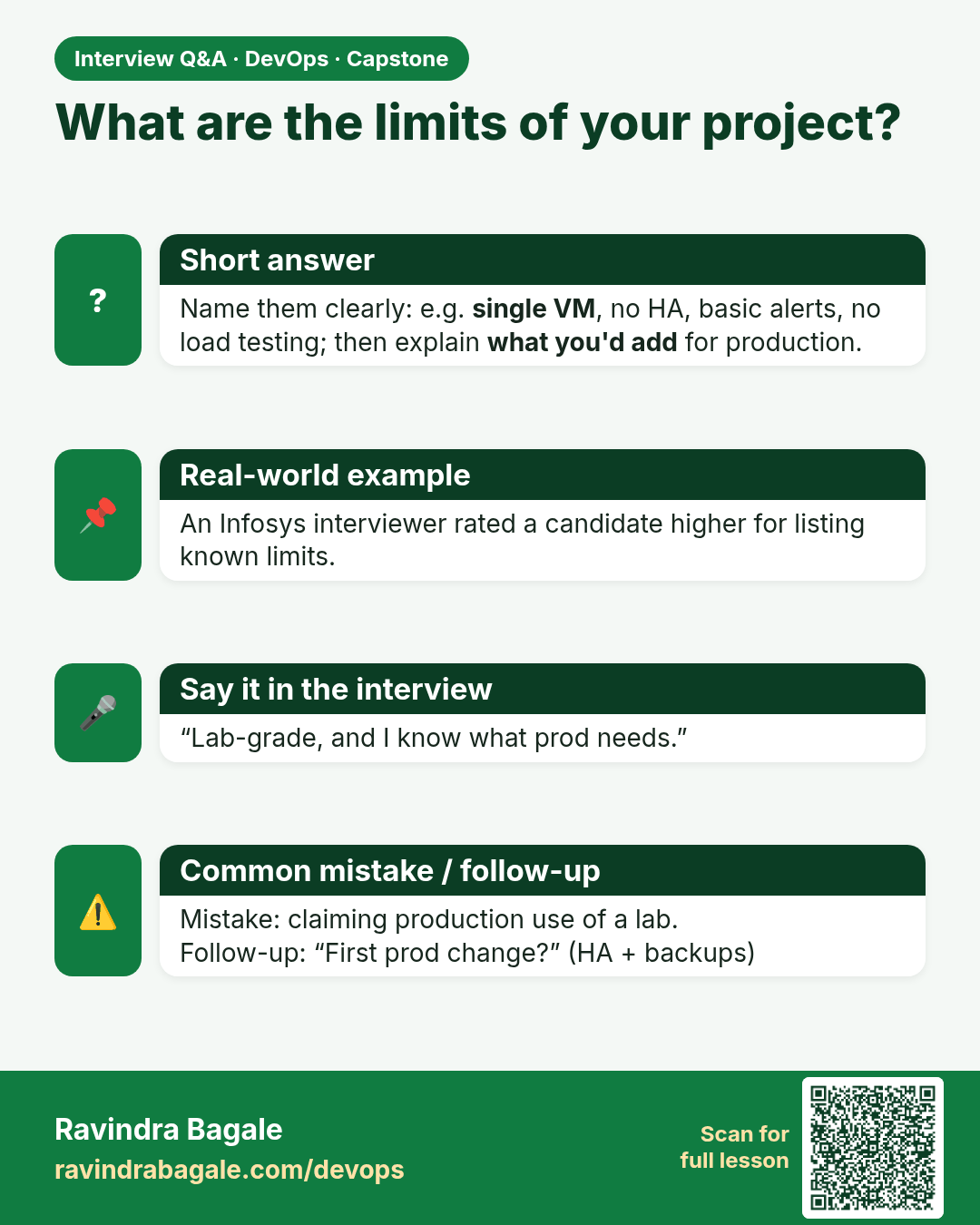
What are the limits of your project? Name them clearly: e.g. single VM, no HA, basic alerts, no load testing; then explain what you'd add for production.
Interview card 16 of 16: What are the limits of your project? · Download PNG · Open card page

Lesson: 16.12e Honesty over theatre

Comparison cards

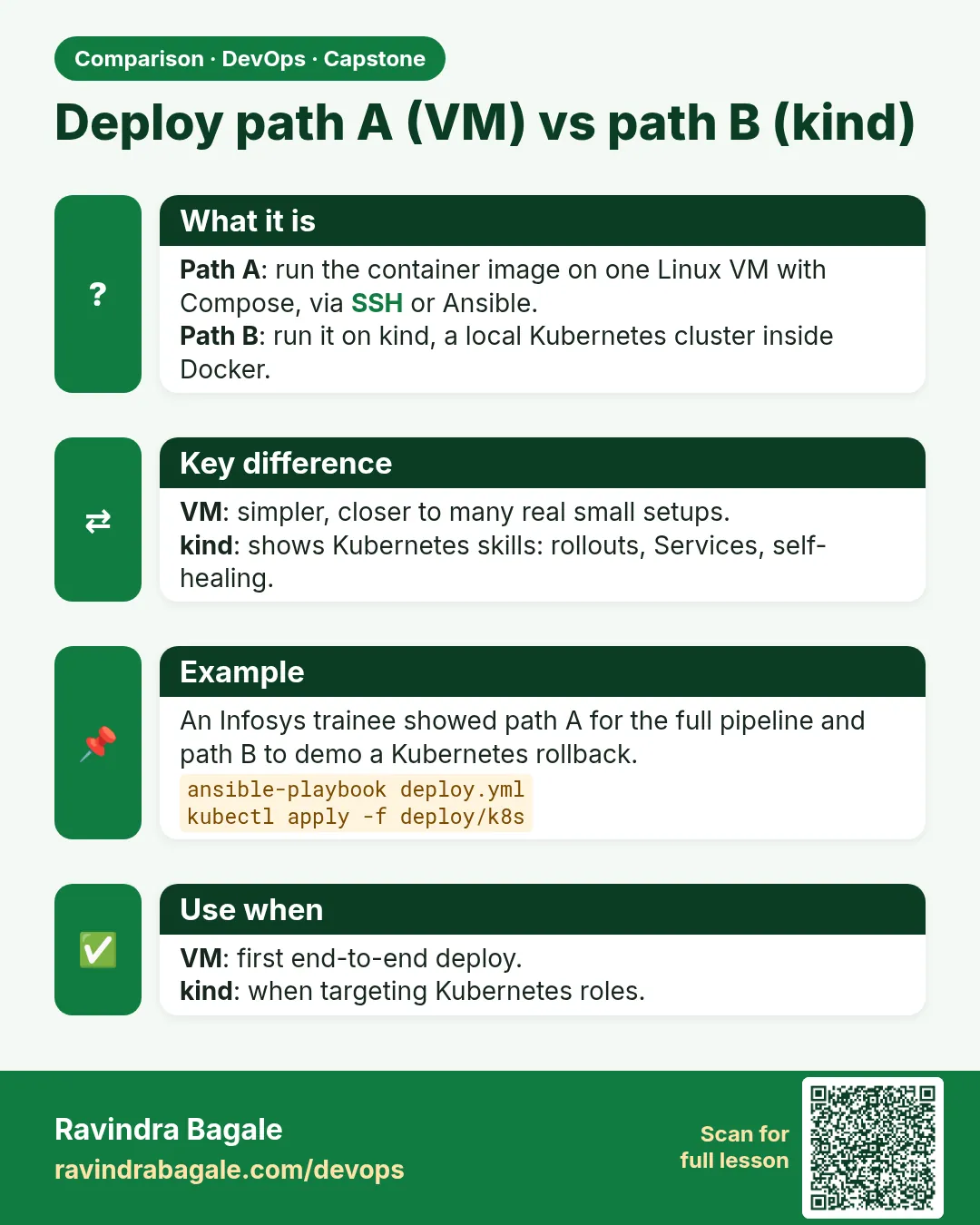
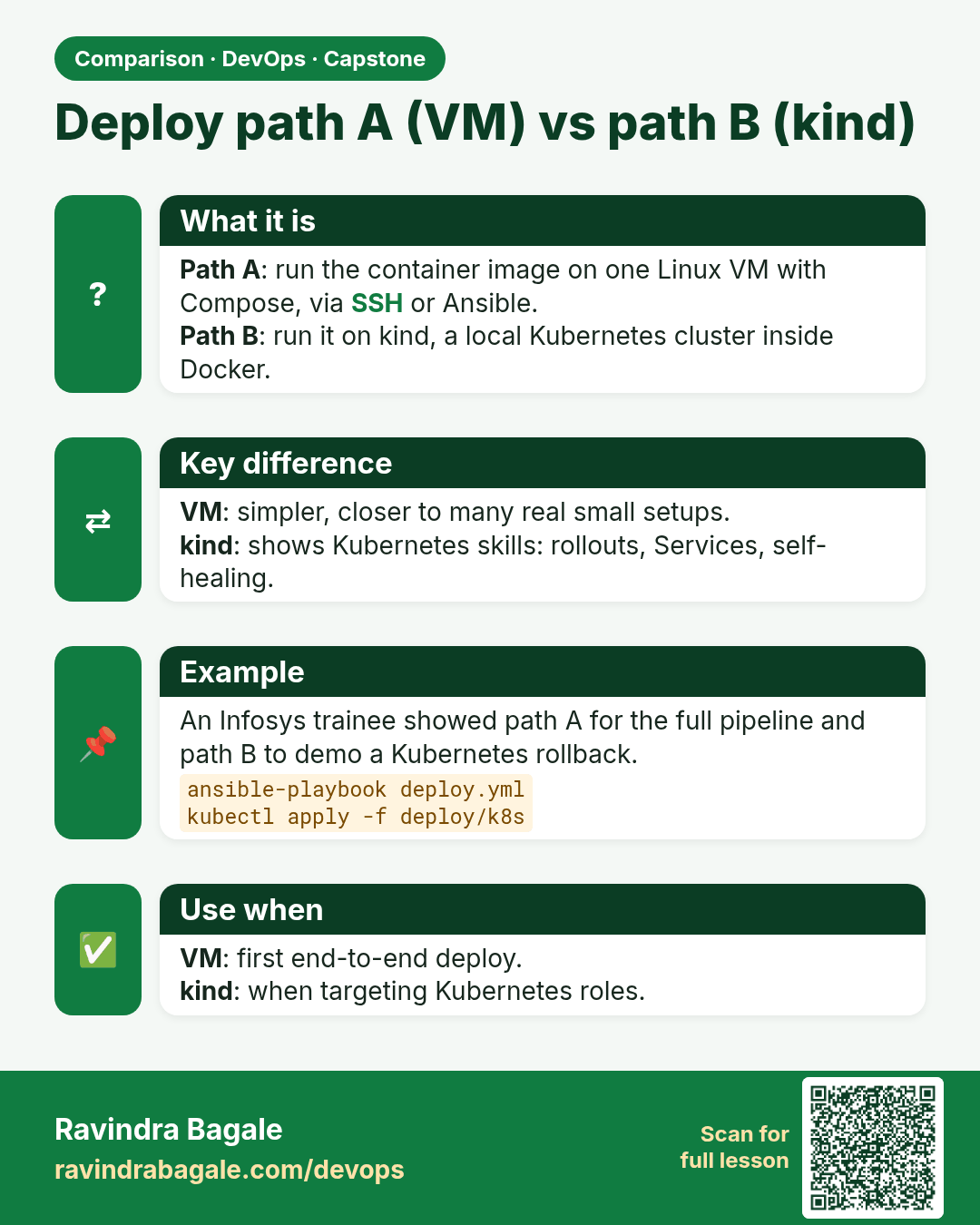
Deploy path A (VM) vs path B (kind). Path A: run the container image on one Linux VM with Compose, via SSH or Ansible.Path B: run it on kind, a local Kubernetes cluster inside Docker.
Comparison card 1 of 3: Deploy path A (VM) vs path B (kind) · Download PNG · Open card page

Lesson: 16.7 Deploy path B — kind

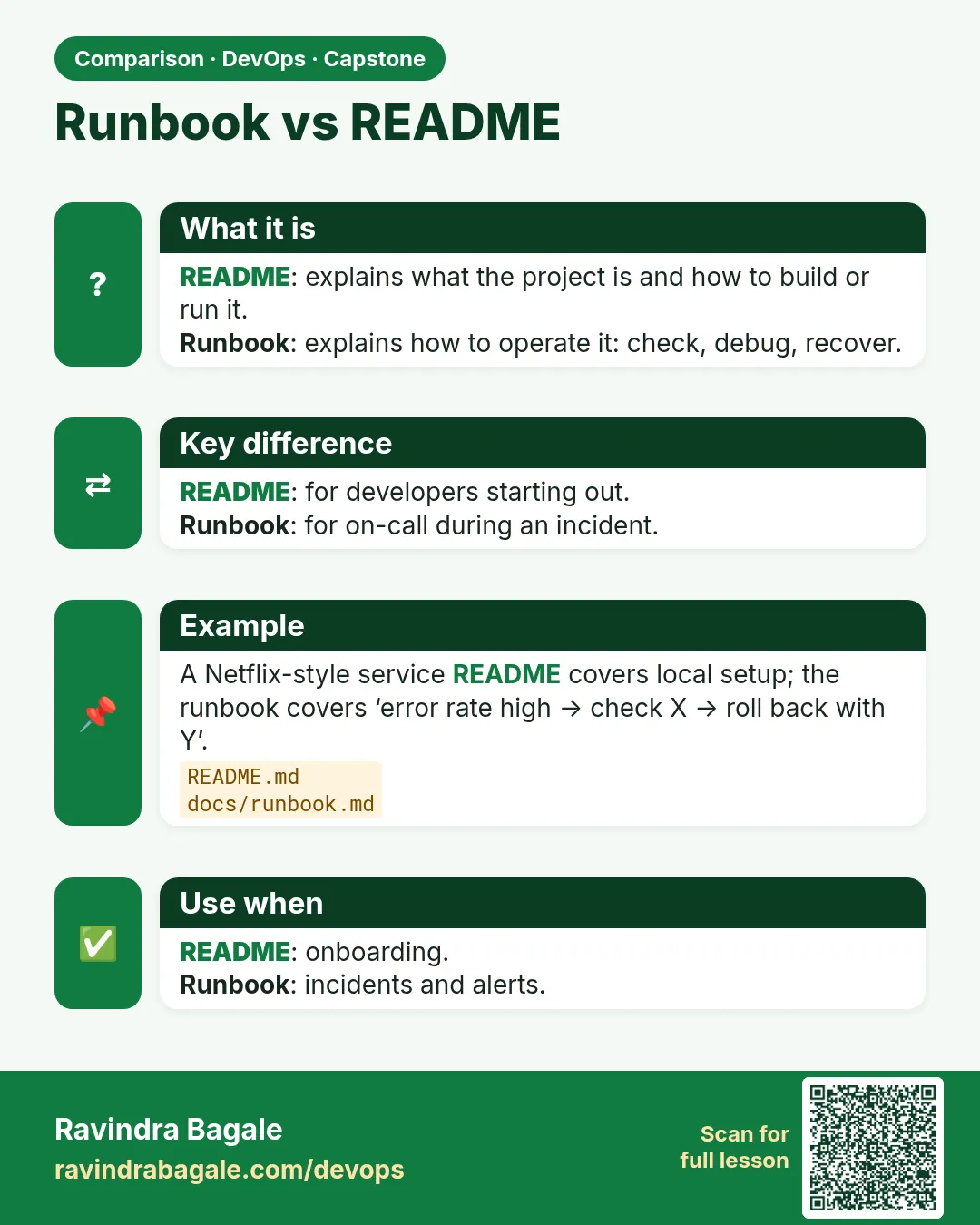
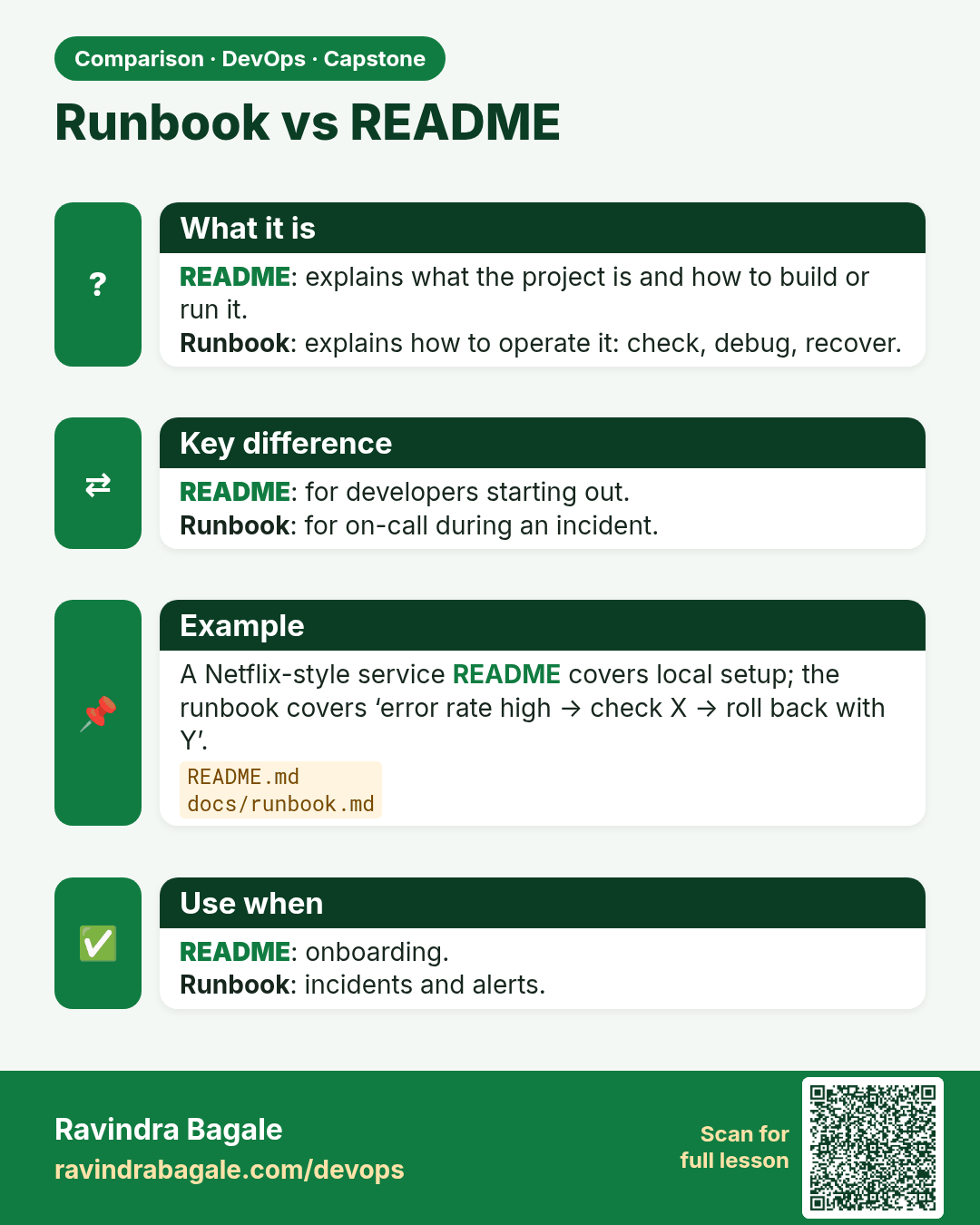
Runbook vs README. README: explains what the project is and how to build or run it.Runbook: explains how to operate it: check, debug, recover.
Comparison card 2 of 3: Runbook vs README · Download PNG · Open card page

Lesson: 16.8 Runbook — the three commands humans need
Done vs merged. Merged: the code is in the main branch.Done: it is deployed, working, monitored and documented.
Comparison card 3 of 3: Done vs merged · Download PNG · Open card page

Lesson: 16.12b Definition of done — acceptance demo