Revision cards
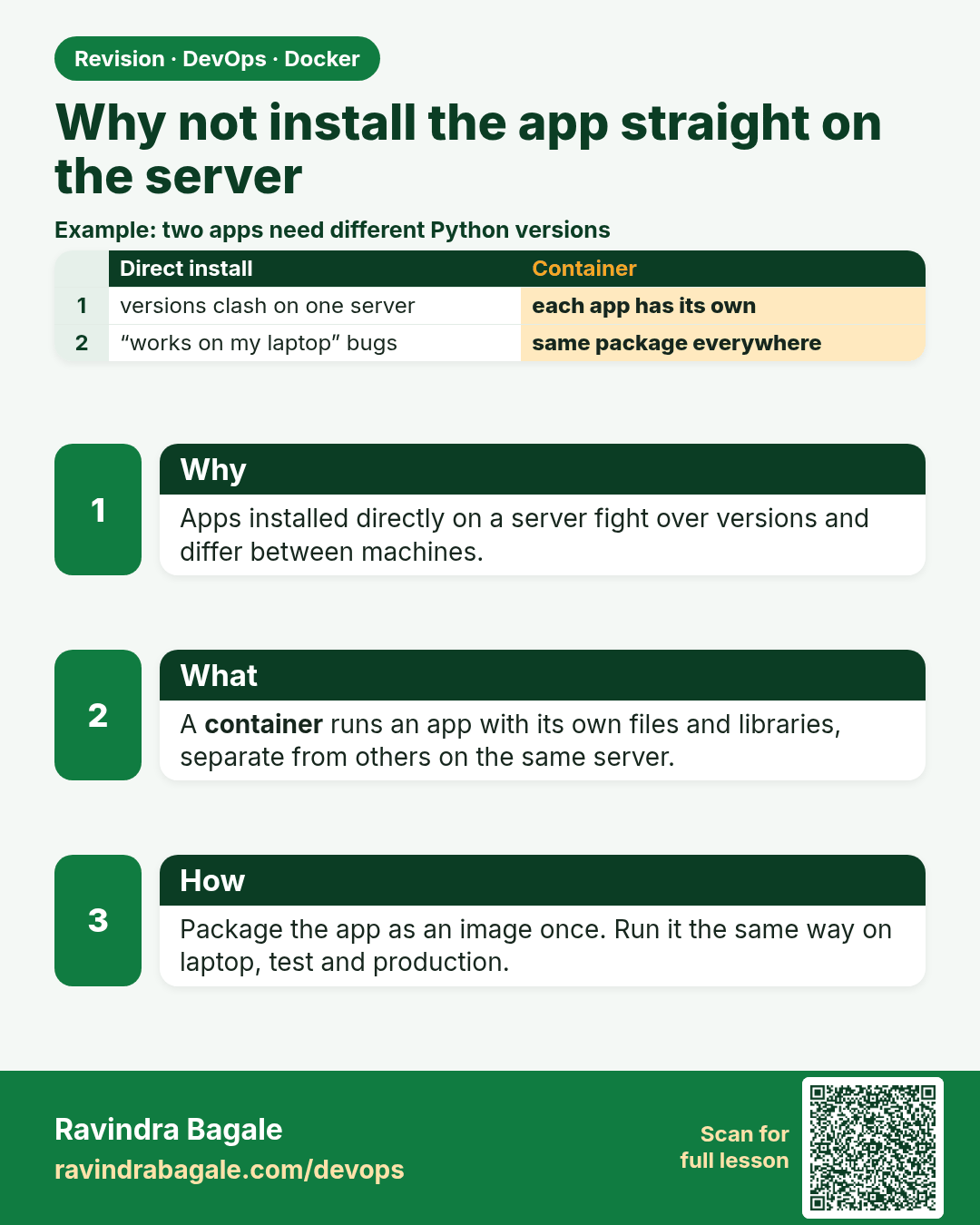
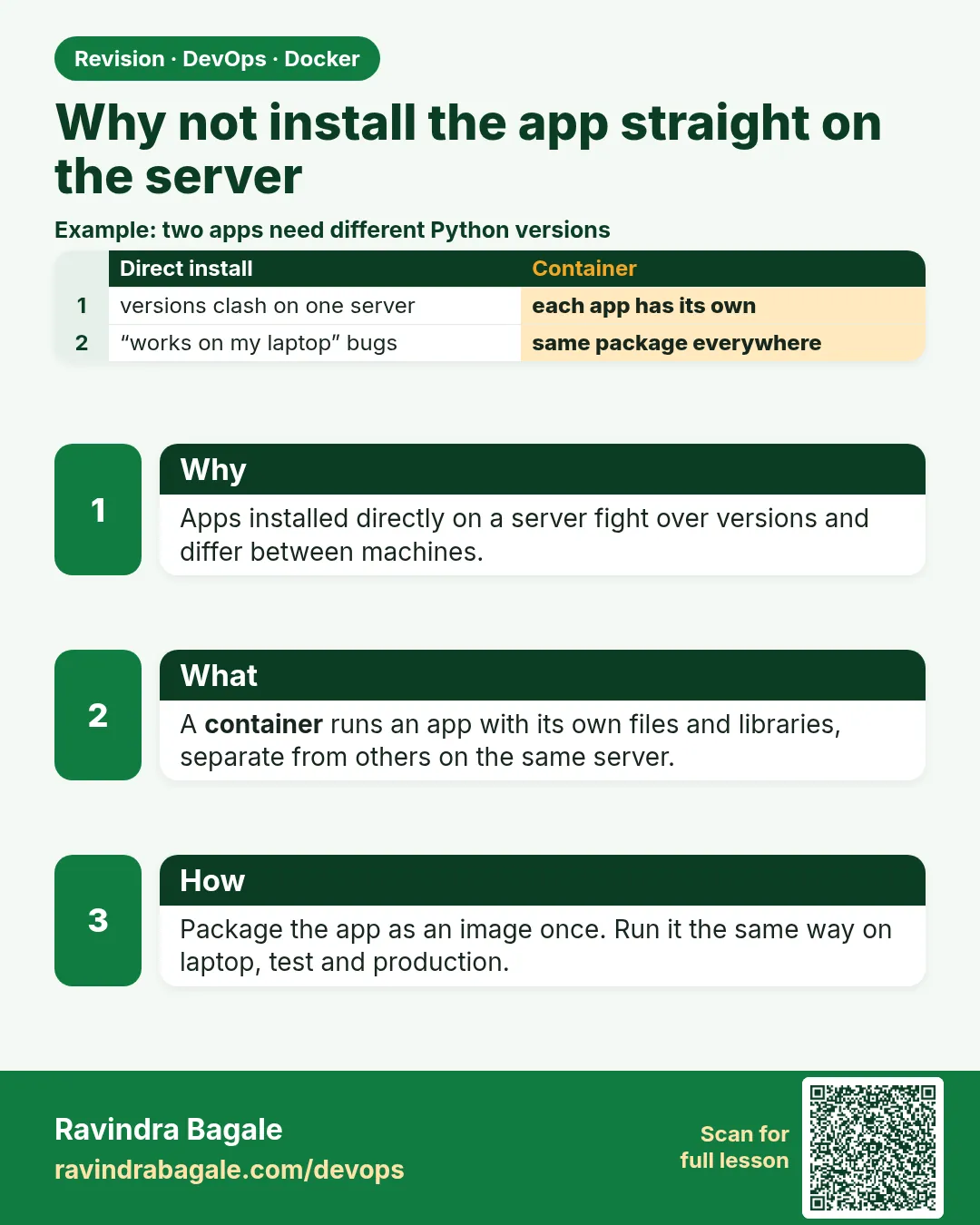 Revision card 1 of 12: Why not install the app straight on the server · Download PNG · Open card page
Lesson: 6.1 Why the app should not be installed straight on the EC2
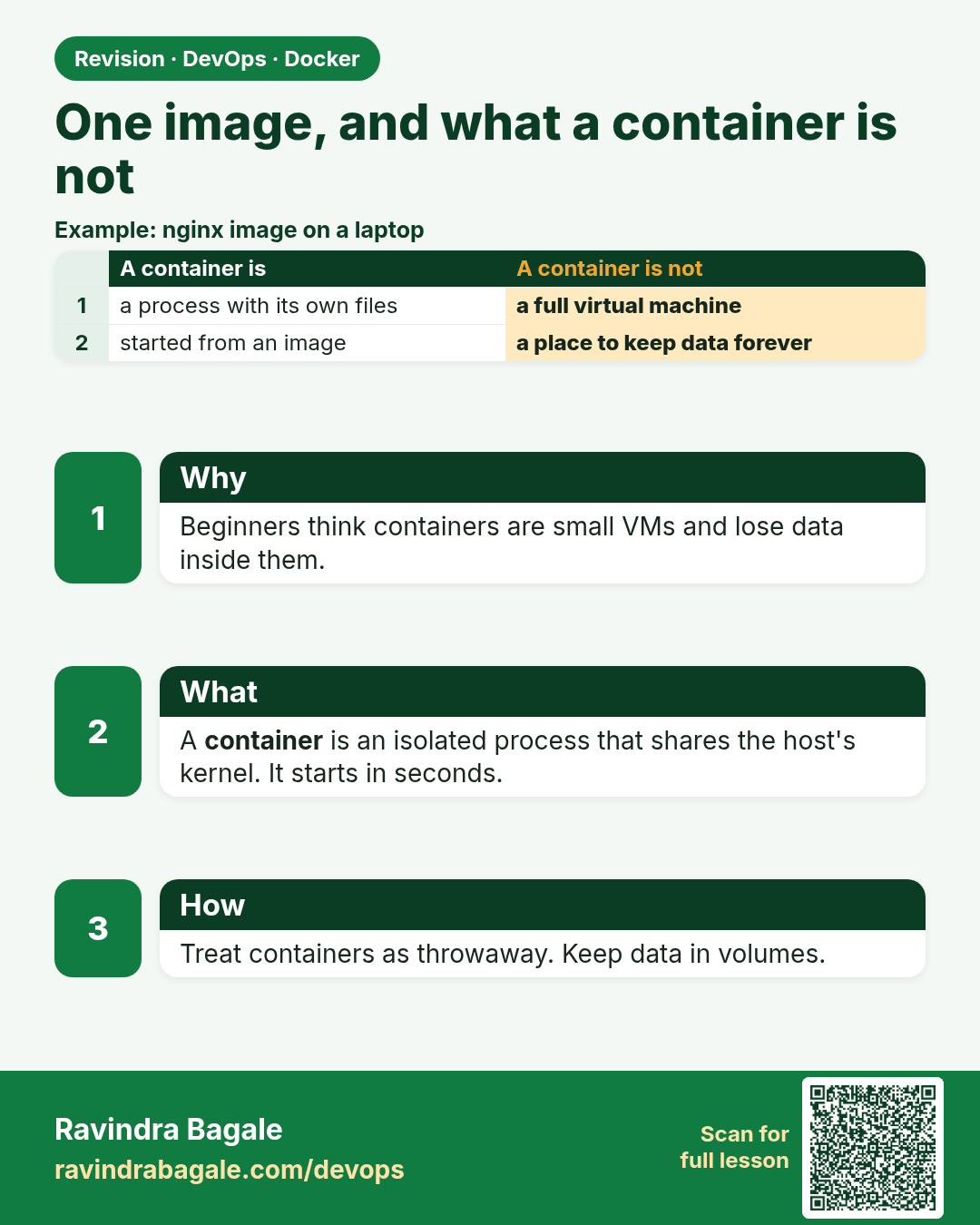
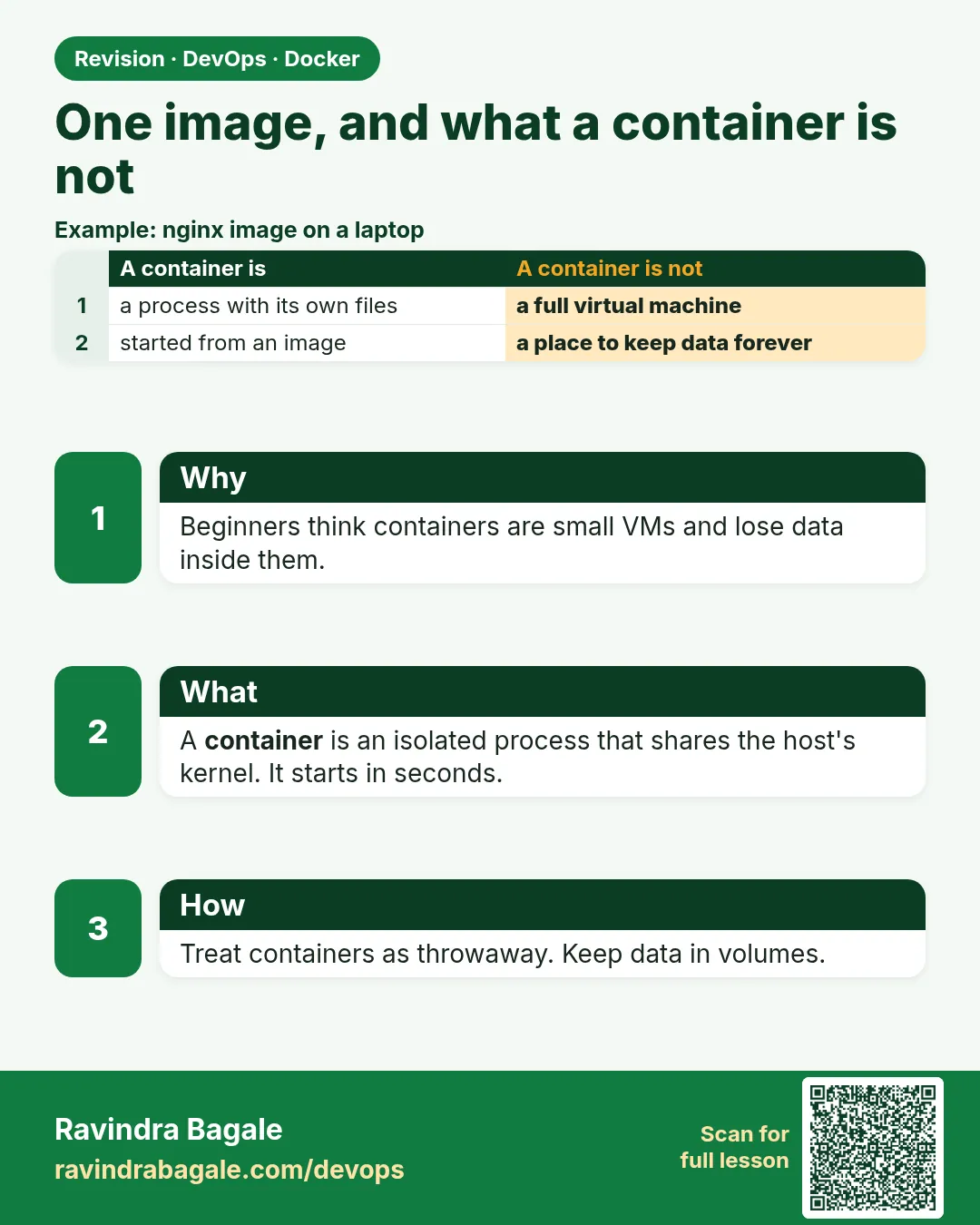 Revision card 2 of 12: One image, and what a container is not · Download PNG · Open card page
Lesson: 6.2 One image, and what a container is not
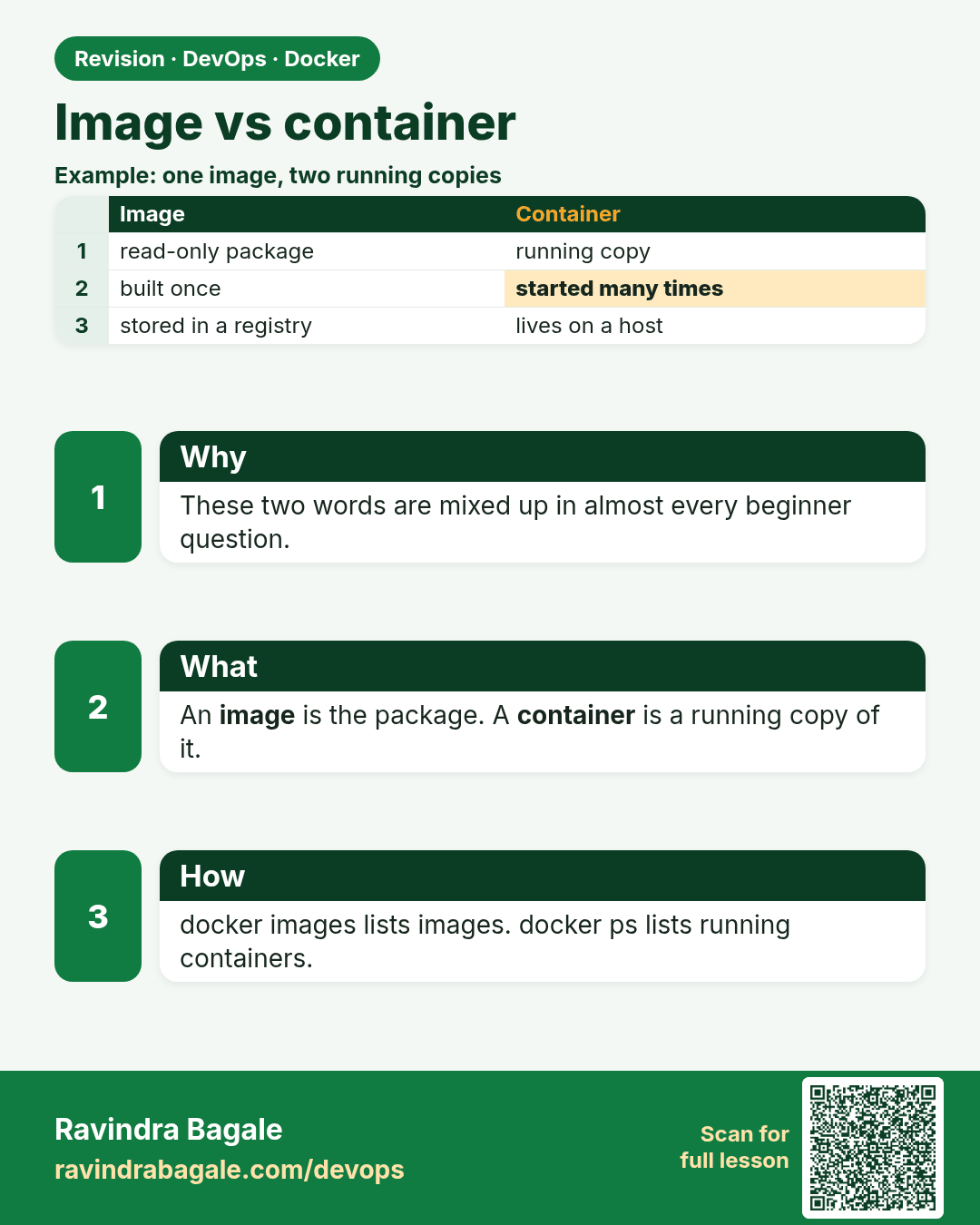
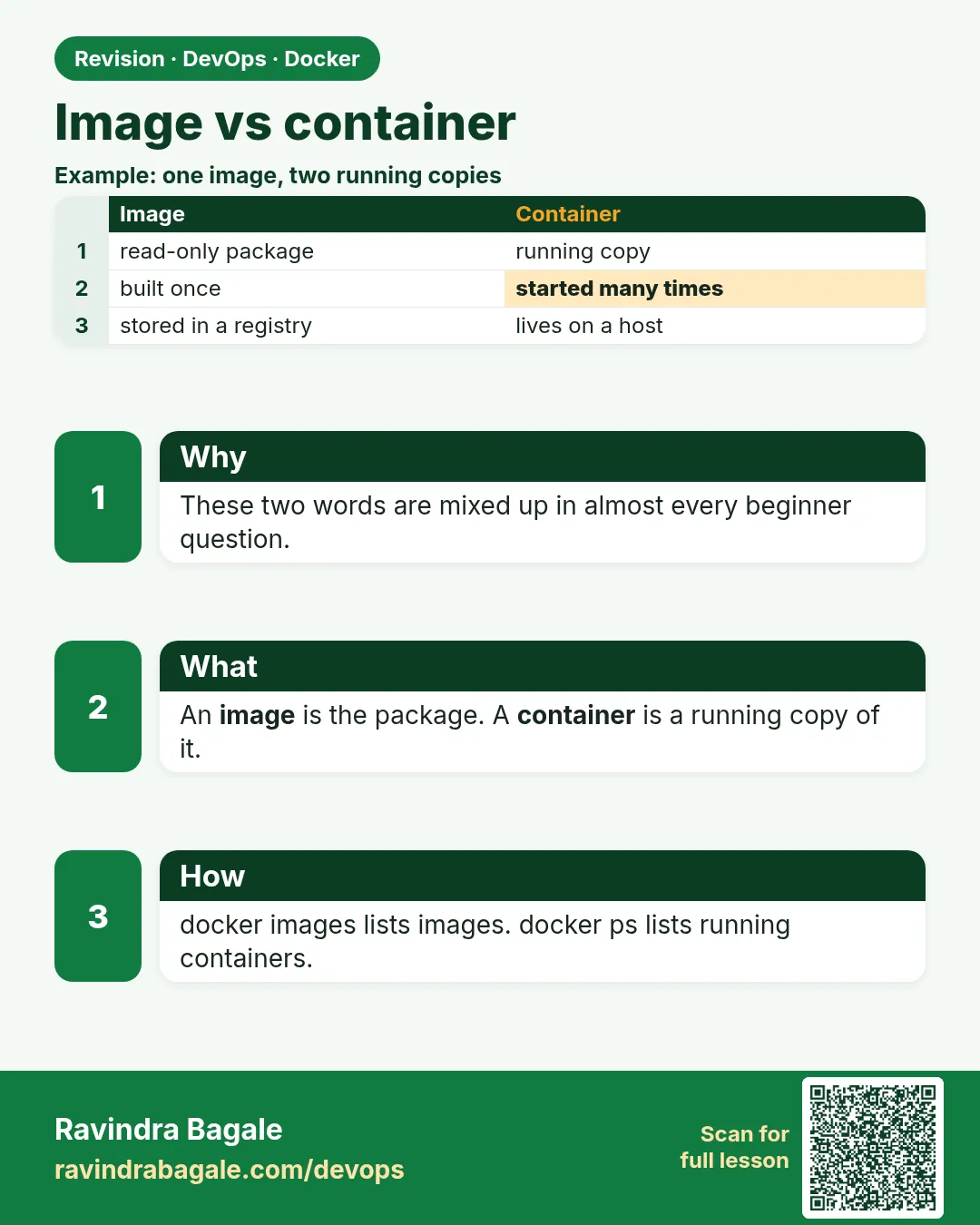 Revision card 3 of 12: Image vs container · Download PNG · Open card page
Lesson: 6.3 Image vs container
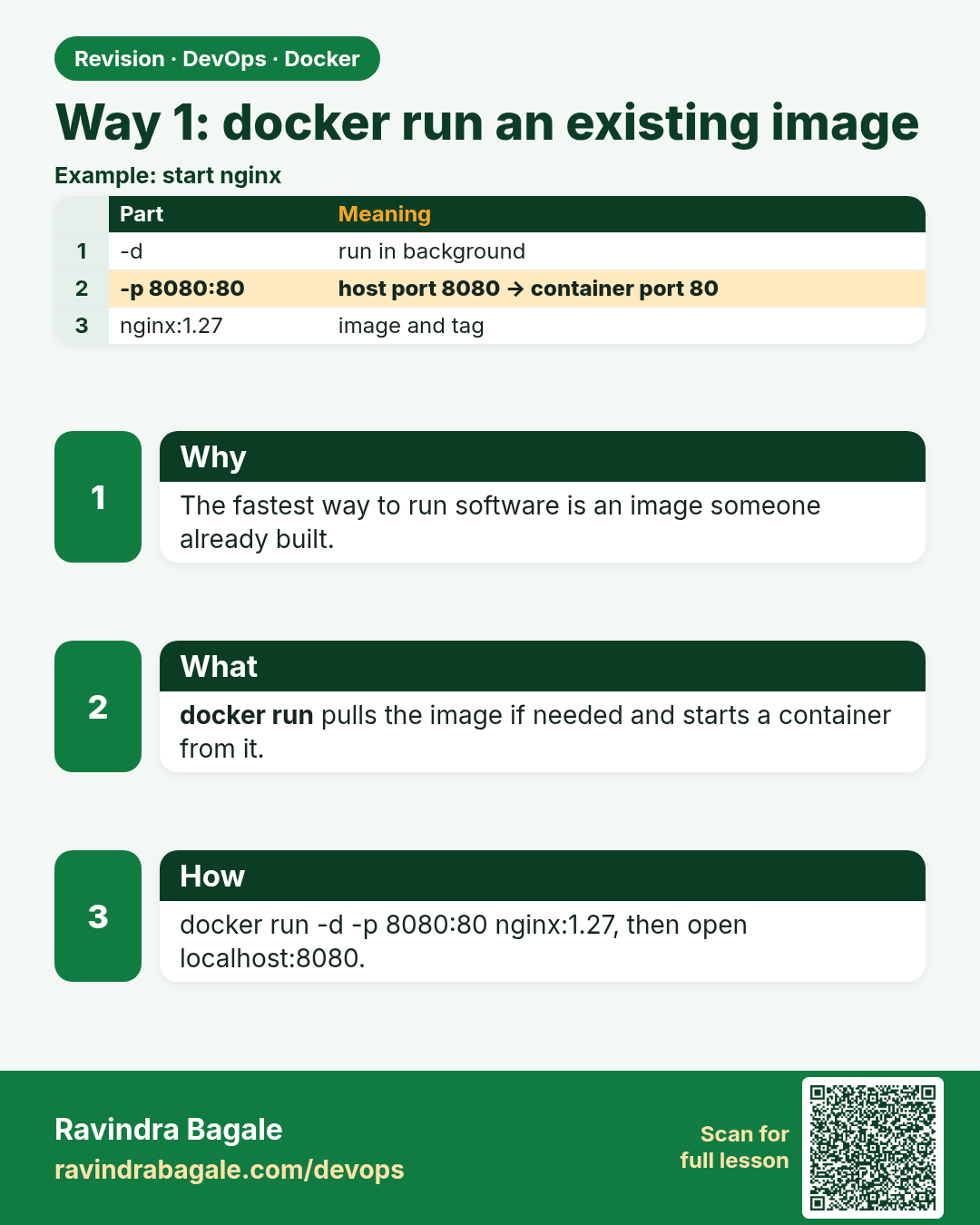
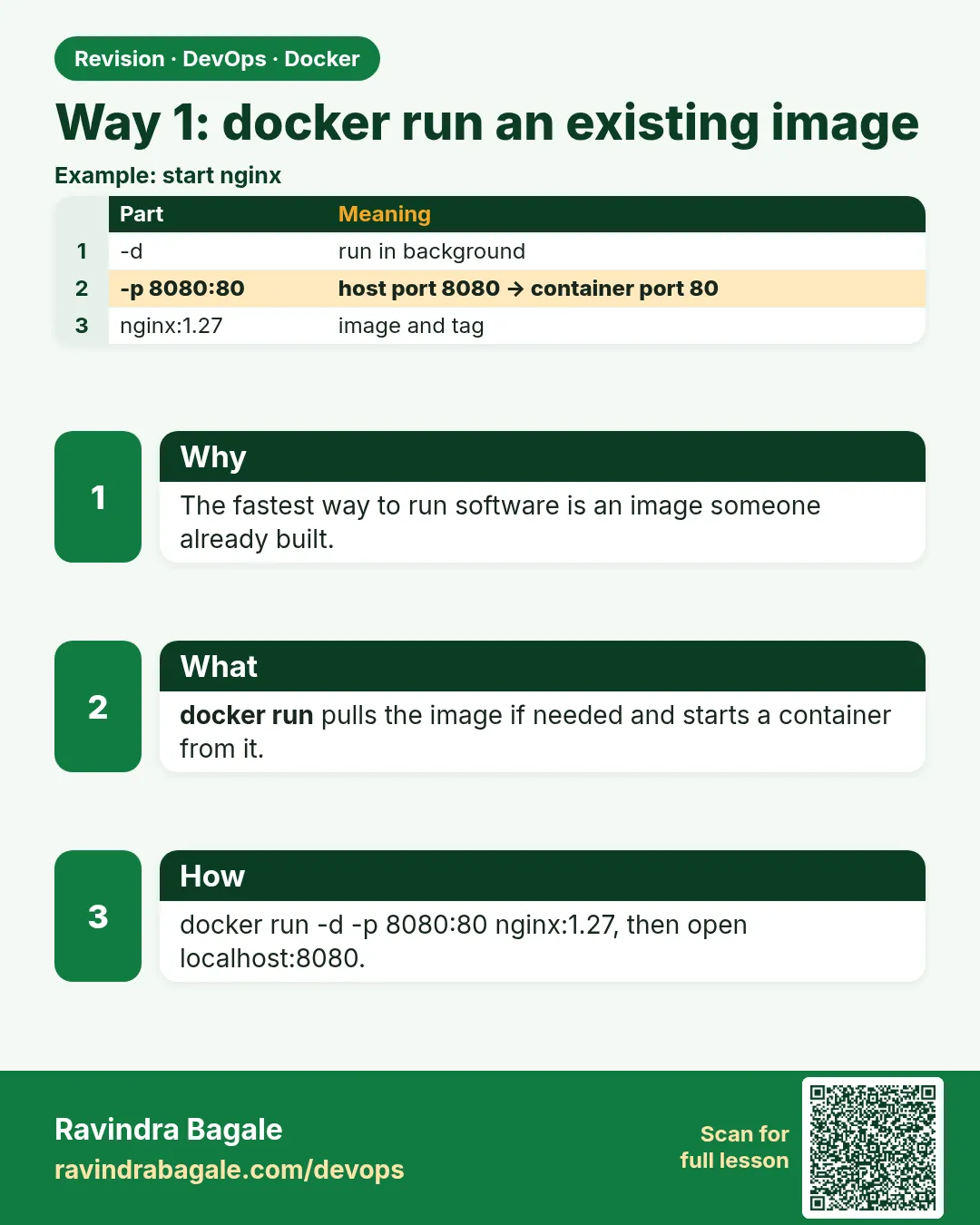 Revision card 4 of 12: Way 1: docker run an existing image · Download PNG · Open card page
Lesson: 6.4 Way 1 — docker run an image that already exists
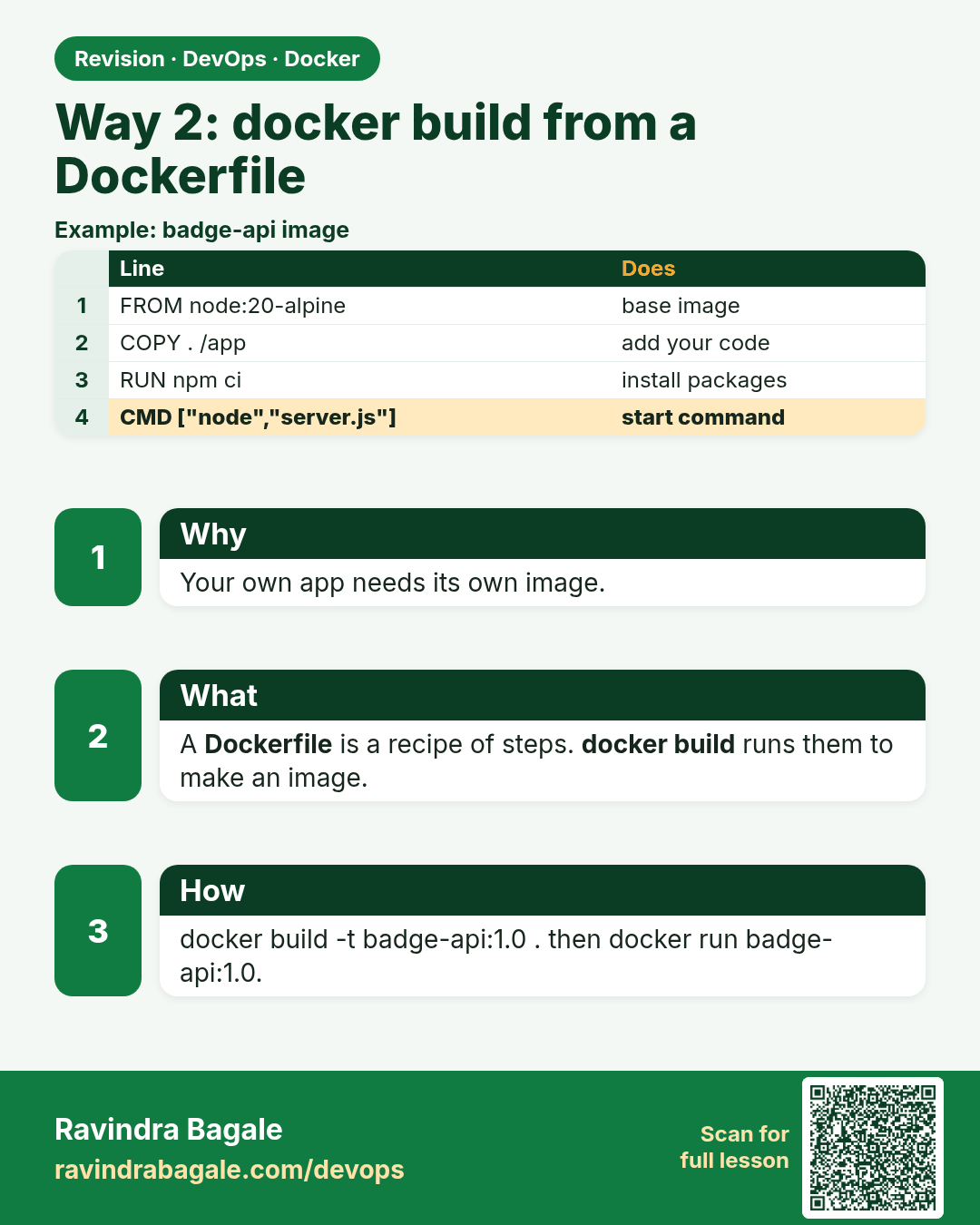
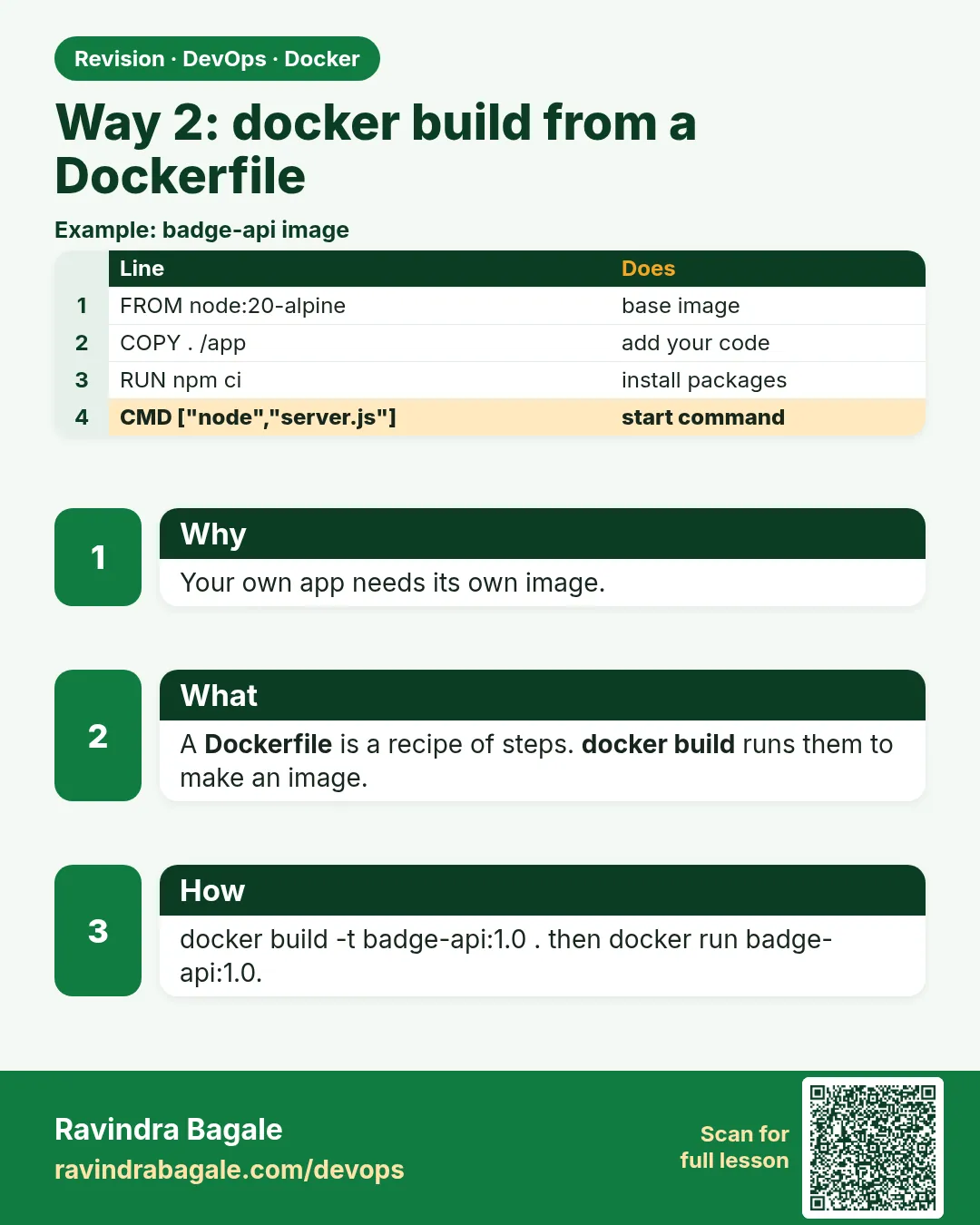 Revision card 5 of 12: Way 2: docker build from a Dockerfile · Download PNG · Open card page
Lesson: 6.5 Way 2 — docker build from a Dockerfile, then run
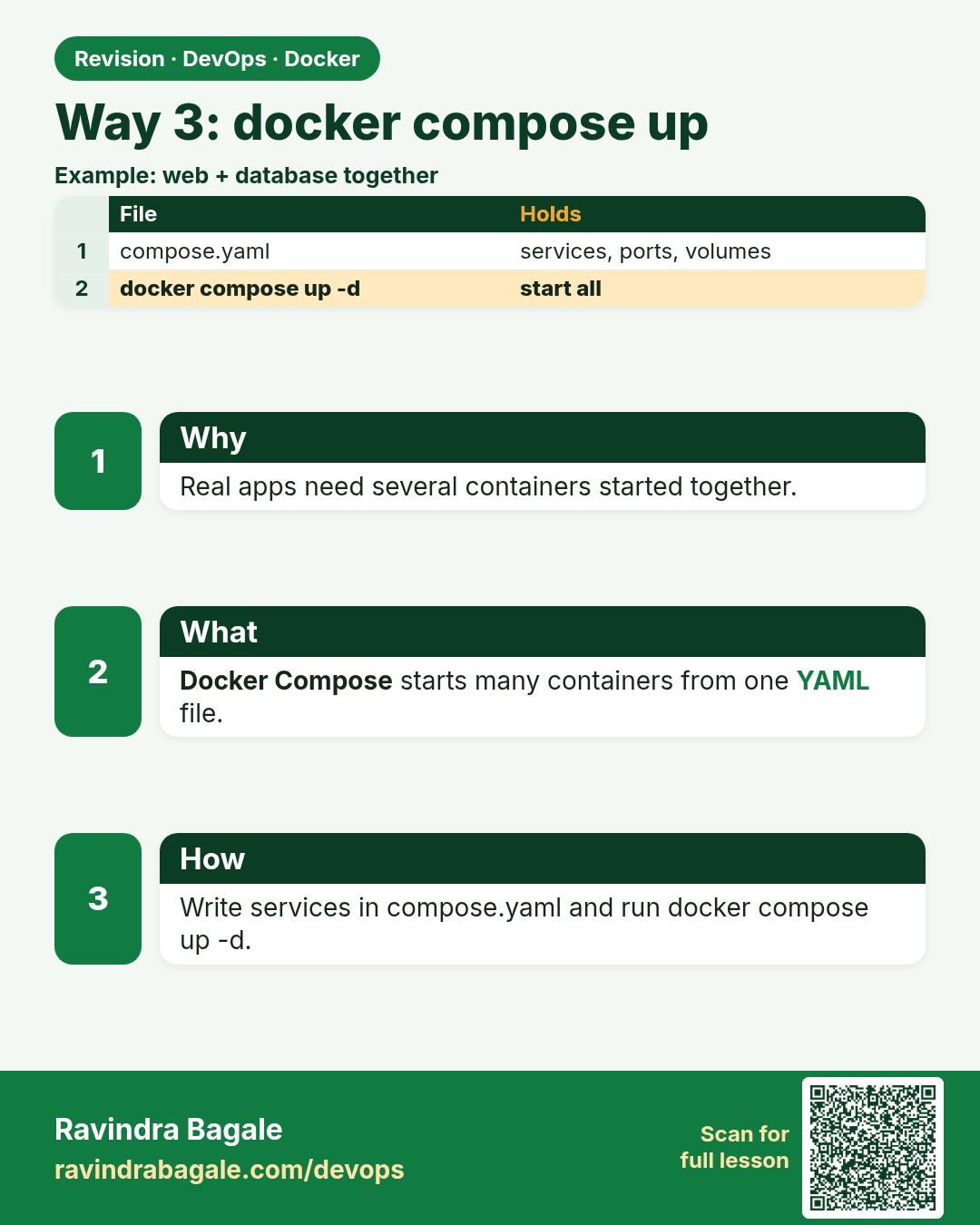
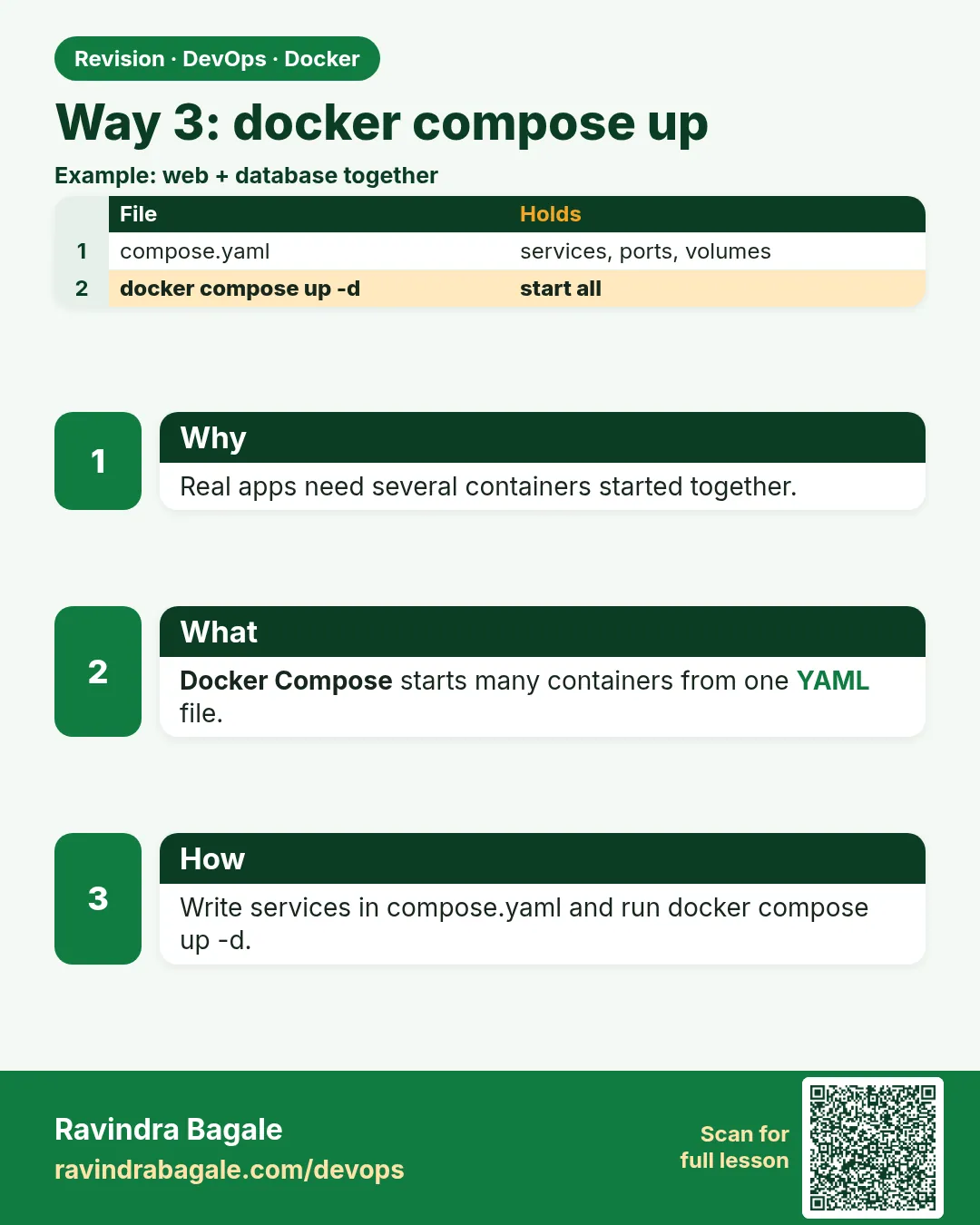 Revision card 6 of 12: Way 3: docker compose up · Download PNG · Open card page
Lesson: 6.6 Way 3 — docker compose up (pointer)
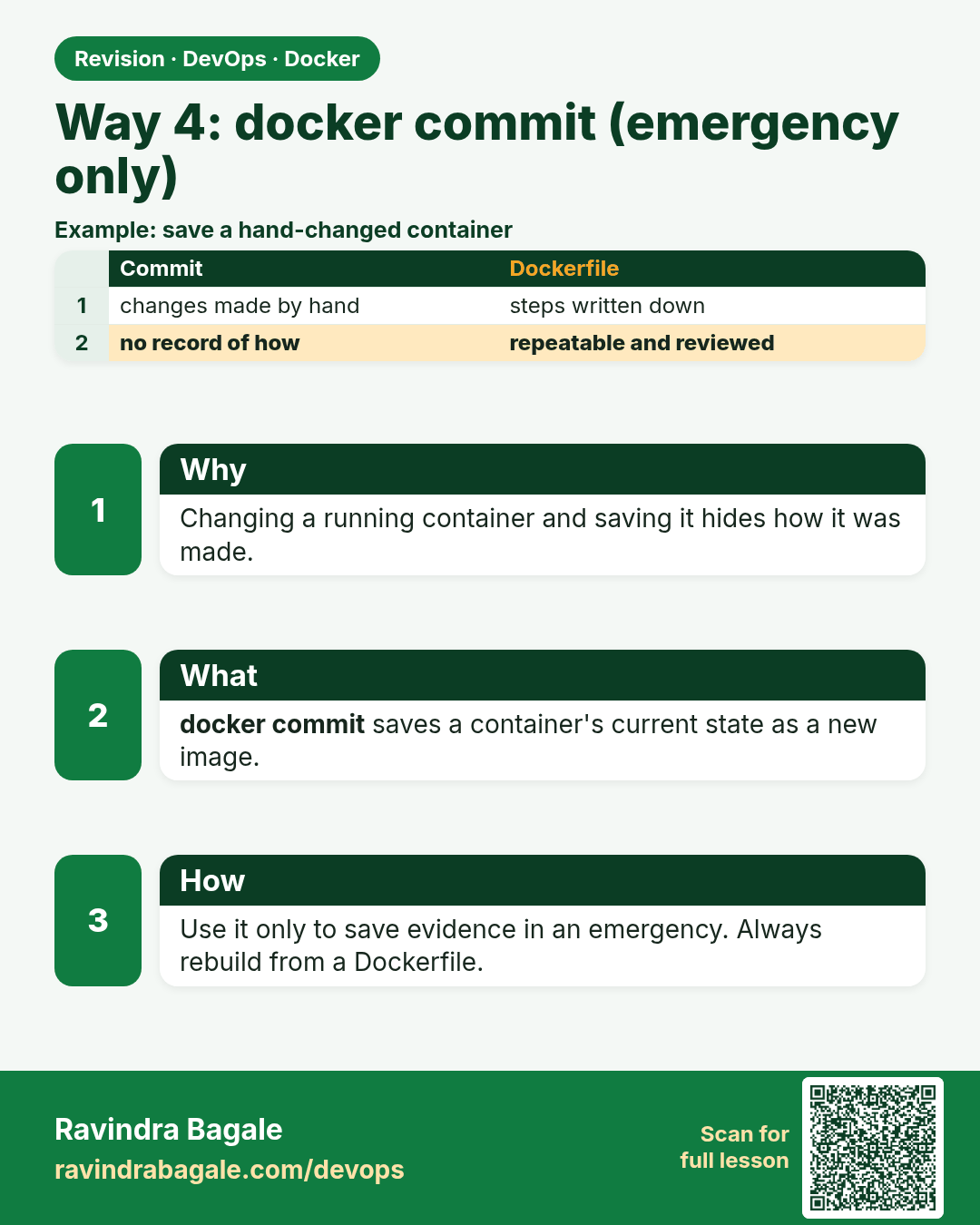
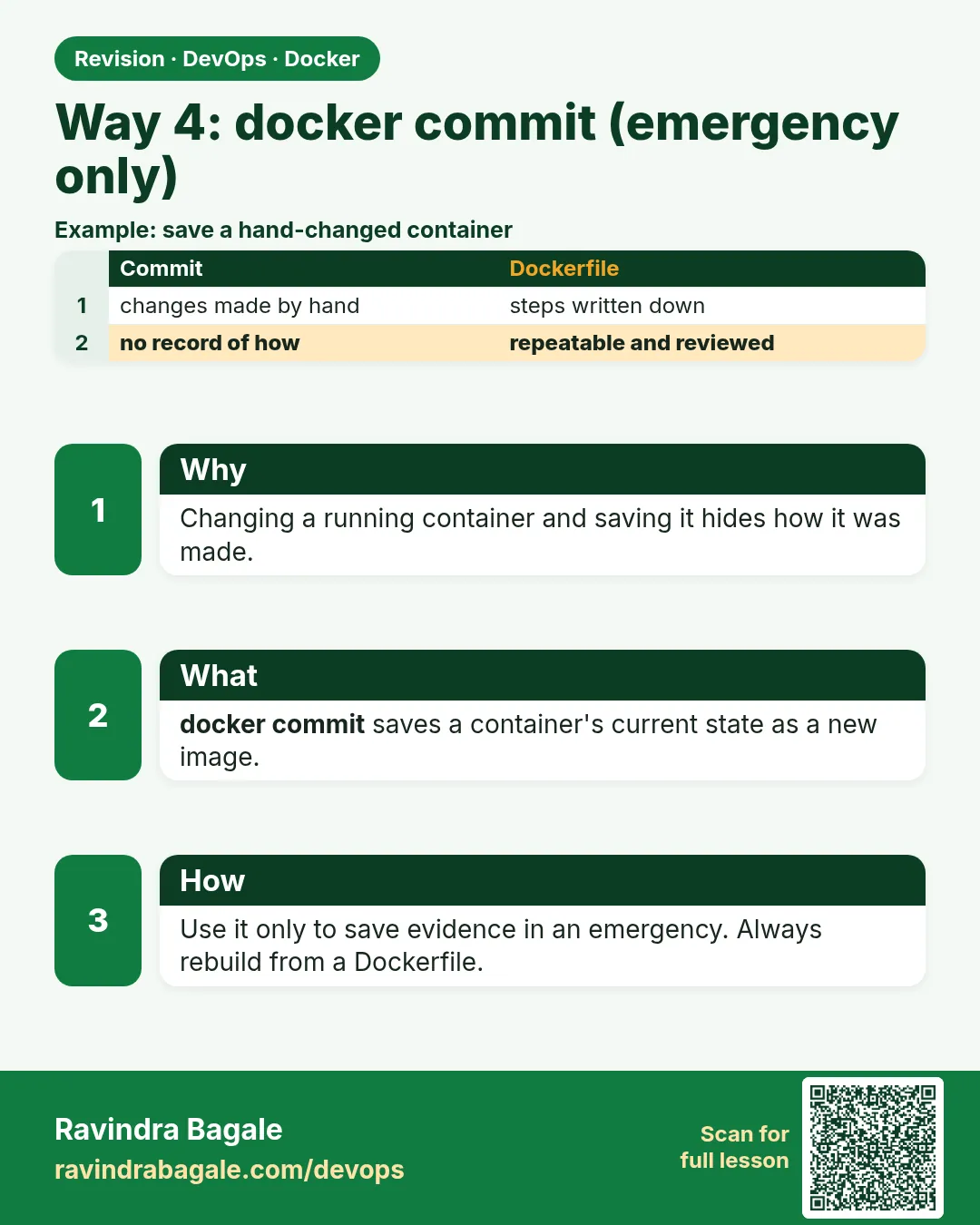 Revision card 7 of 12: Way 4: docker commit (emergency only) · Download PNG · Open card page
Lesson: 6.7 Way 4 — docker commit, emergency only
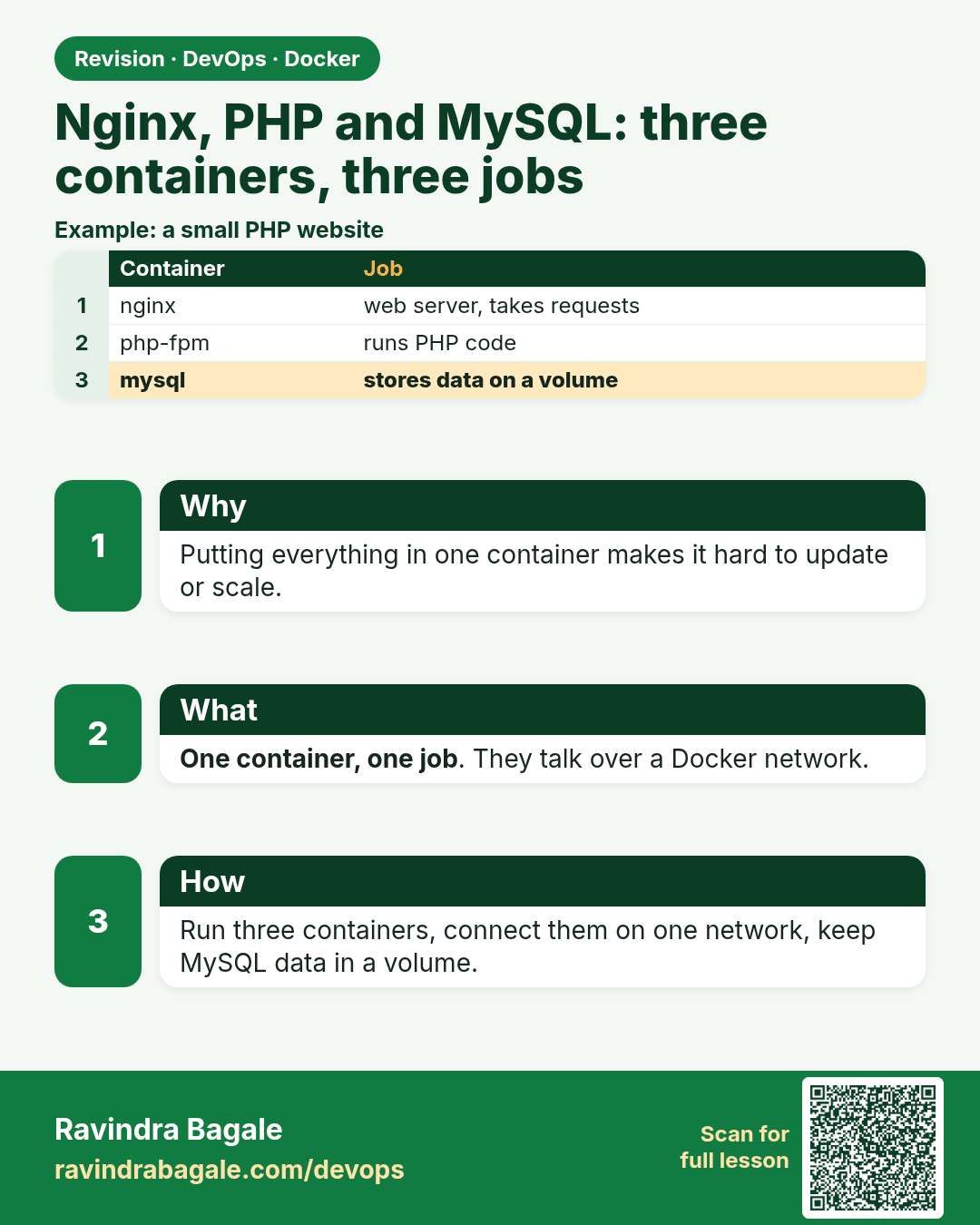
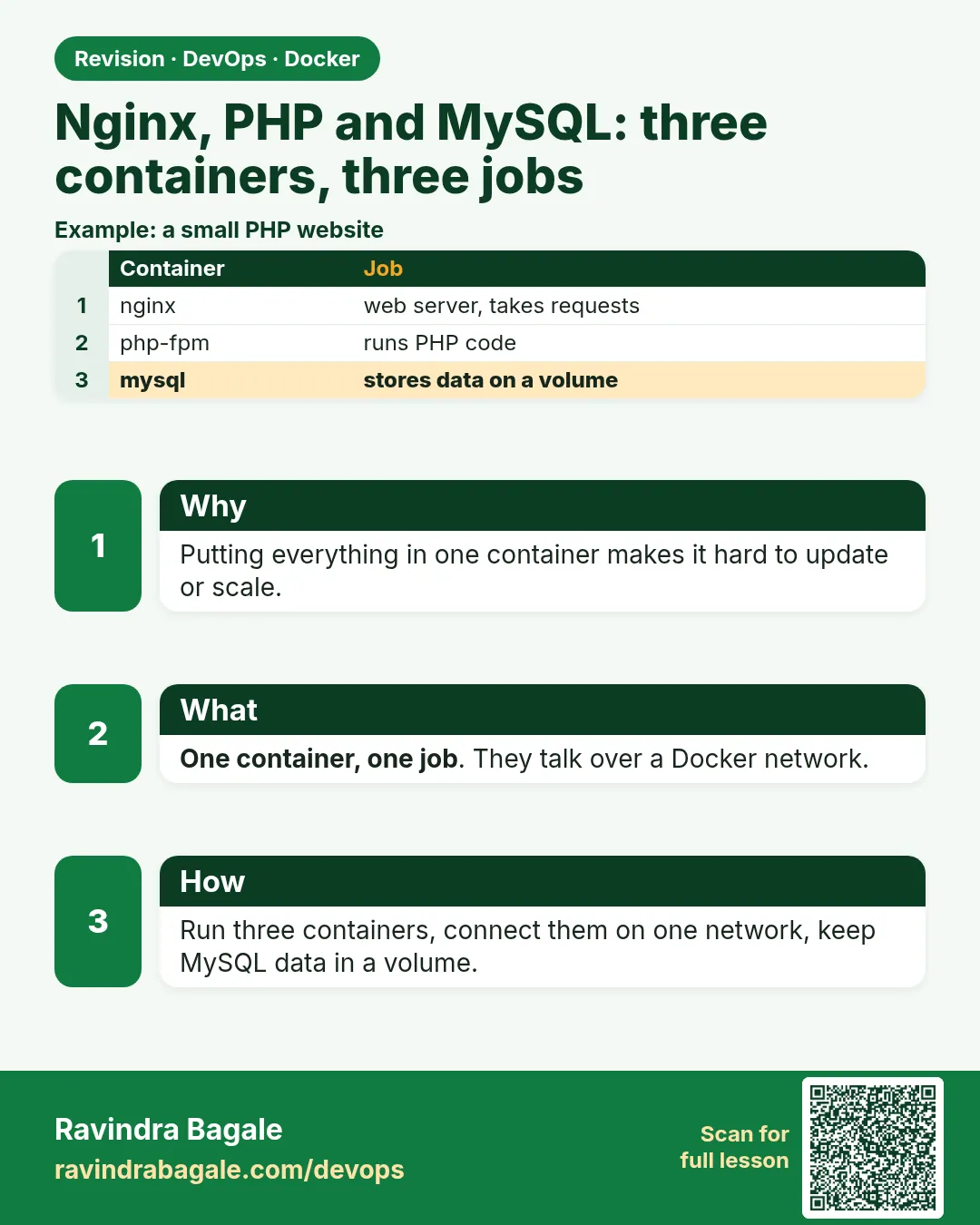 Revision card 8 of 12: Nginx, PHP and MySQL: three containers, three jobs · Download PNG · Open card page
Lesson: 6.8 nginx, PHP and MySQL — three containers, three jobs
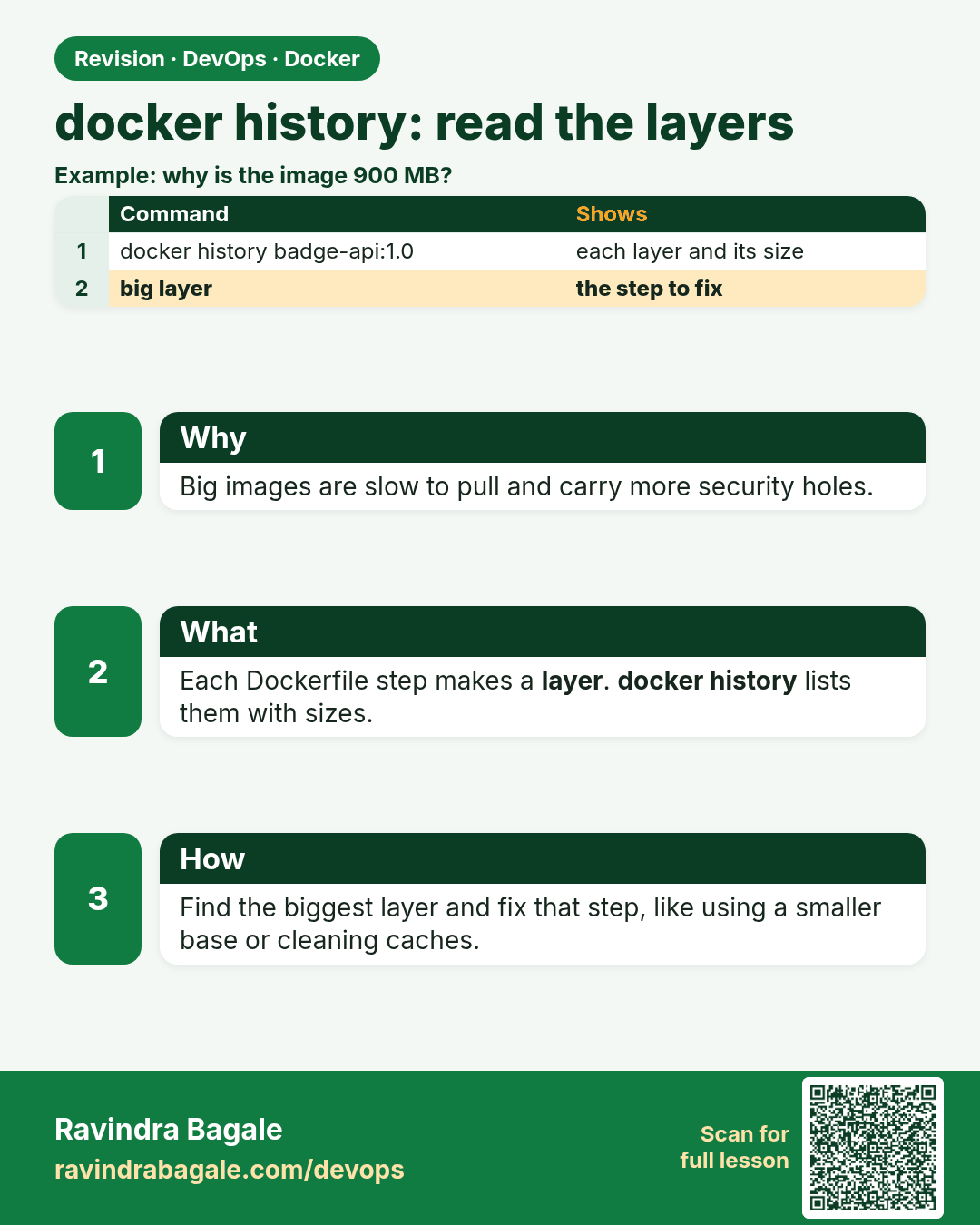
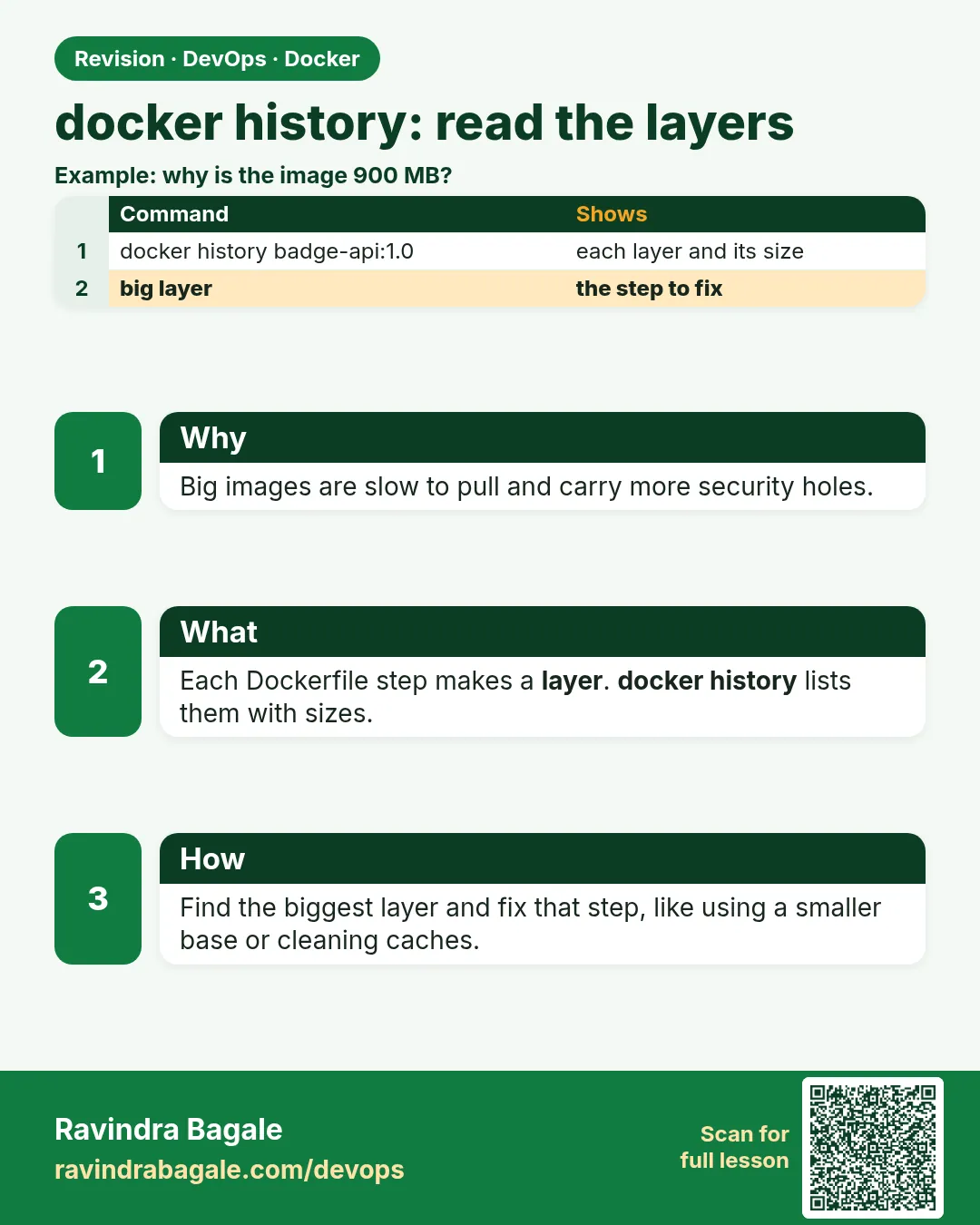 Revision card 9 of 12: docker history: read the layers · Download PNG · Open card page
Lesson: 6.9 docker history — read the layers
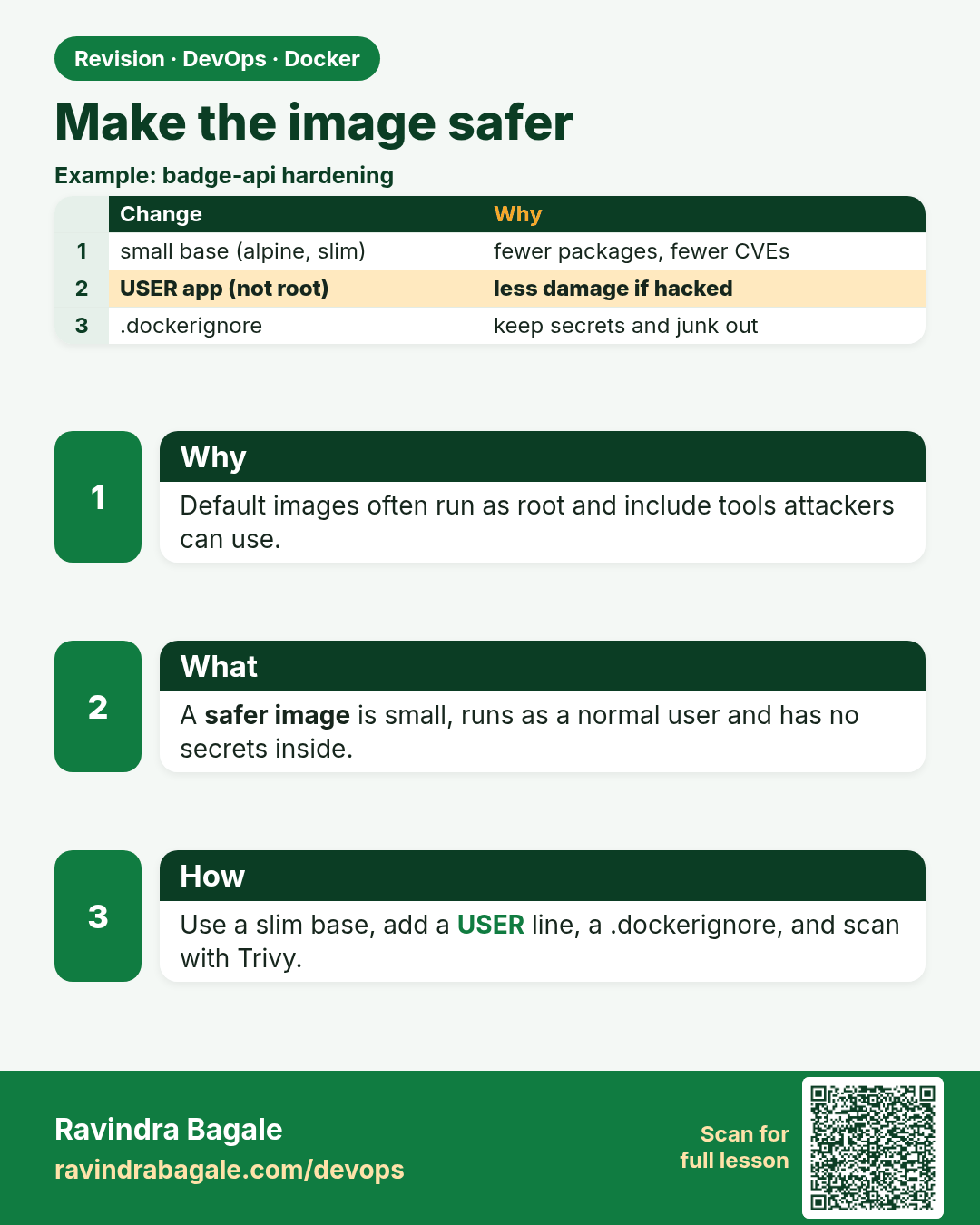
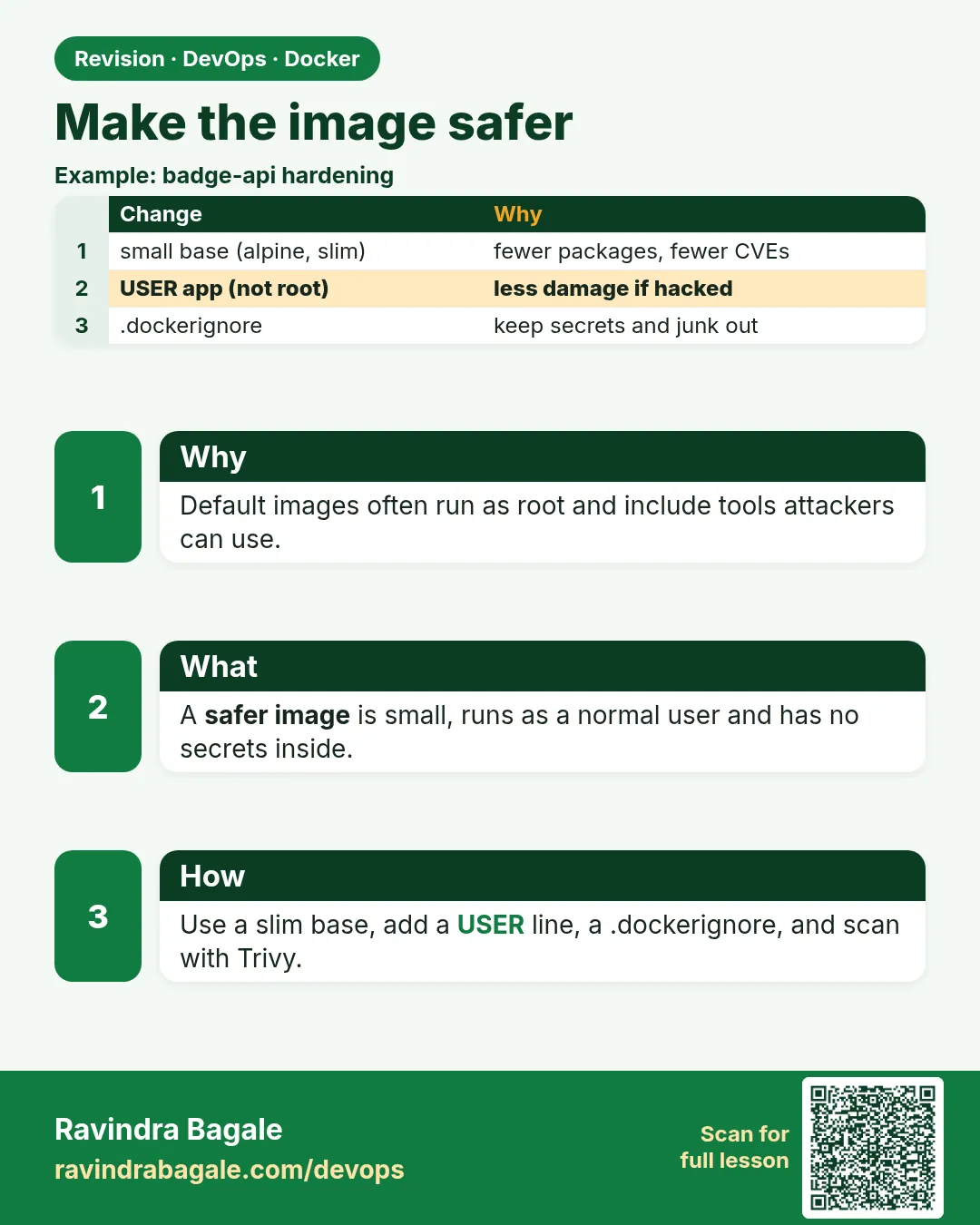 Revision card 10 of 12: Make the image safer · Download PNG · Open card page
Lesson: 6.10 Make the image safer
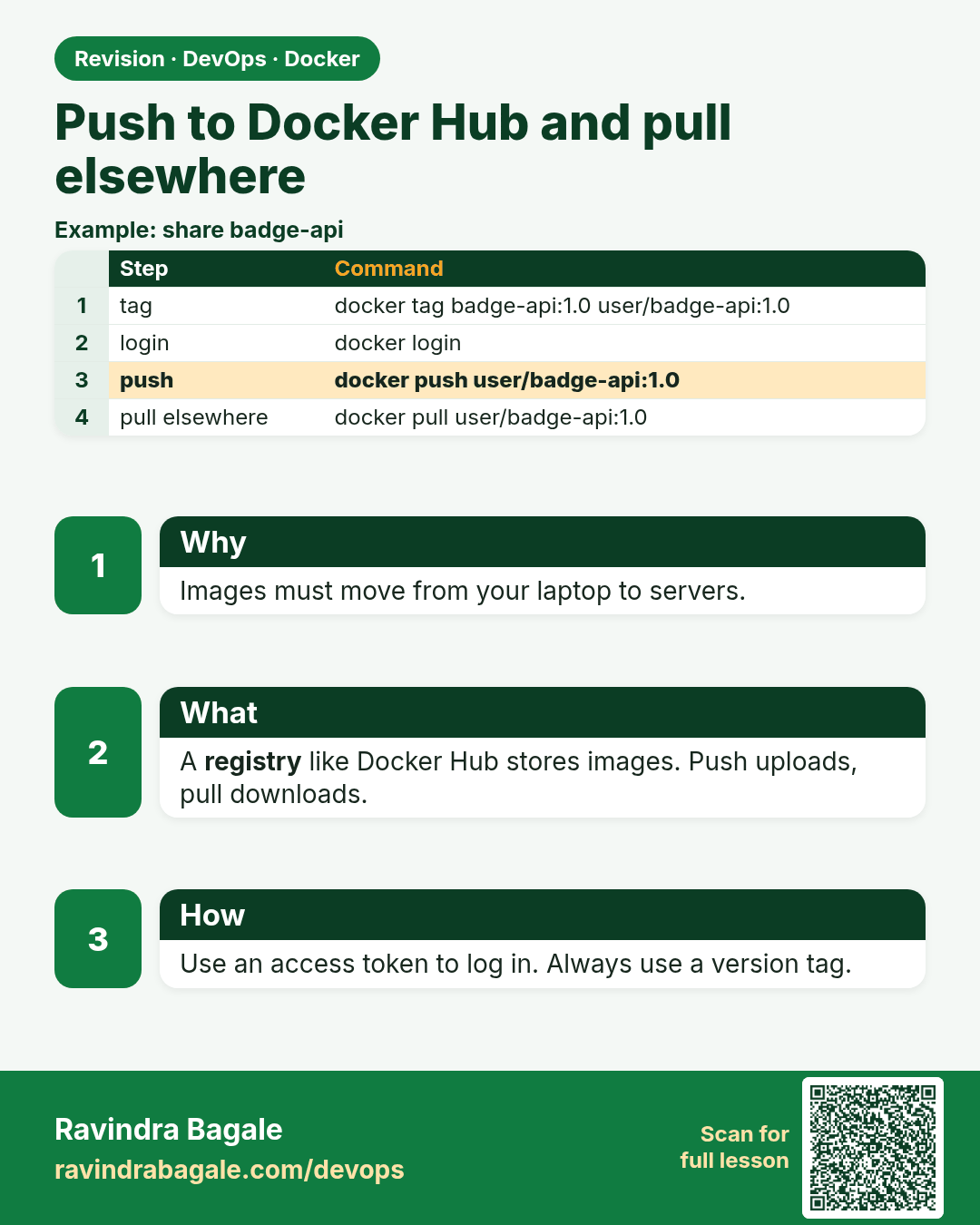
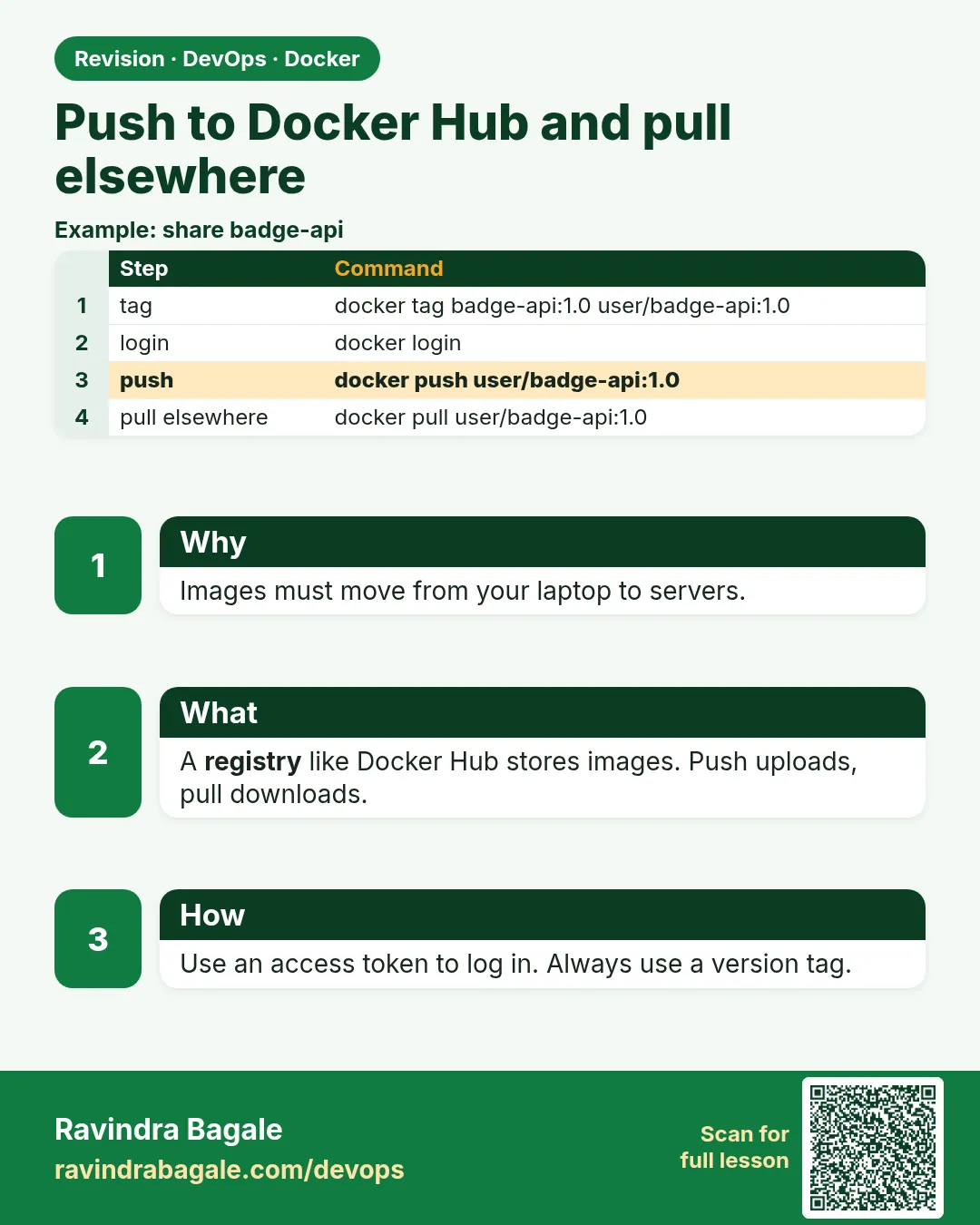 Revision card 11 of 12: Push to Docker Hub and pull elsewhere · Download PNG · Open card page
Lesson: 6.11 Push to Docker Hub and pull on another machine
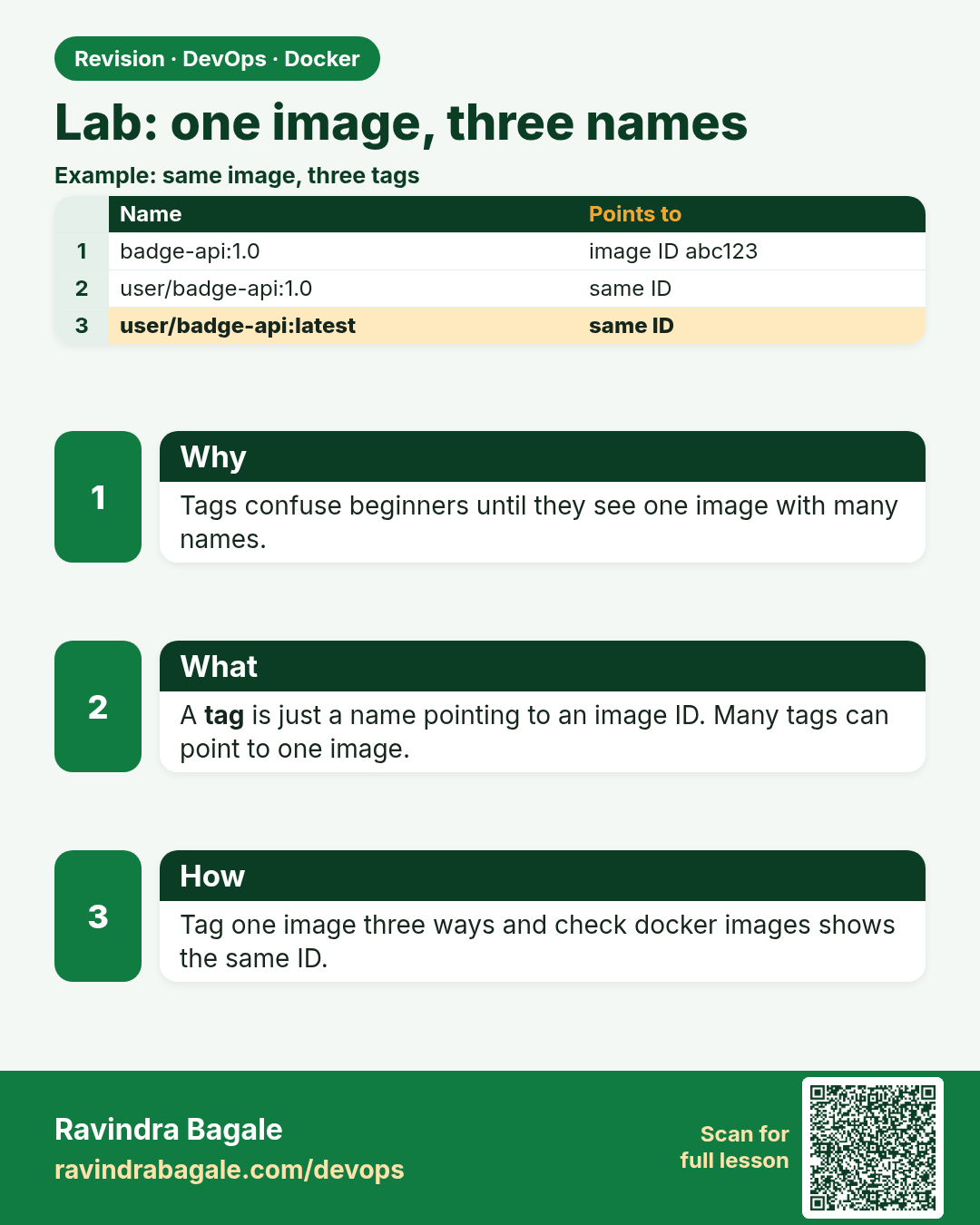
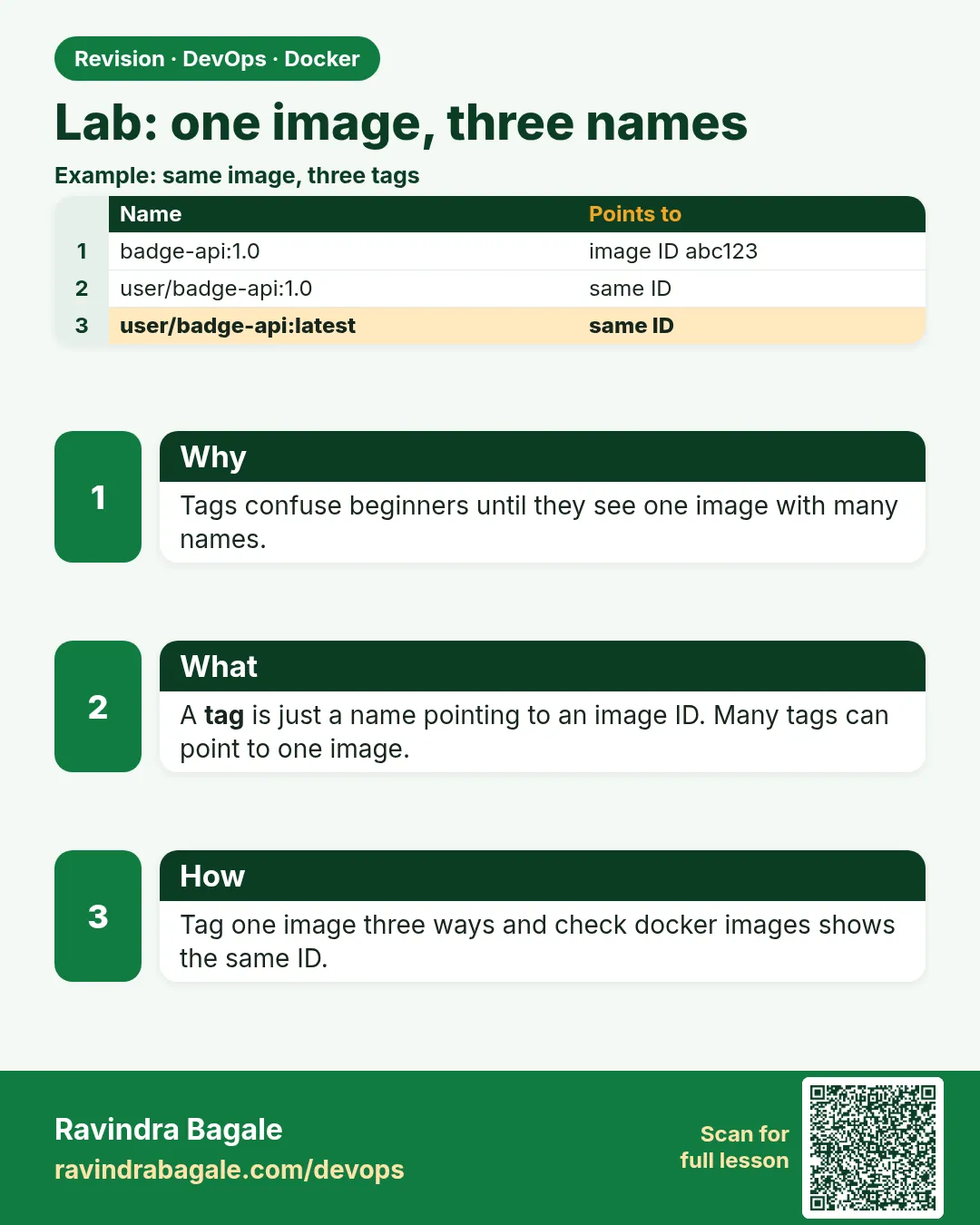 Revision card 12 of 12: Lab: one image, three names · Download PNG · Open card page
Lesson: 6.12 Lab — one image, three names
Interview cards
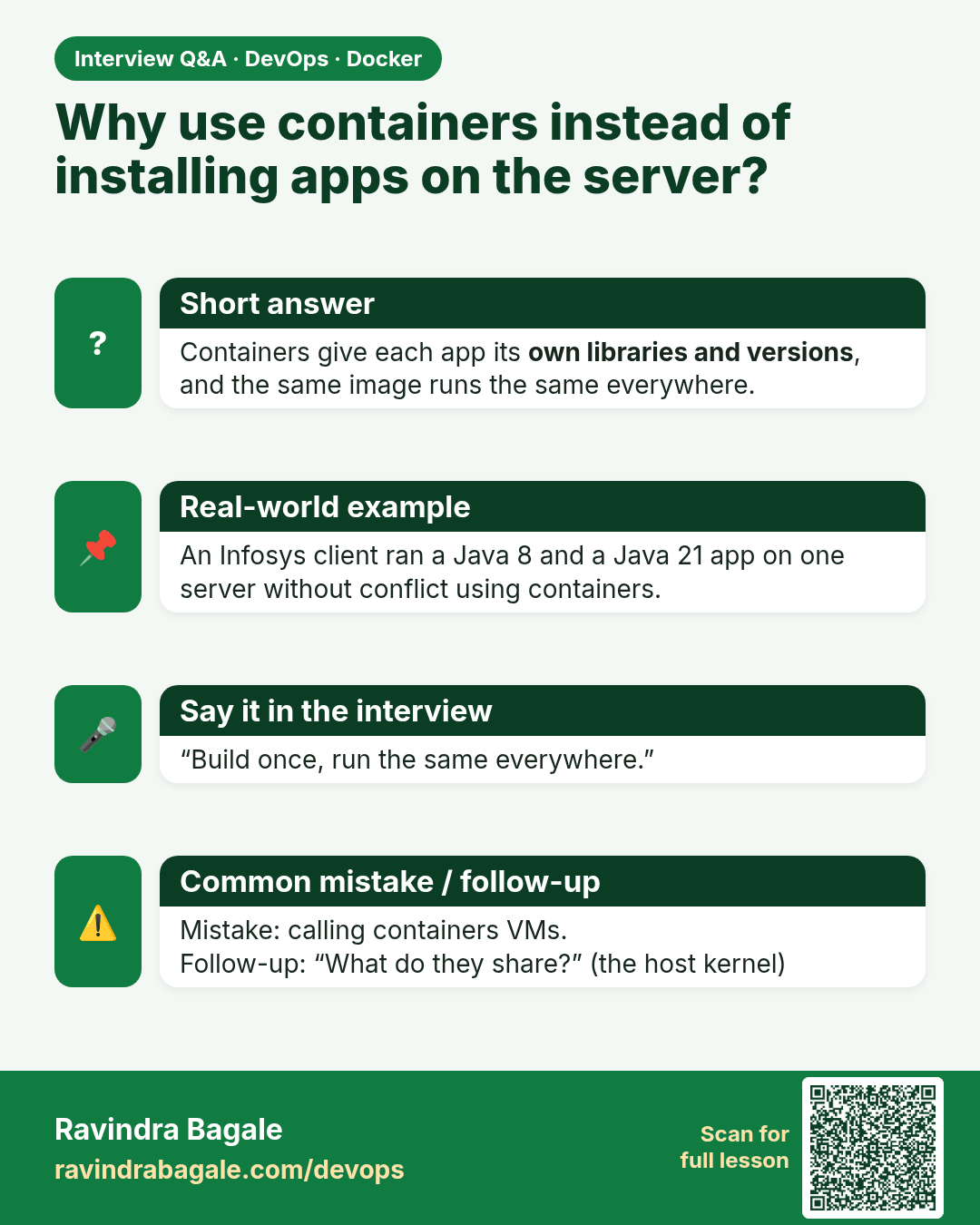
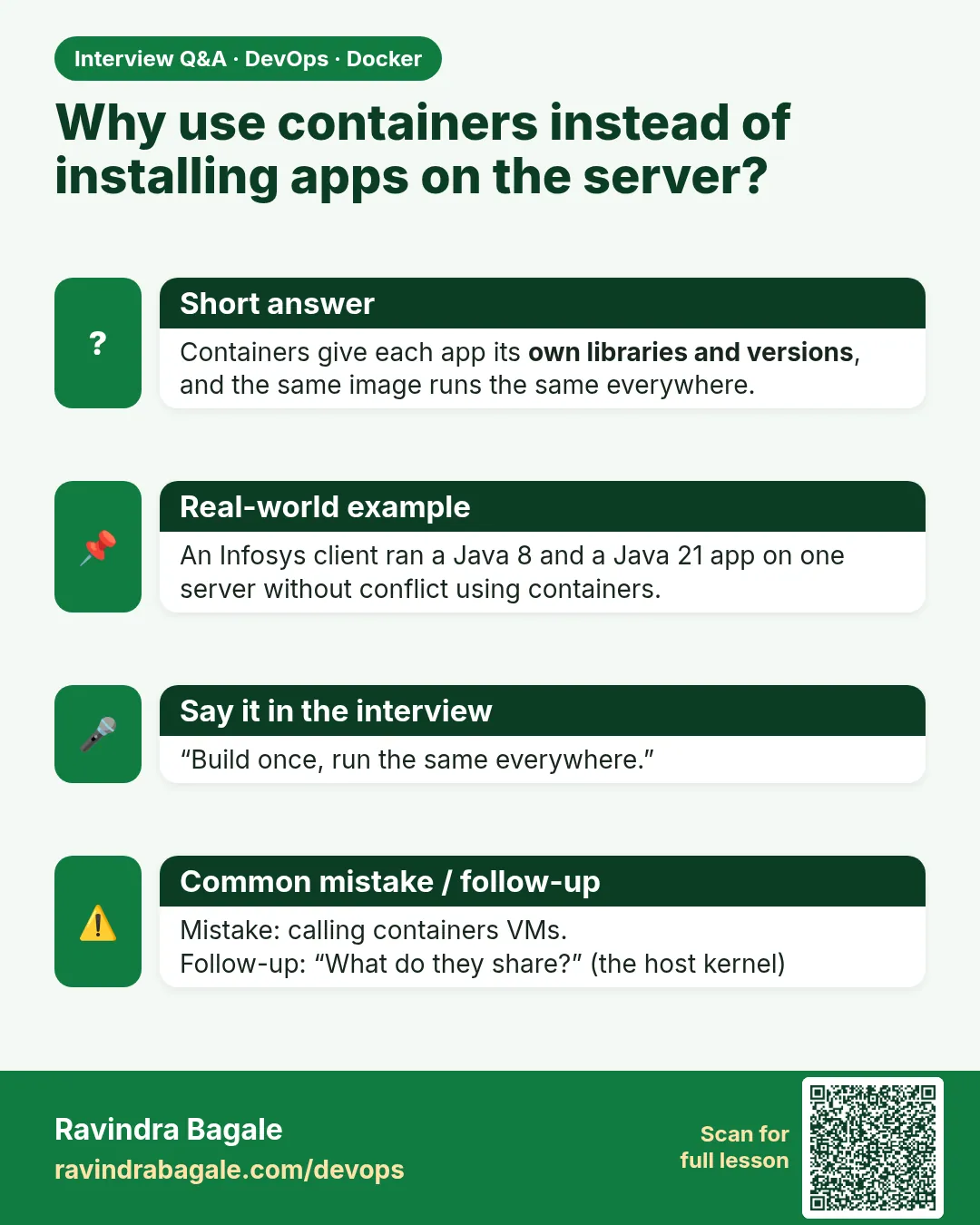 Interview card 1 of 12: Why use containers instead of installing apps on the server? · Download PNG · Open card page
Lesson: 6.1 Why the app should not be installed straight on the EC2
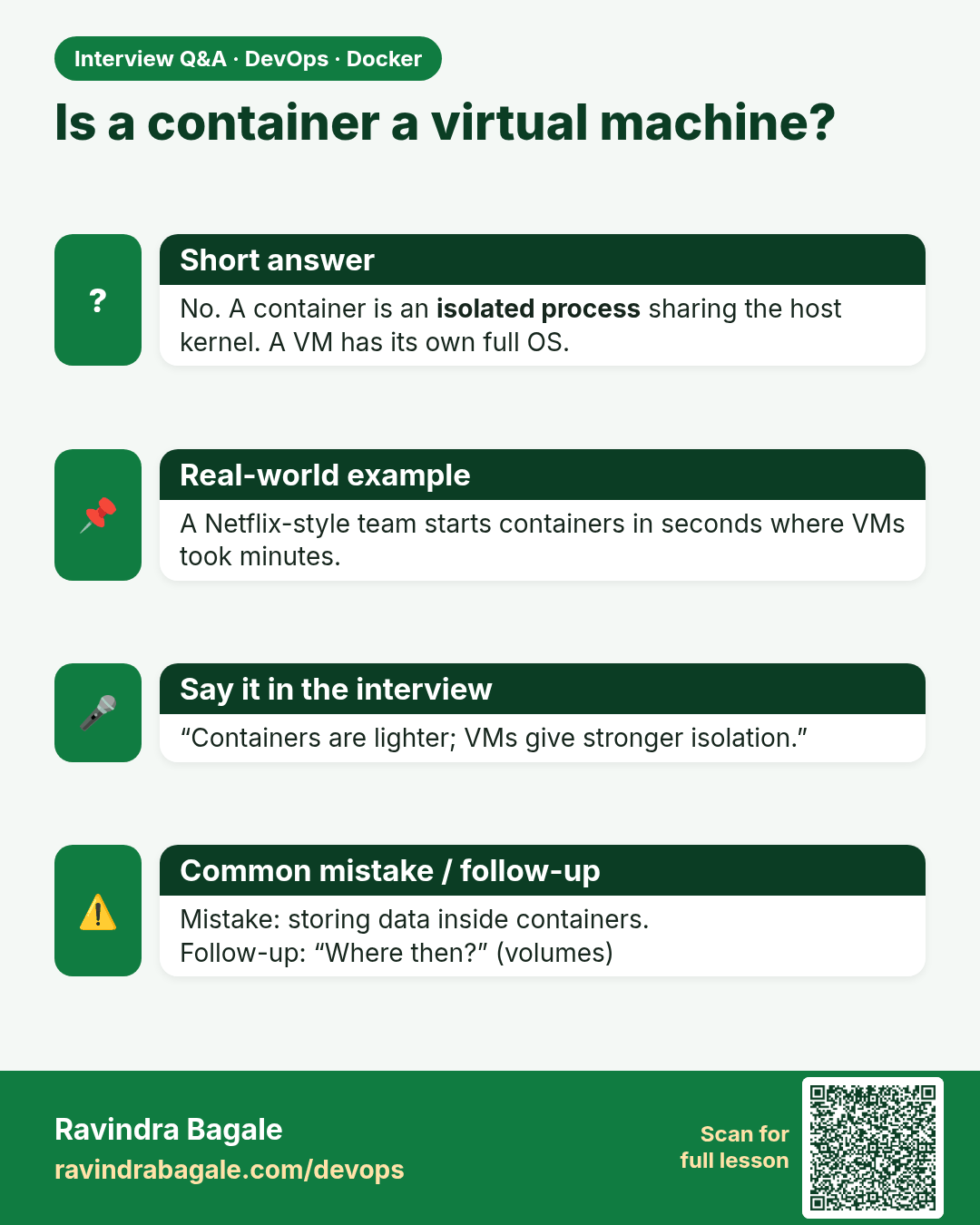
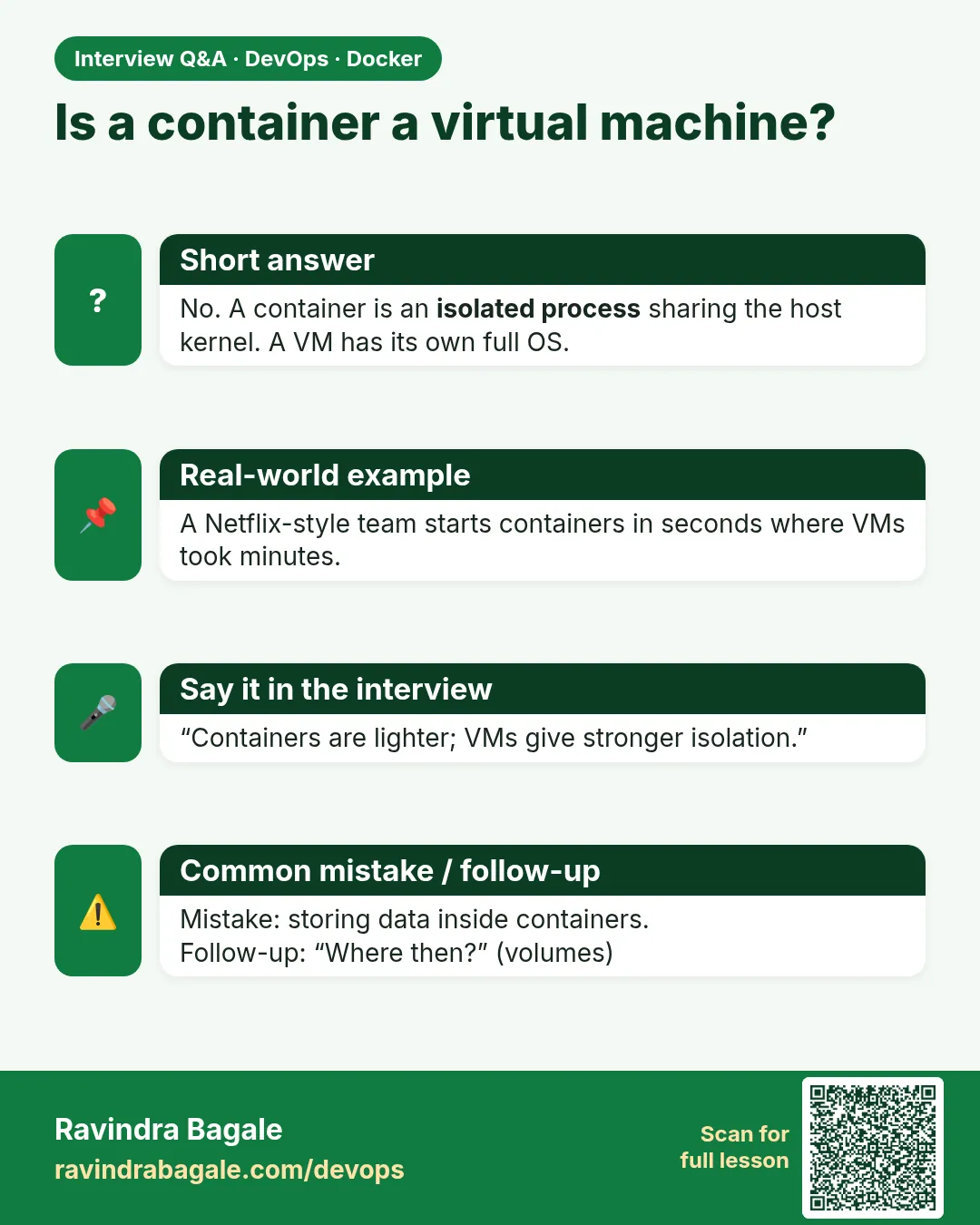 Interview card 2 of 12: Is a container a virtual machine? · Download PNG · Open card page
Lesson: 6.2 One image, and what a container is not
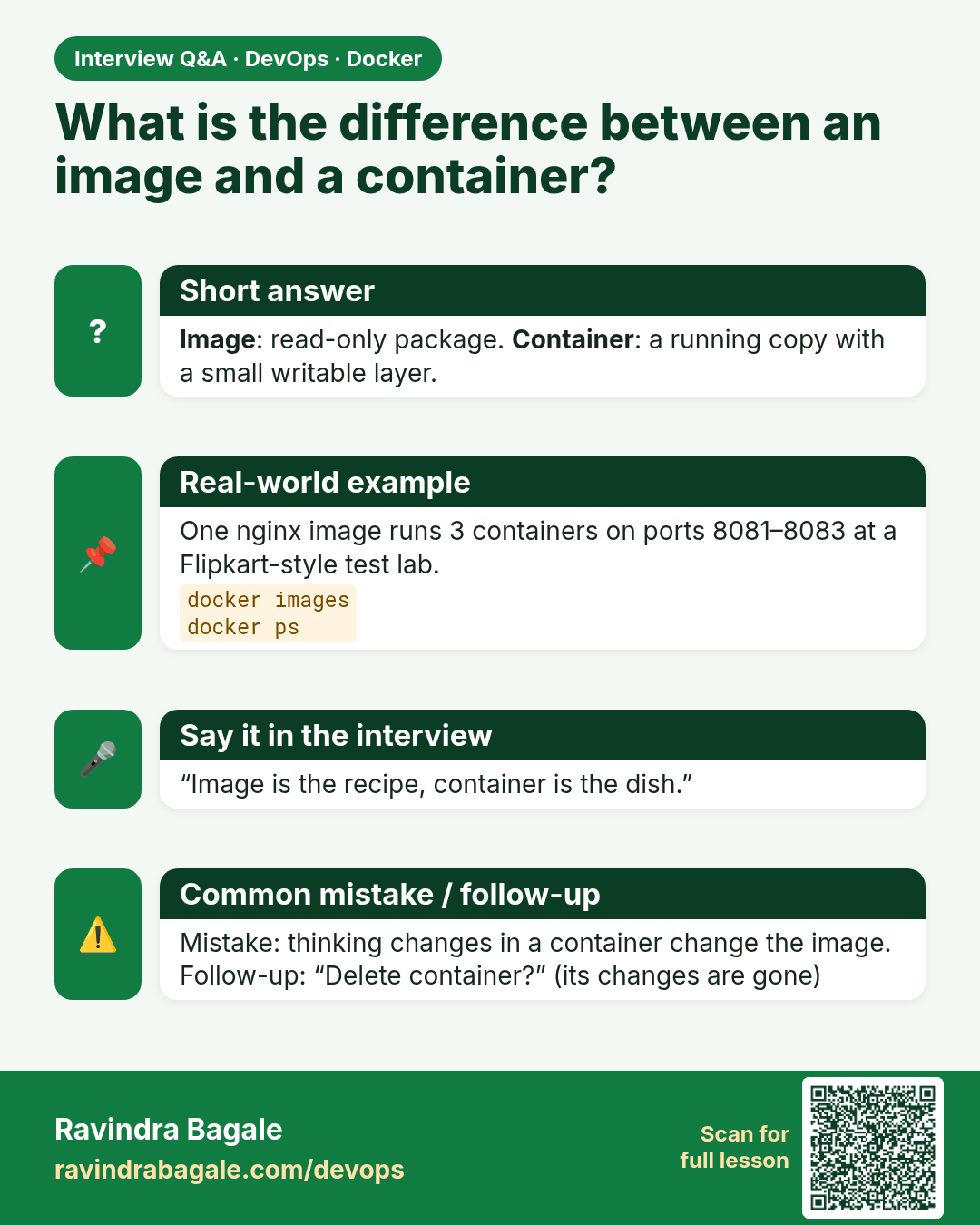
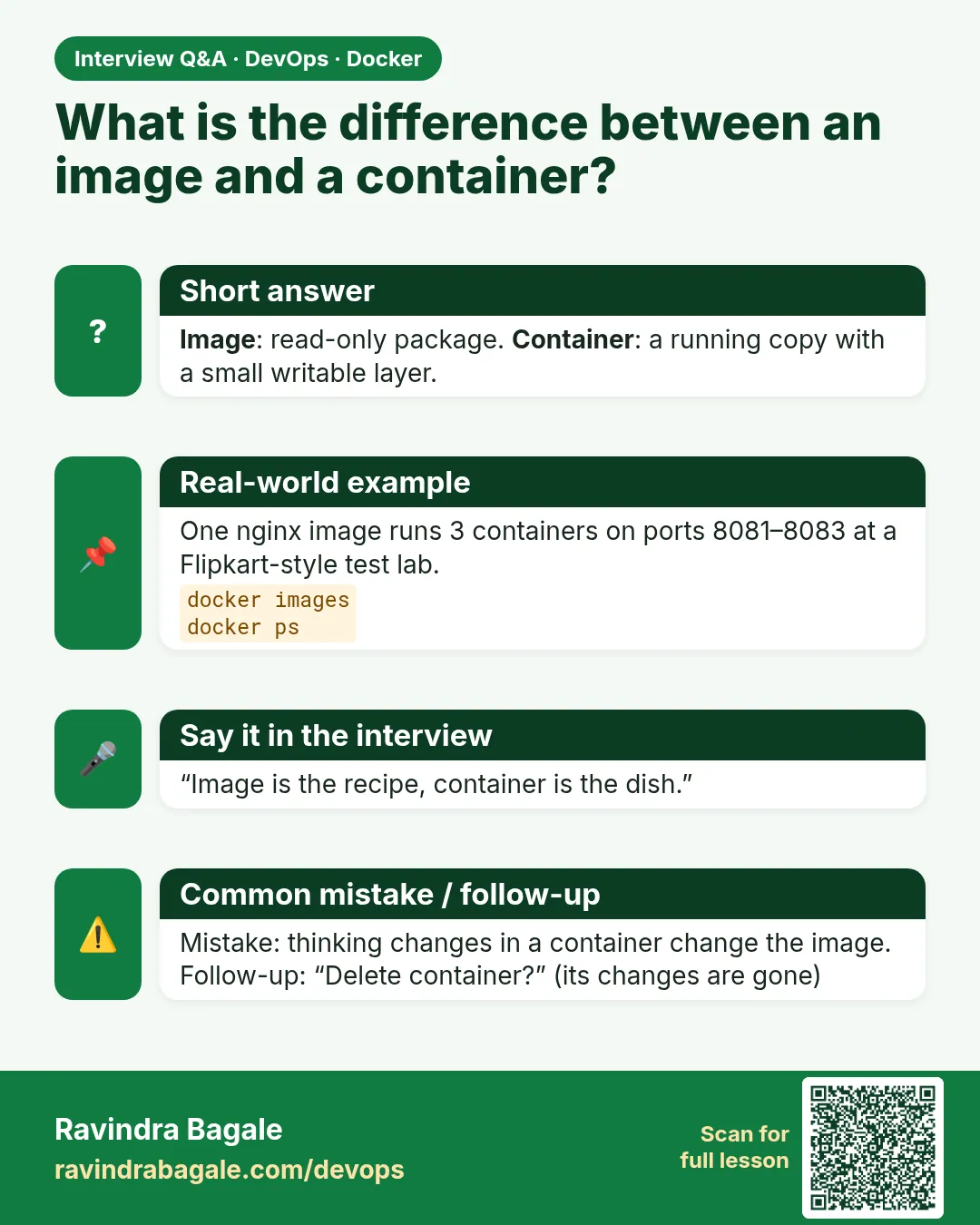 Interview card 3 of 12: What is the difference between an image and a container? · Download PNG · Open card page
Lesson: 6.3 Image vs container
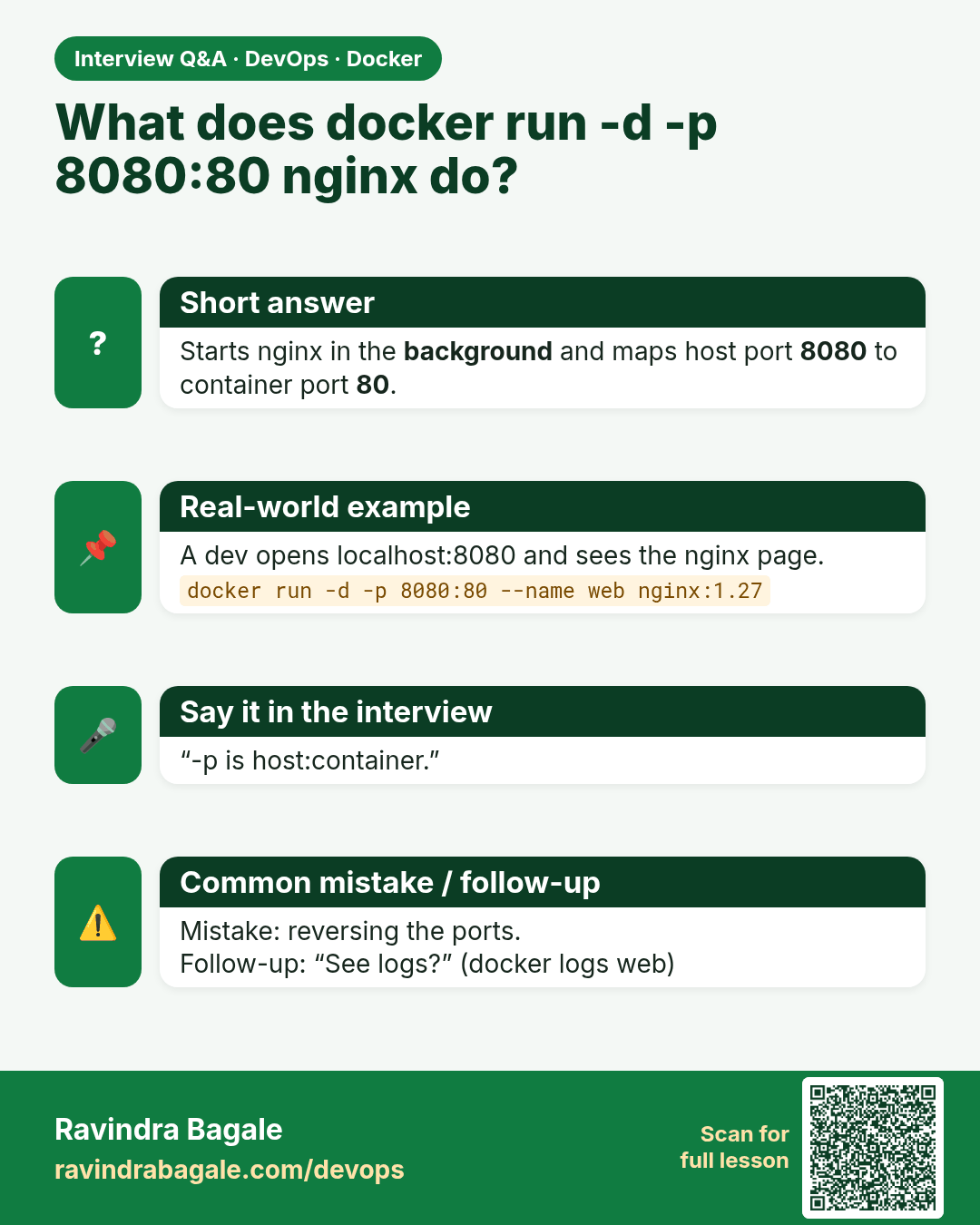
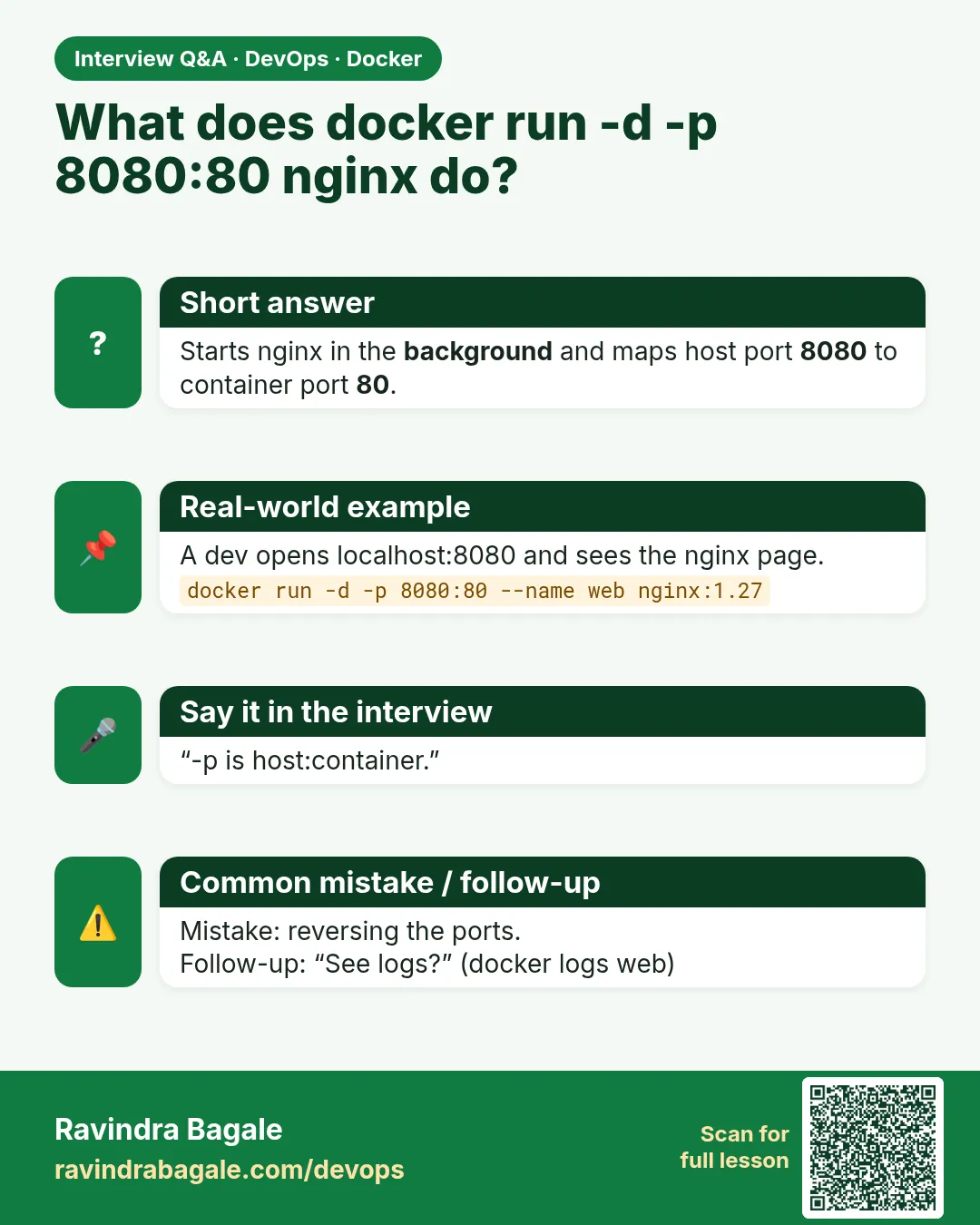 Interview card 4 of 12: What does docker run -d -p 8080:80 nginx do? · Download PNG · Open card page
Lesson: 6.4 Way 1 — docker run an image that already exists
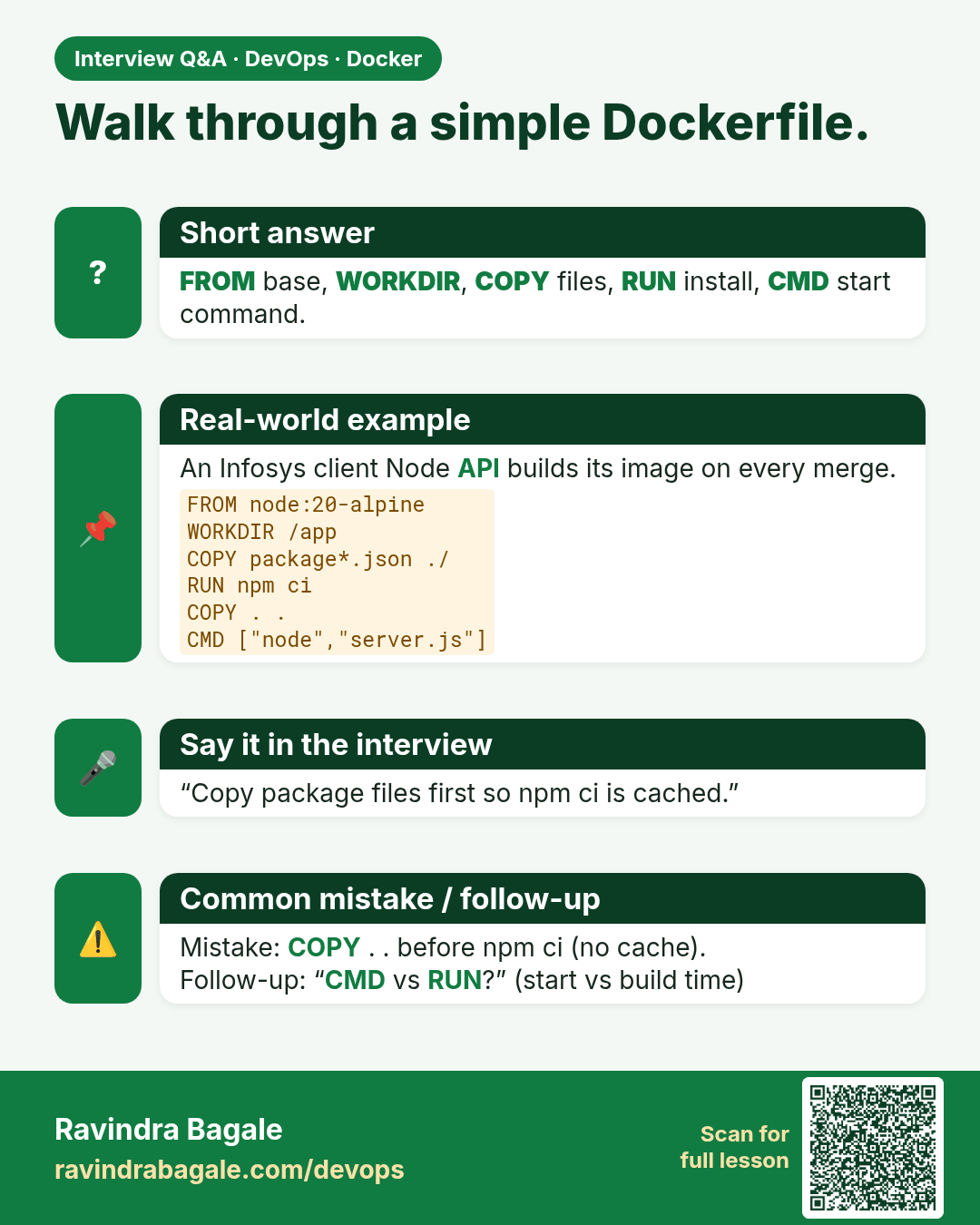
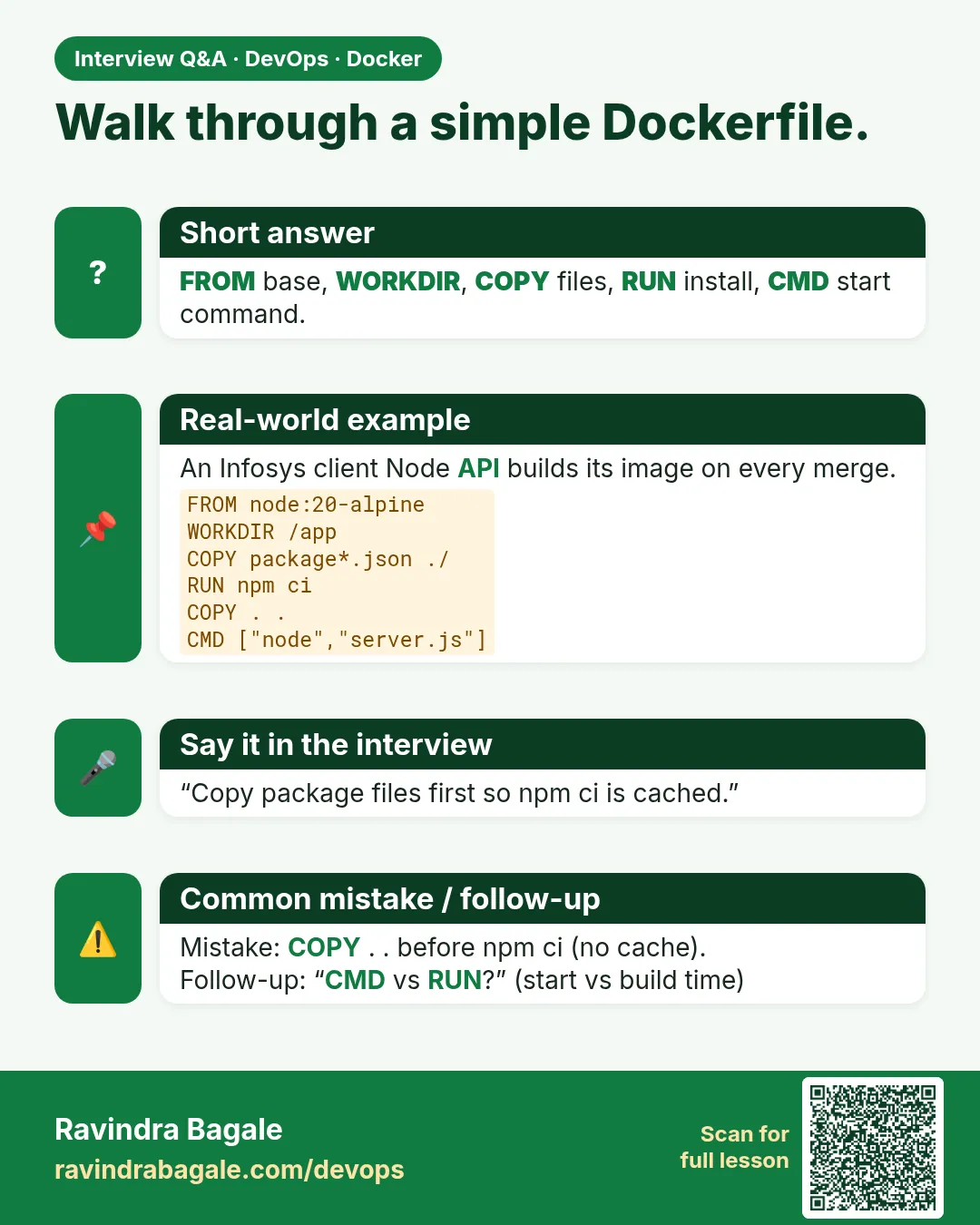 Interview card 5 of 12: Walk through a simple Dockerfile. · Download PNG · Open card page
Lesson: 6.5 Way 2 — docker build from a Dockerfile, then run
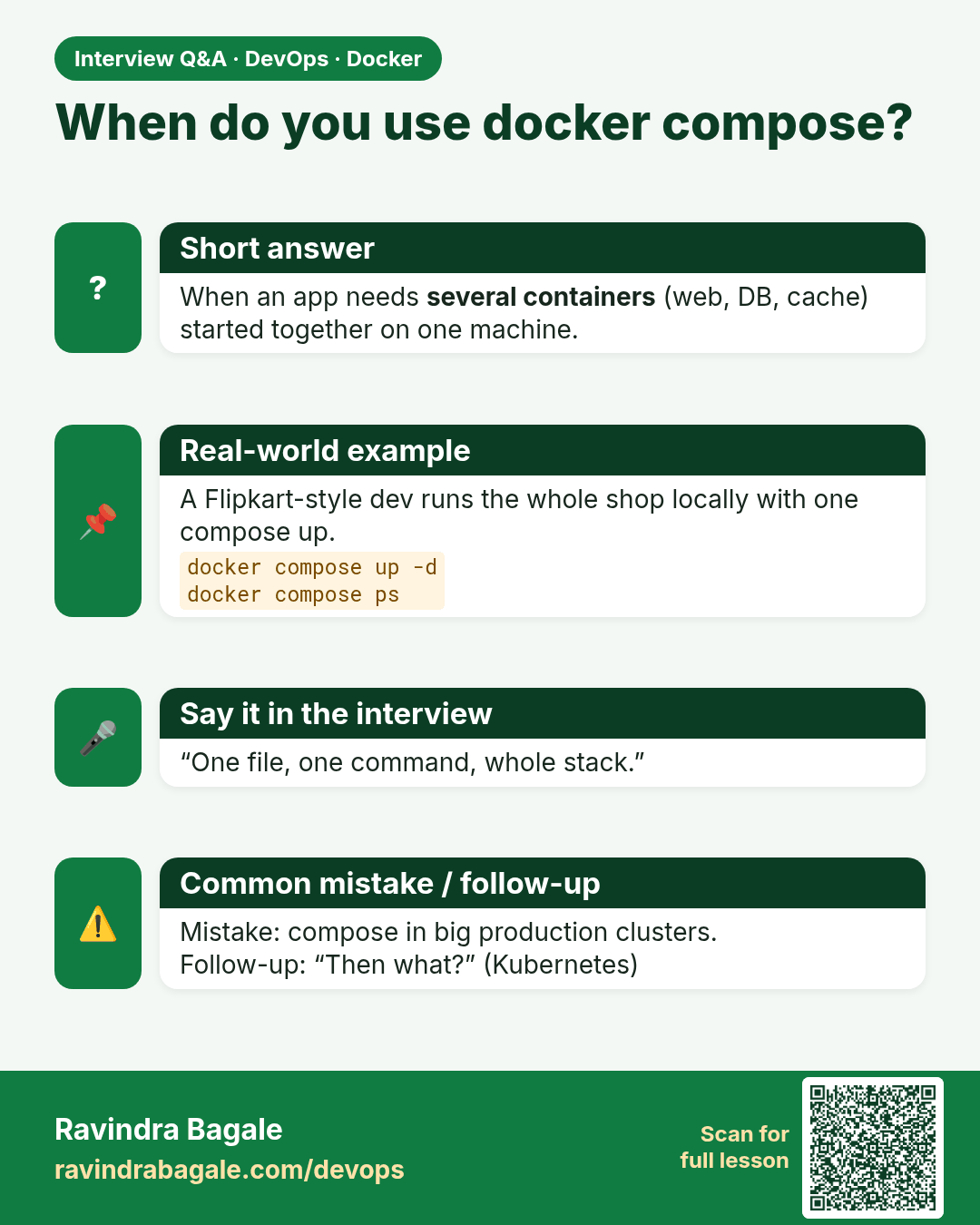
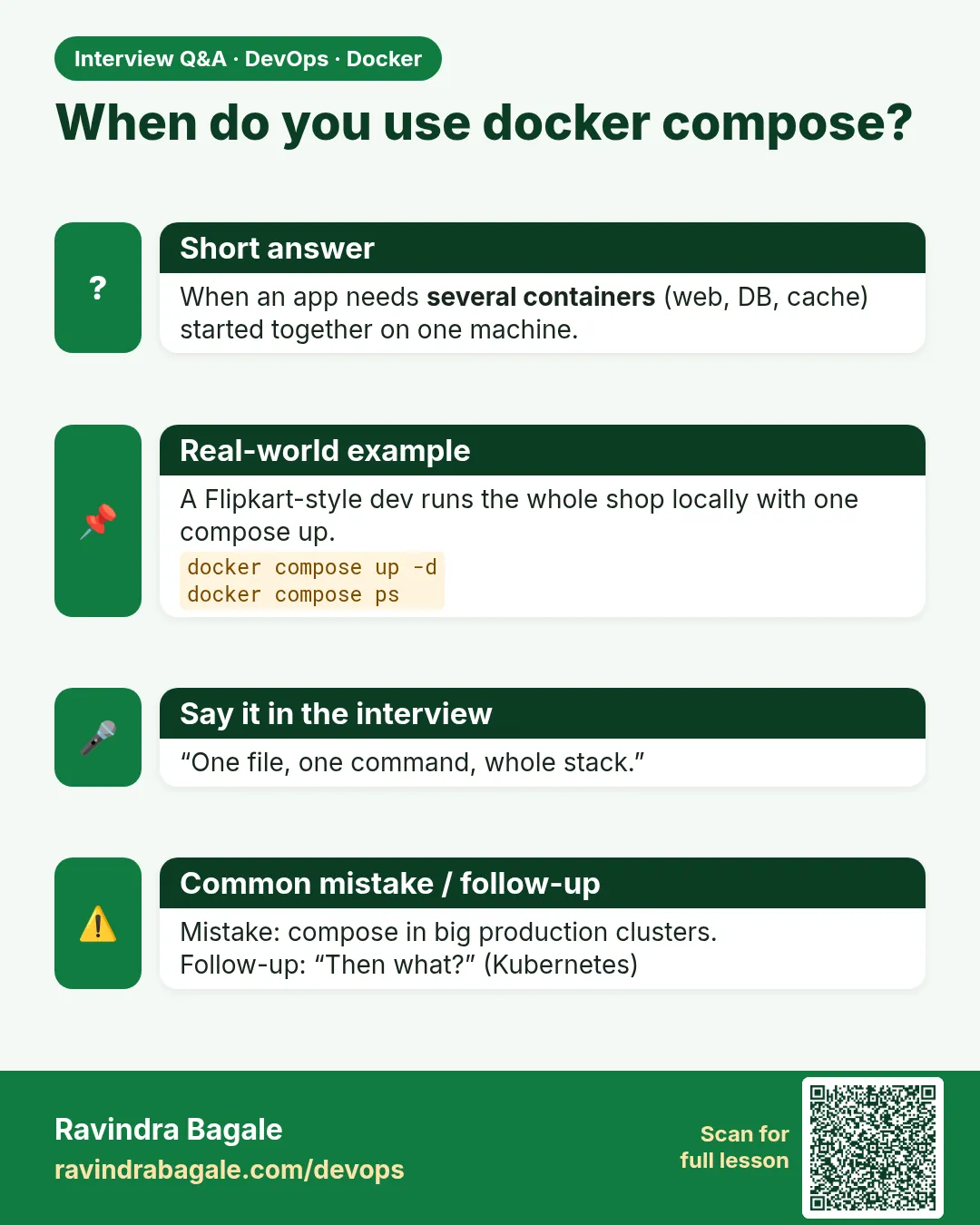 Interview card 6 of 12: When do you use docker compose? · Download PNG · Open card page
Lesson: 6.6 Way 3 — docker compose up (pointer)
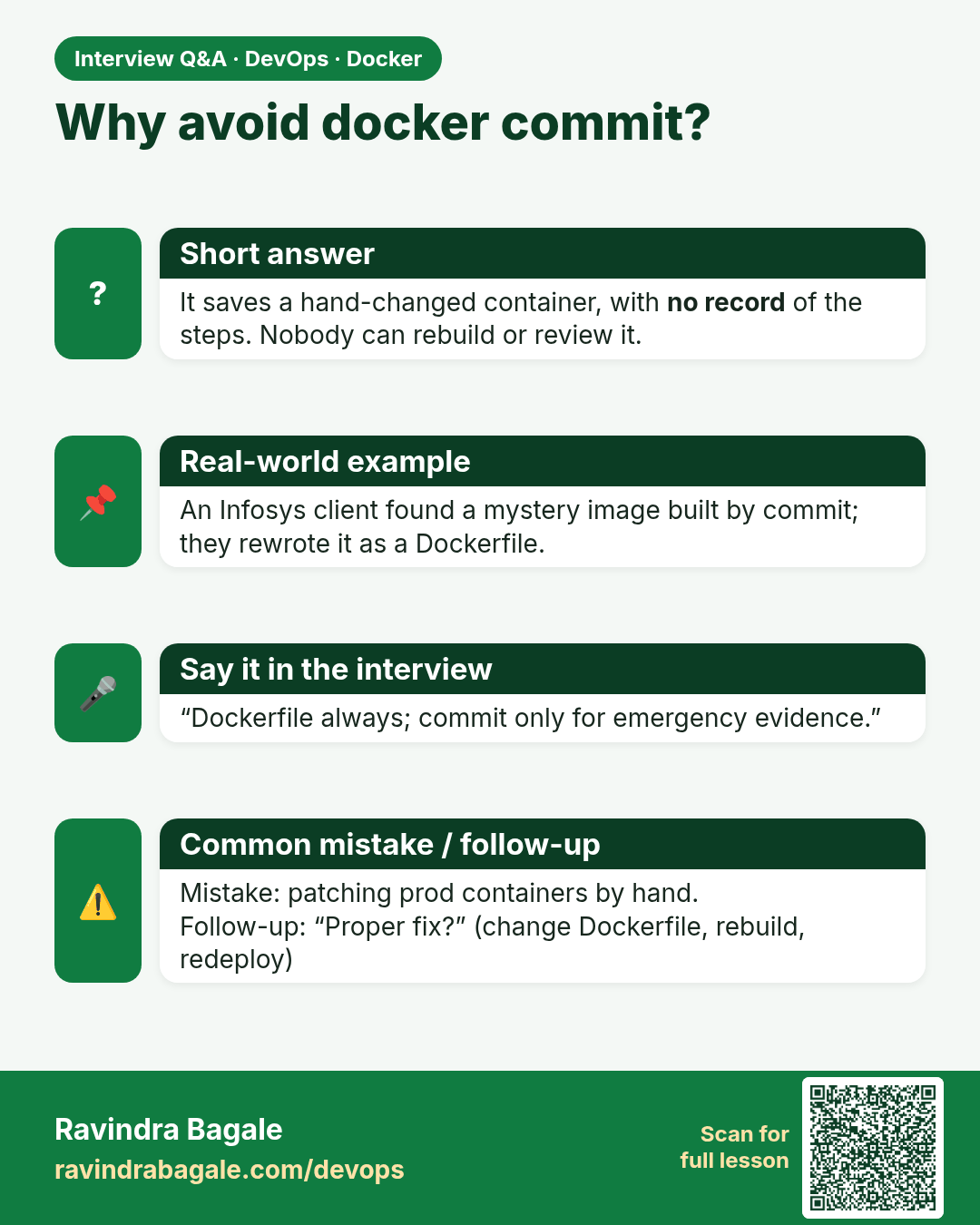
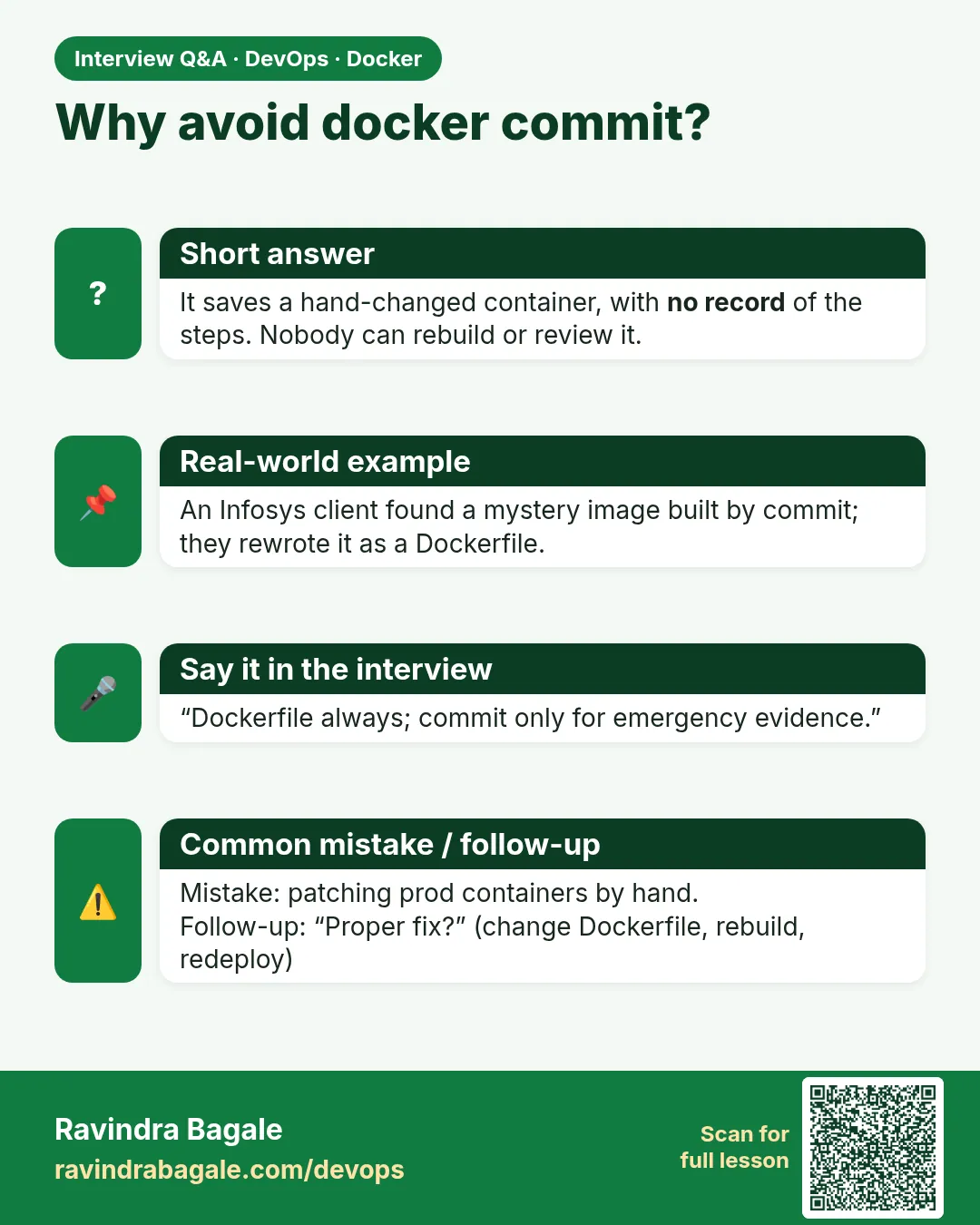 Interview card 7 of 12: Why avoid docker commit? · Download PNG · Open card page
Lesson: 6.7 Way 4 — docker commit, emergency only
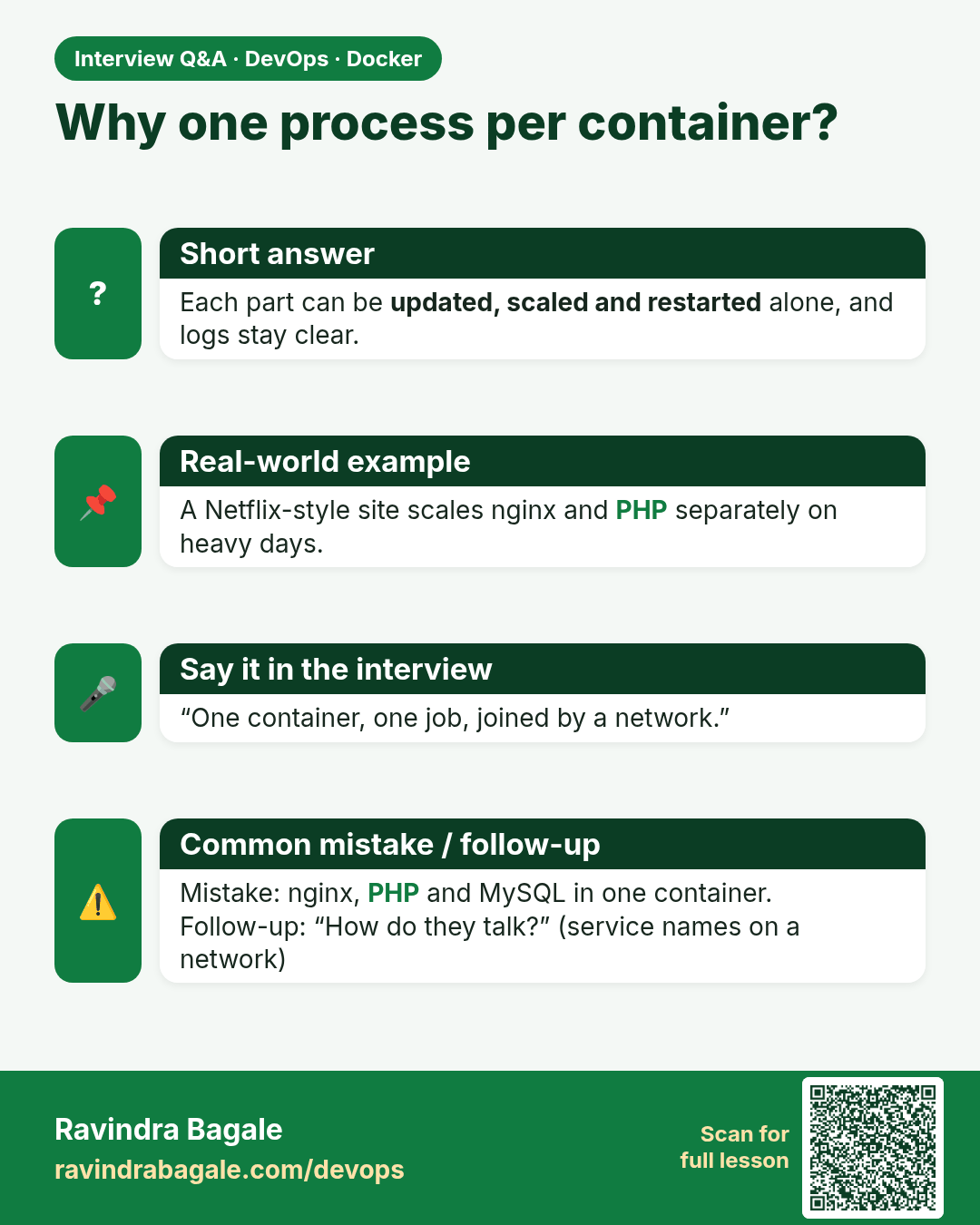
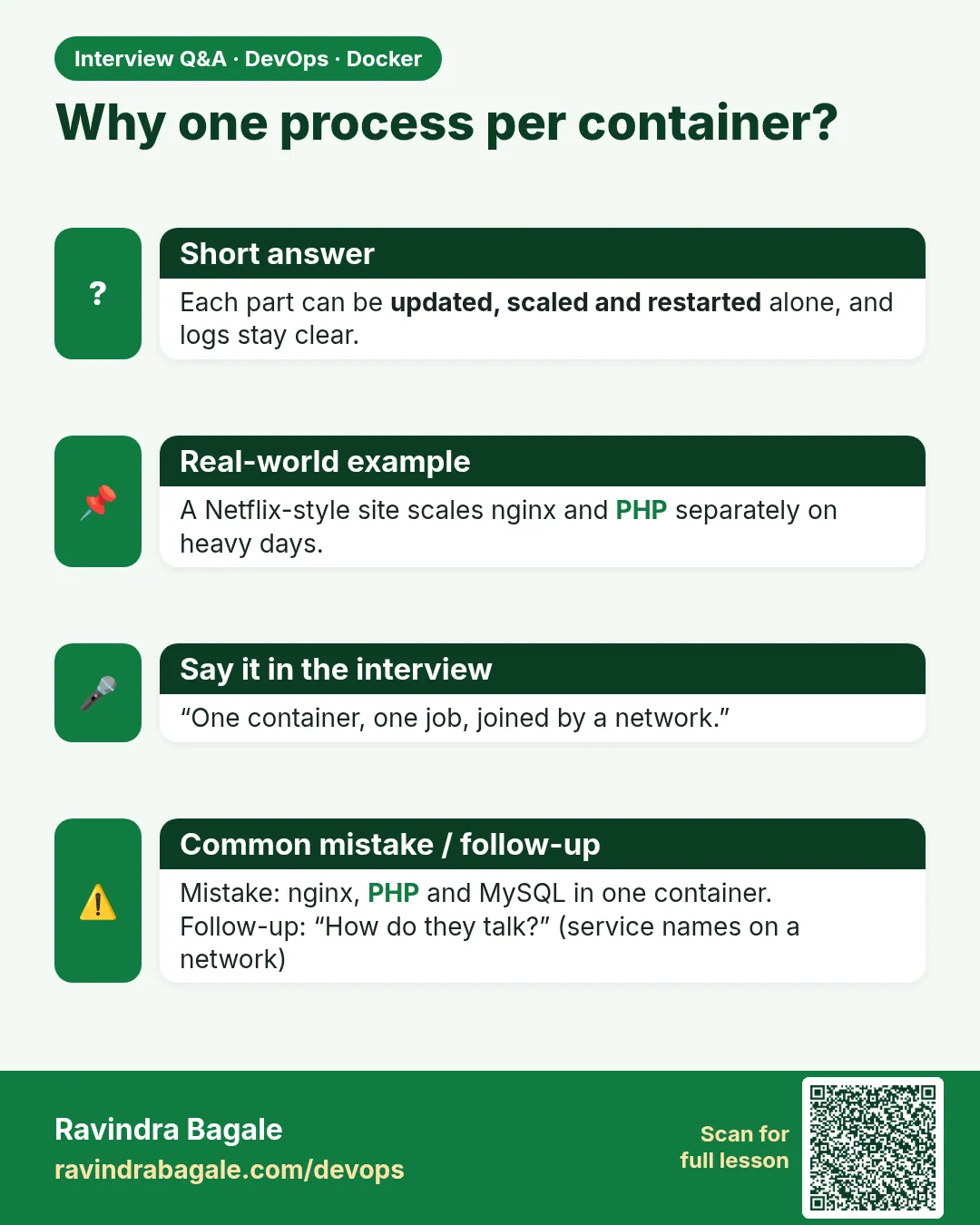 Interview card 8 of 12: Why one process per container? · Download PNG · Open card page
Lesson: 6.8 nginx, PHP and MySQL — three containers, three jobs
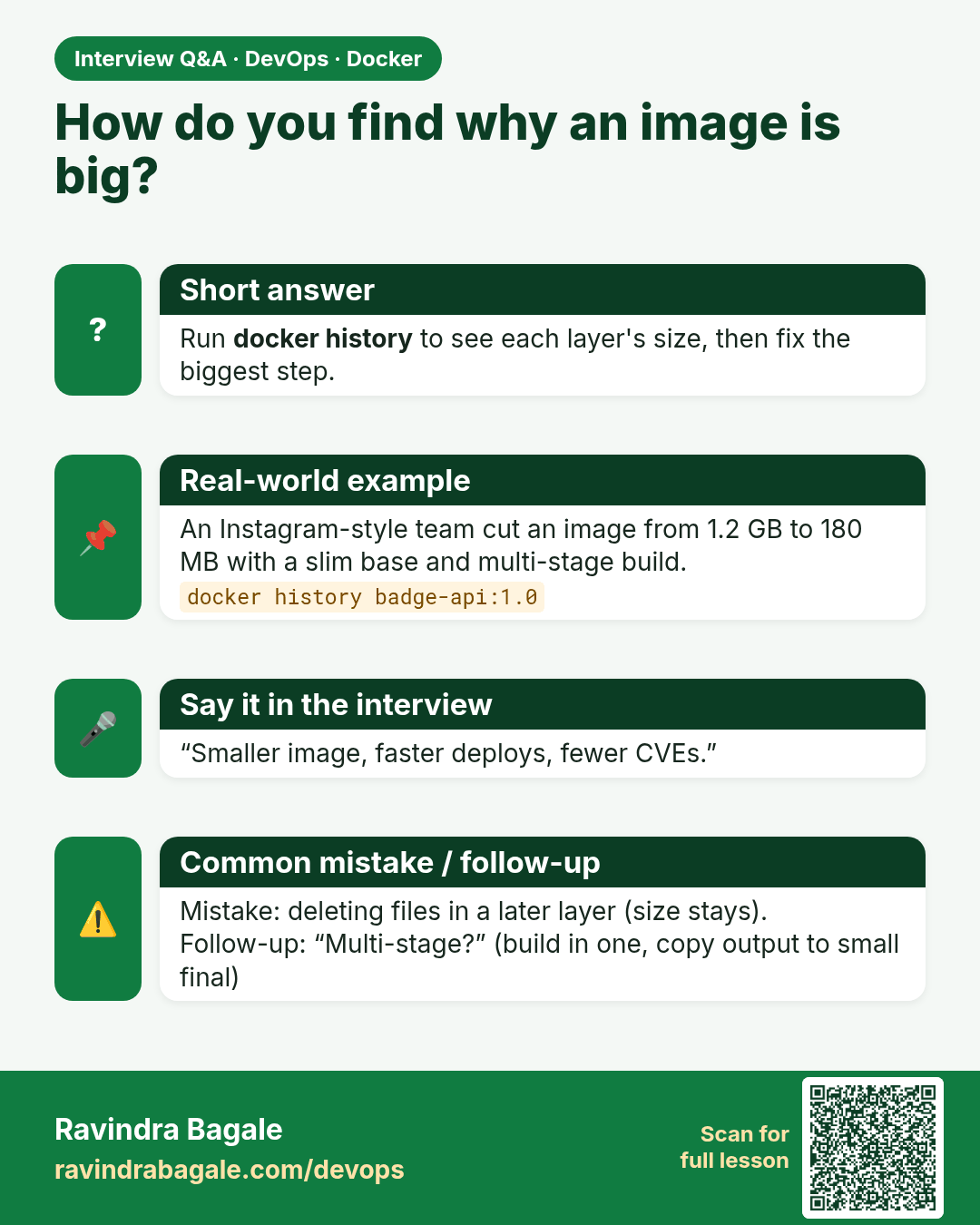
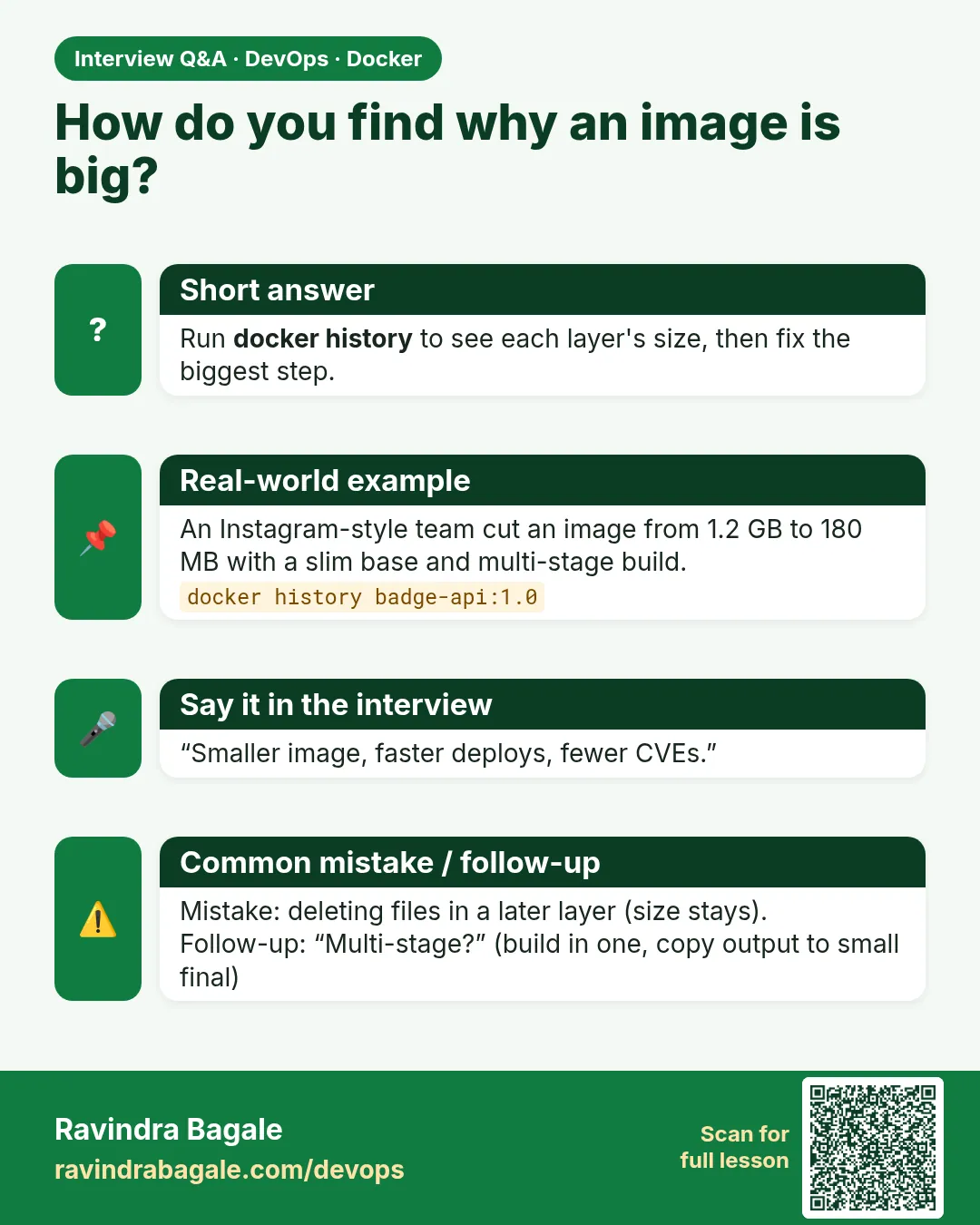 Interview card 9 of 12: How do you find why an image is big? · Download PNG · Open card page
Lesson: 6.9 docker history — read the layers
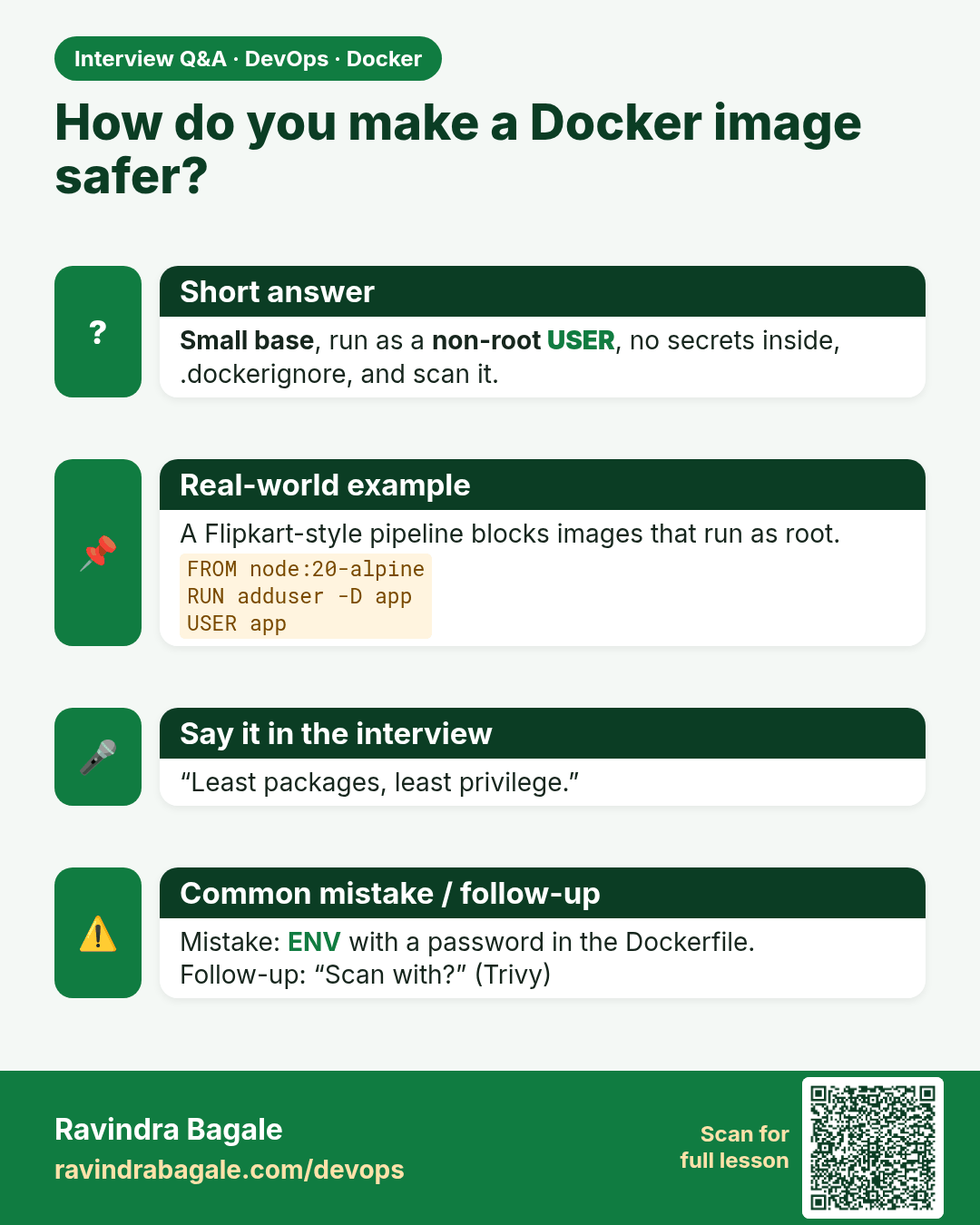
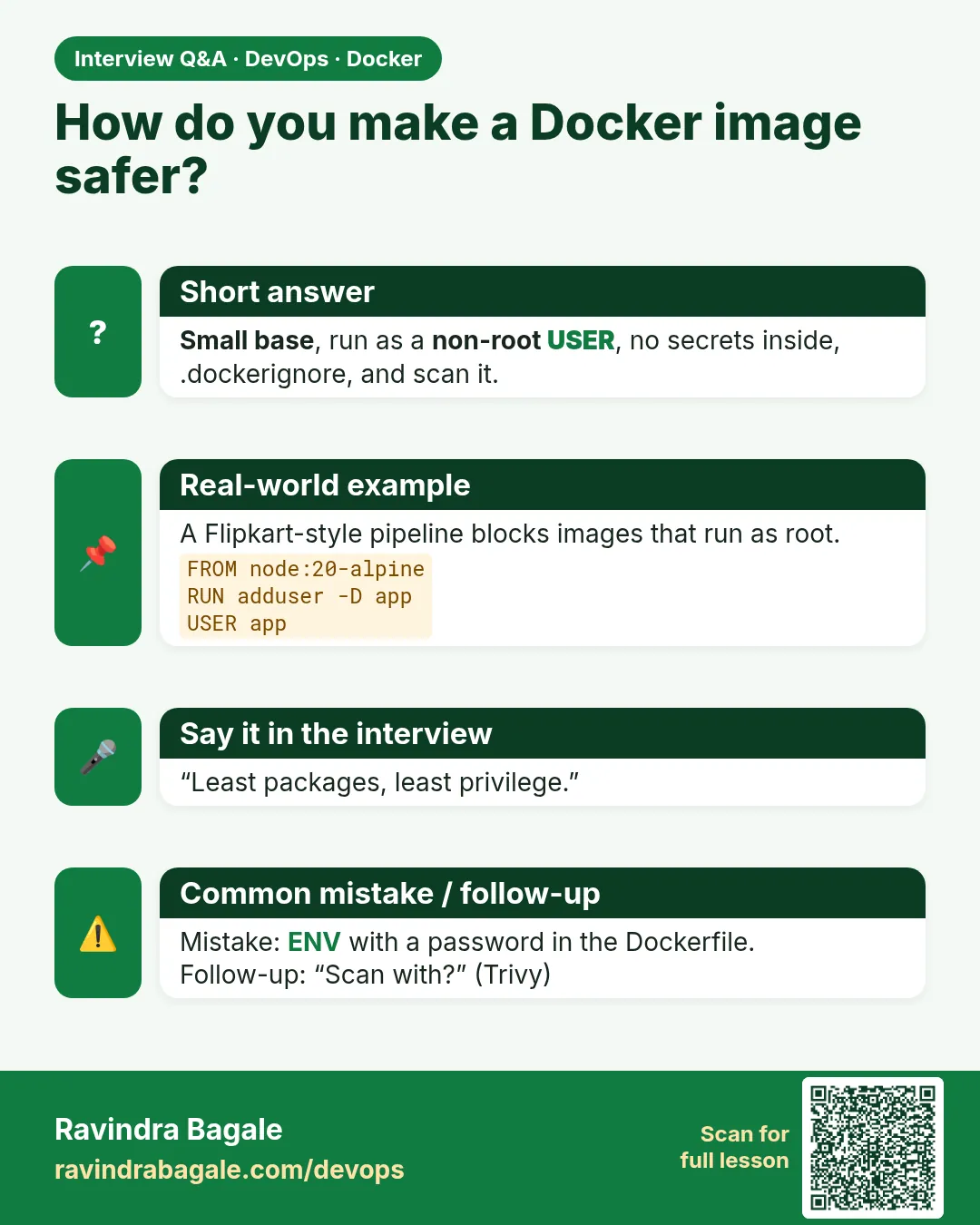 Interview card 10 of 12: How do you make a Docker image safer? · Download PNG · Open card page
Lesson: 6.10 Make the image safer
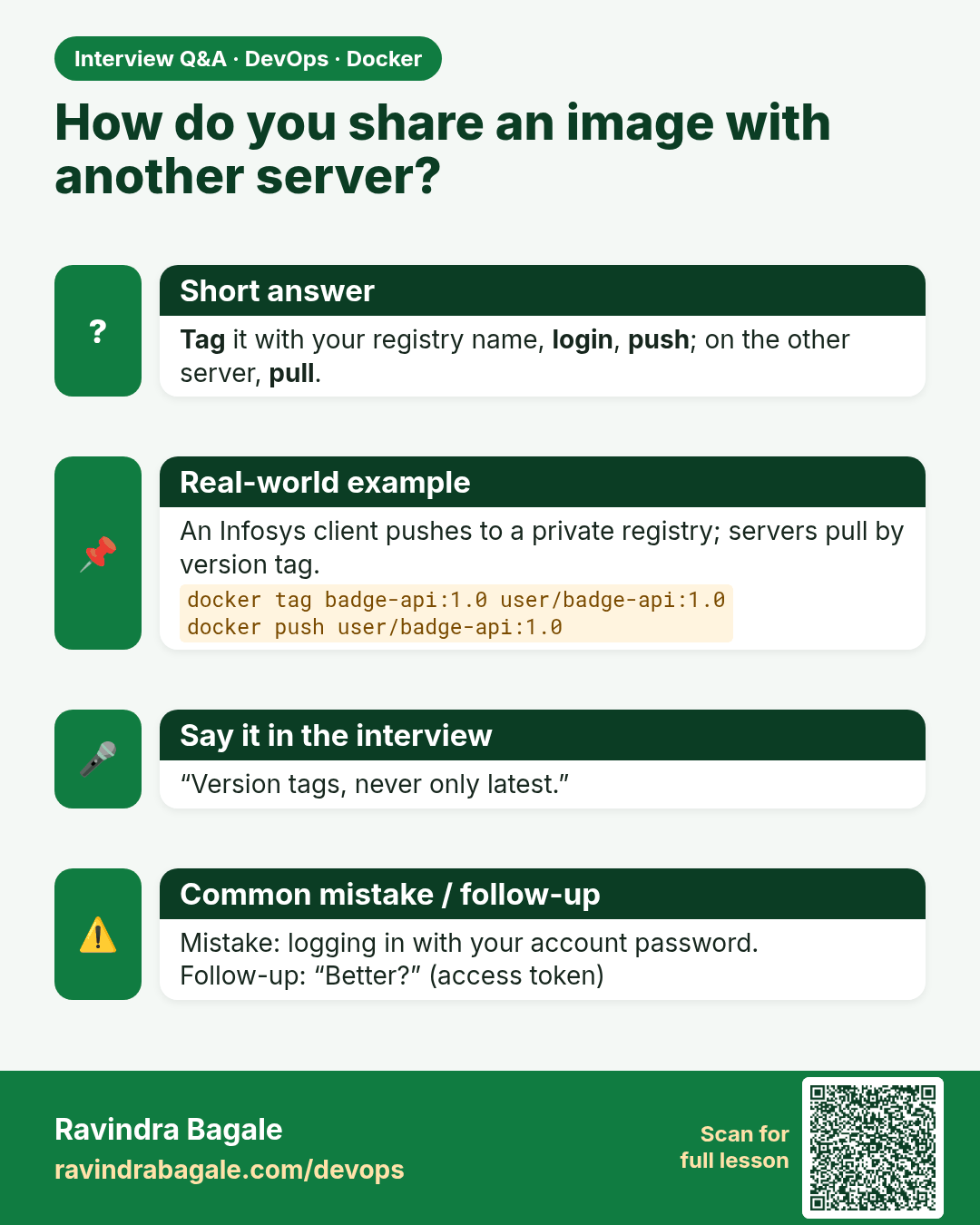
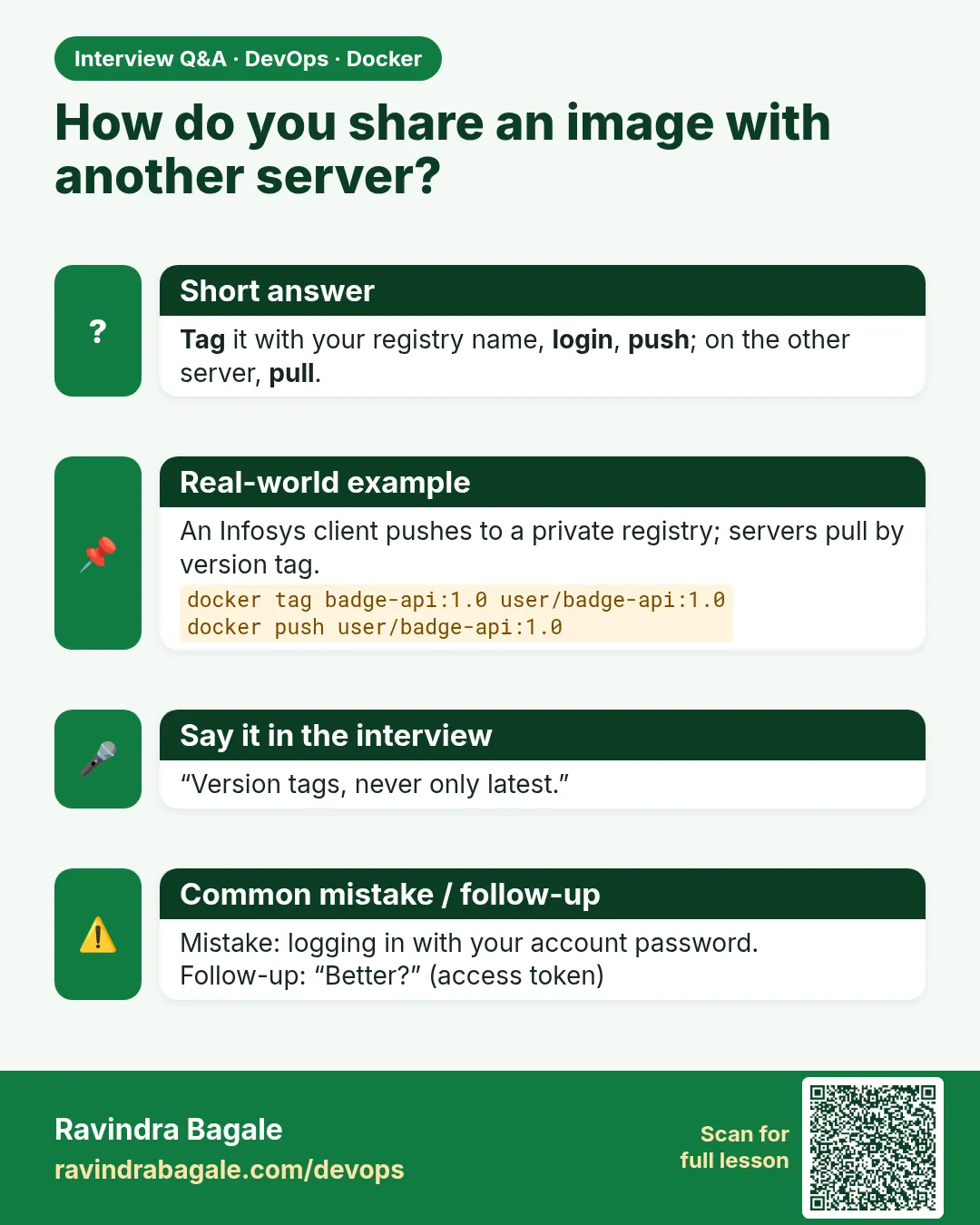 Interview card 11 of 12: How do you share an image with another server? · Download PNG · Open card page
Lesson: 6.11 Push to Docker Hub and pull on another machine
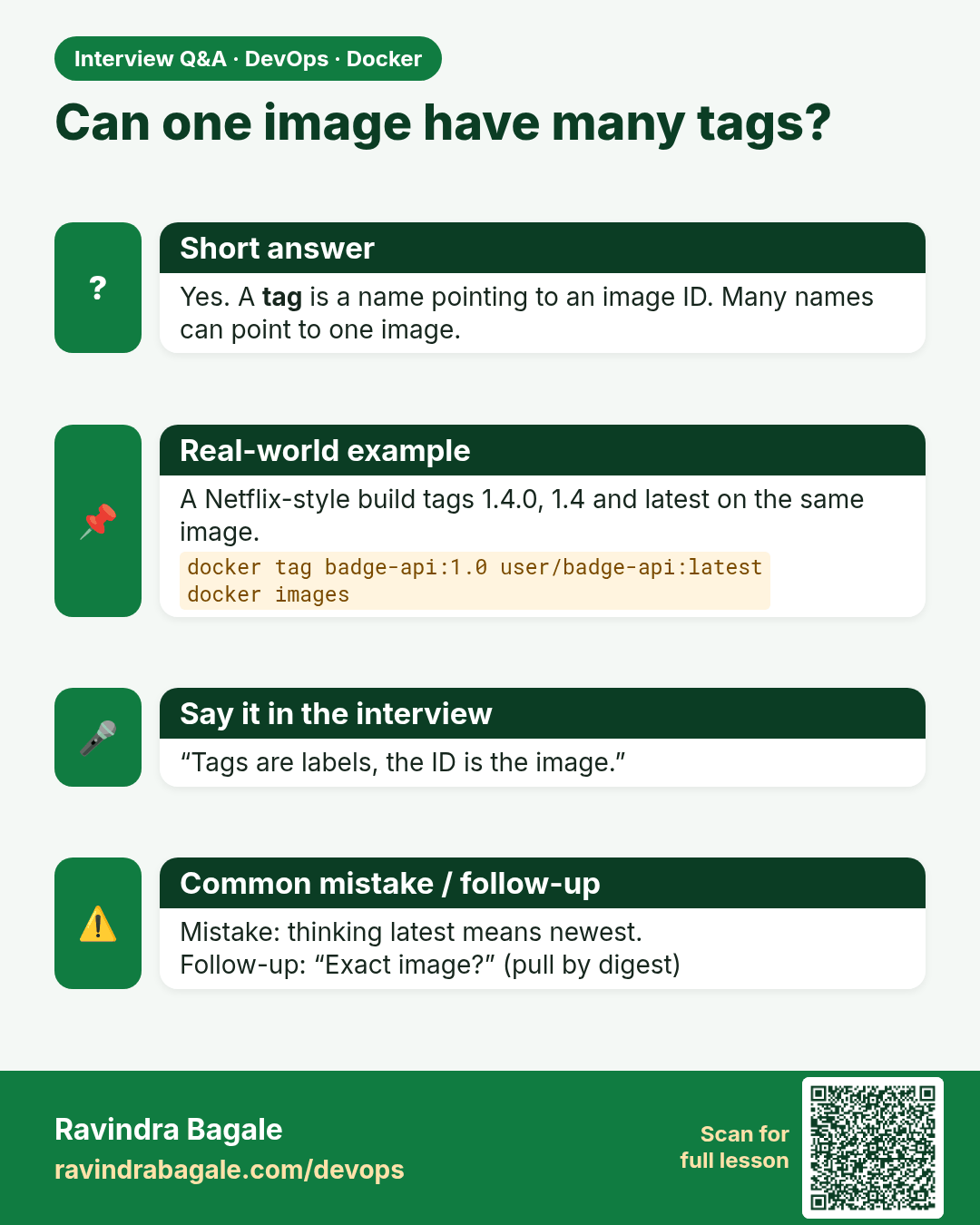
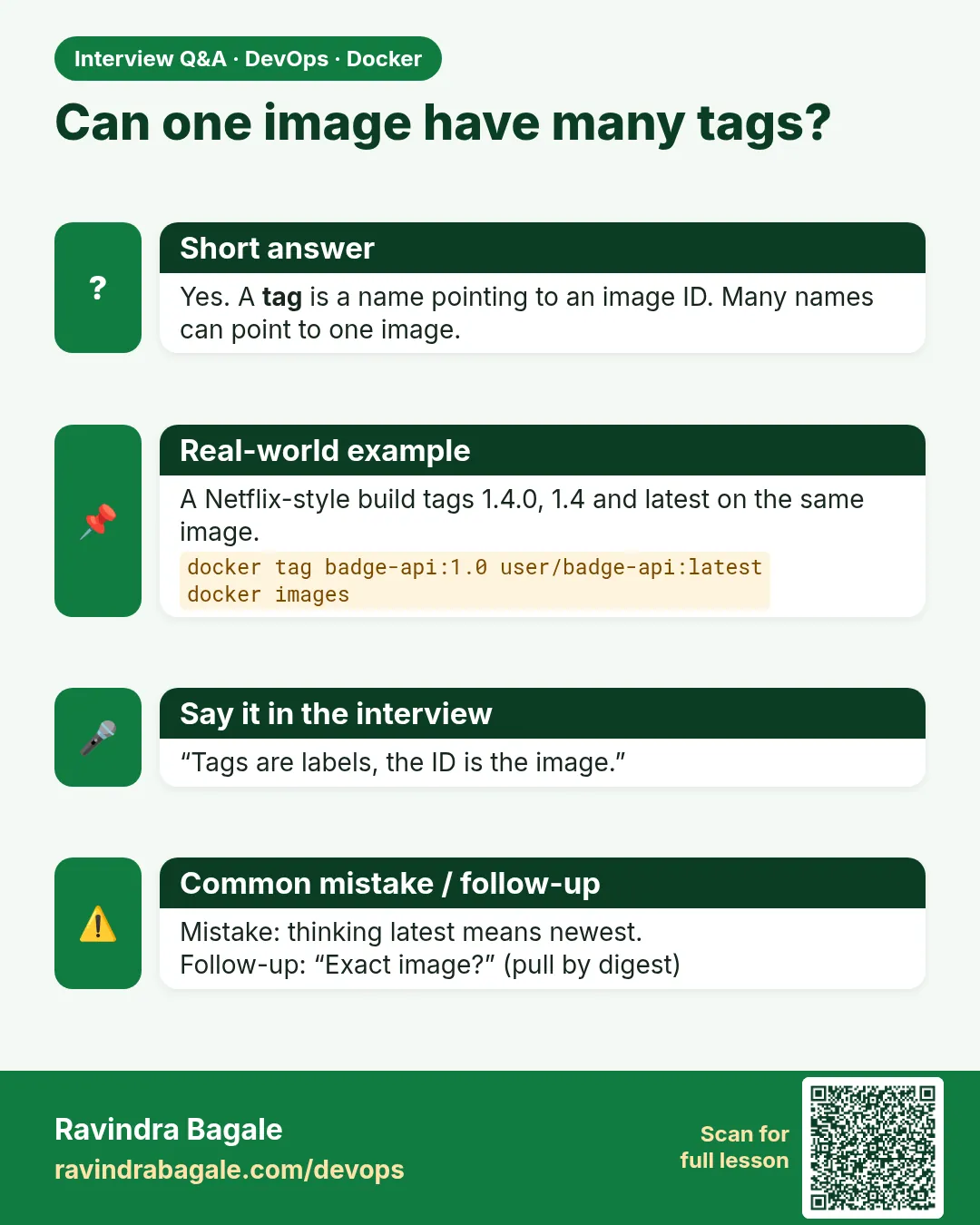 Interview card 12 of 12: Can one image have many tags? · Download PNG · Open card page
Lesson: 6.12 Lab — one image, three names
Comparison cards
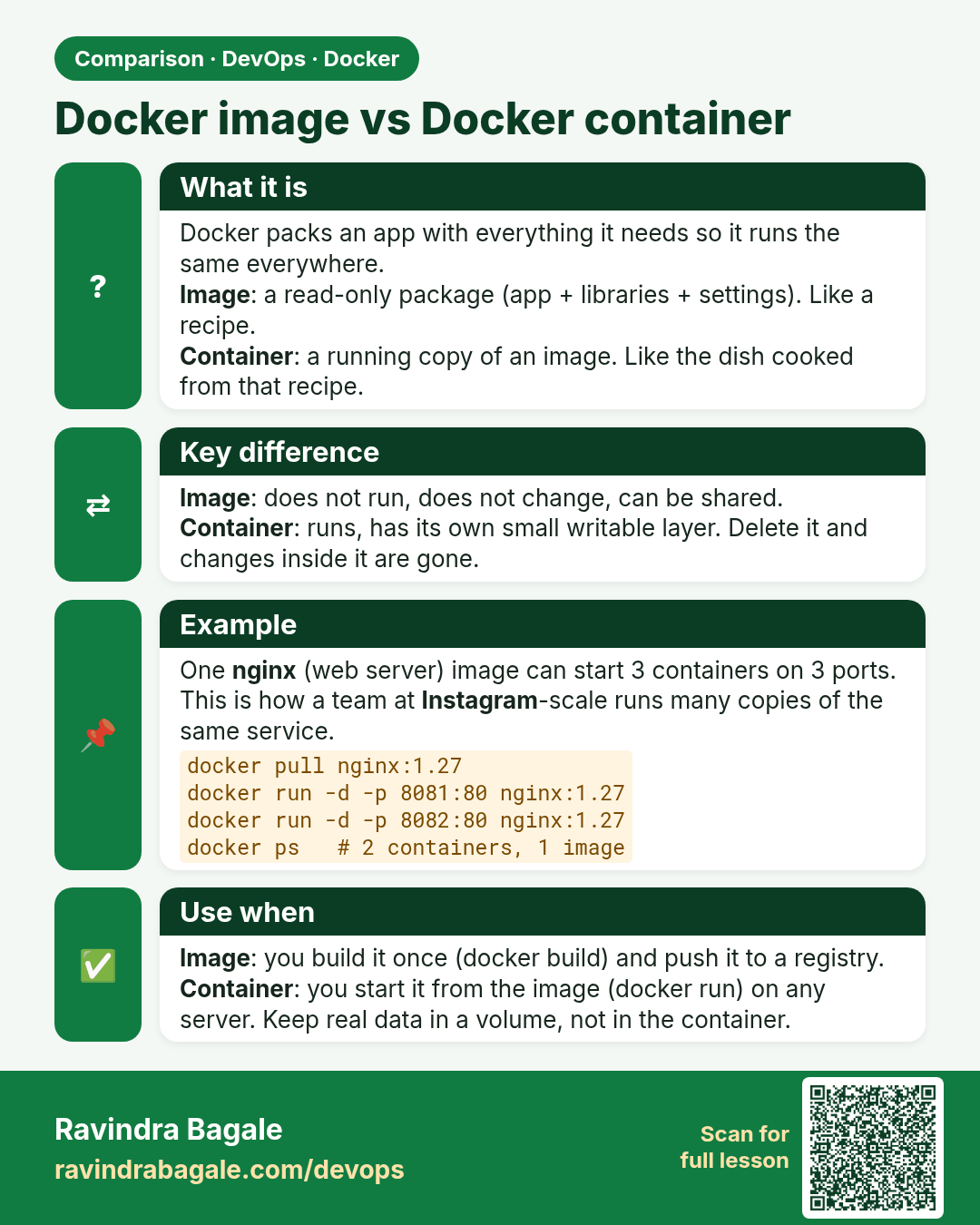
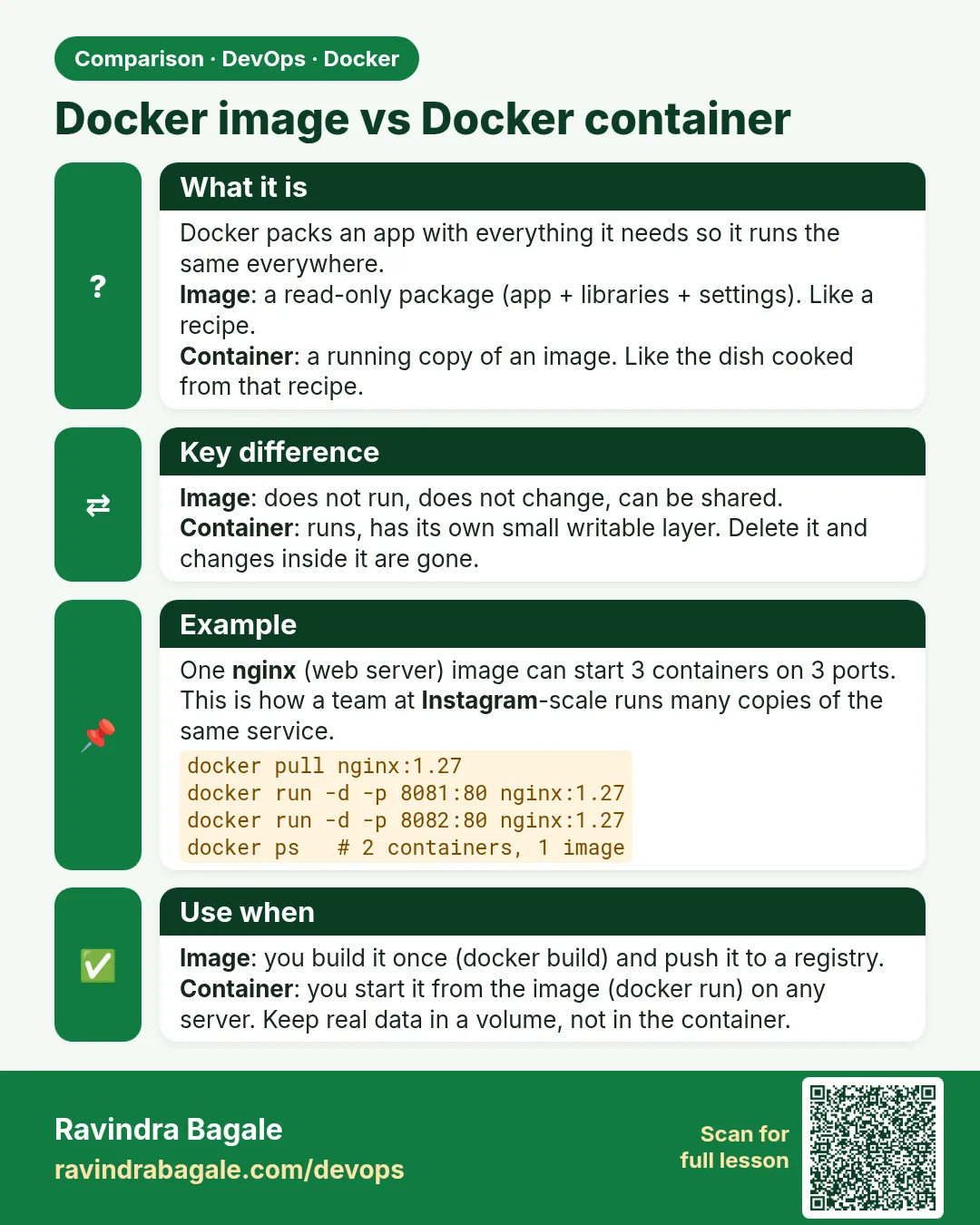 Comparison card 1 of 3: Docker image vs Docker container · Download PNG · Open card page
Lesson: 6.3 Image vs container
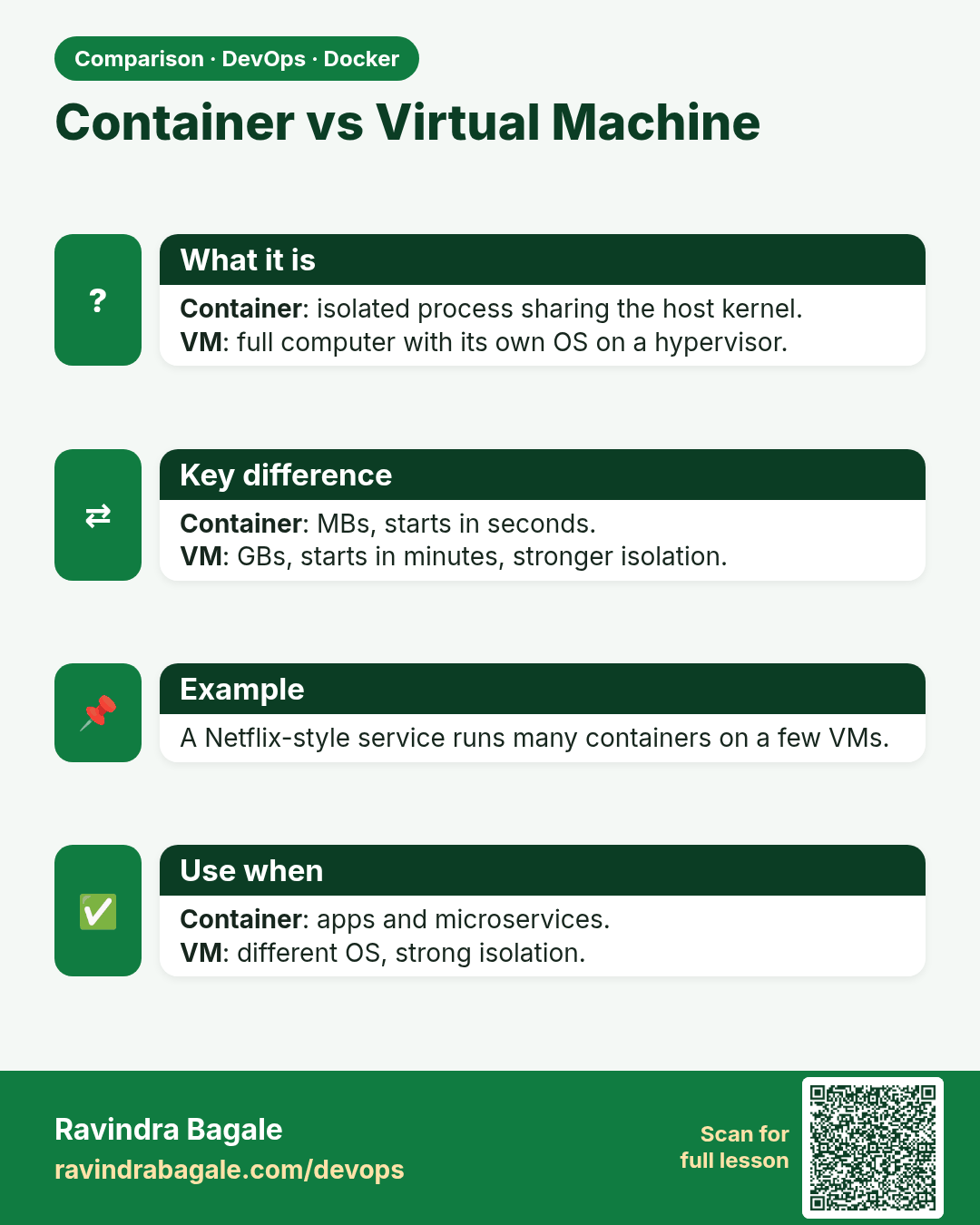
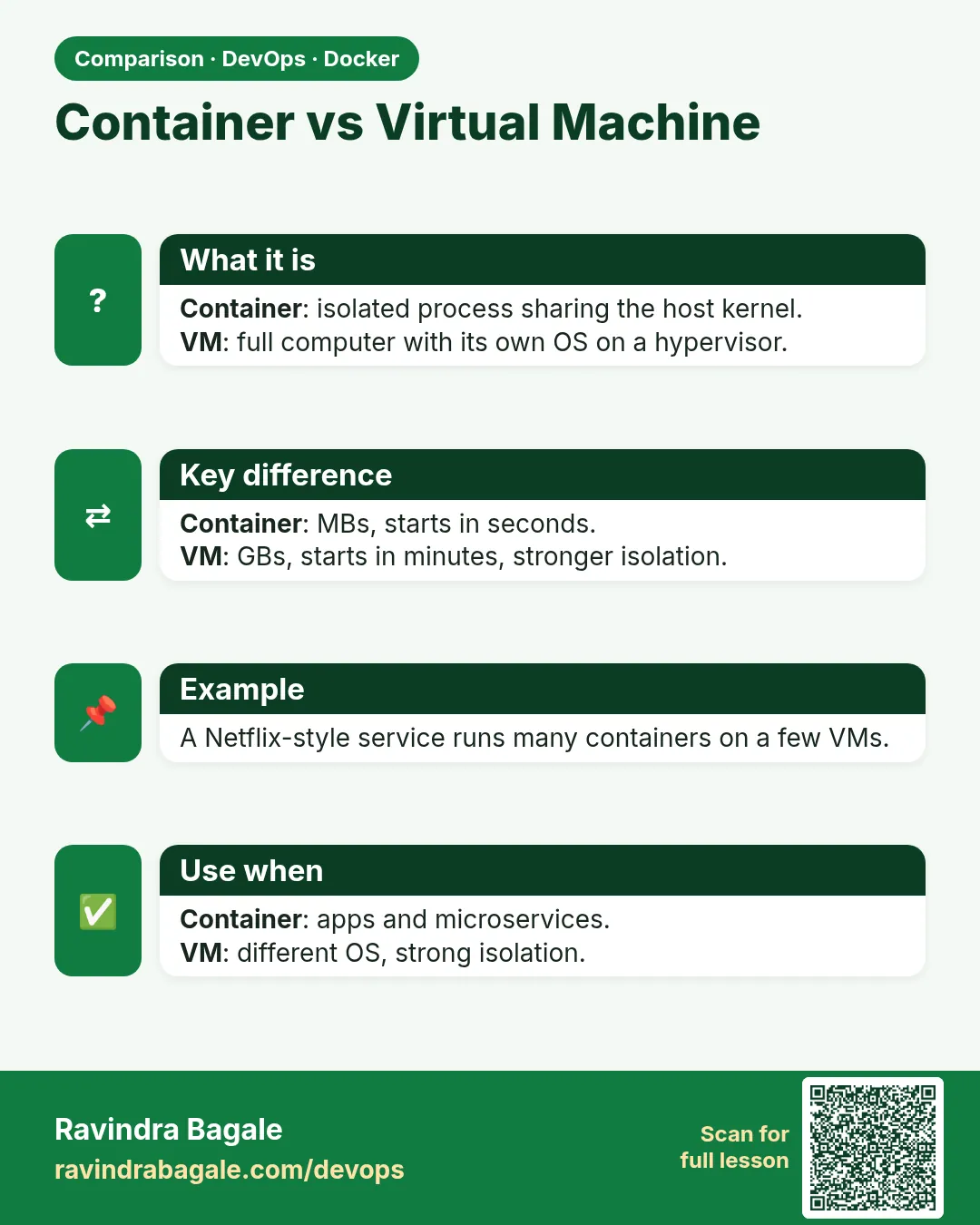 Comparison card 2 of 3: Container vs Virtual Machine · Download PNG · Open card page
Lesson: 6.2 One image, and what a container is not
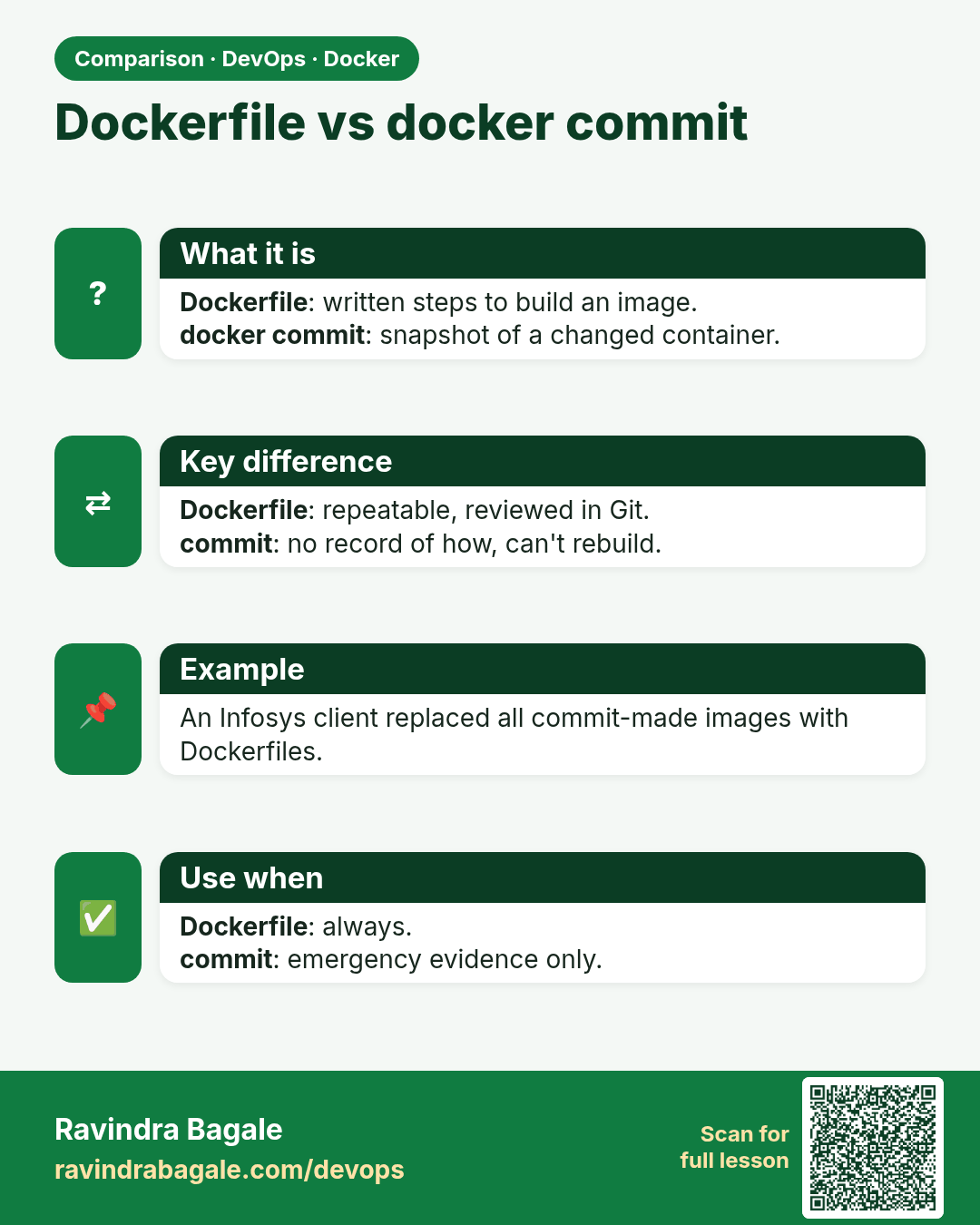
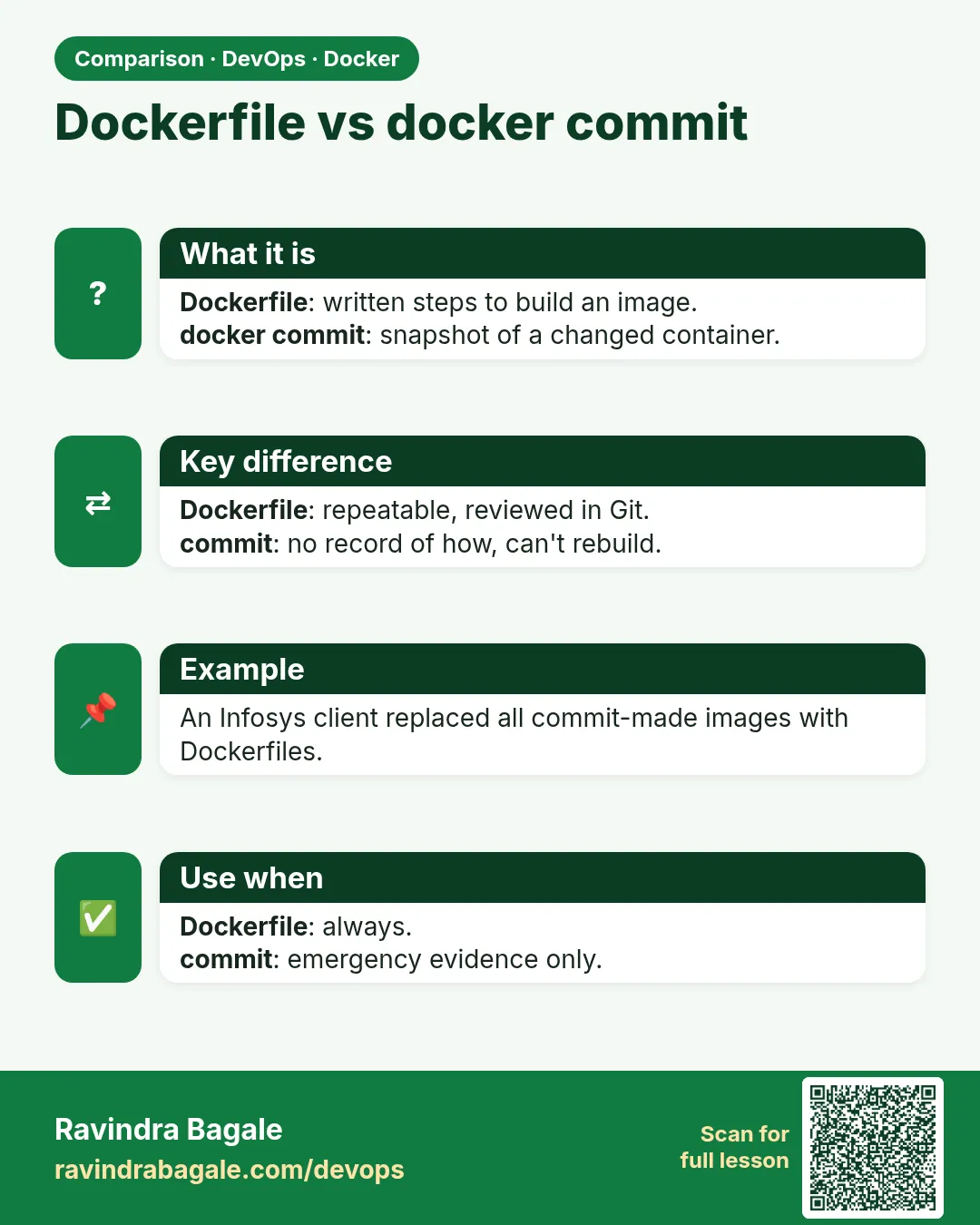 Comparison card 3 of 3: Dockerfile vs docker commit · Download PNG · Open card page
Lesson: 6.7 Way 4 — docker commit, emergency only