Chapter 6: Why Docker, Images and How a Container Is Created
6.12 Lab — one image, three names
Lab
Copy the Dockerfile, index.php, badge-nginx.conf and the docker run fences in this chapter. There is no separate download.
docker version. Write down whether both client and server answered.- In one sentence: who builds the tag, and who (operations, the server-side employee) runs that tag on the EC2.
docker runofficial nginx and curl host port 8080. Save the status line.- Build
badge-php:1.0fromFROM php:8-apacheandCOPY. Curl it on 8081. - In your notes, one sentence on why you will not use
docker commitfor the image you hand to operations. - Start MySQL with the named volume and the lab placeholder.
docker volume lsand confirm the volume name. docker history php:8-apache. Name one0Blayer and one layer with a size.- If you have a Docker Hub account, tag
YOURUSER/badge-php:1.0and push it. If you do not, write the tag you would push. Do not put a password in a file.
Practice task
List the four ways a container appears in this chapter and star the one that belongs in Git.
Thodkyaat sangaycha tar
- Installing PHP and libraries straight on an EC2 causes library clashes, "works on my laptop", a hard rollback and a developer vs operations blame meeting.
- One image tag is the object both sides run. A container shares the host kernel. It is not a full VM.
- Image is the template. Container is the running instance.
docker rmdoes not delete the image. - Four ways:
docker run,docker buildthen run,docker compose up(Chapter 7), anddocker commitonly in an emergency. - nginx is the front door,
php:8-apacheruns the badge,mysqlstores rows on a named volume. The password is a lab placeholder.USER www-dataonphp:8-apachedoes not bind port 80. docker historyshows layers. Docker Hub is login, tag, push, pull. No password in the file.
Samajla ka? Nasel tar 6.1 chi EC2 story aani 6.8 che teen containers punha vacha. Aata pudhe jaauya rozche commands, networks, volumes aani Compose kade.
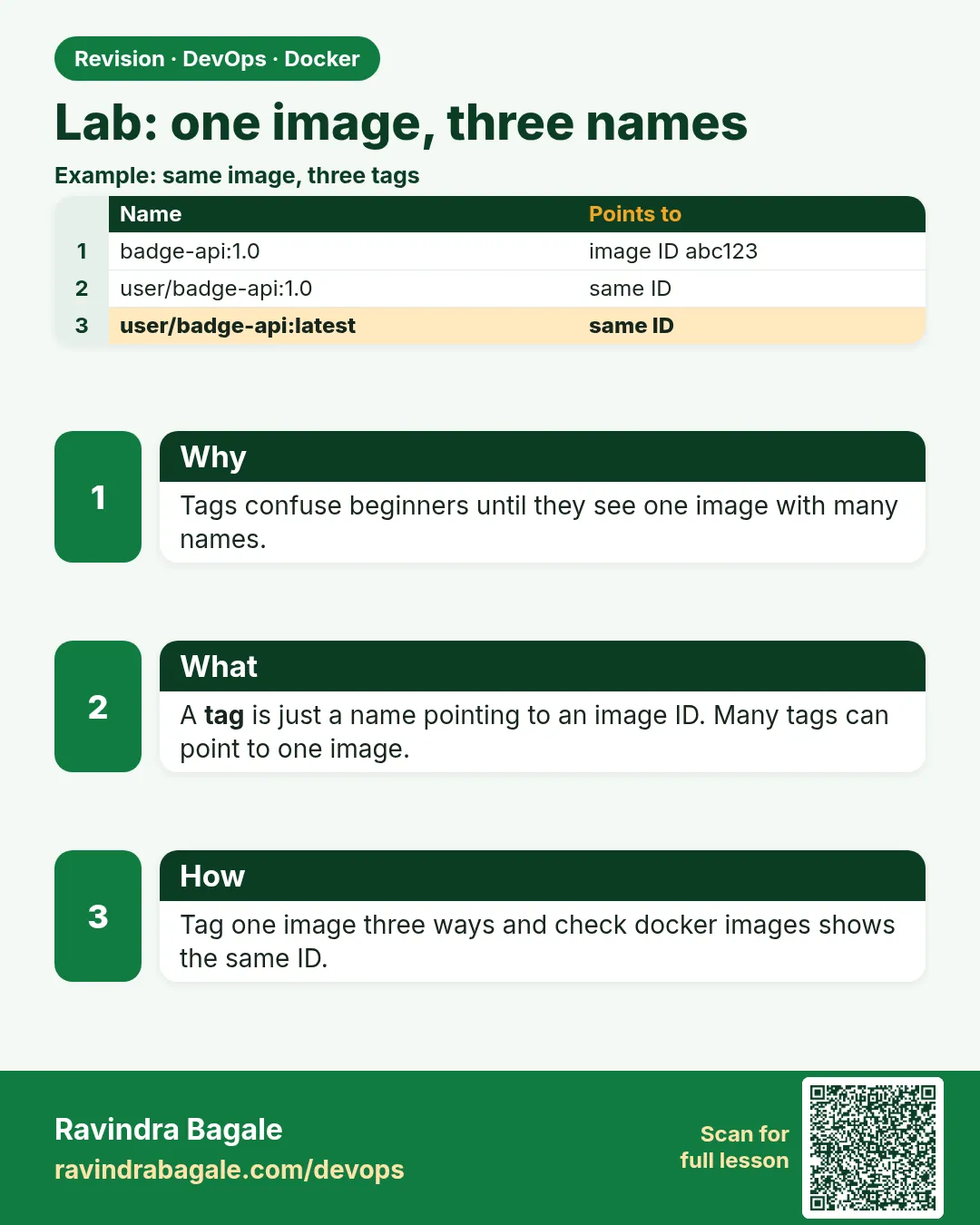 Revision card
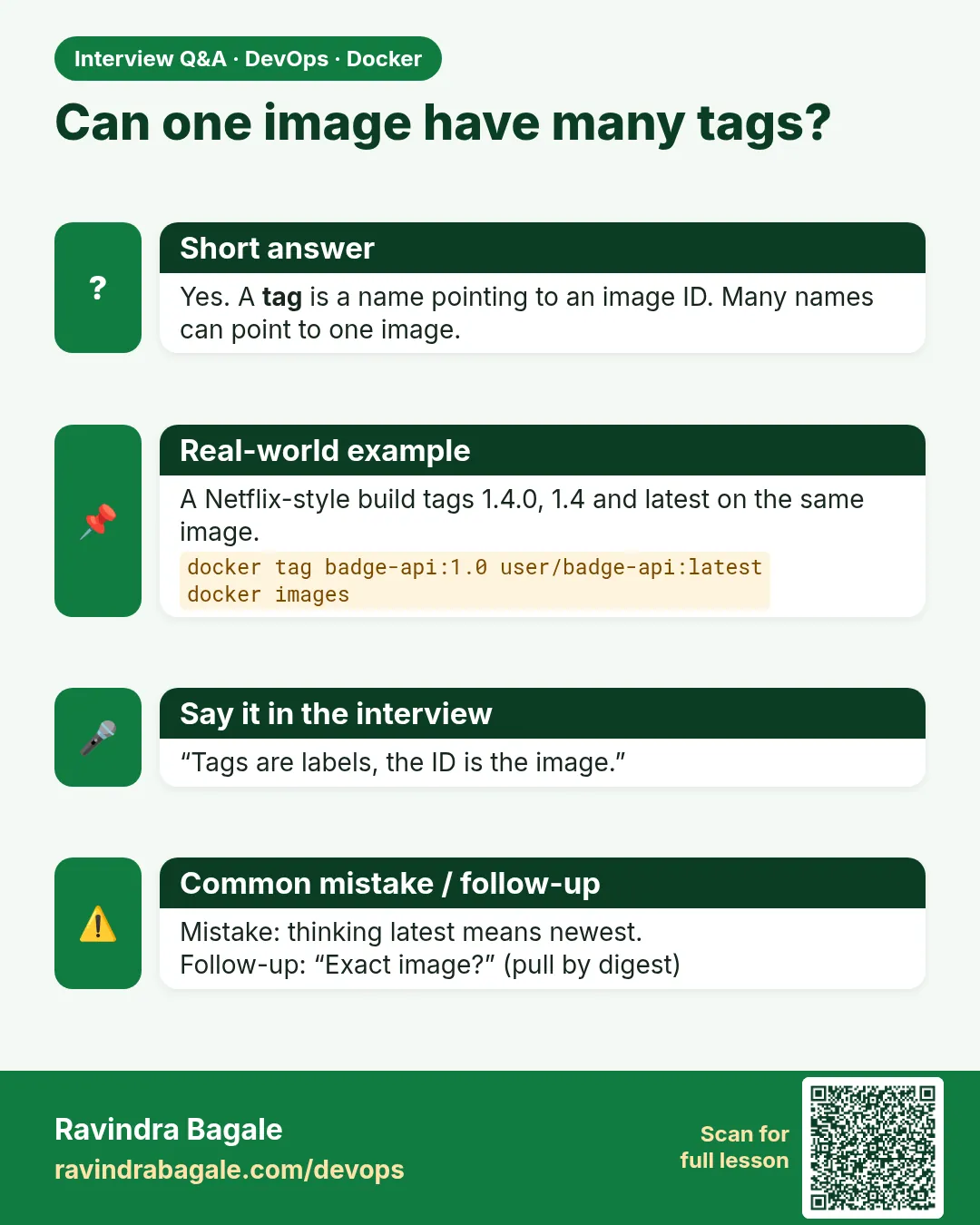 Interview card