Chapter 6: Why Docker, Images and How a Container Is Created
6.10 Make the image safer
Suppose we are handing badge-php to operations on the client EC2. A Netflix-style rollback only works if the tag is honest and the image does not hide a password in a layer.
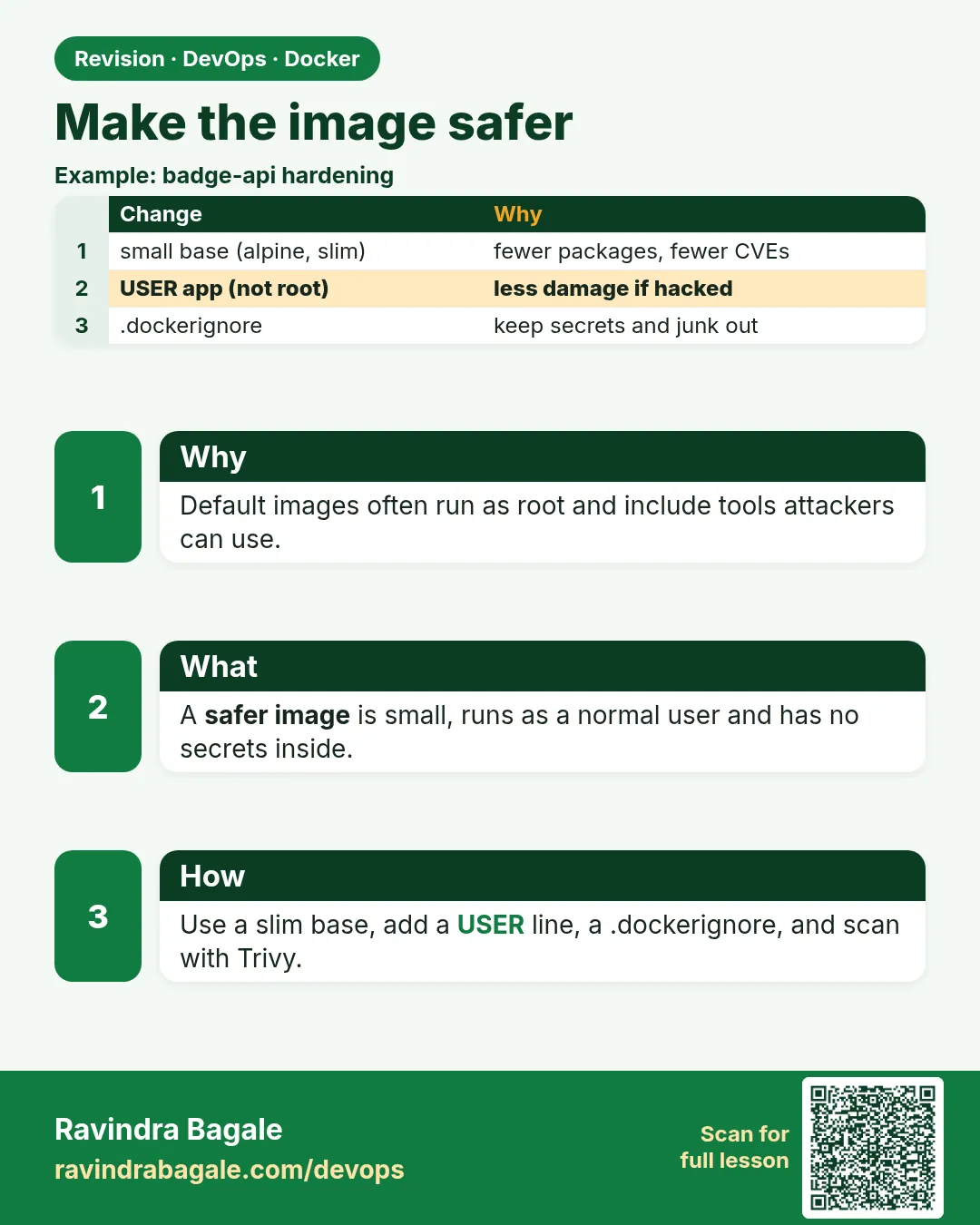
Smaller base. Official php:8-apache is the right base for this badge because Apache is already wired. Do not start from a giant desktop image. For a service that is only a binary, a slim base is enough. Pull the official name you already used. Do not invent a package version.
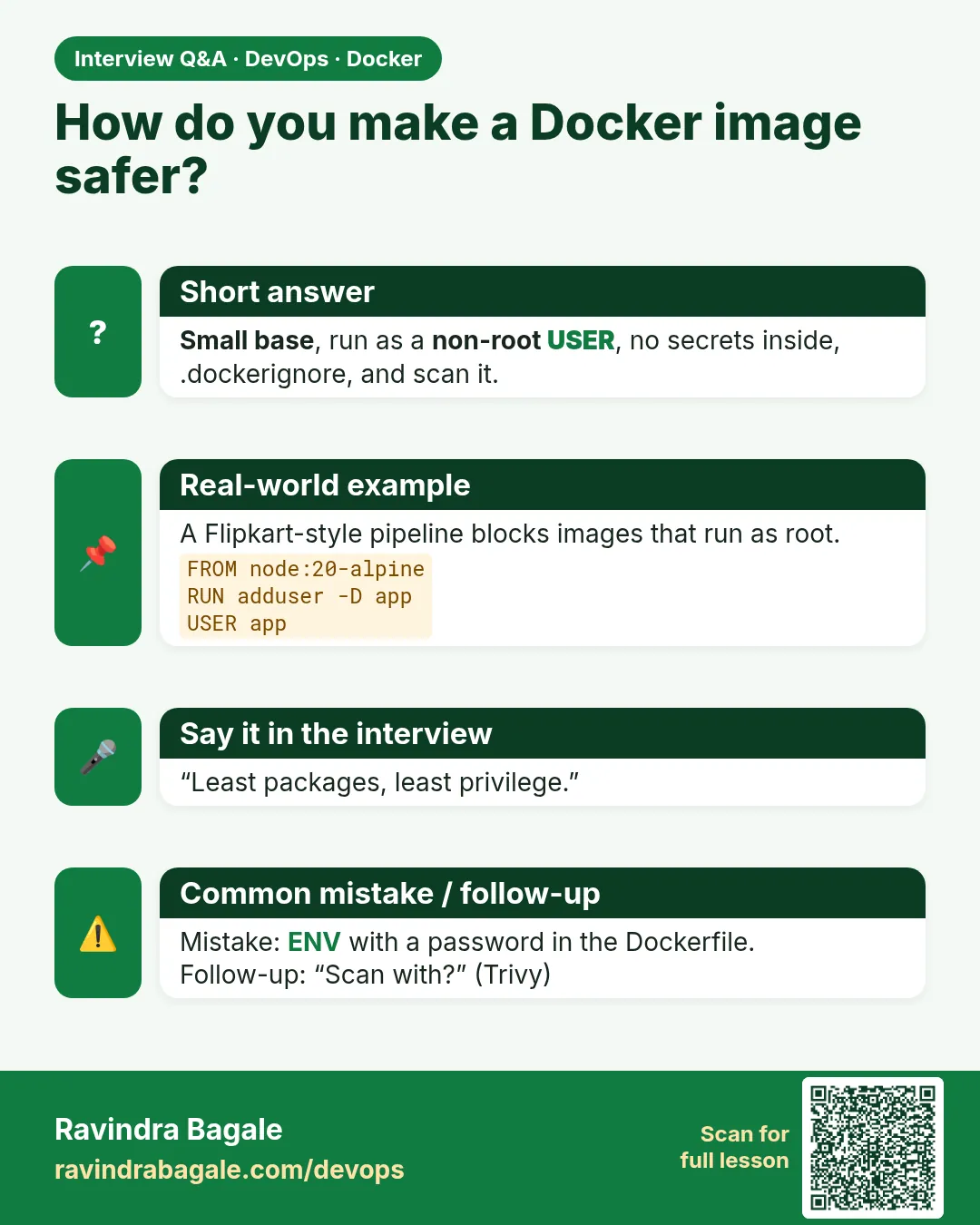
Do not run as root when the process allows it. The official php:8-apache image starts Apache as root so it can bind port 80, and Apache workers drop privileges. USER www-data on that image does not give you a working port 80. For an app you write, listen on a high port and set a user:
FROM python:3.12-slim
WORKDIR /app
COPY app.py .
USER nobody
EXPOSE 8080
CMD ["python", "app.py"]
That sketch is not the badge PHP path. The badge keeps php:8-apache and does not pretend Apache can bind 80 as www-data or nobody.
No secrets in layers. Do not COPY a file that contains a database password. Pass it at run time:
docker run -d --name badge-php \
  -p 8081:80 \
  -e MYSQL_HOST=badge-mysql \
  -e MYSQL_PASSWORD=lab-only-change-me \
  badge-php:1.0
lab-only-change-me is still only a placeholder. Never commit a real password. Bake code and dependency versions into the image. Pass secrets and per-environment URLs when the container starts.
.dockerignore sits next to the Dockerfile and keeps junk out of the build context:
.git
.env
.env.*
*.pem
__pycache__
node_modules
Pin a tag. nginx with no tag means nginx:latest, which moves the next time you pull. On the image's tag list, copy a version tag that is actually published, for example the shape nginx:1.27 only if that tag is listed. If pull says the tag is missing, copy a tag the page shows. Do not guess a version, and do not fall back to latest on a client server.
Multi-stage, one short example. Build tools stay in the first stage. The final image copies only what it needs. You do not need Composer for the one-file badge. This is the pattern:
FROM composer:2 AS vendor
WORKDIR /app
COPY composer.json .
RUN composer install --no-dev --no-interaction

FROM php:8-apache
COPY --from=vendor /app/vendor /var/www/html/vendor
COPY index.php /var/www/html/index.php
What you see after docker build -t badge-php:1.2 . with a real composer.json: docker history badge-php:1.2 does not show the Composer toolchain as the top of the runtime image. If you have no composer.json, skip this build and keep the two-line Dockerfile. The idea is the point of the fence.
Ravindra Bagale's Tip
Khup students .env image madhe COPY kartat. History madhe layer rahato. Run time -e vapra, file nahi. Lakshat theva!
 Revision card
 Interview card