Chapter 6: Why Docker, Images and How a Container Is Created
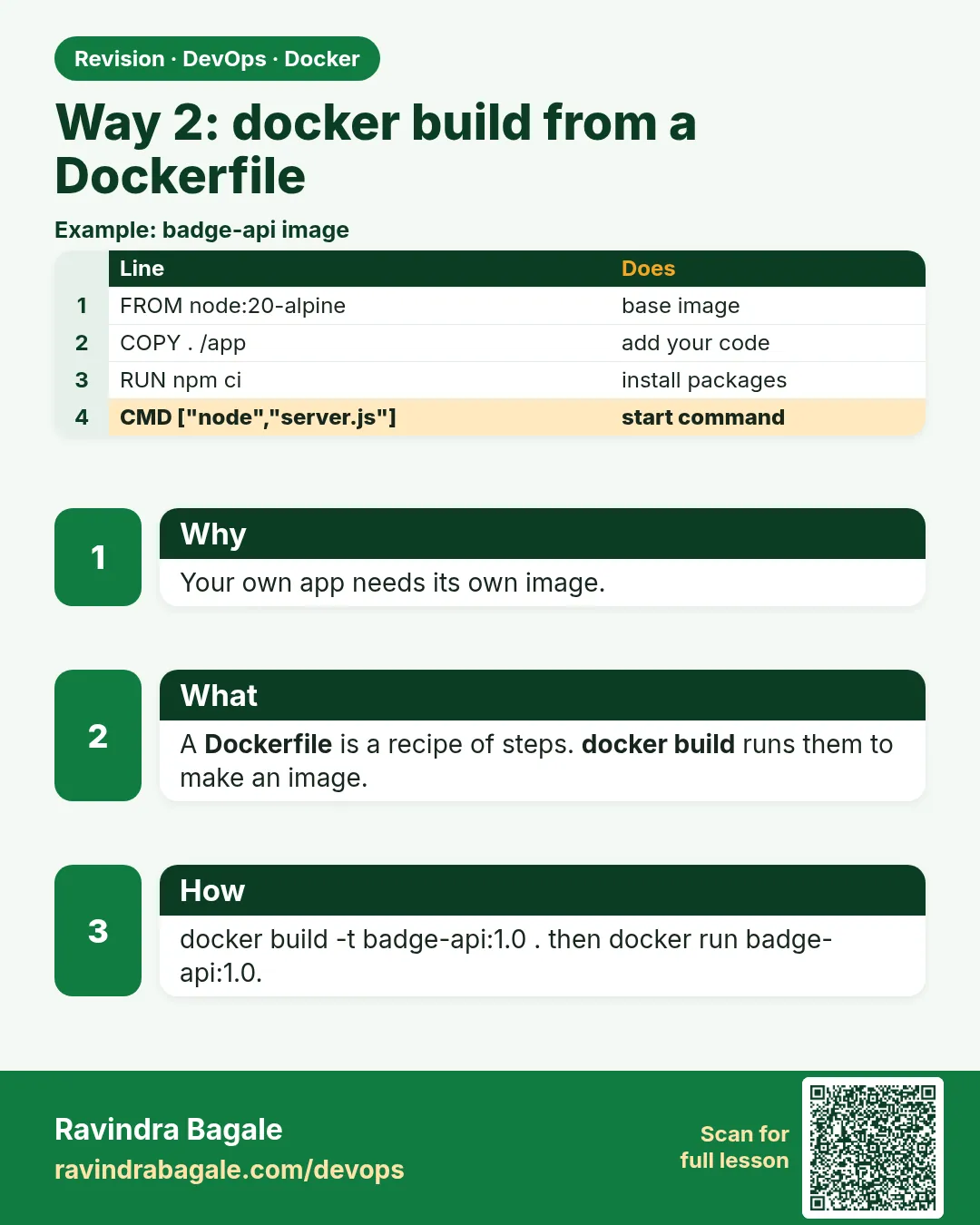
6.5 Way 2 — docker build from a Dockerfile, then run
Why. Nginx's stock page is not the badge. A Dockerfile is the build file that turns your files into an image.
Suppose we are the developer. The badge is one PHP file. Operations should run your image, not a hand-copied folder on the EC2.
Create a folder badge-php with index.php:
<?php
echo "instagram-style badge lab\n";
And a Dockerfile:
FROM php:8-apache
COPY index.php /var/www/html/index.php
php:8-apache is an official image: PHP plus Apache. The file lands in Apache's document root. The stock image does not include the MySQL PHP extension. Name lookup does not need it. Add RUN docker-php-ext-install mysqli only when the page itself must open MySQL, and rebuild on purpose.
Steps — build, then run
cdinto the folder that contains the Dockerfile andindex.php.docker build -t badge-php:1.0 .- Watch the steps.
FROMpullsphp:8-apachethe first time.COPYadds a layer. docker image lsand findbadge-phptagged1.0.docker run -d --name badge-php -p 8081:80 badge-php:1.0curl http://127.0.0.1:8081/docker logs badge-phpif curl fails.
What you see: the curl body is instagram-style badge lab. Host 8081 maps to container 80, so it does not collide with nginx on 8080.
The dot at the end of docker build is the context — the folder sent to the engine. A Dockerfile in the wrong directory copies nothing useful.
The same instructions, when the app is the Python badge API that Chapter 7 will start with Compose:
| Instruction | Role |
|---|---|
FROM |
Base image |
WORKDIR |
Directory inside the image for the next steps |
COPY |
Copy files from the build context into the image |
RUN |
Build-time command (install packages) |
EXPOSE |
Documents the listen port. Does not publish it. |
CMD |
Default command when the container starts |
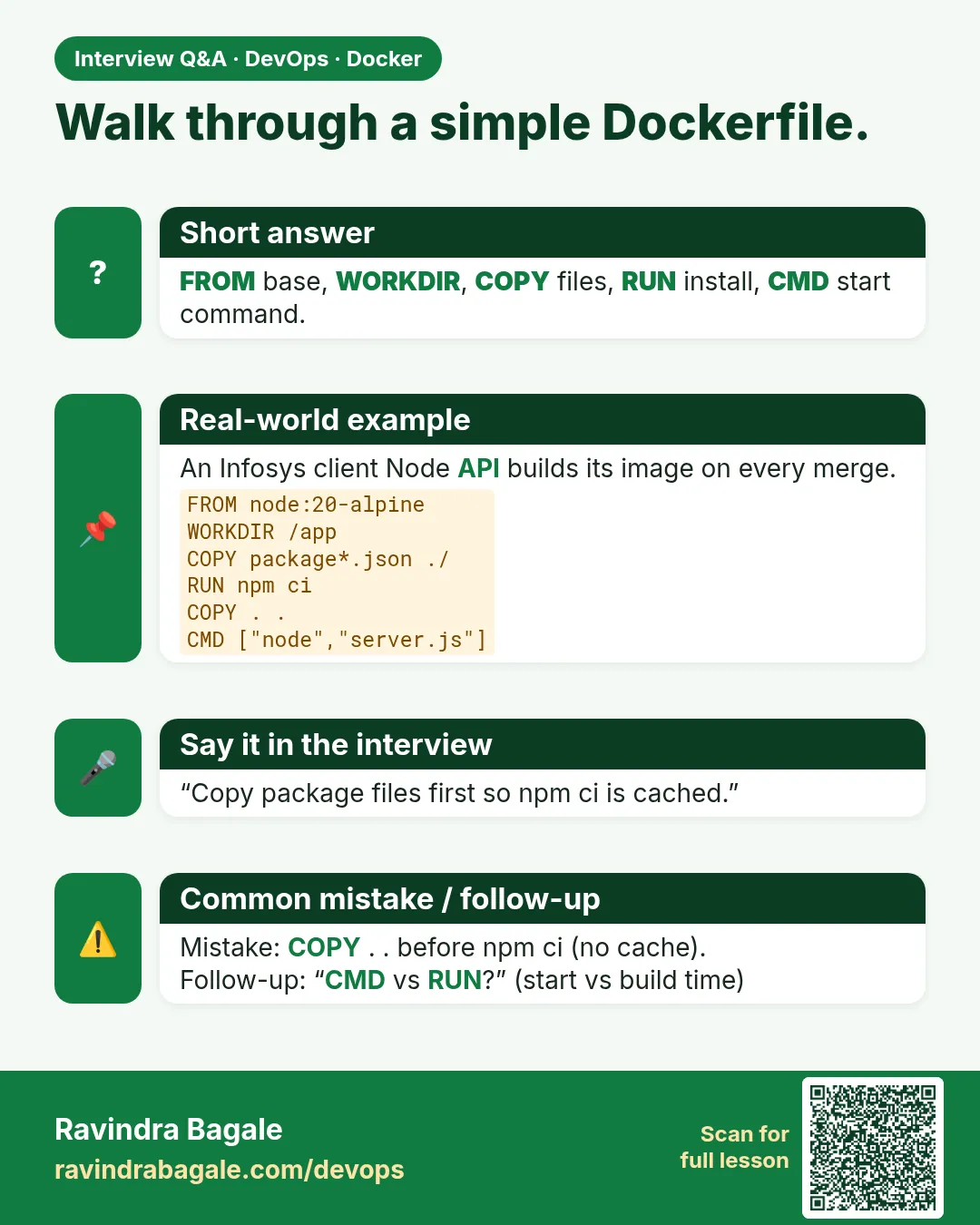
FROM python:3.12-slim
WORKDIR /app
COPY requirements.txt .
RUN pip install --no-cache-dir -r requirements.txt
COPY app.py .
EXPOSE 8080
CMD ["python", "app.py"]
Docker rebuilds from the first changed instruction downward. Put rarely changing lines first (the dependency install) and the app copy later, so a one-line code edit does not redo the install. The app inside the container must listen on 0.0.0.0, not only 127.0.0.1, or the published host port stays silent. Keep .env out of the context. The ignore file is in section 6.10.
This is how you should build almost every application image.
The build command
docker build -t badge-php:1.0 .
This builds an image from the Dockerfile in the current directory and names it badge-php:1.0. The dot is the context, the folder sent to the engine. The developer types this. Operations — the server-side employee — runs the tag. Operations builds on the server only when they were handed the Dockerfile and the source and there is no registry tag to pull.
Suppose we are packing the Instagram-style badge so a Netflix-style rollback has a real tag, not a hand-edited folder on the EC2. What you see: a step for FROM php:8-apache, a step for COPY, then Successfully tagged badge-php:1.0. docker images shows repository badge-php and tag 1.0.
 Revision card
 Interview card