Chapter 6: Why Docker, Images and How a Container Is Created
6.3 Image vs container
| Word | Meaning | Picture |
|---|---|---|
| Image | Read-only template. Built or pulled. Has a name and a tag. | Sealed runnable template |
| Container | A running or stopped process created from an image, plus a writable layer | One process from that template |
| Layer | A filesystem diff from one Dockerfile step | One prep step frozen in the kit |
| Registry | Stores images (Docker Hub is the lab registry) | The shelf operations pulls from |
  Dockerfile --build--> Image --run--> Container
                              ^
                         pull from a registry
Many containers can come from one image. docker rm removes a container. The image stays until docker rmi.
docker version
What you see when it works: a Client block and a Server (Engine) block, each with a version. If the client exists but the server errors, the daemon is not running. Start Docker Desktop on Windows or Mac, or start the engine on Linux, then run docker version again.
Install from Docker's own docs or Docker Desktop. Package names change. This chapter does not freeze an apt or yum line.
Practice task
Which command creates an image, and which creates a container? One sentence on why deleting the container does not delete the image.
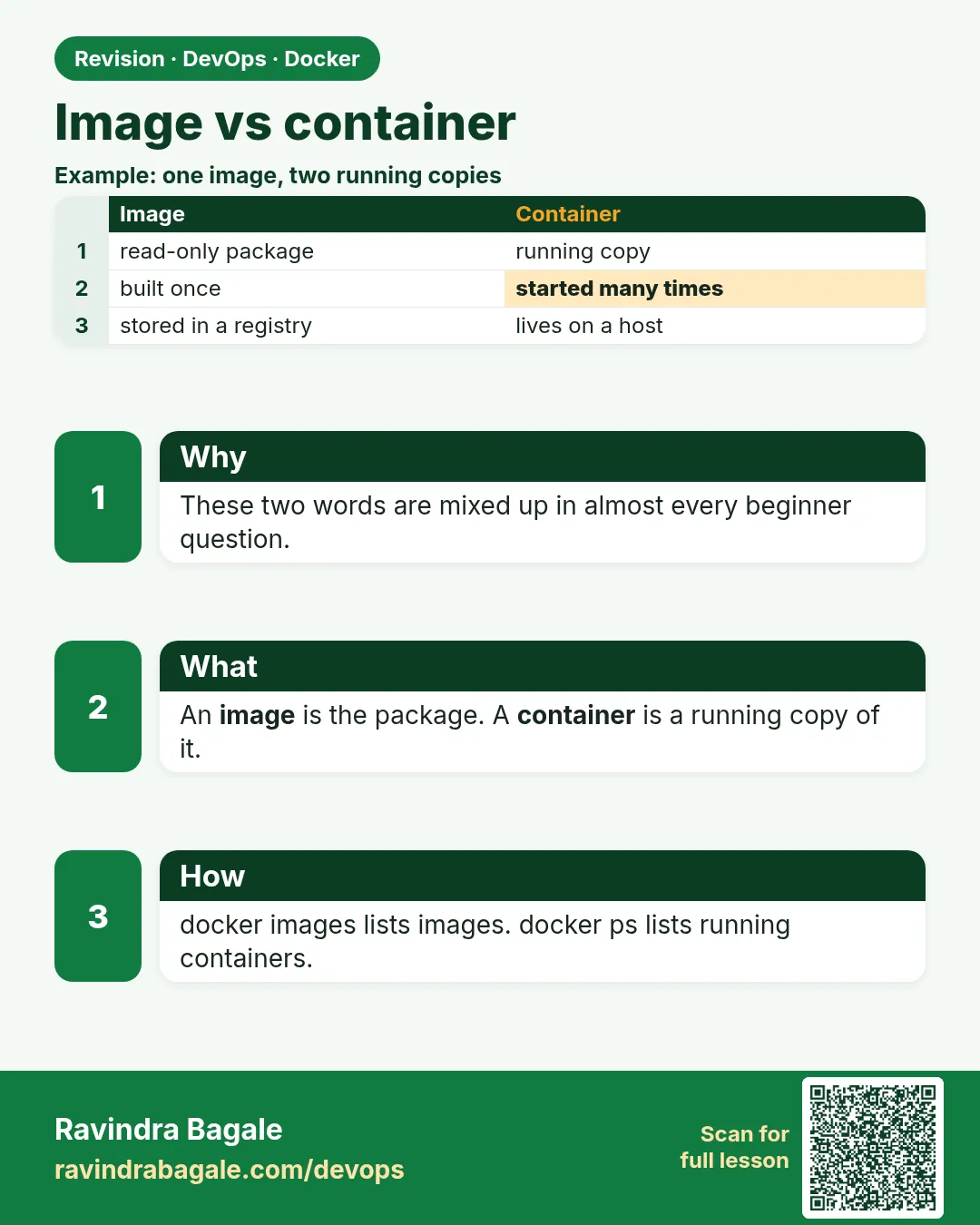 Revision card
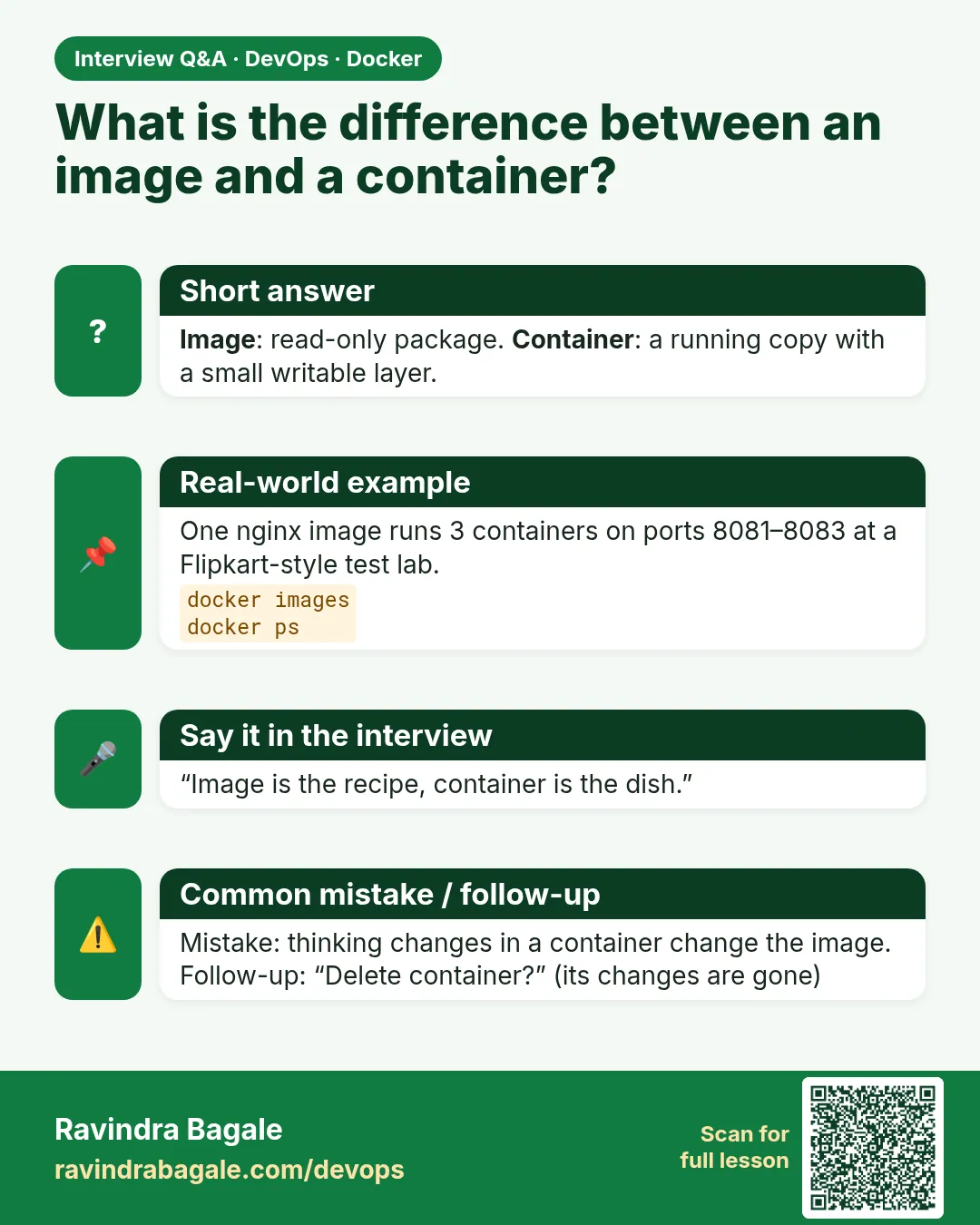 Interview card
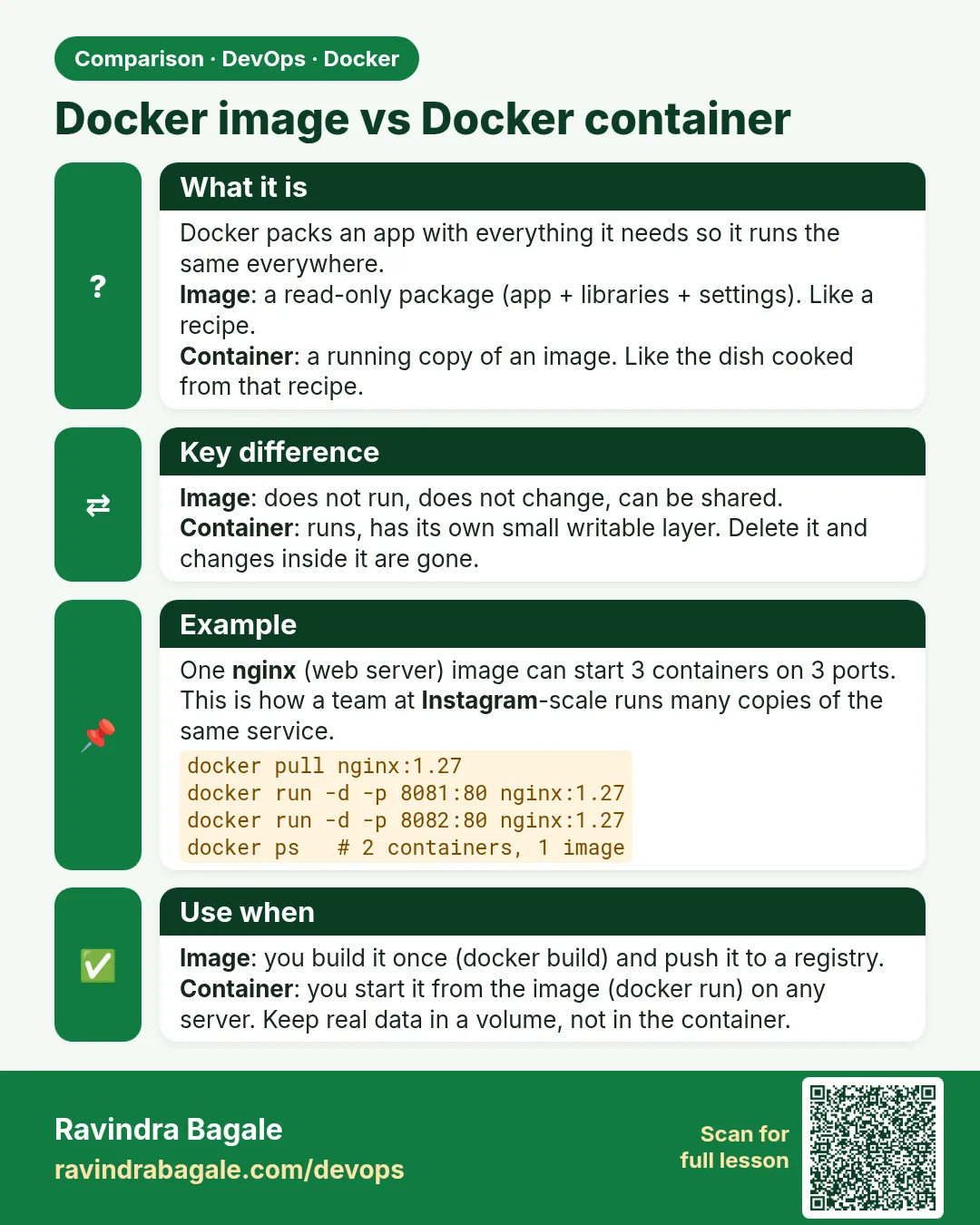 Comparison card